ToolMage
Sign in

Best 49 Presentation AI tools for Productivity

Popular Presentation AI tools in Productivity include Canva, Baidu AI Search, Prezi, Mentimeter, Typecast, Presentations.AI, AutoDraw, Animaker, LTX Studio, and Storylane, helping you work more efficiently.

speaktrack.ai
Freemium

speaktrack.ai

speaktrack.ai is an AI-powered speech coach that analyzes your speaking patterns to provide personalized, data-driven feedback. It helps you eliminate filler words, improve pacing, and enhance vocal delivery, making you a more confident and effective communicator for presentations, meetings, and interviews.

Speech Analysis
Visits 5.7KFavorites 138Likes 148
Speech Generator
Freemium

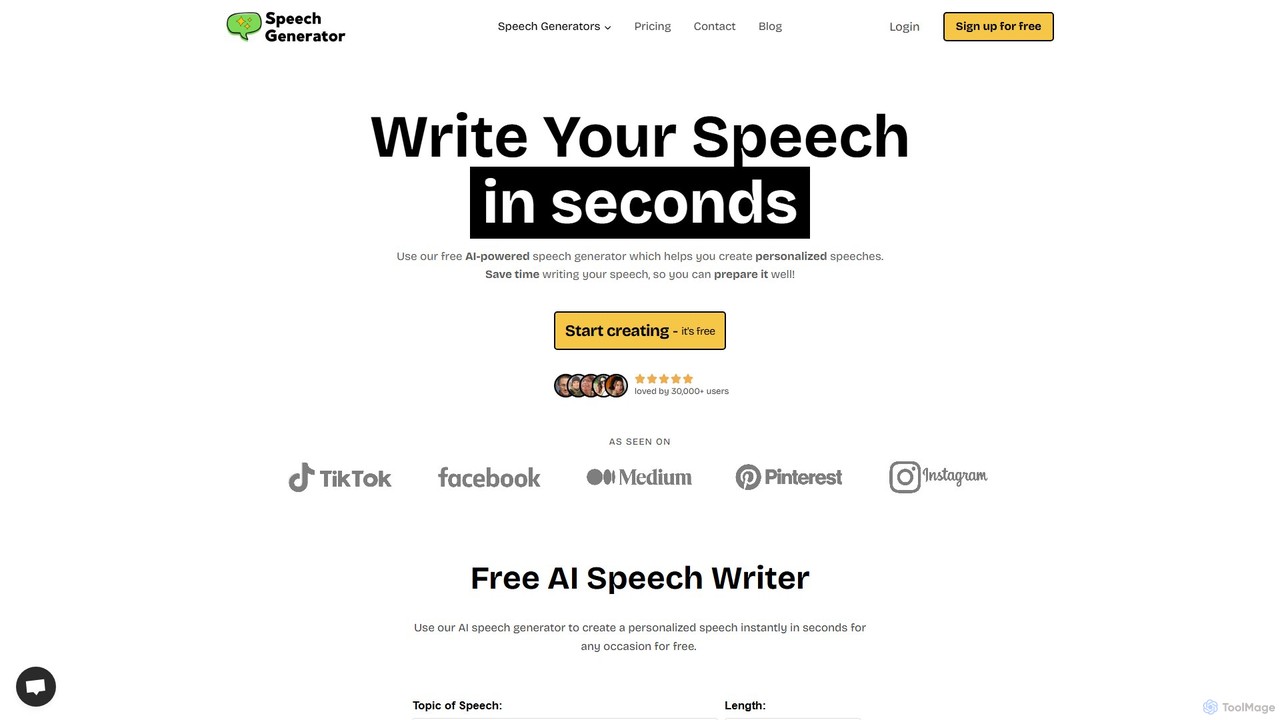
Speech Generator

An AI-powered tool that helps users create personalized, high-quality speeches for any occasion in seconds. It offers a wide range of speech types, customizable tones, and flexible plans, making it ideal for students, professionals, and personal events.

Events
Visits 86.2KFavorites 124Likes 124
Wondershare Presentory
Freemium

Wondershare Presentory

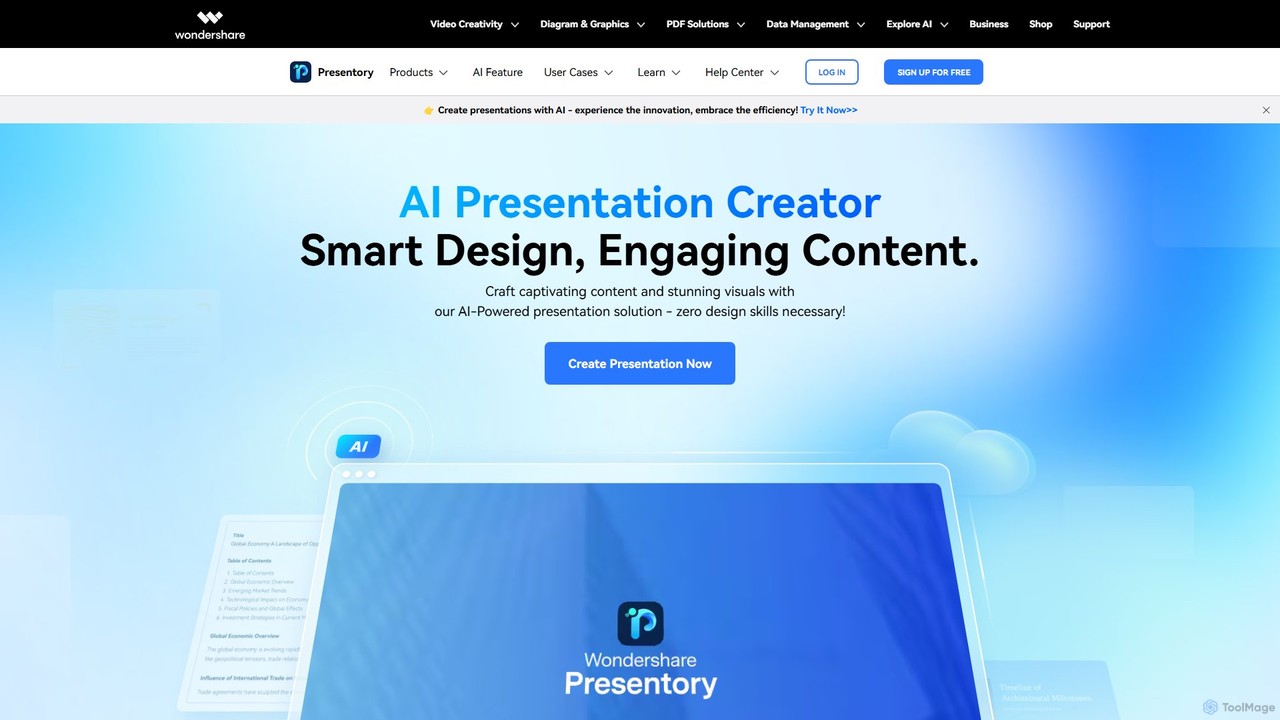
Wondershare Presentory is an AI-powered video presentation maker designed for educators, marketers, and professionals. It integrates AI to generate presentations from text, allows for dynamic on-screen arrangement of the presenter and content, and offers one-click recording and streaming. With rich templates, a built-in teleprompter, and cloud sharing, it simplifies creating impactful and memorable virtual presentations.

E Learning
Visits 5.9KFavorites 147Likes 151
Speakflow
Freemium

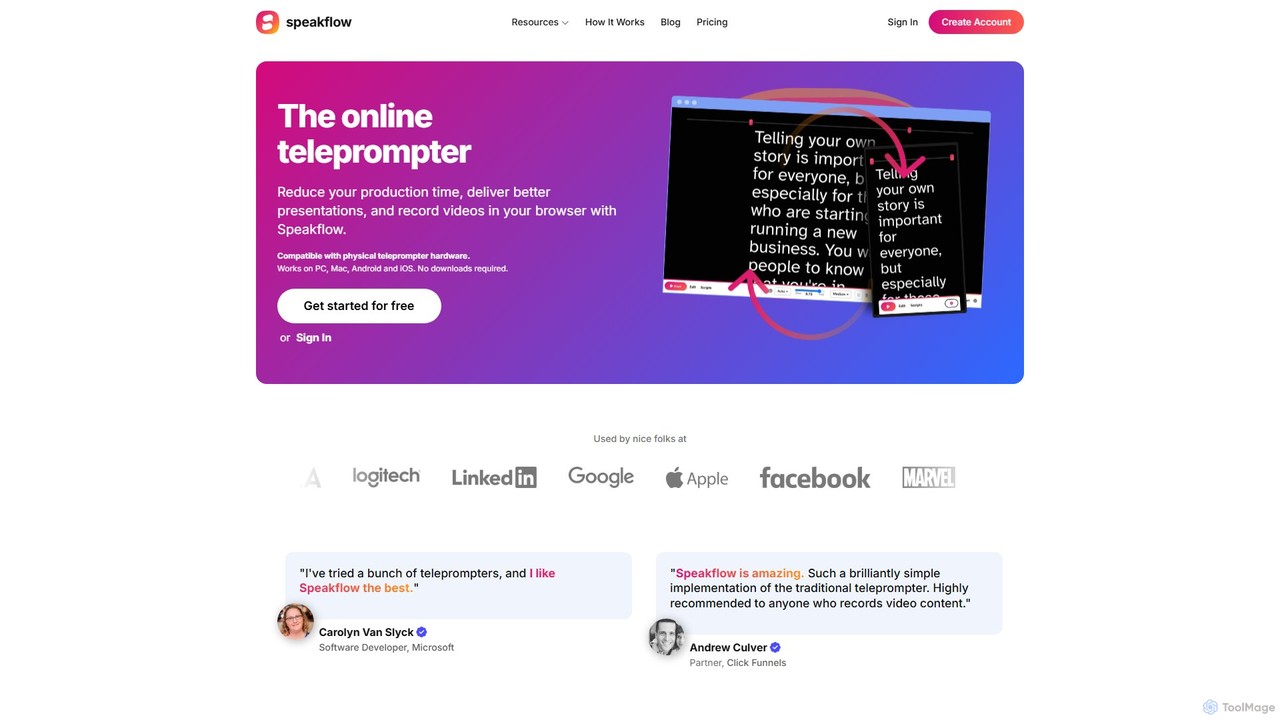
Speakflow

Speakflow is an intelligent, browser-based teleprompter designed for creators, presenters, and teams. It uses voice recognition to scroll your script automatically as you speak, syncs across multiple devices, and allows for in-browser video recording and team collaboration. Reduce production time and deliver flawless presentations with this all-in-one tool.

Content Creation
Visits 178.9KFavorites 133Likes 140
PrettyShot
Freemium

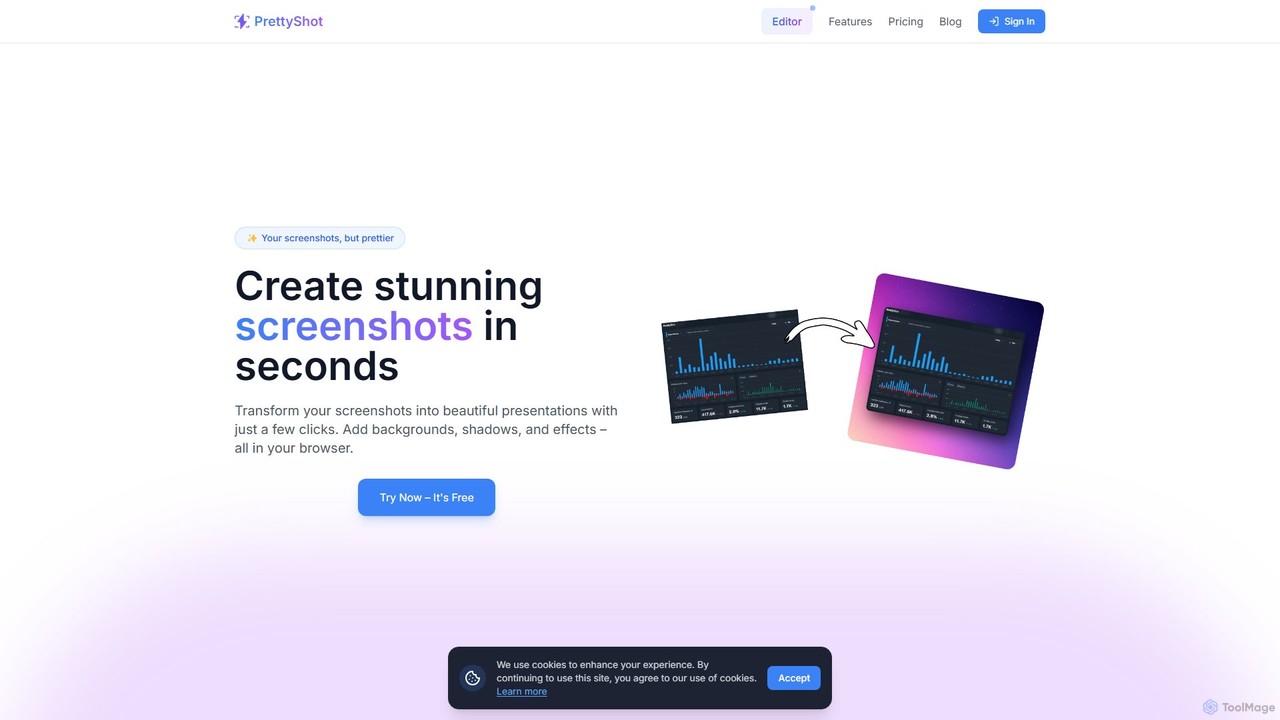
PrettyShot

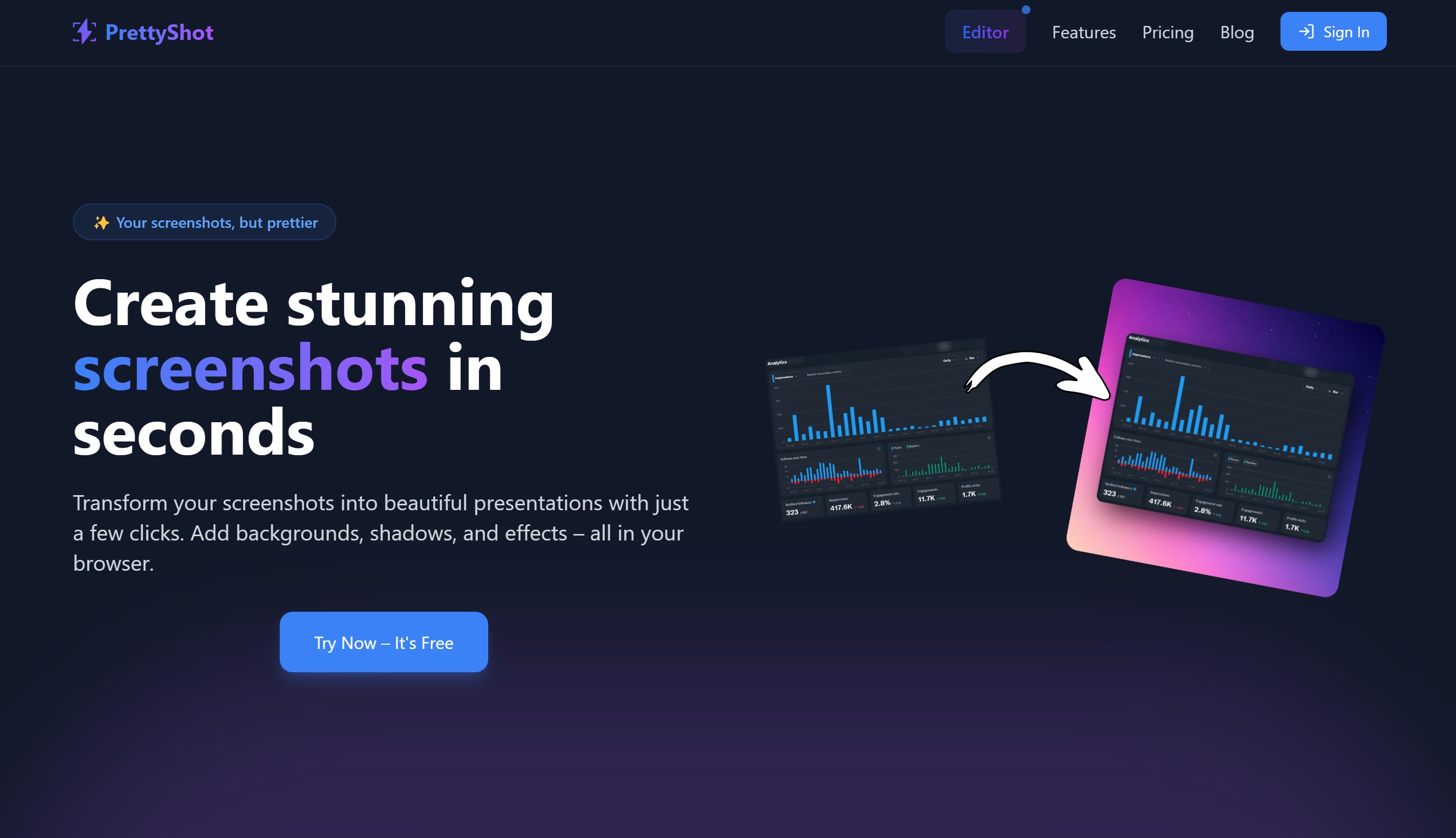
An online tool to transform ordinary screenshots into beautiful, professional presentations and marketing visuals. Add stunning backgrounds, device mockups, shadows, and effects in seconds. Features AI-powered background generation and removal to make your images pop.

Graphics
Visits 6.1KFavorites 154Likes 135
Rendora
Freemium

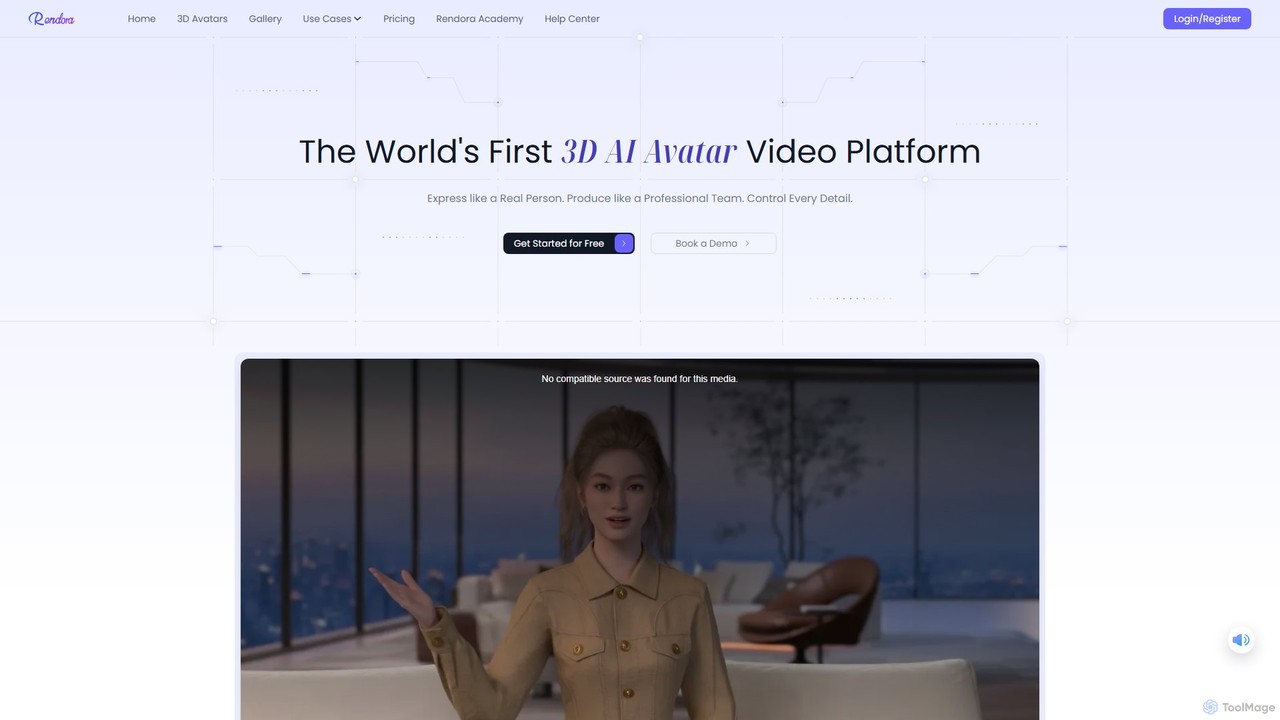
Rendora

Rendora is a pioneering 3D AI avatar video generation platform that enables users to create studio-quality videos in minutes without cameras or editing. Simply input a script, and Rendora's AI engine generates a complete video with a hyper-realistic 3D avatar, lifelike animations, natural voiceovers, and dynamic camera movements. It offers over 3,000 customizable avatars and extensive templates, making professional video production accessible for marketing, education, and news.

E Learning
Visits 12.2KFavorites 98Likes 117
ClassPoint
Freemium

ClassPoint

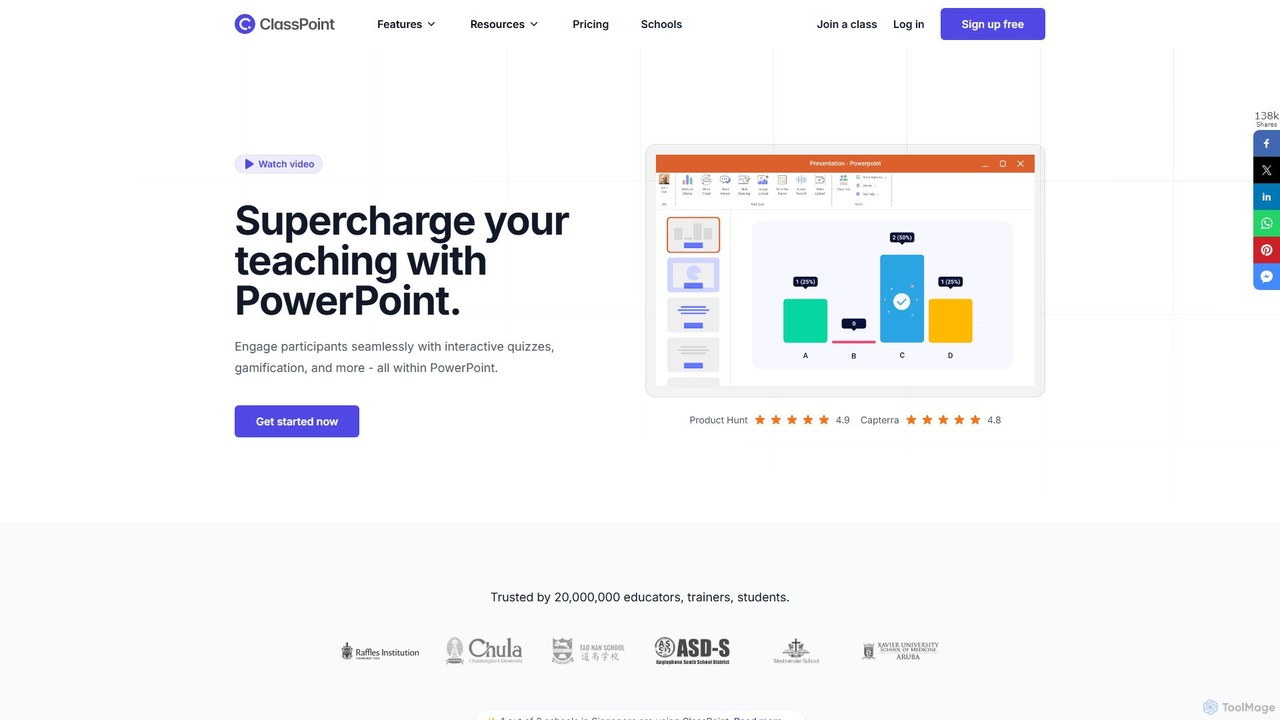
ClassPoint is an all-in-one student engagement tool seamlessly integrated into Microsoft PowerPoint. It empowers educators and trainers to create interactive quizzes, gamify lessons, and leverage AI to generate questions directly from their slides, transforming static presentations into dynamic, engaging experiences without ever leaving the PowerPoint environment.

Quiz Generator
Visits 205KFavorites 96Likes 98
Typecast
Freemium

Typecast

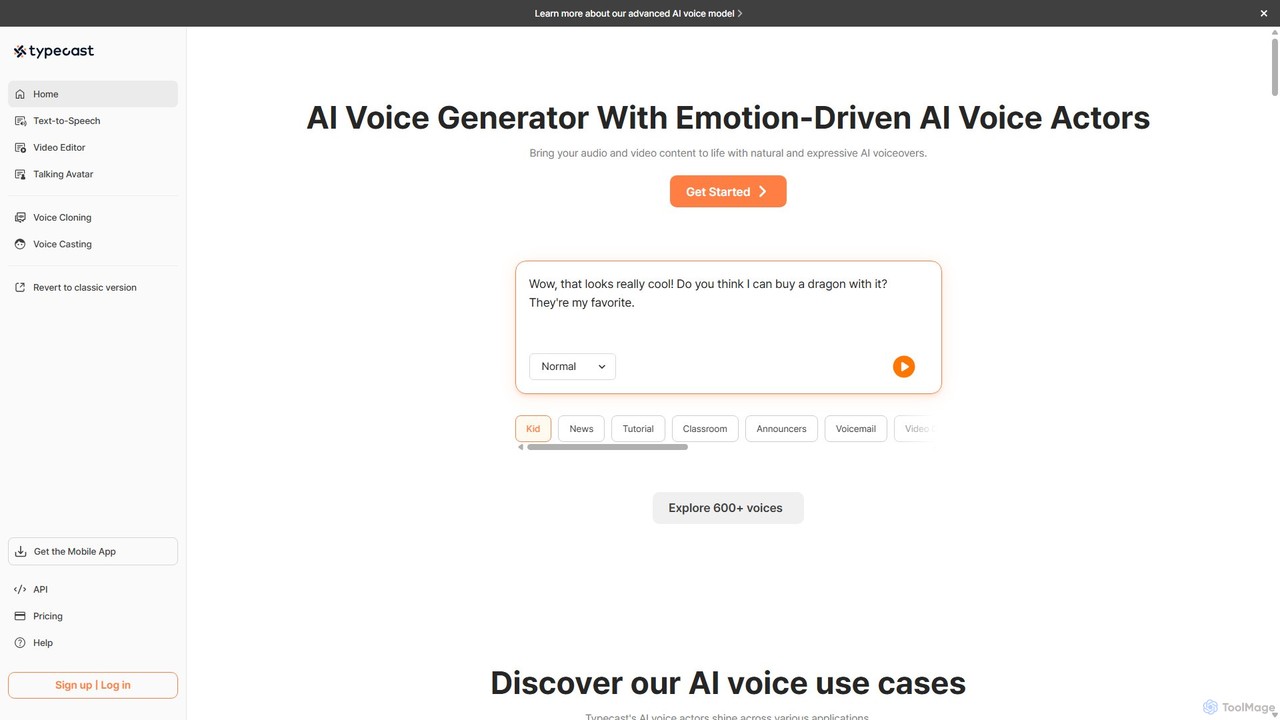
Typecast is a powerful AI voice and video creation platform. Generate realistic, emotion-driven text-to-speech voiceovers from a library of 600+ voices. Features include voice cloning, an integrated video editor, and AI talking avatars to bring your content to life for audiobooks, marketing, and more.

Text To Speech
Visits 1.6MFavorites 146Likes 137
Weta365
Freemium

Weta365

Weta365 is an all-in-one AI platform for creating digital human videos and live streams. It enables users to generate professional videos from text, photos, or PPTs, clone realistic avatars and voices, and run 24/7 AI-powered live broadcasts. Ideal for marketing, education, and e-commerce, it offers extensive customization and multi-language support to lower costs and boost efficiency.

Social Media
Visits 5.6KFavorites 148Likes 151
bigesj
Freemium

bigesj

bigesj is an AI-powered online graphic design platform that simplifies the creation of professional visuals. It offers a vast library of templates, an intuitive editor, and powerful AI tools like AI PPT generation, text-to-image, and one-click background removal, empowering users to create stunning designs for marketing, social media, and business without prior experience.

Image Generation
Visits 32.2KFavorites 146Likes 143
PowerVoice
Freemium

PowerVoice

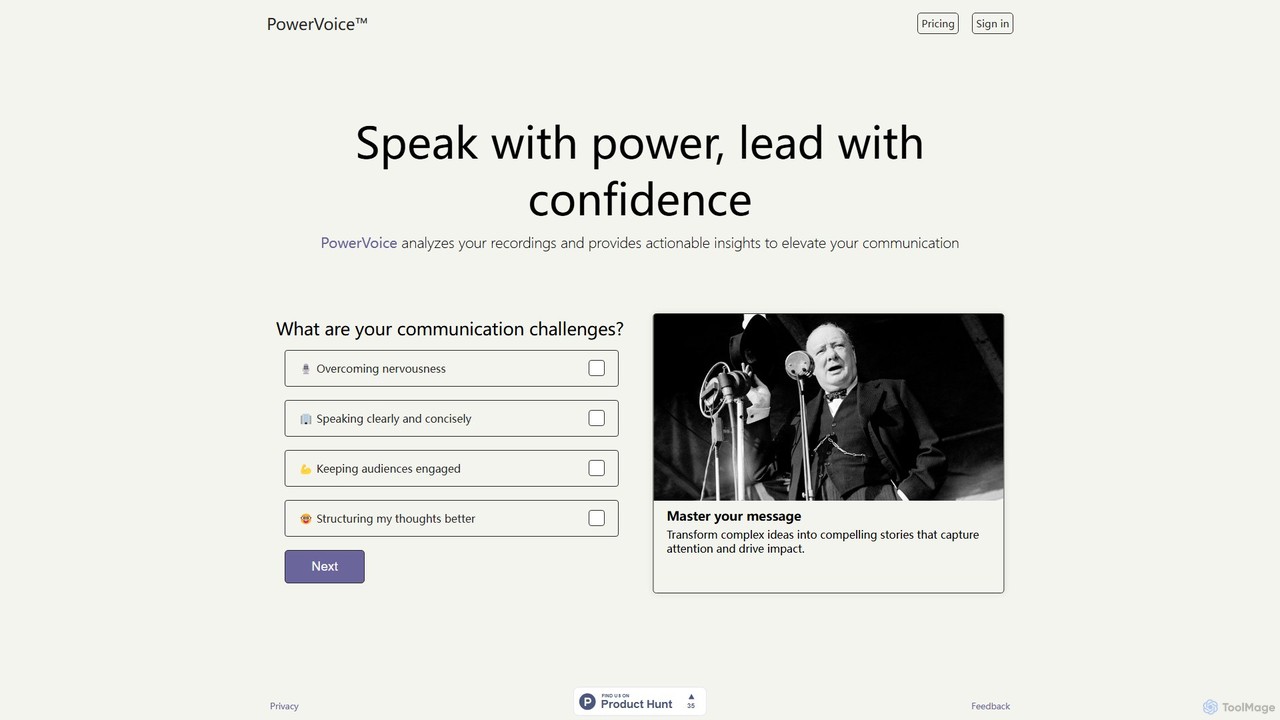
PowerVoice is an AI-powered communication coach that analyzes your speech recordings to provide personalized feedback and actionable insights. It helps you overcome nervousness, speak clearly, and engage your audience, transforming you into a confident and impactful speaker.

Skill Development
Visits 5.7KFavorites 145Likes 127
LTX Studio
Freemium

LTX Studio

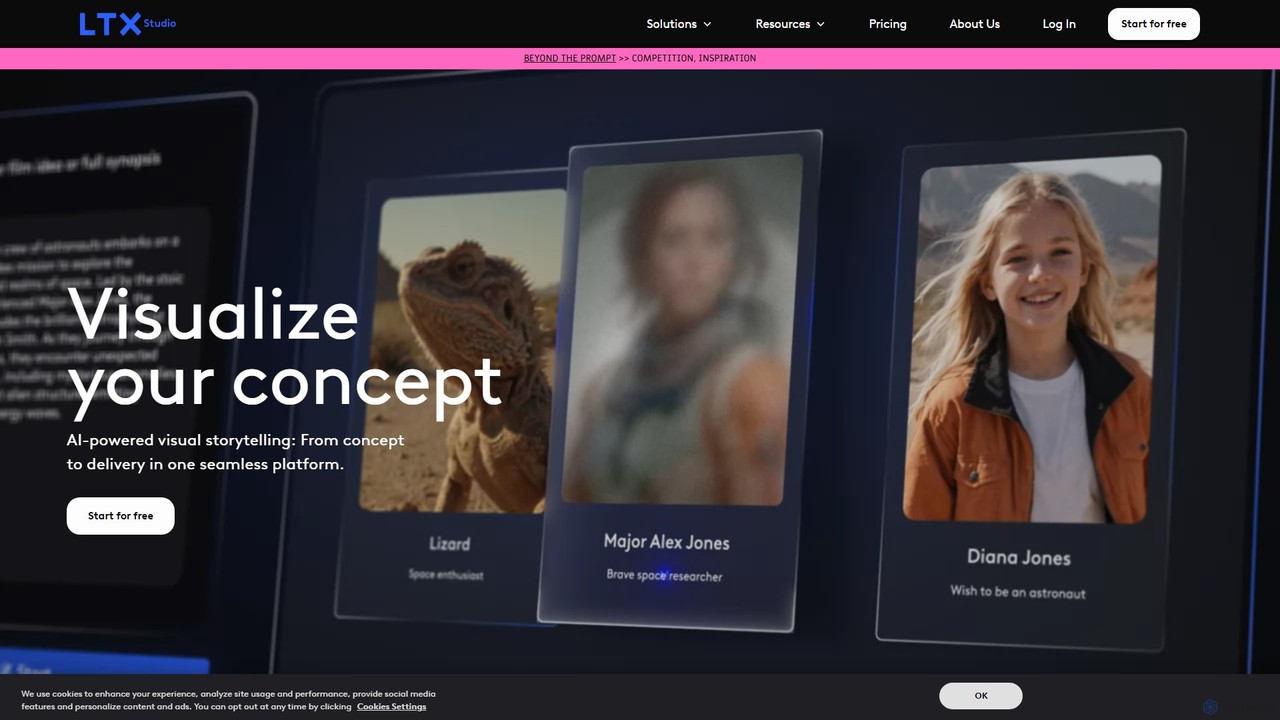
LTX Studio is an AI-powered visual storytelling platform that transforms ideas and scripts into complete videos. It streamlines the entire production process, from generating detailed storyboards and consistent characters to advanced shot editing and automatic pitch deck creation, making it accessible for creators of all levels.

Storyboarding
Visits 751.8KFavorites 137Likes 107
gptsci

gptsci

gptsci is a pioneering suite of AI tools designed to accelerate scientific research. It leverages fine-tuned GPT models to assist researchers with literature reviews, data analysis, hypothesis generation, and creating presentations, aiming to make scientific discovery more efficient and accessible.

Learning
Visits 26.9KFavorites 127Likes 132
Kite
Freemium

Kite

Kite is a powerful screen recorder for Mac that helps you create stunning, professional-grade product demo videos in minutes. It combines screen recording with AI-powered features like automatic zoom, 3D animations, AI voiceovers, and a music library to make your videos look as polished as an Apple commercial.

Voice Synthesis
Visits 34.2KFavorites 119Likes 120
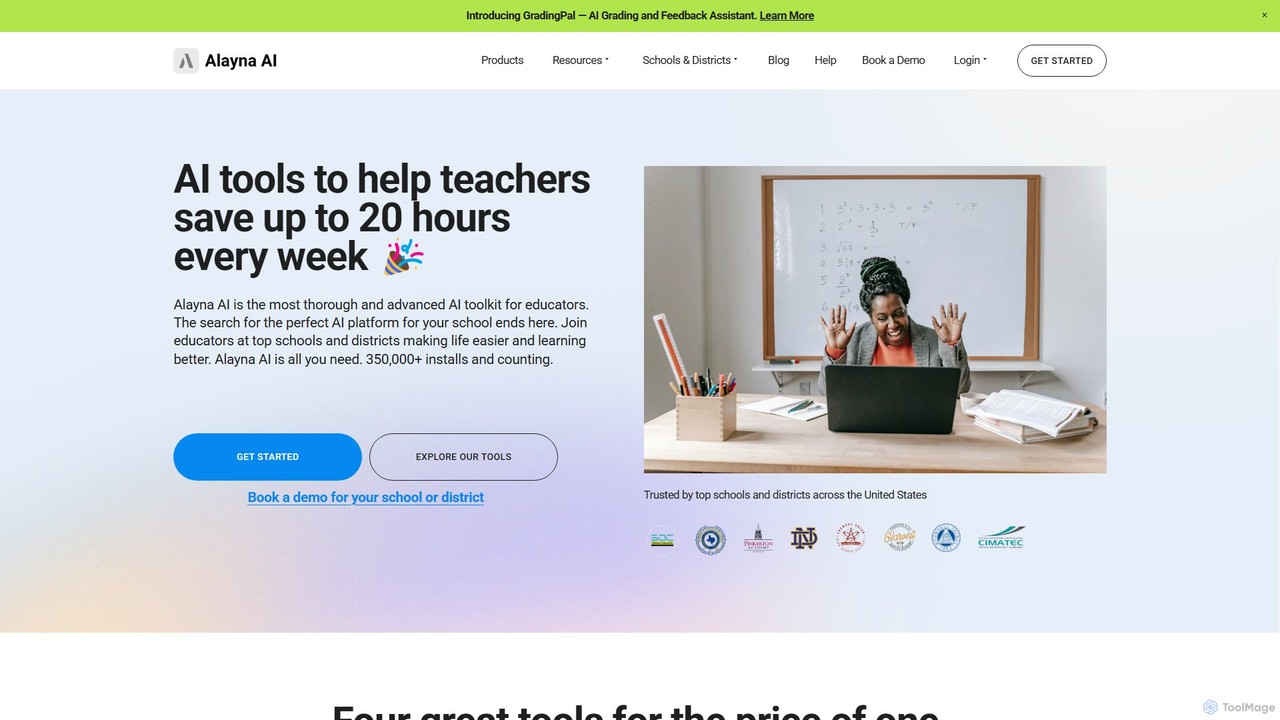
Alayna AI
Freemium

Alayna AI

Alayna AI is a comprehensive AI toolkit designed for K-12 educators, schools, and districts. It aims to save teachers up to 20 hours per week by automating tasks like curriculum development, presentation creation, project design, and grading. The platform includes a Curriculum Generator, an AI Slides Generator for Google Slides, a Project Designer for PBL, and an AI Grading Assistant, providing an all-in-one solution to enhance teaching efficiency and student engagement.

Assessment
Visits 11.8KFavorites 116Likes 112
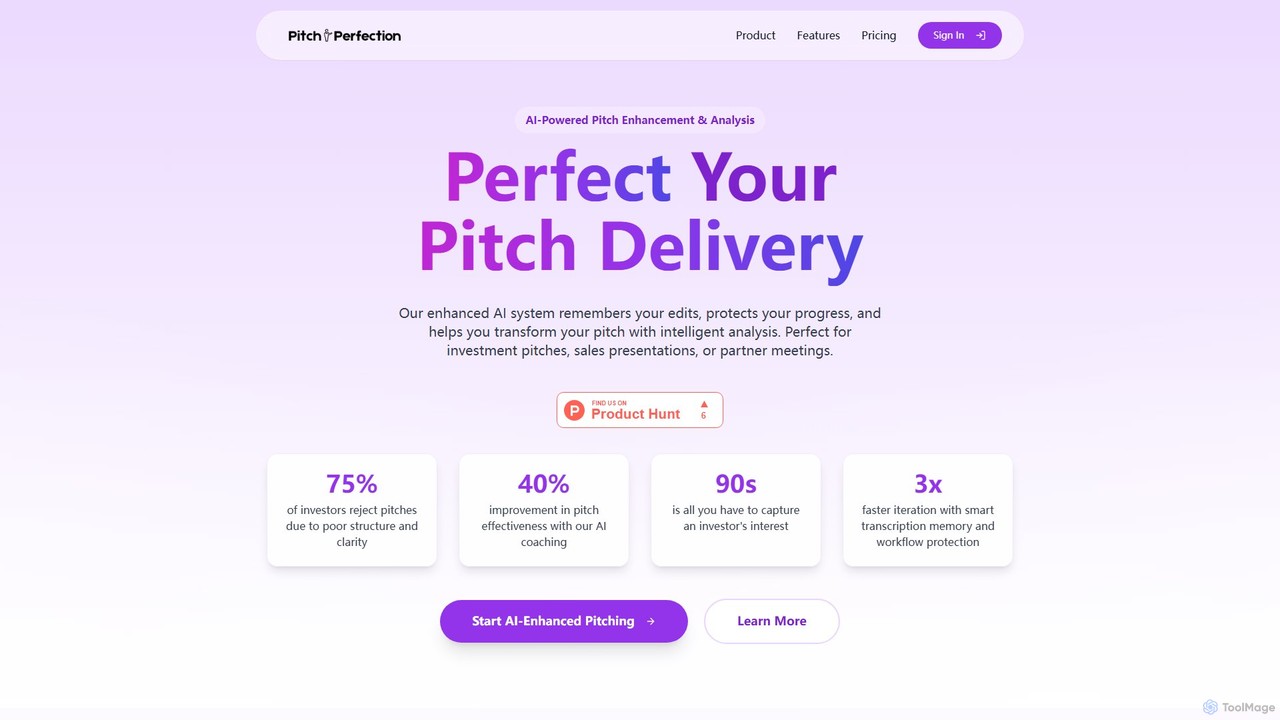
Pitch Perfection
Freemium

Pitch Perfection

Pitch Perfection is an AI-powered platform designed to analyze and enhance your business pitches. It provides real-time feedback on your delivery, including tone, pace, and clarity, helping you refine your presentation for investors, sales, or partners. The tool offers structured guidance, smart transcription memory, and performance tracking to boost your confidence and effectiveness.

Startups
Visits 5.6KFavorites 110Likes 111
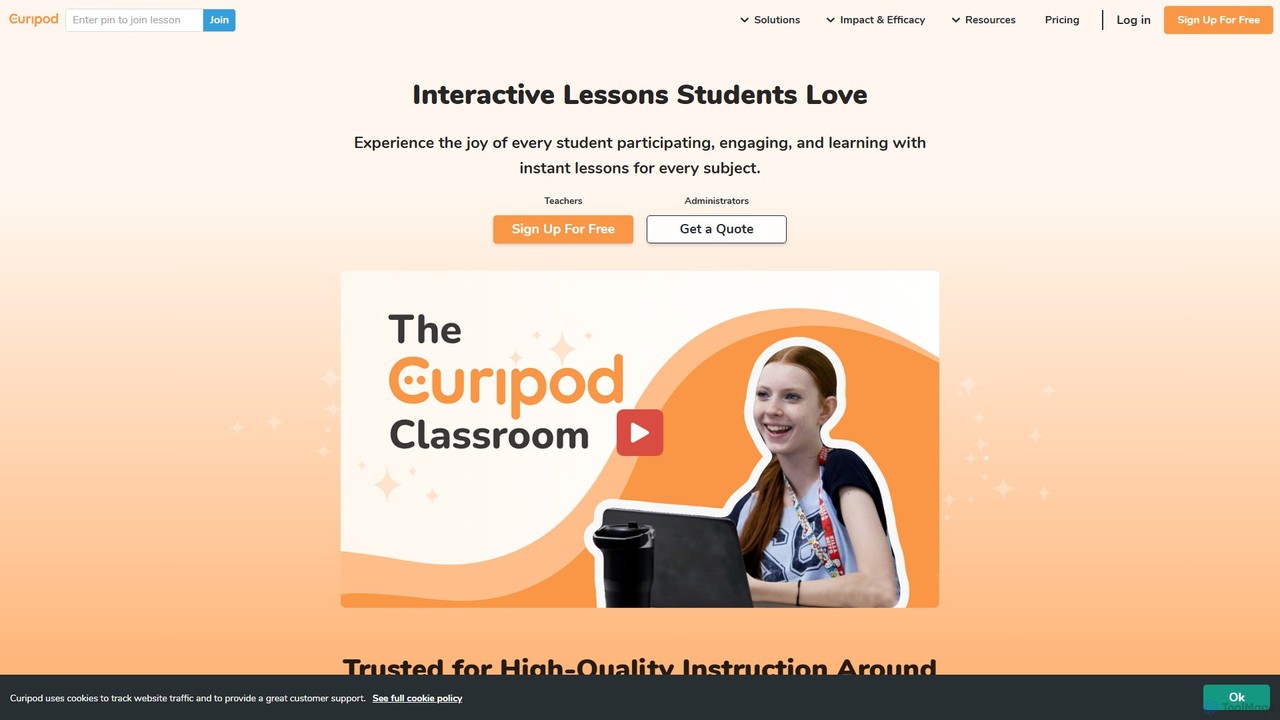
Curipod
Freemium

Curipod

Curipod is an AI-powered platform that helps educators create interactive lessons to boost student engagement, participation, and learning. It generates complete, standards-aligned lessons with activities like polls, drawings, and open-ended questions, providing real-time AI feedback to students to foster critical thinking and writing skills.

Lesson Planning
Visits 154.2KFavorites 146Likes 144
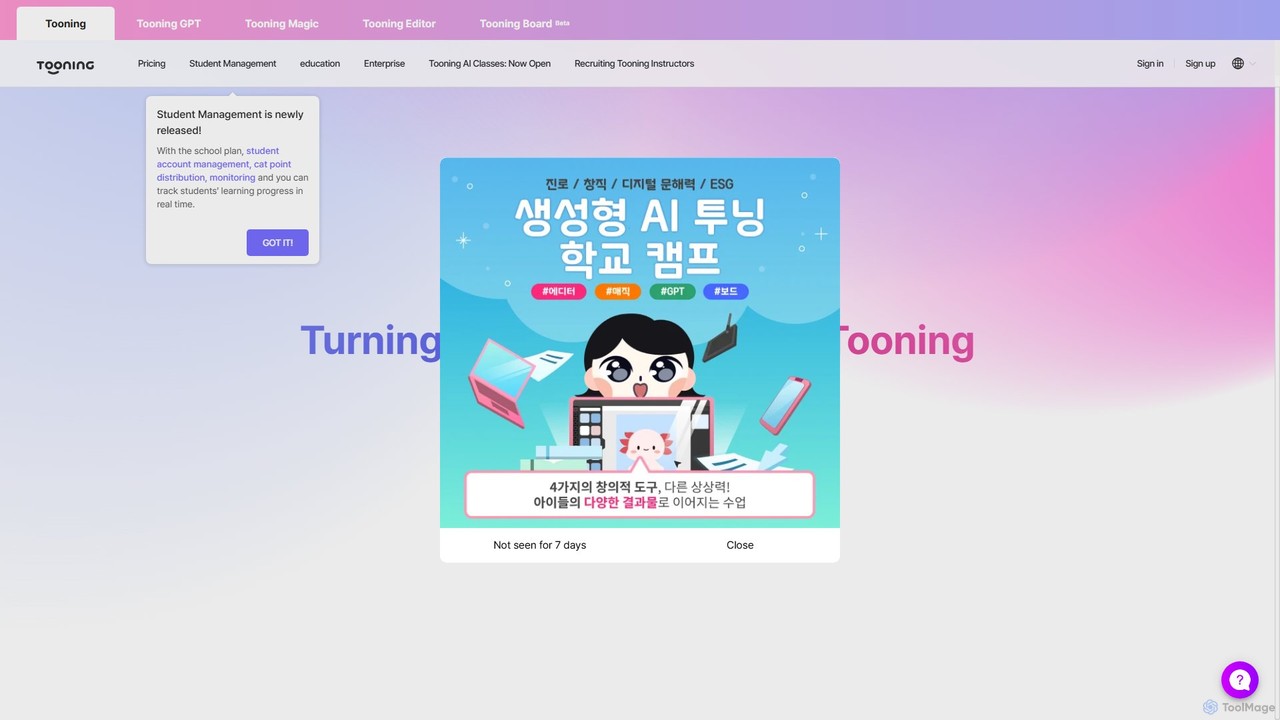
Tooning
Freemium

Tooning

Tooning is an all-in-one AI creation and learning platform that integrates conversational AI, image generation, and a content editor. It enables users of all skill levels, especially in education and marketing, to easily create webtoons, presentations, posters, and other visual content without complex software or design skills.

Comics & Storyboarding
Visits 35.4KFavorites 148Likes 149
Pitches.ai
Paid

Pitches.ai

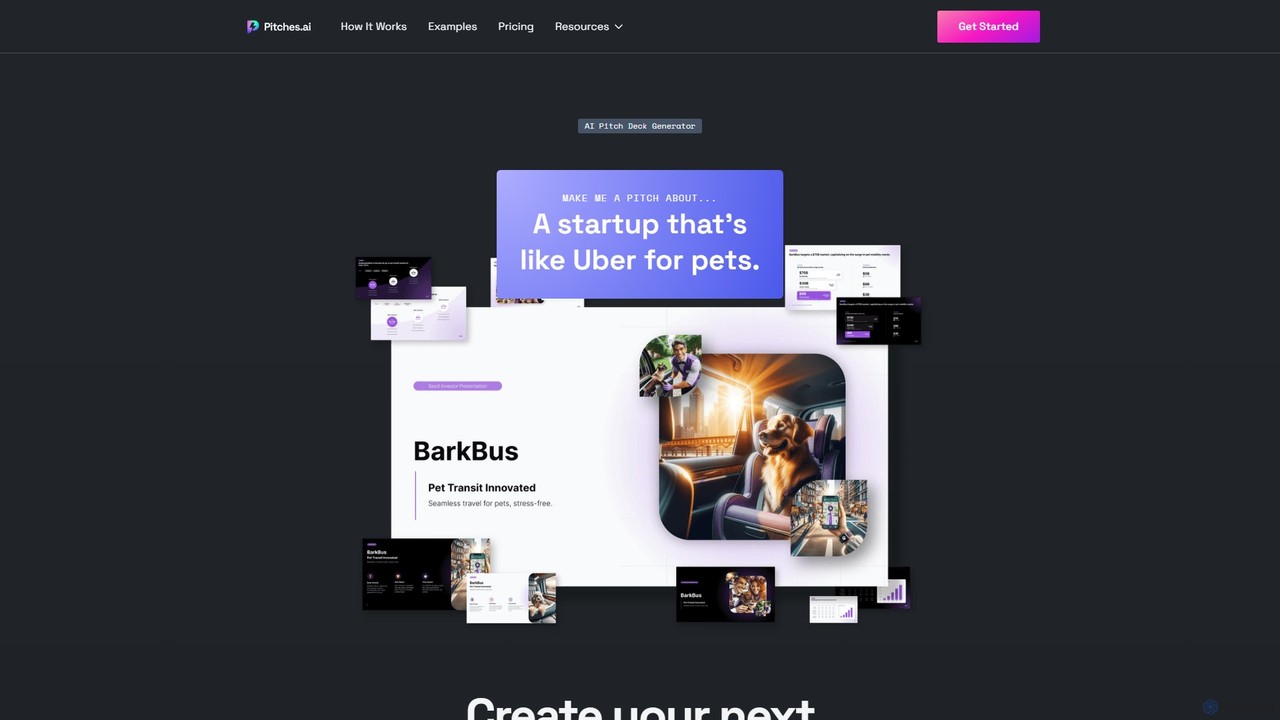
Pitches.ai is an AI-powered pitch deck generator that helps founders and sales teams create professional, investor-ready presentations in minutes. Simply provide a prompt, upload a draft, or answer guided questions to generate a complete, visually appealing deck with AI-generated images and charts.

Startup
Visits 9.2KFavorites 91Likes 102
Walnut
Paid

Walnut

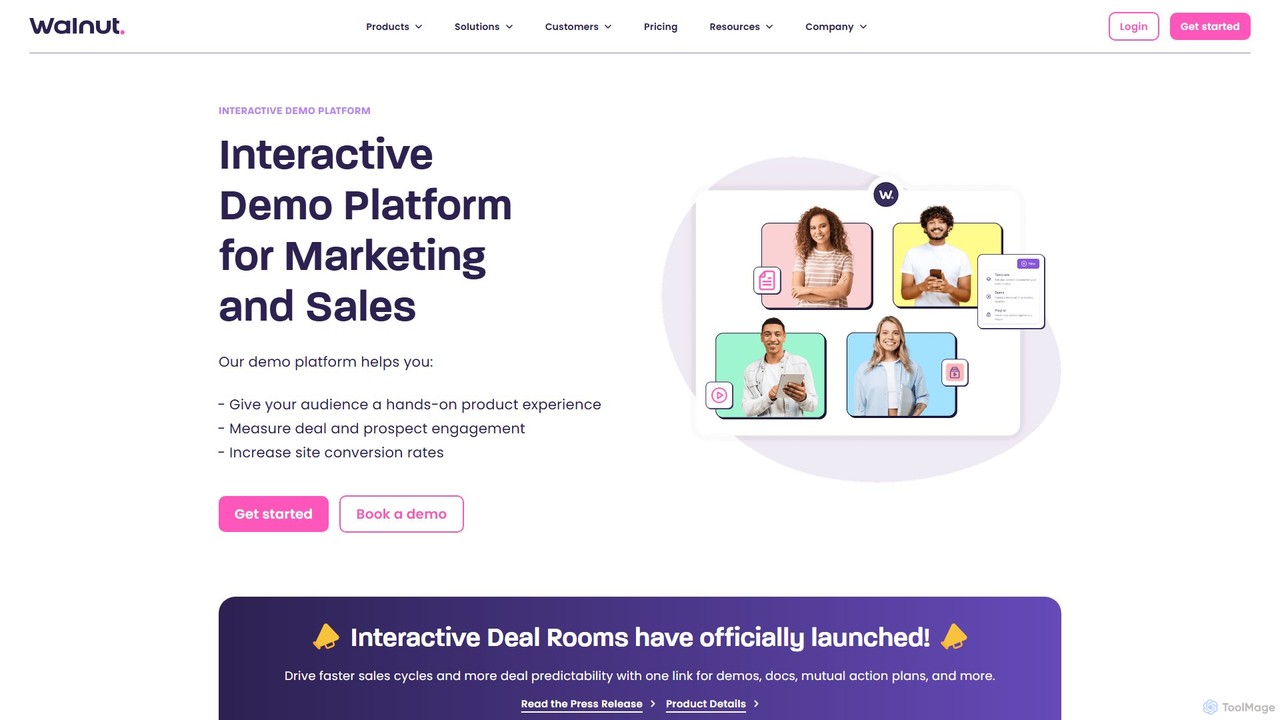
Walnut is a leading interactive demo platform that empowers go-to-market teams to create personalized, codeless, and failure-free product demos. It helps marketing, sales, and customer success teams to showcase their product's value effectively, increase conversion rates, shorten sales cycles, and enhance the overall buyer experience through engaging, hands-on product tours.

Lead Generation
Visits 44.3KFavorites 154Likes 138
Orai
Freemium

Orai

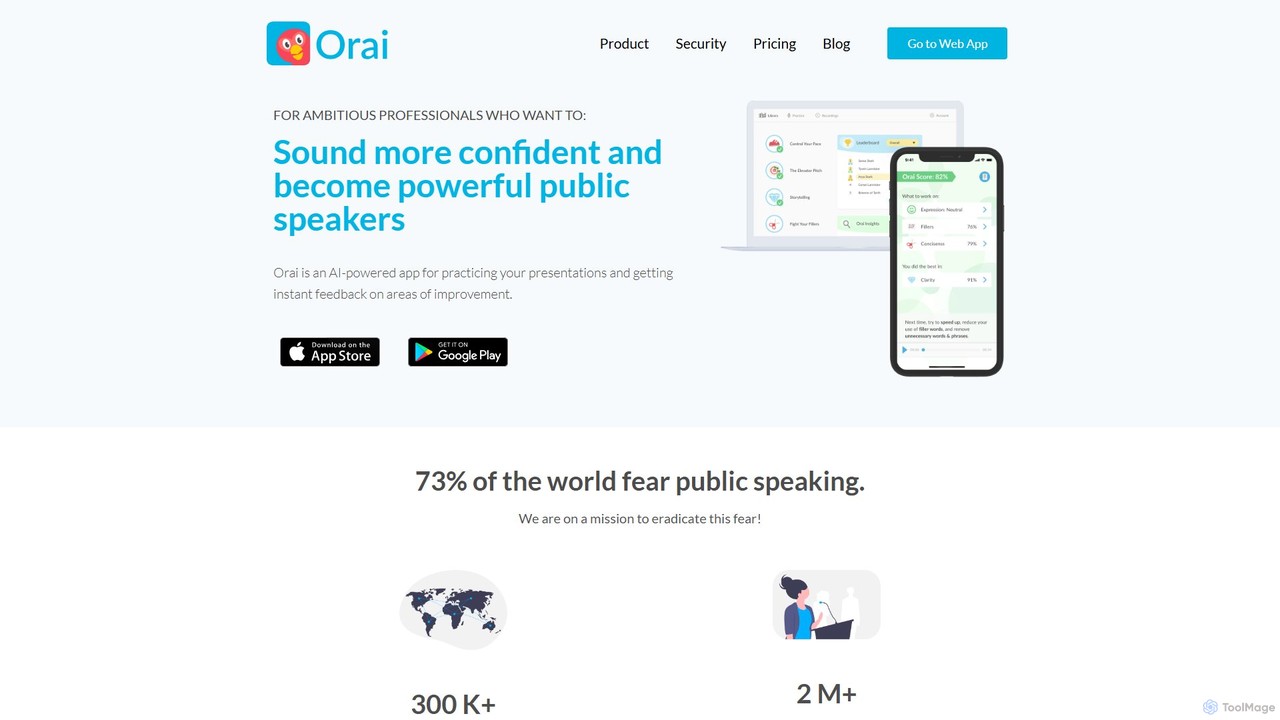
Orai is an AI-powered public speaking coach designed to help professionals and students improve their presentation skills. It provides instant feedback on speech, helping users build confidence, reduce filler words, and deliver more impactful presentations.

Skill Development
Visits 93.9KFavorites 109Likes 137
Presentory
Freemium

Presentory

Presentory is an AI-powered presentation maker by Wondershare that enables users to create professional and engaging presentations effortlessly. Leveraging GPT-4, it automates content generation, visual design, and layout adjustments. Ideal for business, education, and marketing, it requires no design skills and offers features like AI image generation, video presentation recording, and seamless sharing in various formats.

Elearning
Visits 14.9KFavorites 106Likes 117
EasySpeak
Freemium

EasySpeak

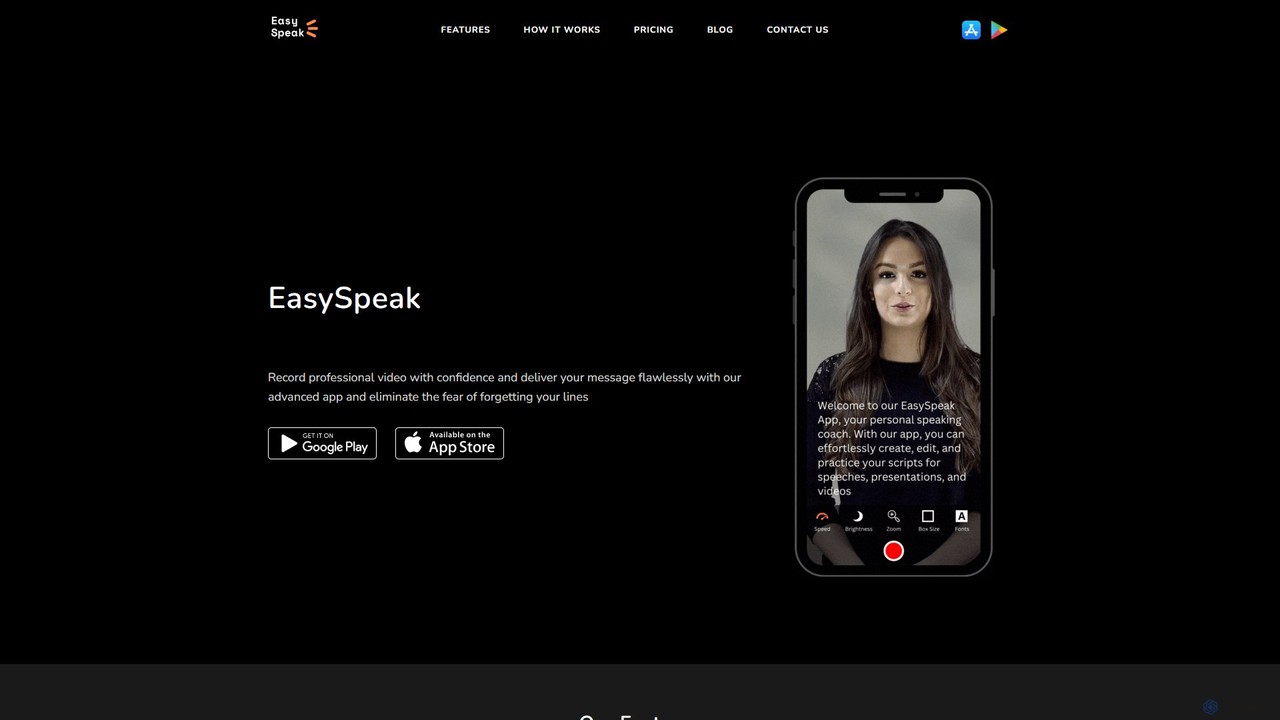
EasySpeak is an AI-powered teleprompter app designed for content creators, educators, and speakers. It helps users deliver smooth, confident speeches by offering features like voice-controlled scrolling, AI script enhancement, and HD video recording. Available on iOS, Android, and the web, it syncs scripts across devices, making it a versatile tool for creating professional-quality videos and presentations.

Video Production
Visits 6.4KFavorites 105Likes 110
LiftMyPitch
Free

LiftMyPitch

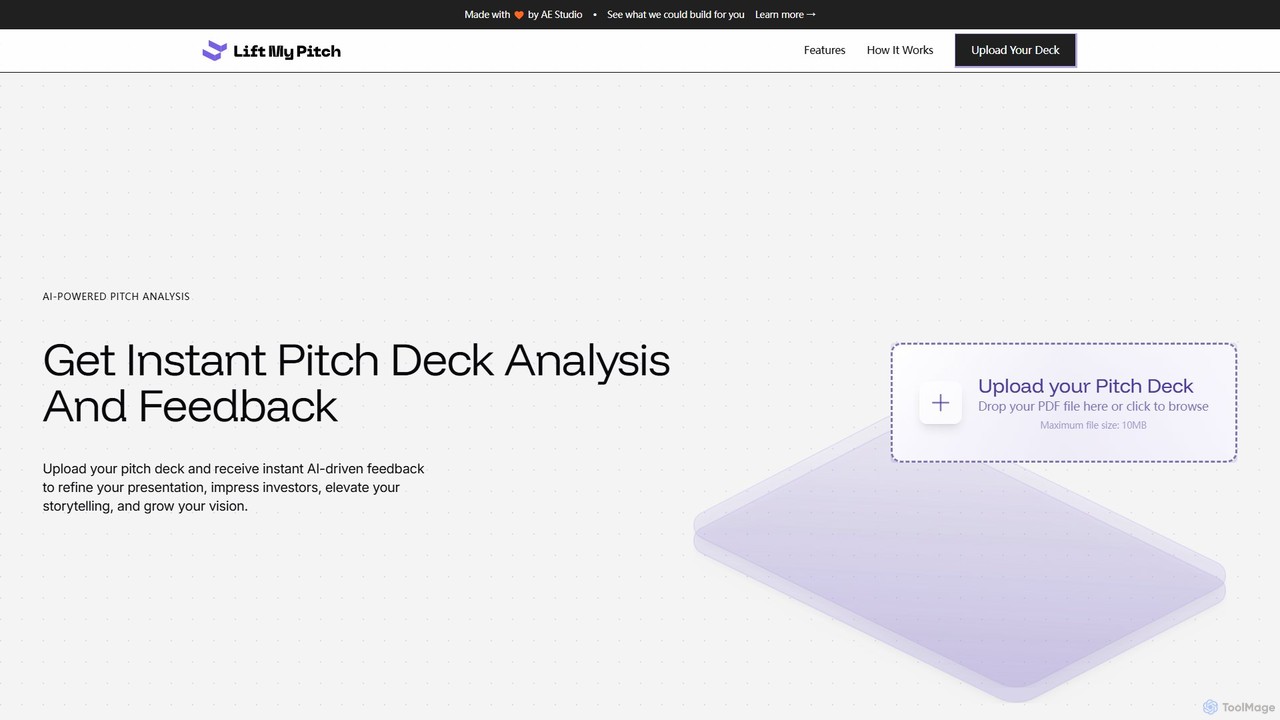
An AI-powered tool that provides instant analysis and actionable feedback on your pitch deck. Upload your PDF to receive insights on structure, narrative, and design, helping you refine your presentation to impress investors and secure funding.

Startup Tools
Visits 5.5KFavorites 134Likes 133

About Presentation

AI Presentation tools are a class of software that leverages artificial intelligence to automatically generate and design professional-quality slides. These tools typically use generative models to transform simple text prompts, outlines, or existing documents into complete, visually structured presentations. They significantly reduce the time and design effort required, allowing users to focus on the core message and narrative. This automation makes creating compelling presentations for business, education, or marketing more accessible than ever.

Core Features

  • Prompt-to-Deck Generation: Creates a full presentation, including text and images, from a single descriptive prompt or outline.
  • Automated Design & Layout: Intelligently selects fonts, colors, and layouts to ensure visual consistency and appeal.
  • AI Content Assistance: Offers features to rewrite, summarize, or expand text on slides for better clarity and impact.
  • Smart Media Integration: Automatically sources or generates relevant images, icons, and charts to complement the content.
  • Interactive Elements: Allows for the embedding of dynamic content such as videos, web pages, or interactive polls.

Use Cases

These tools are widely used by business professionals for creating sales pitches and internal reports, marketers for developing webinar content, and educators for preparing lecture materials. Startups also use them to rapidly prototype investor decks, while students can efficiently create high-quality project presentations.

How to Choose

When selecting an AI Presentation tool, consider the input flexibility (text prompts, documents, URLs), the level of design customization and branding control, integration capabilities with other platforms (like data sources), and available export options (e.g., PDF, PPTX, or online sharing).

Featured tool rankings

Presentation use cases

1

Create a Sales Pitch Deck in Minutes

A sales manager needs to create a customized pitch deck for a new high-value client with a tight deadline. Instead of spending hours designing slides in traditional software, they input a prompt detailing the client's needs, key product benefits, and a proposed solution. The AI presentation tool instantly generates a 15-slide deck with a professional design, relevant visuals, and structured content. The manager makes minor edits and has a client-ready presentation in under 30 minutes, saving over 80% of the usual creation time.

2

Generate Academic Lecture Materials from an Outline

An educator is preparing a new course on digital marketing and needs to create lecture slides for ten different topics. They provide the AI tool with a detailed outline for the first lecture on 'SEO Fundamentals'. The tool expands each point in the outline into a full slide, suggests relevant diagrams to explain concepts like keyword research, and finds appropriate case study images. This process transforms a simple text outline into a visually engaging and informative lecture deck, allowing the educator to produce high-quality course materials much faster.

3

Transform a Business Report into a Summary Presentation

A project manager needs to present the key findings of a lengthy 50-page quarterly report to the executive team. Instead of manually extracting data and creating charts, they upload the report document to an AI presentation tool. The AI analyzes the document, identifies key metrics, summaries, and conclusions, and automatically generates a concise 10-slide presentation. It includes auto-generated charts visualizing the data and bullet points highlighting the main takeaways, making complex information easy to digest for a high-level audience.

4

Develop Marketing Webinar Content Quickly

A marketing team is launching a new product and needs to create a presentation for a promotional webinar. They use an AI tool and provide a link to the product's landing page. The AI scrapes the content, understands the key features and value propositions, and structures a compelling narrative for the webinar. It generates slides covering the problem, solution, product features, customer testimonials, and a call-to-action, complete with branding and relevant stock imagery. This accelerates content creation, allowing the team to focus on promotion and delivery.

5

Prototype an Investor Pitch Deck for a Startup

A startup founder needs to create a compelling pitch deck to secure seed funding. They input their core business idea, target market, problem statement, and proposed solution into an AI presentation maker. The tool generates a standard investor pitch deck structure, including slides for the team, market size, business model, and financial projections. This allows the founder to quickly create a first draft, gather feedback from advisors, and iterate on the narrative and data points multiple times without getting bogged down in slide design.

6

Create Student Project Presentations Efficiently

A university student has a final project presentation due and lacks advanced design skills. They gather their research notes and key findings into a simple text document. By uploading this document to an AI presentation tool, they receive a well-structured and visually appealing presentation in minutes. The AI organizes the content logically, adds relevant academic-style icons and images, and ensures a consistent design. This allows the student to focus on practicing their delivery and mastering the content, rather than struggling with slide formatting.

Presentation FAQ

What are AI Presentation tools?

AI Presentation tools are applications that use artificial intelligence to automate the creation of slide decks. Unlike traditional software where you manually design each slide, these tools can generate an entire presentation from a simple text prompt, an outline, or an existing document. They handle design, layout, content structuring, and even image selection, allowing users to produce professional-looking presentations in a fraction of the time.

How do AI Presentation tools differ from PowerPoint or Google Slides?

The main difference is automation versus manual control. Traditional tools like PowerPoint provide a blank canvas and a set of manual tools for you to build slides from scratch. AI Presentation tools act as a creative partner; they generate the initial content, structure, and design for you based on an input. You then refine and customize the AI-generated draft. Essentially, AI tools automate the first 80% of the creation process, while traditional tools require you to handle 100% of it manually.

What are the key features to look for in an AI Presentation tool?

When evaluating AI Presentation tools, look for these key features:

  • Flexible Input Options: The ability to generate presentations from various inputs like text prompts, documents (PDF, DOCX), or even website URLs.
  • Design Customization: Strong control over templates, color palettes, fonts, and the ability to apply your own branding.
  • Content Editing & AI Assistance: Tools to easily edit text, as well as AI features to rewrite, shorten, or expand content.
  • Media Libraries: Access to high-quality stock photos, icons, and the ability to generate unique images with AI.
  • Export and Sharing: Options to export to common formats like PDF or PPTX, and to share a live, interactive web link.
Who can benefit from using AI Presentation makers?

A wide range of users can benefit from AI presentation makers. This includes:

  • Business Professionals: For quickly creating sales pitches, client updates, and internal reports.
  • Marketers: To develop content for webinars, product launches, and social media campaigns.
  • Educators and Trainers: To convert lesson plans and research into engaging lecture slides.
  • Students: For creating high-quality presentations for class projects and assignments without needing design expertise.
  • Startup Founders: To rapidly prototype and iterate on investor pitch decks.
How do I choose the right AI Presentation tool for my needs?

To choose the right tool, first identify your primary use case. If you need to turn long documents into summaries, prioritize tools with strong document import and analysis features. If visual branding is critical, look for one with advanced customization and template options. Consider your technical comfort level; some tools are simpler while others offer more complex features. Finally, evaluate the pricing models—whether a subscription or pay-per-use model fits your budget and frequency of use better.