ToolMage
Sign in

Best 449 Workflow Automation AI tools for Productivity

Popular Workflow Automation AI tools in Productivity include Airtable, Base44, Lever, Formstack, Zapier, Workday, OPAX.ai, Zigi.ai, Scribe, and Pipefy, helping you work more efficiently.

Govly
Freemium

Govly

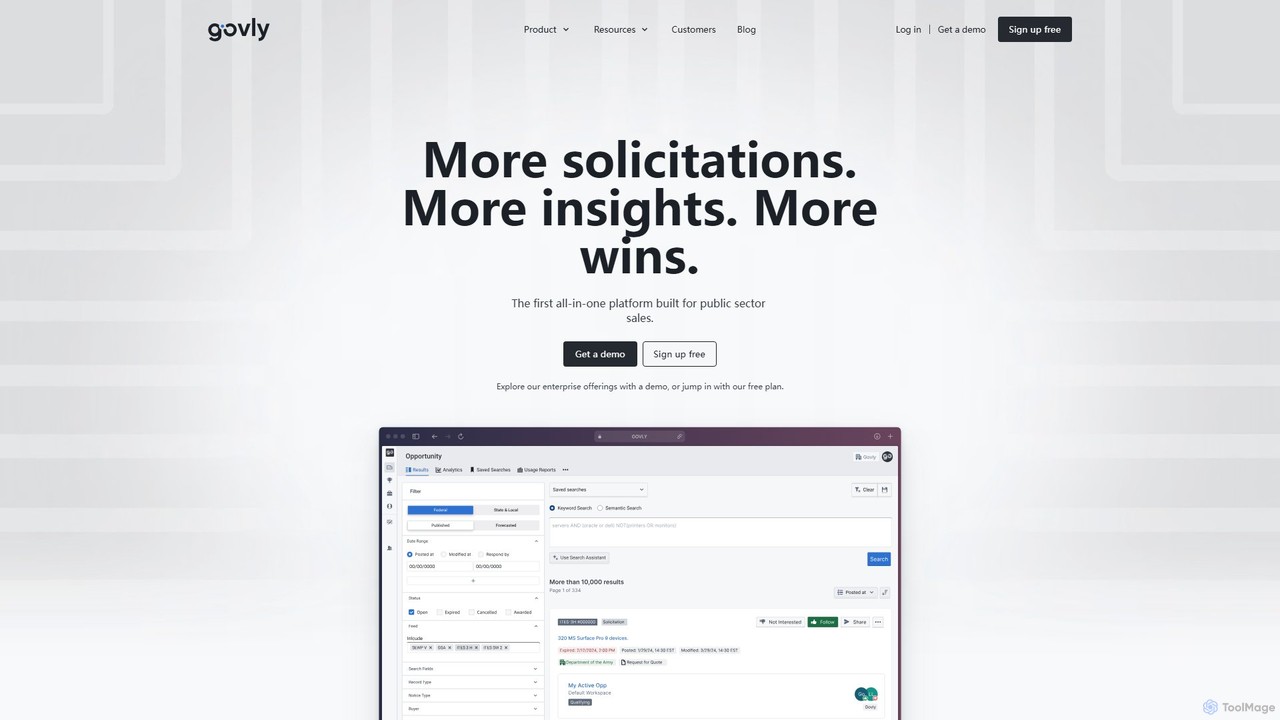
Govly is an AI-powered market network for government contractors, providing an all-in-one platform to discover, track, and win public sector contracts. It aggregates solicitations from Federal, State, Local, and Education (SLED) markets, offering comprehensive data, AI-driven insights, and collaborative tools to streamline the entire government sales process.

Market Intelligence
Visits 21.5KFavorites 138Likes 138

Softr
Freemium

Softr

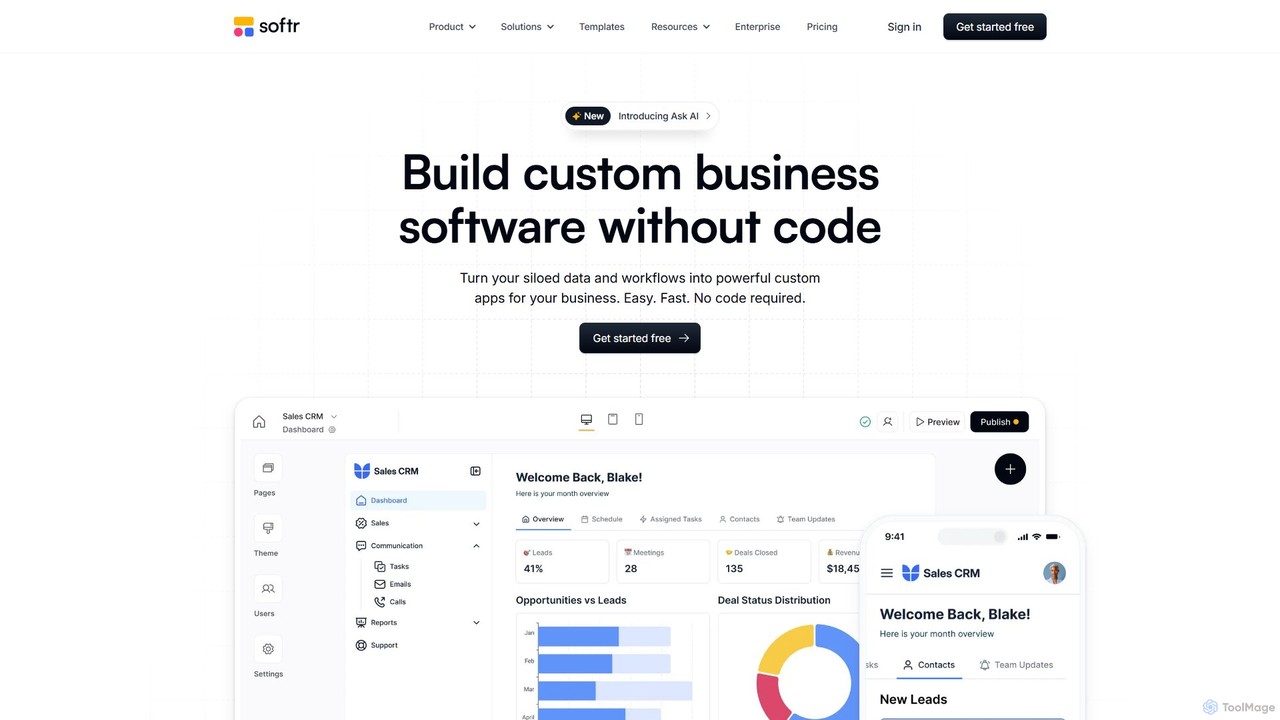
Softr is a leading no-code platform that empowers users to build custom business applications, client portals, and internal tools without writing a single line of code. It transforms existing data from sources like Airtable, Google Sheets, and HubSpot into powerful, interactive web apps. With its new AI-powered builder, you can generate applications even faster, streamlining workflows and boosting productivity.

Internal Tools
Visits 651.2KFavorites 141Likes 132
Superflows
Freemium

Superflows

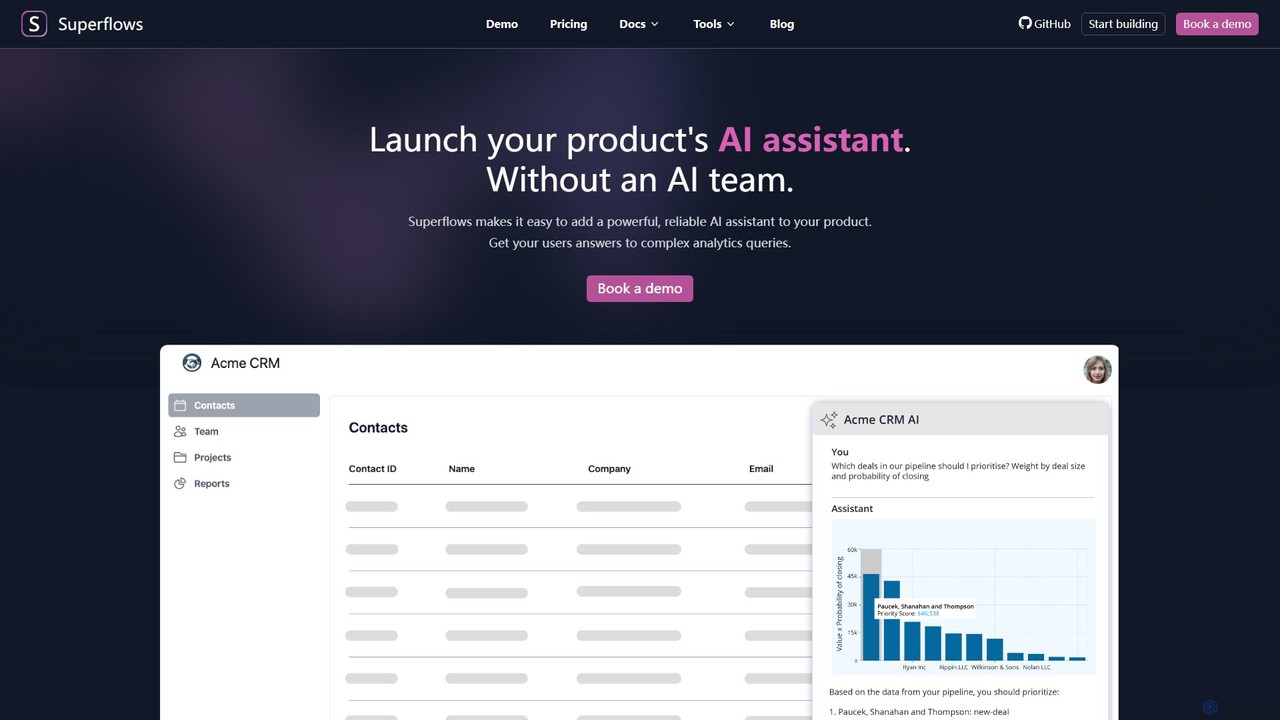
Superflows allows SaaS companies to easily embed a powerful, reliable AI assistant into their product. This AI copilot can handle complex analytics, perform actions, and provide documentation support, all without requiring an in-house AI team.

Chatbot
Visits 9KFavorites 138Likes 132
Tabula
Freemium

Tabula

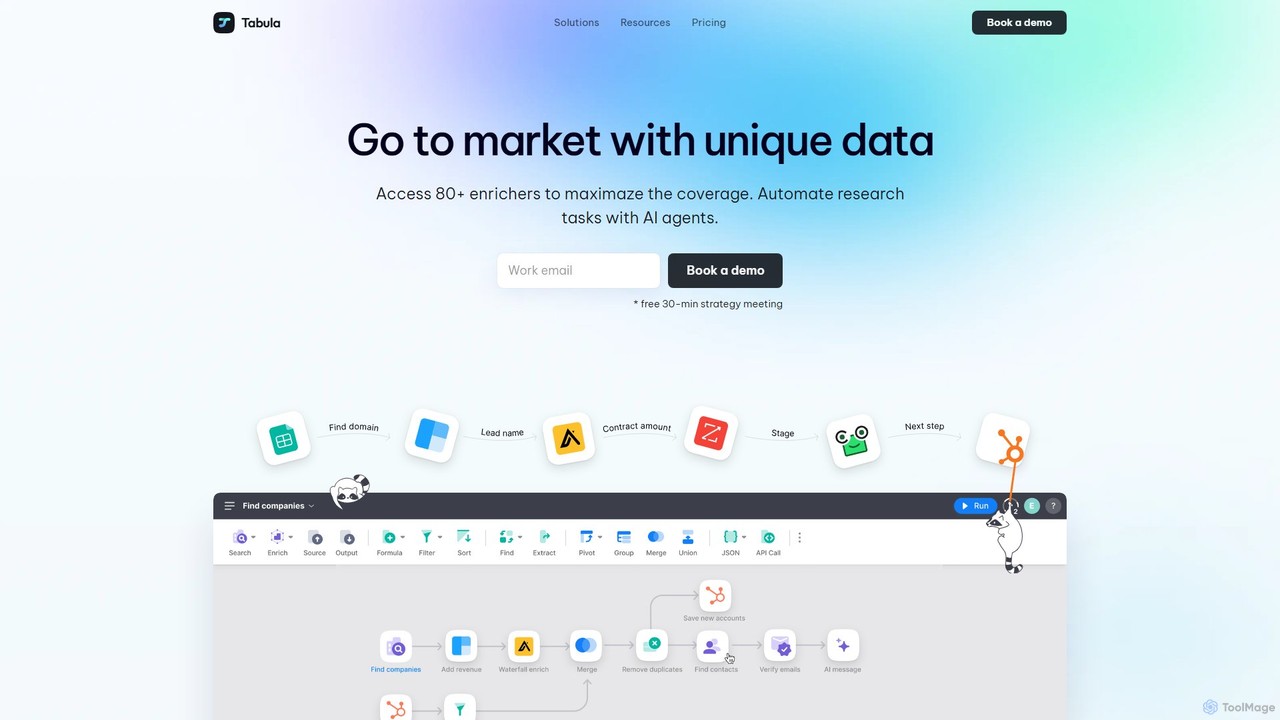
Tabula is a powerful Go-To-Market (GTM) automation platform for building targeted lead lists, enriching data from over 80 providers, and creating complex workflows. It offers unparalleled flexibility, control, and scalability for sales, marketing, and RevOps teams, featuring a unique "bring your own API key" model and a robust free plan.

Data Enrichment
Visits 13.5KFavorites 153Likes 139
DevKit
Freemium

DevKit

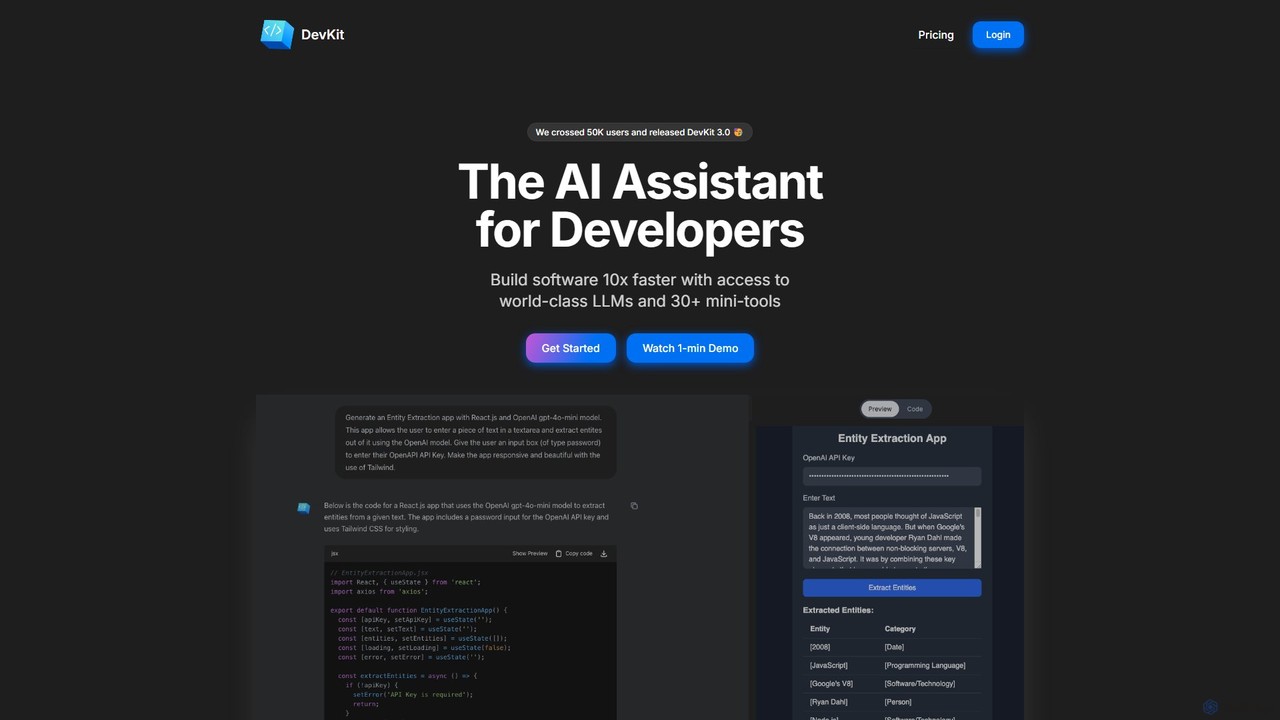
DevKit is an all-in-one AI-powered toolkit for developers, designed to accelerate the software development lifecycle. It integrates a powerful AI assistant, DevGPT, with access to multiple LLMs (GPT-4o, Gemini, Llama) and a suite of over 30 specialized mini-tools. It helps developers write code, test APIs, query databases with natural language, and manage various development tasks from a single, unified platform, aiming to boost productivity by up to 10x.

Code Assistant
Visits 9.3KFavorites 162Likes 170
Leena AI
Paid

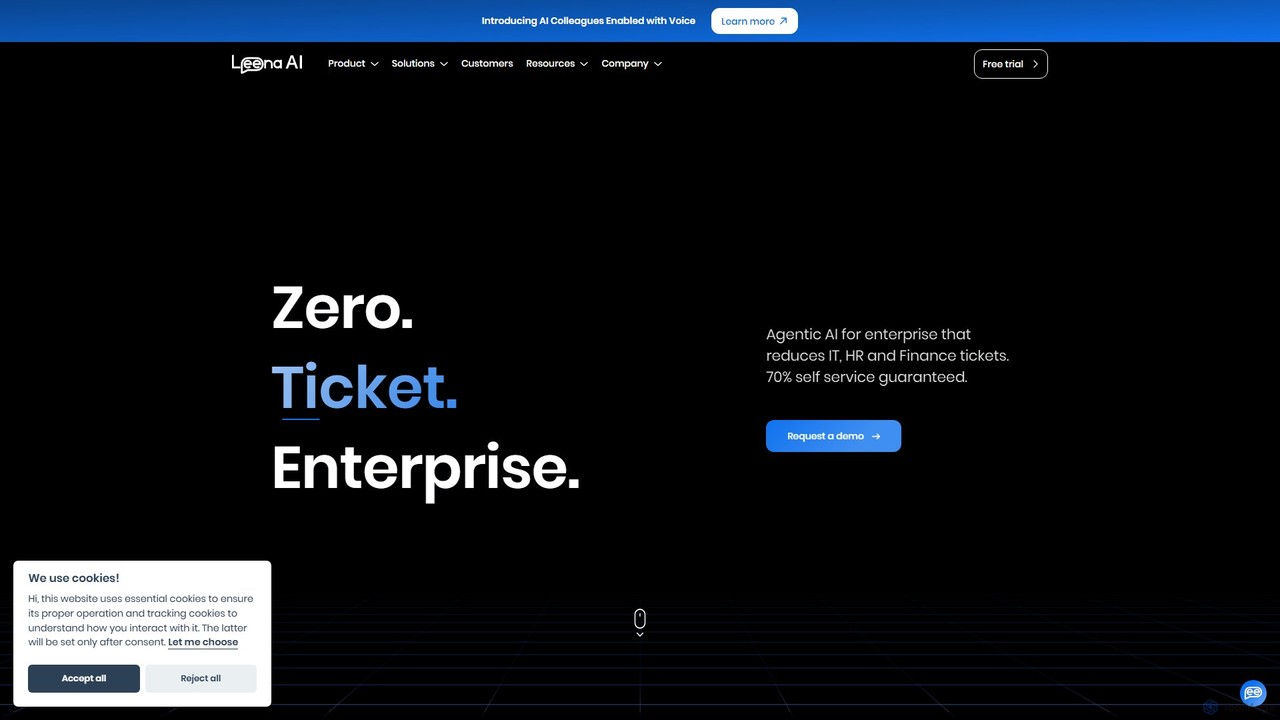
Leena AI

Leena AI is an advanced enterprise platform powered by Agentic AI, designed to create a "zero-ticket" environment. It deploys autonomous AI colleagues to automate support and workflows across HR, IT, Finance, and other departments, guaranteeing over 70% self-service and significantly enhancing employee experience.

Chatbot
Visits 100.2KFavorites 118Likes 125
Weavy
Freemium

Weavy

Weavy is an AI-powered design platform for creative professionals, integrating multiple top-tier AI models into a single, node-based workflow. It combines generative AI capabilities with professional-grade editing and compositing tools, allowing users to build scalable, repeatable creative processes with unparalleled control. It's designed to bridge the gap between AI and artistic craft, focusing on process and quality.

Image Generation
Visits 1.6MFavorites 139Likes 132
Formstack
Paid

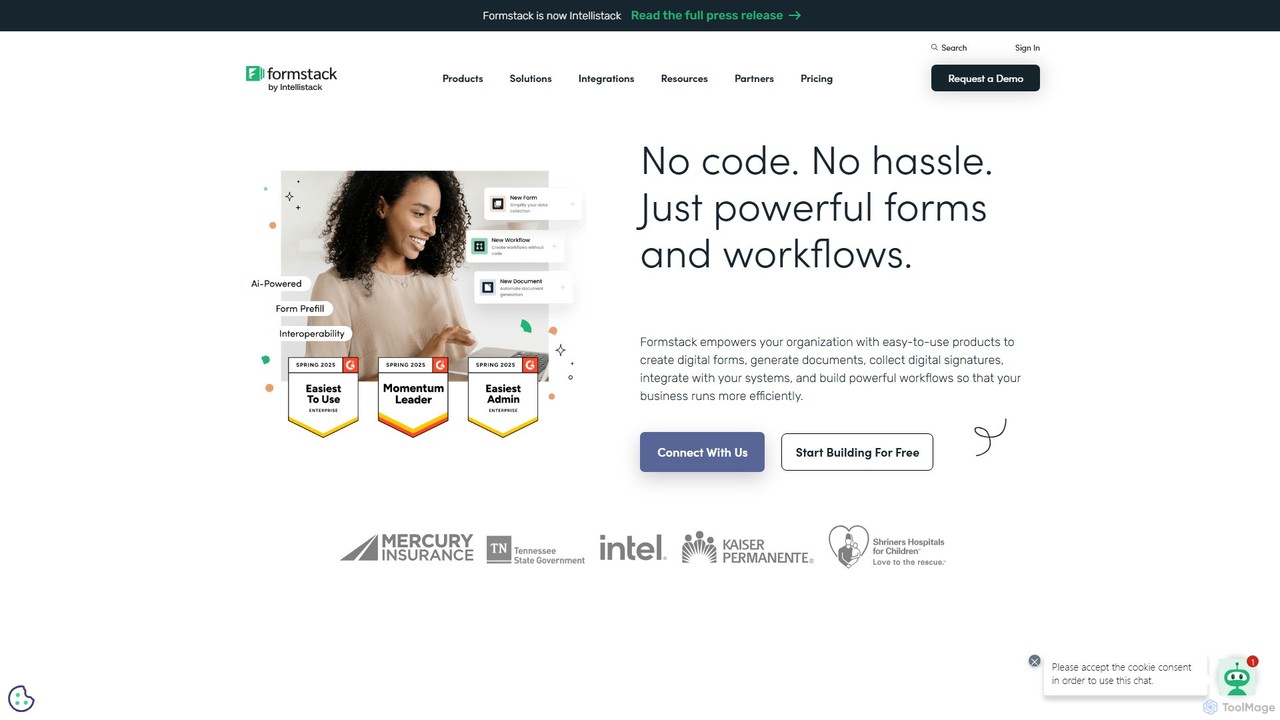
Formstack

Formstack is a versatile no-code workplace productivity platform that automates data collection, document generation, and e-signatures. It empowers businesses to create custom online forms, streamline workflows, and eliminate manual processes without any coding, saving significant time and resources.

Document Management
Visits 7.1MFavorites 151Likes 146
Foreplay
Freemium

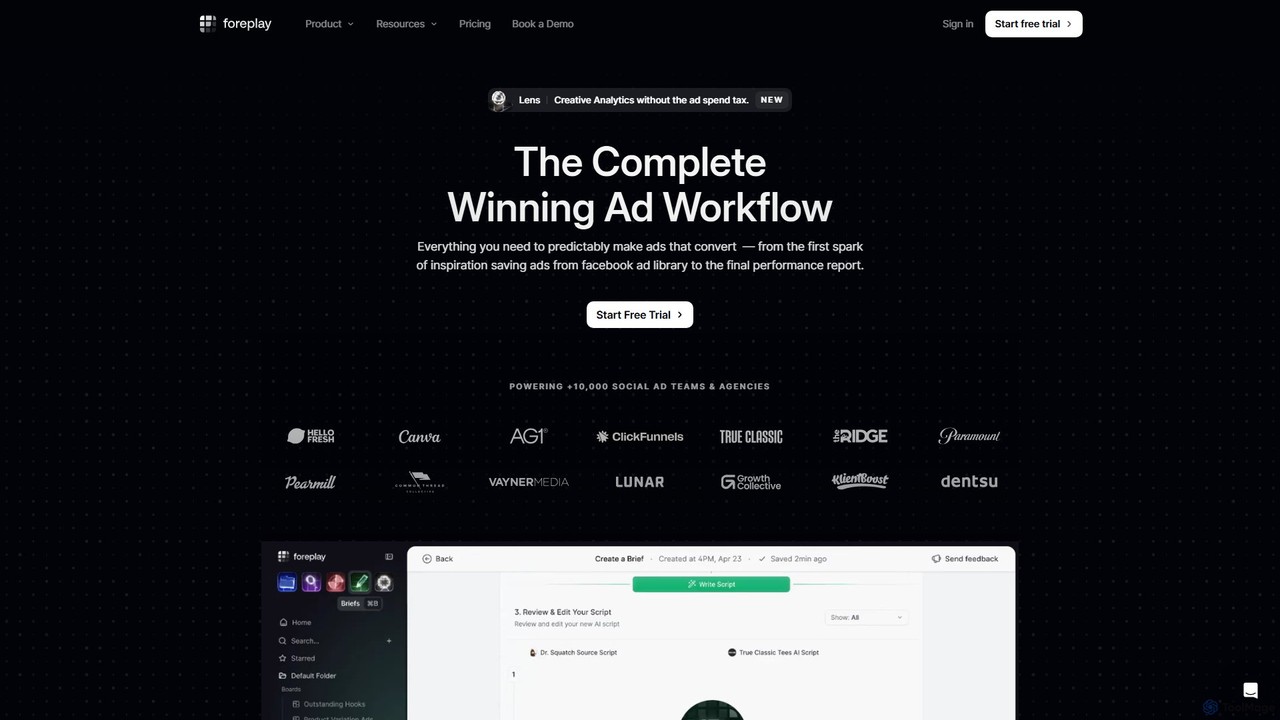
Foreplay

Foreplay is an all-in-one AI-powered platform for ad creative research, competitor analysis, and workflow automation. It helps marketers and agencies discover winning ad strategies, save and organize creative inspiration from major platforms, and streamline the entire ad creation process from brief to production.

Advertising
Visits 583.9KFavorites 116Likes 123
Fieldguide
Paid

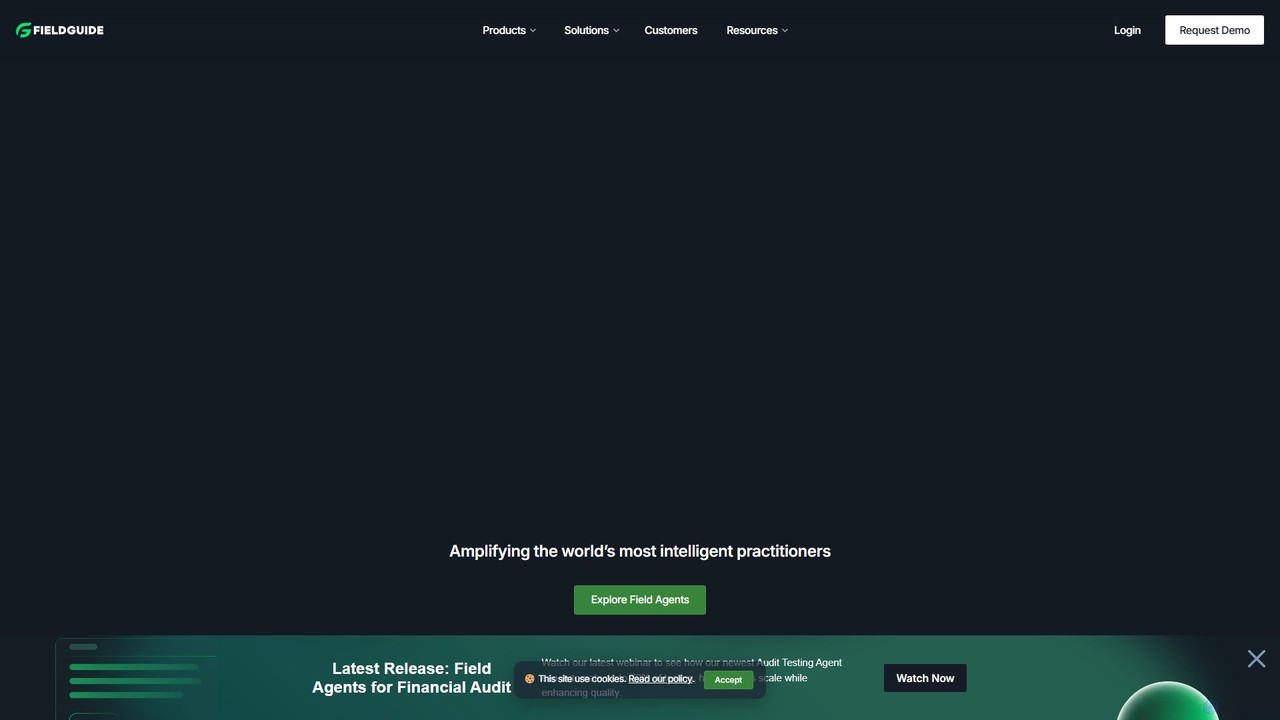
Fieldguide

Fieldguide is an AI-powered platform designed for advisory and audit firms. It streamlines complex engagements like SOC 2, PCI DSS, and financial audits by automating tasks, managing documents, and facilitating client collaboration. The platform helps firms increase efficiency, boost profit margins, and enhance client satisfaction through features like AI-driven procedure drafting, automated reporting, and a centralized engagement hub.

Compliance
Visits 67KFavorites 137Likes 142
Surfsite
Paid

Surfsite

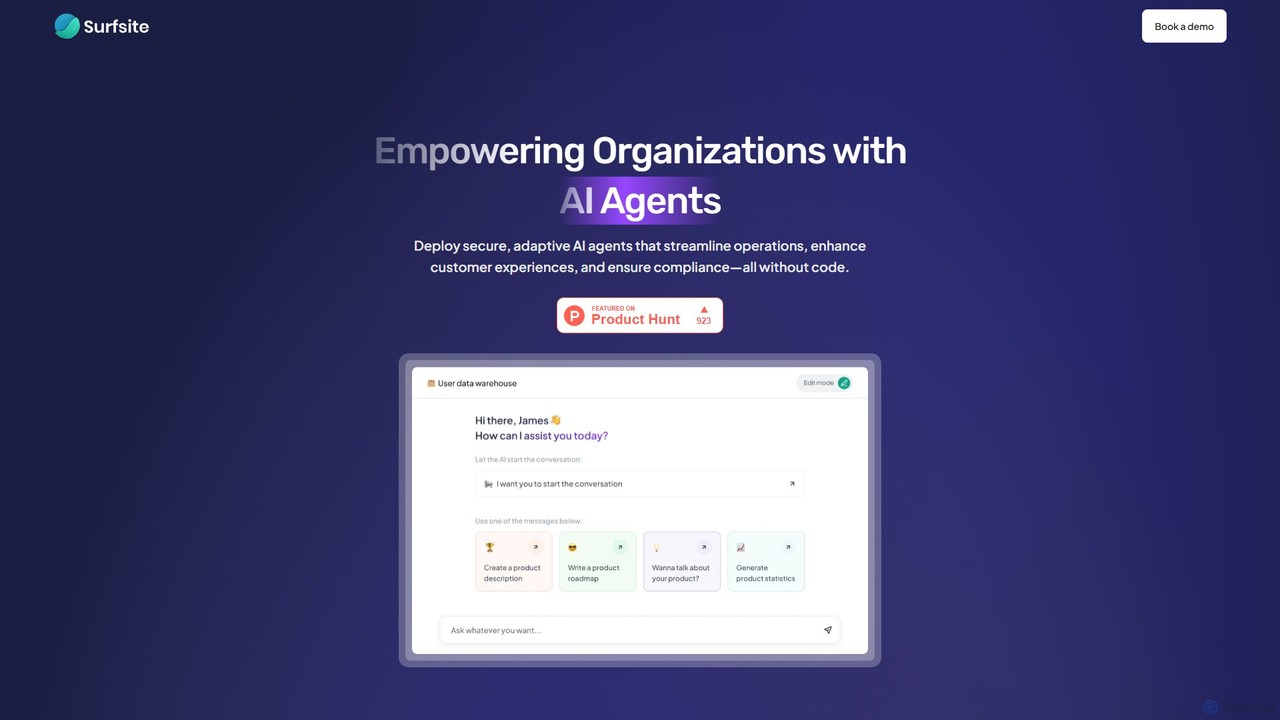
Surfsite is a no-code platform that empowers organizations to build and deploy secure, adaptive AI agents. These agents integrate with your existing tools and data, streamlining operations, enhancing customer experiences, and providing real-time analytics. It's designed for product managers, marketers, and founders to automate workflows and make data-driven decisions without writing any code.

Customer Support
Visits 5.8KFavorites 166Likes 170
Docugram
Freemium

Docugram

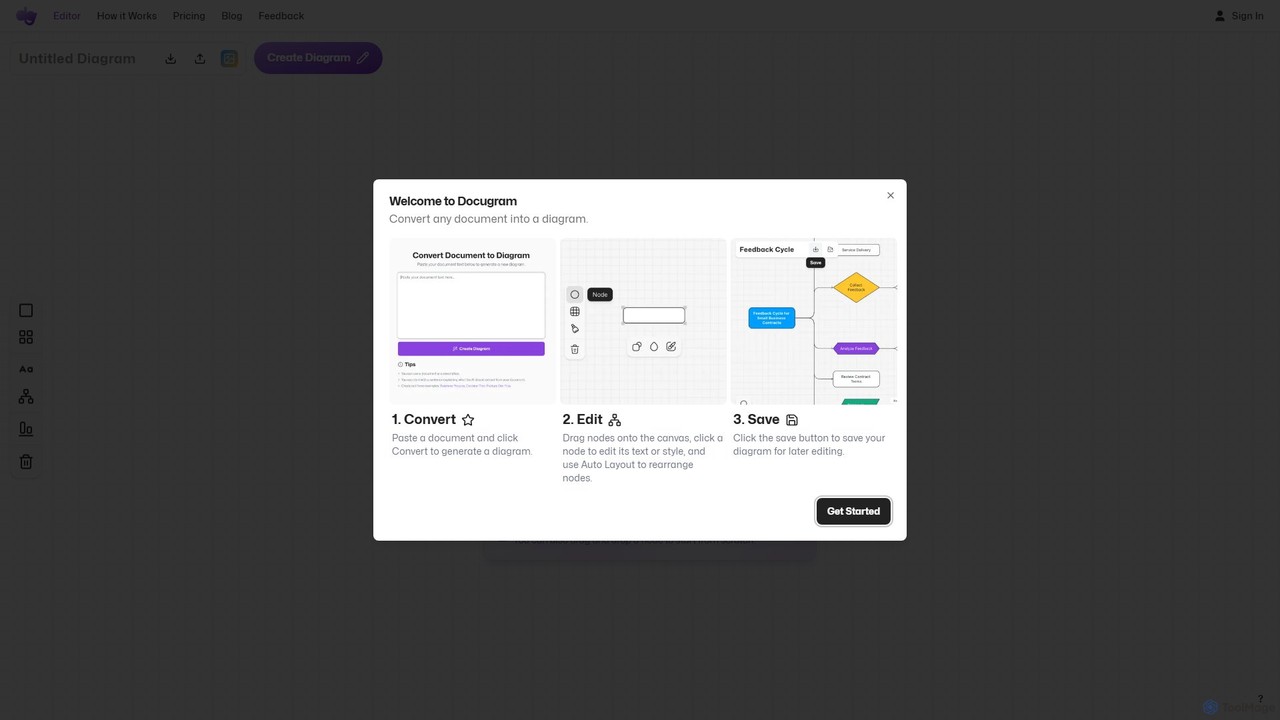
Docugram is an AI-powered tool that instantly transforms text documents, notes, and prompts into clear, editable diagrams and flowcharts. It streamlines workflows by converting complex information from formats like Word, Excel, and PDF into visual maps, enhancing productivity for professionals in project management, development, and business analysis.

Project Management
Visits 8.9KFavorites 129Likes 127
Scade.pro
Freemium

Scade.pro

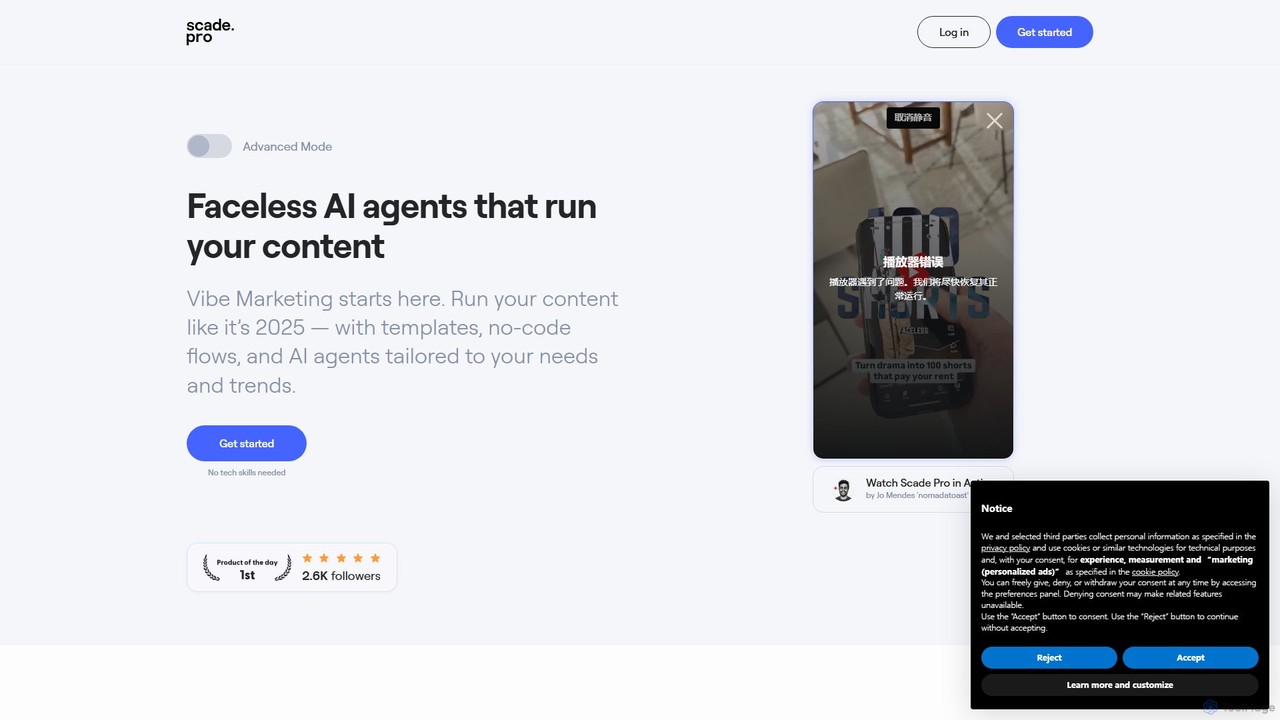
Scade.pro is a unified AI integration platform that simplifies access to various AI models through a single API. It empowers developers and no-coders to rapidly build and deploy AI features without managing multiple APIs, keys, or billing systems.

Api
Visits 20.8KFavorites 124Likes 126
Auxillary
Freemium

Auxillary

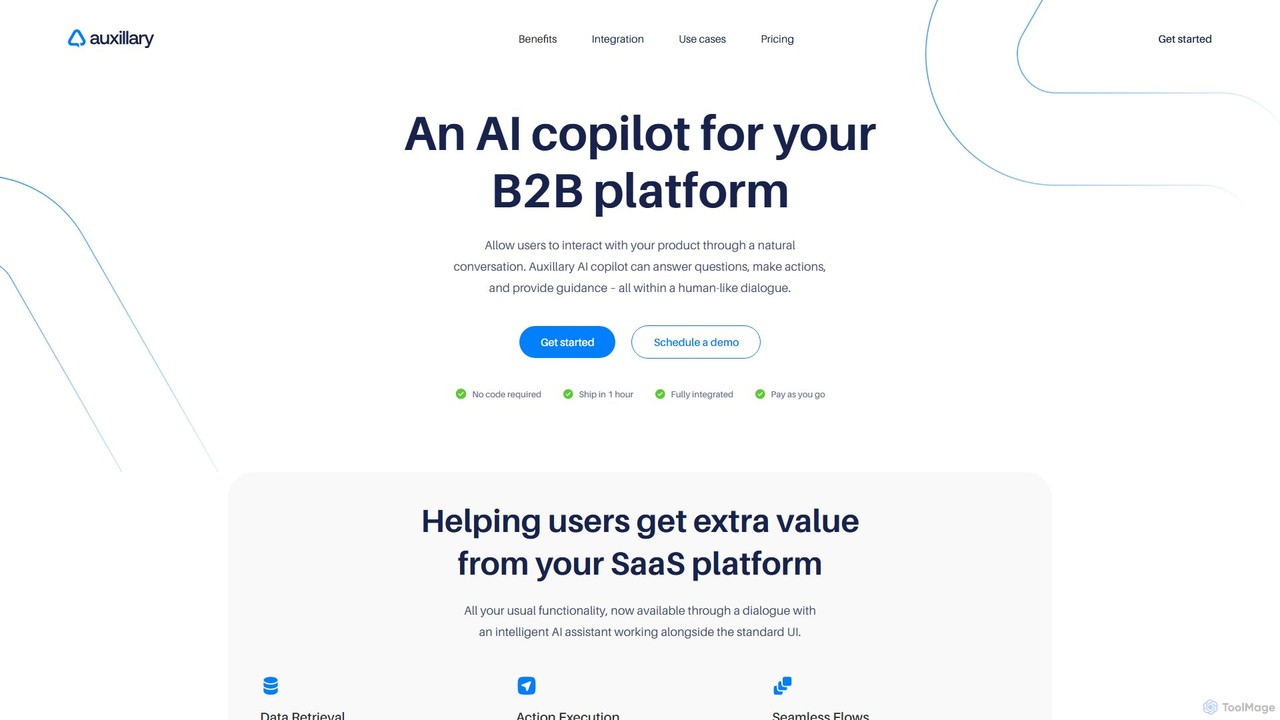
Auxillary is an AI copilot platform that enables B2B SaaS companies to embed an intelligent assistant into their products. It allows end-users to retrieve data, execute actions, and get support through a conversational interface, enhancing user engagement and simplifying complex workflows. The setup is designed to be completed in under an hour.

Chatbot
Visits 5.8KFavorites 127Likes 125
DronaHQ
Freemium

DronaHQ

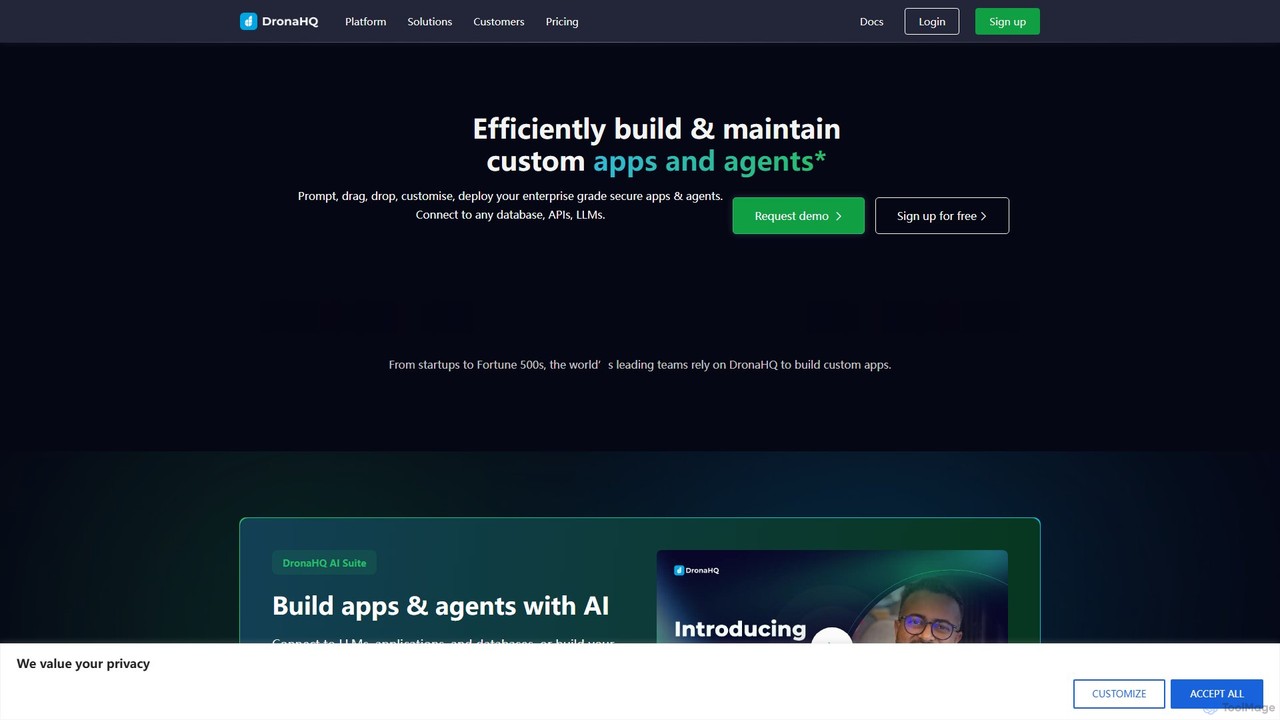
DronaHQ is a low-code AI platform designed for building custom internal applications, AI agents, and automated workflows with high efficiency. It empowers developers and businesses to connect to any database, API, or LLM, using a visual drag-and-drop interface and AI-assisted development to create and deploy secure, enterprise-grade tools 10x faster.

Ai App Builders
Visits 43.4KFavorites 114Likes 116
Leasecake
Paid

Leasecake

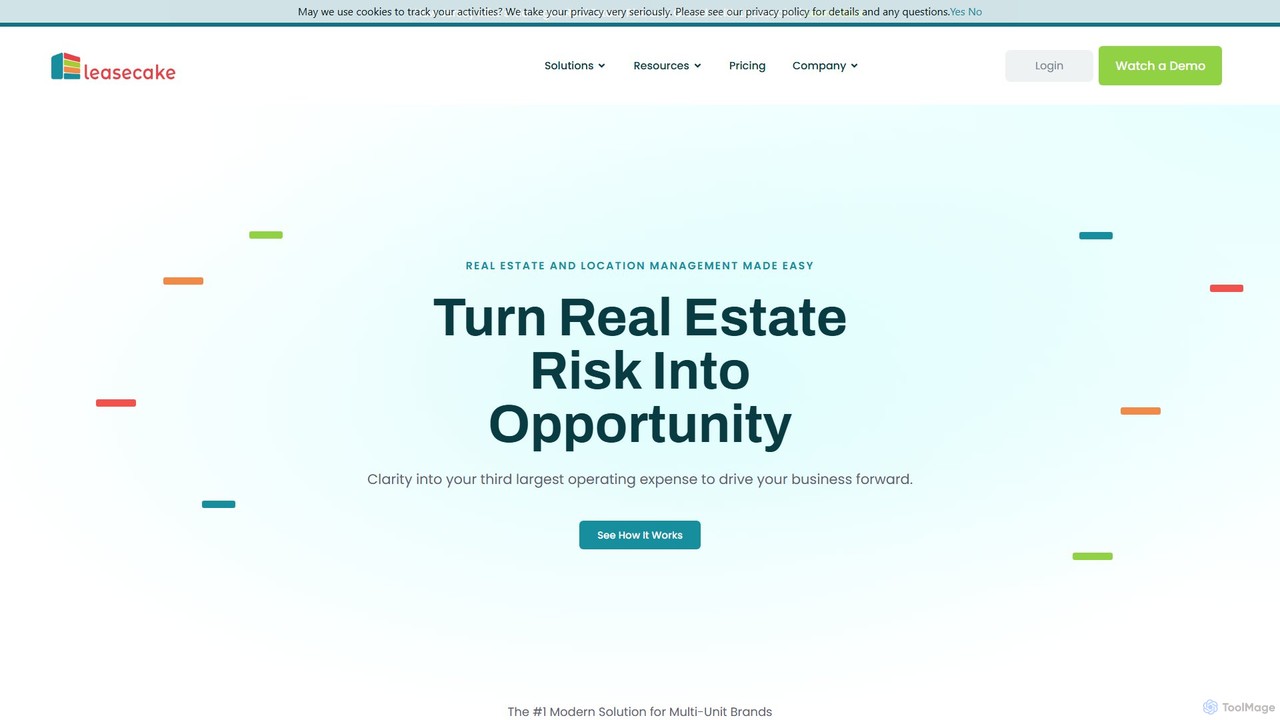
Leasecake is a cloud-based lease management and location intelligence platform designed for multi-unit businesses. It simplifies real estate and location management by automating critical date tracking, ensuring compliance, and centralizing all lease-related data. This helps tenants, franchisees, and operators reduce risk, save costs, and make informed decisions to drive business growth.

Real Estate Management
Visits 18.4KFavorites 166Likes 153
Kypso
Freemium

Kypso

Kypso is an AI platform for engineering teams that automates software development operations. It uses pre-built and custom AI agents, called "champions," to handle tasks like code reviews, scrum management, incident response, and backlog grooming. By integrating with your existing tools, Kypso helps teams increase productivity and focus on delivering value.

Code Review
Visits 7.4KFavorites 153Likes 161

About Workflow Automation

Workflow Automation tools are platforms designed to connect different applications and services to automate multi-step tasks and processes. They operate on a system of triggers and actions, where an event in one app automatically initiates a sequence of actions in other connected apps. This allows users to build complex, automated sequences without writing code, significantly reducing manual data entry and repetitive work. As a key part of the Productivity ecosystem, these tools enable seamless data flow between cloud services like CRMs, email marketing platforms, and project management software.

Core Features

  • Visual Workflow Builder: An intuitive drag-and-drop interface for designing and visualizing automation sequences.
  • App Connectors Library: A vast collection of pre-built integrations for thousands of popular SaaS applications and services.
  • Conditional Logic and Filters: The ability to create complex workflows with 'if/then' conditions, branching paths, and data filtering rules.
  • Data Mapping and Transformation: Tools to format, modify, and move data between different application fields to ensure compatibility.
  • Execution History and Monitoring: Dashboards to track workflow runs in real-time, review logs, and troubleshoot errors.

Use Cases

Workflow Automation is widely used in marketing, sales, and operations. For instance, marketing teams automate lead nurturing by syncing form submissions to a CRM and an email list. Sales teams use it to trigger invoicing and project creation when a deal is closed. It's also essential for IT and support teams to automate ticket creation and assignment processes.

How to Choose

When selecting a Workflow Automation tool, first evaluate its integration library to ensure it supports the apps you use. Consider the complexity of workflows you need to build—whether it supports multi-step, conditional logic. Analyze the pricing model, which is often based on the number of tasks or operations per month. Finally, assess the user interface to determine if it's suitable for non-technical users.

Featured tool rankings

Workflow Automation use cases

1

Automate Marketing Lead Nurturing

A marketing manager needs to efficiently process new leads from Facebook Lead Ads. Using a workflow automation tool, they set up a process where every new lead submission automatically triggers a sequence. The lead's information is instantly added as a new row in a Google Sheet for tracking, simultaneously subscribed to a specific audience in Mailchimp for email nurturing, and a real-time notification with the lead's details is sent to the sales team's Slack channel. This eliminates manual data entry and ensures immediate follow-up, reducing lead response time from hours to seconds.

2

Streamline Sales and Client Onboarding

A sales operations specialist aims to automate the post-sale process. They create a workflow that triggers when a deal's stage is updated to 'Closed Won' in a CRM like Salesforce. This action automatically generates a new invoice in QuickBooks with the client's details, creates a new client onboarding project in Asana from a template, and sends a personalized welcome email via Gmail to the new client. This ensures a smooth, error-free transition from sales to project delivery and finance, improving client satisfaction and internal efficiency.

3

Automate Content Creation and Distribution

A content creator or social media manager publishes articles on a WordPress blog. To maximize reach, they use a workflow automation tool. When a new post is published, it triggers a workflow that automatically generates a summary using an AI tool, then shares the post link and summary to Twitter, LinkedIn, and a Facebook Page. Simultaneously, it adds a new task to a Trello board to 'Monitor engagement for new post' and archives the post details in an Airtable base for performance tracking. This automates the entire distribution and tracking setup, saving hours each week.

4

Automate E-commerce Order Fulfillment

An e-commerce store owner using Shopify needs to streamline their order processing. They set up an automation where a new paid order in Shopify triggers several actions. First, the customer and order details are added to a shipping platform like ShipStation to prepare for fulfillment. Next, the inventory count for the purchased items is updated in a central Google Sheet. Finally, a confirmation SMS is sent to the customer via Twilio, informing them that their order has been received and is being processed. This workflow reduces manual errors and keeps customers informed, improving operational efficiency.

5

Manage Customer Support Tickets Efficiently

A customer support manager wants to automate ticket routing. They create a workflow where any new email sent to their support address is automatically processed. The tool creates a new ticket in Zendesk from the email content. It then uses conditional logic to scan the email's subject line for keywords like 'billing' or 'technical'. Based on the keyword found, the ticket is automatically assigned to the correct department (e.g., Finance or Tech Support) and tagged appropriately. This ensures tickets reach the right people faster without manual sorting, speeding up resolution times.

6

Enhance Personal Productivity and Meeting Prep

An executive assistant or any busy professional can automate their meeting preparation. They can set up a workflow that triggers one hour before any event in their Google Calendar. The workflow checks if the event title contains 'meeting'. If it does, it automatically searches for the attendees' LinkedIn profiles, creates a new note in Evernote or Notion with the meeting agenda and attendee profiles, and sends a reminder with this information to a personal Slack channel. This automation ensures they are always prepared for meetings without last-minute scrambling.

Workflow Automation FAQ

What is Workflow Automation?

Workflow Automation refers to software platforms that connect different applications and services to automate multi-step processes without manual intervention. They work on a 'trigger-action' basis: an event in one app (a trigger) initiates a predefined sequence of tasks (actions) in other apps. The primary goal is to eliminate repetitive, manual tasks, reduce errors, and ensure seamless data flow between the tools you use every day, such as CRMs, email platforms, and project management software.

How do I choose a Workflow Automation tool?

To choose the right tool, consider these factors:

  • App Integrations: Ensure the platform supports the specific applications critical to your workflow (e.g., your CRM, email marketing service, project manager).
  • Workflow Complexity: Assess if the tool can handle the complexity you need. Some are for simple two-step automations, while others support multi-step logic, conditional paths, and data formatting.
  • Pricing Model: Understand how you'll be charged. Common models are based on the number of tasks executed per month, the number of active workflows, or user seats.
  • Ease of Use: Evaluate the user interface. A good no-code tool should be intuitive for non-technical team members to build and manage automations.
What's the difference between Workflow Automation and RPA?

Workflow Automation and Robotic Process Automation (RPA) both automate tasks, but they work differently. Workflow Automation connects modern applications via their APIs (Application Programming Interfaces). It's ideal for automating processes across cloud-based services like Google Workspace, Slack, and Salesforce. In contrast, RPA mimics human actions on a user interface (UI), like clicking buttons and typing into fields. RPA is typically used to automate tasks in legacy systems, desktop applications, or websites that do not have APIs available for integration.

Do I need coding skills to use Workflow Automation tools?

No, most workflow automation tools are designed as 'no-code' or 'low-code' platforms. This means they are built for non-technical users, featuring visual, drag-and-drop interfaces to build automations. You can connect apps and set up complex logic without writing a single line of code. While some advanced platforms may offer features for developers, such as custom API calls or scripting, the core functionality is accessible to everyone, regardless of their technical background.

What are some common examples of workflow automation?

Common examples span across various business functions:

  • Marketing: Automatically adding new leads from a web form to a CRM and an email marketing list.
  • Sales: When a deal is marked as 'won' in a CRM, automatically generate an invoice and create a client onboarding task.
  • Social Media: Automatically sharing new blog posts across multiple social media platforms like Twitter, LinkedIn, and Facebook.
  • HR: Automating the new hire onboarding process by creating accounts, sending welcome documents, and scheduling orientation meetings.
  • Customer Support: Creating a support ticket in a helpdesk system from a new email or form submission and notifying the team in Slack.