Filezen is an AI-powered desktop application that automatically organizes messy files and renames them based on their content. It supports custom prompts for flexible sorting, works with various document and image types, and offers local model deployment for enhanced privacy.
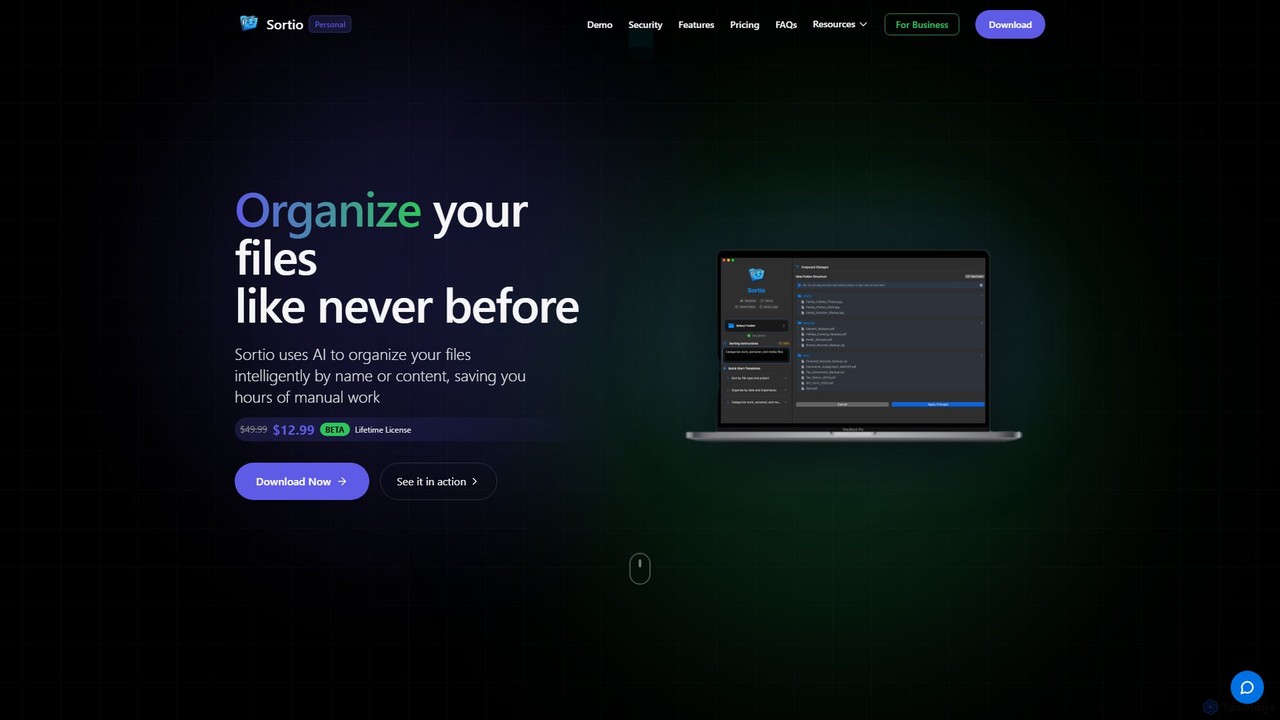
Sortio is an AI-powered desktop application for macOS and Windows that intelligently organizes your files. Using natural language prompts, it can sort files by name, content, or metadata, saving you hours of manual work. It features smart folders, automatic renaming, and a strong focus on privacy with offline mode and end-to-end encryption.
Product overview
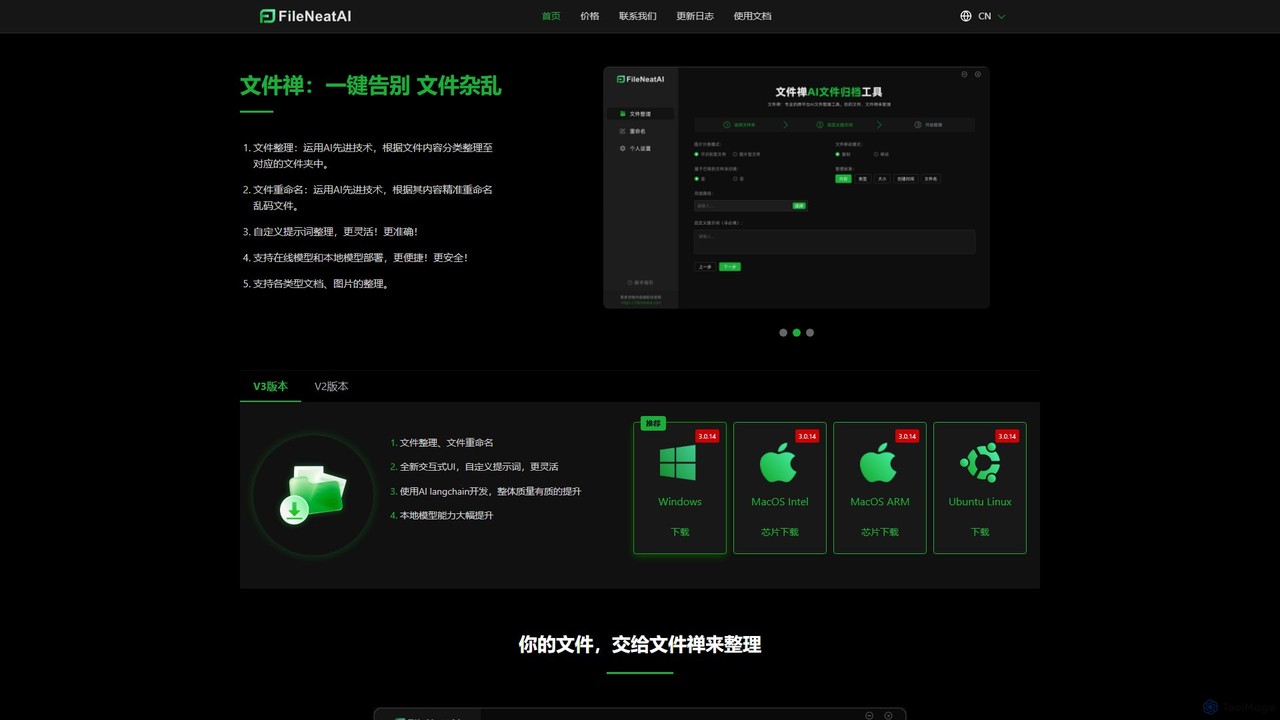
Filezen Product overview
Filezen is an AI-powered desktop application that automatically organizes messy files and renames them based on their content. It supports custom prompts for flexible sorting, works with various document and image types, and offers local model deployment for enhanced privacy.
Sortio Product overview
Sortio is an AI-powered desktop application for macOS and Windows that intelligently organizes your files. Using natural language prompts, it can sort files by name, content, or metadata, saving you hours of manual work. It features smart folders, automatic renaming, and a strong focus on privacy with offline mode and end-to-end encryption.
Detailed feature comparison
| Feature | Filezen | Sortio |
|---|---|---|
| Primary category | Organization | Automation |
| Added | 2025-08-16 | 2025-08-04 |
| Pricing | Freemium | Paid |
| Official website | filezen.top | www.getsortio.com |
| Product type | App | App |
| Performance data | ||
| User rating | Not verified | Not verified |
| Comments | 0 | 0 |
| Monthly visits | 1.3K | 26.4K |
| Monthly growth | 63.7% | 74% |
| Favorites | 83 | 85 |
| Details | View details | View details |
Filezen vs Sortio monthly traffic
Compare Filezen and Sortio by monthly reach, traffic trend, visit depth, top regions, and acquisition sources.
How to interpret the traffic data
In the Filezen vs Sortio monthly traffic comparison, Filezen currently shows 1.3K visits and Sortio shows 26.4K; Sortio has about 20.1 times the visible traffic of Filezen, an absolute difference of about 25K visits. This reflects visible reach, not feature quality or paid users.
Both tools provide verified traffic details, so monthly trends, visit depth, regions, and acquisition sources can be compared on the same basis.
Filezen monthly traffic:
Latest traffic
Monthly traffic trend
- 2025/9: 3.1K Monthly visits
- 2026/1: 1.4K Monthly visits
- 2026/2: 890 Monthly visits
- 2026/3: 3.2K Monthly visits
- 2026/4: 802 Monthly visits
- 2026/5: 1.3K Monthly visits
Top regions
Top 5 countries/regions
| Country/region | Percentage | Traffic |
|---|---|---|
| 🇺🇸United States | 100% | 1.3K |
Search keywords
Sortio monthly traffic:
Latest traffic
Monthly traffic trend
- 2025/9: 4.9K Monthly visits
- 2026/1: 19.1K Monthly visits
- 2026/2: 21.1K Monthly visits
- 2026/3: 18.4K Monthly visits
- 2026/4: 15.1K Monthly visits
- 2026/5: 26.4K Monthly visits
Top regions
Top 5 countries/regions
| Country/region | Percentage | Traffic |
|---|---|---|
| 🇺🇸United States | 44.94% | 11.8K |
| 🇦🇺Australia | 17.47% | 4.6K |
| 🇳🇬Nigeria | 16.65% | 4.4K |
| 🇮🇳India | 11.22% | 3K |
| 🇬🇧United Kingdom | 9.72% | 2.6K |
Traffic sources
| Source type | Percentage | Traffic |
|---|---|---|
| Direct | 79.52% | 21K |
| Referral | 20.48% | 5.4K |
Search keywords
Usage comparison
Compare the core capabilities of Filezen and Sortio
Filezen Core features
Sortio Core features
Use cases
Filezen Use cases
Sortio Use cases
Filezen vs Sortio:In-depth comparison and selection guidance
First decide whether the products solve the same kind of need
This in-depth Filezen vs Sortio comparison uses only the product records, taxonomy, audience, traffic, and community signals available on this page. Filezen is primarily listed under “Organization”, while Sortio is primarily listed under “Automation”, so the first decision is whether your actual task matches their recorded scope.
The structured fields currently show these decision-relevant differences: Primary category (Filezen: Organization; Sortio: Automation); Pricing (Filezen: Freemium; Sortio: Paid); Monthly visits (Filezen: 1.3K; Sortio: 26.4K); Monthly growth (Filezen: 63.7%; Sortio: 74%); Favorites (Filezen: 83; Sortio: 85). These facts are more useful for selection than brand visibility alone.
What market visibility and monthly traffic mean
In the Filezen vs Sortio monthly traffic comparison, Filezen currently shows 1.3K visits and Sortio shows 26.4K; Sortio has about 20.1 times the visible traffic of Filezen, an absolute difference of about 25K visits. This reflects visible reach, not feature quality or paid users.
Both tools provide verified traffic details, so monthly trends, visit depth, regions, and acquisition sources can be compared on the same basis.
If public market visibility is an important first-pass criterion, investigate Sortio first. The final choice should still follow taxonomy, use case, and a real trial because higher traffic does not prove broader capabilities or better workflow fit.
Product positioning, use cases, and roles
Filezen and Sortio currently overlap in shared categories: File Management; shared tags: AI organizer, automation, desktop utility, and productivity tool. This can place both on the same shortlist, but it does not prove equal implementation, depth, or cost.
Filezen's unique categories/tags are Organization, Automation, document management, file manager, file organizer, file renaming, and local AI; Sortio's are Automation, System, digital declutter, file management, file organization, file sorting, macos, and windows. These unique fields are the strongest differentiators: validate the product whose recorded scope matches the task instead of following traffic alone.
What ratings, comments, and favorites can tell you
Filezen has no verified rating, 0 comments, 83 favorites, and 91 likes;Sortio has no verified rating, 0 comments, 85 favorites, and 98 likes。
Neither product has enough rating or comment samples for a credible reputation ranking.
Selection guidance by actual need
When to evaluate Filezen first
Put Filezen on the priority trial list when the task aligns with “Organization” and especially Organization, Automation, document management, file manager, file organizer, and file renaming. This follows recorded positioning and does not imply unlisted capabilities are absent.
Filezen also currently records: pricing is freemium, product type is app, 1.3K verified monthly visits, no verified user rating. Verify any hard requirement around price, platform, or reach before trial, and do not let sparse review data substitute for testing.
When to evaluate Sortio first
Put Sortio on the priority trial list when the task aligns with “Automation” and especially Automation, System, digital declutter, file management, file organization, and file sorting. This follows recorded positioning and does not imply unlisted capabilities are absent.
Sortio also currently records: pricing is paid, product type is app, 26.4K verified monthly visits, no verified user rating. Verify any hard requirement around price, platform, or reach before trial, and do not let sparse review data substitute for testing.
How to validate the recommendation before deciding
The available data describes positioning, public visibility, and community signals, but it cannot prove output quality, speed, integration effort, privacy, or long-term cost in your workflow. Before deciding, run the same representative tasks in Filezen and Sortio, then record completion time, accuracy, manual corrections, and the real paid threshold. A like-for-like trial turns this comparison into a defensible adoption decision.
Comparison FAQ
How should I choose between Filezen and Sortio?
Where does this comparison data come from?
What do unknown fields mean?
Related AI tools

OrgaFile
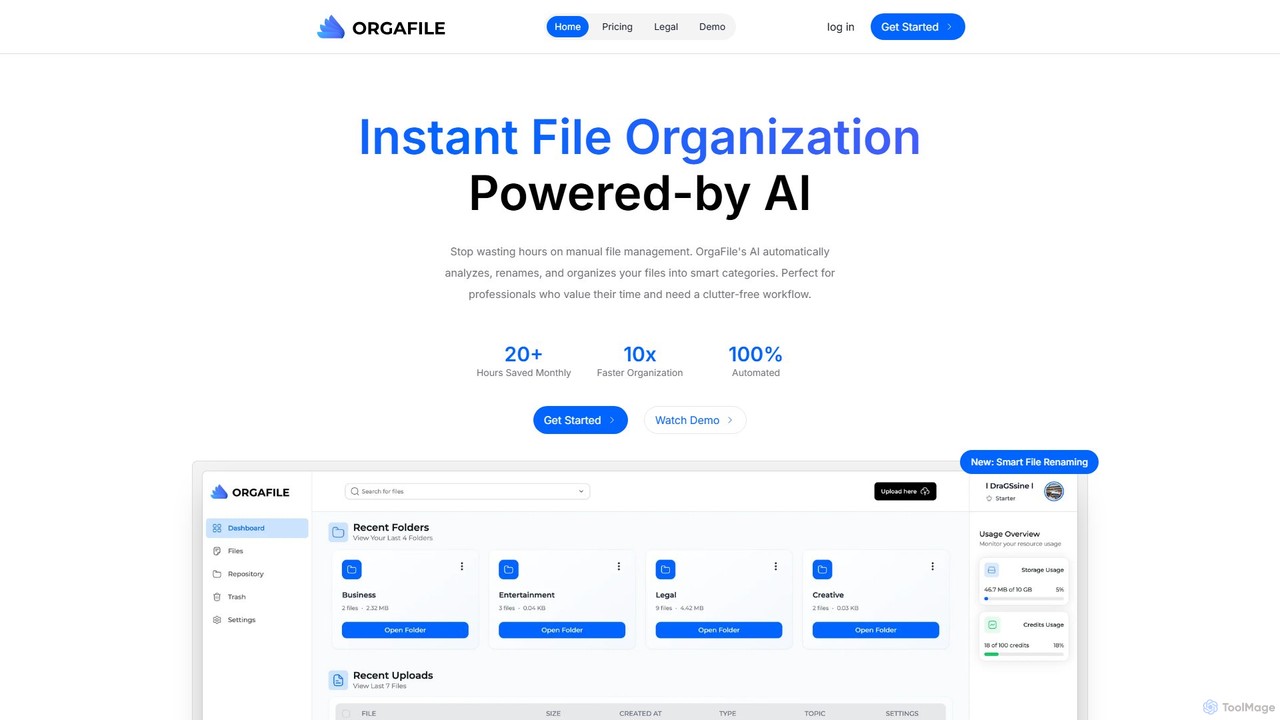
OrgaFile is an AI-powered tool that automatically analyzes, renames, and organizes your files into smart, customizable categories. Designed for professionals and individuals, it saves hours of manual work, enhances productivity with a 10x faster organization process, and ensures your digital workspace remains clutter-free and secure.
Workflow
AI Renamer
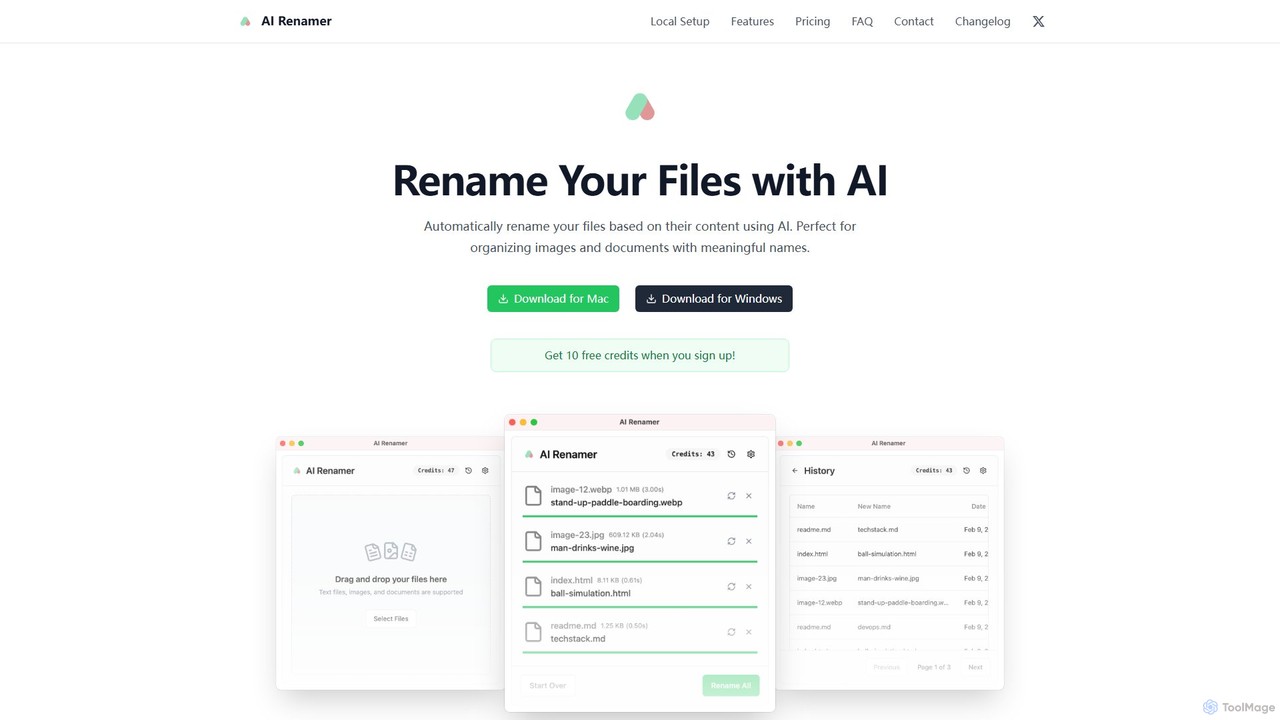
AI Renamer is a smart desktop application for Mac and Windows that automatically renames files based on their content. It analyzes images and documents to generate descriptive, meaningful names, helping you organize your digital life effortlessly. It supports batch processing, custom naming rules, and offers both a private, offline Local Mode and a convenient Cloud Mode.
Document Management
Sparkle
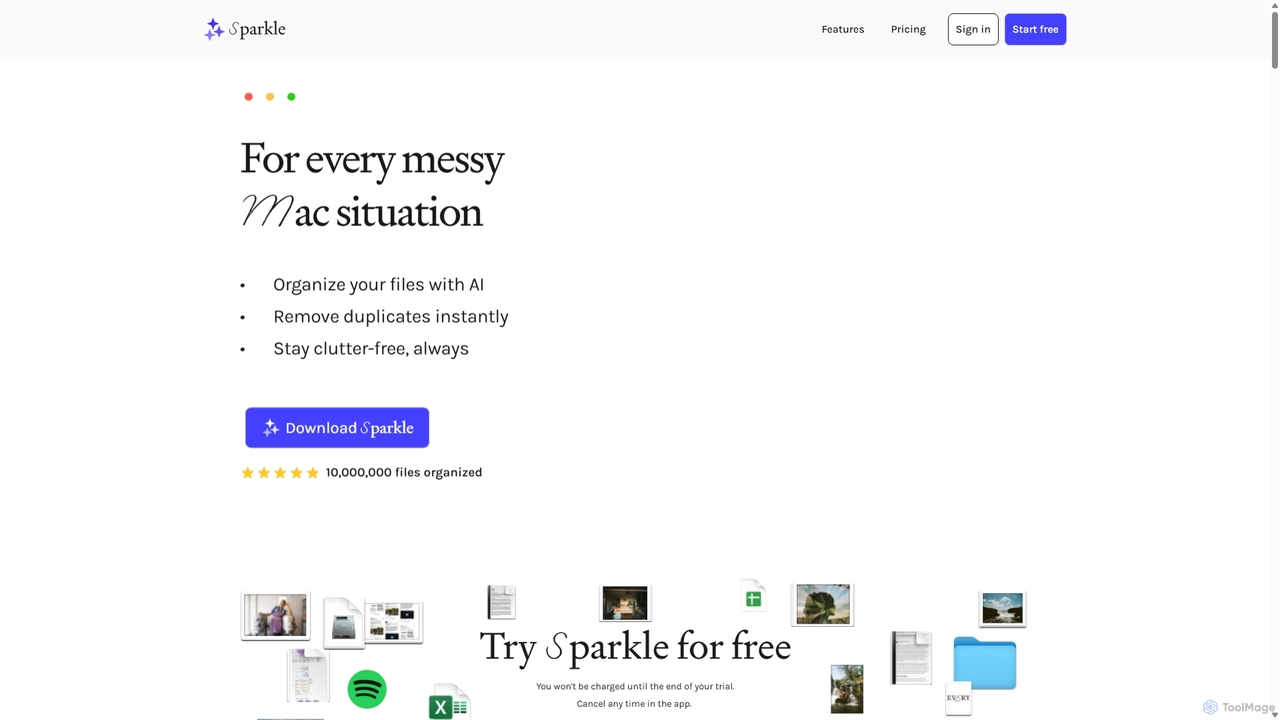
Sparkle is an AI-powered Mac application that automatically organizes your files. It intelligently creates custom folder structures for your Desktop, Downloads, and cloud drives, sorting files into relevant categories. With built-in duplicate detection and a privacy-first approach, Sparkle eliminates digital clutter and saves you hours of manual organization.
Personal Assistant
Riffo
Riffo is an AI-powered file management tool for Mac that automatically renames and organizes your files. It intelligently analyzes file content, including text in images and documents, to generate descriptive names and sort them into relevant subfolders, transforming a cluttered desktop into an organized digital workspace.
Workflow
ScreenML
ScreenML is an AI-powered MacOS utility that automatically renames your screenshots with context-aware, descriptive filenames. It eliminates cluttered desktops and timestamped file names, making your screenshots organized, searchable, and easy to manage, streamlining your entire workflow.
Screenshot Tool
Alter
Alter is a native macOS AI assistant designed to streamline your entire workday. It's context-aware, understanding your apps, files, and browser activity to provide relevant assistance. With voice-first commands, meeting recording and summarization, and deep system integration, Alter turns your Mac into an AI powerhouse, boosting productivity while prioritizing privacy with local model support.
Mac
Dokkio
Dokkio is an AI-powered platform that unifies all your files from various cloud services like Google Drive, Dropbox, and Slack. It intelligently finds, organizes, and helps you understand your content, transforming scattered files into a centralized, searchable knowledge base for enhanced productivity and team collaboration.
Teamwork
Keep It Shot
Keep It Shot is a macOS application that uses AI to intelligently rename your screenshots and other files. It automatically creates descriptive names and builds a private, offline, and fast search index, transforming your messy file collection into an organized and searchable second brain.
Automation
Kalycs
Kalycs is a local-first AI-powered file search and organization tool exclusively for Mac. It helps users quickly find information within their documents, auto-organize downloads, and get instant answers using natural language queries, ensuring privacy by keeping files on-device and leveraging the user's own OpenAI API key for AI features.
Personal Knowledge Base
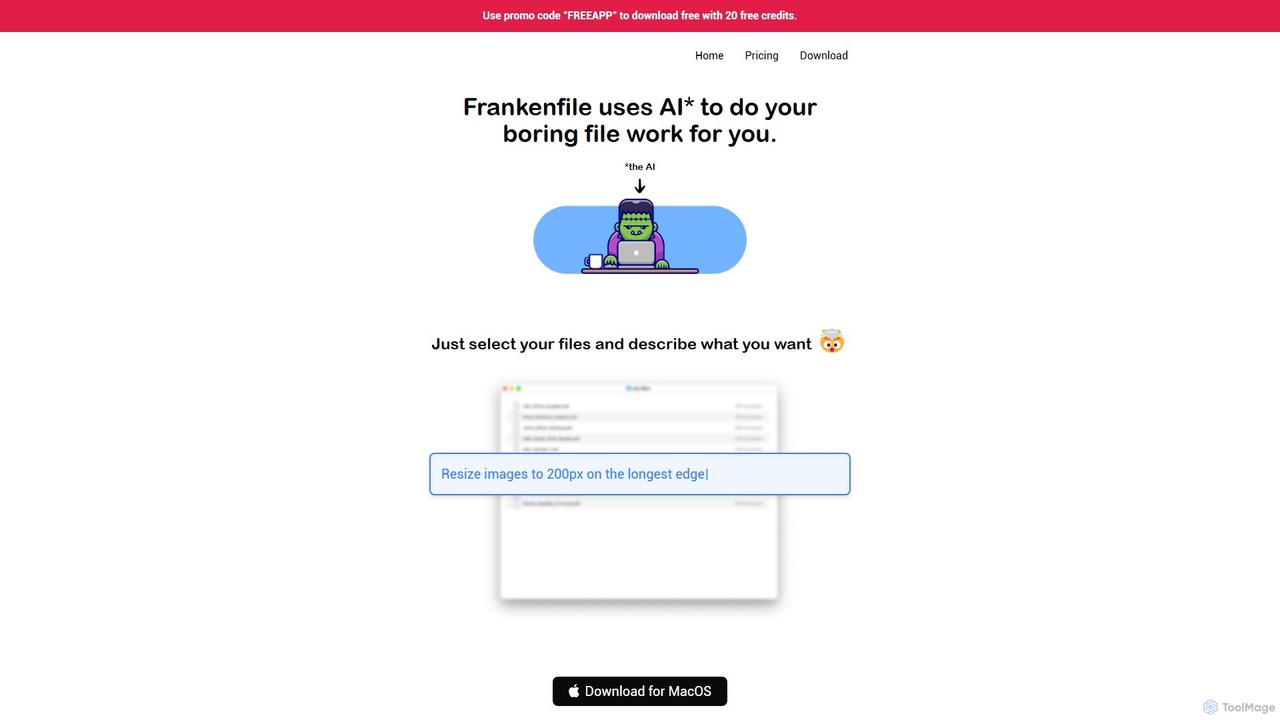
Frankenfile
Frankenfile is an AI-powered assistant for MacOS that automates your file management tasks. Simply describe what you want to do in plain English, and the app handles complex operations on images, videos, audio, and PDFs. It runs entirely locally, ensuring your files remain private and secure.
Task Automation
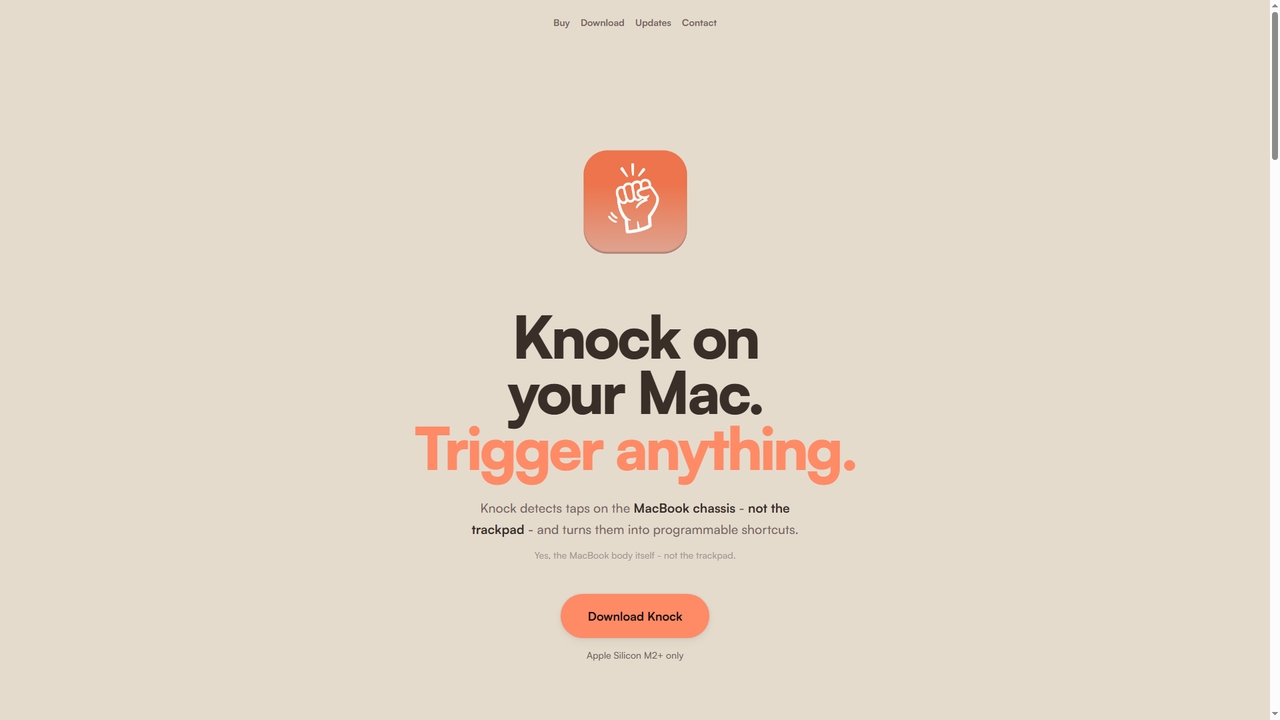
Knock
Knock is a macOS utility that transforms your MacBook into a gesture-sensitive interface. By detecting taps on the laptop's chassis using the built-in accelerometer, Knock allows you to trigger custom shortcuts, launch applications, run scripts, or control system functions—all without touching the keyboard or trackpad. It's designed to boost productivity for Apple Silicon Mac users.
Mac
Ai Photo Sorter
A privacy-first, AI-powered web application that helps you efficiently organize local photo collections. Create custom categories, sort images, and detect duplicates securely on your own computer without uploading any data.
Photo Organization
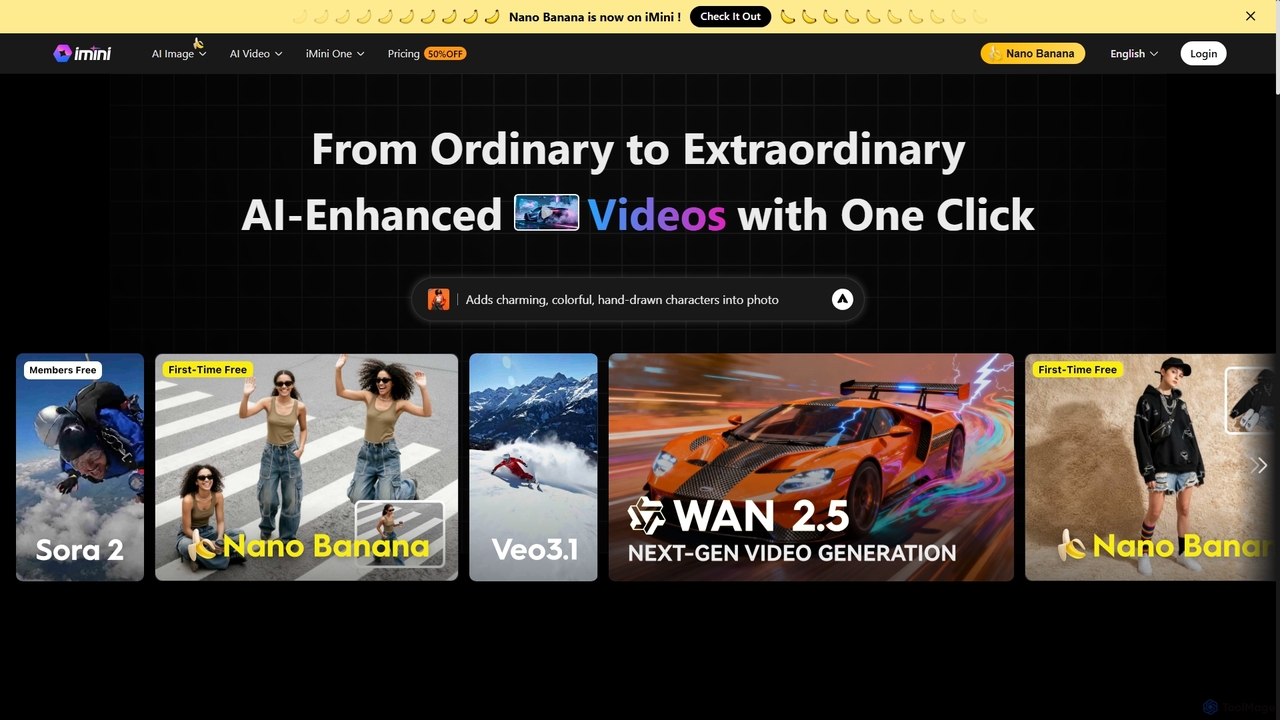
iMini
iMini is an all-in-one AI assistant and creation platform that integrates various AI agents for image generation, video creation, presentation slides, deep research, and document writing. It streamlines workflows, boosts productivity, and offers a unified chat interface for diverse creative and professional tasks.
Multifunctional Assistant
Omnipilot
Omnipilot, now part of Highlight, is a powerful AI assistant for Mac & Windows. It works across all your apps, providing context-aware assistance for writing, meetings, and tasks. It understands what's on your screen to reduce context switching and boost productivity without needing to copy-paste.
Utilities
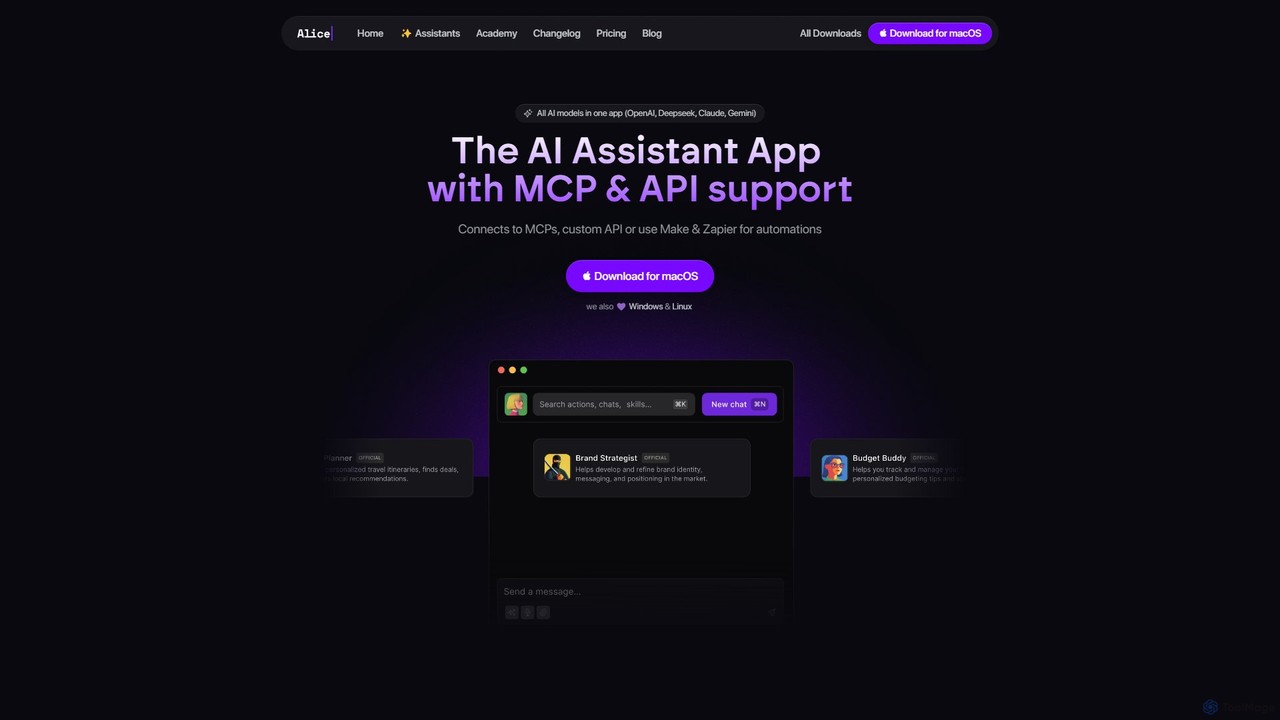
heyalice
heyalice is a personal AI assistant for your desktop (macOS, Windows, Linux) that centralizes top AI models like GPT-4o and Claude 3.5. It enhances productivity through customizable assistants, reusable prompts (Skills), and seamless integration with automation tools like Zapier and Make. Bring your own API keys to control costs and work faster with powerful keyboard shortcuts, all within a privacy-focused, local application.
Code Assistant