ToolMage
Sign in

Best 94 Automation AI tools

Popular Automation AI tools include AiSensy, Figure, Circleback, Sigmabrowser, Faceless.so, Otio, Jace AI, SheetAI, Rtrvr, and Superjoin, helping you work more efficiently.

Rtrvr
Freemium

Rtrvr

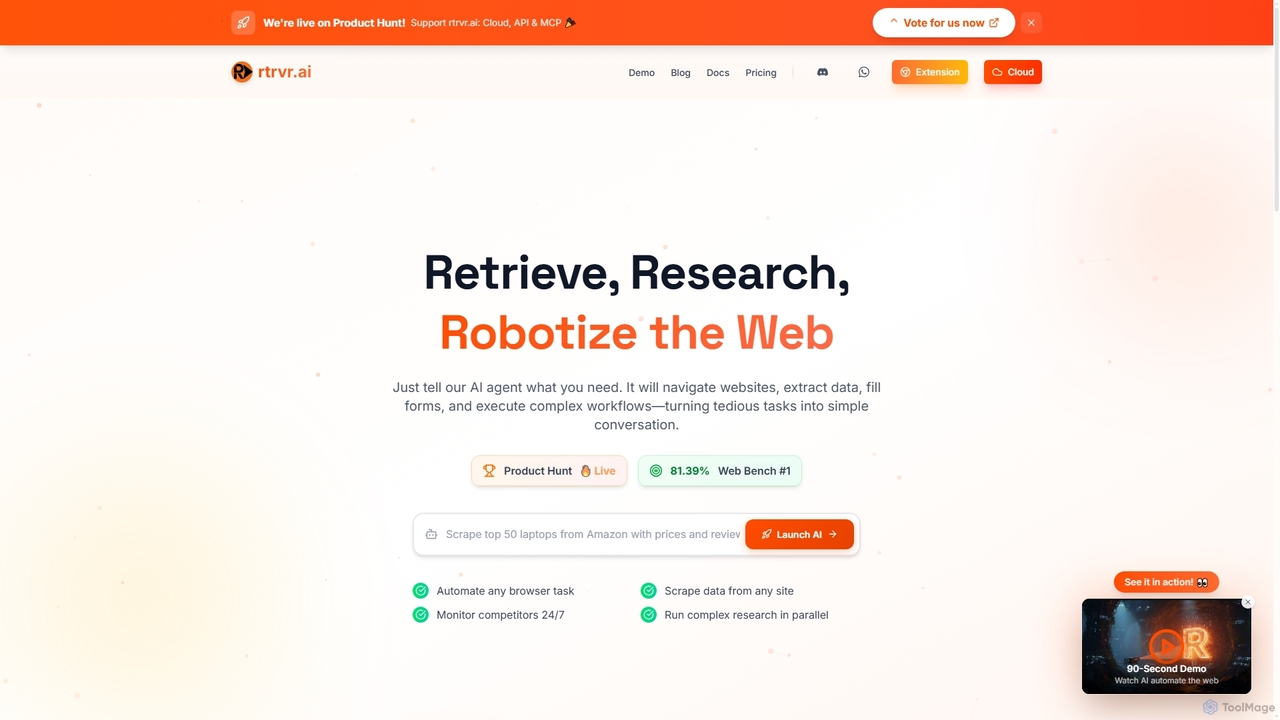
Rtrvr is an advanced AI agent designed to automate complex web tasks using natural language. It navigates websites, extracts data, fills forms, and executes workflows, transforming tedious operations into simple conversations.

Web Automation
Visits 51.5KFavorites 133Likes 134
E-Virtual
Freemium

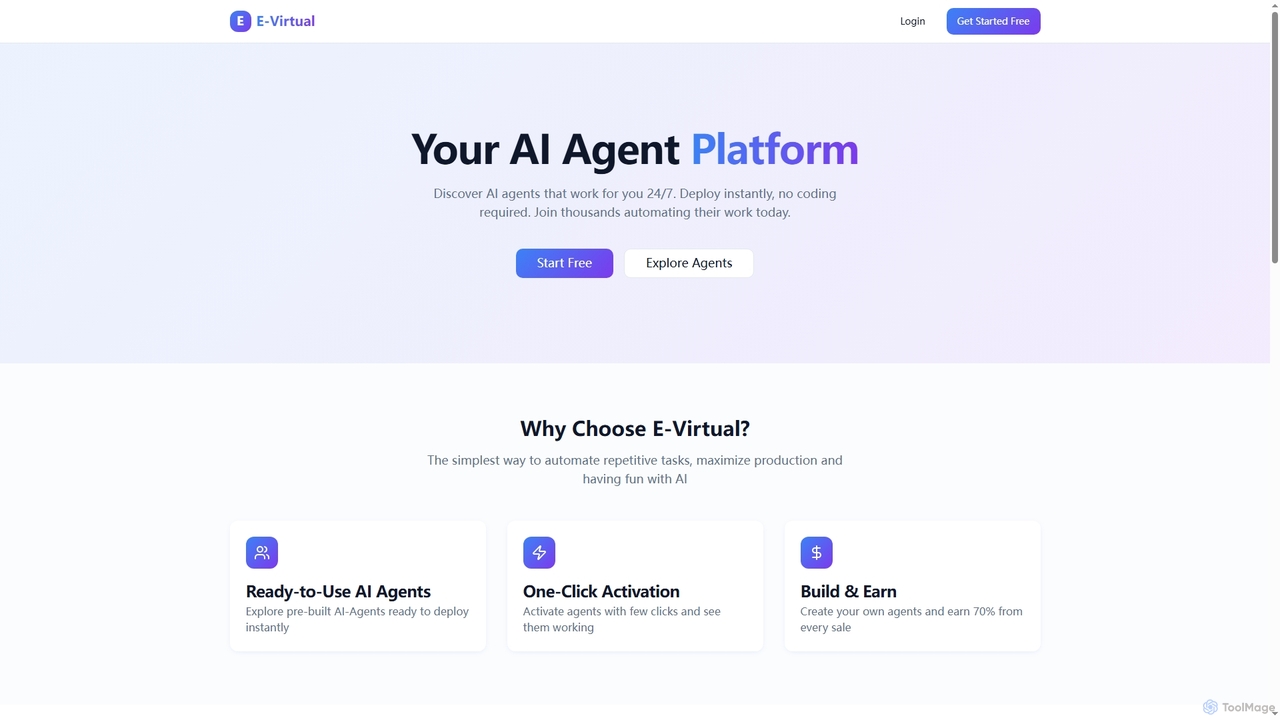
E-Virtual

E-Virtual is an AI agent platform that empowers users to instantly deploy pre-built AI agents without coding, automating repetitive tasks 24/7. It offers a marketplace for ready-to-use agents and allows creators to build and earn from their own AI solutions, simplifying workflow automation for individuals and power users alike.

Workflow Automation
Visits 6.3KFavorites 128Likes 132
Ogmax
Freemium

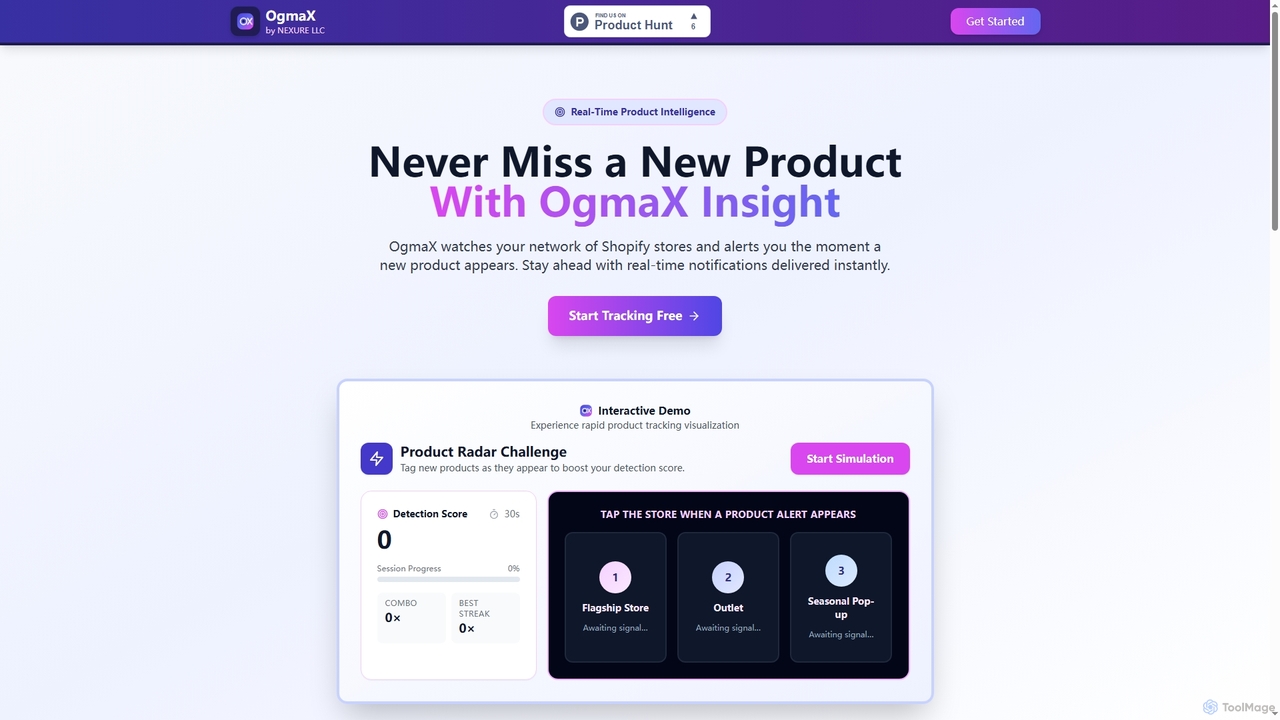
Ogmax

Ogmax is a real-time product intelligence tool for Shopify. It automatically monitors your chosen Shopify stores and sends instant notifications the moment a new product is launched, helping you stay ahead of competitors and never miss a product drop.

Monitoring
Visits 5.7KFavorites 155Likes 142
MicroBuilder
Paid

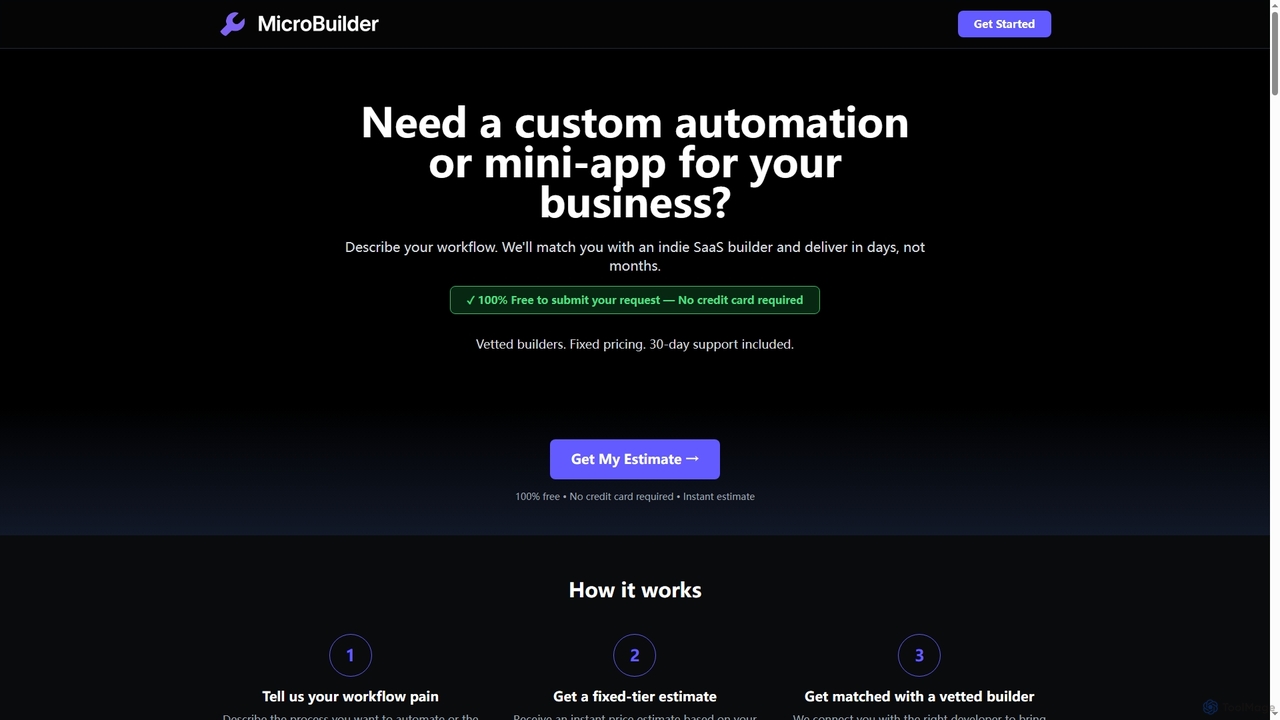
MicroBuilder

MicroBuilder rapidly delivers custom automations and mini-apps for businesses. Describe your workflow, get an instant fixed-tier estimate, and be matched with a vetted indie SaaS builder to bring your idea to life in days, not months, with transparent pricing and 30-day support.

Workflow Automation
Visits 5.7KFavorites 137Likes 131
Well
Paid

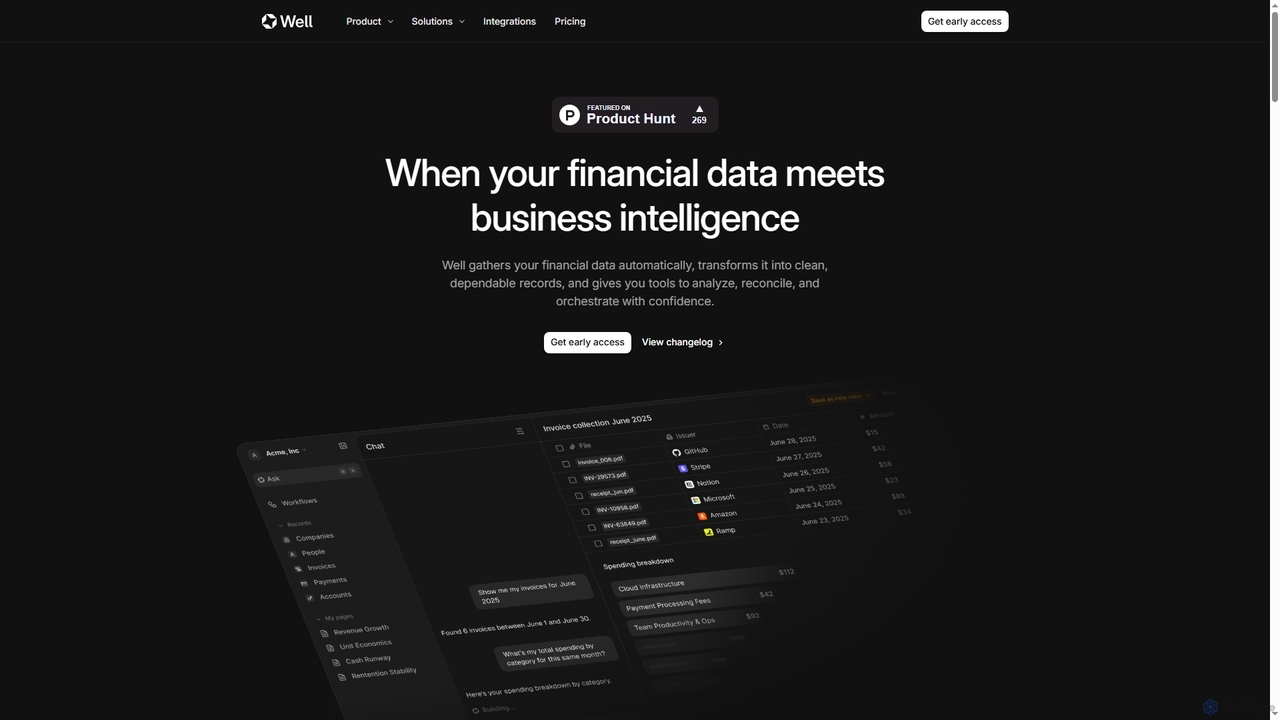
Well

Well is an AI-native business intelligence platform designed for SMBs, automating financial data gathering, transformation, and analysis. It unifies scattered financial information from various sources, turning it into clean, dependable records and actionable insights. With natural language queries, users can generate reports, track spending, and manage cash flow effortlessly, significantly reducing manual administrative work.

Financial Automation
Visits 10KFavorites 151Likes 136
Circulos
Paid

Circulos

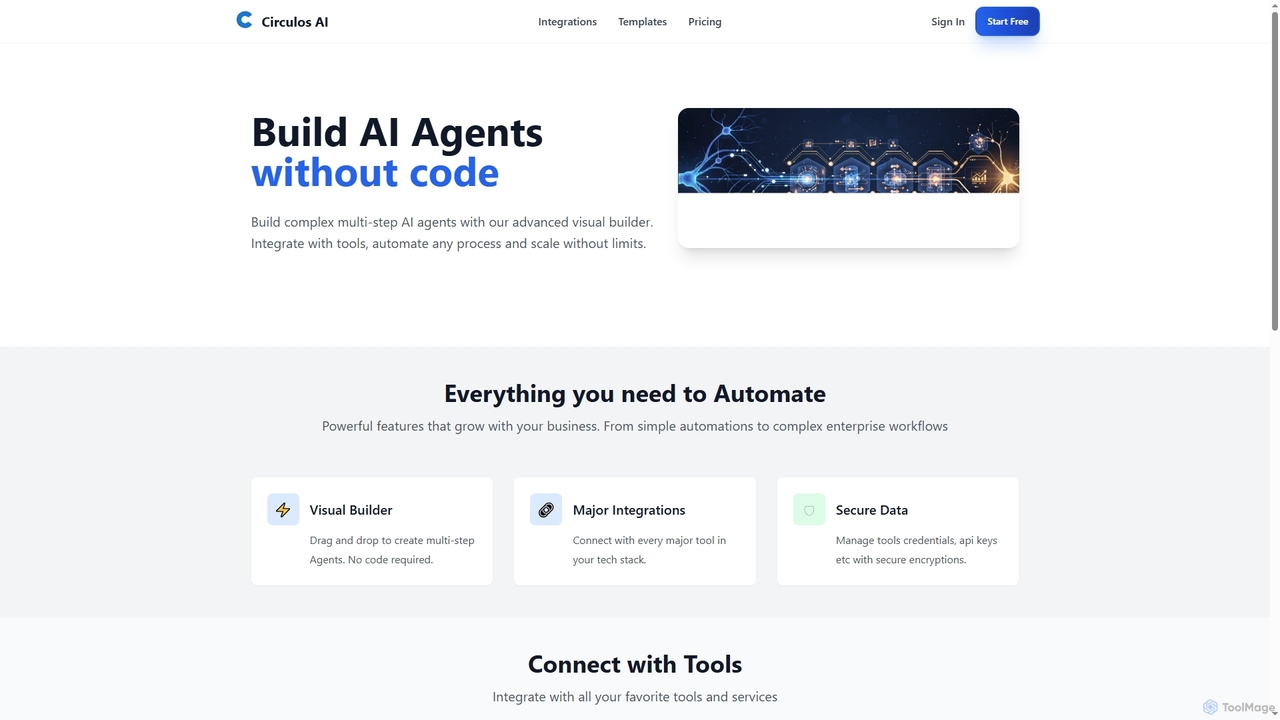
Circulos is a no-code AI automation platform that empowers businesses to build complex, multi-step AI agents using an intuitive visual builder. It integrates with over 100 popular tools, automates diverse workflows, and offers scalable solutions for various business needs, from lead qualification to social media publishing.

Ai Automation
Visits 5.6KFavorites 140Likes 141
Boomer
Freemium

Boomer

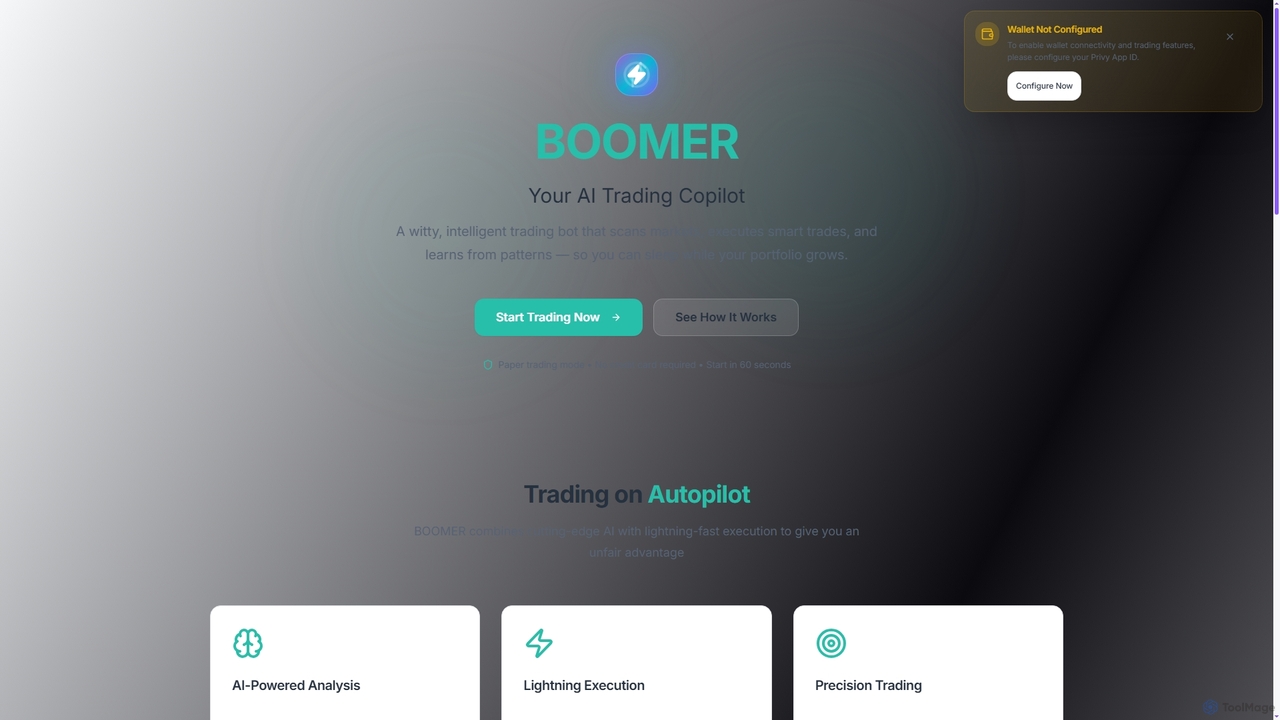
Boomer is an intelligent AI trading copilot designed for cryptocurrency markets. It automates trade execution, analyzes market patterns 24/7, and learns from performance to optimize your portfolio. With features like paper trading and natural language interaction, Boomer offers an unfair advantage for traders seeking automated success and growth.

Trading Bots
Visits 5.7KFavorites 162Likes 155
AI Orbis
Free

AI Orbis

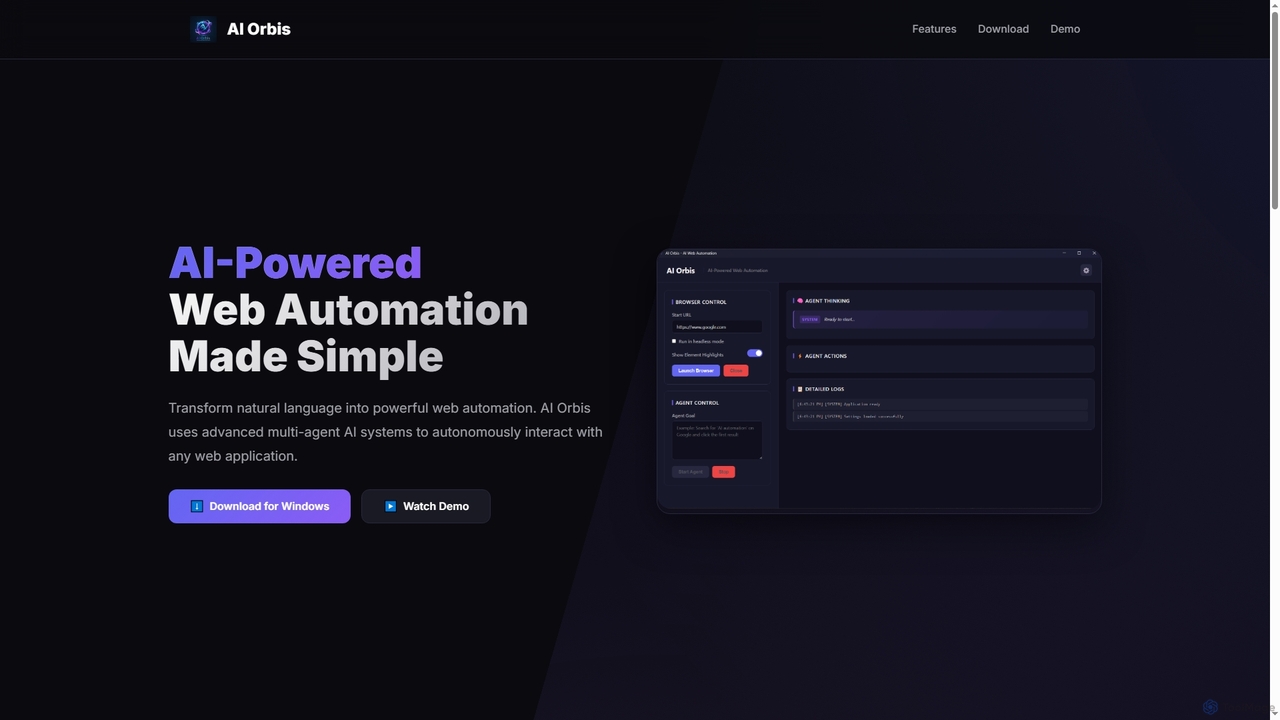
AI Orbis is a free, AI-powered web automation agent that transforms natural language into powerful, autonomous browser actions. It uses advanced multi-agent AI systems to intelligently interact with any web application, simplifying complex online tasks without requiring any coding.

Natural Language Processing
Visits 5.6KFavorites 144Likes 143
OptimumHQ
Paid

OptimumHQ

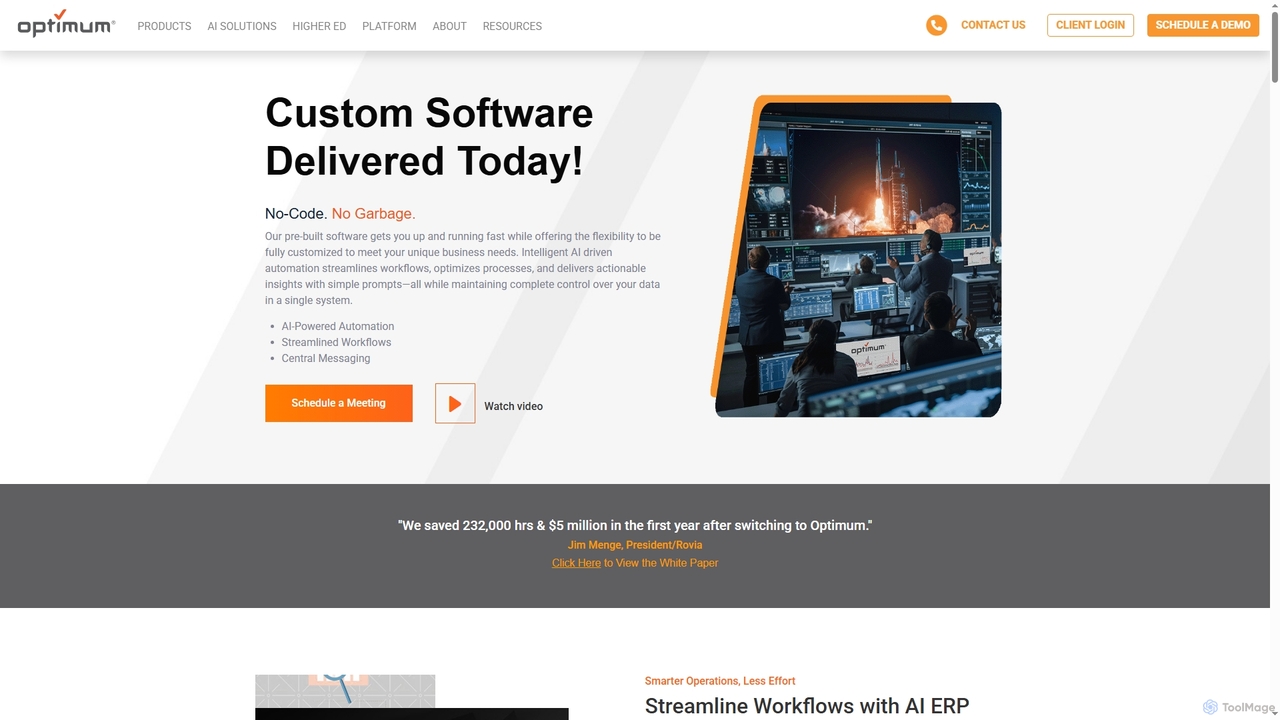
OptimumHQ is a no-code adaptive software platform that empowers businesses to rapidly create custom solutions, leveraging AI-driven automation for streamlined workflows, optimized processes, and actionable insights across ERP, CRM, messaging, and digital forms.

3D
Visits 43.3KFavorites 162Likes 158
Neura
Freemium

Neura

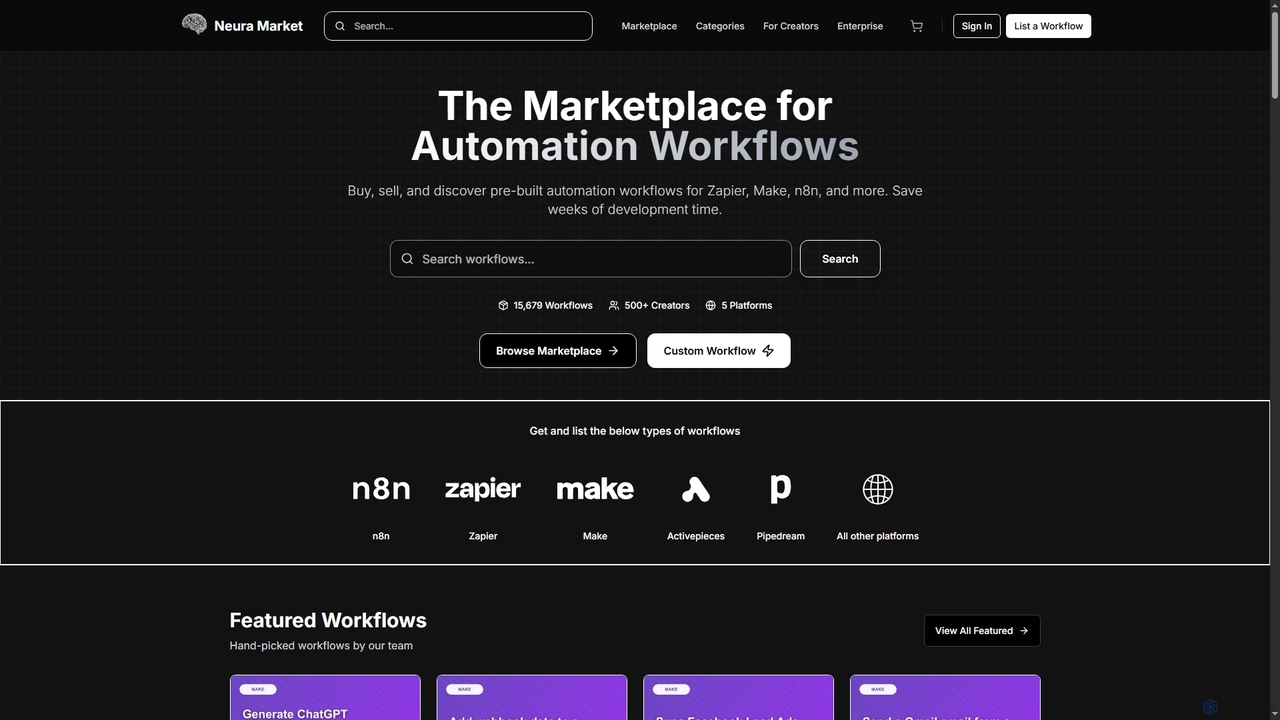
Neura is the leading marketplace for discovering, buying, and selling pre-built automation workflows. It empowers individuals and enterprises to streamline operations, integrate AI tools like ChatGPT, and save significant development time across platforms such as Zapier, Make, and n8n. With a vast library of workflows and a robust creator ecosystem, Neura simplifies complex automation tasks for various business needs.

Workflow Automation
Visits 31.2KFavorites 129Likes 133
MailAI
Paid

MailAI

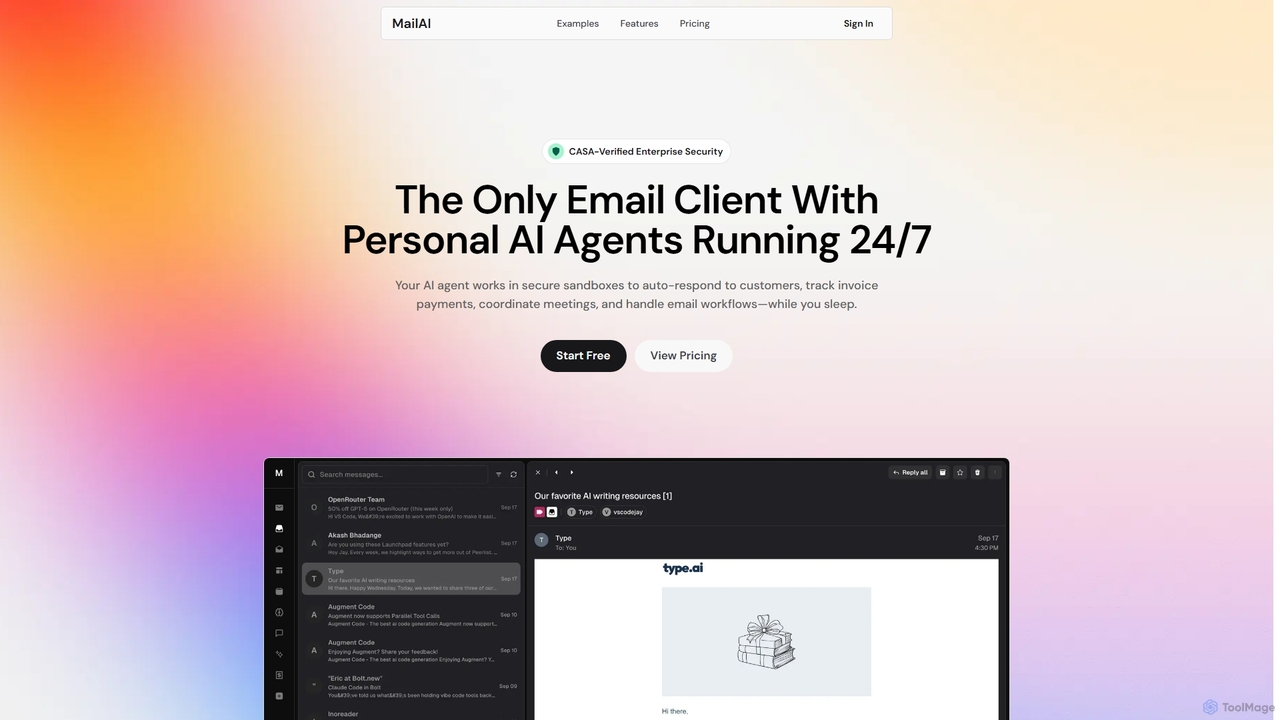
MailAI is an advanced AI email assistant that deploys personal AI agents to automate email management 24/7. Operating within secure, CASA-verified sandboxes, it handles tasks like auto-responding, scheduling meetings, and tracking invoices, freeing up professionals to focus on critical work. It offers enterprise-grade security and a natural language interface for effortless control.

Workflow Automation
Visits 5.6KFavorites 115Likes 112
Ekinox
Freemium

Ekinox

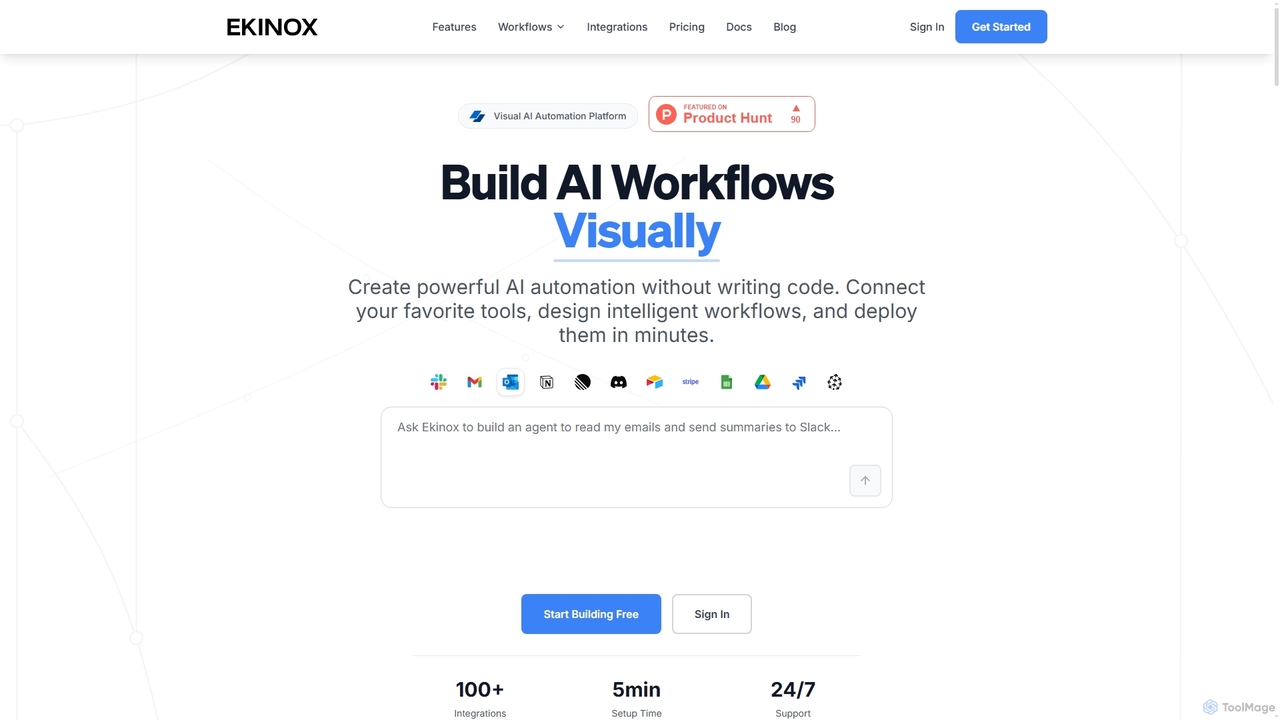
Ekinox is a visual AI automation platform that allows users to build, connect, and deploy complex AI workflows without writing any code. It features a drag-and-drop canvas, integrates with over 100 tools and AI models, and is designed for both simple task automation and sophisticated AI agent orchestration.

Workflow
Visits 5.6KFavorites 139Likes 155
Jace AI
Paid

Jace AI

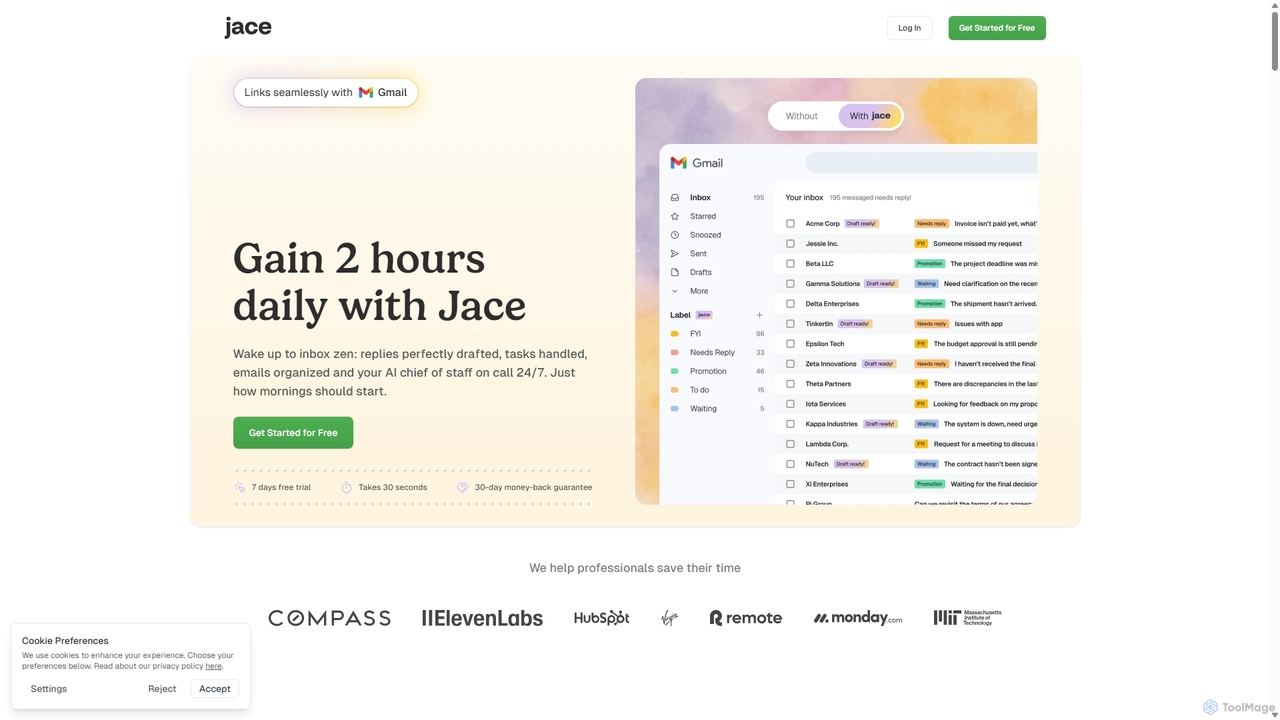
Jace AI is an intelligent 24/7 email assistant that automates your inbox. It seamlessly integrates with Gmail to draft replies, organize emails with AI labels, and handle tasks automatically. By analyzing context from attachments, calendars, and Slack, Jace saves professionals hours daily, allowing them to focus on what truly matters.

Workflow Management
Visits 82.1KFavorites 128Likes 115
Otio
Freemium

Otio

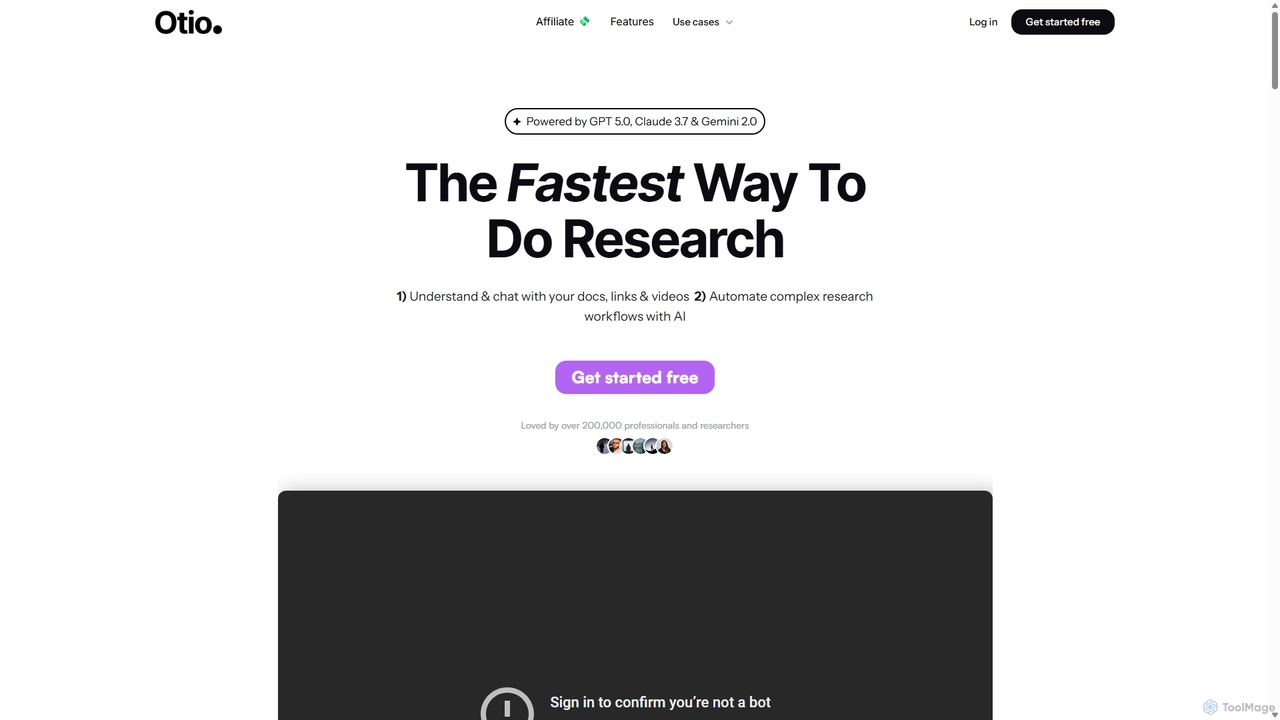
Otio is an AI-powered research and writing partner that streamlines your workflow. It allows you to understand and chat with documents, links, and videos, automate complex research tasks, and draft reports in an integrated AI editor. It's designed for students, researchers, and professionals to extract insights and produce high-quality written content efficiently.

Workflow
Visits 99.9KFavorites 132Likes 146
AiSensy
Freemium

AiSensy

AiSensy is an intelligent WhatsApp Marketing Platform built on the official WhatsApp Business API. It empowers businesses to engage customers through automated broadcasts, no-code chatbots, Click-to-WhatsApp ads, and multi-agent live chat. Features include payment collection, smart segmentation, and deep analytics to drive conversions and enhance customer support.

No Code
Visits 824.2KFavorites 167Likes 145
Algojobs
Paid

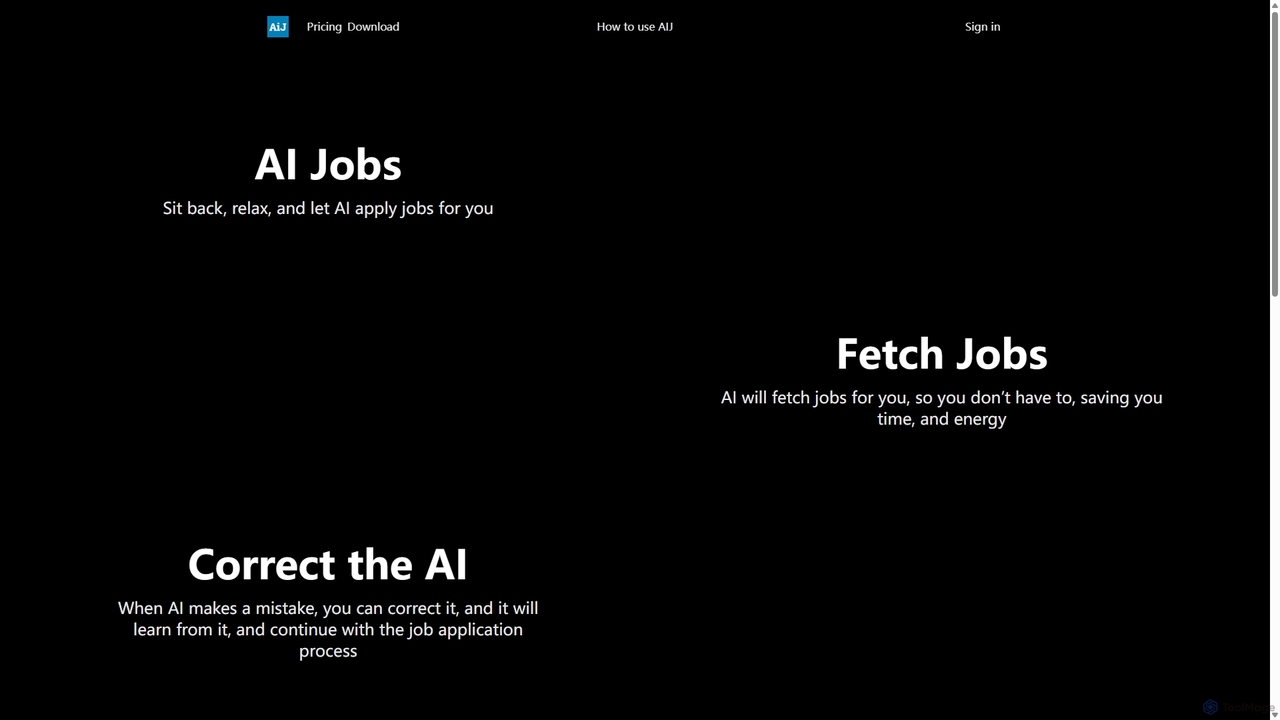
Algojobs

Algojobs is an AI-powered platform that automates the job search process. It intelligently finds relevant job openings and automatically applies on your behalf, saving you countless hours. The system learns from your corrections to improve application accuracy over time, making your job hunt more efficient and less stressful.

Personal Assistant
Visits 6.4KFavorites 127Likes 147
Folderr
Freemium

Folderr

Folderr is an AI-powered platform that automates file management and document organization. It intelligently sorts, tags, and categorizes your files from various sources, enabling instant semantic search and streamlined workflows. Transform your digital clutter into an organized, accessible, and intelligent database.

Workflow Automation
Visits 5.7KFavorites 80Likes 92
Jarvis
Freemium

Jarvis

Jarvis is an intelligent AI assistant designed to automate tasks, manage schedules, and streamline communication for busy professionals and teams. It acts as a central command hub, integrating with your existing tools to boost productivity and reclaim your time.

Workflow
Visits 5.7KFavorites 133Likes 133
Reshape Biotech
Paid

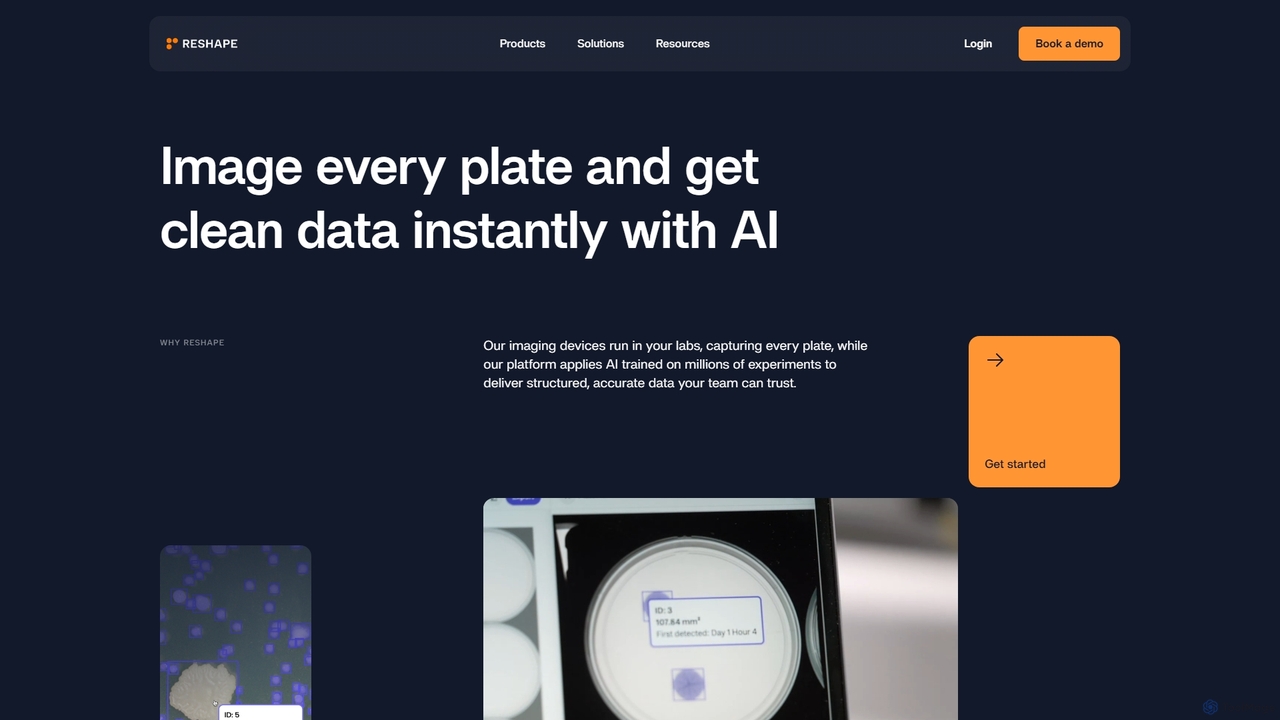
Reshape Biotech

Reshape Biotech provides an AI-powered lab automation platform that combines automated imaging hardware with a cloud-based analysis system. It's designed for R&D and QC labs in biotechnology, agriculture, and food science to automate plate imaging, analyze experiments with AI, and generate structured, reproducible data, significantly accelerating research and development cycles.

Laboratory Automation
Visits 12.4KFavorites 136Likes 130
Shortspilot
Freemium

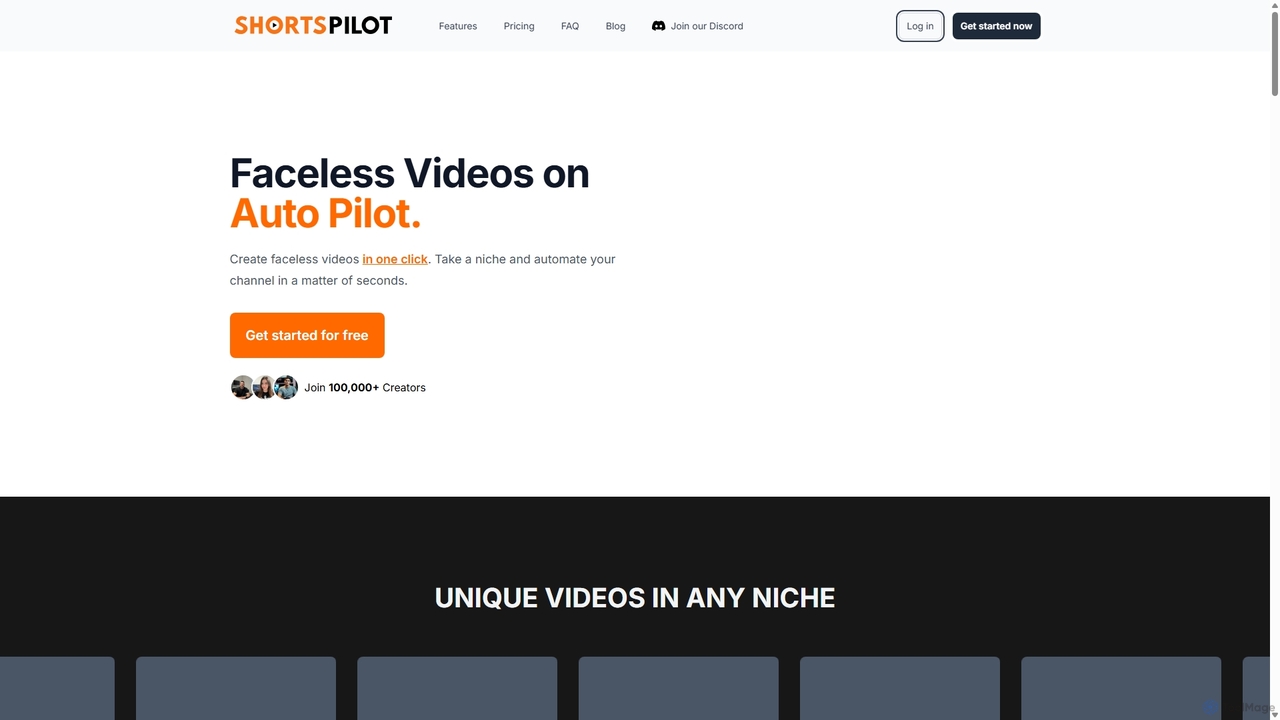
Shortspilot

Shortspilot is an AI-powered faceless video generator that automates the creation of short videos for TikTok and YouTube. Select a niche, and the tool handles everything from scriptwriting and voiceover to adding background visuals and auto-posting, enabling creators to grow their channels effortlessly.

Marketing Automation
Visits 40.1KFavorites 103Likes 93
Off*Work
Freemium

Off*Work

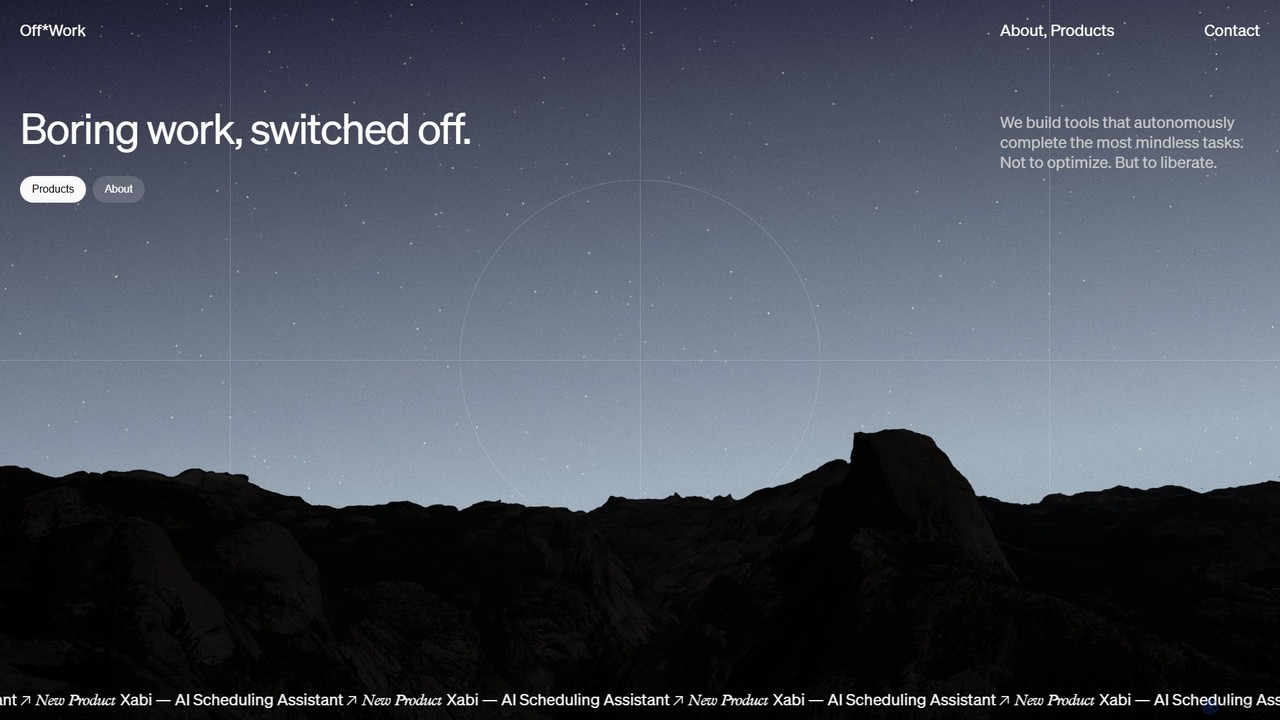
Off*Work develops autonomous AI agents designed to handle tedious operational tasks, liberating professionals from mundane work. Its flagship product, Xabi, is an AI scheduling assistant that automates the entire process of coordinating and booking meetings, allowing teams to focus on what truly matters.

Task Management
Visits 5.5KFavorites 124Likes 137
accomplice.ai
Freemium

accomplice.ai

accomplice.ai is an intelligent AI-powered platform designed to automate workflows, manage tasks, and act as a proactive digital partner. It integrates seamlessly with your favorite apps to streamline processes and boost productivity for individuals and teams.

No Code
Visits 5.7KFavorites 119Likes 125
doconvert
Paid

doconvert

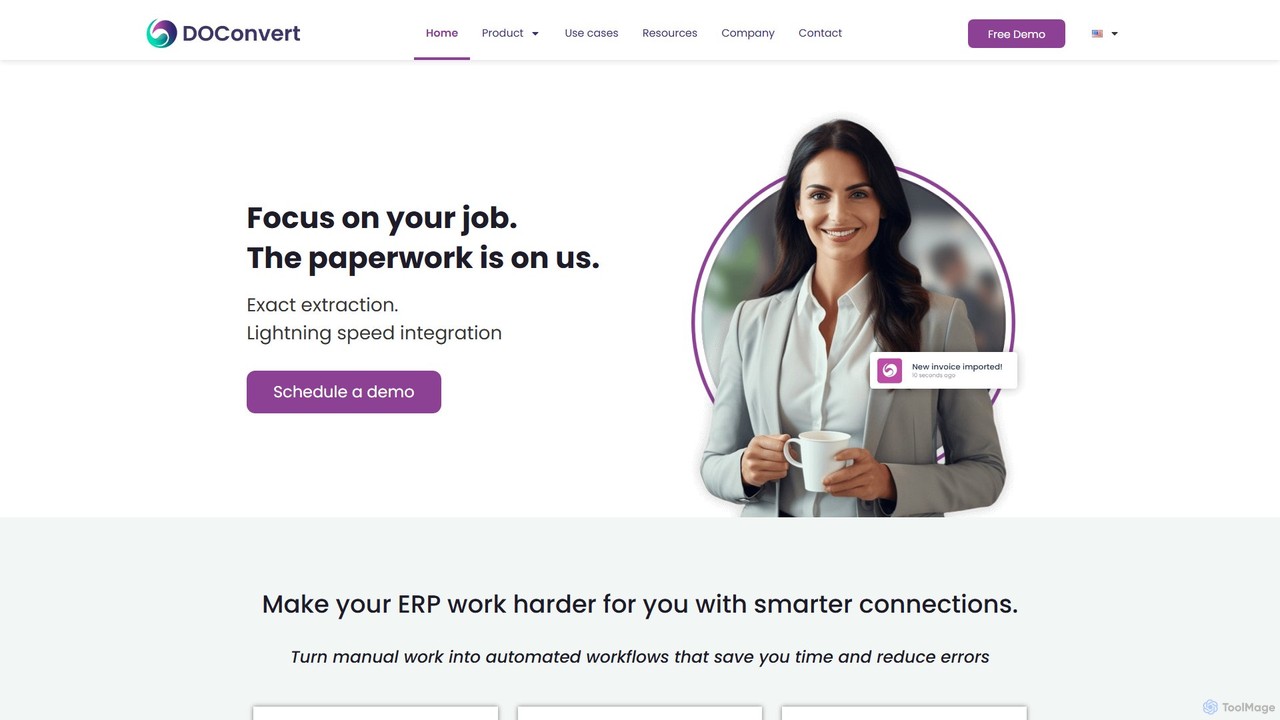
doconvert is an AI-powered intelligent document processing (IDP) platform that automates data extraction from business documents. It seamlessly integrates with leading ERP systems like SAP and Oracle, turning manual paperwork into automated workflows. The platform is designed to save significant time, reduce human error, and enhance operational efficiency for businesses by accurately extracting data from invoices, orders, and shipping documents at lightning speed.

Workflow
Visits 6.3KFavorites 110Likes 124
Envole

Envole

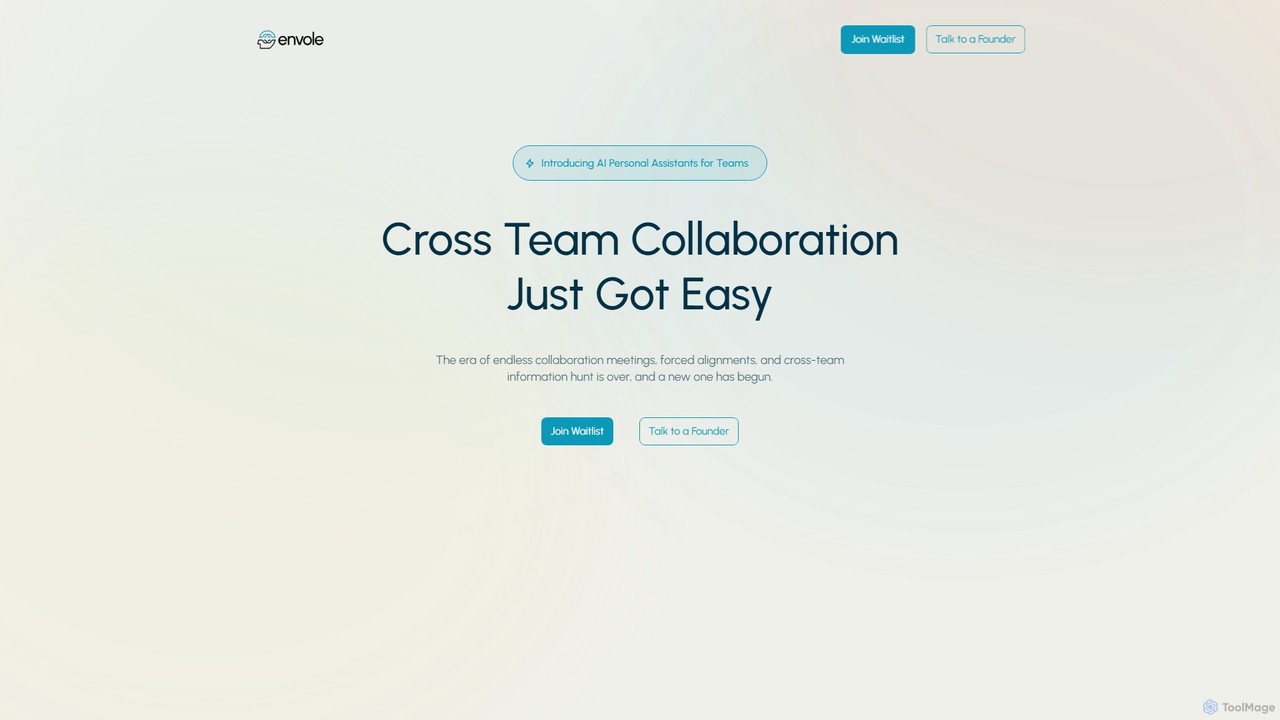
Envole provides dedicated AI Personal Assistants for teams, designed to streamline cross-team collaboration. It automates workflows, syncs tools and knowledge bases, and organizes meetings and communications, eliminating information silos and enhancing productivity. Each team gets a customizable assistant connected to their specific apps like Jira, Slack, and Notion.

Workflow Automation
Visits 6.5KFavorites 142Likes 132

About Automation

AI Automation tools are platforms designed to execute repetitive tasks and orchestrate complex workflows across various applications without manual intervention. These tools leverage APIs and AI logic to connect different software, enabling data to move and actions to be triggered based on predefined rules. They are essential for streamlining business processes, reducing human error, and freeing up teams to focus on more strategic work. Many platforms offer a visual, no-code or low-code interface, making automation accessible to non-developers.

Core Features

  • Workflow Builder: Visually design multi-step automated processes using triggers and actions.
  • App Connectors: A vast library of pre-built integrations to connect with thousands of cloud applications and services.
  • Conditional Logic: Create sophisticated workflows with rules, filters, and branching paths based on specific conditions.
  • Data Mapping: Transfer and transform data between different applications automatically.
  • Execution Monitoring: Track the history of workflow runs, identify errors, and debug issues in real-time.

Use Cases

AI Automation tools are widely used across departments like marketing, sales, IT, and HR. For instance, a marketing team can automate social media posting whenever a new blog is published. A sales team can automatically sync new leads from a web form to their CRM and trigger a welcome email sequence. IT departments use them to route support tickets and manage user provisioning.

How to Choose

When selecting an AI Automation tool, first evaluate its integration library to ensure it supports the apps you use. Consider the complexity of workflows you need to build; some tools excel at simple linear tasks, while others support complex conditional logic. Assess the user interface—whether you need a simple no-code builder or a more advanced platform. Finally, compare pricing models, which are often based on the number of tasks or active workflows.

Featured tool rankings

Automation use cases

1

Automate Social Media Content Distribution

A content marketer needs to ensure every new blog post gets maximum visibility. Instead of manually creating and scheduling posts for each platform, they use an automation tool. The workflow is triggered when a new item appears in the blog's RSS feed. The tool then automatically takes the post's title and link, uses an AI writing integration to generate a concise summary for Twitter and a longer one for LinkedIn, and schedules them to be published at optimal engagement times. This saves several hours per week and ensures consistent content promotion.

2

Streamline Sales Lead Management

A sales team receives leads from various sources, including website forms, webinars, and social media. To prevent leads from falling through the cracks, they set up an automation. When a new lead is submitted via a form, the tool instantly adds them to the CRM, assigns them to a sales representative based on territory, and sends a personalized welcome email. The workflow can also include a delay, and if the lead hasn't been contacted after 24 hours, it sends a notification to the sales manager. This ensures rapid response times and accountability.

3

Automate IT Support Ticket Routing

An IT department handles numerous support requests daily via email. To manage the queue efficiently, they use an automation tool to parse incoming emails. The tool identifies keywords in the subject line or body (e.g., 'password reset', 'VPN issue', 'new hardware'). Based on these keywords, it automatically creates a ticket in their helpdesk system, assigns it to the appropriate specialist (e.g., network team, hardware support), and sets a priority level. This eliminates the manual triage process, reduces response times, and ensures requests are handled by the correct expert from the start.

4

Automate Employee Onboarding Processes

An HR manager is responsible for onboarding new hires, a process involving many repetitive administrative tasks. They build an automation workflow that triggers when a candidate is marked as 'Hired' in the applicant tracking system (ATS). The workflow automatically creates user accounts in Google Workspace and Slack, sends a welcome email with first-day information, adds the new hire to relevant calendars for orientation meetings, and creates a task for the IT department to prepare their equipment. This ensures a smooth, consistent, and error-free onboarding experience for every new employee.

5

Sync Customer Data Across Platforms

A business uses a CRM to manage sales, an email marketing platform for newsletters, and a billing system for payments. Keeping customer information consistent across these systems is a major challenge. An automation tool is used to create a two-way sync. When a customer's contact details are updated in the CRM, the automation instantly updates the corresponding record in the email marketing platform and billing system. Conversely, if a customer unsubscribes from an email list, their marketing preference is updated in the CRM. This ensures data integrity and a single source of truth for customer information.

6

Generate and Distribute Regular Reports

A project manager needs to provide weekly progress reports to stakeholders. This used to involve manually pulling data from a project management tool, a time-tracking app, and a budget spreadsheet, then compiling it into an email. Now, an automation runs every Friday afternoon. It fetches the number of completed tasks, total hours logged, and budget spent from the respective applications. It then formats this data into a clean summary and posts it to a dedicated Slack channel for all stakeholders to see. This process ensures timely, accurate, and effortless reporting.

Automation FAQ

What are AI Automation tools?

AI Automation tools are software platforms that allow you to connect different applications and services to automate repetitive tasks and workflows. They operate on a system of triggers and actions, where a specific event in one app (the trigger) initiates a predefined action in another. For example, receiving a new email attachment in Gmail (trigger) could automatically save that file to Dropbox (action). These tools are designed to streamline processes without requiring any coding knowledge.

How to choose the right AI Automation tool?

Choosing the right tool depends on your specific needs. Consider these factors:

  • App Integrations: Does the tool connect with the specific software you use every day (e.g., your CRM, project management tool, email client)?
  • Workflow Complexity: Do you need simple, two-step automations, or complex workflows with multiple conditions, branches, and filters?
  • Ease of Use: Is the interface intuitive for non-technical users, or is it geared towards developers with more advanced options?
  • Pricing: Evaluate the cost structure. Is it based on the number of tasks executed per month, the number of active workflows, or the number of users?
What's the difference between AI Automation and Robotic Process Automation (RPA)?

While both automate tasks, they operate at different levels. AI Automation tools (like Zapier or Make) primarily work by connecting applications through their APIs. They are ideal for cloud-based workflows. Robotic Process Automation (RPA) tools, on the other hand, typically automate tasks by mimicking human actions on a user interface, such as mouse clicks and keyboard entries. RPA is often used to automate processes on legacy systems or desktop applications that do not have APIs.

What kind of tasks can be automated?

A wide variety of digital tasks can be automated, especially those that are repetitive and rule-based. Common examples include:

  • Data Entry: Automatically moving information from a form or spreadsheet into a CRM or database.
  • Notifications: Sending alerts to Slack or email when a specific event occurs, like a new sale or a completed project task.
  • Content Distribution: Sharing new blog posts or videos across multiple social media platforms.
  • File Management: Organizing and backing up files from one cloud service to another.
  • Report Generation: Aggregating data from multiple sources into a weekly or monthly summary.
Do I need to know how to code to use AI Automation tools?

No, for the most part. The vast majority of popular AI Automation platforms are designed with no-code or low-code interfaces. They use visual builders where you can drag and drop apps and define logic without writing a single line of code. This makes automation accessible to marketers, business owners, and other non-technical professionals. However, some platforms do offer advanced features for developers who want to write custom scripts or connect to custom APIs for more complex scenarios.