Paid
Popular Automation AI tools include AiSensy, Figure, Circleback, Sigmabrowser, Faceless.so, Otio, Jace AI, SheetAI, Rtrvr, and Superjoin, helping you work more efficiently.
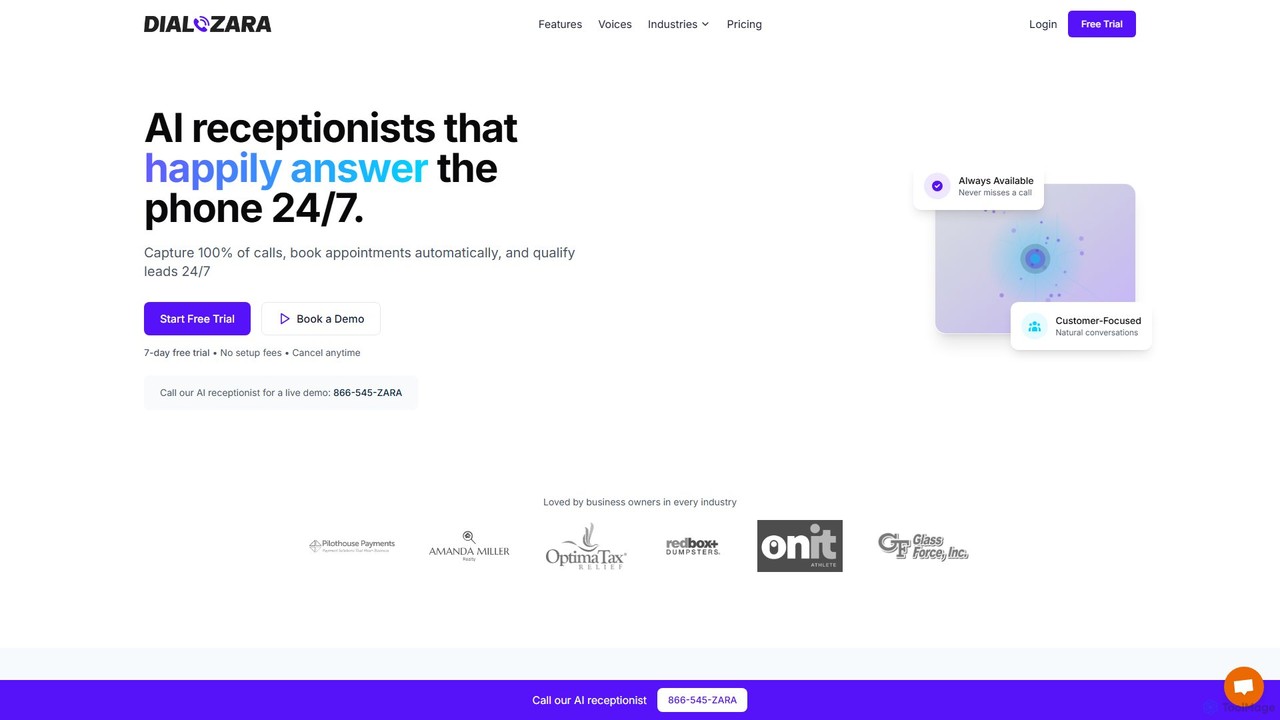
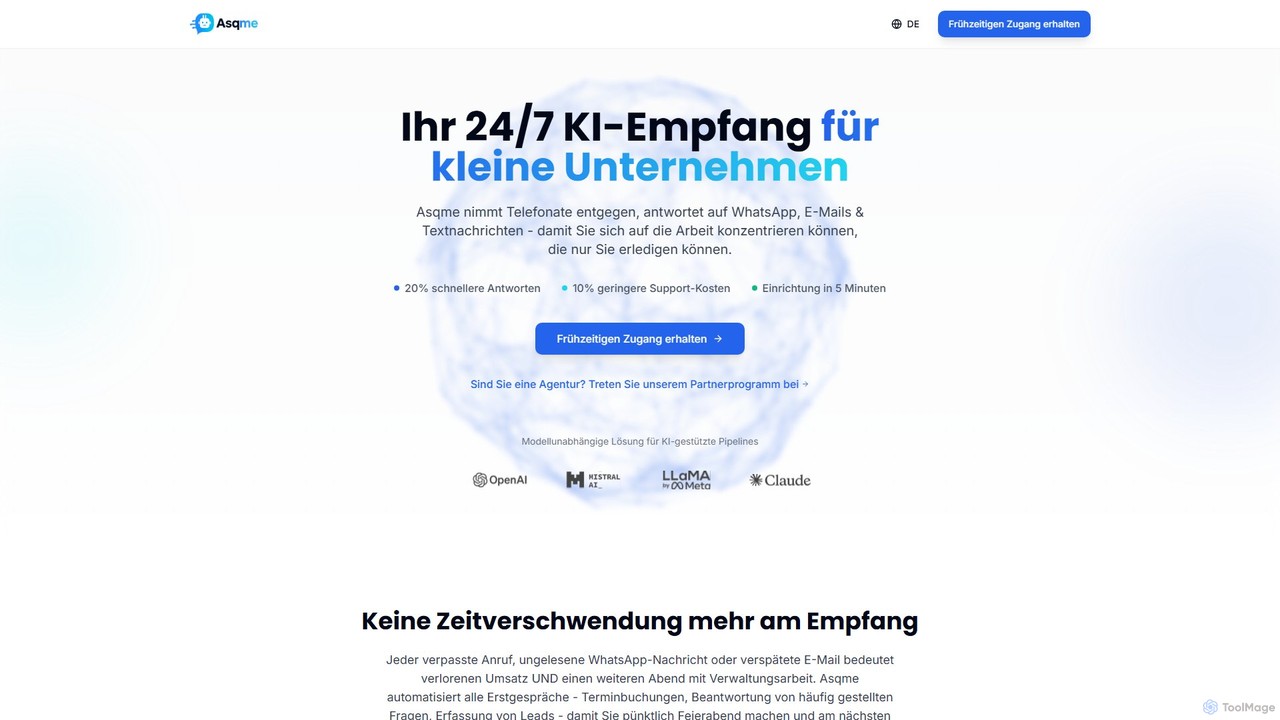
Dialzara is an AI-powered receptionist and 24/7 phone answering service. It captures 100% of calls, automatically books appointments, qualifies leads, and provides multilingual support. Designed for small businesses, it's easy to set up, integrates with thousands of apps, and significantly reduces costs compared to traditional answering services.
Workflow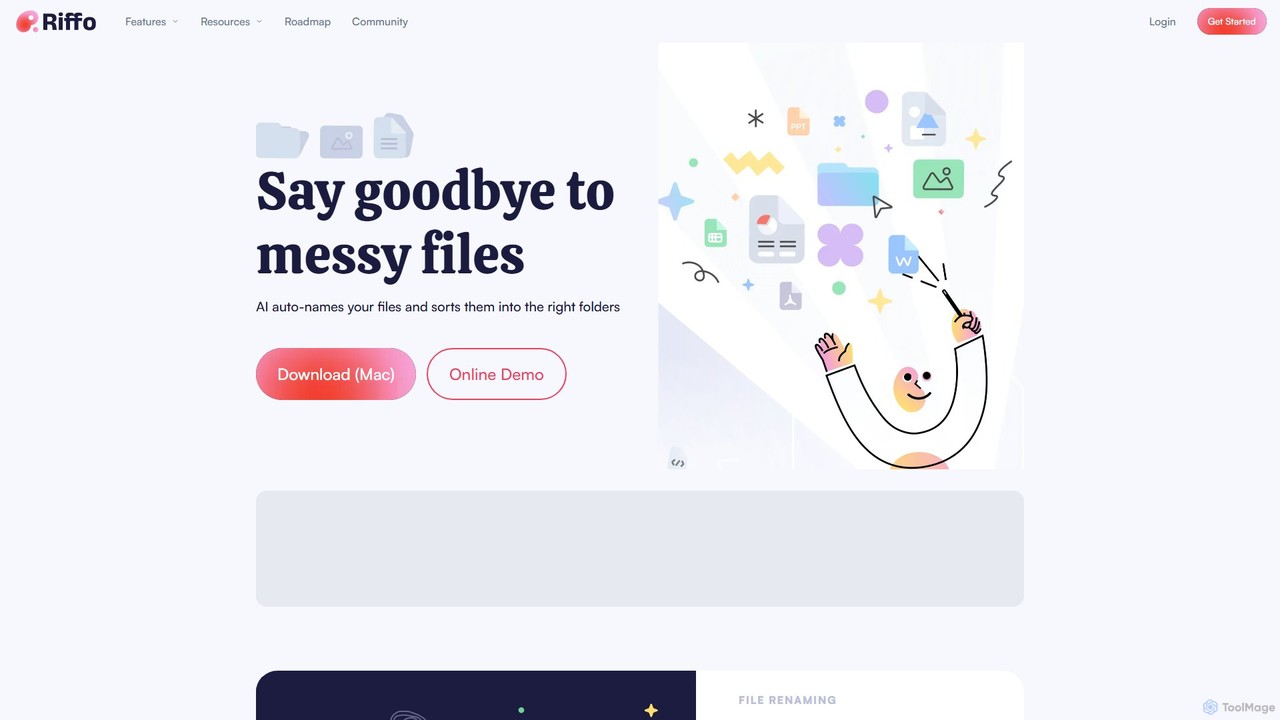
Riffo is an AI-powered file management tool for Mac that automatically renames and organizes your files. It intelligently analyzes file content, including text in images and documents, to generate descriptive names and sort them into relevant subfolders, transforming a cluttered desktop into an organized digital workspace.
Workflow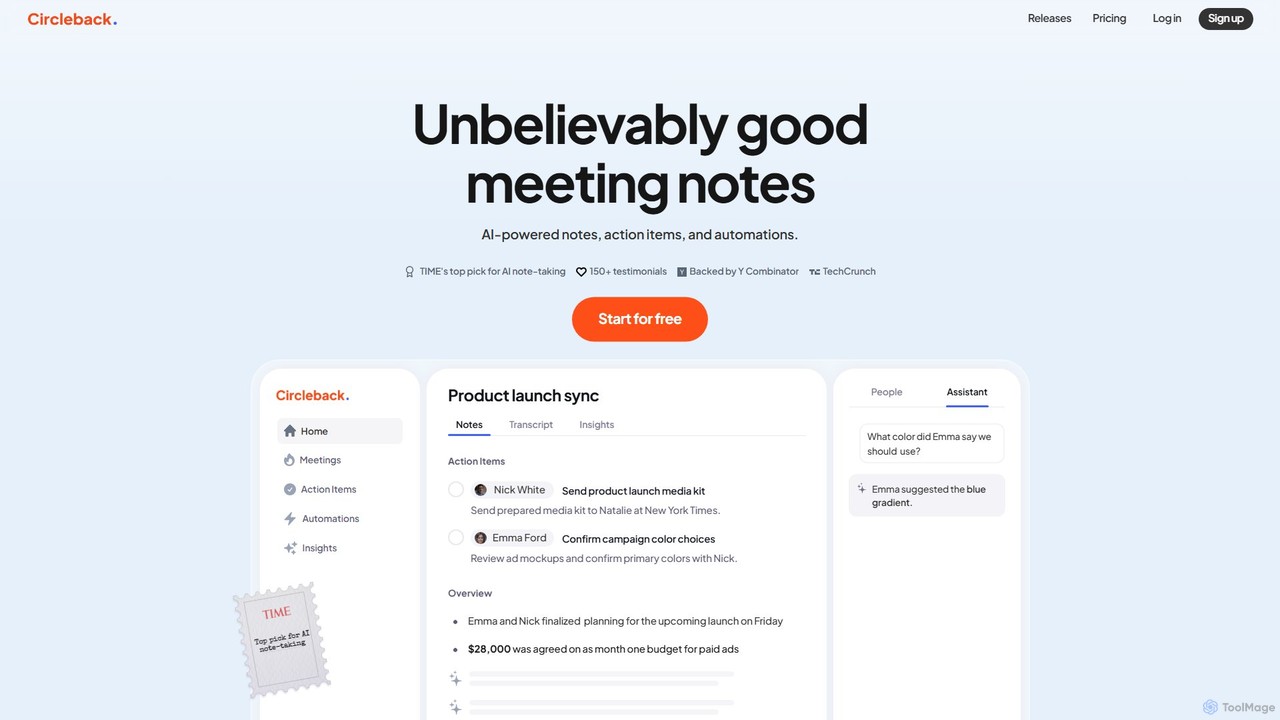
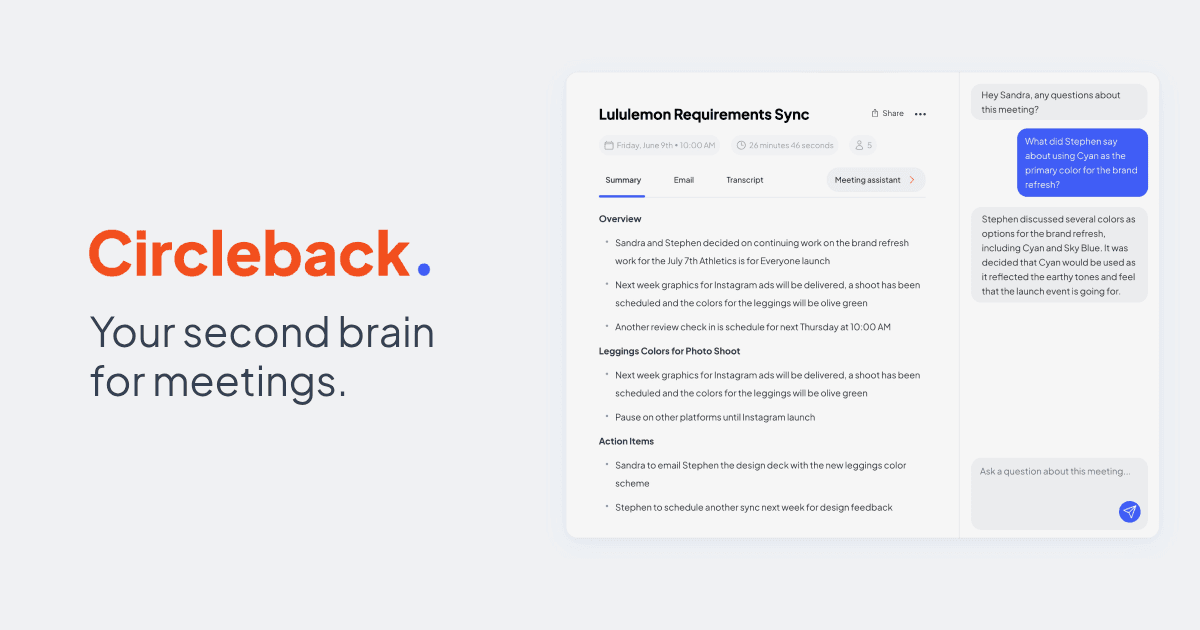
Circleback is an AI-powered meeting assistant that automatically generates meticulous notes, assigns action items, and provides accurate transcriptions for both virtual and in-person meetings. It integrates with your favorite apps to automate post-meeting workflows, helping you save time, stay organized, and focus on the conversation.
Workflow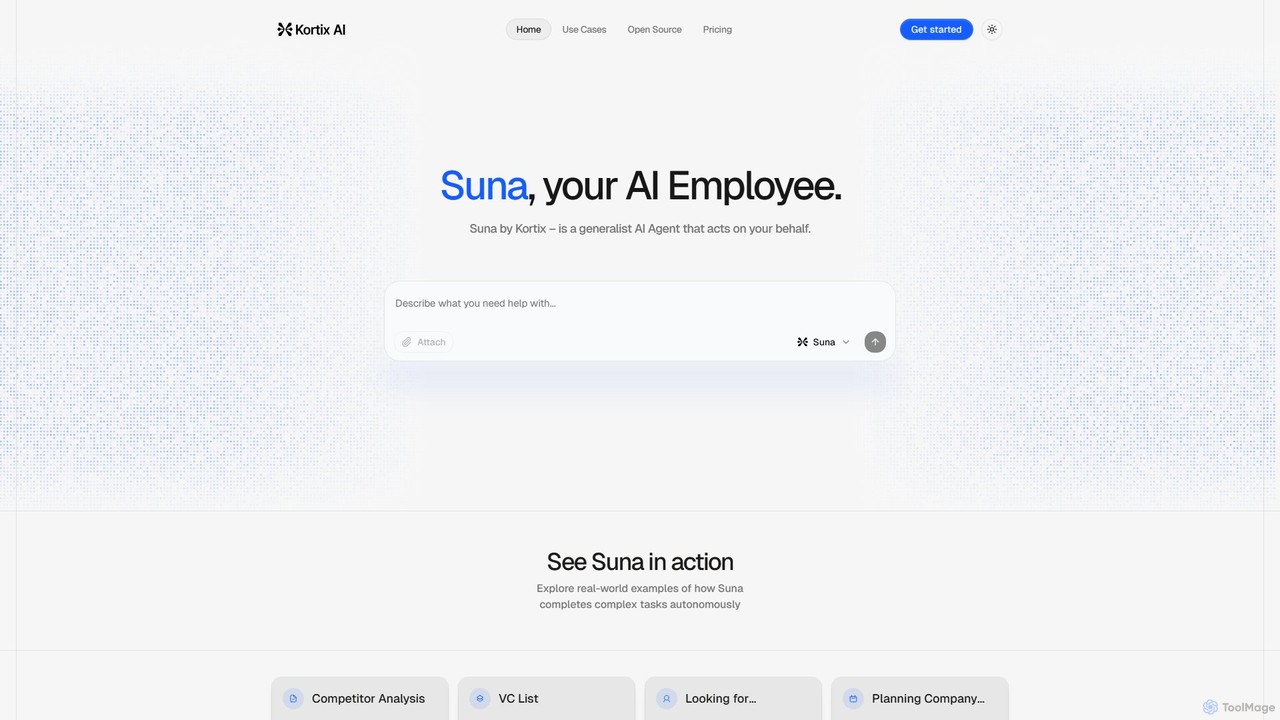
Suna is an open-source, generalist AI agent that acts as your AI employee. It autonomously executes complex tasks like market research, competitor analysis, lead generation, and data scraping by browsing the web and processing information.
Task Automation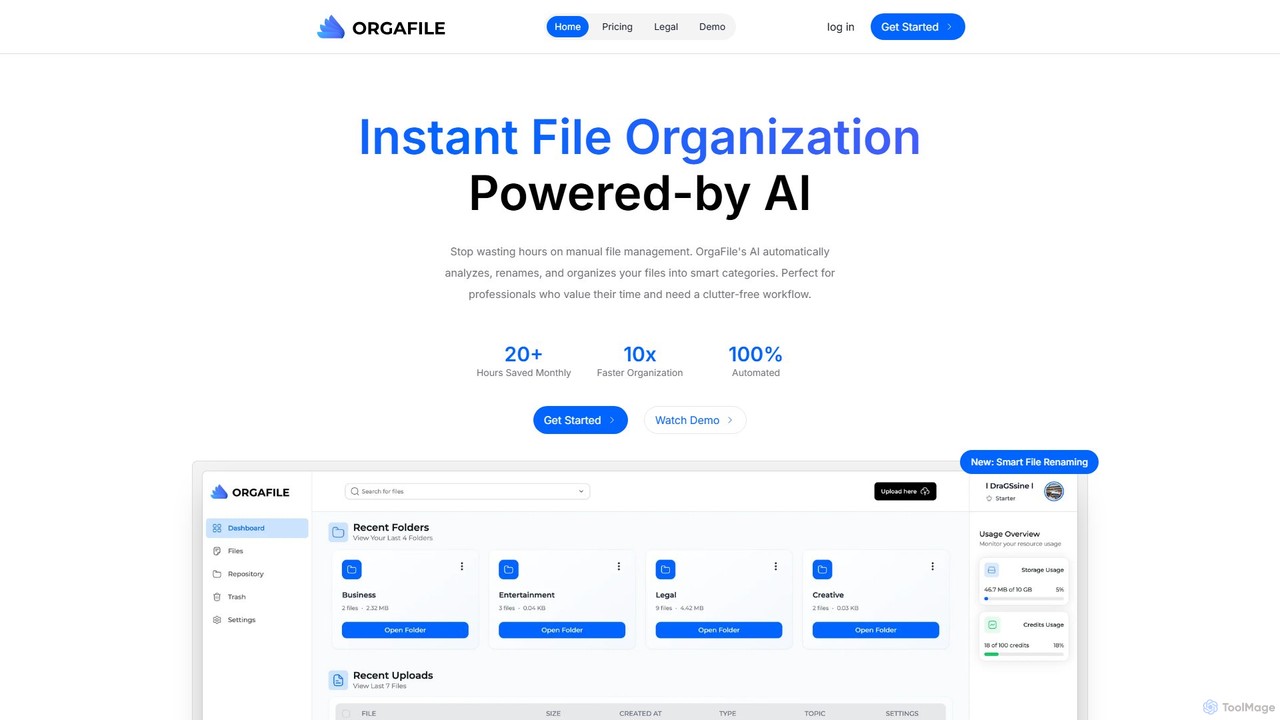
OrgaFile is an AI-powered tool that automatically analyzes, renames, and organizes your files into smart, customizable categories. Designed for professionals and individuals, it saves hours of manual work, enhances productivity with a 10x faster organization process, and ensures your digital workspace remains clutter-free and secure.
Workflow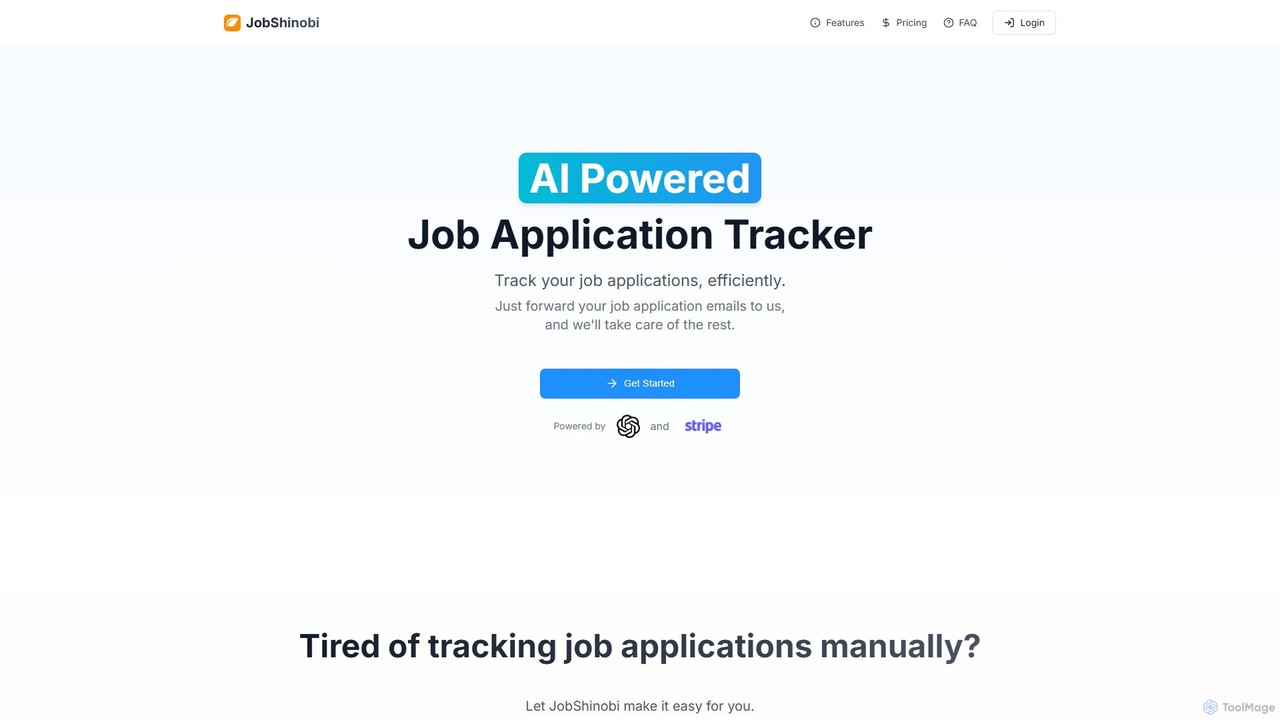
JobShinobi is an AI-powered job application tracker that automates and simplifies your job search. By forwarding your application emails, the tool automatically extracts key details, organizes them on a smart dashboard, and provides real-time status updates, saving you time and reducing stress.
Email Parsing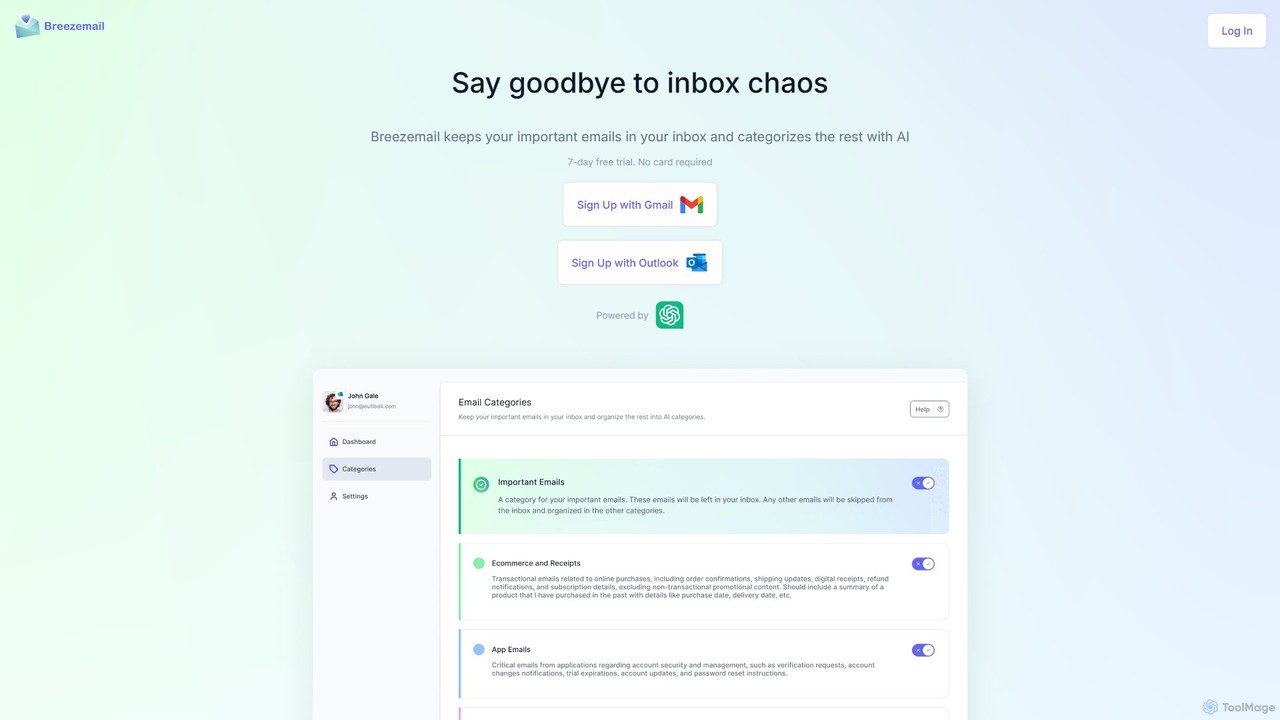
Breezemail is an AI-powered email organizer that automatically categorizes your emails in Gmail and Outlook. By creating custom, intelligent labels, it filters out newsletters and clutter, helping you focus on important conversations and achieve inbox zero effortlessly. Reclaim your productivity and enjoy a clean, organized inbox.
Workflow Automation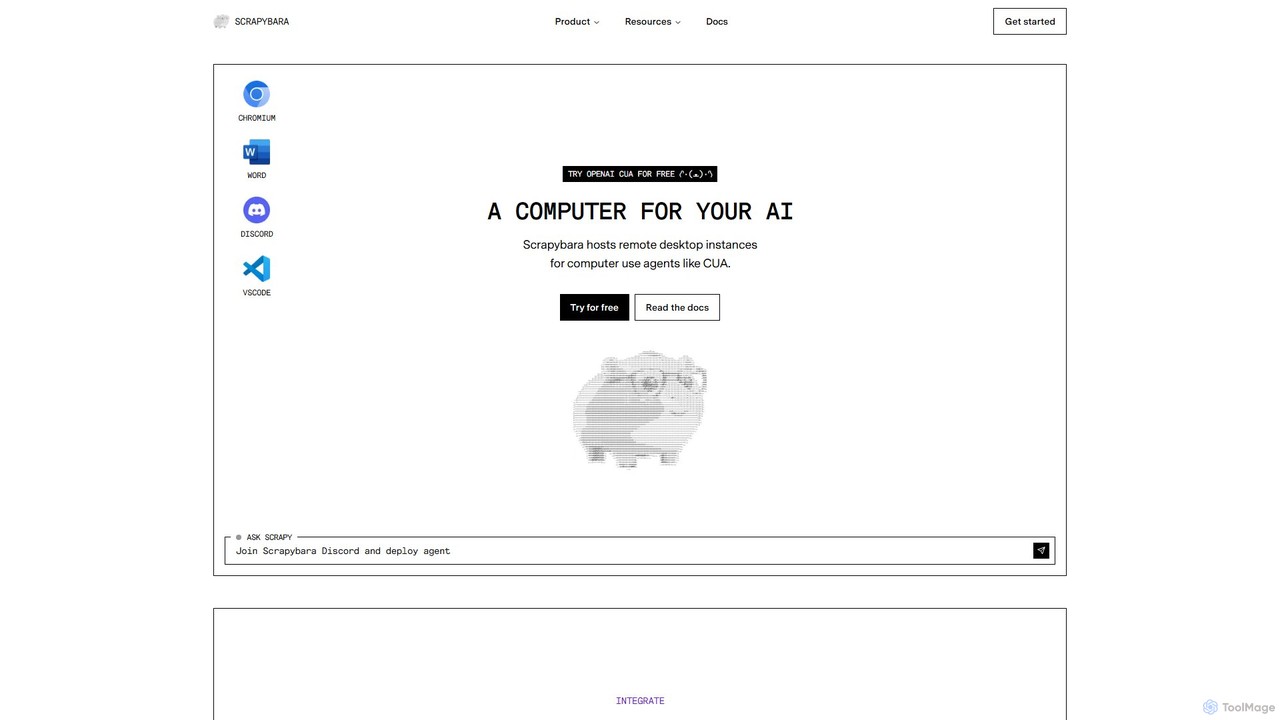
Scrapybara is a developer platform providing cloud-based virtual desktops for AI agents. It enables the creation and scaling of agents that perform complex computer tasks by interacting with graphical user interfaces (GUIs) like a human. It offers instant, scalable desktop instances (Ubuntu, Windows) with SDKs for Python and TypeScript, supporting models like OpenAI's CUA.
Robotic Process Automation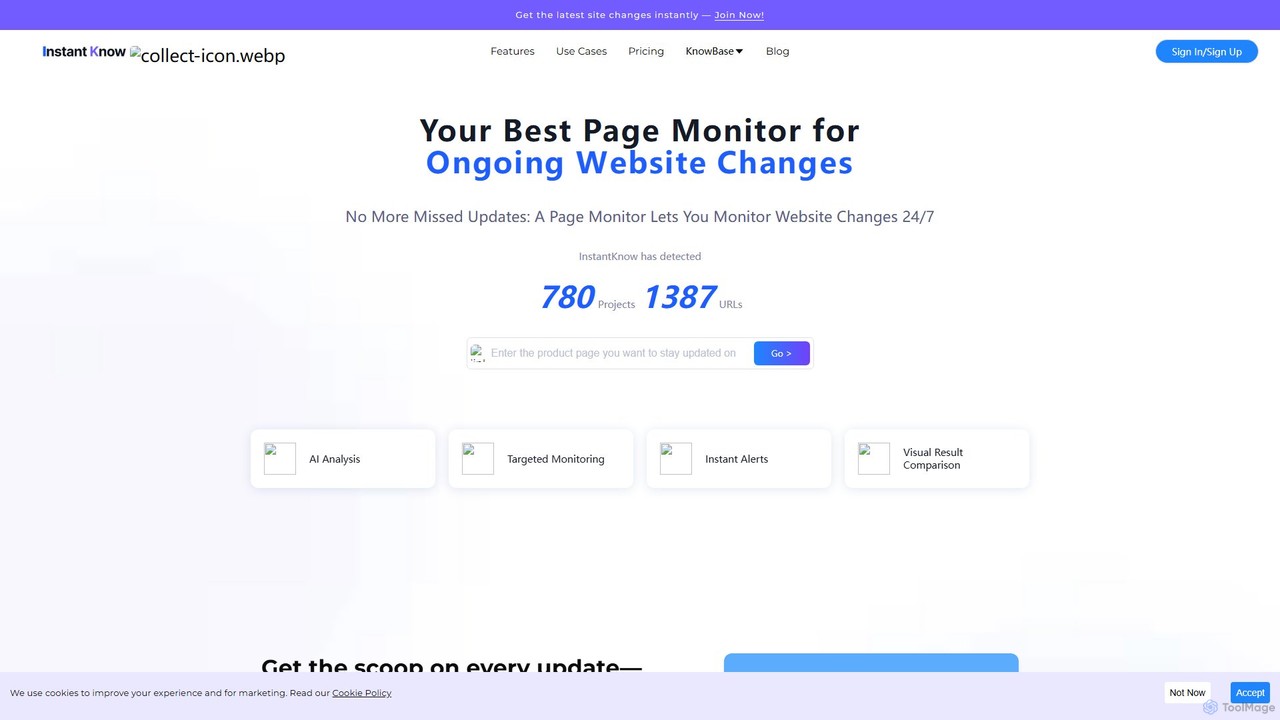
InstantKnow is an AI-powered website monitoring tool that tracks changes on any webpage 24/7. It allows users to monitor specific sections for content, price, design, or policy updates. With features like targeted monitoring, instant email alerts, visual comparisons, and AI-driven change analysis, it helps businesses stay ahead of competitors, track market trends, and react quickly to important updates. It's ideal for market researchers, e-commerce managers, and strategists who need real-time business intelligence.
No Code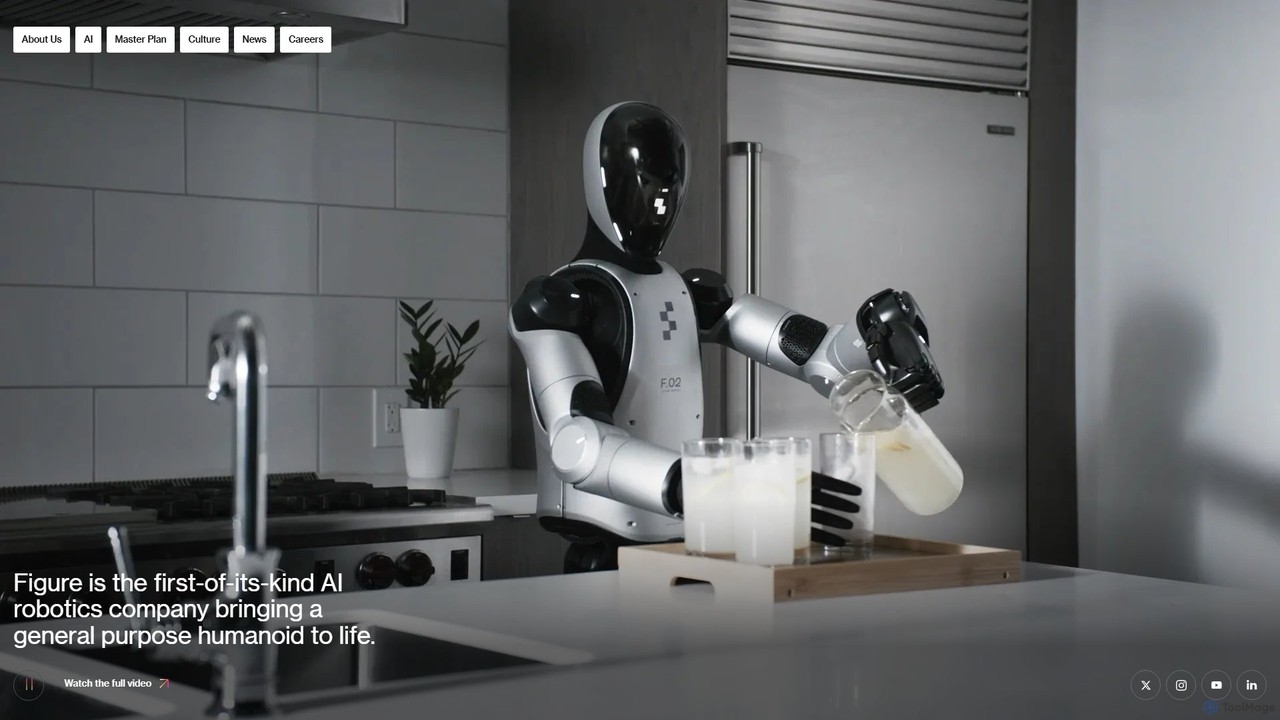
Figure is an AI robotics company developing general-purpose humanoid robots. Its flagship robot, Figure 02, is designed to work alongside humans, addressing labor shortages in manufacturing, logistics, and warehousing. By combining a human-like form with advanced AI, Figure aims to create robots that can perform a wide variety of tasks autonomously in environments built for people.
Embodied Ai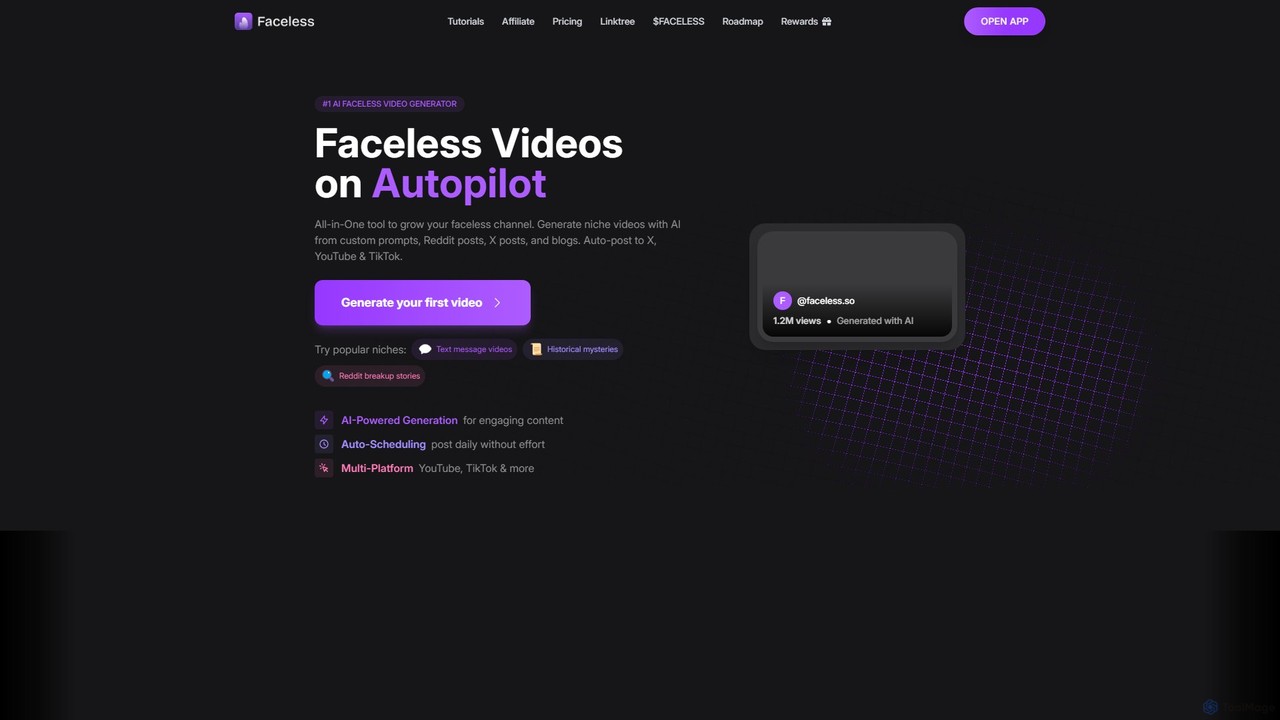
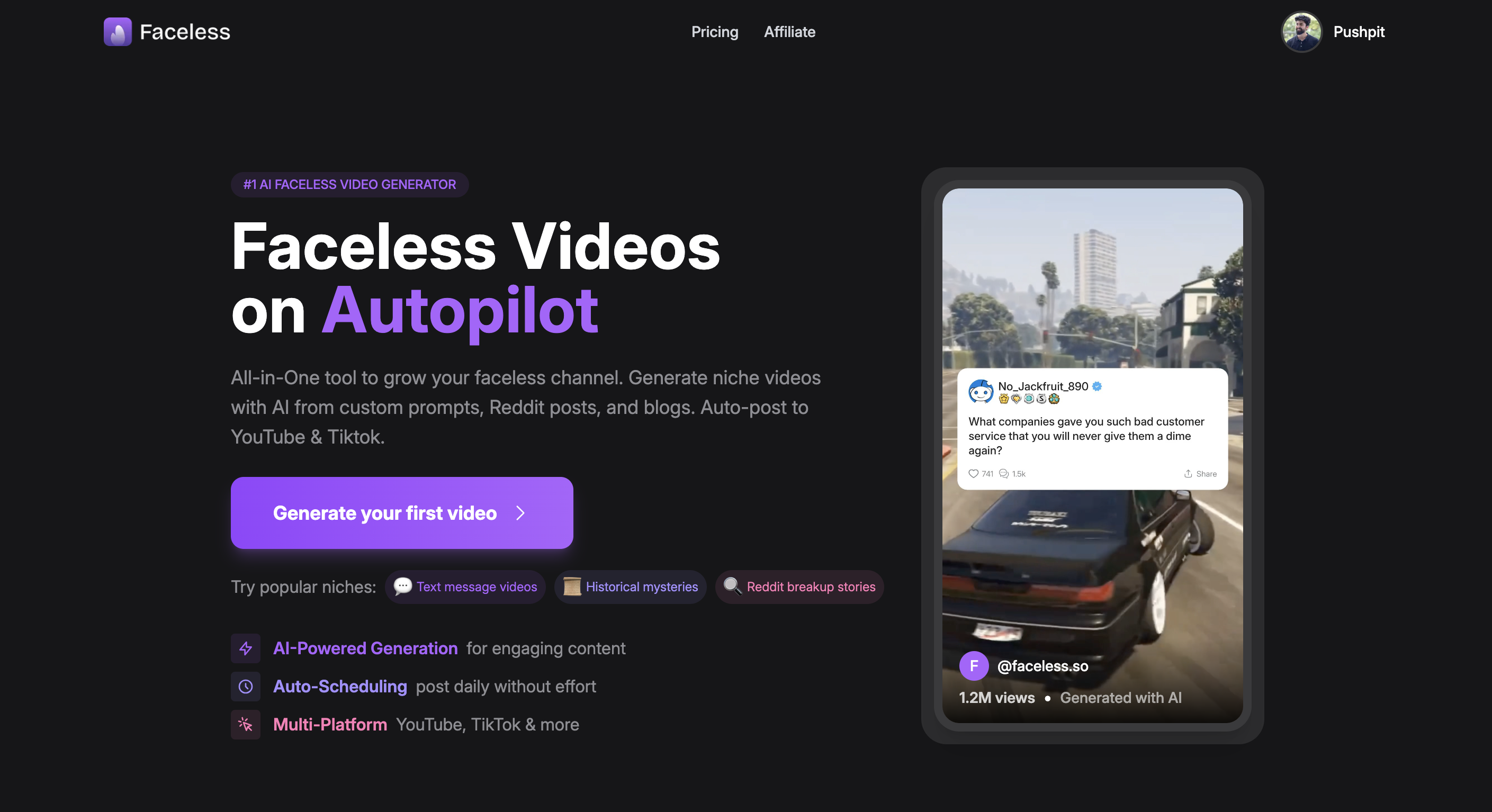
Faceless.so is an all-in-one AI video generator for creating and automating faceless videos for social media. It transforms text from prompts, Reddit, X (Twitter), and blogs into engaging short-form videos, complete with captions, music, and B-roll, and auto-posts them to YouTube, TikTok, and X.
Marketing Automation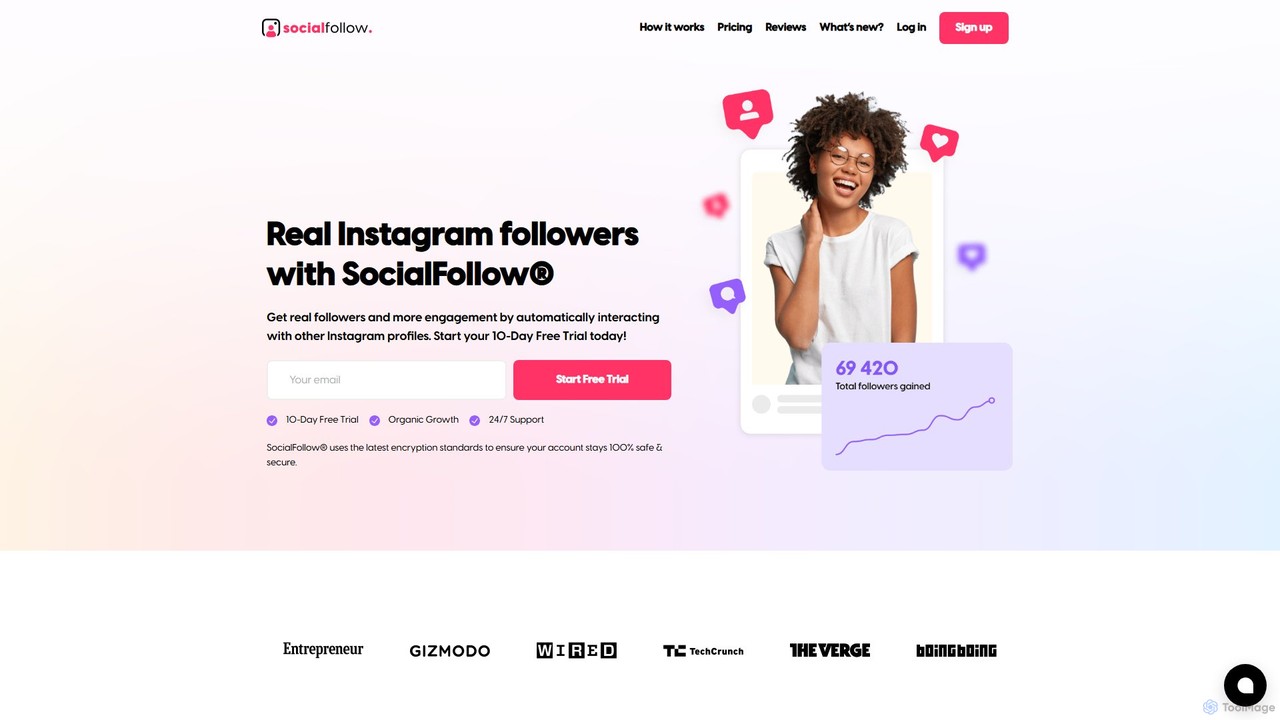
SocialFollow is an AI-powered Instagram growth tool designed to help influencers, businesses, and individuals gain real, active followers organically. It automates interactions with targeted profiles based on specific hashtags and accounts, boosting engagement and saving users significant time. The platform focuses on authentic, human-like activity to ensure account safety and sustainable growth.
Growth Hacking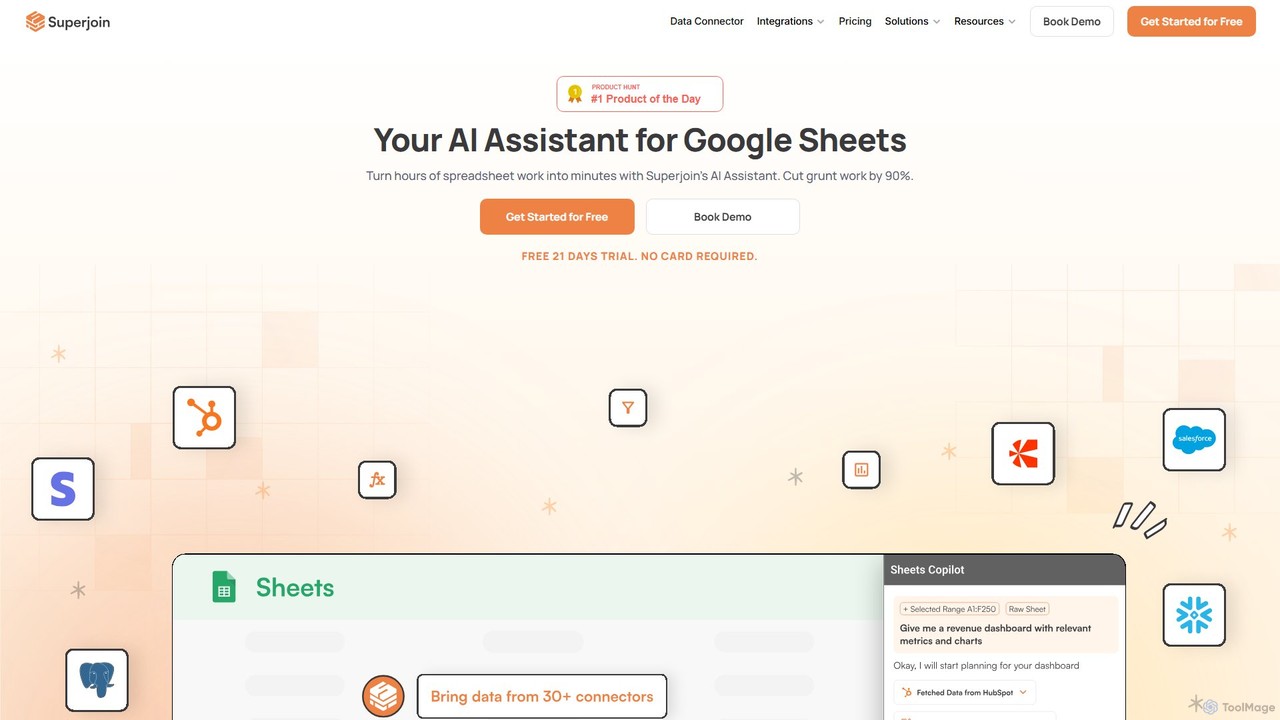
Superjoin is an AI assistant for Google Sheets designed to automate data tasks. It connects to over 30 data sources, allowing for automatic data pulls and refreshes. Users can leverage natural language to clean data, generate charts, create formulas, and build automated workflows, saving up to 90% of manual spreadsheet time.
Workflow
Socialite is a 24/7 AI employee for social media management, designed to automate video content creation and posting. It helps businesses 10x their content output, increase engagement, and grow their online presence without the high costs of agencies or in-house teams.
Social Media Management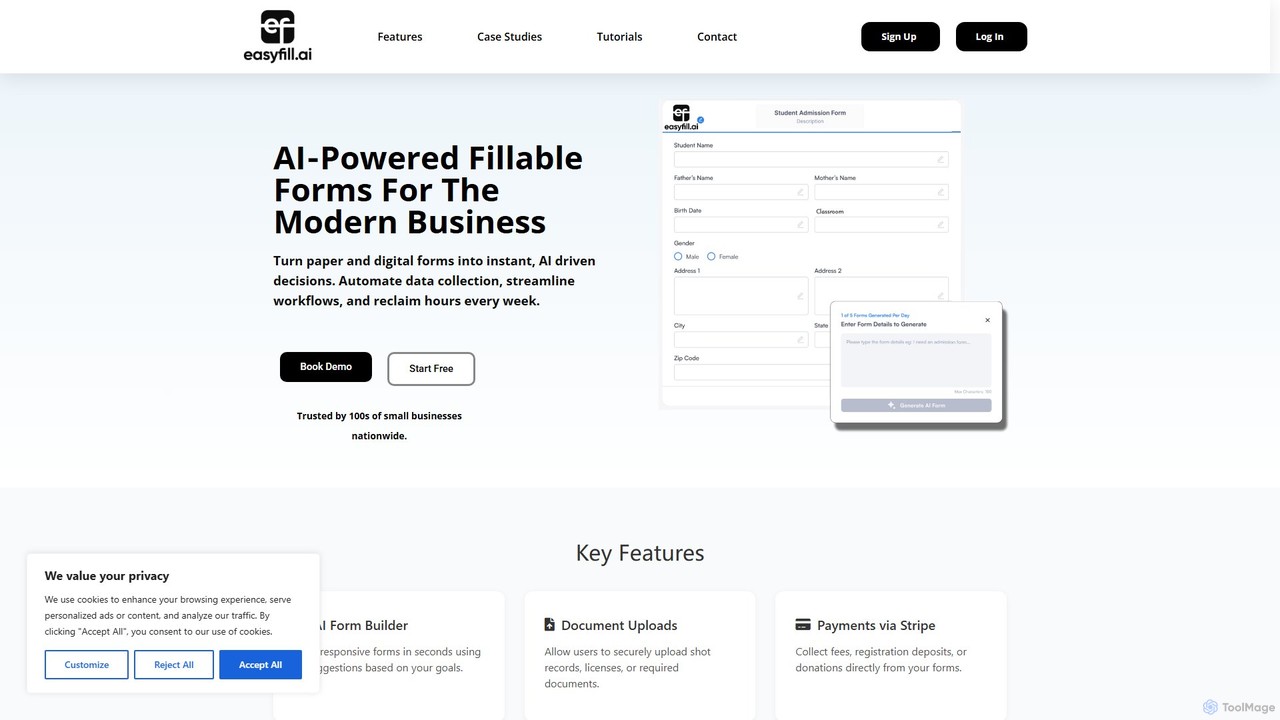
easyfill is an AI-powered form builder that transforms data collection for modern businesses. It allows you to convert paper and digital documents into intelligent, fillable forms, automate workflows, and extract insights, all in a matter of minutes.
Workflow Management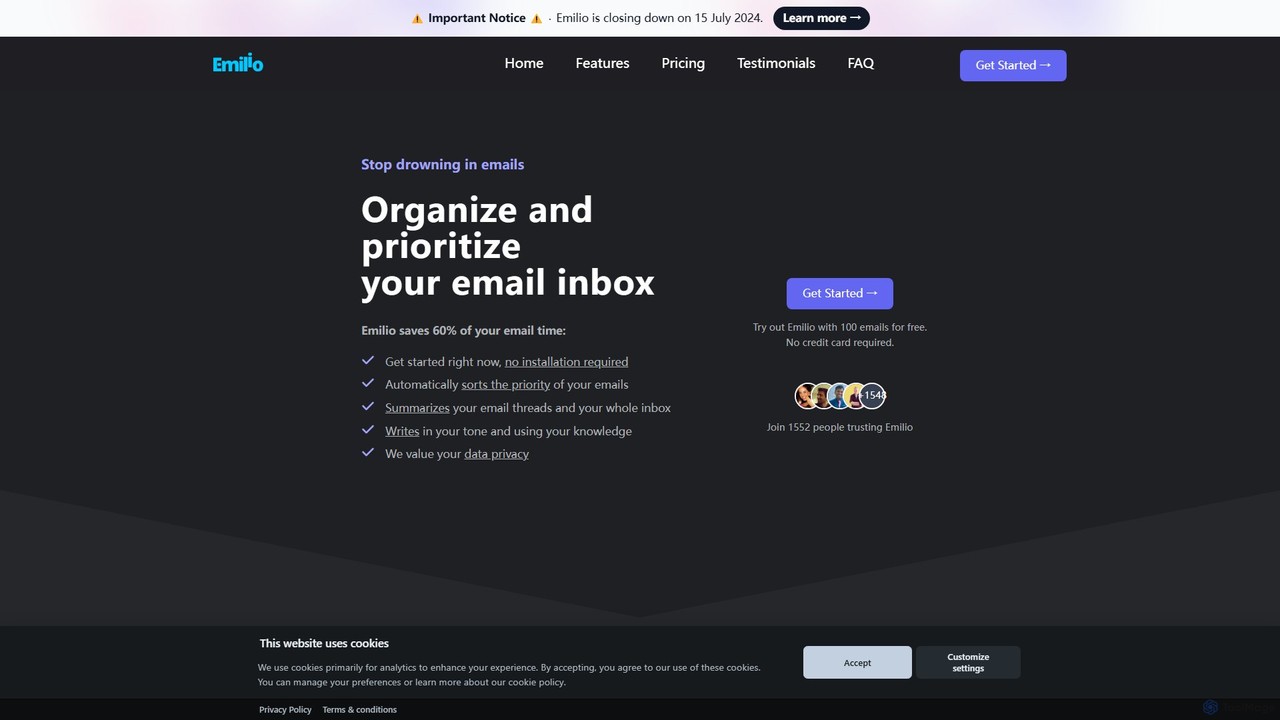
Emilio is an AI email assistant that intelligently organizes your Gmail inbox. It automatically prioritizes, labels, and summarizes your unread emails, helping you focus on what's important and reclaim your productivity without ever leaving your current email client.
Workflow Management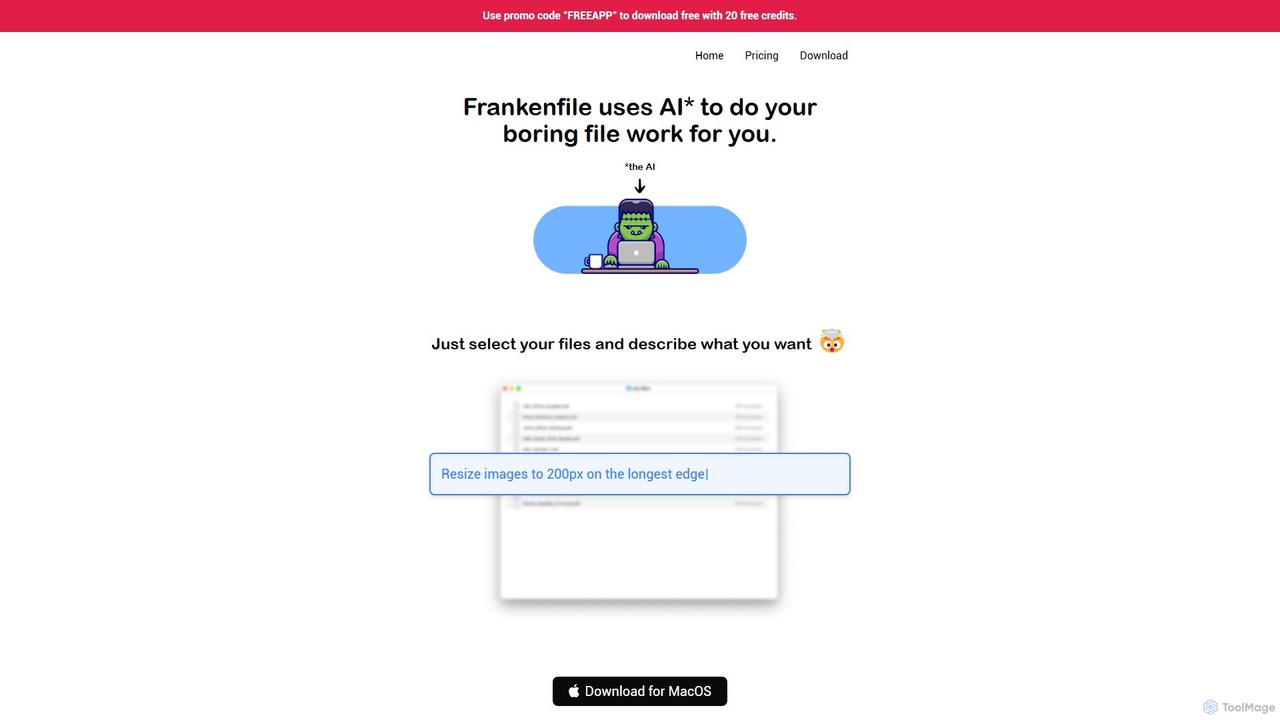
Frankenfile is an AI-powered assistant for MacOS that automates your file management tasks. Simply describe what you want to do in plain English, and the app handles complex operations on images, videos, audio, and PDFs. It runs entirely locally, ensuring your files remain private and secure.
Task Automation
A specialized platform offering realistic Reinforcement Learning (RL) environments for training Large Language Model (LLM) agents. It enables developers and researchers to build, test, and deploy autonomous agents capable of performing complex tasks on computers, from web navigation to software operation.
Training Platform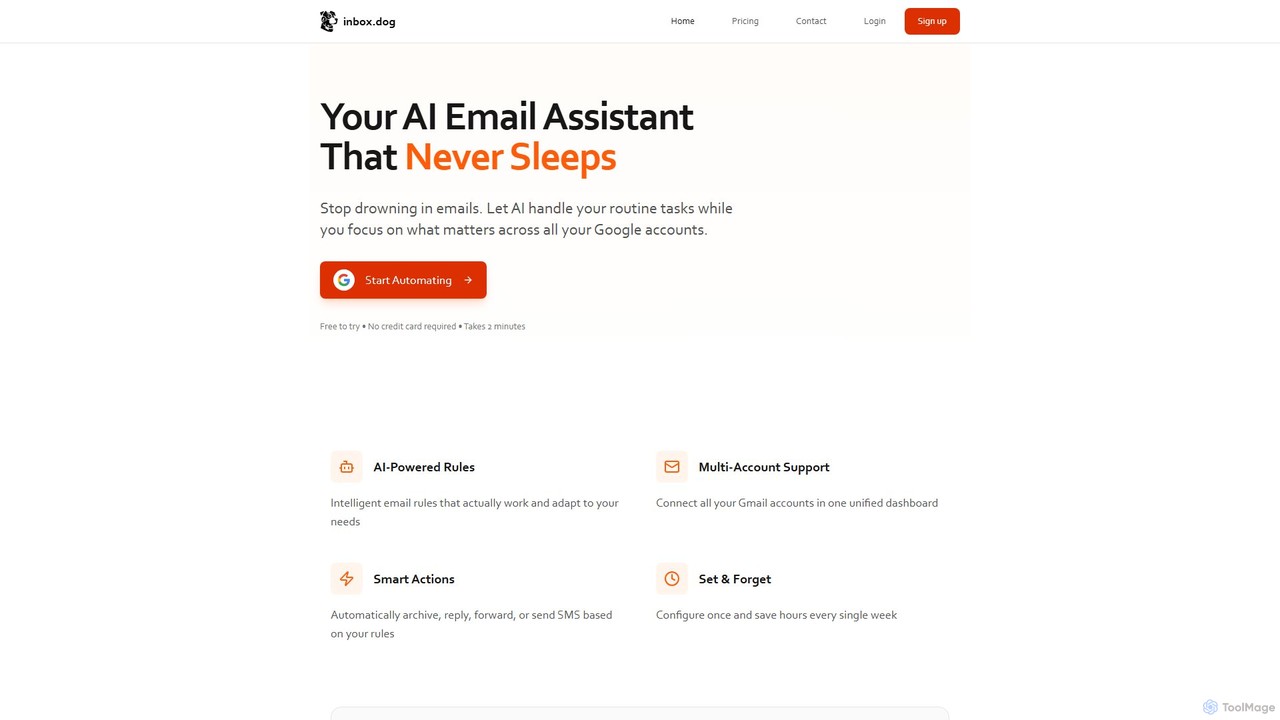
inbox.dog is an AI-powered email assistant for Gmail that automates your inbox. It uses intelligent rules to handle routine tasks like replying, forwarding, and archiving across all your Google accounts, allowing you to focus on what truly matters. It's designed for freelancers, small businesses, and teams.
Workflow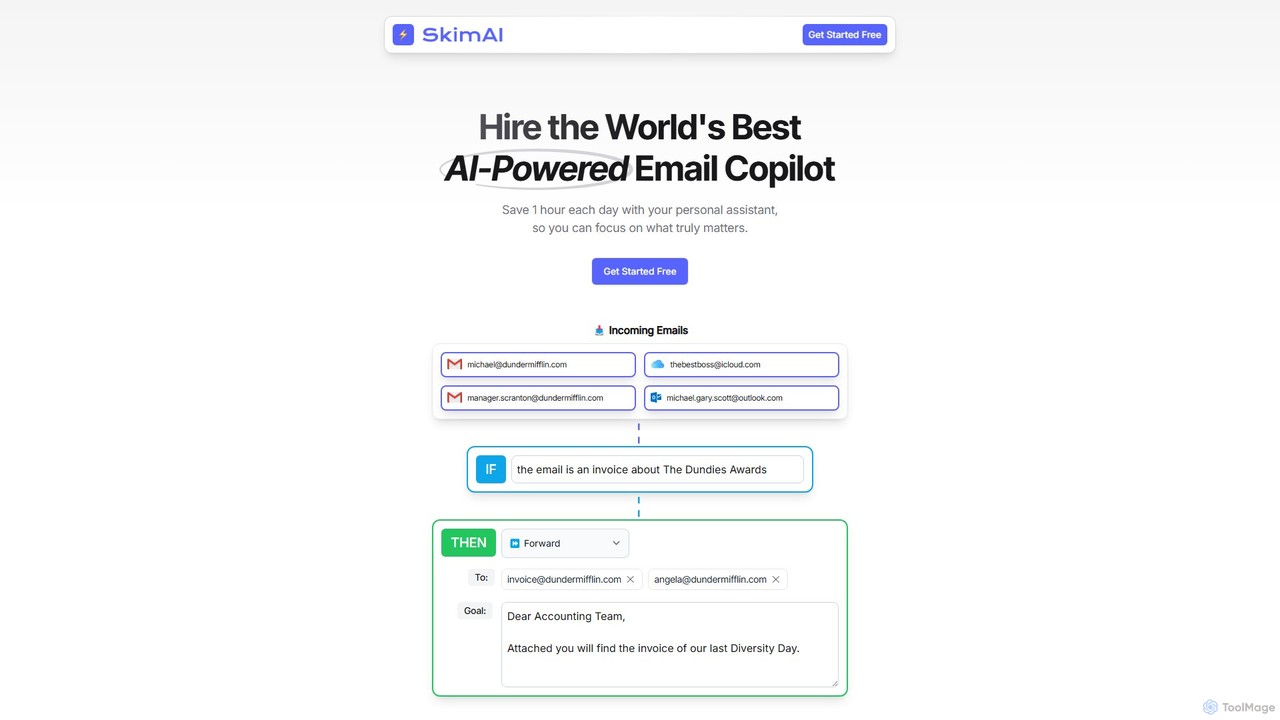
SkimAI is an AI-powered email copilot that automates your inbox to boost productivity. It intelligently categorizes emails, drafts personalized replies in your style, and summarizes unread messages. By setting simple rules, you can manage your inbox automatically, saving hours each day. It integrates seamlessly with Gmail, Outlook, and iCloud without needing a new app, allowing you to focus on what truly matters.
Workflow Management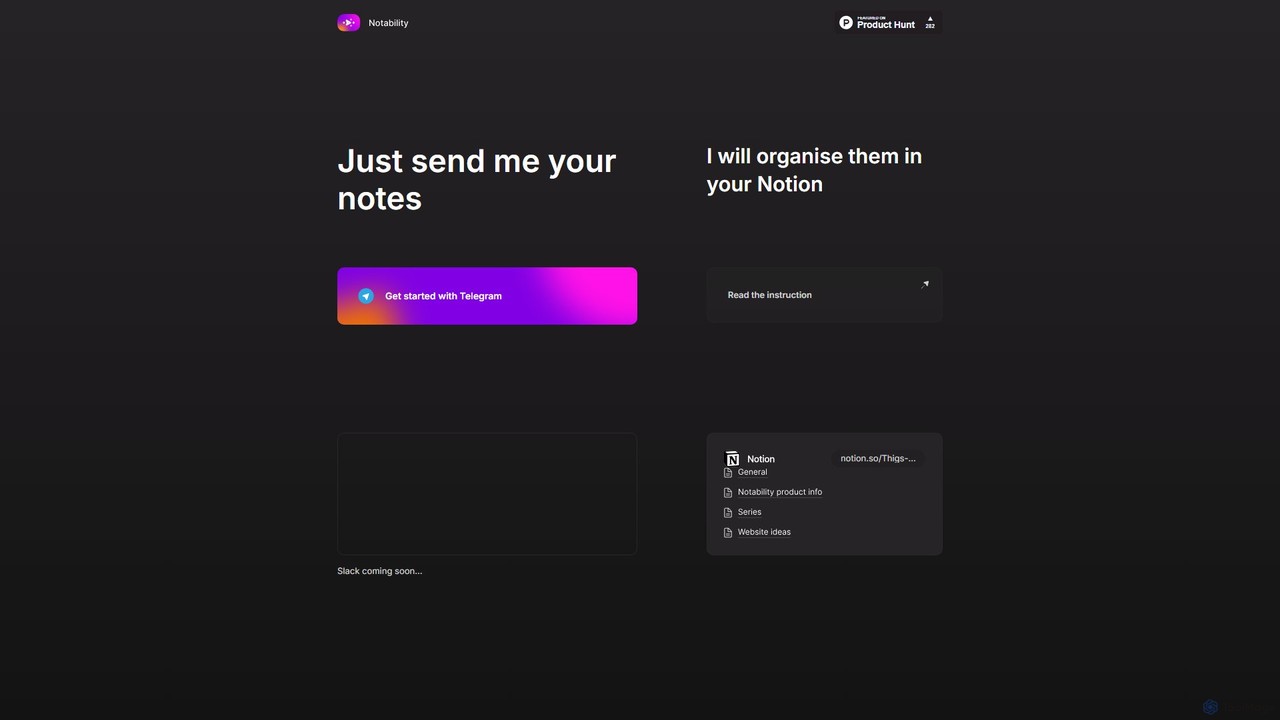
Notability is an AI-powered assistant that streamlines your workflow by automatically organizing notes from Telegram directly into your Notion workspace. Simply send text, voice notes, or links to the Telegram bot, and the AI will intelligently process, categorize, and structure the information within your designated Notion pages and databases. It's designed to eliminate manual data entry and create a frictionless knowledge management system.
Workflow Automation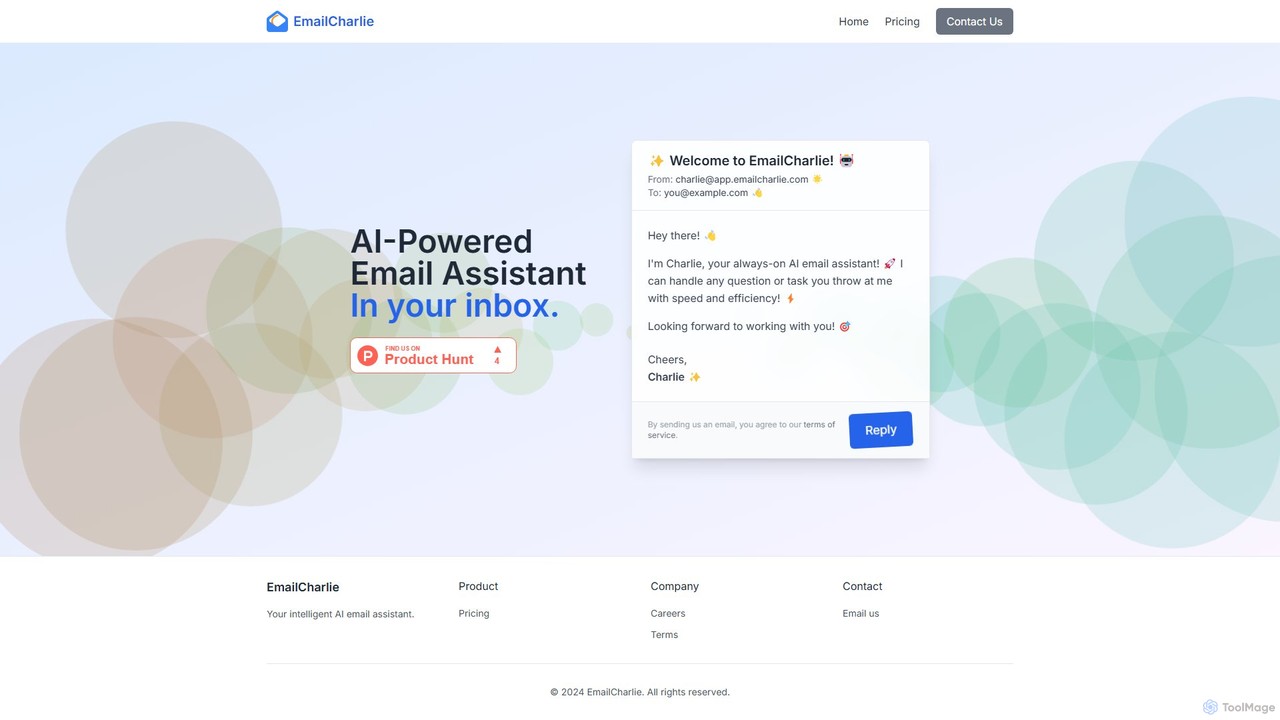
EmailCharlie is an AI-powered email assistant that automates tasks directly within your inbox. Simply send an email with your request—like summarizing documents, drafting replies, or finding information—and Charlie will process it and email you back the result. It eliminates context switching by integrating seamlessly into your existing email workflow, boosting productivity and efficiency for busy professionals.
Workflow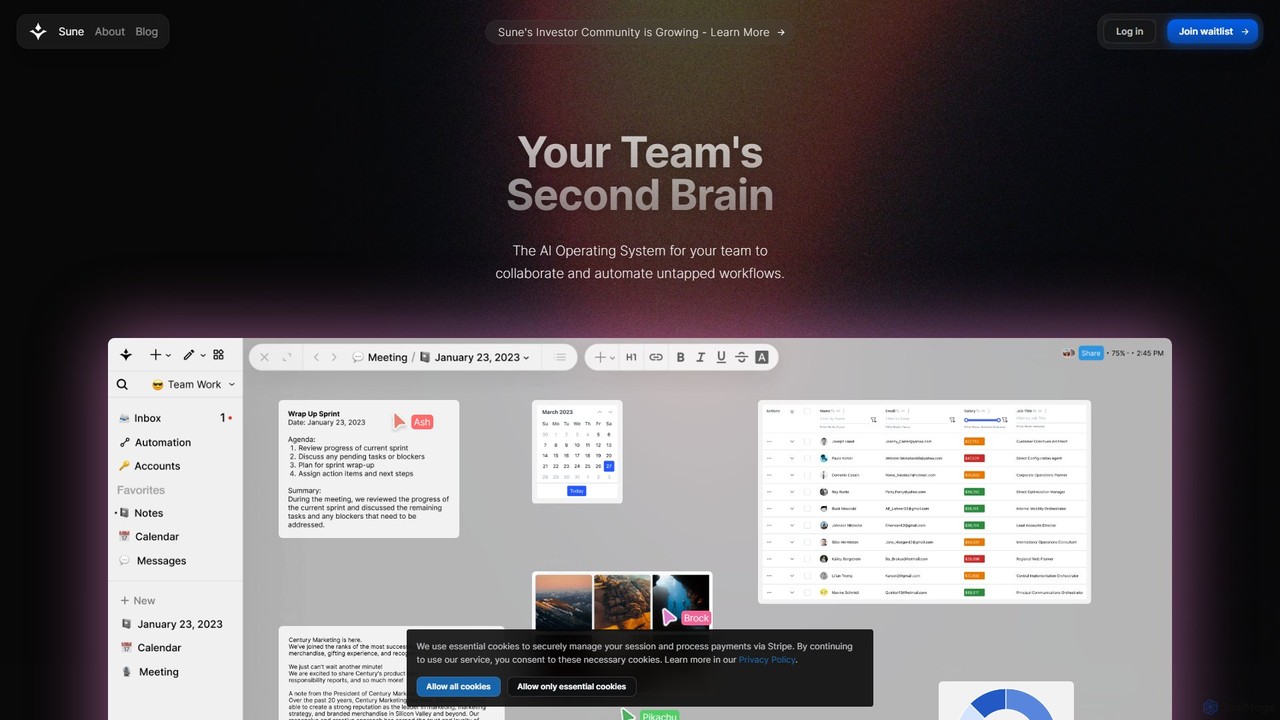
Sune AI is a collaborative AI operating system designed to be your team's second brain. It integrates documents, projects, and data into a single intelligent workspace, enabling powerful, context-aware automations and insights to streamline complex workflows and boost productivity.
WorkflowAI Automation tools are platforms designed to execute repetitive tasks and orchestrate complex workflows across various applications without manual intervention. These tools leverage APIs and AI logic to connect different software, enabling data to move and actions to be triggered based on predefined rules. They are essential for streamlining business processes, reducing human error, and freeing up teams to focus on more strategic work. Many platforms offer a visual, no-code or low-code interface, making automation accessible to non-developers.
AI Automation tools are widely used across departments like marketing, sales, IT, and HR. For instance, a marketing team can automate social media posting whenever a new blog is published. A sales team can automatically sync new leads from a web form to their CRM and trigger a welcome email sequence. IT departments use them to route support tickets and manage user provisioning.
When selecting an AI Automation tool, first evaluate its integration library to ensure it supports the apps you use. Consider the complexity of workflows you need to build; some tools excel at simple linear tasks, while others support complex conditional logic. Assess the user interface—whether you need a simple no-code builder or a more advanced platform. Finally, compare pricing models, which are often based on the number of tasks or active workflows.
A content marketer needs to ensure every new blog post gets maximum visibility. Instead of manually creating and scheduling posts for each platform, they use an automation tool. The workflow is triggered when a new item appears in the blog's RSS feed. The tool then automatically takes the post's title and link, uses an AI writing integration to generate a concise summary for Twitter and a longer one for LinkedIn, and schedules them to be published at optimal engagement times. This saves several hours per week and ensures consistent content promotion.
A sales team receives leads from various sources, including website forms, webinars, and social media. To prevent leads from falling through the cracks, they set up an automation. When a new lead is submitted via a form, the tool instantly adds them to the CRM, assigns them to a sales representative based on territory, and sends a personalized welcome email. The workflow can also include a delay, and if the lead hasn't been contacted after 24 hours, it sends a notification to the sales manager. This ensures rapid response times and accountability.
An IT department handles numerous support requests daily via email. To manage the queue efficiently, they use an automation tool to parse incoming emails. The tool identifies keywords in the subject line or body (e.g., 'password reset', 'VPN issue', 'new hardware'). Based on these keywords, it automatically creates a ticket in their helpdesk system, assigns it to the appropriate specialist (e.g., network team, hardware support), and sets a priority level. This eliminates the manual triage process, reduces response times, and ensures requests are handled by the correct expert from the start.
An HR manager is responsible for onboarding new hires, a process involving many repetitive administrative tasks. They build an automation workflow that triggers when a candidate is marked as 'Hired' in the applicant tracking system (ATS). The workflow automatically creates user accounts in Google Workspace and Slack, sends a welcome email with first-day information, adds the new hire to relevant calendars for orientation meetings, and creates a task for the IT department to prepare their equipment. This ensures a smooth, consistent, and error-free onboarding experience for every new employee.
A business uses a CRM to manage sales, an email marketing platform for newsletters, and a billing system for payments. Keeping customer information consistent across these systems is a major challenge. An automation tool is used to create a two-way sync. When a customer's contact details are updated in the CRM, the automation instantly updates the corresponding record in the email marketing platform and billing system. Conversely, if a customer unsubscribes from an email list, their marketing preference is updated in the CRM. This ensures data integrity and a single source of truth for customer information.
A project manager needs to provide weekly progress reports to stakeholders. This used to involve manually pulling data from a project management tool, a time-tracking app, and a budget spreadsheet, then compiling it into an email. Now, an automation runs every Friday afternoon. It fetches the number of completed tasks, total hours logged, and budget spent from the respective applications. It then formats this data into a clean summary and posts it to a dedicated Slack channel for all stakeholders to see. This process ensures timely, accurate, and effortless reporting.
AI Automation tools are software platforms that allow you to connect different applications and services to automate repetitive tasks and workflows. They operate on a system of triggers and actions, where a specific event in one app (the trigger) initiates a predefined action in another. For example, receiving a new email attachment in Gmail (trigger) could automatically save that file to Dropbox (action). These tools are designed to streamline processes without requiring any coding knowledge.
Choosing the right tool depends on your specific needs. Consider these factors:
While both automate tasks, they operate at different levels. AI Automation tools (like Zapier or Make) primarily work by connecting applications through their APIs. They are ideal for cloud-based workflows. Robotic Process Automation (RPA) tools, on the other hand, typically automate tasks by mimicking human actions on a user interface, such as mouse clicks and keyboard entries. RPA is often used to automate processes on legacy systems or desktop applications that do not have APIs.
A wide variety of digital tasks can be automated, especially those that are repetitive and rule-based. Common examples include:
No, for the most part. The vast majority of popular AI Automation platforms are designed with no-code or low-code interfaces. They use visual builders where you can drag and drop apps and define logic without writing a single line of code. This makes automation accessible to marketers, business owners, and other non-technical professionals. However, some platforms do offer advanced features for developers who want to write custom scripts or connect to custom APIs for more complex scenarios.