ToolMage
Sign in

Best 94 Automation AI tools

Popular Automation AI tools include AiSensy, Figure, Circleback, Sigmabrowser, Faceless.so, Otio, Jace AI, SheetAI, Rtrvr, and Superjoin, helping you work more efficiently.

4149
Paid

4149

4149 is a pioneering platform that provides proactive AI teammates. These autonomous agents are designed to take initiative, manage complex workflows, and drive projects forward, acting as integral members of your team to enhance productivity and efficiency.

Autonomous Agent
Visits 5.6KFavorites 136Likes 144
MailWizard
Freemium

MailWizard

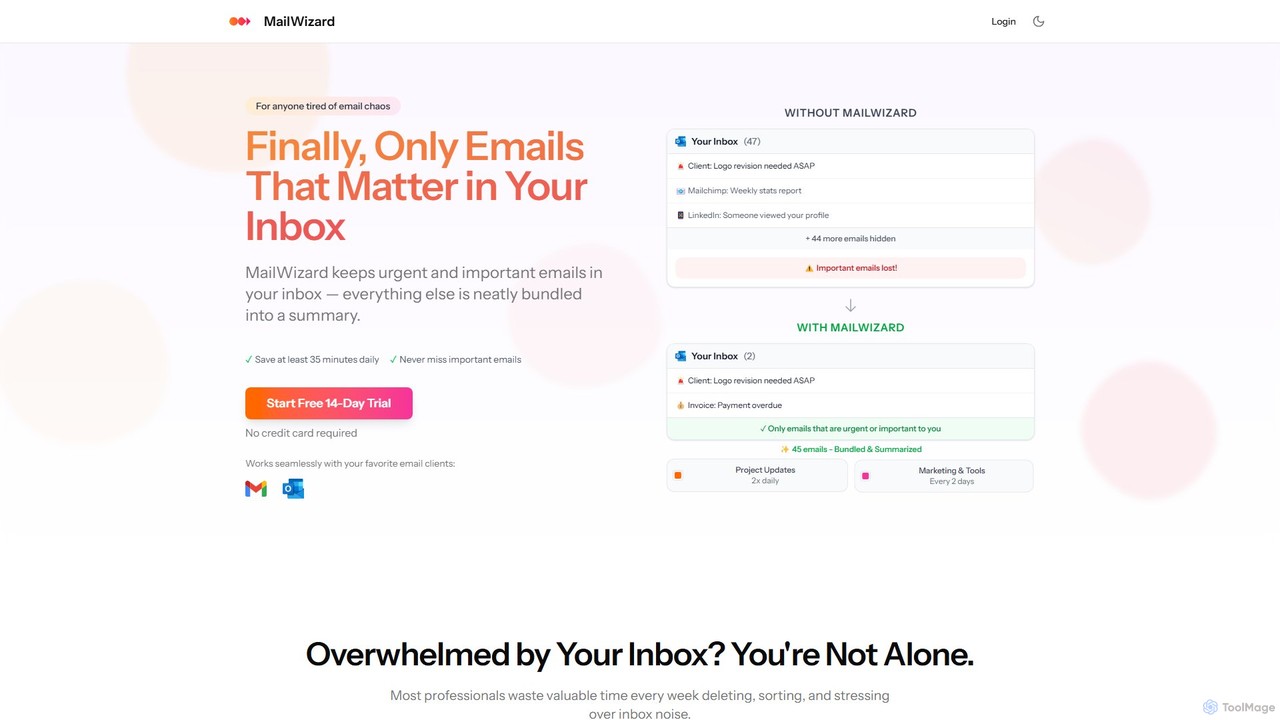
MailWizard is an AI-powered email assistant that transforms your inbox experience. It intelligently filters out noise, bundles non-urgent emails into smart summaries, and ensures you only see what truly matters. Save time, reduce stress, and reclaim your focus with automated workflows and AI-generated digests, including audio versions for on-the-go updates.

Workflow Management
Visits 7.8KFavorites 136Likes 120
Zappr.AI
Freemium

Zappr.AI

Zappr.AI is a no-code, drag-and-drop AI automation engine that enables businesses to build, deploy, and resell production-ready AI agents. It focuses on automating tasks like sales, customer support, and scheduling, offering a unique $0-to-build, revenue-sharing model to eliminate upfront development costs and accelerate time-to-market.

Workflow Automation
Visits 7.3KFavorites 115Likes 95
Cradl AI
Freemium

Cradl AI

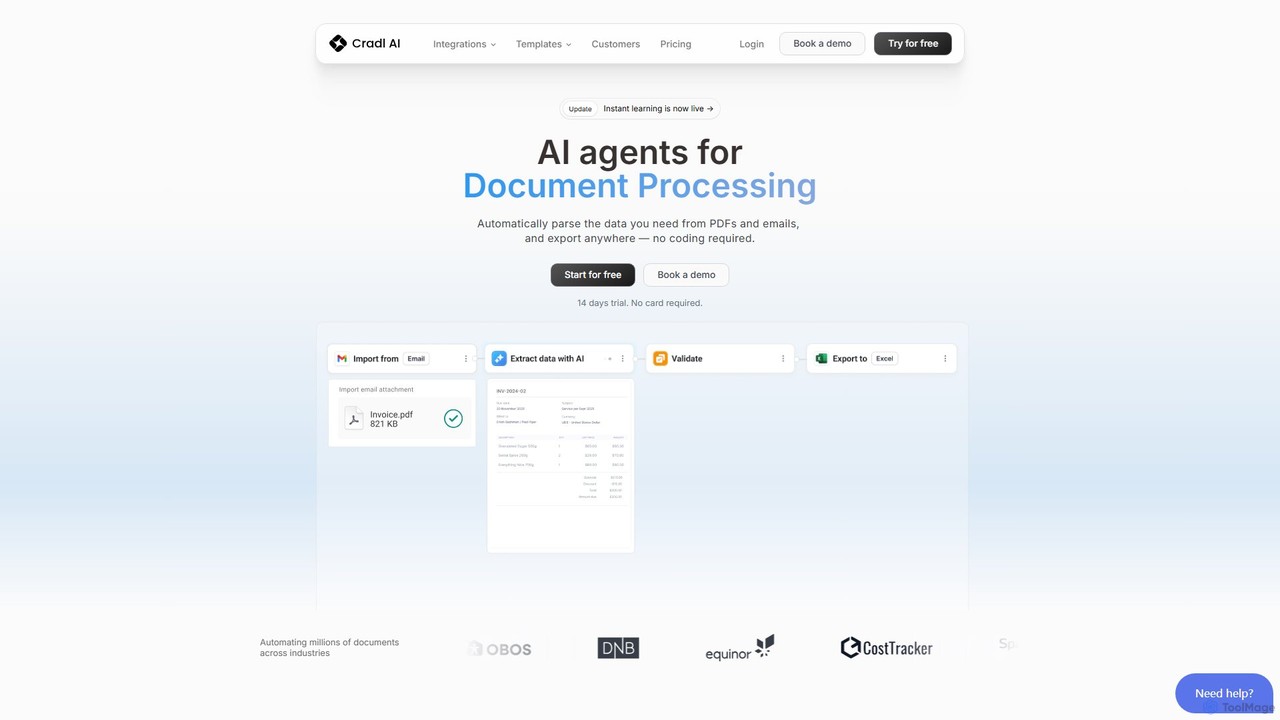
Cradl AI is a no-code platform that uses AI agents to automate document data extraction and workflows. Easily parse data from PDFs, emails, and other documents like invoices and bills of lading, and export it anywhere without writing a single line of code. It features a human-in-the-loop review system for maximum accuracy.

Workflow
Visits 9.6KFavorites 119Likes 121
DearFlow
Freemium

DearFlow

DearFlow is a hyper-personalized AI administrative assistant named Flora that proactively manages your daily chaos. It handles emails, calendars, tasks, and content creation by learning your unique work style, communication tone, and priorities. It aims to save you an hour every day, allowing you to focus on what truly matters.

Workflow
Visits 5.8KFavorites 147Likes 140
Laxis
Freemium

Laxis

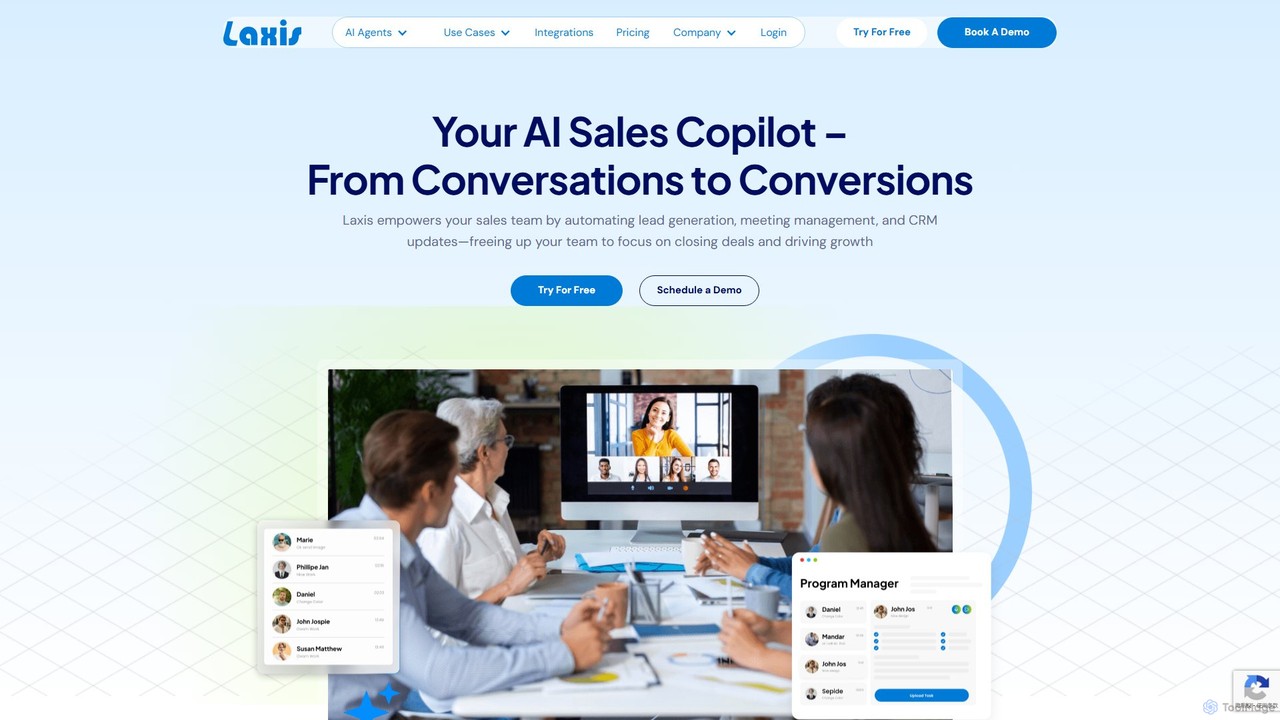
Laxis is an AI-powered sales copilot designed to streamline the entire sales workflow. It automates lead generation, provides real-time meeting transcriptions and summaries, updates your CRM, and offers a suite of AI agents for prospecting, outreach, and customer service, helping teams focus on closing deals.

Workflow
Visits 25.9KFavorites 145Likes 138
Klu
Freemium

Klu

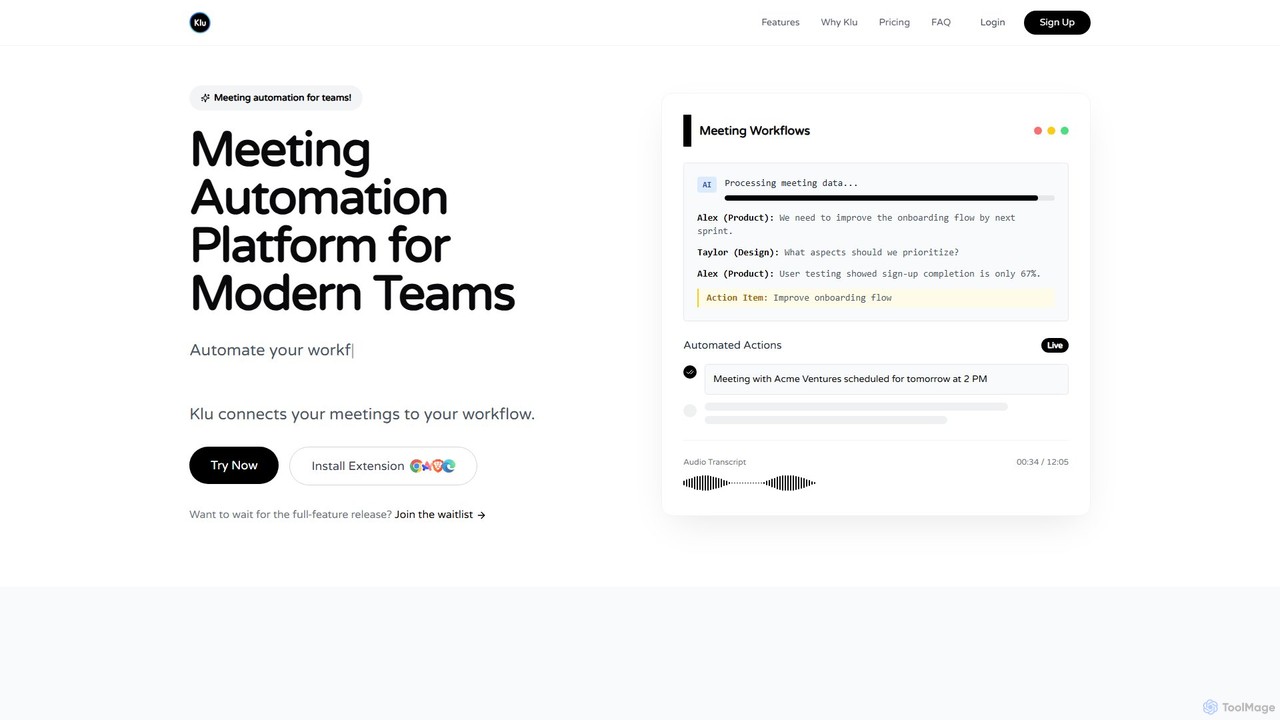
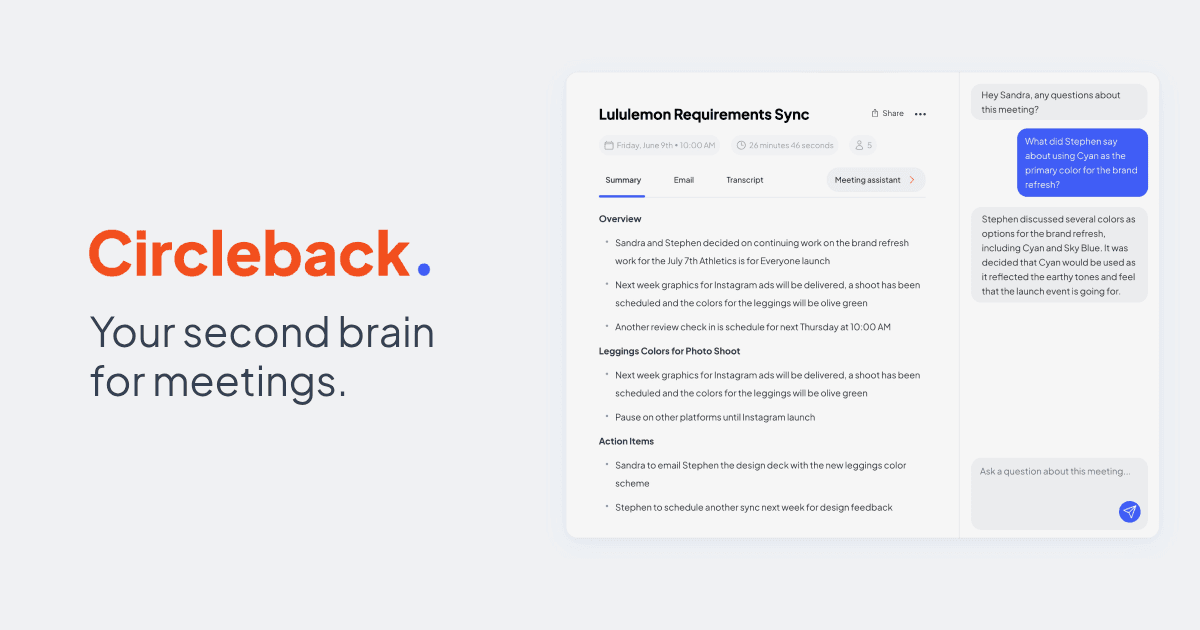
Klu is an AI-powered meeting automation platform designed for modern teams. It records, transcribes, and summarizes your meetings, automatically extracting action items and key insights. By integrating with your existing workflow tools like Notion, Slack, and Asana, Klu automates post-meeting tasks, saving time and boosting productivity.

Workflow
Visits 11.1KFavorites 121Likes 126
Intelgic
Paid

Intelgic

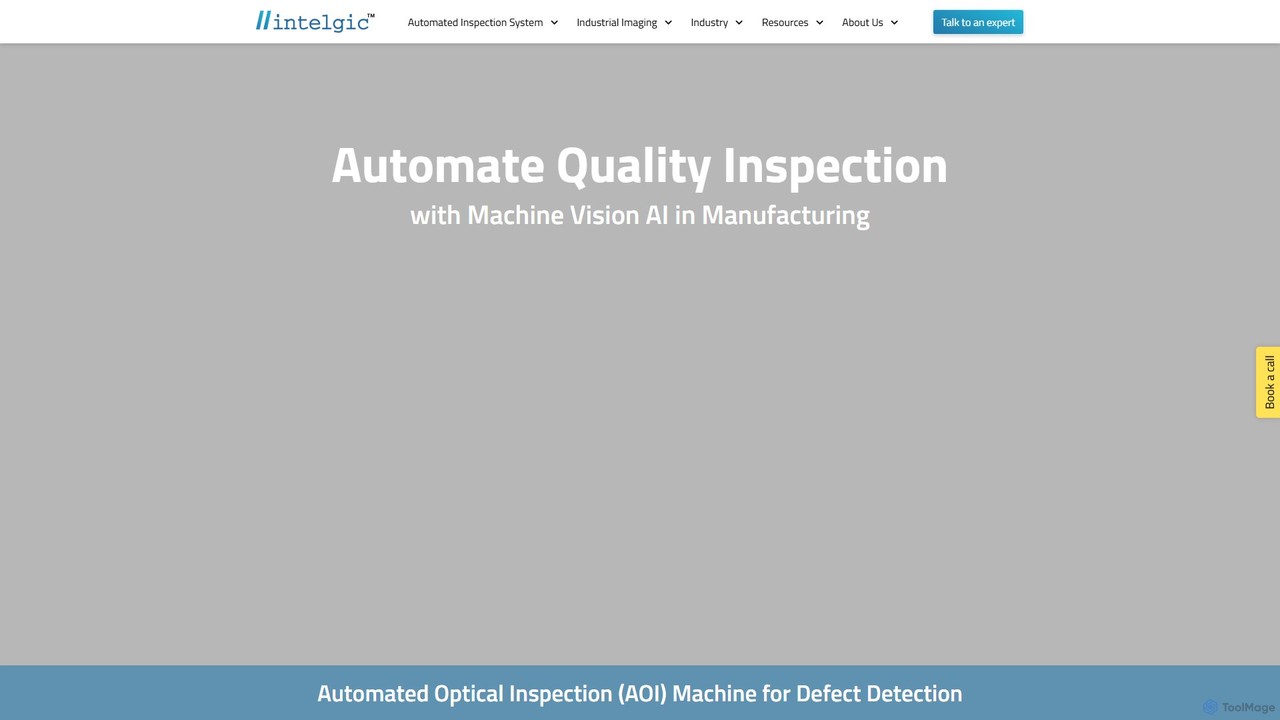
Intelgic provides comprehensive AI-powered machine vision solutions for industrial automation. Specializing in high-speed, high-precision defect detection, their system integrates custom hardware (cameras, lighting, robotics) with proprietary "Live Vision AI" software to ensure quality control in manufacturing environments like automotive, electronics, and material processing.

Industrial Automation
Visits 23.1KFavorites 106Likes 126
CTRL Sheet
Freemium

CTRL Sheet

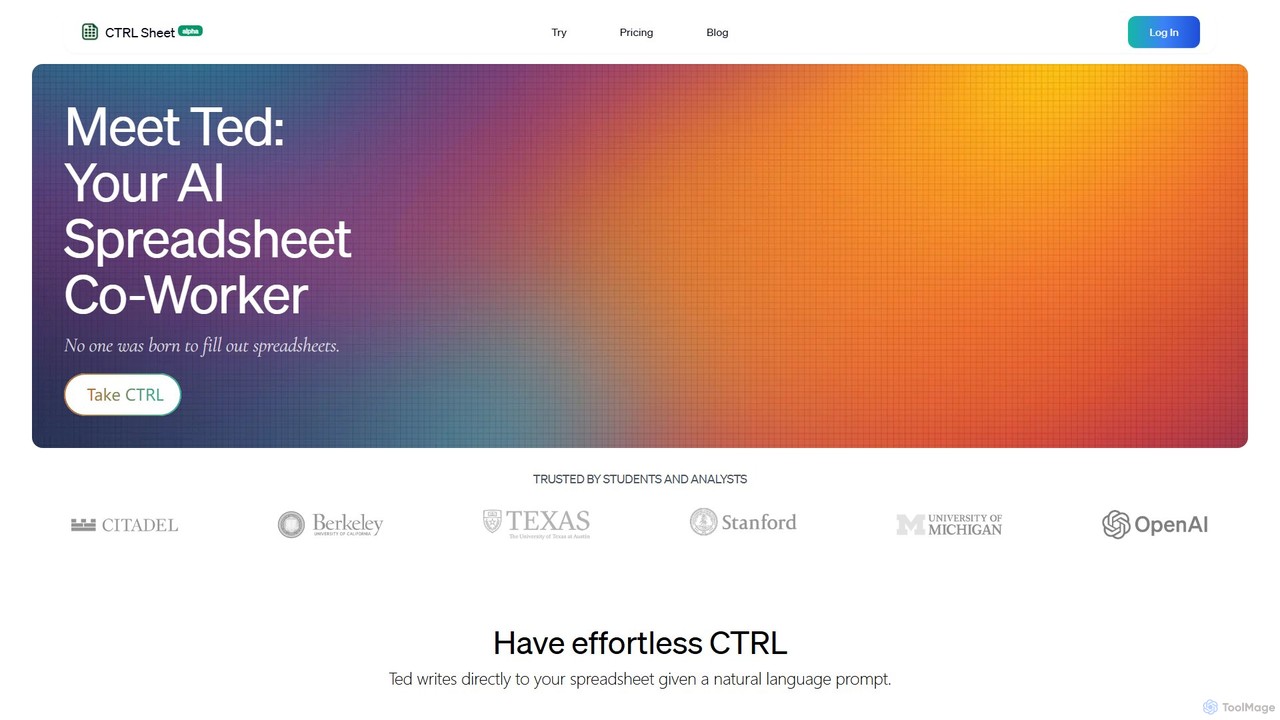
CTRL Sheet is an AI-powered spreadsheet co-worker named Ted that automates data tasks. It allows users to interact with spreadsheets using natural language, extract data from various files like PDFs and images, and generate complex formulas effortlessly. It's designed to save time and reduce errors for students, analysts, and professionals.

Task Automation
Visits 15.1KFavorites 132Likes 120
Sigmabrowser
Freemium

Sigmabrowser

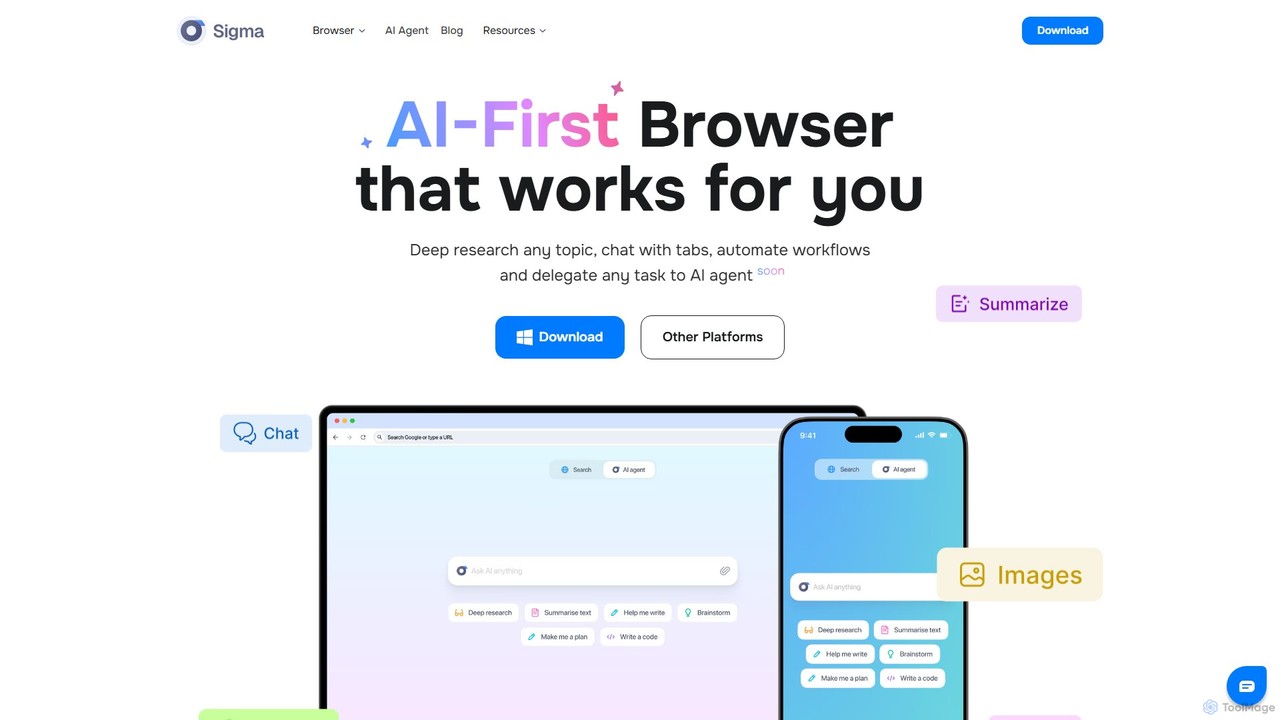
Sigmabrowser is an AI-first browser built on Chromium, designed to automate workflows and enhance productivity. It features an autonomous AI Agent to handle tasks, SigmaGPT for in-browser chat and content generation, and robust privacy protections. It integrates a suite of AI tools for research, writing, and more, transforming your web interaction into an intelligent, efficient experience.

Workflow
Visits 168.5KFavorites 162Likes 165
Mica AI

Mica AI

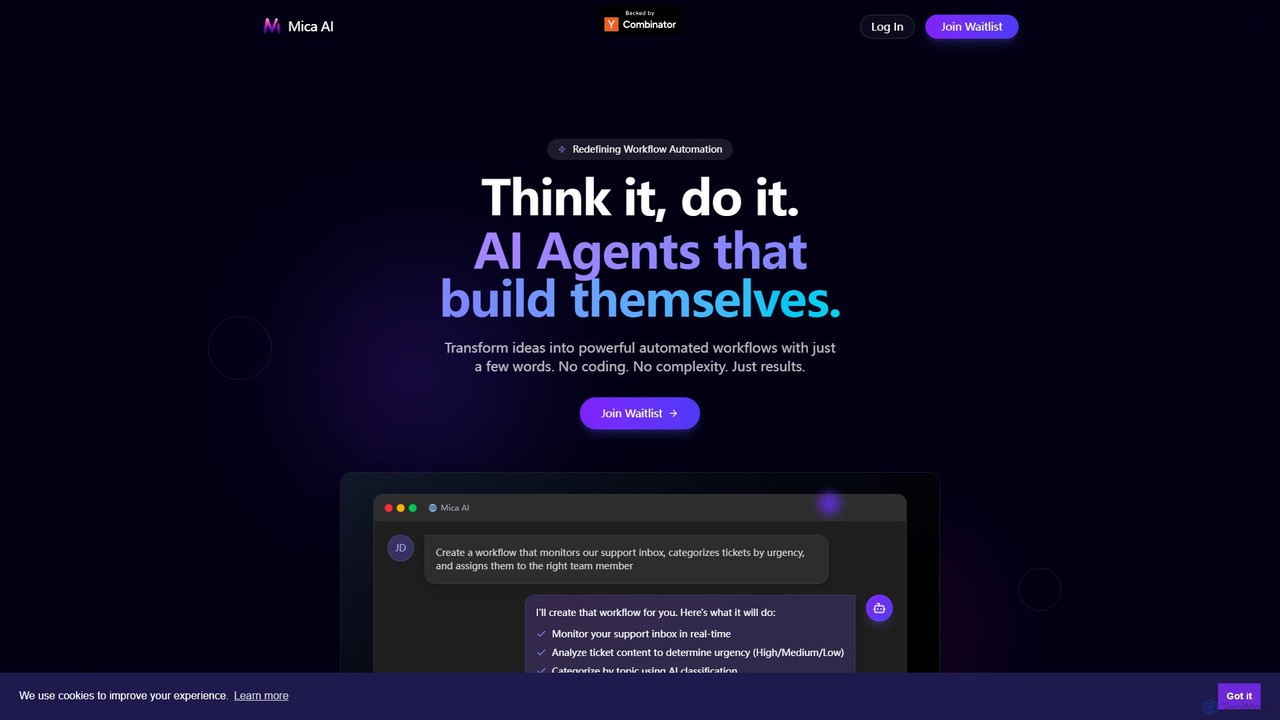
Mica AI is a no-code platform that transforms natural language descriptions into powerful, automated workflows. It deploys self-building AI agents that integrate with your existing tech stack, automating tasks and providing real-time insights across departments like sales, marketing, and engineering without any coding.

Autonomous Agents
Visits 6.3KFavorites 155Likes 143
SheetAI
Freemium

SheetAI

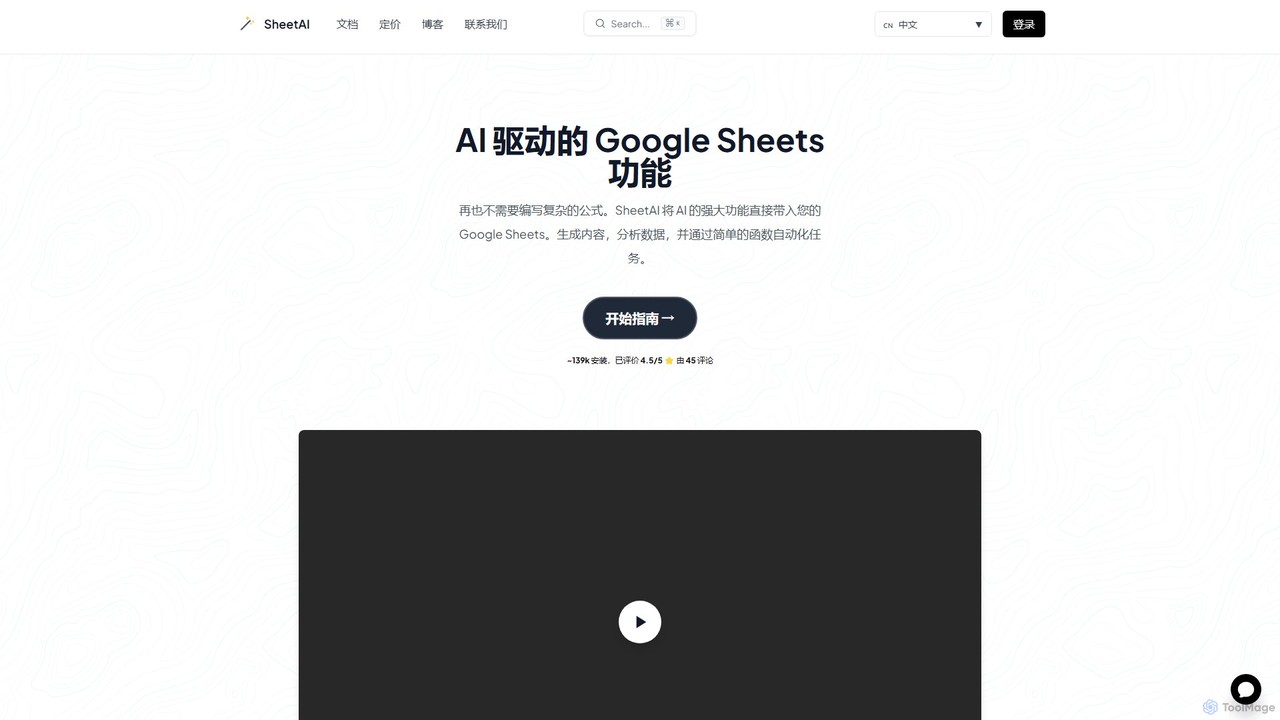
SheetAI integrates the power of AI directly into Google Sheets, allowing users to generate content, analyze data, and automate tasks using simple functions. It eliminates the need for complex formulas, making spreadsheet management more efficient and intuitive for everyone.

No Code
Visits 68.1KFavorites 132Likes 138
NotionSender
Freemium

NotionSender

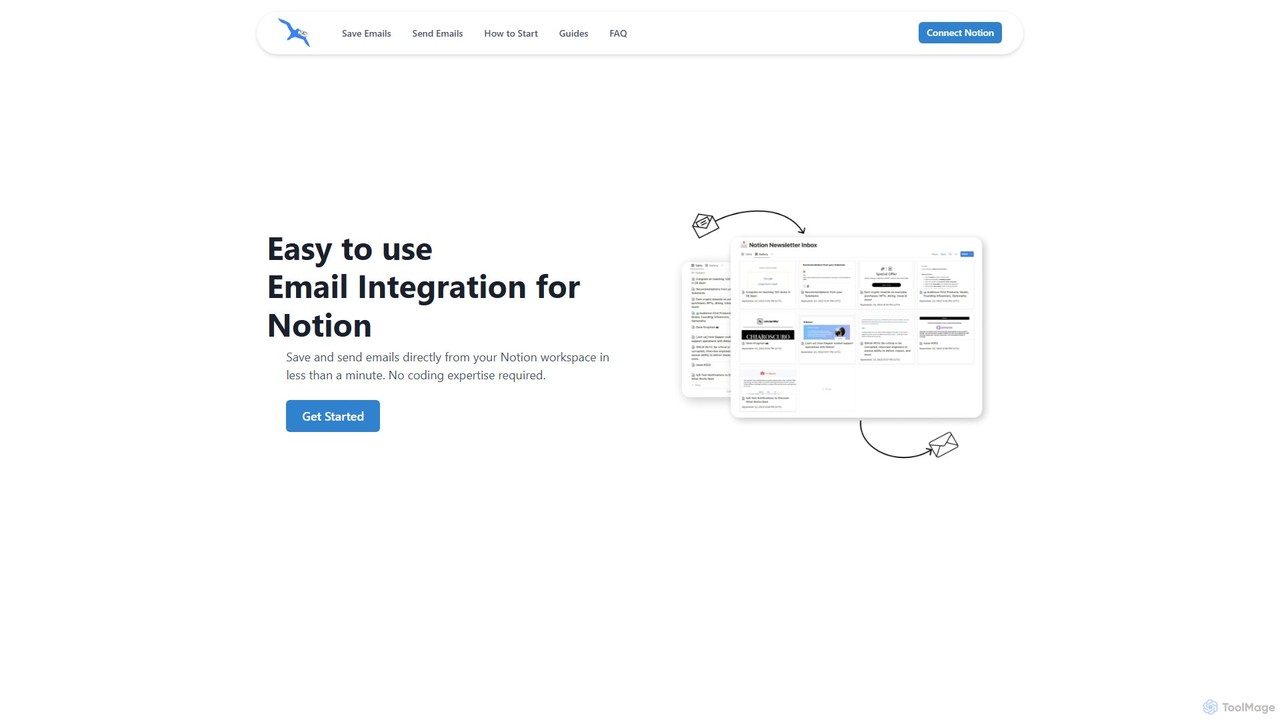
NotionSender is an email integration tool for Notion that allows you to send and receive emails directly within your workspace. It transforms your Notion database into a powerful email hub, enabling you to save emails with attachments, use AI to automatically extract data like invoice details, and send dynamic, personalized emails using Notion pages as templates. Streamline your communication and project management without switching between apps.

Workflow
Visits 20.4KFavorites 100Likes 109
Arrange
Freemium

Arrange

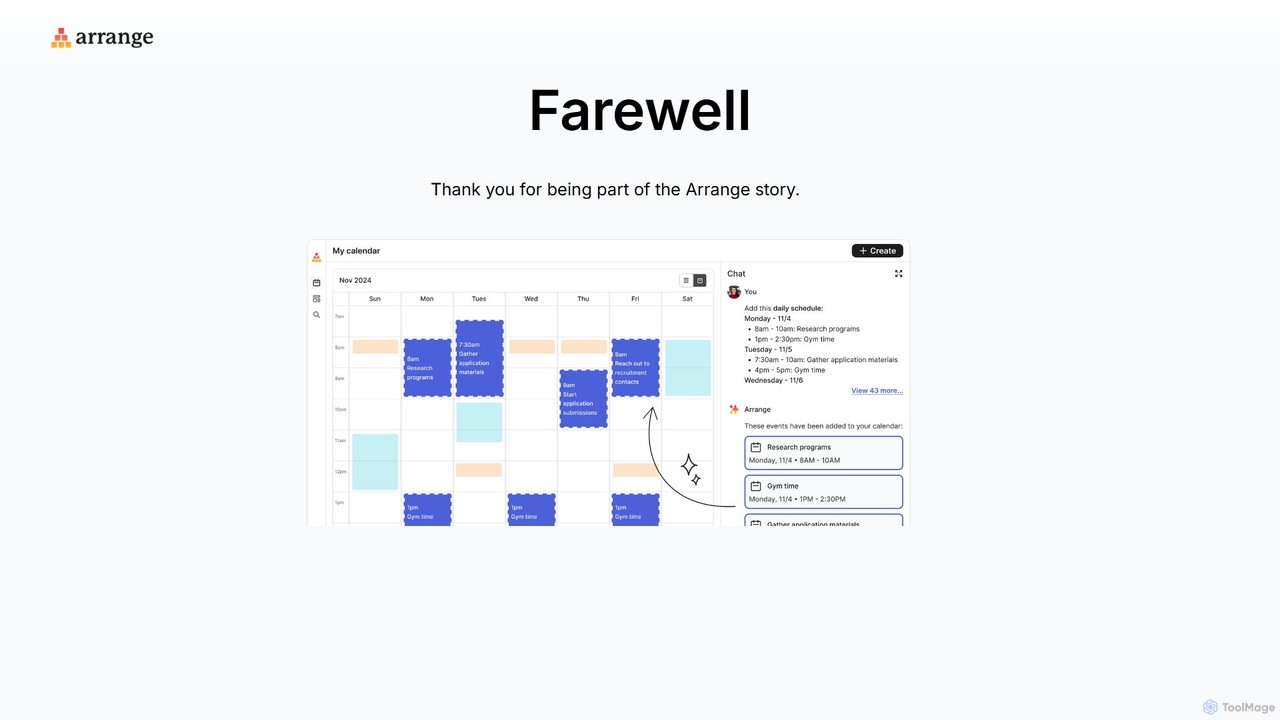
Arrange is an AI-powered scheduling assistant that intelligently converts your text-based plans, emails, and messages into organized calendar events. It uses natural language processing to understand dates, times, and participants, automating the entire scheduling process to save you time and effort.

Task Management
Visits 7.5KFavorites 112Likes 98
ClickSEO
Freemium

ClickSEO

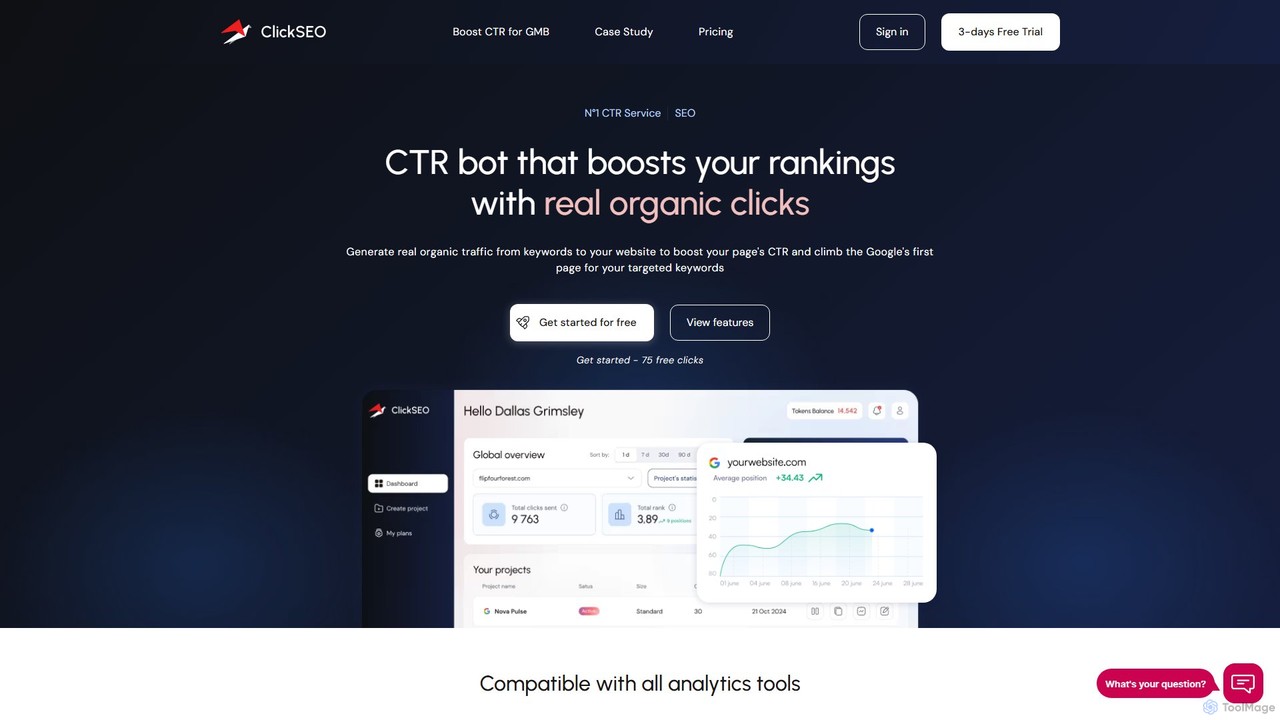
ClickSEO is an automated CTR (Click-Through Rate) bot designed to boost your website's SEO rankings. It generates real, geo-targeted organic traffic from specific keywords to your site, improving key metrics like CTR, dwell time, and bounce rate. It also supports Google My Business to enhance local SEO.

Traffic Bot
Visits 10.8KFavorites 145Likes 136
Dule
Freemium

Dule

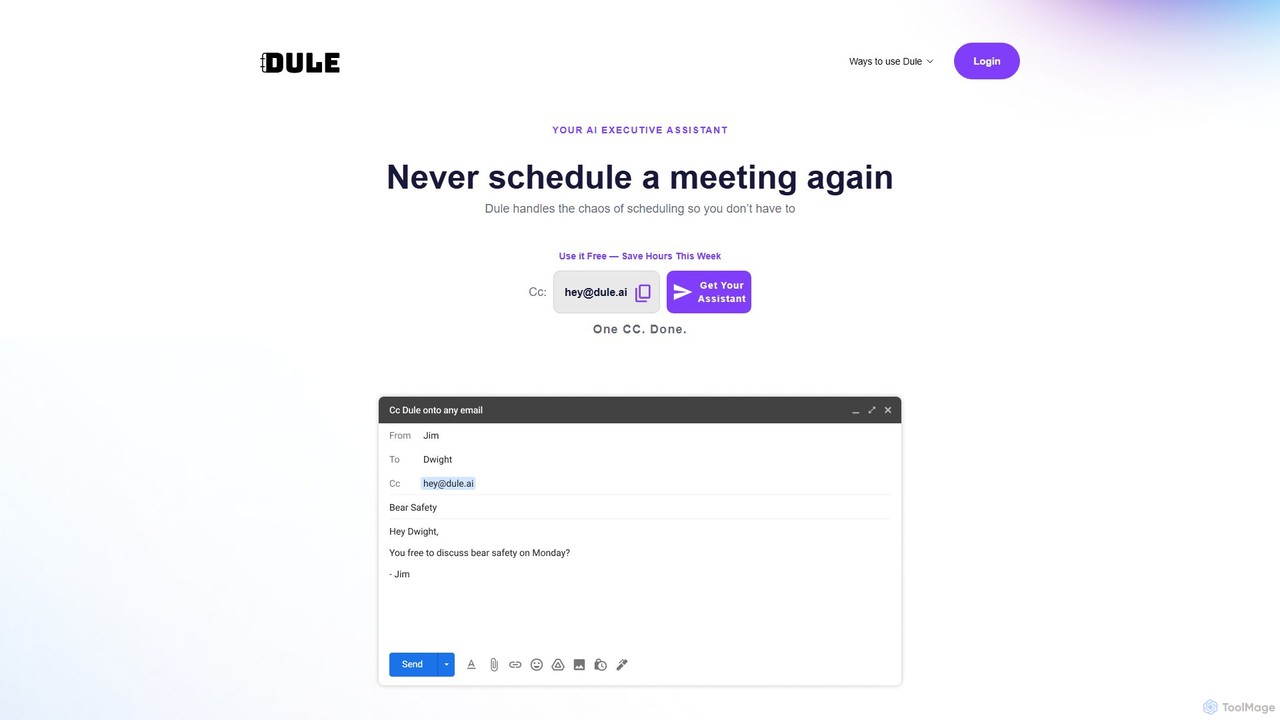
Dule is an AI scheduling assistant that works directly in your email. Simply CC Dule, and it handles meeting coordination, proposes times, sends invites, and follows up automatically. It eliminates booking links and apps, providing a seamless, human-like scheduling experience for you and your guests.

Task Management
Visits 8KFavorites 133Likes 118
SadCaptcha
Freemium

SadCaptcha

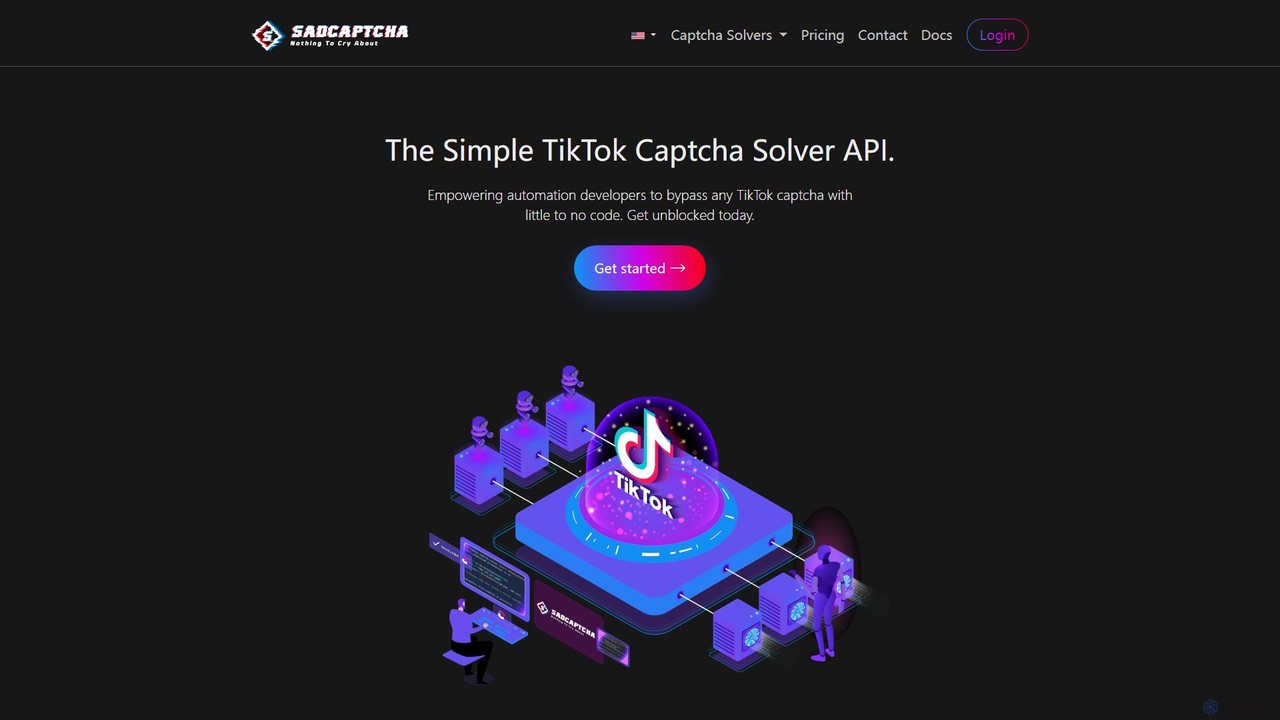
SadCaptcha is a specialized API service for developers and businesses to bypass TikTok captchas. Using an advanced AI computer vision algorithm, it solves rotate, puzzle, and 3D image challenges with 99% accuracy and instant response times. It integrates seamlessly with any automation framework, enabling uninterrupted TikTok web scraping and automation tasks.

Social Media
Visits 12.1KFavorites 114Likes 120
Sanctuary AI

Sanctuary AI

Sanctuary AI is a robotics and physical AI company developing Phoenix, an industrial-grade, general-purpose humanoid robot. Powered by an advanced AI control system, Phoenix is designed to address global labor shortages by performing complex, dexterous tasks in manufacturing, logistics, and automotive industries, especially those that are dull, dirty, or dangerous.

Physical Ai
Visits 40.6KFavorites 150Likes 131
Vocca
Paid

Vocca

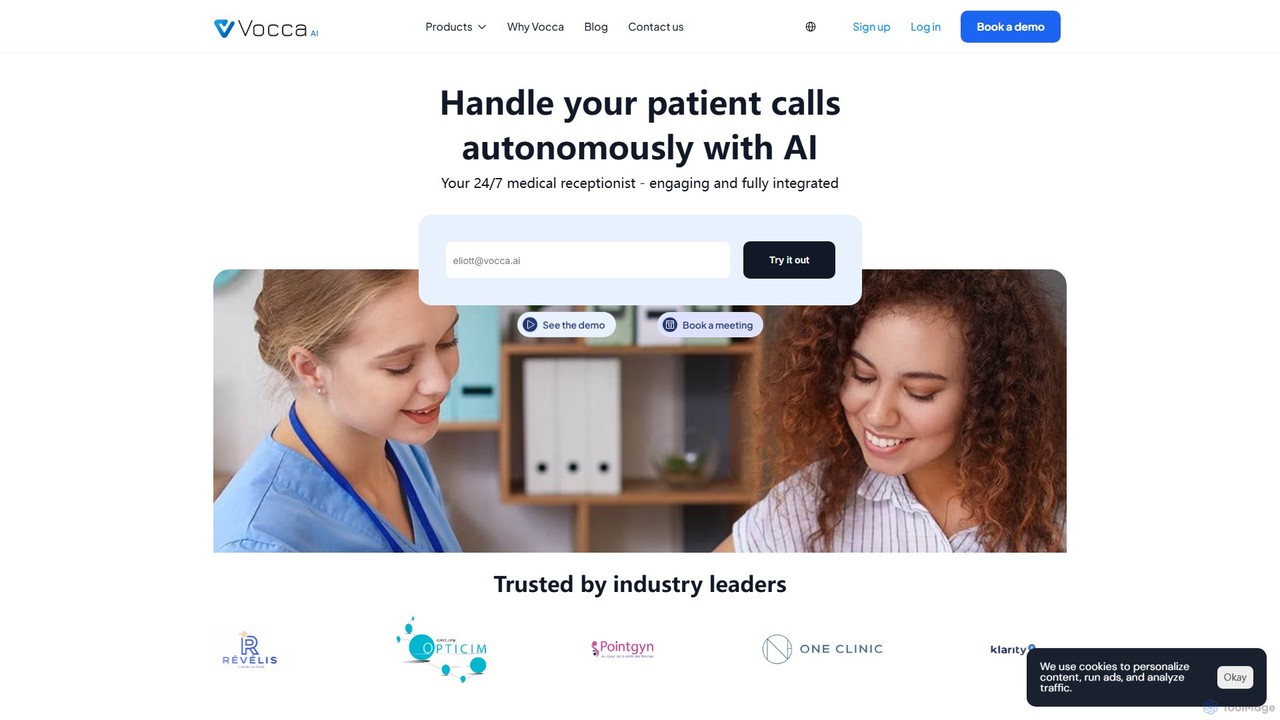
Vocca is an AI-powered call center and virtual receptionist designed specifically for the healthcare industry. It automates patient communications by handling inbound and outbound calls 24/7, scheduling appointments, sending reminders, and answering common questions. This allows medical staff to focus on patient care, reduce administrative workload, and improve clinic efficiency.

Voice Assistant
Visits 6.2KFavorites 116Likes 120
Mage
Freemium

Mage

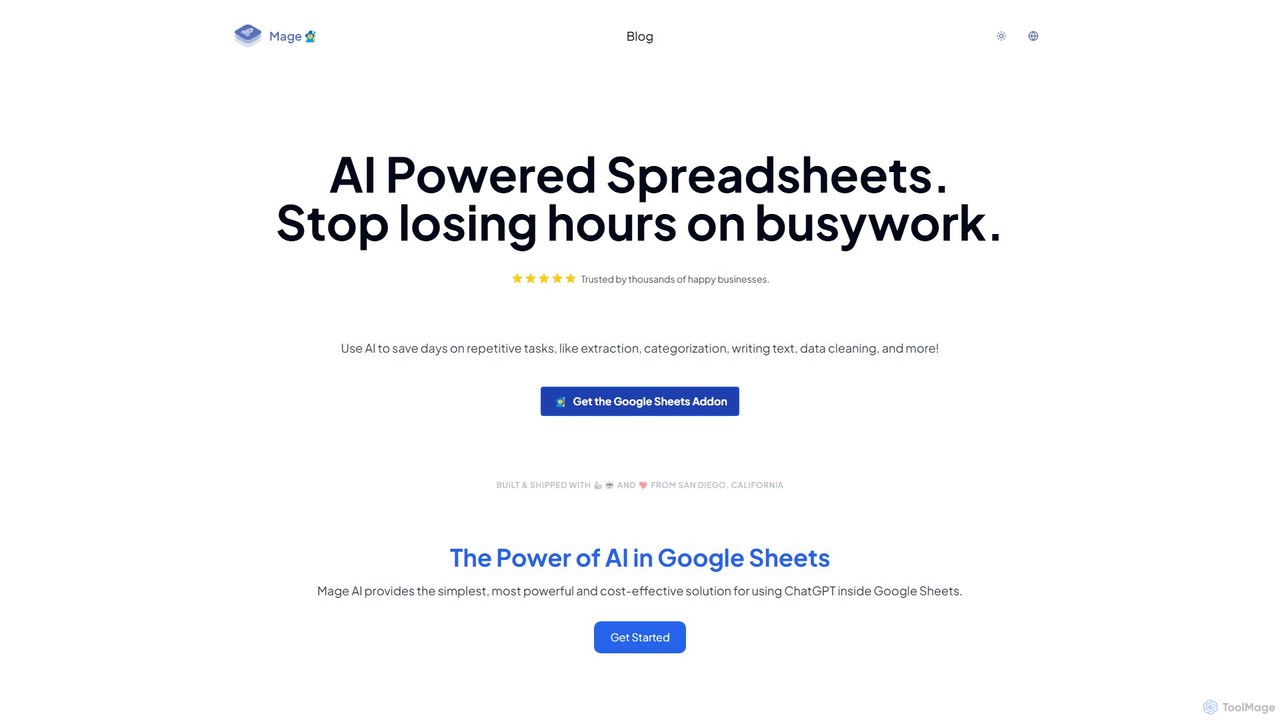
Mage is a powerful AI add-on for Google Sheets that automates repetitive tasks. Use it to extract data, categorize text, generate content, clean data, and perform translations directly within your spreadsheets, saving hours of manual work.

No Code
Visits 8.3KFavorites 151Likes 139
uptik
Paid

uptik

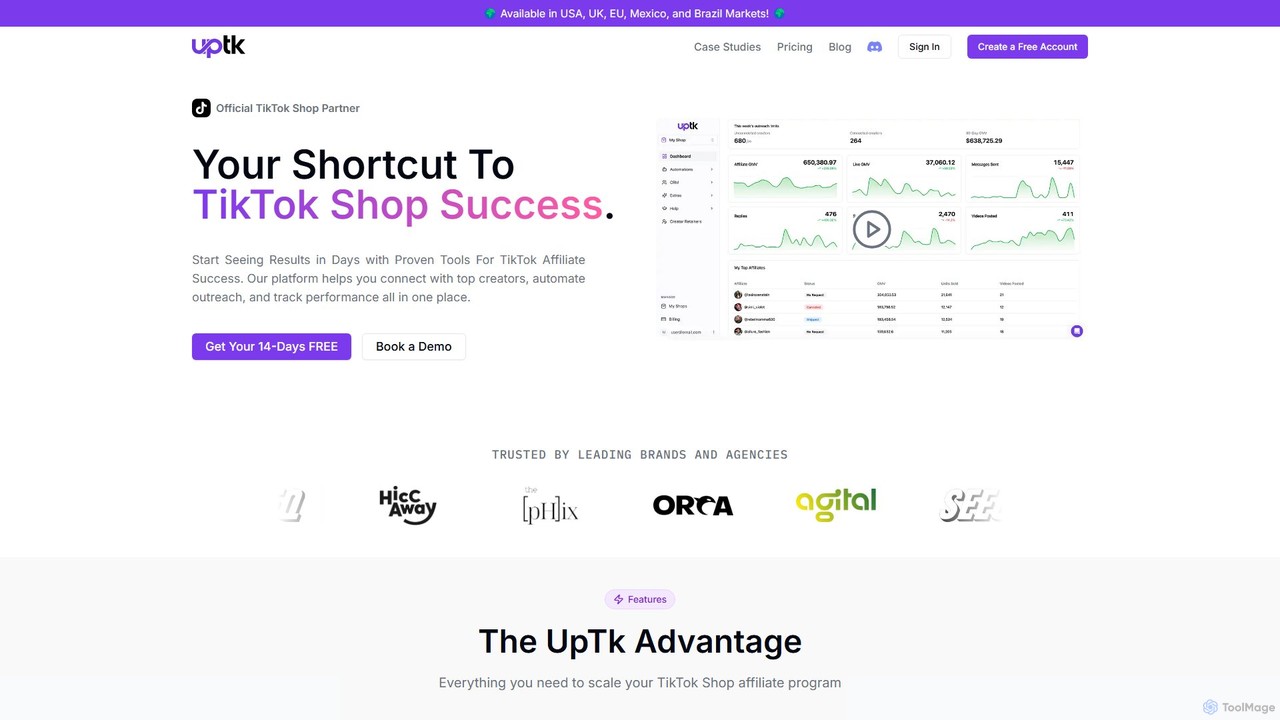
uptik is an official TikTok Shop Partner and affiliate outreach tool designed to help brands scale their sales. It automates finding, connecting with, and managing over 2 million TikTok creators, streamlining campaign management, performance tracking, and spark code requests all in one platform.

Sales Automation
Visits 7KFavorites 137Likes 166
qoop

qoop

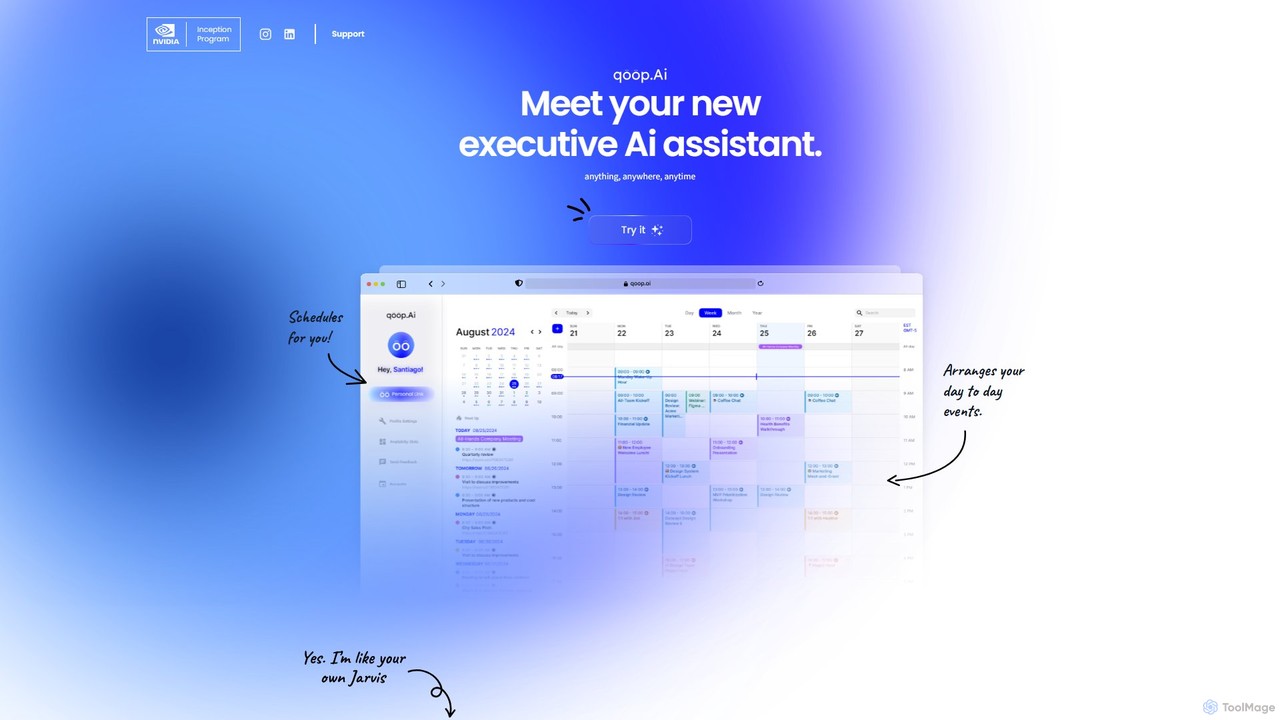
qoop is an AI-powered executive assistant designed to automate and streamline your daily administrative tasks. It intelligently manages your schedule, handles communications, and facilitates bookings and payments by integrating seamlessly with your existing tools. By learning your preferences, qoop efficiently arranges your day-to-day events, saving you time and eliminating the hassle of manual coordination.

Scheduling
Visits 5.8KFavorites 138Likes 120

About Automation

AI Automation tools are platforms designed to execute repetitive tasks and orchestrate complex workflows across various applications without manual intervention. These tools leverage APIs and AI logic to connect different software, enabling data to move and actions to be triggered based on predefined rules. They are essential for streamlining business processes, reducing human error, and freeing up teams to focus on more strategic work. Many platforms offer a visual, no-code or low-code interface, making automation accessible to non-developers.

Core Features

  • Workflow Builder: Visually design multi-step automated processes using triggers and actions.
  • App Connectors: A vast library of pre-built integrations to connect with thousands of cloud applications and services.
  • Conditional Logic: Create sophisticated workflows with rules, filters, and branching paths based on specific conditions.
  • Data Mapping: Transfer and transform data between different applications automatically.
  • Execution Monitoring: Track the history of workflow runs, identify errors, and debug issues in real-time.

Use Cases

AI Automation tools are widely used across departments like marketing, sales, IT, and HR. For instance, a marketing team can automate social media posting whenever a new blog is published. A sales team can automatically sync new leads from a web form to their CRM and trigger a welcome email sequence. IT departments use them to route support tickets and manage user provisioning.

How to Choose

When selecting an AI Automation tool, first evaluate its integration library to ensure it supports the apps you use. Consider the complexity of workflows you need to build; some tools excel at simple linear tasks, while others support complex conditional logic. Assess the user interface—whether you need a simple no-code builder or a more advanced platform. Finally, compare pricing models, which are often based on the number of tasks or active workflows.

Featured tool rankings

Automation use cases

1

Automate Social Media Content Distribution

A content marketer needs to ensure every new blog post gets maximum visibility. Instead of manually creating and scheduling posts for each platform, they use an automation tool. The workflow is triggered when a new item appears in the blog's RSS feed. The tool then automatically takes the post's title and link, uses an AI writing integration to generate a concise summary for Twitter and a longer one for LinkedIn, and schedules them to be published at optimal engagement times. This saves several hours per week and ensures consistent content promotion.

2

Streamline Sales Lead Management

A sales team receives leads from various sources, including website forms, webinars, and social media. To prevent leads from falling through the cracks, they set up an automation. When a new lead is submitted via a form, the tool instantly adds them to the CRM, assigns them to a sales representative based on territory, and sends a personalized welcome email. The workflow can also include a delay, and if the lead hasn't been contacted after 24 hours, it sends a notification to the sales manager. This ensures rapid response times and accountability.

3

Automate IT Support Ticket Routing

An IT department handles numerous support requests daily via email. To manage the queue efficiently, they use an automation tool to parse incoming emails. The tool identifies keywords in the subject line or body (e.g., 'password reset', 'VPN issue', 'new hardware'). Based on these keywords, it automatically creates a ticket in their helpdesk system, assigns it to the appropriate specialist (e.g., network team, hardware support), and sets a priority level. This eliminates the manual triage process, reduces response times, and ensures requests are handled by the correct expert from the start.

4

Automate Employee Onboarding Processes

An HR manager is responsible for onboarding new hires, a process involving many repetitive administrative tasks. They build an automation workflow that triggers when a candidate is marked as 'Hired' in the applicant tracking system (ATS). The workflow automatically creates user accounts in Google Workspace and Slack, sends a welcome email with first-day information, adds the new hire to relevant calendars for orientation meetings, and creates a task for the IT department to prepare their equipment. This ensures a smooth, consistent, and error-free onboarding experience for every new employee.

5

Sync Customer Data Across Platforms

A business uses a CRM to manage sales, an email marketing platform for newsletters, and a billing system for payments. Keeping customer information consistent across these systems is a major challenge. An automation tool is used to create a two-way sync. When a customer's contact details are updated in the CRM, the automation instantly updates the corresponding record in the email marketing platform and billing system. Conversely, if a customer unsubscribes from an email list, their marketing preference is updated in the CRM. This ensures data integrity and a single source of truth for customer information.

6

Generate and Distribute Regular Reports

A project manager needs to provide weekly progress reports to stakeholders. This used to involve manually pulling data from a project management tool, a time-tracking app, and a budget spreadsheet, then compiling it into an email. Now, an automation runs every Friday afternoon. It fetches the number of completed tasks, total hours logged, and budget spent from the respective applications. It then formats this data into a clean summary and posts it to a dedicated Slack channel for all stakeholders to see. This process ensures timely, accurate, and effortless reporting.

Automation FAQ

What are AI Automation tools?

AI Automation tools are software platforms that allow you to connect different applications and services to automate repetitive tasks and workflows. They operate on a system of triggers and actions, where a specific event in one app (the trigger) initiates a predefined action in another. For example, receiving a new email attachment in Gmail (trigger) could automatically save that file to Dropbox (action). These tools are designed to streamline processes without requiring any coding knowledge.

How to choose the right AI Automation tool?

Choosing the right tool depends on your specific needs. Consider these factors:

  • App Integrations: Does the tool connect with the specific software you use every day (e.g., your CRM, project management tool, email client)?
  • Workflow Complexity: Do you need simple, two-step automations, or complex workflows with multiple conditions, branches, and filters?
  • Ease of Use: Is the interface intuitive for non-technical users, or is it geared towards developers with more advanced options?
  • Pricing: Evaluate the cost structure. Is it based on the number of tasks executed per month, the number of active workflows, or the number of users?
What's the difference between AI Automation and Robotic Process Automation (RPA)?

While both automate tasks, they operate at different levels. AI Automation tools (like Zapier or Make) primarily work by connecting applications through their APIs. They are ideal for cloud-based workflows. Robotic Process Automation (RPA) tools, on the other hand, typically automate tasks by mimicking human actions on a user interface, such as mouse clicks and keyboard entries. RPA is often used to automate processes on legacy systems or desktop applications that do not have APIs.

What kind of tasks can be automated?

A wide variety of digital tasks can be automated, especially those that are repetitive and rule-based. Common examples include:

  • Data Entry: Automatically moving information from a form or spreadsheet into a CRM or database.
  • Notifications: Sending alerts to Slack or email when a specific event occurs, like a new sale or a completed project task.
  • Content Distribution: Sharing new blog posts or videos across multiple social media platforms.
  • File Management: Organizing and backing up files from one cloud service to another.
  • Report Generation: Aggregating data from multiple sources into a weekly or monthly summary.
Do I need to know how to code to use AI Automation tools?

No, for the most part. The vast majority of popular AI Automation platforms are designed with no-code or low-code interfaces. They use visual builders where you can drag and drop apps and define logic without writing a single line of code. This makes automation accessible to marketers, business owners, and other non-technical professionals. However, some platforms do offer advanced features for developers who want to write custom scripts or connect to custom APIs for more complex scenarios.