Code Best in category 18 results Code Assistant AI Tool

Popular AI tools in the Code Assistant field of Code include Cursor、Kiro、GitButler、Bezi、Waveterm、butterfish、Nora、Komandi、how2terminal、ShellMate, etc., helping you quickly improve efficiency.

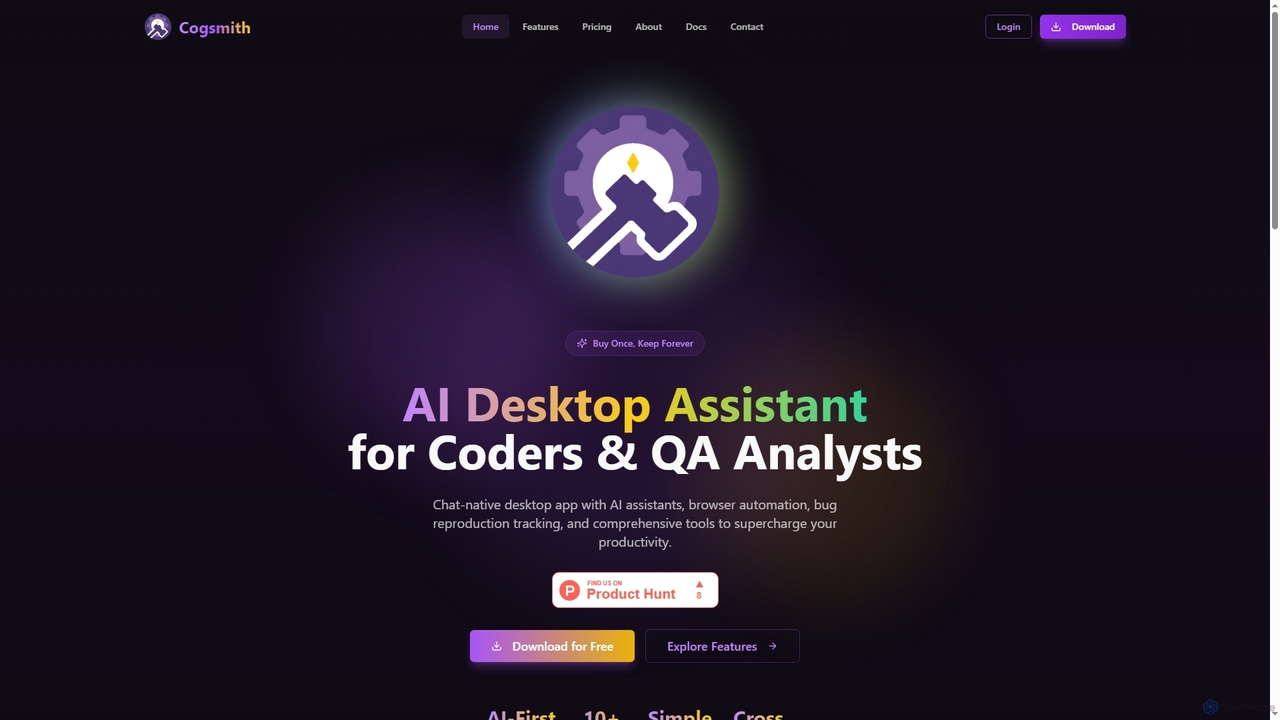
Cogsmith

Cogsmith

An AI-first desktop assistant for developers and QA analysts, featuring a chat interface, browser automation, bug reproduction tracking, …

2.3K
Nora

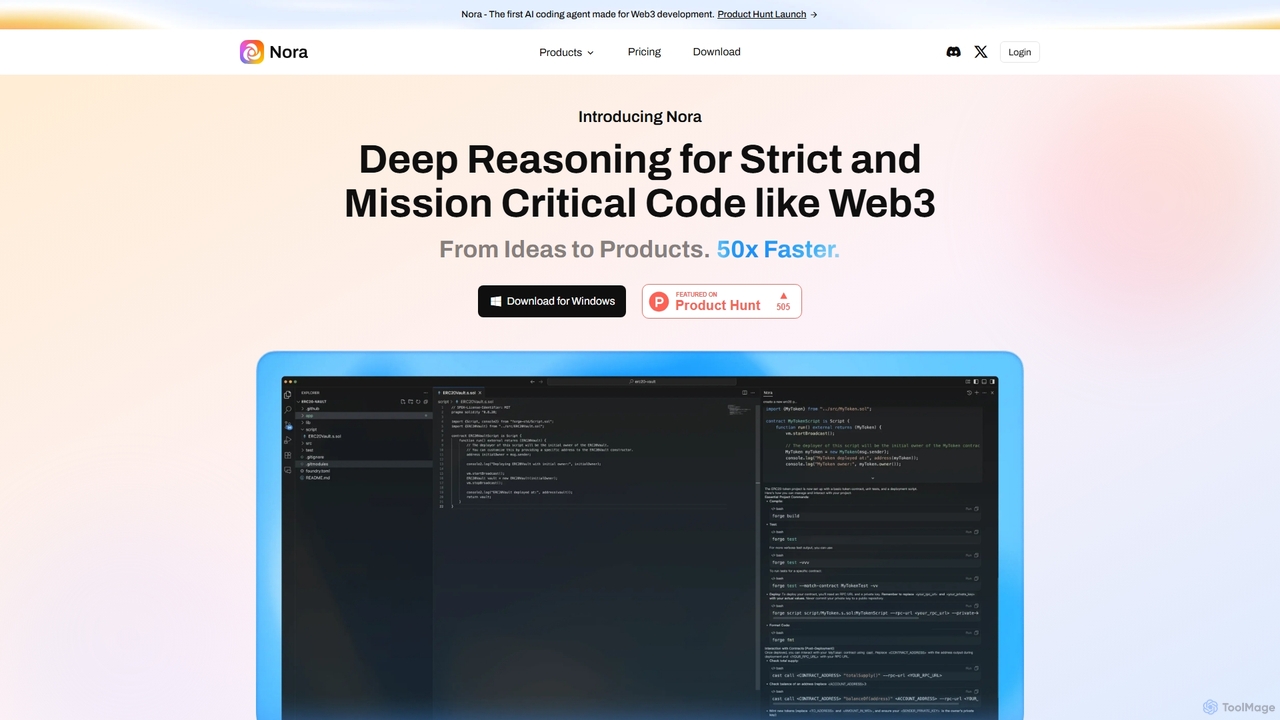
Nora

Nora is the first AI coding agent specifically designed for Web3 development. It moves beyond general-purpose copilots by …

3.4K
Free
Waveterm

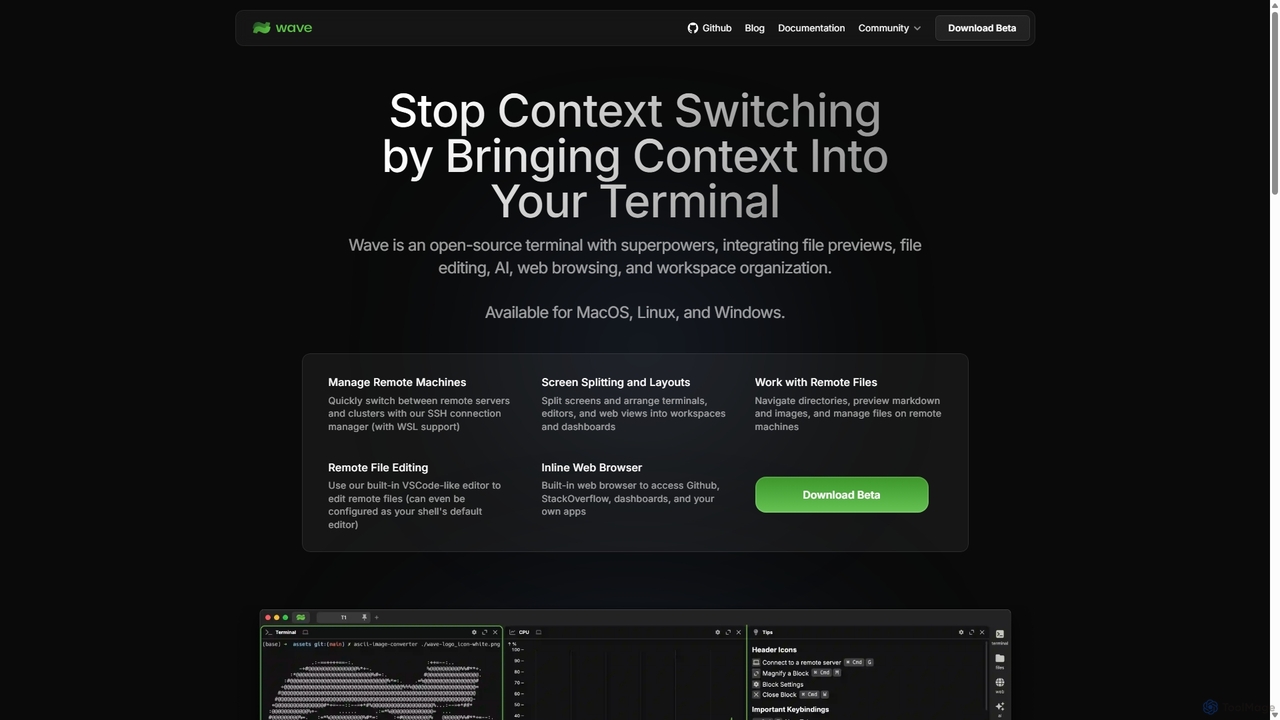
Waveterm

Waveterm is an open-source, modern terminal designed for developers and DevOps engineers. It enhances the command-line experience by …

97.0K
Cursor

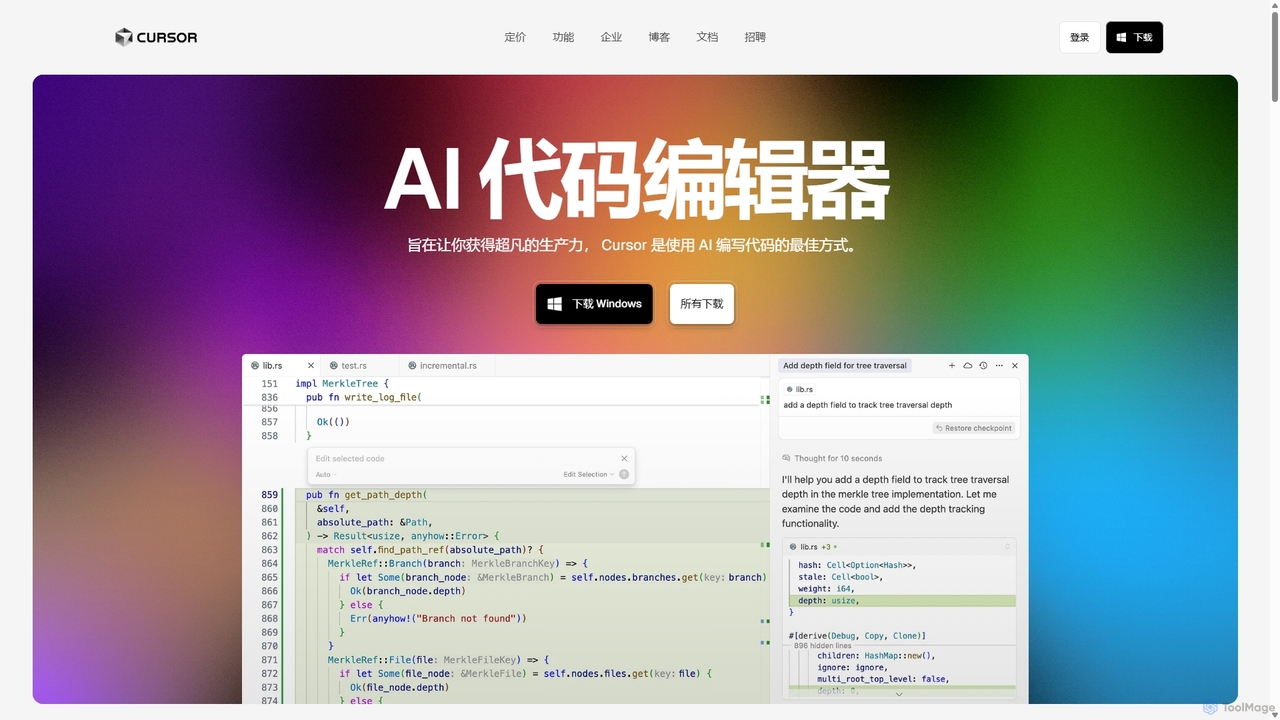
Cursor

Cursor is an AI-first code editor designed for pair-programming with artificial intelligence. Built as a fork of VS …

21.0M
OverScene

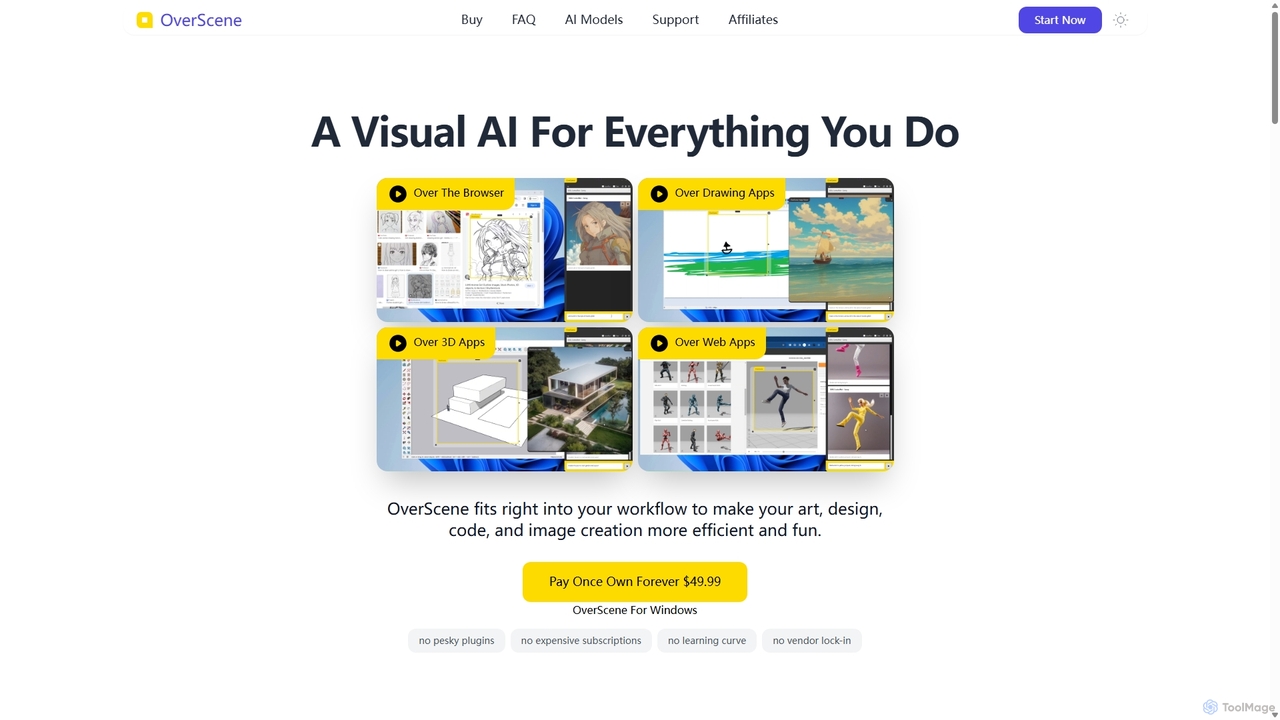
OverScene

OverScene is a revolutionary Windows application that acts as a visual AI layer over any desktop software. It …

2.2K
GetEssential

GetEssential

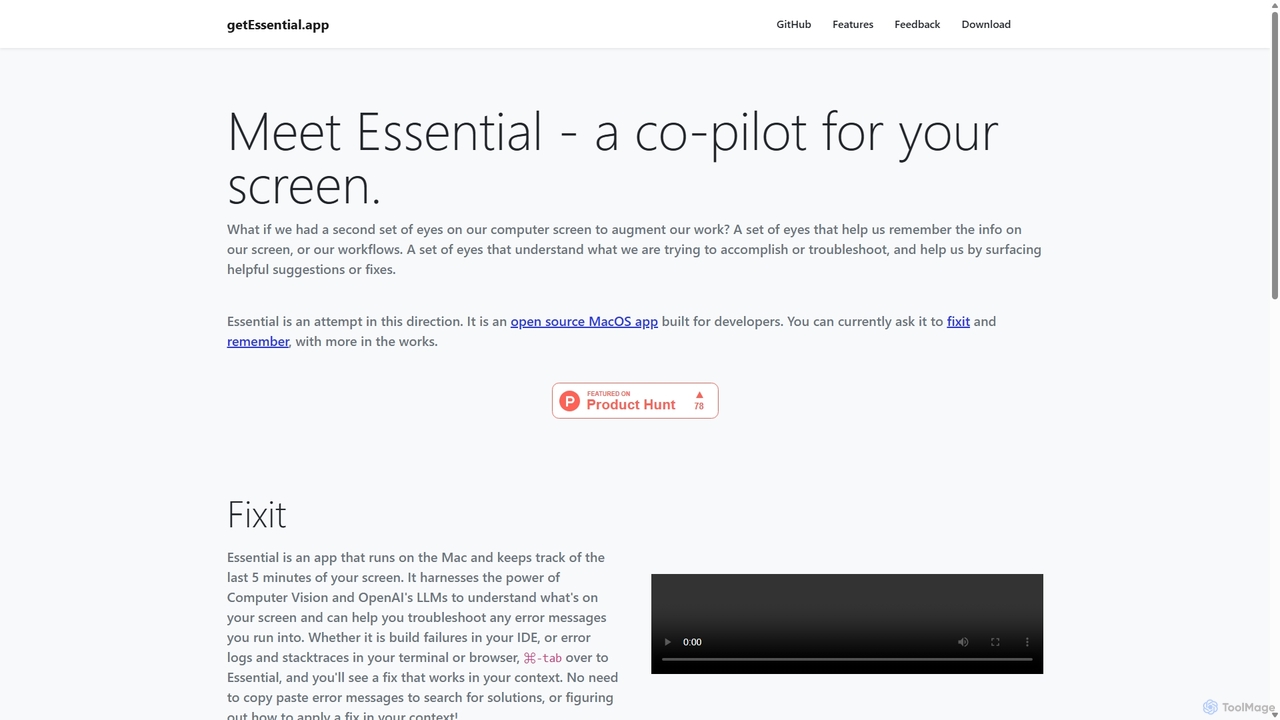
getEssential is an AI-powered Mac application that continuously records your screen to instantly troubleshoot errors. It uses Computer …

2.3K
Bezi

Bezi

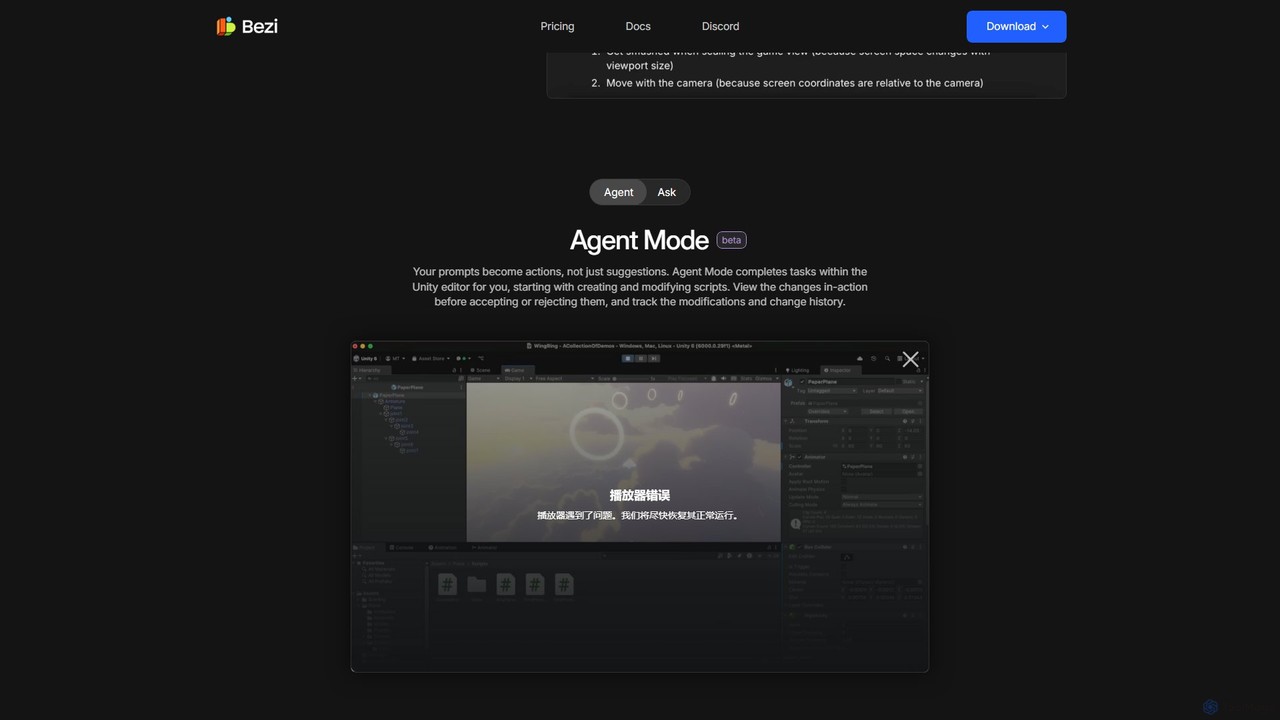
Bezi is an AI assistant for Unity developers and creatives, designed to accelerate game development. It understands your …

115.0K
AiTerm

AiTerm

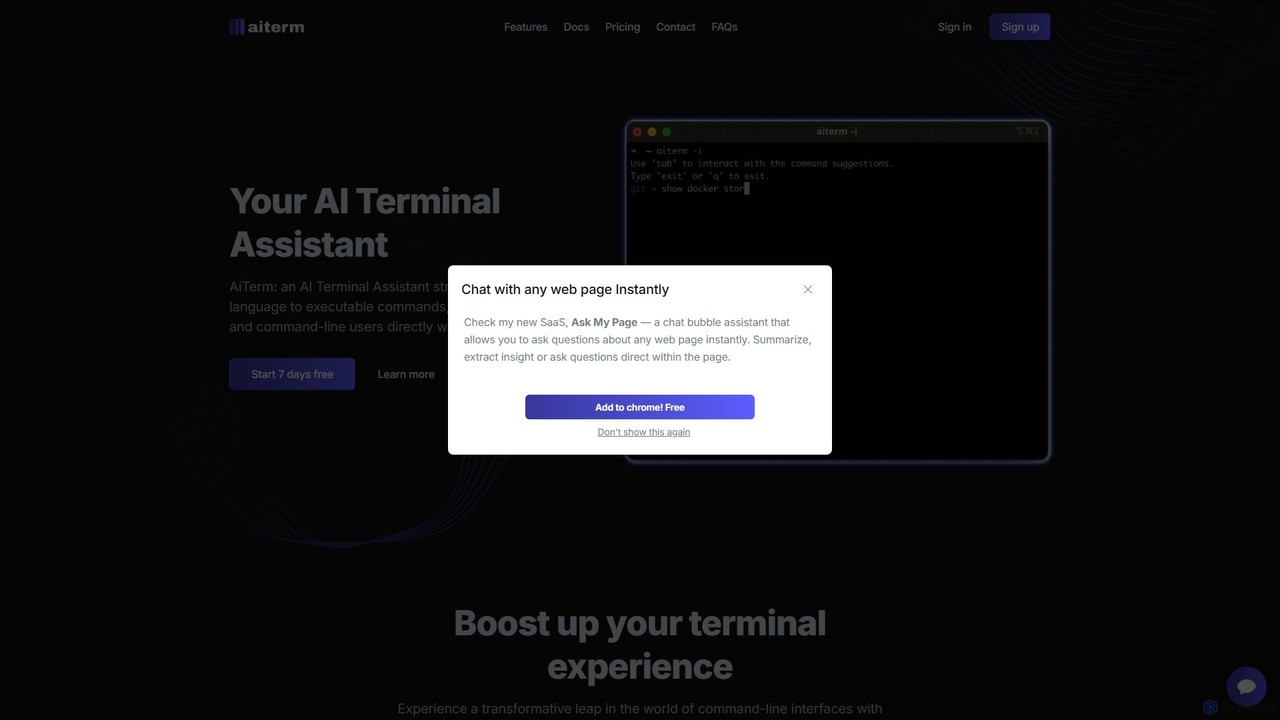
AiTerm is an AI-powered terminal assistant that translates natural language into executable shell commands. It streamlines workflows for …

2.2K
Kel

Kel

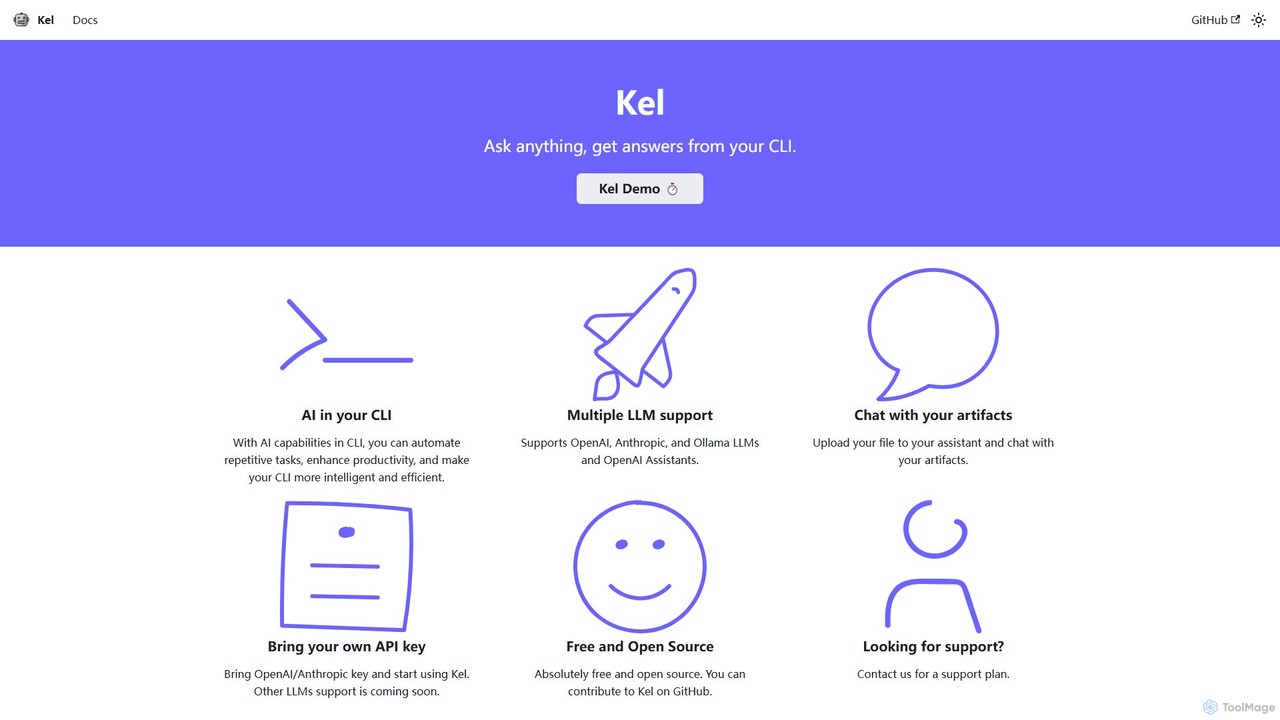
Kel is a free, open-source AI assistant for your command-line interface (CLI). It integrates with multiple LLMs like …

2.3K
BashSenpai

BashSenpai

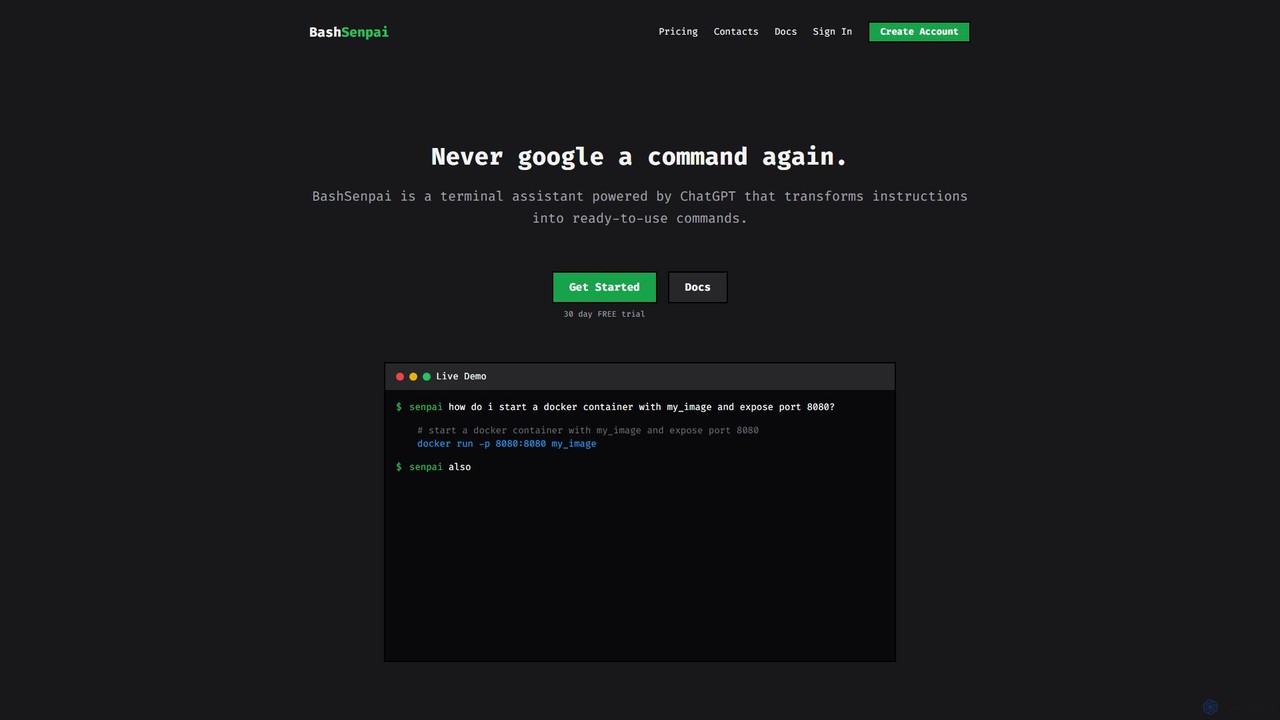
BashSenpai is a ChatGPT-powered terminal assistant that transforms natural language instructions into ready-to-use shell commands. It operates directly …

2.1K
butterfish

butterfish

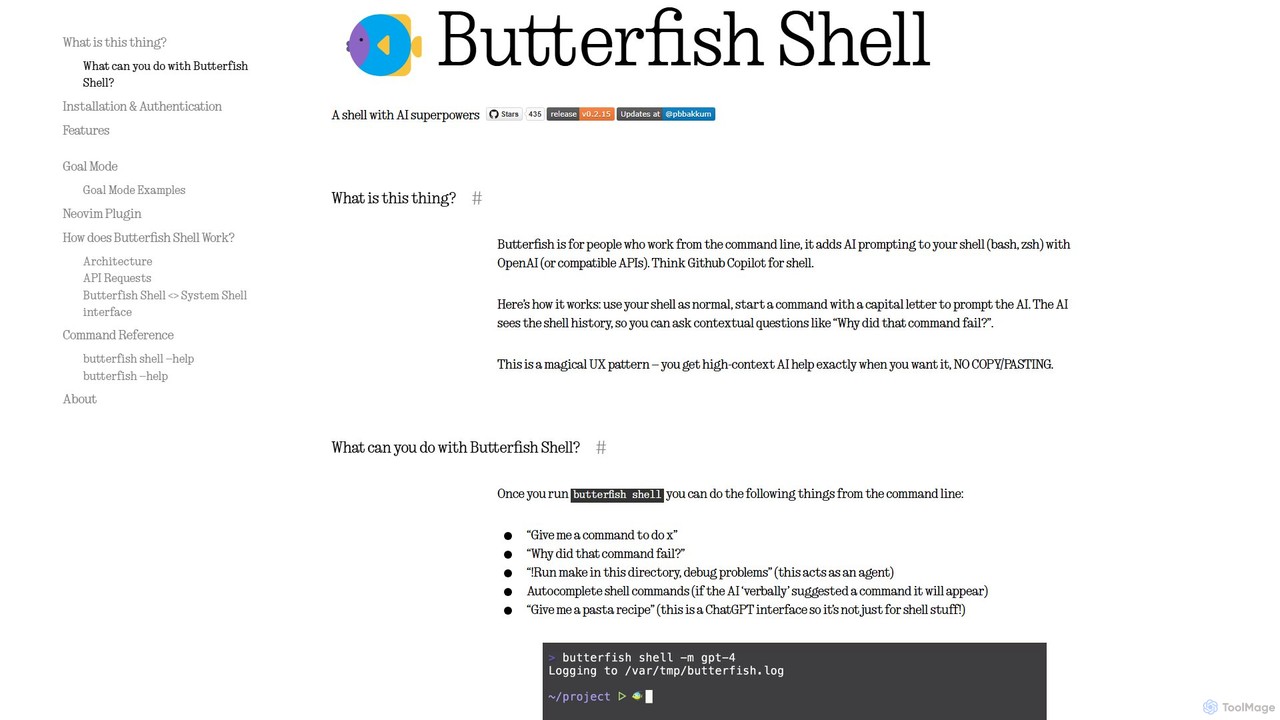
butterfish is an open-source CLI tool that supercharges your shell (bash, zsh) with AI capabilities. Acting like GitHub …

3.4K
LocalizeBot

LocalizeBot

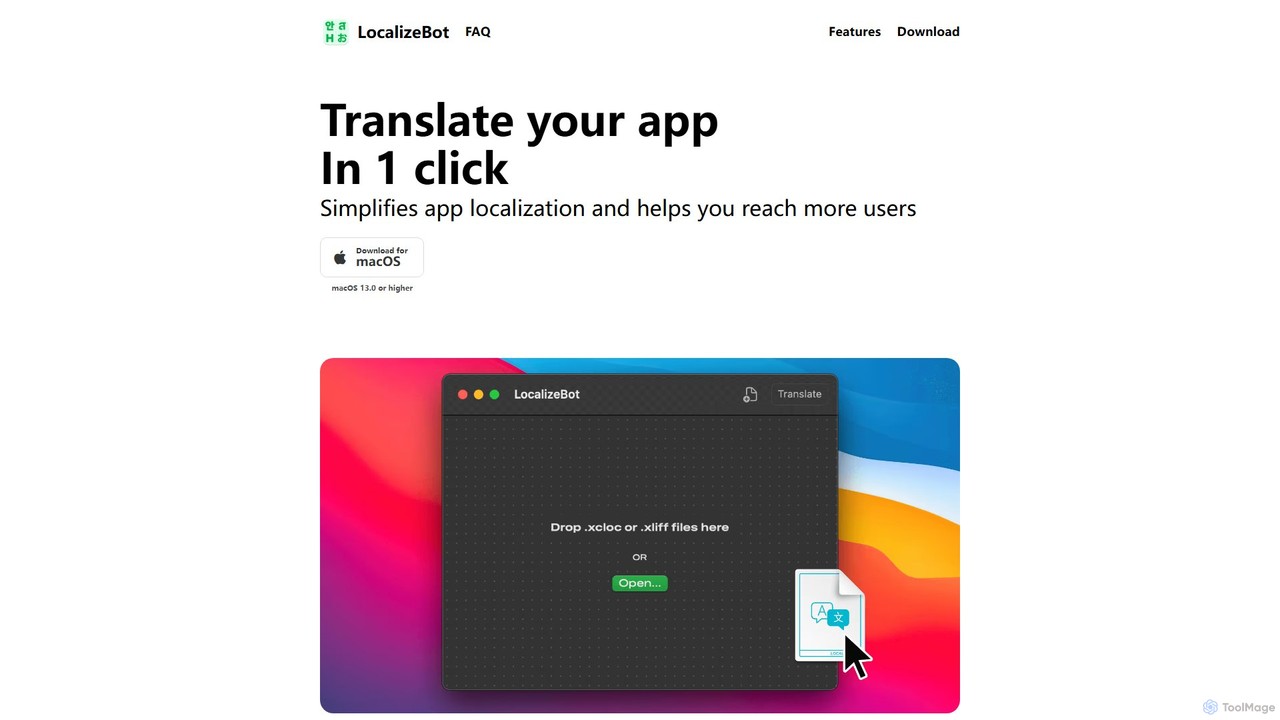
LocalizeBot is a dedicated macOS application that simplifies app localization for developers. With one-click AI-powered translation, it seamlessly …

2.2K
Free
ShellMate

ShellMate

ShellMate is an open-source, AI-powered command-line productivity tool designed for developers and system administrators. Powered by OpenAI, it …

2.6K
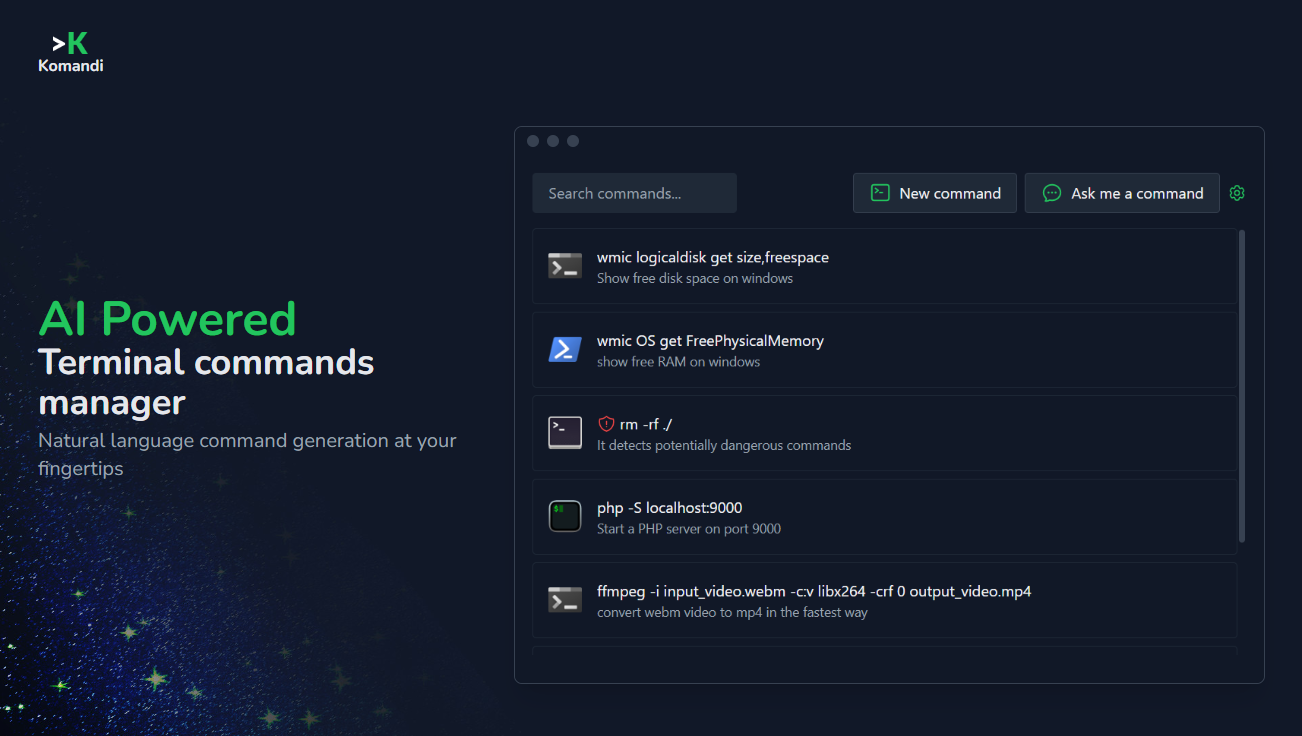
Komandi

Komandi

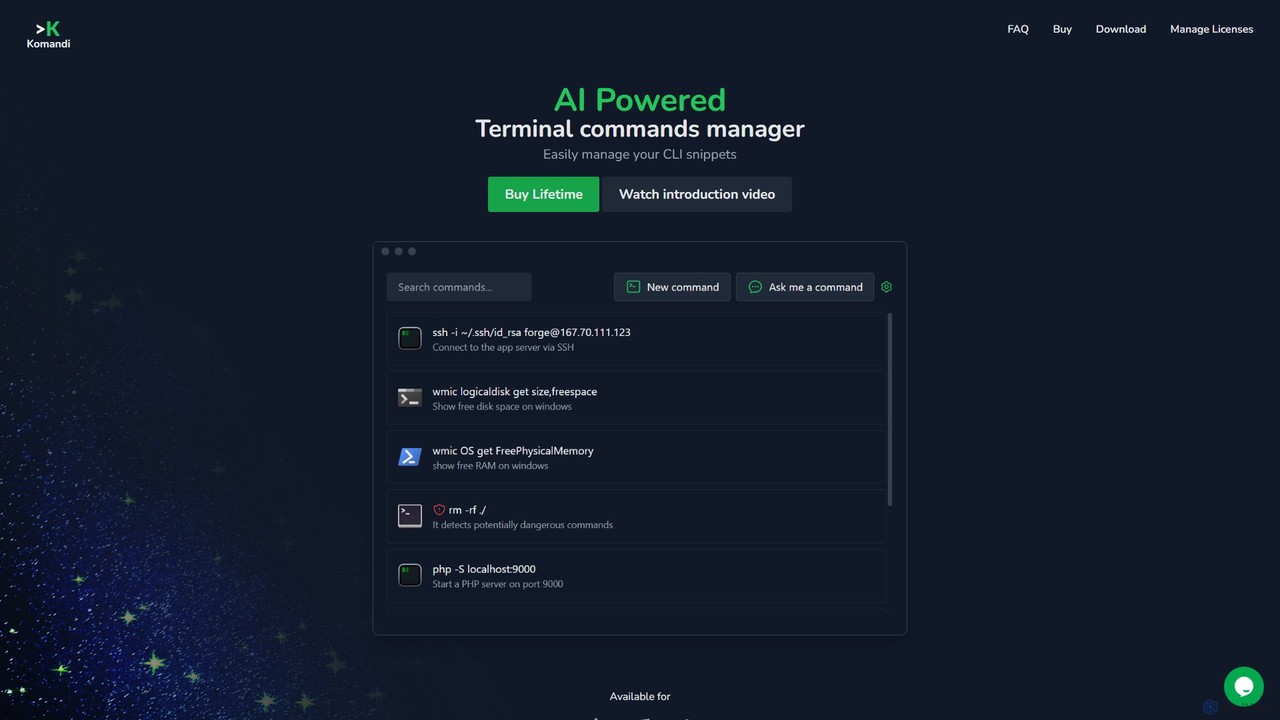
Komandi is an AI-powered CLI/terminal command manager for developers and sysadmins. It simplifies command-line operations by allowing you …

3.3K
Free
Kiro

Kiro

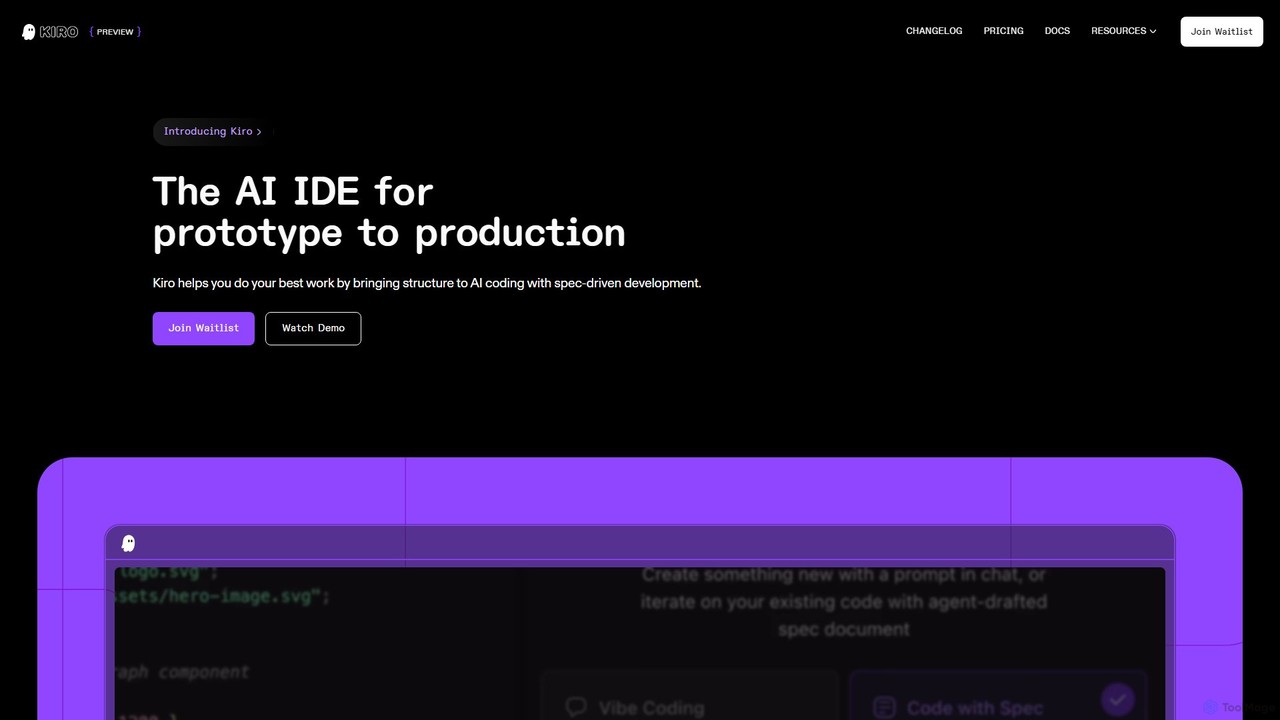
Kiro is an AI-powered Integrated Development Environment (IDE) designed to streamline the entire software development lifecycle, from prototype …

2.6M
how2terminal

how2terminal

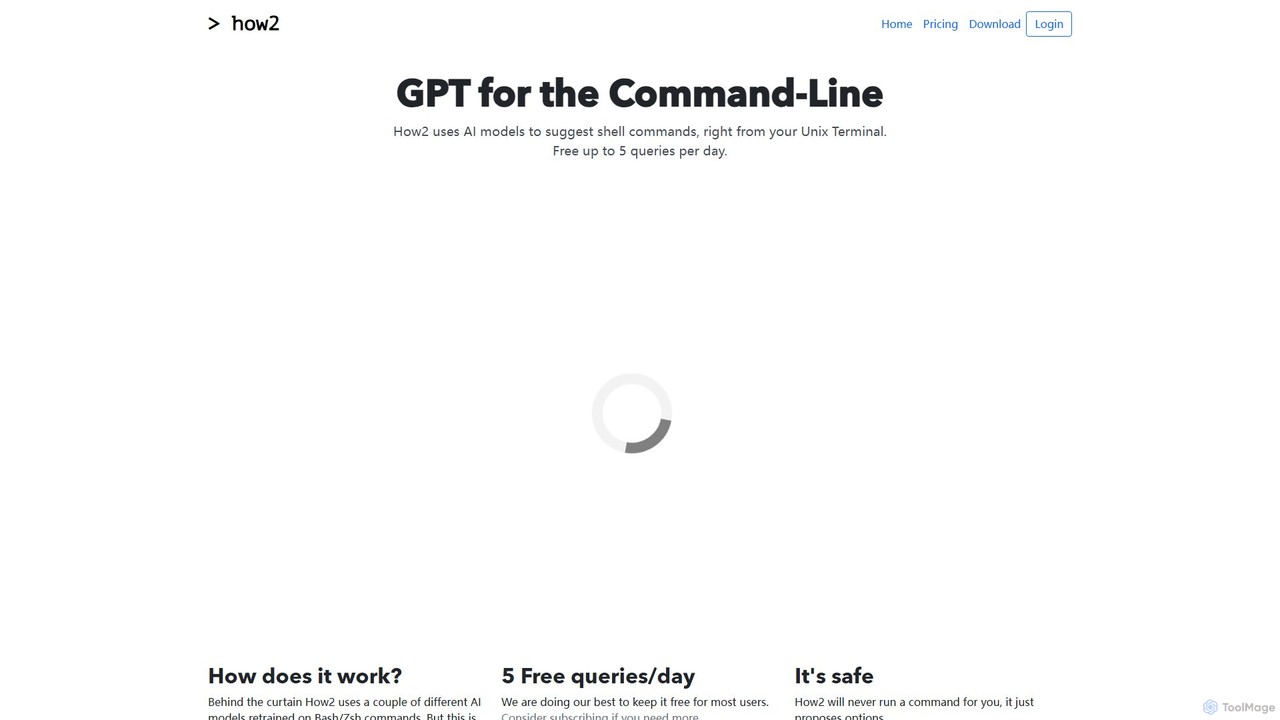
how2terminal is an AI-powered command-line tool that translates natural language queries into shell commands. It works directly in …

3.1K
GitBrain

GitBrain

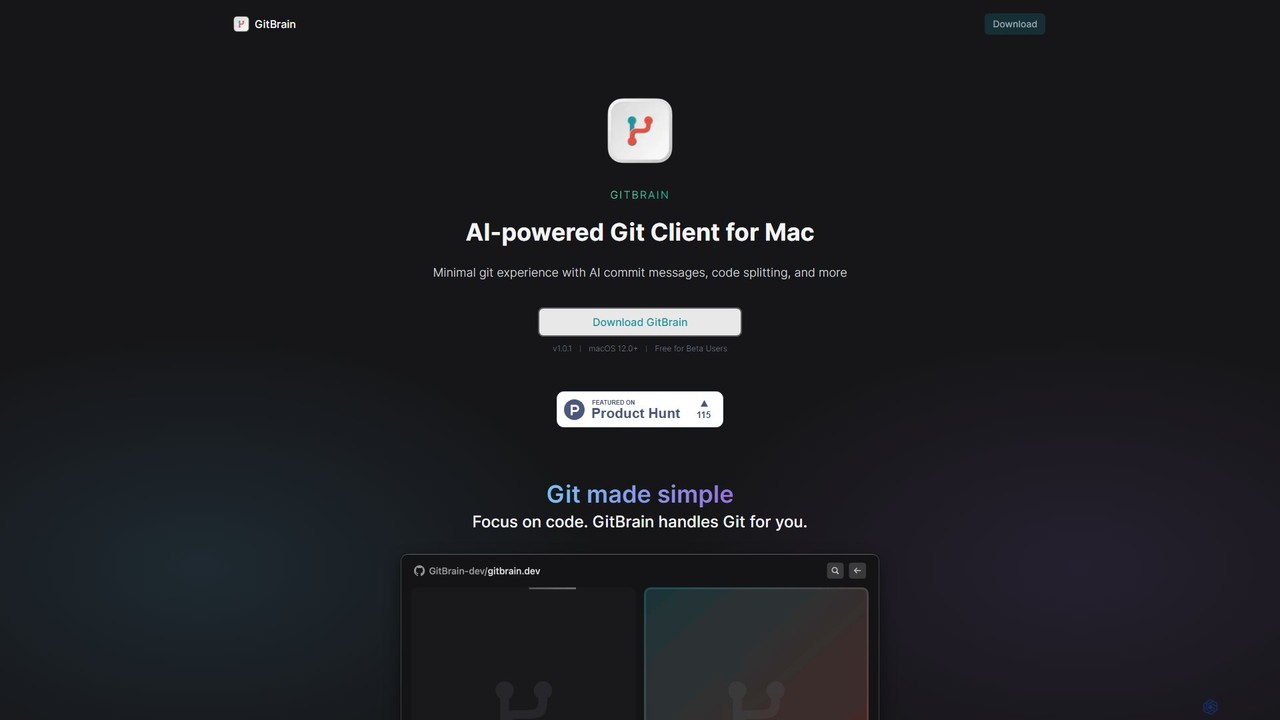
GitBrain is an AI-powered Git client for Mac designed to streamline your workflow. It automatically splits code changes …

2.2K
GitButler

GitButler

GitButler is a next-generation version control client that allows developers to organize their work into multiple virtual branches …

184.3K

About Code Assistant

Code Assistants are AI-powered tools that integrate directly into a developer's environment to provide intelligent, real-time coding support. They leverage large language models trained on vast code repositories to offer features like contextual autocompletion, bug detection, and code explanation. This significantly enhances developer productivity by accelerating routine tasks, reducing errors, and improving overall code quality. Unlike standalone code generators, these assistants act as interactive partners within the existing coding workflow.

Core Features

  • Intelligent Code Completion: Suggests entire lines or blocks of code based on the current context and project files.
  • Real-time Bug Detection: Identifies potential errors, vulnerabilities, and anti-patterns as you type, suggesting immediate fixes.
  • Code Refactoring & Optimization: Recommends improvements for code clarity, performance, and maintainability.
  • Natural Language to Code: Translates plain language comments or descriptions into functional code snippets.
  • In-line Documentation & Explanation: Generates comments or explains complex code blocks on demand, clarifying logic and purpose.

Use Cases

Code Assistants are utilized by software developers, data scientists, and students across all programming languages. They are essential for rapid prototyping, learning new frameworks, maintaining legacy codebases, and accelerating daily development cycles. For instance, a developer can scaffold a new API endpoint in minutes or a data scientist can quickly generate Python code for data visualization.

How to Choose

When selecting a Code Assistant, first consider its integration support for your preferred IDE (e.g., VS Code, JetBrains) and its proficiency in your primary programming languages. Evaluate the performance and accuracy of its suggestions, as models can vary. For enterprise use, scrutinize security and privacy policies, especially regarding how your code is handled. Finally, compare advanced features like test generation and refactoring capabilities to match your specific workflow needs.

Code AssistantUse Cases

1

Accelerating API Endpoint Development

A backend developer is tasked with creating a new REST API endpoint for a user profile service. Instead of writing boilerplate code from scratch, they type a comment like 'function to fetch user by id from database'. The Code Assistant instantly generates a complete function stub, including asynchronous handling, database query structure, and error handling blocks. This allows the developer to focus on the specific business logic, reducing development time for the new feature by over 50%.

2

Debugging and Understanding Legacy Code

A maintenance engineer is assigned a bug in a large, unfamiliar legacy codebase written in C++. They highlight a complex function they don't understand and ask the Code Assistant to 'explain this code'. The tool provides a natural language summary of the function's purpose, its inputs, and its outputs. It also flags a potentially unsafe memory operation within the function, which turns out to be the source of the bug. This process transforms hours of manual code tracing into a few minutes of guided analysis.

3

Automating Unit Test Generation

A software developer has just finished implementing a complex business logic function in Python. To ensure its correctness and adhere to Test-Driven Development (TDD) principles, they need to write comprehensive unit tests. Instead of manually writing each test case, they right-click the function and select 'Generate Unit Tests'. The Code Assistant analyzes the function's logic, identifies edge cases (e.g., null inputs, empty lists, zero values), and generates a complete test file using a popular framework like PyTest, including assertions for expected outcomes.

4

Learning a New Programming Language

A developer experienced in Python is learning Rust for a new project. While working, they encounter a concept like 'ownership' that is unique to Rust. They write a comment: 'create a function that takes ownership of a string and returns its length'. The Code Assistant provides the correct Rust syntax, including type annotations and the proper way to handle borrowing. This interactive, in-context learning is far more effective than switching between the editor and documentation, accelerating their proficiency in the new language.

5

Refactoring Code for Better Readability

A developer identifies a long and convoluted method in a Java application that is difficult to maintain. They highlight the entire method and use the Code Assistant's refactoring feature. The tool suggests breaking it down into several smaller, single-purpose private methods with descriptive names. It also identifies a loop that could be replaced with a more efficient and readable Stream API call. With a few clicks, the developer applies these suggestions, instantly improving the code's maintainability and clarity for the rest of the team.

6

Generating Code from Natural Language

A data analyst, proficient in SQL but less so in Python, needs to perform a complex data transformation using the Pandas library. Instead of searching for syntax, they write a comment in their script: 'group the dataframe by 'category', calculate the mean of 'sales' and sum of 'quantity', and sort descending by sales'. The Code Assistant translates this instruction directly into the corresponding Pandas code, complete with the correct function chaining (`.groupby()`, `.agg()`, `.sort_values()`). This empowers users to leverage powerful libraries without needing to memorize their specific API.

Code AssistantFrequently Asked Questions