ToolMage
Sign in

Best 761 Data AI tools

Popular Data AI tools include DefinedCrowd, Microsoft Power BI, Google Cloud, Hugging Face, Airtable, Prolific, IBM, Kaggle, Ahrefs, and Formstack, helping you work more efficiently.

Get Colby
Freemium

Get Colby

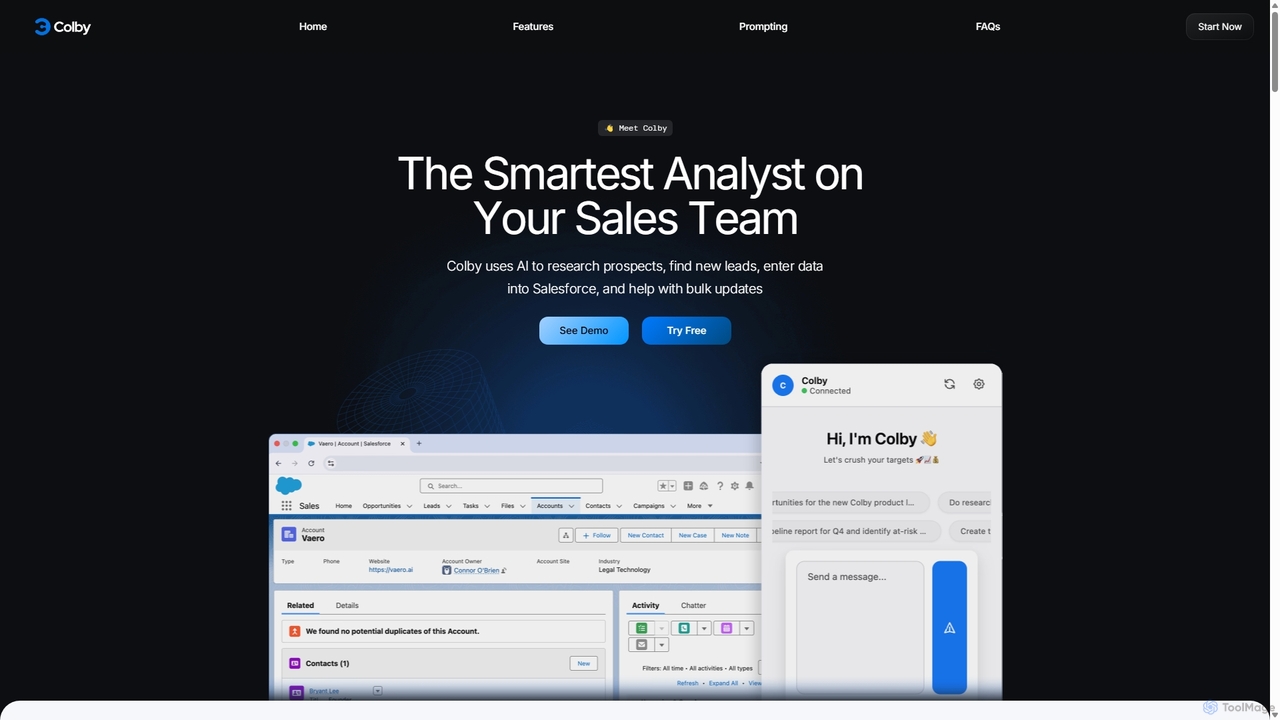
Get Colby is an AI-powered sales analyst designed to streamline Salesforce workflows. Operating as a Chrome extension, it automates prospect research, lead generation, and data entry using voice commands and natural language. This saves sales teams hours of administrative work, improves CRM data accuracy, and allows them to focus on selling.

Data Entry
Visits 4.6KFavorites 160Likes 158
Endex
Paid

Endex

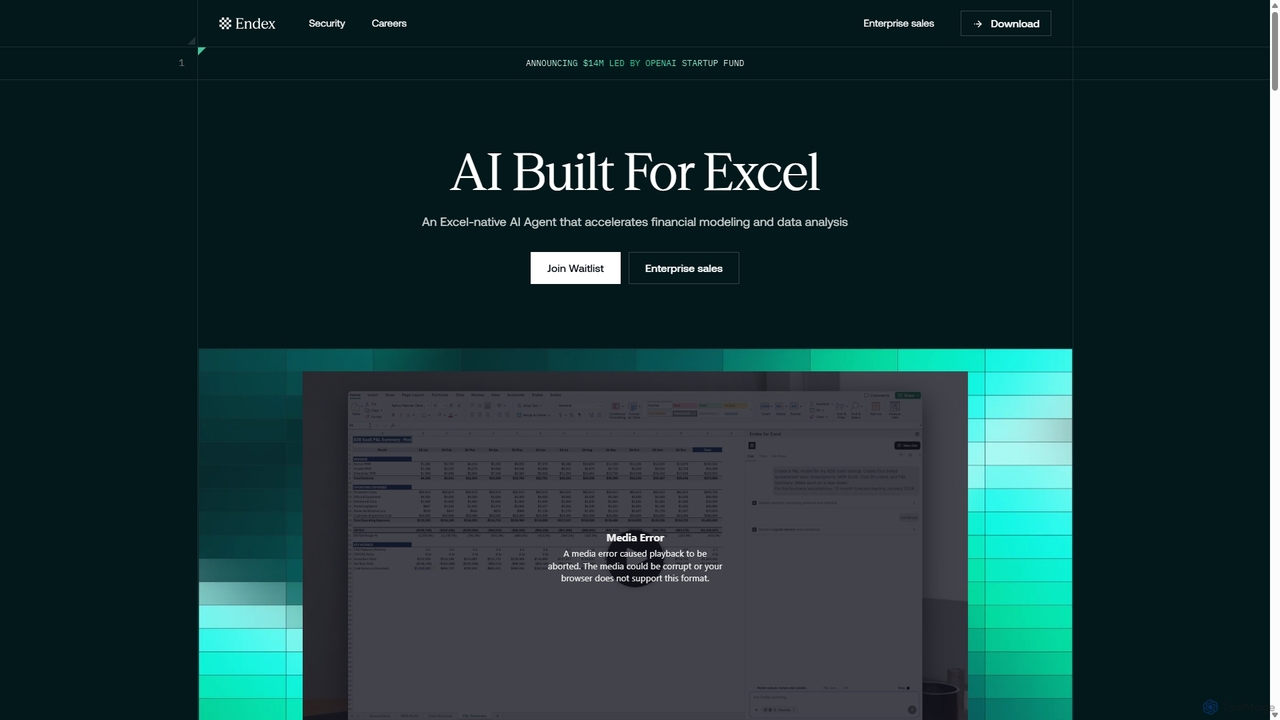
Endex is an AI-powered agent designed as an Excel add-in to automate complex financial analysis and data workflows. It integrates with public financial data sources, reasons over data like an analyst, and generates auditable reports, significantly boosting productivity for financial professionals.

Automation
Visits 31.3KFavorites 84Likes 85
Charm
Paid

Charm

Charm was an AI-powered assistant integrated directly into Google Sheets as an add-on. It was designed to automate complex text-based tasks, such as cleaning messy data, generating content, summarizing text, and classifying information, without requiring traditional formulas or coding. Please note: Charm was officially shut down on September 15, 2023.

Automation
Visits 6.2KFavorites 102Likes 92
Zaver
Freemium

Zaver

Zaver is an AI-powered influencer marketing platform that operates directly within Google Sheets. It enables users to discover over 77 million creators globally, analyze their performance with 20+ AI-driven insights, and manage outreach campaigns seamlessly, eliminating the need for expensive, separate platforms and streamlining workflows.

Analytics
Visits 5.5KFavorites 112Likes 93
PDF AI Sheet
Freemium

PDF AI Sheet

A Google Sheet add-on that allows you to chat with and extract information from multiple PDF documents in bulk directly within your spreadsheets. Automate data analysis and research by asking questions to your PDFs using a simple formula.

Extraction
Visits 4KFavorites 120Likes 106
PandaExtract
Paid

PandaExtract

PandaExtract is the ultimate no-code web scraping Chrome extension. It allows professionals to extract data from any website with a single click. Ideal for market research, lead generation, price monitoring, and competitor analysis, it requires no programming skills.

Web Scraping
Visits 4KFavorites 85Likes 103
Minusx
Freemium

Minusx

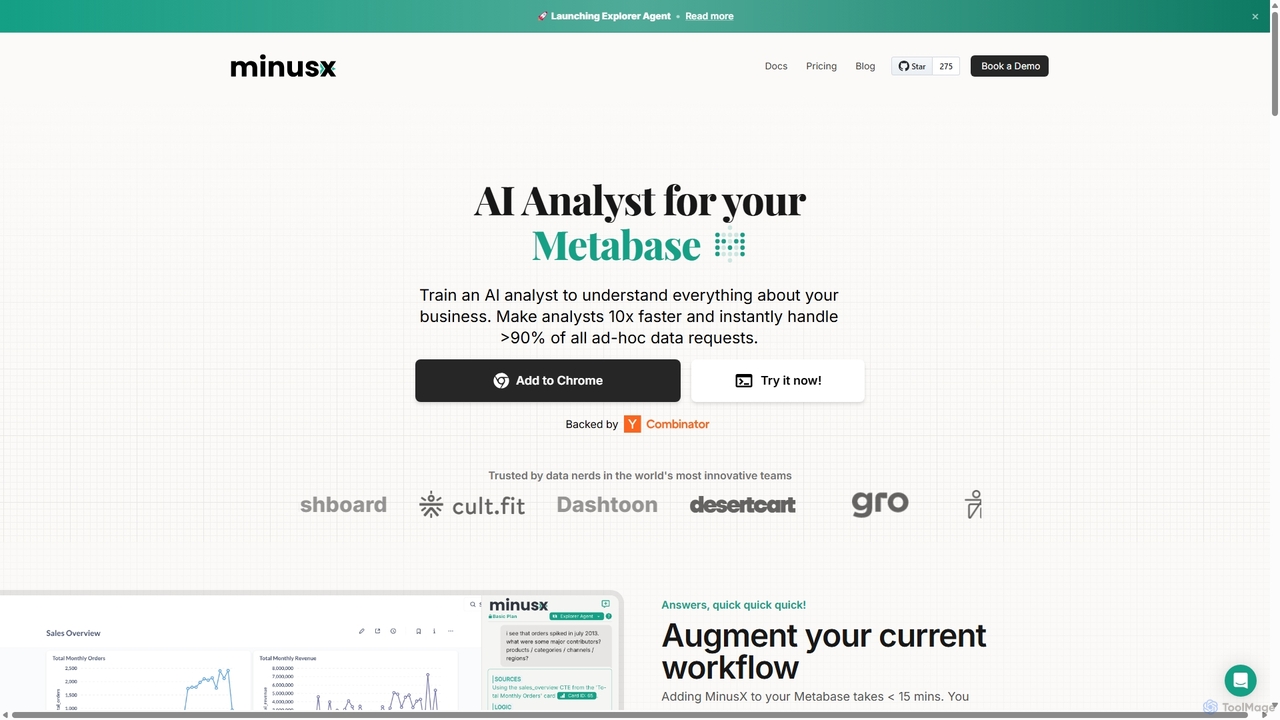
Minusx is an AI data analyst designed to integrate seamlessly with Metabase. It empowers data analysts, business users, and executives to query data using natural language, handling over 90% of ad-hoc requests instantly. By acting as a Chrome extension within your existing workflow, Minusx enhances productivity, codifies business knowledge through 'Context Engineering', and provides quick, accurate insights directly from your dashboards and reports, all while ensuring data security.

Analytics
Visits 21.8KFavorites 114Likes 124
LiveFlow
Paid

LiveFlow

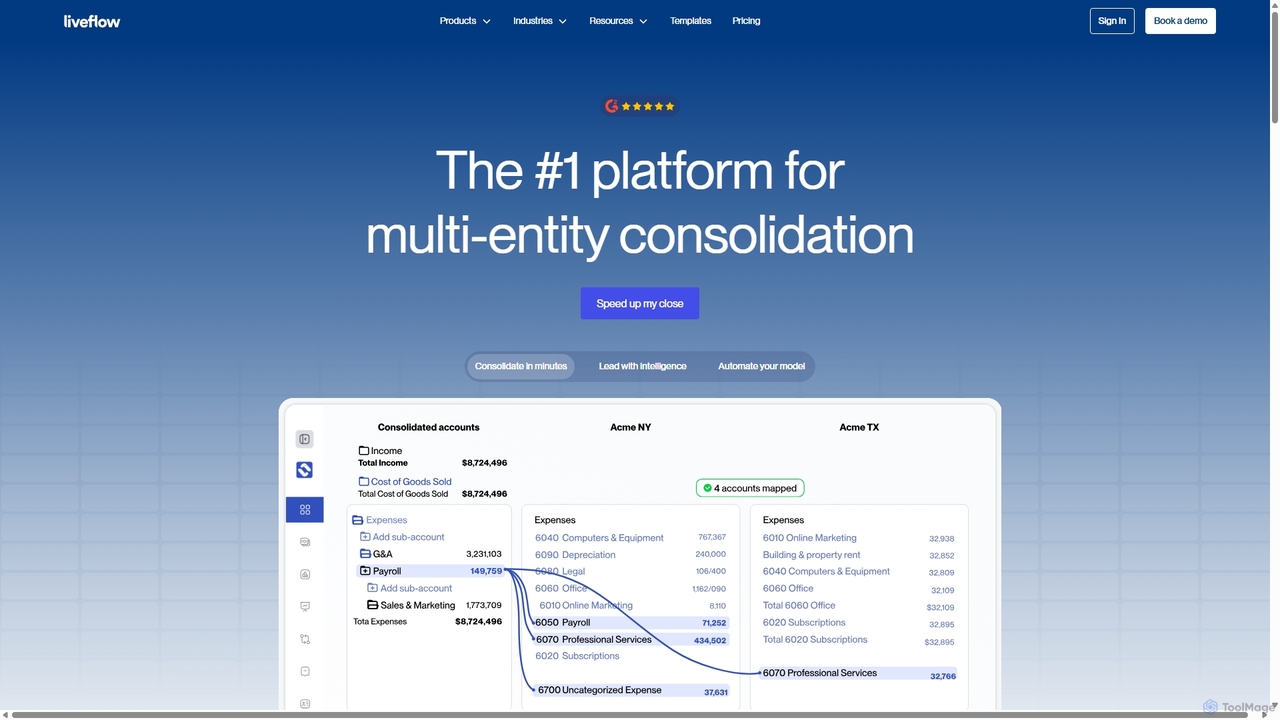
LiveFlow is the #1 finance platform for multi-entity finance teams, automating financial consolidation and reporting by connecting QuickBooks directly to Google Sheets and Excel. It eliminates manual work, saves days on month-end close, and provides real-time financial intelligence for strategic decision-making.

Automation
Visits 5.8KFavorites 106Likes 92
Smartpaste
Freemium

Smartpaste

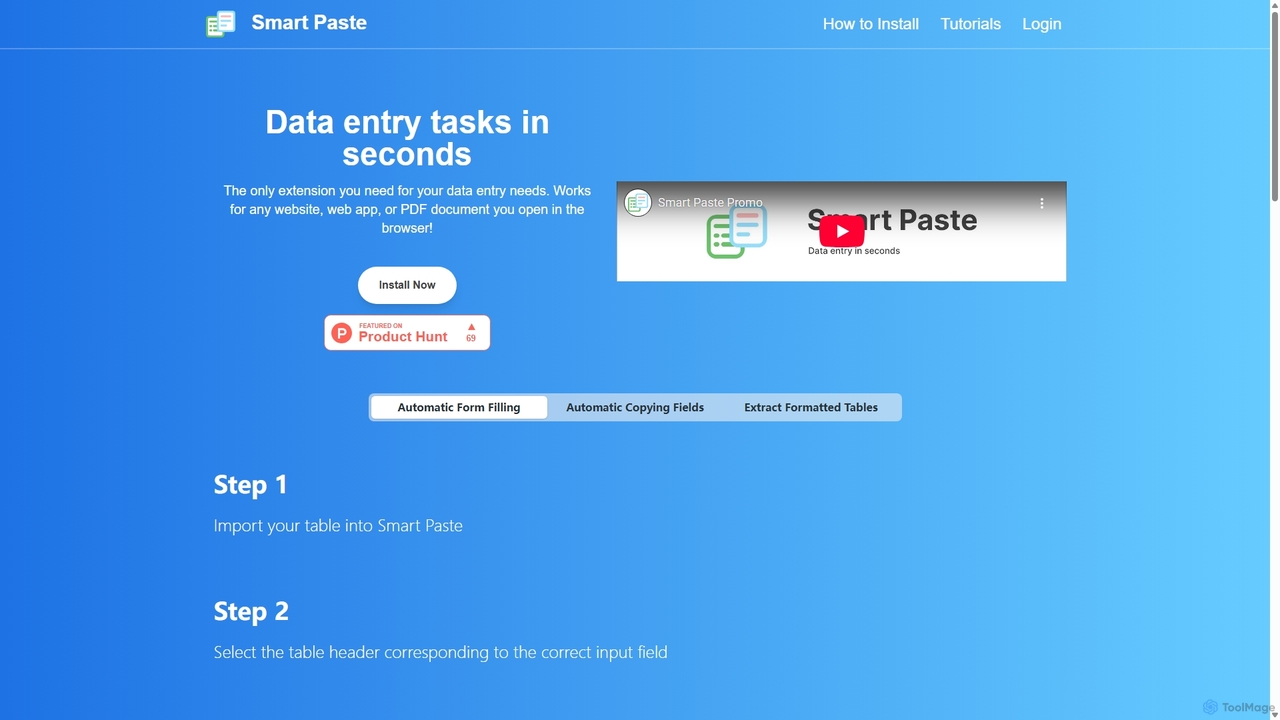
smartpaste is a powerful browser extension designed to automate data entry tasks. It allows users to effortlessly extract tables and specific data fields from any website or PDF, and instantly paste them into spreadsheets. It also automates form filling from your data, saving hours of manual work and reducing errors, all while ensuring your data remains secure on your computer.

Chrome Extensions
Visits 5.6KFavorites 116Likes 129
Sheet Copilot
Free

Sheet Copilot

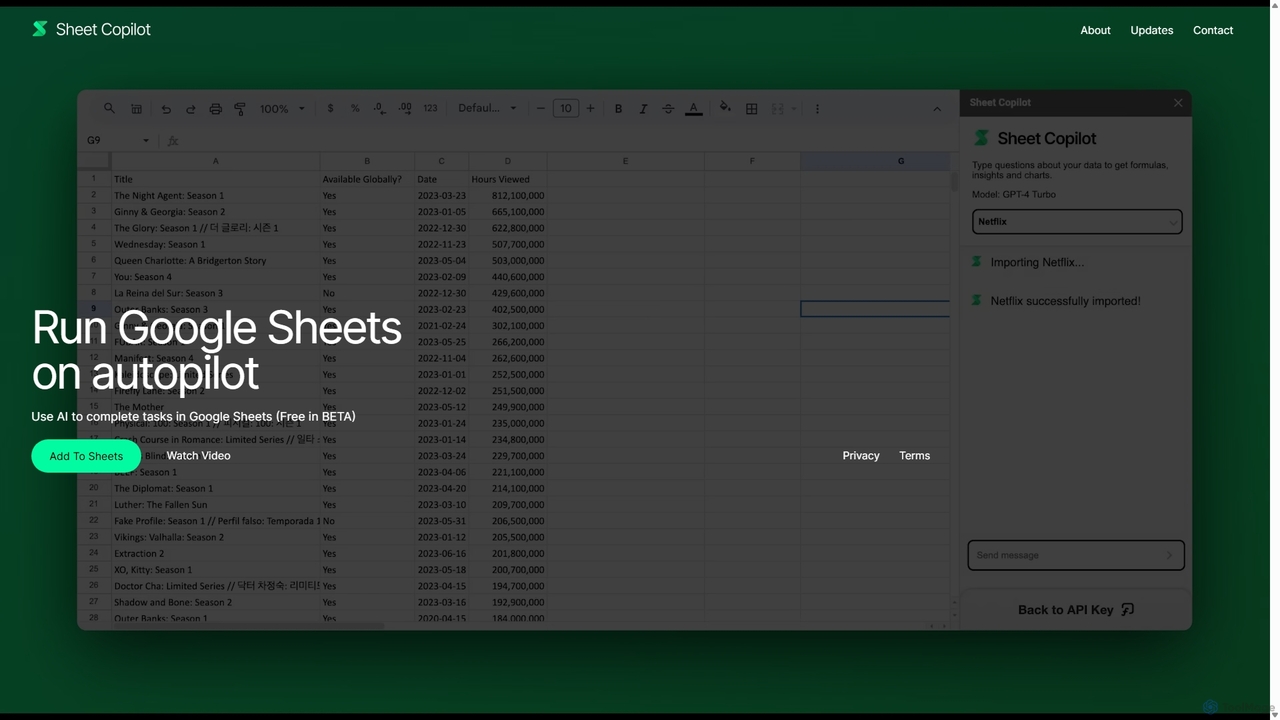
Sheet Copilot is an AI-powered assistant that automates tasks and answers questions directly within Google Sheets. By using natural language commands, you can clean data, generate formulas, create summaries, and analyze information without writing complex functions. It's currently free in beta and operates using your own OpenAI API key for enhanced privacy and security.

Automation
Visits 11.7KFavorites 157Likes 146
Synterrix
Freemium

Synterrix

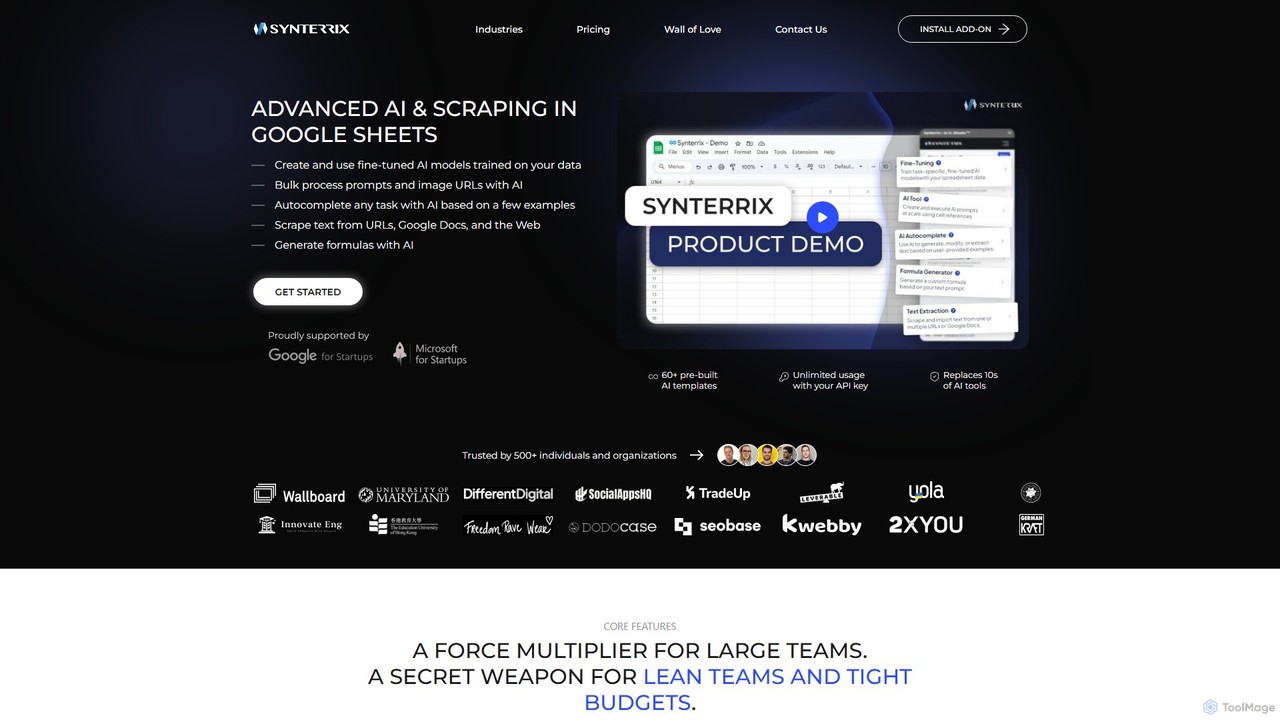
Synterrix is a powerful AI add-on for Google Sheets, designed to automate tasks, generate content, and scrape data at scale. It integrates advanced AI models like GPT-4 directly into your spreadsheets, allowing you to bulk-process prompts, train custom AI models on your data, and replace dozens of other tools. It's an ideal solution for SEO, e-commerce, marketing, and data operations teams looking to boost productivity and reduce costs.

Scraping
Visits 6KFavorites 88Likes 80
Browseragent
Freemium

Browseragent

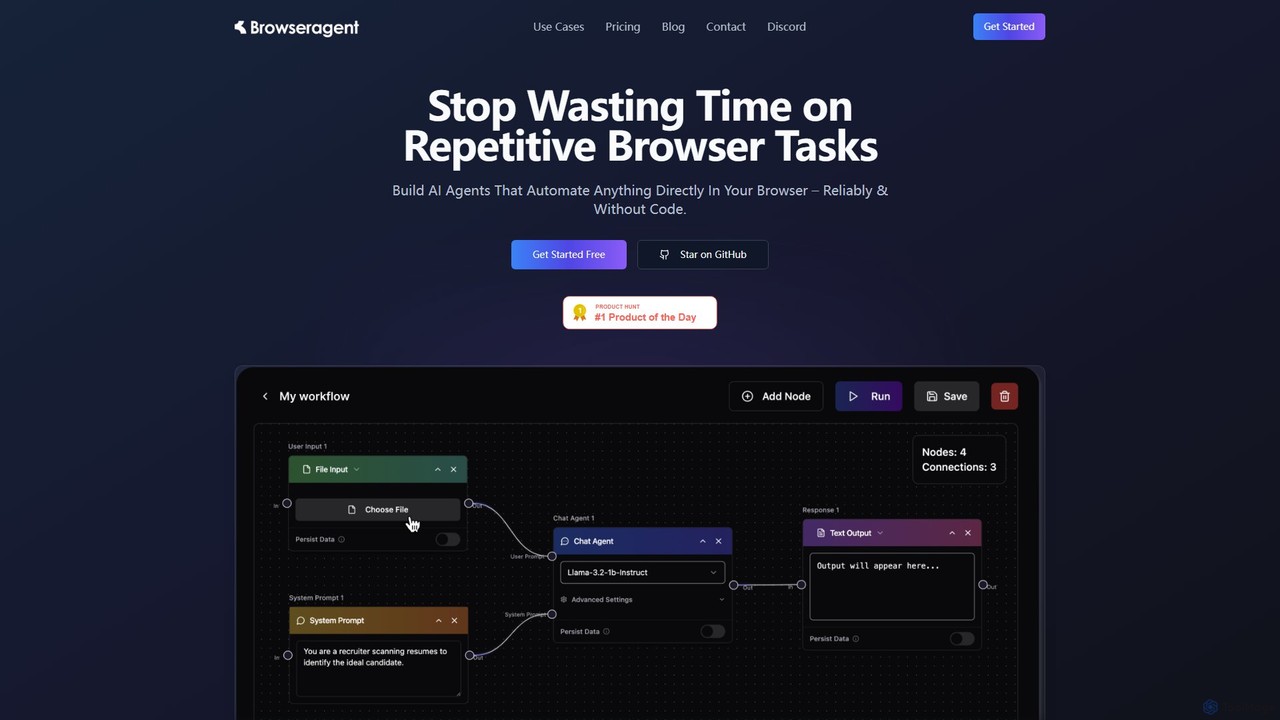
Browseragent is a no-code platform that builds AI agents to automate repetitive browser tasks directly within your browser. It uses a visual workflow builder and natural language commands to create, manage, and execute complex automations reliably and without coding.

Scraping
Visits 4.4KFavorites 115Likes 115
NioLeads
Freemium

NioLeads

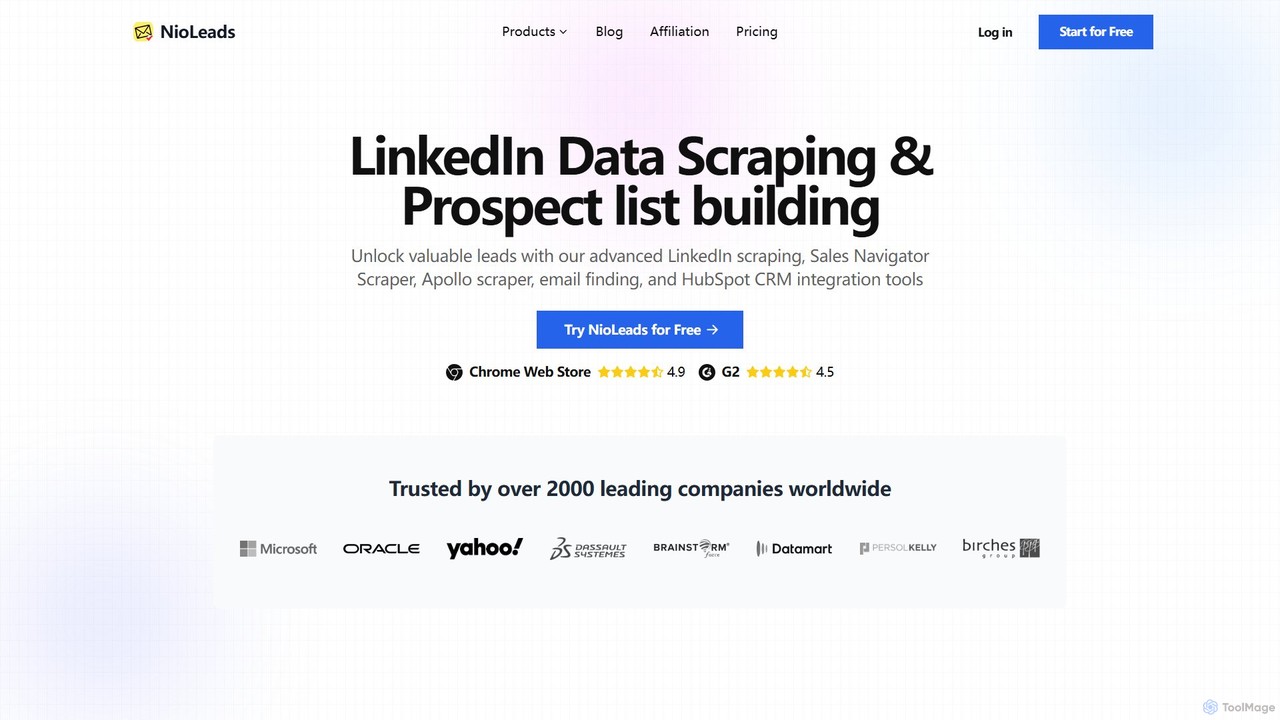
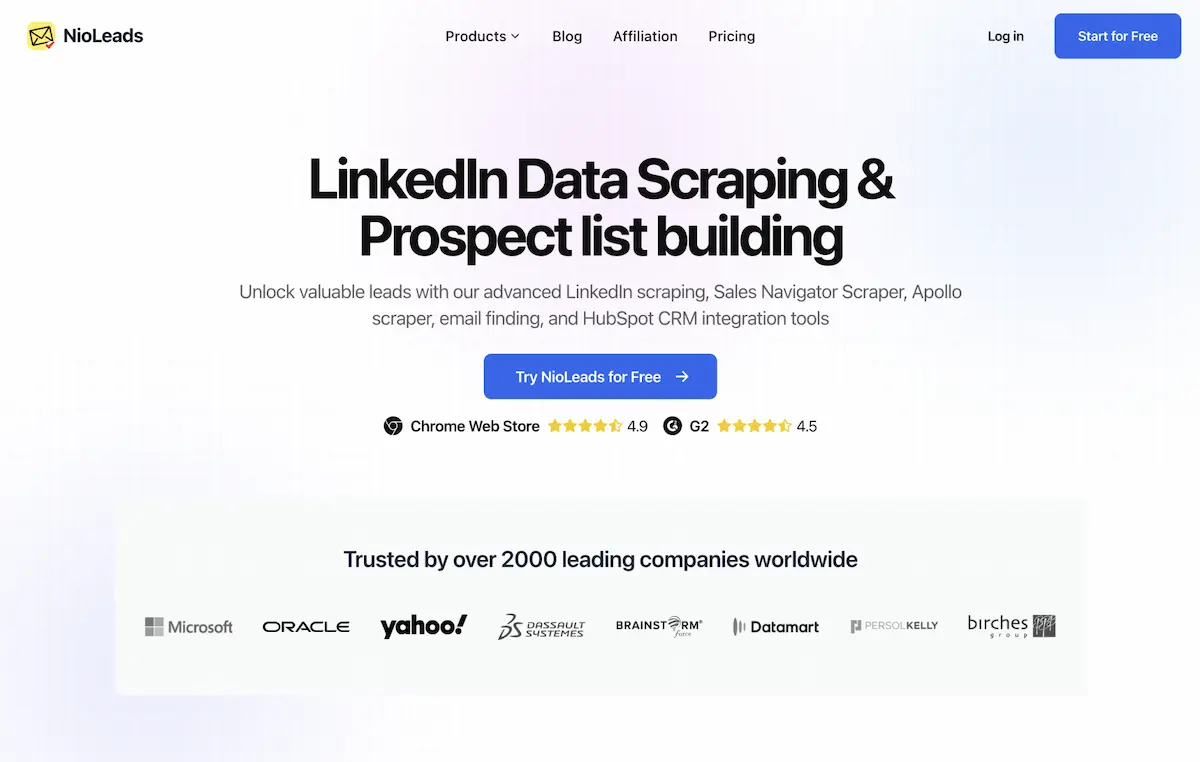
NioLeads is a powerful lead generation tool designed as a Chrome extension. It specializes in scraping data from LinkedIn, Sales Navigator, and Apollo.io, helping users build prospect lists effortlessly. The tool finds and verifies professional email addresses, bypasses platform limitations, and integrates seamlessly with HubSpot to streamline sales and marketing workflows.

Scraping
Visits 7.6KFavorites 152Likes 155
goodlookup
Paid

goodlookup

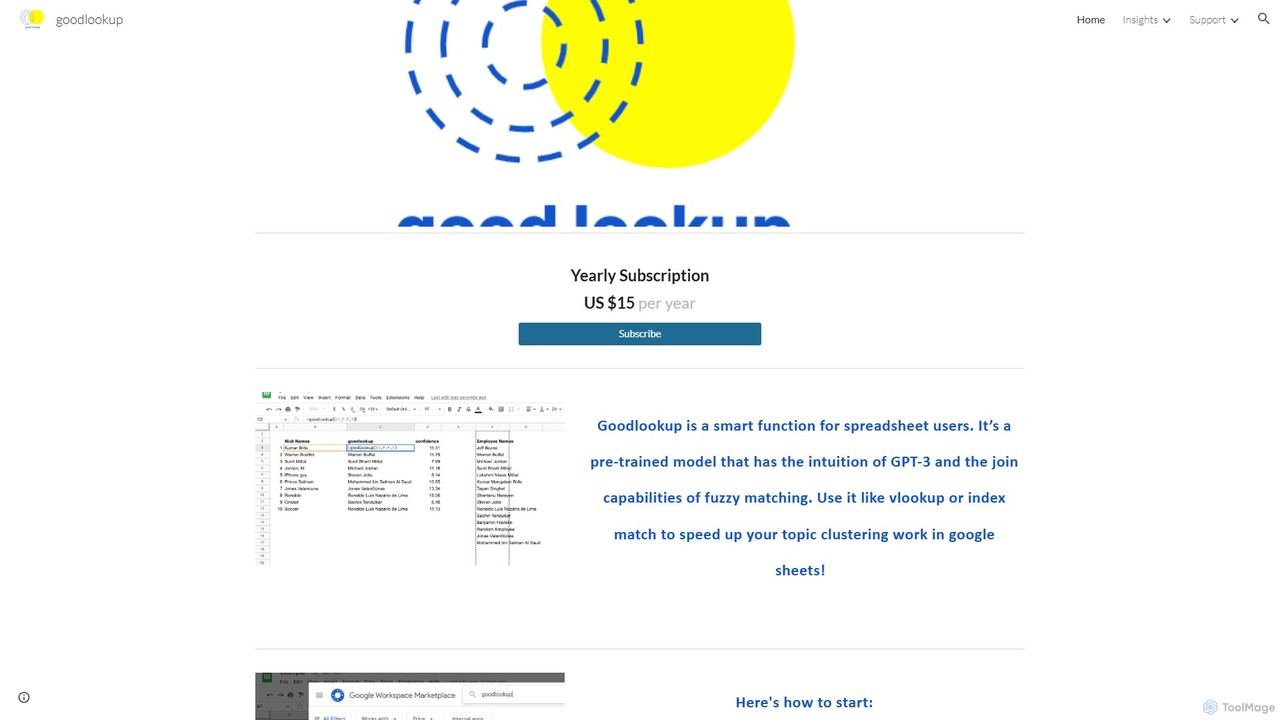
goodlookup is an intelligent function for Google Sheets that revolutionizes data matching. Powered by GPT-3's intuition and advanced NLP, it goes beyond traditional fuzzy matching to understand semantic relationships, synonyms, and context. Use it like a supercharged VLOOKUP to effortlessly clean data, link records with inconsistent names, and perform topic clustering, saving hours of manual work.

Data Analysis
Visits 4.1KFavorites 119Likes 122
Arcwise
Freemium

Arcwise

Arcwise is an AI copilot for Google Sheets that supercharges your spreadsheet workflows. It connects directly to your data warehouses and BI tools, allowing you to query, analyze, and visualize complex data using natural language, all within the familiar spreadsheet environment.

Business Intelligence
Visits 8.1KFavorites 126Likes 138
Array Assistant
Freemium

Array Assistant

Array Assistant is an AI-powered plugin for spreadsheets that supercharges your productivity. It helps you generate complex formulas, clean and organize data, summarize text, explain problems, and design automations, all within your existing workflow. Ideal for professionals, students, and anyone who uses spreadsheets.

Finance
Visits 4.3KFavorites 97Likes 111
simplemetrics
Freemium

simplemetrics

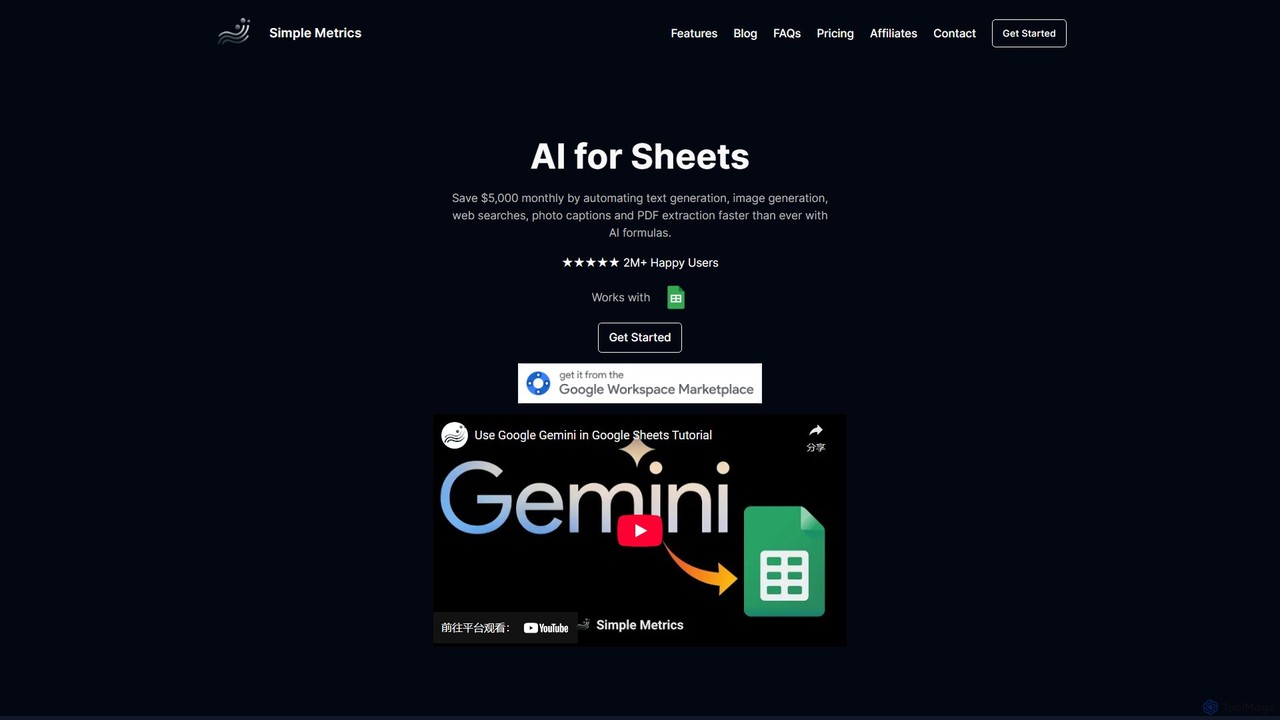
An AI-powered add-on for Google Sheets and Google Docs that automates tasks like text generation, data analysis, web research, image generation, and PDF extraction. Boost your productivity by using simple AI formulas and a research assistant directly within your documents.

Data Analysis
Visits 4.7KFavorites 127Likes 135
reedr

reedr

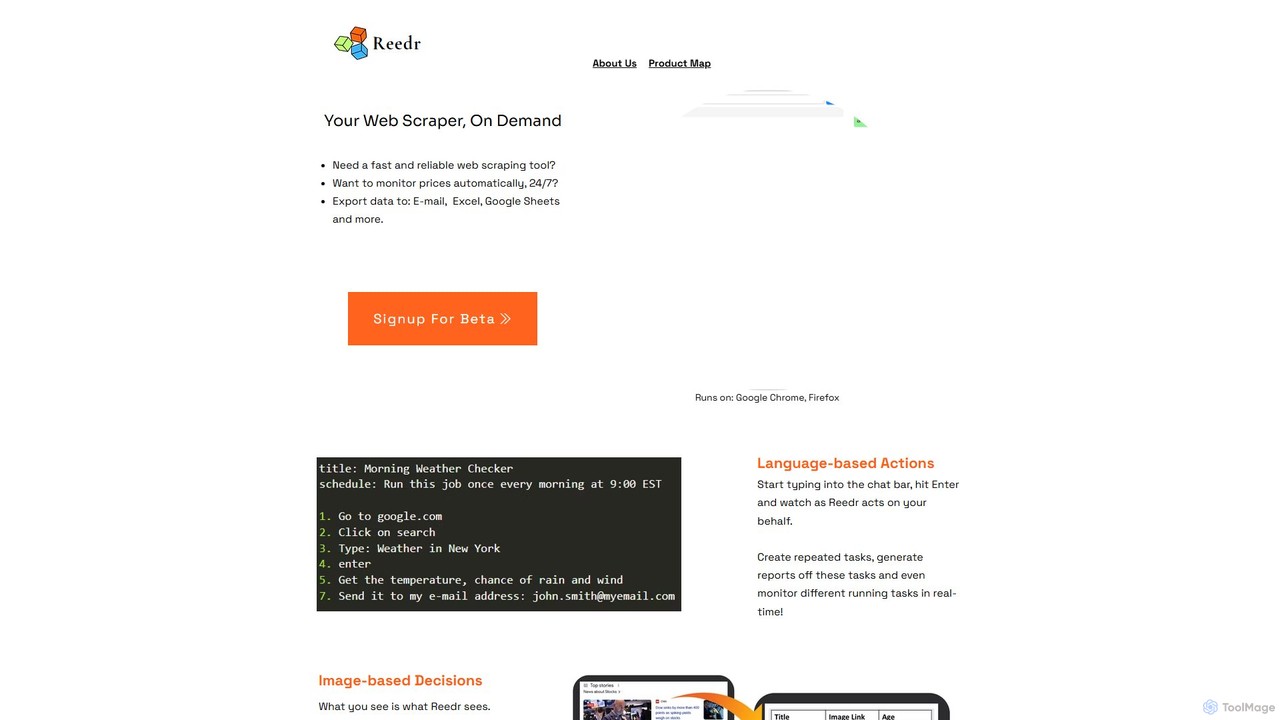
reedr is an AI-powered browser automation and web scraping tool. It uses natural language commands and visual recognition to extract data, monitor prices, and automate repetitive tasks directly in your browser, no coding required. It supports Chrome and Firefox.

Scraping
Visits 4.1KFavorites 128Likes 141
Extracto.bot
Freemium

Extracto.bot

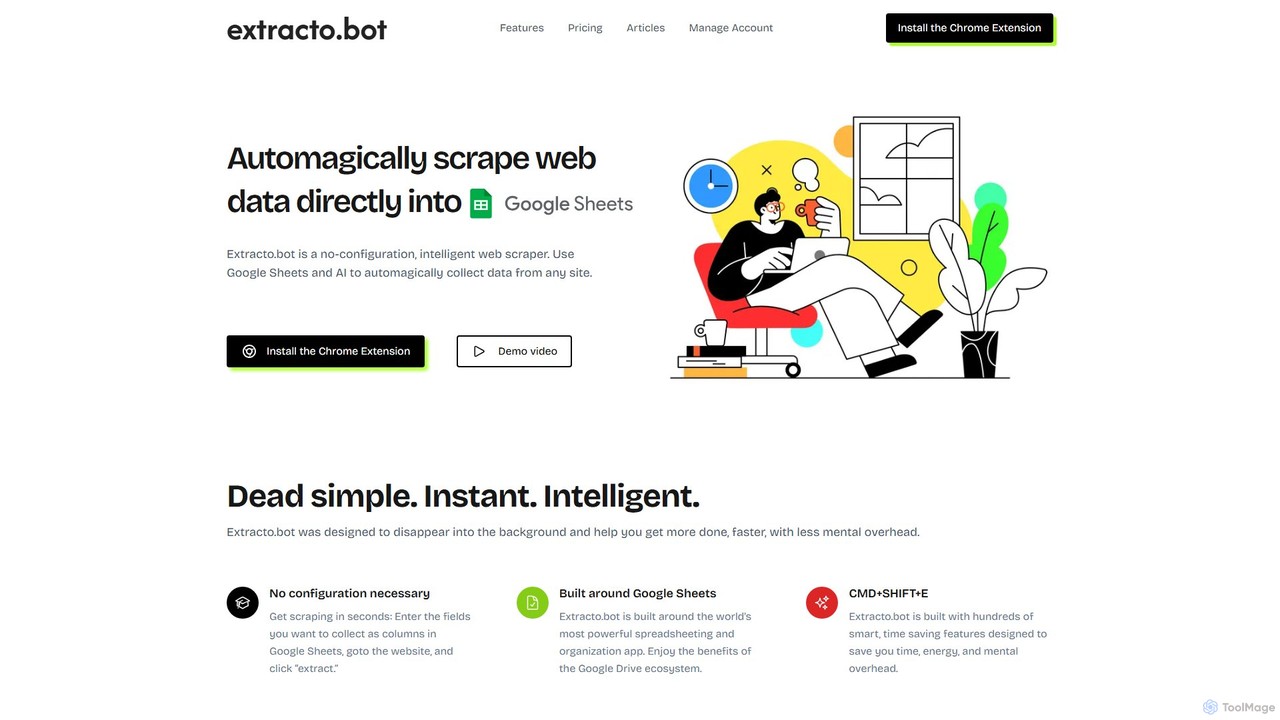
Extracto.bot is an AI-powered, no-code web scraper that operates as a Chrome extension. It allows users to effortlessly extract data from any website directly into Google Sheets without any configuration, making data collection simple, fast, and intelligent for various purposes like sales prospecting and market research.

Web Scraping
Visits 4.2KFavorites 113Likes 131
Browser MCP
Free

Browser MCP

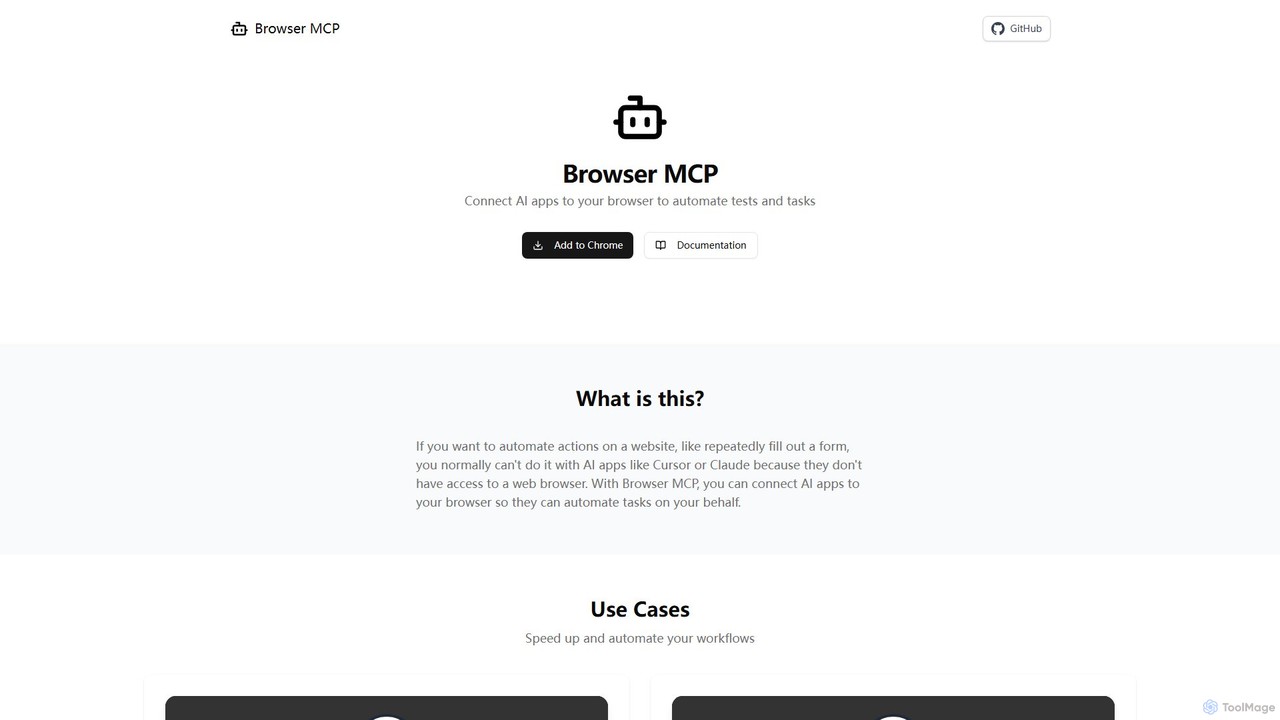
Browser MCP connects AI applications like Claude or Cursor directly to your web browser. This enables you to automate repetitive tasks, conduct end-to-end software testing, and scrape web data using AI commands. It operates locally for maximum speed and privacy, leveraging your existing browser sessions to bypass logins and avoid bot detection.

Web Scraping
Visits 107.9KFavorites 102Likes 104
mapsscraper
Freemium

mapsscraper

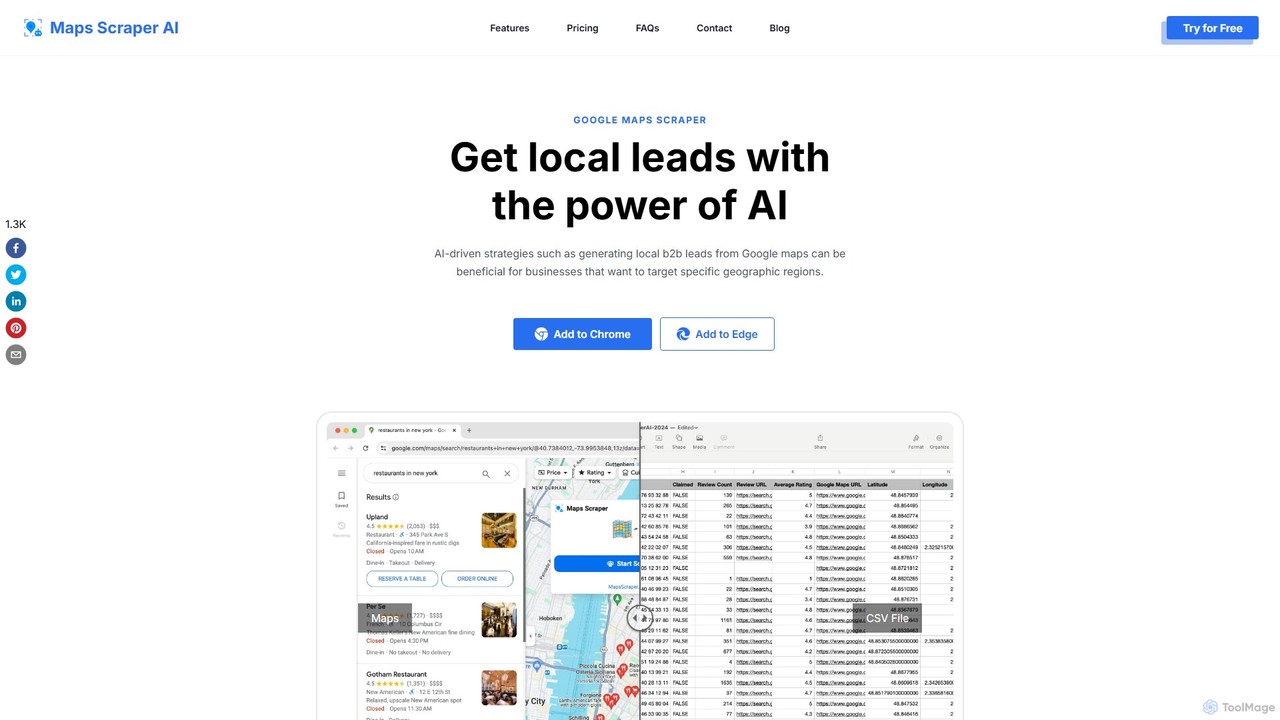
mapsscraper is an AI-powered Google Maps scraper designed for lead generation and data extraction. Available as a Chrome/Edge extension, it automates the process of collecting business information, including names, addresses, phone numbers, and hard-to-find emails and social media profiles, helping sales and marketing teams build targeted local lead lists effortlessly.

Data Extraction
Visits 28.4KFavorites 101Likes 105
axiom.ai
Freemium

axiom.ai

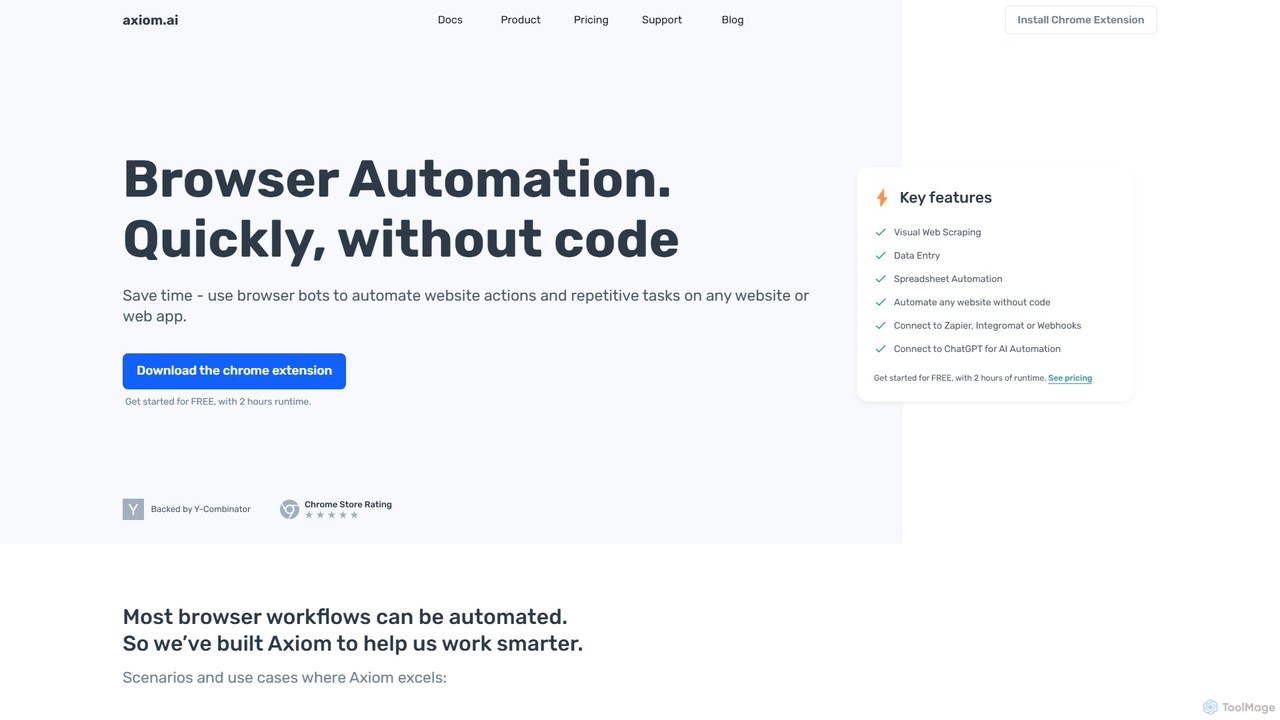
Axiom.ai is a no-code browser automation and web scraping tool. It allows you to build bots to automate repetitive tasks, data entry, and data extraction from any website or web app, directly in your browser. It integrates with ChatGPT, Zapier, and Google Sheets to create powerful, time-saving workflows without writing a single line of code.

Scraping
Visits 220.2KFavorites 110Likes 124
BrowseGPT
Free

BrowseGPT

BrowseGPT is an experimental AI-powered Chrome extension that automates browser tasks. Simply give it instructions in natural language, and it uses Anthropic's Claude 3.5 Sonnet to interact with websites, performing actions like clicking, typing, and navigating to complete your requests.

Assistants
Visits 4.7KFavorites 120Likes 103
Starizon
Freemium

Starizon

Starizon is an AI-powered Chrome extension that acts as an intelligent browser assistant. It simplifies web tasks by allowing users to extract and monitor data, create automation workflows, and interact with webpages through simple conversational commands. It's designed to boost productivity by automating repetitive online activities.

Chrome Extensions
Visits 4.1KFavorites 128Likes 116

About Data

Data AI tools are AI-powered solutions designed to process, analyze, interpret, and manage vast amounts of data more efficiently and intelligently. These tools leverage machine learning, natural language processing, and advanced algorithms to uncover patterns, predict trends, and automate complex data tasks. They empower businesses and researchers to transform raw data into actionable insights, driving informed decision-making and innovation across various sectors.

Core Features

  • Automated Data Cleaning: Identifies and corrects errors, inconsistencies, and duplicates in datasets automatically.
  • Predictive Analytics: Uses historical data to forecast future outcomes, trends, and behaviors with high accuracy.
  • Natural Language Processing (NLP): Extracts insights and structures from unstructured text data, such as customer reviews or reports.
  • Anomaly Detection: Automatically identifies unusual patterns or outliers in data that may indicate critical issues or opportunities.
  • Intelligent Data Visualization: Generates dynamic and interactive visualizations that highlight key insights and relationships within data.

Use Cases

Data AI tools are indispensable for organizations seeking to maximize the value of their information assets. They are widely adopted in business intelligence for market analysis, in finance for fraud detection, and in healthcare for patient outcome prediction. These tools enable data scientists to accelerate model development, marketing teams to personalize campaigns, and operational managers to optimize resource allocation.

How to Choose

When selecting Data AI tools, consider the specific types and volume of data you handle, the complexity of the analytical tasks required, and the desired level of automation. Evaluate their integration capabilities with existing systems, scalability to accommodate future growth, and the robustness of their data security and compliance features. User-friendliness and the availability of support resources are also crucial for successful adoption.

Featured tool rankings

Data use cases

1

Automating Data Cleaning and Preparation

Data analysts and scientists often spend a significant portion of their time cleaning and preparing data. AI data tools can automate this tedious process by identifying and correcting errors, handling missing values, and standardizing formats across large datasets. This allows professionals to focus on analysis and model building, significantly reducing preparation time and improving data quality for downstream tasks like machine learning model training.

2

Predictive Sales Forecasting for Businesses

Sales managers and business strategists can leverage AI data tools to generate highly accurate sales forecasts. By analyzing historical sales data, market trends, customer behavior, and external factors, these tools can predict future demand and revenue. This enables businesses to optimize inventory, plan marketing campaigns more effectively, and make informed decisions about resource allocation, leading to improved profitability and reduced waste.

3

Real-time Anomaly Detection in Financial Transactions

Financial institutions and fraud detection teams use AI data tools to monitor vast streams of transaction data in real-time. These tools can quickly identify unusual patterns or deviations from normal behavior, such as unusually large transactions, multiple transactions from different locations in a short period, or suspicious account access. This capability is crucial for detecting and preventing fraudulent activities, protecting customer assets, and maintaining regulatory compliance.

4

Personalizing Customer Experiences in Marketing

Marketing professionals can utilize AI data tools to analyze vast amounts of customer data, including browsing history, purchase patterns, and demographic information. These tools then generate personalized recommendations, targeted advertisements, and customized content for individual customers. This hyper-personalization enhances customer engagement, improves conversion rates, and builds stronger brand loyalty by delivering highly relevant experiences at every touchpoint.

5

Optimizing Supply Chain Logistics with Demand Prediction

Supply chain managers can deploy AI data tools to predict demand fluctuations, optimize inventory levels, and streamline logistics operations. By analyzing historical sales, seasonal trends, economic indicators, and even weather patterns, these tools provide accurate forecasts. This leads to reduced carrying costs, minimized stockouts, improved delivery times, and a more resilient and efficient supply chain, benefiting both manufacturers and retailers.

6

Extracting Insights from Unstructured Text Data

Researchers, customer service teams, and content analysts frequently encounter vast amounts of unstructured text data from sources like social media, emails, and open-ended survey responses. AI data tools with Natural Language Processing (NLP) capabilities can automatically extract key themes, sentiment, entities, and relationships from this data. This transforms qualitative information into quantifiable insights, enabling better understanding of customer feedback, market sentiment, and emerging trends.

Data FAQ

What are AI Data tools?

AI Data tools are software applications that use artificial intelligence, particularly machine learning, to automate and enhance tasks related to data processing, analysis, and interpretation. They go beyond traditional data tools by intelligently identifying patterns, making predictions, and extracting complex insights from large and diverse datasets. These tools are crucial for transforming raw data into actionable intelligence for various business and research applications.

How do AI Data tools differ from traditional data analytics tools?

Traditional data analytics tools primarily rely on human-defined rules and statistical methods for analysis, often requiring extensive manual configuration and interpretation. AI Data tools, conversely, leverage machine learning algorithms to automatically learn from data, identify hidden patterns, and make predictions with minimal human intervention. This allows them to handle more complex, unstructured data, adapt to changing data landscapes, and uncover insights that might be missed by traditional methods, offering greater scalability and automation.

What are the key benefits of using AI for data processing?

Using AI for data processing offers several key benefits. Firstly, it significantly enhances efficiency by automating repetitive and time-consuming tasks like data cleaning and transformation. Secondly, AI can uncover deeper, more complex insights and hidden patterns in data that human analysts might miss, leading to more accurate predictions and better decision-making. Thirdly, it improves scalability, allowing organizations to process and analyze massive datasets quickly. Finally, AI tools can adapt and learn over time, continuously improving their performance and accuracy.

What should I consider when choosing an AI Data platform?

When selecting an AI Data platform, consider several factors. Evaluate its core functionalities, such as data ingestion, cleaning, transformation, and advanced analytics capabilities (e.g., predictive modeling, NLP). Assess its integration with your existing data infrastructure and other business tools. Scalability, data security, and compliance features are crucial, especially for sensitive data. Also, consider the platform's ease of use, the availability of pre-built models or templates, and the level of technical support offered. Finally, compare pricing models to ensure it aligns with your budget and usage needs.

Can AI Data tools handle real-time data processing?

Yes, many advanced AI Data tools are specifically designed to handle real-time data processing. They can ingest, analyze, and generate insights from data streams as they arrive, enabling immediate responses to events or changes. This capability is vital for applications like fraud detection, real-time personalization, dynamic pricing, and monitoring IoT sensor data, where timely insights are critical for operational efficiency and competitive advantage. The ability to process data in real-time allows businesses to react proactively rather than retrospectively.