ToolMage
Sign in

Best 3,328 Automation AI tools for Productivity

Popular Automation AI tools in Productivity include vocode, codegate, Telegram Messenger, Shopify, boundlessai, remove.bg, Jotform, Breeze Copilot, ClickUp Brain, and Manus 1.5, helping you work more efficiently.

Seapik
Free

Seapik

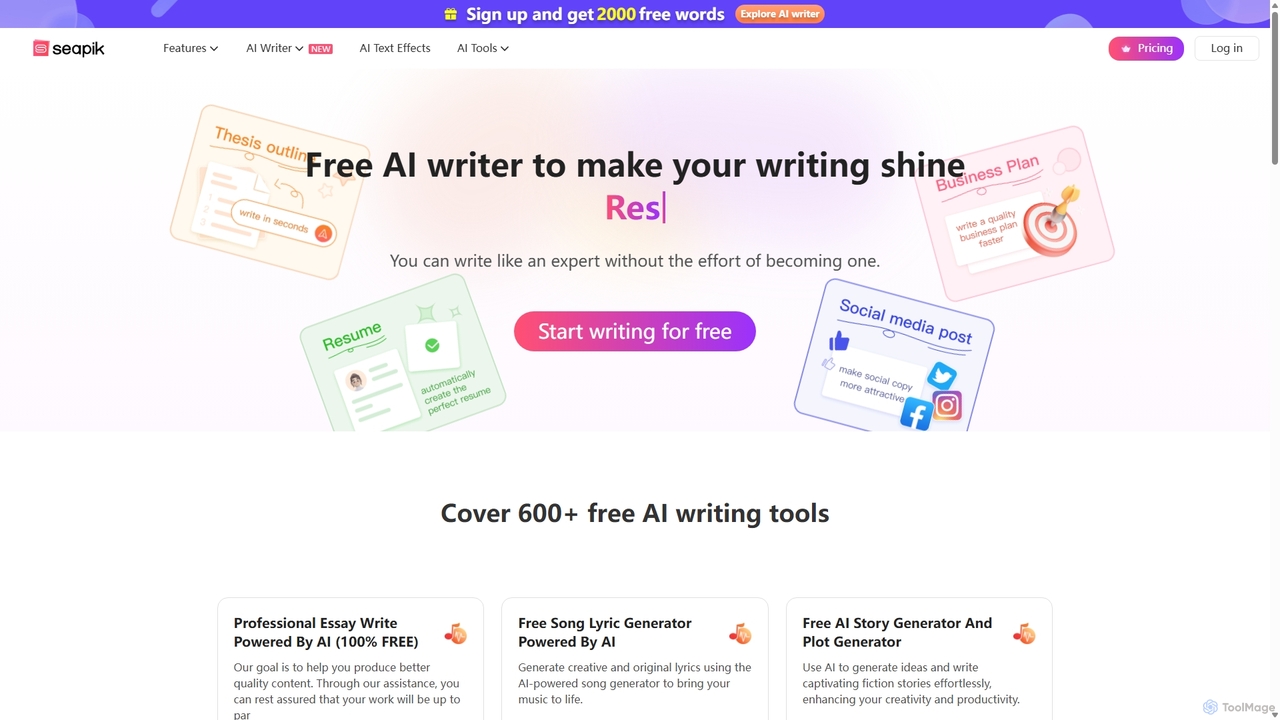
Seapik is a comprehensive and free AI writing suite offering over 600 specialized tools. It empowers users, from marketers to students and creative writers, to effortlessly generate high-quality content. From essays and ad copy to song lyrics and business proposals, Seapik enhances productivity and creativity, making expert-level writing accessible to everyone without any cost.

Student Tools
Visits 94.7KFavorites 157Likes 147
Odyssey
Paid

Odyssey

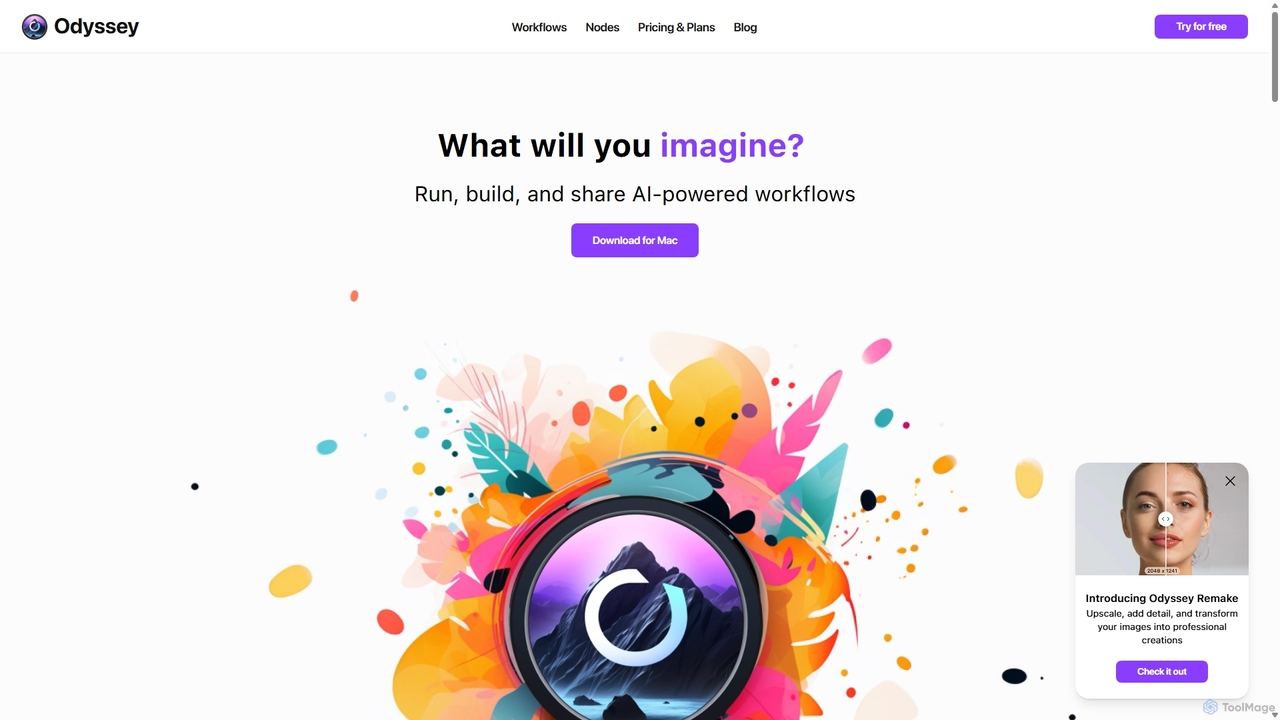
Odyssey is an all-in-one desktop application for macOS that empowers users to build, run, and share complex AI-powered workflows. It combines image generation, text processing, and powerful automation in a visual, node-based editor. With a focus on privacy, it runs major AI models like Stable Diffusion and Llama2 locally on your machine, ensuring your data remains secure. It's a one-time purchase for a lifetime license, designed for creatives, marketers, and developers.

Creative Assistant
Visits 11.8KFavorites 141Likes 142
Pdfparser
Freemium

Pdfparser

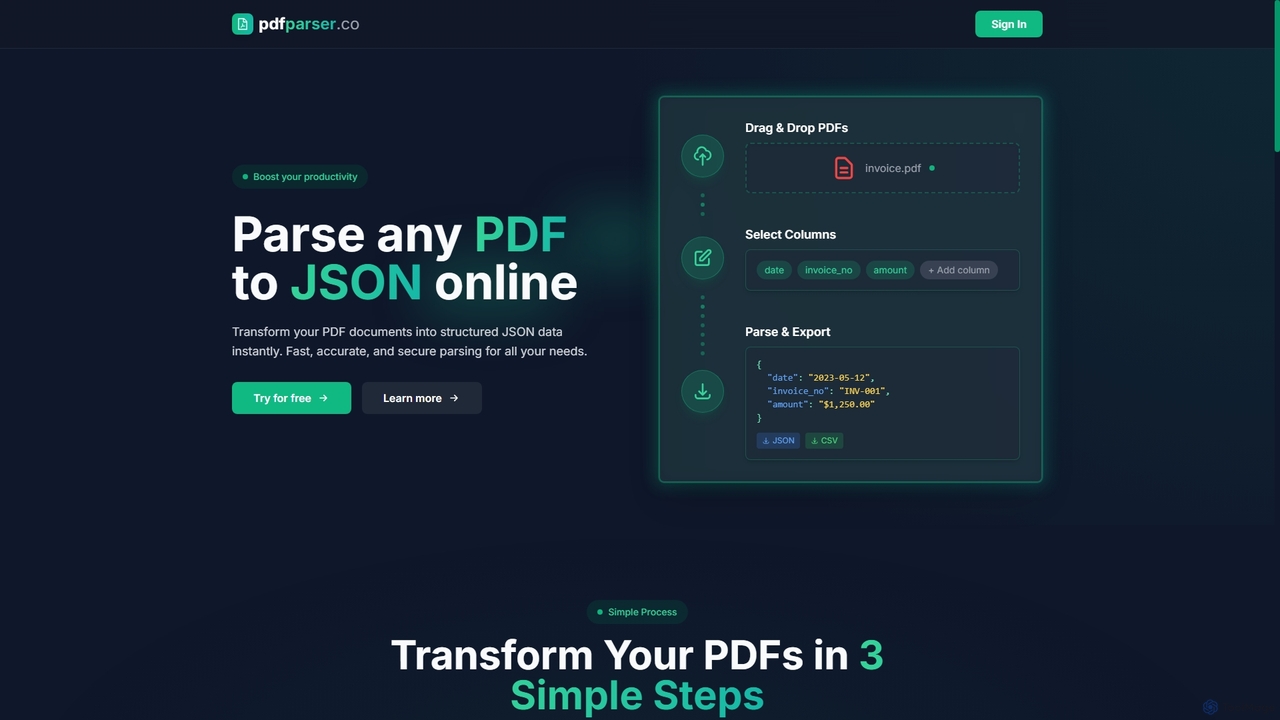
Pdfparser is an AI-powered online tool that effortlessly transforms PDF documents into structured JSON or CSV data. It automates data extraction from various documents like invoices, contracts, and reports, eliminating manual entry. With a simple drag-and-drop interface, users can specify required fields and get accurate, machine-readable data in seconds. It's designed for both non-technical users and developers seeking to streamline their data workflows.

Extraction
Visits 6.4KFavorites 139Likes 139
Conductor
Freemium

Conductor

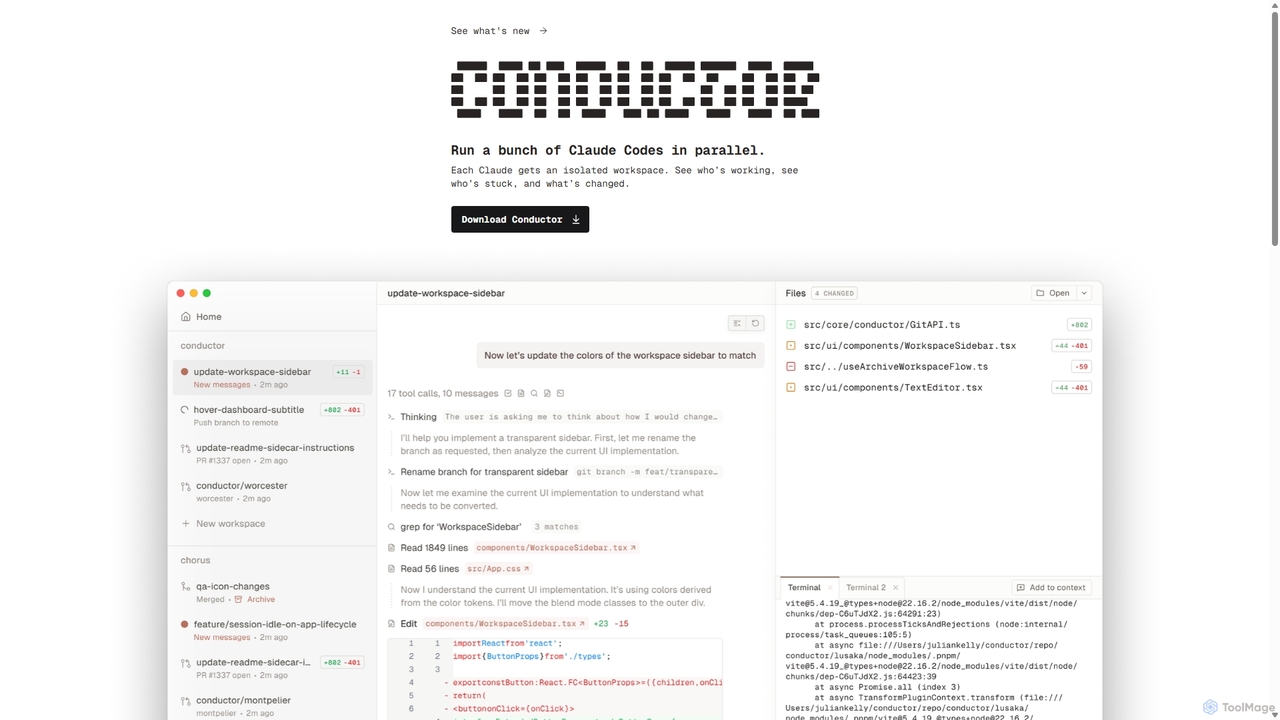
A powerful Mac application for orchestrating multiple AI coding agents. Run parallel instances of Claude Code in isolated workspaces to accelerate software development, monitor progress, and review code through a beautiful, intuitive UI.

Code Assistant
Visits 5.9KFavorites 129Likes 112
Zopto
Paid

Zopto

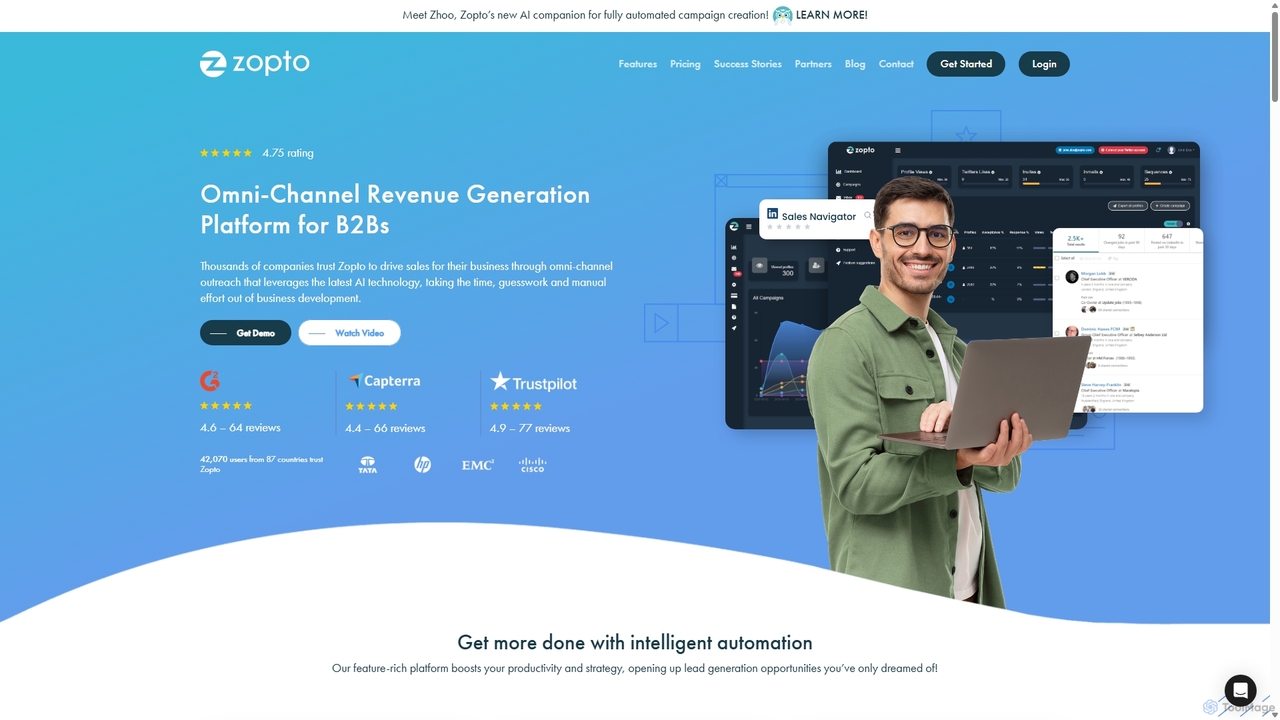
Zopto is an AI-powered omni-channel platform for B2B lead generation. It automates outreach on LinkedIn and email, leveraging its AI assistant, Zhoo, to create campaigns, manage conversations, and generate sales opportunities. Ideal for sales teams, agencies, and entrepreneurs looking to scale their social selling efforts efficiently.

Social Media Marketing
Visits 7.5KFavorites 117Likes 122
Redactable
Freemium

Redactable

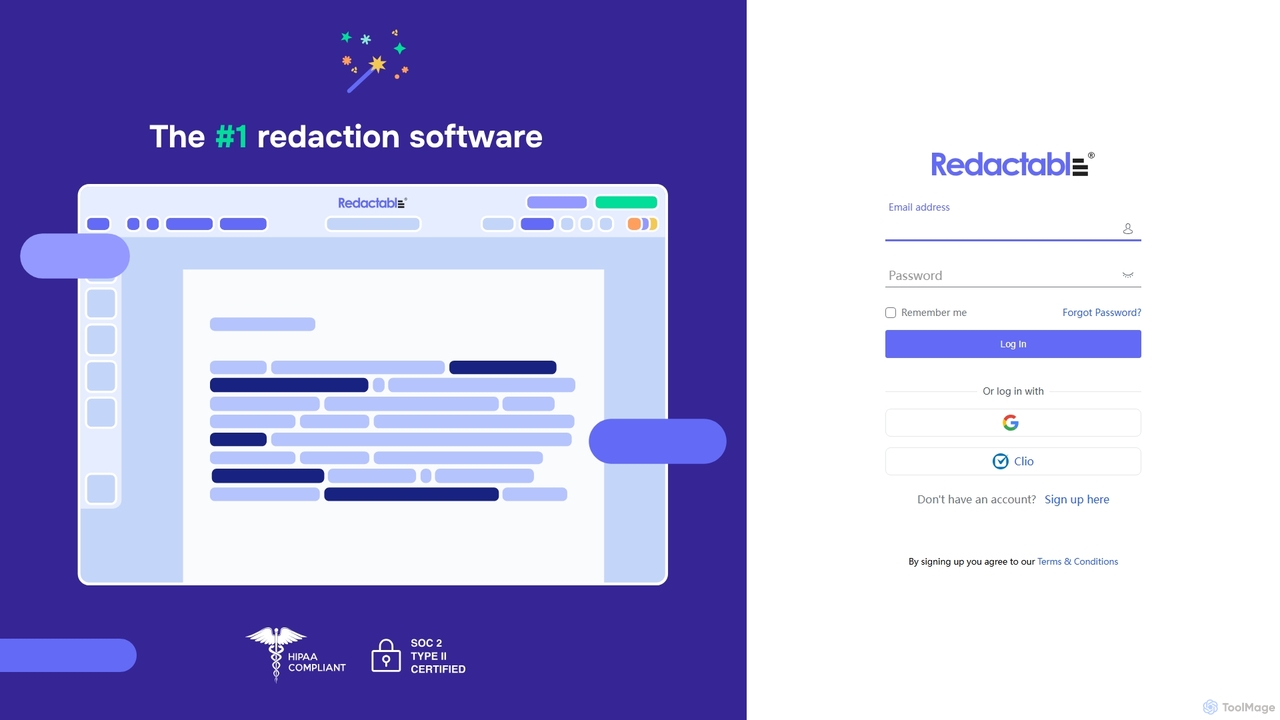
Redactable is an AI-powered platform that automates the process of redacting sensitive information from documents. It intelligently detects and removes PII, PHI, and other confidential data, ensuring compliance with privacy regulations like GDPR and HIPAA. Ideal for legal, healthcare, and financial professionals, it streamlines workflows, reduces human error, and secures documents with permanent, unrecoverable redactions.

Document Management
Visits 14.2KFavorites 108Likes 108
S10.AI
Paid

S10.AI

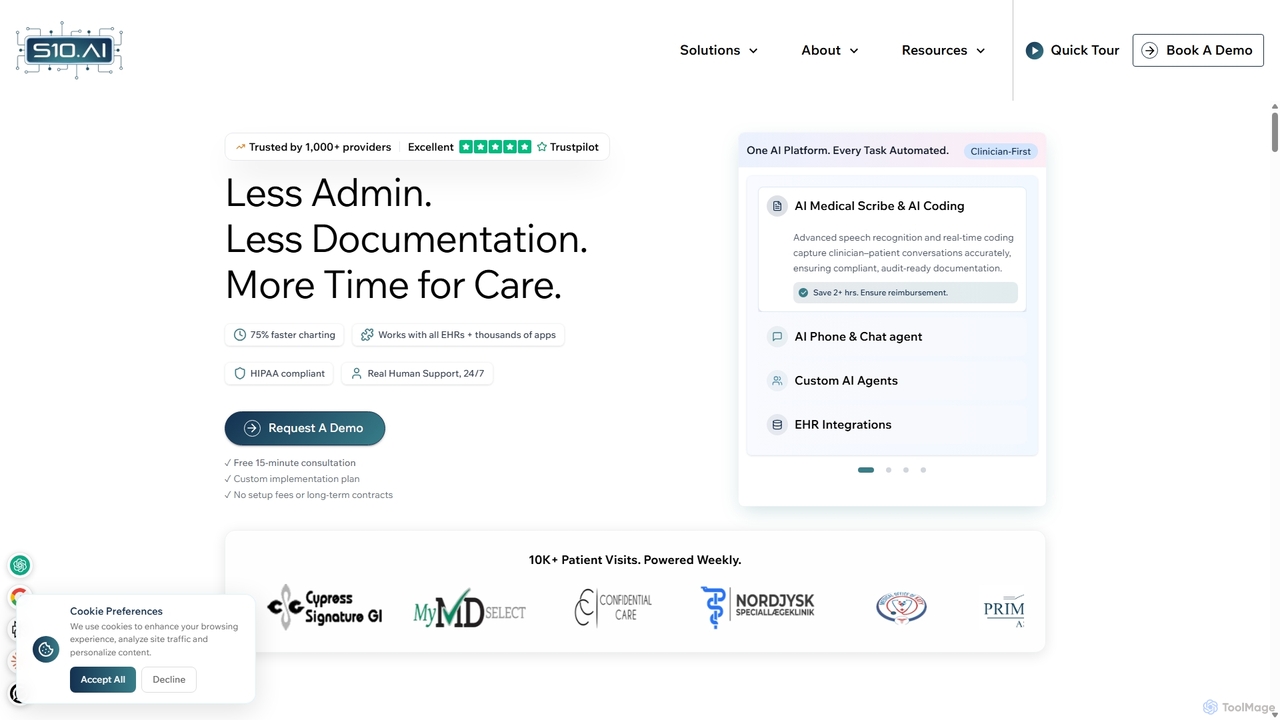
S10.AI is an advanced ambient AI platform for healthcare, featuring an AI medical scribe and automated virtual agents. It captures patient-clinician conversations to generate accurate clinical notes, SOAP notes, and medical codes in real-time. By automating documentation, scheduling, and patient engagement, S10.AI helps reduce clinician burnout, increase efficiency, and improve patient care. It seamlessly integrates with any EHR and supports over 50 medical specialties.

Virtual Assistant
Visits 30.2KFavorites 155Likes 134
Capably
Paid

Capably

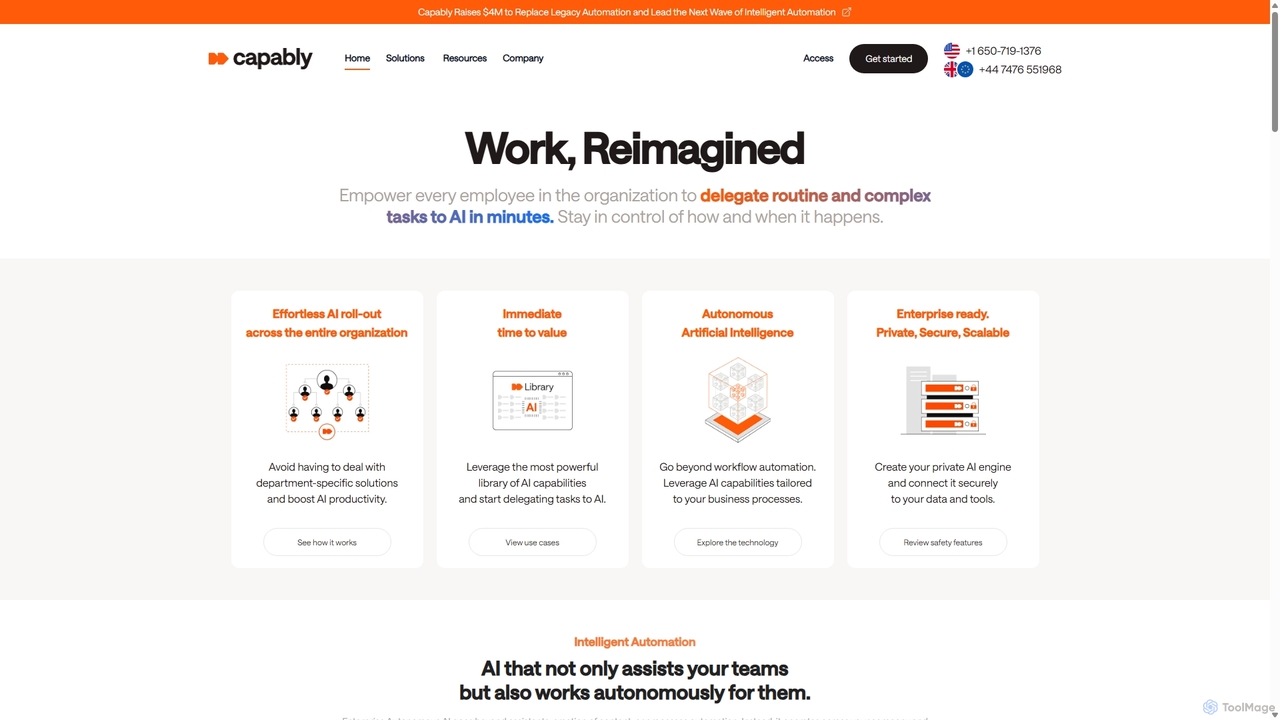
Capably is an intelligent automation platform that empowers businesses to delegate complex and routine tasks to autonomous AI agents. It bridges the gap between rigid legacy automation (RPA) and unreliable AI agents, offering a secure, scalable, and user-friendly solution for enterprise-wide productivity.

Workflow Management
Visits 14KFavorites 133Likes 140
MindPal
Paid

MindPal

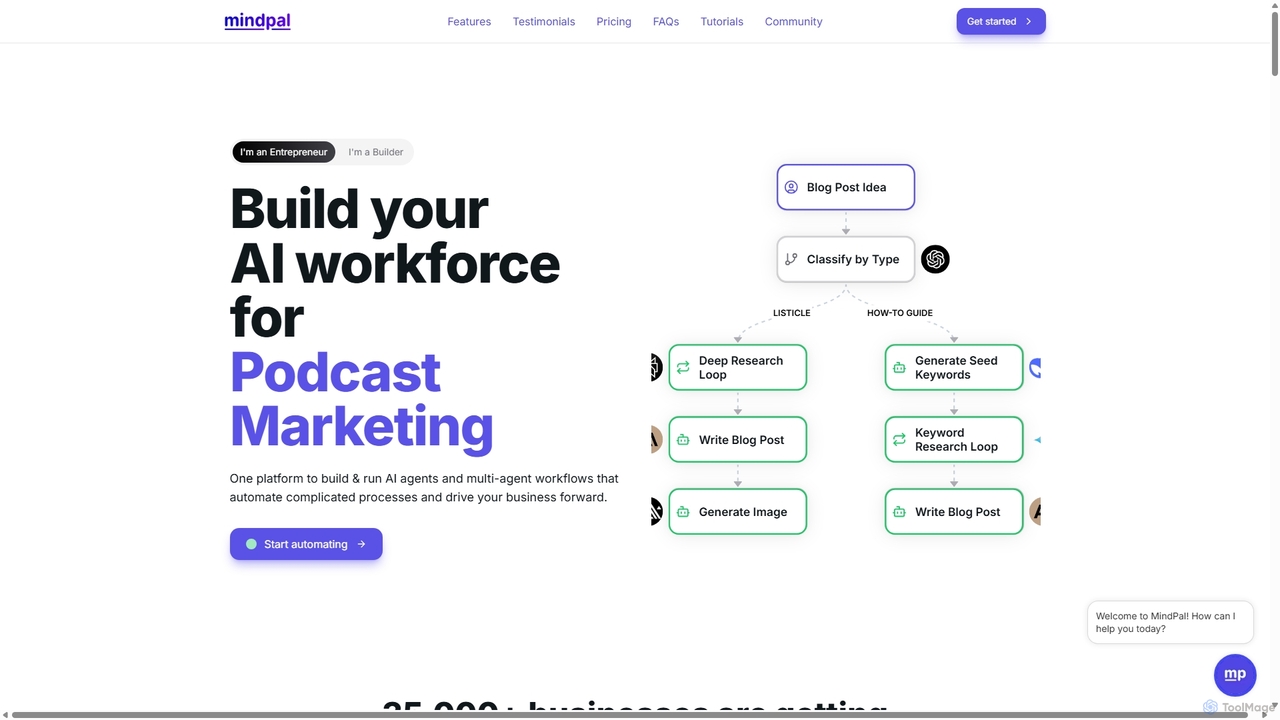
MindPal is a no-code platform for building and deploying an AI workforce. It enables users to create specialized AI agents and connect them into multi-agent workflows to automate complex business processes, from marketing and sales to operations and research, boosting productivity by up to 25x.

Operations
Visits 5.9KFavorites 155Likes 176
Gmplus
Freemium

Gmplus

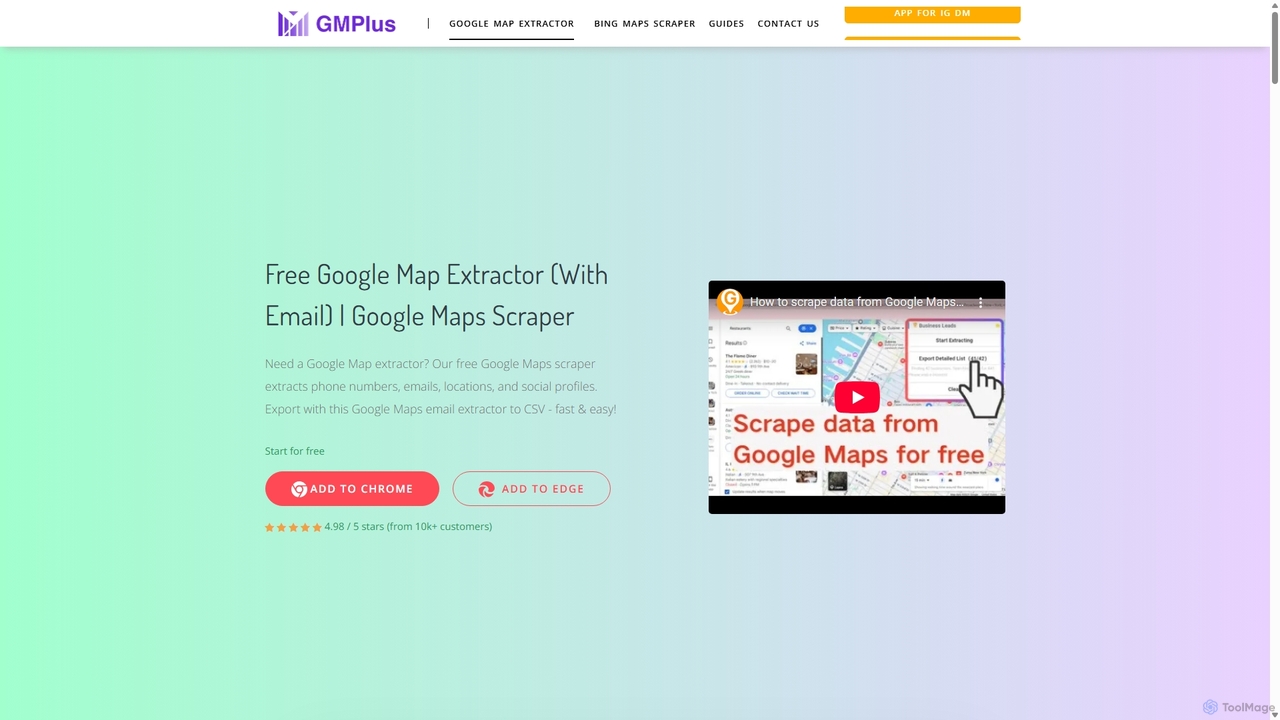
Gmplus is a powerful and free Google Maps scraper designed for effortless lead generation. As a browser extension, it automatically extracts comprehensive business data, including names, phone numbers, emails, addresses, and social media profiles from Google Maps listings. Export your targeted leads to CSV/Excel in seconds, streamlining your sales and marketing efforts without any coding required.

Data Extraction
Visits 27KFavorites 119Likes 107
BidPacer
Freemium

BidPacer

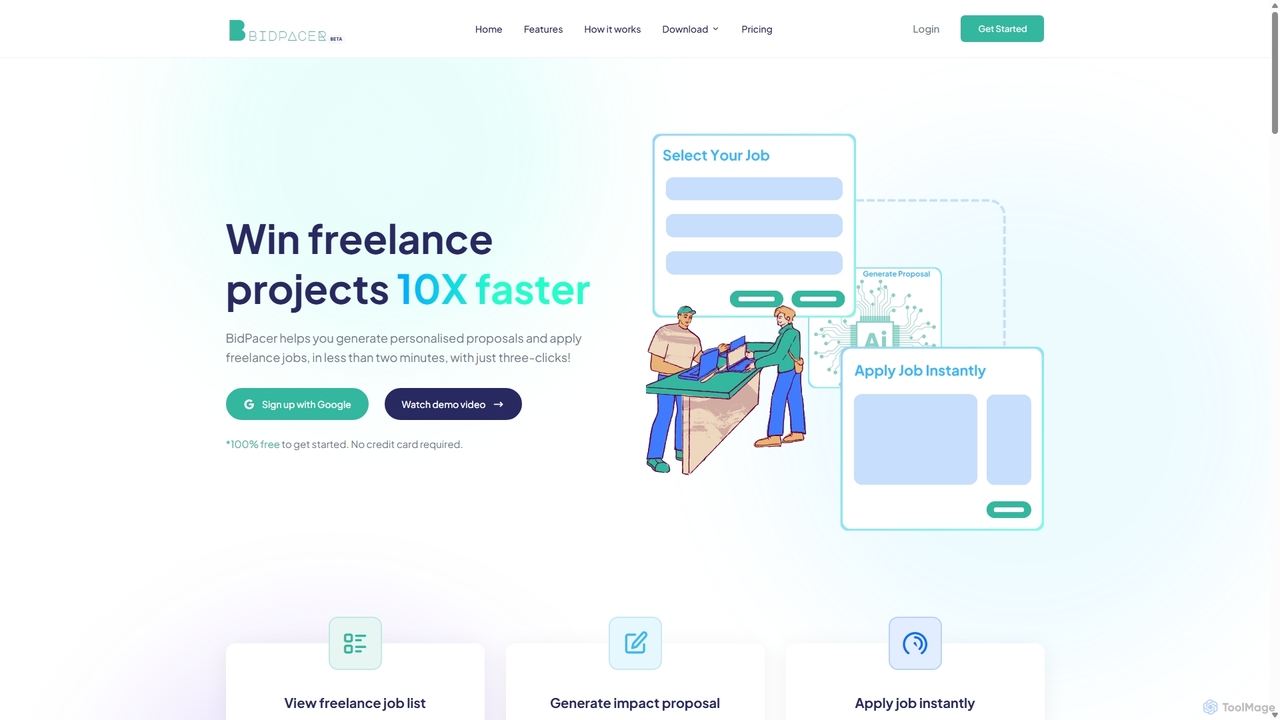
BidPacer is an AI-powered platform designed for freelancers to streamline their job application process. It aggregates job listings from popular platforms like Upwork, Freelancer, and Guru, and uses AI to generate impactful, personalized proposals and cover letters in a single click. This tool helps freelancers save time, increase application volume, and win more projects.

Job Search
Visits 5.9KFavorites 163Likes 155
Cubic
Freemium

Cubic

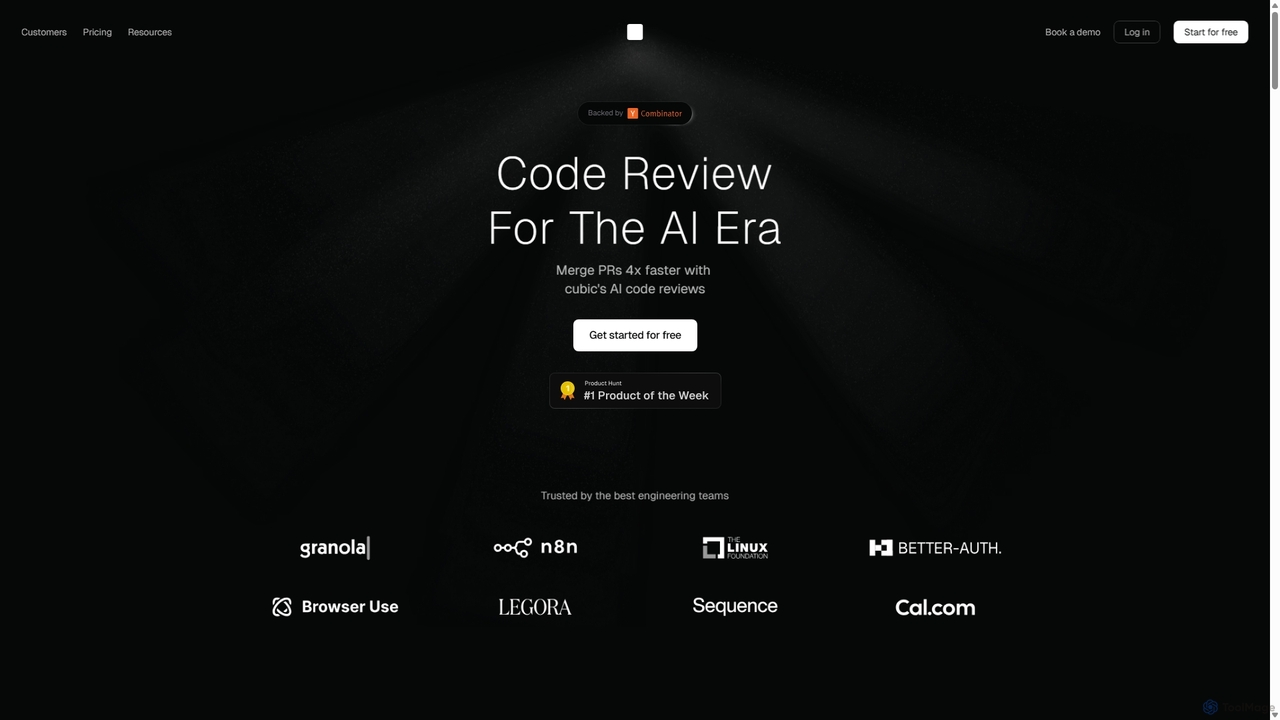
Cubic is an AI-powered code review platform designed to accelerate development cycles. It integrates with GitHub to automatically review pull requests, catch bugs, enforce coding standards, and provide one-click fixes, helping engineering teams merge PRs up to 4x faster while improving code quality.

Code Assistant
Visits 6.4KFavorites 146Likes 165
Heidi Health
Freemium

Heidi Health

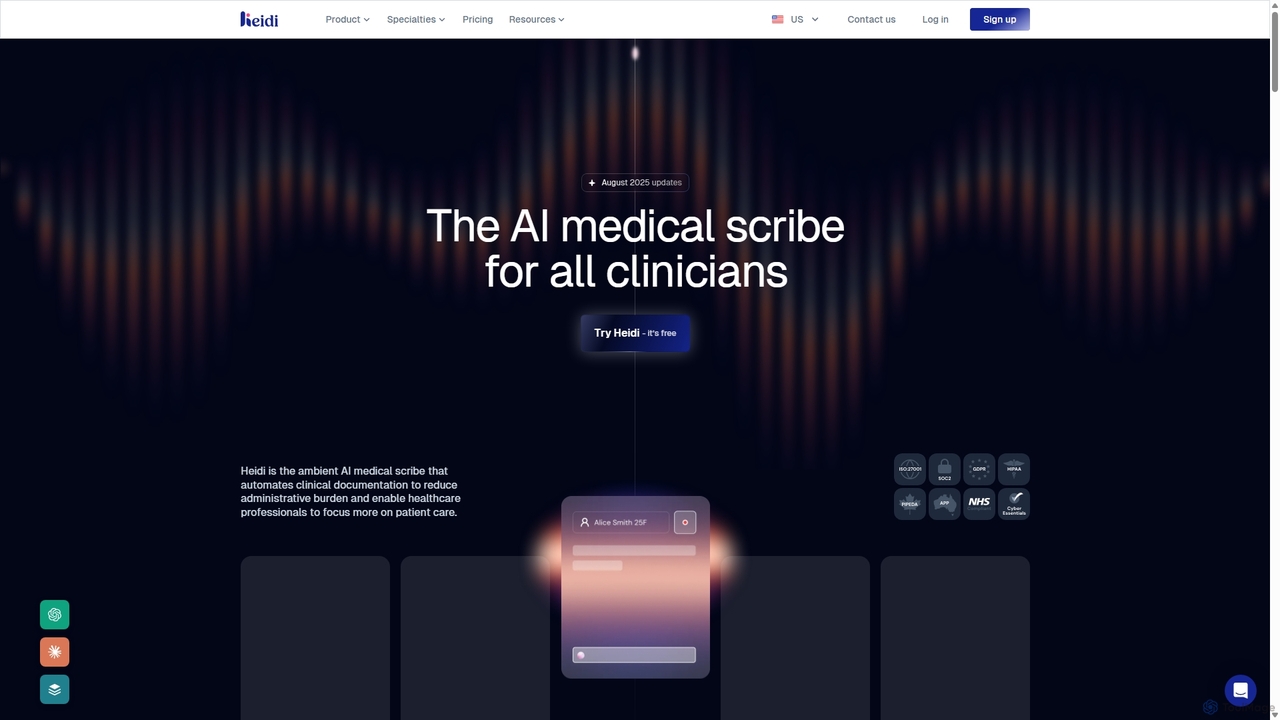
Heidi Health is an advanced AI medical scribe designed for clinicians to automate clinical documentation. It transcribes patient consultations in real-time, generates structured notes, referral letters, and summaries, significantly reducing administrative burden. This allows healthcare professionals to focus more on patient care, reduce burnout, and improve work-life balance.

Medical Documentation
Visits 1.9MFavorites 127Likes 94
Blur On
Paid

Blur On

Blur On is an AI-powered video editing plugin that automatically detects and blurs faces, license plates, and other objects. It streamlines the video anonymization process, saving editors significant time and effort while ensuring privacy compliance.

Automation
Visits 7.1KFavorites 124Likes 135
MindMeld
Free

MindMeld

A powerful, open-source conversational AI platform from Cisco, designed for developers. It provides a comprehensive Python-based framework for building deep-domain voice interfaces and chatbots with advanced Natural Language Processing (NLP) capabilities, offering full control and on-premise deployment.

Chatbot Builder
Visits 7.1KFavorites 139Likes 133
Pionex
Freemium

Pionex

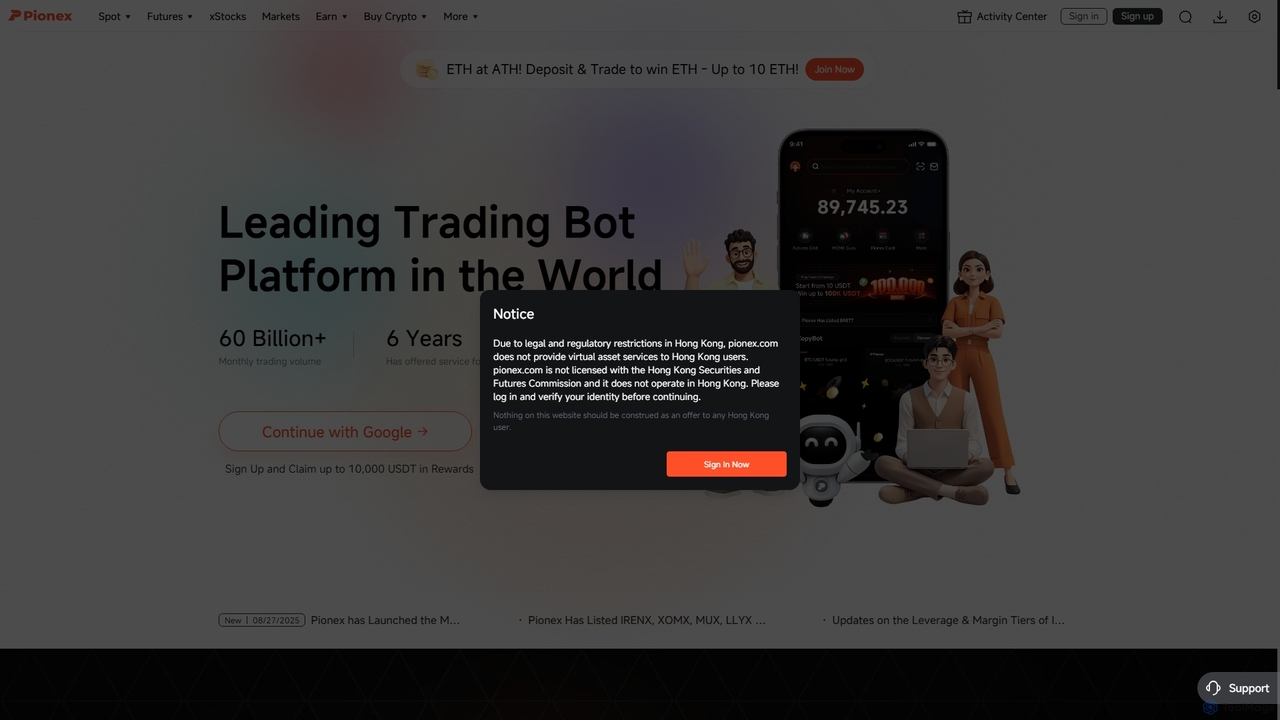
Pionex is a leading cryptocurrency exchange platform renowned for its integrated, free-to-use automated trading bots. It empowers both novice and expert traders to execute strategies like grid trading, DCA, and arbitrage 24/7, aiming to automate the process of buying low and selling high in volatile markets.

Cryptocurrency
Visits 1.1MFavorites 126Likes 121
Imbue

Imbue

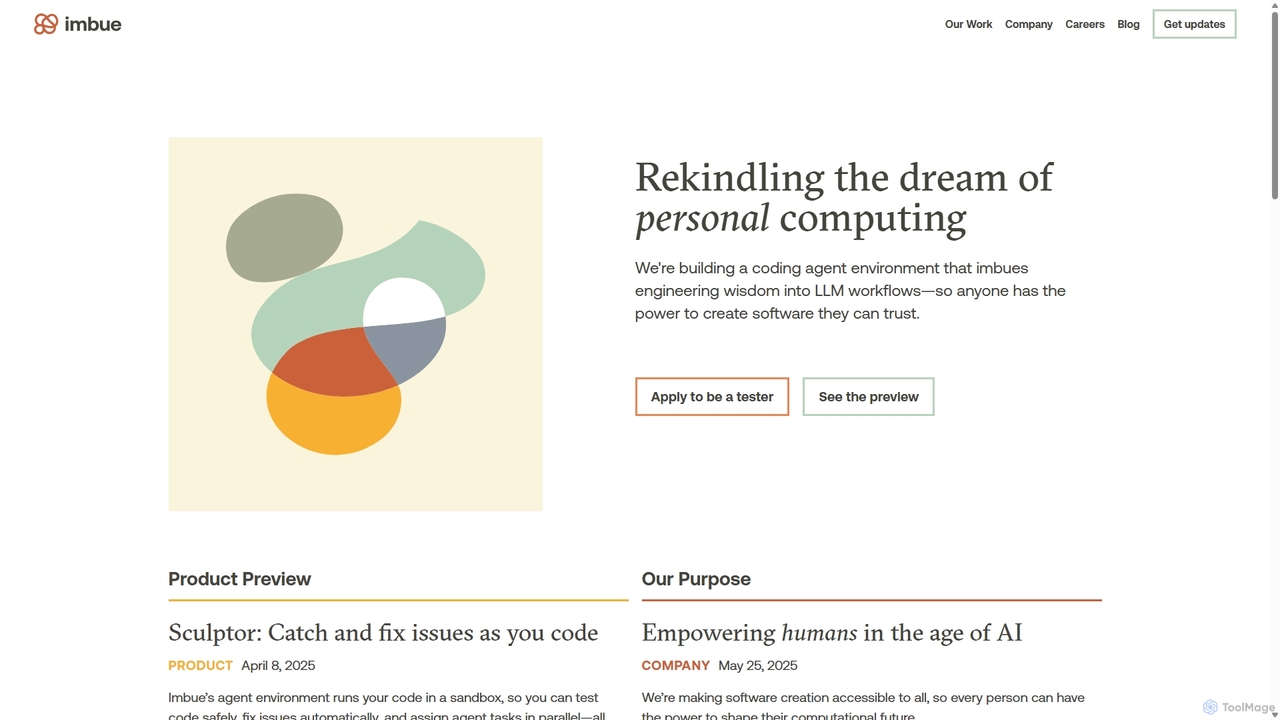
Imbue is an AI research and product company building AI agents that can reason and code. Its flagship product, Sculptor, is a coding agent environment that helps developers write high-quality, reliable software by automatically detecting issues, generating tests, and fixing bugs in a safe, sandboxed environment.

Machine Learning
Visits 56.1KFavorites 148Likes 149
Tinyeinstein
Freemium

Tinyeinstein

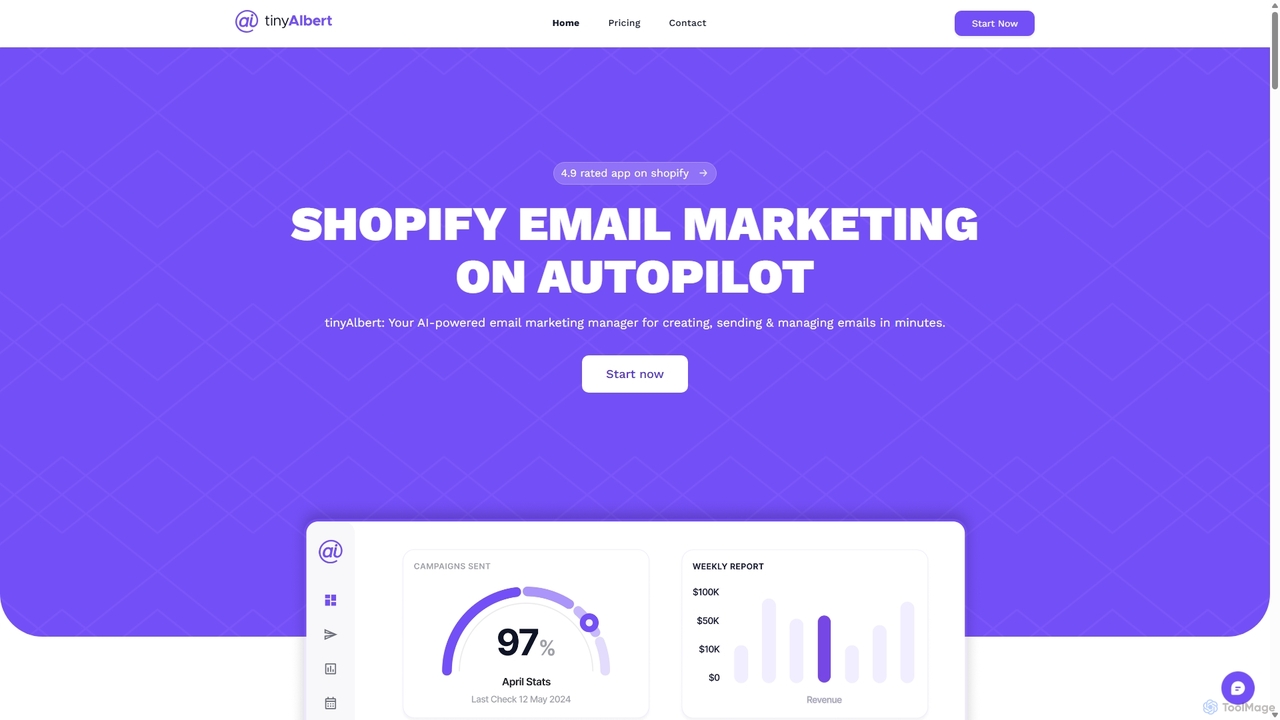
Tinyeinstein is an AI-powered email marketing manager for Shopify, designed to automate your entire email strategy. It helps you create, send, and manage campaigns in minutes, recovering abandoned carts, nurturing leads, and boosting sales with personalized, AI-driven messages. It's the perfect tool for Shopify store owners who want to save time and maximize revenue through effortless email marketing.

Shopify Apps
Visits 5.9KFavorites 116Likes 124
Mentioned
Paid

Mentioned

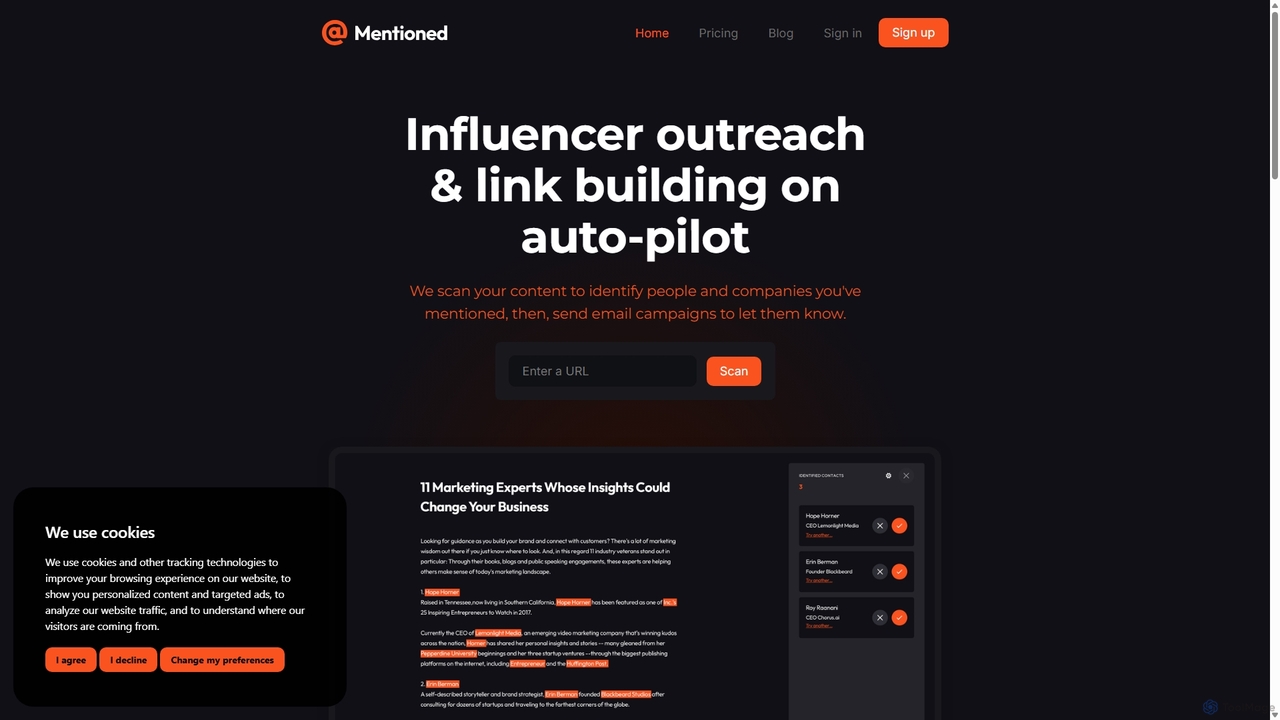
Mentioned is an AI-powered tool that automates email outreach for your blog. It scans your content to identify people and companies you've Mentioned, finds their contact information, and sends personalized email campaigns to notify them, helping you build backlinks, relationships, and brand awareness effortlessly.

Email Marketing
Visits 9.7KFavorites 141Likes 148
Relish AI
Freemium

Relish AI

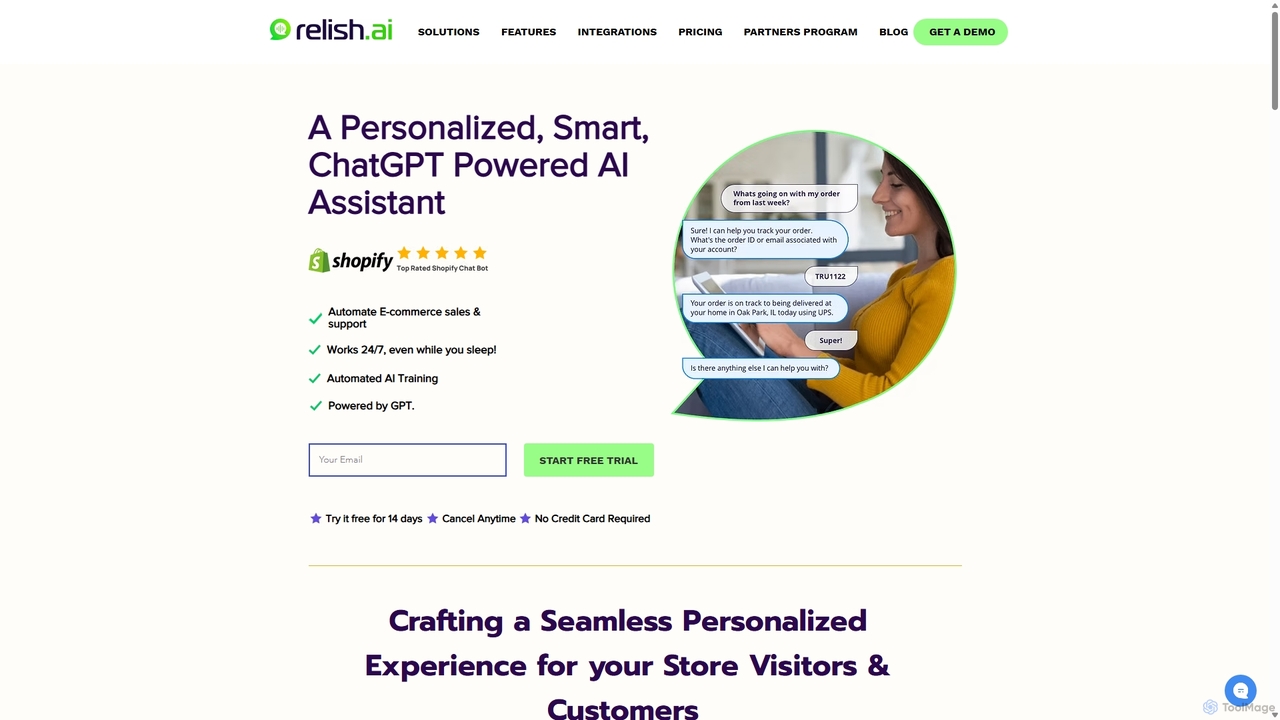
Relish AI is a GPT-powered chatbot and smart shopping assistant for Shopify stores. It automates sales and customer support 24/7, engaging customers with personalized recommendations, conversational search, and instant FAQ answers. Key features include abandoned cart recovery, lead generation, and seamless integration with helpdesks like Gorgias and Zendesk to boost conversions and reduce support costs.

Customer Support
Visits 7KFavorites 127Likes 117
Gemini Code Assist
Freemium

Gemini Code Assist

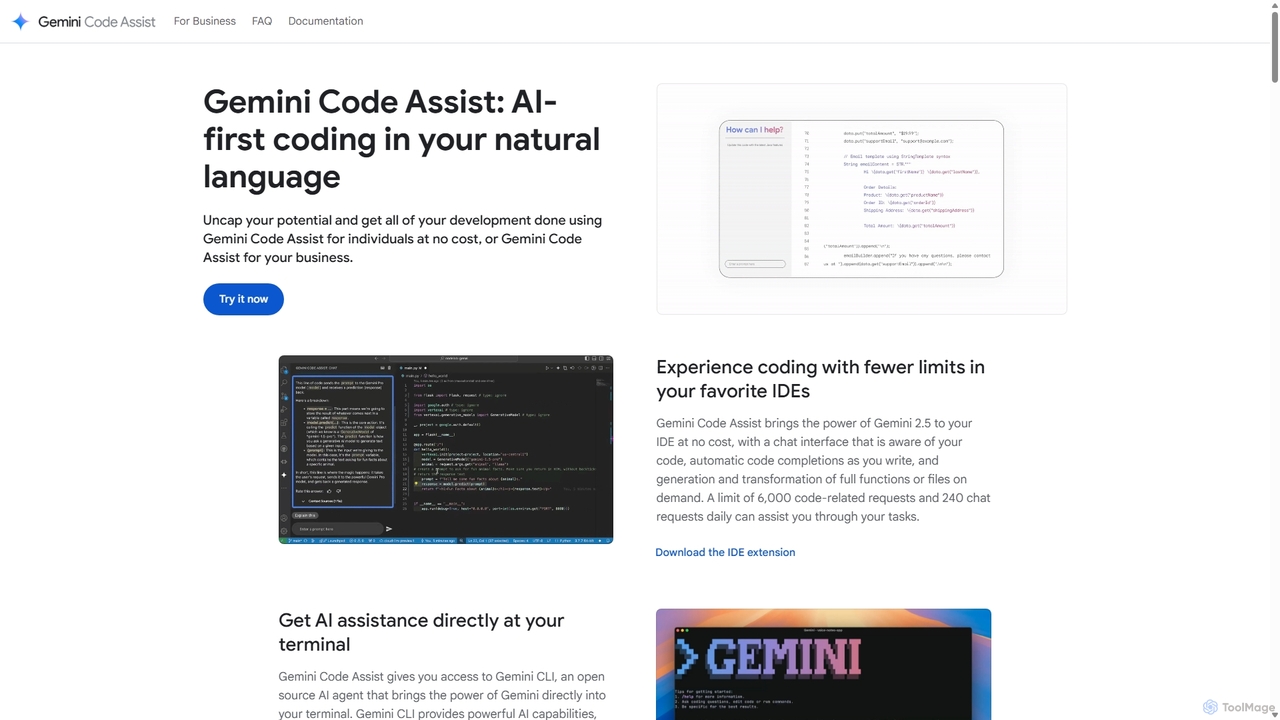
Gemini Code Assist is an AI-powered coding assistant from Google, powered by the Gemini 2.5 model. It integrates into your favorite IDEs, terminal, and development platforms to accelerate the entire software development lifecycle with features like code completion, generation, natural language chat, and automated code reviews.

Code Assistant
Visits 564.8KFavorites 156Likes 135
MeetGeek
Freemium

MeetGeek

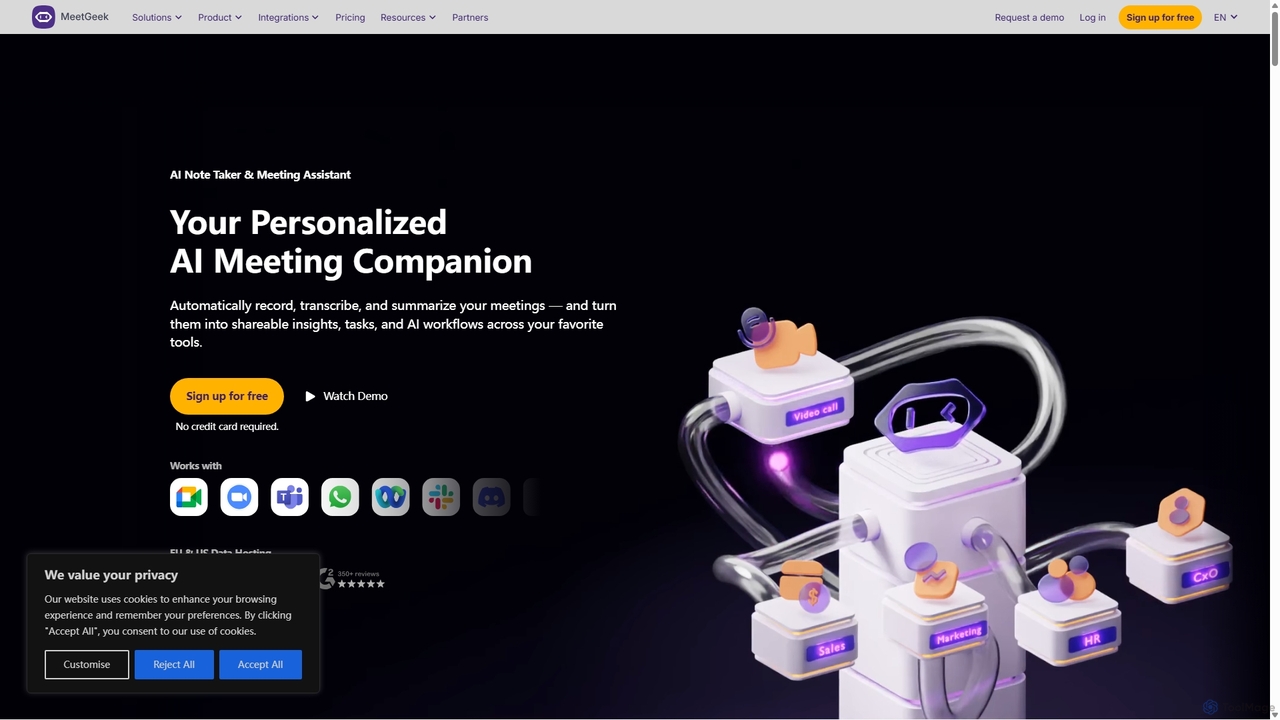
MeetGeek is an AI meeting assistant that automatically records, transcribes, summarizes, and provides key insights for your meetings. It integrates with Zoom, Google Meet, and Microsoft Teams to capture every detail, turning conversations into actionable knowledge and saving hours of manual note-taking.

Sales
Visits 5.9KFavorites 146Likes 134
ZeroWork
Freemium

ZeroWork

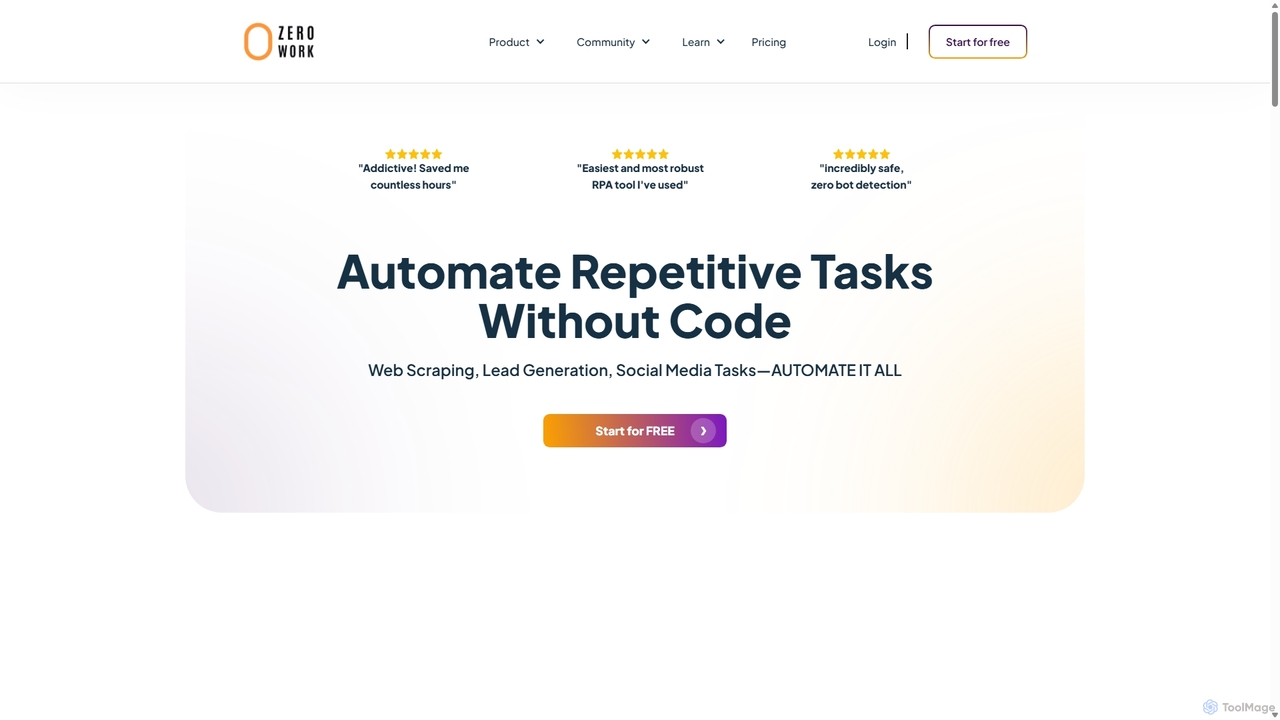
A no-code Robotic Process Automation (RPA) tool to automate any repetitive web task. Build "TaskBots" with a visual drag-and-drop interface to scrape data, generate leads, manage social media, and more. Integrates AI for content generation and features robust anti-bot detection to ensure account safety.

No Code
Visits 18.9KFavorites 146Likes 144
Ottogrid
Freemium

Ottogrid

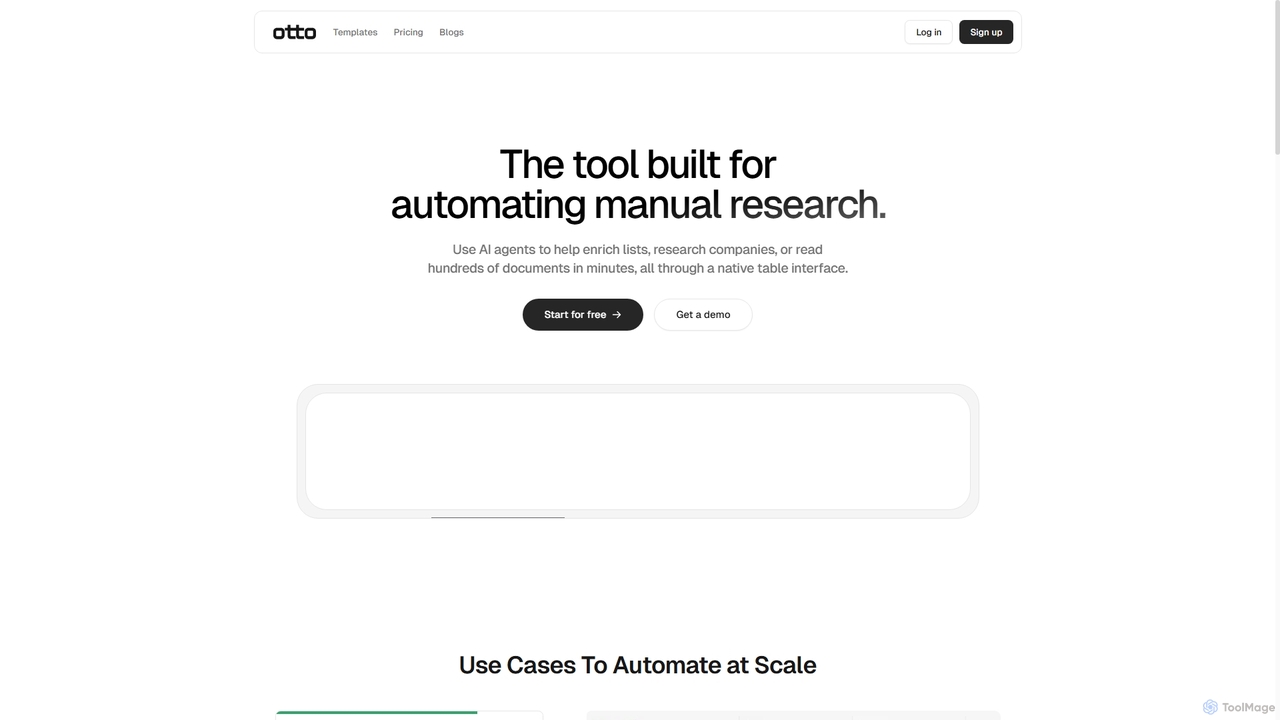
Ottogrid is an AI-powered platform designed to automate manual research tasks. Using AI agents within a native table interface, it helps users enrich lists, research companies, scrape websites with plain English, and analyze hundreds of documents in minutes, streamlining data collection and analysis workflows.

Data Extraction
Visits 6.6KFavorites 127Likes 149

About Automation

AI Automation tools are a class of software that uses artificial intelligence to execute repetitive tasks and streamline complex workflows without direct human intervention. These tools leverage technologies like machine learning (ML) and natural language processing (NLP) to understand data, make decisions, and interact with other digital systems. Their primary purpose is to enhance productivity by reducing manual effort, minimizing errors, and freeing up human teams to focus on strategic initiatives. Unlike traditional automation, AI-powered platforms can handle unstructured data and adapt to variations in processes.

Core Features

  • Workflow Builder: Visually design, build, and manage multi-step automated processes that connect various applications and services.
  • Intelligent Data Processing: Automatically extract, classify, and validate information from documents, emails, and images using AI models.
  • AI-Powered Decision Making: Implement conditional logic and predictive models that allow the system to make autonomous choices within a workflow.
  • Cross-Application Integration: Connect seamlessly with hundreds of third-party apps (SaaS, databases, APIs) to create a unified automated ecosystem.
  • No-Code/Low-Code Interface: Enable users with limited technical skills to create and deploy complex automations through drag-and-drop interfaces.

Use Cases

AI Automation tools are widely used across various departments. Marketing teams automate lead nurturing campaigns and social media posting. Finance departments use them for invoice processing and expense report approvals. In customer support, they are used to route tickets and send automated responses, significantly improving response times and operational efficiency.

How to Choose

When selecting an AI Automation tool, first evaluate its integration library to ensure it supports the apps you use. Consider the complexity of its AI capabilities—do you need simple data extraction or advanced predictive analytics? Assess the user interface; a no-code platform is better for business users, while a low-code option offers more flexibility for developers. Finally, review the scalability and pricing model to ensure it aligns with your business growth.

Featured tool rankings

Automation use cases

1

Automate Social Media Content Publishing

A social media manager for a growing e-commerce brand needs to maintain a consistent posting schedule across multiple platforms like Instagram, Facebook, and Twitter. Instead of manually uploading and scheduling each post, they use an AI automation tool. They set up a workflow that triggers whenever a new product is added to their website's blog. The tool automatically pulls the product image and description, uses an AI writing assistant to generate several engaging caption variations, and then schedules them to be posted at optimal times on each platform over the next week. This saves hours of manual work and ensures a steady stream of content.

2

Streamline Customer Onboarding Process

A SaaS company's customer success team needs to ensure every new user has a smooth onboarding experience. They use an automation platform to connect their payment gateway (e.g., Stripe) with their CRM and email marketing tool. When a new customer subscribes, a workflow is initiated:

  • A new contact is created in the CRM with the 'New Customer' tag.
  • A welcome email is sent immediately with login details and a link to a setup guide.
  • A task is assigned to a customer success manager for a personal follow-up call in three days.
  • The customer is added to an automated 7-day onboarding email sequence that introduces key features.
This automation ensures no new customer is overlooked and provides a consistent, professional welcome.

3

Intelligent Invoice and Receipt Processing

An accounting department processes hundreds of invoices and receipts monthly. This manual data entry is time-consuming and prone to errors. By implementing an AI automation tool with Optical Character Recognition (OCR), the process is transformed. Staff simply scan or email the documents to a designated inbox. The AI tool automatically:

  • Extracts key information like vendor name, invoice number, date, and total amount.
  • Categorizes the expense based on the vendor or line items.
  • Creates a draft entry in the accounting software (e.g., QuickBooks) for review.
  • Flags any discrepancies or missing information for human attention.
This reduces data entry time by over 80% and improves accuracy significantly.

4

Automate Lead Nurturing in Marketing

A marketing team wants to personalize communication with new leads who download an e-book from their website. They set up an automation that triggers upon form submission. The lead's contact information is added to their CRM and they are entered into a specific nurturing sequence. The sequence starts with an email delivering the e-book, followed by a series of emails over two weeks that provide related content, case studies, and finally, an invitation to a product demo. The automation uses conditional logic: if a lead clicks on a specific case study, they are tagged with that interest and might receive more targeted content, making the nurturing process highly relevant and effective.

5

Automate IT Help Desk Ticket Routing

An IT department in a large company receives hundreds of support requests daily via email. Manually reading, categorizing, and assigning these tickets is a bottleneck. They deploy an AI automation tool that monitors the support inbox. Using Natural Language Processing (NLP), the tool analyzes the content of each email to determine the issue's category (e.g., 'Password Reset', 'Hardware Failure', 'Software Access') and urgency. Based on predefined rules, it automatically creates a ticket in their help desk system (like Jira or Zendesk) and assigns it to the appropriate specialist or team. This ensures faster response times and a more balanced workload for the IT staff.

6

Sync Data Across Disparate Business Systems

An operations manager struggles with data inconsistencies between their CRM (Salesforce) and ERP (NetSuite) systems. Sales updates in the CRM don't always reflect in the ERP, leading to billing errors. They implement an automation platform to act as a bridge. A workflow is created to monitor for 'Closed-Won' opportunities in Salesforce. When this occurs, the automation tool instantly retrieves the customer and deal information and uses it to create a corresponding sales order in NetSuite. This two-way sync ensures that both sales and finance teams are always working with the most up-to-date, accurate information, eliminating manual data reconciliation.

Automation FAQ

What are AI Automation tools?

AI Automation tools are software platforms that use artificial intelligence technologies like machine learning (ML) and natural language processing (NLP) to perform tasks and manage workflows that traditionally require human intelligence. Unlike simple rule-based automation, they can interpret unstructured data, adapt to new situations, and make complex decisions. Common applications include automating data entry from documents, routing customer support tickets based on email content, and managing multi-step marketing campaigns.

How do I choose the right AI Automation tool?

To choose the right tool, consider these factors:

  • Integration Capabilities: Ensure the tool connects with the applications you use daily (e.g., CRM, email, project management software). A robust library of pre-built integrations is crucial.
  • Ease of Use: Determine if you need a no-code platform for non-technical users or a low-code/pro-code solution that offers more customization for developers.
  • AI Features: Assess the specific AI functionalities offered. Do you need basic OCR for data extraction, or more advanced NLP for sentiment analysis and decision-making?
  • Scalability and Reliability: Choose a platform that can handle an increasing volume of tasks as your business grows and offers reliable performance.
What's the difference between AI Automation and traditional Robotic Process Automation (RPA)?

The key difference lies in intelligence and adaptability. Traditional RPA is rule-based and excels at automating structured, repetitive tasks by mimicking human actions on a user interface (like clicks and keystrokes). It struggles with variation. AI Automation, often seen as an evolution of RPA, incorporates cognitive abilities. It can process unstructured data (like text in an email), understand context, learn from experience, and make decisions. In essence, RPA automates tasks, while AI Automation automates entire processes that involve judgment and interpretation.

What kind of tasks can be automated with these tools?

AI Automation tools can handle a wide spectrum of tasks, from simple to complex. Examples include:

  • Data Management: Automatically moving and syncing data between applications like spreadsheets, CRMs, and databases.
  • Communication: Sending personalized emails, scheduling social media posts, and routing customer inquiries.
  • Document Processing: Extracting information from invoices, contracts, and receipts using OCR and NLP.
  • Reporting: Aggregating data from multiple sources to generate daily or weekly performance reports.
  • Complex Workflows: Managing entire processes like employee onboarding or lead nurturing, which involve multiple steps, applications, and conditional logic.
Who can benefit from using AI Automation tools?

A wide range of users can benefit from AI Automation. In a business context, roles like marketing operations managers, sales representatives, finance controllers, and IT administrators use these tools to streamline departmental workflows and eliminate repetitive tasks. Small business owners and entrepreneurs can automate core business processes without a large team. Even individuals can use them for personal productivity, such as managing personal finances, organizing files, or automating social media activity, thereby saving time for more important activities.