ToolMage
Sign in

Best 54 File Management AI tools for Productivity

Popular File Management AI tools in Productivity include mega, EaseUS, Tenorshare, Dewatermark.ai, LightPDF, WinXDVD, Leawo, 4DDiG, DVDFab, and Immich, helping you work more efficiently.

DVDFab
Freemium

DVDFab

DVDFab is a comprehensive multimedia toolkit for DVD/Blu-ray/4K UHD backup, ripping, and conversion. It features AI-powered video enhancement to upscale resolution up to 8K, convert SDR to HDR, and denoise footage. The suite also includes tools for downloading videos and music from over 1000 streaming services.

Audio Editing
Visits 724.7KFavorites 131Likes 111
Apowersoft
Freemium

Apowersoft

Apowersoft offers a comprehensive suite of multimedia and utility software for business and daily use. It provides user-friendly solutions for video editing, screen recording, file conversion, PDF management, mobile device management, and data recovery. Integrating AI technology, Apowersoft delivers simple, high-quality, and efficient creative and data solutions across multiple platforms.

Video Editing
Visits 617.5KFavorites 126Likes 113
mega
Freemium

mega

mega is an intelligent cloud storage and digital asset management platform. It uses powerful AI to automatically organize, tag, and search your files, transforming how you manage your digital life. Securely store, share, and collaborate with AI-driven features that streamline workflows and help you find what you need instantly.

Digital Asset Management
Visits 6MFavorites 142Likes 146
Renamify
Freemium

Renamify

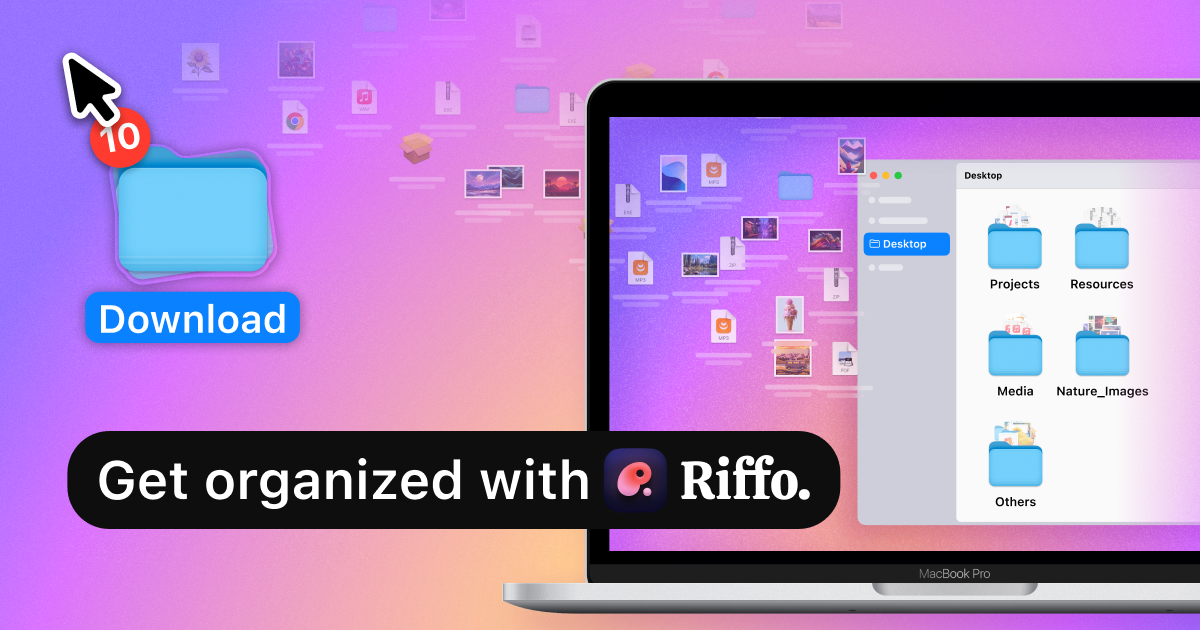
Renamify is an AI-powered tool that simplifies bulk file renaming. It intelligently analyzes the content of your files, especially photos, to suggest meaningful and descriptive names, saving hours of manual work. It also focuses on enhancing web accessibility for visually impaired users.

Screen Reader Tools
Visits 16.1KFavorites 158Likes 153
AnyRecover
Freemium

AnyRecover

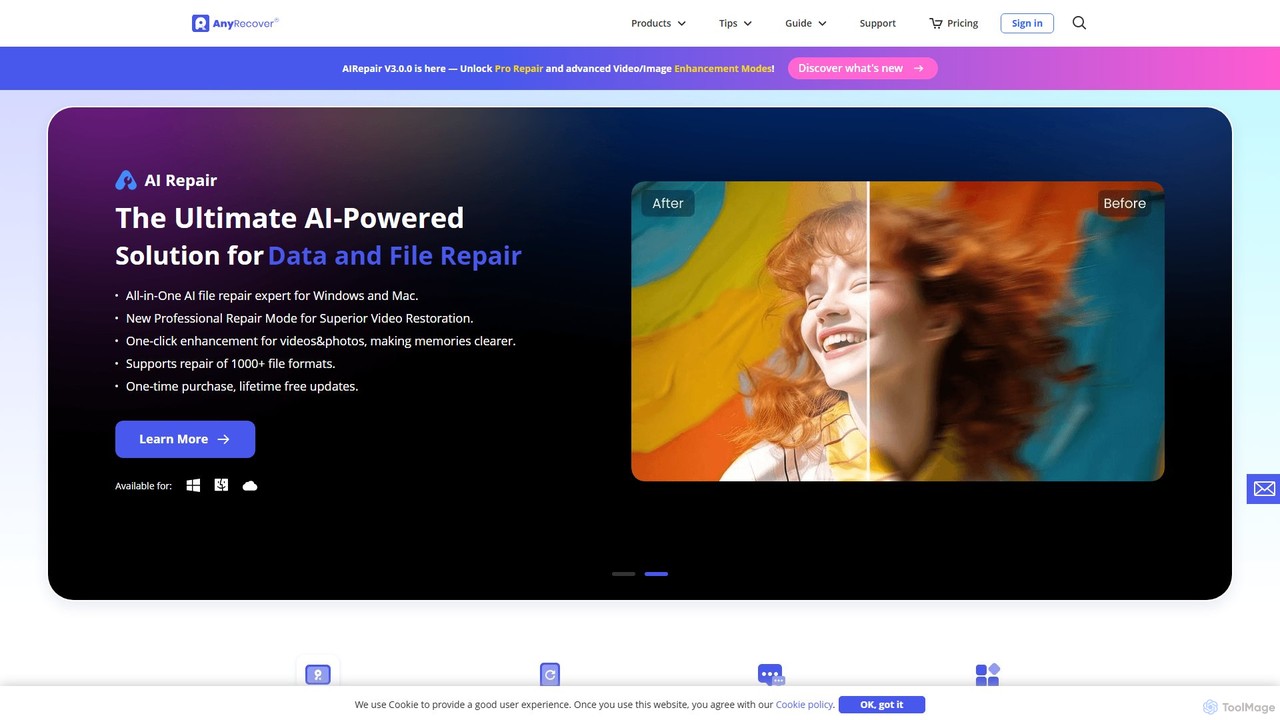
AnyRecover is an all-in-one AI-powered data recovery and file repair solution. It restores over 1000 file types from 2000+ storage devices, including Windows, Mac, iOS, and Android. It also features AI-driven repair for corrupted photos, videos, and documents, and an AI enhancer to improve image and video quality.

Utilities
Visits 222.4KFavorites 137Likes 132
ScreenML
Freemium

ScreenML

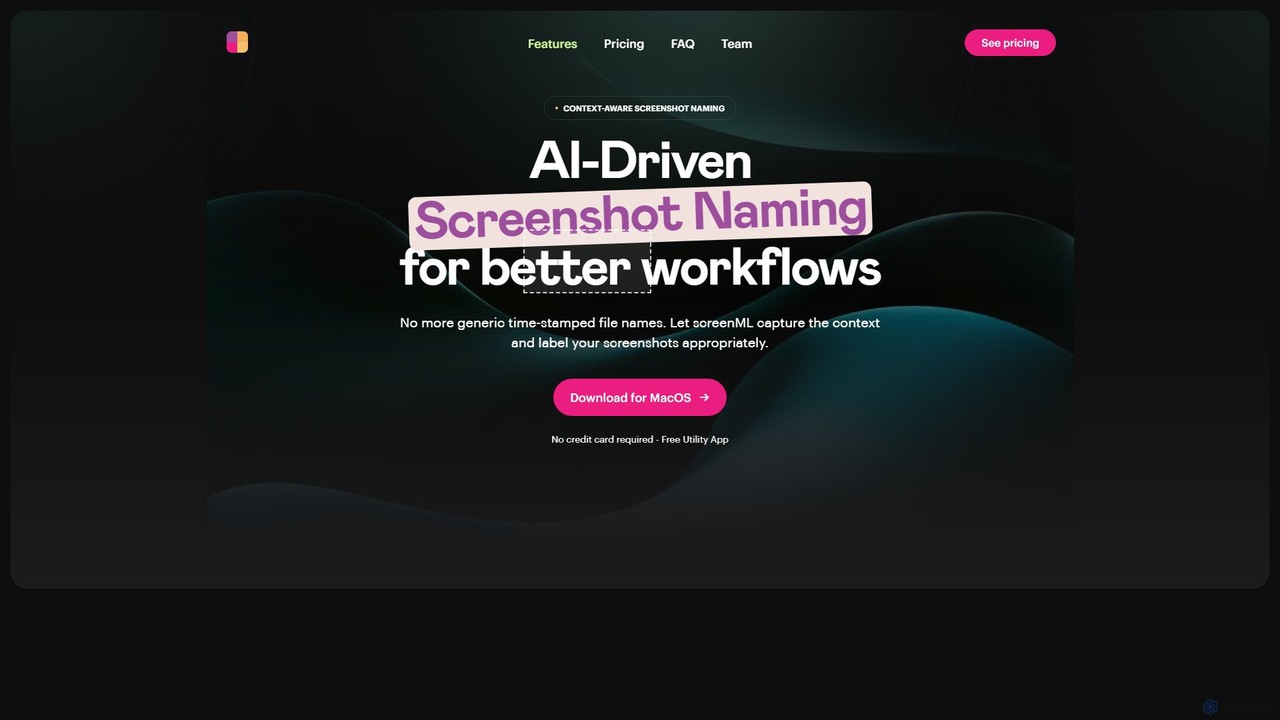
ScreenML is an AI-powered MacOS utility that automatically renames your screenshots with context-aware, descriptive filenames. It eliminates cluttered desktops and timestamped file names, making your screenshots organized, searchable, and easy to manage, streamlining your entire workflow.

Screenshot Tool
Visits 6.7KFavorites 118Likes 136

About File Management

AI File Management tools are applications that use artificial intelligence to intelligently organize, search, and manage digital files. They go beyond traditional storage by leveraging technologies like natural language processing (NLP) to understand the content and context of documents, images, and videos. This enables users to instantly find information through semantic search, automate tedious organization tasks, and uncover insights hidden within their data. As a core component of modern productivity, these tools transform cluttered digital archives into accessible knowledge bases.

Core Features

  • Semantic Search: Find files based on their meaning and context, not just exact keywords.
  • Automated Tagging & Organization: AI analyzes content to automatically apply relevant tags and sort files into folders.
  • Content Summarization: Instantly generate concise summaries of documents, articles, and reports without opening them.
  • Intelligent Duplicate Detection: Identify and manage duplicate or near-duplicate files, even if they have different names.
  • Smart Workflow Automation: Create rules to automatically process new files, such as renaming or routing them based on content.

Use Cases

These tools are ideal for legal firms managing vast case files, marketing teams organizing creative assets, and research institutions archiving academic papers. Any knowledge worker or organization struggling with information overload can benefit from intelligent file organization and retrieval, making them a foundational productivity tool.

How to Choose

When selecting a tool, consider its search accuracy and speed, the types of files it supports (text, image, video), and its integration capabilities with your existing cloud storage like Google Drive or Dropbox. Also, evaluate its security protocols, data privacy policies, and the intuitiveness of its user interface for your team's needs.

Featured tool rankings

File Management use cases

1

Streamlining Legal Case Document Review

Legal paralegals and attorneys often manage thousands of documents per case. Instead of manually reading each file, they use an AI File Management tool to perform semantic searches like 'find all depositions mentioning the contract breach'. The tool automatically categorizes evidence, flags duplicate documents, and summarizes long reports, significantly reducing review time and ensuring no critical information is missed during discovery.

2

Organizing a Large Creative Asset Library

A marketing team for a global brand deals with thousands of images, videos, and design files. An AI File Management tool uses computer vision to automatically tag assets with objects, colors, and themes (e.g., 'logo', 'product shot', 'lifestyle image'). This allows designers to instantly find the right visual for a campaign instead of browsing through poorly named folders, accelerating content creation and ensuring brand consistency.

3

Building a Centralized Research Knowledge Base

Academic researchers or R&D departments collect hundreds of scientific papers and data sets. An AI tool ingests these PDFs and documents, making the entire library searchable via natural language questions. It can summarize key findings, identify connections between different research topics, and help researchers quickly build upon existing knowledge without needing to re-read entire documents, fostering innovation.

4

Automating Invoice and Receipt Processing

A small business owner is overwhelmed with financial documents. They connect their email and cloud storage to an AI File Management tool. The tool automatically identifies incoming invoices and receipts, extracts key information like vendor name, date, and amount, renames the files to a standard format (e.g., '2024-10-26_Vendor_Invoice.pdf'), and moves them to a designated 'Accounts Payable' folder for easy processing.

5

Managing Personal Digital Archives

A freelance writer or consultant has years of project files, notes, and articles scattered across different drives. They use an AI File Management tool to create a unified, searchable archive. They can ask 'show me all articles I wrote about AI in 2022' or 'find the contract with Client X'. The tool helps them repurpose old content and quickly locate important information without remembering exact file names or locations.

6

Enhancing Enterprise-Wide Information Discovery

In a large corporation, critical information is often siloed in different departments' drives (e.g., SharePoint, Google Drive). An enterprise-grade AI File Management system connects to all these sources. An employee can search for 'technical specifications for Product Z' and instantly get results from engineering's documentation, marketing's brochures, and support's knowledge base, breaking down information silos and improving cross-functional collaboration.

File Management FAQ

What are AI File Management tools?

AI File Management tools are applications that use artificial intelligence to automatically organize, search, and understand the content of your digital files. Unlike traditional file managers that rely on folder structures and names, these tools analyze the actual content (text, images, audio) to enable powerful features like semantic search, automated tagging, and content summarization. They effectively turn a chaotic collection of files into an intelligent, searchable knowledge base.

How do AI File Management tools differ from cloud storage like Google Drive?

Cloud storage services primarily focus on storing, syncing, and sharing files. AI File Management tools are a layer of intelligence built on top of your storage. While Google Drive has basic search, AI tools offer deep, content-aware semantic search and automatic categorization. Many AI File Management tools integrate directly with services like Google Drive or Dropbox to enhance their capabilities, not to replace them. They add the 'how to find and understand' function to the 'where to store' function of cloud storage.

Who should use AI File Management tools?

These tools are highly beneficial for individuals and teams who handle a large volume of digital information. This includes legal professionals managing case files, marketing teams organizing creative assets, researchers archiving papers, and businesses looking to create a central knowledge hub. Any knowledge worker who spends significant time searching for files or manually organizing them can see a substantial productivity boost.

What are the key features to look for in an AI File Management tool?

When choosing a tool, evaluate the following key features:

  • Search Capabilities: Does it support semantic search and natural language queries for intuitive information retrieval?
  • File Compatibility: Can it process a wide range of file types, including PDFs, documents, images, and videos?
  • Integrations: Does it connect seamlessly with your existing cloud storage (e.g., Google Drive, Dropbox) and other productivity apps?
  • Automation: Does it offer customizable rules for automatic tagging, renaming, and sorting to reduce manual work?
  • Security: What measures are in place to protect your data privacy and ensure secure access?
How does AI File Management improve overall productivity?

AI File Management improves productivity by drastically reducing the time spent searching for and organizing information. Instead of remembering file names or folder locations, users can find what they need instantly with simple, conversational queries. Automation handles tedious tasks like tagging and sorting, freeing up users to focus on higher-value work. By making information more accessible and discoverable, it also facilitates better decision-making and knowledge sharing within teams, which are key aspects of overall productivity.