ToolMage
Sign in
Camp
Inspiration · 4.2K monthly visits

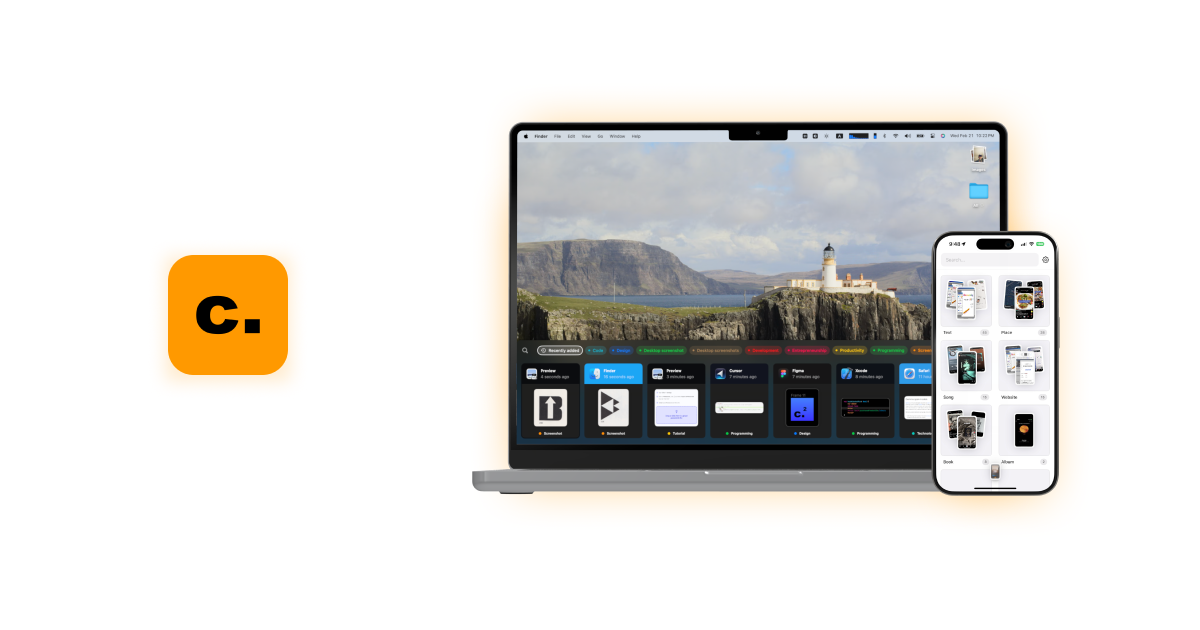
Camp is an intelligent screenshot management tool for macOS and iOS. It uses AI to automatically title and tag your screenshots, transforming your cluttered capture folder into a searchable, organized library. It's built for privacy with all data stored locally.

VS
jelli
Visual Feedback · 417 monthly visits

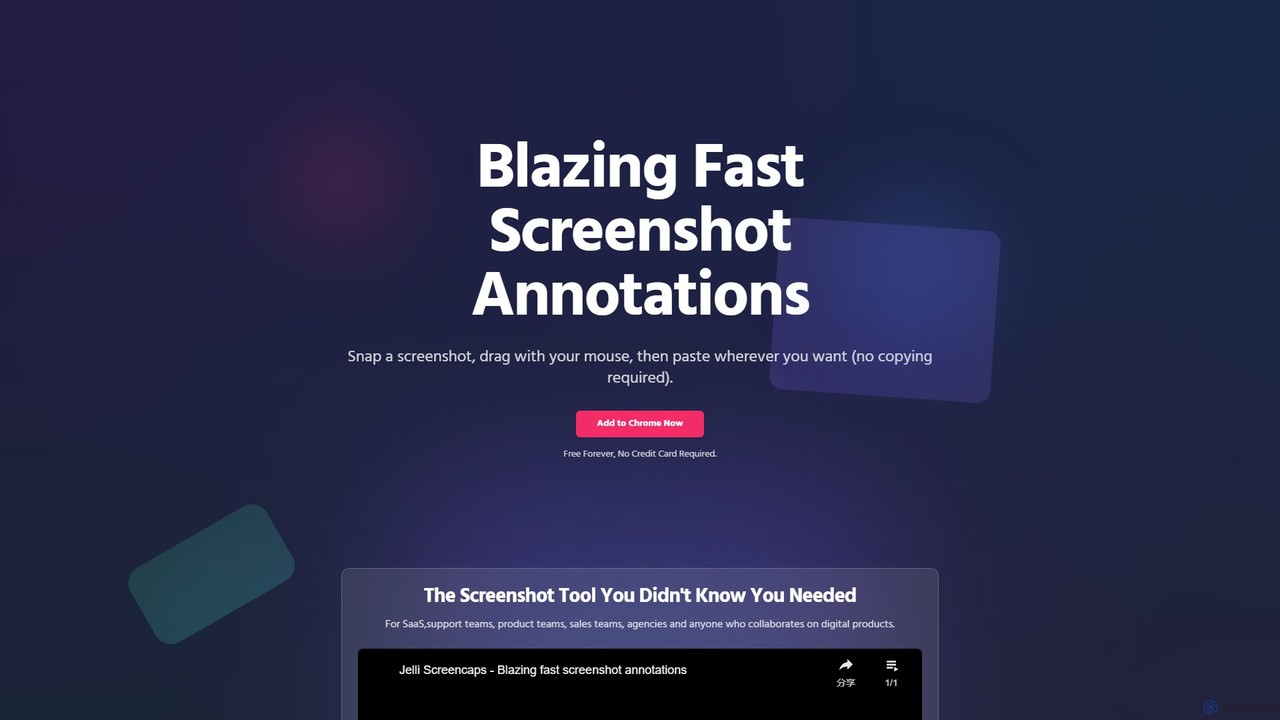
jelli is a blazing-fast Chrome extension for screenshot annotation. Instantly capture your screen, add arrows, rectangles, and other markups with simple mouse gestures, and paste the annotated image anywhere. Designed for support, product, and sales teams to streamline visual communication and feedback, jelli is completely free and enhances productivity by simplifying your workflow.

Camp vs jelli: pricing, features, traffic, and use cases

Compare Camp and jelli across positioning, pricing, traffic, and user feedback using structured factual data.

Updated Aug 19, 2026

Product overview

Camp Product overview

Camp is an intelligent screenshot management tool for macOS and iOS. It uses AI to automatically title and tag your screenshots, transforming your cluttered capture folder into a searchable, organized library. It's built for privacy with all data stored locally.
Preview

jelli Product overview

jelli is a blazing-fast Chrome extension for screenshot annotation. Instantly capture your screen, add arrows, rectangles, and other markups with simple mouse gestures, and paste the annotated image anywhere. Designed for support, product, and sales teams to streamline visual communication and feedback, jelli is completely free and enhances productivity by simplifying your workflow.

Preview

Detailed feature comparison

FeatureCampjelli
Primary categoryInspirationVisual Feedback
Added2025-08-152025-08-10
PricingNot verifiedFree
Official websitecampmac.xyzwww.jelli.io
Product typeAppBrowser extension
Performance data
User ratingNot verifiedNot verified
Comments00
Monthly visits4.2K417
Monthly growthNot verified-48.7%
Favorites134136
DetailsView detailsView details

Camp vs jelli monthly traffic

Compare Camp and jelli by monthly reach, traffic trend, visit depth, top regions, and acquisition sources.

How to interpret the traffic data

In the Camp vs jelli monthly traffic comparison, Camp currently shows 4.2K visits and jelli shows 417; Camp has about 10 times the visible traffic of jelli, an absolute difference of about 3.7K visits. This reflects visible reach, not feature quality or paid users.

Only jelli has complete third-party traffic details; Camp uses visits recorded inside ToolMage. These scopes cannot estimate market share directly, and on-site views should not be treated as the product’s total website traffic.

Camp monthly traffic:

Latest traffic

Monthly visits
4.2K

jelli monthly traffic:

Latest traffic

Monthly visits
417
Avg. visit duration
0:00
Pages per visit
1.01
Bounce rate
52.77%
Data updated 2026-06-11

Monthly traffic trend

  • 2025/7: 598 Monthly visits
  • 2025/8: 174 Monthly visits
  • 2025/9: 813 Monthly visits
  • 2026/3: 0 Monthly visits
  • 2026/4: 0 Monthly visits
  • 2026/5: 417 Monthly visits

Top regions

Top 5 countries/regions
Country/regionPercentageTraffic
🇷🇺Russia100%417

Search keywords

jelli
Traffic-based selection guidance: The current traffic scope is not sufficient for a reliable product ranking. Treat monthly visits as a market-interest signal, then decide using taxonomy, use cases, pricing, and a like-for-like trial rather than reading exposure as product capability.

Usage comparison

Compare the core capabilities of Camp and jelli

Camp Core features

Inspiration
File Management
Screenshot Tools

jelli Core features

Visual Feedback
Annotation
Screenshots

Use cases

Camp Use cases

productivity
screen capture
screenshot
automatic tagging
iOS
knowledge management
local storage
macos
organization
privacy
search

jelli Use cases

productivity
screen capture
screenshot
annotation
bug reporting
chrome extension
collaboration
feedback
free tool
markup
visual communication

Camp vs jelli:In-depth comparison and selection guidance

First decide whether the products solve the same kind of need

This in-depth Camp vs jelli comparison uses only the product records, taxonomy, audience, traffic, and community signals available on this page. Camp is primarily listed under “Inspiration”, while jelli is primarily listed under “Visual Feedback”, so the first decision is whether your actual task matches their recorded scope.

The structured fields currently show these decision-relevant differences: Primary category (Camp: Inspiration; jelli: Visual Feedback); Product type (Camp: App; jelli: Browser extension); Pricing (Camp: Not disclosed; jelli: Free); Monthly visits (Camp: 4.2K; jelli: 417); Favorites (Camp: 134; jelli: 136). These facts are more useful for selection than brand visibility alone.

What market visibility and monthly traffic mean

In the Camp vs jelli monthly traffic comparison, Camp currently shows 4.2K visits and jelli shows 417; Camp has about 10 times the visible traffic of jelli, an absolute difference of about 3.7K visits. This reflects visible reach, not feature quality or paid users.

Only jelli has complete third-party traffic details; Camp uses visits recorded inside ToolMage. These scopes cannot estimate market share directly, and on-site views should not be treated as the product’s total website traffic.

The current traffic scope is not sufficient for a reliable product ranking. Treat monthly visits as a market-interest signal, then decide using taxonomy, use cases, pricing, and a like-for-like trial rather than reading exposure as product capability.

Product positioning, use cases, and roles

Camp and jelli currently overlap in shared tags: productivity, screen capture, and screenshot. This can place both on the same shortlist, but it does not prove equal implementation, depth, or cost.

Camp's unique categories/tags are Inspiration, File Management, Screenshot Tools, automatic tagging, iOS, knowledge management, local storage, and macos; jelli's are Visual Feedback, Annotation, Screenshots, annotation, bug reporting, chrome extension, collaboration, and feedback. These unique fields are the strongest differentiators: validate the product whose recorded scope matches the task instead of following traffic alone.

What ratings, comments, and favorites can tell you

Camp has no verified rating, 0 comments, 134 favorites, and 126 likes;jelli has no verified rating, 0 comments, 136 favorites, and 126 likes。

Neither product has enough rating or comment samples for a credible reputation ranking.

Selection guidance by actual need

When to evaluate Camp first

Put Camp on the priority trial list when the task aligns with “Inspiration” and especially Inspiration, File Management, Screenshot Tools, automatic tagging, iOS, and knowledge management. This follows recorded positioning and does not imply unlisted capabilities are absent.

Camp also currently records: pricing is not verified, product type is app, 4.2K on-site monthly views, no verified user rating. Verify any hard requirement around price, platform, or reach before trial, and do not let sparse review data substitute for testing.

When to evaluate jelli first

Put jelli on the priority trial list when the task aligns with “Visual Feedback” and especially Visual Feedback, Annotation, Screenshots, annotation, bug reporting, and chrome extension. This follows recorded positioning and does not imply unlisted capabilities are absent.

jelli also currently records: pricing is free, product type is browser extension, 417 verified monthly visits, no verified user rating. Verify any hard requirement around price, platform, or reach before trial, and do not let sparse review data substitute for testing.

How to validate the recommendation before deciding

The available data describes positioning, public visibility, and community signals, but it cannot prove output quality, speed, integration effort, privacy, or long-term cost in your workflow. Before deciding, run the same representative tasks in Camp and jelli, then record completion time, accuracy, manual corrections, and the real paid threshold. A like-for-like trial turns this comparison into a defensible adoption decision.

Comparison FAQ

How should I choose between Camp and jelli?
Compare positioning, pricing, taxonomy, and traffic maturity, then verify the latest details on each official website.
Where does this comparison data come from?
The factual baseline is derived from product, taxonomy, traffic, and community data. Reviewed editorial conclusions show their source and verification date.
What do unknown fields mean?
Unknown means there is not enough reliable evidence; the page does not fill gaps with assumptions.

Related AI tools

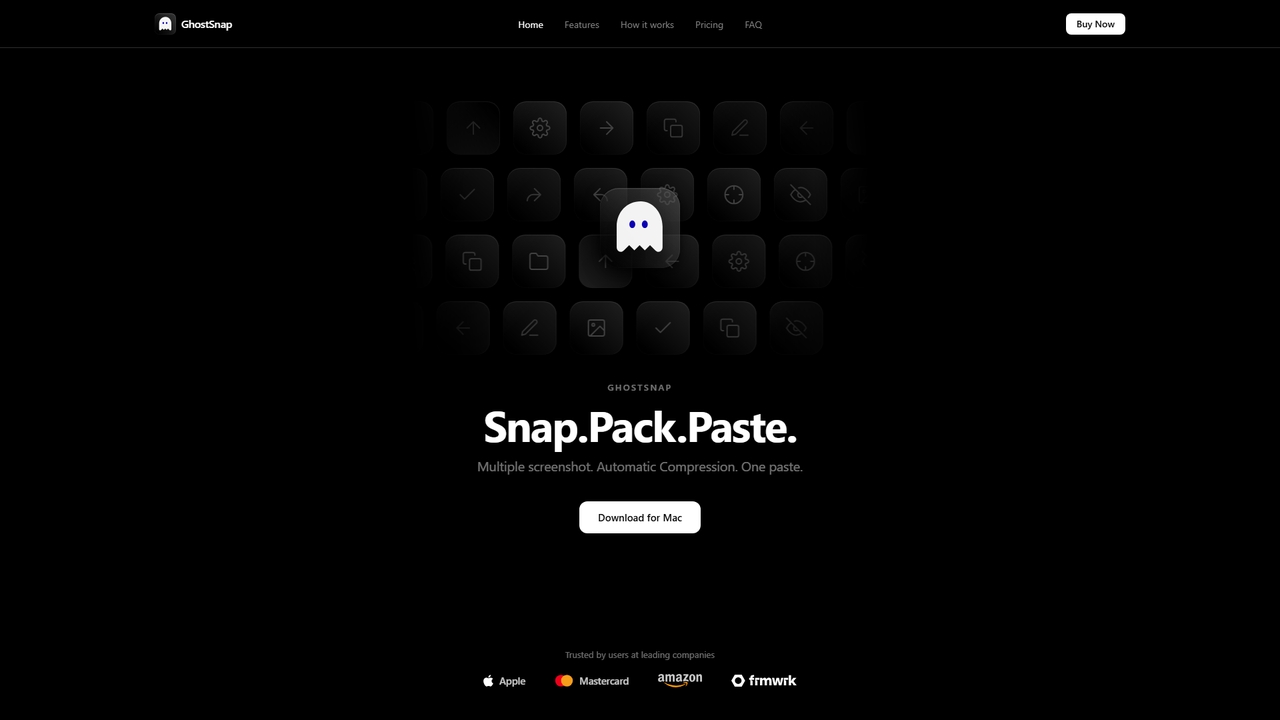
GhostSnap
Paid

GhostSnap

GhostSnap is a macOS productivity tool that streamlines screenshot workflows. It allows users to capture multiple screenshots, automatically compresses them to save space and reduce token usage in AI tools, and pastes them all with a single command. It also features on-device OCR text extraction and image annotation.

Image Tools
Visits 4.4KFavorites 13Likes 7
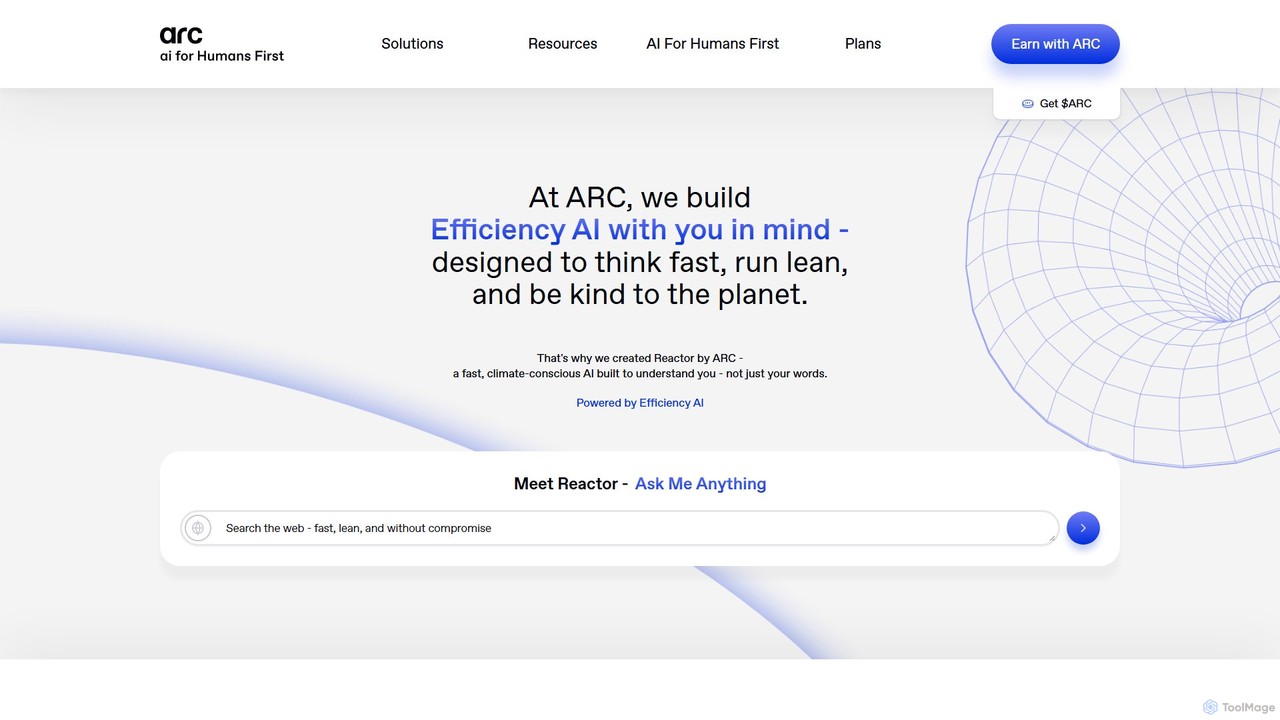
Arc
Free

Arc

Arc is a revolutionary browser by The Browser Company, designed to be a smart, organized, and private alternative to Chrome. It integrates AI features to enhance productivity, offers unique organization tools like Spaces and Split View, and provides a seamless, ad-free experience across desktop and mobile.

Search Assistant
Visits 754.3KFavorites 144Likes 125
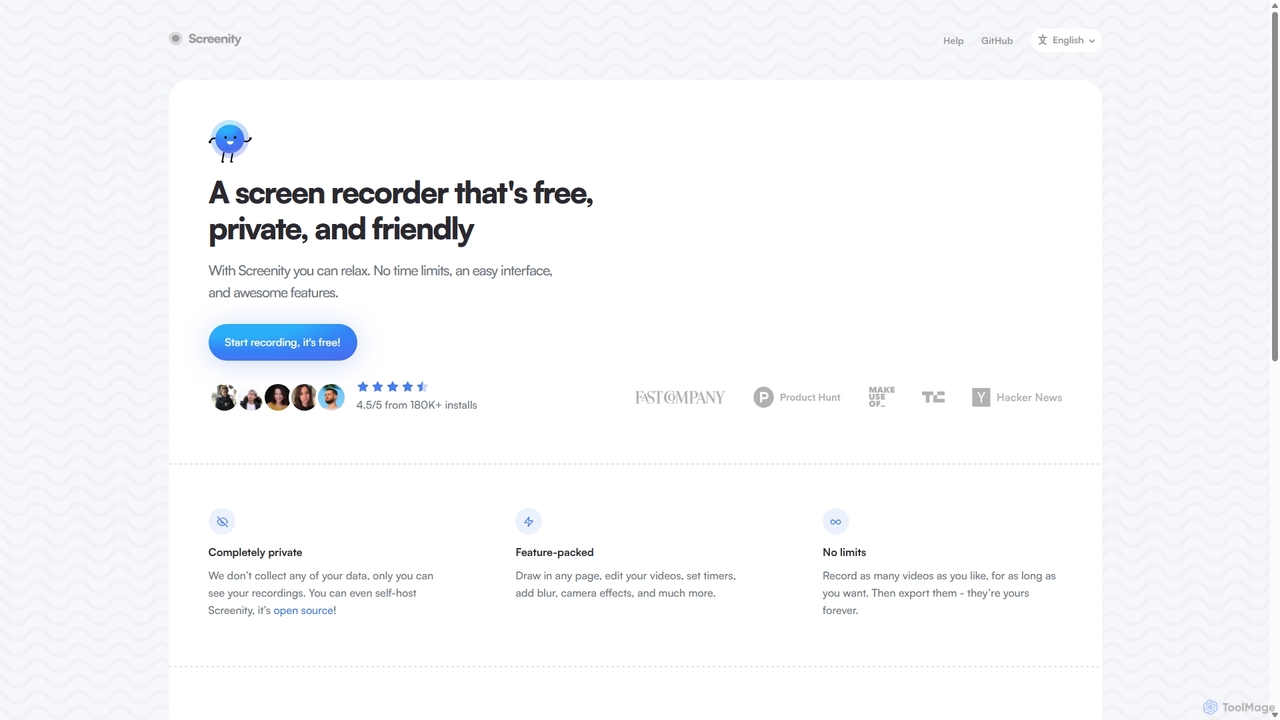
Screenity
Free

Screenity

Screenity is a powerful, free, and privacy-focused screen and camera recorder for Chrome. It offers unlimited recording, annotation tools, and basic video editing without collecting any user data. Ideal for creating tutorials, demos, and presentations.

Bug Reporting
Visits 48.2KFavorites 118Likes 120
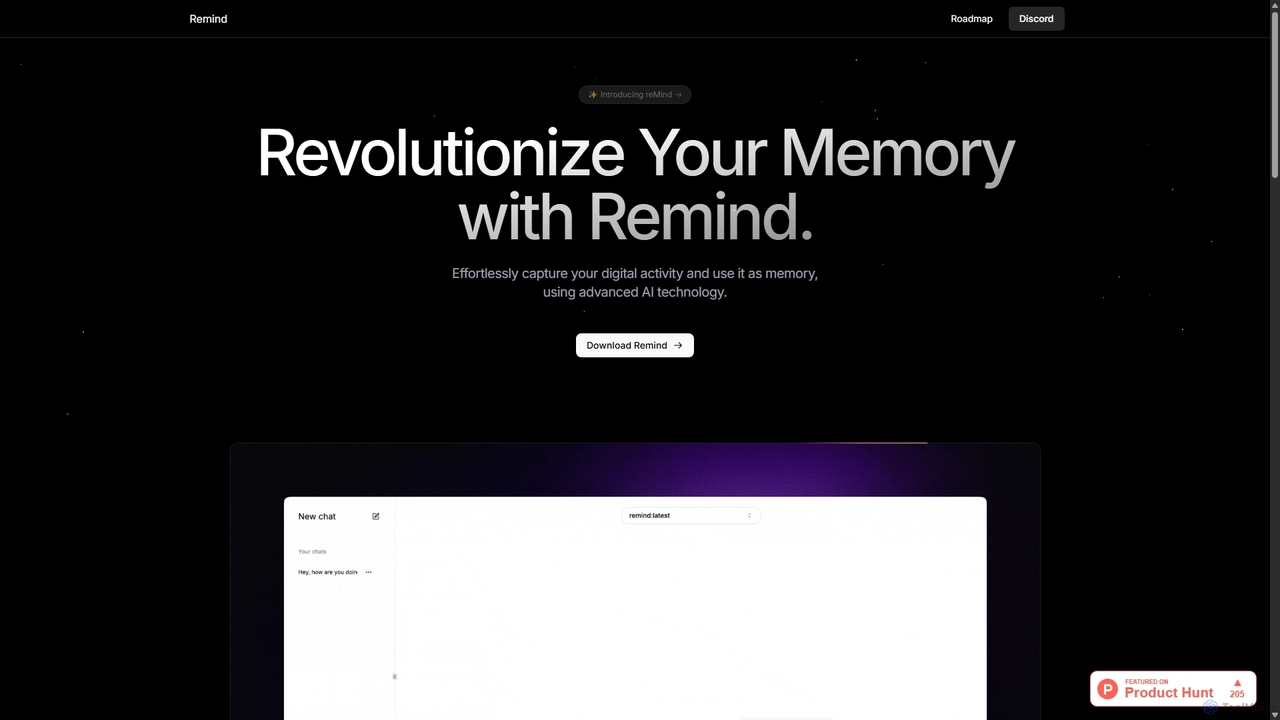
ReMind
Free

ReMind

reMind is an open-source, privacy-first AI tool that acts as your personal memory. It captures your digital activity locally, allowing you to search and recall anything you've seen or done on your computer using natural language. It runs entirely on your machine for maximum security.

Utilities
Visits 6.3KFavorites 105Likes 99
Surfed
Freemium

Surfed

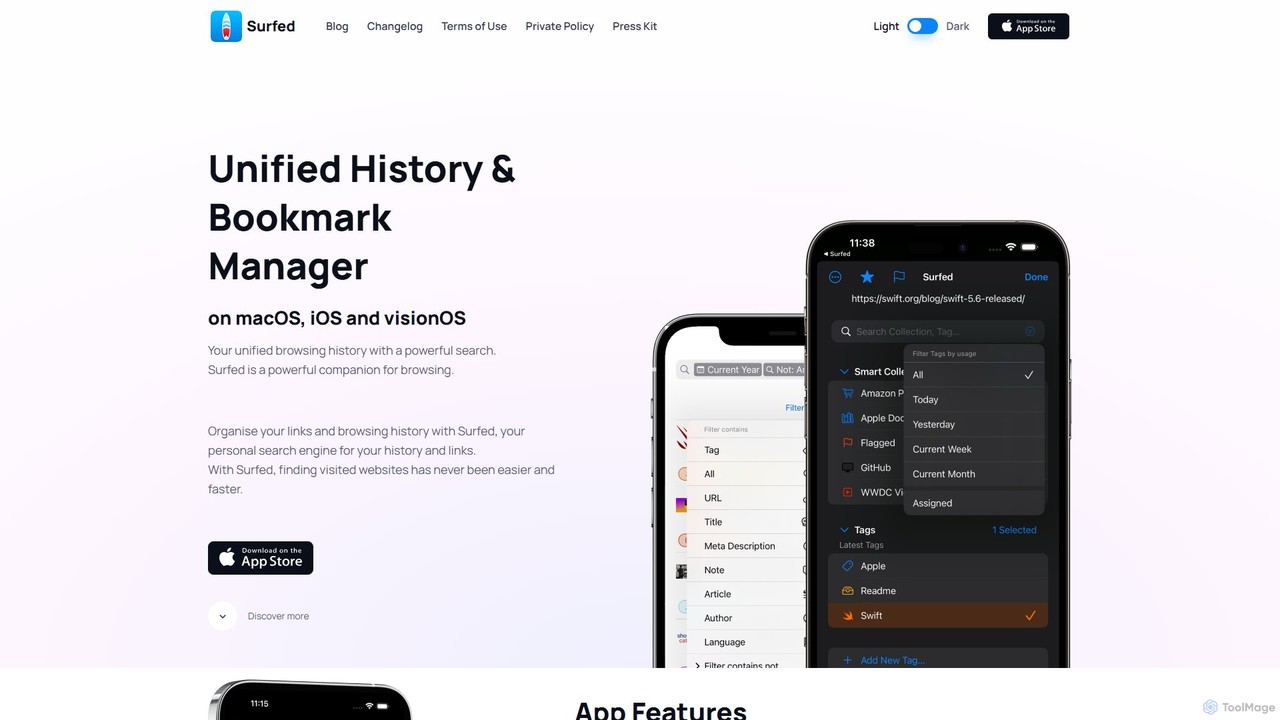
Surfed is a powerful, privacy-focused history and bookmark manager for macOS, iOS, and visionOS. It unifies your browsing history from all major browsers, acting as your personal search engine. With features like AI-powered summarization, web automation, read-it-later, and cross-device sync, Surfed transforms how you organize, find, and interact with your web links and content.

Automation
Visits 6KFavorites 130Likes 139
ScreenSnapAI
Paid

ScreenSnapAI

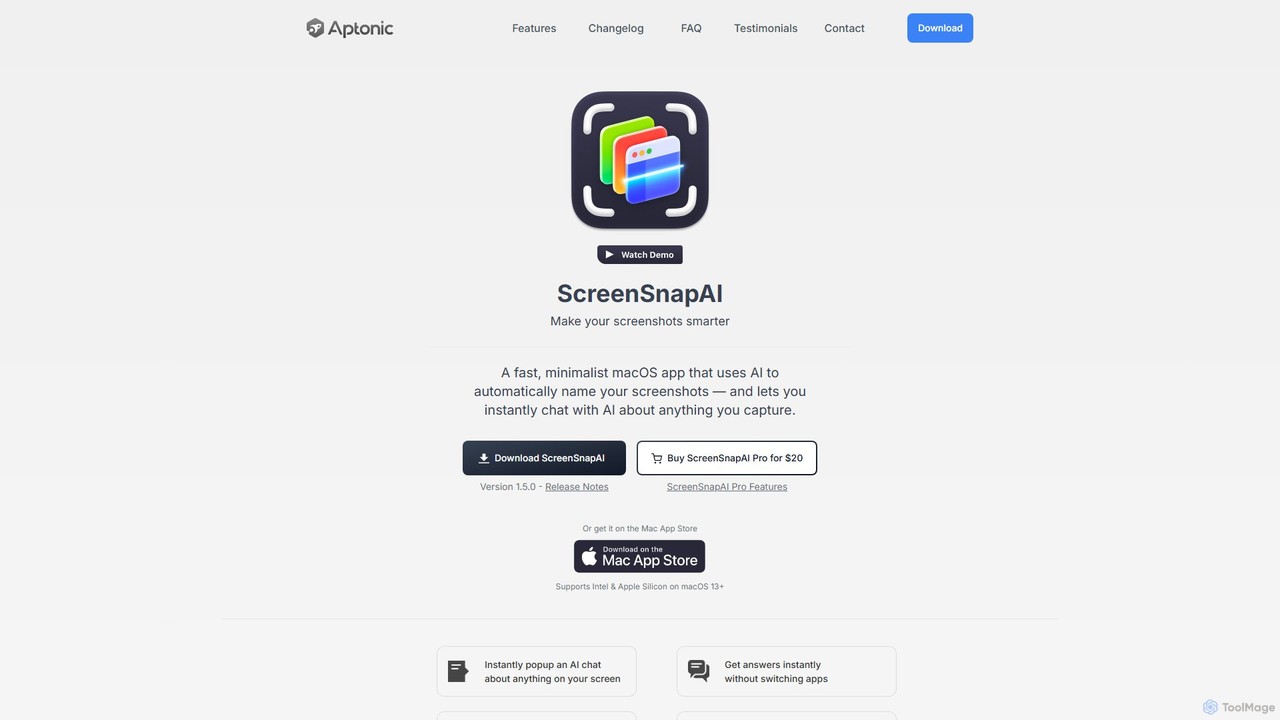
ScreenSnapAI is a smart macOS application that uses AI to automatically rename, tag, and organize your screenshots. It features an integrated AI assistant that allows you to instantly chat about, translate, or extract text and code from any captured image, dramatically improving productivity and workflow efficiency.

Code Assistant
Visits 7KFavorites 110Likes 125
ScreenML
Freemium

ScreenML

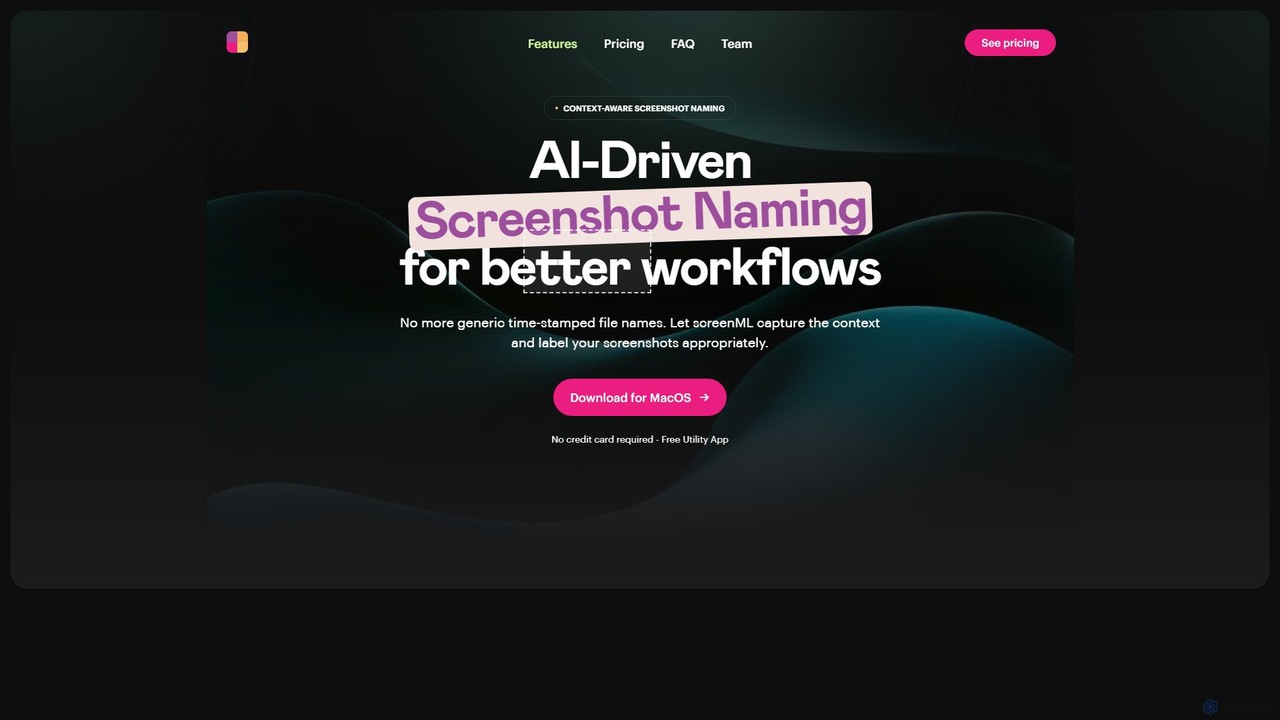
ScreenML is an AI-powered MacOS utility that automatically renames your screenshots with context-aware, descriptive filenames. It eliminates cluttered desktops and timestamped file names, making your screenshots organized, searchable, and easy to manage, streamlining your entire workflow.

Screenshot Tool
Visits 4.9KFavorites 103Likes 123
Fabric
Freemium

Fabric

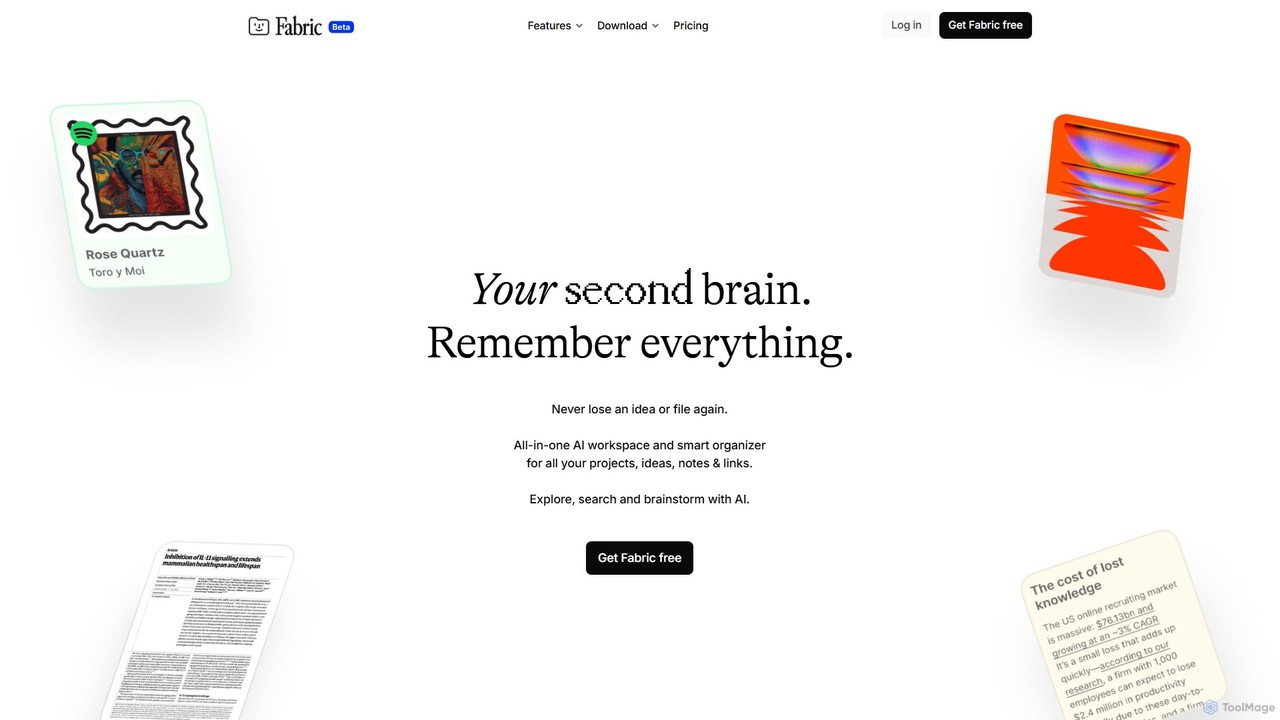
Fabric is an AI-powered workspace and smart organizer that acts as your second brain. It automatically centralizes and connects all your notes, files, links, and ideas, eliminating the need for manual organization. Search your entire digital library with natural language and collaborate with an intelligent AI partner.

Personal Assistant
Visits 281.6KFavorites 105Likes 122
Twillot
Freemium

Twillot

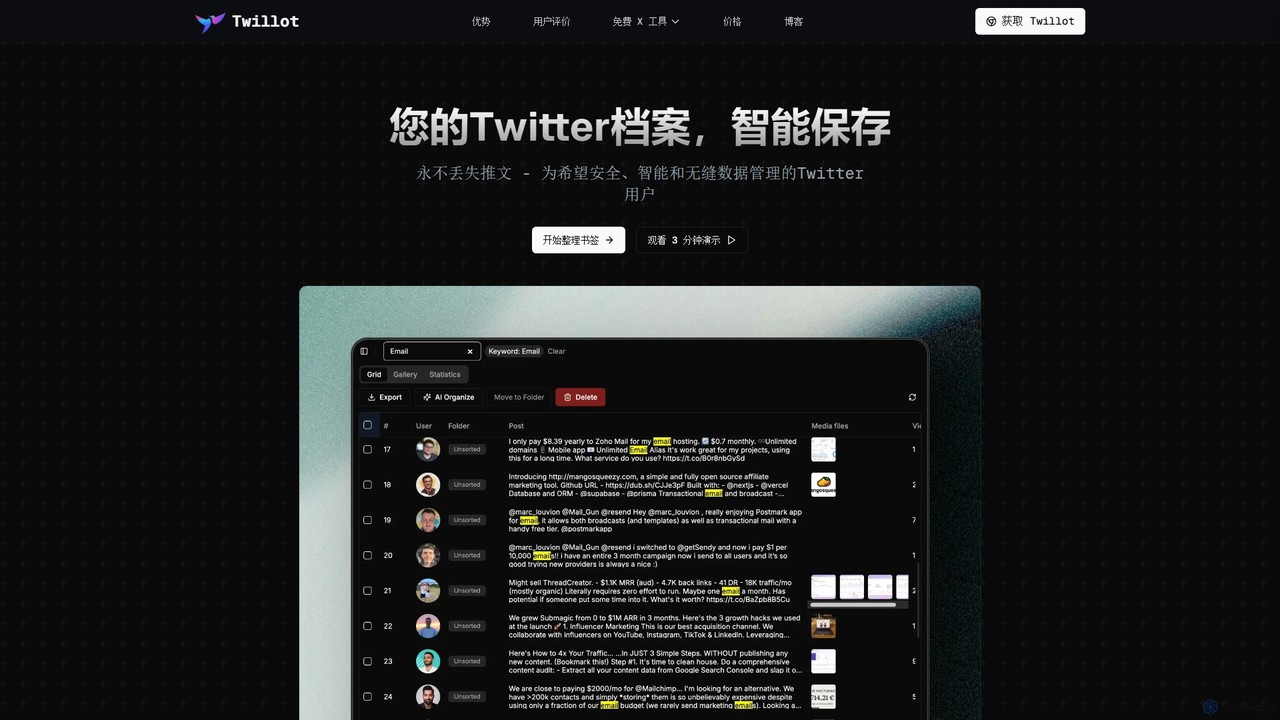
Twillot is an AI-powered browser extension for Twitter/X, designed to intelligently save, manage, and search your entire Twitter archive. It helps you organize bookmarks, tweets, likes, and media locally, ensuring privacy and providing powerful tools for data export and analysis.

Archiving
Visits 228.7KFavorites 123Likes 116
eesel
Freemium

eesel

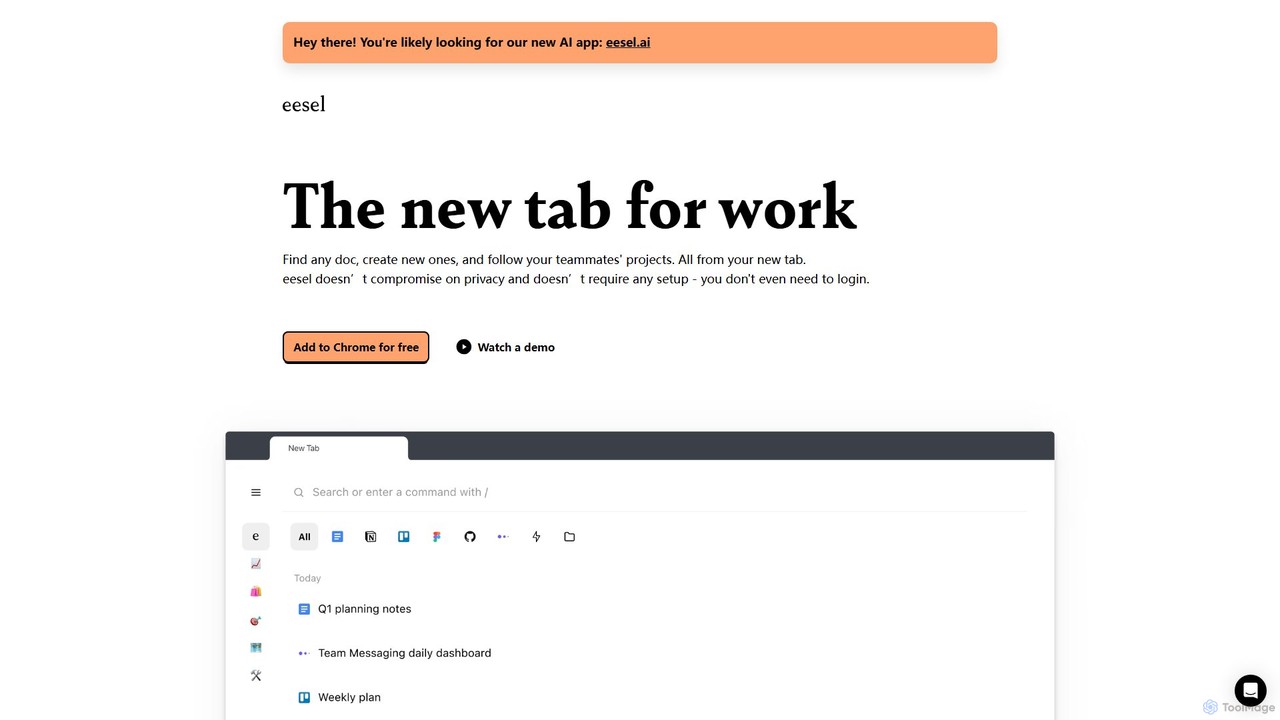
eesel is a smart browser extension that transforms your new tab into a productivity hub. It automatically organizes your work from all your apps (Google Docs, Notion, Figma, etc.), making every document instantly searchable. With a strong focus on privacy, eesel works locally on your computer, requires no setup, and helps you and your team stay organized and in sync without effort.

New Tab
Visits 15.4KFavorites 107Likes 122
Spellar
Freemium

Spellar

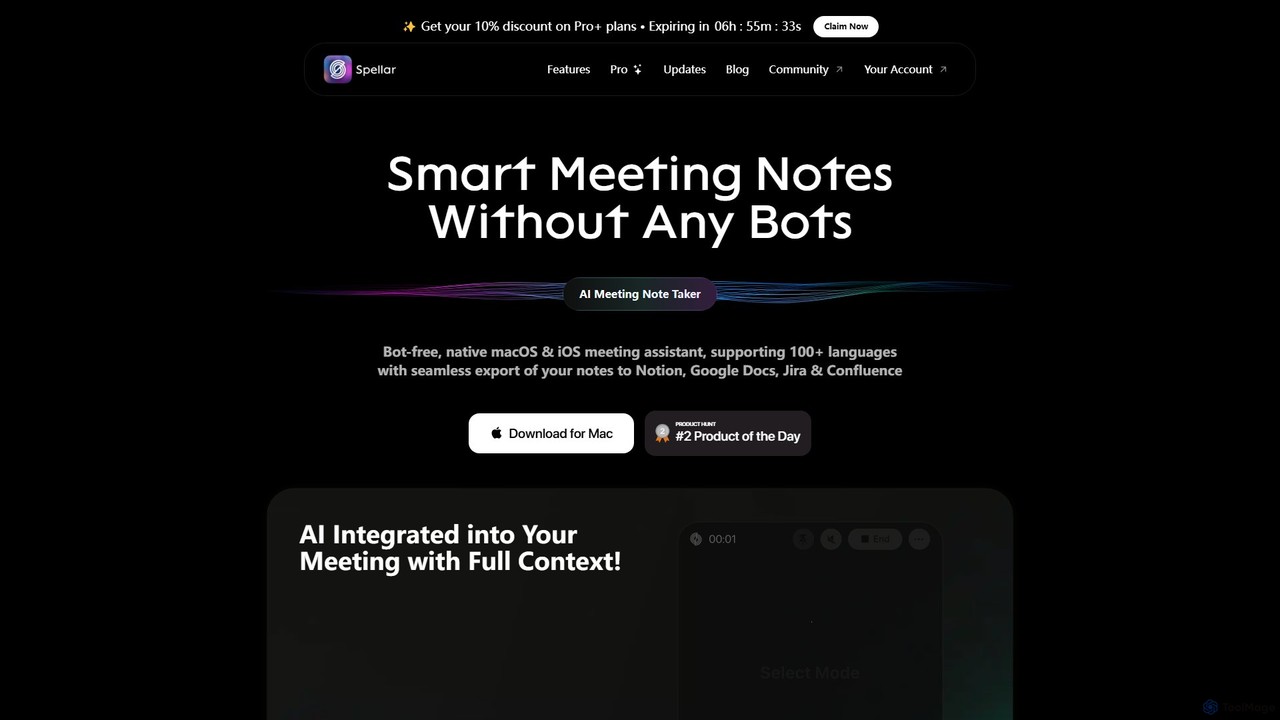
Spellar is a bot-free AI meeting assistant for macOS, iOS, and web. It records, transcribes, and summarizes your meetings, providing actionable insights and real-time communication feedback. It integrates seamlessly with tools like Notion, Jira, and Google Docs, supporting over 100 languages to boost your productivity.

Language Learning
Visits 14.2KFavorites 117Likes 124
MacCopilot
Paid

MacCopilot

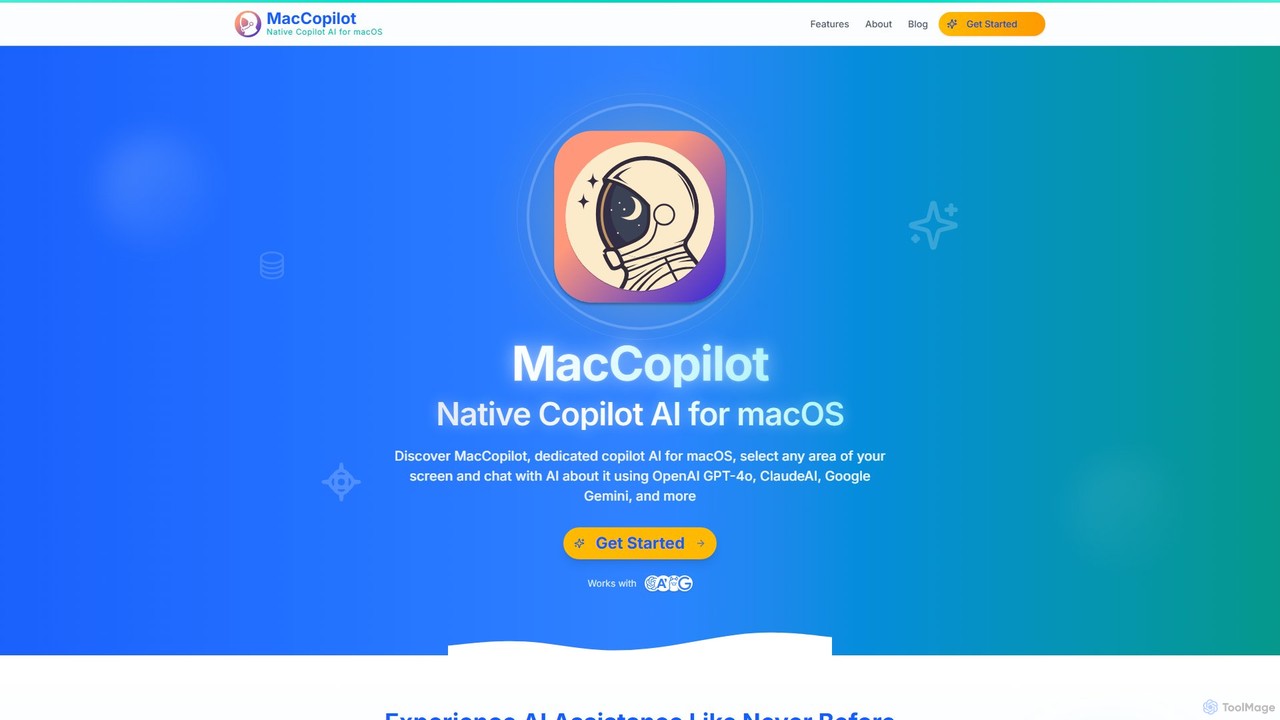
MacCopilot is a native AI assistant for macOS that revolutionizes productivity. It allows you to select any area of your screen and instantly start a conversation with advanced AI models like GPT-4o, Claude 3.5, and Gemini. Get immediate insights, code explanations, email drafts, and more, without ever leaving your current window. It's a seamless bridge between your screen's content and powerful AI.

Code Assistant
Visits 6.4KFavorites 159Likes 139
Phew AI Tab
Freemium

Phew AI Tab

Phew AI Tab is an intelligent browser extension that revolutionizes tab management. It uses AI to automatically group, analyze, and summarize your tabs, transforming them into a searchable knowledge base. With features like cloud-synced "Spaces," vertical tabs, and robust privacy protection including local encryption and self-hosting options, Phew AI Tab helps you stay focused, organized, and productive across all your devices.

Personal
Visits 5.2KFavorites 118Likes 111
Iris
Freemium

Iris

Iris is a seamless AI assistant for macOS, designed to integrate into your workflow. It provides instant access to top AI models like GPT-4o and Claude 3.5, allowing you to chat, capture your screen for context, and get answers without ever leaving your current application. With intuitive gestures and powerful shortcuts, Iris is there when you need it and invisible when you don't.

Coding Assistant
Visits 4.6KFavorites 108Likes 99
Full Page Screenshot
Freemium

Full Page Screenshot

A reliable Chrome browser extension for capturing flawless full-page screenshots. It intelligently handles complex, modern websites with dynamic content, infinite scrolling, and sticky elements. Features include precise element selection, cloud storage, and multiple export formats.

Web Design
Visits 4.3KFavorites 157Likes 141