ToolMage
Sign in

Best 67 No Code & Low Code AI tools for Productivity

Popular No Code & Low Code AI tools in Productivity include Supabase, Airtable, Supervised.co, Astrocade, Inworld, Zeabur, GuidedTrack, LambdaTest, Descope, and Testsigma, helping you work more efficiently.

Shipped
Paid

Shipped

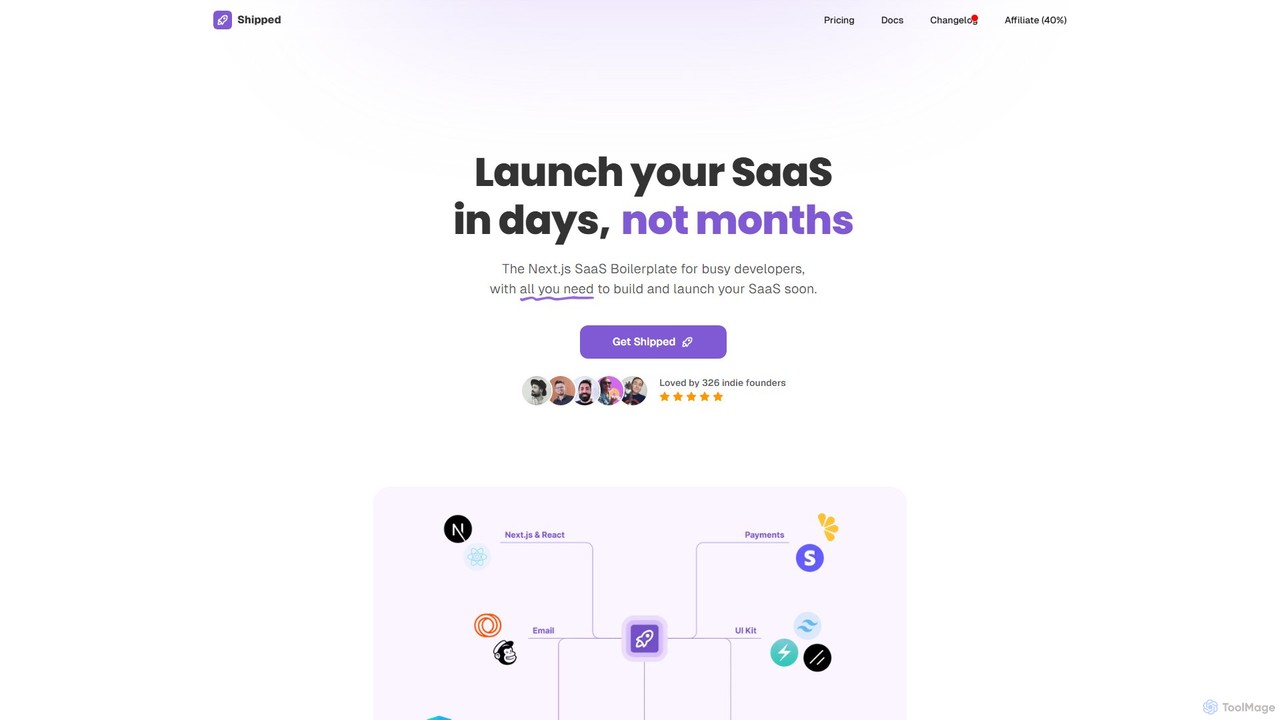
Shipped is a Next.js SaaS boilerplate designed for developers and indie founders to launch their software-as-a-service products in days, not months. It provides a comprehensive starter kit with pre-built components for landing pages, user authentication, payment processing (Stripe & Lemon Squeezy), and email marketing. It also includes pre-made integrations with leading AI services like OpenAI and Anthropic, significantly accelerating the development lifecycle.

Startup Tools
Visits 8.8KFavorites 109Likes 109
StartKit.AI
Paid

StartKit.AI

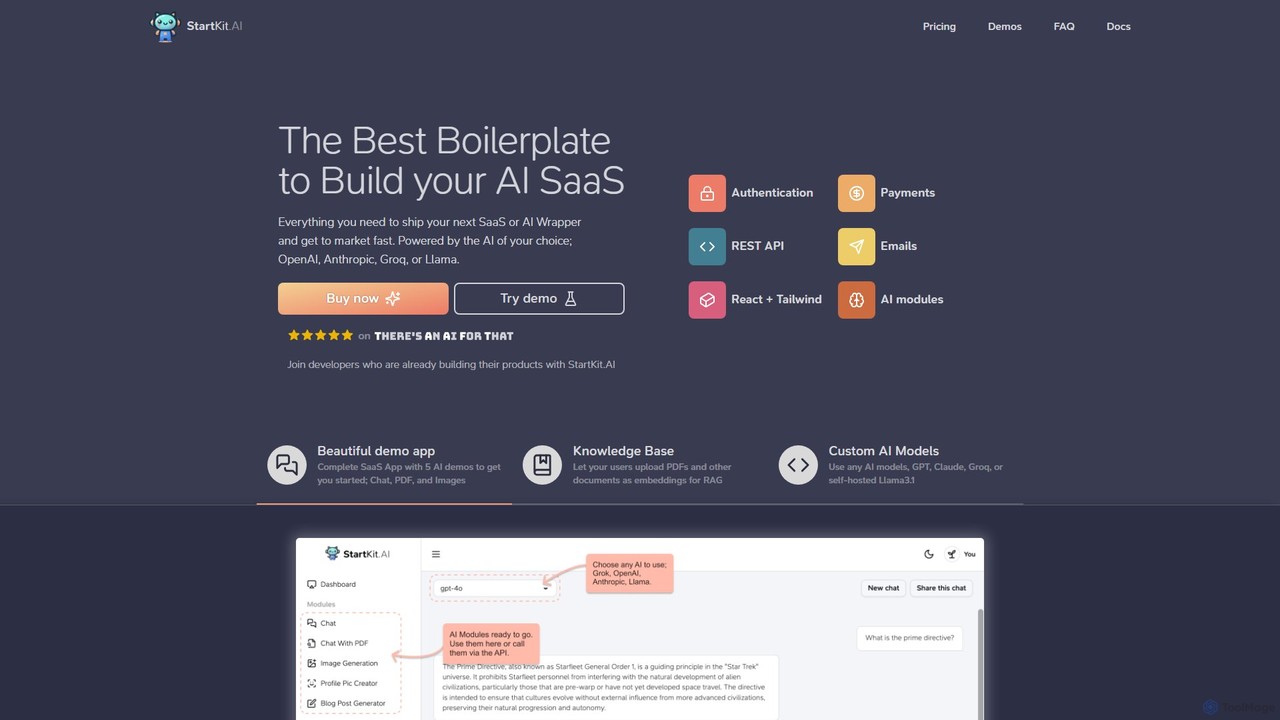
StartKit.AI is a comprehensive boilerplate for developers and entrepreneurs to rapidly build and launch AI-powered SaaS applications. It provides a complete codebase with pre-built modules for user authentication, payments, AI model integration (OpenAI, Anthropic, Groq, Llama), and more. With ready-to-use demo apps and detailed documentation, it significantly reduces development time, allowing you to get your AI product to market faster.

Boilerplate
Visits 4.2KFavorites 94Likes 105
Xvibe
Freemium

Xvibe

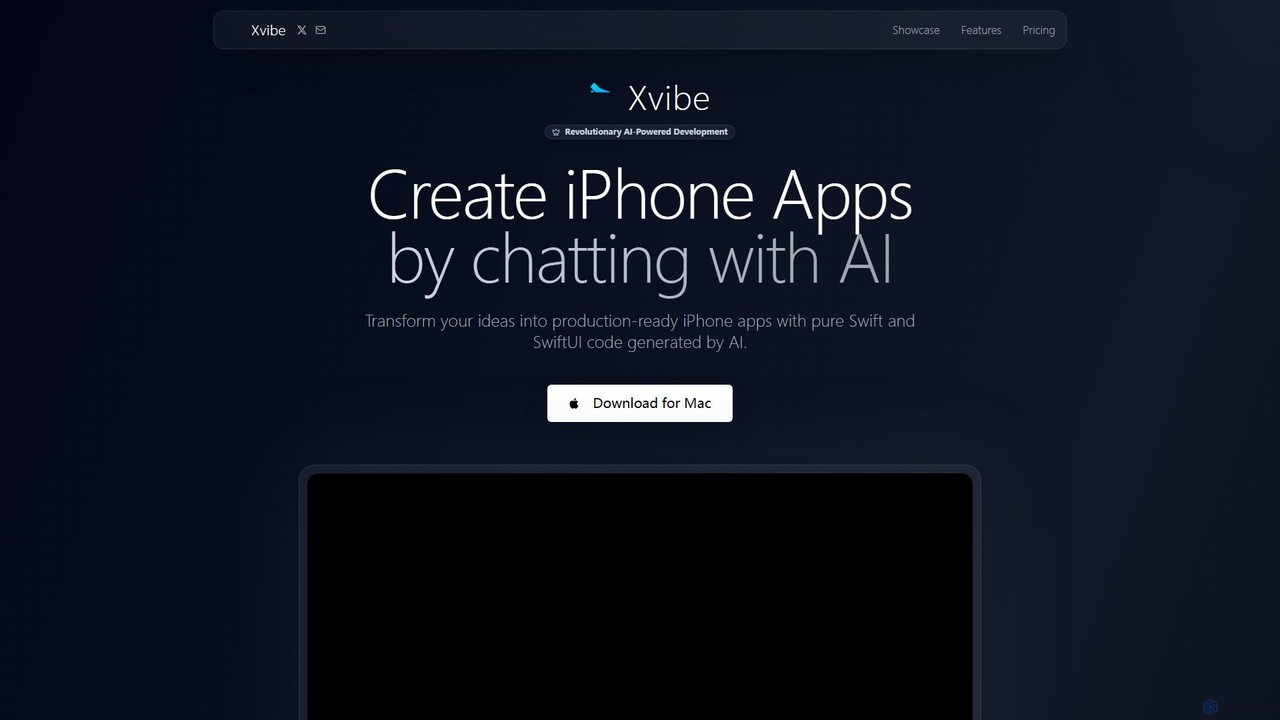
Xvibe is a revolutionary AI-powered development tool for macOS that transforms natural language prompts into production-ready native iOS applications. It generates pure Swift and SwiftUI code, enabling developers to build high-performance iPhone apps in minutes, complete with automated App Store metadata and global localization.

Code Generation
Visits 4.8KFavorites 132Likes 120
Inworld
Freemium

Inworld

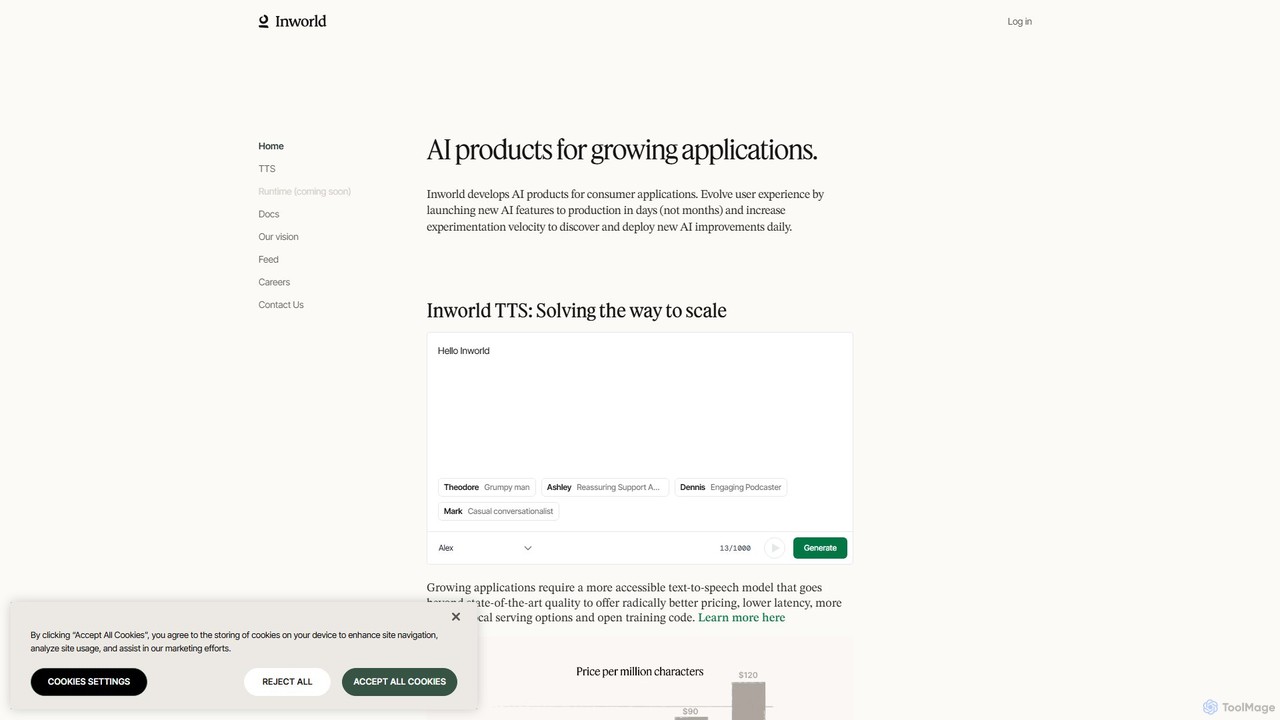
Inworld provides a suite of AI products and an intelligent runtime for developers to build, scale, and evolve dynamic AI characters and applications. Featuring state-of-the-art, affordable Text-to-Speech (TTS) with voice cloning and a platform that drastically cuts AI costs, Inworld enables the creation of 'living applications' that improve with user interaction, perfect for gaming, social simulations, and virtual companions.

Text To Speech
Visits 493.4KFavorites 166Likes 151
Tempest AI
Freemium

Tempest AI

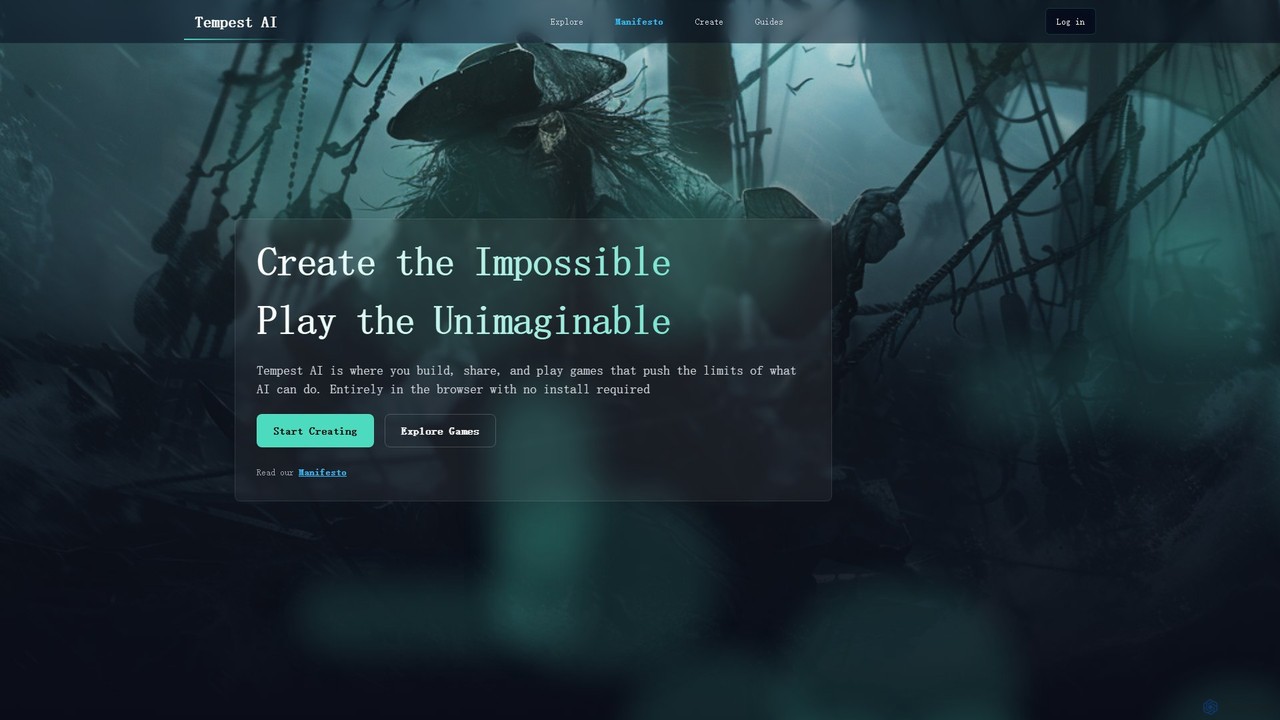
Tempest AI is a revolutionary browser-based game creation engine that empowers creators to build, share, and play dynamic games with AI at their core. It features a no-code visual scripting interface, an advanced Entity-Component-System (ECS) architecture, and powerful AI tools for generating content, narratives, and intelligent NPCs. It's designed to enable solo developers and small teams to create complex, emergent worlds that were previously unimaginable, all without needing to write extensive code or install any software.

Game Engine
Visits 4.2KFavorites 125Likes 120
Webo.AI
Freemium

Webo.AI

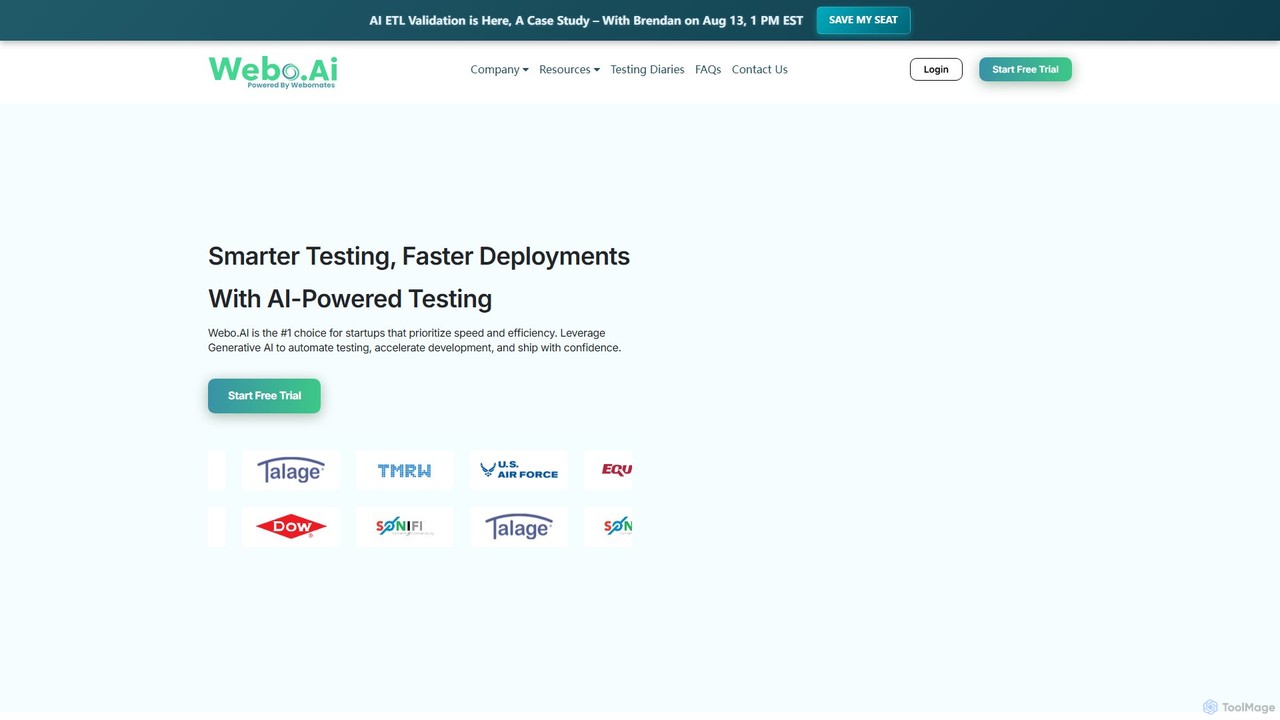
Webo.AI is an AI-powered, no-code test automation platform designed for startups and agile teams. It leverages Generative AI to create test cases instantly and features patented AiHealing® technology to automatically fix broken tests. This accelerates development cycles, reduces QA costs by up to 69%, and helps teams ship high-quality software with confidence and speed.

Testing
Visits 5.6KFavorites 162Likes 125
Onlook
Freemium

Onlook

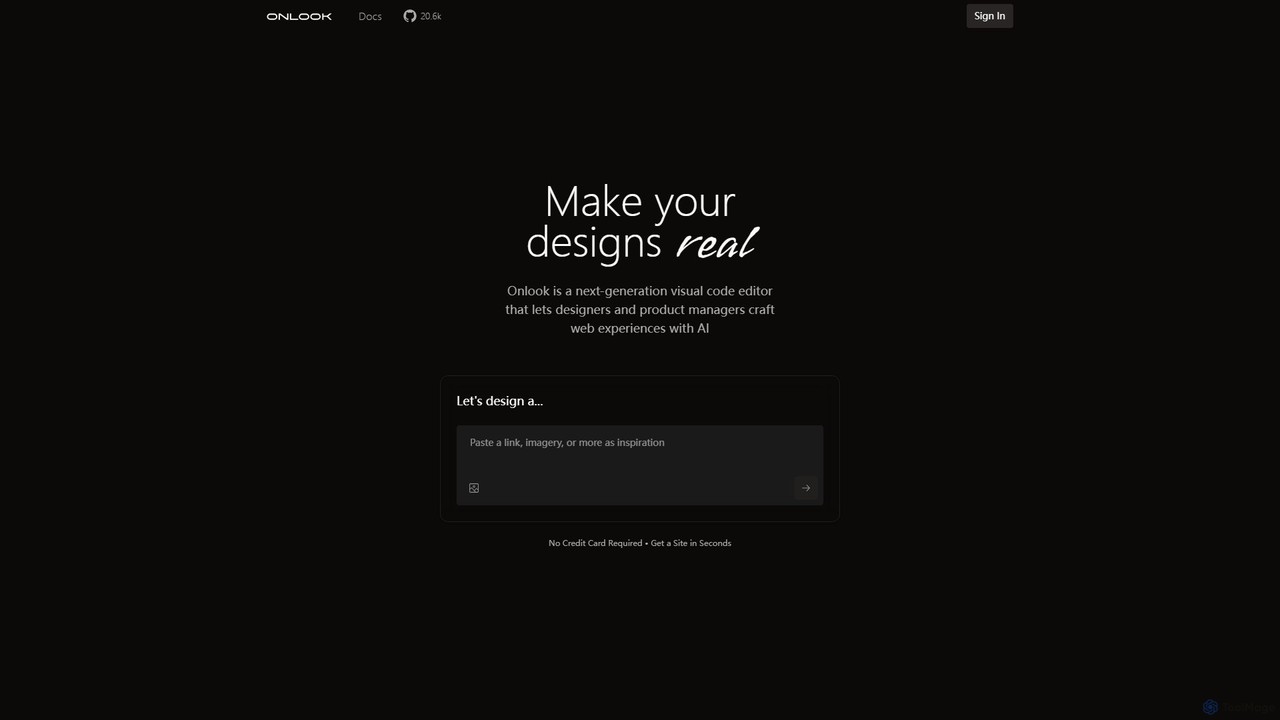
Onlook is a next-generation, AI-powered visual code editor that allows designers, product managers, and developers to build and edit web experiences directly on live React/Next.js code. It bridges the gap between design and implementation, offering a Figma-like interface with AI chat, direct manipulation, and seamless integration with existing codebases.

Ui Ux
Visits 22.2KFavorites 89Likes 106
Supervised.co
Freemium

Supervised.co

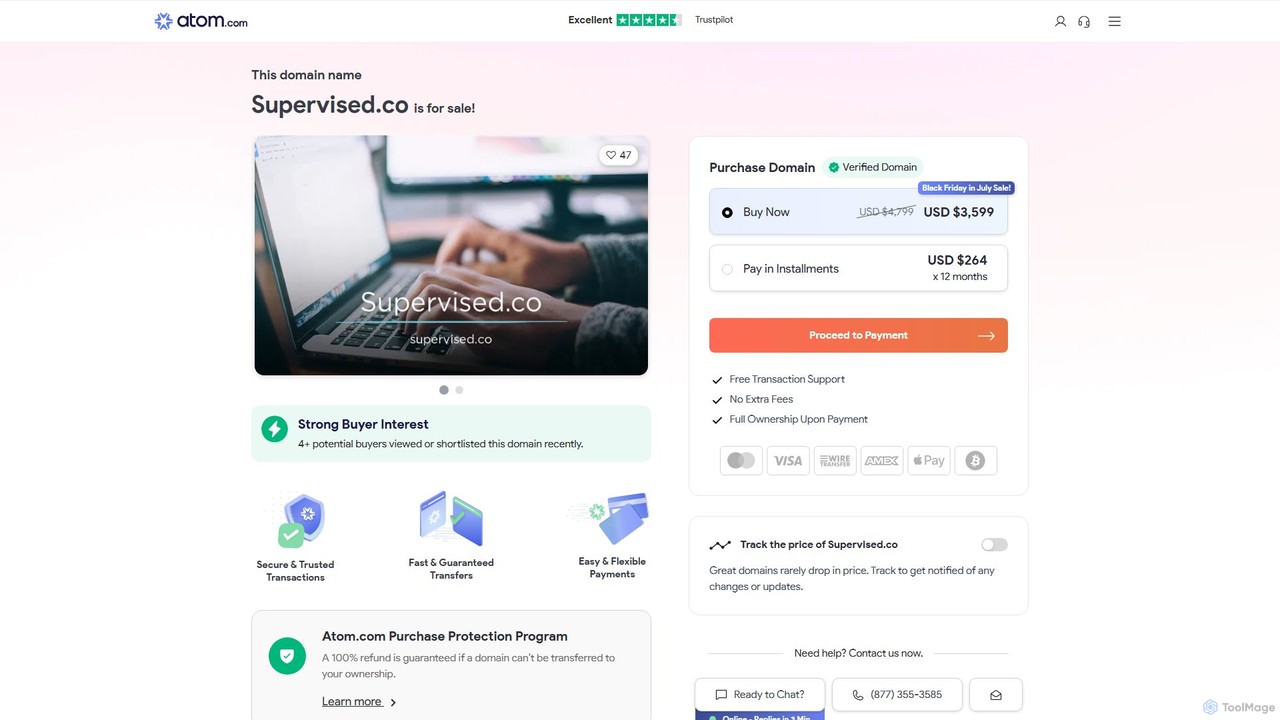
Supervised.co is an end-to-end platform for building, training, and deploying supervised machine learning models. It simplifies the MLOps lifecycle with integrated data annotation, automated model training, and one-click API deployment, empowering teams to create high-performance AI solutions efficiently.

Data Annotation
Visits 3.5MFavorites 117Likes 114
ERP.AI
Paid

ERP.AI

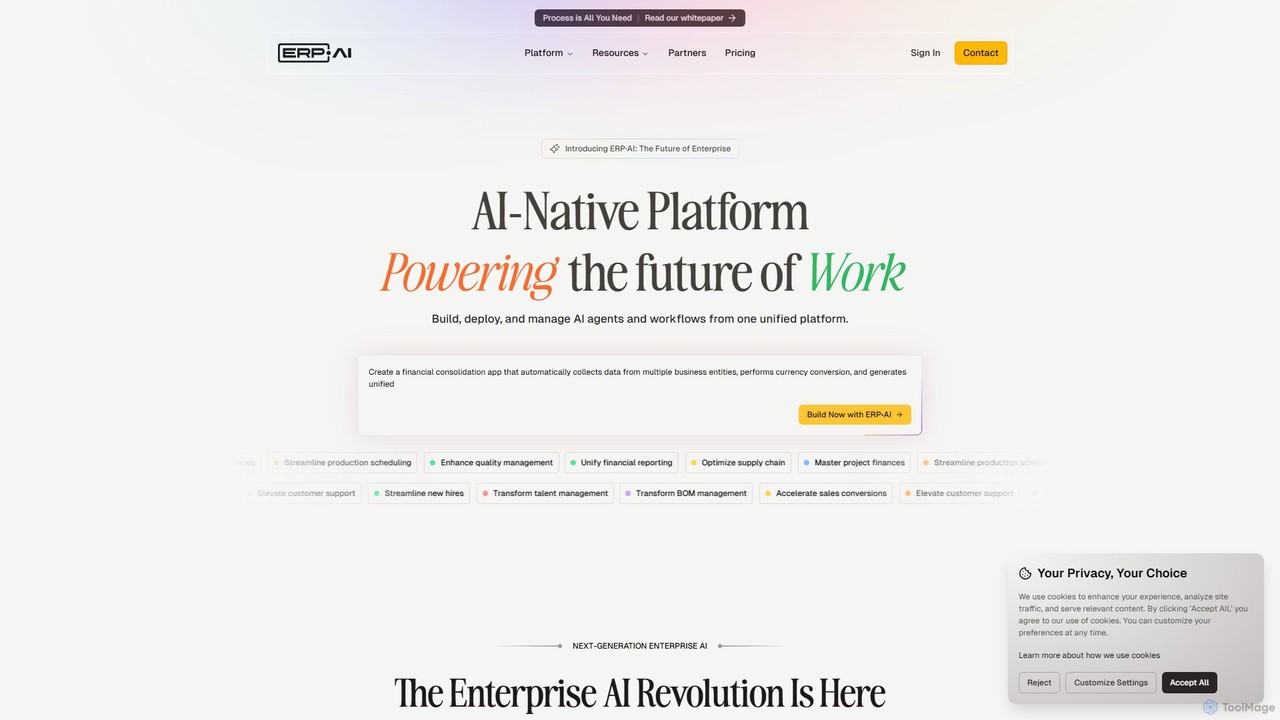
ERP.AI is an enterprise AI-native platform that enables businesses to build, deploy, and manage custom applications and autonomous AI agents without coding. Using natural language, users can create solutions for finance, HR, CRM, and more, while ensuring data sovereignty with on-premises or private cloud deployment.

Erp
Visits 19.3KFavorites 153Likes 146
Codeless ONE
Freemium

Codeless ONE

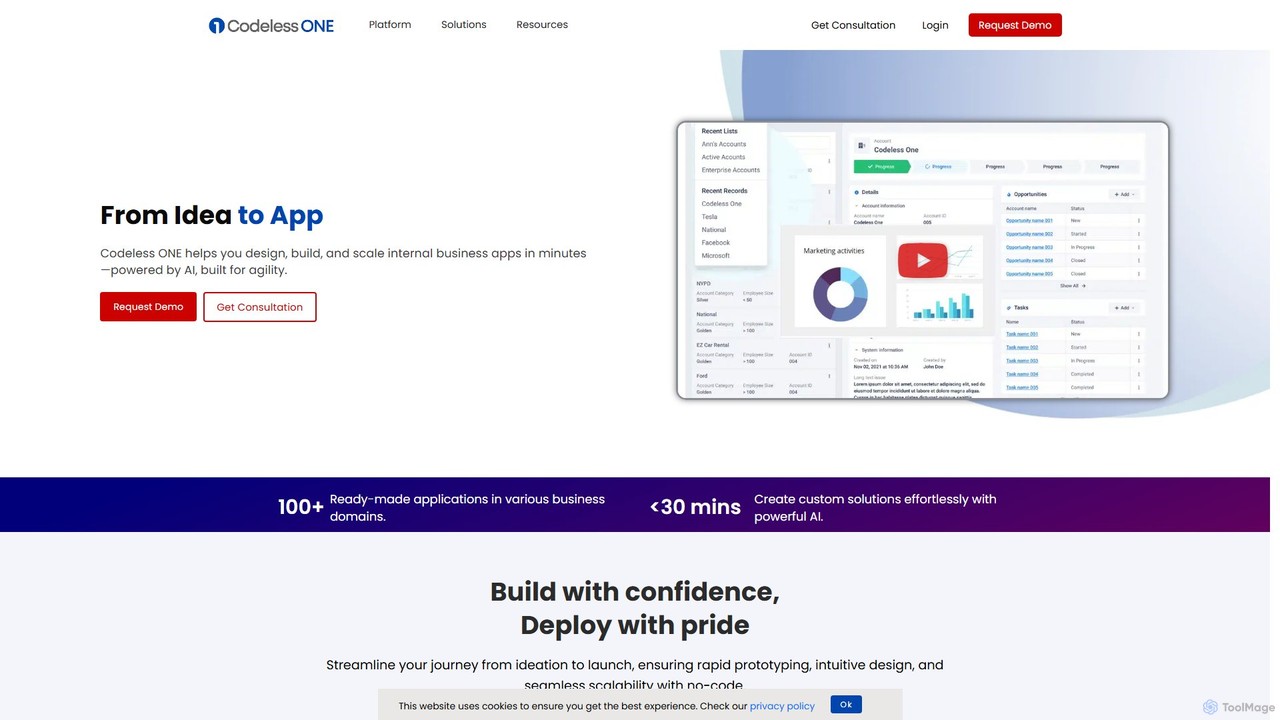
Codeless ONE is a powerful AI-driven, no-code platform that enables businesses to design, build, and scale internal applications and automate workflows in minutes. It empowers non-technical users and cross-functional teams to create custom solutions for sales, HR, operations, and more, without writing a single line of code.

Internal Tooling
Visits 6.3KFavorites 108Likes 123
Virtuoso
Paid

Virtuoso

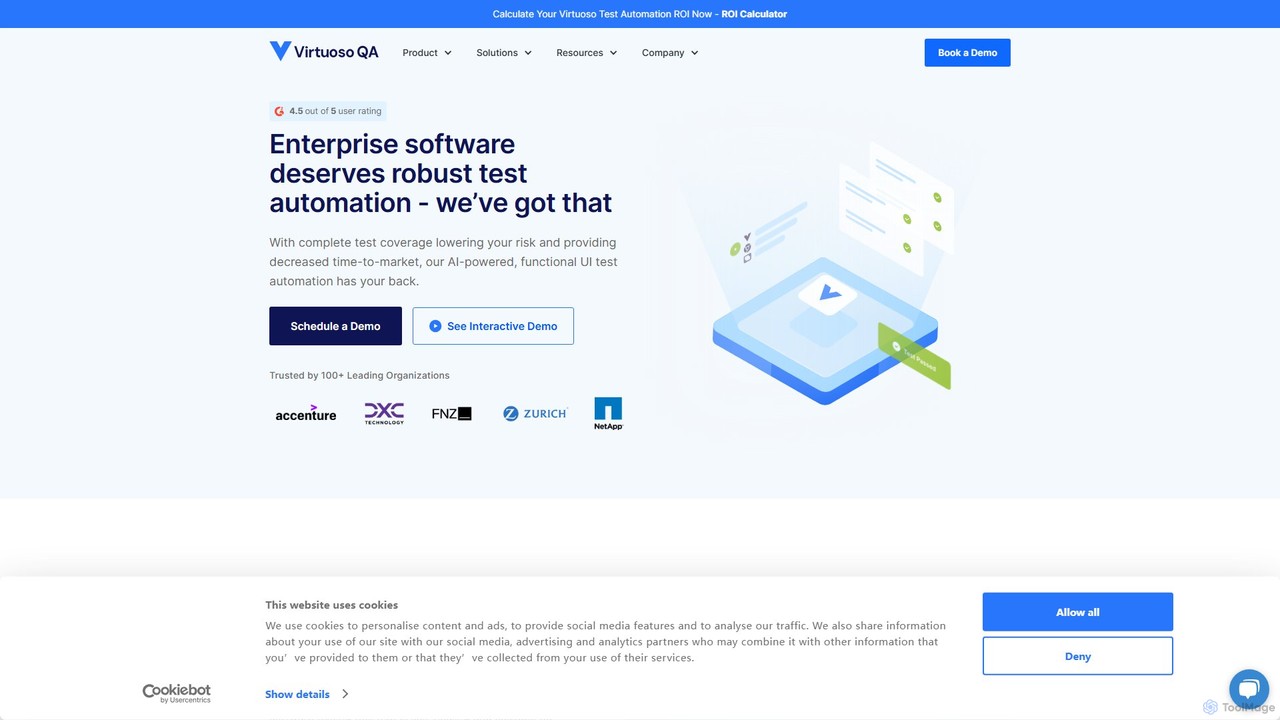
Virtuoso is an AI-powered, codeless test automation platform for web applications. It enables QA teams and developers to create, execute, and maintain end-to-end tests using natural language. Its intelligent bots navigate applications like a human, while its self-healing capabilities automatically adapt to UI changes, significantly reducing test maintenance and accelerating software delivery cycles.

Quality Assurance
Visits 64.5KFavorites 105Likes 96
LEGOAI
Freemium

LEGOAI

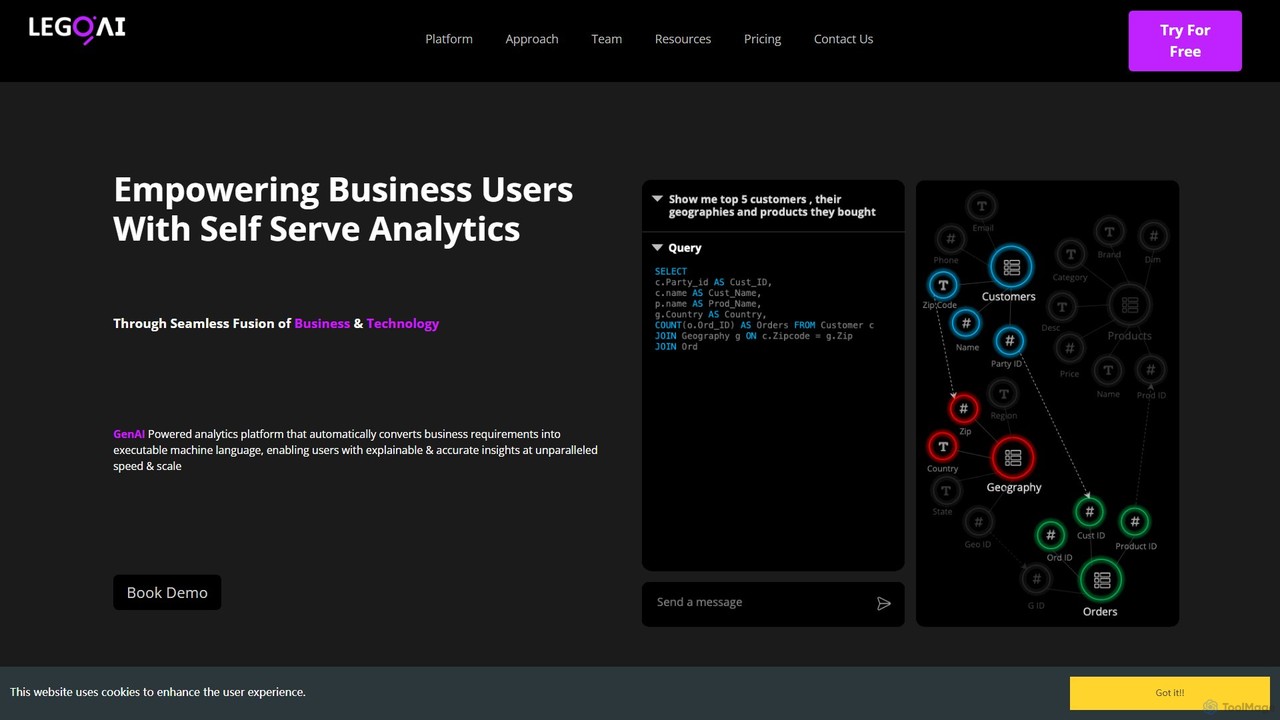
LEGOAI is a GenAI-powered, self-service analytics platform designed for enterprises. It simplifies data analysis by allowing business users to ask questions in natural language and receive instant, explainable insights, bridging the gap between business and technology.

Business Intelligence
Visits 4.8KFavorites 108Likes 113
ComfyOnline
Freemium

ComfyOnline

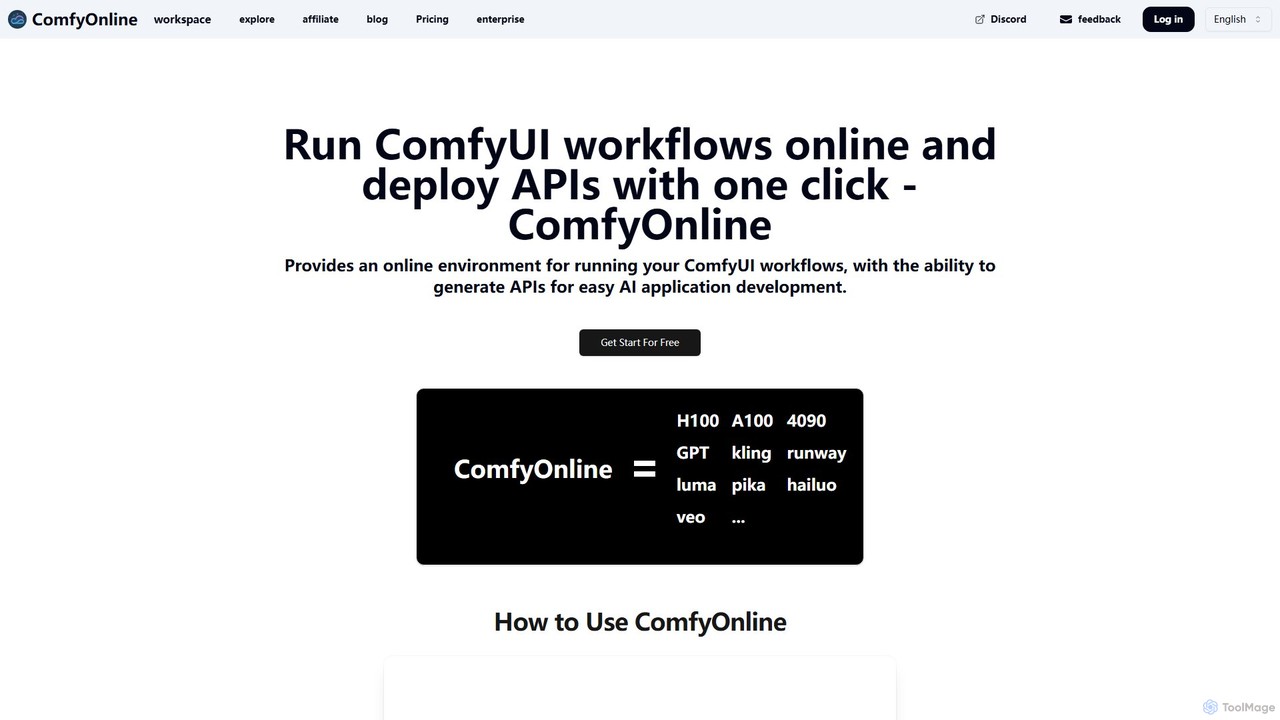
A cloud-based platform for running ComfyUI workflows online without expensive hardware. It offers a serverless environment, one-click API deployment for AI applications, and pay-as-you-go access to high-performance GPUs like H100 and A100. It simplifies the entire process from workflow creation to scalable deployment.

Api & Infrastructure
Visits 57.6KFavorites 133Likes 127
umbispace
Freemium

umbispace

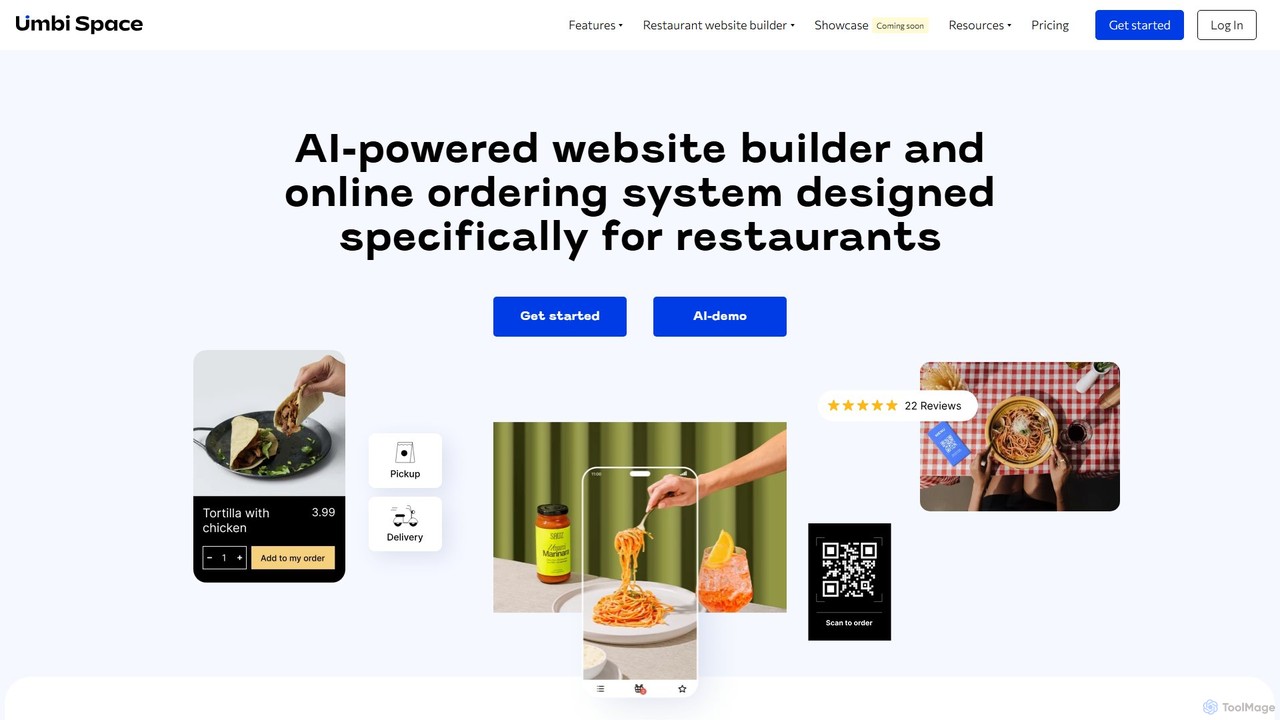
Umbi Space is an AI-powered, all-in-one platform designed for restaurants. It enables users to build professional websites, integrate commission-free online ordering for delivery and takeaway, and implement contactless QR code systems for dine-in menus, ordering, and payments. The platform also includes tools for customer review collection and reputation management, all aimed at boosting a restaurant's online presence and profitability.

Reputation Management
Visits 4.3KFavorites 162Likes 166
Herewe
Freemium

Herewe

Herewe is a web-based, AI-powered platform for easily creating 3D games and metaverse experiences. With its intuitive 3D studio, Text-to-3D generator, and a rich ecosystem of assets and third-party extensions, users can build and share immersive virtual worlds without needing advanced coding or design skills. It's an all-in-one solution for game developers, creators, and communities.

3D Modeling
Visits 4.2KFavorites 101Likes 101
PLG OS
Freemium

PLG OS

PLG OS is an all-in-one, no-code platform designed for SaaS businesses to accelerate product-led growth. It enables the creation of personalized user onboarding, in-app messaging, feedback surveys, and gamification features to boost user activation, engagement, and retention, all without extensive development effort.

User Behavior
Visits 10.9KFavorites 102Likes 110
Testsigma
Freemium

Testsigma

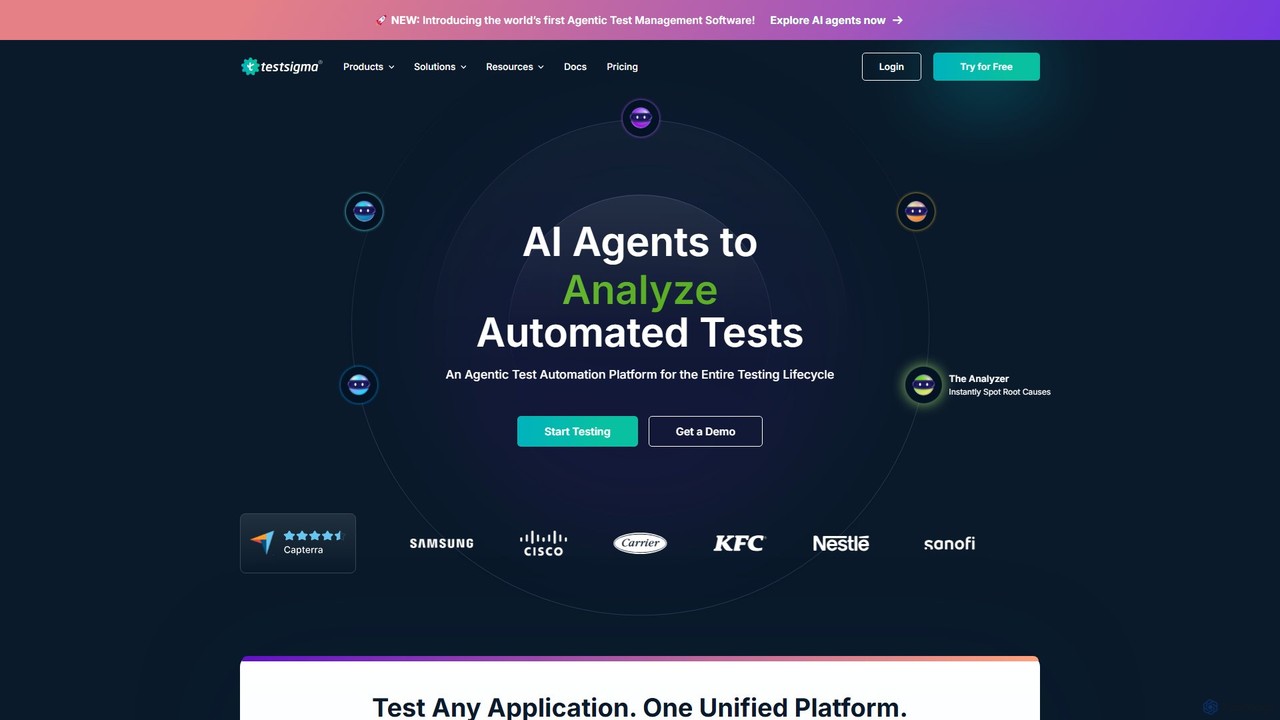
Testsigma is a unified, AI-powered test automation platform that enables teams to create, run, and maintain tests for web, mobile, API, and ERP applications without code. It uses AI agents to accelerate test generation, reduce maintenance by 90%, and achieve end-to-end testing on a massive scale.

Quality Assurance
Visits 198.8KFavorites 103Likes 96
ChatDB
Freemium

ChatDB

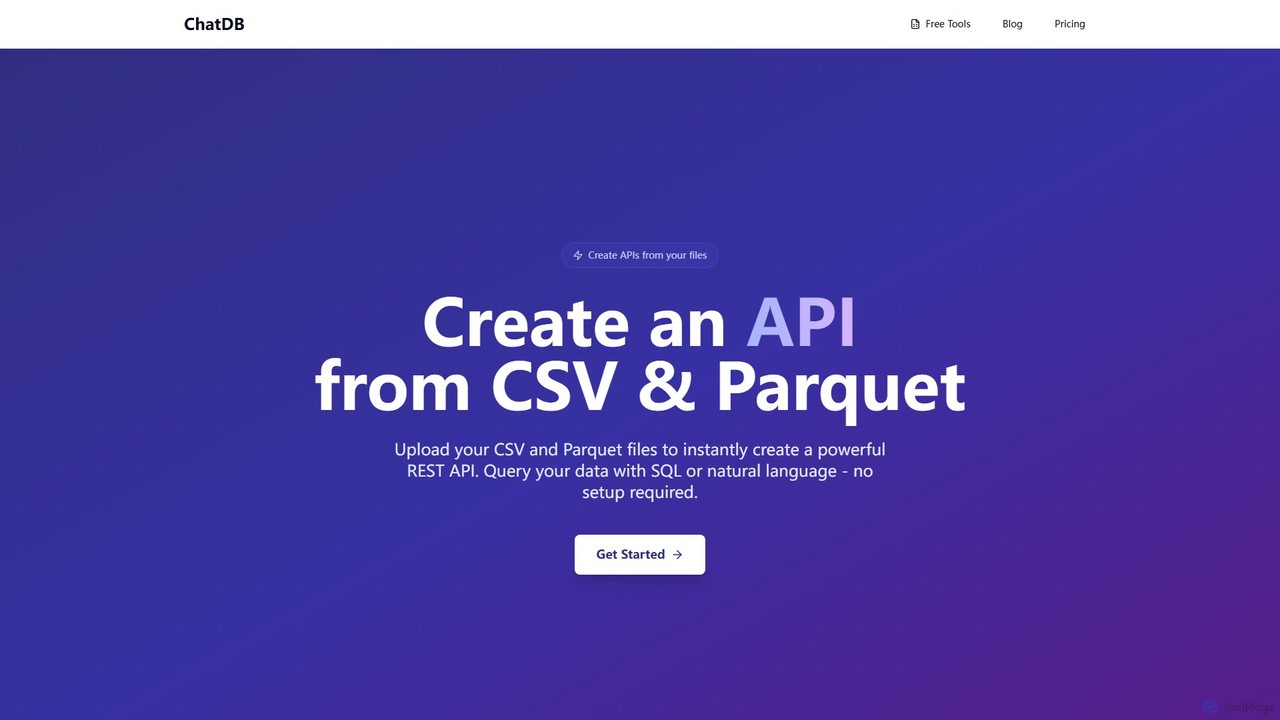
ChatDB is a powerful platform that instantly converts CSV and Parquet files into a fully functional REST API. Users can query their data using both standard SQL and AI-powered natural language, with no setup or infrastructure management required. It offers lightning-fast response times and a suite of free in-browser tools for data conversion, editing, and analysis, making it ideal for developers, data scientists, and rapid prototyping.

Api & Backend
Visits 71.1KFavorites 87Likes 106
ShipOneDay
Paid

ShipOneDay

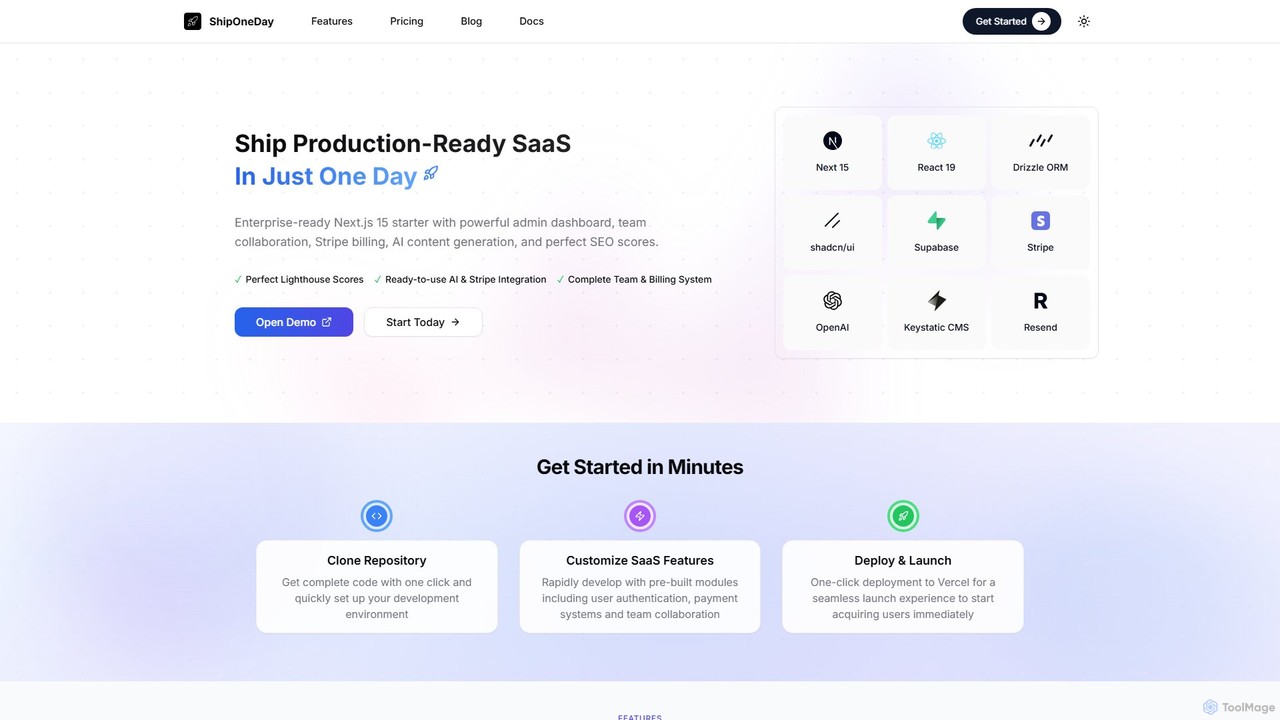
ShipOneDay is an enterprise-ready Next.js 15 SaaS starter kit designed for developers. It enables the launch of production-ready applications in just one day by providing pre-built modules for team collaboration, Stripe billing, AI content generation, a powerful admin dashboard, and a complete CMS, all optimized for perfect SEO scores.

Saas
Visits 5.2KFavorites 102Likes 100

About No Code & Low Code

No-Code & Low-Code platforms are tools that enable users to build applications and automate workflows using visual interfaces with minimal to no traditional programming. These platforms utilize drag-and-drop components, pre-built templates, and visual logic builders to abstract away complex code. This approach dramatically accelerates the development cycle, empowers non-technical users to create their own solutions, and reduces the dependency on specialized development teams. As a key part of the Productivity ecosystem, these tools democratize software creation, allowing businesses to rapidly build and deploy internal tools, customer-facing websites, and mobile applications.

Core Features

  • Visual Development Interface: Build user interfaces and application logic using drag-and-drop editors instead of writing code.
  • Pre-built Components & Templates: Access a library of ready-to-use elements for forms, databases, user authentication, and more to speed up development.
  • Workflow Automation Builder: Visually map out business processes and automate tasks with conditional logic (if-this-then-that).
  • API & Data Integration: Easily connect to third-party services, databases, and APIs through pre-built connectors.
  • One-Click Deployment: Publish applications to the web or mobile app stores with a simplified, integrated process.

Use Cases

These tools are widely used by business analysts, marketing teams, operations managers, and entrepreneurs. Common applications include building custom internal dashboards, creating client relationship management (CRM) systems, launching marketing landing pages, automating data entry, and developing minimum viable products (MVPs) for startups.

How to Choose

When selecting a platform, consider the technical skill level of your team; pure no-code is for business users, while low-code offers more customization for developers. Evaluate the platform's scalability to handle future growth, its ecosystem of integrations with your existing tools, and the degree of customization it allows. Finally, analyze the pricing model (per user, per app, or usage-based) to ensure it aligns with your budget.

Featured tool rankings

No Code & Low Code use cases

1

Build a Custom Internal Tool for Inventory Management

An operations manager in a small e-commerce business struggles with tracking inventory using spreadsheets, leading to stockouts and manual errors. Using a no-code platform, they build a custom inventory management app. The app features a simple database to log products, forms to update stock levels, and a dashboard that displays real-time inventory data. Automated alerts are set up to notify the team when stock for a popular item drops below a certain threshold. This solution centralizes all inventory information, reduces manual data entry errors by over 90%, and provides the entire team with immediate, accurate stock visibility.

2

Automate a Lead Nurturing Marketing Workflow

A marketing specialist spends hours each week manually transferring leads from website forms to a CRM and then sending out initial welcome emails. This delay results in lost opportunities. By using a no-code automation tool, they create a visual workflow that connects their website, CRM, and email marketing service. The automation instantly triggers when a new form is submitted: it creates a new contact in the CRM, tags them based on their interests, and sends a personalized welcome email. This frees up several hours of manual work per week and ensures every new lead receives an immediate response, improving conversion rates.

3

Develop a Minimum Viable Product (MVP) for a Startup

A non-technical startup founder has an idea for a new service but lacks the budget to hire a full development team. To validate the concept quickly, they use a no-code app builder to create an MVP. They design the user interface, set up a database to manage user data, and integrate a payment gateway to test the business model. Within a few weeks, they launch a functional product to a small group of early adopters. This allows them to gather real-world user feedback and demonstrate traction to potential investors, all without writing a single line of code and at a fraction of the cost of traditional development.

4

Create an Interactive Client Portal for an Agency

A project manager at a creative agency finds that communicating project updates and sharing files via email is inefficient and leads to confusion. To streamline this process, they use a low-code platform to build a secure client portal. The portal allows clients to log in and view project timelines, access shared files, leave feedback directly on deliverables, and see real-time progress reports. The low-code aspect allows for custom branding and integration with their existing project management software. This portal centralizes communication, improves client transparency, and presents a more professional image for the agency.

5

Digitize a Paper-Based HR Onboarding Process

An HR coordinator is overwhelmed by the paperwork involved in onboarding new employees, from collecting personal information to getting policy acknowledgments. This manual process is slow and prone to errors. Using a no-code workflow automation tool, they design a digital onboarding journey. New hires receive a link to a secure online form where they can submit all necessary information and electronically sign documents. The submitted data automatically populates the HR system, and tasks are created for IT to set up equipment and for managers to schedule orientation. This digitizes the entire process, reducing onboarding time by 75% and eliminating paper waste.

6

Build a Dynamic Landing Page for a Marketing Campaign

A content marketer needs to launch a new landing page for a time-sensitive campaign but the development team has a long backlog. Waiting would mean missing the opportunity. Using a no-code website builder, the marketer designs and builds a professional landing page in a single day. They integrate a lead capture form that connects directly to their email marketing tool, embed a promotional video, and add analytics tracking. This empowers the marketing team to be more agile, allowing them to launch campaigns independently and A/B test different page variations quickly to optimize for conversions, without any reliance on technical resources.

No Code & Low Code FAQ

What are No-Code and Low-Code platforms?

No-Code and Low-Code platforms are software development environments that allow users to create applications through graphical user interfaces and configuration instead of traditional computer programming. No-code platforms are designed for business users with no coding knowledge, enabling them to build simple apps and automate workflows using drag-and-drop interfaces. Low-code platforms are for developers, providing a similar visual approach to accelerate development but also allowing them to write custom code for more complex functionality and integrations.

What is the main difference between No-Code and Low-Code?

The primary difference lies in the target user and the degree of customization allowed.

  • No-Code: Is strictly for non-technical users. It uses a purely visual, declarative approach where you define 'what' the app should do, not 'how'. Customization is limited to the platform's pre-built options.
  • Low-Code: Is for professional developers or technical users. It accelerates development with visual tools but allows for custom code to be added for complex logic, integrations, or unique UI elements. It offers a higher ceiling for scalability and customization.
In short, no-code is about empowerment, while low-code is about acceleration.

How do I choose the right No-Code or Low-Code tool?

To choose the right tool, evaluate your needs against these key factors:

  • Project Complexity: For simple internal tools, forms, or basic websites, a no-code platform is often sufficient. For complex applications with custom logic and high scalability needs, a low-code platform is more appropriate.
  • User Skillset: Who will be building and maintaining the application? If it's business users, choose a user-friendly no-code tool. If developers are involved, a low-code platform will better leverage their skills.
  • Integration Requirements: List all the other software (like CRMs, databases, or APIs) your application needs to connect with. Check if the platform has pre-built connectors for them.
  • Scalability and Security: Consider your future growth. Ensure the platform can handle an increase in users and data, and that it meets your organization's security and compliance standards.
What are the key benefits of using No-Code/Low-Code tools?

The primary benefits of adopting no-code and low-code platforms are centered around speed, cost, and accessibility. Key advantages include:

  • Increased Agility: Teams can build, test, and deploy applications in a fraction of the time it takes with traditional development, allowing for faster response to market changes.
  • Reduced Costs: Lowers the reliance on expensive, specialized developers and reduces the overall development and maintenance budget.
  • Empowerment of Business Users: Enables non-technical employees ('citizen developers') to solve their own problems by building the tools they need, reducing the burden on IT departments.
  • Improved Collaboration: The visual nature of these platforms makes it easier for business stakeholders and developers to collaborate on application design and functionality.
Are there any limitations to No-Code/Low-Code platforms?

Yes, while powerful, these platforms have potential limitations. It's important to be aware of them:

  • Vendor Lock-in: Applications built on a specific platform are often difficult or impossible to migrate to another service or host independently.
  • Customization Constraints: No-code platforms, in particular, may not support highly unique or complex functionalities that fall outside their pre-built capabilities.
  • Performance at Scale: For applications with extremely high user loads or complex data processing, a solution built with traditional code may offer better performance and optimization.
  • Security and Governance: The ease of creation can lead to 'shadow IT,' where departments build apps without IT oversight, potentially creating security vulnerabilities or data silos.