ToolMage
Sign in

Best 67 No Code & Low Code AI tools for Productivity

Popular No Code & Low Code AI tools in Productivity include Supabase, Airtable, Supervised.co, Astrocade, Inworld, Zeabur, GuidedTrack, LambdaTest, Descope, and Testsigma, helping you work more efficiently.

launchpadquick
Paid

launchpadquick

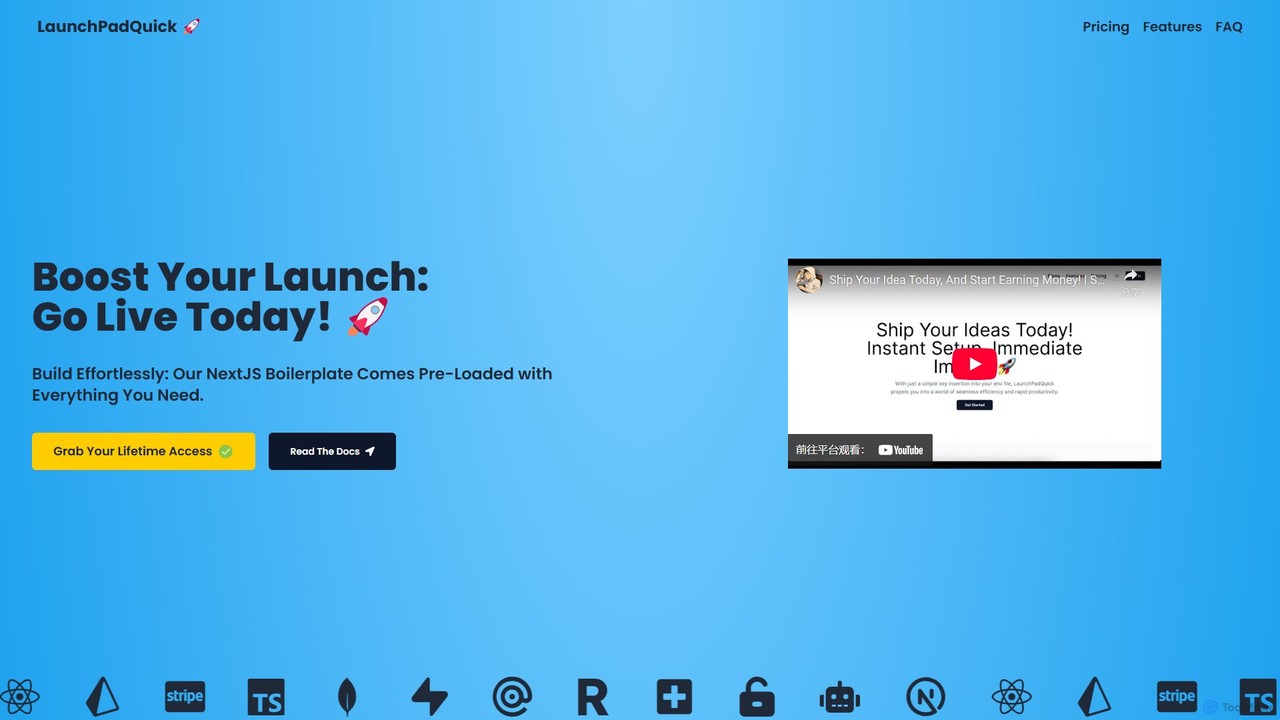
LaunchPadQuick is a production-ready Next.js 14 SaaS boilerplate designed to help developers launch AI-powered applications rapidly. It comes with pre-built integrations for authentication, payments with Stripe, databases like Supabase and MongoDB, and AI APIs including OpenAI and Claude3. This starter kit significantly accelerates the development process, allowing you to go from idea to market in days instead of months.

Boilerplates
Visits 4.8KFavorites 138Likes 134
anotherwrapper
Paid

anotherwrapper

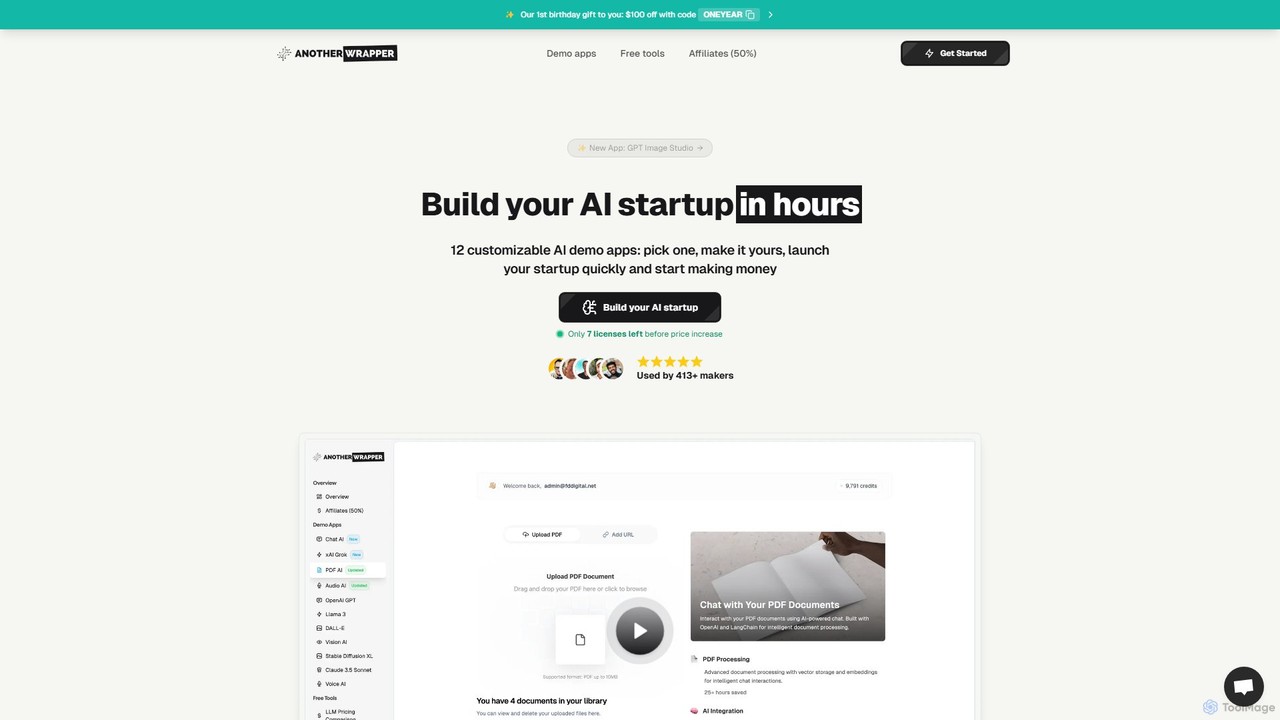
A Next.js AI starter kit with over 12 customizable templates, designed for developers and entrepreneurs to build and launch AI-powered SaaS applications in hours. It includes pre-built integrations for AI models, payments, authentication, and more, saving weeks of development time.

Boilerplate
Visits 59.2KFavorites 111Likes 98
Unshift
Freemium

Unshift

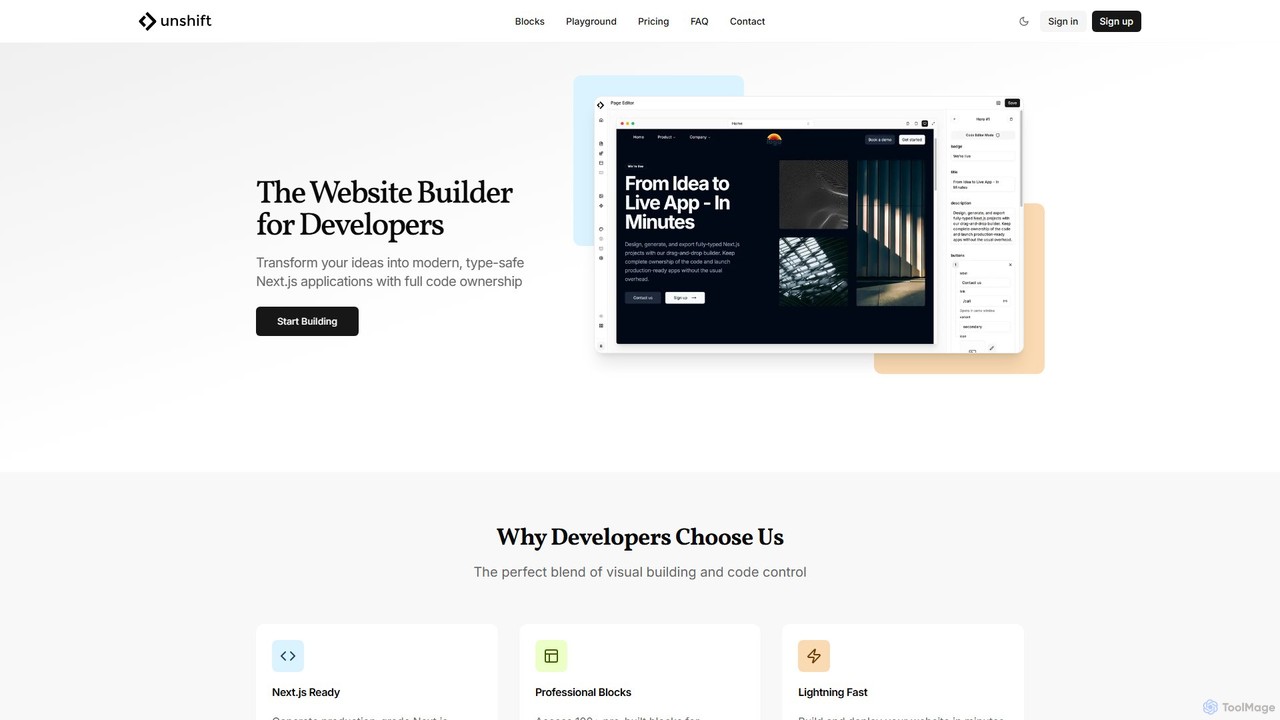
Unshift is a website builder designed for developers, blending visual editing with full code control. It generates production-grade Next.js applications with TypeScript and TailwindCSS, offering complete code ownership via a clean Git repository. With over 100 pre-built blocks and a developer-first approach, it accelerates the process of turning ideas into modern, type-safe web applications without vendor lock-in.

Ui Ux
Visits 4.5KFavorites 118Likes 119
Bind AI
Freemium

Bind AI

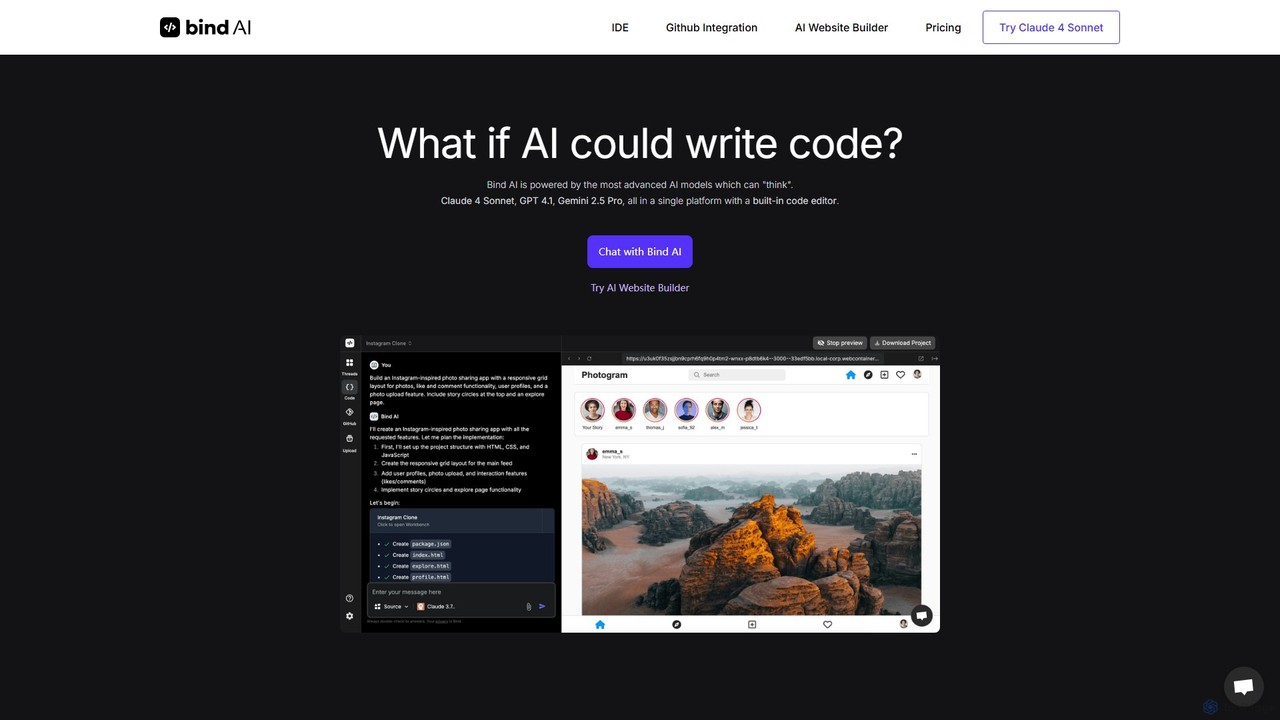
Bind AI is an AI-powered IDE and Copilot that enables developers and founders to build full-stack web applications, landing pages, and WordPress plugins using simple text prompts. It integrates multiple advanced AI models, supports over 15 programming languages, and offers features like GitHub sync and project hosting to accelerate the development process from idea to deployment.

Code Assistant
Visits 103.7KFavorites 103Likes 113
ClearML GenAI App Engine
Freemium

ClearML GenAI App Engine

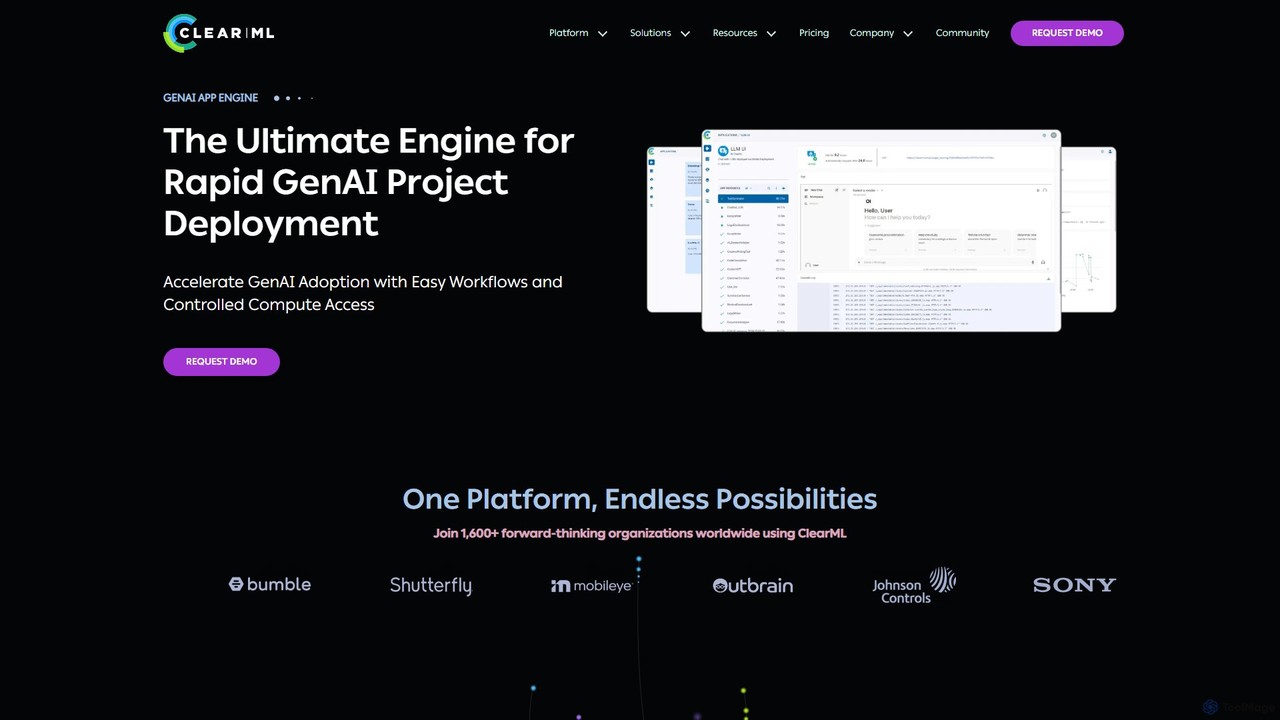
An enterprise-grade platform for rapidly deploying, managing, and scaling Generative AI applications. It provides a unified infrastructure control plane to streamline LLM deployment, monitor performance, and optimize compute costs, accelerating GenAI adoption securely and efficiently.

Mlops
Visits 78.6KFavorites 115Likes 128
FireCMS
Freemium

FireCMS

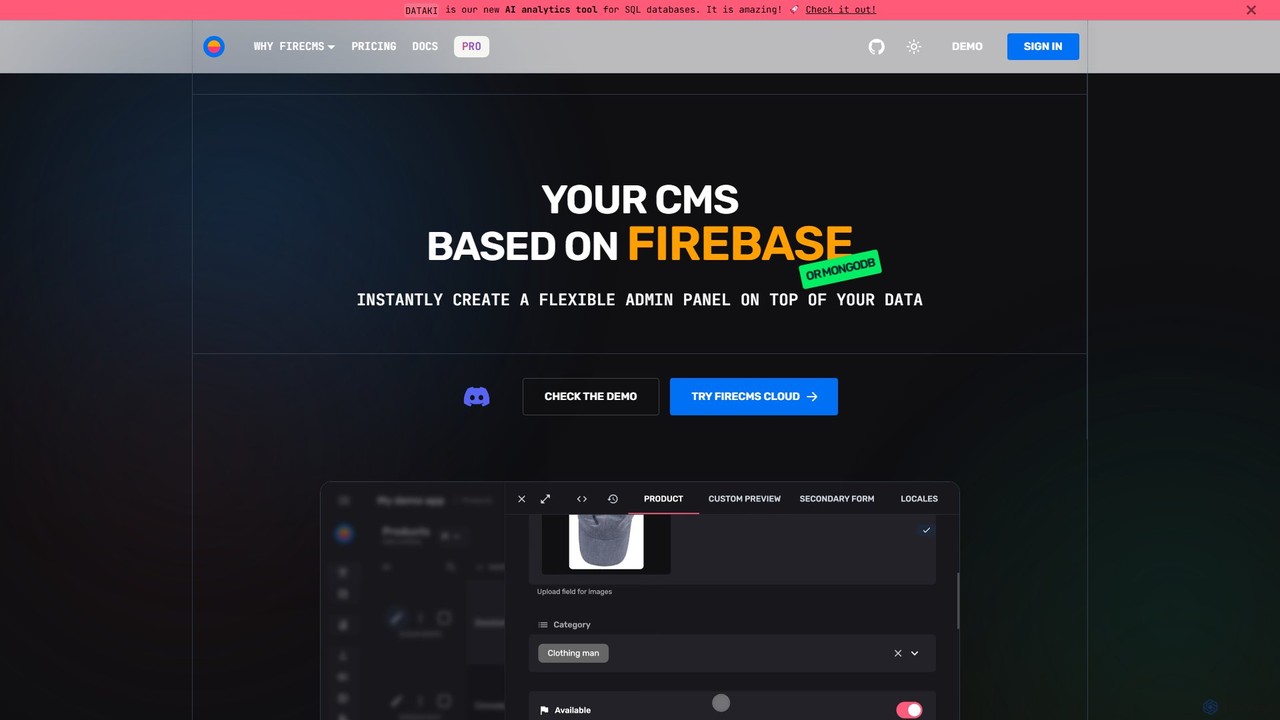
FireCMS is an open-source, headless CMS and admin panel builder for Firebase and MongoDB. It enables developers and startups to instantly create flexible, powerful back-office applications with an intuitive, Airtable-like interface. Featuring AI-powered data queries, automatic schema detection, extensive customization with React, and a rich content editor, FireCMS streamlines development and content management, offering both cloud and self-hosted solutions.

Content Management System
Visits 32.5KFavorites 108Likes 104
Playroom
Freemium

Playroom

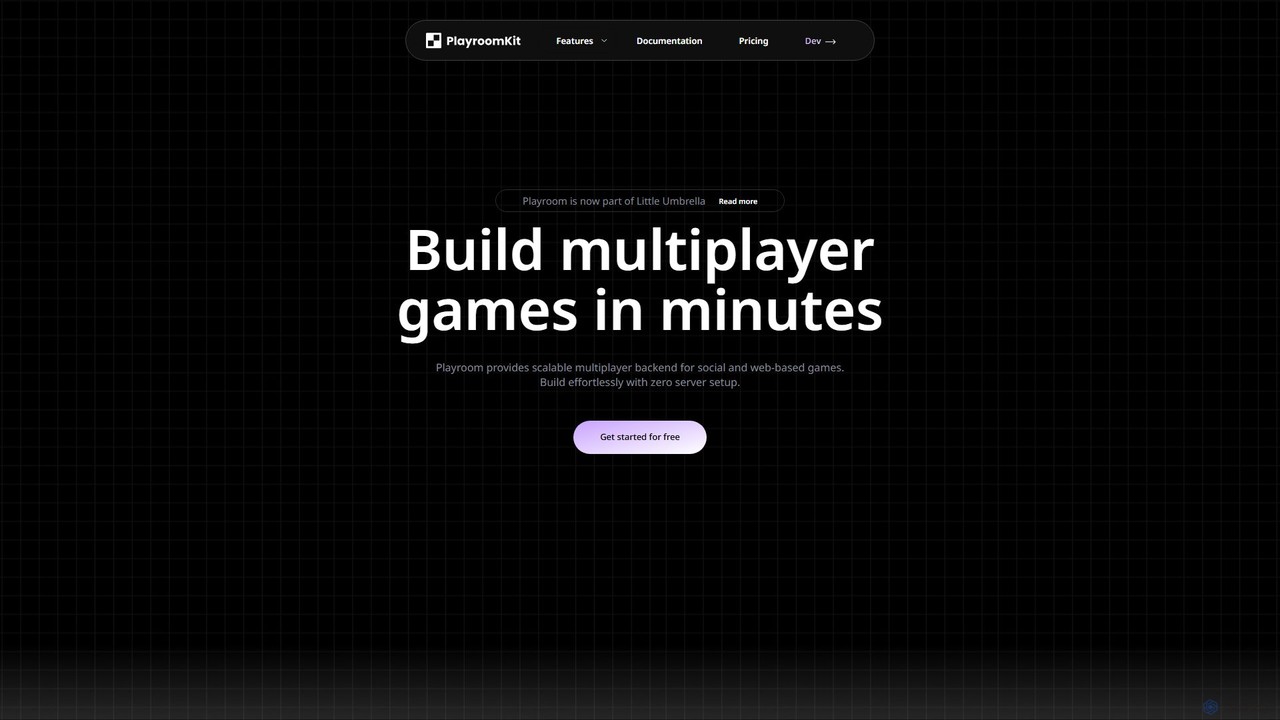
Playroom is a serverless backend platform designed for developers to build and scale multiplayer web and social games in minutes. It eliminates the need for complex server setup and management by providing a low-latency, auto-scaling infrastructure, a simple SDK, and pre-built modules for features like lobbies, chat, and AI-powered content generation.

Backend
Visits 12.3KFavorites 133Likes 116
ShipAppFast
Paid

ShipAppFast

ShipAppFast is a comprehensive boilerplate for iOS and Apple platforms, designed to help developers launch applications in days instead of weeks. It provides pre-built modules for essential features like user authentication, payments, paywalls, and analytics, significantly accelerating the development process.

Boilerplates
Visits 4.5KFavorites 111Likes 113
leapai
Freemium

leapai

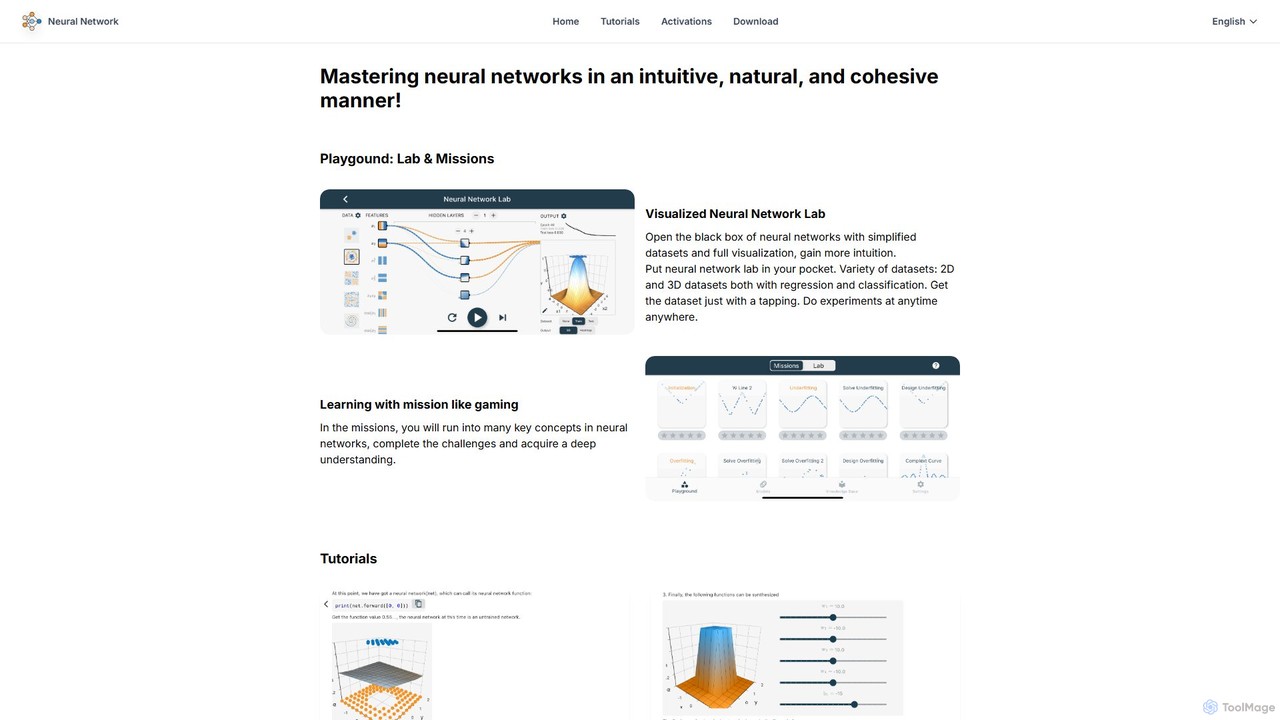
An interactive educational platform for mastering neural networks and deep learning. leapai uses visual labs, gamified missions, and a drag-and-drop model editor to make complex AI concepts intuitive and accessible for students, developers, and enthusiasts.

Machine Learning
Visits 5.1KFavorites 88Likes 91
AI Builder Buddy
Paid

AI Builder Buddy

AI Builder Buddy acts as your on-demand technical co-founder, providing 1-on-1 expert AI engineering support for non-technical founders, product managers, and designers. Get unstuck, build AI agents and apps with confidence, and launch faster with a guaranteed 2-hour response time for any technical roadblock.

Consulting
Visits 4.8KFavorites 158Likes 117
Supabase
Freemium

Supabase

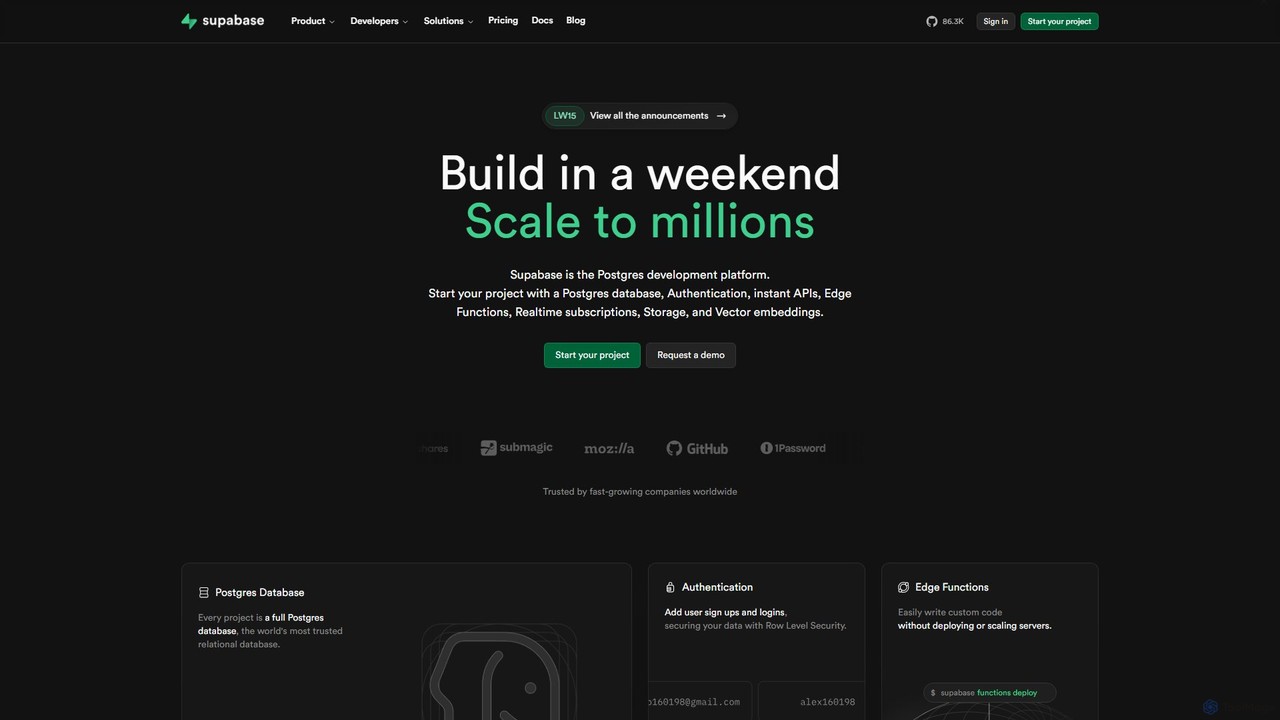
Supabase is an open-source Firebase alternative, providing a complete backend solution built on Postgres. It offers a suite of tools including a database, authentication, instant APIs, edge functions, real-time subscriptions, storage, and vector embeddings to accelerate application development from prototype to production.

Backend
Visits 29.3MFavorites 128Likes 138
tbox
Freemium

tbox

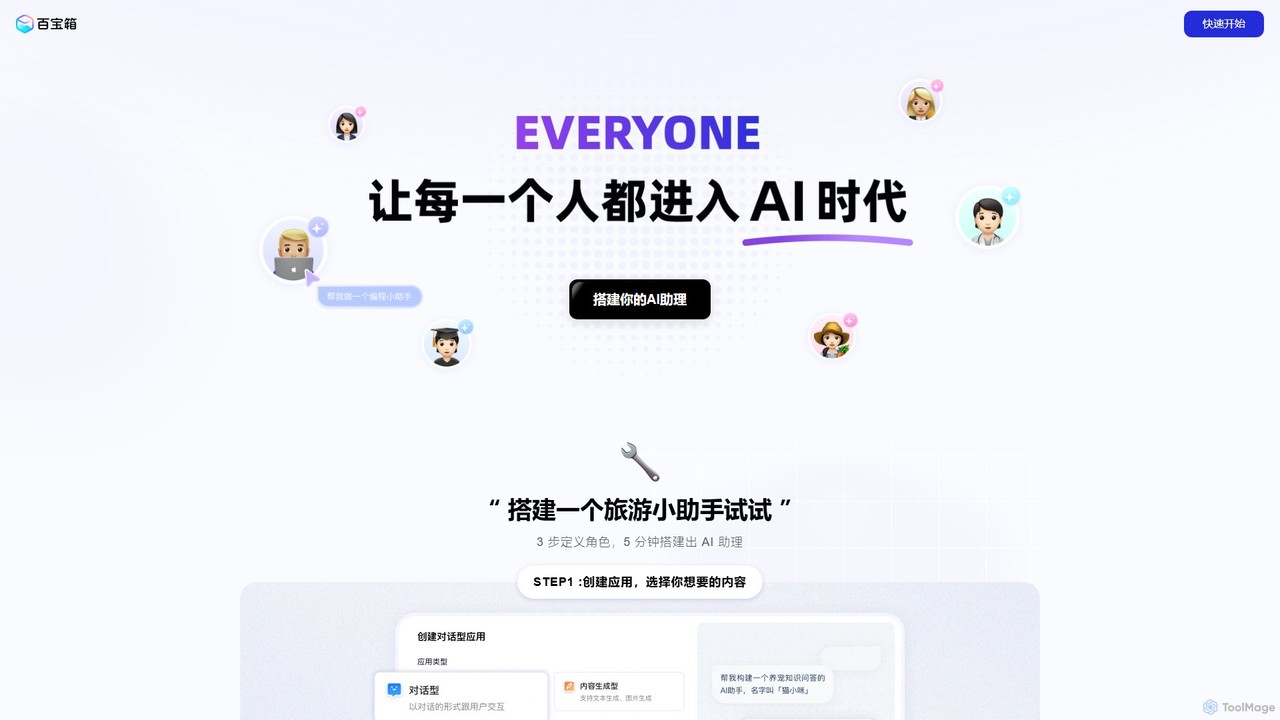
tbox is a powerful no-code AI application development platform that enables users to quickly build, train, and deploy custom AI assistants. Create conversational bots, text generators, and image tools in minutes, and seamlessly publish them to platforms like Alipay mini-programs for easy monetization.

Bot Builder
Visits 143.2KFavorites 126Likes 113
LambdaTest
Freemium

LambdaTest

LambdaTest is an AI-powered, cloud-based testing platform that enables developers and QA teams to perform cross-browser, real device, and automated testing at scale. It offers a unified environment for web and mobile app testing to accelerate release cycles and ensure high-quality software delivery.

Cloud Platforms
Visits 340.7KFavorites 134Likes 142
monitr
Freemium

monitr

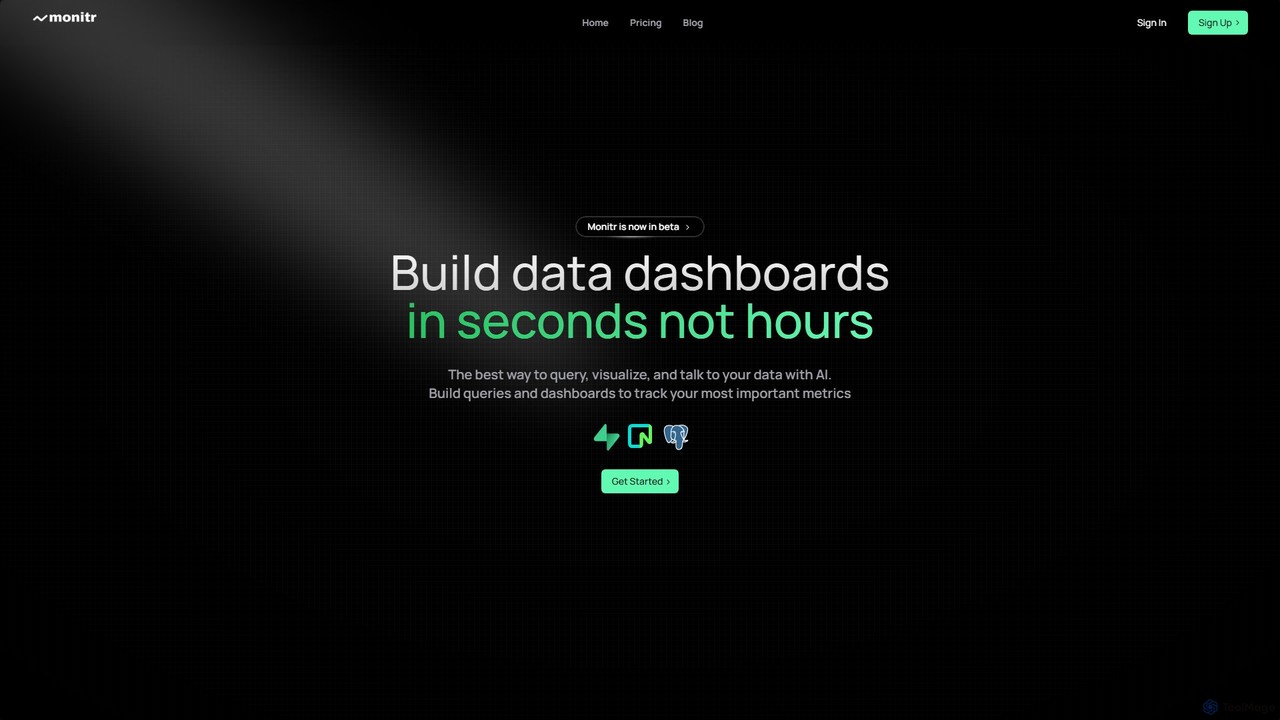
Monitr is an AI-powered data analytics platform that enables users to query, visualize, and interact with their data using natural language. It transforms business questions into optimized SQL queries, allowing teams to build real-time dashboards and share insights effortlessly. Designed for both technical and non-technical users, Monitr connects to your databases and APIs, providing a unified, collaborative workspace to accelerate data-driven decision-making without requiring deep SQL expertise.

Database
Visits 4.1KFavorites 116Likes 107
AI Web Test Aitida
Freemium

AI Web Test Aitida

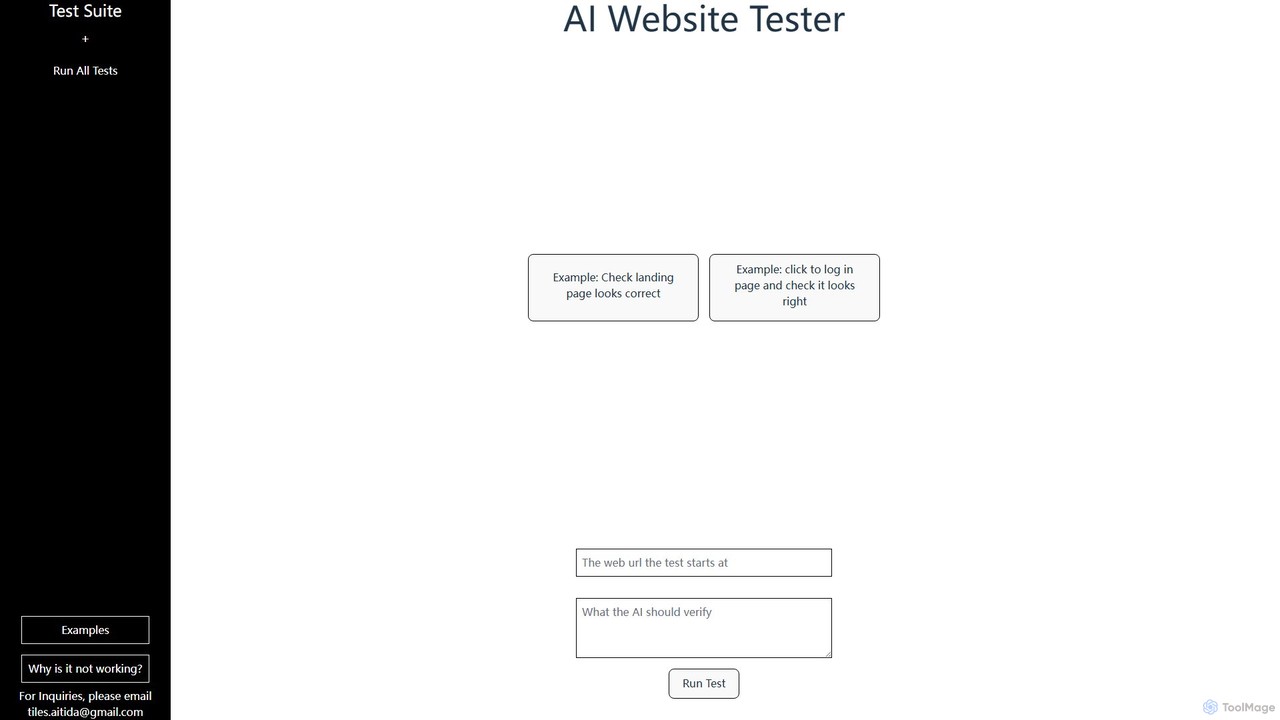
AI Web Test Aitida is an AI-powered platform for automated website testing. It simplifies quality assurance by allowing users to create, run, and manage complex test suites using natural language. The tool specializes in visual regression and end-to-end user flow testing, helping teams catch bugs faster and ensure a flawless user experience across all browsers and devices.

Quality Assurance
Visits 4.1KFavorites 100Likes 109
CustomerGlu
Paid

CustomerGlu

CustomerGlu is a low-code, plug-and-play gamification platform designed to help mobile apps and websites boost user engagement, retention, and conversions. By integrating game mechanics like quizzes, streaks, and rewards, businesses can create interactive user journeys for onboarding, feature adoption, and monetization. With over 50 templates and deep personalization, it enables product teams to significantly improve key metrics and build stronger customer relationships in minutes.

User Engagement
Visits 5.2KFavorites 124Likes 116
ChatbotBuilder.ai
Freemium

ChatbotBuilder.ai

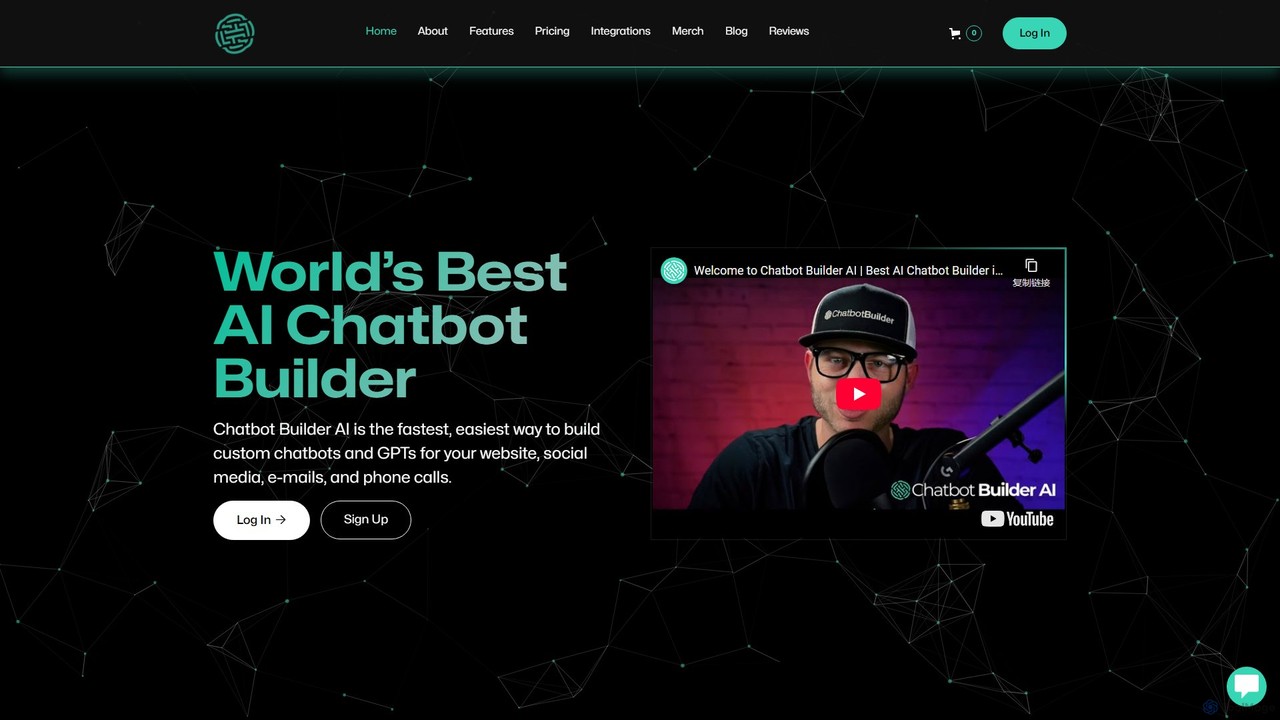
ChatbotBuilder.ai is a powerful no-code platform for creating custom AI chatbots and GPTs. It enables businesses to automate customer service, generate leads, and enhance user engagement across websites, social media, email, and voice channels. With seamless integrations and scalable plans, it's designed for businesses of all sizes, from startups to large agencies.

Chatbots
Visits 39.5KFavorites 120Likes 114
UnSQL
Paid

UnSQL

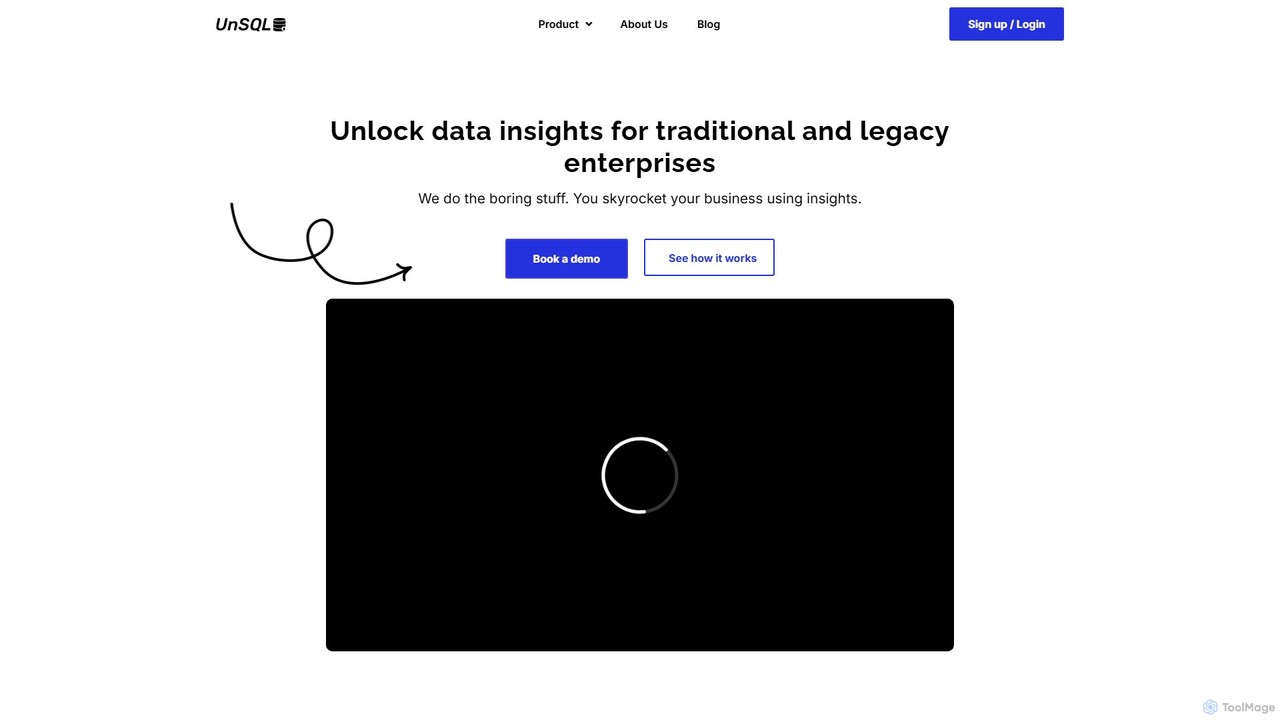
UnSQL is an AI-powered data analysis platform that enables users to query databases using plain English. It specializes in unlocking insights from traditional and legacy systems without requiring data engineering skills, offering unique access via a personal data concierge phone line and WhatsApp.

Database
Visits 4.1KFavorites 114Likes 120
Qubinets
Freemium

Qubinets

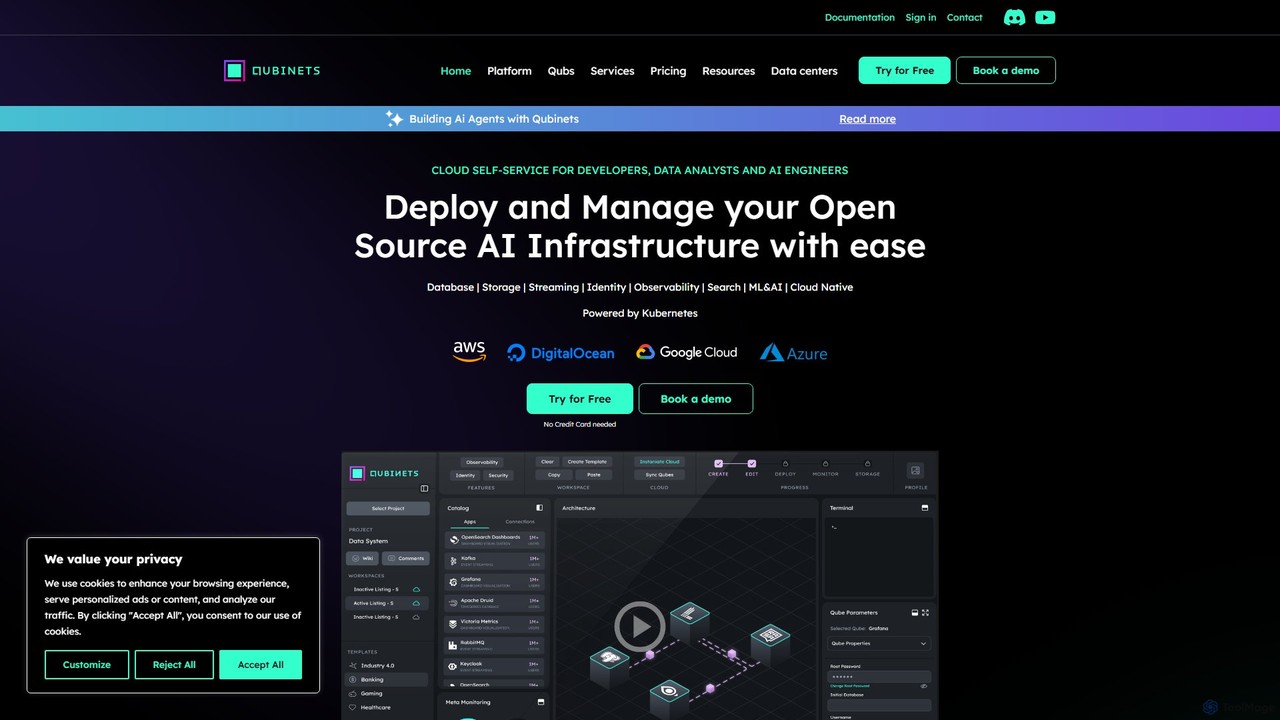
Qubinets is an AI-powered, self-service platform for developers, data analysts, and AI engineers. It simplifies and accelerates the deployment and management of open-source AI and data infrastructure on any cloud (AWS, Azure, GCP, DigitalOcean) using a Kubernetes-based, no-code UI. Focus on building applications, not on complex configurations.

Mlops
Visits 8.6KFavorites 110Likes 115
Webudy
Paid

Webudy

Webudy is an all-in-one, AI-powered platform designed to help businesses establish a strong online presence. It offers comprehensive services including professional website design with over 500 templates, advanced SEO optimization, high-quality content creation, and integrated digital marketing campaigns across multiple channels.

E Commerce
Visits 4.1KFavorites 109Likes 110
GuidedTrack
Freemium

GuidedTrack

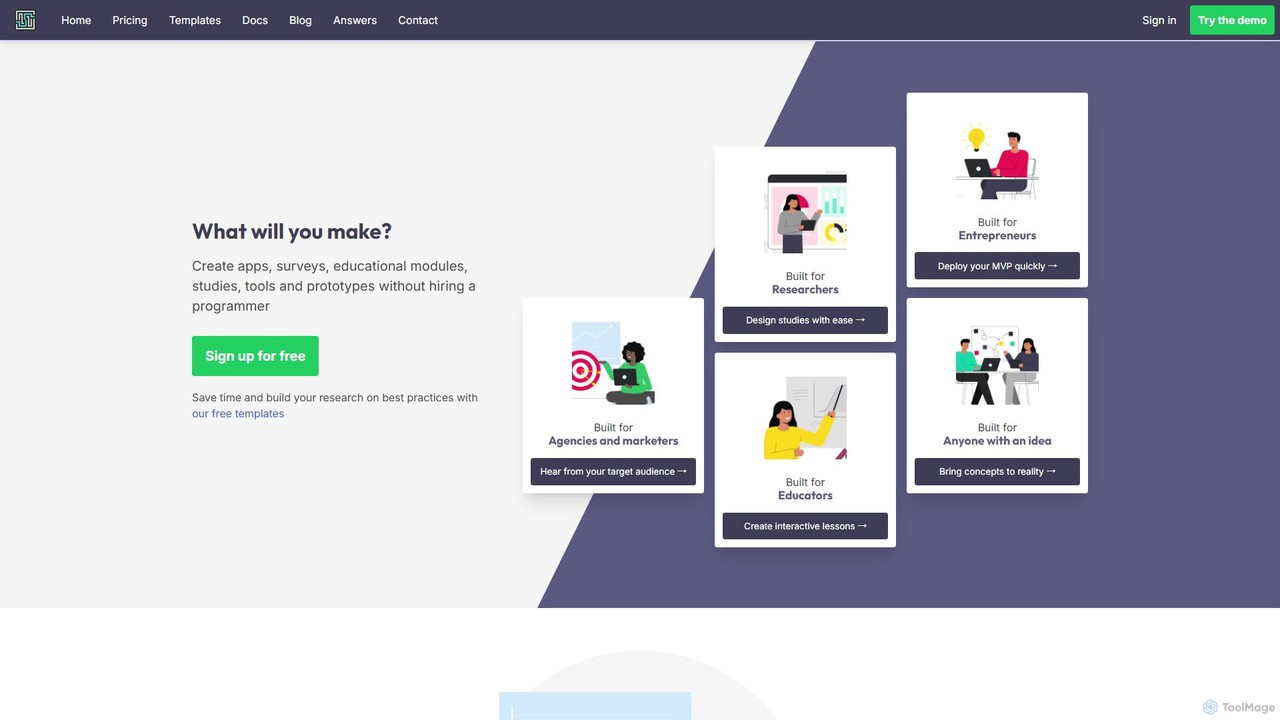
GuidedTrack is a powerful no-code platform for creating interactive web applications, complex surveys, educational modules, and prototypes. It empowers marketers, researchers, educators, and entrepreneurs to build and deploy sophisticated digital experiences without writing a single line of code, using an intuitive, text-based language.

Prototyping
Visits 356.3KFavorites 100Likes 100
Everyprompt
Freemium

Everyprompt

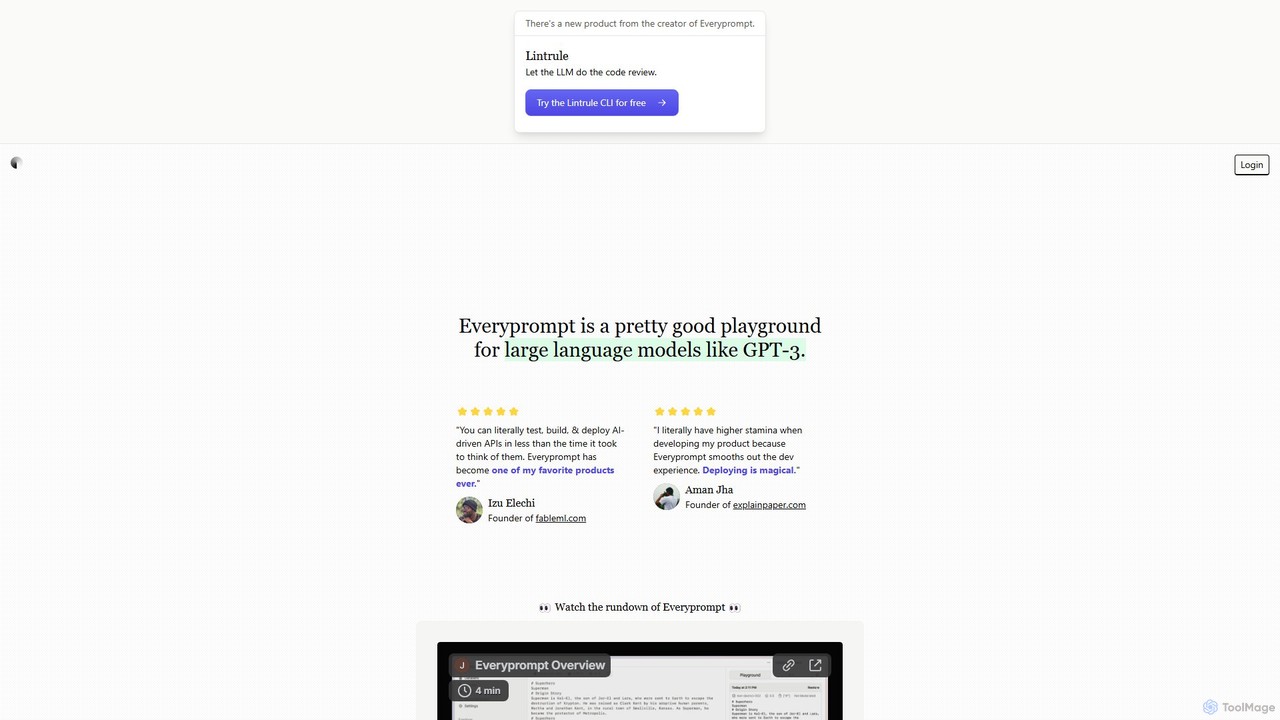
Everyprompt is an advanced playground and development environment for large language models like GPT-3. It enables users to test, build, and deploy AI-driven APIs seamlessly, streamlining the entire workflow from experimentation to production with integrated CI/CD.

Api & Integration
Visits 5KFavorites 87Likes 107
Tersa
Freemium

Tersa

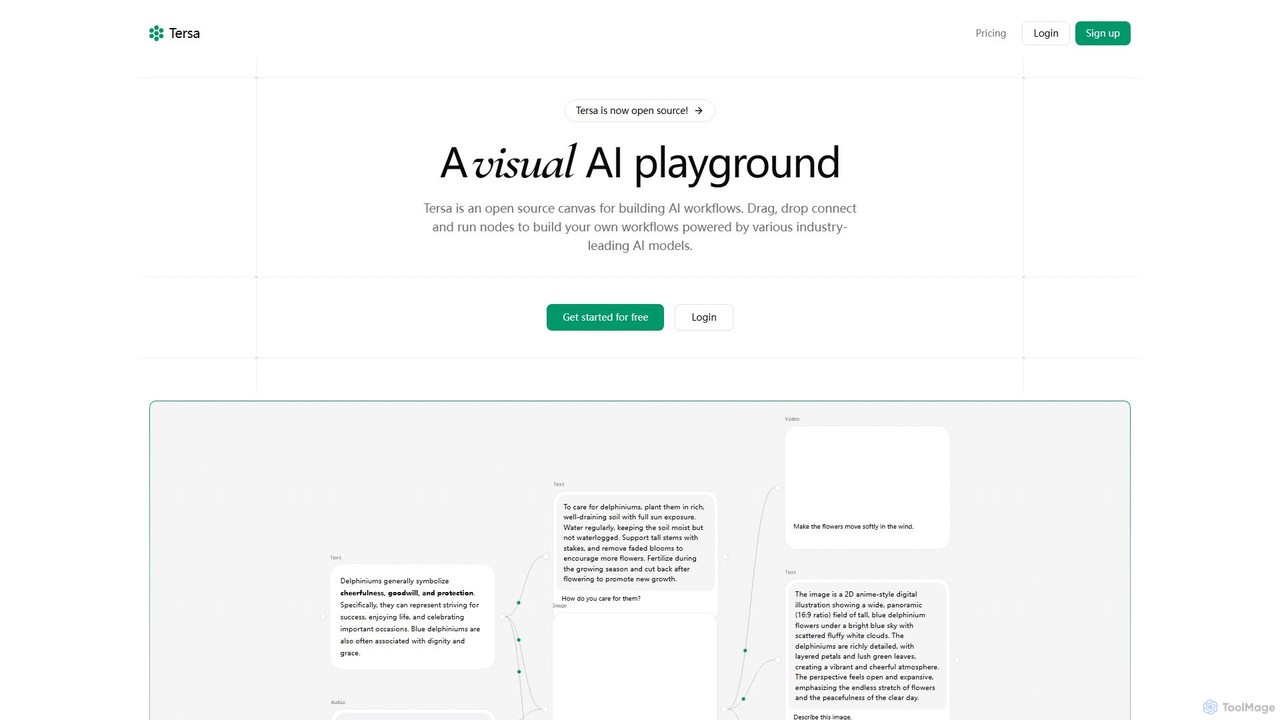
Tersa is an open-source visual AI playground for building complex AI workflows. It features a drag-and-drop canvas where users can connect nodes to integrate over 100 AI models from leading providers like OpenAI and Anthropic. It supports multi-modal operations, including text generation, image creation, video synthesis, audio transcription, and code transformation, making it a versatile tool for developers and creators.

Generative Ai
Visits 4.2KFavorites 100Likes 97
WorqHat
Freemium

WorqHat

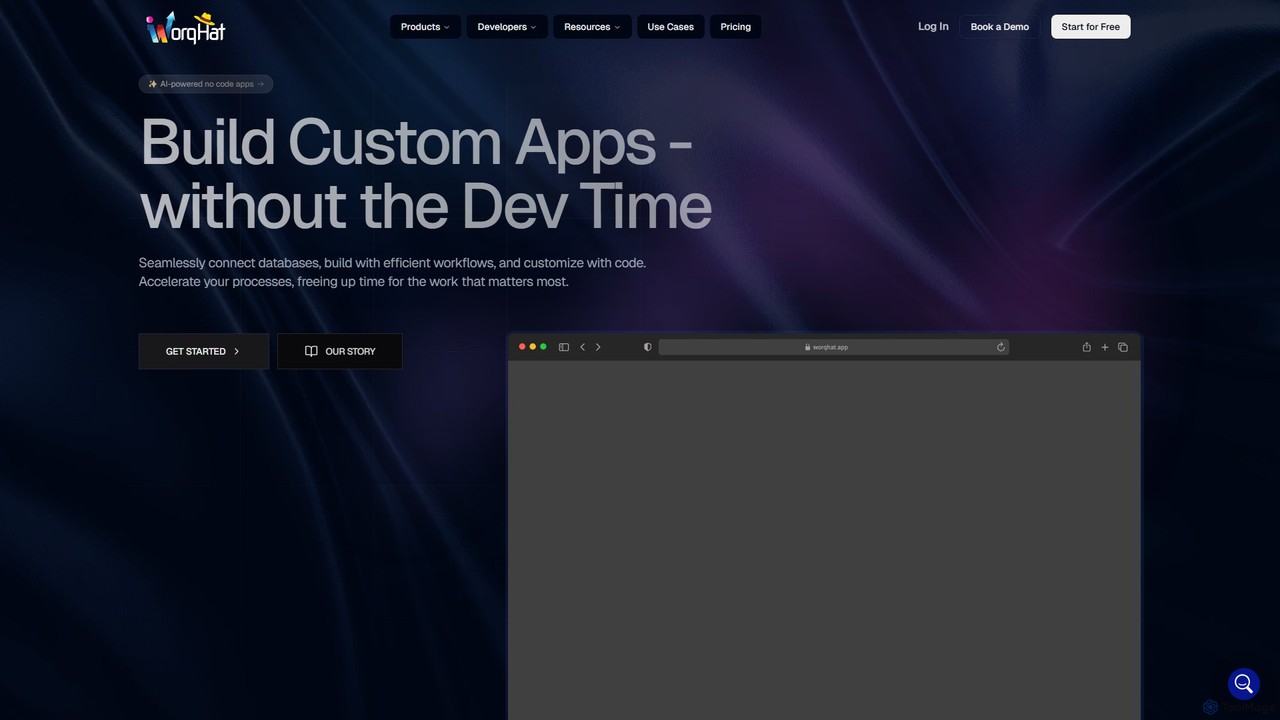
WorqHat is an AI-powered no-code platform that enables users to build custom business applications, automate complex workflows, and manage data seamlessly. With its intuitive drag-and-drop interface, integrated database, and collaborative workspace, it empowers teams to create tailored solutions like CRMs, ERPs, and internal tools without writing any code, accelerating processes and boosting productivity.

Workflow Automation
Visits 6.4KFavorites 139Likes 123

About No Code & Low Code

No-Code & Low-Code platforms are tools that enable users to build applications and automate workflows using visual interfaces with minimal to no traditional programming. These platforms utilize drag-and-drop components, pre-built templates, and visual logic builders to abstract away complex code. This approach dramatically accelerates the development cycle, empowers non-technical users to create their own solutions, and reduces the dependency on specialized development teams. As a key part of the Productivity ecosystem, these tools democratize software creation, allowing businesses to rapidly build and deploy internal tools, customer-facing websites, and mobile applications.

Core Features

  • Visual Development Interface: Build user interfaces and application logic using drag-and-drop editors instead of writing code.
  • Pre-built Components & Templates: Access a library of ready-to-use elements for forms, databases, user authentication, and more to speed up development.
  • Workflow Automation Builder: Visually map out business processes and automate tasks with conditional logic (if-this-then-that).
  • API & Data Integration: Easily connect to third-party services, databases, and APIs through pre-built connectors.
  • One-Click Deployment: Publish applications to the web or mobile app stores with a simplified, integrated process.

Use Cases

These tools are widely used by business analysts, marketing teams, operations managers, and entrepreneurs. Common applications include building custom internal dashboards, creating client relationship management (CRM) systems, launching marketing landing pages, automating data entry, and developing minimum viable products (MVPs) for startups.

How to Choose

When selecting a platform, consider the technical skill level of your team; pure no-code is for business users, while low-code offers more customization for developers. Evaluate the platform's scalability to handle future growth, its ecosystem of integrations with your existing tools, and the degree of customization it allows. Finally, analyze the pricing model (per user, per app, or usage-based) to ensure it aligns with your budget.

Featured tool rankings

No Code & Low Code use cases

1

Build a Custom Internal Tool for Inventory Management

An operations manager in a small e-commerce business struggles with tracking inventory using spreadsheets, leading to stockouts and manual errors. Using a no-code platform, they build a custom inventory management app. The app features a simple database to log products, forms to update stock levels, and a dashboard that displays real-time inventory data. Automated alerts are set up to notify the team when stock for a popular item drops below a certain threshold. This solution centralizes all inventory information, reduces manual data entry errors by over 90%, and provides the entire team with immediate, accurate stock visibility.

2

Automate a Lead Nurturing Marketing Workflow

A marketing specialist spends hours each week manually transferring leads from website forms to a CRM and then sending out initial welcome emails. This delay results in lost opportunities. By using a no-code automation tool, they create a visual workflow that connects their website, CRM, and email marketing service. The automation instantly triggers when a new form is submitted: it creates a new contact in the CRM, tags them based on their interests, and sends a personalized welcome email. This frees up several hours of manual work per week and ensures every new lead receives an immediate response, improving conversion rates.

3

Develop a Minimum Viable Product (MVP) for a Startup

A non-technical startup founder has an idea for a new service but lacks the budget to hire a full development team. To validate the concept quickly, they use a no-code app builder to create an MVP. They design the user interface, set up a database to manage user data, and integrate a payment gateway to test the business model. Within a few weeks, they launch a functional product to a small group of early adopters. This allows them to gather real-world user feedback and demonstrate traction to potential investors, all without writing a single line of code and at a fraction of the cost of traditional development.

4

Create an Interactive Client Portal for an Agency

A project manager at a creative agency finds that communicating project updates and sharing files via email is inefficient and leads to confusion. To streamline this process, they use a low-code platform to build a secure client portal. The portal allows clients to log in and view project timelines, access shared files, leave feedback directly on deliverables, and see real-time progress reports. The low-code aspect allows for custom branding and integration with their existing project management software. This portal centralizes communication, improves client transparency, and presents a more professional image for the agency.

5

Digitize a Paper-Based HR Onboarding Process

An HR coordinator is overwhelmed by the paperwork involved in onboarding new employees, from collecting personal information to getting policy acknowledgments. This manual process is slow and prone to errors. Using a no-code workflow automation tool, they design a digital onboarding journey. New hires receive a link to a secure online form where they can submit all necessary information and electronically sign documents. The submitted data automatically populates the HR system, and tasks are created for IT to set up equipment and for managers to schedule orientation. This digitizes the entire process, reducing onboarding time by 75% and eliminating paper waste.

6

Build a Dynamic Landing Page for a Marketing Campaign

A content marketer needs to launch a new landing page for a time-sensitive campaign but the development team has a long backlog. Waiting would mean missing the opportunity. Using a no-code website builder, the marketer designs and builds a professional landing page in a single day. They integrate a lead capture form that connects directly to their email marketing tool, embed a promotional video, and add analytics tracking. This empowers the marketing team to be more agile, allowing them to launch campaigns independently and A/B test different page variations quickly to optimize for conversions, without any reliance on technical resources.

No Code & Low Code FAQ

What are No-Code and Low-Code platforms?

No-Code and Low-Code platforms are software development environments that allow users to create applications through graphical user interfaces and configuration instead of traditional computer programming. No-code platforms are designed for business users with no coding knowledge, enabling them to build simple apps and automate workflows using drag-and-drop interfaces. Low-code platforms are for developers, providing a similar visual approach to accelerate development but also allowing them to write custom code for more complex functionality and integrations.

What is the main difference between No-Code and Low-Code?

The primary difference lies in the target user and the degree of customization allowed.

  • No-Code: Is strictly for non-technical users. It uses a purely visual, declarative approach where you define 'what' the app should do, not 'how'. Customization is limited to the platform's pre-built options.
  • Low-Code: Is for professional developers or technical users. It accelerates development with visual tools but allows for custom code to be added for complex logic, integrations, or unique UI elements. It offers a higher ceiling for scalability and customization.
In short, no-code is about empowerment, while low-code is about acceleration.

How do I choose the right No-Code or Low-Code tool?

To choose the right tool, evaluate your needs against these key factors:

  • Project Complexity: For simple internal tools, forms, or basic websites, a no-code platform is often sufficient. For complex applications with custom logic and high scalability needs, a low-code platform is more appropriate.
  • User Skillset: Who will be building and maintaining the application? If it's business users, choose a user-friendly no-code tool. If developers are involved, a low-code platform will better leverage their skills.
  • Integration Requirements: List all the other software (like CRMs, databases, or APIs) your application needs to connect with. Check if the platform has pre-built connectors for them.
  • Scalability and Security: Consider your future growth. Ensure the platform can handle an increase in users and data, and that it meets your organization's security and compliance standards.
What are the key benefits of using No-Code/Low-Code tools?

The primary benefits of adopting no-code and low-code platforms are centered around speed, cost, and accessibility. Key advantages include:

  • Increased Agility: Teams can build, test, and deploy applications in a fraction of the time it takes with traditional development, allowing for faster response to market changes.
  • Reduced Costs: Lowers the reliance on expensive, specialized developers and reduces the overall development and maintenance budget.
  • Empowerment of Business Users: Enables non-technical employees ('citizen developers') to solve their own problems by building the tools they need, reducing the burden on IT departments.
  • Improved Collaboration: The visual nature of these platforms makes it easier for business stakeholders and developers to collaborate on application design and functionality.
Are there any limitations to No-Code/Low-Code platforms?

Yes, while powerful, these platforms have potential limitations. It's important to be aware of them:

  • Vendor Lock-in: Applications built on a specific platform are often difficult or impossible to migrate to another service or host independently.
  • Customization Constraints: No-code platforms, in particular, may not support highly unique or complex functionalities that fall outside their pre-built capabilities.
  • Performance at Scale: For applications with extremely high user loads or complex data processing, a solution built with traditional code may offer better performance and optimization.
  • Security and Governance: The ease of creation can lead to 'shadow IT,' where departments build apps without IT oversight, potentially creating security vulnerabilities or data silos.