ToolMage
Sign in

Best 125 Database AI tools for Developer Tools

Popular Database AI tools in Developer Tools include MongoDB, Databricks, Elastic, Pinecone, Milvus, InfluxData, Chroma, Navicat, Vectorize, and MotherDuck, helping you work more efficiently.

Metaplane
Freemium

Metaplane

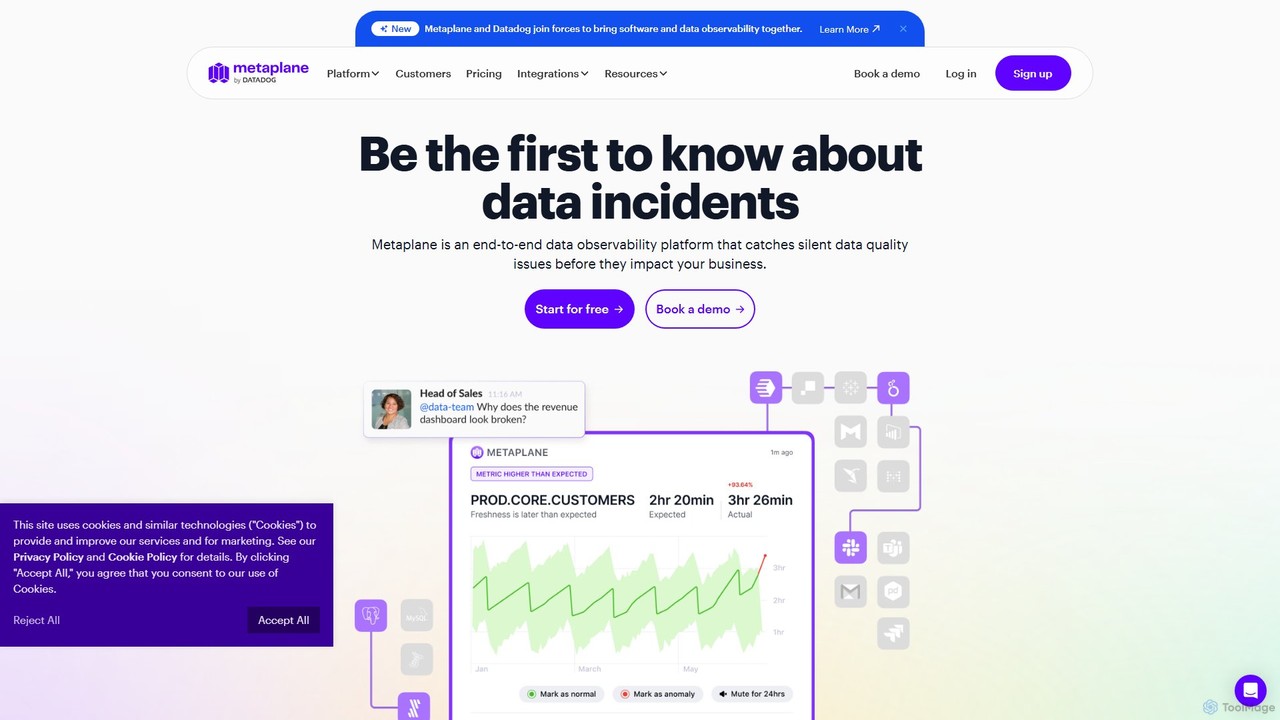
Metaplane is an end-to-end data observability platform for modern data teams. It uses machine learning to automatically monitor your data stack, detect silent data quality issues before they impact the business, and provide actionable alerts with full context.

Analytics
Visits 32.9KFavorites 119Likes 136
QueryLab
Freemium

QueryLab

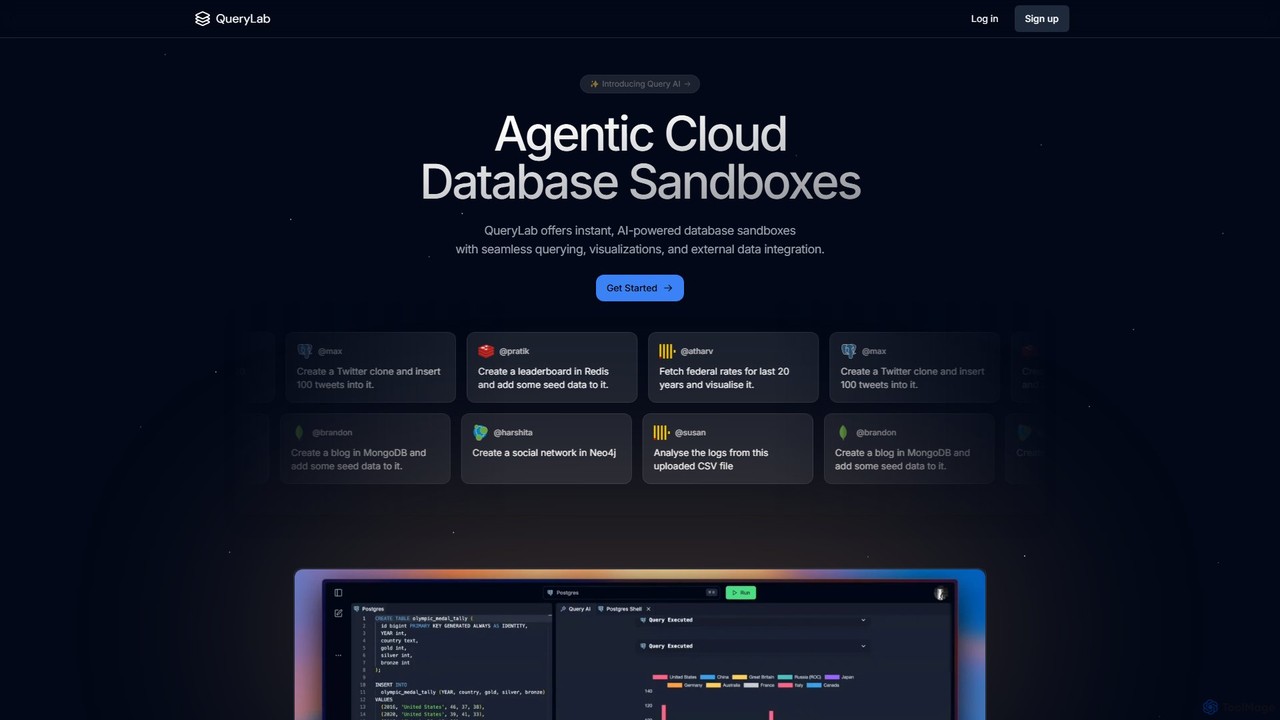
QueryLab is an AI-powered platform that provides instant database sandboxes. It allows users to interact with databases like PostgreSQL, MongoDB, and Redis using natural language, seamlessly integrate external data, and automatically generate visualizations from query results.

Visualization
Visits 6.4KFavorites 157Likes 164
monitr
Freemium

monitr

Monitr is an AI-powered data analytics platform that enables users to query, visualize, and interact with their data using natural language. It transforms business questions into optimized SQL queries, allowing teams to build real-time dashboards and share insights effortlessly. Designed for both technical and non-technical users, Monitr connects to your databases and APIs, providing a unified, collaborative workspace to accelerate data-driven decision-making without requiring deep SQL expertise.

Database
Visits 6.4KFavorites 138Likes 126
draxlr
Freemium

draxlr

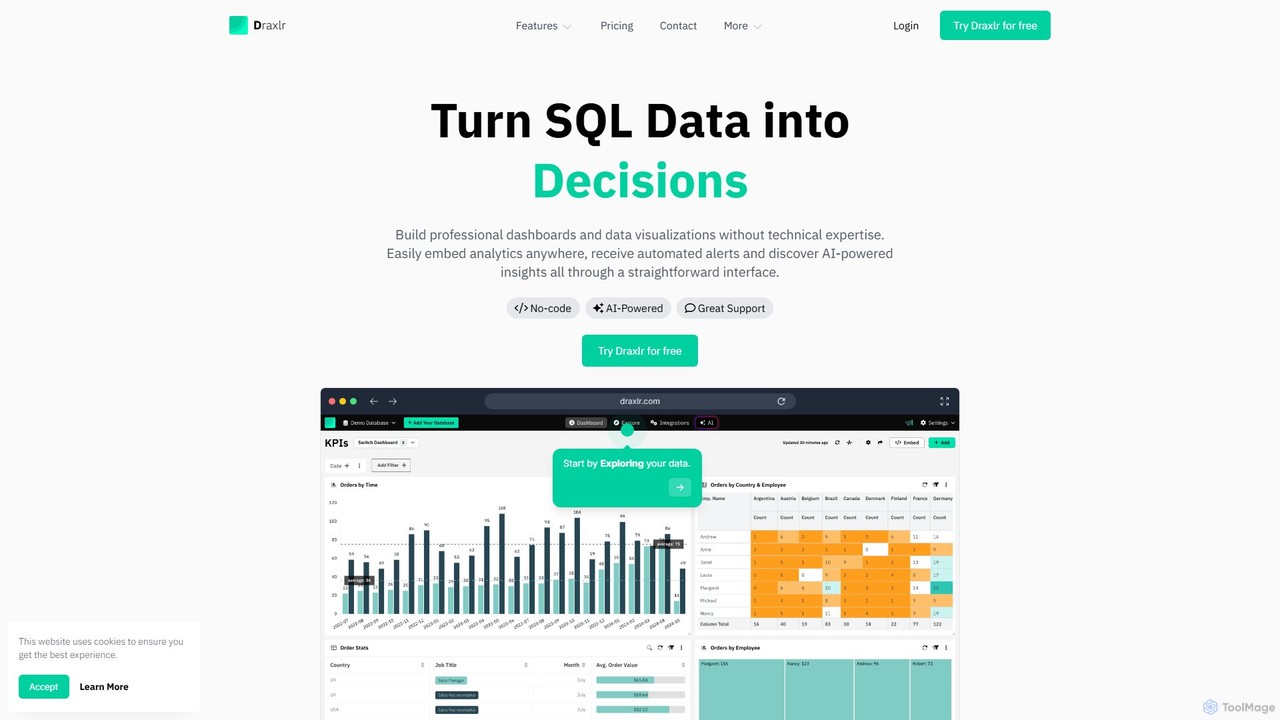
Draxlr is an AI-powered business intelligence platform that enables users to build professional dashboards and data visualizations from SQL databases without technical expertise. It offers a no-code query builder, embeddable analytics, and automated alerts to transform raw data into actionable decisions.

Business Intelligence
Visits 43.7KFavorites 111Likes 112
ai2sql
Freemium

ai2sql

ai2sql is an AI-powered assistant that generates, explains, and optimizes complex SQL and NoSQL queries from natural language. It supports a wide range of databases like MySQL, PostgreSQL, and MongoDB, helping developers, data analysts, and beginners to work with data more efficiently and without extensive coding knowledge.

Analytics
Visits 79.2KFavorites 136Likes 147
UnSQL
Paid

UnSQL

UnSQL is an AI-powered data analysis platform that enables users to query databases using plain English. It specializes in unlocking insights from traditional and legacy systems without requiring data engineering skills, offering unique access via a personal data concierge phone line and WhatsApp.

Database
Visits 6.3KFavorites 139Likes 141
SvectorDB
Freemium

SvectorDB

SvectorDB is a serverless vector database designed for developers. It simplifies building AI applications like recommendation engines, semantic search, and RAG systems with pay-per-request pricing, instant updates, and built-in vectorizers. Go from prototype to production with just a few lines of code.

Vector Search
Visits 8.8KFavorites 147Likes 166
DB Sensei
Freemium

DB Sensei

DB Sensei is an AI-powered toolkit for developers and DBAs that simplifies database management. It allows users to generate, fix, explain, and format complex SQL and Eloquent queries using natural language. By importing your database schema, the tool provides context-aware, accurate results, boosting productivity and helping users improve their database skills.

Sql
Visits 6.3KFavorites 138Likes 142
Incerto
Freemium

Incerto

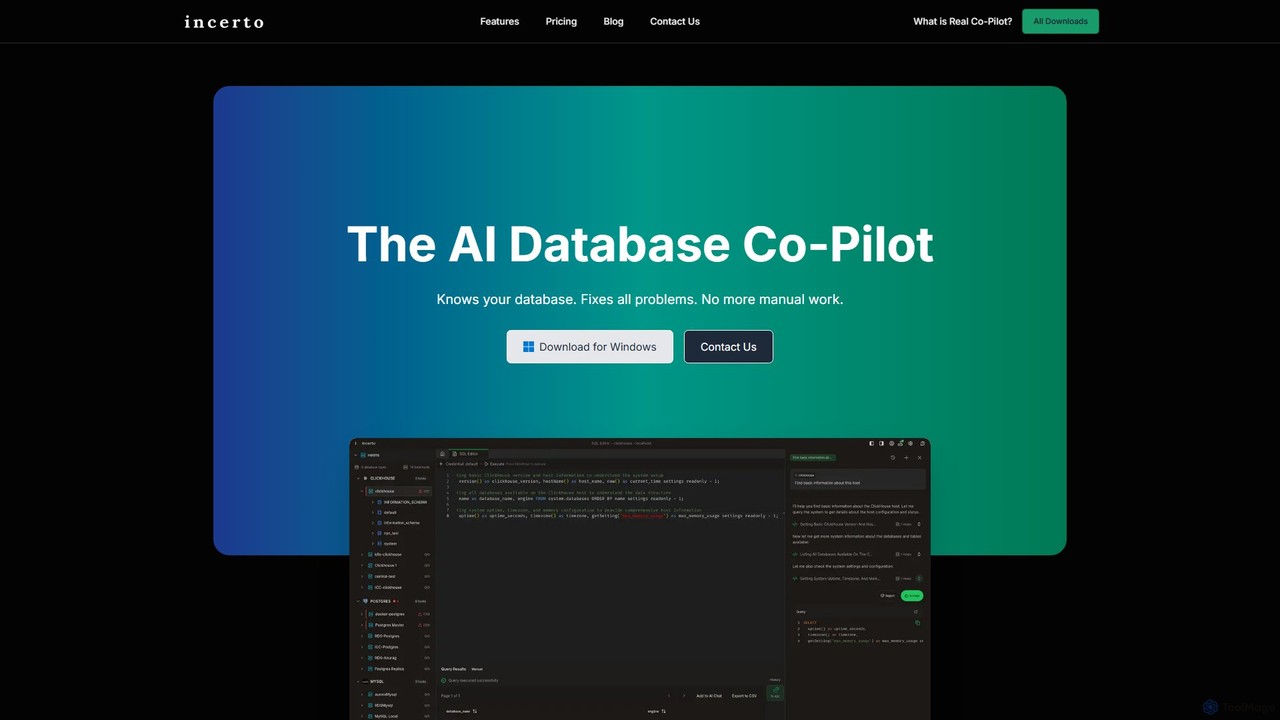
Incerto is an agentic AI co-pilot designed to solve all database problems. It proactively detects and resolves production issues, optimizes query performance, and automates complex database management tasks. By leveraging a rich context engine and specialized AI agents, Incerto significantly reduces manual work, minimizes downtime, and enhances overall database efficiency and security for developers and DBAs.

Database
Visits 8.2KFavorites 95Likes 115
Kvery
Freemium

Kvery

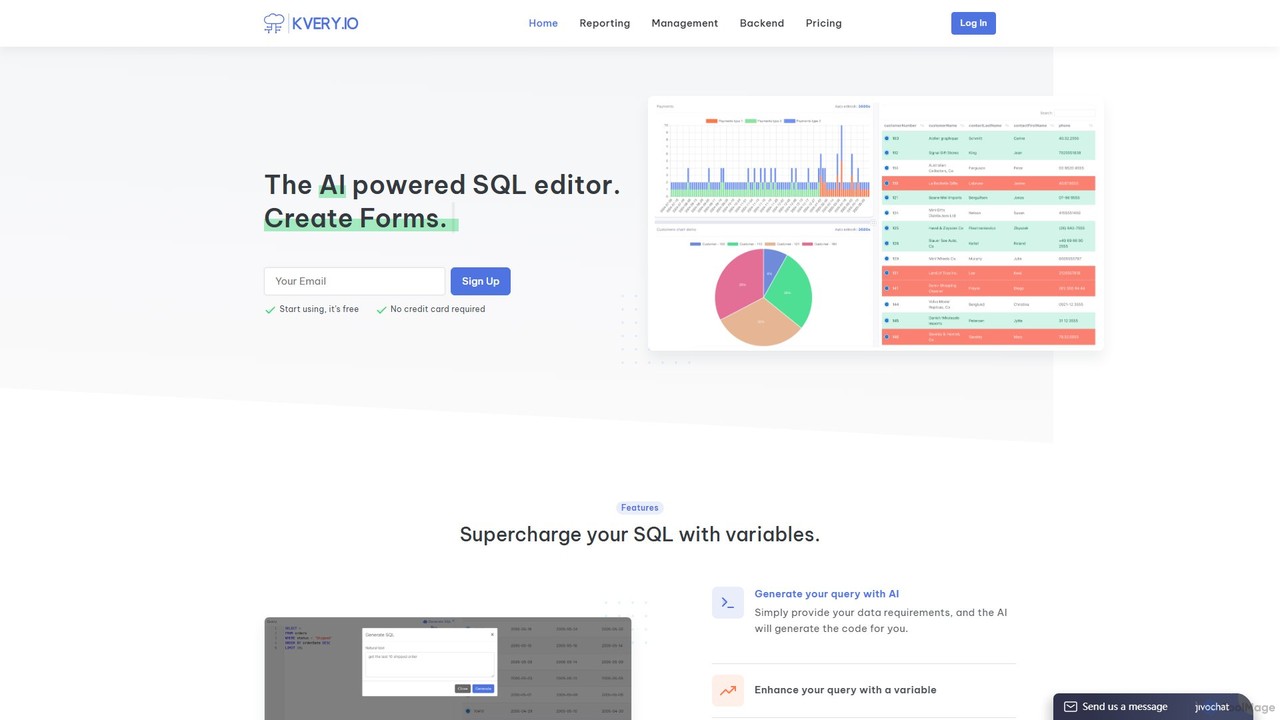
Kvery is an AI-powered SQL editor and database analytics platform designed to streamline data workflows. It enables users to generate complex SQL queries using natural language, create interactive reports and dashboards, and visualize data with various chart types. Kvery aims to boost productivity and reduce development costs for both startups and enterprises by making database management intuitive and efficient.

Business Intelligence
Visits 6.5KFavorites 139Likes 140
Chroma
Freemium

Chroma

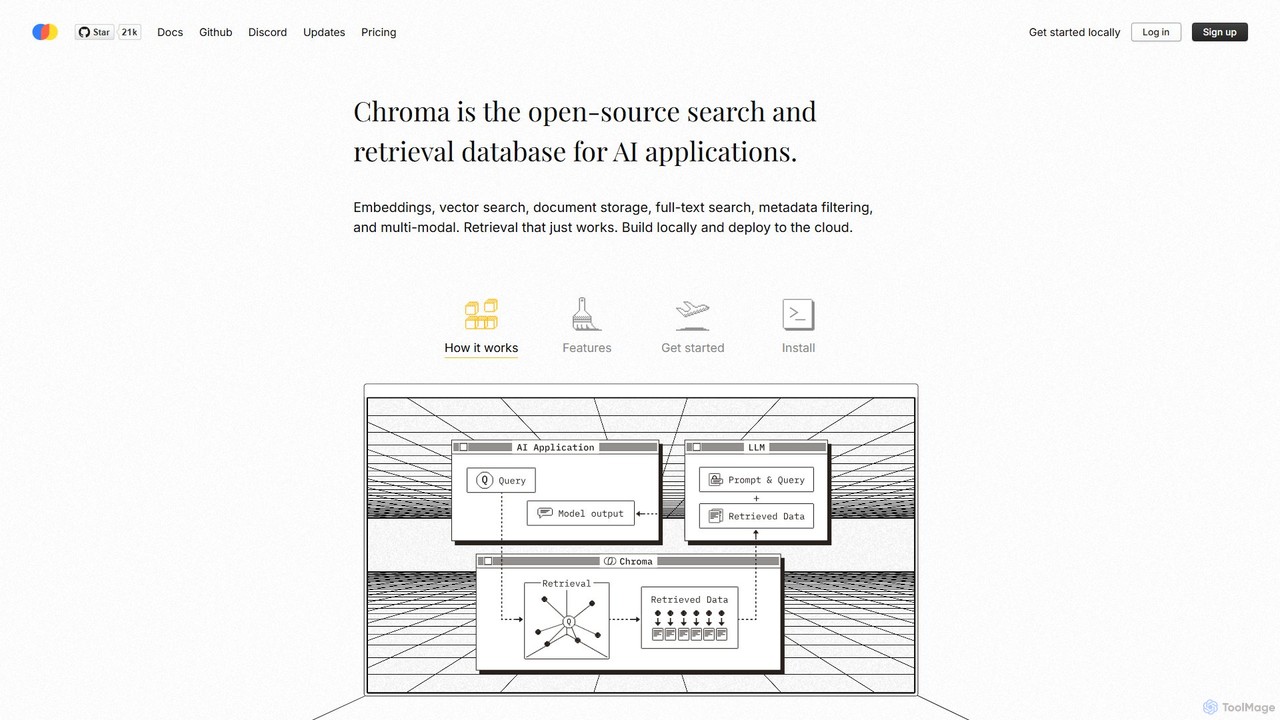
Chroma is the open-source, AI-native retrieval database designed for building powerful AI applications with Retrieval-Augmented Generation (RAG). It simplifies storing and searching embeddings, documents, and metadata, offering vector search, full-text search, and a scalable, serverless cloud platform. It's built to be easy to use, cost-effective, and powerful, from local development to large-scale production.

Vector Database
Visits 240.3KFavorites 158Likes 139
Daetama
Freemium

Daetama

Daetama is an all-in-one platform for data science interview preparation. It offers over 100 realistic SQL practice questions from top tech companies, helping users master skills for technical rounds. The platform provides an interactive environment for instant practice without complex setups. With a strong community, high satisfaction rates, and upcoming features like data science courses and a job board, Daetama is the ultimate resource for aspiring and current data professionals to land their dream job.

Job Search
Visits 6.4KFavorites 144Likes 140
Mixpeek
Freemium

Mixpeek

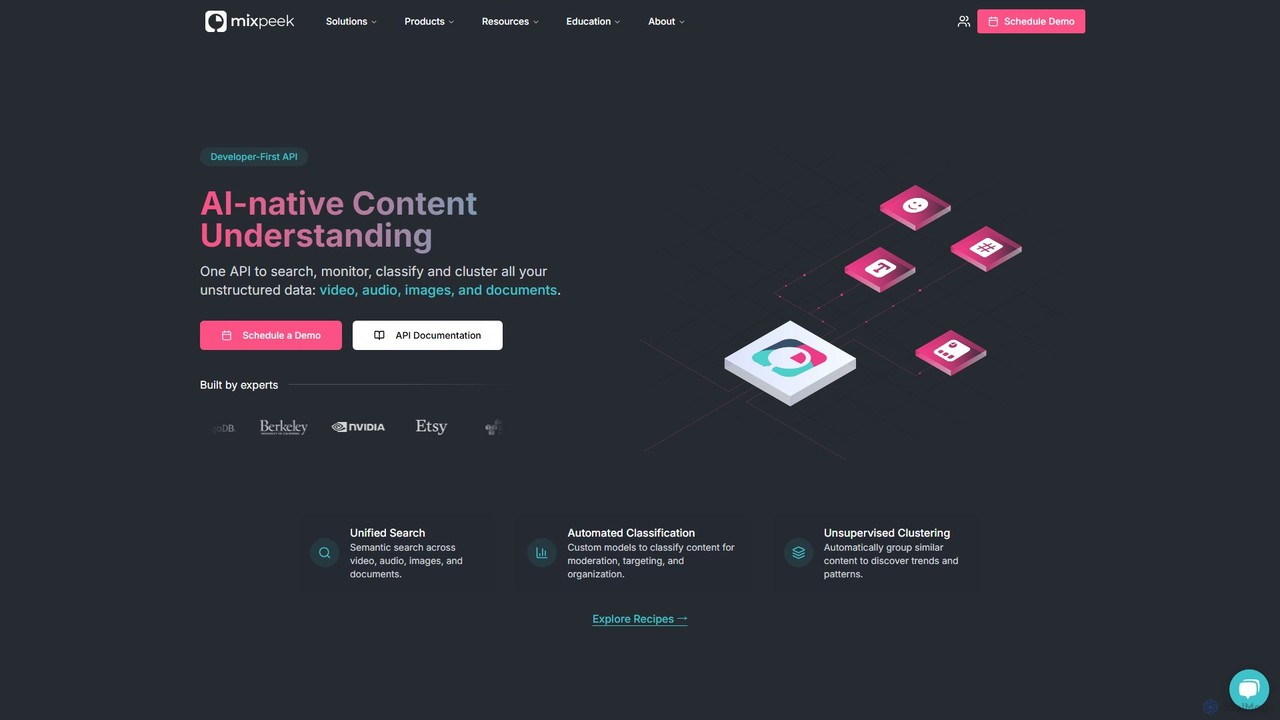
Mixpeek is a developer-first API and multimodal data warehouse for processing, searching, and analyzing unstructured data like video, audio, images, and documents. It simplifies the AI/ML pipeline with unified semantic search, automated classification, and seamless model management, allowing developers to build powerful multimodal applications.

Machine Learning
Visits 30.2KFavorites 116Likes 128
Weld
Freemium

Weld

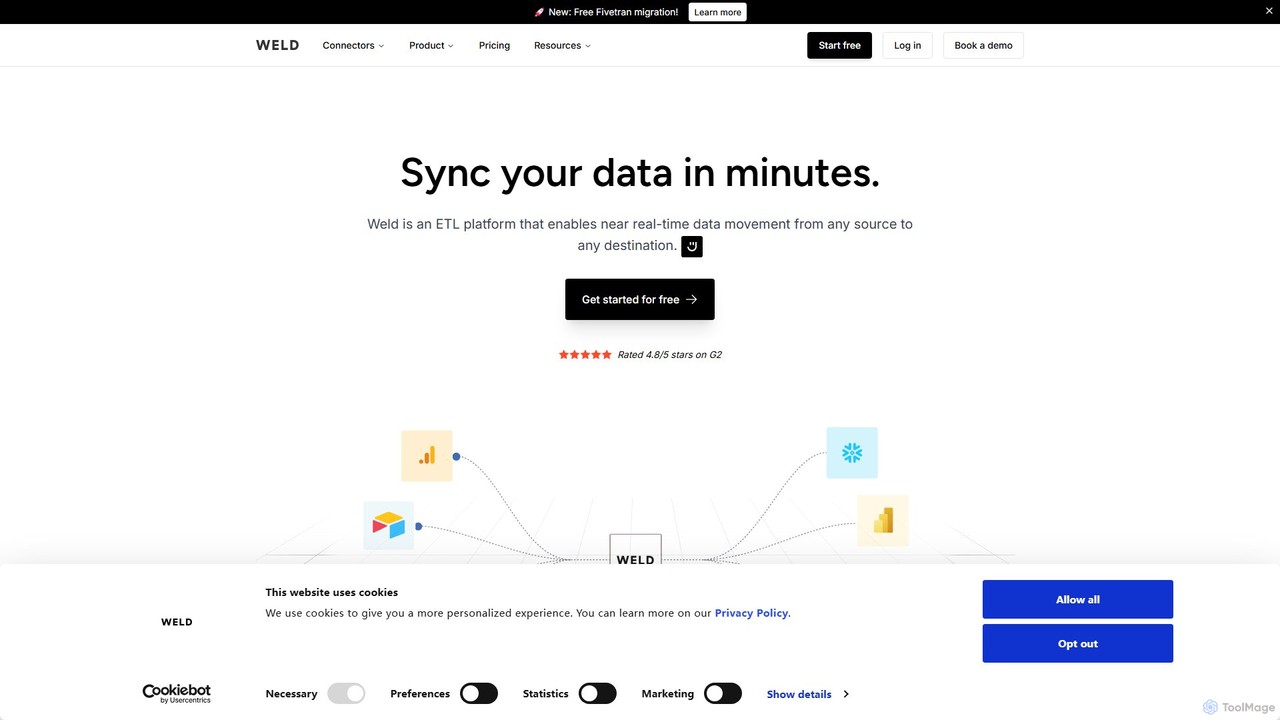
Weld is an AI-powered data platform that automates data integration and transformation. It centralizes data from all your SaaS tools and databases into a cloud warehouse like Snowflake or BigQuery. With its AI assistant, Ed, teams can easily clean, model, and prepare data for analytics, business intelligence, and AI applications, breaking down data silos and unlocking real-time insights.

Analytics
Visits 37.7KFavorites 153Likes 148
Dynobase
Freemium

Dynobase

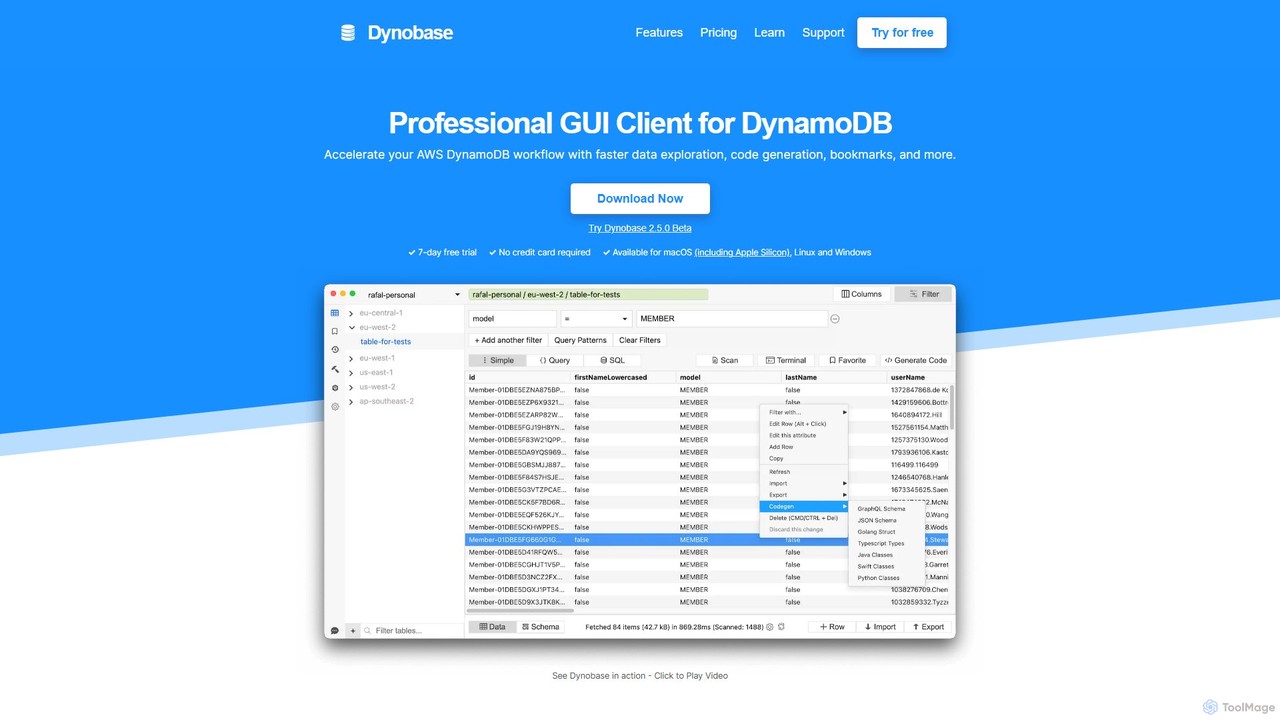
Dynobase is a professional GUI client for AWS DynamoDB, designed to accelerate development workflows. It features an intuitive interface for data exploration, a powerful query builder with SQL support, and an AI-powered code generator for multiple languages. With features like offline support, advanced filtering, and secure AWS integration, Dynobase simplifies DynamoDB management for developers on macOS, Windows, and Linux.

Code Generation
Visits 17.5KFavorites 170Likes 163
dbpilot
Freemium

dbpilot

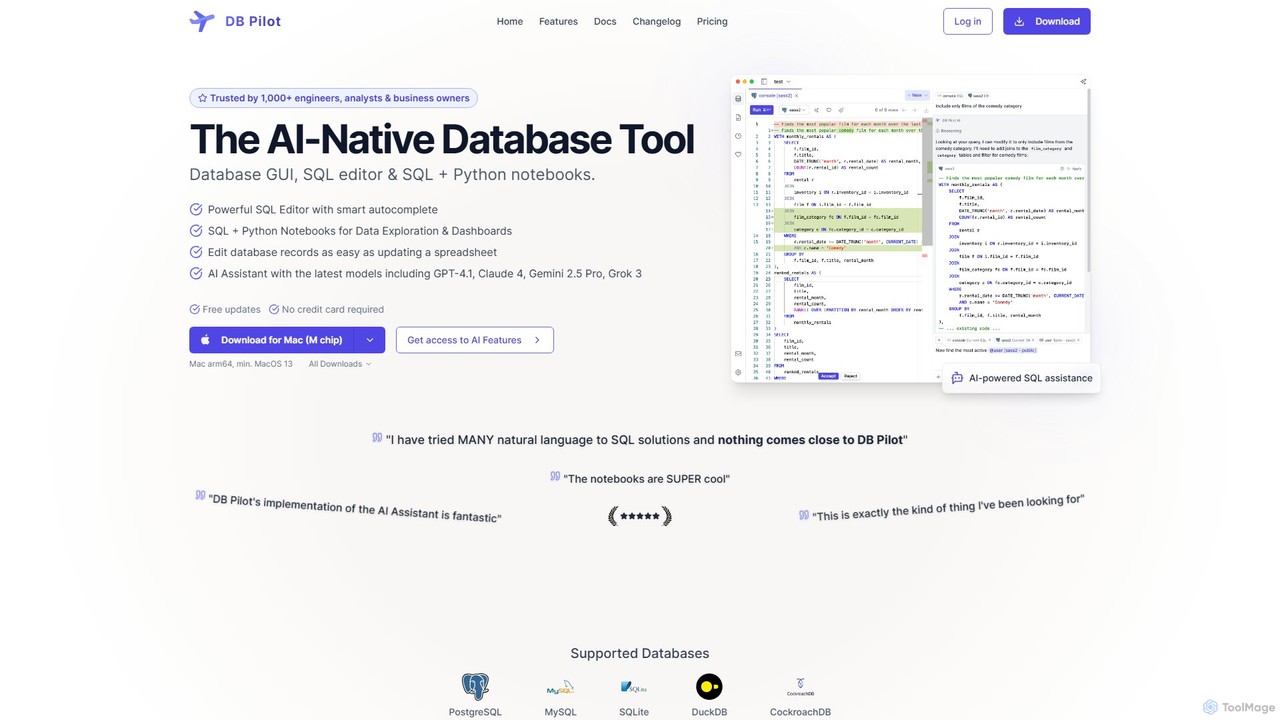
dbpilot is an AI-native database tool for engineers and analysts, featuring a powerful GUI, an intelligent SQL editor, and integrated SQL + Python notebooks. It leverages top AI models like GPT-4 and Claude to generate, debug, and explain queries, streamlining data exploration and dashboard creation in a secure, local-first environment.

Sql
Visits 7.7KFavorites 104Likes 124
Avanty
Freemium

Avanty

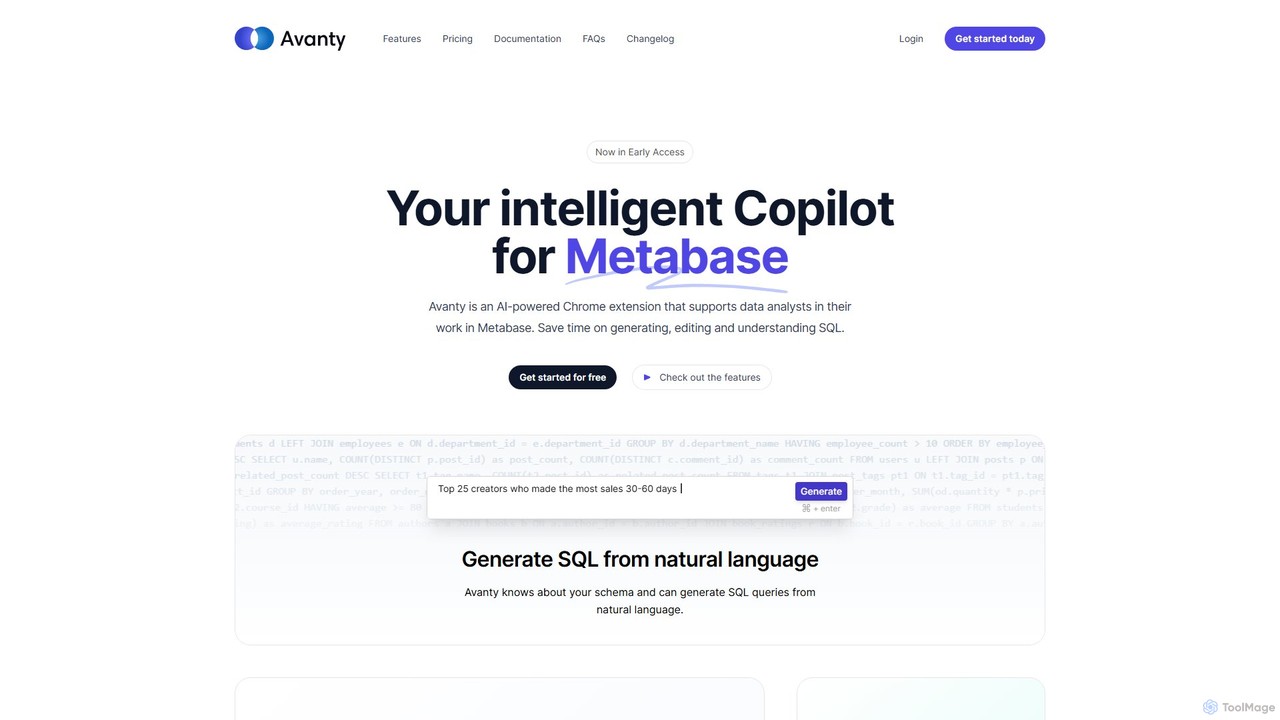
Avanty is an AI-powered Chrome extension designed as an intelligent copilot for data analysts using Metabase. It streamlines workflows by enabling users to generate, edit, explain, and format SQL queries using natural language. This tool significantly saves time, enhances productivity, and helps in understanding complex data queries, making data analysis faster and more intuitive.

Business Intelligence
Visits 8.2KFavorites 149Likes 152
QueryCraft
Freemium

QueryCraft

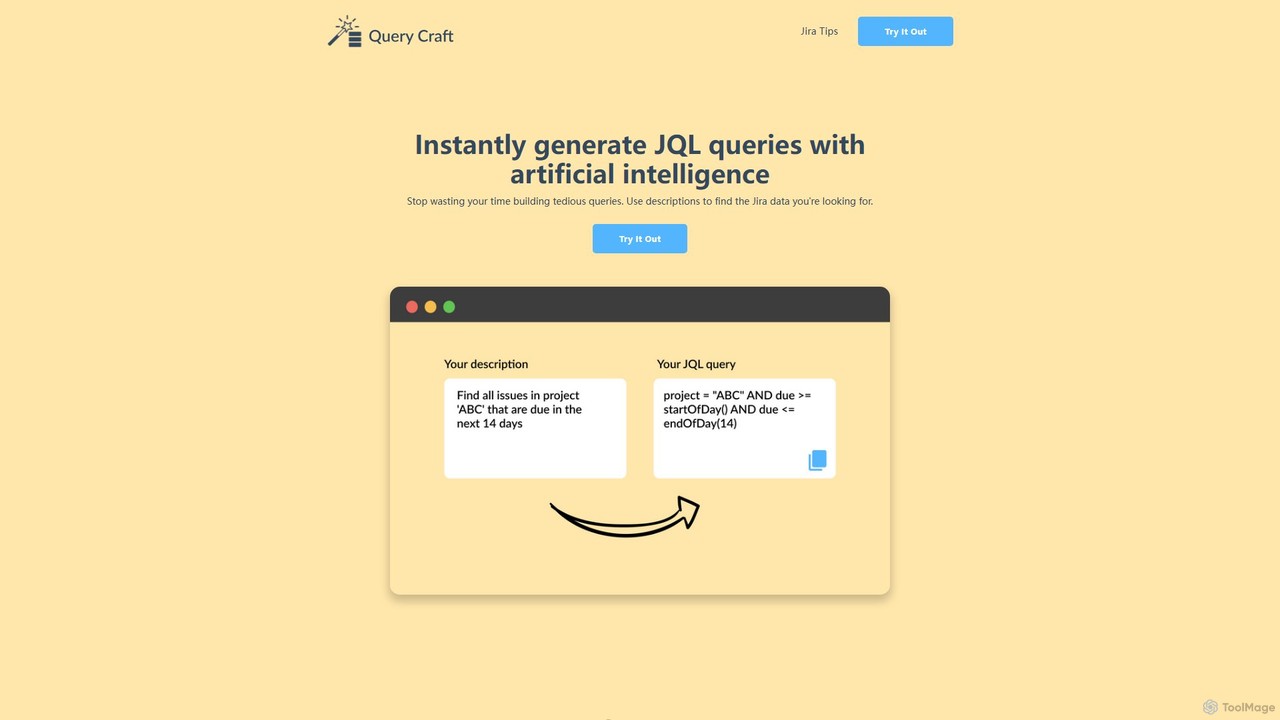
QueryCraft is an AI-powered tool that instantly generates complex Jira Query Language (JQL) queries from simple, natural language descriptions. It's designed for project managers, developers, and Scrum masters to save time and enhance productivity by simplifying Jira searches.

Database
Visits 8.5KFavorites 128Likes 129
WorqHat
Freemium

WorqHat

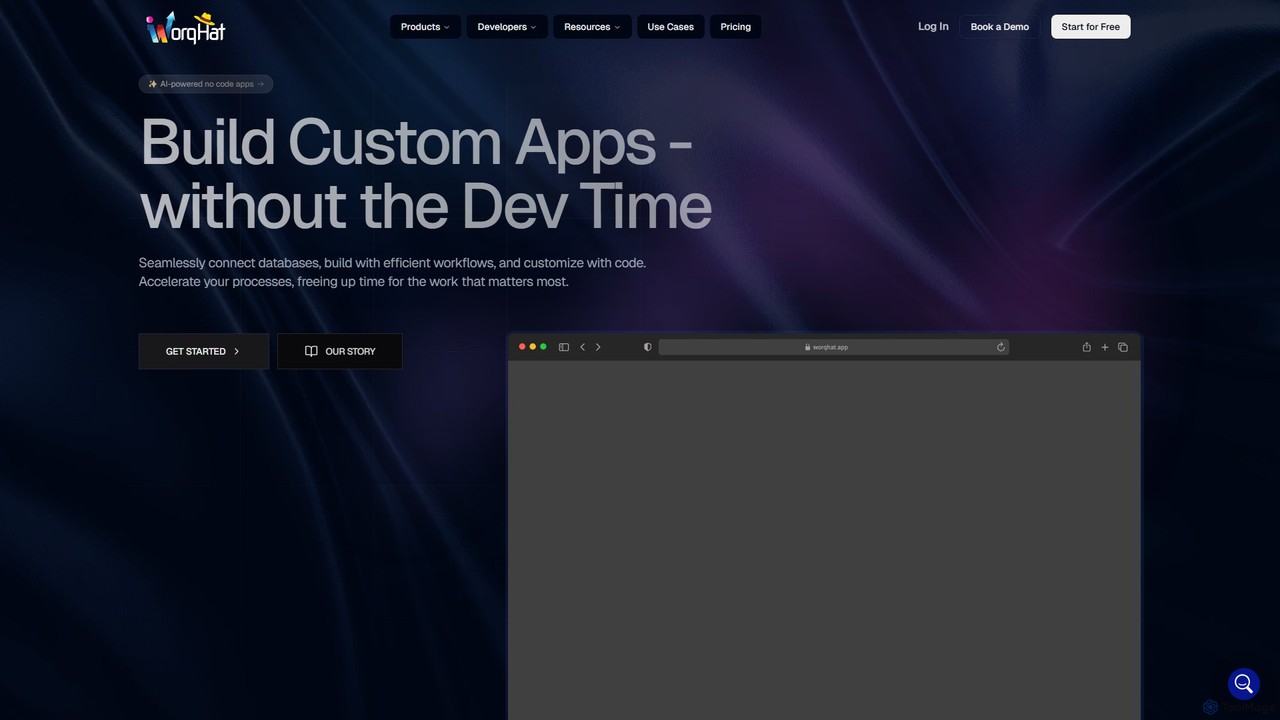
WorqHat is an AI-powered no-code platform that enables users to build custom business applications, automate complex workflows, and manage data seamlessly. With its intuitive drag-and-drop interface, integrated database, and collaborative workspace, it empowers teams to create tailored solutions like CRMs, ERPs, and internal tools without writing any code, accelerating processes and boosting productivity.

Workflow Automation
Visits 8.6KFavorites 160Likes 139
railsguard
Paid

railsguard

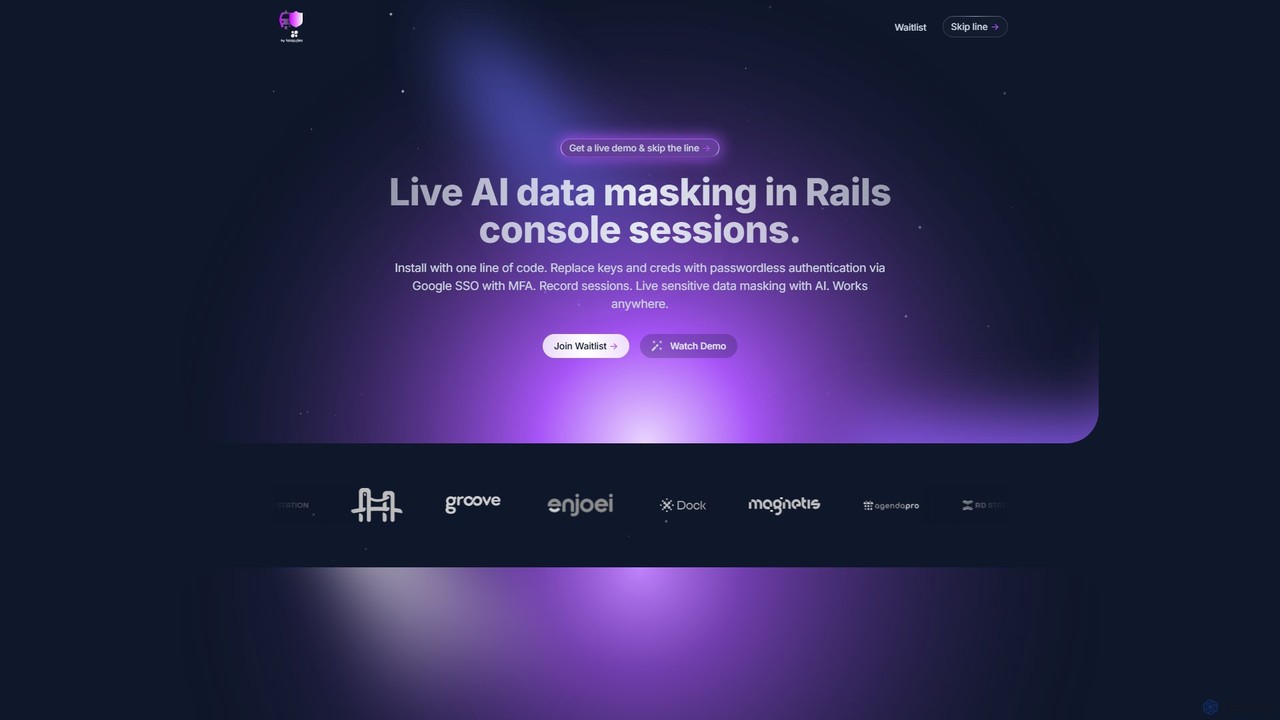
An AI-powered security tool for Ruby on Rails that provides live data masking, passwordless authentication, and comprehensive session auditing for console sessions. It enhances security and compliance without disrupting developer workflows.

Database
Visits 6.2KFavorites 112Likes 109
Defog.ai
Freemium

Defog.ai

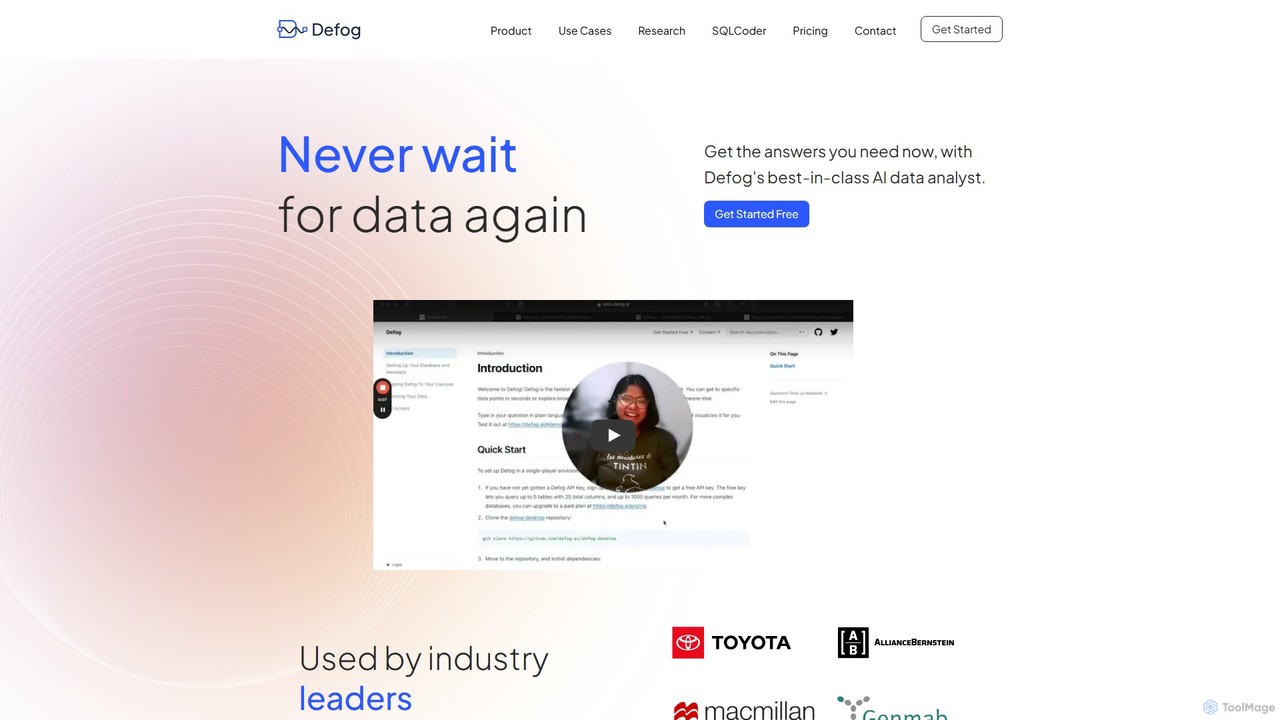
Defog.ai is an enterprise-grade AI data analyst that translates natural language questions into accurate SQL queries. Powered by its own state-of-the-art open-source model, SQLCoder, it enables teams to get instant data insights securely and efficiently, connecting to various databases and data sources.

Database
Visits 10.9KFavorites 159Likes 151
Activeloop
Freemium

Activeloop

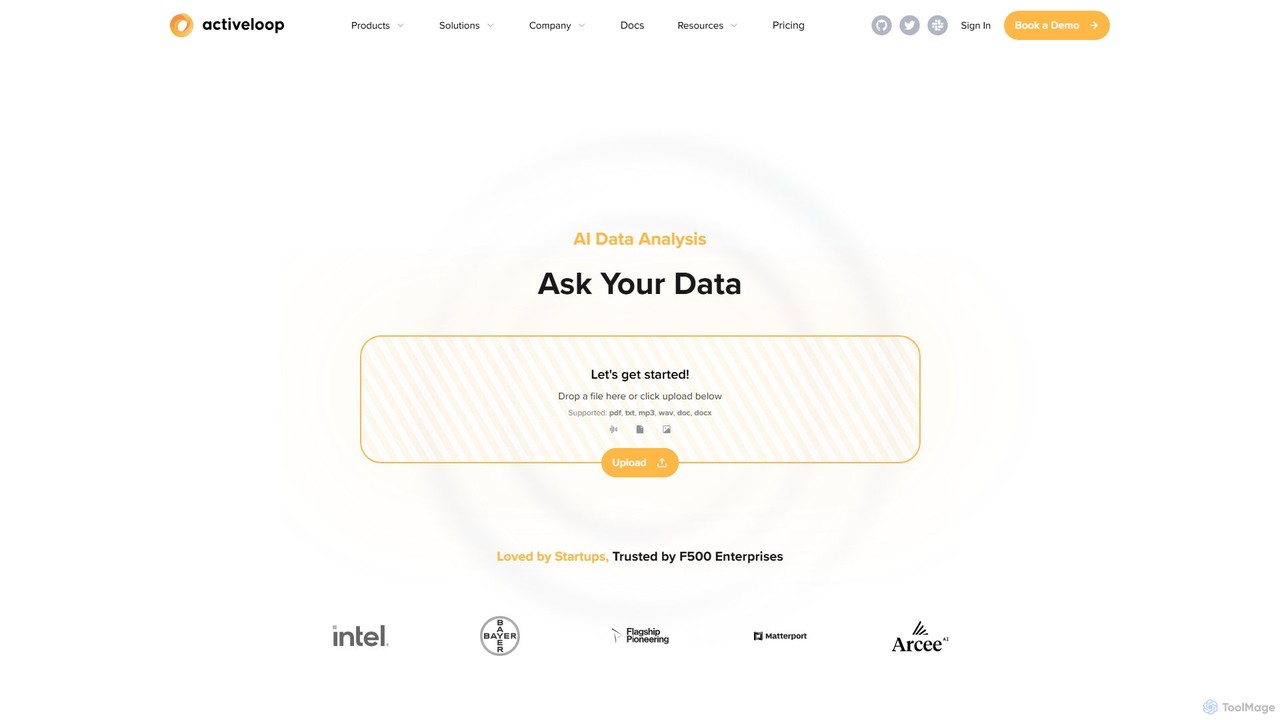
Activeloop provides Deep Lake, a specialized Database for AI, designed to manage, query, and stream large-scale multimodal datasets (text, images, audio, video) for building advanced AI applications. It simplifies complex data infrastructure, enabling developers to create powerful Retrieval-Augmented Generation (RAG) systems, semantic search engines, and intelligent AI agents with ease.

Data Management
Visits 50.4KFavorites 172Likes 139
Fuzzy Match
Freemium

Fuzzy Match

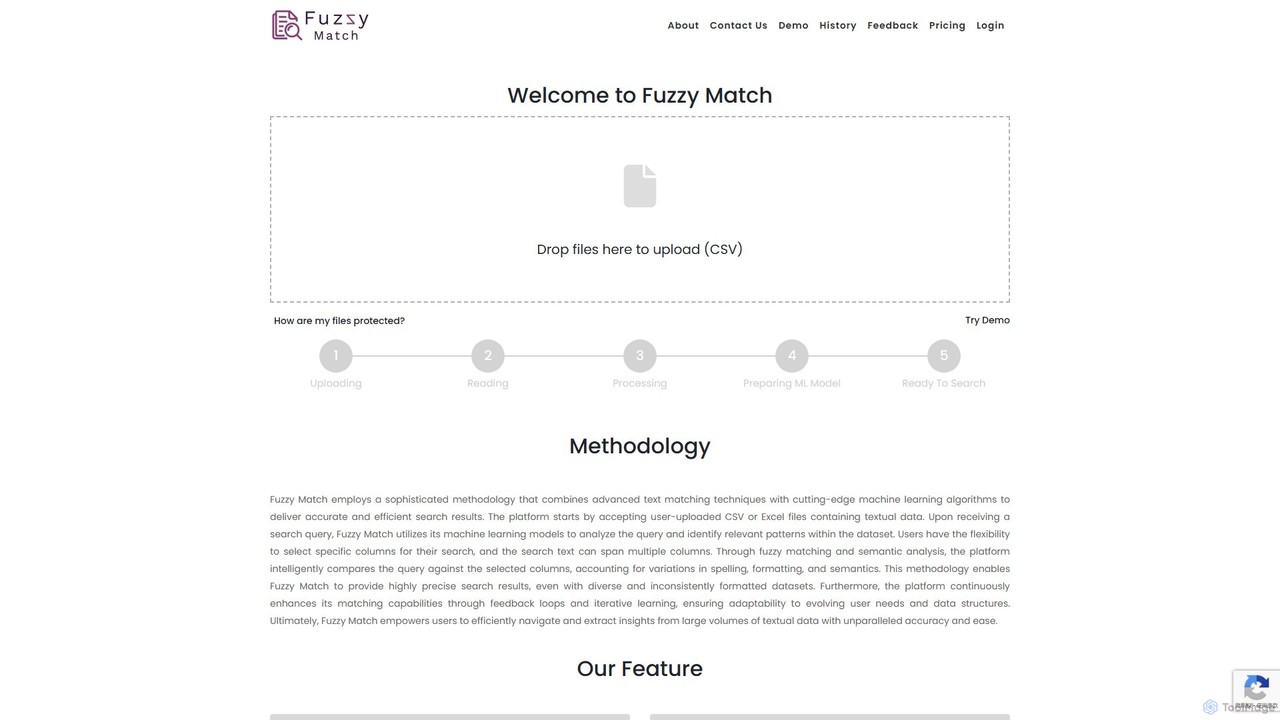
Fuzzy Match is an AI-powered data matching tool designed to clean and standardize datasets. It uses advanced machine learning algorithms to identify and resolve inconsistencies, typos, and spelling variations across multiple columns. Ideal for data analysts, researchers, and businesses, it simplifies data manipulation, enhances data accuracy, and enables more reliable data-driven decisions through its user-friendly web interface.

3D
Visits 6.4KFavorites 157Likes 147
Datascale
Freemium

Datascale

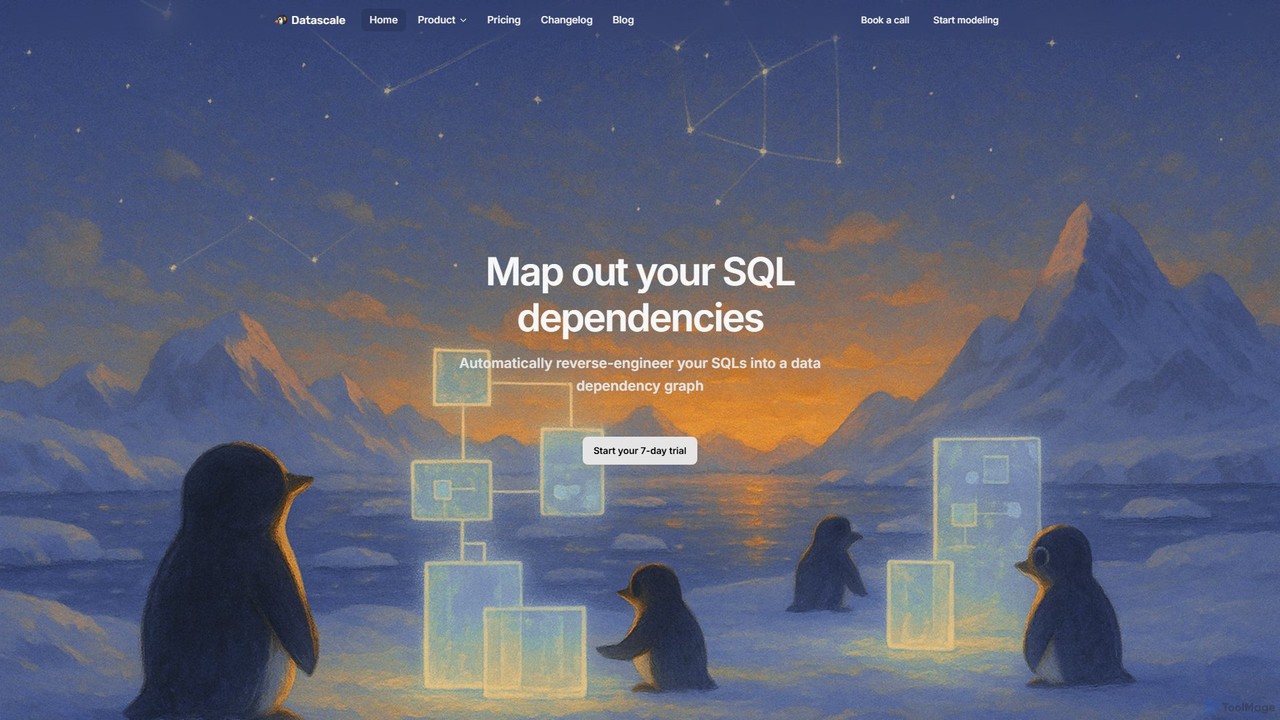
Datascale is a cloud-based data modeling and lineage platform designed for modern data teams. It uses AI to automatically visualize SQL dependencies, creating interactive data lineage graphs and ER diagrams. The platform helps users understand data flow, document models visually, and manage a centralized data catalog. With GenAI-powered search and seamless API integration, Datascale simplifies data discovery, impact analysis, and collaboration, ensuring your data knowledge is always clear, connected, and up-to-date.

Analytics
Visits 11.5KFavorites 117Likes 136

About Database

AI Databases are advanced data management systems that integrate artificial intelligence to automate and enhance data operations. They leverage machine learning for tasks like natural language querying, automated performance tuning, and vector search, enabling more intuitive and powerful data interaction. These tools are essential for building next-generation applications requiring semantic search, real-time analytics, and predictive modeling. Their primary value lies in reducing manual database administration and unlocking deeper insights from complex, unstructured datasets.

Core Features

  • Natural Language Querying: Interact with data using plain English questions instead of complex SQL code.
  • Automated Performance Tuning: The system self-optimizes indexes, caching, and query plans for maximum efficiency.
  • Integrated Vector Search: Natively store and search data based on semantic meaning and similarity, ideal for recommendation engines.
  • In-Database Machine Learning: Train and execute machine learning models directly on the data without moving it.

Use Cases

AI Databases are widely used by developers and data scientists building intelligent applications. Common scenarios include creating sophisticated recommendation engines for e-commerce, developing real-time fraud detection systems in finance, and enabling powerful semantic search capabilities for internal knowledge bases or customer-facing products.

How to Choose

When selecting an AI Database, consider the specific AI features you need, such as vector search or natural language processing. Evaluate its scalability and performance for your expected workload. Also, check its compatibility with your existing tech stack and machine learning frameworks, and consider the ease of use for both developers and data analysts.

Featured tool rankings

Database use cases

1

Building a Semantic Search Engine for E-commerce

An e-commerce developer needs to create a product search feature that understands user intent, not just keywords. Instead of matching 'red shoes', it should understand queries like 'footwear for a summer party'. Using an AI database with built-in vector search, the developer converts product descriptions and images into vector embeddings. When a user searches, their query is also converted into a vector, and the database finds the most semantically similar products. This results in more relevant search results, improved user experience, and higher conversion rates.

2

Developing a Real-time Fraud Detection System

A data scientist at a financial institution is tasked with preventing fraudulent transactions. They use an AI database with in-database machine learning capabilities. Transaction data streams directly into the database, where a pre-trained anomaly detection model runs in real-time. The model analyzes patterns, such as transaction amount, location, and frequency. If a transaction deviates significantly from a user's normal behavior, the database flags it instantly, allowing the institution to block the transaction and alert the customer, minimizing financial loss.

3

Natural Language Interface for Business Intelligence

A business analyst needs to quickly generate reports without relying on the IT department to write complex SQL queries. By connecting their BI tool to an AI database, they can ask questions in plain English, such as 'Compare sales of product X and product Y in the last quarter by region'. The AI database's natural language processing (NLP) engine translates this question into a formal query, executes it, and returns the data. This empowers non-technical users to perform self-service analytics, accelerating decision-making and freeing up developer resources.

4

Automated Performance Tuning for a High-Traffic App

A DevOps engineer manages the database for a rapidly growing social media application. As user traffic fluctuates, database performance can degrade. Instead of manually creating and dropping indexes or tuning query parameters, they use an AI database that performs automated tuning. The database's AI component continuously monitors workload patterns and predicts future query needs. It proactively creates optimal indexes, adjusts memory allocation, and rewrites inefficient queries on the fly. This ensures consistent high performance without constant manual intervention, reducing operational overhead.

5

Building a Personalized Content Recommendation Engine

A content creator for a streaming platform wants to increase user engagement by suggesting highly relevant videos. They use an AI database to store vector representations of their video content (based on titles, descriptions, and subtitles). When a user watches a video, the system queries the database to find other videos with the most similar vectors. This goes beyond simple tag-based matching, capturing the nuances and topics of the content. The result is a 'Recommended for You' section that feels genuinely personalized, leading to longer watch times and higher user retention.

6

Intelligent Log Analysis for Troubleshooting

A site reliability engineer (SRE) is investigating a production issue, facing millions of log entries. Instead of using complex grep commands or rigid log query languages, they ingest the logs into an AI database. They can then ask questions like, 'Show me all error logs related to payment failures in the last hour from the EU cluster'. The database uses NLP to understand the query and semantic search to find relevant log entries, even if they don't contain the exact keywords. This dramatically speeds up the root cause analysis process, reducing system downtime.

Database FAQ

What is an AI Database?

An AI Database is a data management system enhanced with artificial intelligence capabilities. Unlike traditional databases that simply store and retrieve data, AI databases can understand, analyze, and automate operations on the data. Key features often include natural language querying (asking questions in English), automated performance tuning, and integrated vector search for finding data based on semantic meaning. They are designed to power intelligent applications and simplify complex data analysis.

How do AI Databases differ from traditional SQL/NoSQL databases?

The primary difference lies in their core capabilities. Traditional databases focus on structured storage and efficient retrieval based on exact matches (SQL) or key-value lookups (NoSQL). AI Databases add a layer of intelligence on top of storage. Key differences include:

  • Querying: AI databases often support natural language or semantic search, while traditional ones rely on structured query languages like SQL.
  • Optimization: Many AI databases can self-tune their performance, whereas traditional databases require manual tuning by a database administrator (DBA).
  • Data Types: AI databases are built to handle complex, unstructured data like text and images through vector embeddings, a capability not native to most traditional systems.
What is vector search and why is it important for AI Databases?

Vector search is a method of finding data based on its semantic similarity rather than exact keyword matches. It works by converting data (like text, images, or audio) into numerical representations called vectors. The database then finds items whose vectors are closest in multi-dimensional space. This is crucial for AI databases because it enables applications like recommendation engines, image search, and question-answering systems that understand the context and meaning behind a user's query, providing far more relevant results than traditional search methods.

How do I choose the right AI Database for my project?

Choosing the right AI Database depends on your specific needs. Consider the following factors:

  • Primary Use Case: Are you building a search engine (needs strong vector search), a BI tool (needs good NLP), or a real-time analytics system (needs fast in-database ML)?
  • Data Model: Does your data fit a relational, document, or graph model? Ensure the AI database supports your data structure.
  • Scalability: Evaluate how the database handles growing data volumes and query loads. Look for distributed architecture and cloud-native options.
  • Ecosystem Integration: Check for compatibility with your programming languages, frameworks (like TensorFlow or PyTorch), and existing data infrastructure.
Can AI Databases work with both structured and unstructured data?

Yes, one of the key strengths of many AI databases is their ability to handle a mix of data types. They can manage traditional structured data (like user profiles in tables) while also excelling at processing unstructured data (like product reviews, images, or support tickets). They often achieve this by creating vector embeddings for unstructured content, allowing it to be queried and analyzed alongside structured data, providing a unified view of all information.