ToolMage
Sign in

Best 1,676 Image AI tools

Popular Image AI tools include Bing, Microsoft Copilot, DreamUp, boundlessai, labs.google/fx, remove.bg, Shutterstock, ourdream.ai, Tripo3D, and Higgsfield, helping you work more efficiently.

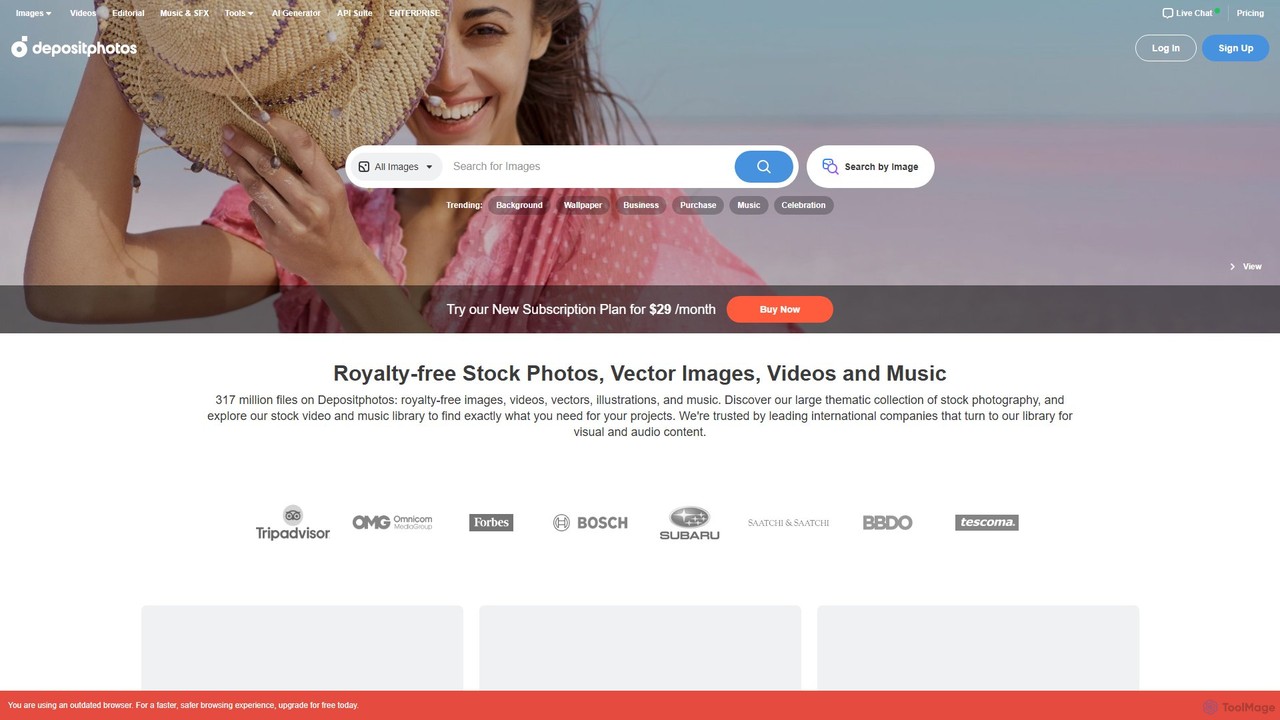
Depositphotos
Paid

Depositphotos

Depositphotos is a global marketplace for royalty-free images, videos, and music, featuring a library of over 317 million files. It uniquely combines a vast stock media library with an unlimited AI image generator, providing a comprehensive solution for creators, marketers, and businesses.

Stock Music
Visits 6.4MFavorites 150Likes 135
Pocket Paint
Freemium

Pocket Paint

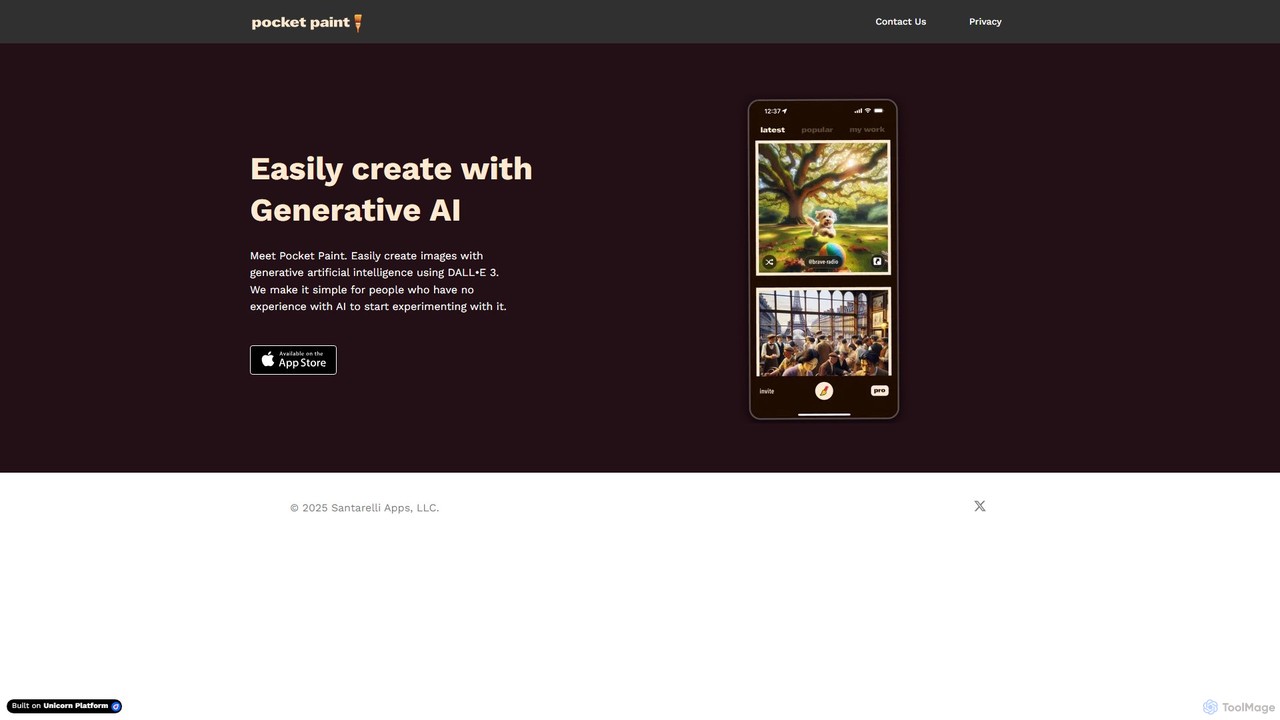
Pocket Paint makes AI image creation effortless. Powered by DALL-E 3, it provides a simple, intuitive interface for anyone, especially beginners, to generate high-quality, unique images from text prompts. Perfect for social media, blogs, marketing, and personal creative projects without any technical experience.

Generative Art
Visits 5.4KFavorites 126Likes 123
KiraHeadshots
Paid

KiraHeadshots

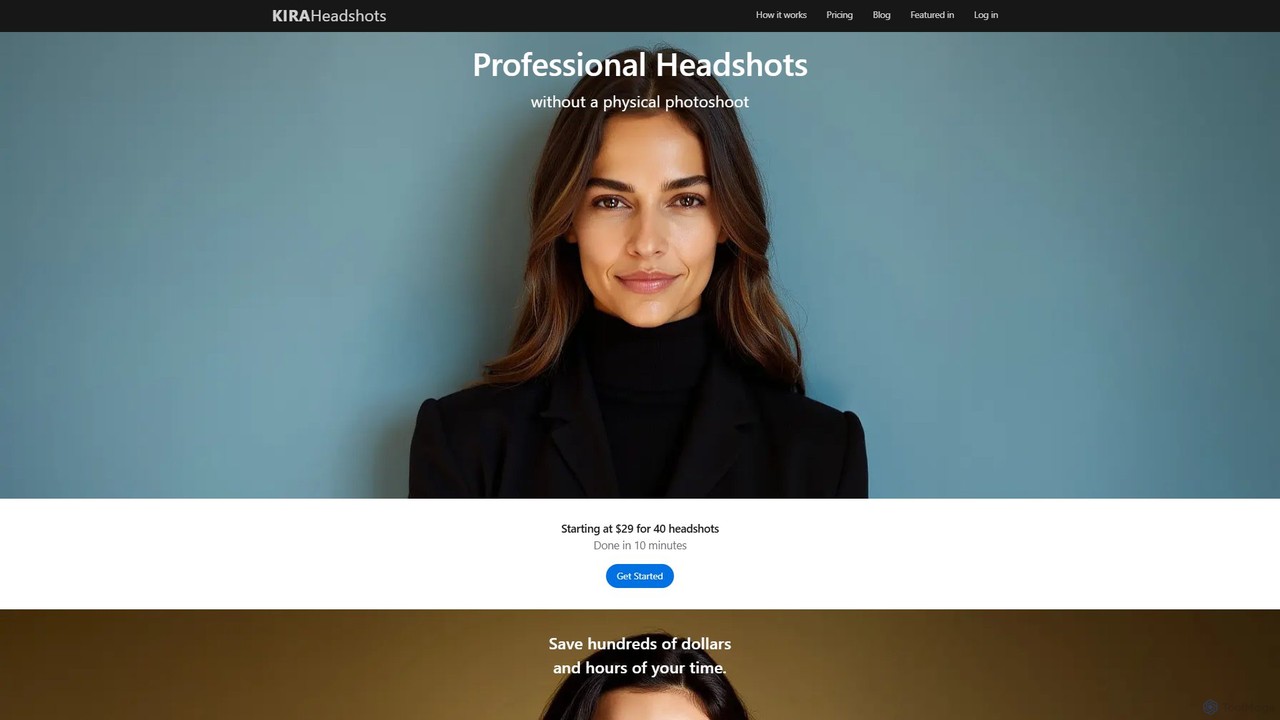
KiraHeadshots is an AI-powered tool that transforms your selfies into high-quality, professional headshots in minutes. Upload a few photos, and its advanced AI generates over 100 options with various outfits and backgrounds, saving you time and money compared to traditional photoshoots. Perfect for LinkedIn, corporate profiles, and personal branding.

Image Generation
Visits 5.5KFavorites 127Likes 112
aifaceswapper
Free

aifaceswapper

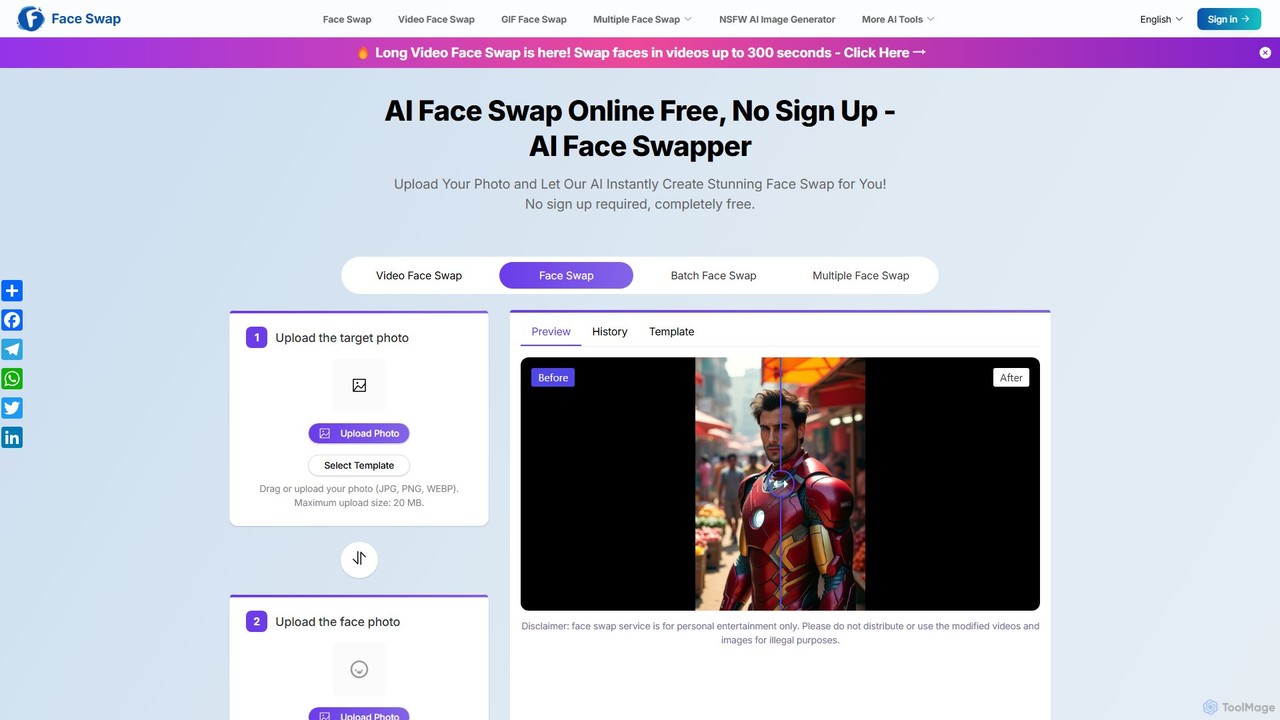
aifaceswapper is a free, online AI tool that allows users to instantly swap faces in photos, videos, and GIFs without any sign-up. It supports single, multiple, and batch face swaps, offering high-quality, realistic results. With a focus on user privacy, the tool provides a rich template library and a simple interface for creating fun memes, social media content, and creative projects effortlessly.

Meme Generator
Visits 491.8KFavorites 141Likes 129
neosvg
Paid

neosvg

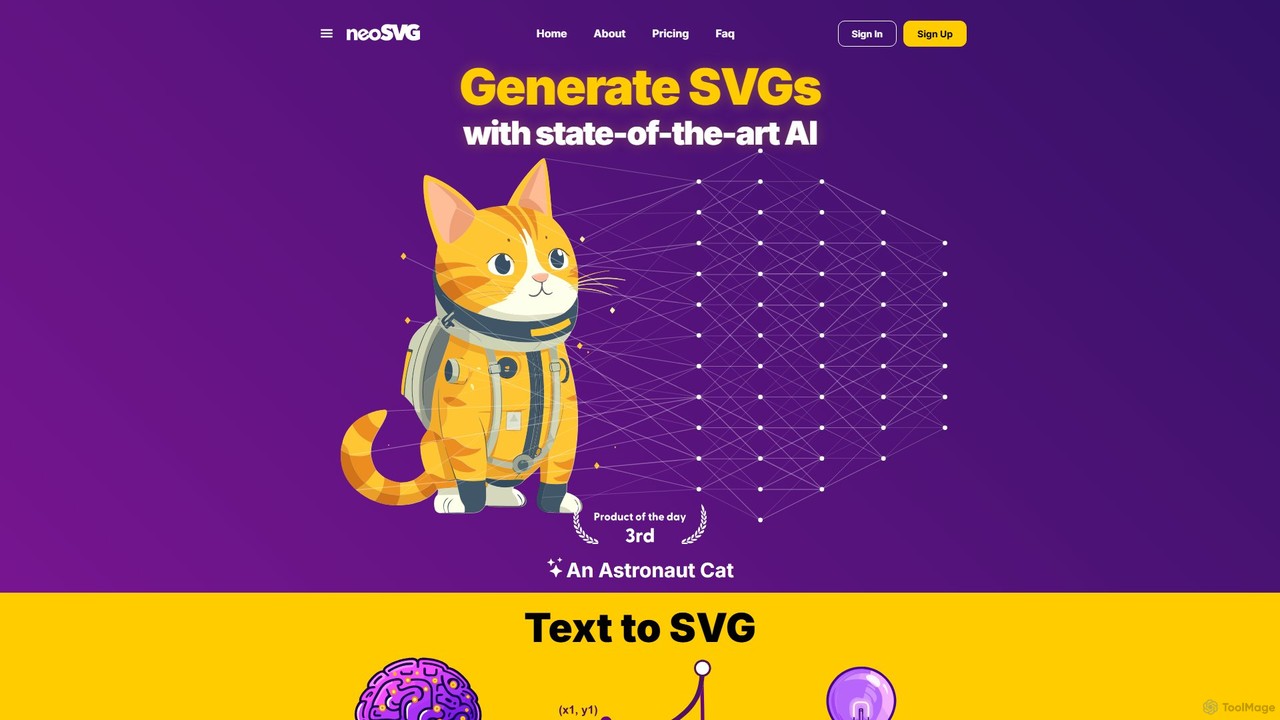
neosvg is an AI-powered platform that transforms text prompts into high-quality, infinitely scalable SVG vector graphics. Leveraging proprietary technology, it enables designers, developers, and creators to generate unique icons, logos, and illustrations in minutes, streamlining the creative workflow for web design, print, and digital media.

Vector Graphics
Visits 16.1KFavorites 136Likes 123
clyrbg
Freemium

clyrbg

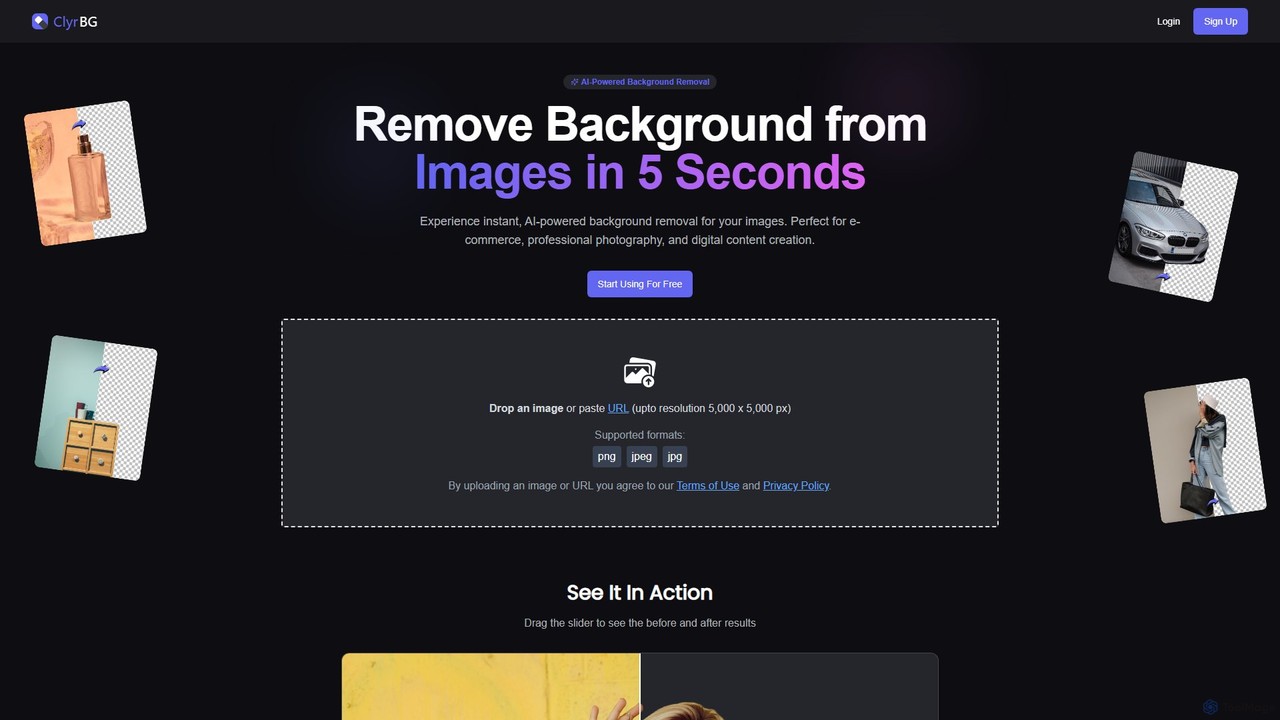
ClyrBG is an AI-powered tool that automatically removes backgrounds from images in just 5 seconds. It's designed for e-commerce, photographers, marketers, and designers, offering high-precision cutouts, batch processing, and an API for integration. Simply upload an image to get a transparent background instantly, no technical skills required.

Image Editing
Visits 5.5KFavorites 137Likes 138
Upscalepics
Freemium

Upscalepics

Upscalepics is an AI-powered image toolkit that enhances, upscales, and edits photos with remarkable precision. It can increase image resolution up to 8x, remove backgrounds, compress files, and prepare images for high-quality printing at 300 DPI. With features like batch processing, a browser extension, and API access, it serves photographers, designers, and e-commerce businesses.

Image Editing
Visits 71.4KFavorites 143Likes 137
experiments
Freemium

experiments

RunwayML Experiments is a cutting-edge platform for artists, researchers, and developers to access and test the latest, pre-release generative AI models. Explore novel tools for video, image, and 3D creation before they become mainstream. Push the boundaries of creativity by experimenting with next-generation AI technologies and providing direct feedback to the RunwayML research team.

3D Model Generation
Visits 8.2MFavorites 145Likes 149
blacktooth
Paid

blacktooth

blacktooth is an all-in-one AI platform providing a comprehensive suite of tools for a single $19 monthly fee. It integrates leading models like ChatGPT, Gemini, Claude, and Stable Diffusion, enabling users to generate text, images, code, and audio without juggling multiple subscriptions. It's a cost-effective and efficient solution for creators, developers, and marketers.

Text To Speech
Visits 5.5KFavorites 117Likes 122
Maker.ai
Freemium

Maker.ai

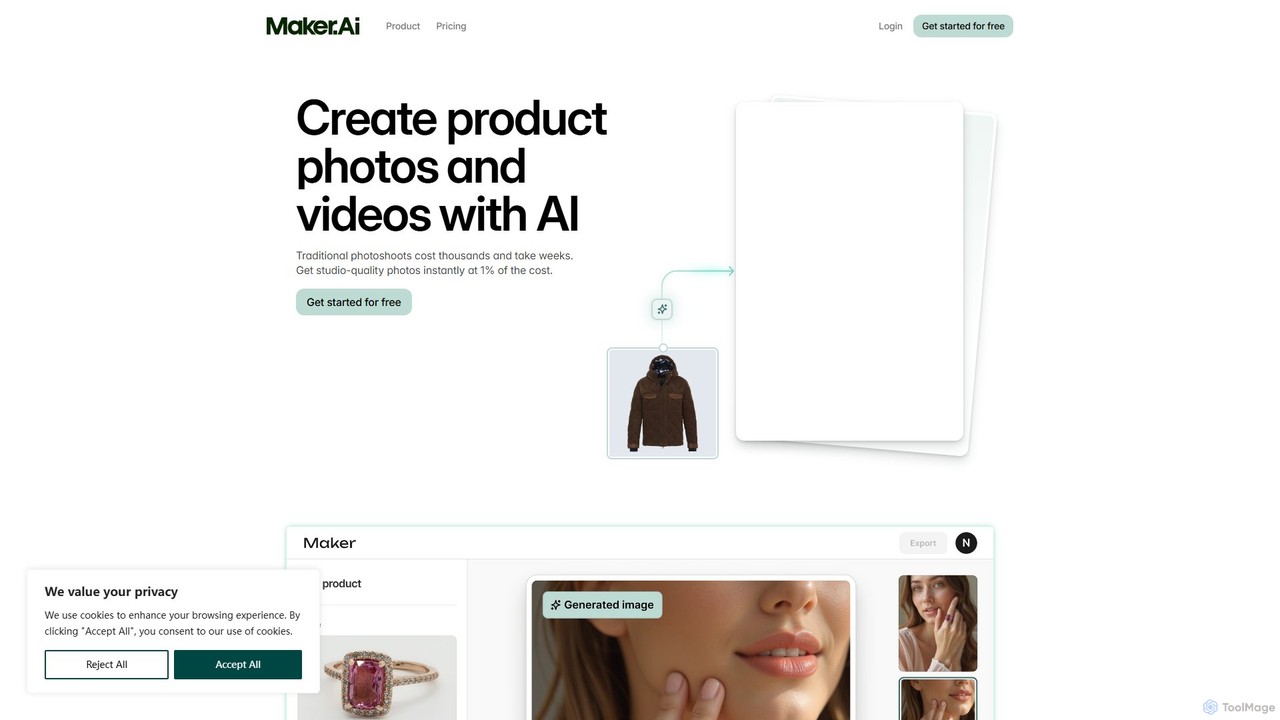
Maker.ai is an AI-powered platform for e-commerce, enabling brands to instantly generate high-quality product photos and videos. By uploading a single product image and describing a scene, users can create endless studio-quality visuals with virtual models and locations, drastically reducing the cost and time of traditional photoshoots.

Product Photos
Visits 19.5KFavorites 120Likes 133
Flair.ai
Freemium

Flair.ai

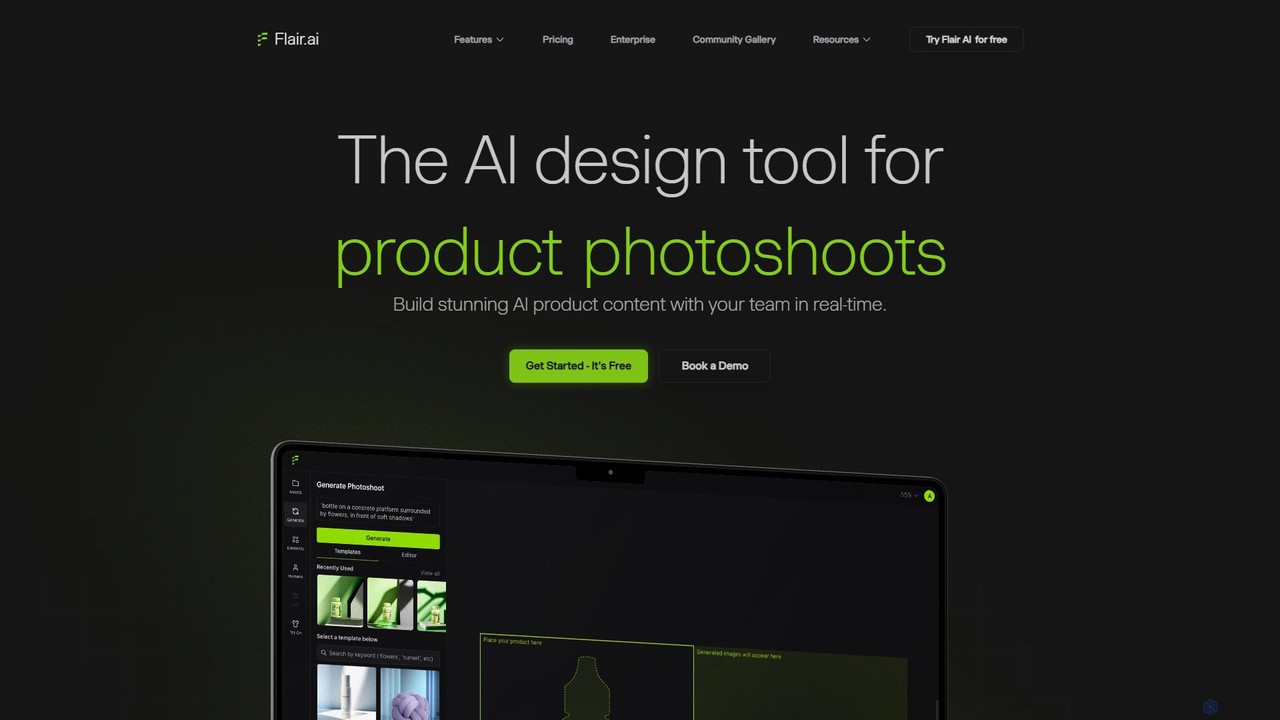
Flair.ai is an AI-powered design tool for creating stunning product photography, videos, and marketing content. It enables e-commerce brands to generate high-quality, on-brand visuals without expensive photoshoots. Users can place products in realistic scenes, use AI-generated models for fashion and beauty items, and leverage a suite of powerful editing tools to perfect their images.

Product Visualization
Visits 227.8KFavorites 147Likes 121
Pixlr
Freemium

Pixlr

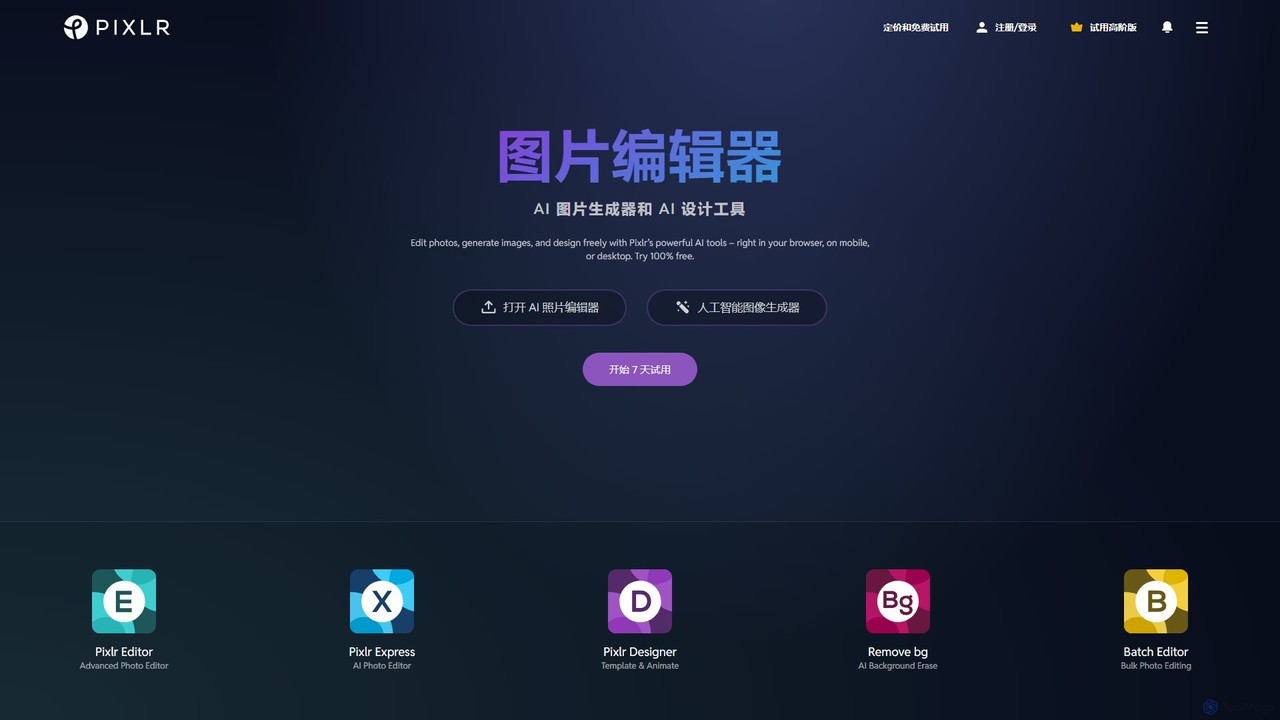
Pixlr is a comprehensive suite of online AI-powered tools for photo editing, image generation, and graphic design. Accessible on web, mobile, and desktop, it caters to both beginners and professionals with its intuitive interface, offering everything from quick edits and AI enhancements to advanced layer-based editing and text-to-image creation.

Graphic Design
Visits 10.2MFavorites 153Likes 153
Erase BG
Free

Erase BG

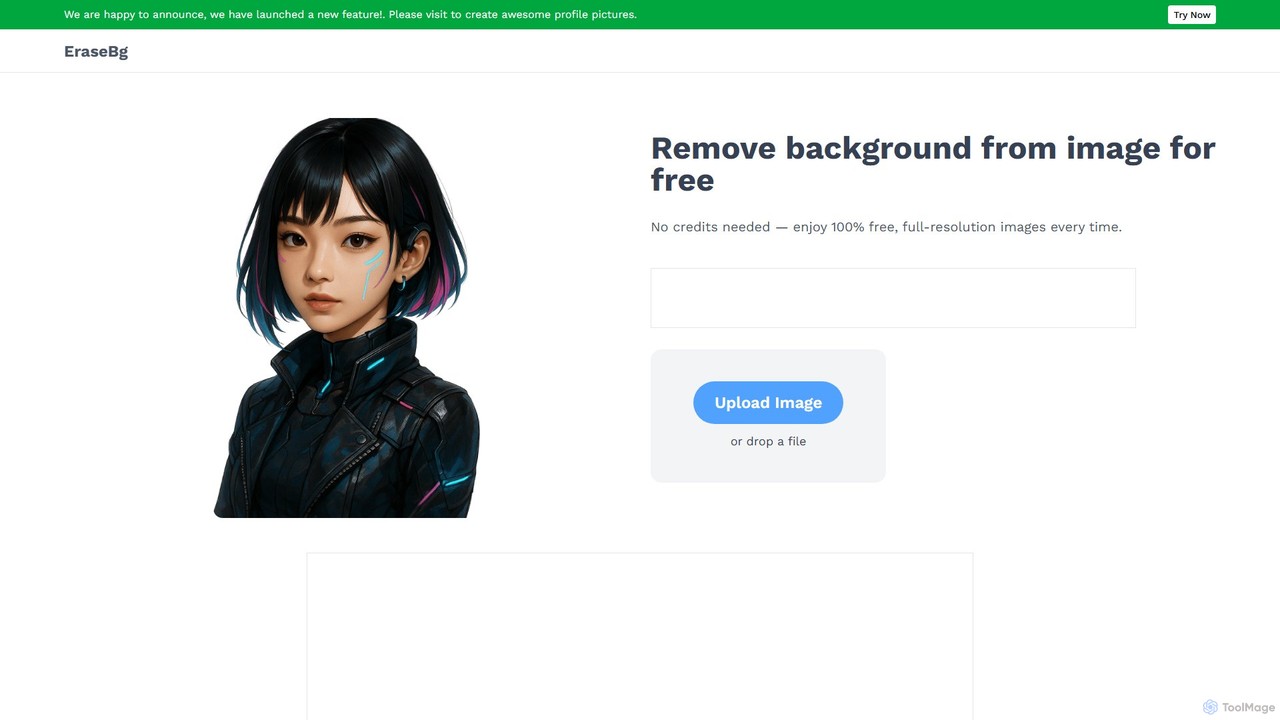
Erase BG is a completely free AI-powered tool that instantly removes backgrounds from images. It requires no registration or credits, offering unlimited downloads in high resolution (up to 4K). Simply upload your image to get a clean, transparent PNG or a white-background JPEG in seconds. It also features a creative GIF maker for personalized animations.

Image Editing
Visits 44.7KFavorites 167Likes 166
Anvsoft
Freemium

Anvsoft

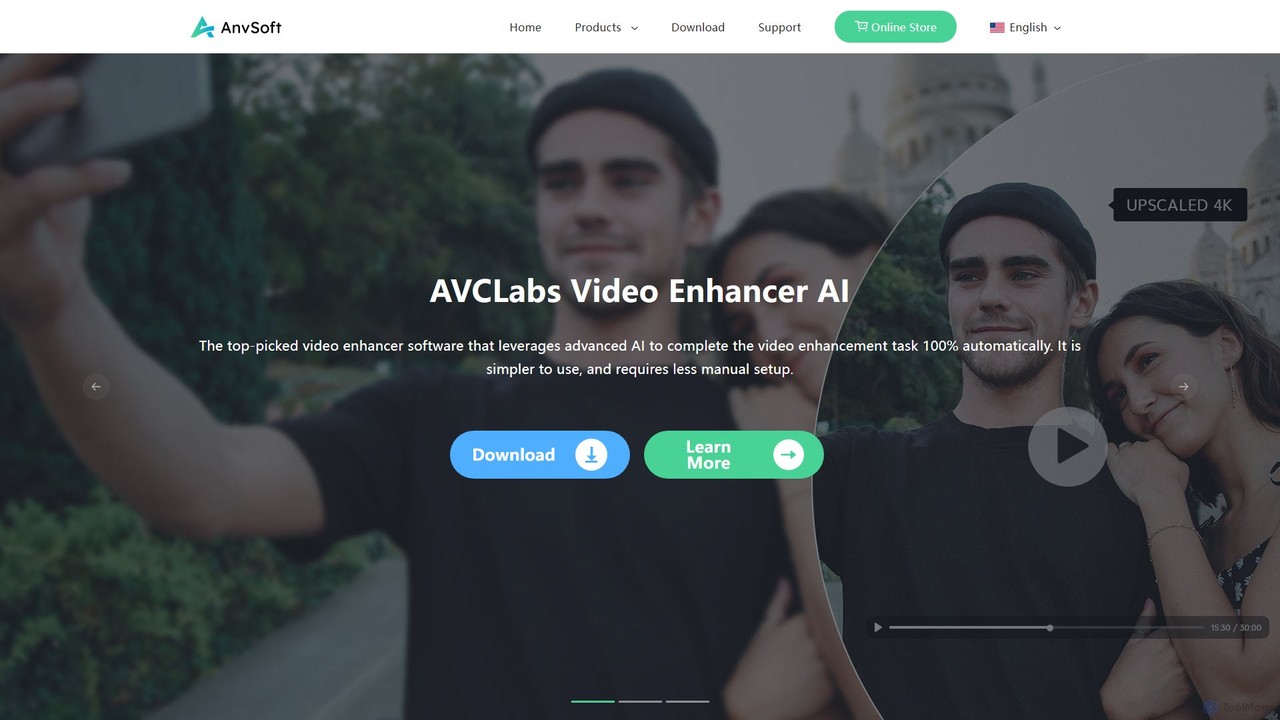
Anvsoft offers a suite of AI-powered multimedia software designed to enhance, convert, and edit videos and photos. Its flagship products, like AI Video Enhancer and AI Video Blur, use advanced algorithms for upscaling, colorization, face refinement, and automatic blurring, catering to both casual users and professionals.

Image Enhancement
Visits 38.8KFavorites 123Likes 131
Ai Image To Video
Freemium

Ai Image To Video

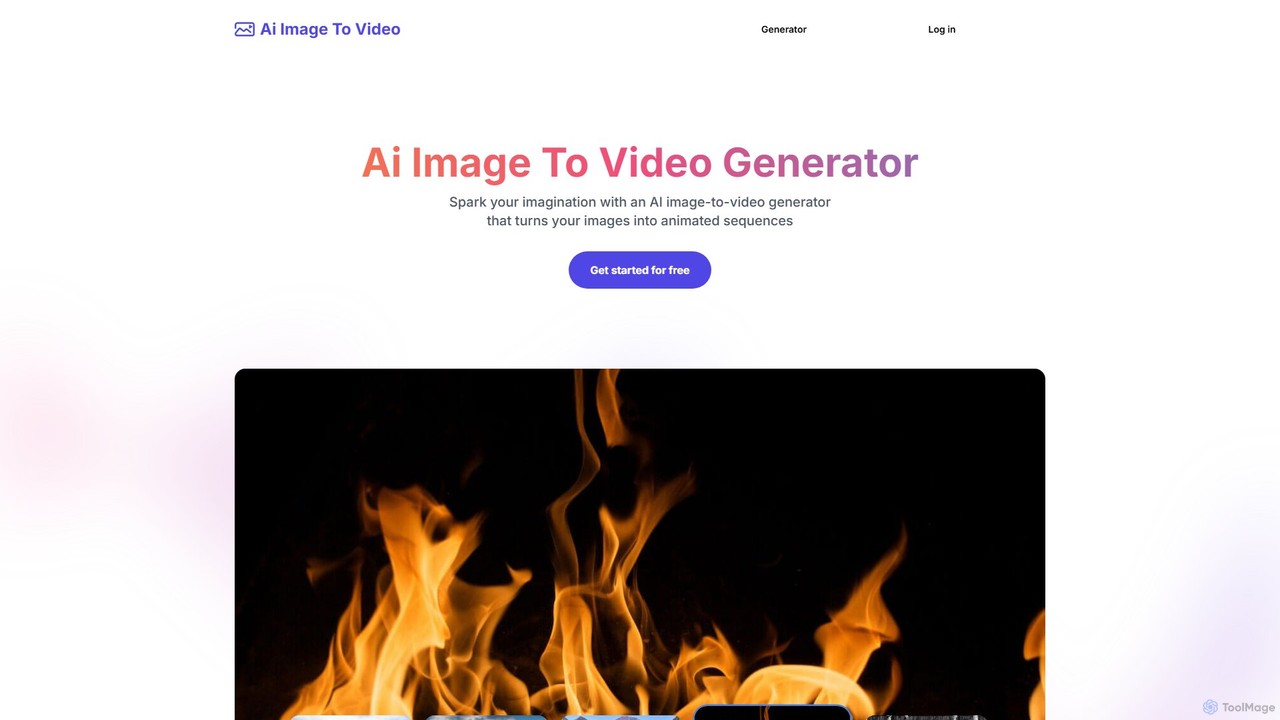
Ai Image To Video is an AI-powered online tool that transforms static images into dynamic, animated videos. By uploading an image and providing a text prompt, users can bring their photos to life with customized movements, styles, and effects. It's designed for creating engaging content for social media, marketing, and personal projects, requiring no video editing skills.

Image Animation
Visits 10.9KFavorites 144Likes 152
CamoCopy
Freemium

CamoCopy

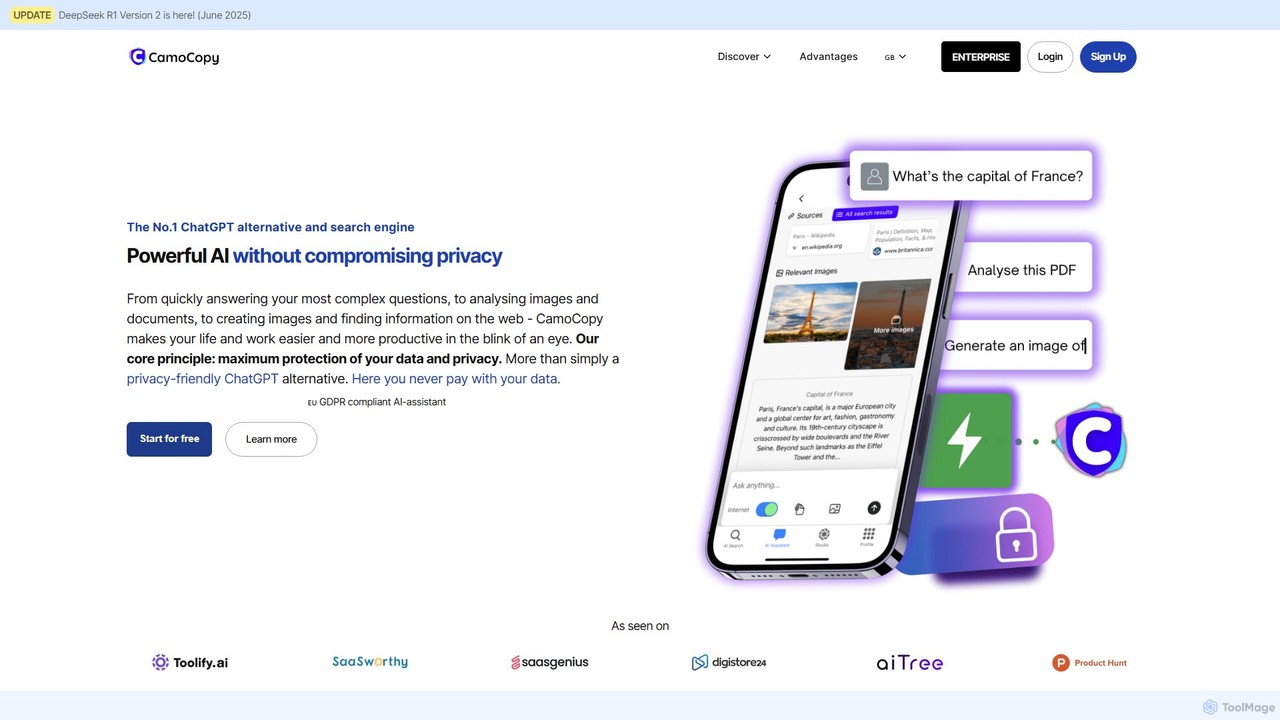
CamoCopy is the privacy-first AI assistant, offering a powerful alternative to ChatGPT. It combines AI chat, an anonymous search engine, image recognition, and a text-to-image generator. Built in the EU and fully GDPR-compliant, it ensures your data is encrypted and never used for training. Ideal for individuals and businesses seeking productivity without compromising privacy.

Image Generators
Visits 15.6KFavorites 148Likes 139
Whatmore
Freemium

Whatmore

Whatmore is an AI-powered platform for e-commerce brands, specializing in the fashion industry. It enables users to instantly generate studio-quality, on-model photos and engaging videos from simple product images. It also offers shoppable video widgets to enhance website conversions, helping brands reduce production costs, accelerate time-to-market, and boost sales.

Product Videos
Visits 83.1KFavorites 113Likes 127
Magic Photos
Paid

Magic Photos

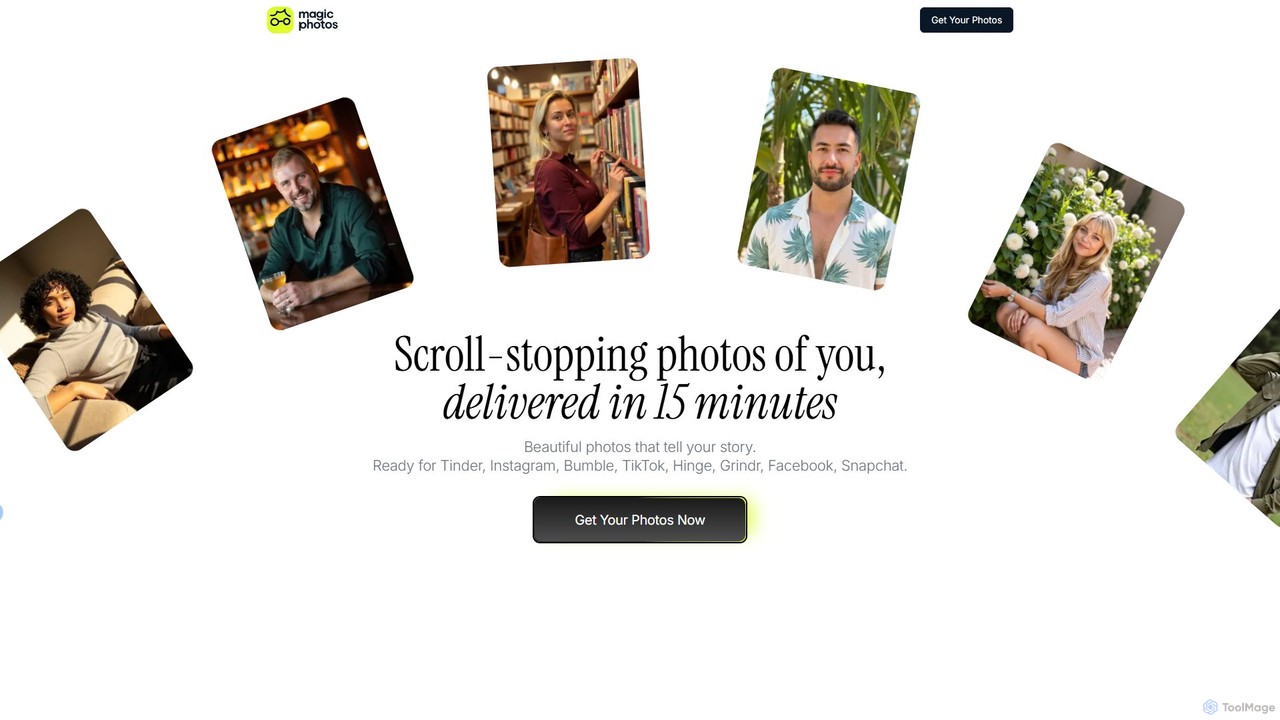
Magic Photos is an AI-powered platform that transforms your everyday pictures into stunning, professional-quality portraits and headshots in minutes. Simply upload 10 photos, choose from a wide variety of styles, and our AI will generate hyper-realistic images perfect for dating profiles, social media, and professional branding. Get scroll-stopping photos without the need for an expensive photoshoot.

Dating
Visits 5.4KFavorites 135Likes 132
Swapr
Freemium

Swapr

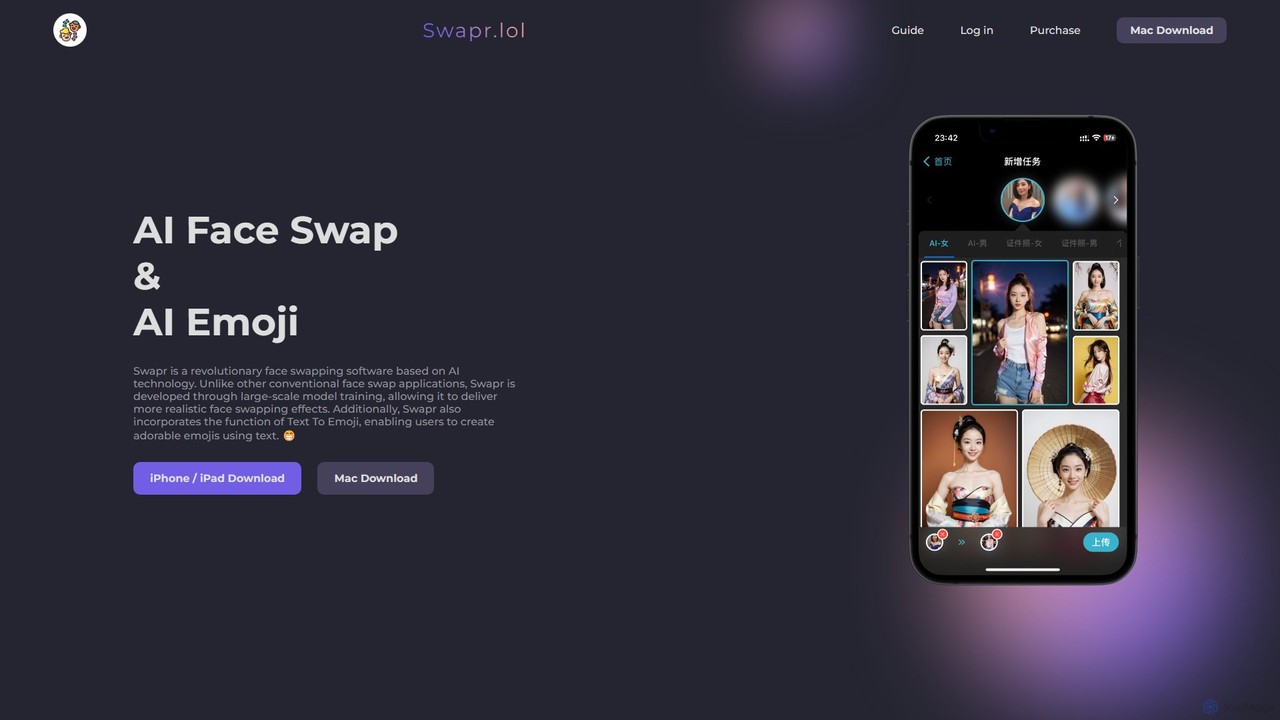
Swapr is a high-speed AI-powered application for iOS, Mac, and iPad that creates incredibly realistic face swaps in just 10 seconds. It also features a unique Text-to-Emoji generator. With a focus on quality, speed, and user privacy, Swapr offers a fun and secure way to create entertaining and creative visual content.

Emoji Generation
Visits 6.7KFavorites 146Likes 145
opendream
Freemium

opendream

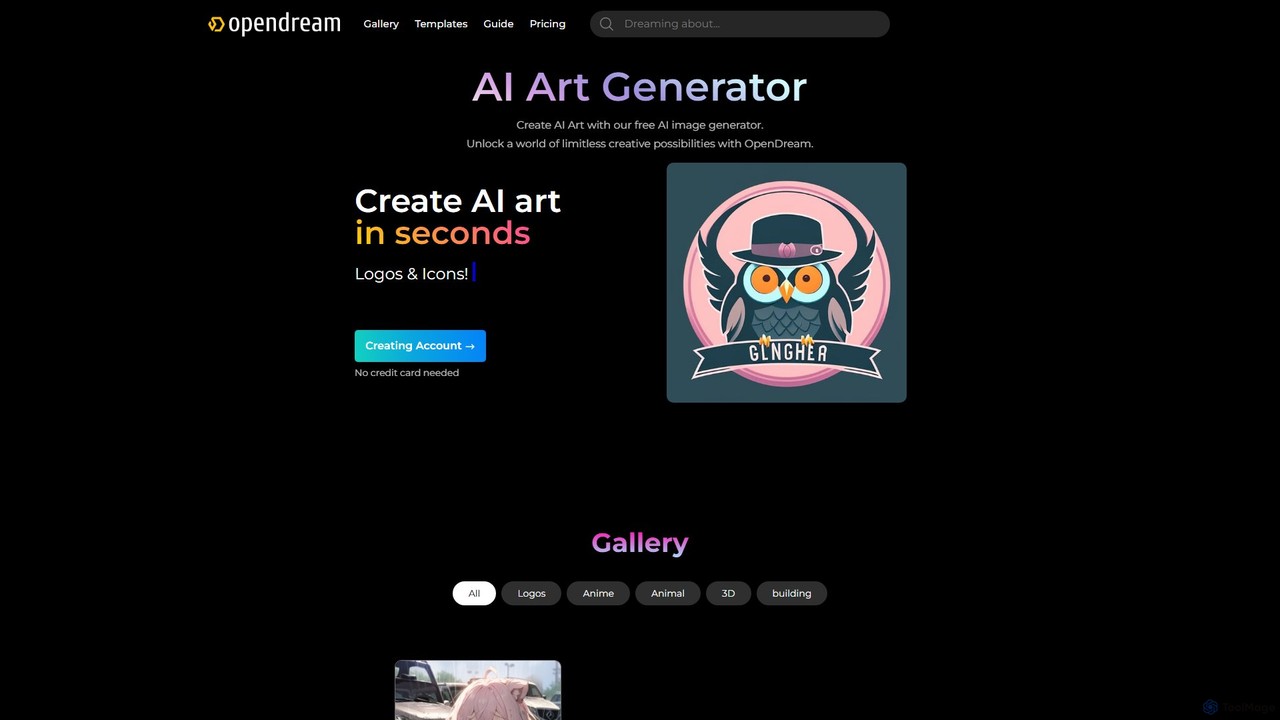
Opendream is a user-friendly, web-based AI art generator that transforms text prompts into stunning images. It offers multiple AI models, customizable templates, and advanced controls for both beginners and experts. Users can create everything from photorealistic scenes and anime characters to logos and icons, with a generous free plan and options for commercial use.

Generative Art
Visits 14.5KFavorites 137Likes 137
PikFlow
Freemium

PikFlow

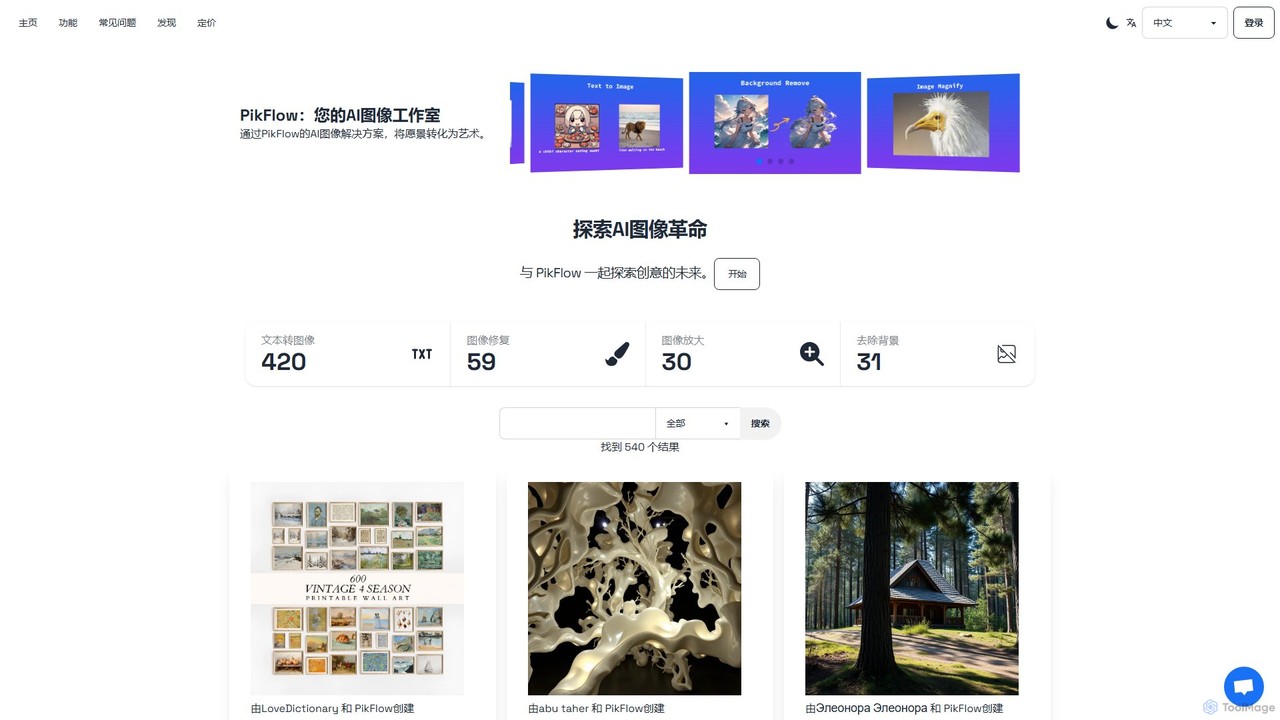
PikFlow is a comprehensive AI image studio that empowers users to transform text prompts into stunning visuals, restore old photos, upscale images without quality loss, and remove backgrounds effortlessly. Designed for artists, marketers, and creators of all levels, it offers a user-friendly interface and a suite of powerful tools to streamline creative workflows and bring imagination to life.

Image Generation
Visits 5.5KFavorites 120Likes 124
HairstyleAI
Paid

HairstyleAI

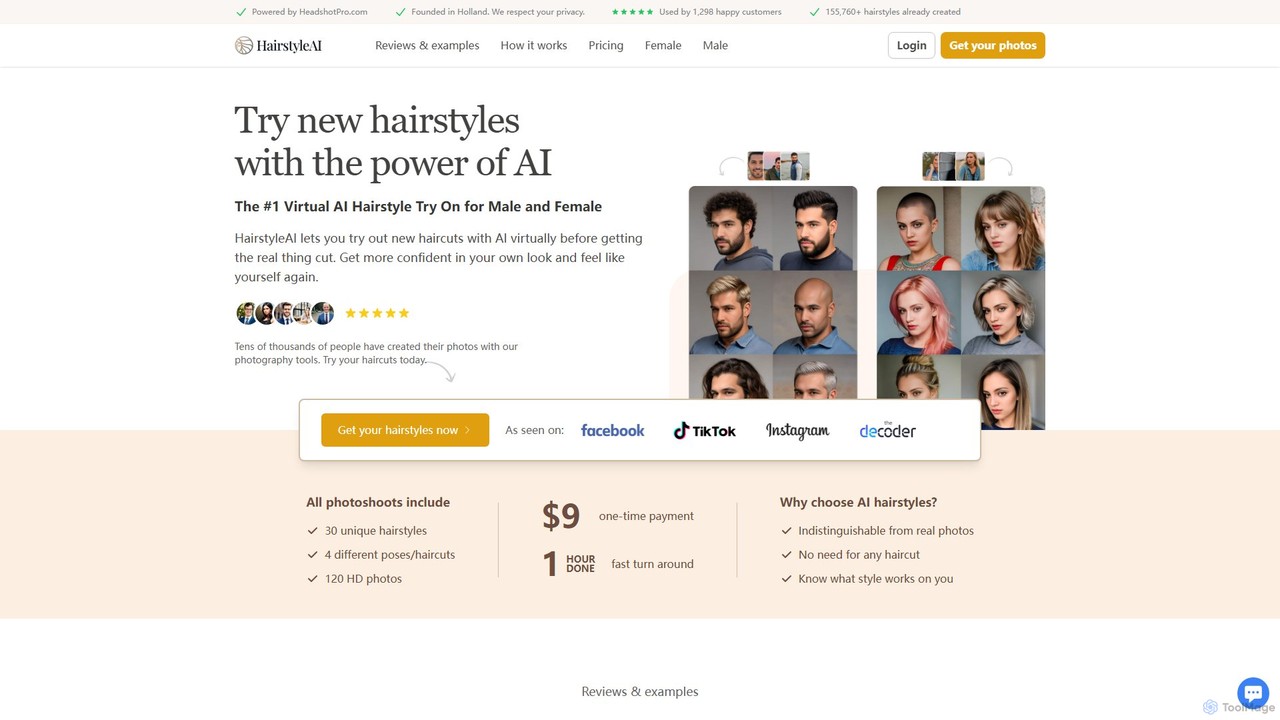
HairstyleAI is an AI-powered tool that lets you virtually try on new hairstyles. By uploading your selfies, you can receive 120 HD photos showcasing 30 different haircuts and styles for both men and women. It's a fast, affordable way to experiment with your look, gain confidence, and find the perfect hairstyle before committing to a real cut.

Entertainment
Visits 8.7KFavorites 130Likes 120
coolifyme
Paid

coolifyme

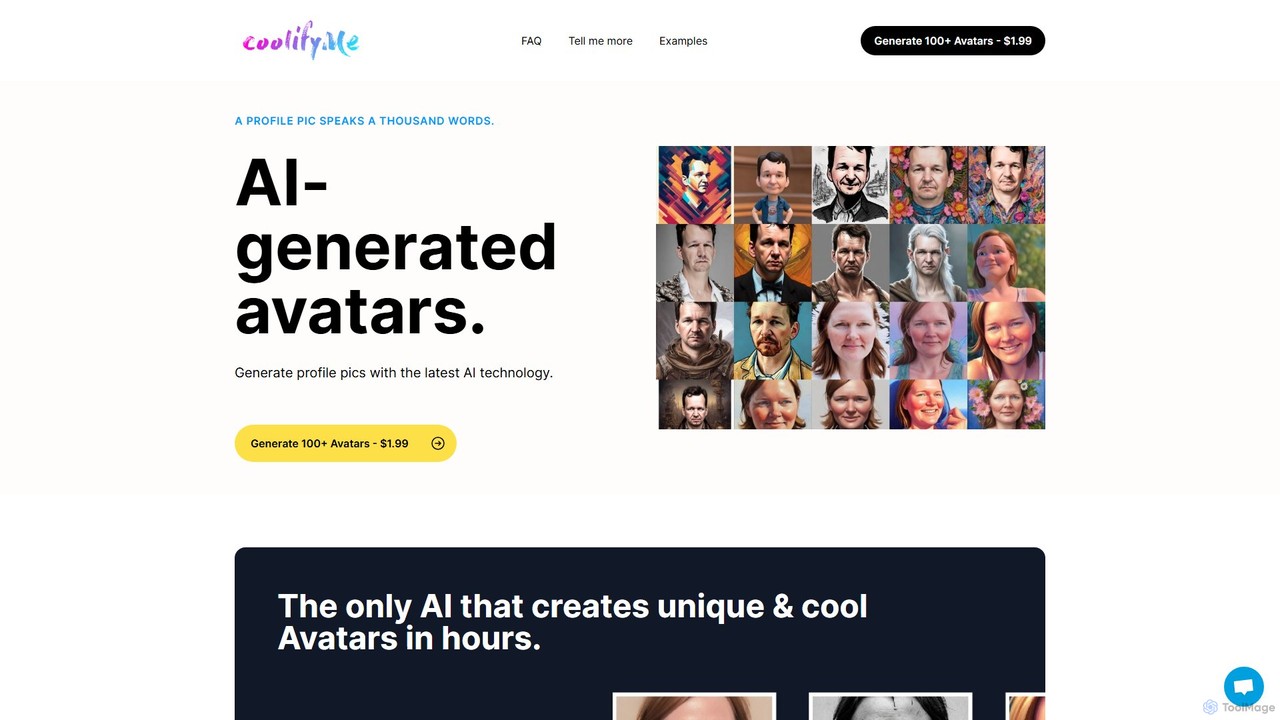
coolifyme is an AI-powered avatar generator that creates over 100 unique and stylish profile pictures from your photos. Simply upload 18 images, and the AI will train to produce a diverse collection of high-quality avatars in various styles within hours. It's a fast, affordable, and secure way to enhance your online identity across social media, professional networks, and gaming platforms.

Ai Art Generator
Visits 5.6KFavorites 138Likes 141
Personfy
Freemium

Personfy

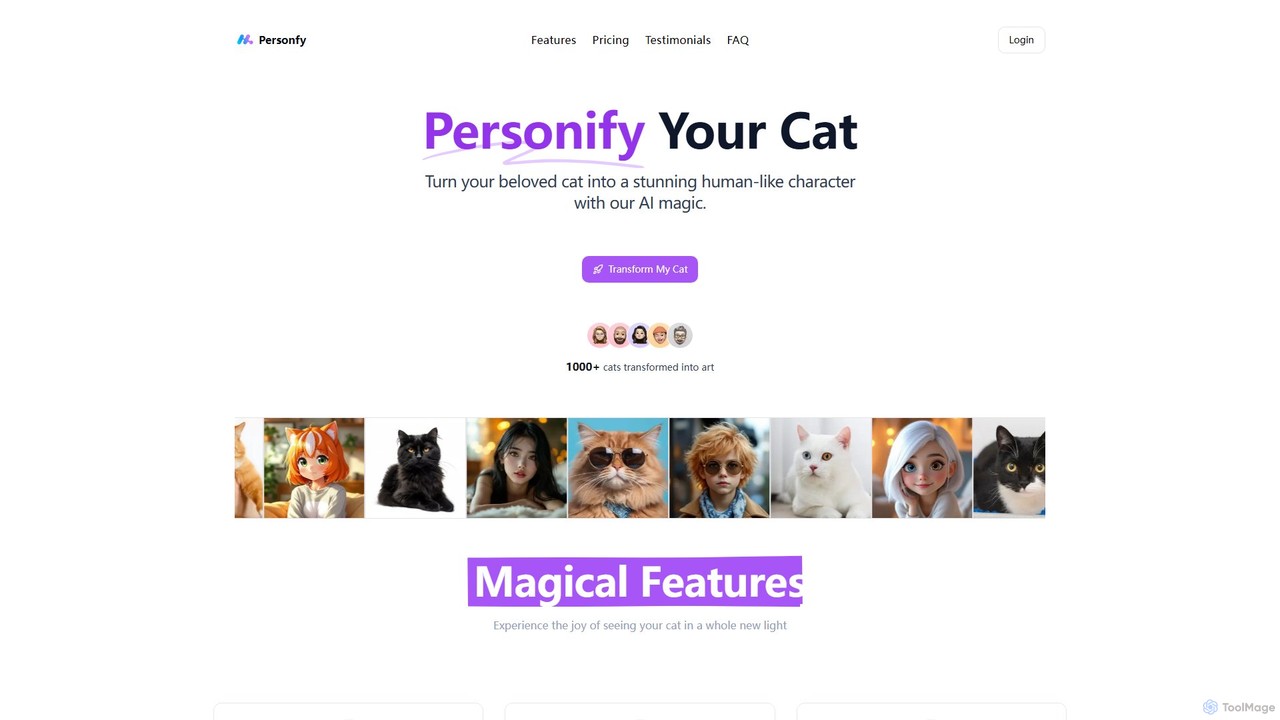
Personfy is an AI-powered tool that transforms your cat's photos into stunning, human-like characters. By analyzing your cat's unique features and personality, it generates high-resolution artwork in various artistic styles like realistic portraits, Ghibli, Disney, and Pixar. It's a fun and creative way for cat lovers to reimagine their pets as unique personas, perfect for social media, printing, and framing.

Pets
Visits 5.5KFavorites 168Likes 170

About Image

AI Image tools are a diverse category of software that leverage artificial intelligence to create, edit, analyze, and manage visual content. These tools utilize advanced models like diffusion and Generative Adversarial Networks (GANs) to generate novel visuals or apply complex edits with simple commands. They empower creators, marketers, and developers to produce high-quality graphics, automate repetitive editing tasks, and extract valuable data from images. This technology significantly lowers the barrier to professional-grade visual content creation and processing for a wide range of users.

Core Features

  • Image Generation: Create original images from text descriptions (text-to-image), sketches, or by combining other images.
  • Intelligent Editing & Enhancement: Automatically remove backgrounds, erase unwanted objects, upscale low-resolution images, and perform advanced color correction.
  • Image Analysis & Recognition: Identify and tag objects, faces, text (OCR), and scenes within an image to enable search and data extraction.
  • Style Transfer: Apply the artistic style of one image to another, transforming photos into various art forms like paintings or sketches.
  • Batch Processing: Automate editing or analysis tasks across hundreds or thousands of images simultaneously.

Use Cases

AI Image tools are widely used across various industries. Marketers and social media managers use them to quickly generate unique ad creatives and post visuals. E-commerce businesses rely on them for batch processing product photos, such as background removal and color enhancement. Designers and artists leverage these tools for brainstorming, concept art creation, and rapid prototyping of visual ideas.

How to Choose

When selecting an AI Image tool, first identify your primary need: generation, editing, or analysis. Evaluate the output quality, resolution, and the level of creative control the tool provides. For business use, consider its integration capabilities via API and its capacity for batch processing. Finally, assess the user interface and learning curve to ensure it matches your team's technical skill level.

Featured tool rankings

Image use cases

1

Generate Marketing Visuals for Social Media

A social media manager for a fashion brand needs to create daily, eye-catching visuals for Instagram campaigns. Instead of spending hours searching for stock photos or waiting for a designer, they use an AI image generator. By inputting prompts like 'futuristic street style photo of a woman wearing a neon jacket in Tokyo', they can generate dozens of unique, high-quality images in minutes. This allows them to maintain a consistent and engaging visual feed, A/B test different creative concepts, and reduce content production costs by over 70%.

2

Batch Process E-commerce Product Photos

An e-commerce store owner needs to upload 500 new product photos to their website. Each photo requires background removal, color correction, and resizing to fit the site's specifications. Manually editing each image would take days. By using an AI image editing tool, they can upload all 500 images at once. The tool automatically removes the background, applies a consistent white backdrop, enhances product colors, and resizes them. The entire process is completed in under an hour, ensuring product listings go live faster and maintaining a professional, uniform look across the store.

3

Create Concept Art for Game Development

A concept artist at a game studio is tasked with designing a new fantasy creature. To quickly explore different visual directions, they use an AI image tool. They input detailed descriptions like 'a majestic griffin with crystalline feathers and glowing eyes, in a stormy mountain landscape'. The AI generates multiple high-fidelity variations in different poses and styles. This process allows the artist to rapidly iterate on ideas, present a wide range of concepts to the art director, and select a final direction in a fraction of the time it would take to sketch each one manually.

4

Restore and Colorize Old Family Photos

An individual wants to preserve their family's history by restoring a collection of old, damaged, black-and-white photographs. Many photos are faded, scratched, or torn. Using an AI photo restoration tool, they scan and upload the images. The AI automatically detects and repairs imperfections like scratches and creases, sharpens blurry faces, and enhances overall detail. Furthermore, its colorization feature intelligently adds realistic colors to the black-and-white photos based on historical context. This transforms faded memories into vibrant, clear images that can be shared with younger generations.

5

Automate Image Tagging for Digital Asset Management

A large media corporation has a digital asset management (DAM) system with millions of untagged images, making them difficult to search. Manually tagging each image is unfeasible. They integrate an AI image analysis API with their DAM. As images are processed, the AI automatically identifies and applies relevant tags for objects, people, places, and even abstract concepts (e.g., 'celebration', 'teamwork'). This makes the entire library instantly searchable, saving employees countless hours and unlocking the value of their vast visual archive for content creators and researchers.

6

Create Architectural Visualizations from Sketches

An architect needs to present a new building concept to a client quickly. Instead of spending days creating a detailed 3D model, they use an AI image tool that specializes in sketch-to-render conversion. They upload a simple hand-drawn sketch of the building's facade. The AI interprets the lines and shapes, transforming the sketch into a photorealistic rendering complete with materials, lighting, and environmental context. They can generate multiple variations with different materials (e.g., brick, glass, wood) in minutes, allowing for a dynamic and efficient client presentation that accelerates the approval process.

Image FAQ

What are AI Image tools?

AI Image tools are software applications that use artificial intelligence to perform a wide range of tasks related to visual content. This includes creating entirely new images from text prompts (generation), intelligently editing existing photos (e.g., removing objects, enhancing quality), and analyzing images to identify objects and data (recognition). They leverage complex algorithms like diffusion models and neural networks to understand and manipulate visual information in ways that were previously impossible or required extensive manual work.

How to choose the right AI Image tool?

Choosing the right tool depends on your specific needs. Consider the following factors:

  • Primary Function: Do you need to generate new images, edit existing ones, or analyze them? Some tools specialize in one area, while others are multi-functional.
  • Quality and Style: Review examples of the tool's output. Does the quality (resolution, realism) and artistic style match your requirements?
  • Ease of Use: Assess the user interface. Is it an intuitive web-based tool for beginners, or a complex application for professionals with a steep learning curve?
  • Integration and API Access: If you need to automate workflows, check if the tool offers an API to connect with your existing software or systems.
  • Pricing Model: Compare pricing structures, such as subscription-based, pay-per-image (credits), or one-time purchases, to find what best fits your budget and usage frequency.
What's the difference between AI image generators and traditional photo editors?

The core difference lies in how they create or modify images. Traditional photo editors, like Adobe Photoshop, are tools for manipulating existing pixels. You manually use brushes, layers, and filters to edit a photo. They offer precise, granular control over an existing image.

AI image generators, on the other hand, create new pixels from scratch based on a text description or other inputs. They don't edit an existing image in the traditional sense; they generate a new one. While some AI tools also have editing features, their primary strength is in creation and ideation, turning abstract concepts into visual realities quickly.

Can AI image tools be used commercially?

Yes, many AI image tools can be used for commercial purposes, but it is crucial to check the terms of service for each specific tool. Most platforms offer paid subscription plans that grant commercial usage rights for the images you create. However, there can be nuances regarding copyright, ownership, and usage restrictions. Some services may restrict use in certain contexts (e.g., for logos or trademarks) or require attribution. Always review the licensing agreement of the tool you choose to ensure you are in compliance before using generated images in commercial projects.

Who can benefit from using AI Image tools?

A wide range of professionals and individuals can benefit from AI image tools. This includes:

  • Marketers and Advertisers: For quickly creating unique visuals for campaigns, social media, and ads.
  • Graphic Designers and Artists: As a tool for brainstorming, concept art, and accelerating creative workflows.
  • E-commerce Businesses: For batch editing product photos, ensuring a consistent and professional look.
  • Content Creators and Bloggers: To generate custom featured images and illustrations without needing advanced design skills.
  • Developers and Businesses: By integrating image analysis APIs to automate tasks like content moderation or data extraction.