ToolMage
Sign in

Best 129 Developer Tools for Productivity

Popular Developer Tools in Productivity include Vercel, Cursor, V0, LangChain, Zed, Convex, TensorFlow, AI SDK, Augment Code, and Back4app, helping you work more efficiently.

Qovery
Freemium

Qovery

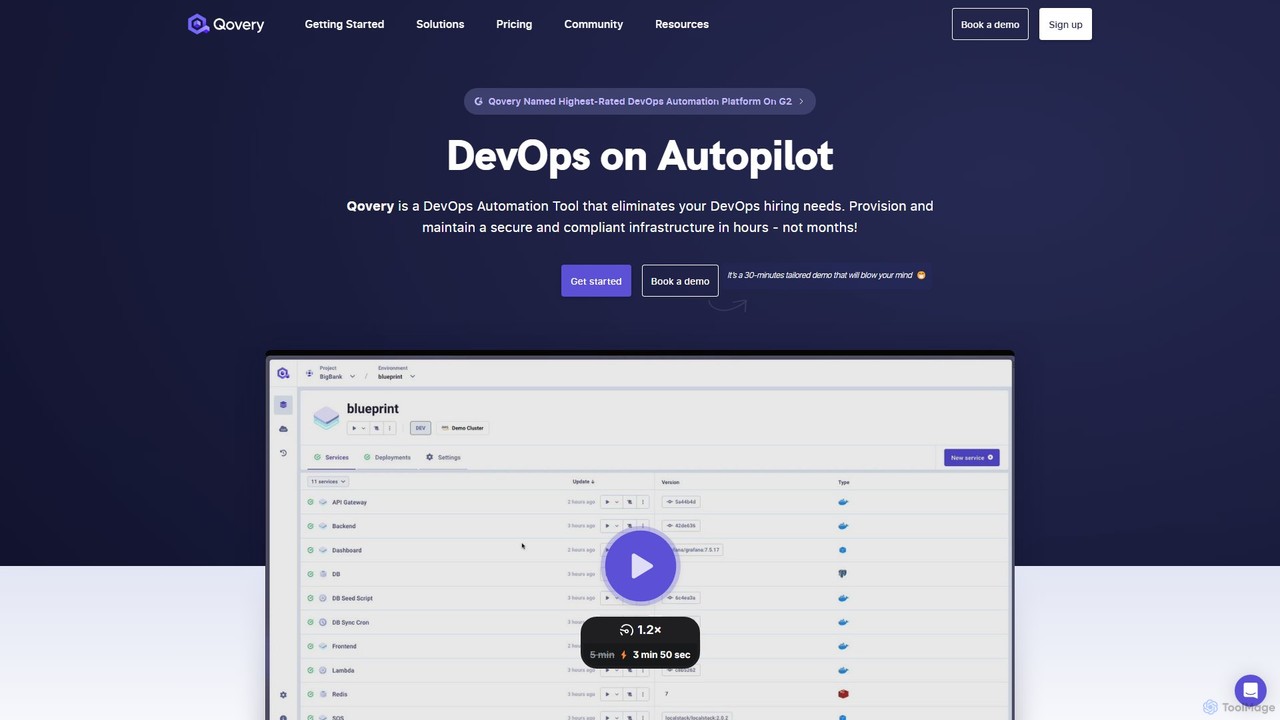
Qovery is a DevOps Automation Platform that provides self-service infrastructure for developers. It automates environment provisioning, accelerates deployment cycles, and optimizes cloud costs on AWS, Azure, and GCP, eliminating the need for extensive DevOps hiring.

Infrastructure As Code
Visits 73.7KFavorites 135Likes 127

Roo Code
Freemium

Roo Code

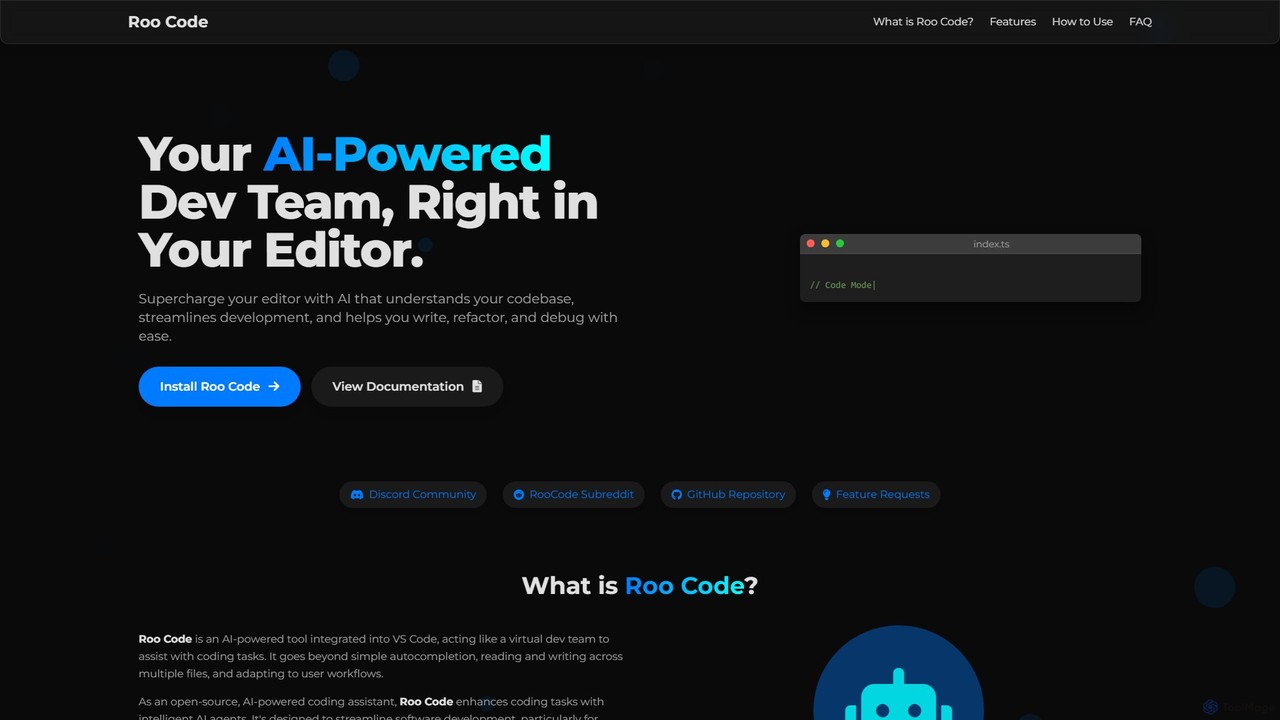
Roo Code is an open-source, AI-powered development assistant integrated directly into VS Code. It acts as a virtual dev team, understanding your entire codebase to help with complex coding, multi-file refactoring, and intelligent debugging, while supporting various AI models.

Debugging
Visits 5.6KFavorites 123Likes 145
Cursor
Freemium

Cursor

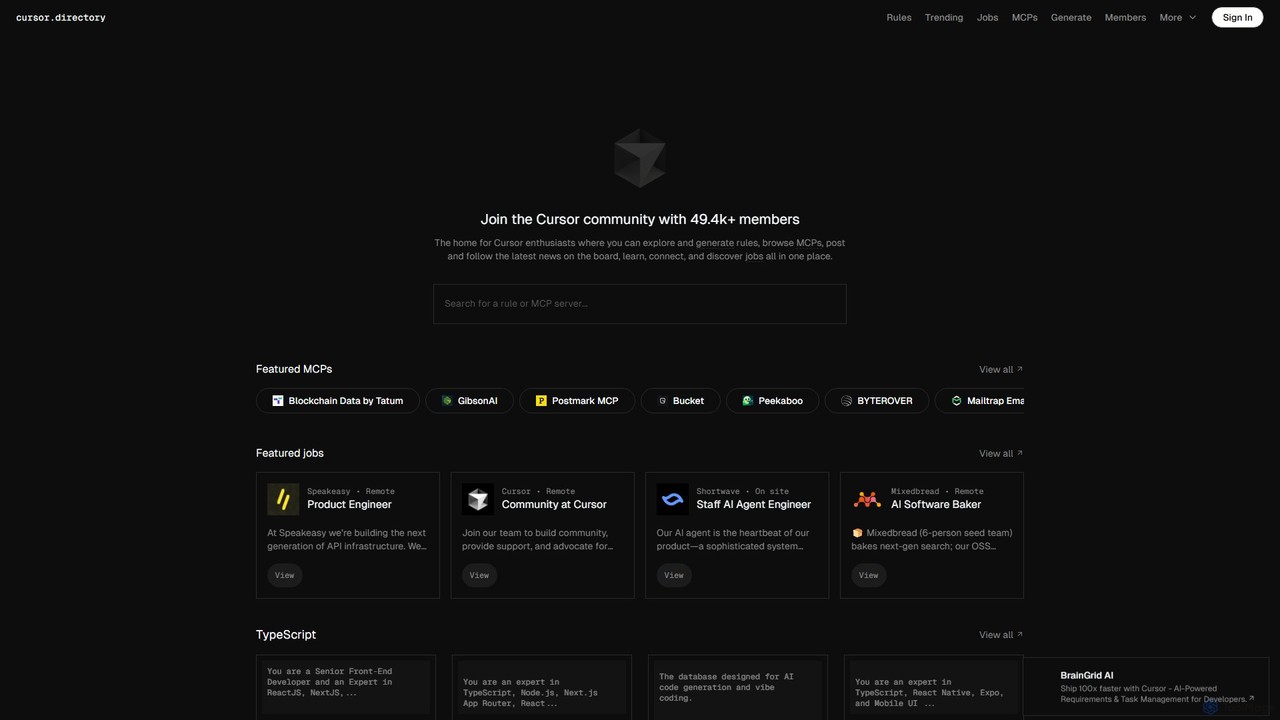
Cursor is an AI-first code editor designed for modern software development. Built as a fork of VS Code, it integrates powerful AI capabilities directly into the editing experience, allowing developers to chat with their codebase, generate, edit, and debug code with unprecedented speed and context-awareness.

Code Generation
Visits 185.1KFavorites 142Likes 133
CGFT
Paid

CGFT

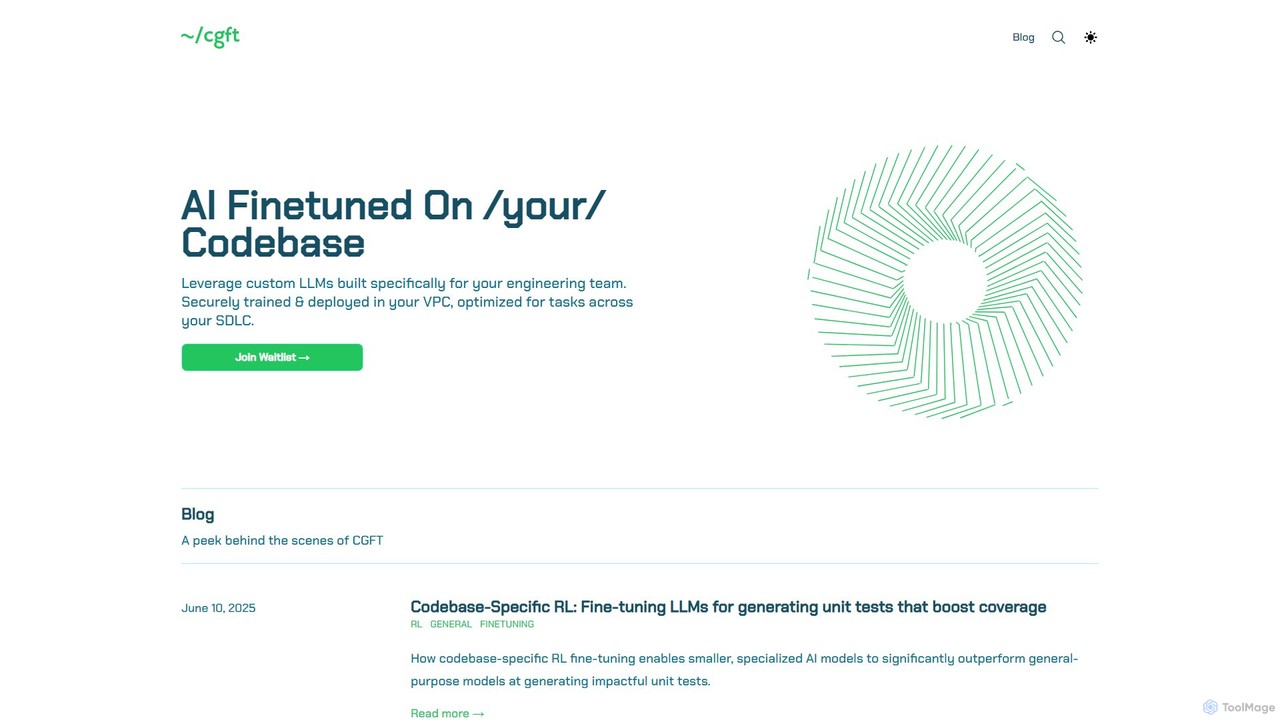
CGFT provides custom AI models for engineering teams, fine-tuned on your specific codebase. It delivers secure, high-performance code generation, unit testing, and review automation by training models on your internal data and deploying them within your VPC.

Model Fine Tuning
Visits 7.1KFavorites 108Likes 124
cubic
Freemium

cubic

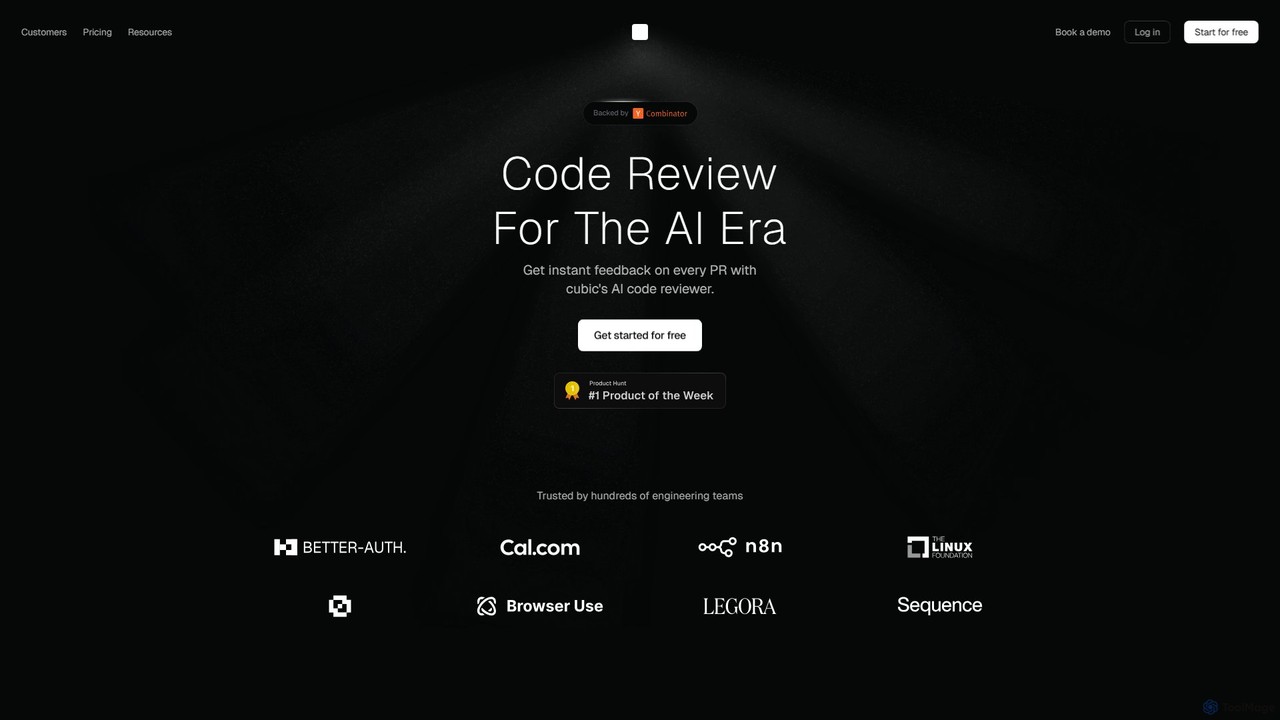
cubic is an AI-powered code review platform that helps software teams ship higher-quality code up to 3x faster. It automatically reviews pull requests in GitHub, catches bugs, enforces custom style guides, and provides one-click fixes, significantly reducing review bottlenecks and improving developer productivity.

Code Assistant
Visits 73.2KFavorites 147Likes 132
CodeRocket
Freemium

CodeRocket

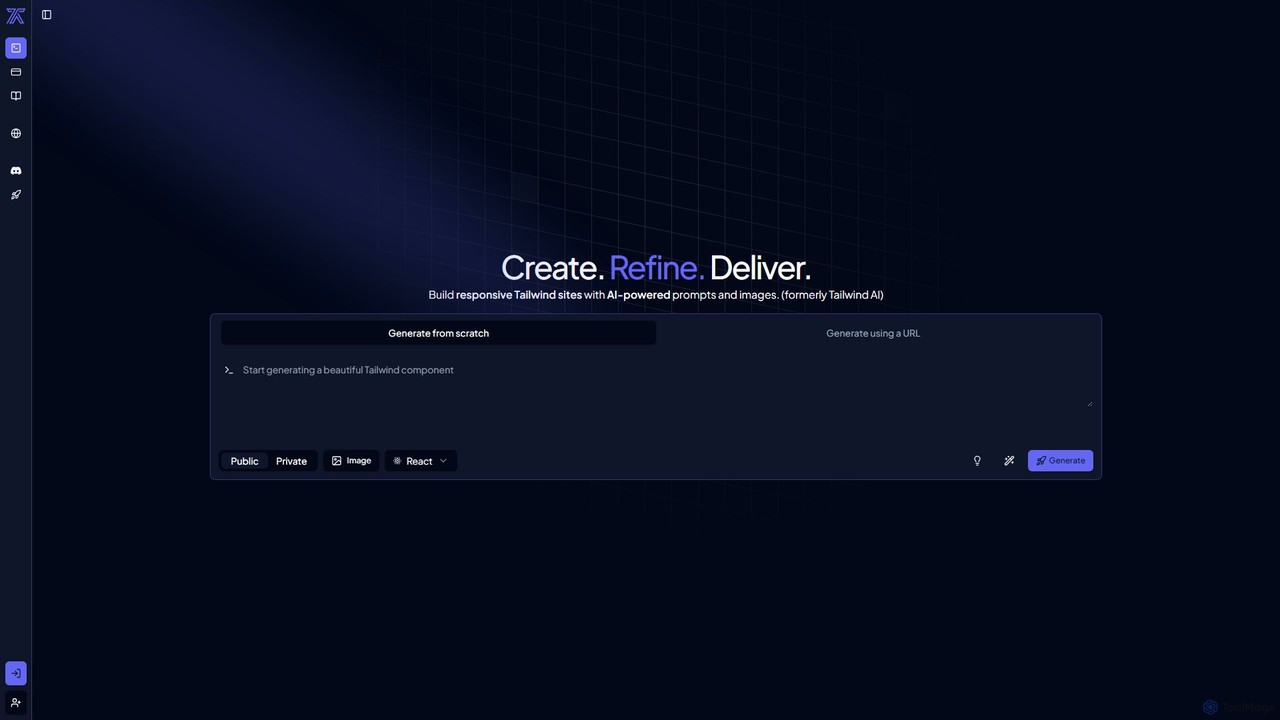
CodeRocket is an AI-powered development tool that generates responsive websites and components using Tailwind CSS. Simply provide a text prompt, an image, or a URL, and CodeRocket will generate clean, ready-to-use code for HTML, React, and Vue.js. It's designed to accelerate frontend development, from rapid prototyping to building complete user interfaces.

Ui Ux
Visits 35KFavorites 130Likes 119
Promptitude.io
Freemium

Promptitude.io

Promptitude.io is a comprehensive prompt management platform designed for teams and developers. It allows you to create, test, manage, and deploy AI prompts into any application or workflow in minutes via a simple REST API. It supports multiple AI providers like OpenAI, Alibaba Qwen, and Sonar, enabling flexible and efficient AI integration without vendor lock-in. The platform centralizes prompt engineering, collaboration, and performance monitoring.

Workflow Automation
Visits 20.2KFavorites 138Likes 129
Myple
Freemium

Myple

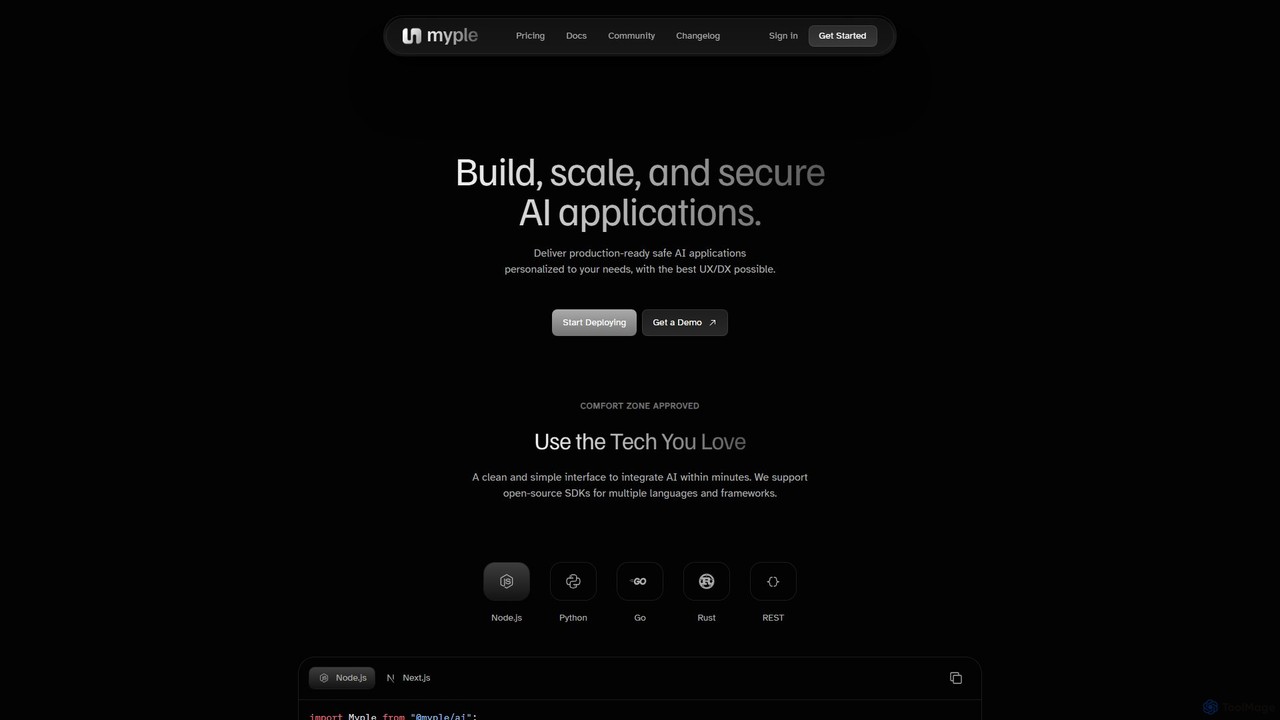
Myple is a comprehensive platform for developers to build, scale, and secure production-ready AI applications. It offers a suite of tools including open-source SDKs, a powerful CLI, customizable templates, and integrations with popular services. With features like vector storage, agent tool management, and robust security, Myple streamlines the entire AI development lifecycle, from initial build to deployment and monitoring, enabling teams to deliver personalized AI experiences with an excellent developer experience (DX).

Deployment
Visits 5.4KFavorites 135Likes 123
goptimise
Freemium

goptimise

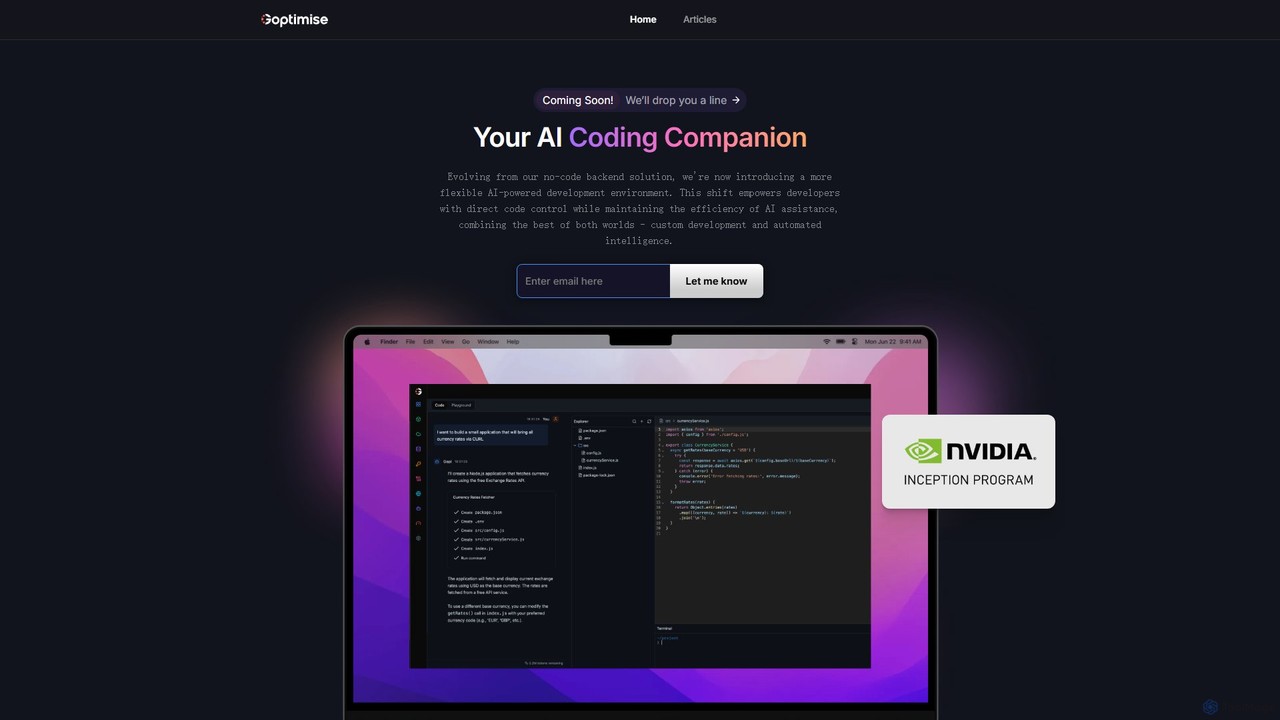
Goptimise is an AI-powered development platform that accelerates software creation. It combines a no-code/low-code backend and API builder with an intelligent coding assistant. It enables developers and startups to build, deploy, and monitor backends with minimal effort, generate and debug code with AI, and manage projects seamlessly.

Code Assistant
Visits 5.5KFavorites 101Likes 130

About Developer Tools

Developer Tools are AI-powered solutions specifically designed to streamline and enhance the entire software development lifecycle, falling under the broader category of productivity tools. These advanced tools leverage machine learning models to automate repetitive coding tasks, provide intelligent assistance for debugging and testing, and optimize code quality. They empower developers to write more efficient, secure, and maintainable code, accelerating project delivery and allowing teams to focus on complex problem-solving.

Core Features

  • AI Code Generation: Automatically generates code snippets, functions, or even entire modules based on natural language prompts or existing code context.
  • Intelligent Debugging & Testing: Identifies potential bugs, suggests fixes, and generates test cases to ensure code reliability and performance.
  • Code Refactoring & Optimization: Analyzes code for inefficiencies and suggests improvements for better readability, performance, and maintainability.
  • API Integration & Management: Assists in discovering, integrating, and managing APIs, simplifying complex service interactions.
  • Automated Documentation: Generates comprehensive documentation from code, saving time and ensuring up-to-date project records.

Applicable Scenarios

Software development teams utilize AI Developer Tools to accelerate their sprint cycles by automating boilerplate code generation and improving code review processes. Individual developers leverage these tools for intelligent code completion and real-time error detection, significantly reducing debugging time. Enterprises integrate AI-powered testing tools into their CI/CD pipelines to ensure continuous quality assurance across large-scale applications.

How to Choose

When selecting AI Developer Tools, consider the specific development phase you aim to enhance, such as coding, testing, or deployment. Evaluate its integration capabilities with your existing IDEs and version control systems. Assess the accuracy and relevance of its AI suggestions, and consider the learning curve for your team. Finally, compare pricing models and the level of community or vendor support available.

Featured tool rankings

Developer Tools use cases

1

Automating Boilerplate Code Generation

A backend developer frequently needs to create standard CRUD (Create, Read, Update, Delete) operations for new database models. Using an AI code generation tool, they can input a simple schema definition or natural language prompt, and the tool automatically generates the necessary API endpoints, database queries, and validation logic. This drastically reduces the time spent on repetitive setup, allowing the developer to focus on unique business logic.

2

Intelligent Bug Detection and Fix Suggestions

During the development of a complex web application, a software engineer encounters an elusive bug causing unexpected behavior. An AI debugging tool analyzes the code, identifies potential logical errors or performance bottlenecks, and suggests specific code modifications or alternative algorithms. This capability helps pinpoint issues faster than manual inspection, especially in large codebases, improving code stability and reducing debugging cycles.

3

Generating Comprehensive Test Cases

A quality assurance (QA) engineer is responsible for ensuring the robustness of a new feature. Instead of manually writing numerous unit and integration tests, they use an AI testing tool. The tool analyzes the feature's code and requirements, then automatically generates a diverse set of test cases, including edge cases and negative scenarios. This ensures broader test coverage and helps catch potential regressions before deployment.

4

Streamlining API Integration Workflows

A front-end developer needs to integrate a third-party payment gateway into their application. An AI API integration tool can assist by suggesting relevant API endpoints, generating client-side code for API calls, and even handling authentication token management. This simplifies the often-complex process of connecting to external services, reducing integration errors and accelerating feature delivery.

5

Optimizing Code for Performance and Security

A DevOps engineer is tasked with improving the performance and security posture of an existing microservice. An AI code analysis tool scans the codebase for inefficient algorithms, potential memory leaks, or common security vulnerabilities like SQL injection. It then provides actionable recommendations for refactoring and patching, leading to a more robust and efficient application without extensive manual auditing.

6

Automating Technical Documentation Generation

A project manager needs up-to-date technical documentation for a newly released module to onboard new team members. An AI documentation tool integrates with the codebase and automatically generates API references, function explanations, and usage examples directly from comments and code structure. This eliminates the tedious manual documentation process, ensuring accuracy and consistency across the project.

Developer Tools FAQ

What are AI Developer Tools?

AI Developer Tools are software applications that leverage artificial intelligence and machine learning to assist and automate various tasks within the software development lifecycle. They aim to enhance developer productivity, improve code quality, and accelerate project delivery. Key functions include code generation, intelligent debugging, and automated testing.

How do AI Developer Tools differ from traditional IDEs?

Traditional Integrated Development Environments (IDEs) provide a comprehensive environment for coding, debugging, and building. AI Developer Tools, while often integrated into IDEs, go a step further by using AI to offer proactive assistance. They can generate code, suggest complex refactorings, predict bugs, and automate tasks that traditional IDEs only facilitate manually, transforming the development process from reactive to predictive.

What are the main benefits of using AI in software development?

The main benefits include significant improvements in efficiency and code quality. AI tools can automate repetitive coding tasks, reducing development time and freeing developers to focus on more complex logic. They enhance code reliability through intelligent bug detection and comprehensive test generation, and improve security by identifying vulnerabilities. This leads to faster time-to-market and more robust applications.

What should I consider when choosing an AI Developer Tool?

When choosing an AI Developer Tool, consider its specific capabilities (e.g., code generation, testing, security analysis) and how well they align with your team's needs. Evaluate its compatibility with your existing tech stack, including programming languages, IDEs, and version control systems. Look into the accuracy and customization options of its AI models, as well as its pricing, scalability, and the level of support provided by the vendor.

Can AI Developer Tools replace human developers?

No, AI Developer Tools are designed to augment, not replace, human developers. They act as powerful assistants, automating mundane tasks, providing intelligent suggestions, and handling repetitive code generation. Human developers remain crucial for understanding complex business logic, making architectural decisions, creative problem-solving, and overseeing the entire development process. AI enhances their capabilities, allowing them to be more productive and innovative.