ToolMage
Sign in

Best 676 Development AI tools

Popular Development AI tools include Lobe, Lovable, Wix Studio, Vercel, Supabase, Perchance, Base44, Replit, Unity, and MDN Web Docs, helping you work more efficiently.

ubdroid
Freemium

ubdroid

ubdroid is an AI-powered no-code platform that enables users to create native Android applications from simple text descriptions or design mockups. It automates the entire development process, from UI design to backend logic, making app creation accessible to everyone, regardless of their technical skills.

App Builder
Visits 5.7KFavorites 103Likes 94
trace.
Freemium

trace.

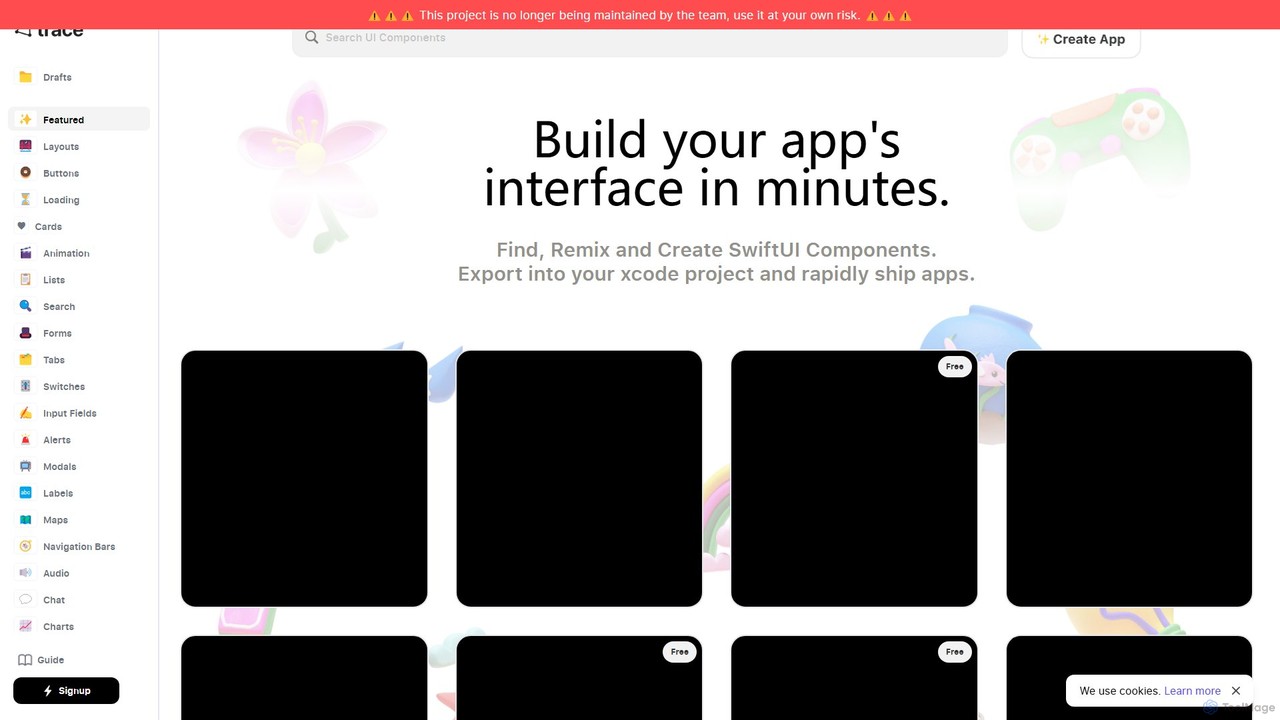
An AI-powered platform for iOS developers to rapidly build SwiftUI app interfaces. Users can generate, find, and remix UI components using natural language prompts. It streamlines the design-to-code workflow by allowing direct export to Xcode projects and integration with GitHub, significantly accelerating app development.

Ui Ux
Visits 7KFavorites 131Likes 138
Fiorino.AI
Free

Fiorino.AI

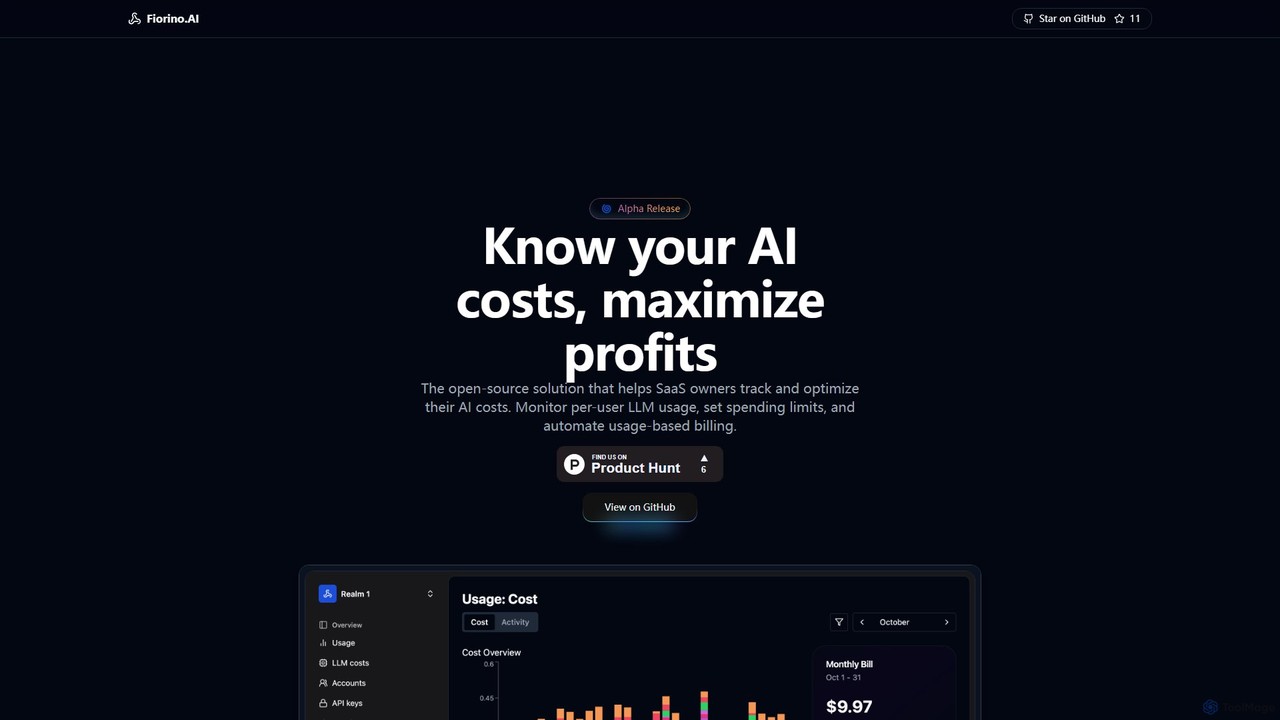
Fiorino.AI is an open-source AI cost management platform designed for SaaS businesses. It enables you to track per-user LLM usage, optimize costs across multiple AI providers, and automate usage-based billing. Gain real-time insights into your AI spending to maximize profitability and efficiency.

Api & Integration
Visits 5.7KFavorites 151Likes 170
nowa
Freemium

nowa

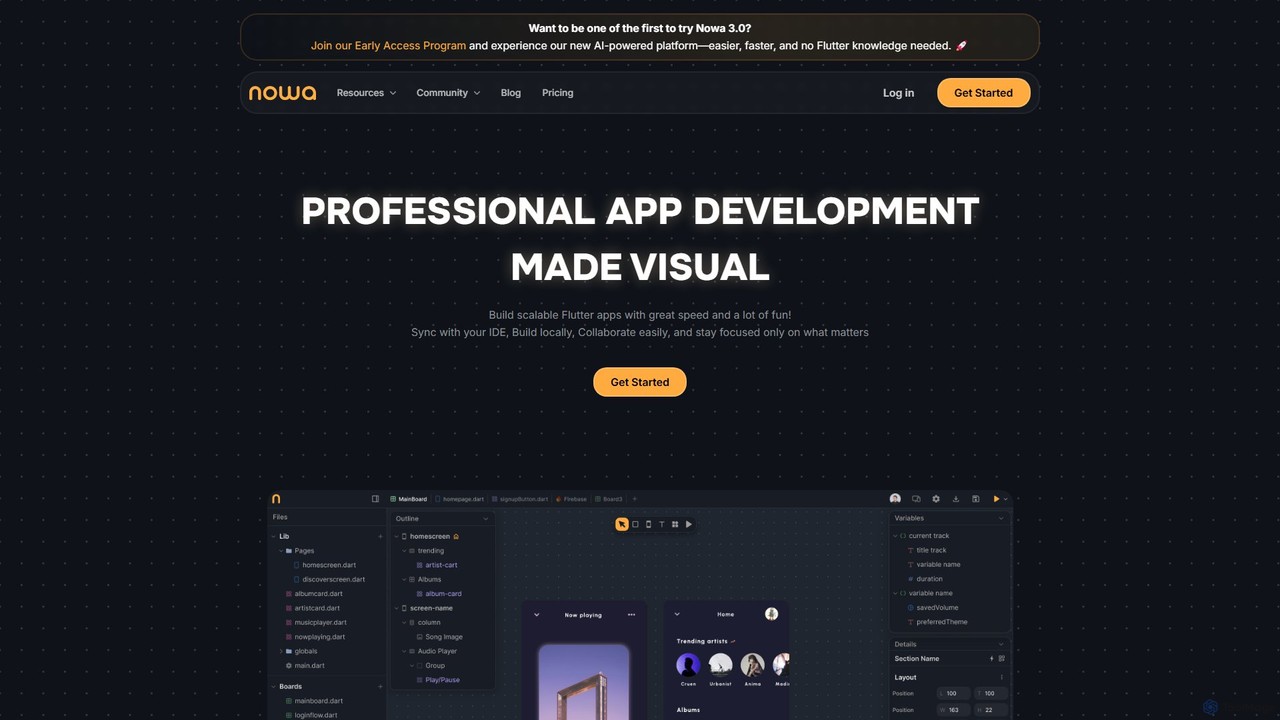
nowa is a visual, AI-powered Flutter app builder for professional development. It enables developers and designers to build scalable, high-quality applications with incredible speed, combining visual design, logic building, and seamless IDE integration without vendor lock-in.

Low Code No Code
Visits 60.3KFavorites 114Likes 105
HYVOR
Freemium

HYVOR

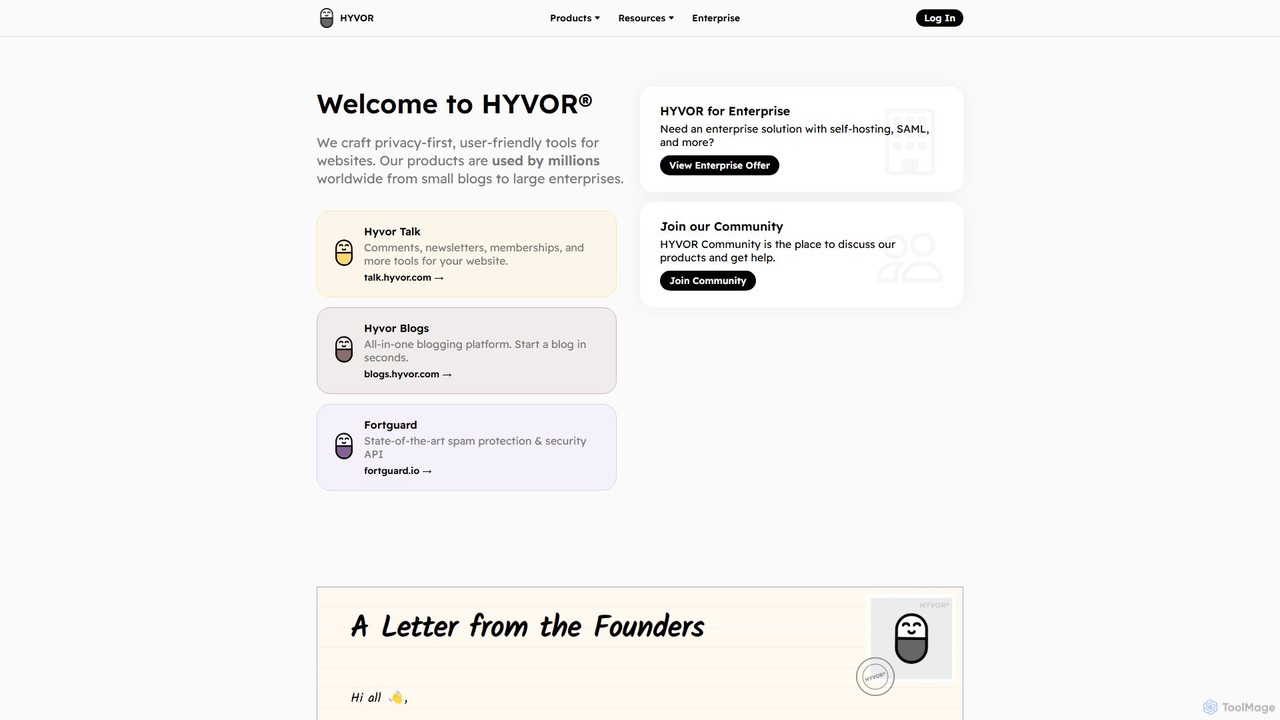
HYVOR offers a suite of privacy-first, user-friendly tools for websites. It includes Hyvor Talk, a modern commenting platform to boost engagement, and Hyvor Blogs, an all-in-one blogging platform for content creators. With a strong focus on data privacy and security, HYVOR provides solutions for everyone from small blogs to large enterprises, including spam protection and membership features.

Website Tools
Visits 35.1KFavorites 137Likes 136
Softgen
Freemium

Softgen

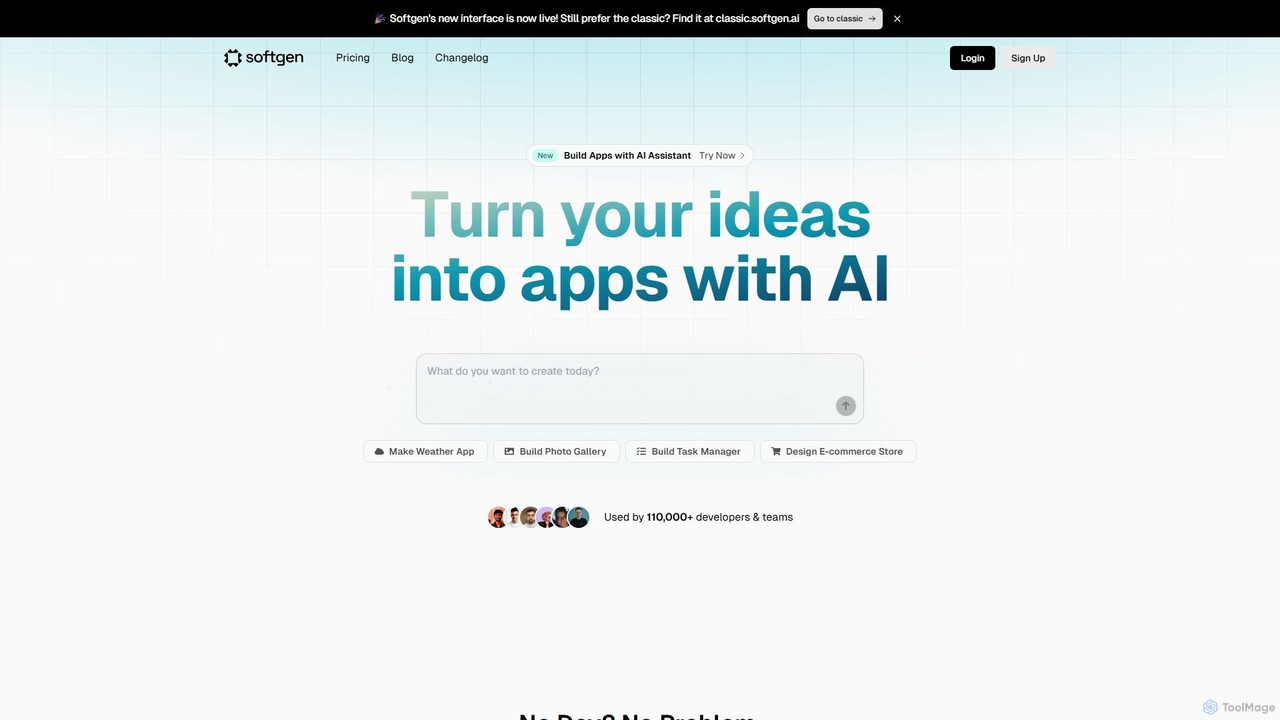
Softgen is an AI-powered web app builder that transforms your ideas into production-ready, full-stack applications. Simply describe what you want to build in natural language, and the AI assistant generates the code, database, and integrations, enabling both developers and non-coders to launch complex web apps quickly.

No Code
Visits 108.3KFavorites 115Likes 108
snappify
Freemium

snappify

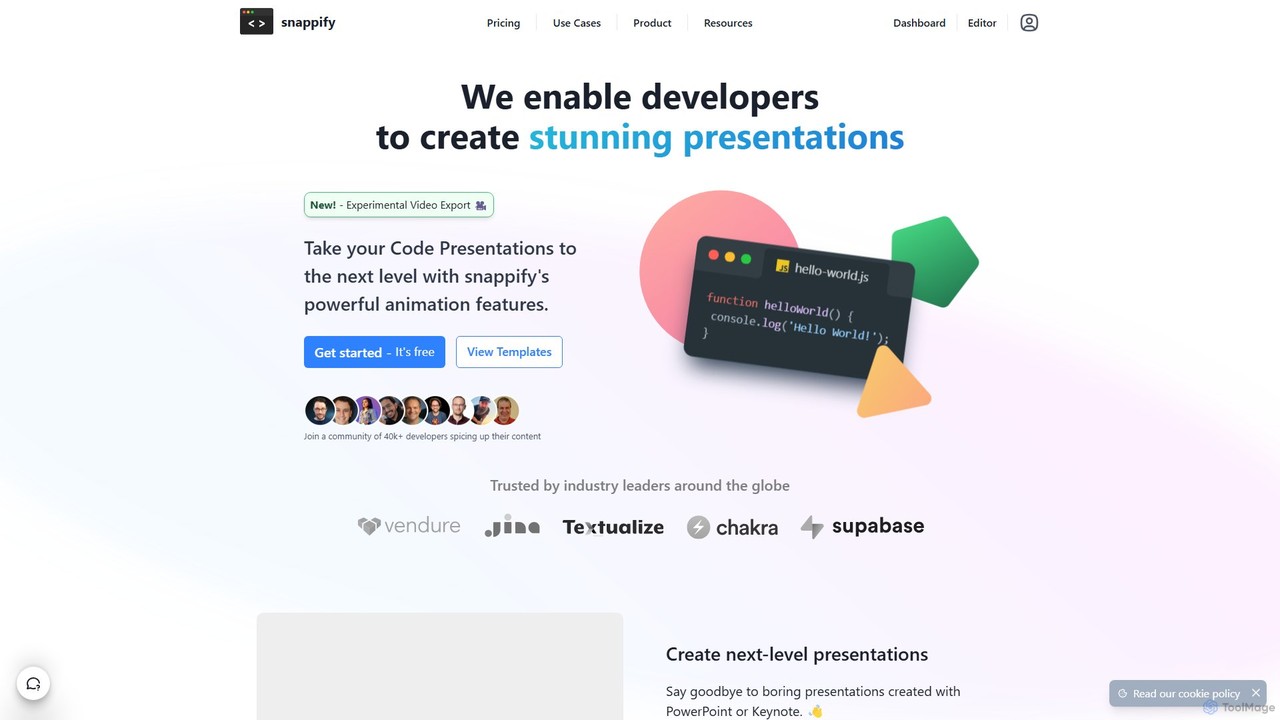
snappify is a powerful tool for developers, educators, and content creators to transform code snippets into stunning presentations, animated videos, and interactive infographics. It replaces traditional presentation software by offering first-class support for code, annotations, and branding, making technical content more engaging and understandable.

Code Tools
Visits 43KFavorites 143Likes 150
MarsX
Freemium

MarsX

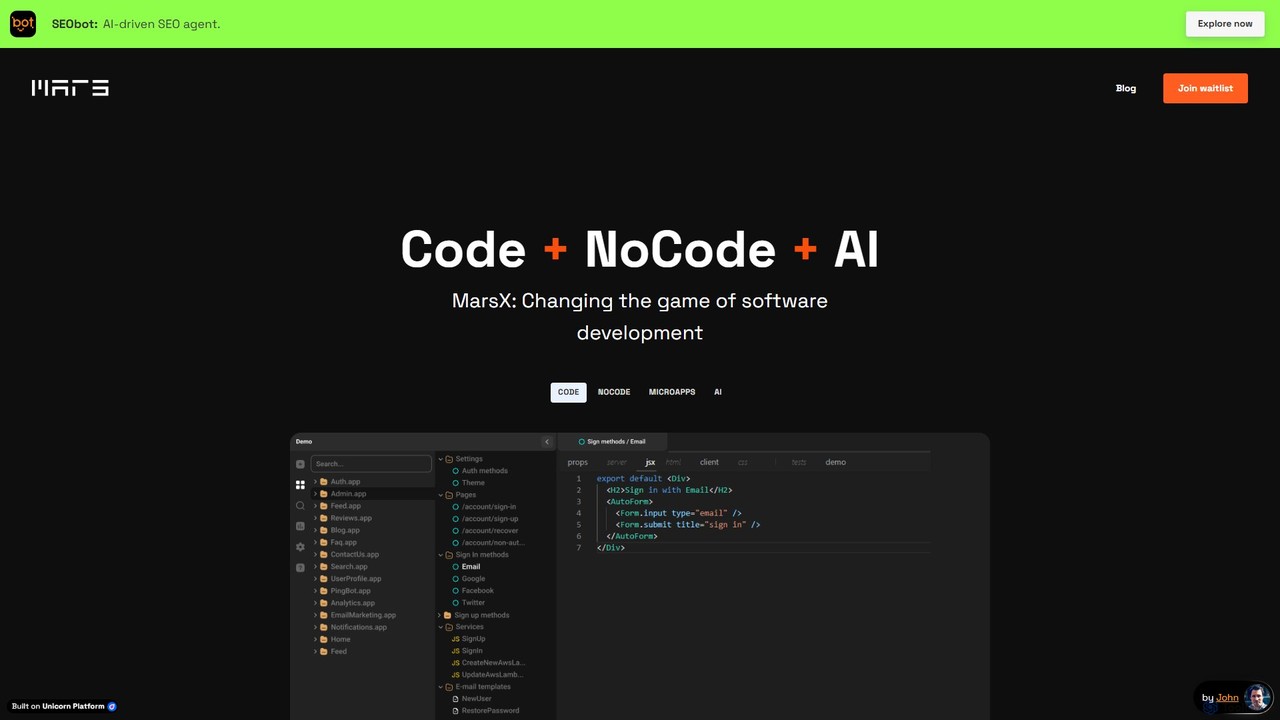
MarsX is an integrated development platform that unifies AI, No-Code, and traditional coding. It empowers developers and entrepreneurs to rapidly build, test, and launch sophisticated web applications, micro-apps, and AI-powered tools, significantly reducing development time and costs.

Ai App Building
Visits 20.8KFavorites 103Likes 111
ZAPT
Freemium

ZAPT

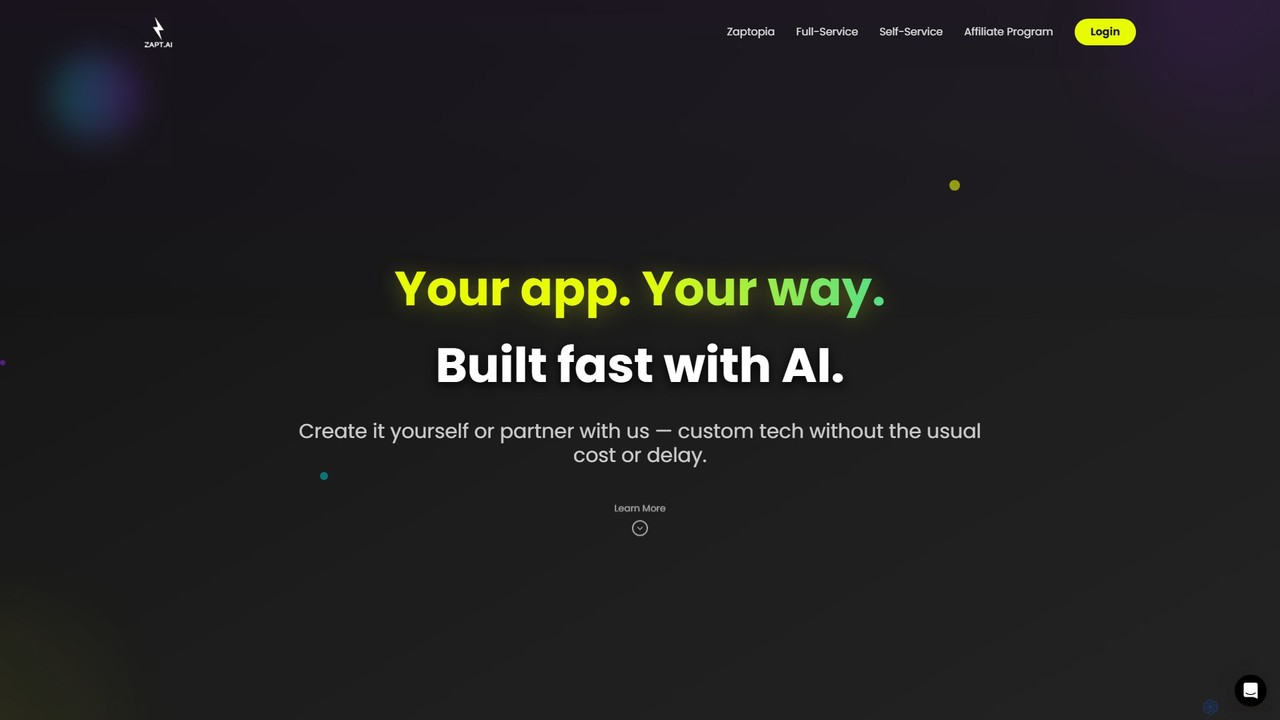
ZAPT is an AI-powered platform that enables anyone to build custom applications without writing a single line of code. Whether you have an idea for a business tool, a community app, or a personal project, ZAPT provides the tools to bring it to life quickly and affordably. You can build it yourself with the AI-assisted self-serve platform or partner with their expert team for a full-service development experience.

Ai App Builder
Visits 5.7KFavorites 142Likes 139
Loopple
Freemium

Loopple

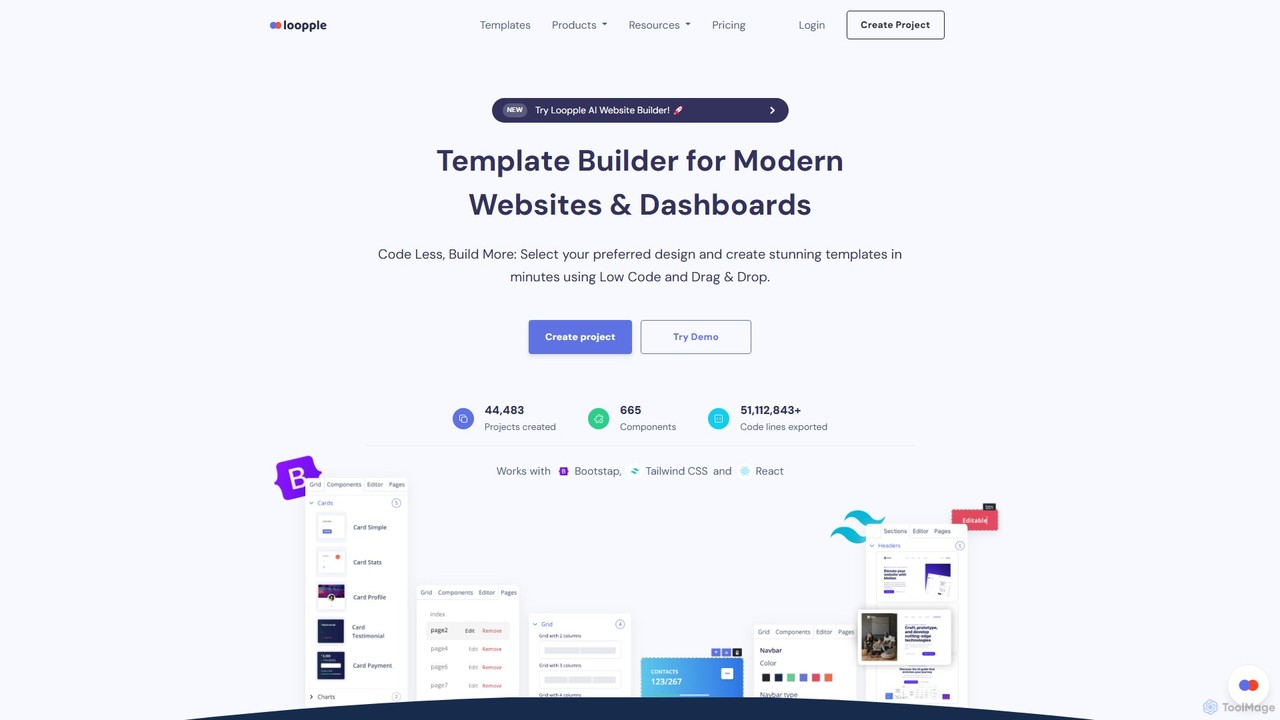
Loopple is an AI-powered, low-code platform for building modern websites and dashboards. It features a drag-and-drop editor, a vast library of pre-built components and templates for Bootstrap, Tailwind CSS, and React. With its AI text help and direct code export, Loopple accelerates the front-end development process for developers and teams, enabling rapid creation of responsive, professional-grade user interfaces.

Low Code No Code
Visits 33.6KFavorites 121Likes 110
Refined
Paid

Refined

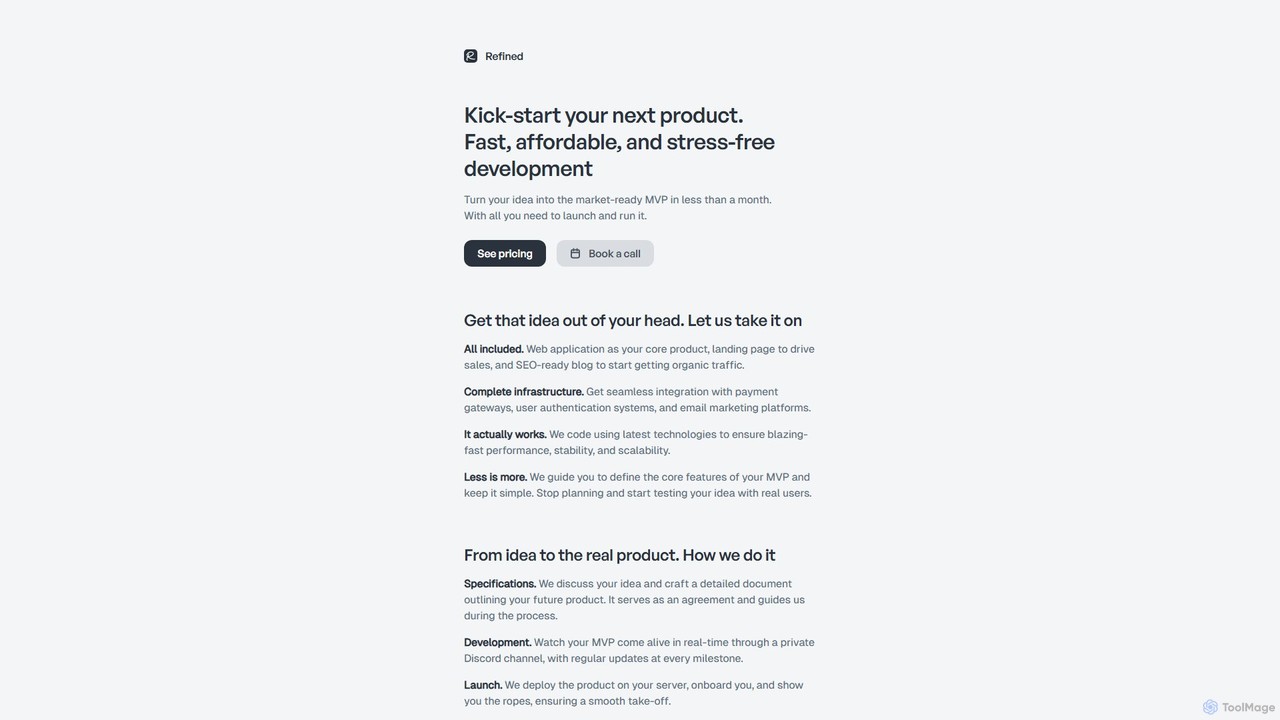
Refined is a productized service that transforms your startup ideas into fully functional Minimum Viable Products (MVPs). For a fixed price, they deliver a complete package including a web application, landing page, and blog. Leveraging modern technologies and AI-assisted development, Refined focuses on building lean, scalable, and high-performance products, helping founders launch quickly and test their ideas with real users without the risk of overengineering or poor implementation.

Startup Tools
Visits 12.1KFavorites 127Likes 134

Appified.ai
Freemium

Appified.ai

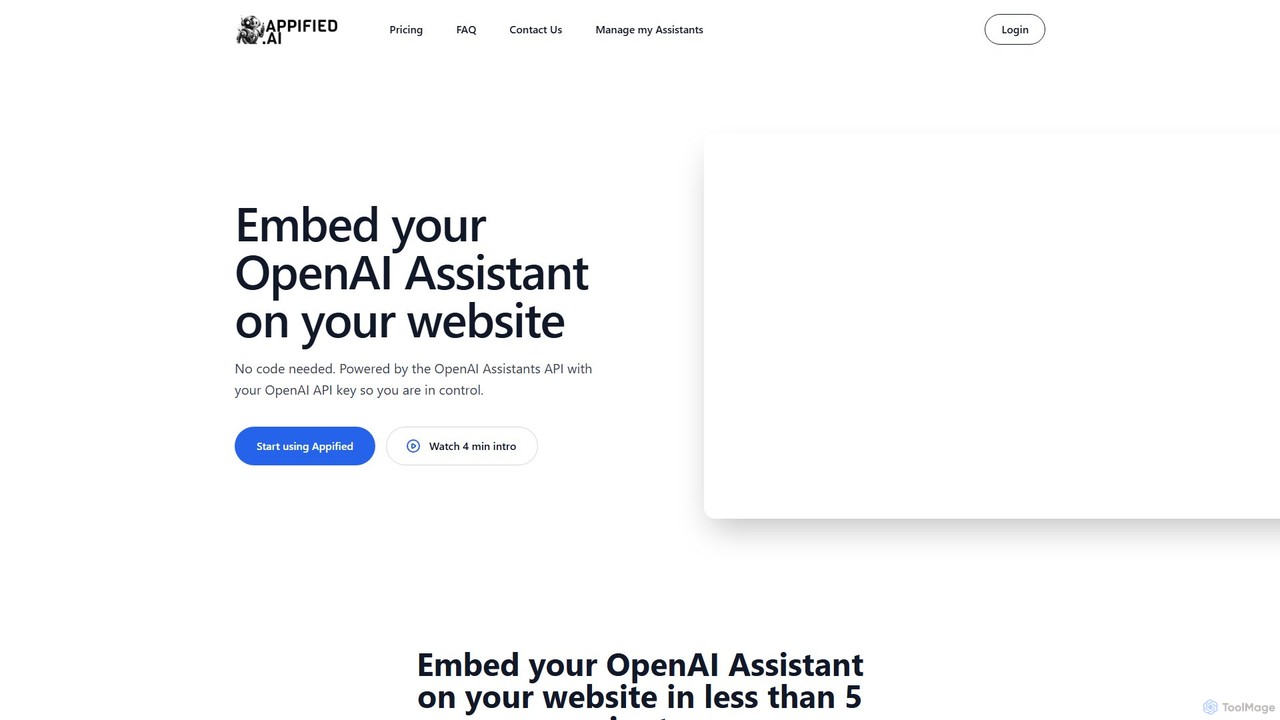
Appified.ai is a no-code platform that allows you to turn your OpenAI Assistant into a fully functional web app. Embed your AI assistant on any website in minutes, with options to monetize access using Stripe, connect to external APIs through function calling, and monitor usage with built-in analytics.

Builder
Visits 5.6KFavorites 138Likes 147
Flowith
Freemium

Flowith

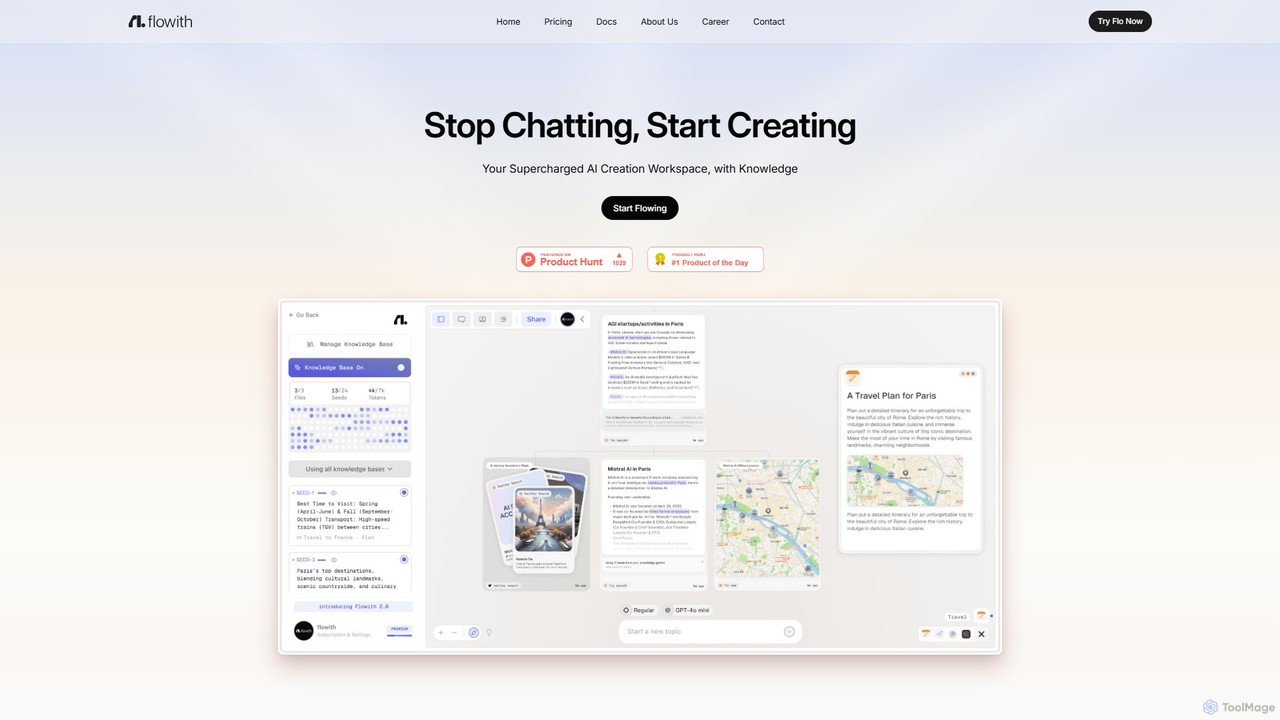
Flowith is a supercharged AI creation workspace that replaces traditional chatbots with an infinite visual canvas. Powered by Agent Neo, an autonomous AI agent, it handles complex, multi-step tasks, research, and content creation without limits on context or tools. It's designed for deep thinking, seamless collaboration, and enhanced productivity.

Website Builder
Visits 13.9KFavorites 124Likes 119
Bravo Studio
Freemium

Bravo Studio

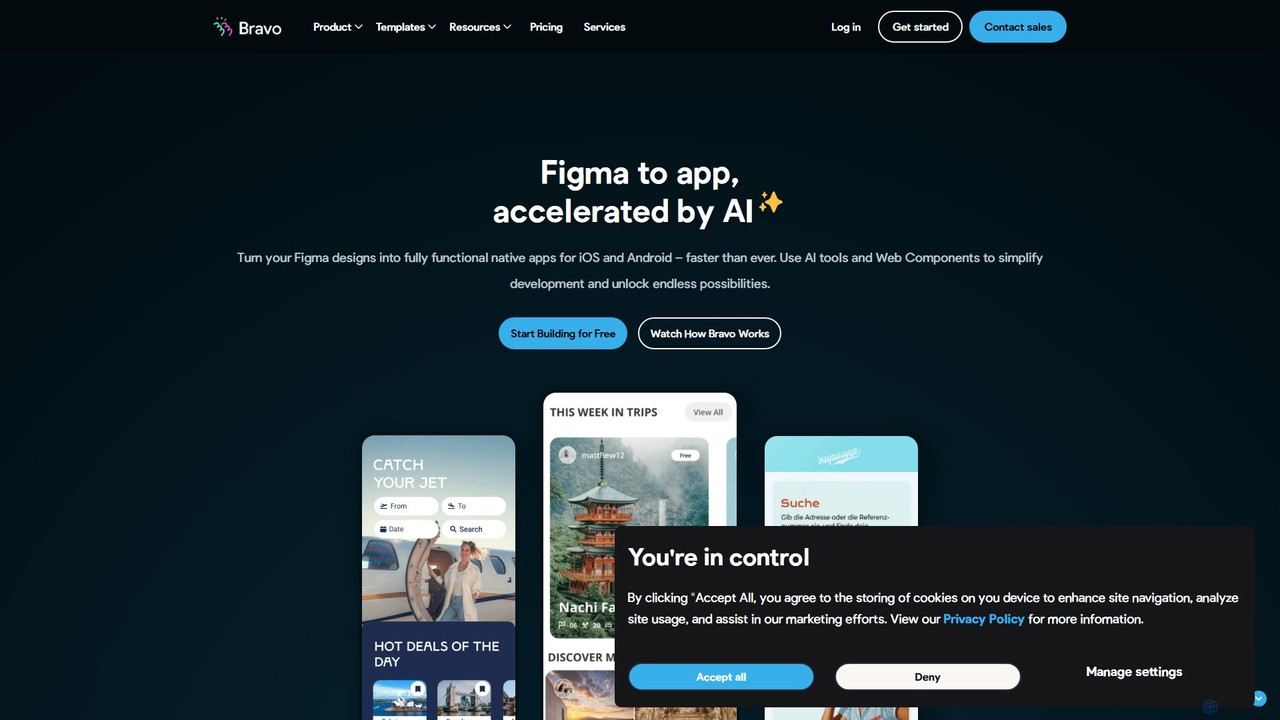
Bravo Studio is a design-first, no-code platform that transforms your Figma or Adobe XD designs into fully native mobile apps for iOS and Android. It empowers designers, creators, and entrepreneurs to build and launch sophisticated, data-driven applications without writing any code, connecting designs to any API or third-party service.

Prototyping
Visits 35.5KFavorites 155Likes 158
OpenGig
Paid

OpenGig

OpenGig is an AI-powered platform that combines artificial intelligence with a global network of elite human talent to build and launch enterprise-grade software faster than ever. It automates project scoping, team assembly, and management, accelerating the entire development lifecycle from idea to deployment.

Freelance Platforms
Visits 5.7KFavorites 151Likes 145
Novel
Free

Novel

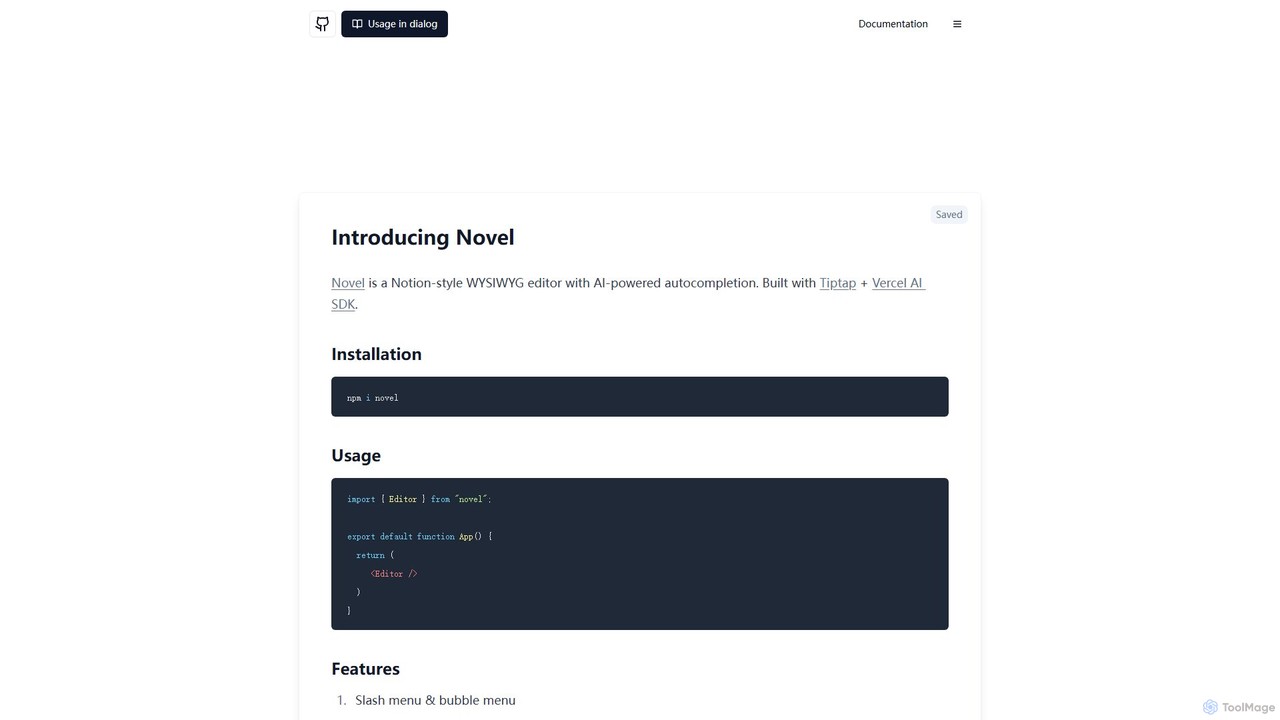
Novel is an open-source, Notion-style WYSIWYG editor component with AI-powered autocompletions. Built for developers using Tiptap and the Vercel AI SDK, it allows for easy integration of a rich text editor with advanced features like slash commands, image uploads, and real-time AI assistance into any web application.

Sdk
Visits 34.2KFavorites 156Likes 160
nomtek

nomtek

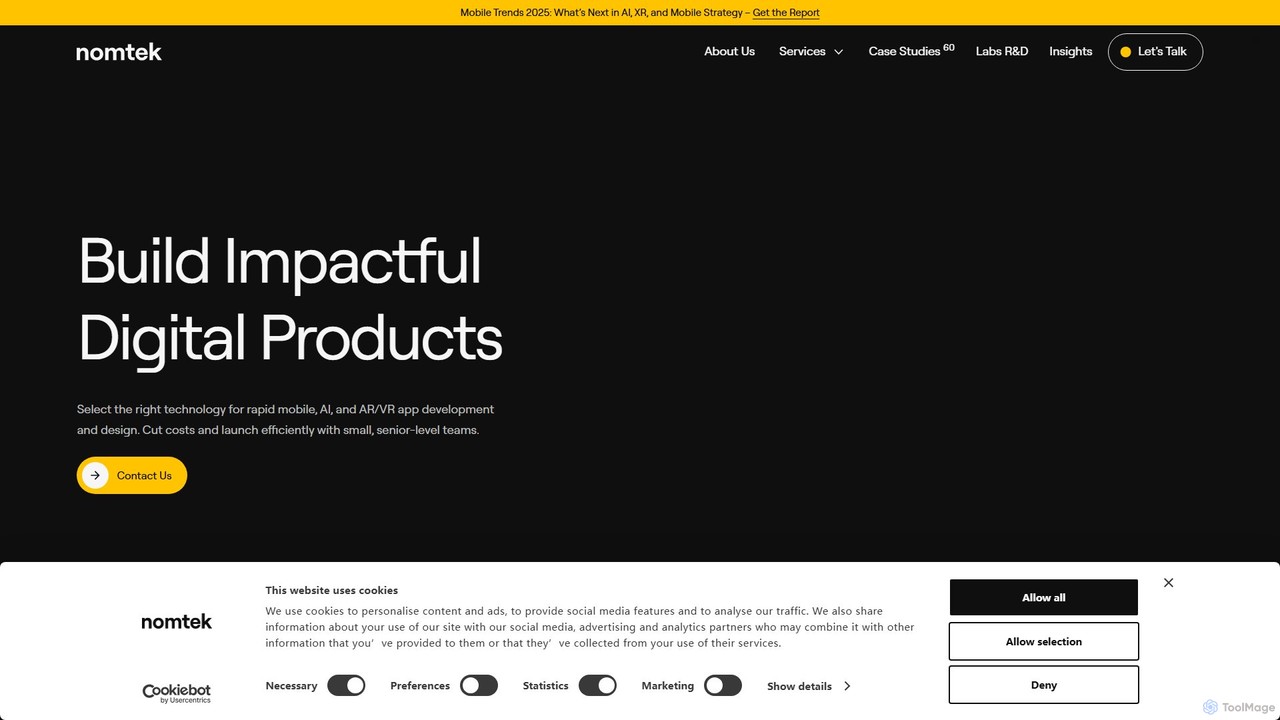
nomtek is a premier software development agency specializing in crafting innovative mobile, AR/VR, and embedded applications. They partner with businesses to transform concepts into market-ready digital products, offering end-to-end services from product discovery and UI/UX design to development, AI integration, and post-launch support. Their expertise lies in building cutting-edge solutions that leverage emerging technologies to drive business growth and user engagement.

Consulting
Visits 36.9KFavorites 155Likes 159
Patched
Freemium

Patched

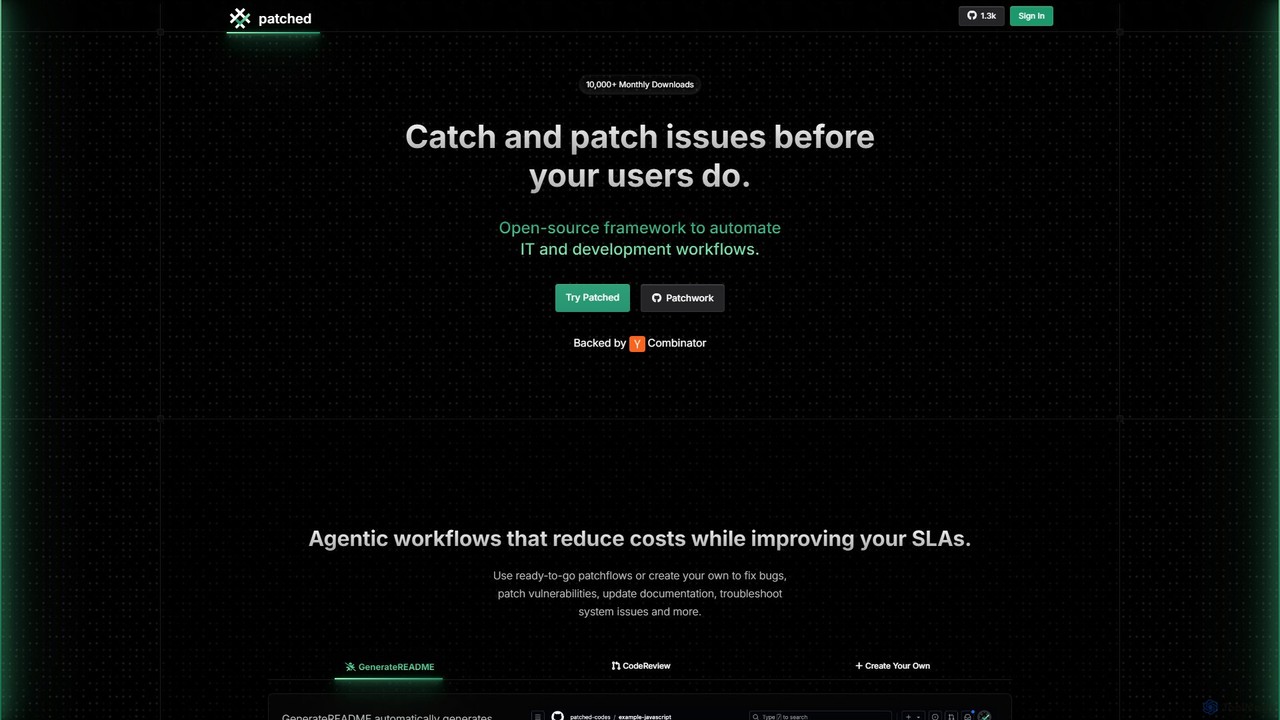
Patched is an open-source framework designed to automate IT and development workflows. It leverages AI to proactively catch and fix issues like bugs and vulnerabilities before they impact users. The platform allows for creating custom, agentic workflows to streamline tasks such as code review, documentation generation, and dependency updates.

Code Assistant
Visits 8.7KFavorites 141Likes 121
Unity
Freemium

Unity

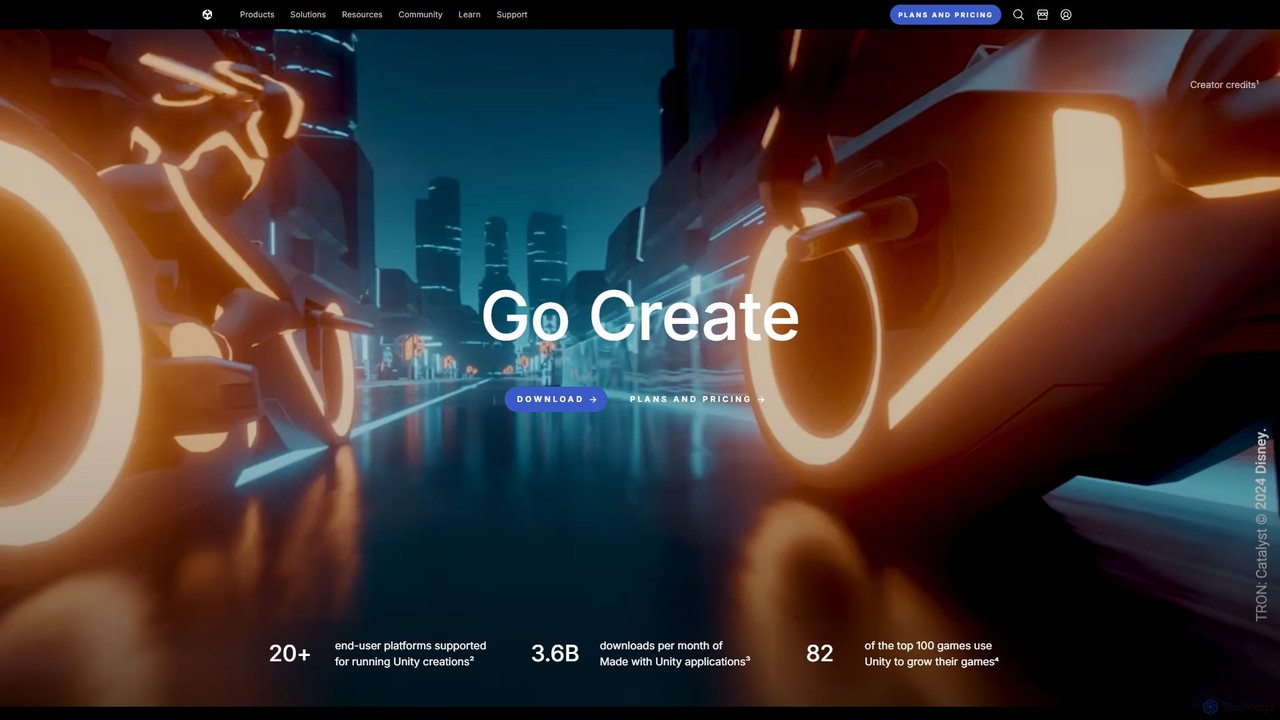
Unity is the world's leading real-time 3D development platform for creating and operating interactive content. It empowers creators across industries, from gaming and film to automotive and architecture, to build immersive experiences for over 20 platforms, including PC, mobile, console, VR, and AR.

3D Modeling
Visits 8.7MFavorites 131Likes 139
PixelFree Studio
Freemium

PixelFree Studio

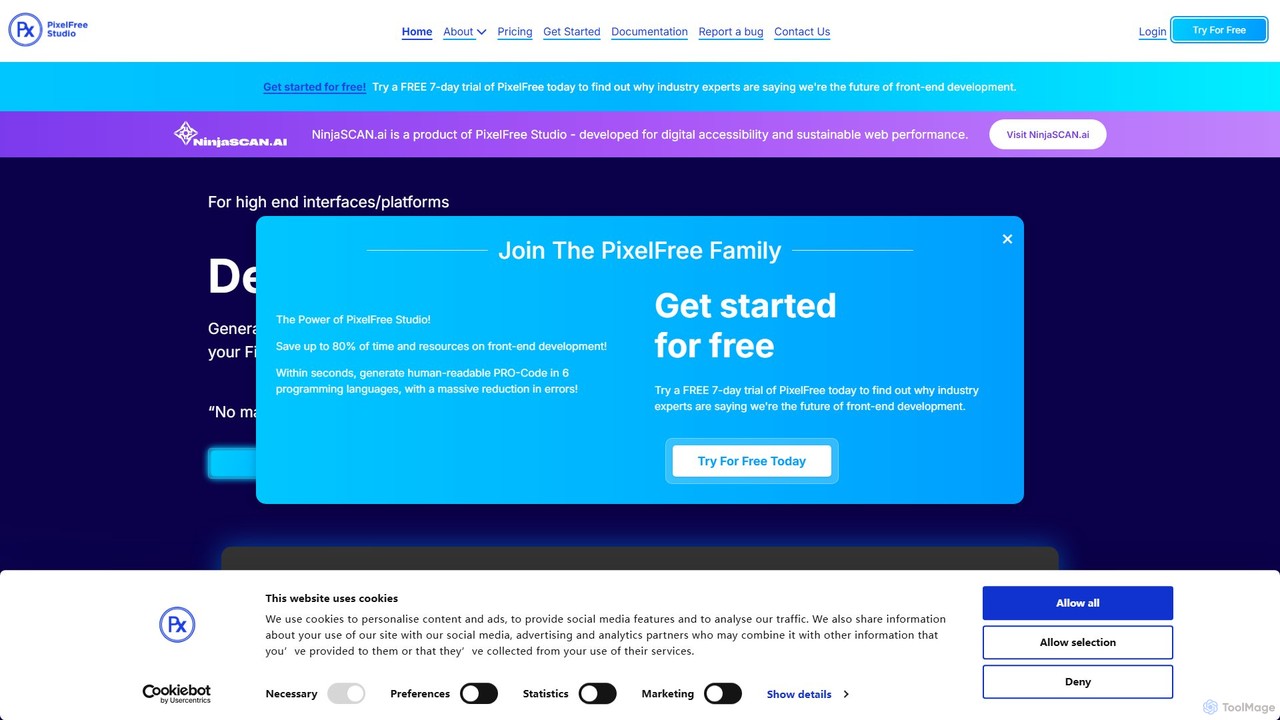
PixelFree Studio is a low-code application builder that transforms UI designs into clean, production-ready code. It specializes in importing Figma designs and exporting them to multiple frameworks like React, Vue, Angular, and C#, streamlining the design-to-development workflow and accelerating app creation.

Design To Code
Visits 12.8KFavorites 120Likes 127
Trickle
Freemium

Trickle

Trickle is an AI-powered platform that allows users to build functional web applications and websites using natural language. Simply describe your idea, and Trickle's AI will generate the app, complete with a visual canvas for co-creation, a built-in database, and hosting. It's designed for rapid prototyping and development without needing to write any code.

Web Design
Visits 189.8KFavorites 135Likes 140
WindyFlo
Freemium

WindyFlo

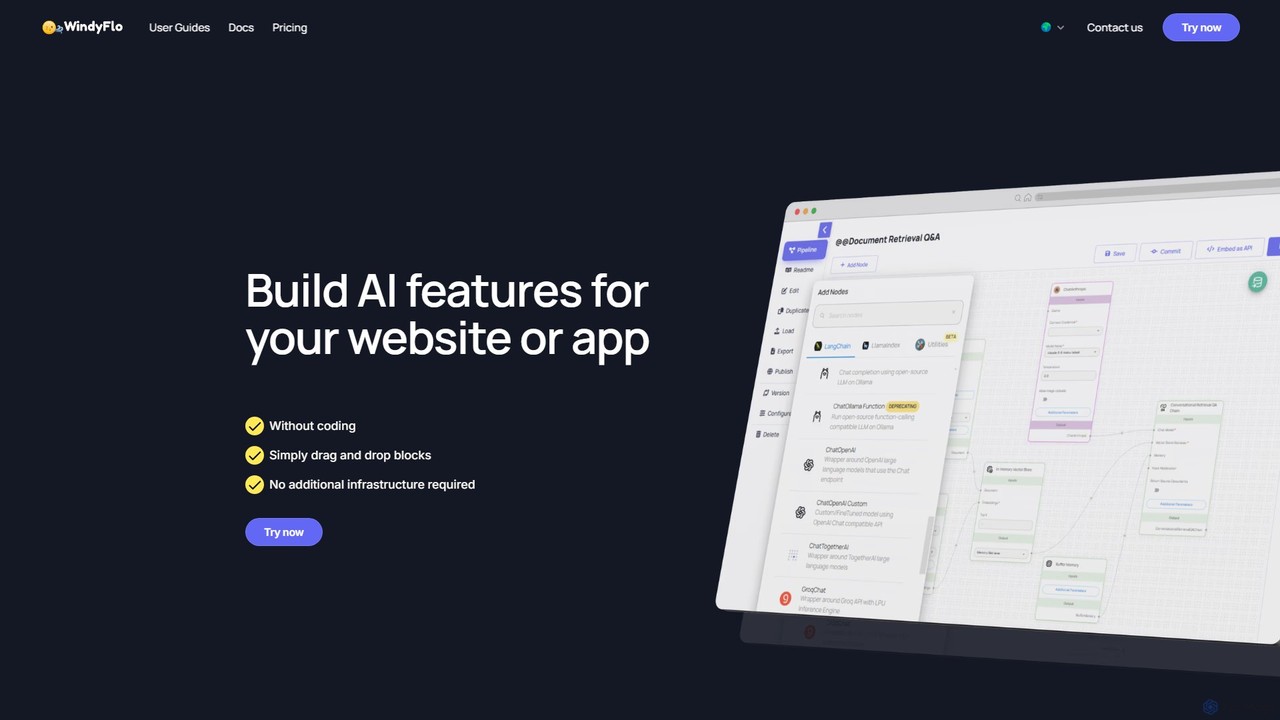
WindyFlo is a no-code AI pipeline engineering platform that enables users to build, customize, and deploy AI features for websites and apps. Through a simple drag-and-drop interface, you can visually design complex AI workflows, connect to global LLMs like ChatGPT and Claude, and integrate your creations via a single API call or as a shareable chatbot, all without writing code or managing infrastructure.

Chatbot Builder
Visits 6.8KFavorites 111Likes 99
String Catalog
Freemium

String Catalog

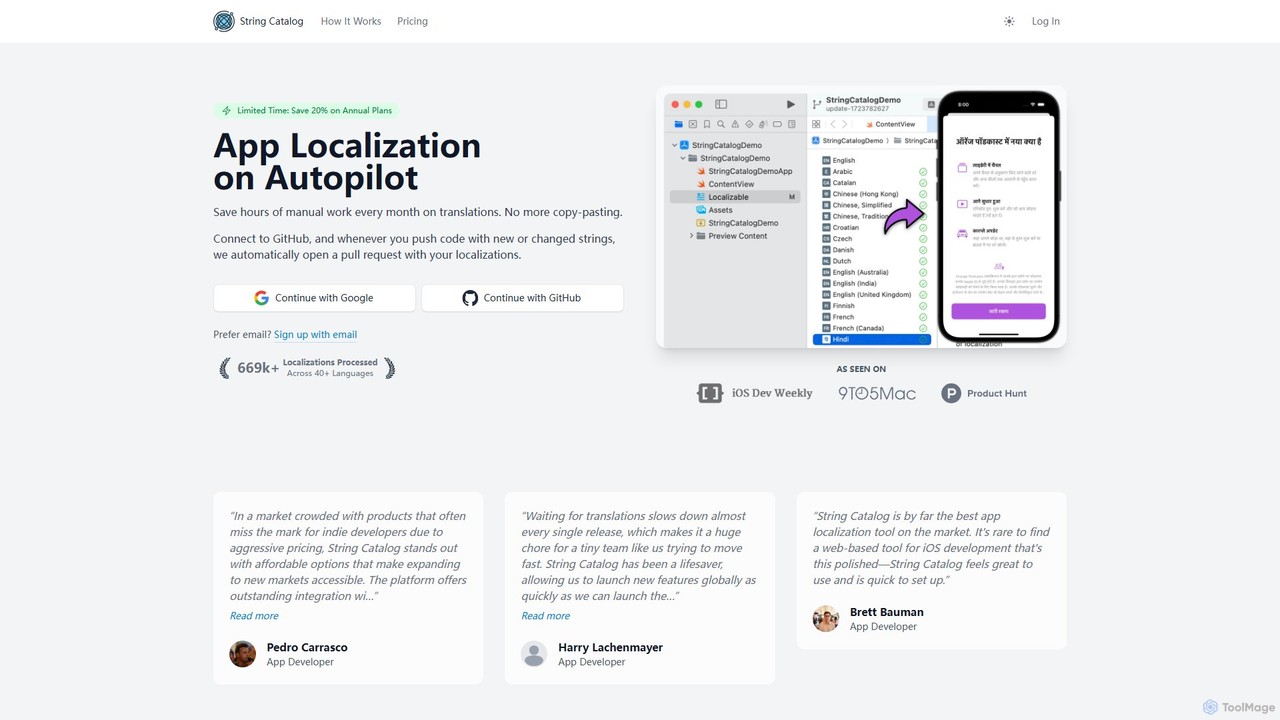
An AI-powered platform that automates iOS and Android app localization. Connect your GitHub repository, and String Catalog will automatically translate new strings and create pull requests, supporting over 40 languages and saving hours of manual work.

Translation
Visits 7.8KFavorites 90Likes 103
promptfoo
Freemium

promptfoo

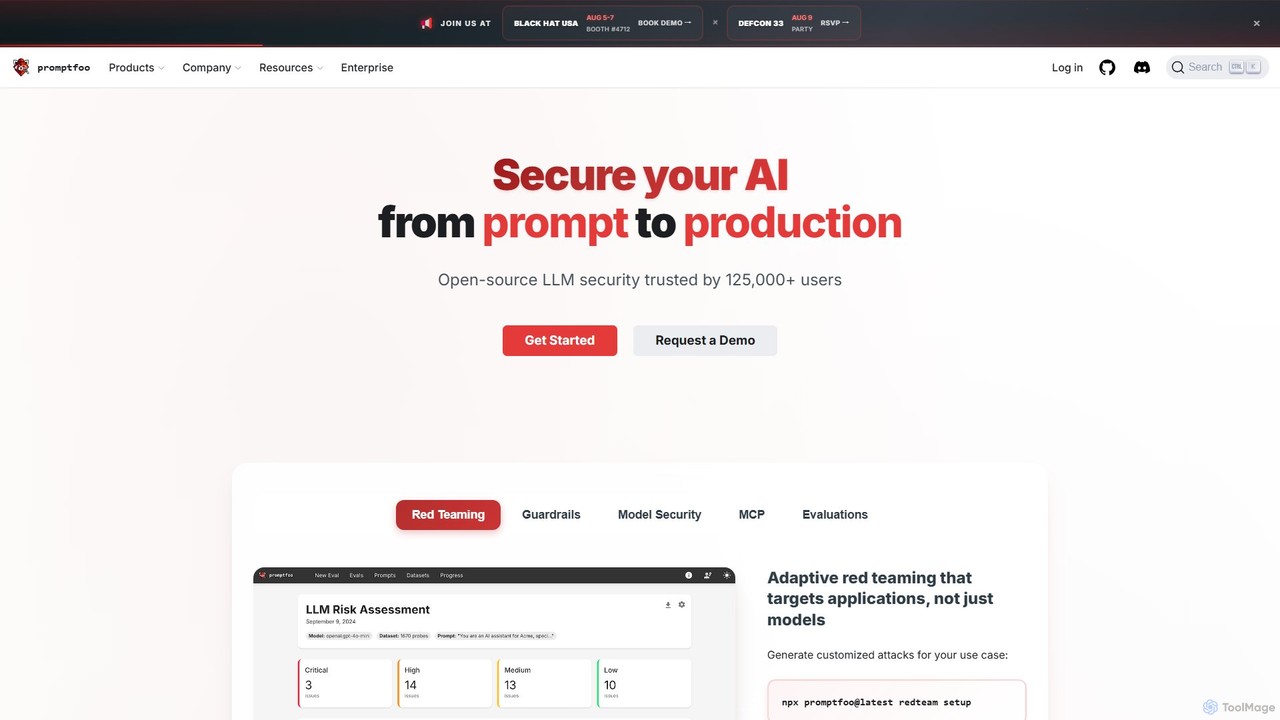
promptfoo is a comprehensive testing and evaluation framework for Large Language Models (LLMs). It helps developers and enterprises compare prompt quality, evaluate model performance, and enhance AI security through systematic testing, benchmarking, and AI-powered red teaming. It supports over 50 LLM providers, including local models, and offers a developer-friendly CLI for seamless integration into development workflows.

Low Code No Code
Visits 166.2KFavorites 124Likes 113

About Development

AI Development tools are a class of software that leverages artificial intelligence to automate, accelerate, and enhance the software development lifecycle. These tools utilize large language models (LLMs) and machine learning to assist with tasks like code generation, debugging, and automated testing. They empower developers to build applications faster, reduce human error, and focus on complex architectural challenges. By integrating directly into Integrated Development Environments (IDEs), they act as intelligent coding partners for programmers.

Core Features

  • AI Code Completion & Generation: Suggests or writes entire code blocks, functions, and classes based on natural language prompts or existing code context.
  • Automated Debugging & Error Analysis: Identifies bugs in real-time, suggests potential fixes, and explains complex errors to speed up troubleshooting.
  • Code Refactoring & Optimization: Analyzes existing code and recommends improvements for better performance, readability, and maintainability.
  • Natural Language to Code/SQL: Translates plain language descriptions into executable code, complex SQL queries, or shell commands.
  • Automated Test Case Generation: Creates relevant unit tests and integration tests based on the code's logic and functional requirements.

Use Cases

AI Development tools are widely used by individual developers, agile teams, and large enterprises. They are applied in web development, mobile app creation, data science, and embedded systems. Common scenarios include rapid prototyping of new features, maintaining large and complex legacy codebases, and accelerating the onboarding process for new developers by providing contextual code explanations.

How to Choose

When selecting an AI Development tool, evaluate its integration with your preferred IDE (e.g., VS Code, JetBrains). Consider the programming languages it supports and the accuracy of its code suggestions. For enterprise use, critically assess its security and privacy policies regarding your codebase, and check for options like on-premise deployment or policies that prevent training on private data.

Featured tool rankings

Development use cases

1

Accelerate API Endpoint Development

A backend developer is tasked with creating a new set of RESTful API endpoints for a user management module. Instead of writing all the boilerplate code manually, they use an AI development tool. By providing a natural language prompt like 'Create a POST endpoint for user registration with email, password, and name fields, including validation and database insertion', the tool generates the complete controller logic, data validation rules, and database model interaction code. This reduces initial development time by over 60%, allowing the developer to focus on business logic and security hardening.

2

Automate Code Review and Refactoring

A software team lead integrates an AI development tool into their CI/CD pipeline. When a developer submits a pull request, the AI tool automatically scans the new code. It identifies potential bugs, performance bottlenecks (like inefficient database queries), and deviations from coding standards. The tool leaves comments directly on the pull request with specific suggestions for refactoring, such as simplifying a complex function or using a more efficient algorithm. This automates the first pass of code review, saving senior developers' time and ensuring a consistent level of code quality across the team.

3

Debug Complex Legacy Code

A maintenance engineer needs to fix a critical bug in a large, poorly documented legacy system. The original developers are no longer with the company. The engineer uses an AI development tool to understand the codebase. By highlighting a complex function, the AI explains its purpose, inputs, outputs, and side effects in plain English. When an error occurs, the engineer feeds the stack trace to the AI, which analyzes it and pinpoints the likely root cause, suggesting specific lines of code to investigate. This transforms a multi-day investigation into a task that can be completed in a few hours.

4

Generate Comprehensive Unit Tests

A developer has just finished writing a new data processing function but needs to ensure its reliability by creating thorough unit tests. Using an AI development tool, they right-click the function and select 'Generate Tests'. The AI analyzes the function's logic, including its parameters, return types, and edge cases (e.g., null inputs, empty arrays). It then automatically generates a suite of unit tests covering successful paths, failure scenarios, and boundary conditions. The developer can review and refine these tests, achieving 90%+ code coverage in a fraction of the time it would take to write them manually.

5

Translate Natural Language to SQL Queries

A data analyst needs to pull a specific report from a complex database with dozens of interconnected tables. They are not an SQL expert and writing the query would be time-consuming and error-prone. Instead, they use an AI development tool and type a request in plain English: 'Show me the total sales revenue for each product category in the last quarter, sorted from highest to lowest, for customers in North America'. The tool instantly generates an optimized, multi-join SQL query that correctly retrieves the requested data, saving the analyst hours of work and potential errors.

6

Onboard New Developers Faster

A junior developer joins a team and is assigned to a project with a massive, complex codebase. To get up to speed, they use an AI development tool as a learning aid. When they encounter an unfamiliar section of code, they can ask the AI to 'explain this code'. The tool provides a step-by-step breakdown of the logic, defines variables, and clarifies the function's overall purpose within the application. This self-service learning process significantly reduces the amount of time they need to ask senior developers for help, allowing them to become productive contributors to the project much more quickly.

Development FAQ

What are AI Development tools?

AI Development tools are software applications that integrate artificial intelligence to assist programmers throughout the software development lifecycle. They act as intelligent assistants within a developer's coding environment. Key functions include automatically generating code from natural language, providing advanced code completion, identifying and suggesting fixes for bugs, and creating unit tests. Unlike traditional tools, they use machine learning models to understand context and intent, helping to increase productivity and improve code quality.

How to choose the right AI Development tool?

Choosing the right tool depends on your specific needs. Consider these factors:

  • IDE & Language Support: Ensure the tool integrates seamlessly with your primary Integrated Development Environment (e.g., VS Code, JetBrains) and supports your main programming languages.
  • Functionality: Determine if you need a tool primarily for code generation, debugging, testing, or a combination. Some tools excel in specific areas.
  • Security & Privacy: For corporate use, this is critical. Check if the tool offers on-premise deployment or has a strict policy against training its models on your private code.
  • Performance: The tool should provide suggestions quickly without slowing down your IDE. Look for user reviews regarding performance and resource consumption.
What's the difference between AI code completion and traditional IntelliSense?

The primary difference lies in their underlying technology and capability. Traditional IntelliSense relies on static analysis of your code and its libraries. It suggests completions based on defined classes, methods, and variables, which is helpful but limited to what already exists. In contrast, AI code completion uses large language models (LLMs) trained on vast amounts of code. This allows it to understand the context and intent of your code, enabling it to generate entirely new, multi-line blocks of code, complete complex logic, and even write code based on a natural language comment. It's predictive and generative, not just reflective of existing definitions.

Can AI Development tools replace human developers?

No, AI development tools are designed to augment, not replace, human developers. They excel at automating repetitive and time-consuming tasks, such as writing boilerplate code, finding simple bugs, or generating standard tests. This frees up developers to focus on higher-level tasks that require critical thinking, creativity, and architectural design. Developers are still essential for understanding business requirements, designing complex systems, making strategic decisions, and overseeing the entire development process. The tools act as powerful assistants, making developers more efficient and effective.

Are AI Development tools secure for proprietary code?

Security is a primary concern, and the answer varies by tool. Many cloud-based AI tools may use your code snippets to improve their models, which can be a risk for proprietary information. However, reputable providers for enterprise customers offer specific solutions to address this:

  • Private or On-Premise Deployment: Some tools can be hosted on your own servers, ensuring your code never leaves your network.
  • Zero Data Retention Policies: Many services have policies where your code is only processed ephemerally to generate a response and is never stored or used for training.
  • Data Anonymization: Some tools may use telemetry but anonymize or remove any sensitive or proprietary information from the data they collect.

It is crucial to thoroughly review the privacy policy and terms of service of any AI development tool before using it with sensitive codebases.