ToolMage
Sign in

Best 139 Document Analysis AI tools for Productivity

Popular Document Analysis AI tools in Productivity include NoteGPT, pdfai.io, vLex, Harvey, Law Insider, PopAi, PDF.ai, Paperguide, LegalForce, and Humata, helping you work more efficiently.

IntelliParse
Freemium

IntelliParse

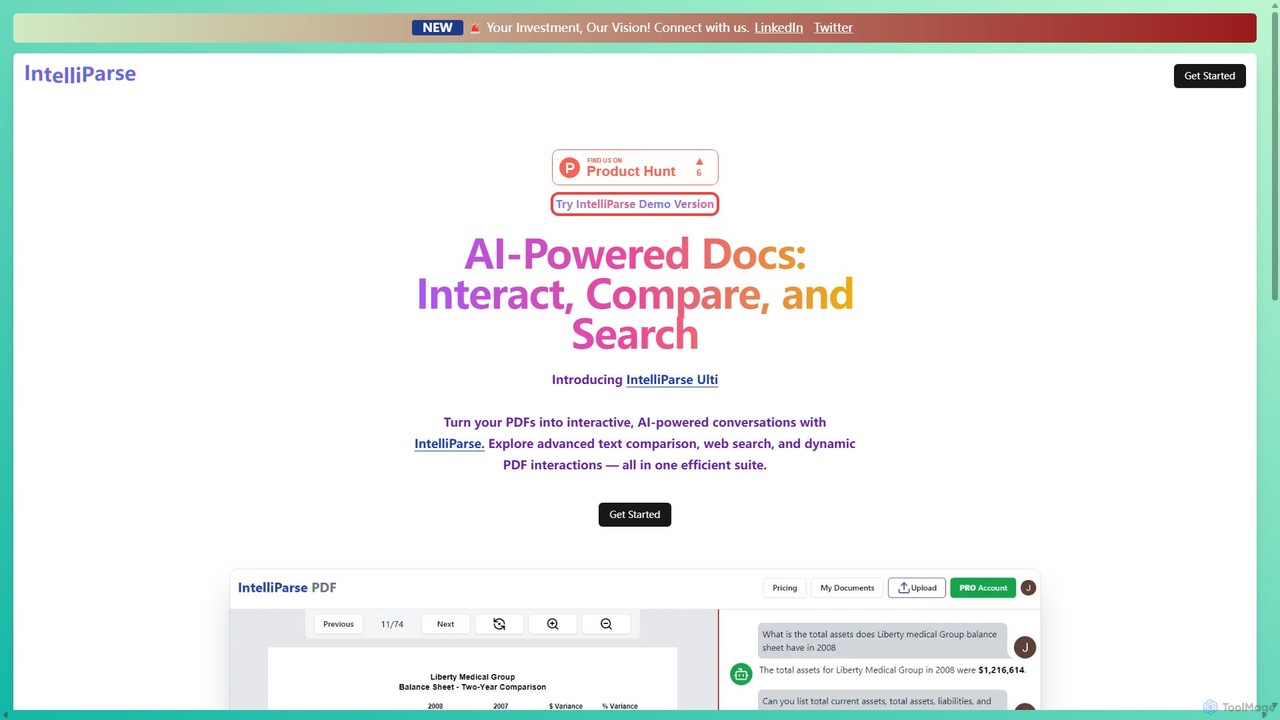
IntelliParse is an AI-powered suite that transforms your PDFs into interactive conversations. It allows you to chat with your documents, compare text between files, and leverage an integrated web search to find information. It's designed for efficient document management and analysis.

Study Aid
Visits 5.5KFavorites 139Likes 132
Law.co
Freemium

Law.co

Law.co is an AI-powered legal platform designed for lawyers and law firms. It automates document review, assists in contract drafting, enhances legal research, and streamlines workflows. By leveraging advanced AI, it helps legal professionals increase efficiency, reduce costs, and deliver superior client service.

Legal Assistant
Visits 8.5KFavorites 122Likes 132
brainypdf
Freemium

brainypdf

BrainyPDF is an AI-powered tool that transforms your static PDF documents into interactive sources of knowledge. Chat directly with your files, get instant summaries of lengthy reports, and extract crucial information effortlessly. It's the ultimate productivity booster for students, researchers, and professionals who need to process dense documents quickly and efficiently.

Data Extraction
Visits 5.5KFavorites 120Likes 128
Humata
Freemium

Humata

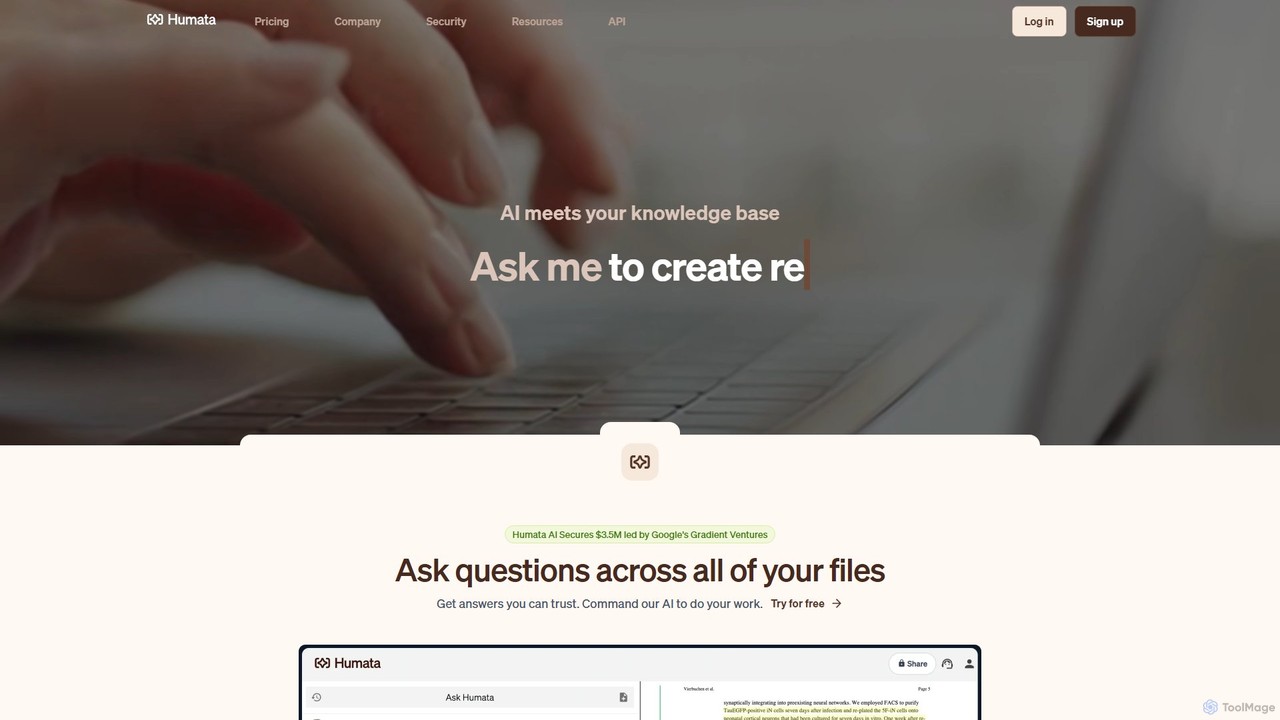
Humata is an AI platform that acts like ChatGPT for your files. Upload any document, such as PDFs, research papers, or legal contracts, and ask questions to get instant, accurate answers. The AI summarizes, synthesizes, and extracts valuable information, providing citations from your source documents to ensure trustworthiness. It's designed to accelerate research, analysis, and knowledge discovery for students, professionals, and teams.

Data Analysis
Visits 228.9KFavorites 157Likes 149
Advomate
Freemium

Advomate

Advomate is an AI-powered platform designed for legal professionals to automate and streamline their workflow. It offers rapid legal research, in-depth document analysis with an interactive chat, and a user-friendly search engine for laws and case law. The tool aims to save lawyers time and money by efficiently handling complex legal tasks.

Case Management
Visits 5.5KFavorites 143Likes 128
gptsci

gptsci

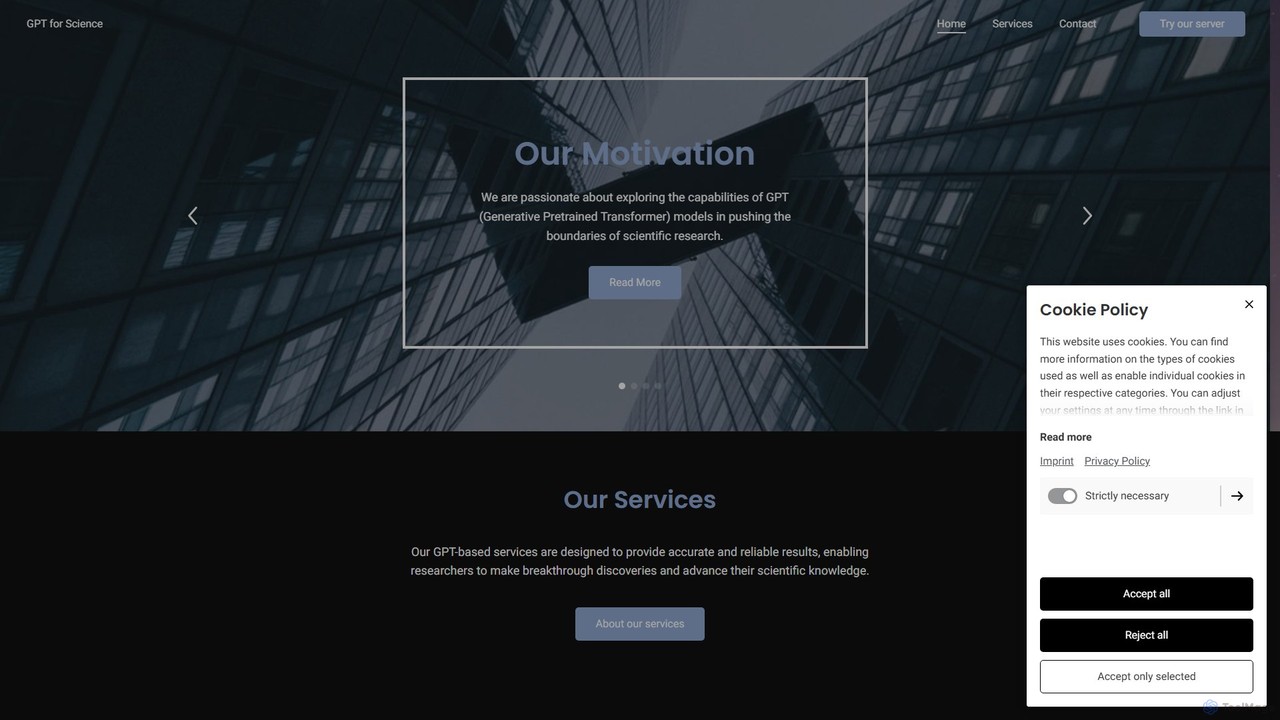
gptsci is a pioneering suite of AI tools designed to accelerate scientific research. It leverages fine-tuned GPT models to assist researchers with literature reviews, data analysis, hypothesis generation, and creating presentations, aiming to make scientific discovery more efficient and accessible.

Learning
Visits 26.9KFavorites 127Likes 129
Paperguide
Freemium

Paperguide

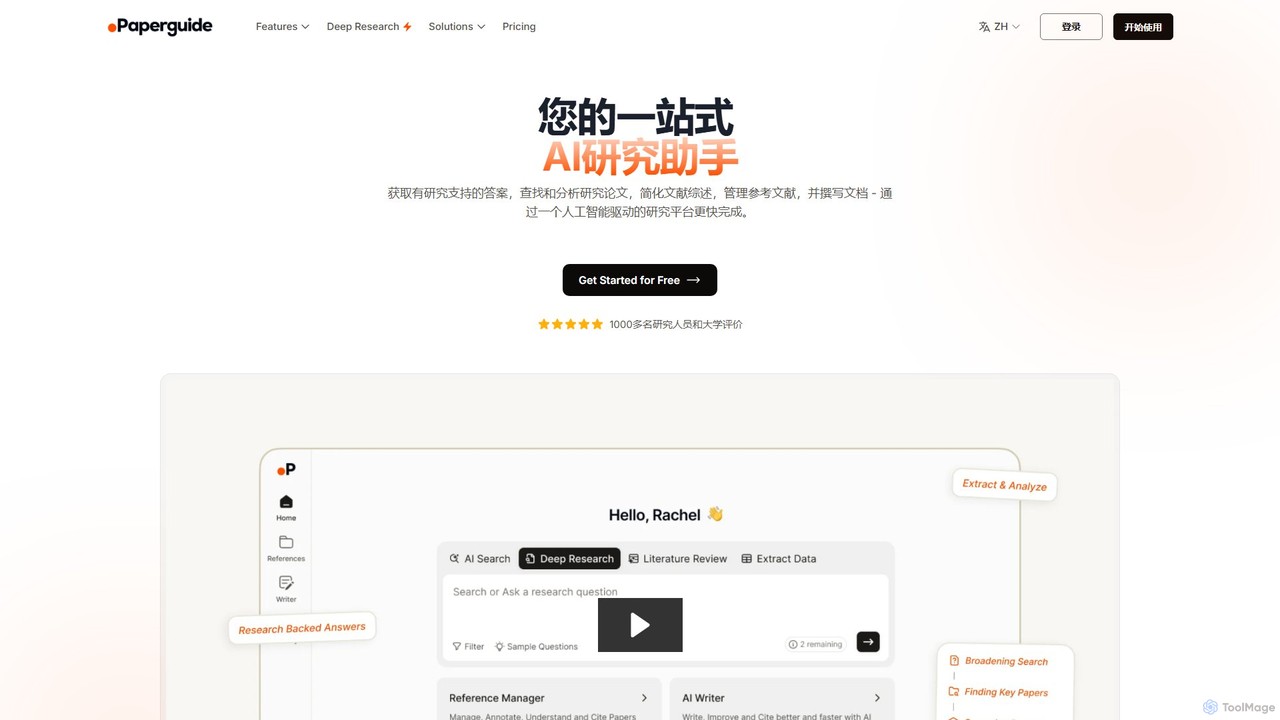
Paperguide is an all-in-one AI research assistant designed to accelerate academic and professional research. It helps users find papers, get research-backed answers, conduct literature reviews, manage references, and write documents with AI assistance. By leveraging a vast database of over 200 million papers, it streamlines the entire research workflow from discovery to final draft.

Academic
Visits 292.6KFavorites 117Likes 131
Locus
Freemium

Locus

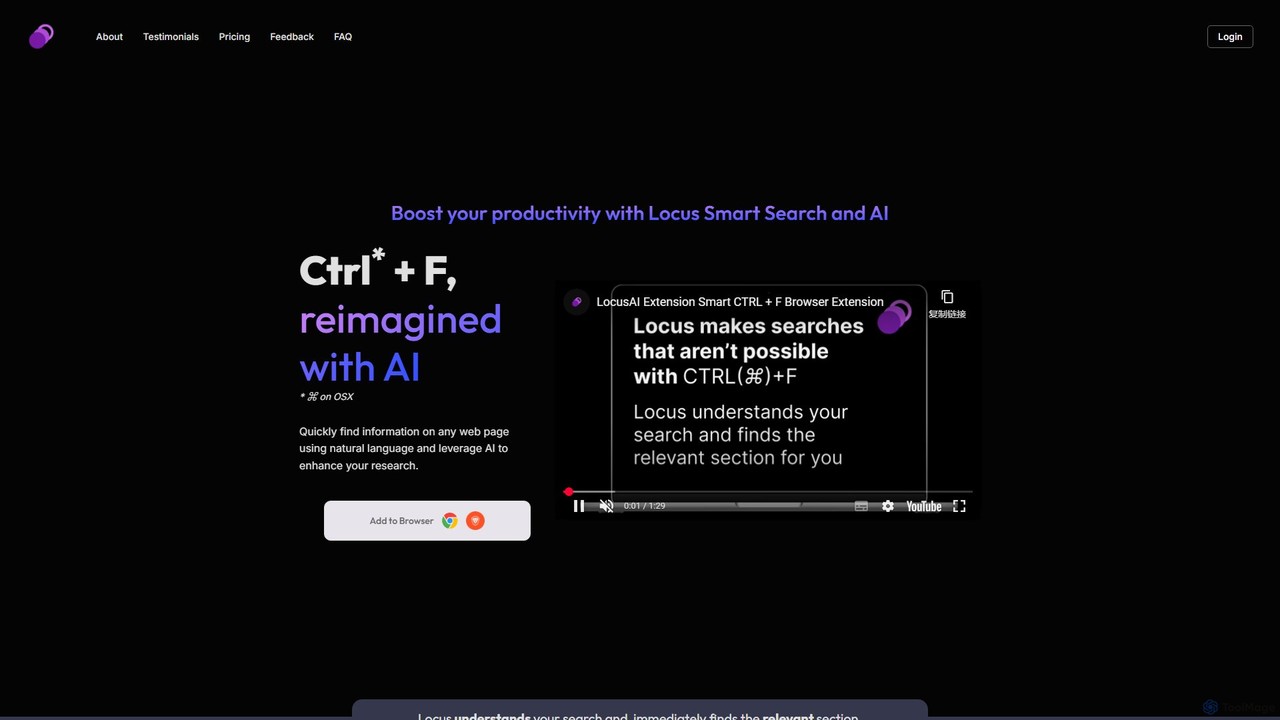
Locus is an AI-powered browser extension that reimagines the Ctrl+F function. It allows you to use natural language to search web pages and PDFs, instantly finding relevant information without needing exact keywords. Locus also offers AI assistance to summarize content, brainstorm ideas, and create study notes, significantly boosting your research and reading productivity.

Search
Visits 6.2KFavorites 126Likes 128
ExamUp
Free

ExamUp

ExamUp is an AI-powered learning platform that transforms your study materials into interactive flashcards, quizzes, and concise notes. It features a powerful AI Math Solver for step-by-step solutions, a PDF AI for document interaction, and a 24/7 AI Tutor to enhance your study sessions and boost exam preparation efficiency.

Math Solver
Visits 12.2KFavorites 110Likes 125
SyncStudy
Freemium

SyncStudy

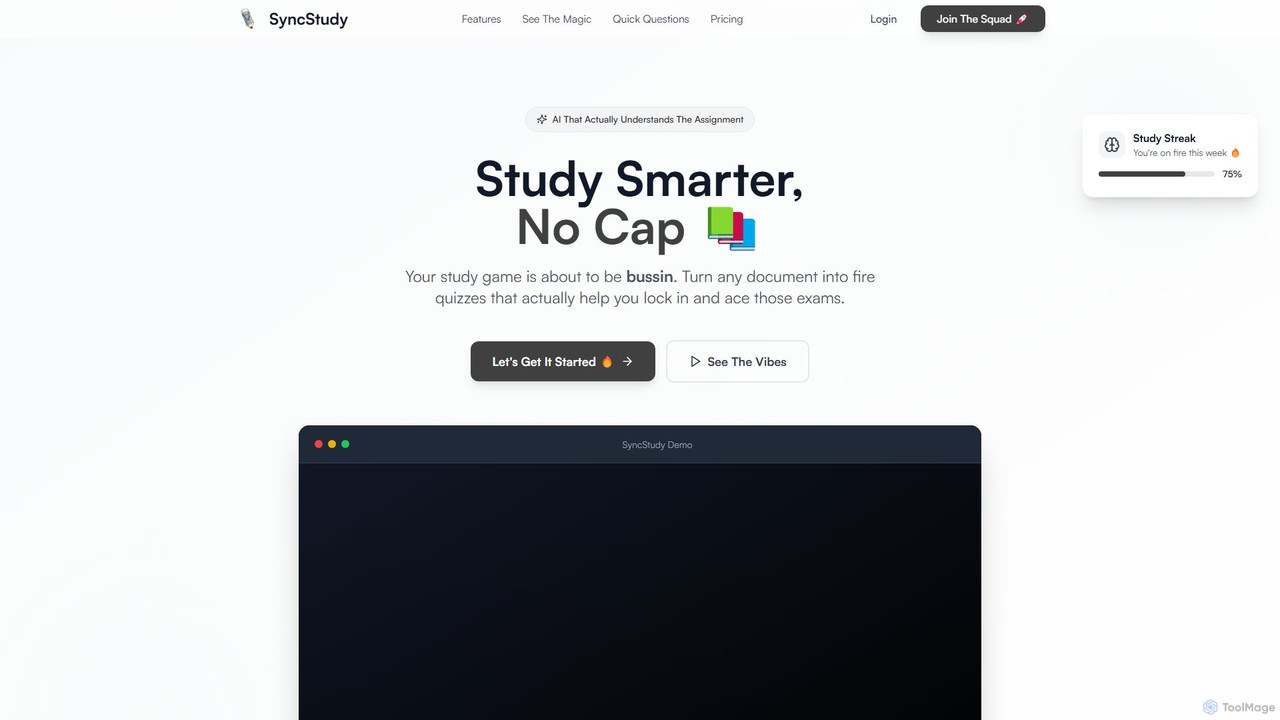
SyncStudy is an AI-powered study assistant that transforms your documents, notes, and textbooks into interactive quizzes and flashcards. It helps students study smarter by automating question generation, tracking progress, and providing personalized learning insights to ace exams.

Study Assistant
Visits 7.5KFavorites 134Likes 140
Tensorlake
Paid

Tensorlake

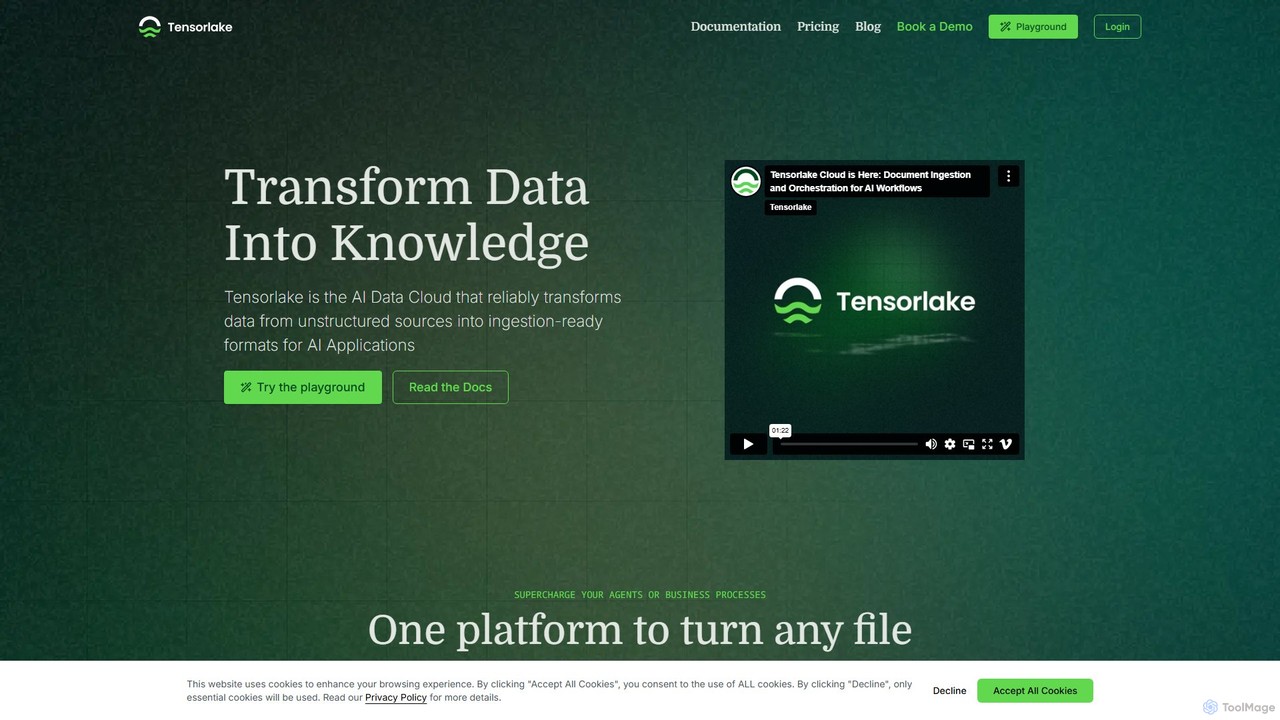
Tensorlake is an AI Data Cloud platform that transforms unstructured data from any source into structured, LLM-ready formats. It provides a Document Ingestion API and Serverless Workflows to build scalable, high-accuracy data pipelines for RAG systems and business process automation.

Data Management
Visits 37KFavorites 114Likes 132
PalyPDF
Freemium

PalyPDF

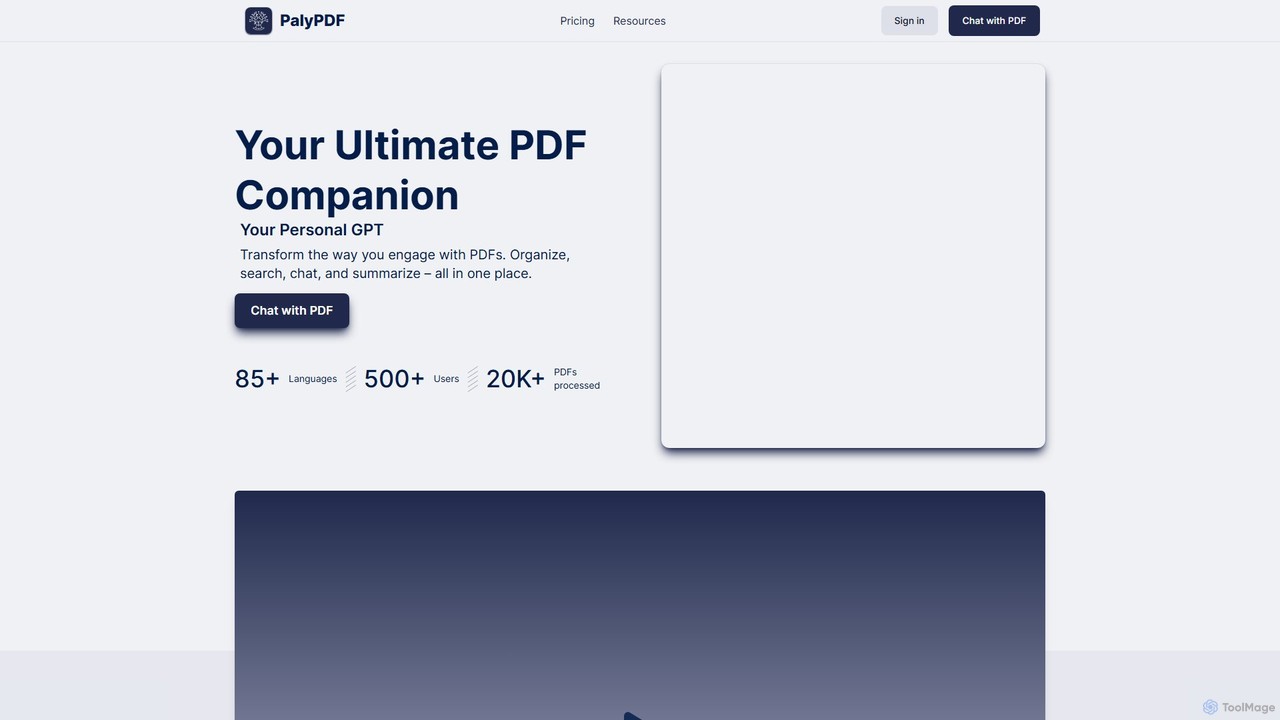
PalyPDF is an AI-powered PDF companion that transforms how you interact with documents. It allows you to chat directly with your PDFs, get instant summaries, and search for information across multiple files using advanced semantic search. With support for over 85 languages and robust organizational features, it serves as an all-in-one solution for students, researchers, and professionals to manage and extract insights from their documents efficiently.

Legal
Visits 5.4KFavorites 98Likes 98
Bard PDF
Free

Bard PDF

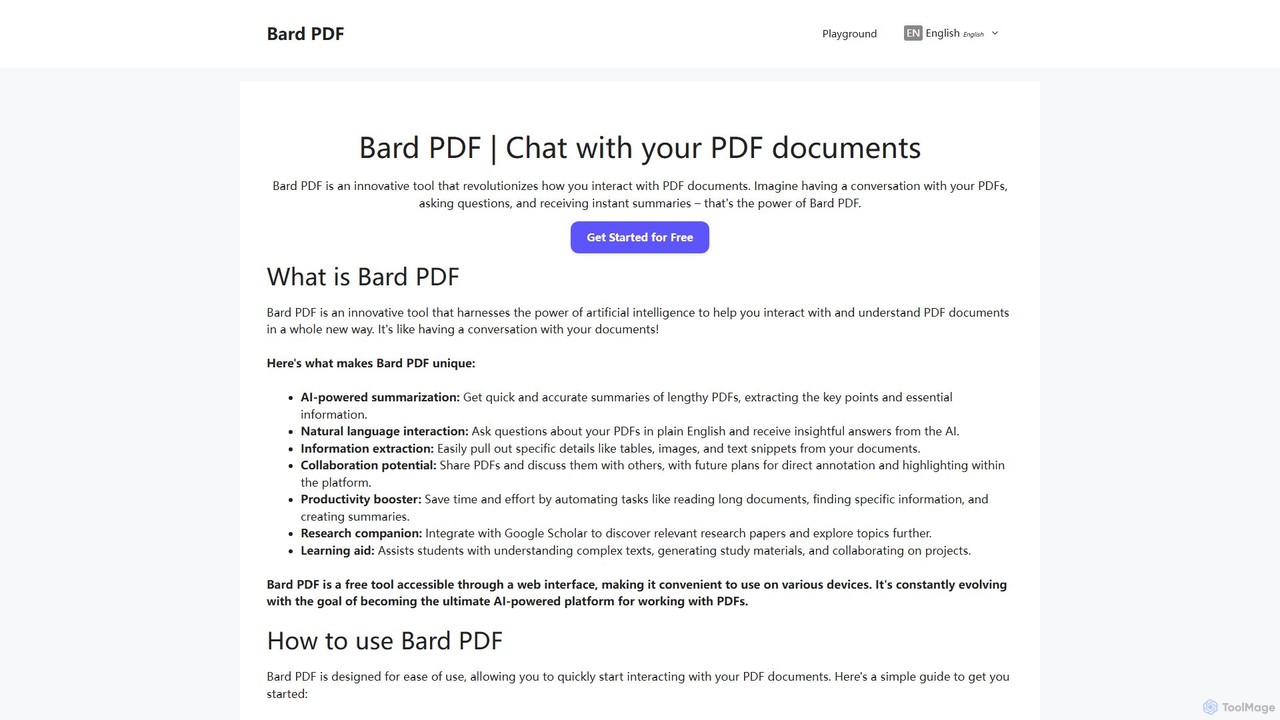
Bard PDF is a free AI-powered web tool that revolutionizes interaction with PDF documents. Simply paste a PDF URL to chat with your document, ask questions in natural language, and receive instant, accurate summaries. It can extract key information like tables and text, making it an ideal companion for students, researchers, and professionals looking to quickly comprehend and analyze lengthy documents.

Summarizer
Visits 5.5KFavorites 116Likes 102
docuquote
Free

docuquote

An AI-powered tool that allows you to upload PDF documents and ask questions to instantly extract precise quotes and information. Ideal for students, researchers, and writers looking to save time on document analysis.

Research
Visits 5.5KFavorites 127Likes 128
Unstuck AI
Freemium

Unstuck AI

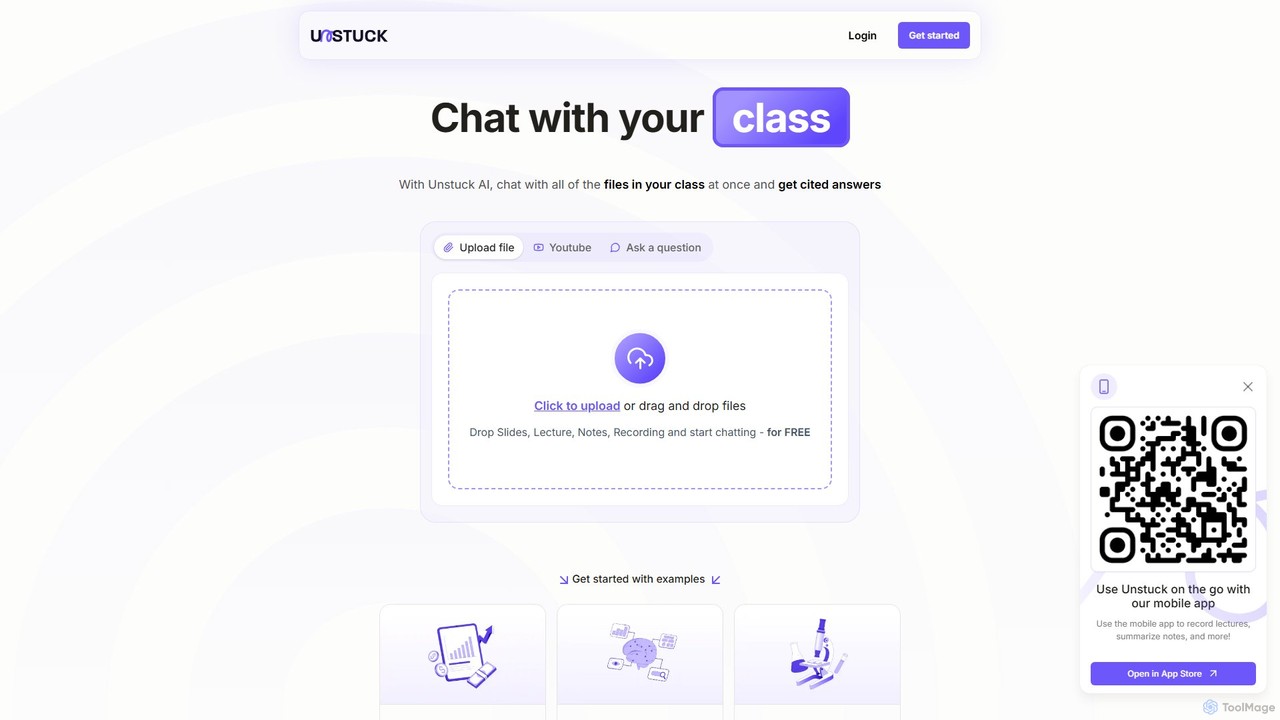
Unstuck AI is an intelligent study partner that allows students to chat with all their course materials at once. Upload lectures, notes, slides, and even YouTube videos to get instant, cited answers, making exam prep and homework more efficient.

Personal Assistant
Visits 77.4KFavorites 122Likes 131
Doculogy

Doculogy

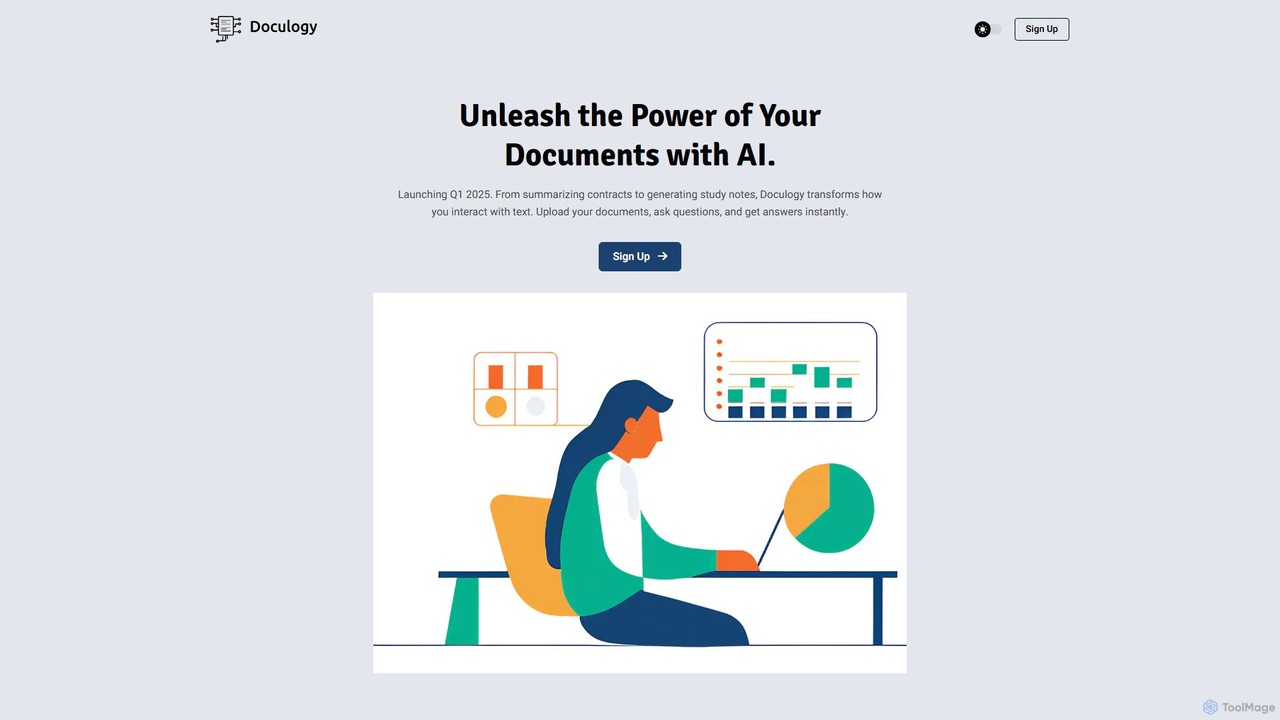
Doculogy is an AI-powered document analysis platform that transforms how you interact with text. Upload contracts, research papers, or CVs, ask questions in natural language, and receive instant, precise answers. It summarizes, analyzes multiple documents at once, and provides actionable insights, saving time and improving decision-making for professionals across various fields.

Reporting
Visits 5.5KFavorites 119Likes 141
PDF Pals
Paid

PDF Pals

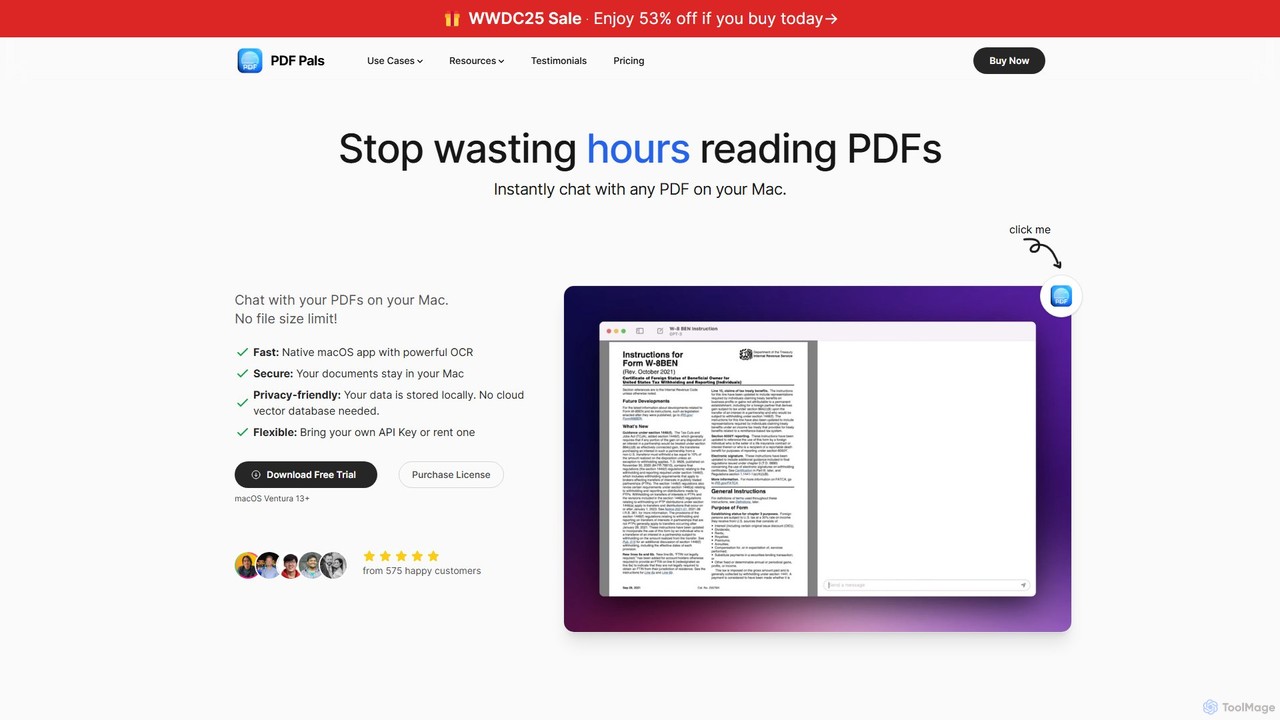
PDF Pals is a native macOS application that allows you to chat with your PDF documents locally. It offers powerful OCR, multi-document support, and flexible API integration, ensuring your data remains private and secure on your Mac. There are no file size limits, making it ideal for researchers, developers, and legal professionals.

Documentation
Visits 8.2KFavorites 133Likes 109
PDFChat
Freemium

PDFChat

PDFChat is a professional AI-powered chat application for documents. Powered by ChatGPT and GPT-4o, it allows you to interact with PDFs, DOCs, websites, and more. Get instant, source-cited answers, analyze complex tables and images, and query multiple documents at once to boost your research and productivity.

Study Aid
Visits 6.1KFavorites 142Likes 118
Search+
Freemium

Search+

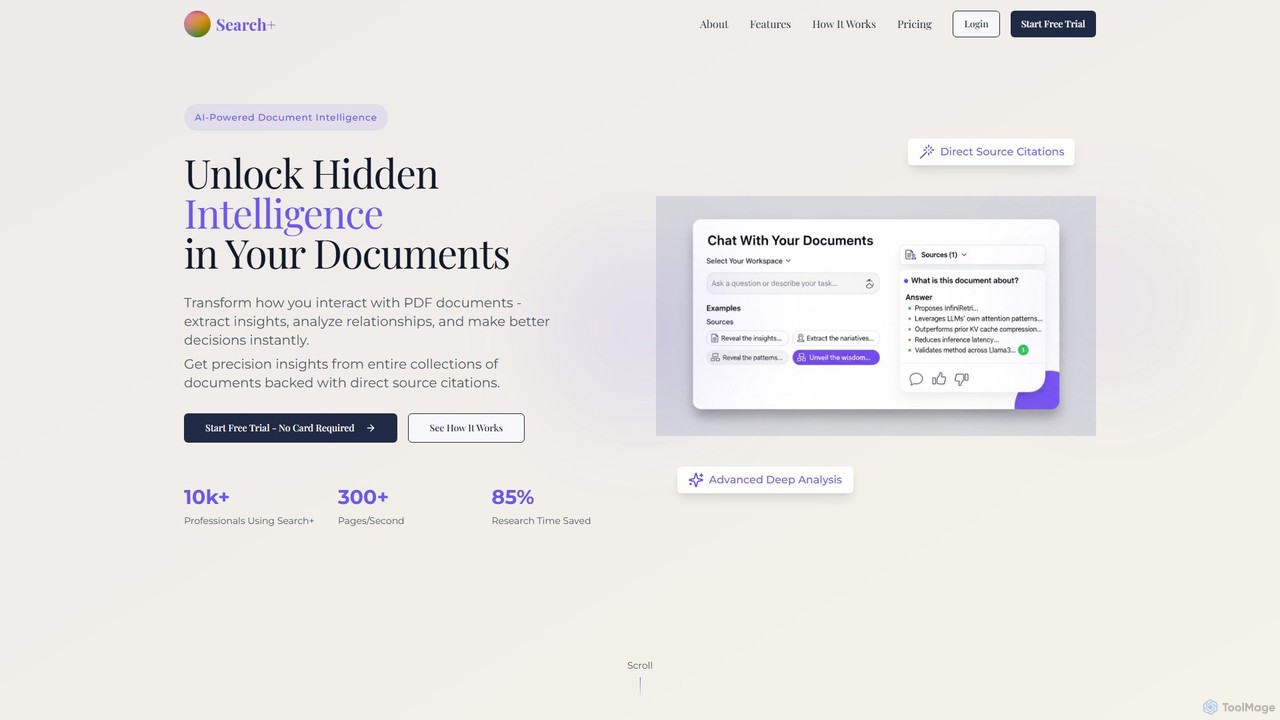
Search+ is an AI-powered document intelligence platform designed for professionals. It allows users to chat with large documents, extract critical insights, analyze relationships across multiple files, and receive precise, source-cited answers, significantly reducing research time.

Financial Analysis
Visits 14.6KFavorites 135Likes 134
Quino
Freemium

Quino

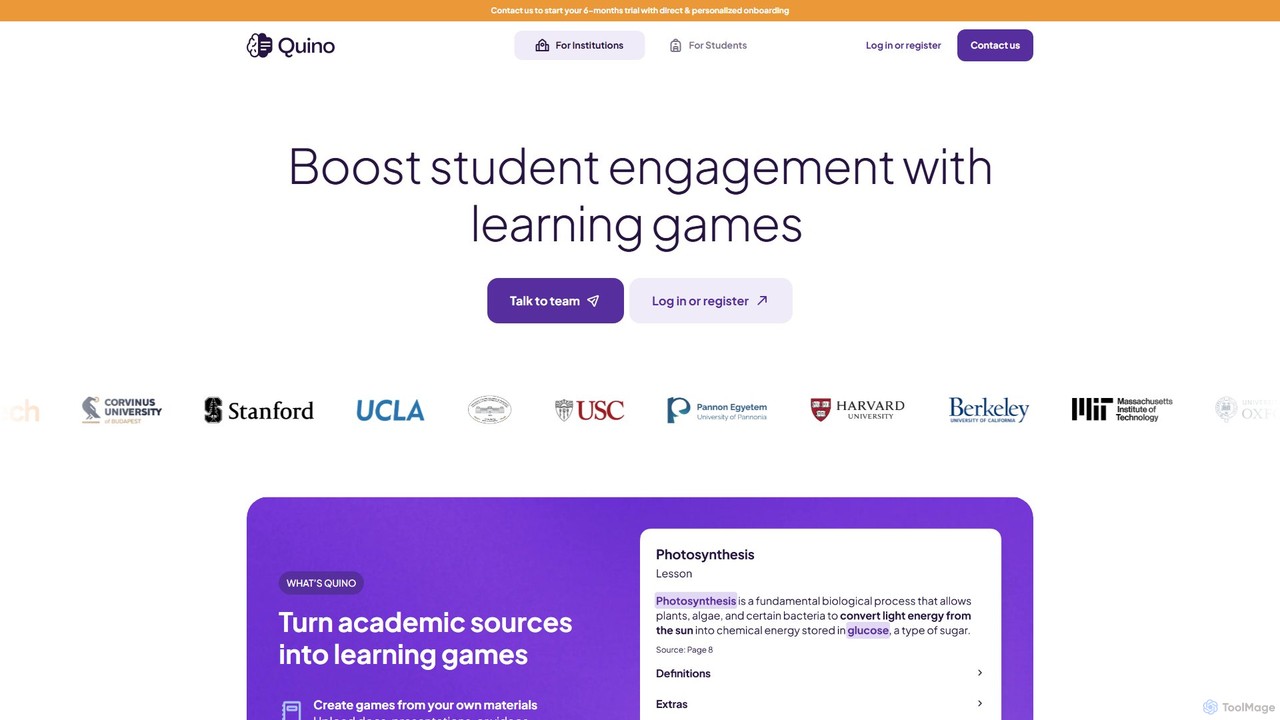
Quino is an AI-driven learning platform that transforms academic materials into engaging learning games and interactive study tools. Designed for both educational institutions and students, it automates lesson creation, boosts student engagement, and provides powerful AI research tools like document summarization and Q&A to foster deeper understanding and academic integrity.

Learning
Visits 5.4KFavorites 133Likes 142
PDF.ai
Freemium

PDF.ai

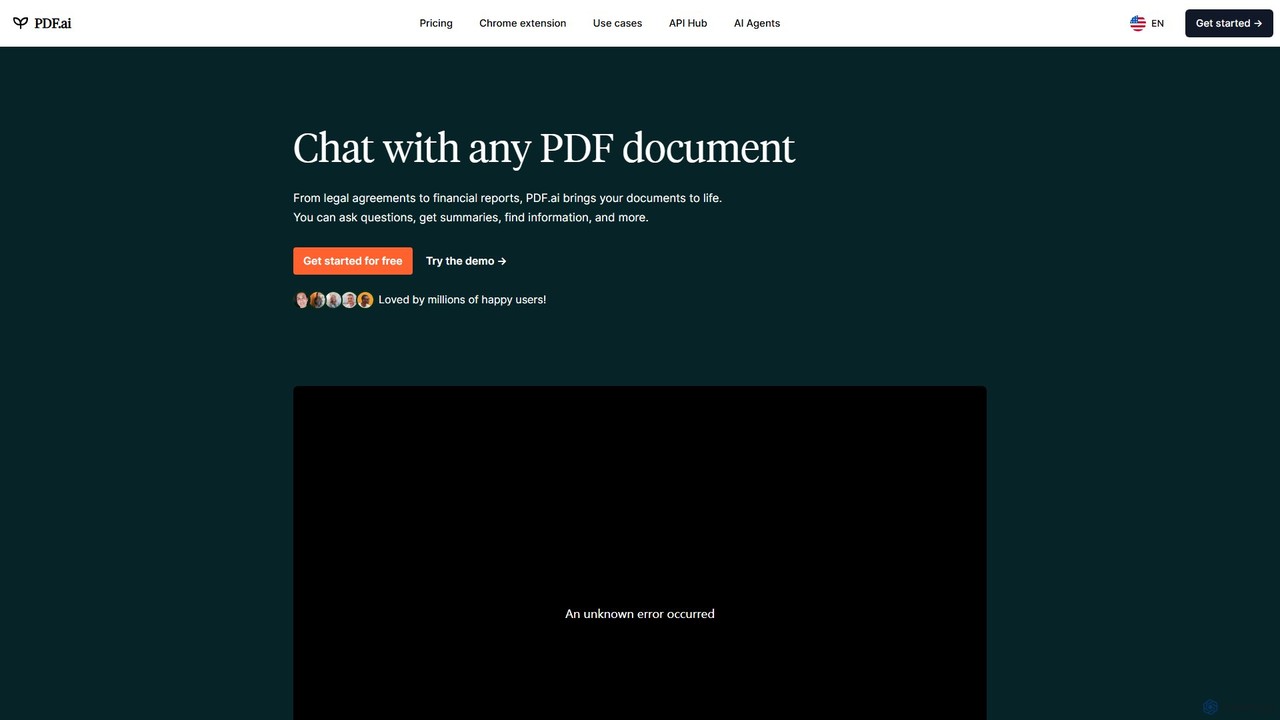
PDF.ai is an AI-powered platform that allows you to chat with any PDF document. Instantly get summaries, find information, and extract data from various files like legal agreements, financial reports, research papers, and books. It enhances productivity by making document analysis fast, interactive, and efficient, with source-backed answers for reliability.

Study Aid
Visits 489.9KFavorites 108Likes 120
FreeAIChatbot.org
Free

FreeAIChatbot.org

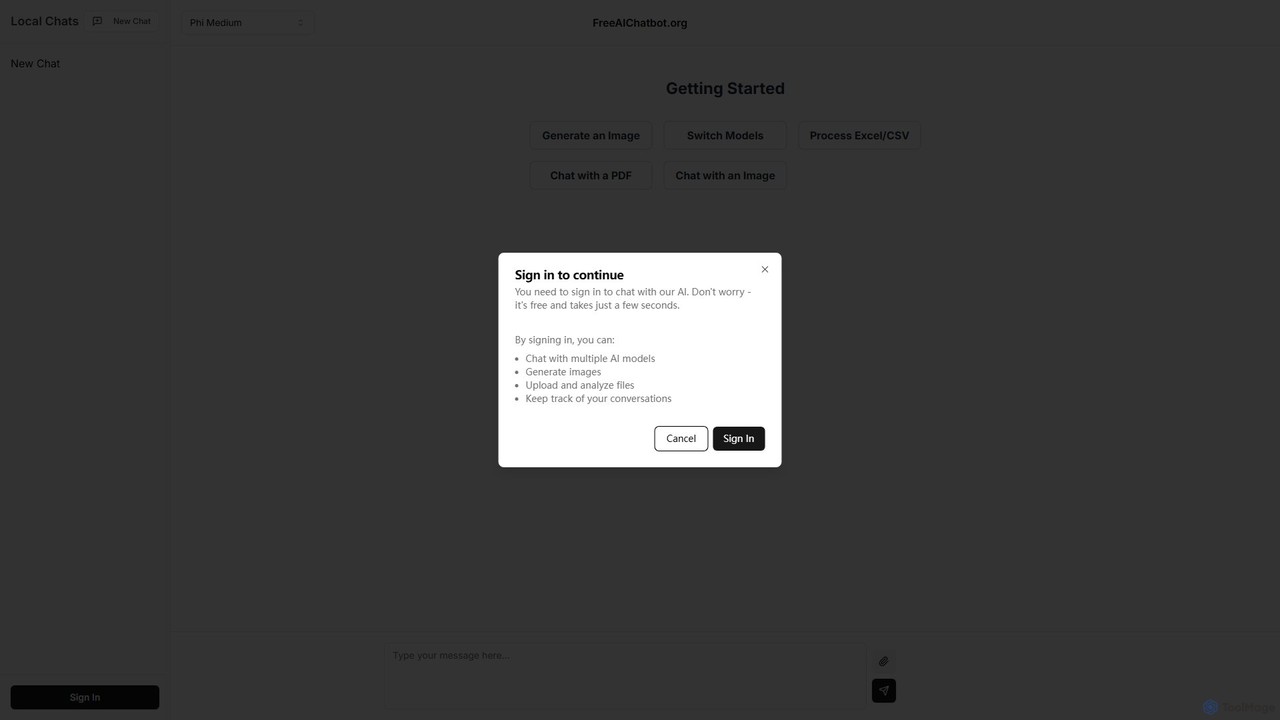
A versatile, free, and privacy-focused AI platform offering multi-model chat, image generation, and analysis of PDFs, images, and CSV files. All your conversations are stored locally on your device, ensuring complete data security and privacy.

Data Analysis
Visits 5.4KFavorites 132Likes 144
NoteGPT
Freemium

NoteGPT

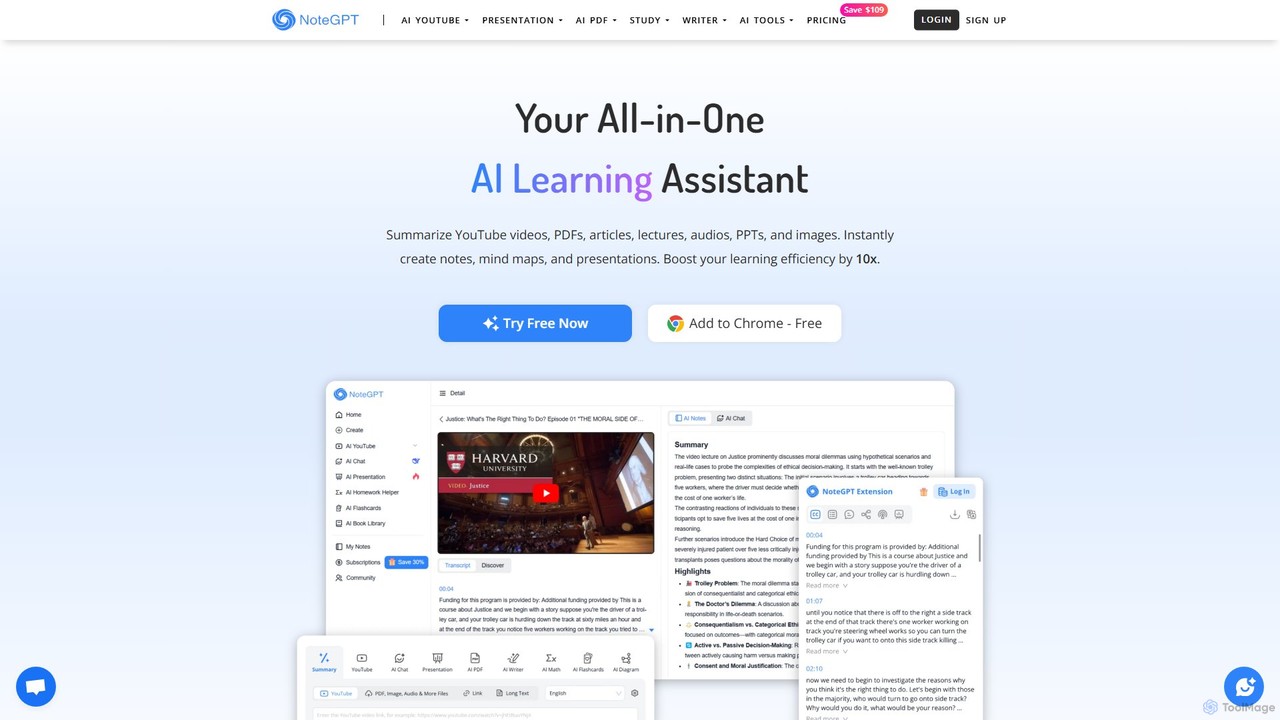
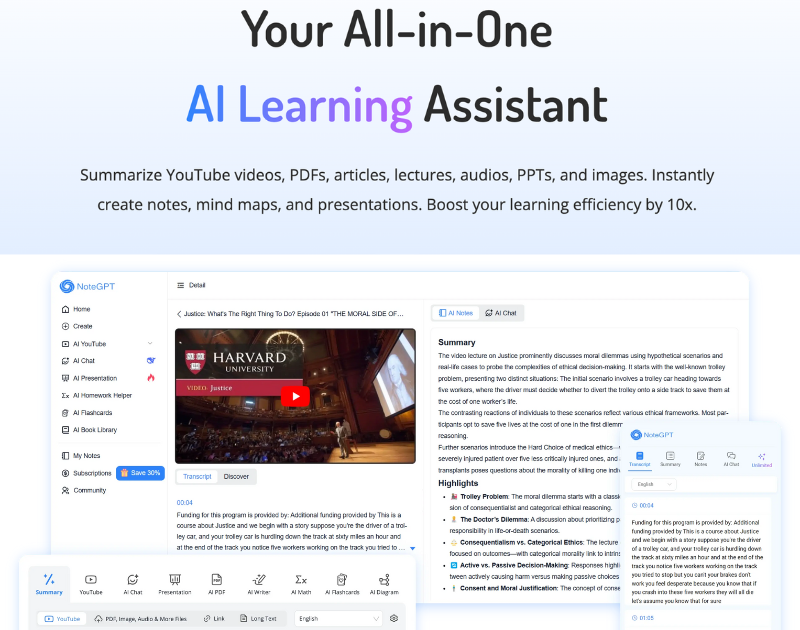
NoteGPT is an all-in-one AI learning assistant designed to enhance productivity for students, researchers, and professionals. It excels at summarizing YouTube videos, PDFs, and web pages, offers AI-powered chat for personalized answers, generates presentations, and provides advanced writing and homework assistance.

Learning
Visits 12.4MFavorites 116Likes 125
TanyaPDF
Freemium

TanyaPDF

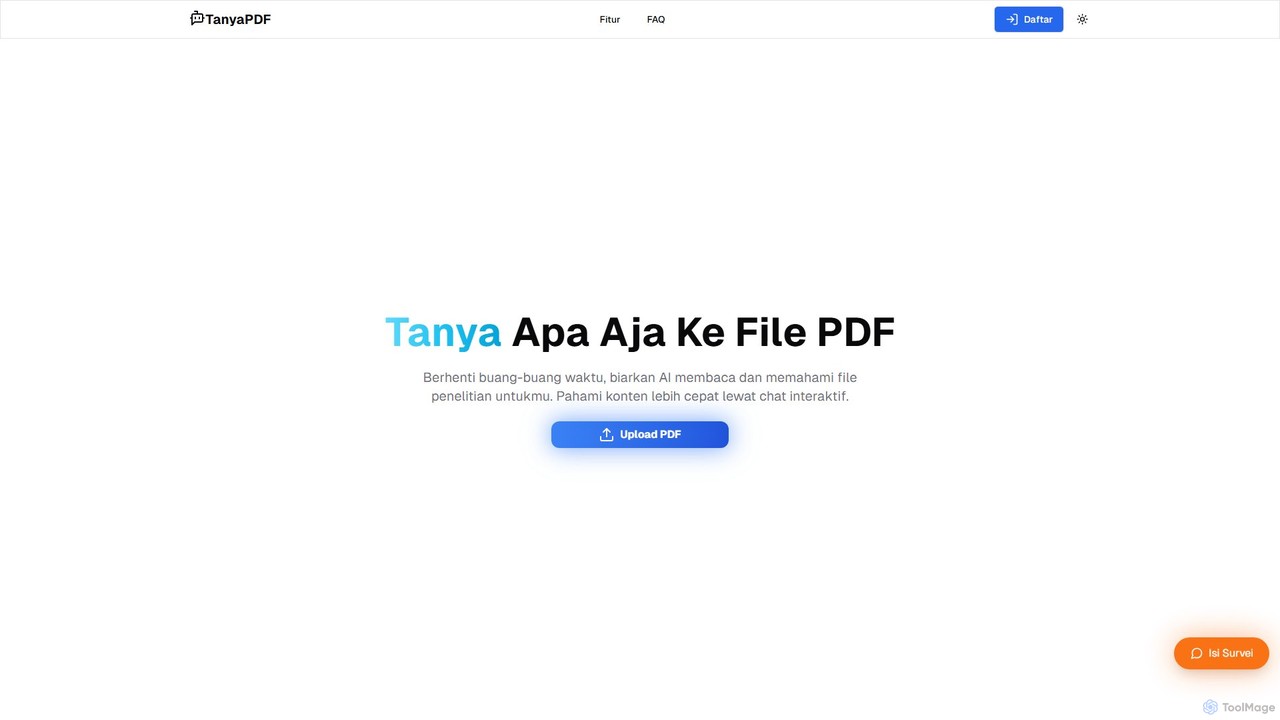
An AI-powered tool that allows you to chat with your PDF documents. Upload a file, ask questions in natural language, and get instant summaries and answers. Designed for students, researchers, and professionals to understand complex documents faster and more efficiently.

Report Analysis
Visits 6.7KFavorites 112Likes 109

About Document Analysis

Document Analysis tools are AI-powered applications designed to automatically extract, interpret, and structure information from various document types like PDFs, reports, and contracts. They leverage technologies such as Natural Language Processing (NLP) and Optical Character Recognition (OCR) to understand text, tables, and layouts. This enables users to quickly find key insights, summarize lengthy content, and automate data entry, transforming static documents into actionable data. As a key part of the Productivity suite, these tools focus specifically on unlocking the value hidden within unstructured text.

Core Features

  • Data Extraction: Automatically pulls specific data points like names, dates, invoice amounts, and contract clauses from unstructured text.
  • Semantic Search: Finds information based on meaning and context, allowing users to ask questions in natural language rather than just matching keywords.
  • Automated Summarization: Generates concise summaries of long documents, reports, or articles, highlighting the most critical information.
  • Optical Character Recognition (OCR): Converts scanned documents, images, and handwritten notes into machine-readable, searchable, and editable text.
  • Topic & Sentiment Analysis: Identifies the main themes within a document and determines the underlying emotional tone (positive, negative, neutral).

Use Cases

These tools are widely used in sectors that handle high volumes of documentation, such as legal, finance, healthcare, and research. Law firms use them to accelerate e-discovery by analyzing thousands of legal briefs. Financial analysts extract key figures from annual reports for faster modeling, and researchers streamline literature reviews by summarizing academic papers.

How to Choose

When selecting a Document Analysis tool, consider the following: the range of supported document formats (PDF, DOCX, scanned images), the accuracy and customizability of the data extraction models, integration capabilities with your existing systems (e.g., CRM, ERP), and the specific analysis features required, such as sentiment analysis versus simple data extraction.

Featured tool rankings

Document Analysis use cases

1

Automate Legal Contract Review

A corporate lawyer needs to review a 150-page supplier agreement for compliance and risk. Instead of reading it manually, they upload the document to an analysis tool. The AI automatically identifies and extracts key clauses, such as liability limits, termination conditions, and confidentiality obligations. It also flags any non-standard or potentially risky language by comparing it against a database of approved clauses. This process reduces the initial review time from several hours to under 30 minutes, allowing the lawyer to focus on strategic negotiation points.

2

Accelerate Financial Report Analysis

An investment analyst is tasked with comparing the quarterly performance of five competing tech companies. They upload each company's 10-K and earnings reports to an analysis platform. The tool uses data extraction to pull key financial metrics like revenue, net income, and cash flow into a structured table. It also performs sentiment analysis on the 'Management's Discussion and Analysis' section to gauge executive confidence. This allows the analyst to quickly spot trends and anomalies across companies without manually searching through hundreds of pages of dense text.

3

Streamline Academic Literature Reviews

A PhD student is conducting a literature review and has gathered over 100 academic papers in PDF format. Using a document analysis tool, they upload the entire collection. The tool automatically extracts the abstract, methodology, and key findings from each paper. The student can then use semantic search to ask complex questions like, 'Which papers used a longitudinal study design to analyze social media impact?' The tool instantly surfaces the most relevant papers and even generates a summary of their collective findings, saving weeks of manual reading and note-taking.

4

Automate Invoice Data Entry

An accounts payable department receives hundreds of invoices daily in various formats (PDF, JPG, scanned copies). A clerk uses a document analysis tool with OCR capabilities. They simply forward the invoice emails or upload the files to the system. The tool automatically reads each invoice, extracts the vendor name, invoice number, due date, and line-item details, and then validates the data against purchase orders in the ERP system. This eliminates manual data entry, reduces errors by over 90%, and accelerates the payment cycle.

5

Analyze Customer Feedback from Surveys

A product manager collects thousands of open-ended responses from a customer satisfaction survey. To quickly identify key issues, they feed the raw text data into an analysis tool. The tool performs topic modeling to group feedback into categories like 'UI/UX,' 'Pricing,' and 'Performance.' It also runs sentiment analysis on each comment to quantify positive and negative feedback for each category. This provides the product manager with a clear, data-driven overview of customer pain points and priorities, enabling them to make informed decisions for the next product update.

6

Verify Insurance Claim Documents

An insurance claims processor receives a new claim package, including a claim form, a police report, and medical invoices. They upload all documents to an AI analysis platform. The tool uses OCR to digitize the documents and then cross-references information across them, such as names, dates, and incident descriptions, to check for consistency. It automatically flags any discrepancies or missing information for the processor's review. This automated verification process helps detect potential fraud and ensures all required information is present before processing the claim, reducing manual check time by up to 70%.

Document Analysis FAQ

What are AI Document Analysis tools?

AI Document Analysis tools are software applications that use artificial intelligence, primarily Natural Language Processing (NLP) and Optical Character Recognition (OCR), to automatically read, understand, and extract structured information from unstructured documents. Unlike a simple keyword search, they can interpret context, identify specific data points (like dates or names), summarize content, and classify documents by type. They essentially turn static files like PDFs and images into dynamic, queryable data sources.

How to choose the right Document Analysis tool?

Choosing the right tool depends on your specific needs. Consider these key factors:

  • Document Types: Ensure the tool supports the formats you work with, such as native PDFs, scanned documents, Word files, or images.
  • Extraction Accuracy: Check if the tool can accurately extract the specific data fields you need. Many offer free trials to test their performance on your own documents.
  • Integration Capabilities: Look for tools with APIs or pre-built connectors to integrate with your existing software stack (e.g., ERP, CRM, or accounting software).
  • Scalability and Use Case: Determine if you need a tool for simple, low-volume tasks or an enterprise-grade solution for processing thousands of documents daily with complex workflows.
What's the difference between Document Analysis and a standard PDF reader?

A standard PDF reader (like Adobe Acrobat Reader) is primarily for viewing, printing, and sometimes annotating or signing documents. Its function is to present the document as is. An AI Document Analysis tool, however, goes much further by actively interpreting the content. It doesn't just display the text; it understands it. This allows it to perform tasks like automatically extracting data into a spreadsheet, summarizing a 50-page report into a few paragraphs, or answering specific questions about the document's content, which a standard reader cannot do.

What kind of documents can these tools analyze?

Document Analysis tools are versatile and can handle a wide range of formats. Common examples include:

  • Financial Documents: Invoices, purchase orders, receipts, bank statements, and annual reports.
  • Legal Documents: Contracts, agreements, court filings, and depositions.
  • Business Documents: Resumes, business proposals, meeting minutes, and survey responses.
  • Scanned & Image-based Files: Scanned forms, photographs of receipts, and handwritten notes, which are processed using OCR technology.

The effectiveness can vary based on the document's quality and complexity, but modern tools are increasingly capable of handling messy, real-world documents.

Who benefits most from using Document Analysis tools?

Professionals and businesses that handle large volumes of documents and rely on the information within them see the greatest benefit. Key users include:

  • Legal Professionals: For e-discovery, contract management, and case research.
  • Financial Analysts & Accountants: For analyzing financial statements, processing invoices, and auditing.
  • Researchers & Academics: For conducting literature reviews and analyzing qualitative data.
  • HR Departments: For screening resumes and processing employee forms.

Essentially, any role that involves significant manual reading, data extraction, or summarization of documents can be made more efficient and accurate with these tools.