ToolMage
Sign in

Best 169 Presentations AI tools for Productivity

Popular Presentations AI tools in Productivity include Kimi, Gamma, HeyGen, Genially, MiriCanvas, Slidesgo, Gaoding Design, Vidnoz, Napkin AI, and Microsoft Designer, helping you work more efficiently.

PowerPresent
Freemium

PowerPresent

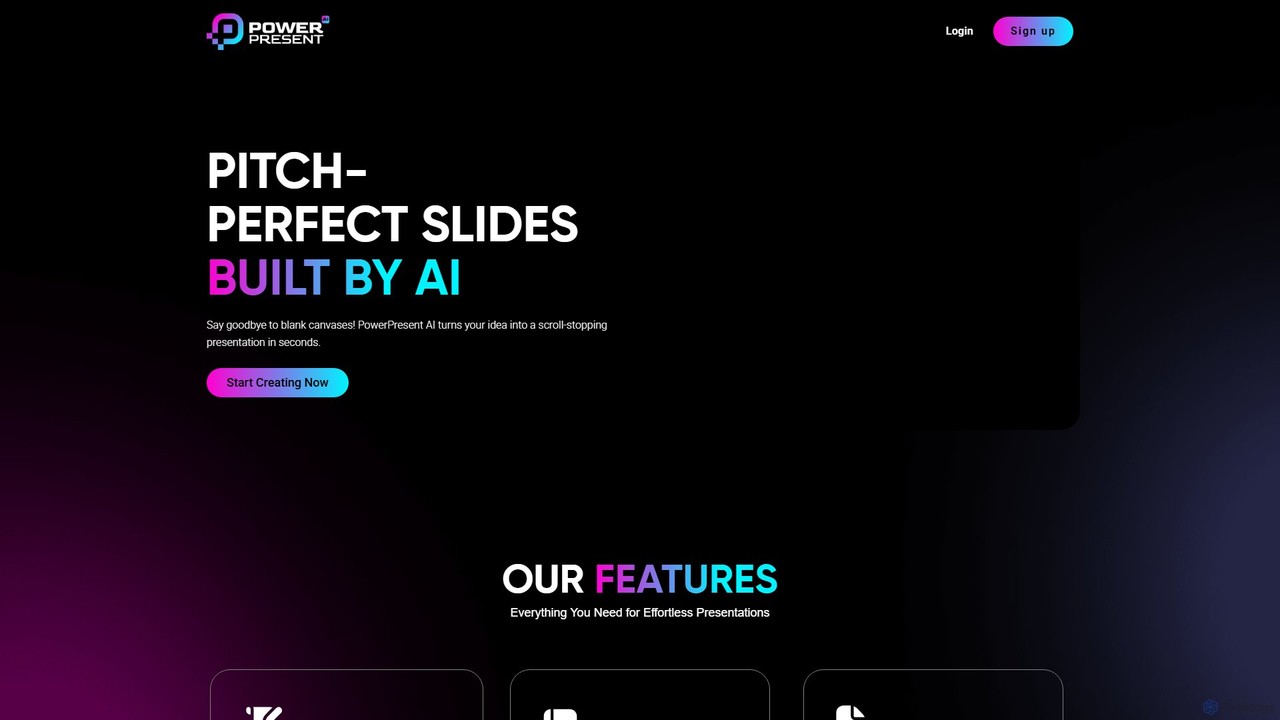
PowerPresent is an AI-powered presentation maker that instantly transforms your ideas, documents, links, or text into professional, editable slides. Say goodbye to blank canvases and create stunning, pitch-perfect presentations in seconds for business, education, or personal projects.

Marketing
Visits 9.4KFavorites 158Likes 152

SketchBubble
Freemium

SketchBubble

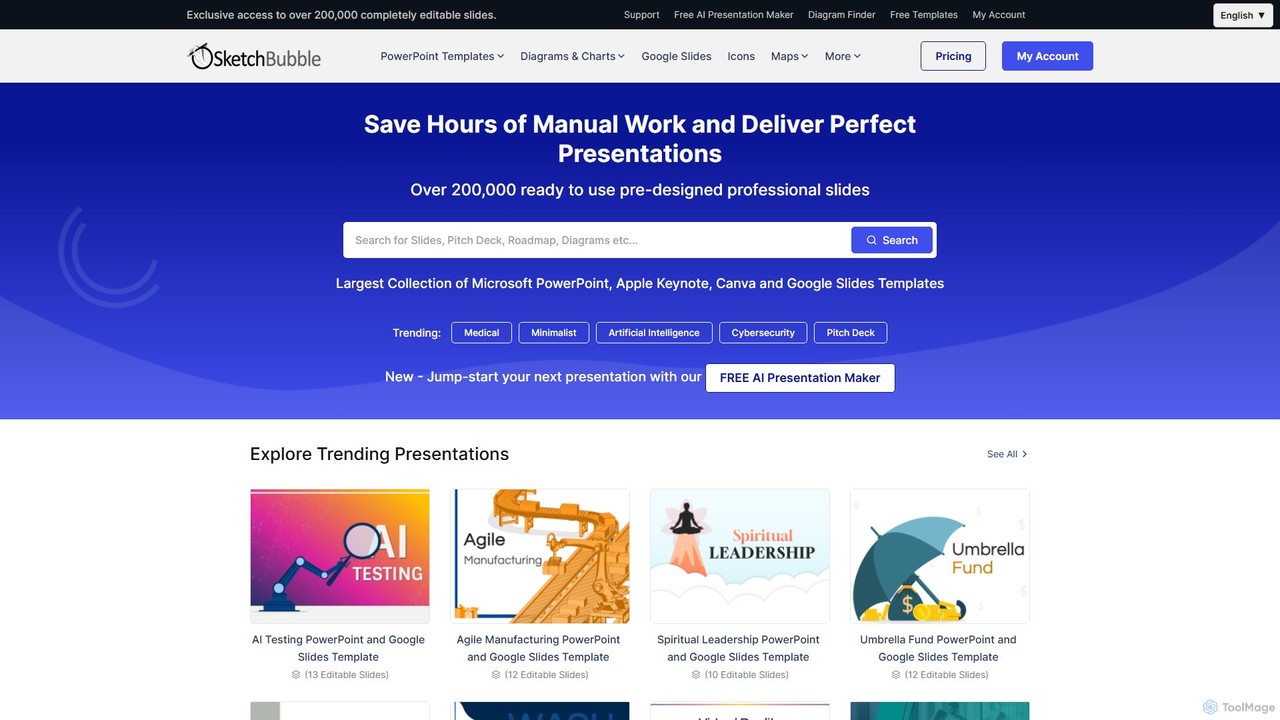
SketchBubble is a comprehensive platform offering a vast library of over 200,000 professional presentation templates for PowerPoint, Google Slides, Keynote, and Canva. It also features a free AI Presentation Maker to instantly generate stunning slides, helping users save time and deliver impactful presentations for any occasion.

Templates
Visits 261.5KFavorites 161Likes 163
storyd
Freemium

storyd

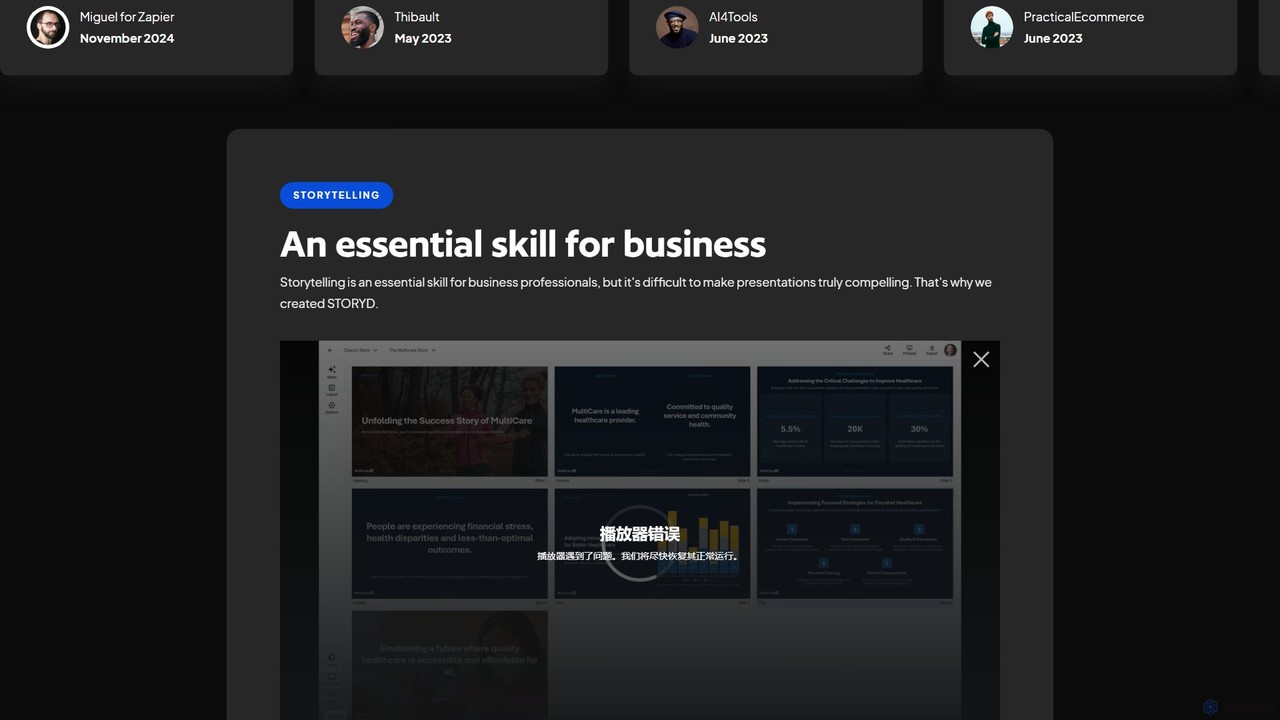
storyd is an AI-powered presentation tool that transforms simple text prompts into compelling, data-driven business presentations in seconds. It focuses on effective storytelling structures to create decks that resonate with leaders. Users can customize branding, collaborate in real-time, and export to popular formats like PowerPoint and Google Slides. It's designed for professionals who need to create high-impact presentations quickly, without sacrificing quality or clarity.

Marketing
Visits 7.2KFavorites 116Likes 101
Supademo
Freemium

Supademo

Supademo is an AI-powered platform for creating interactive product demos and guided tours in minutes. It helps sales, marketing, and customer success teams to close deals faster, scale product onboarding, and generate leads by replacing static screenshots and videos with engaging, self-guided experiences.

Onboarding
Visits 352.2KFavorites 204Likes 180
AutoSlide
Freemium

AutoSlide

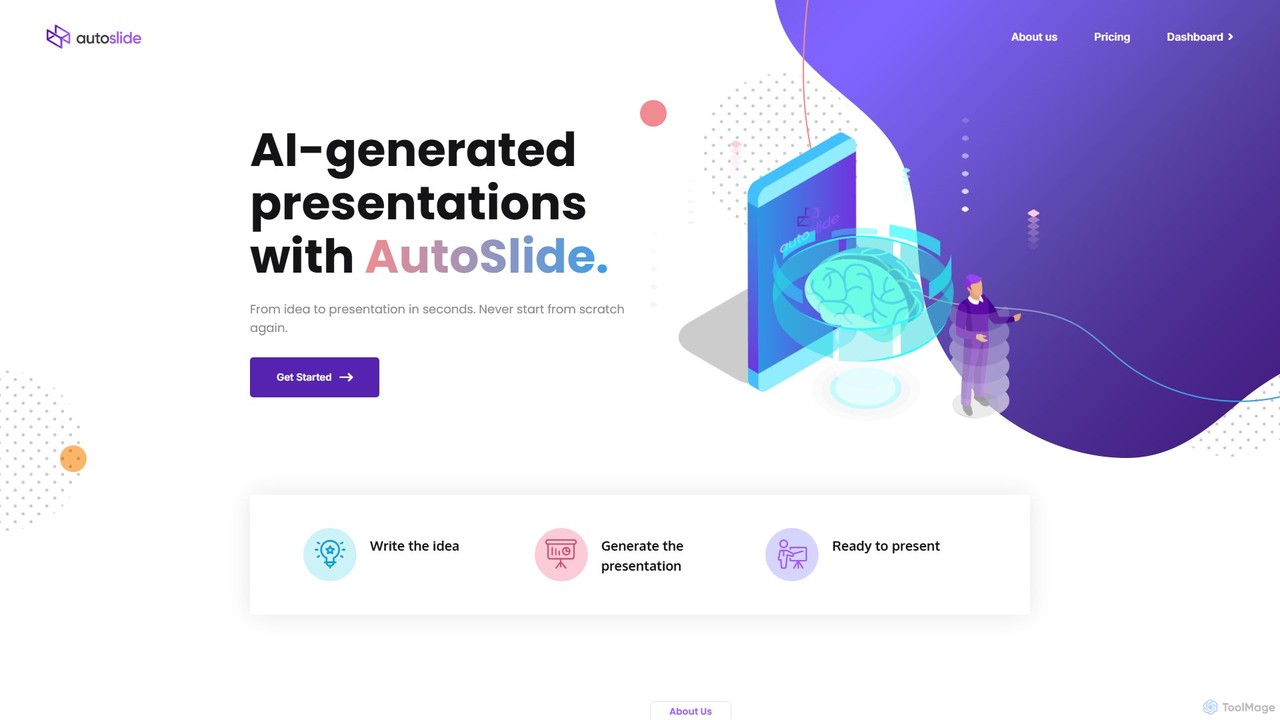
AutoSlide is an AI-powered presentation generator that transforms your text, topics, or documents into professional, ready-to-present slides in seconds. Leveraging advanced AI like GPT-3, it automates content creation and design, allowing you to focus on your message. Ideal for business professionals, educators, and marketers.

Teaching
Visits 5.7KFavorites 125Likes 123
docmee
Freemium

docmee

docmee is an AI-powered presentation generator that creates professional PPTs in minutes. Simply provide a title, text, or upload a document (like Word), and its AI will automatically generate the outline, content, and design. It features intelligent layout, AI-generated images, and various templates, streamlining the entire presentation creation process for business, education, and marketing.

Assistant
Visits 13.5KFavorites 159Likes 144
kaipai
Freemium

kaipai

Kaipai is an AI-powered video creation platform that specializes in generating realistic talking head videos from text. It allows users to create professional-grade videos with AI avatars, eliminating the need for cameras, microphones, or actors. Simply input your script, choose an avatar and voice, and generate a high-quality video in minutes, perfect for marketing, training, and content creation.

Text To Speech
Visits 178.2KFavorites 136Likes 114
Shanjian
Freemium

Shanjian

Shanjian is an AI-powered video creation platform that specializes in generating professional videos with lifelike digital humans. It allows users to create custom AI avatars, clone their own voice and appearance, and produce high-quality videos from text in minutes.

Social Media
Visits 40.5KFavorites 128Likes 142
Venngage
Freemium

Venngage

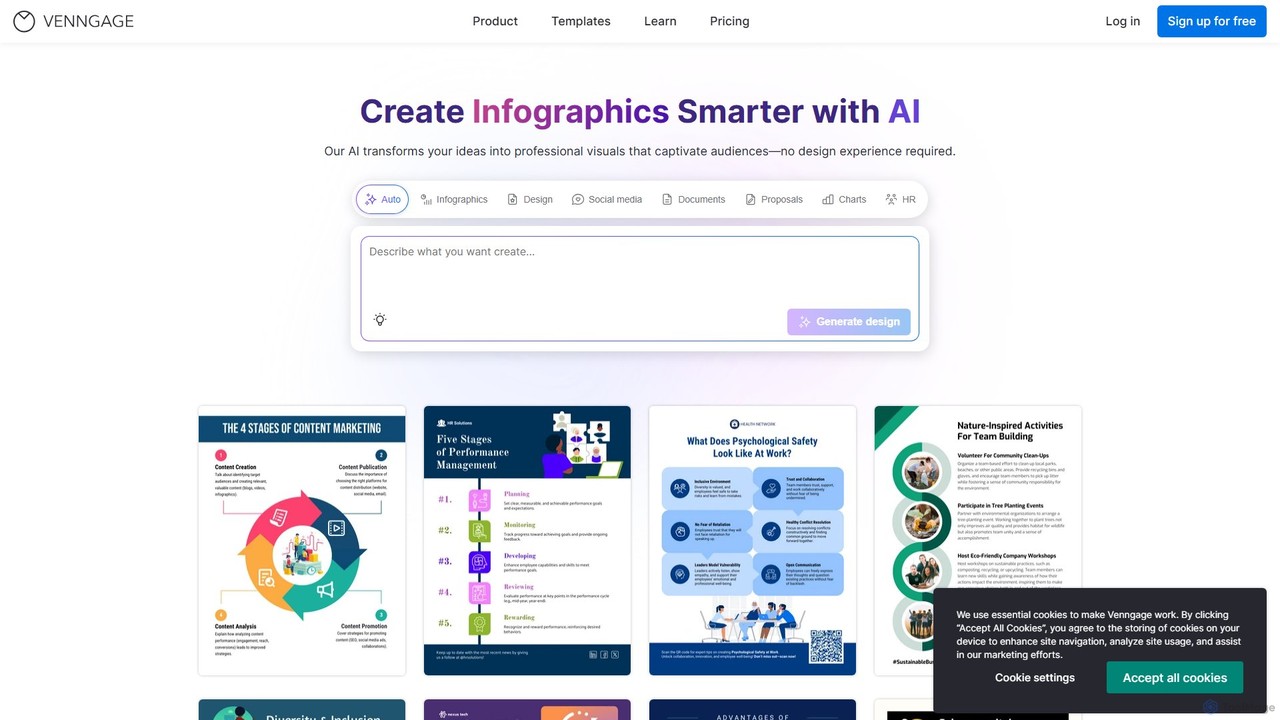
Venngage is an AI-powered online design platform that empowers users to create professional and engaging visuals like infographics, reports, presentations, and social media graphics. With over 10,000 templates and intelligent AI tools, it simplifies the design process, making it accessible for non-designers to produce high-quality, on-brand content. It's ideal for marketing, business communications, and data visualization.

Reports
Visits 1.5MFavorites 136Likes 127
aipowerpointmaker
Freemium

aipowerpointmaker

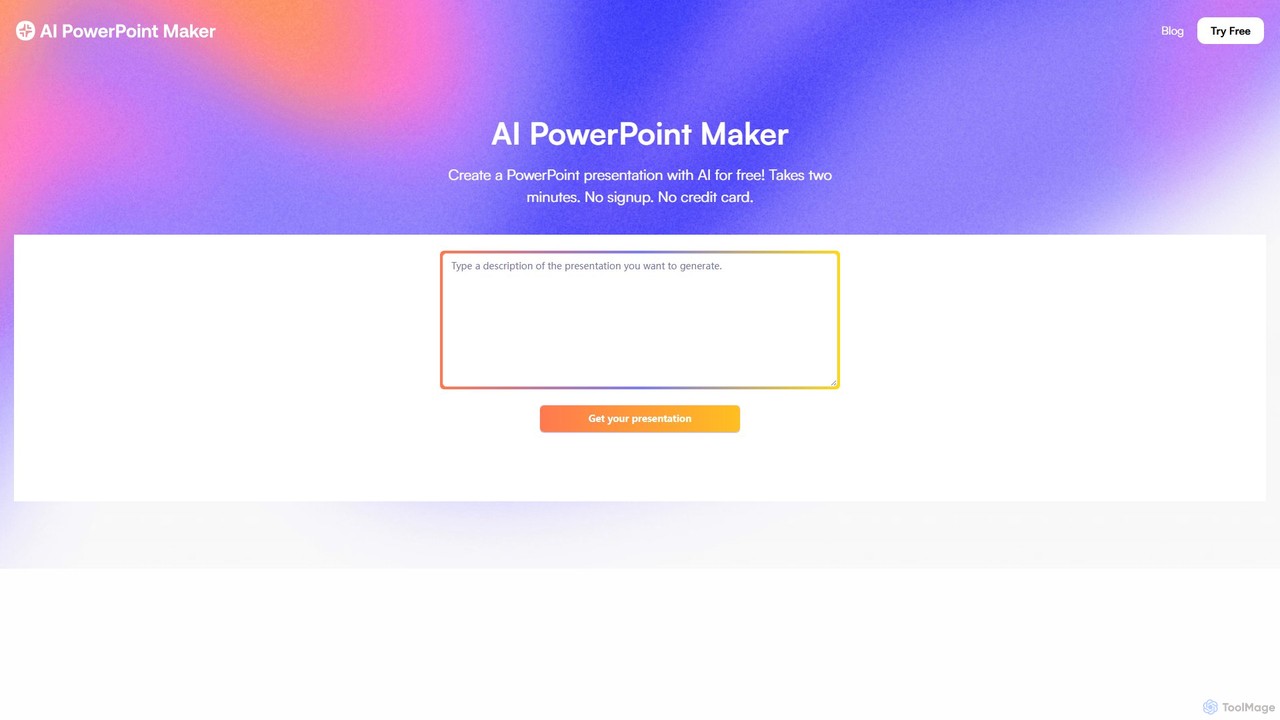
aipowerpointmaker is an AI-powered tool that instantly transforms text, documents, or rough notes into professional, fully-editable PowerPoint presentations. It automates design, content structuring, and image sourcing, enabling users to create client-ready slides in minutes. It's a web-based tool with seamless PowerPoint integration, perfect for business professionals, marketers, and students.

Sales
Visits 5.6KFavorites 137Likes 147
uPresenter
Freemium

uPresenter

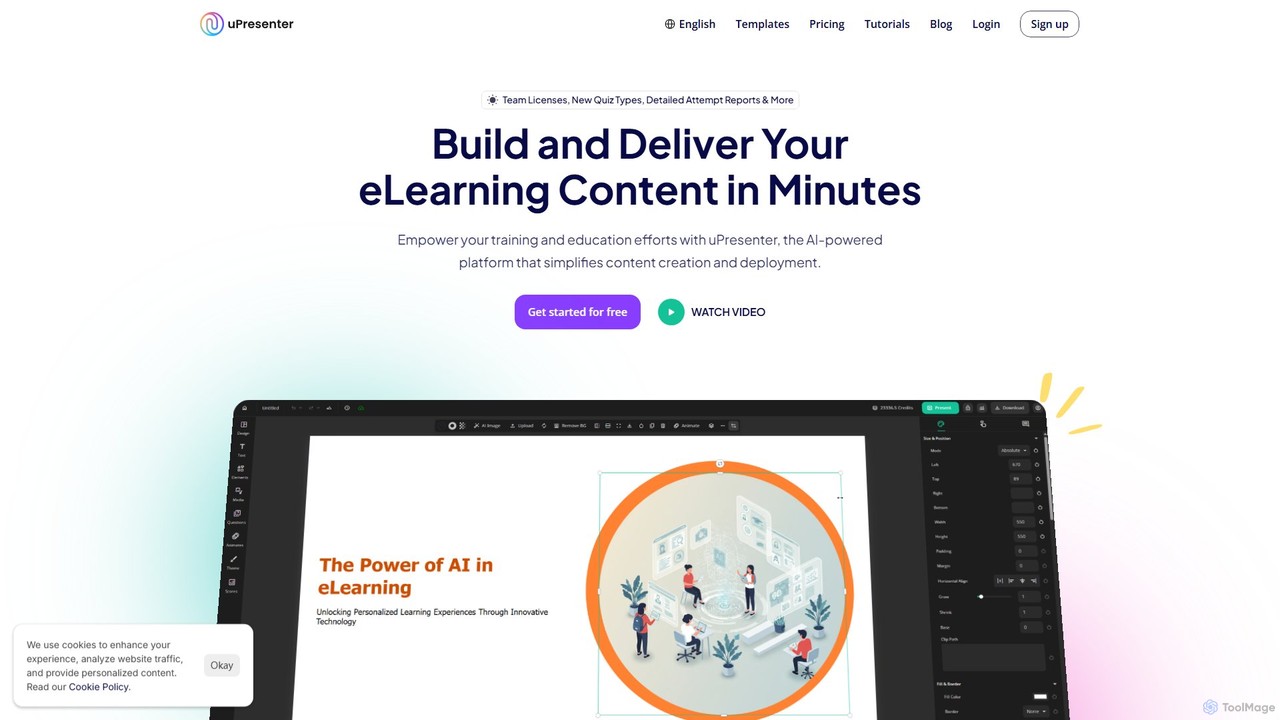
uPresenter is an AI-powered platform for creating interactive eLearning content like presentations, quizzes, and training modules. It simplifies content creation with an AI assistant, templates, and multimedia imports. Designed for educators and corporate trainers, it offers an all-in-one solution for building, sharing, and tracking learning materials without needing a complex LMS, complete with analytics and collaboration features.

Elearning
Visits 11.8KFavorites 112Likes 119
PicDoc
Free

PicDoc

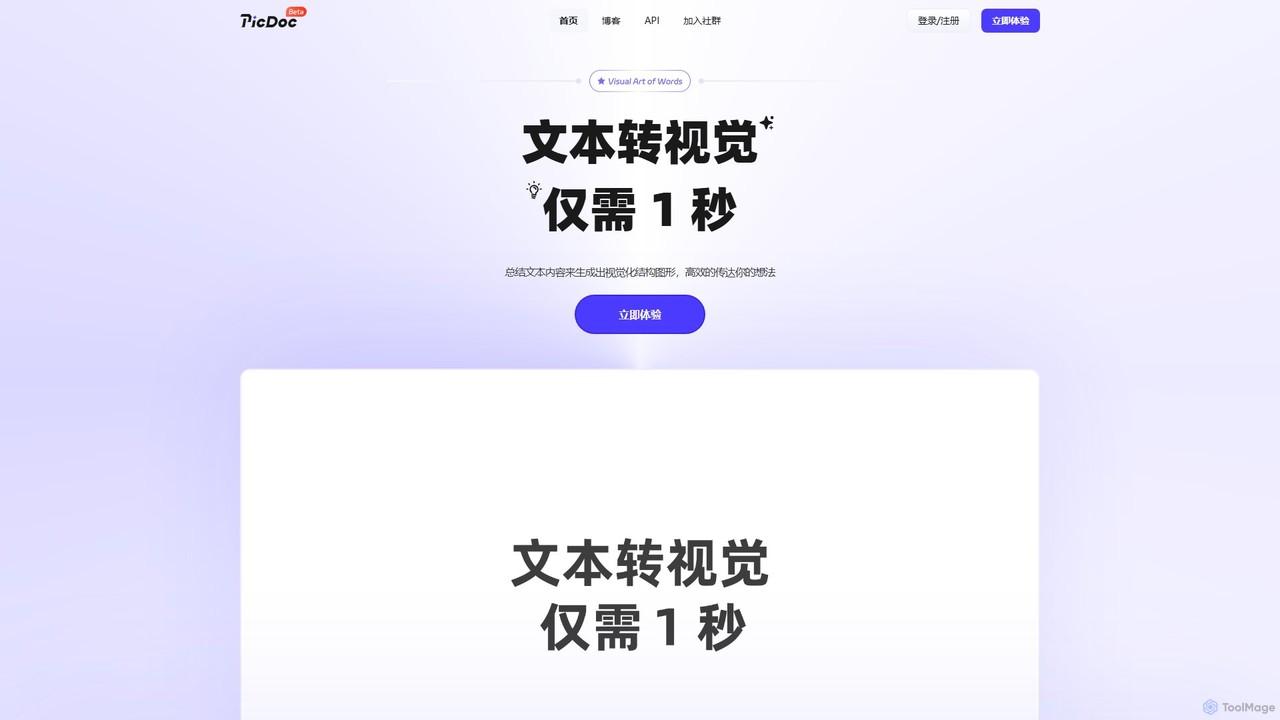
PicDoc is an AI-powered text-to-visual tool that instantly transforms text into stunning infographics, flowcharts, and diagrams. Simply input your content, and PicDoc's AI will analyze, summarize, and visualize it in seconds, helping you communicate complex ideas effectively and create professional-looking visuals without design skills.

Infographics
Visits 65.7KFavorites 146Likes 137
Kimi
Freemium

Kimi

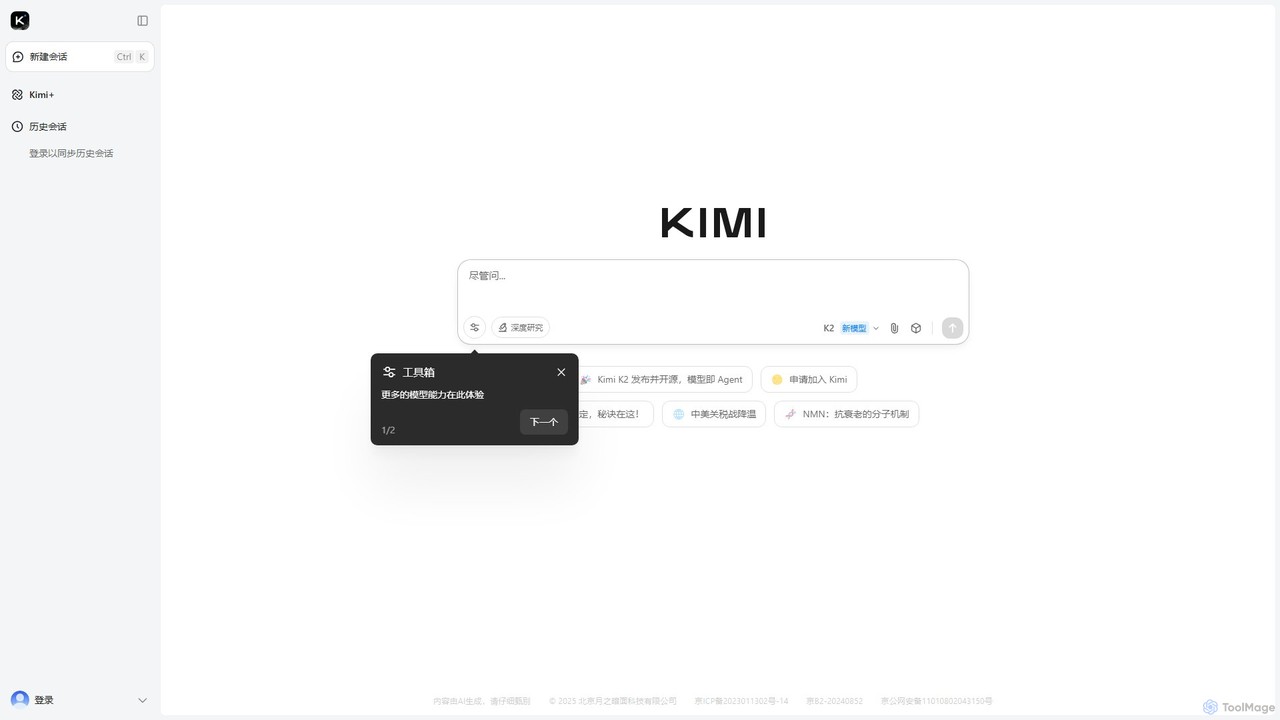
Kimi is a powerful AI assistant from Moonshot AI, specializing in long-context understanding. It integrates web search, document analysis, and a suite of specialized tools (Kimi+) for tasks like PPT generation, academic research, and content creation, available on web, desktop, and mobile.

Assistant
Visits 45.3MFavorites 108Likes 133
MeetMoji
Freemium

MeetMoji

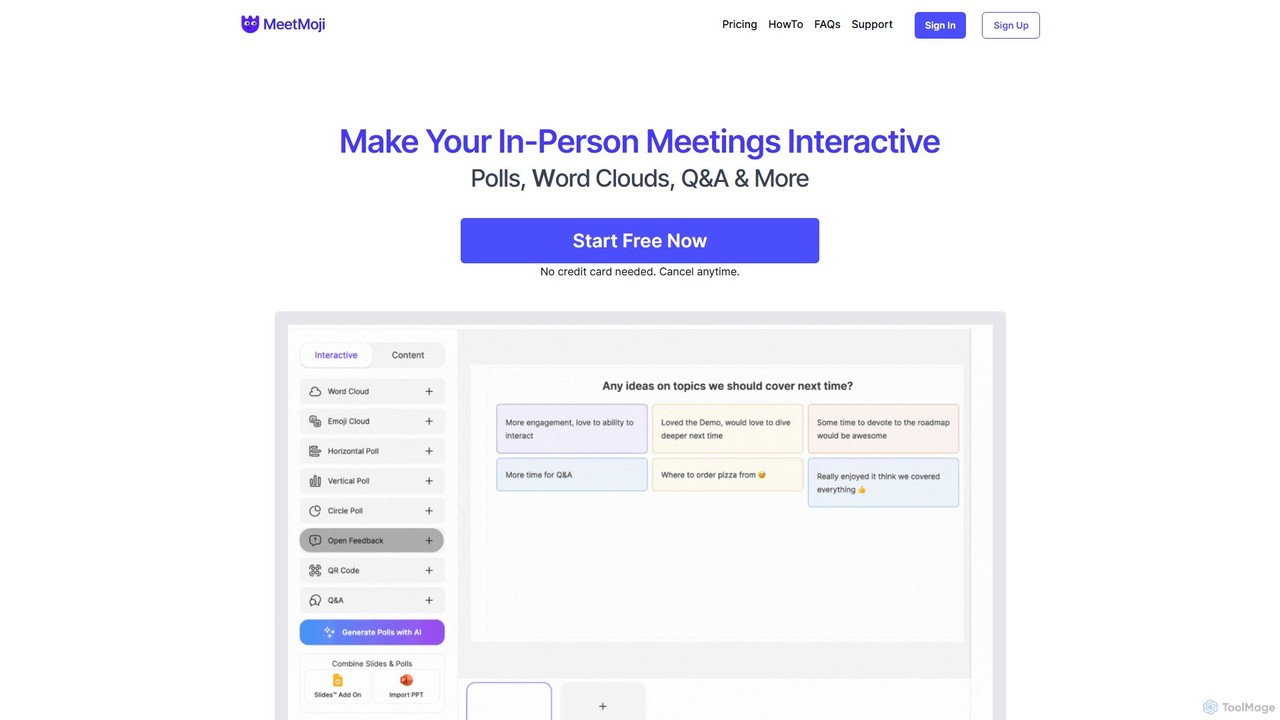
MeetMoji is an interactive presentation tool that boosts audience engagement through live polls, word clouds, Q&A, and emoji reactions. It seamlessly integrates with Google Slides, PowerPoint, and more, allowing audiences to participate instantly by scanning a QR code, with no downloads required.

Collaboration
Visits 5.7KFavorites 104Likes 104
EasyEssay
Freemium

EasyEssay

EasyEssay is a comprehensive AI writing assistant designed for students and professionals. It simplifies essay writing, presentation creation, and text refinement through a suite of powerful tools, including a conversational Essay Agent, an AI trace remover, and a presentation generator.

Writing
Visits 27.5KFavorites 139Likes 126
prezent
Freemium

prezent

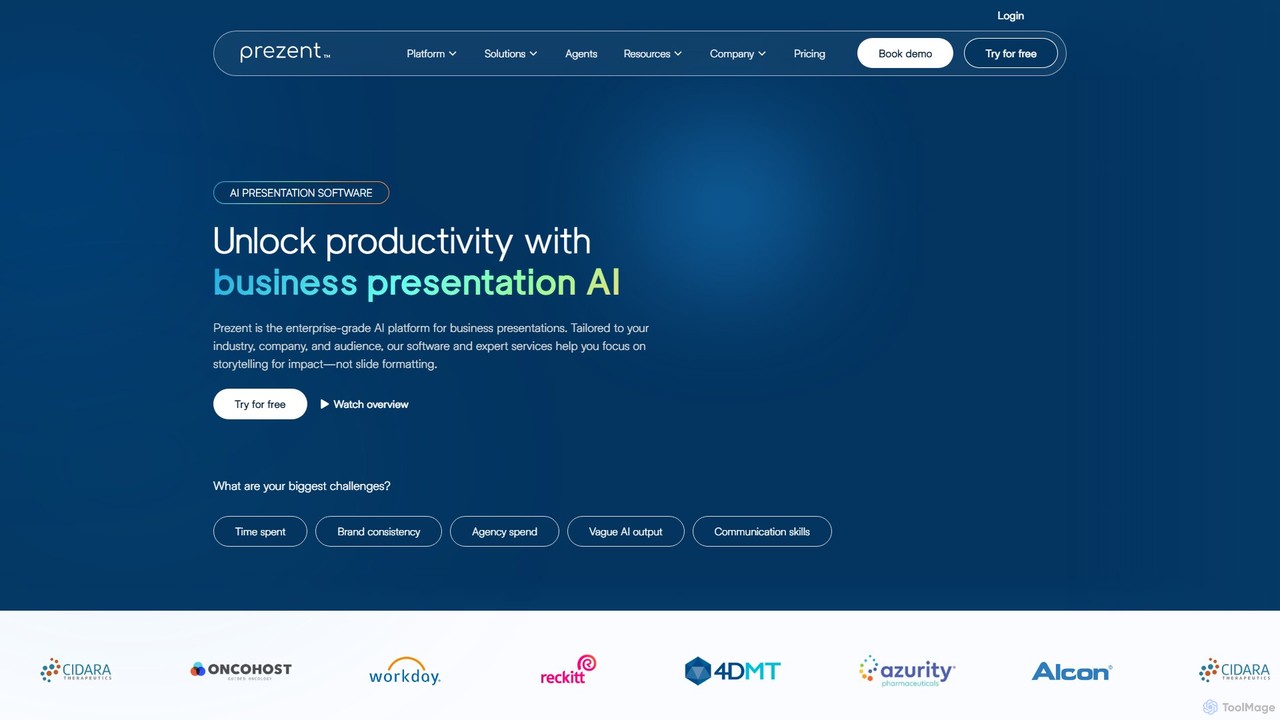
prezent is an enterprise-grade AI platform designed to create professional, on-brand business presentations. It helps teams save time, ensure brand consistency, and enhance communication by transforming simple prompts and content into impactful, audience-tailored slides. The platform combines AI-powered software with expert services and learning resources.

Communication
Visits 197.7KFavorites 109Likes 111
DeckGuru
Freemium

DeckGuru

DeckGuru is an AI-powered tool that provides instant, actionable feedback on your pitch decks. Designed for entrepreneurs, it analyzes your presentation for clarity, structure, and investor appeal, helping you refine your pitch before sending it to investors.

Analytics
Visits 5.6KFavorites 125Likes 116
Autoppt
Freemium

Autoppt

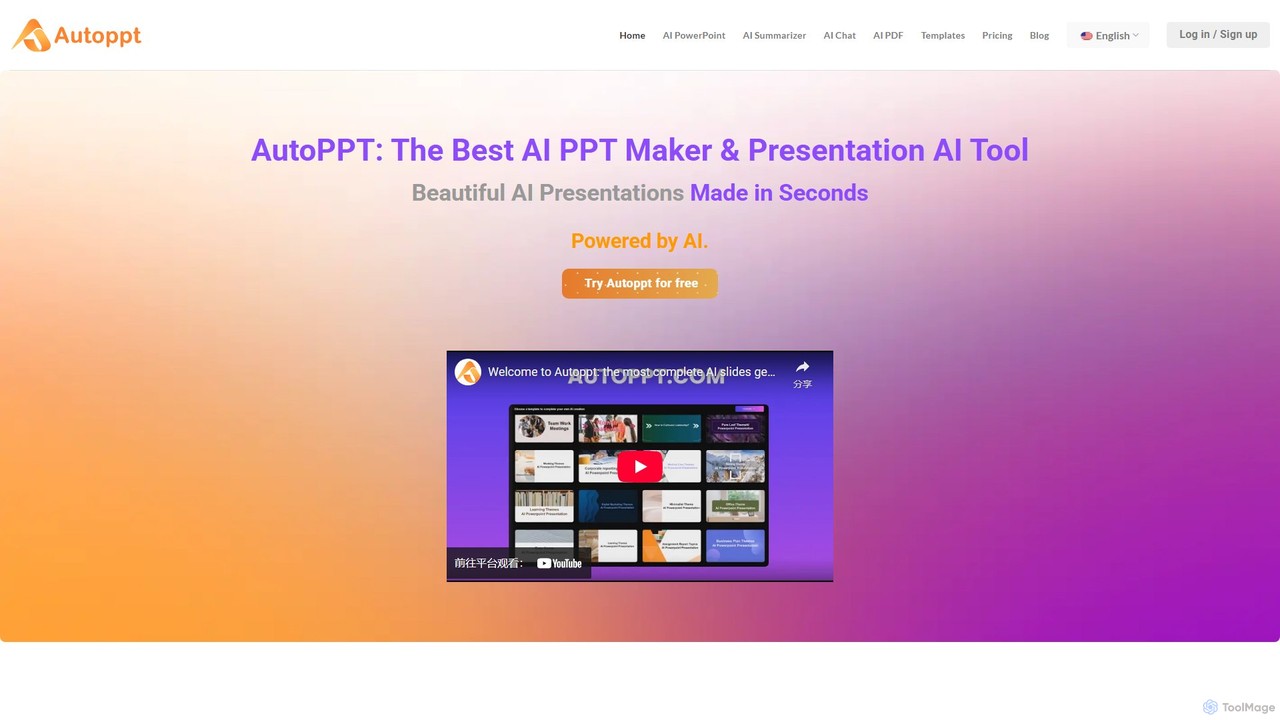
Autoppt is an AI-powered presentation generator that creates stunning PowerPoint slides in seconds. Simply provide a topic or upload a document (PDF, Word, etc.), and Autoppt will instantly generate a professional, fully-editable presentation using its vast library of templates. It's designed for users of all skill levels to save time and effort on creating visually appealing slideshows.

Student Tools
Visits 410.1KFavorites 130Likes 140
Tenorshare AI
Freemium

Tenorshare AI

Tenorshare AI is an all-in-one AI-powered suite designed to enhance productivity. It features an advanced AI text humanizer to bypass AI detectors, a comprehensive set of free online PDF tools (edit, merge, OCR, sign), an AI PDF summarizer, and content generators for writing and presentations. It offers a secure, fast, and user-friendly experience for students, professionals, and content creators.

Content Creation
Visits 533.7KFavorites 117Likes 111
pitchpilot
Freemium

pitchpilot

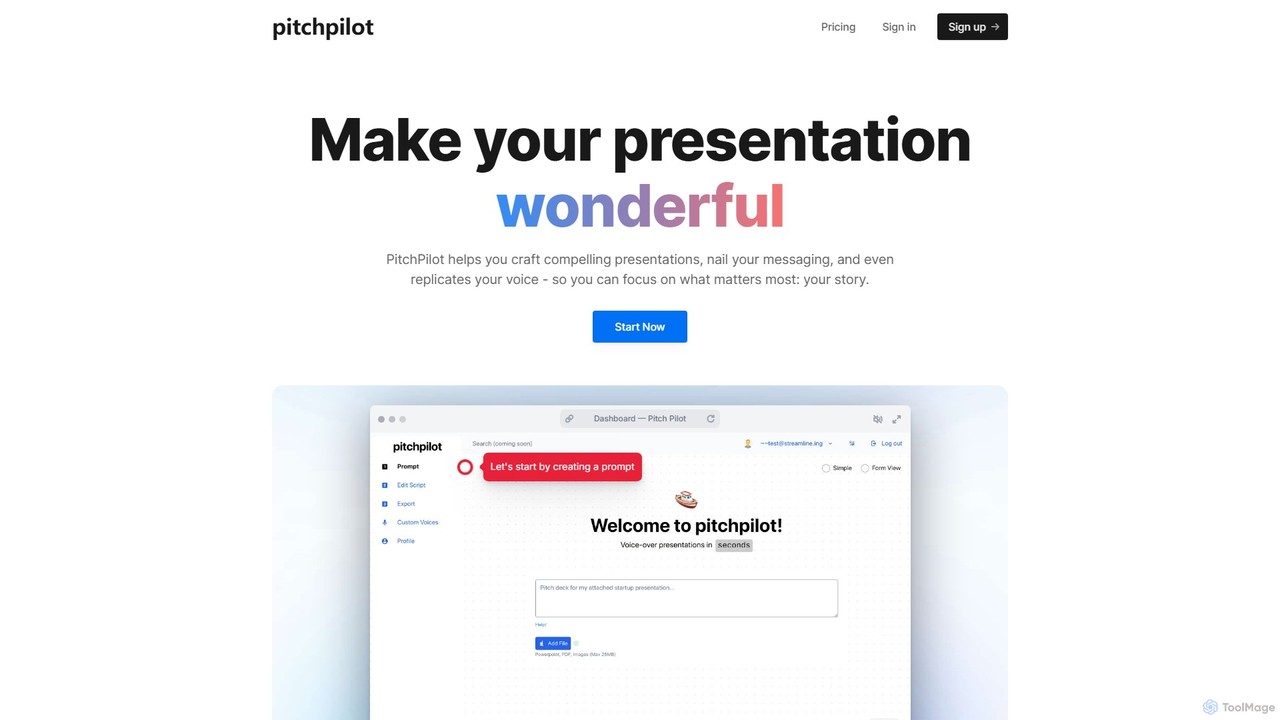
PitchPilot is an AI-powered tool that transforms your presentations. It automatically generates compelling scripts from your slides, replicates your own voice for natural narration, and seamlessly integrates the audio, allowing you to focus on delivering a powerful story.

Voice Cloning
Visits 5.7KFavorites 138Likes 127
ScreenStory
Freemium

ScreenStory

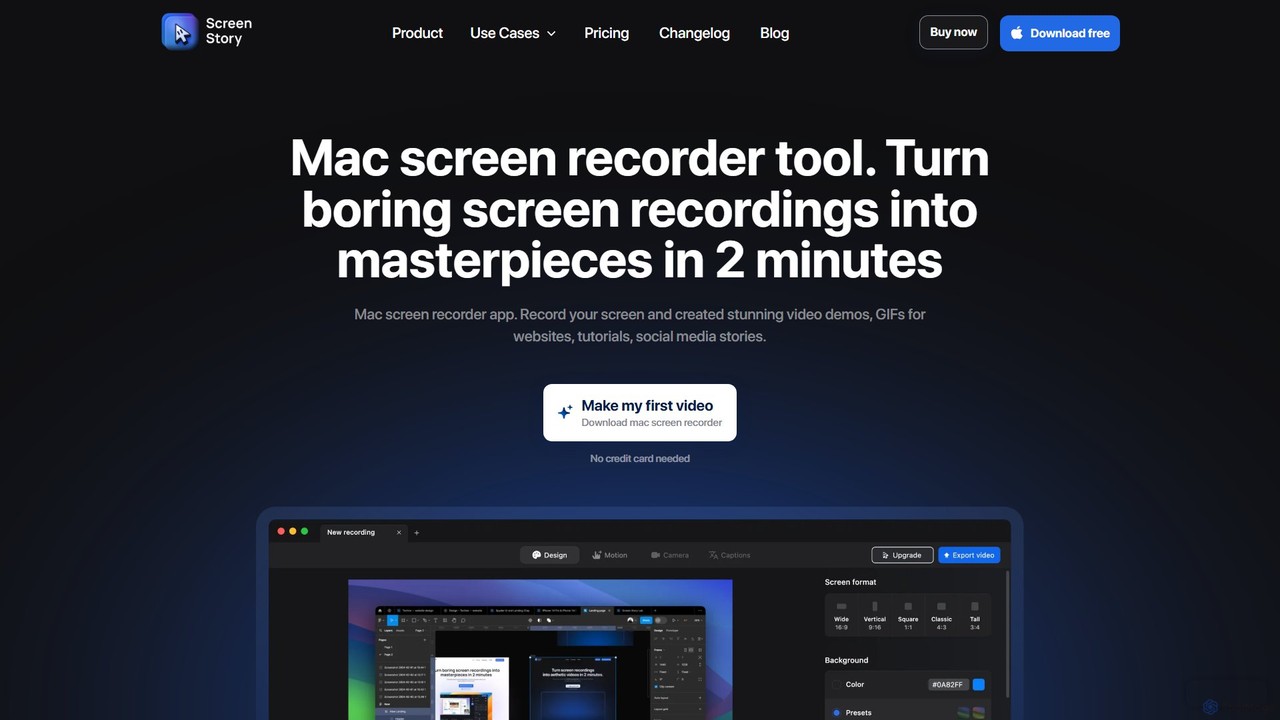
ScreenStory is an intelligent screen recording app for macOS that automatically transforms standard screen captures into polished, professional-looking videos. It adds dynamic zooms, smooth cursor movements, and motion blur without manual editing. Ideal for creating engaging product demos, tutorials, and marketing content, it simplifies video production for users of all skill levels.

Tutorials
Visits 15.8KFavorites 111Likes 138
Animoto
Freemium

Animoto

Animoto is an intuitive online video maker that enables users to create professional-quality videos with ease. Using a drag-and-drop interface, you can combine photos, video clips, and screen recordings. It offers a vast library of templates, licensed music, and stock media from Getty Images, making it ideal for marketing, business communications, and personal projects without requiring any prior editing experience.

Corporate Communications
Visits 356KFavorites 160Likes 154
qzoffice
Freemium

qzoffice

qzoffice is an AI-powered presentation generator that creates professional slides in one click. It converts text, documents (Word/PDF), and URLs into stunning presentations, complete with outlines, content, and speaker notes. Ideal for business, education, and personal use.

Marketing
Visits 6.5KFavorites 177Likes 189
Kindle PPT
Paid

Kindle PPT

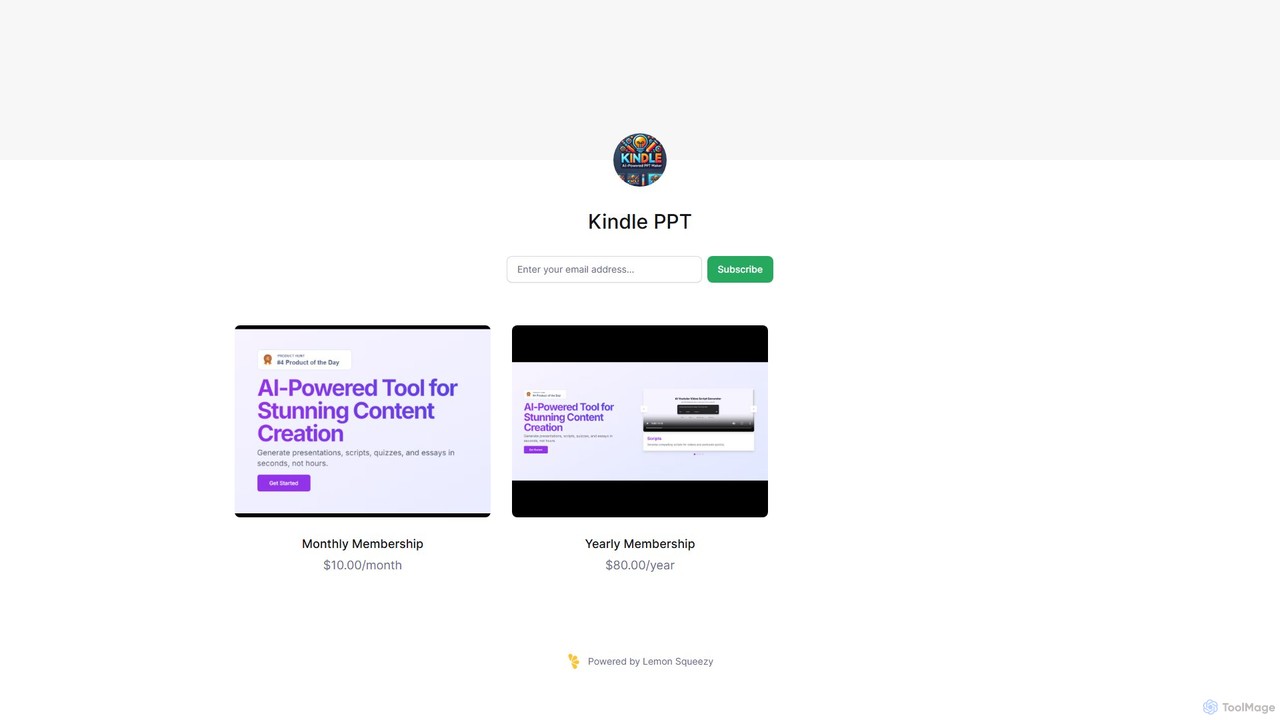
Kindle PPT is an AI-powered tool that transforms your Kindle highlights and notes into polished, ready-to-use PowerPoint presentations. It automates summarizing key ideas, structuring content into slides, and designing professional layouts. Ideal for students, professionals, and avid readers, it saves hours of manual work, helping you turn insights from books into compelling visual presentations effortlessly.

Study Tools
Visits 5.6KFavorites 120Likes 117

About Presentations

AI Presentation tools are a category of AI-powered software designed to automate and enhance the creation of visual presentations. These tools leverage artificial intelligence, including natural language processing and computer vision, to analyze input content, suggest designs, and generate slides. They significantly streamline the process of transforming raw text, data, or outlines into polished, engaging, and professional-looking slide decks, boosting productivity within the broader productivity suite.

Core Features

  • Content Generation: Automatically converts text, outlines, or documents into structured presentation slides.
  • Design Automation: Applies intelligent layouts, themes, and visual styles based on content and brand guidelines.
  • Media Integration: Suggests and embeds relevant images, icons, charts, and videos to enhance visual appeal.
  • Audience Adaptation: Tailors presentation content, tone, and visual complexity for specific target audiences.
  • Collaboration & Export: Supports real-time team collaboration and exports to popular formats like PPTX, PDF, or Google Slides.

Applicable Scenarios

These tools are invaluable for business professionals creating pitch decks, educators preparing lecture materials, and marketers designing campaign presentations. They are also widely used by consultants for client reports and by entrepreneurs for investor pitches, where speed and visual quality are paramount.

How to Choose

When selecting an AI presentation tool, consider its input flexibility (text, data, audio), the level of design customization offered, and its integration capabilities with existing presentation software like PowerPoint or Google Slides. Evaluate the range of output formats supported and the overall ease of use, ensuring it aligns with your team's technical proficiency and workflow.

Featured tool rankings

Presentations use cases

1

Automated Sales Pitch Deck Creation

Sales professionals can rapidly generate personalized pitch decks for prospective clients. By inputting CRM data, product specifications, and client needs, the AI tool automatically structures the presentation, suggests relevant slides, and incorporates branding, significantly reducing preparation time and ensuring consistent messaging across the sales team.

2

Rapid Academic Lecture Preparation

Educators and researchers can transform lengthy academic papers, research findings, or lecture notes into clear, visually engaging presentation slides. The AI analyzes the content, identifies key points, and suggests appropriate layouts and visuals, enabling quick creation of comprehensive and digestible educational materials for students.

3

Marketing Campaign Presentation Design

Marketing teams utilize AI presentation tools to quickly design compelling presentations for new campaign launches, product updates, or performance reviews. Inputting campaign briefs, market data, and creative assets allows the AI to generate visually consistent and impactful slides, ensuring brand alignment and efficient communication of marketing strategies.

4

Investor Deck Generation for Startups

Startup founders can efficiently create professional and persuasive investor pitch decks. By feeding in their business plan, financial projections, and market analysis, the AI tool helps structure a compelling narrative, designs visually appealing slides, and highlights key metrics, enabling founders to focus on content rather than design intricacies.

5

Internal Report & Meeting Summary Slides

Managers and business analysts can convert detailed internal reports, project updates, or meeting minutes into concise, visual summary presentations. The AI extracts critical information, organizes it into digestible slides with charts and graphs, and ensures clarity, facilitating quicker understanding and decision-making among internal stakeholders.

6

Event Keynote Speech Visuals

Public speakers and event organizers can generate dynamic and engaging visual aids for keynote speeches or conference presentations. By providing the speech transcript or key talking points, the AI tool designs slides that complement the spoken content, suggesting impactful imagery and ensuring a cohesive visual experience for the audience.

Presentations FAQ

What are AI Presentation tools?

AI Presentation tools are software applications that use artificial intelligence to automate and assist in the creation of presentations. They analyze user input like text, data, or outlines, then generate slides, suggest designs, integrate media, and structure content to produce professional-looking presentations with minimal manual effort. These tools aim to enhance efficiency and design quality.

How do AI Presentation tools work?

These tools typically work by employing natural language processing (NLP) to understand the content provided by the user. They then use design algorithms and computer vision to select appropriate layouts, themes, fonts, and visual elements. Some advanced tools can also integrate with data sources to generate charts or suggest relevant images, learning from user preferences and design best practices.

What are the main benefits of using AI for presentations?

The primary benefits include significant time savings by automating repetitive design tasks, improved design consistency and professionalism, and enhanced creativity through AI-suggested layouts and media. They also help users, even those without design skills, create visually appealing presentations, allowing them to focus more on the message and less on the mechanics of slide creation.

How to choose the best AI Presentation tool?

To choose the best AI presentation tool, consider your specific needs: evaluate its ability to handle your input types (text, data, voice), the level of design customization it offers, and its integration with other tools you use (e.g., PowerPoint, Google Slides). Also, assess its ease of use, pricing model, and the quality of its generated output to ensure it meets your professional standards.

Can AI Presentation tools replace human designers?

AI Presentation tools are powerful assistants, but they are not designed to fully replace human designers. They excel at automating repetitive tasks, generating initial drafts, and ensuring design consistency. However, human designers bring nuanced creativity, strategic thinking, and a deep understanding of audience psychology that AI currently cannot replicate, especially for highly complex or bespoke presentation needs. They augment, rather than replace, human creativity.