ToolMage
Sign in

Best 283 Transcription AI tools for Productivity

Popular Transcription AI tools in Productivity include VidCap, Adobe Podcast, Tactiq, Read.ai, Riverside, Descript, Notta, Clipto, Rev, and Heidi Health, helping you work more efficiently.

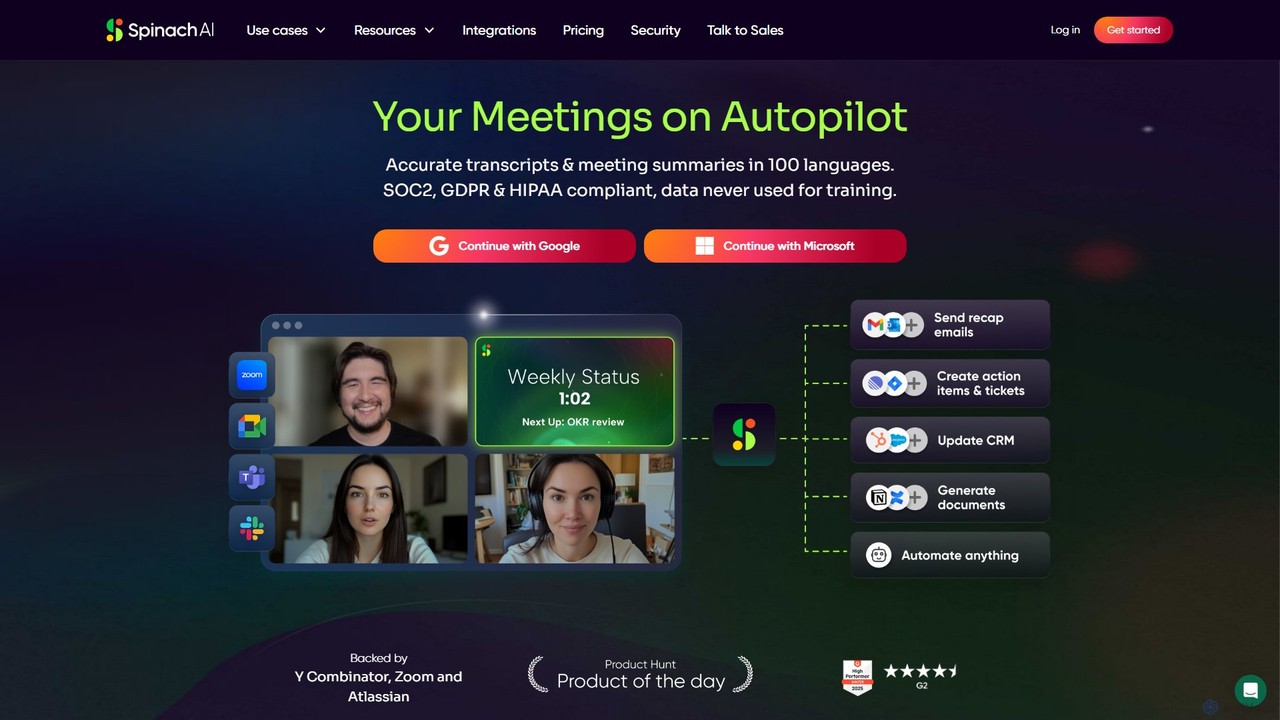
Spinach AI
Freemium

Spinach AI

Spinach AI is an intelligent meeting assistant and AI Scrum Master that automatically joins, records, transcribes, and summarizes your meetings. It captures key decisions and action items, integrating seamlessly with tools like Jira, Slack, and Salesforce to streamline workflows and boost team productivity.

Project Management
Visits 100.5KFavorites 153Likes 145
ecango
Freemium

ecango

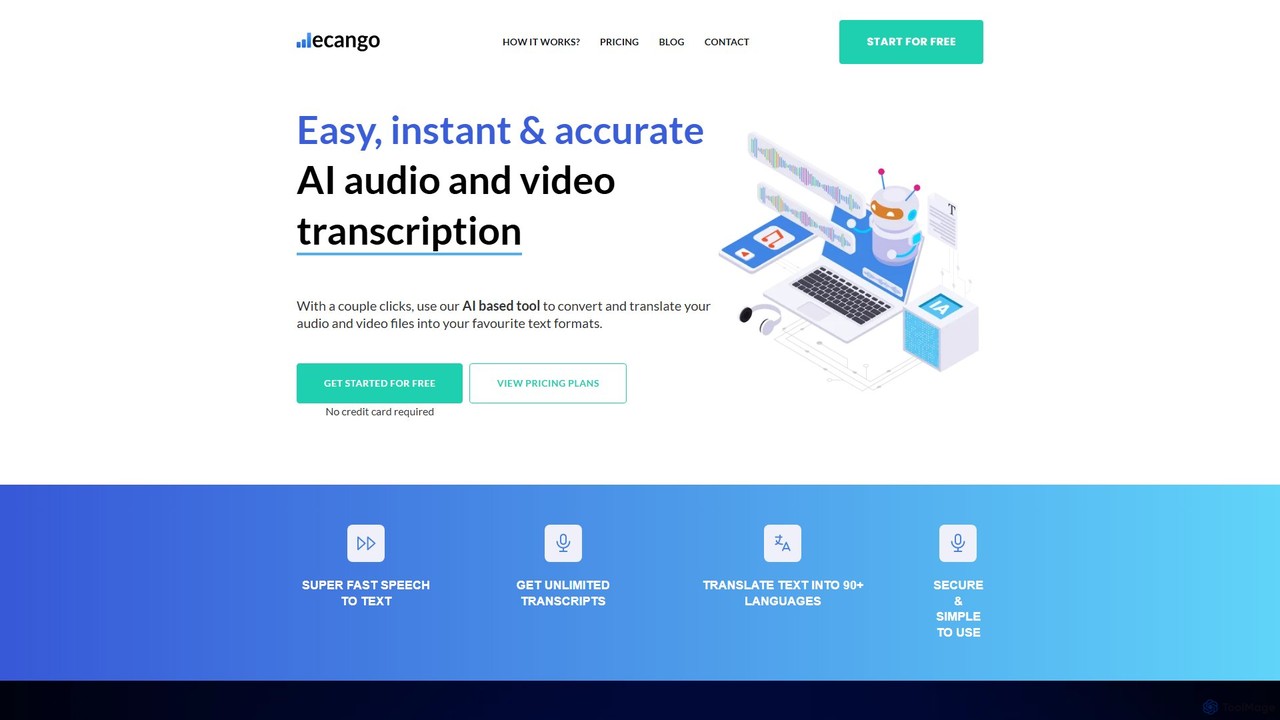
An AI-powered tool for fast, accurate, and secure transcription and translation of audio and video files. Supporting over 90 languages, it offers speaker identification, an in-browser editor, and multiple export formats. Ideal for legal, medical, academic, and content creation professionals seeking to streamline their workflow.

Speech To Text
Visits 7.2KFavorites 140Likes 141
Transkriptor
Freemium

Transkriptor

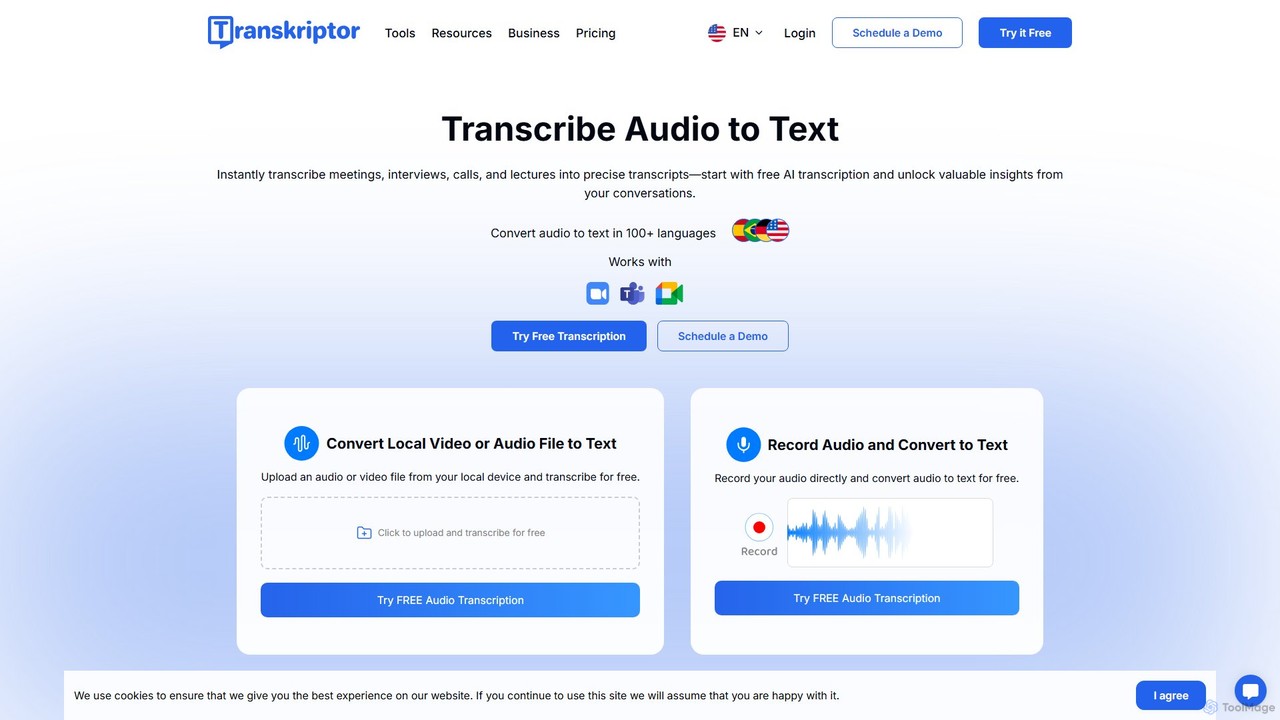
Transkriptor is an AI-powered transcription service that converts audio and video files into accurate, editable text in over 100 languages. It features an AI assistant for summarizing content, identifying speakers, and extracting action items. Ideal for meetings, interviews, lectures, and content creation, it offers up to 99% accuracy and integrates with platforms like Zoom, Google Meet, and Microsoft Teams. Available as a web app, mobile app, and Chrome extension, it streamlines note-taking and creates a searchable knowledge base from your conversations.

Speech To Text
Visits 923.2KFavorites 122Likes 140
AssemblyAI
Freemium

AssemblyAI

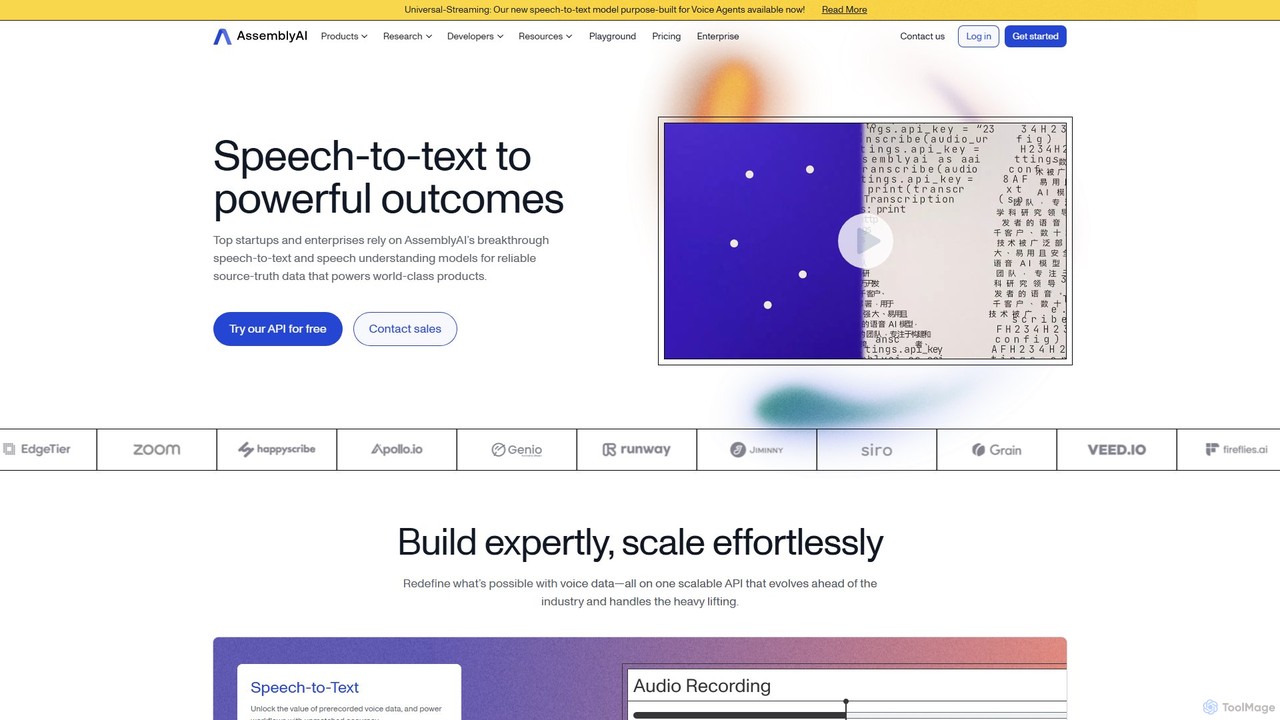
AssemblyAI provides powerful AI models through a single, developer-friendly API for highly accurate speech-to-text transcription and deep speech understanding. It enables businesses to build advanced voice-powered applications, from real-time voice agents to in-depth conversational intelligence platforms, with features like speaker diarization, PII redaction, and summarization.

Speech To Text
Visits 634.6KFavorites 157Likes 136
Voxpad
Freemium

Voxpad

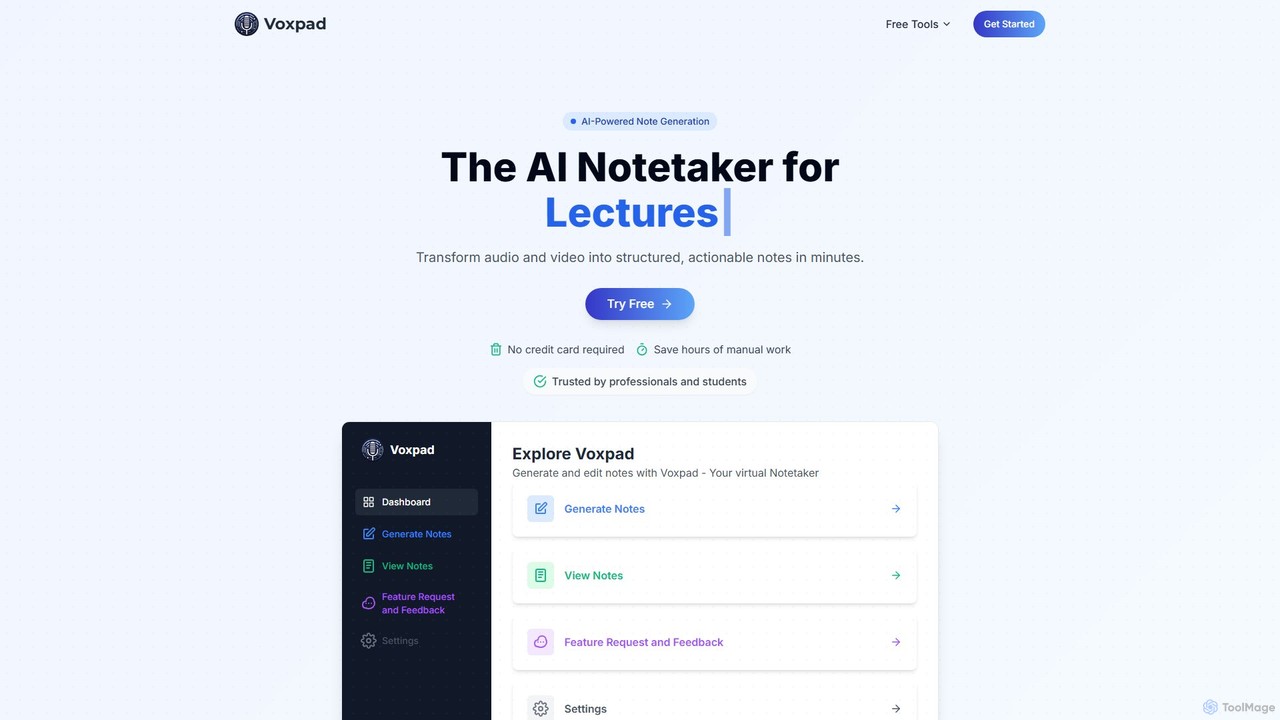
Voxpad is an AI-powered notetaker that transforms audio and video content into detailed, structured, and customizable notes. It's designed for students, professionals, content creators, and researchers to save time on manual transcription, capture key information from lectures and meetings, and repurpose content effortlessly. With high-accuracy transcription in over 60 languages, Voxpad helps you focus on what matters most.

Speech To Text
Visits 5.9KFavorites 145Likes 138
MacWhisper
Freemium

MacWhisper

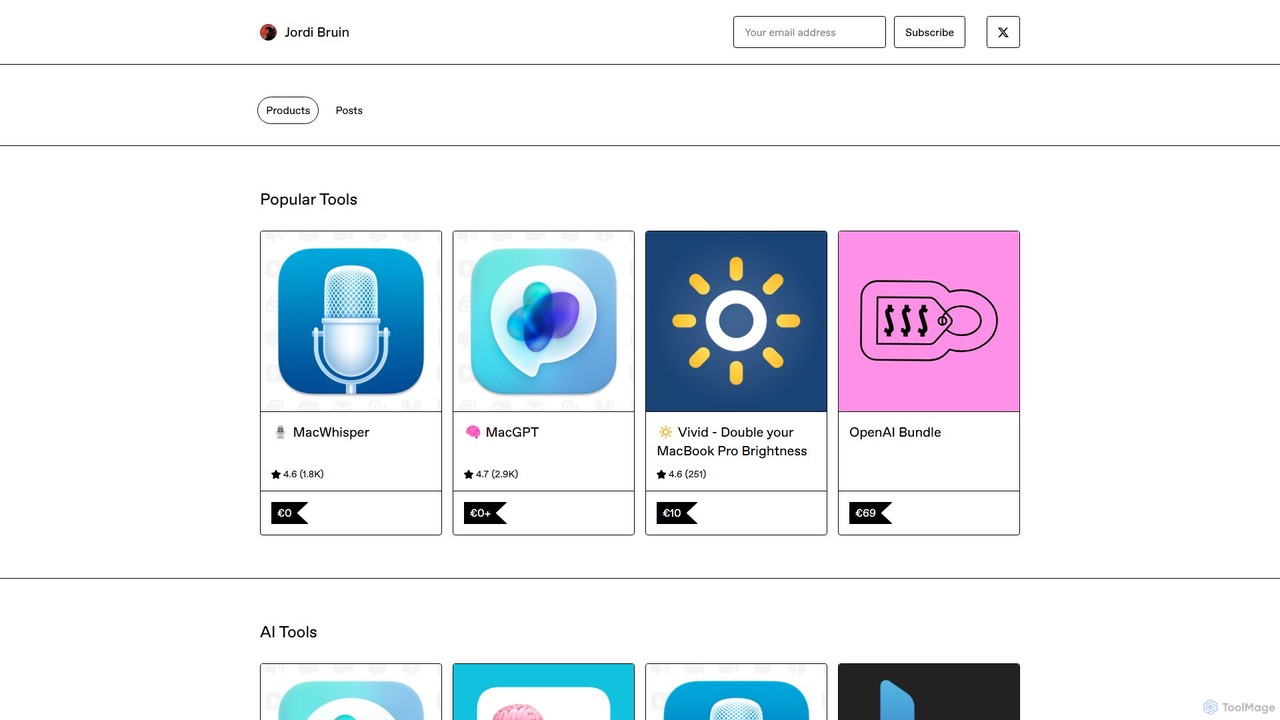
MacWhisper is a powerful macOS application that leverages OpenAI's state-of-the-art Whisper technology for fast, accurate, and private audio-to-text transcription. It operates entirely on your device, ensuring your data remains secure.

Speech To Text
Visits 101.8KFavorites 155Likes 158
Uniscribe
Freemium

Uniscribe

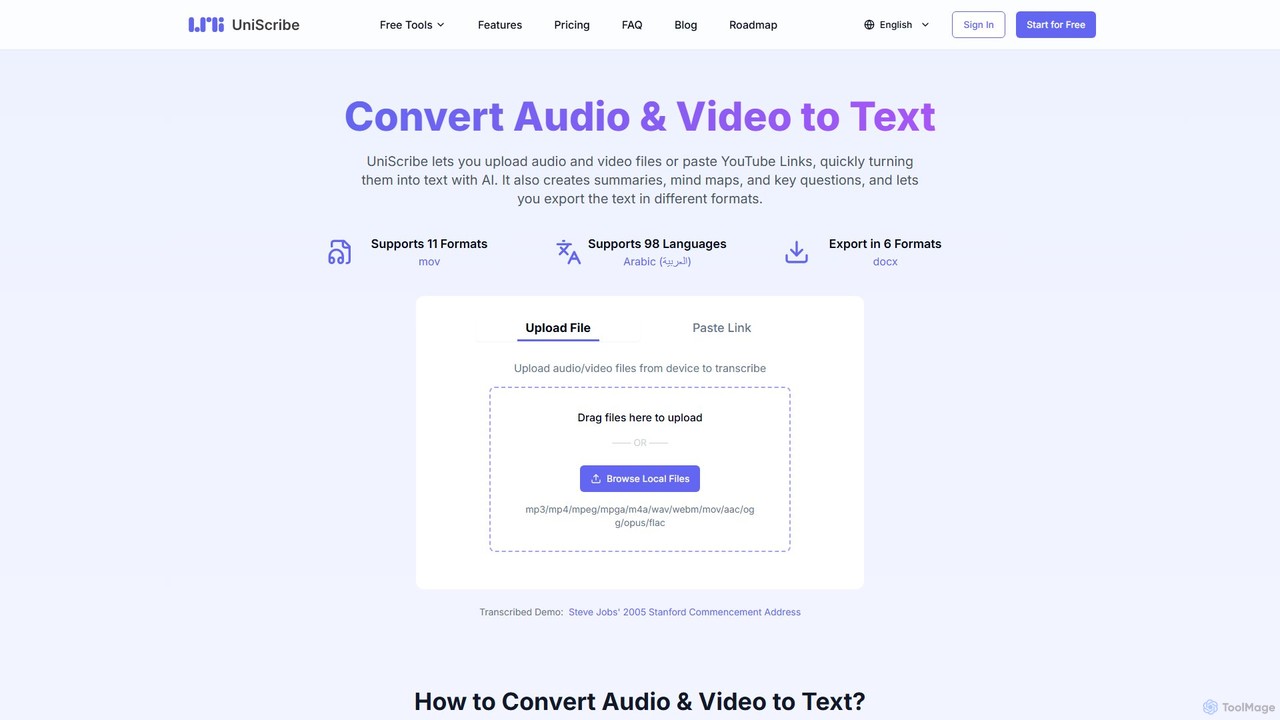
Uniscribe is an AI-powered transcription service that quickly converts audio and video files into accurate text. It supports 98 languages and various file formats. Beyond simple transcription, Uniscribe automatically generates concise summaries, visual mind maps, and key questions from your content. Users can export transcripts in multiple formats like TXT, SRT, DOCX, and PDF, or share them directly via a link. It's an ideal tool for students, journalists, content creators, and researchers looking to save time and enhance productivity.

Speech To Text
Visits 1.4MFavorites 100Likes 118
Fixkey
Freemium

Fixkey

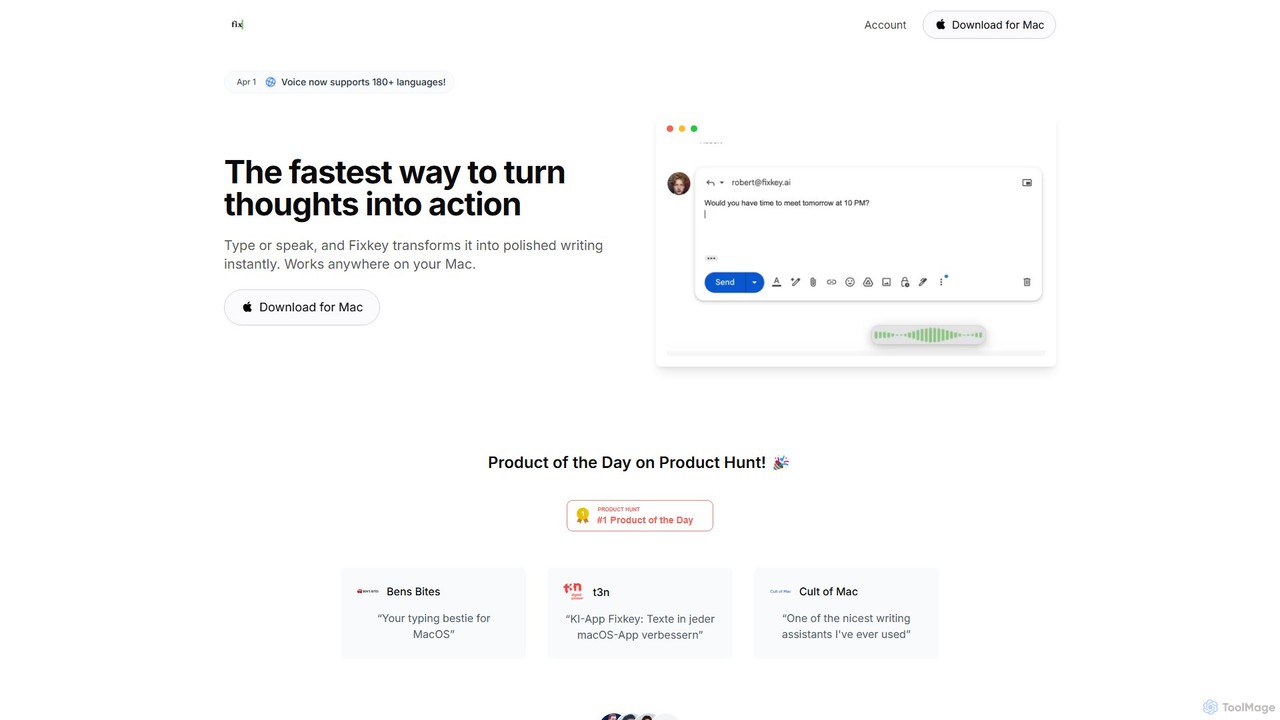
Fixkey is a native AI writing assistant for macOS that enhances your productivity. It transforms your voice or text into polished, professional writing instantly, working seamlessly across all Mac applications. Features include real-time speech-to-text, one-click text improvement, translation into over 180 languages, and customizable AI prompts.

Response Management
Visits 7.4KFavorites 152Likes 131
itingnao
Freemium

itingnao

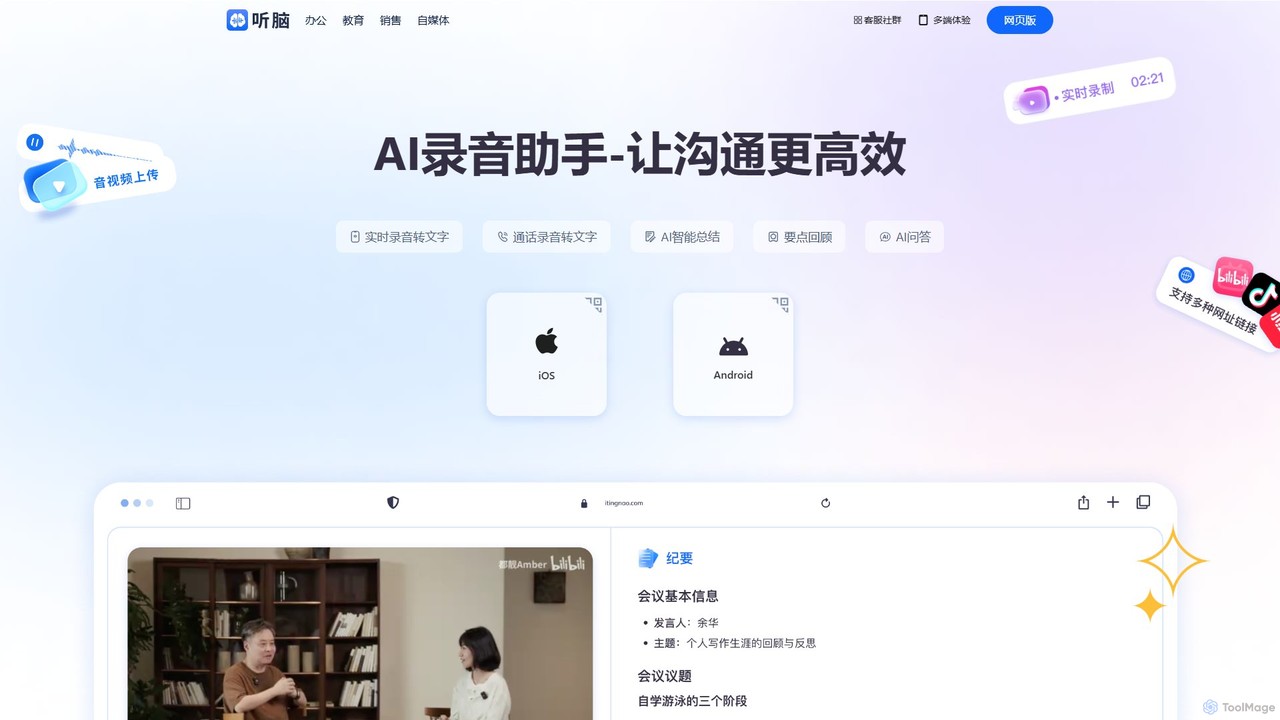
itingnao is an AI-powered assistant that transcribes audio and video into text. It offers real-time transcription, file uploads, and video link parsing. Key features include automatic summarization, key point extraction, and AI-driven Q&A on your content. Designed for students, professionals, and content creators, it streamlines note-taking, meeting minutes generation, and subtitle creation across web, iOS, and Android platforms.

Speech To Text
Visits 45.6KFavorites 129Likes 130
ScreenApp
Freemium

ScreenApp

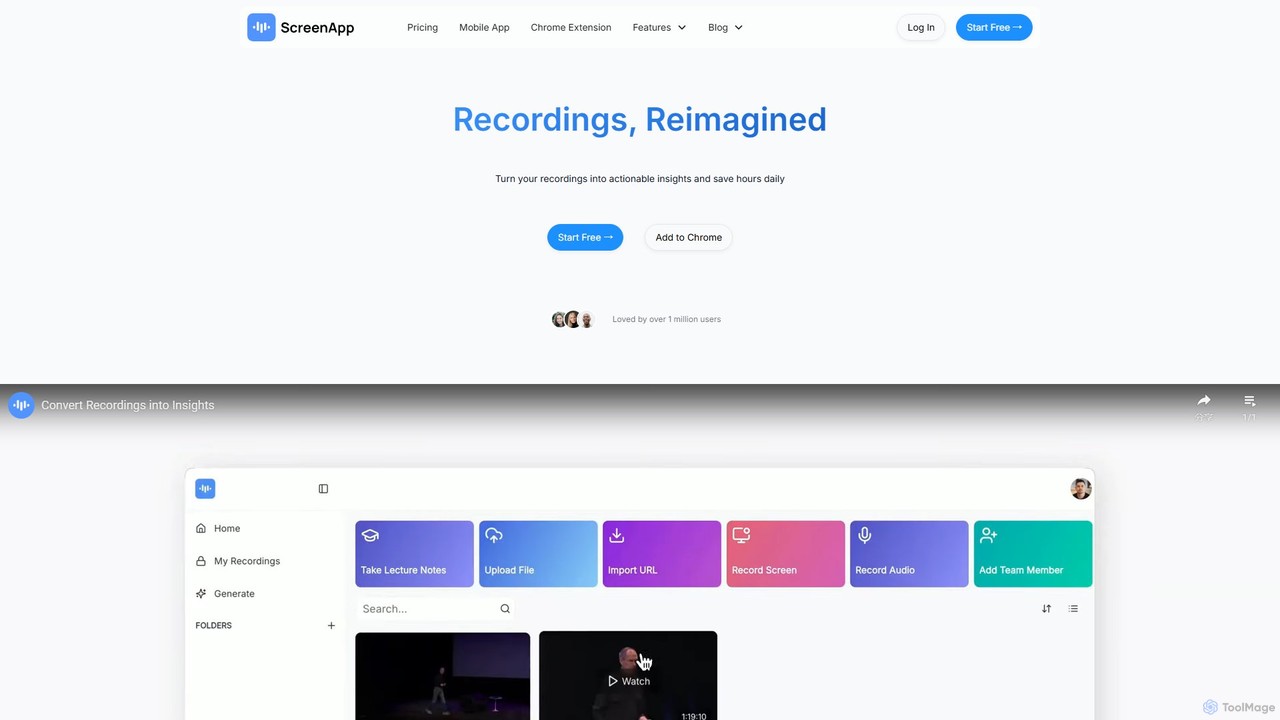
ScreenApp is an AI-powered productivity tool that acts as your second brain. It records, transcribes, and summarizes audio and video content from meetings, lectures, and online videos. Key features include an AI notetaker, high-accuracy transcription, an interactive chat to query your recordings, and a unique PDF-to-audio converter. It's designed to transform conversations and documents into actionable, searchable knowledge, supporting multiple languages and seamless integrations.

Note Taking
Visits 1.7MFavorites 128Likes 111
BrieflyAI
Freemium

BrieflyAI

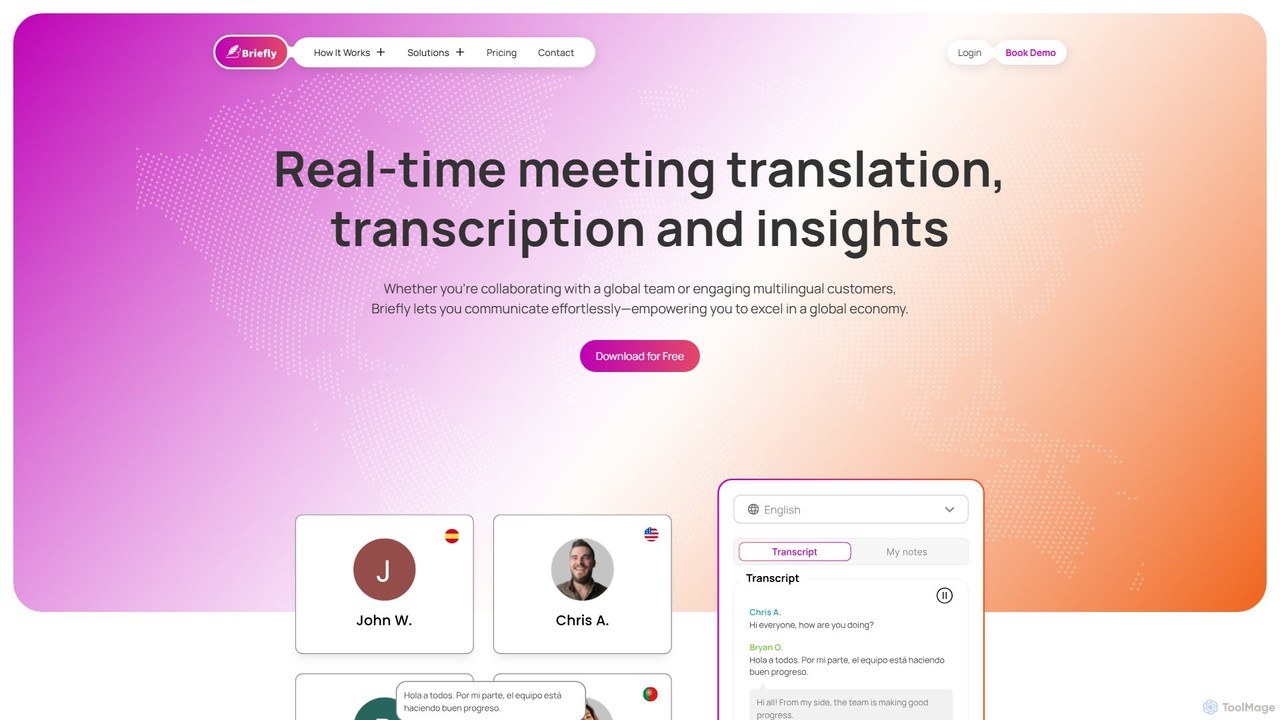
BrieflyAI is an AI-powered meeting assistant that automatically transcribes, summarizes, and generates insights from your meetings without a bot joining the call. It supports multiple languages, integrates with CRM and communication tools like Slack, and helps streamline your workflow by creating follow-up emails and action items.

Automation
Visits 14.3KFavorites 86Likes 100
Aviary
Paid

Aviary

Aviary is an AI-powered video understanding platform that provides developers and businesses with tools to automatically transcribe, summarize, and analyze video content. It helps unlock insights from video data, making it searchable, accessible, and more engaging.

Speech To Text
Visits 5.9KFavorites 164Likes 159
TalkTastic
Free

TalkTastic

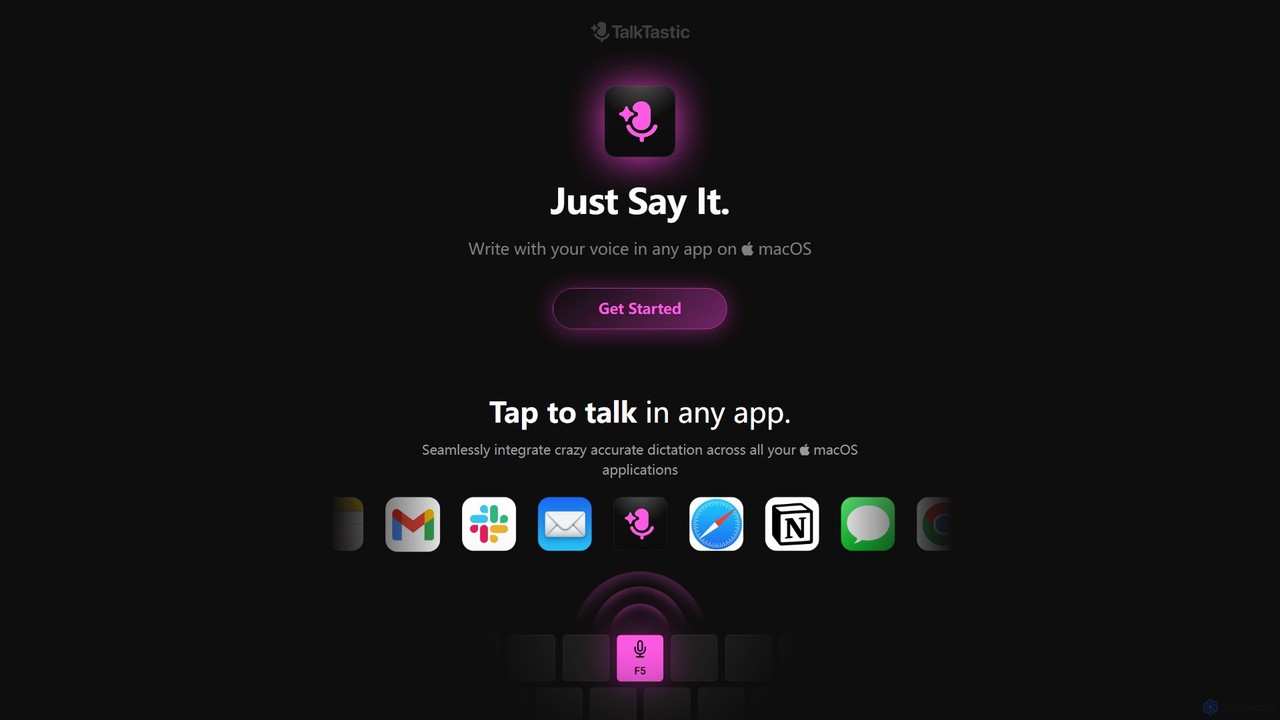
TalkTastic is a revolutionary AI-powered dictation app for macOS that lets you write with your voice in any application. It goes beyond simple speech-to-text by using multimodal AI to understand on-screen context, ensuring highly accurate, context-aware transcriptions and smart rewrites in your personal style. Boost your productivity and stop typing.

Speech To Text
Visits 8.1KFavorites 130Likes 135
Podnotes
Freemium

Podnotes

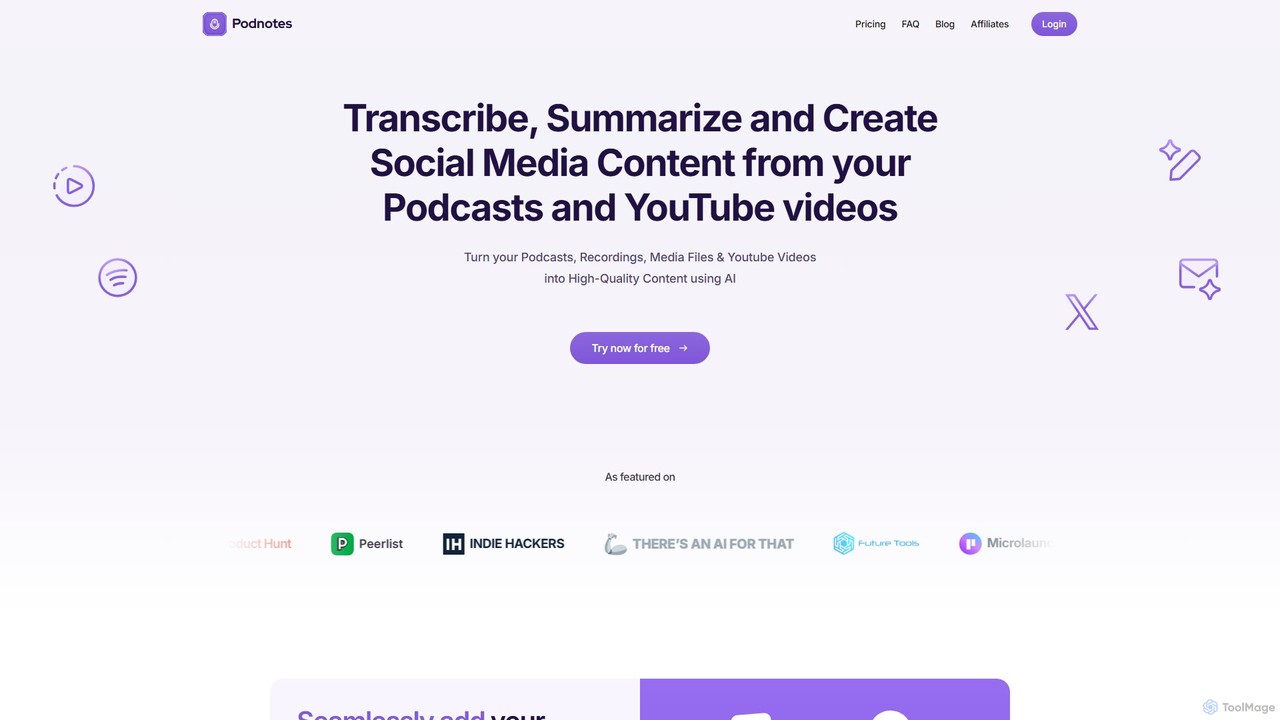
Podnotes is an AI-powered platform that transcribes, summarizes, and repurposes podcasts and YouTube videos into high-quality written content. It helps creators, marketers, and agencies effortlessly generate show notes, blog posts, social media content, and newsletters to expand their audience reach.

Repurposing
Visits 138.9KFavorites 118Likes 122
Hippo Scribe
Freemium

Hippo Scribe

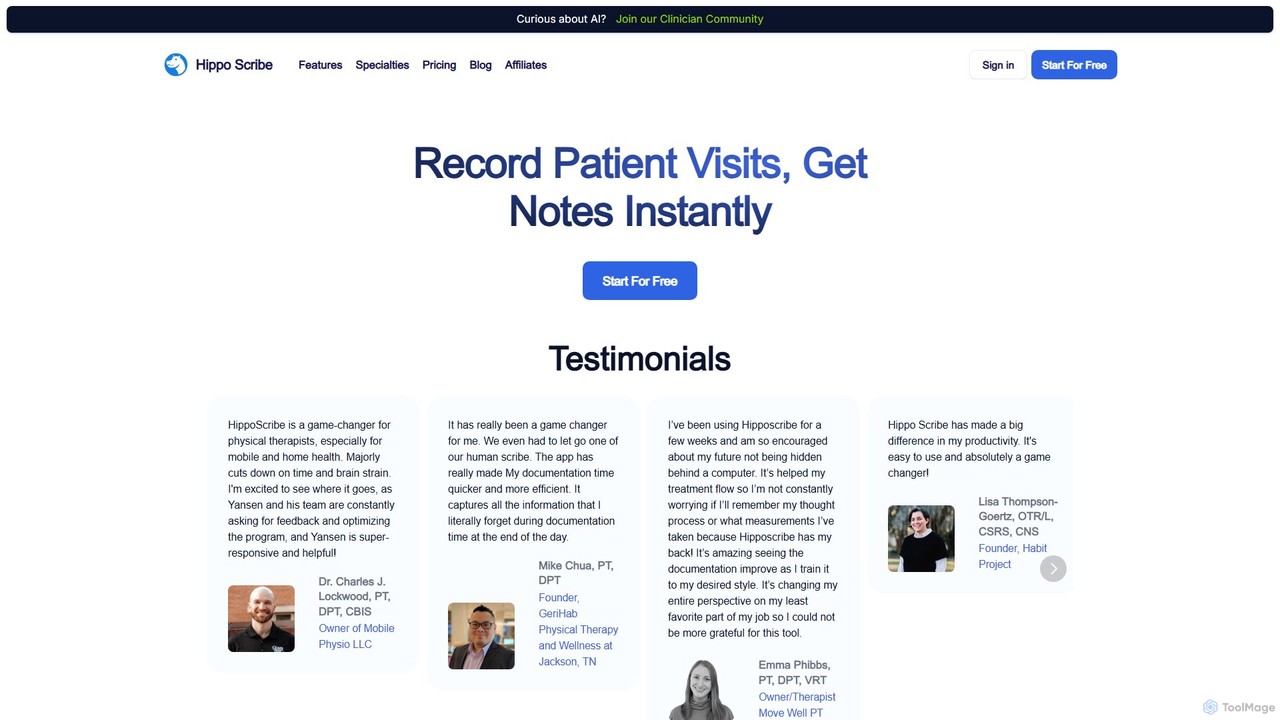
Hippo Scribe is an AI-powered medical scribe for healthcare professionals like physical therapists, OTs, and SLPs. It uses ambient listening to record patient visits and automatically generates HIPAA-compliant clinical notes in seconds. By integrating with EMR systems via a Chrome extension and offering customizable templates, it drastically reduces documentation time, minimizes burnout, and allows practitioners to focus entirely on patient care. It's a game-changer for improving efficiency and workflow in clinical settings.

Medical Scribe
Visits 6.8KFavorites 122Likes 123
Teameet
Freemium

Teameet

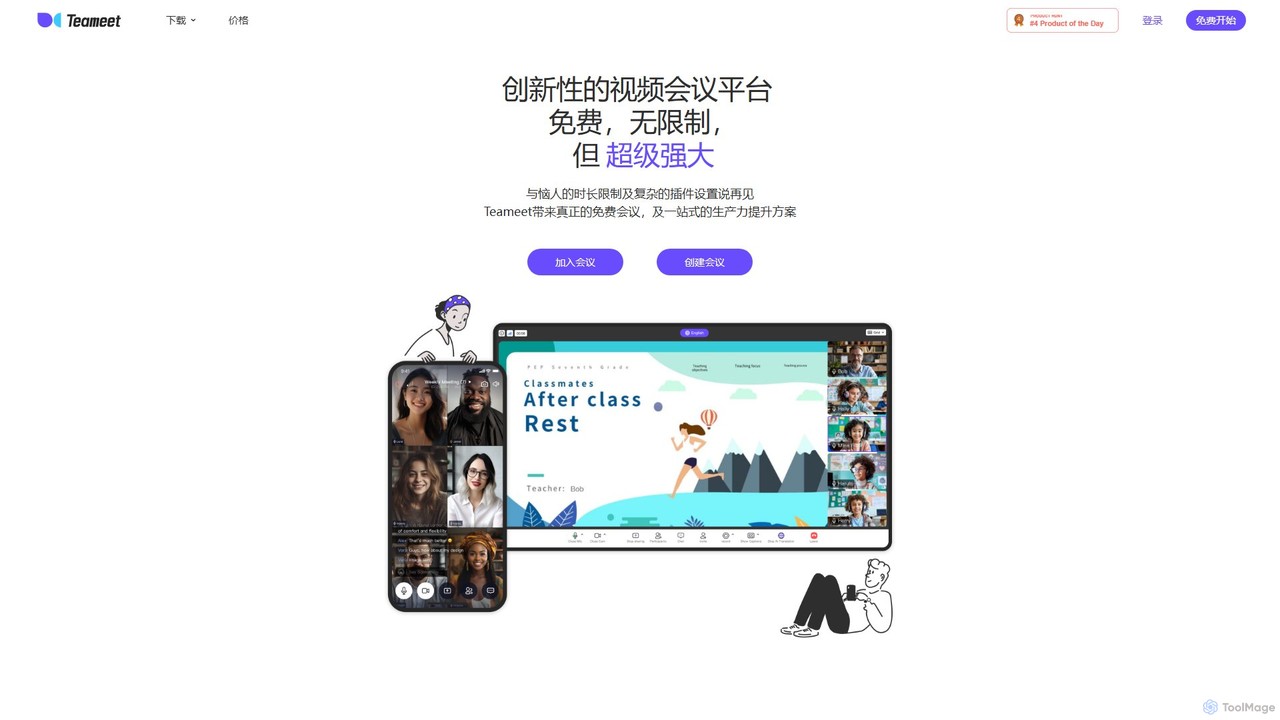
Teameet is an innovative and free video conferencing platform that offers unlimited meeting durations. It enhances productivity with AI-powered features like real-time transcription and summaries, cloud recording, and multi-language subtitles. Ideal for startups and global teams, it provides a seamless, cross-platform experience without complex installations.

Video Conferencing
Visits 11.9KFavorites 139Likes 144
SpeechPulse
Paid

SpeechPulse

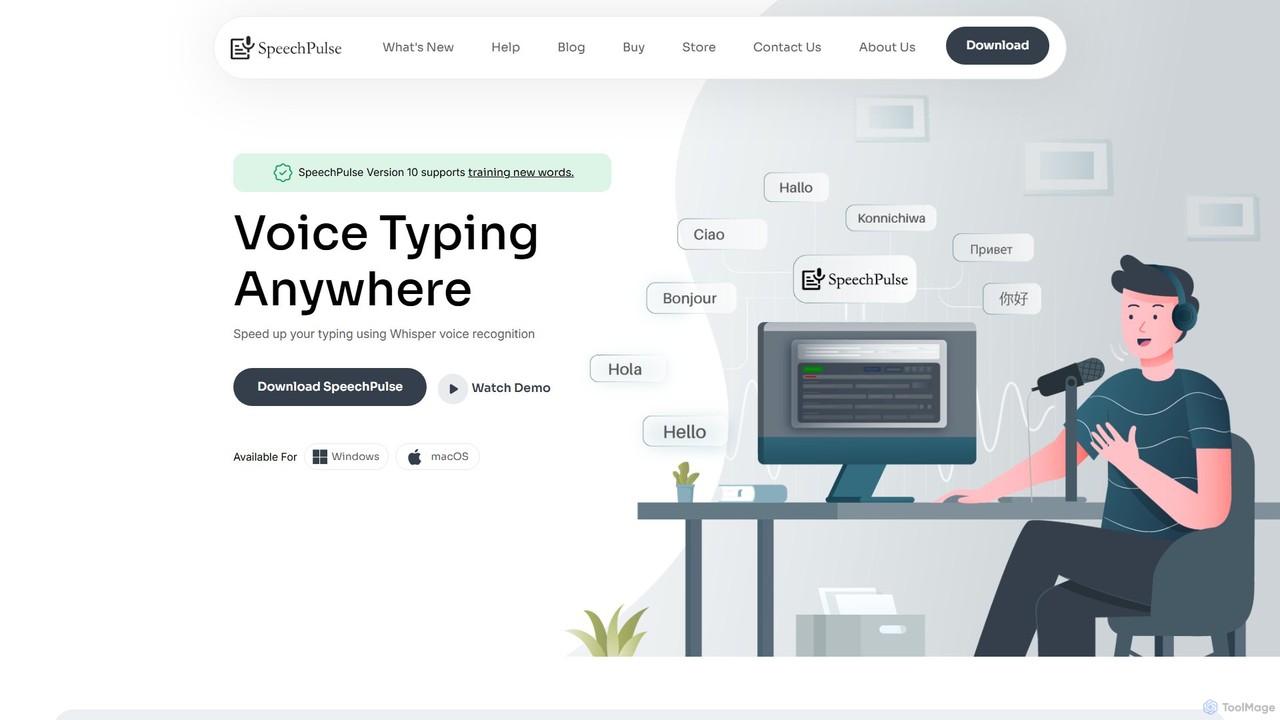
SpeechPulse is a powerful offline AI dictation and transcription application for Windows and macOS. It prioritizes user privacy by processing all data locally on your machine. Supporting 99 languages, it offers real-time dictation, audio/video file transcription with speaker diarization, subtitle generation, and AI-powered text enhancement. Ideal for professionals, content creators, and anyone seeking a secure and efficient speech-to-text solution.

Speech To Text
Visits 18.3KFavorites 155Likes 154
Voicenotes
Freemium

Voicenotes

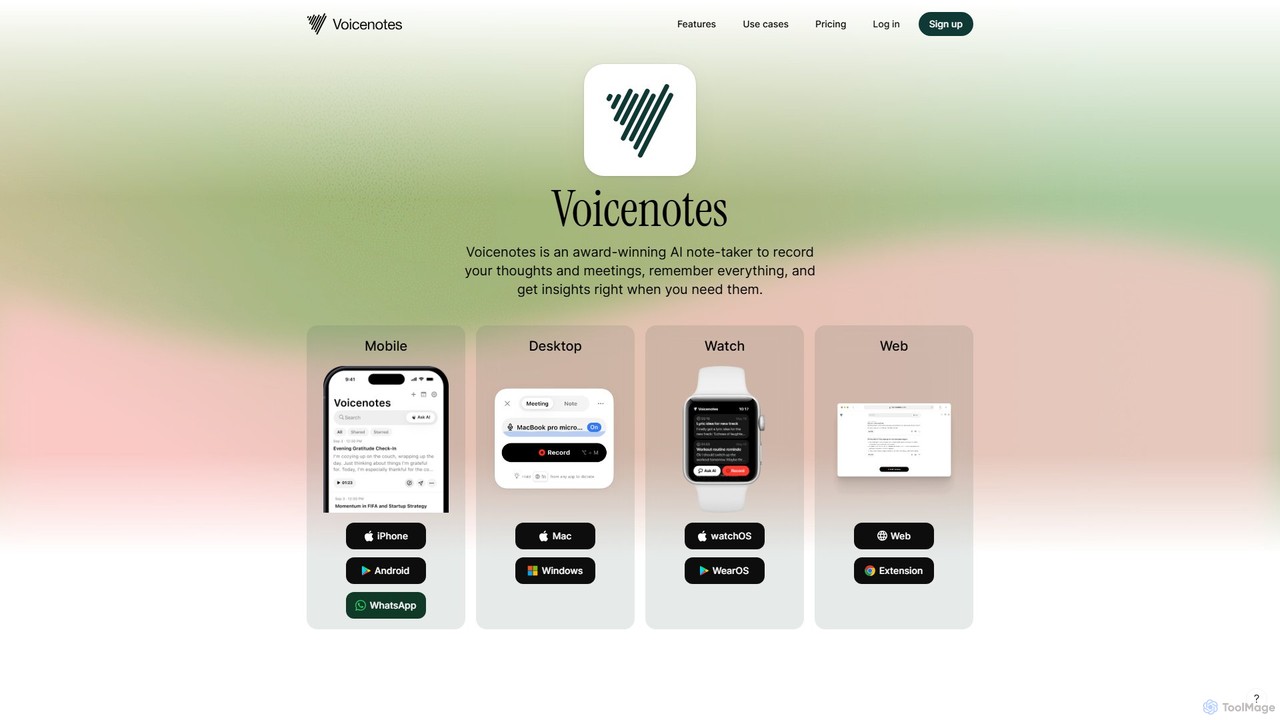
Voicenotes is an award-winning AI note-taker that records your thoughts and meetings, transcribes them with high accuracy, and turns your voice memos into a searchable second brain. It supports over 100 languages and integrates seamlessly across mobile, desktop, and web platforms, including WhatsApp.

Meeting Assistant
Visits 293.6KFavorites 113Likes 112
Alter
Freemium

Alter

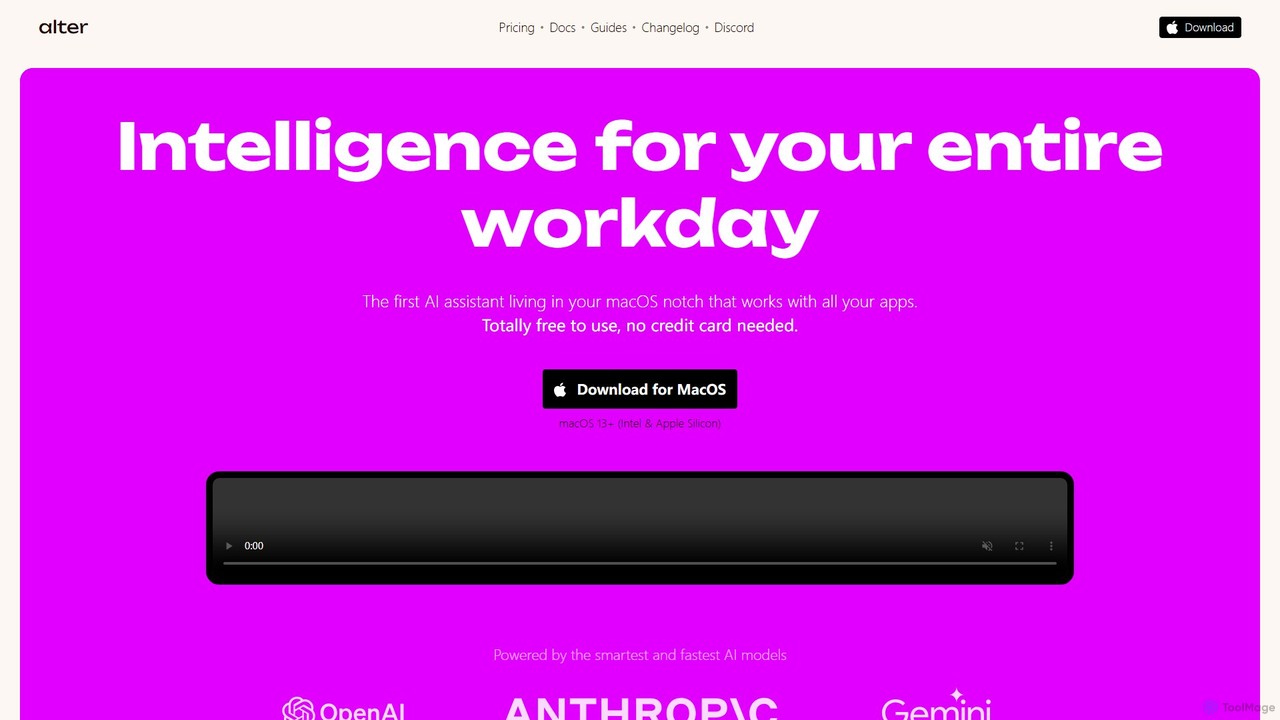
Alter is a native macOS AI assistant designed to streamline your entire workday. It's context-aware, understanding your apps, files, and browser activity to provide relevant assistance. With voice-first commands, meeting recording and summarization, and deep system integration, Alter turns your Mac into an AI powerhouse, boosting productivity while prioritizing privacy with local model support.

Mac
Visits 62.6KFavorites 138Likes 147
Kensho AI Toolkit
Freemium

Kensho AI Toolkit

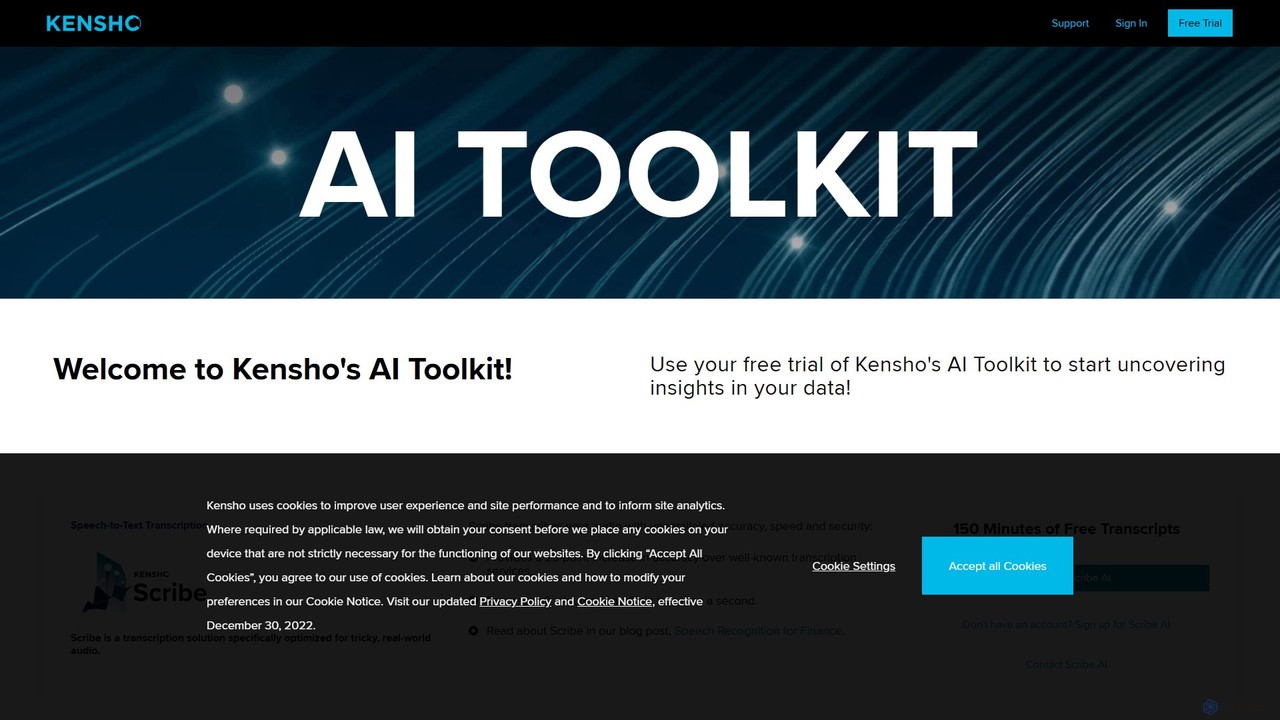
An enterprise-grade AI toolkit by S&P Global, offering a suite of services including Scribe for audio transcription, NERD for entity recognition, Link for data matching, and Extract for PDF data extraction. It's designed to unlock insights from complex, unstructured data, primarily for the finance industry.

Financial Data
Visits 9.5KFavorites 139Likes 167
Superpowered
Freemium

Superpowered

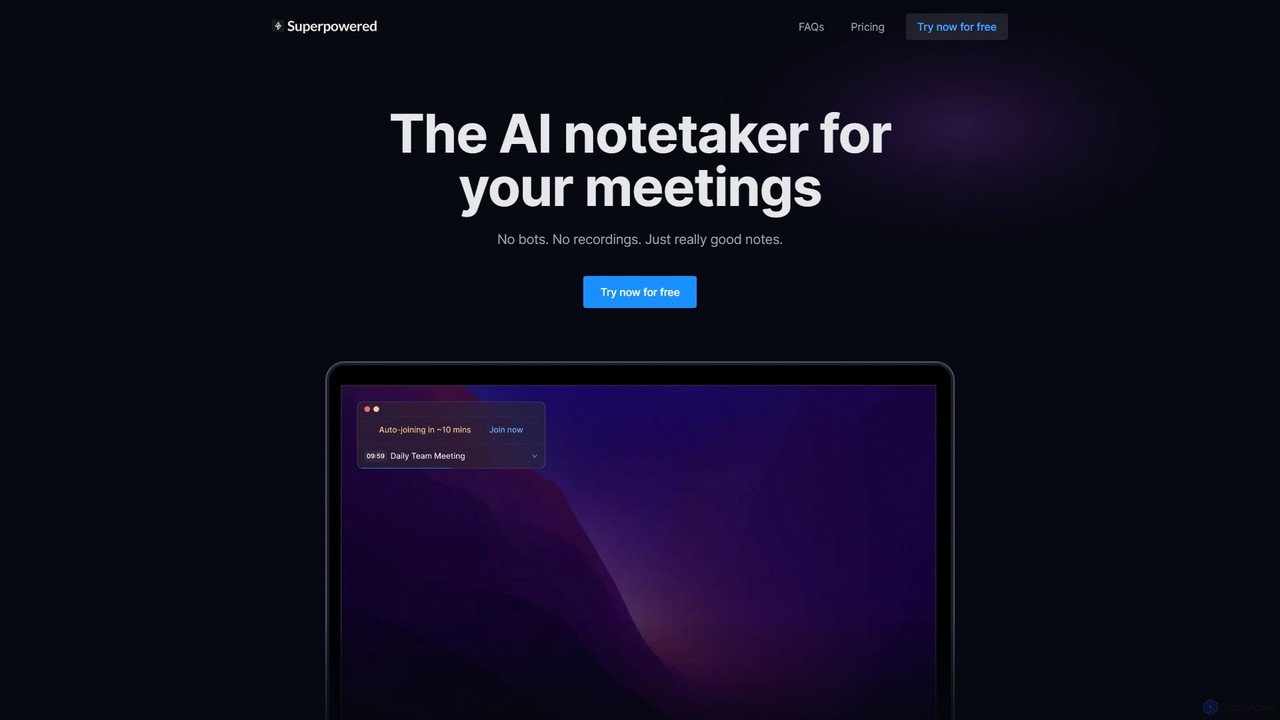
Superpowered is an AI meeting assistant that generates high-quality notes, summaries, and action items without using bots or recordings. It works seamlessly with all meeting platforms by transcribing device audio in real-time, ensuring privacy and security. It integrates with your calendar and workflow tools to boost productivity.

Meeting Assistant
Visits 10.9KFavorites 128Likes 120
Wudpecker
Freemium

Wudpecker

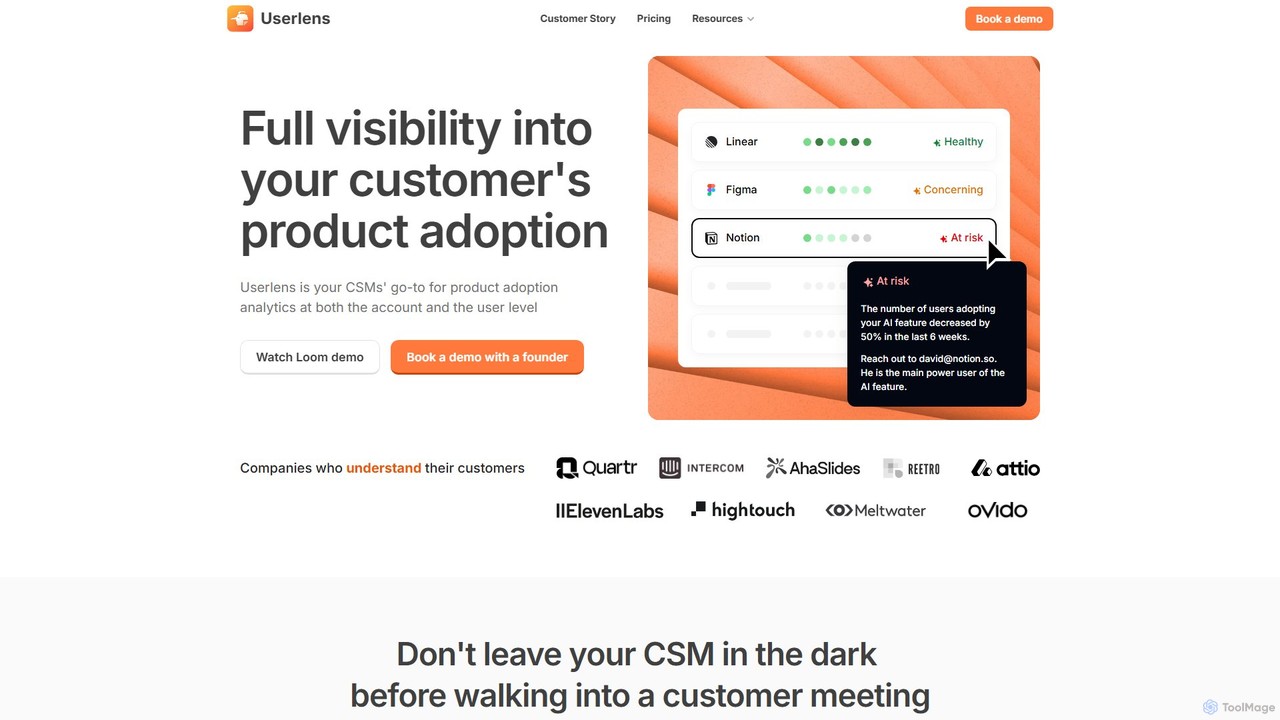
Wudpecker is a comprehensive AI platform that combines an intelligent meeting assistant with a powerful customer success solution, Userlens. It automatically records, transcribes, and summarizes your meetings across multiple languages. For customer success teams, Userlens provides deep analytics on product adoption, AI-driven health scores, and proactive churn alerts, transforming customer data into actionable strategies.

Customer Success
Visits 15.7KFavorites 130Likes 135
Taption
Freemium

Taption

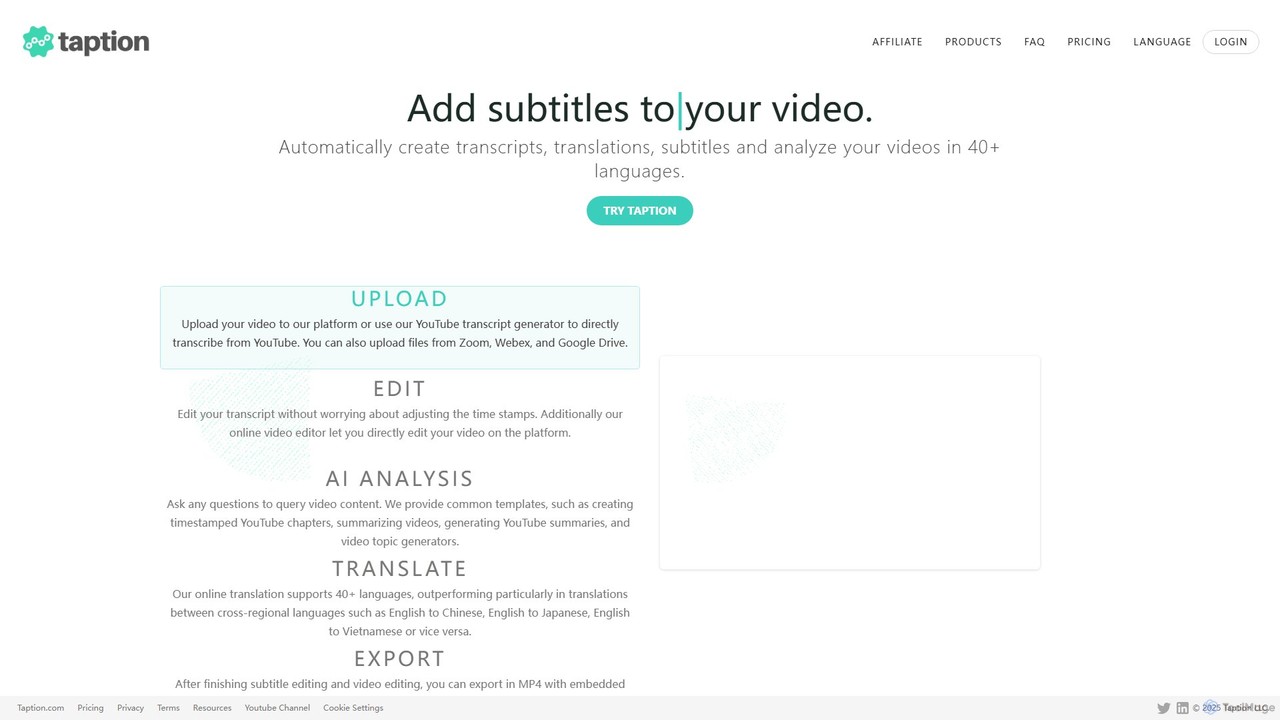
Taption is an AI-powered platform that automatically generates transcripts, translations, and subtitles for video and audio content. It supports over 50 languages and integrates with platforms like YouTube, Zoom, and Google Drive. Key features include an online video editor, AI-driven content analysis for summaries and chapter creation, and collaborative tools for teams, making it ideal for content creators, marketers, and educators.

Content Creation
Visits 32.2KFavorites 142Likes 143
Hireguide
Freemium

Hireguide

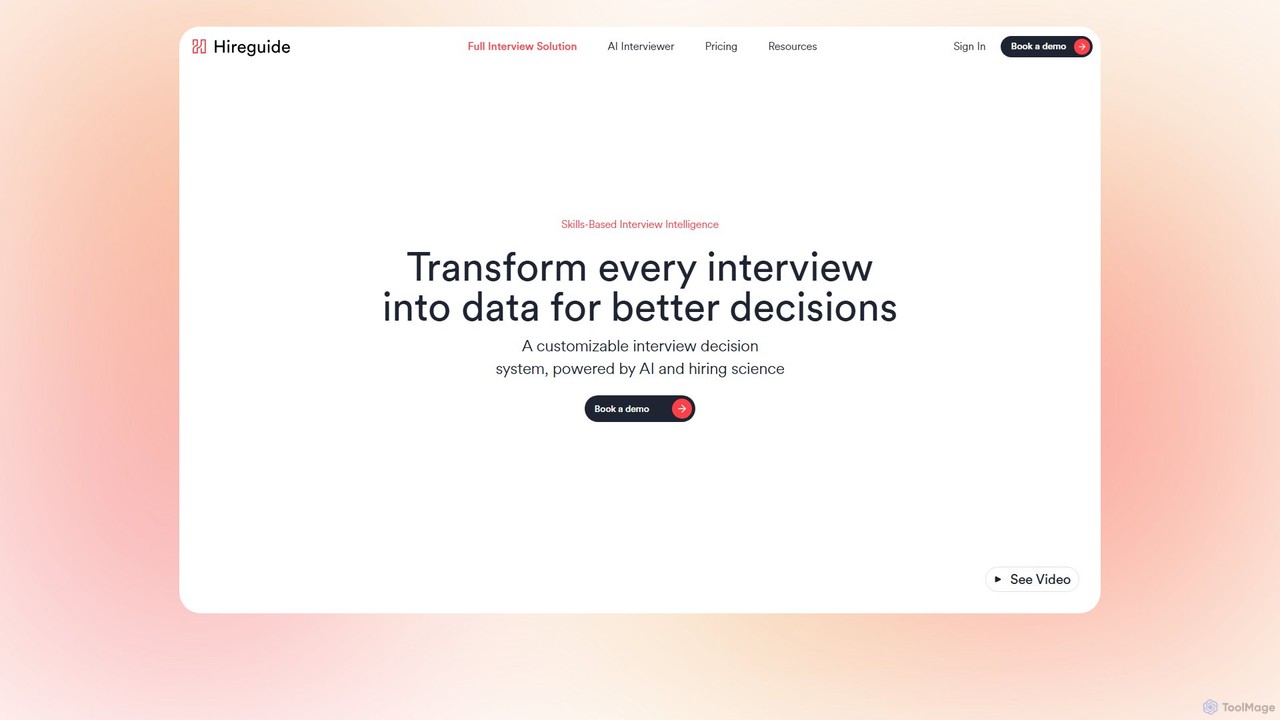
Hireguide is a skills-based interview intelligence platform that uses AI to transform interviews into structured data. It automates note-taking, generates tailored interview questions, and streamlines the entire hiring process to help teams make faster, fairer, and more data-driven hiring decisions.

Recruiting
Visits 12.4KFavorites 143Likes 152

About Transcription

AI Transcription tools are applications that automatically convert audio and video files into written text. Leveraging advanced automatic speech recognition (ASR) and natural language processing (NLP), these tools can accurately identify words, distinguish between different speakers, and generate time-coded text. This technology transforms spoken content into searchable, editable, and accessible data, significantly boosting productivity for various professionals. Many modern transcription tools also offer features like custom vocabulary for industry-specific terms and multi-language support.

Core Features

  • Automatic Speech Recognition (ASR): Accurately converts spoken language from audio or video sources into text.
  • Speaker Diarization: Identifies and labels different speakers within a single audio file, attributing text to the correct person.
  • Timestamping: Aligns the transcribed text with the original media's timeline, often at the word or paragraph level.
  • Custom Vocabulary: Allows users to add specific names, jargon, or technical terms to improve recognition accuracy.
  • Multiple Export Formats: Provides options to export the transcript in various formats like TXT, DOCX, SRT, or VTT for different uses.

Use Cases

AI Transcription tools are widely used across multiple sectors. Journalists and podcasters use them to quickly transcribe interviews for articles and show notes. In business, they create searchable minutes from meetings and conference calls. Academic and market researchers analyze hours of qualitative data from interviews and focus groups efficiently. Content creators also rely on these tools to generate accurate subtitles and captions for videos, enhancing accessibility and engagement.

How to Choose

When selecting an AI Transcription tool, consider several key factors. Evaluate its accuracy rate and the range of languages and dialects it supports. For multi-speaker recordings, the quality of its speaker diarization is crucial. Check for necessary integrations with your existing workflow, such as cloud storage or video editing software. Finally, review the pricing model (per-minute vs. subscription) and the provider's data security and privacy policies, especially when handling sensitive information.

Featured tool rankings

Transcription use cases

1

Generating Accurate Meeting Minutes

A project manager needs to document a one-hour kickoff meeting involving multiple stakeholders. Instead of manually typing notes for hours, they upload the meeting recording to an AI transcription tool. Within minutes, the tool generates a complete transcript, automatically identifying and labeling each speaker. This allows the manager to quickly search for key decisions, action items, and deadlines, creating a concise and accurate summary to share with the team. The process reduces documentation time by over 90% and ensures all participants are aligned.

2

Creating Video Subtitles for Social Media

A content creator produces short-form videos for platforms like YouTube and Instagram, where many users watch without sound. To maximize accessibility and engagement, they use an AI transcription tool to generate subtitles. After uploading the video, the tool provides a time-coded transcript. The creator quickly reviews and edits the text for accuracy and timing, then exports it as an SRT file. This workflow transforms a tedious, hour-long task into a simple 10-minute review, enabling them to consistently add high-quality captions to all their content.

3

Transcribing Academic and Market Research Interviews

A UX researcher has conducted twenty 30-minute user interviews for a new product. To analyze the qualitative data, they need transcripts of all conversations. They batch-upload the audio files to an AI transcription service. The service processes all ten hours of audio in under an hour. The researcher can then search across all transcripts for keywords like "frustration" or "confusing" to quickly identify common pain points. This accelerates the data analysis phase from weeks to days, enabling faster iteration on the product design.

4

Documenting Legal Depositions and Client Calls

A paralegal needs a written record of a lengthy client deposition for case preparation. Using a secure, compliant AI transcription tool, they process the audio recording. The tool's speaker diarization feature clearly separates the attorney's questions from the client's answers. This provides a cost-effective and rapid first draft of the transcript. The legal team can then review the text, highlight key statements, and prepare for trial much faster than waiting for a traditional human transcription service, which can be both slow and expensive for initial drafts.

5

Assisting Journalists with Interview Transcription

A journalist conducts an in-depth interview with a source and needs to quickly pull key quotes for an article on a tight deadline. They upload the audio file to an AI transcription tool. Within minutes, a full transcript is available. The journalist uses the search function to instantly locate specific phrases and topics discussed. By clicking on a sentence in the transcript, they can listen to the original audio to verify the quote's accuracy and capture the source's tone. This allows them to focus on writing and storytelling, rather than the time-consuming task of manual transcription.

6

Improving Call Center Quality Assurance

A call center manager wants to analyze customer interactions to improve agent performance and ensure compliance. Instead of manually listening to a small, random sample of calls, they integrate an AI transcription service with their call recording system. All calls are automatically transcribed and become searchable. The manager can then run analyses to detect keywords (e.g., "cancel subscription," "very unhappy"), measure agent script adherence, and identify calls with negative sentiment. This provides comprehensive, data-driven insights across 100% of calls, enabling targeted training and process improvements.

Transcription FAQ

What are AI Transcription tools?

AI Transcription tools are software applications that use artificial intelligence, specifically automatic speech recognition (ASR) technology, to convert spoken language from audio or video files into written text. Unlike manual transcription, this process is automated and very fast. Key features often include identifying different speakers (diarization), adding timestamps to the text, and allowing for custom vocabularies to improve accuracy for specific jargon. They are widely used to create meeting minutes, video subtitles, interview transcripts, and searchable audio archives.

How do you choose the right AI Transcription tool?

To choose the right tool, evaluate these factors based on your needs:

  • Accuracy and Language Support: Check the tool's stated accuracy and ensure it supports the languages, dialects, or accents in your audio.
  • Key Features: Determine if you need speaker identification (diarization), precise timestamping, or the ability to add custom vocabulary for technical terms.
  • Integration and Export Options: Ensure the tool can integrate with your workflow (e.g., cloud storage, video editors) and export in formats you need, like SRT for subtitles or DOCX for reports.
  • Security and Privacy: If you handle sensitive information, verify that the provider has strong data encryption and clear privacy policies.
  • Pricing Model: Compare costs, whether it's a pay-as-you-go model per minute/hour or a monthly/annual subscription.
What is the difference between AI transcription and human transcription?

The main differences lie in speed, cost, and accuracy. AI transcription is significantly faster (processing hours of audio in minutes) and more cost-effective. It's ideal for creating first drafts, searchable archives, and internal notes. Human transcription, performed by a professional, offers higher accuracy (often over 99%), especially with poor audio quality, multiple overlapping speakers, or complex accents. However, it is much slower and more expensive. The best choice depends on your budget, turnaround time requirements, and the level of accuracy needed for the final output.

How accurate are AI Transcription tools?

The accuracy of AI transcription tools can be very high, with leading services often achieving up to 95-98% accuracy under ideal conditions. However, accuracy is heavily influenced by several factors:

  • Audio Quality: Clear audio with minimal background noise and no echo yields the best results.
  • Speaker Clarity: Clear, articulate speakers with common accents are transcribed more accurately than those who mumble, speak quickly, or have heavy accents.
  • Subject Matter: General conversation is easier to transcribe than discussions filled with specialized jargon, acronyms, or proper names. Many tools offer custom vocabulary features to mitigate this.

While highly accurate, it's a common practice to perform a final human review to correct any minor errors, especially for public-facing content.

Who can benefit from using AI Transcription tools?

A wide range of professionals and individuals can benefit from AI transcription tools. This includes:

  • Content Creators and Podcasters: To create subtitles for videos, show notes, and blog posts from their audio/video content.
  • Journalists and Researchers: To quickly transcribe interviews and focus groups, making qualitative data analysis much faster.
  • Business Professionals: To generate accurate minutes from meetings, document client calls, and create searchable archives of important discussions.
  • Students and Educators: To transcribe lectures and academic seminars for easier review and study.
  • Legal and Medical Professionals: To create cost-effective initial drafts of depositions, client consultations, or patient notes (while adhering to strict privacy standards).