Freemium
Popular Productivity AI tools include Google Gemini, Baidu, Bing, Canva, Duck.ai, DuckDuckGo, Discord, vocode, codegate, and Lobe, helping you work more efficiently.
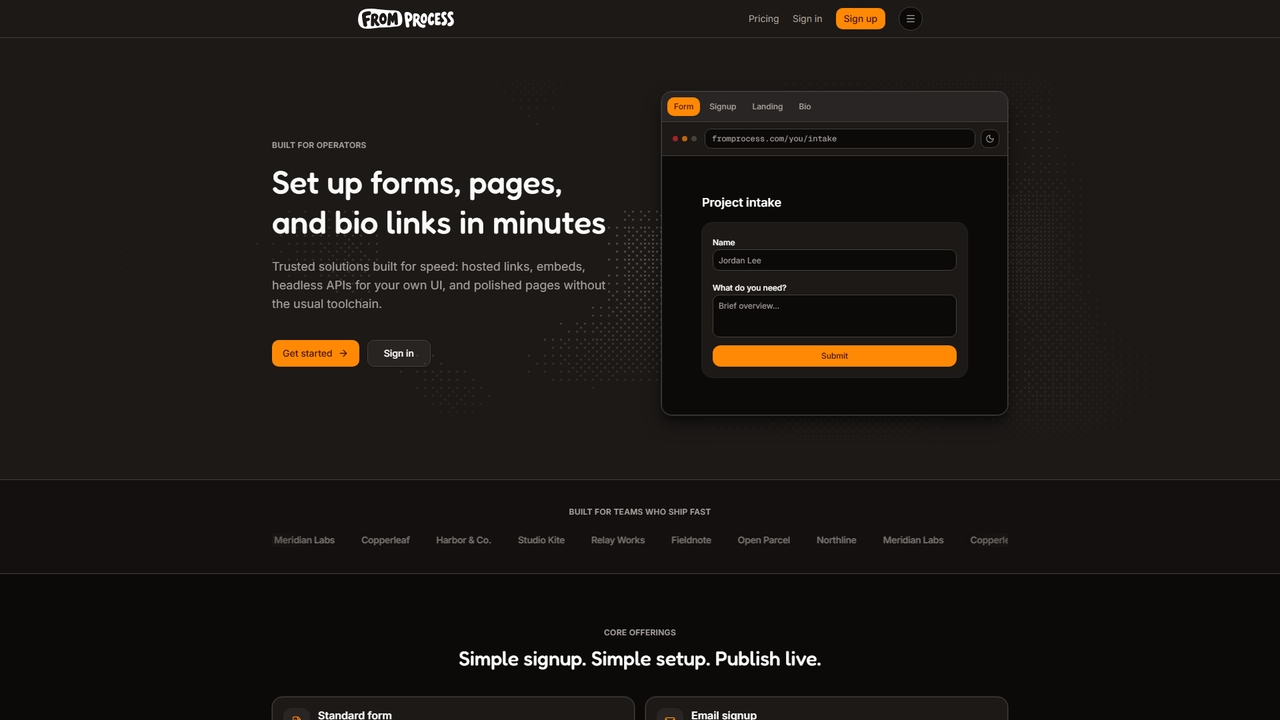
A platform for operators to quickly create forms, pages, and bio links with embedded options and agent support.
Link Management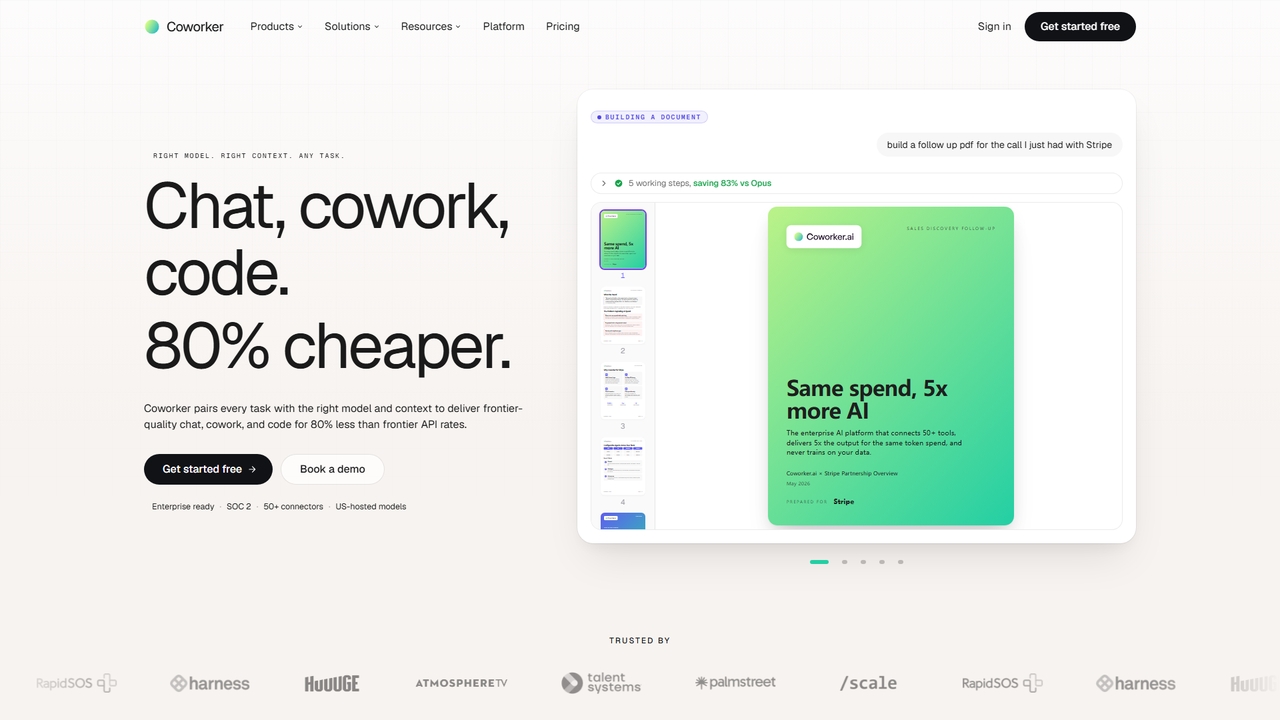
An enterprise AI platform that connects 50+ tools, delivers 5x output for the same token spend, and never trains on your data for secure, cost-effective automation.
Conversational Ai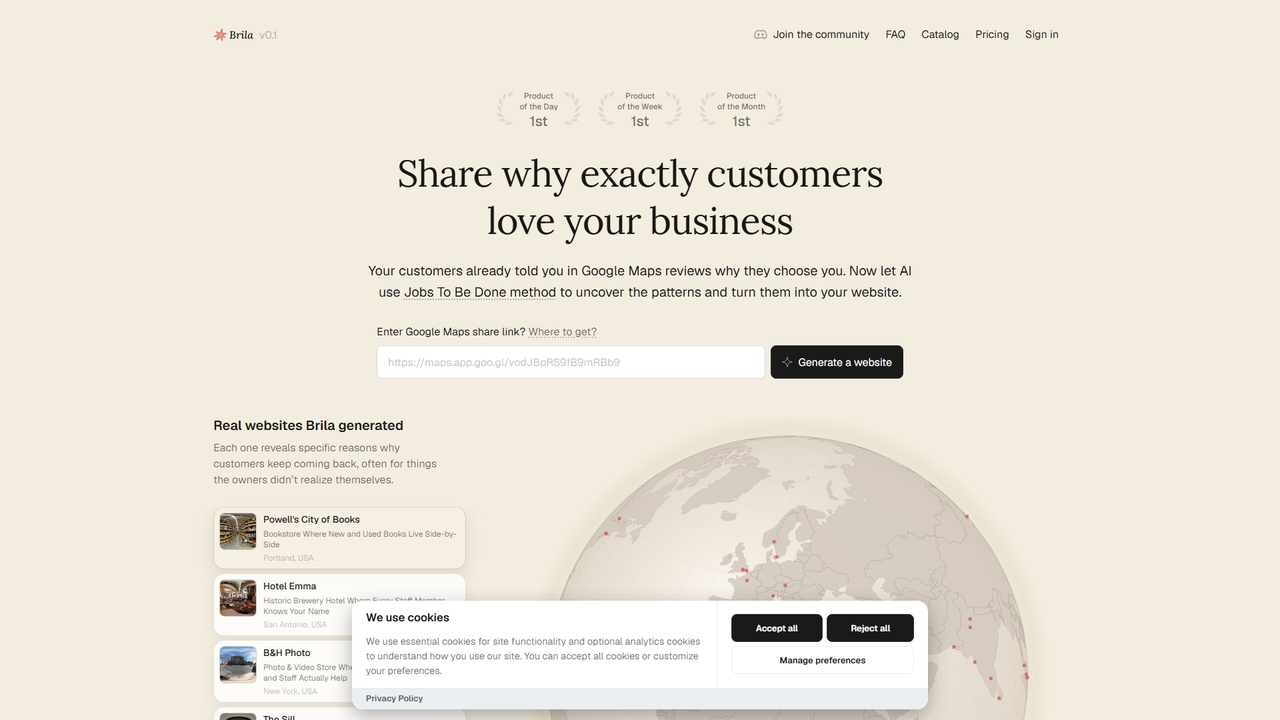
Brila uses AI and the Jobs To Be Done framework to analyze your Google Maps reviews and automatically generate a website with compelling, customer-centric messaging for your local business.
Website Builder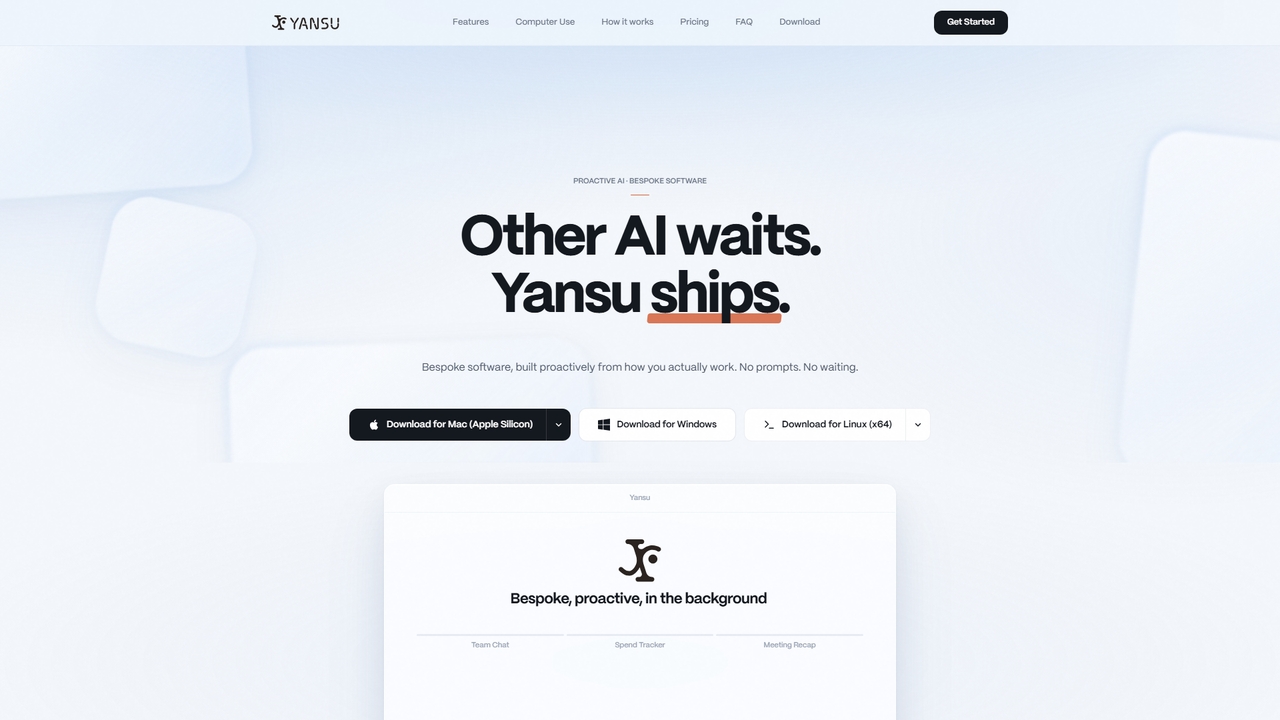
Yansu is a proactive AI application builder that observes your work habits and automatically constructs custom tools and workflows, requiring no prompts or coding. It operates quietly in the background to enhance productivity.
Ai Assistant
A minimal, highly customizable terminal coding agent that adapts to your workflows. Pi leverages multiple AI providers and models, offers extensive extension capabilities, and provides various interaction modes for developers.
Code Assistant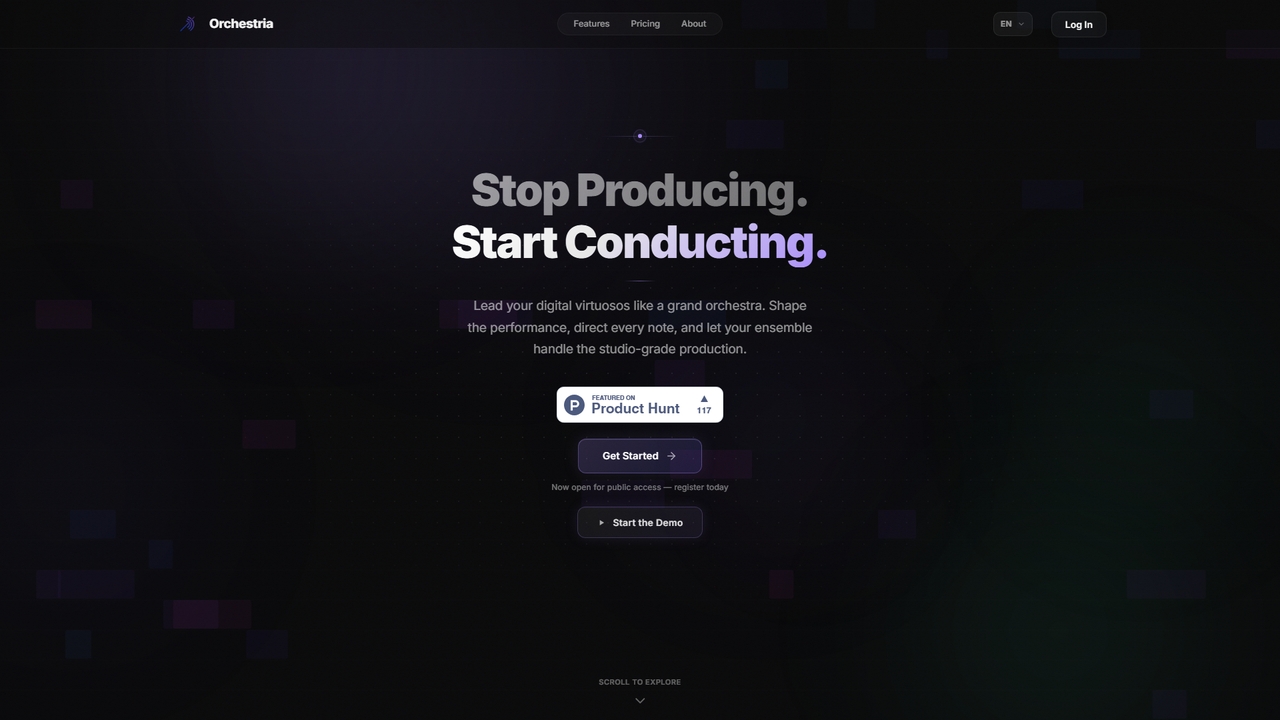
An AI music studio where specialized agents (drummer, melodist, critic, mixer) collaborate in real-time to turn your ideas into studio-quality tracks via natural language commands.
3D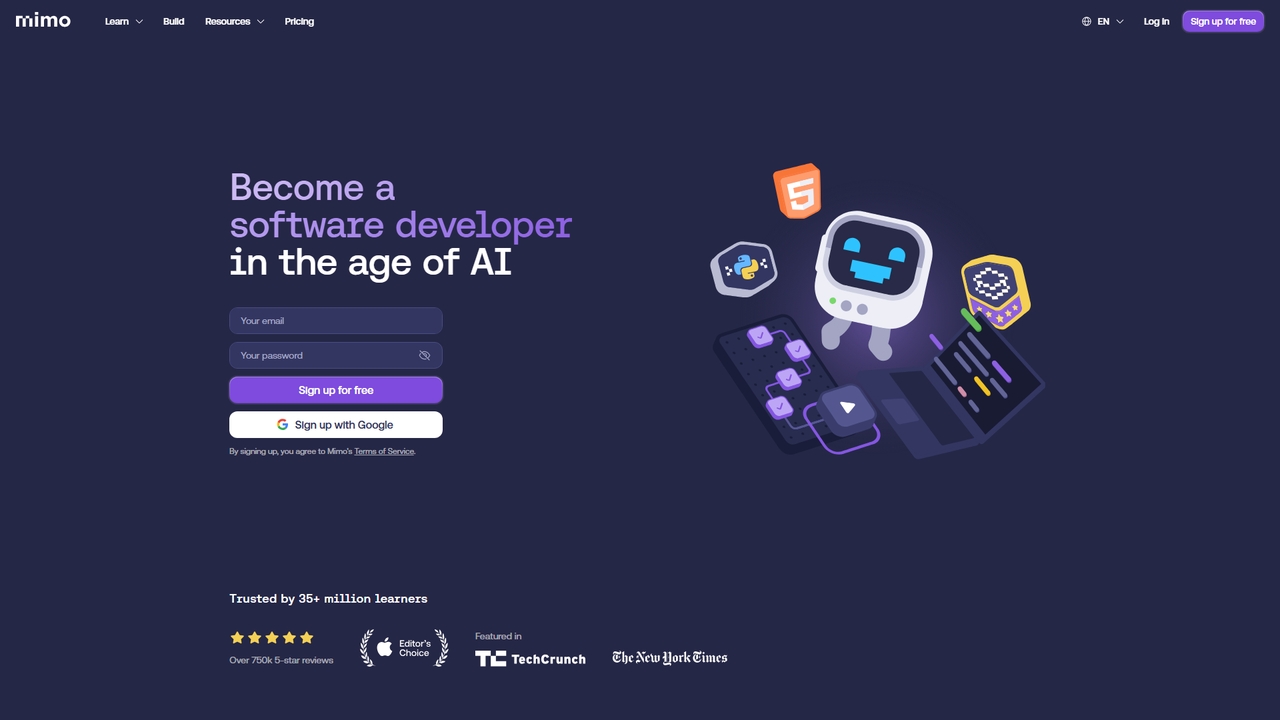
An interactive, AI-powered coding learning platform trusted by over 35 million learners. It offers structured career paths in full-stack, Python, front-end, and back-end development through step-by-step lessons, hands-on practice, and real-world projects.
Code Learning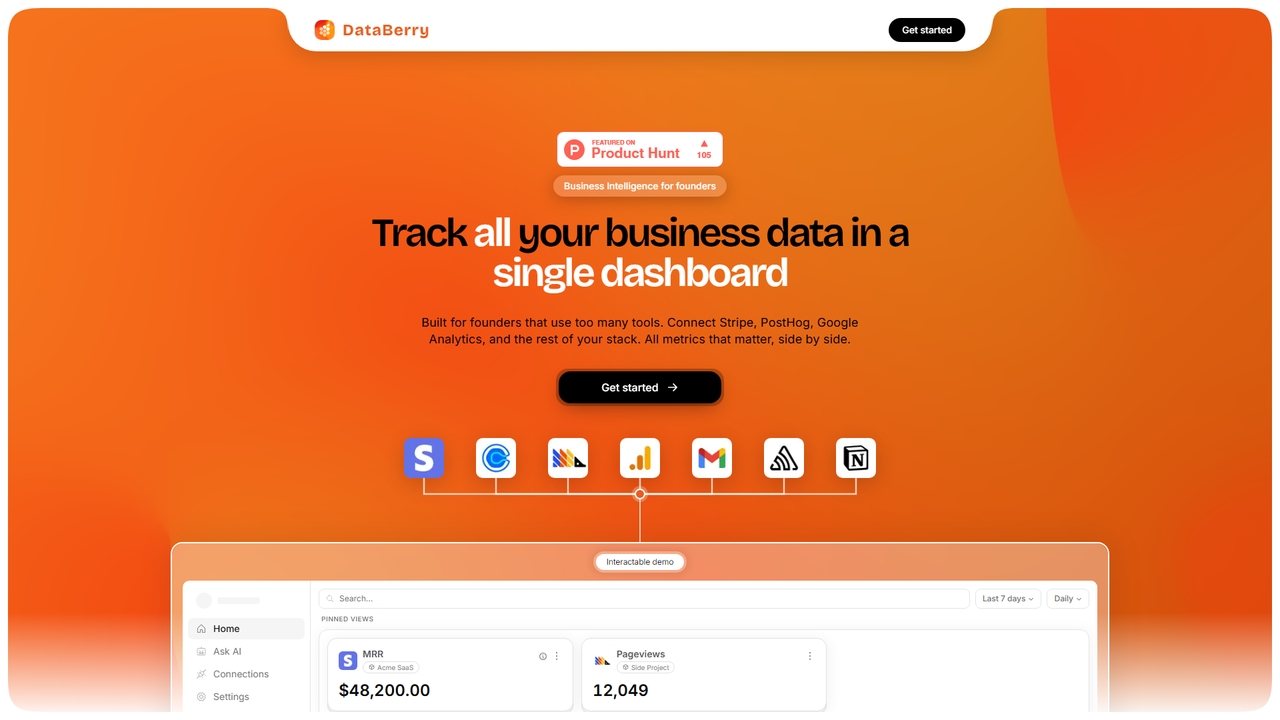
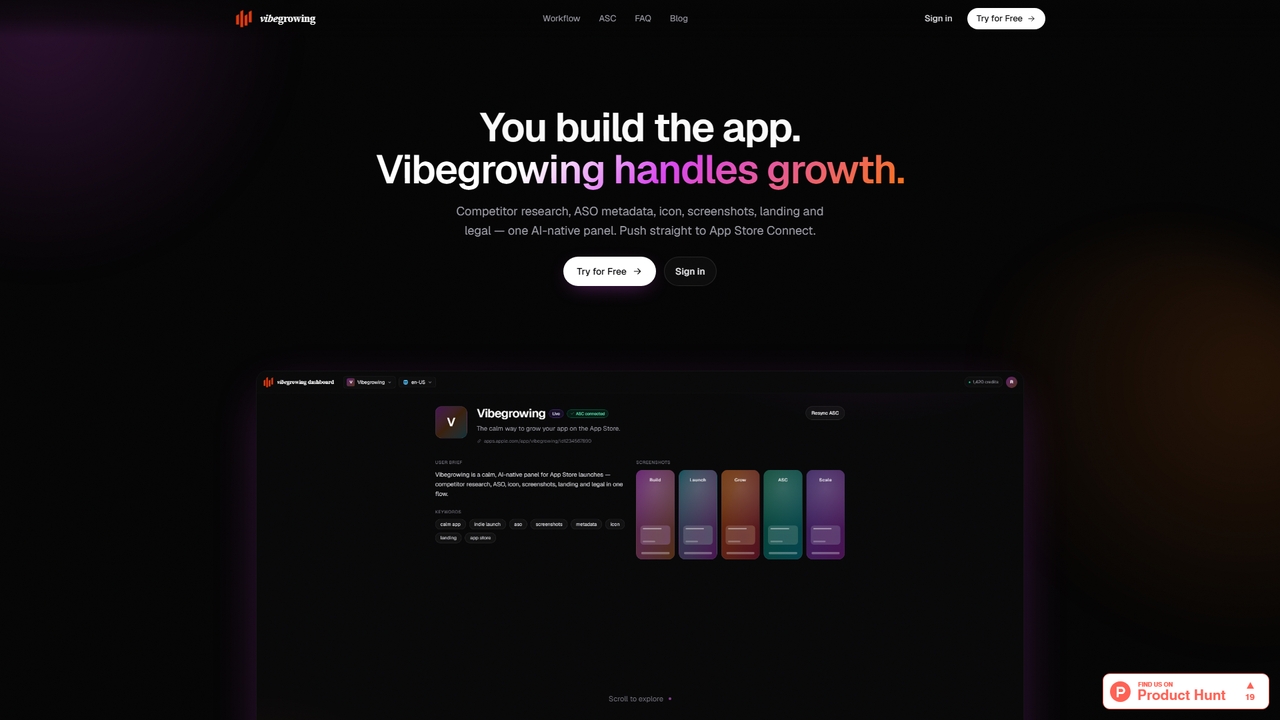
Vibegrowing is an AI-native growth platform for app developers that automates competitor research, ASO metadata creation, icon and screenshot generation, landing page building, and legal document creation, all integrated with App Store Connect.
Asset Generation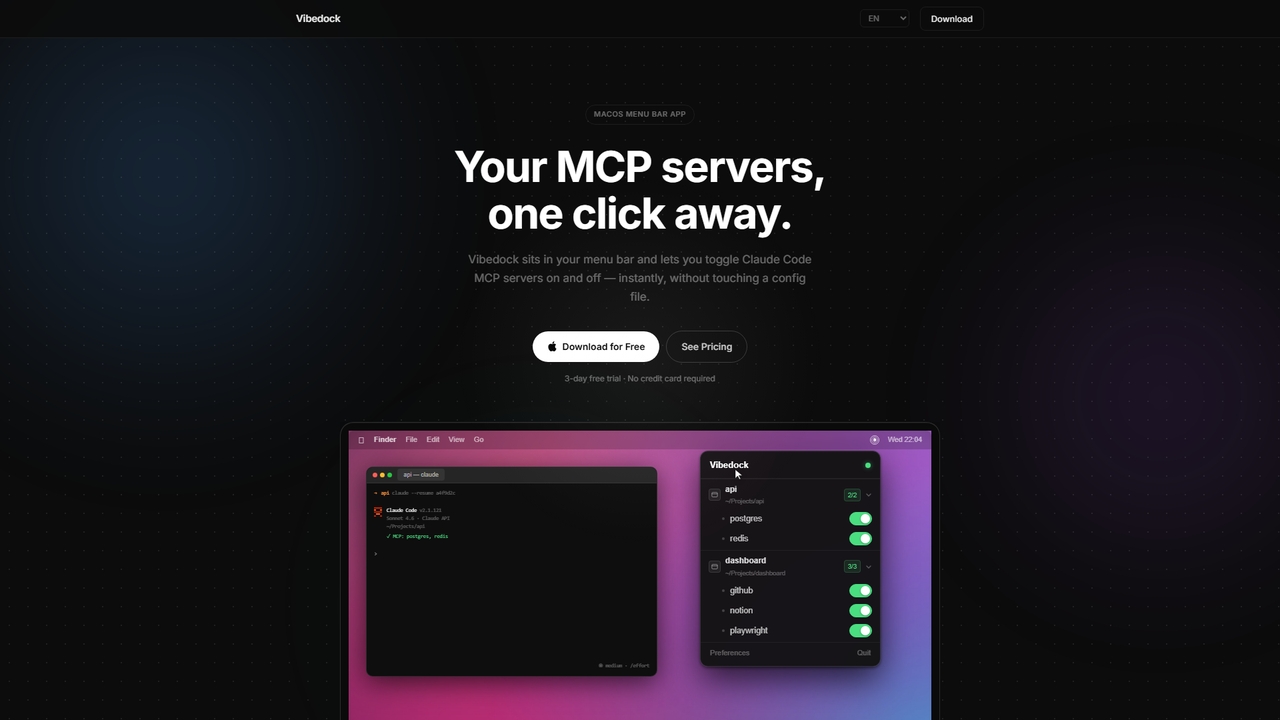
A macOS menu bar application for developers to instantly toggle Claude MCP servers on or off per project, saving context window tokens and eliminating manual config file editing.
Mac Menu Bar Apps
A Chrome extension that saves your AI conversations from ChatGPT, Claude, and Gemini, automatically suggesting relevant context in new chats to enhance productivity.
Workflow Automation
Freu is an AI-powered automation tool that learns from your computer actions to automate complex software workflows across any application, requiring zero prompts or configuration.
Productivity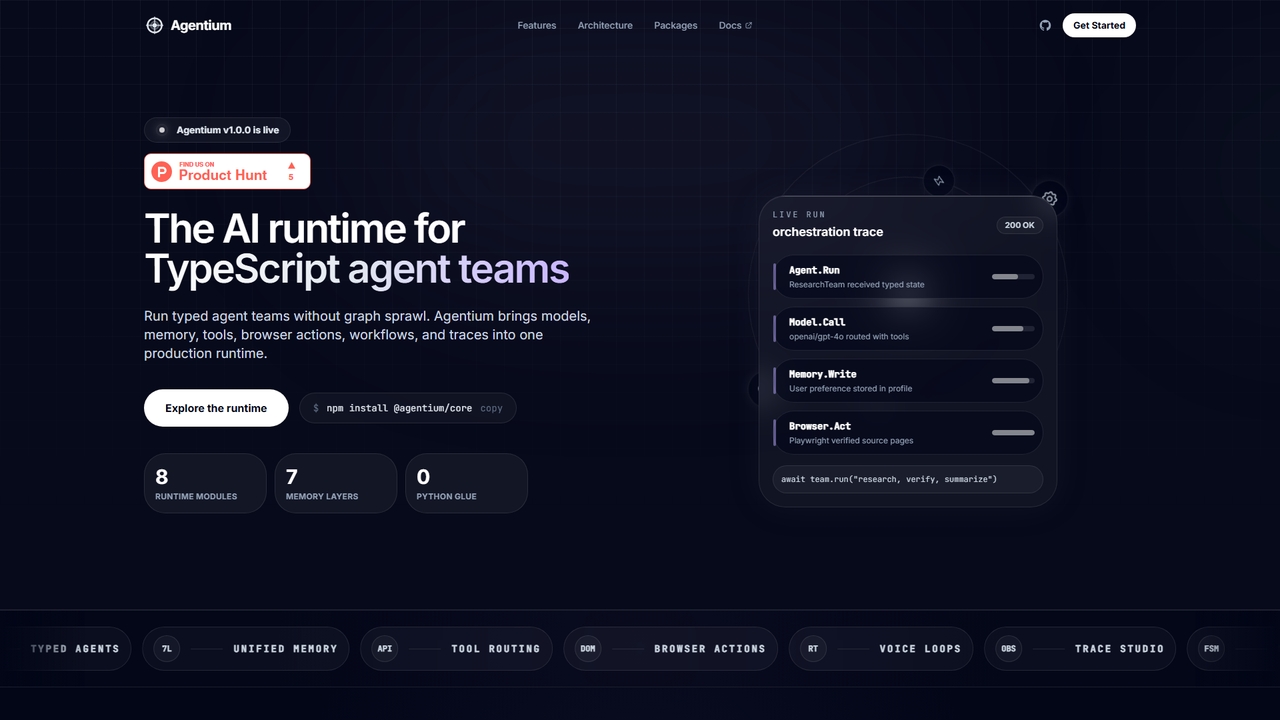
Agentium is an AI runtime for TypeScript agent teams, providing a unified platform for orchestration, memory, tools, and observability to build sophisticated agent systems.
Machine Learning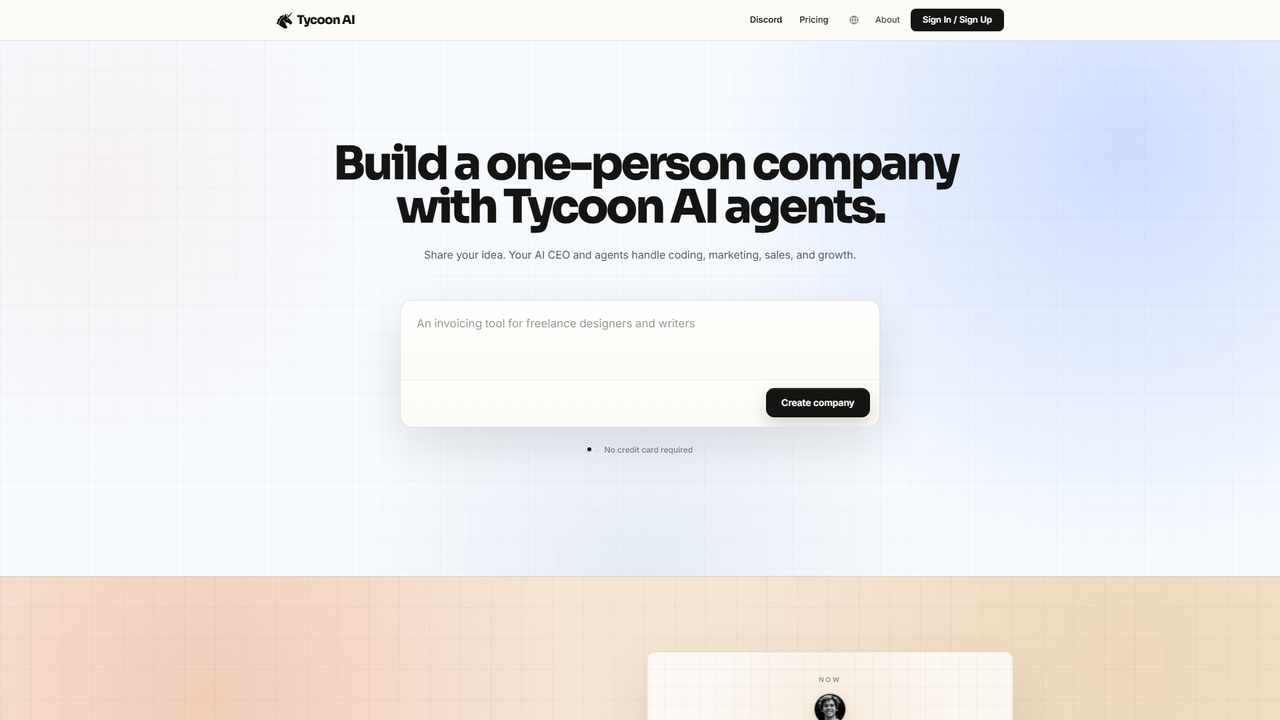
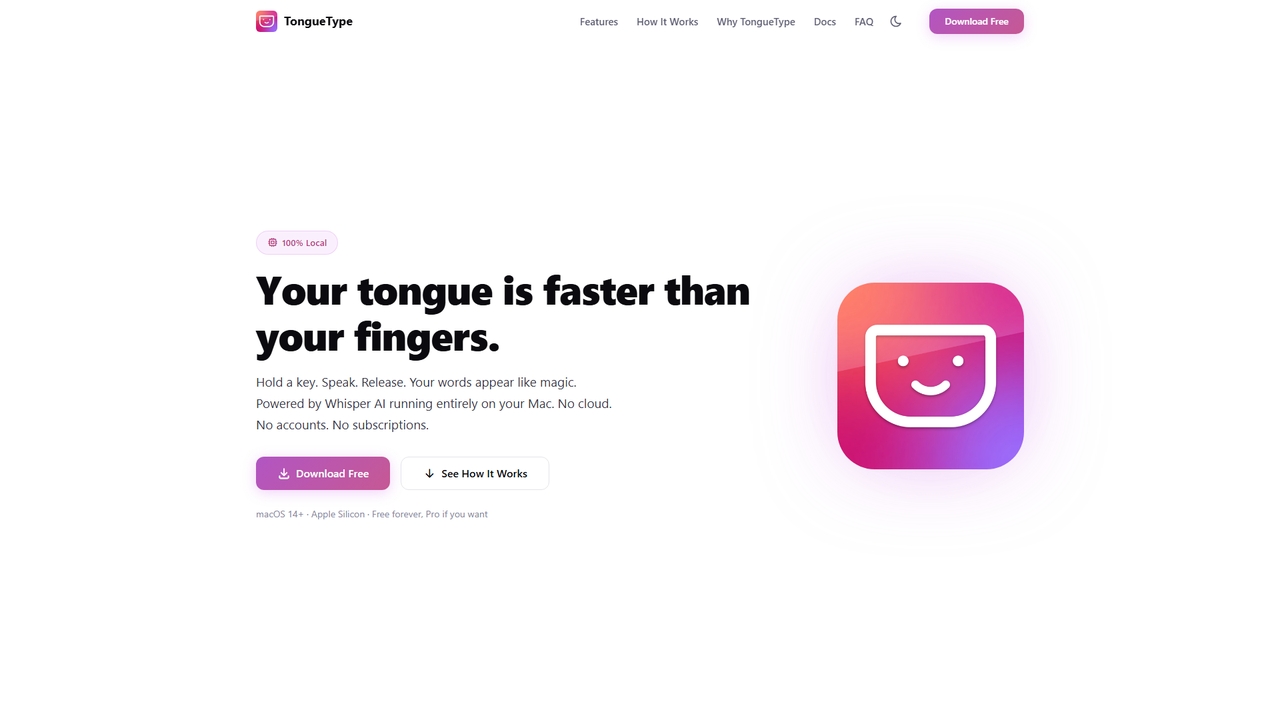
TongueType is a 100% private, offline voice dictation app for macOS. It uses the Whisper AI model locally on Apple Silicon, requiring no cloud, accounts, or subscriptions. Simply hold a hotkey, speak, and your words appear instantly. It's free forever, with a one-time Pro upgrade.
Text Expansion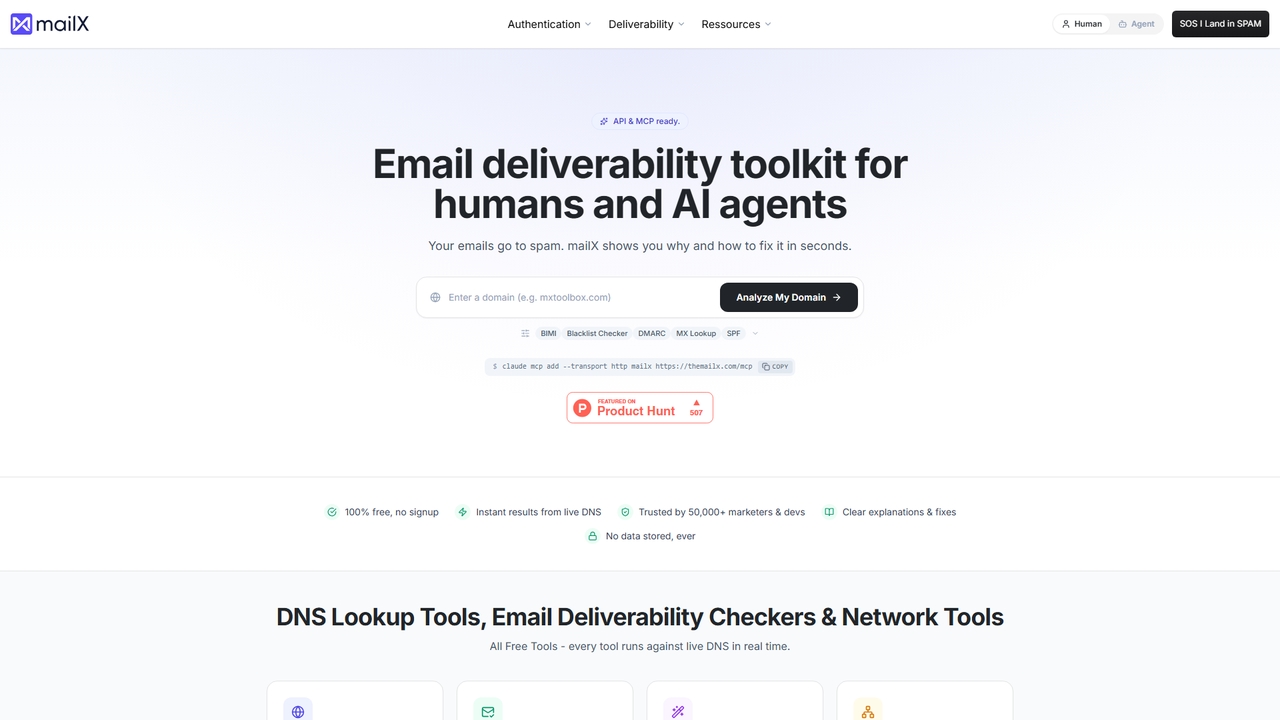
MailX is a free, comprehensive email deliverability toolkit that helps diagnose why emails go to spam and provides actionable fixes. It analyzes DNS records, email authentication (SPF, DKIM, DMARC), blacklist status, and SMTP/IMAP configuration in seconds.
Infrastructure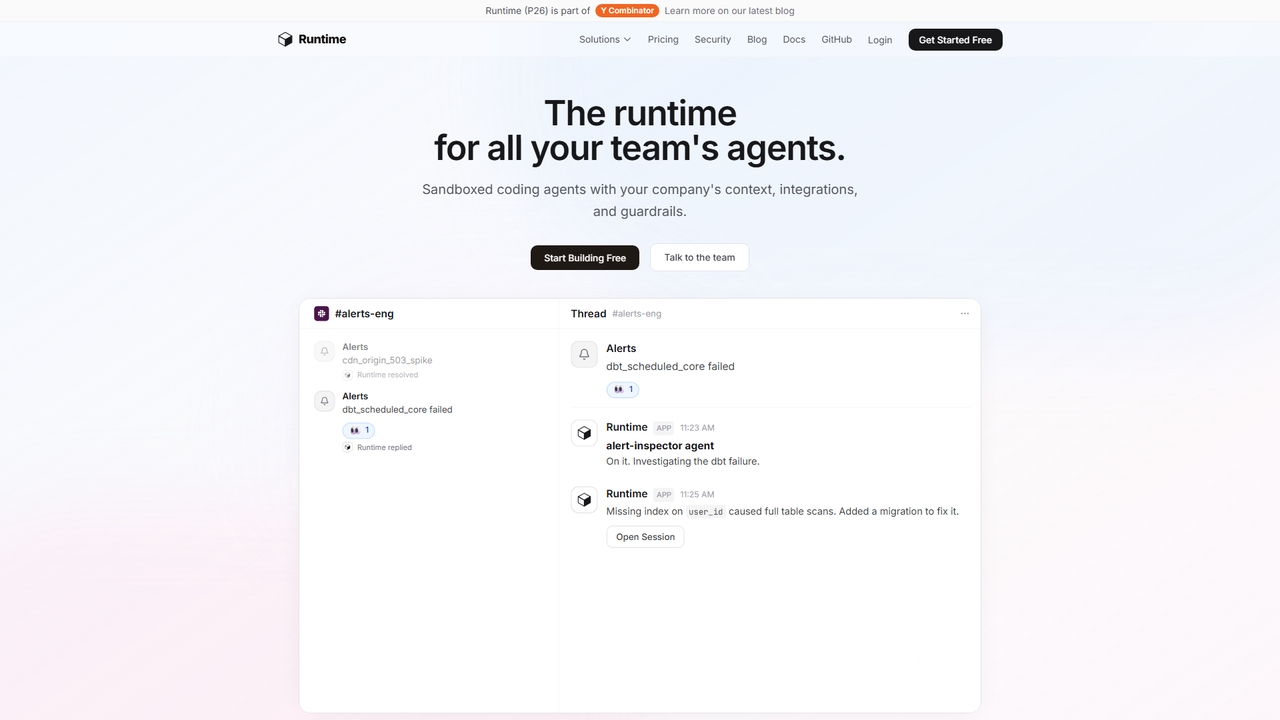
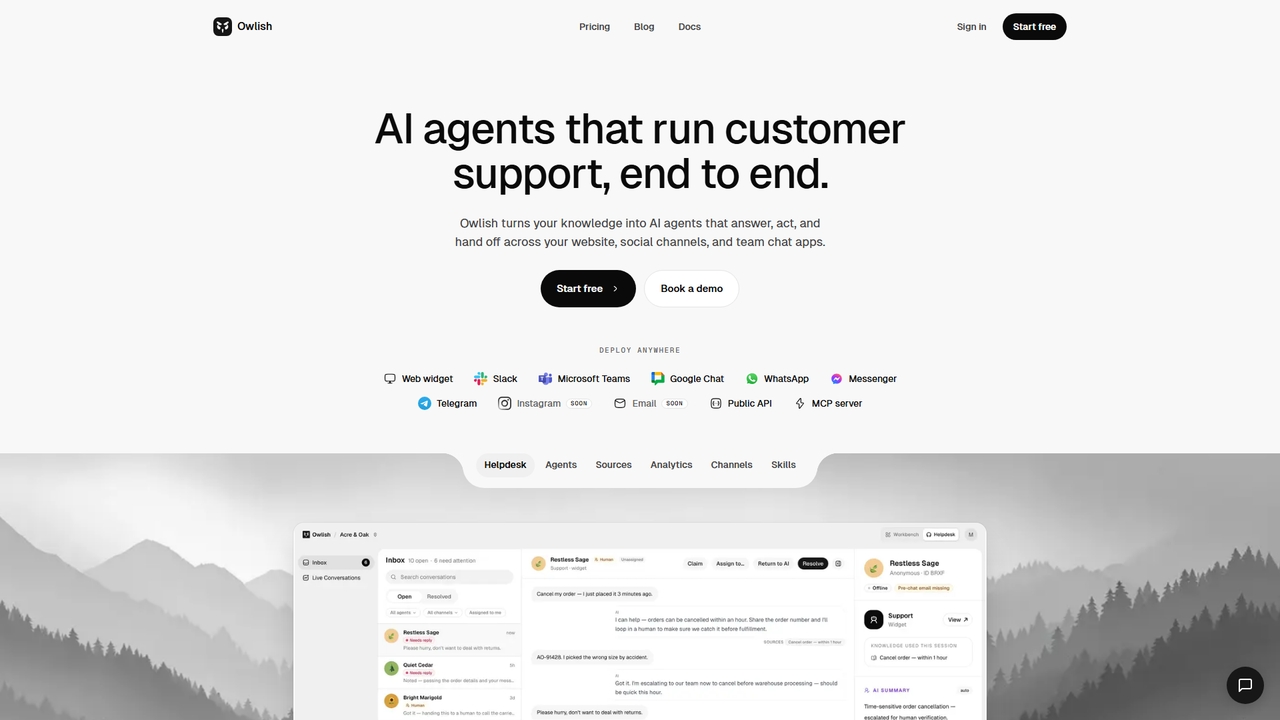
Owlish is a no-code AI agent platform that creates source-grounded customer support bots. It answers from your knowledge base, performs actions, and hands off seamlessly to human agents across multiple channels like web, Slack, and Teams.
Ai Support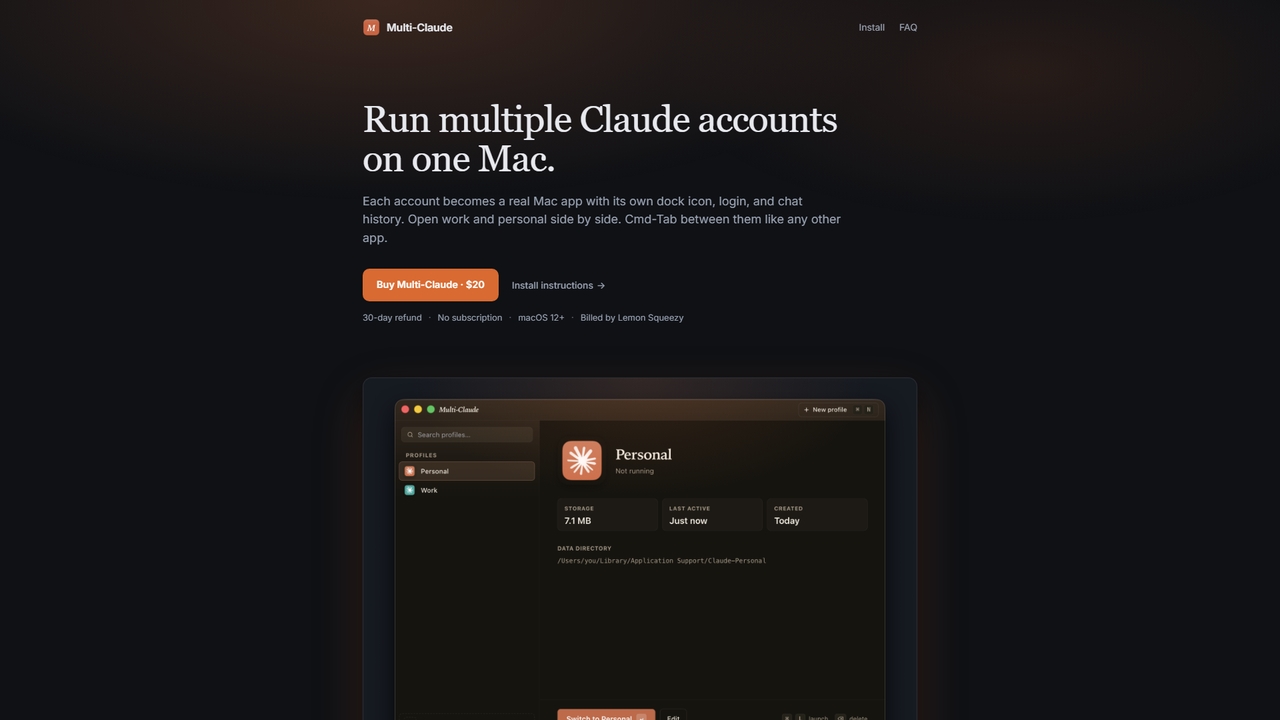
Multi-Claude is a macOS application that allows users to run multiple Claude Desktop accounts simultaneously on a single Mac. Each account functions as an independent app with its own dock icon, login credentials, and chat history, enabling seamless switching via Cmd-Tab without logging out.
Multi Account Management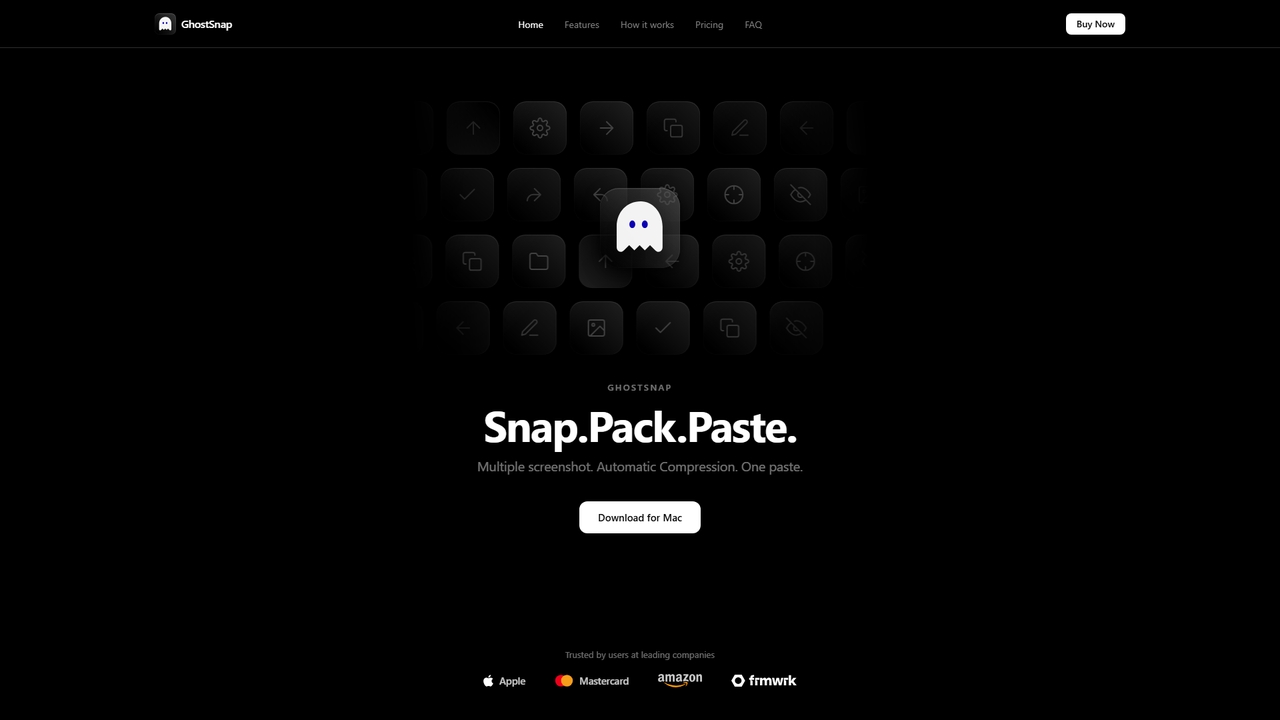
GhostSnap is a macOS productivity tool that streamlines screenshot workflows. It allows users to capture multiple screenshots, automatically compresses them to save space and reduce token usage in AI tools, and pastes them all with a single command. It also features on-device OCR text extraction and image annotation.
Image Tools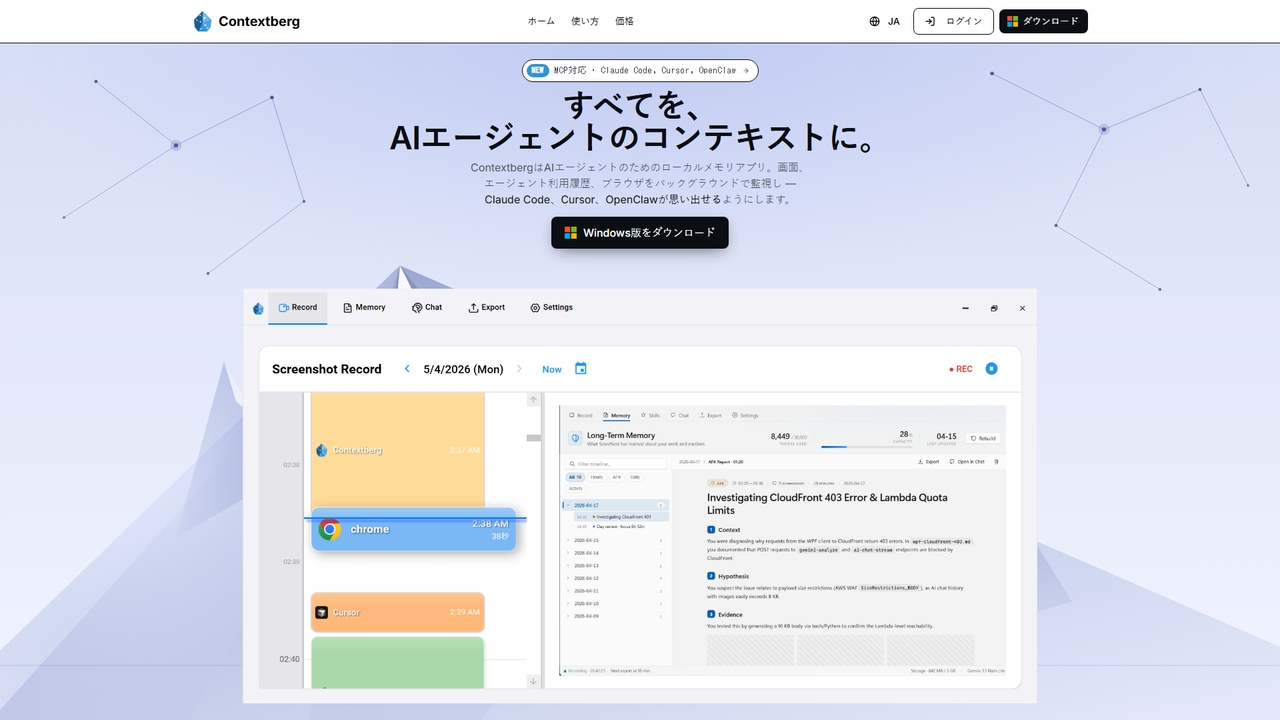
A local-first memory application for AI agents. It monitors screen activity, inputs, and browser usage in the background to provide context via MCP to coding agents like Claude Code, Cursor, and OpenClaw, enhancing productivity by eliminating repetitive re-entry.
Memory Management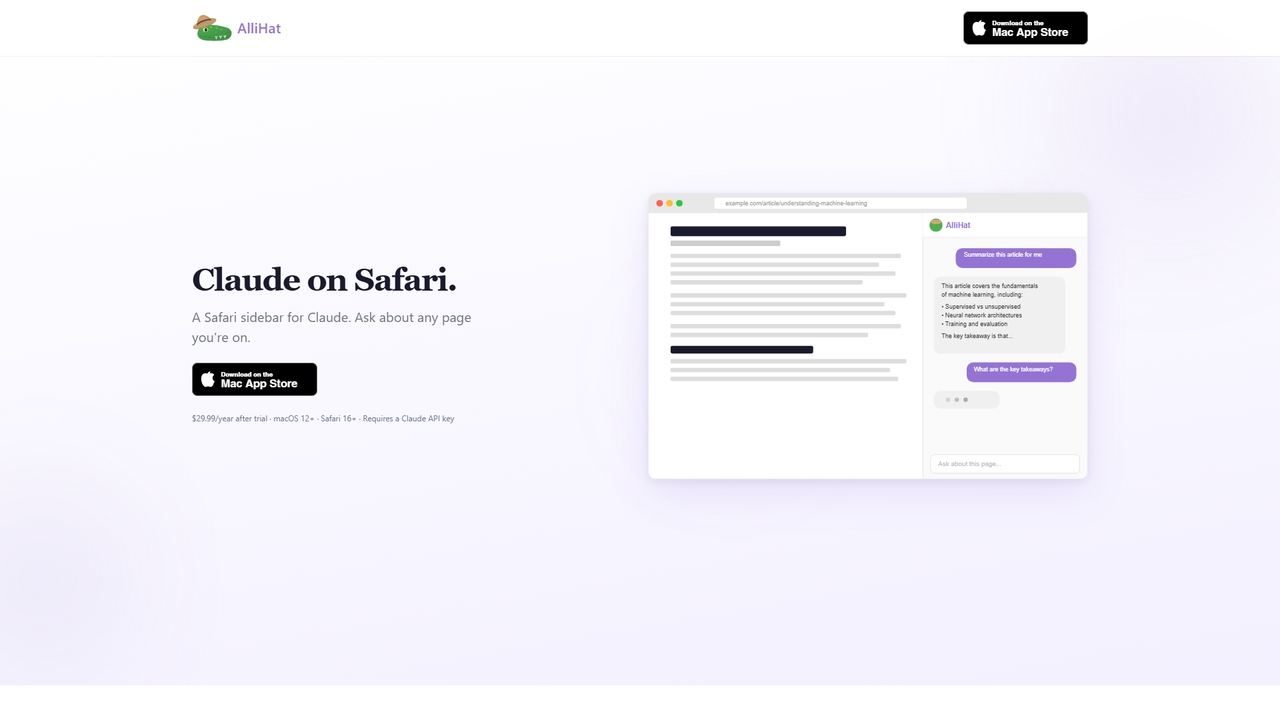
AlliHat is a Safari browser extension that integrates Claude AI directly into your browsing experience. It allows you to build simple workflows, personalize the AI with your preferences, and maintain conversation history across sessions.
ProductivityProductivity AI tools are AI-powered applications designed to automate routine tasks, optimize workflows, and enhance overall efficiency across various professional and personal domains. These tools leverage machine learning, natural language processing, and advanced algorithms to understand user intent, process information, and execute actions autonomously. By minimizing manual effort and providing intelligent insights, they empower individuals and teams to focus on high-value activities, accelerate decision-making, and achieve more with less time.
Productivity AI tools are widely adopted by professionals in diverse fields, from individual freelancers managing their daily schedules to large enterprises streamlining complex operations. They are particularly valuable in administrative support, project management, content creation, and customer service, where automating repetitive tasks and gaining quick insights can significantly boost output and reduce operational costs.
When selecting a Productivity AI tool, consider its integration capabilities with existing software, the scope of tasks it can automate, and its scalability to meet future needs. Evaluate the user interface for ease of use, assess the level of customization offered, and scrutinize data security protocols. Finally, compare pricing models and ensure the tool provides robust customer support to maximize its long-term value.
For administrative assistants and office managers, AI productivity tools can automate routine tasks such as scheduling meetings, managing email inboxes, and generating weekly reports. By integrating with calendars and communication platforms, these tools can automatically send reminders, categorize emails, and compile data into presentable formats, saving hours of manual effort daily and allowing focus on more strategic support tasks.
Content creators, marketers, and writers leverage AI productivity tools to streamline their ideation and drafting processes. Tools can generate initial content outlines, suggest relevant keywords, summarize research articles, or even draft preliminary versions of social media posts and blog articles. This significantly reduces the time spent on repetitive writing tasks and helps overcome creative blocks, accelerating content production cycles.
Project managers and team leads utilize AI productivity tools to enhance project planning, task allocation, and team communication. These tools can analyze project timelines, identify potential bottlenecks, suggest optimal resource allocation, and automate status updates. They facilitate smoother collaboration by centralizing communication, tracking progress, and providing predictive insights into project completion, ensuring projects stay on track and within budget.
Business analysts and data professionals use AI productivity tools to quickly process and interpret large datasets. These tools can automatically identify trends, generate visual reports, and highlight key insights that might be missed by manual analysis. This accelerates the reporting cycle, enables faster data-driven decision-making, and allows analysts to spend more time on strategic interpretation rather than raw data manipulation.
Individuals seeking to improve personal organization and time management can use AI productivity tools to prioritize tasks, manage to-do lists, and optimize their daily schedules. These tools learn user habits and preferences, suggesting the best times for focused work, reminding them of deadlines, and even blocking out time for breaks. This leads to better work-life balance and increased personal output.
Teams and executives employ AI productivity tools to make meetings more effective. These tools can transcribe meeting discussions in real-time, identify action items, assign responsibilities, and generate concise summaries. Post-meeting, they can automatically distribute notes and follow-up tasks, ensuring that decisions are captured accurately and acted upon promptly, reducing the need for manual note-taking and follow-up emails.
Productivity AI tools are software applications that use artificial intelligence to automate, optimize, and streamline various work processes and tasks. They leverage technologies like machine learning, natural language processing, and predictive analytics to enhance efficiency, reduce manual effort, and provide intelligent assistance. These tools aim to help individuals and organizations achieve more in less time by handling repetitive tasks, offering insights, and improving decision-making.
Productivity AI tools enhance work efficiency by automating mundane and repetitive tasks, freeing up human workers for more complex and creative endeavors. They can intelligently manage schedules, process vast amounts of data for quick insights, assist in content generation, and streamline communication. By minimizing errors, accelerating task completion, and providing predictive capabilities, these tools significantly boost output and optimize resource allocation across various workflows.
A wide range of users can benefit from Productivity AI tools, including individual professionals, small businesses, and large enterprises. Content creators can accelerate drafting, project managers can optimize timelines, and administrative staff can automate routine tasks. Anyone looking to reduce manual workload, improve decision-making with data-driven insights, or enhance overall operational efficiency will find significant value in these AI-powered solutions.
When selecting a Productivity AI tool, prioritize its compatibility with your existing tech stack and its ability to integrate seamlessly. Evaluate the specific features offered and ensure they align with your primary automation and optimization needs. Consider the tool's scalability, user-friendliness, and the level of customer support provided. Additionally, assess its data security measures and review the pricing structure to ensure it offers good value for your investment and long-term requirements.
The key difference lies in their intelligence and autonomy. Traditional productivity software typically requires explicit user commands for every action. In contrast, Productivity AI tools can learn from data, understand context, make predictions, and often perform tasks autonomously or with minimal human input. They offer adaptive, personalized experiences and can evolve their capabilities over time, moving beyond simple automation to intelligent optimization and proactive assistance.