ToolMage
Sign in

Best 216 Chatbot AI tools for Productivity

Popular Chatbot AI tools in Productivity include Comet, Qwen, Grok, Meta AI, DeepAI, GigaChat, Le Chat, Poe, Yiyan, and LM Studio, helping you work more efficiently.

ownAI
Freemium

ownAI

ownAI is an open-source platform that allows you to create your own personalized AI assistants without any coding. Build private or team-based chatbots, feed them with your knowledge, and deploy them on your own domain. It's designed for privacy, customization, and accessibility, offering a generous free plan.

Customer Support
Visits 22.5KFavorites 164Likes 160
Raw Query
Freemium

Raw Query

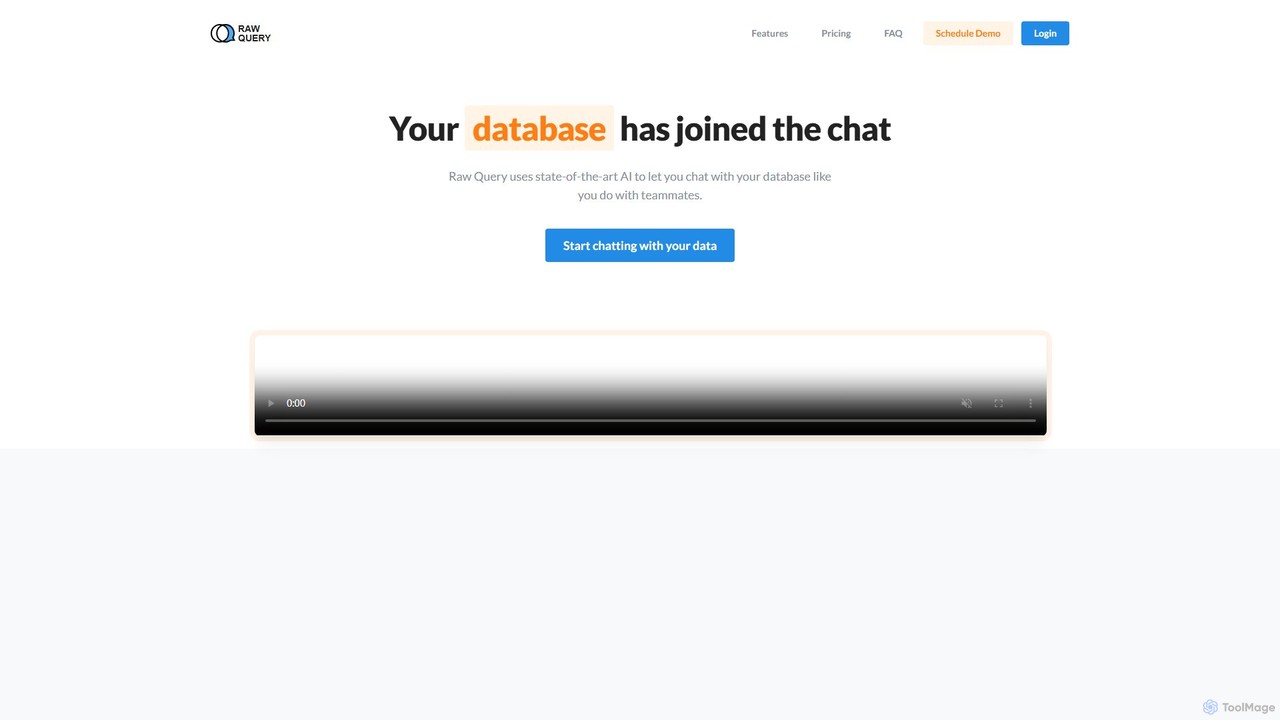
Raw Query is an AI-powered data assistant that allows you to interact with your database using natural language. Query, add, and update data through a simple chat interface, eliminating the need for complex SQL or custom internal tools. Ideal for developers and business teams to get instant data insights.

Business Intelligence
Visits 6.4KFavorites 97Likes 117
DeepAI
Freemium

DeepAI

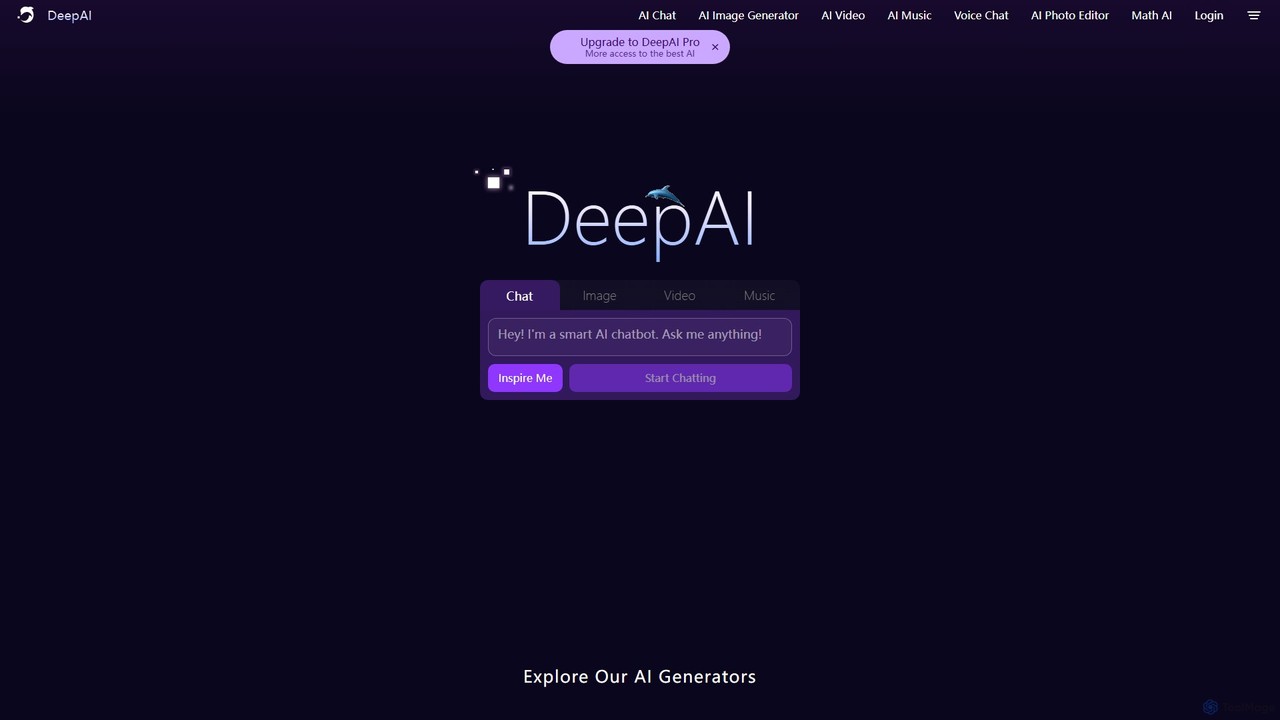
DeepAI is an all-in-one creative AI platform offering a suite of powerful tools for everyone. It enables users to generate images from text, create short videos, compose original music, edit photos, and chat with advanced AI assistants. With a focus on accessibility and affordability, DeepAI provides both a free-to-use version and a comprehensive Pro plan, alongside a robust API for developers to integrate AI capabilities into their own applications.

Music Generation
Visits 9.2MFavorites 154Likes 167
Chatty Butler
Freemium

Chatty Butler

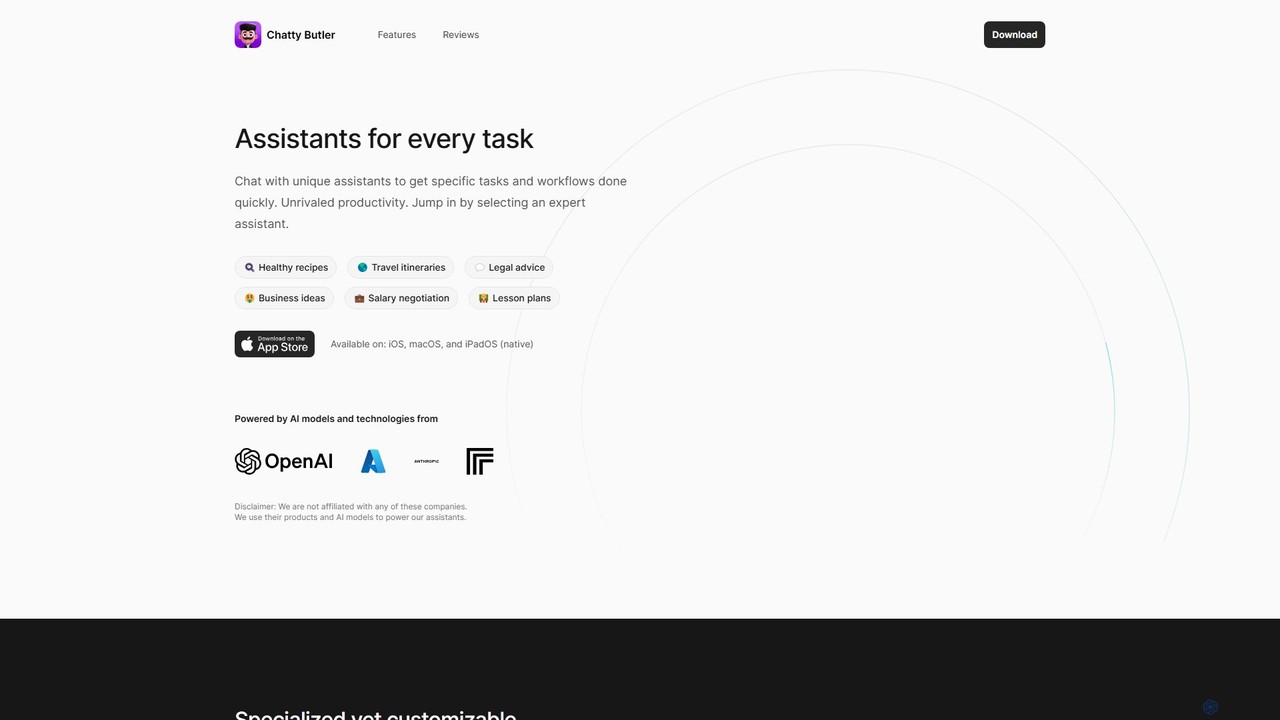
Chatty Butler is an AI-powered application for iOS, macOS, and iPadOS, offering a suite of specialized AI assistants. Each assistant is pre-configured for specific tasks like creating travel itineraries, getting legal advice, or drafting lesson plans. It simplifies complex AI interactions, providing a user-friendly 'easy mode' for ChatGPT-like capabilities. With a strong focus on privacy, voice commands, and multi-language support, Chatty Butler boosts productivity by delivering expert-level answers and creative solutions quickly and securely.

Learning
Visits 5.9KFavorites 115Likes 107
Chatworm
Free

Chatworm

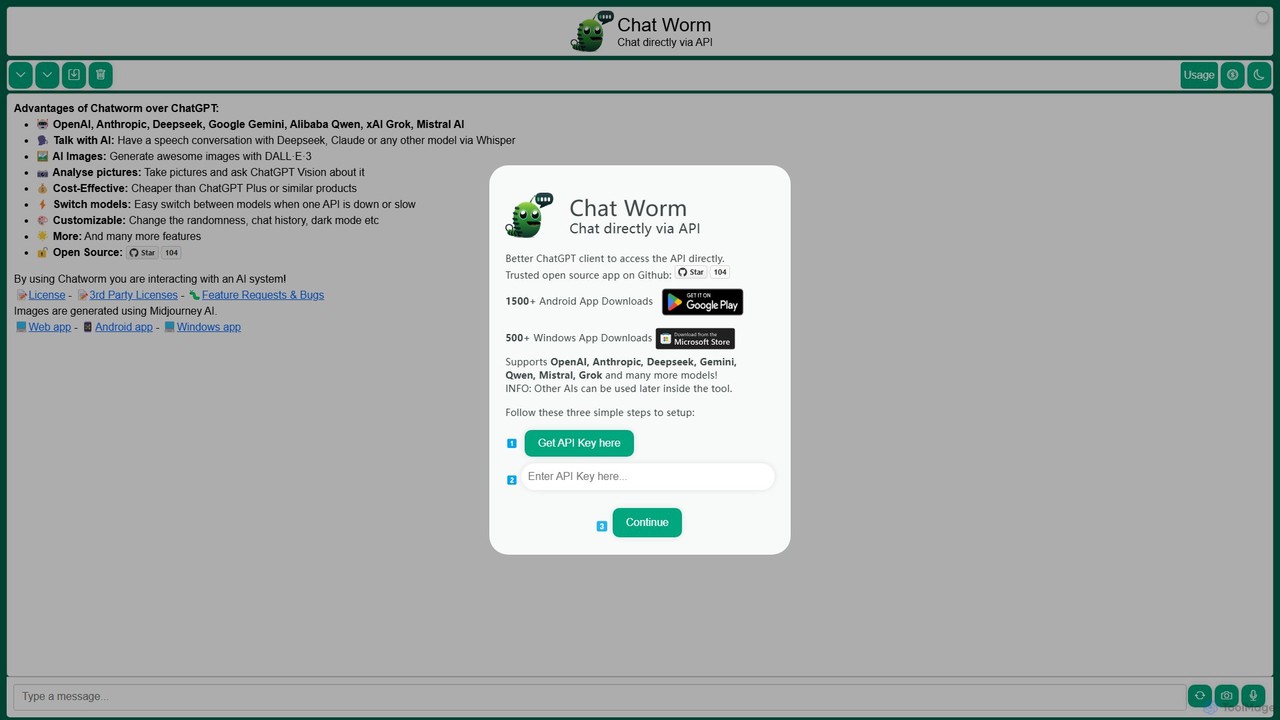
Chatworm is a versatile, open-source AI client that unifies access to multiple leading AI models like OpenAI's GPT, Anthropic's Claude, Google's Gemini, and more. It allows users to interact via text or voice, generate images, and analyze pictures, all within a single, customizable interface using their own API keys for a cost-effective experience.

Aggregator
Visits 6KFavorites 141Likes 158
thebiblechat
Freemium

thebiblechat

An AI-powered faith app designed to help Christians grow their faith through interactive Bible study. Ask questions and get scripture-based answers, explore biblical characters, test your knowledge with trivia, and find verses for any moment. It's a comprehensive spiritual companion for daily prayer and learning.

Religious Studies
Visits 132.9KFavorites 170Likes 169
mfuniko
Paid

mfuniko

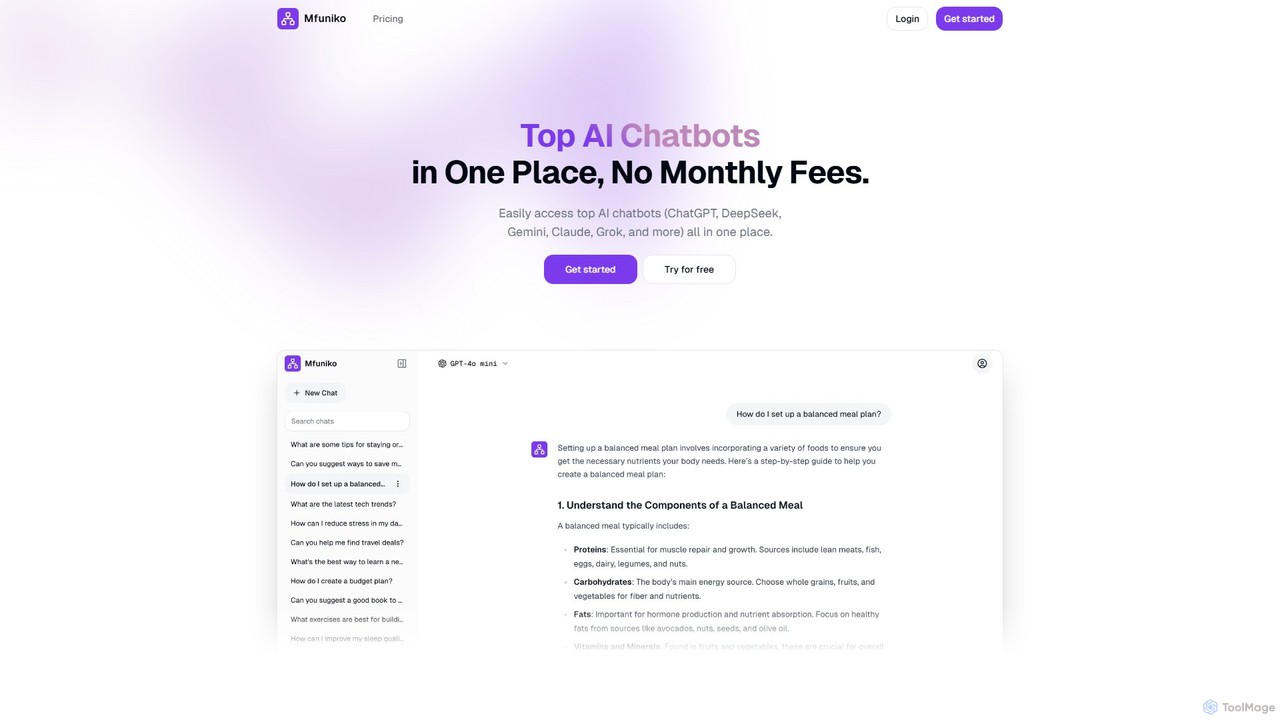
Mfuniko is a unified AI chat interface that allows you to access top AI models like ChatGPT, Gemini, Claude, and Grok in one place. It operates on a 'bring your own API key' model with a one-time payment for lifetime access, eliminating monthly subscription fees. It offers advanced features like file and image chat, chat organization, and text-to-speech to streamline your AI workflow.

Api Management
Visits 5.8KFavorites 102Likes 116
Teletyped

Teletyped

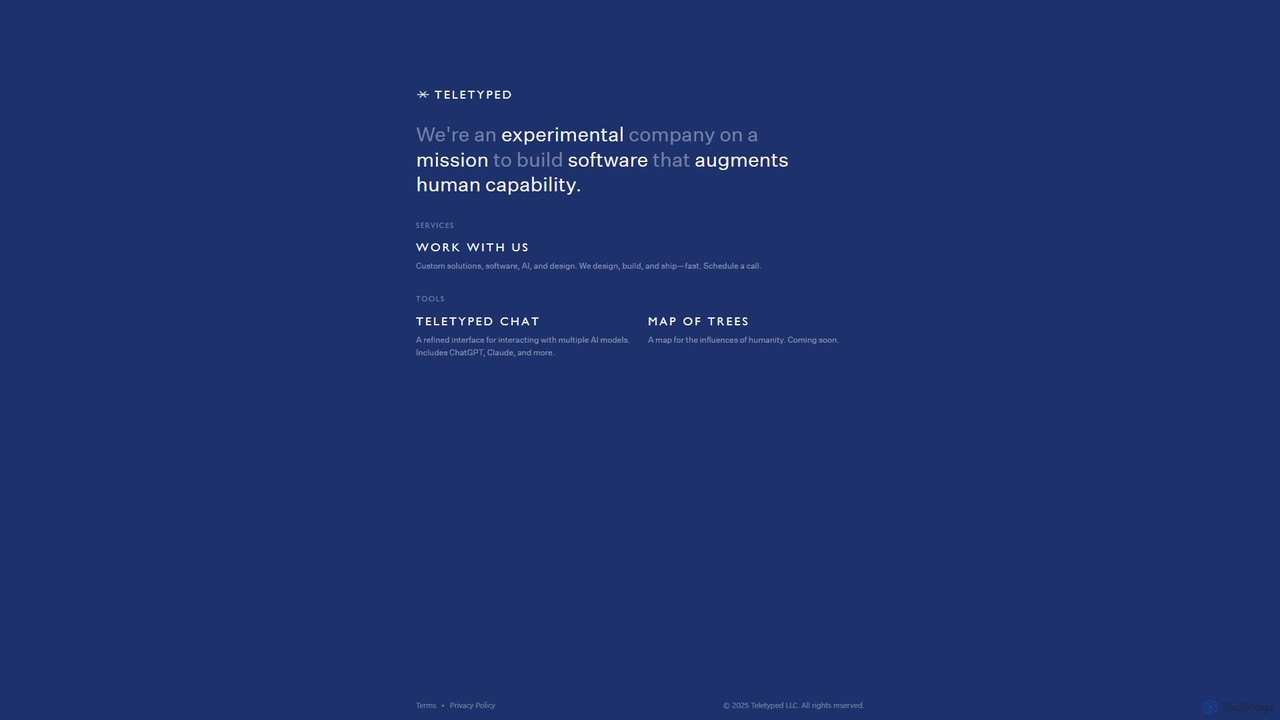
Teletyped offers a unified chat interface, Teletyped Chat, allowing users to interact with multiple advanced AI models like ChatGPT and Claude from a single, refined platform. It's designed to augment human capability by streamlining workflows, enabling model comparison, and providing a clean, efficient user experience for developers, writers, and researchers.

Model Playground
Visits 5.9KFavorites 112Likes 140
AnonChatGPT
Free

AnonChatGPT

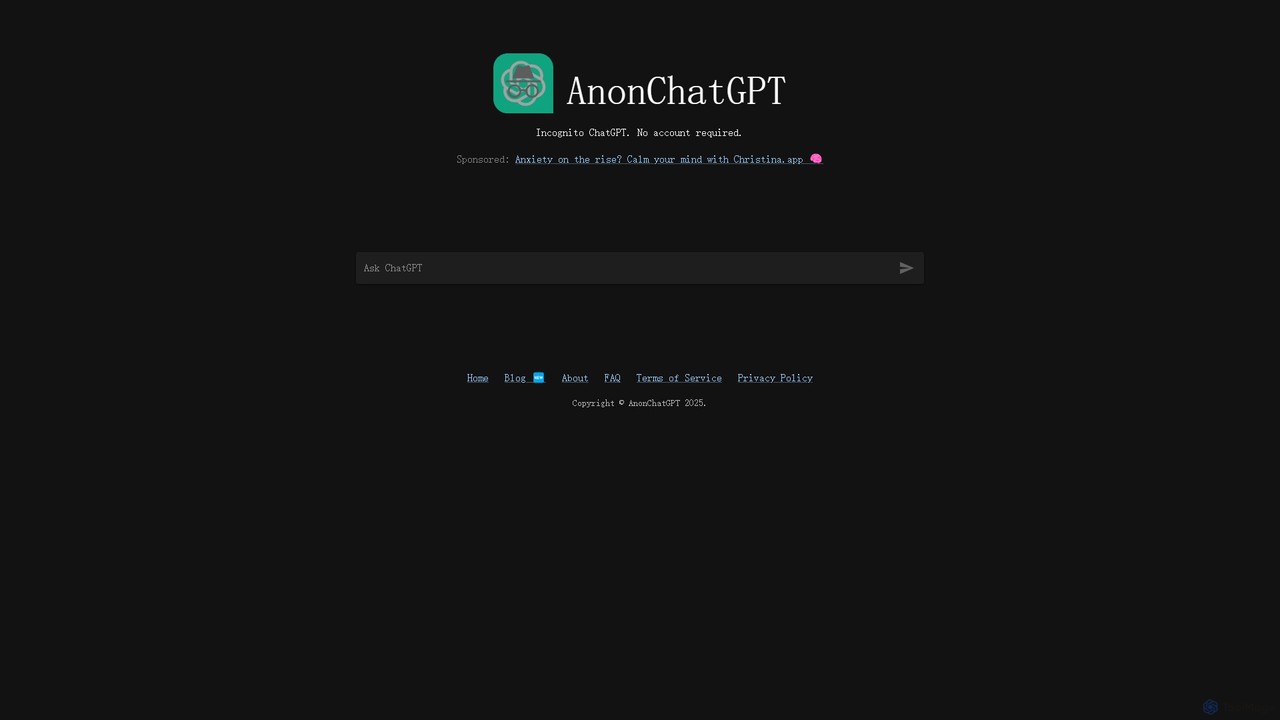
AnonChatGPT offers a private and anonymous way to interact with a powerful AI chatbot. No account or login is required, ensuring your conversations are secure and untracked. Instantly access capabilities for writing, coding, brainstorming, and more, all for free.

Anonymous Tools
Visits 27.9KFavorites 139Likes 134
WhatGPT
Freemium

WhatGPT

WhatGPT is a powerful AI assistant that integrates directly into your favorite messaging app, like WhatsApp. Get instant, concise answers, quick reply suggestions, and web research links without ever leaving your chat. It's designed for speed and convenience, offering a 24/7, login-free experience for on-the-go productivity and information gathering.

Messaging Assistant
Visits 13.2KFavorites 127Likes 125
GPT4All
Free

GPT4All

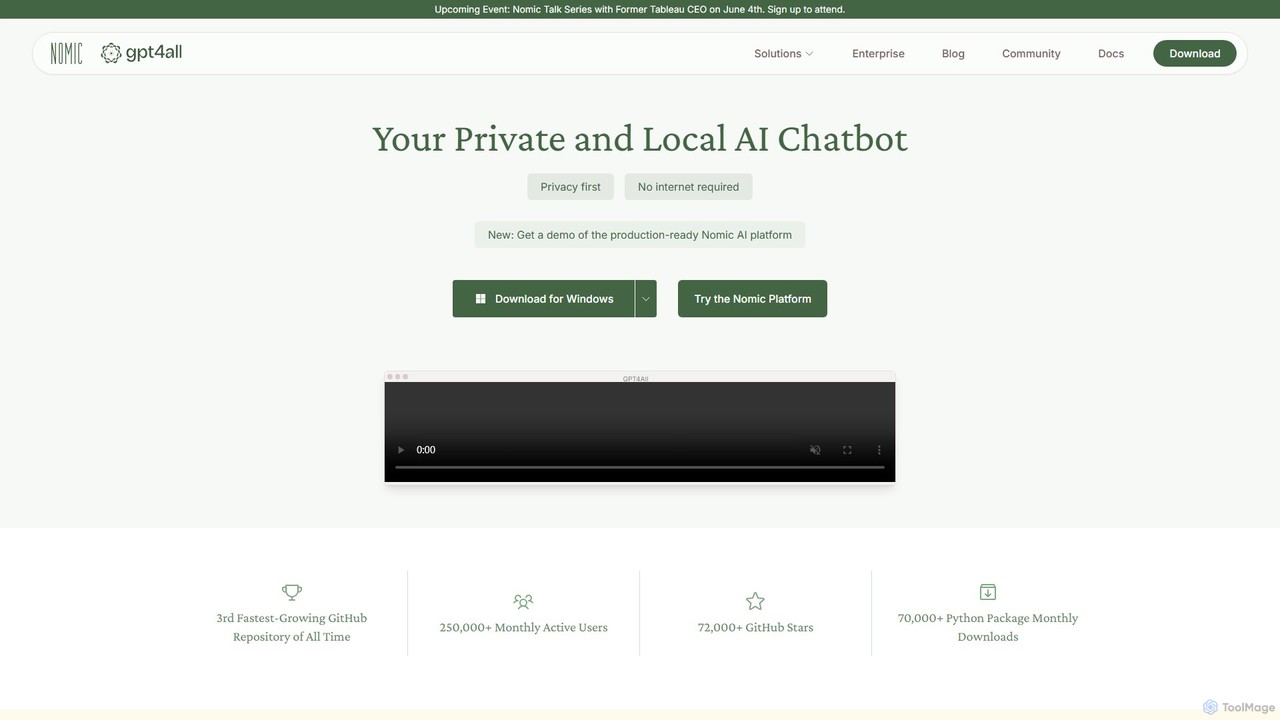
GPT4All is a free, open-source, and privacy-focused desktop application that allows you to run powerful large language models (LLMs) locally on your own computer. It works completely offline, ensuring your data never leaves your device. Chat with your private documents, choose from thousands of open-source models, and integrate local AI into your projects with its Python SDK.

Llm
Visits 186.4KFavorites 130Likes 161
Re:amaze
Freemium

Re:amaze

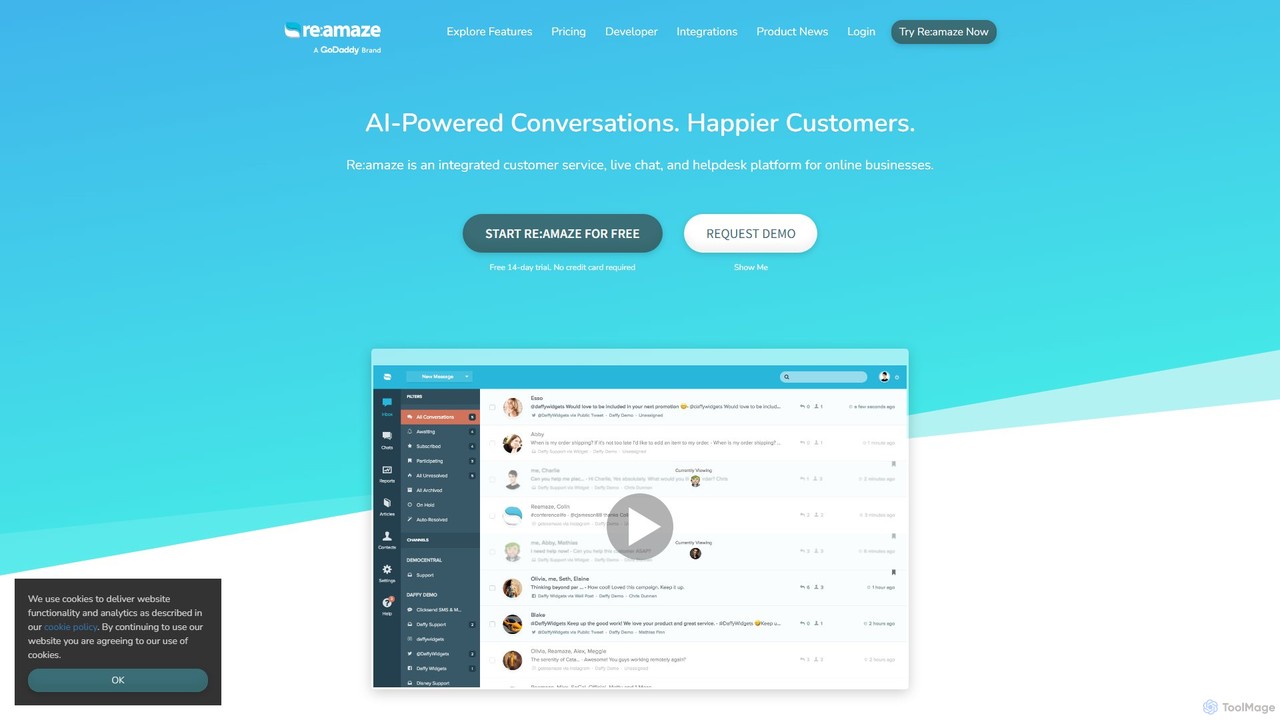
Re:amaze is an AI-powered, integrated customer service platform for online businesses. It unifies communication channels like email, live chat, social media, and SMS into a single helpdesk. Key features include AI-driven response suggestions, chatbots, sentiment analysis, and workflow automation. It helps teams respond faster, improve customer engagement, and gain valuable insights through comprehensive reporting and integrations with popular e-commerce and business tools.

Help Desk
Visits 537.4KFavorites 152Likes 133
Conversease
Freemium

Conversease

A privacy-focused AI chat platform that provides a unified interface for leading AI models like GPT-4o and Pixtral. Users connect their own API keys to store, manage, and search conversations locally on their browser. It supports advanced features including PDF chat and image analysis, offering a secure and versatile AI interaction experience.

Api Management
Visits 5.6KFavorites 148Likes 154
PowerChat
Freemium

PowerChat

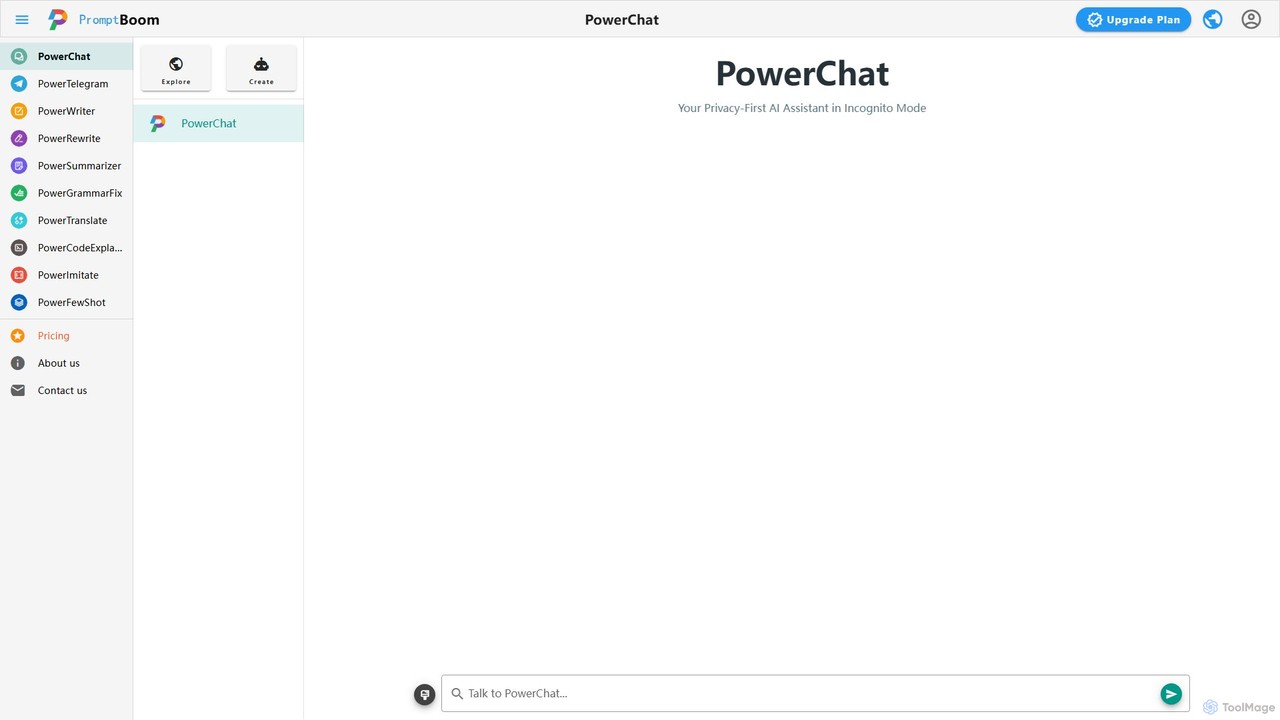
PowerChat is a fast, helpful, and privacy-first AI assistant. Designed to operate in an 'incognito mode,' it requires no login and does not save your chat history, ensuring complete anonymity. Get instant answers, draft content, or brainstorm ideas with the peace of mind that your conversations remain private. It's the ideal tool for sensitive queries and secure AI interaction.

Code Assistant
Visits 5.9KFavorites 128Likes 111
heck.ai
Freemium

heck.ai

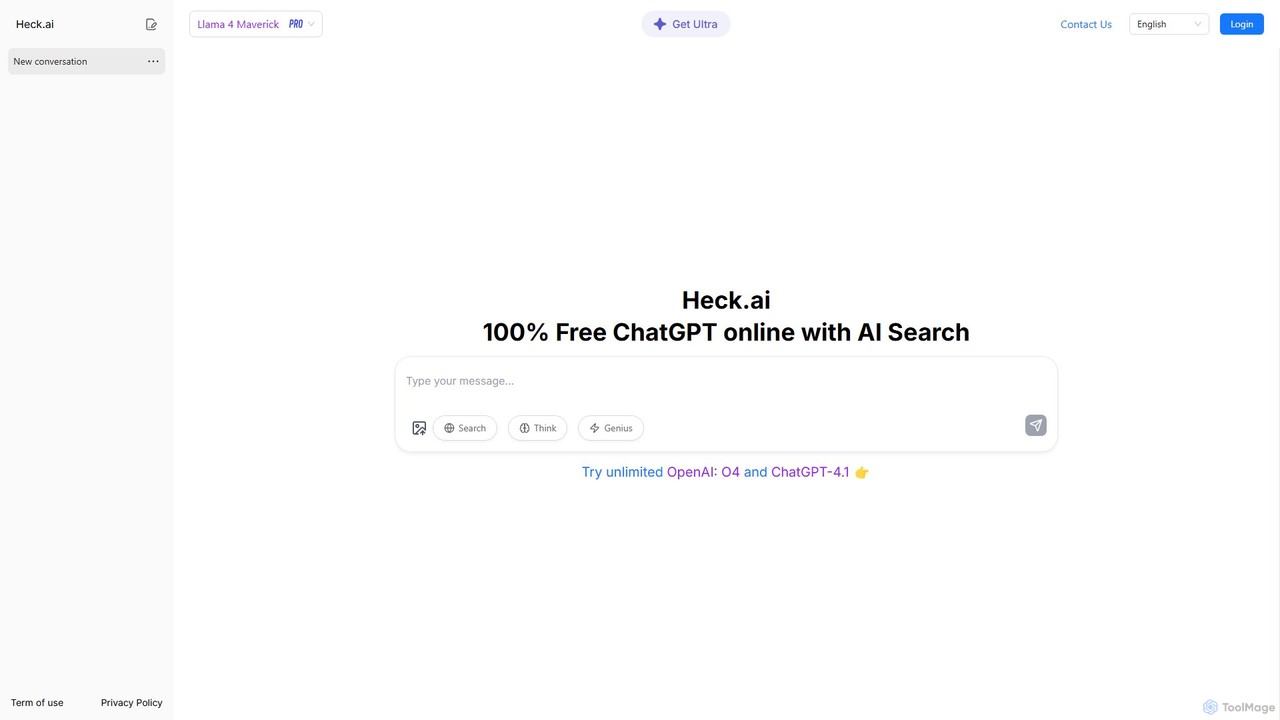
Heck.ai offers a free, no-login ChatGPT experience, allowing instant access to AI conversations. It's a versatile platform that also provides advanced features like real-time web search, PDF document analysis (ChatPDF), and AI-powered image and video creation for users who sign up for a free account. It aims to democratize AI by making powerful tools accessible to everyone.

Writing
Visits 13.6KFavorites 160Likes 148
ChatDeutsch
Free

ChatDeutsch

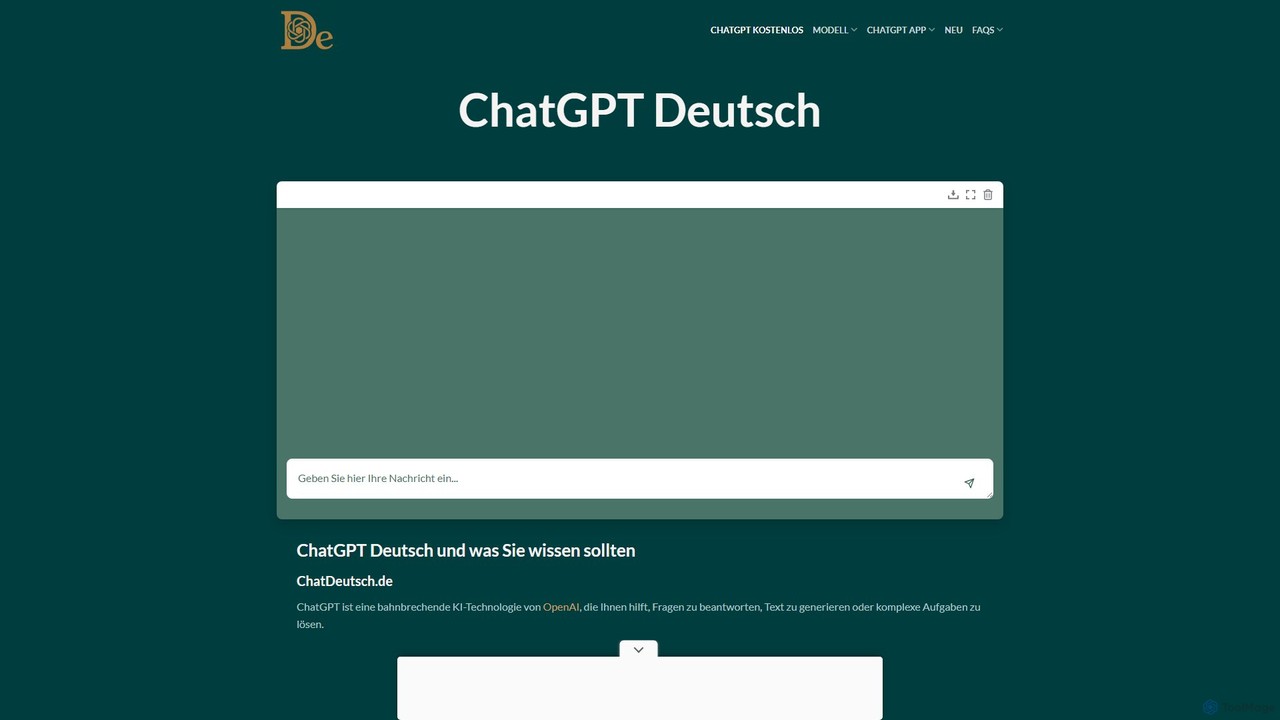
ChatDeutsch offers a free, registration-free AI chat experience for German speakers, powered by OpenAI's fast and efficient GPT-4o mini model. It provides instant answers, text generation, and translation with a strong focus on user privacy and accessibility.

Homework Helper
Visits 6.4KFavorites 111Likes 106
Overchat
Freemium

Overchat

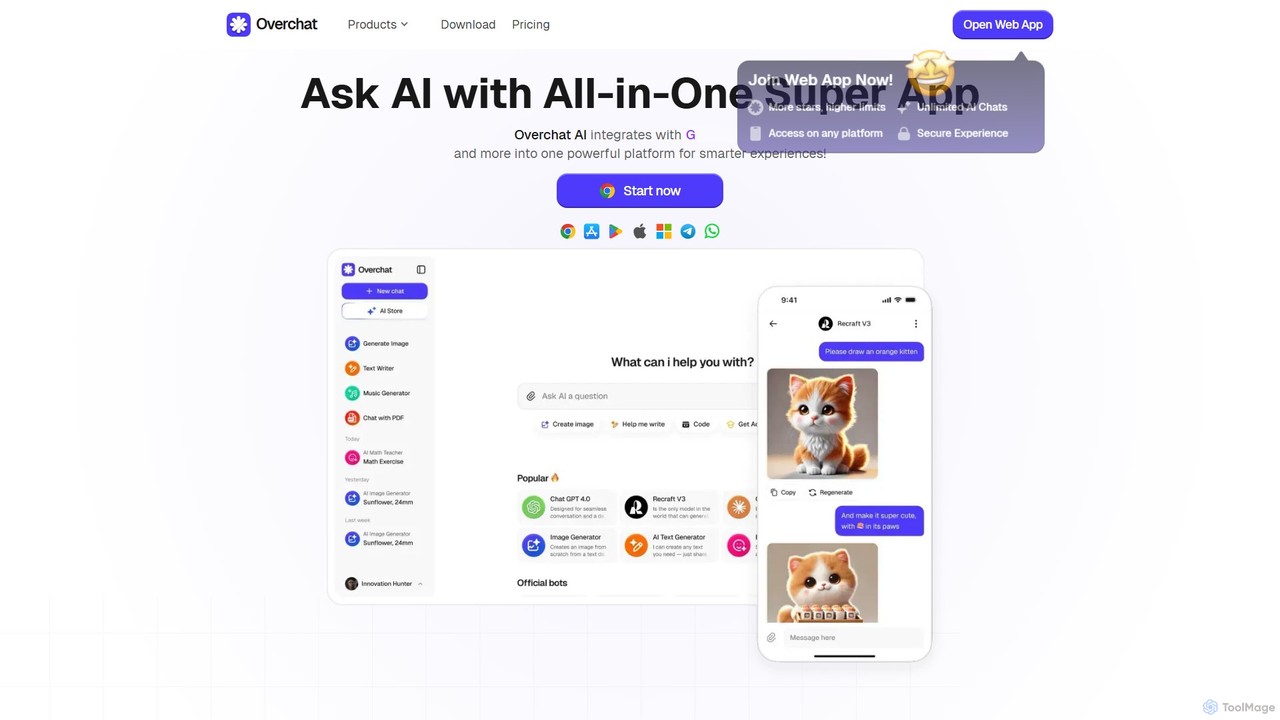
Overchat is an all-in-one AI super app that integrates multiple leading language models like GPT-4 and Claude 3 into a single, intuitive interface. It functions as a versatile AI assistant for answering questions, completing tasks, writing content, and even advanced image editing, available across web and mobile platforms.

Image Editing
Visits 1.2MFavorites 138Likes 146
gptfree
Free

gptfree

gptfree offers unlimited, free access to an advanced GPT-powered AI chatbot. It's a versatile tool for answering questions, assisting with writing tasks like essays and resumes, generating content, and engaging in creative conversations without any cost or registration.

Research
Visits 5.8KFavorites 153Likes 151
bluegpt
Freemium

bluegpt

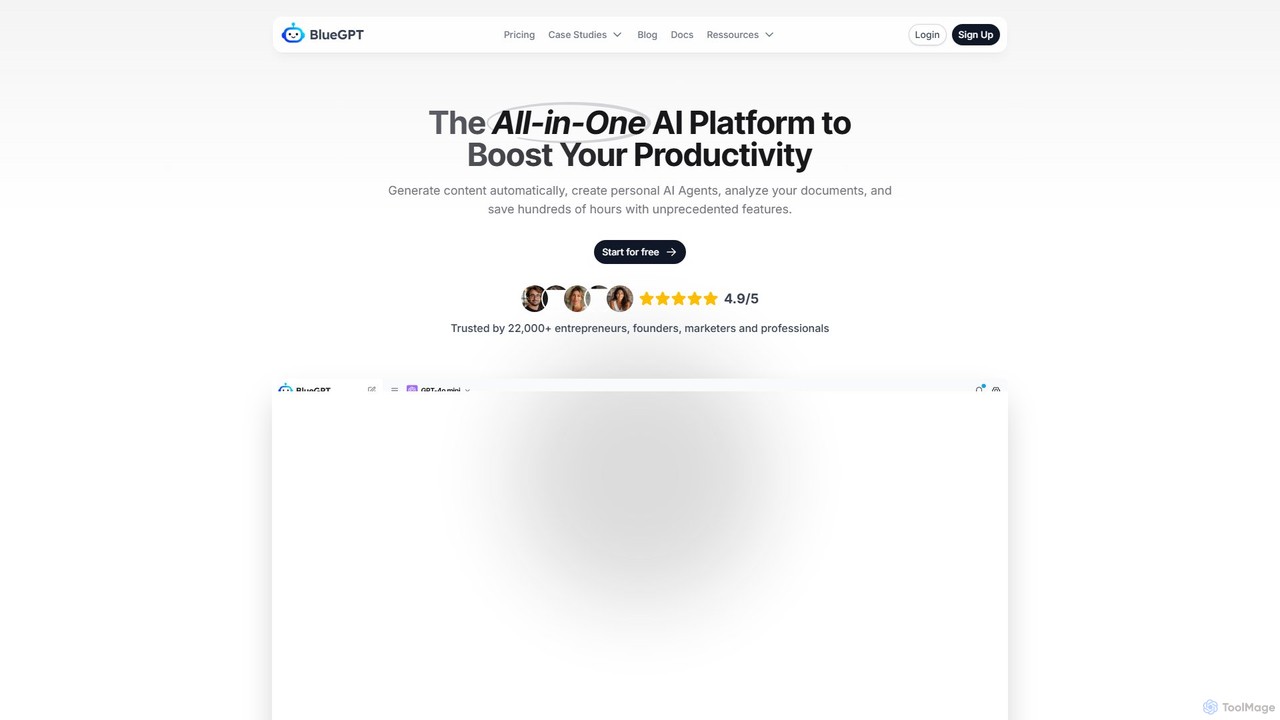
bluegpt is a no-code AI platform that allows you to build custom chatbots trained on your own data. Easily upload documents, scrape websites, and create a personalized AI assistant for customer support, lead generation, or internal knowledge management in minutes.

Automation
Visits 6.9KFavorites 143Likes 145
myitura
Freemium

myitura

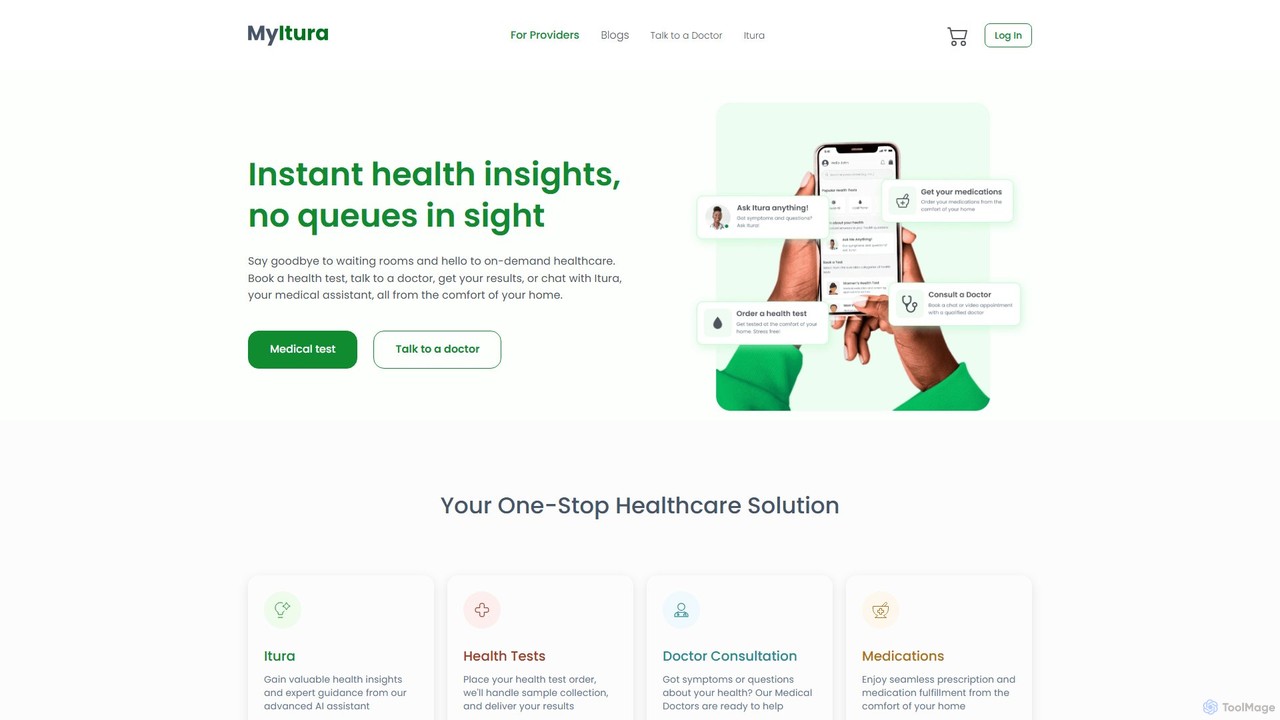
MyItura is an all-in-one digital healthcare platform offering convenient access to medical services. It features an AI-powered health assistant for instant insights, virtual consultations with qualified doctors, at-home lab testing with sample collection, and seamless medication delivery. It aims to make healthcare accessible, efficient, and private for everyone.

Medical Assistant
Visits 12.6KFavorites 115Likes 115
Whizi
Freemium

Whizi

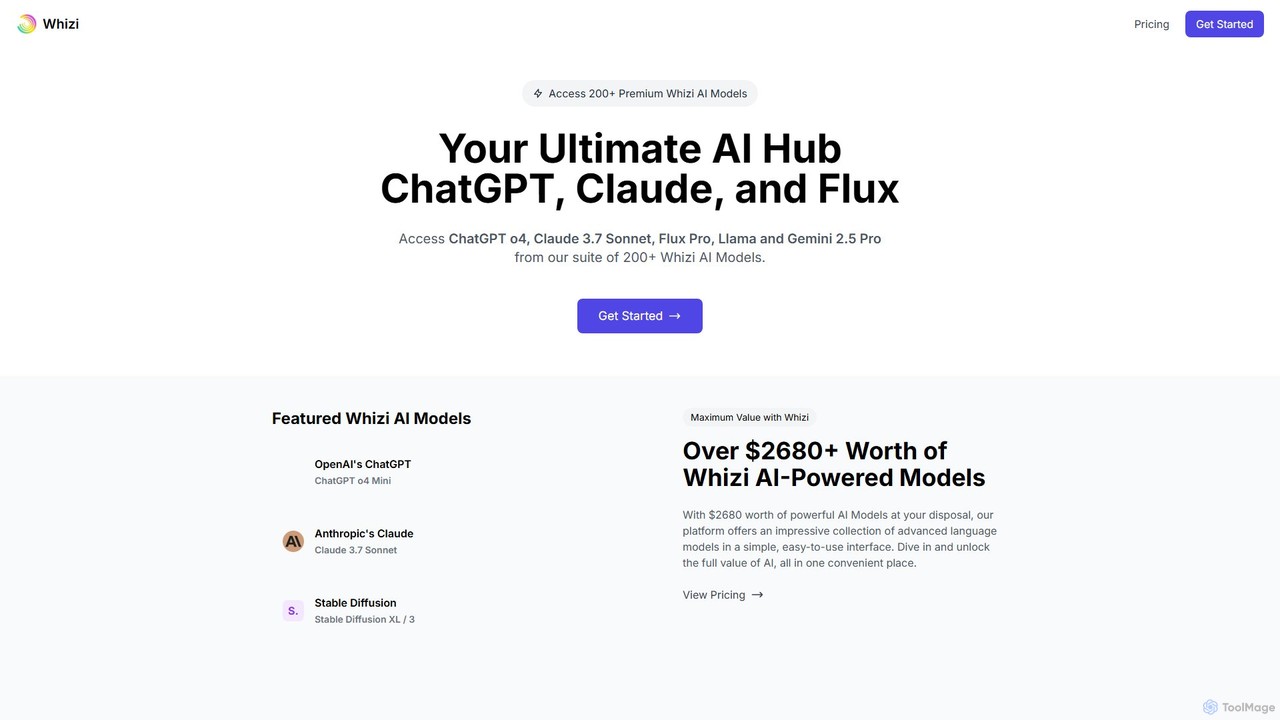
Whizi is a unified AI chat platform that provides access to multiple leading language models like GPT, Claude, and Flux through a single interface. It streamlines your workflow by allowing you to switch between models, compare their outputs side-by-side, and find the best AI for any task. Ideal for developers, writers, and marketers seeking efficiency and versatility.

Api
Visits 6.1KFavorites 129Likes 129
CheatGPT
Freemium

CheatGPT

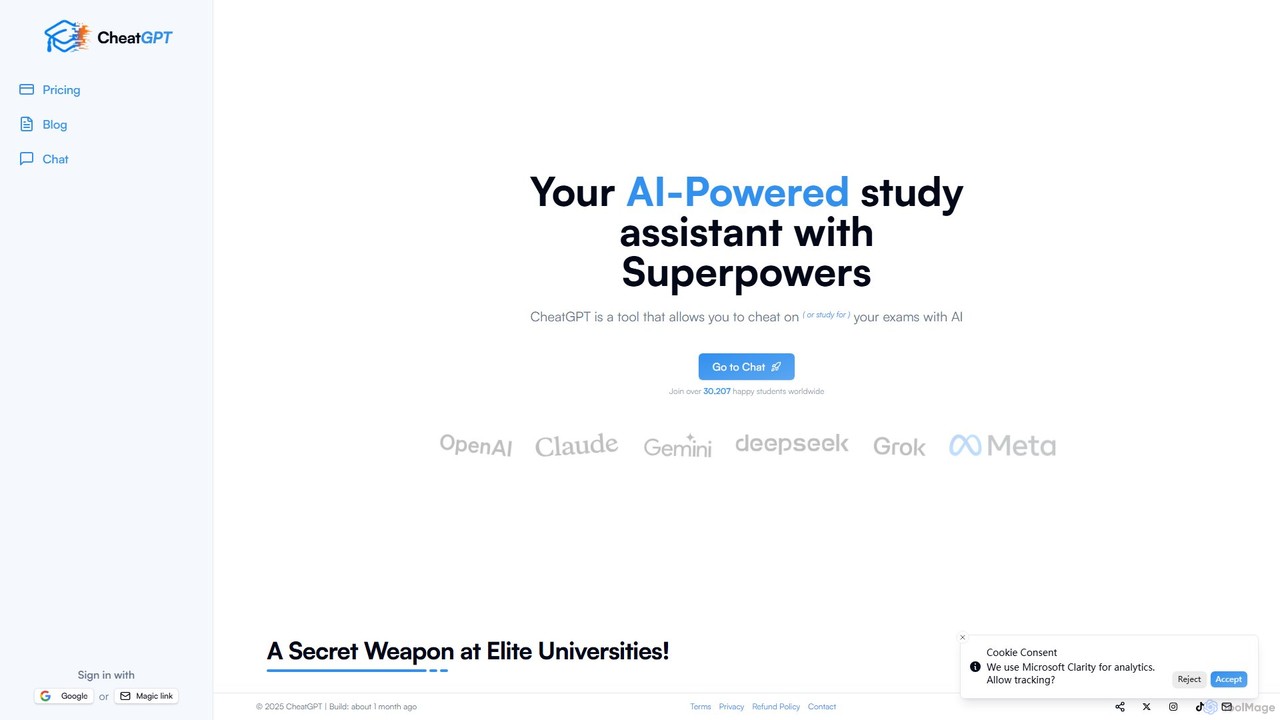
CheatGPT is an all-in-one AI-powered assistant designed for students, developers, and learners. It provides affordable access to multiple top-tier AI models like GPT-4 and Claude in a single platform. Key features include web search, PDF analysis, quiz creation, and image generation, making it a versatile and cost-effective alternative to subscribing to multiple AI services.

Code Assistant
Visits 13.7KFavorites 148Likes 153
MobileGPT
Freemium

MobileGPT

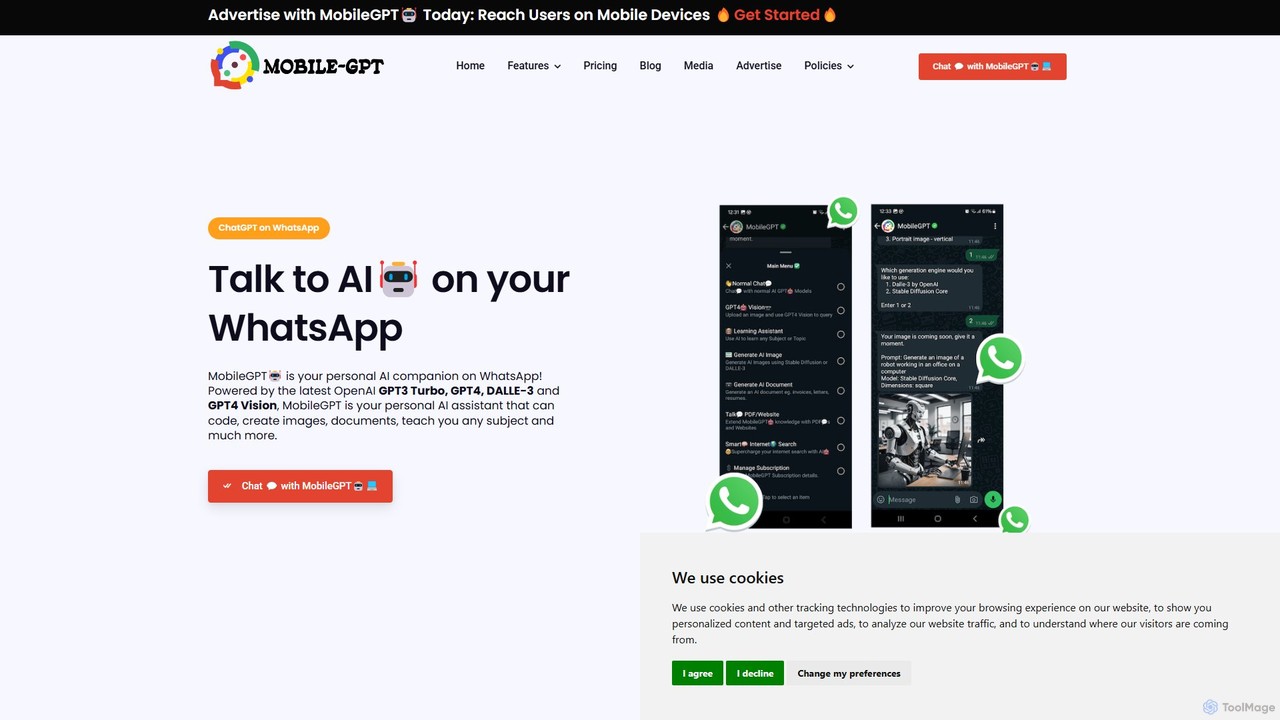
MobileGPT is a powerful AI assistant integrated directly into WhatsApp. Powered by advanced models like GPT-4, DALL-E 3, and GPT-4 Vision, it allows users to chat, generate documents, create images, analyze PDFs and websites, and even learn new subjects. It acts as a personal AI companion, available 24/7 on your mobile device for enhanced productivity, learning, and creativity.

Virtual Assistant
Visits 9.8KFavorites 131Likes 143
LM Studio
Free

LM Studio

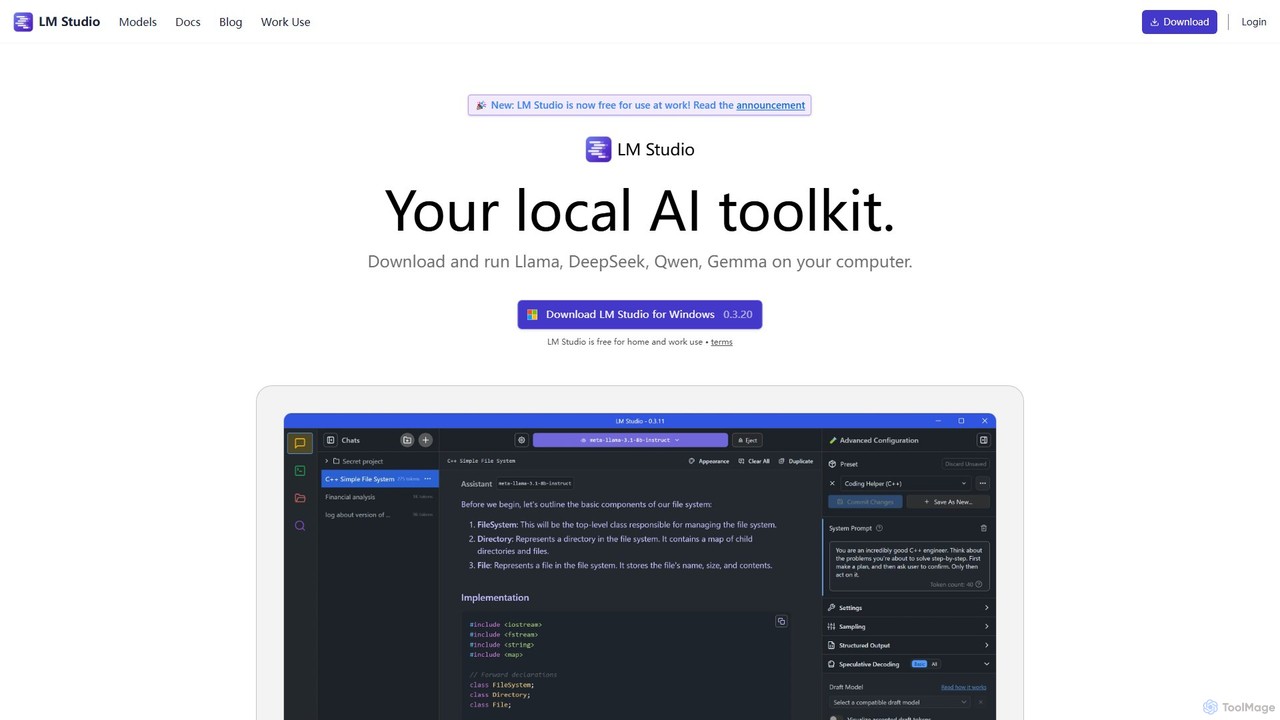
LM Studio is a desktop application for Windows, macOS, and Linux that allows you to discover, download, and run open-source Large Language Models (LLMs) entirely on your local machine. It offers a user-friendly interface, an OpenAI-compatible local server, and robust privacy features, making it ideal for developers, researchers, and anyone seeking a private AI experience.

Model Deployment
Visits 2.6MFavorites 108Likes 103

About Chatbot

Chatbots are AI-powered software designed to simulate human conversation through text or voice interactions. Leveraging Natural Language Processing (NLP) and Machine Learning, these tools can understand user intent, process requests, and provide relevant responses in real-time. They are primarily used to automate communication, streamline customer service, and enhance user engagement on websites, messaging apps, and internal platforms. As a key component of productivity, chatbots enable businesses to operate 24/7, reduce response times, and free up human agents for more complex tasks.

Core Features

  • Natural Language Processing (NLP): Enables the chatbot to understand, interpret, and respond to human language in a conversational manner, going beyond simple keyword matching.
  • 24/7 Automated Responses: Provides instant, round-the-clock support and information to users without human intervention.
  • Multi-channel Integration: Allows deployment across various platforms, including websites, mobile apps, social media messengers (like Facebook Messenger, WhatsApp), and internal tools (like Slack).
  • Conversation Flow Builder: Offers visual or code-based interfaces to design, build, and manage conversational paths and user journeys.
  • Data Collection & Analytics: Gathers user data during conversations and provides insights into user behavior, common queries, and performance metrics.

Use Cases

Chatbots are widely adopted across various industries. In e-commerce, they act as sales assistants, guiding customers through product selection and checkout. For customer service, they function as the first line of support, resolving common queries about orders, returns, or account information. B2B companies use them for lead generation and qualification, engaging website visitors and scheduling demos for sales teams.

How to Choose

When selecting a chatbot tool, first evaluate its NLP capabilities—does it truly understand intent or just match keywords? Consider its integration options with your existing systems like CRM or helpdesk software. Assess the ease of use of its conversation builder, whether it's a no-code platform for marketers or a more flexible framework for developers. Finally, review its analytics features to ensure you can measure performance and gain actionable insights.

Featured tool rankings

Chatbot use cases

1

Automate E-commerce Customer Support

An e-commerce store manager integrates a chatbot into their website to handle common customer inquiries. When a customer asks, 'Where is my order?', the chatbot, connected to the store's backend system, instantly retrieves and provides the order status and tracking information. It also answers frequent questions about return policies, shipping costs, and product availability. This automation reduces the support team's workload by over 40%, allowing them to focus on complex customer issues and improving overall customer satisfaction with 24/7 instant support.

2

Qualify Leads for B2B Sales Teams

A marketing manager at a SaaS company places a chatbot on their pricing and product pages. The chatbot proactively engages visitors by asking questions like 'What brings you here today?' or 'Can I help you find the right plan?'. It then asks qualifying questions about company size, user roles, and specific needs. Based on the responses, it can either direct the user to relevant resources or, for high-value leads, offer to book a demo directly into a sales representative's calendar. This process automates lead qualification and ensures the sales team only spends time on promising prospects.

3

Provide Internal IT & HR Support

An HR manager in a large corporation deploys a chatbot on the company's internal portal (like Slack or Microsoft Teams). Employees can ask the chatbot questions about company policies, vacation balances, or benefits information. The IT department also uses it to handle common requests like password resets, software installation guides, and troubleshooting basic network issues. This internal chatbot acts as a self-service knowledge base, providing instant answers and freeing up HR and IT staff from repetitive inquiries, allowing them to focus on strategic initiatives.

4

Automate Appointment and Reservation Booking

A local service business, such as a hair salon or a dental clinic, uses a chatbot on their website and Facebook page. Potential clients can interact with the bot to check for available time slots, select a service, and book an appointment directly. The chatbot can ask for necessary details like name and contact information and then confirm the booking by sending an automated email or SMS. This system operates 24/7, capturing bookings outside of business hours and eliminating the need for a receptionist to manually manage schedules over the phone, reducing booking errors and no-shows through automated reminders.

5

Conduct User Surveys and Collect Feedback

A product manager wants to gather user feedback on a new feature. Instead of using a static form, they deploy a conversational chatbot on their website. The chatbot engages users in a more natural, interactive way, asking questions one by one and adapting the follow-up questions based on previous answers. This approach leads to higher completion rates compared to traditional surveys. The collected data is automatically structured and sent to an analytics tool, providing the product team with immediate, actionable insights into user sentiment and suggestions for improvement.

6

Guide New Users Through Software Onboarding

A software company implements an in-app chatbot to improve its user onboarding process. When a new user signs up, the chatbot greets them and offers a guided tour. It points out key features, explains how to perform initial setup tasks, and answers common first-time questions in real-time. This interactive guidance helps users understand the product's value faster and reduces initial friction. By providing contextual help directly within the application, the company increases user activation rates and reduces the number of support tickets from new customers who are just getting started.

Chatbot FAQ

What is an AI Chatbot?

An AI Chatbot is a software application that uses artificial intelligence, particularly Natural Language Processing (NLP), to simulate human-like conversations with users. Unlike simple rule-based bots that follow predefined scripts, AI chatbots can understand user intent, handle variations in language, and learn from interactions to improve their responses over time. They are commonly used on websites, messaging platforms, and in applications to provide 24/7 customer support, generate leads, and automate routine tasks.

How to choose the right Chatbot tool?

Choosing the right chatbot involves evaluating several key factors based on your specific needs. Consider the following:

  • NLP Capability: Determine if you need a simple rule-based bot for FAQs or a sophisticated AI-powered bot that understands complex user intent.
  • Integration: Check if the tool integrates with your essential systems, such as your CRM, helpdesk software, and messaging channels (e.g., WhatsApp, Facebook Messenger).
  • Ease of Use: Assess the platform's interface. Is it a user-friendly, no-code builder for marketing teams, or does it require development resources?
  • Analytics: Ensure the tool provides robust analytics to track performance, understand user interactions, and identify areas for improvement.
  • Scalability: Consider whether the platform can grow with your business, handling increasing conversation volumes and complexity.
What's the difference between an AI chatbot and a rule-based chatbot?

The primary difference lies in how they process information. A rule-based chatbot operates on a predefined script and can only respond to specific commands or keywords it's programmed to recognize. It follows a simple 'if-then' logic. In contrast, an AI chatbot uses Natural Language Processing (NLP) and Machine Learning (ML) to understand the context and intent behind a user's query, even if it's phrased in different ways. AI chatbots can handle more complex conversations, learn from past interactions, and provide more flexible, human-like responses.

What are the main benefits of using a chatbot for a business?

Implementing a chatbot can offer significant advantages for a business. Key benefits include:

  • Cost Reduction: Automating responses to common queries reduces the need for a large customer support team, lowering operational costs.
  • 24/7 Availability: Chatbots provide round-the-clock service, ensuring customers get instant help anytime, which improves customer satisfaction.
  • Increased Lead Generation: They can proactively engage website visitors, qualify leads, and schedule appointments, boosting sales opportunities.
  • Improved Efficiency: By handling routine tasks, chatbots free up human agents to focus on more complex, high-value customer interactions.
  • Data Insights: Chatbots collect valuable data on customer preferences and pain points, providing actionable insights for business improvement.
Can chatbots be integrated with other business systems?

Yes, integration is a core feature of most modern chatbot platforms. They are designed to connect with a wide range of other business systems to create seamless workflows. Common integrations include:

  • CRM Systems: Connecting to platforms like Salesforce or HubSpot to sync lead information and customer data.
  • Helpdesk Software: Integrating with tools like Zendesk or Intercom to create support tickets and access customer history.
  • Messaging Apps: Deploying on popular channels like WhatsApp, Facebook Messenger, and Slack to meet customers where they are.
  • E-commerce Platforms: Linking with Shopify or Magento to check order statuses, process returns, and manage inventory questions.

These integrations are typically achieved through APIs or pre-built connectors, allowing the chatbot to act as an intelligent front-end for your existing business infrastructure.