ToolMage
Sign in

Best 158 Document Management AI tools for Productivity

Popular Document Management AI tools in Productivity include Adobe, Dropbox, Zoom, WPS Office, PDFflex, Wondershare, TeraBox, HelloSign, PDFgear, and Coda, helping you work more efficiently.

Adobe
Freemium

Adobe

Adobe is the industry-leading suite of creative, marketing, and document management software, supercharged with powerful generative AI. Featuring tools like Photoshop, Premiere Pro, and Acrobat, integrated with Adobe Firefly AI, it empowers creators, businesses, and individuals to bring any idea to life, from stunning visuals and cinematic videos to intelligent, interactive documents.

Graphic Design
Visits 376.3MFavorites 116Likes 101
Imagetotext.io
Freemium

Imagetotext.io

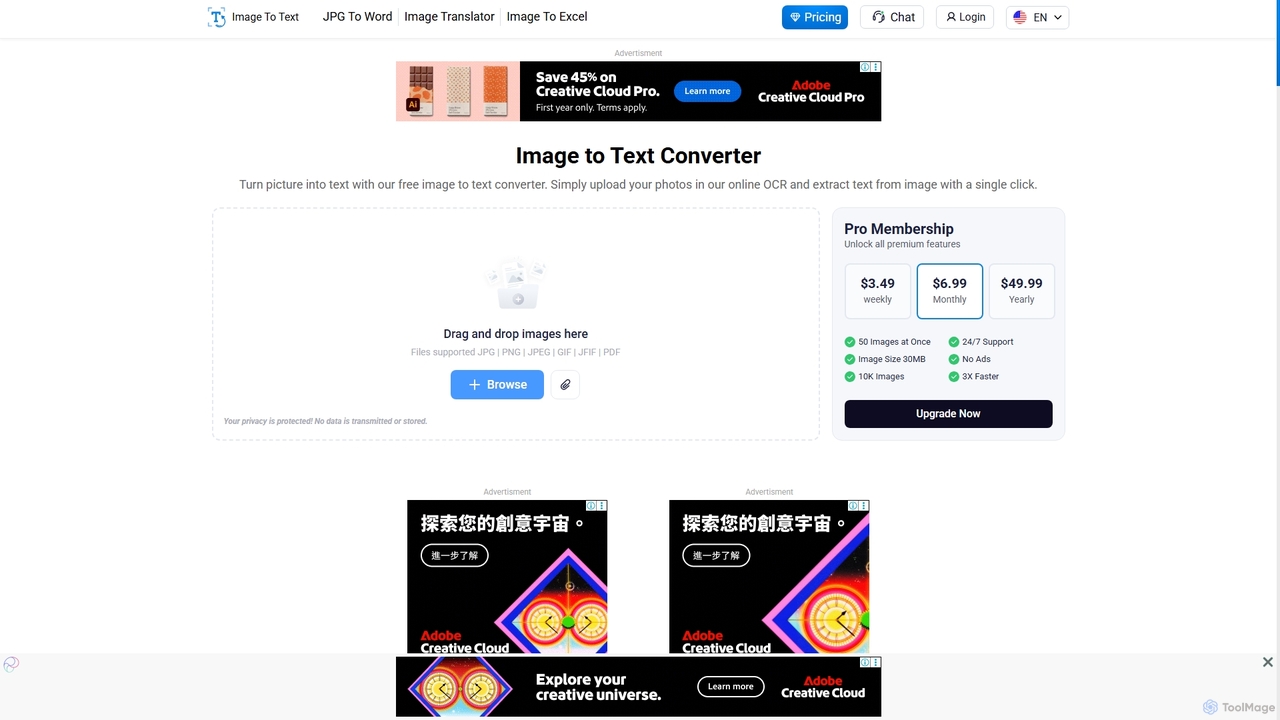
A powerful online OCR tool that accurately converts images into editable text. It supports various formats, multiple languages, and even extracts text from low-resolution images and mathematical equations. Ideal for students, professionals, and anyone needing to digitize documents quickly and for free.

Study Tools
Visits 946.7KFavorites 119Likes 116
Wondershare
Freemium

Wondershare

Wondershare offers a comprehensive suite of AI-powered creative and productivity software. From the industry-leading Filmora video editor to the intelligent PDFelement and versatile Edraw diagramming tools, Wondershare empowers creators, professionals, and students to bring their ideas to life. Its integrated AI features streamline workflows, automate complex tasks, and unlock new creative possibilities in video, document management, and visual communication.

Diagramming
Visits 152.3KFavorites 133Likes 110
LegalTranslations.com
Paid

LegalTranslations.com

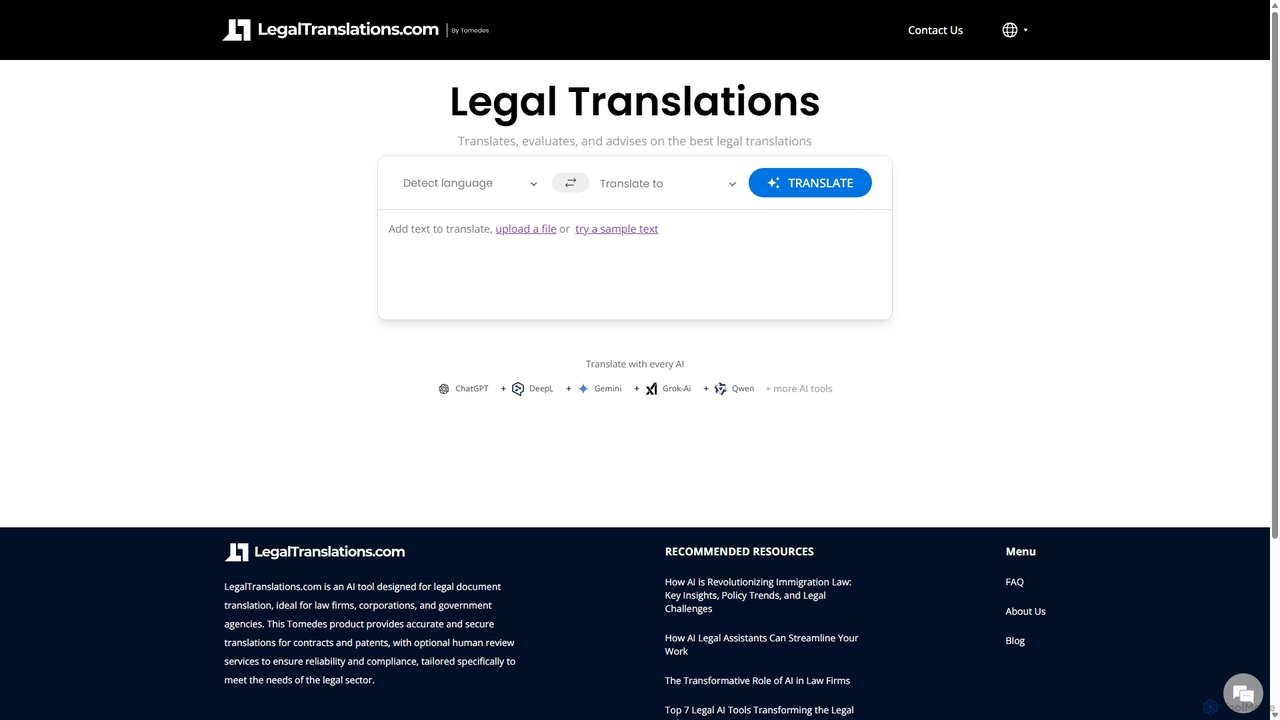
An AI-powered translation platform specializing in legal documents for law firms, corporations, and government agencies. It combines advanced AI with optional human review by legal experts to deliver fast, accurate, and secure translations of contracts, patents, and other sensitive legal materials.

Corporate Law
Visits 6.8KFavorites 141Likes 126
SpeedLegal
Freemium

SpeedLegal

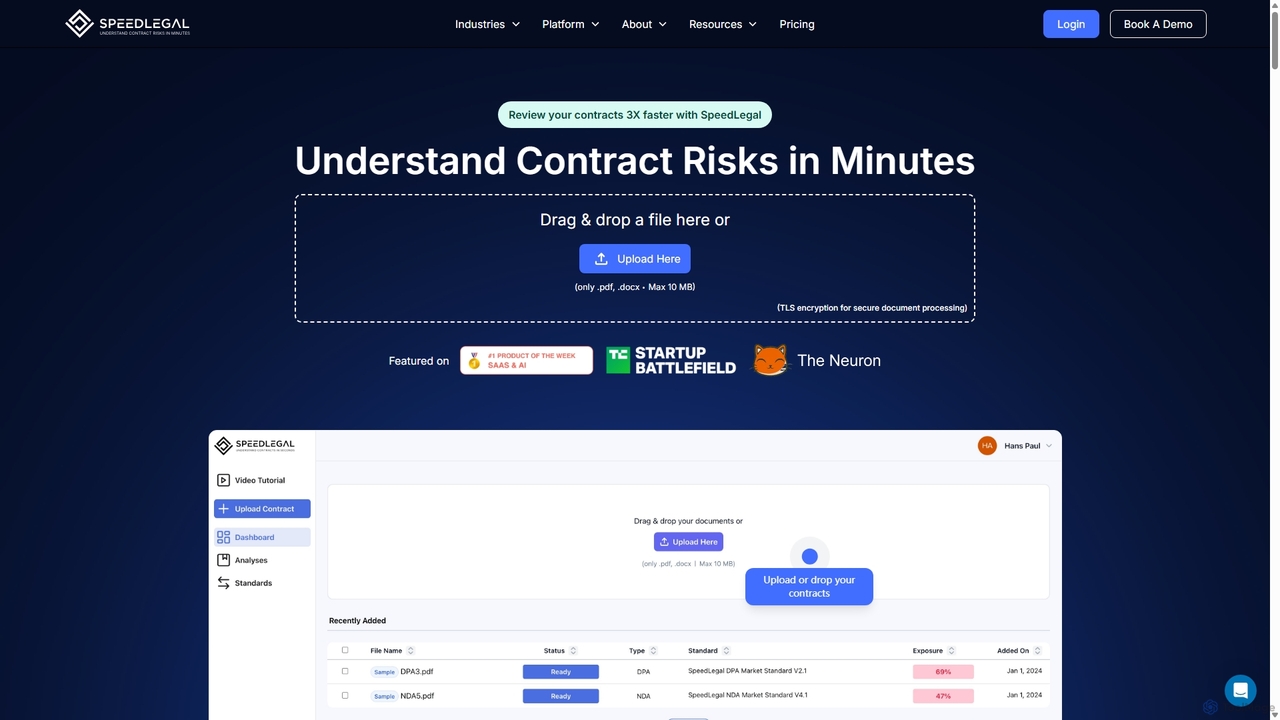
SpeedLegal is an AI-powered contract paralegal designed to help lawyers and professionals review contracts faster. It automatically analyzes documents to identify hidden risks, unfavorable terms, and potential issues. The platform provides personalized suggestions, automated summaries, and an AI Q&A feature to simplify complex legal language and accelerate negotiations.

Compliance
Visits 9KFavorites 138Likes 126
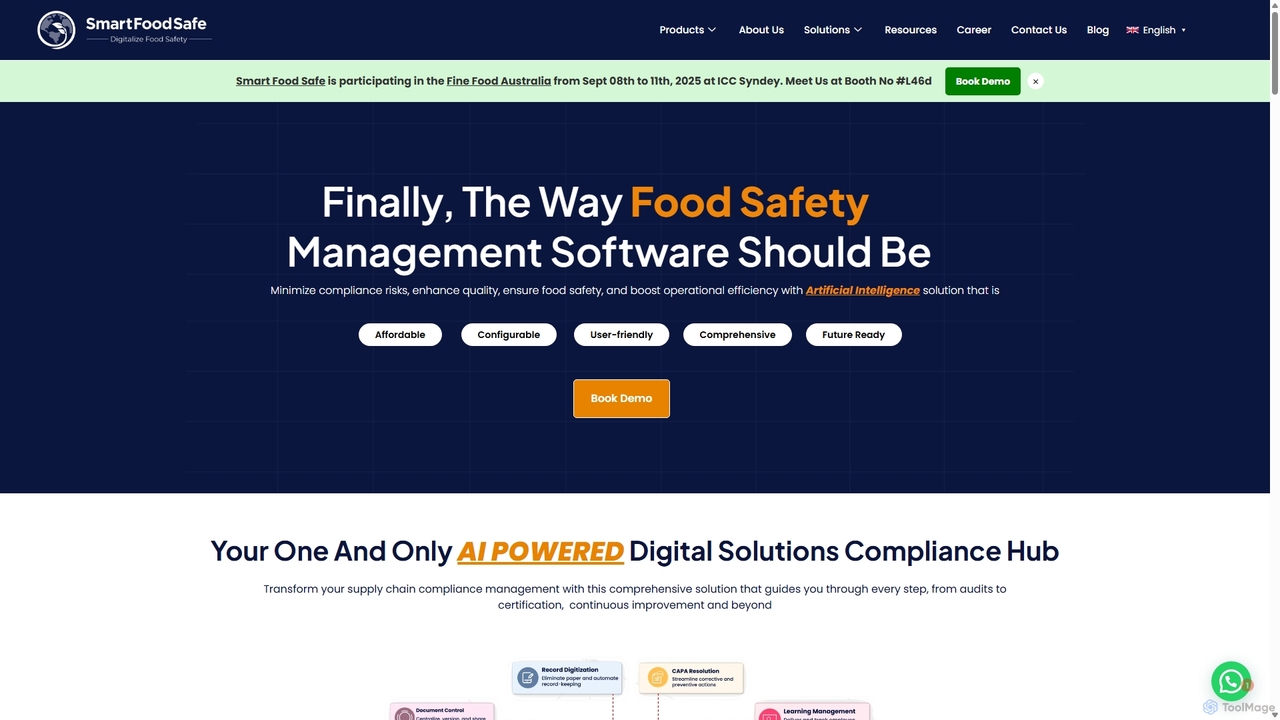
Smartfoodsafe
Paid

Smartfoodsafe

An AI-powered food safety and quality management software designed for the food industry. It streamlines compliance, traceability, and regulatory management through a comprehensive suite of modular solutions. The platform helps minimize risks, enhance quality, and boost operational efficiency, offering tools for audits, supplier management, and GFSI certification readiness.

Quality Management
Visits 50.4KFavorites 130Likes 110
Zoom
Freemium

Zoom

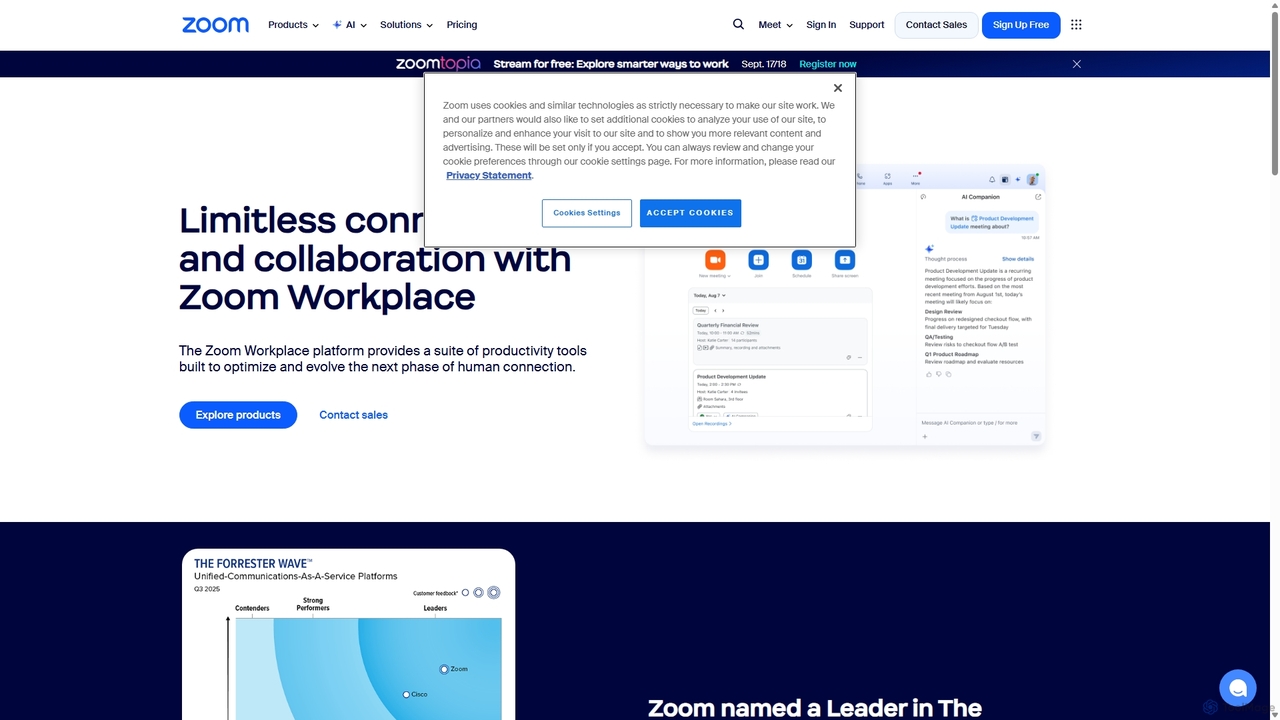
Zoom is an AI-first, unified collaboration platform that connects people through video meetings, phone calls, team chat, webinars, and more. Featuring the AI Companion, it streamlines workflows, summarizes meetings, and enhances productivity for remote and hybrid teams across all industries.

Meeting Management
Visits 87.9MFavorites 137Likes 130
Ctrly

Ctrly

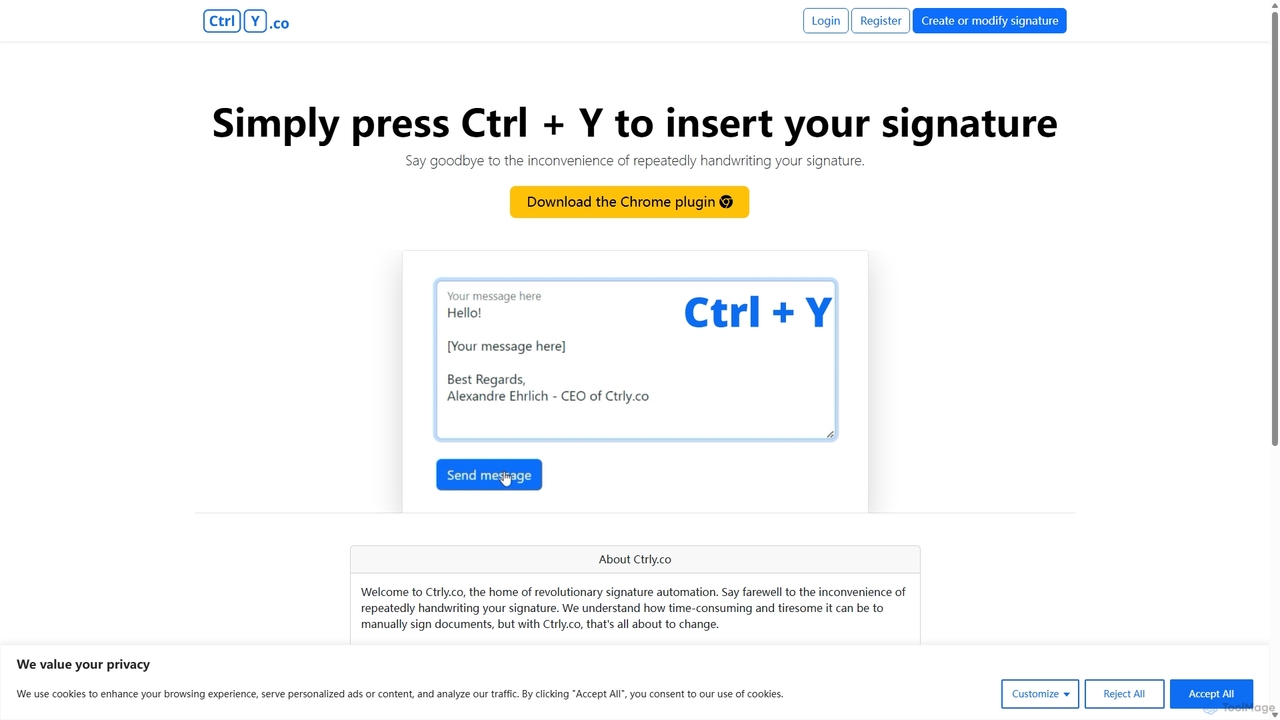
Ctrly is a revolutionary Chrome extension that automates your signature process. Simply press Ctrl + Y to instantly insert your pre-saved digital signature into any web-based document, email, or form. It eliminates the need for printing, signing, and scanning, saving you valuable time and boosting productivity. Ideal for professionals, entrepreneurs, and anyone who frequently signs digital documents, Ctrly streamlines your workflow with unparalleled ease and efficiency.

E Signature
Visits 5.8KFavorites 87Likes 94
DocsLoop
Freemium

DocsLoop

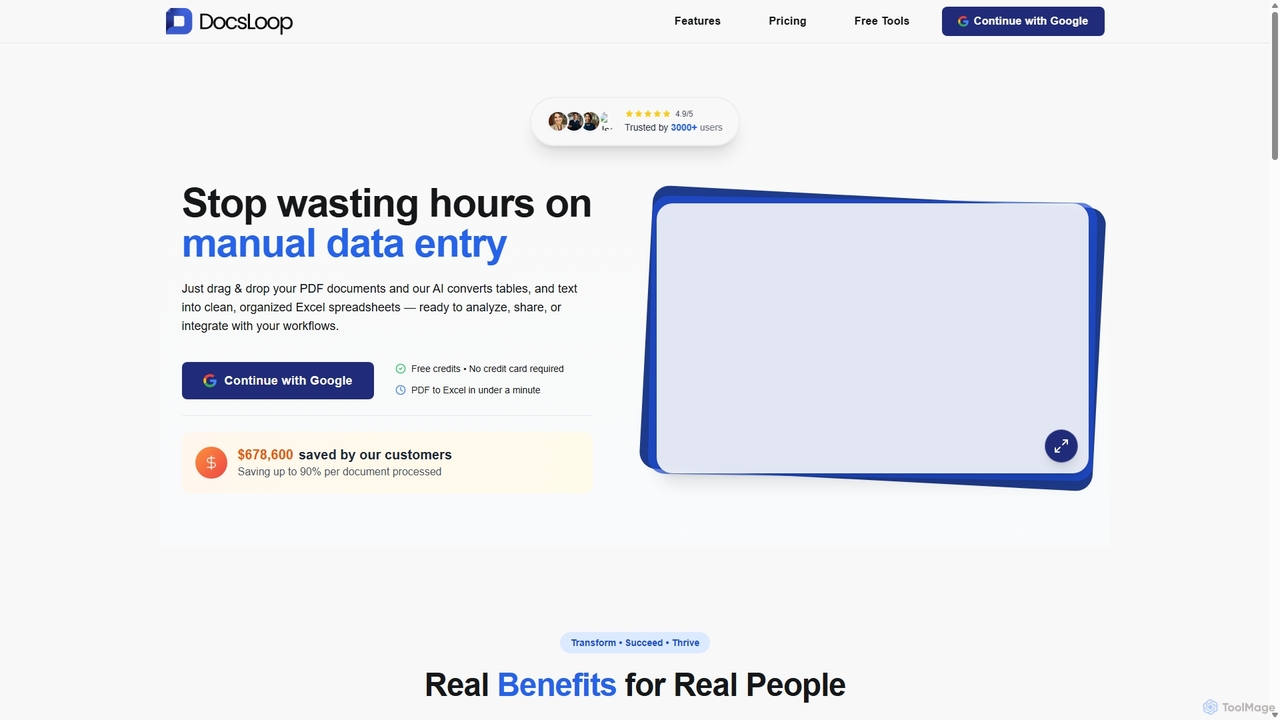
DocsLoop is an AI-powered document processing tool that automates data extraction from PDF documents. Simply drag and drop files like invoices, bank statements, and receipts, and DocsLoop converts tables and text into clean, organized Excel spreadsheets with 99% accuracy. It eliminates manual data entry, saving hours of work and reducing costs for businesses and individuals.

Data Extraction
Visits 6.4KFavorites 139Likes 125
PDFflex
Freemium

PDFflex

PDFflex is a comprehensive, all-in-one online platform for managing PDF documents. It allows users to edit, convert, merge, split, and sign PDFs with ease. Featuring an intuitive interface and robust security, PDFflex also incorporates AI-powered tools like OCR for scanned documents and summarizers for long texts. It supports a vast range of file formats, making it a versatile solution for both personal and professional use, accessible from any browser without installation.

Summarizer
Visits 12.4MFavorites 148Likes 148
GPT Workspace
Freemium

GPT Workspace

GPT Workspace integrates AI-powered features directly into Google Workspace applications like Docs, Sheets, Slides, and Gmail. It enhances productivity by automating content creation, data analysis, email drafting, and document editing, allowing users to leverage the power of models like GPT-4o seamlessly within their existing workflow.

Document Management
Visits 278.2KFavorites 123Likes 128
Docbot
Freemium

Docbot

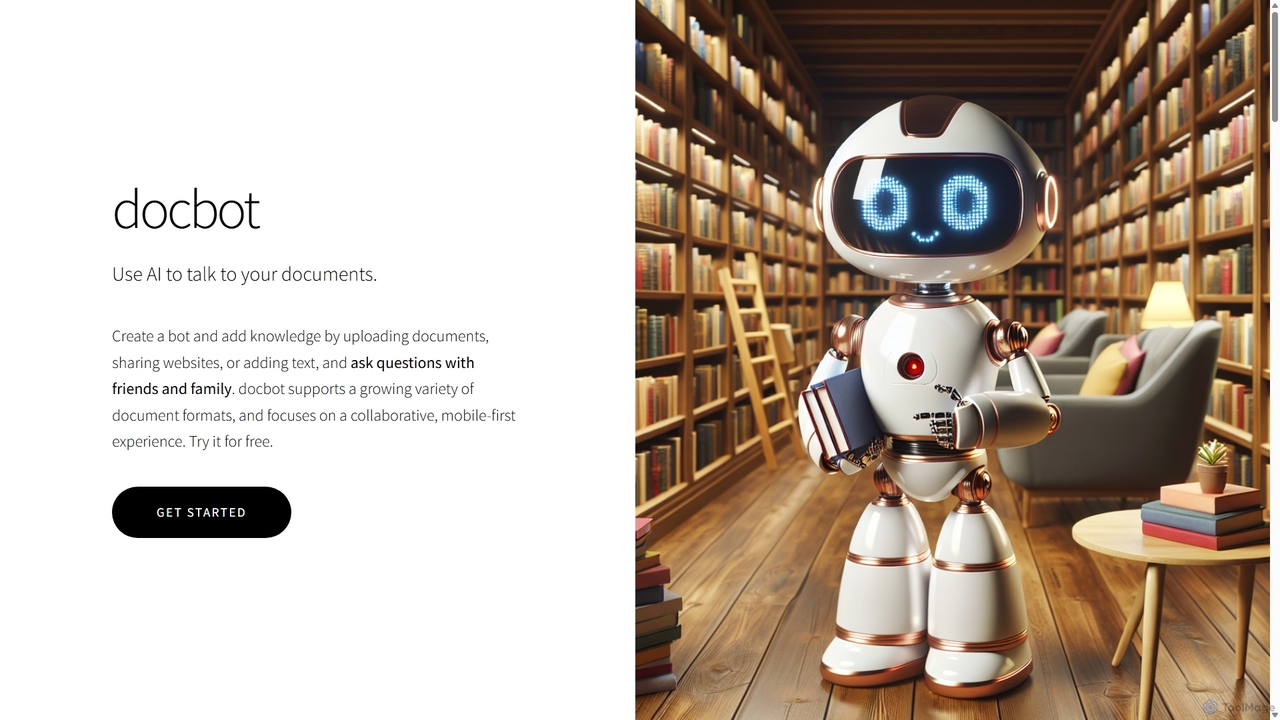
Docbot is an AI-powered tool that transforms your documents, websites, and texts into interactive chatbots. Upload various file formats to create a personalized knowledge base, ask questions in natural language, and collaborate by sharing your bots with friends, family, or teams. It's a mobile-first platform designed for easy information retrieval and sharing.

Knowledge Base
Visits 5.8KFavorites 129Likes 135
Wondershare
Freemium

Wondershare

Wondershare offers a comprehensive suite of AI-powered software designed to enhance creativity, productivity, and utility. From advanced video editing and PDF management to data recovery and diagramming, Wondershare provides intuitive, powerful tools for individuals, businesses, and educators to simplify their digital life and creative workflows.

Graphic Design
Visits 3.4MFavorites 155Likes 164
WPS Office
Freemium

WPS Office

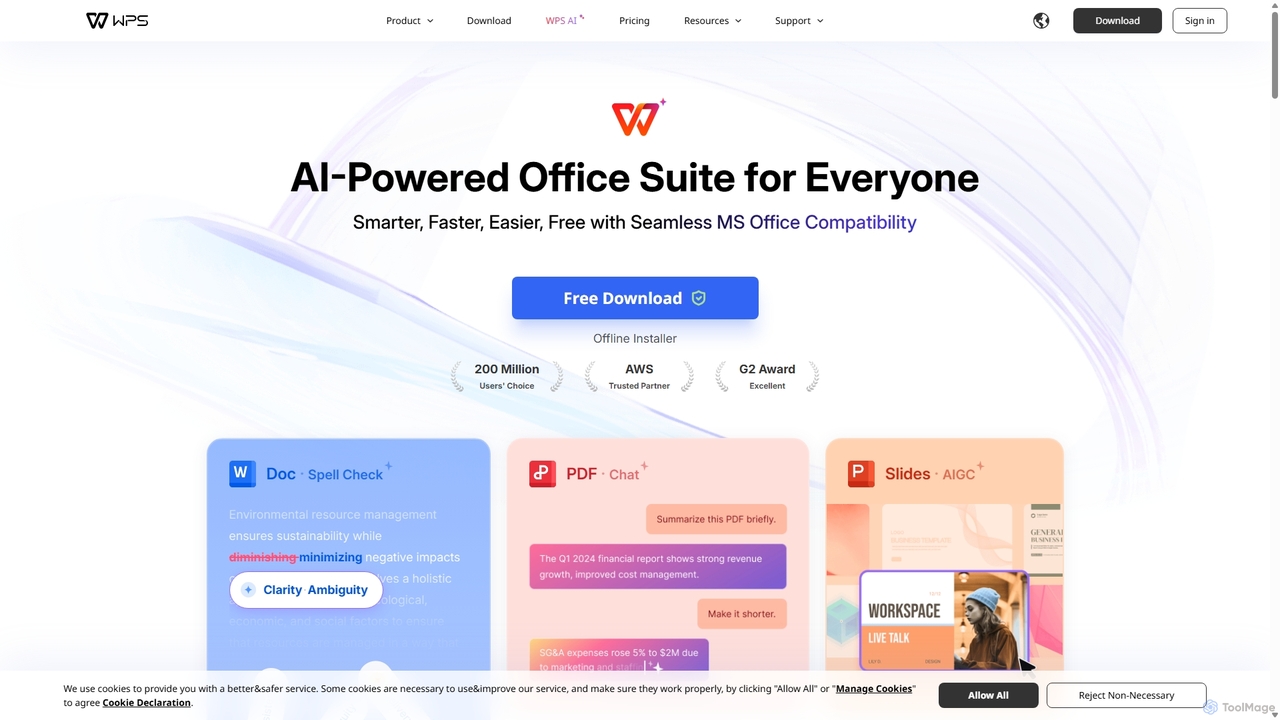
WPS Office is an AI-powered, all-in-one office suite offering a free and lightweight alternative to Microsoft Office. It integrates Writer, Spreadsheet, Presentation, and PDF tools with advanced AI features like content generation, spell checking, PDF summarization, and one-click presentation creation. With seamless MS Office compatibility and cross-platform support, it boosts productivity for individuals and teams.

Presentation Generator
Visits 44MFavorites 126Likes 120
UPDF
Freemium

UPDF

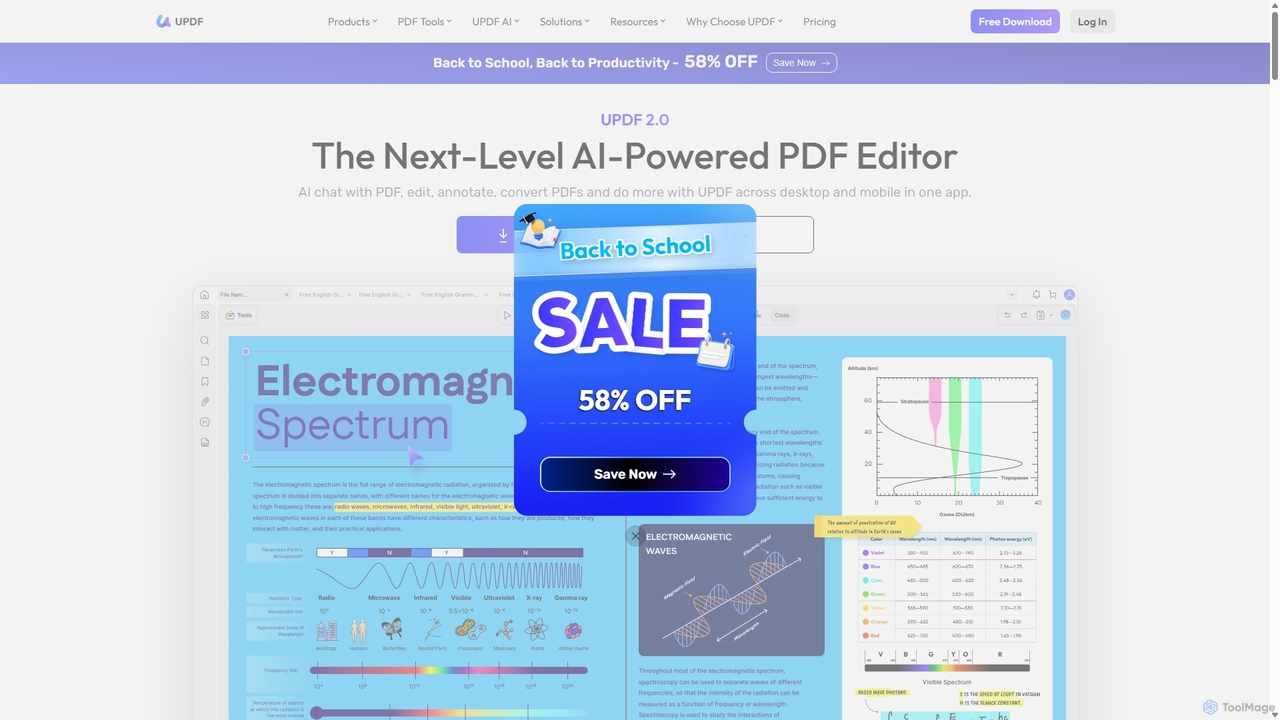
UPDF is an AI-integrated, all-in-one PDF editor that allows users to edit, annotate, convert, summarize, translate, and chat with PDF documents. It offers a seamless experience across Windows, macOS, iOS, and Android, boosting productivity for individuals, students, and businesses.

Document Analysis
Visits 1.1MFavorites 118Likes 113
PDF Interact
Freemium

PDF Interact

PDF Interact is an AI-powered chat assistant that transforms how you engage with your documents. Simply upload a PDF and ask questions in natural language to get instant answers, summaries, and key insights. Ideal for students, researchers, and professionals looking to save time and analyze complex information efficiently.

Data Analysis
Visits 5.7KFavorites 137Likes 140
goPDF
Freemium

goPDF

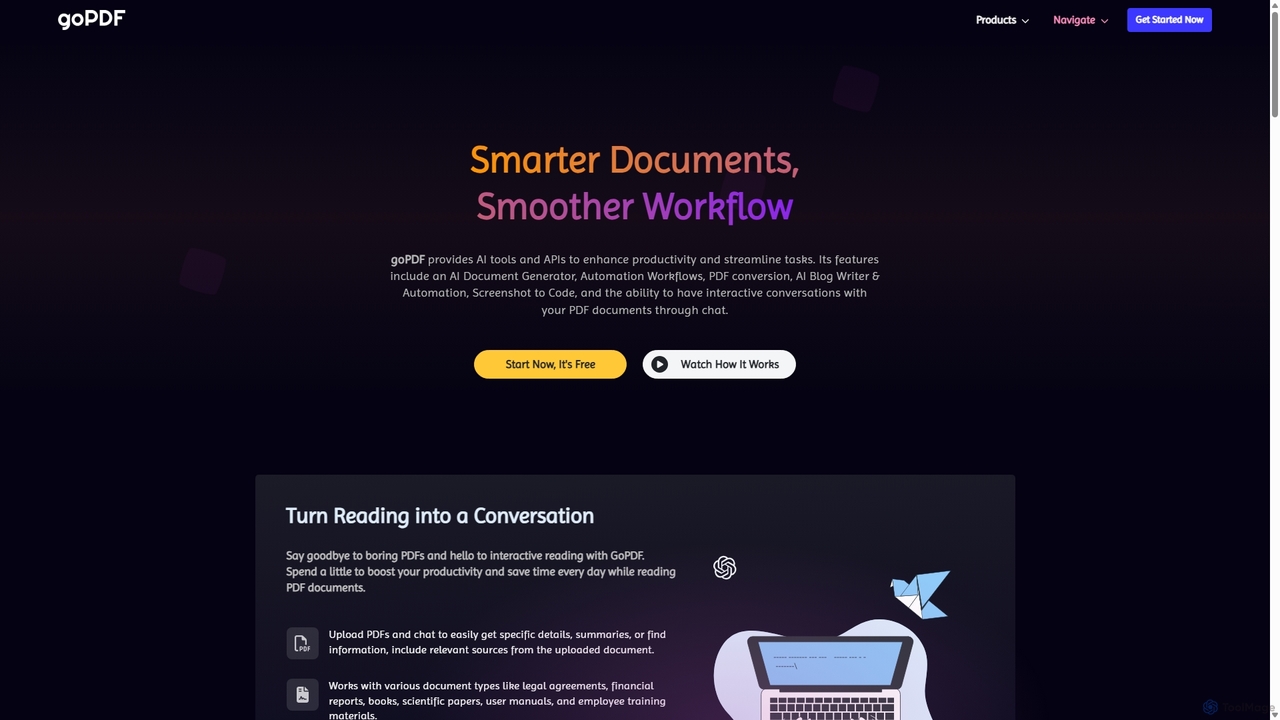
goPDF is an AI-powered platform designed to streamline document workflows. It offers a suite of tools including a document generator, PDF converter, AI writer, and a 'Chat with PDF' feature. With a robust API, it's tailored for both individual productivity and demanding tech projects, emphasizing privacy and ease of use.

Workflow Automation
Visits 9.5KFavorites 121Likes 118
Readdle
Freemium

Readdle

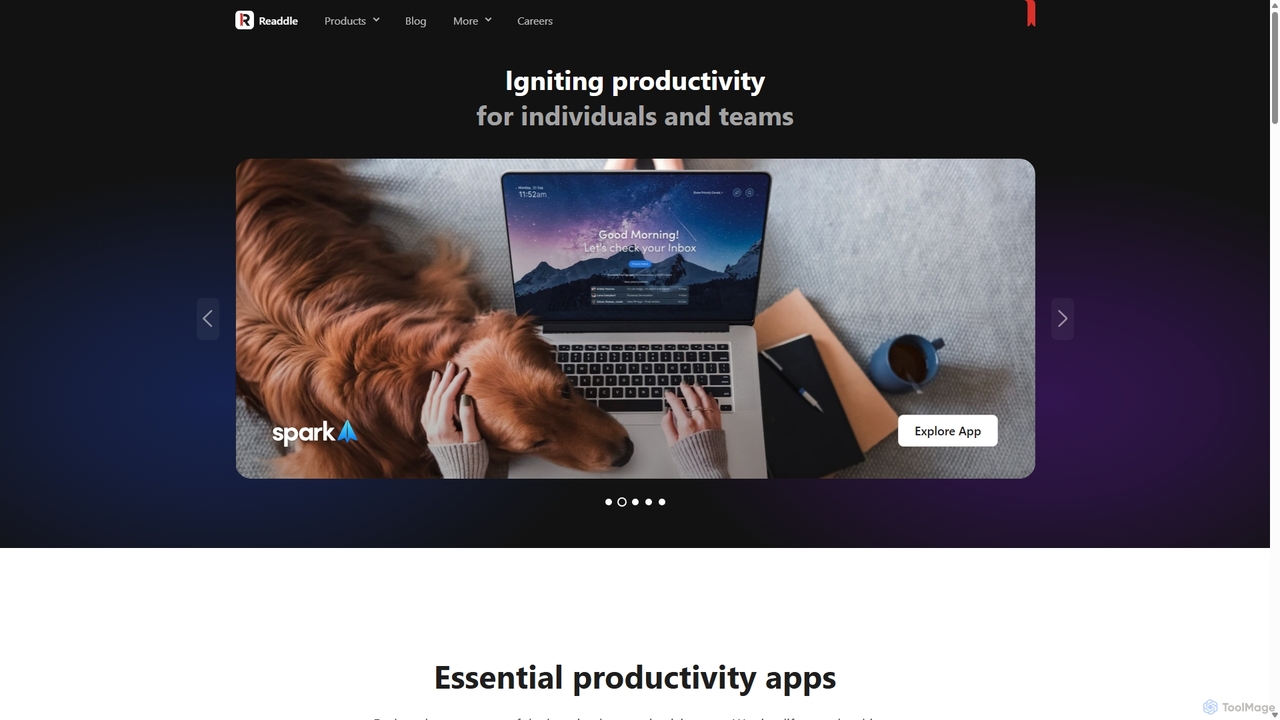
Readdle is a leading developer of a suite of award-winning productivity apps for iPhone, iPad, and Mac. Its ecosystem, including PDF Expert, Spark, Calendars, and Scanner Pro, is designed to streamline workflows, enhance efficiency, and simplify digital life for millions of individuals and teams worldwide. By integrating advanced technology like AI, Readdle's apps provide powerful solutions for document management, email, scheduling, and more.

Workflow Automation
Visits 244.6KFavorites 127Likes 142
Legislate
Freemium

Legislate

Legislate is an AI-powered contract management platform designed for non-lawyers. It simplifies the entire contract lifecycle, from creating fair and robust agreements using smart templates to secure e-signing and post-signature management. It's ideal for landlords, small businesses, and startups.

Small Business Tools
Visits 12.1KFavorites 105Likes 113
snap2pass
Paid

snap2pass

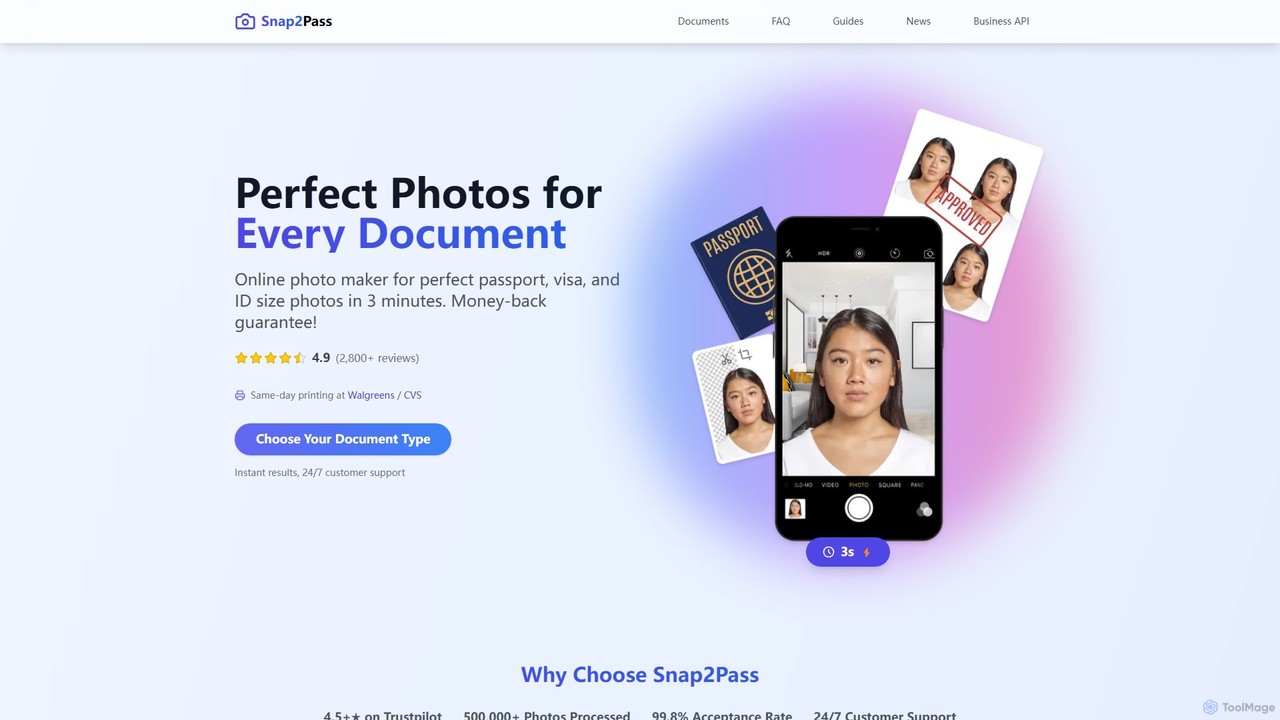
Snap2Pass is an AI-powered online tool that creates perfectly compliant passport, visa, and ID photos in minutes. It uses advanced AI to automatically check, resize, and edit your photo to meet official government requirements, guaranteeing acceptance or your money back.

3D
Visits 14.6KFavorites 107Likes 98
Velin
Freemium

Velin

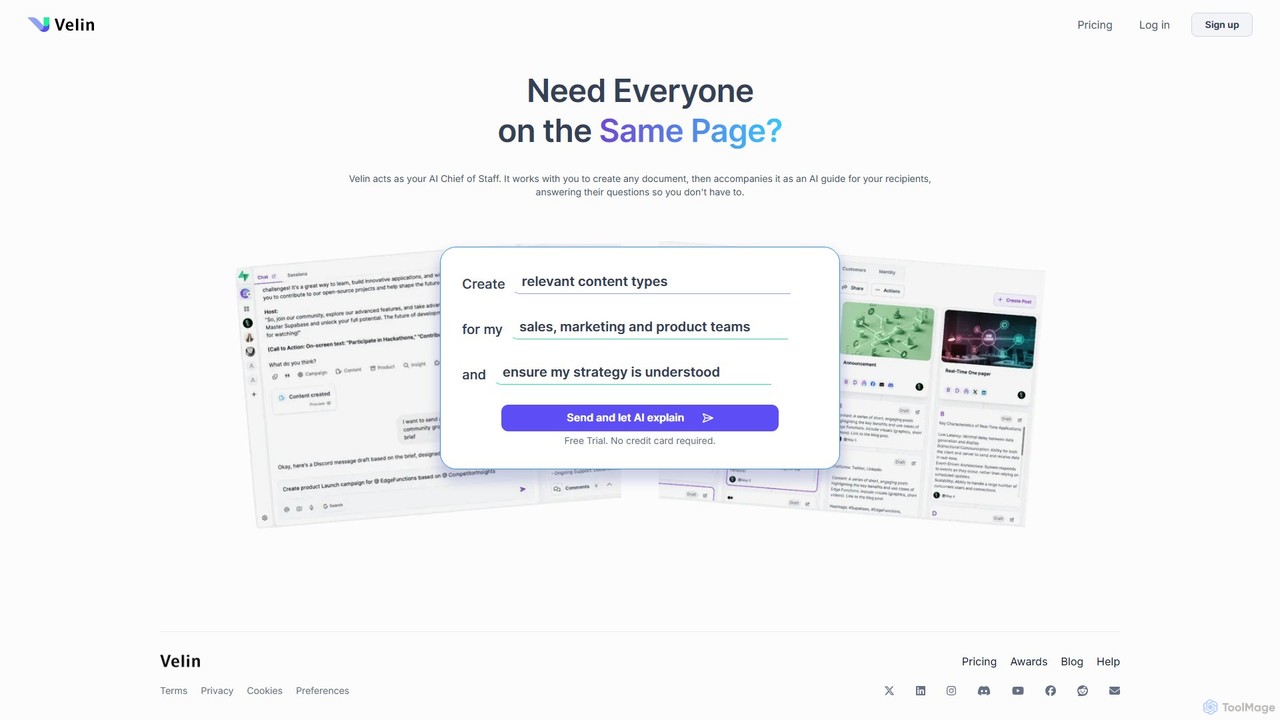
Velin acts as your AI Chief of Staff, helping you create documents that explain themselves. It accompanies your shared documents as an AI guide, automatically answering recipient questions to save you time and ensure everyone is on the same page. It also includes tools for AI image and video generation.

Chatbot
Visits 8.5KFavorites 116Likes 114
GoPDF
Freemium

GoPDF

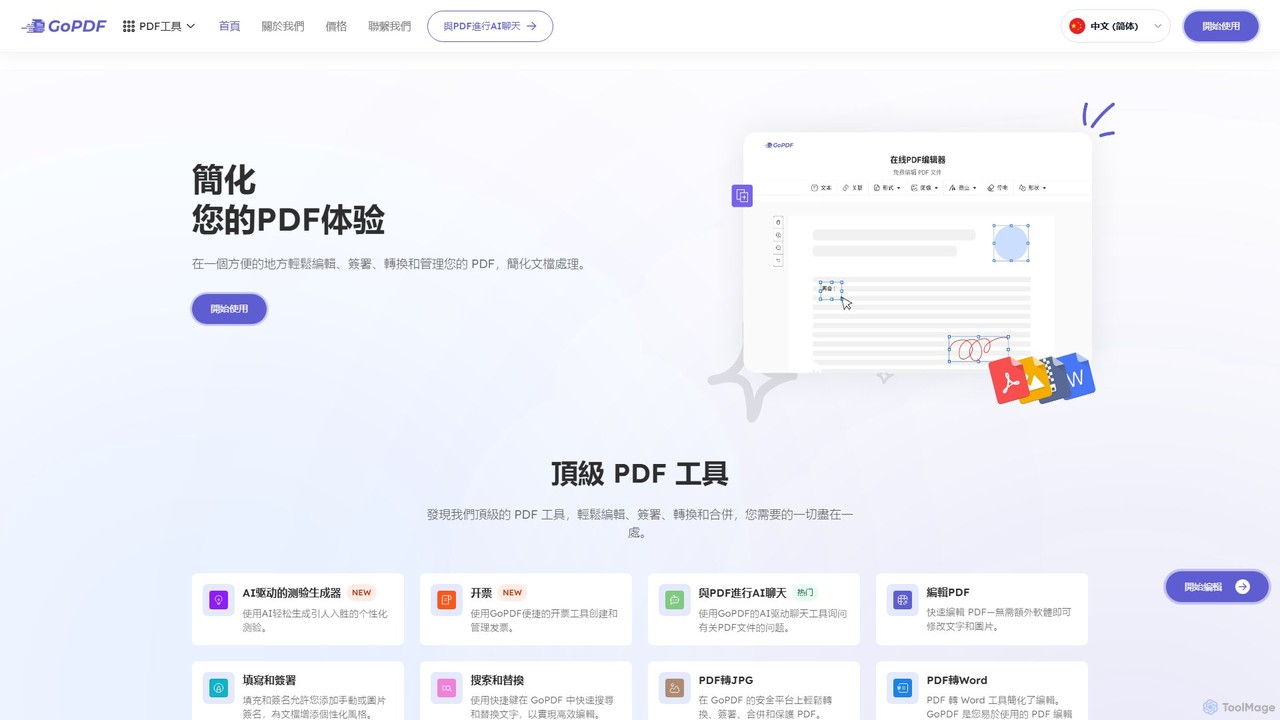
GoPDF is an AI-powered, all-in-one online PDF solution. It allows users to easily edit, convert, sign, merge, compress, and interact with PDF documents through an intuitive web interface and mobile app. AI features enable users to chat with their documents for quick summaries and answers.

Chat With Document
Visits 82.9KFavorites 105Likes 104
TrustDoc
Freemium

TrustDoc

TrustDoc is an AI-powered document management and evaluation platform designed to automate document validation, analysis, and verification. It helps organizations streamline workflows, ensure accuracy and compliance, and enhance collaboration by using AI to score, summarize, and justify document content against predefined templates and standards.

Compliance
Visits 7.1KFavorites 132Likes 151
pdfAssistant.ai
Freemium

pdfAssistant.ai

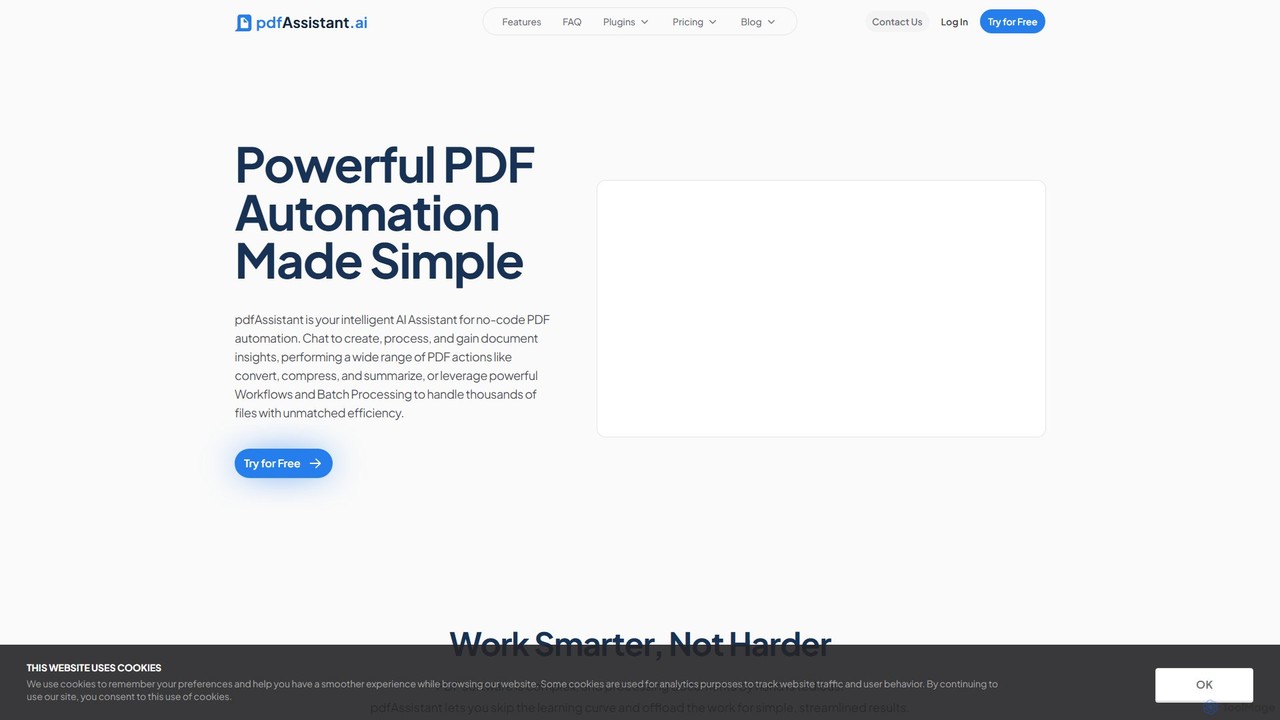
pdfAssistant.ai is an intelligent, no-code platform for PDF automation. Use its intuitive chat interface to create, convert, compress, summarize, and manage PDFs with simple natural language commands. Automate complex, multi-step tasks with Workflows and process thousands of files efficiently using Batch Processing.

Automation
Visits 58.4KFavorites 98Likes 103

About Document Management

AI Document Management tools are a class of software that uses artificial intelligence to intelligently process, analyze, and organize digital documents. Leveraging technologies like Natural Language Processing (NLP) and Optical Character Recognition (OCR), these tools go beyond simple storage to understand the content and context within files. This enables automated data extraction, semantic search, and intelligent summarization, transforming static documents into dynamic, searchable knowledge assets and significantly reducing manual data entry in data-intensive workflows.

Core Features

  • Intelligent Data Extraction: Automatically pulls specific information like names, dates, and amounts from unstructured documents such as invoices or contracts.
  • Semantic Search: Allows users to search for concepts and meanings, not just keywords, across an entire document repository.
  • Automated Classification & Tagging: AI automatically categorizes documents and applies relevant tags based on their content for superior organization.
  • Document Summarization: Generates concise summaries of long documents, reports, or legal agreements to accelerate review processes.

Use Cases

These tools are particularly valuable in sectors like legal, finance, healthcare, and research, where handling large volumes of unstructured documents is a daily task. For instance, law firms use them to quickly find precedents in case files, while accounting departments automate invoice data entry, and researchers build searchable knowledge bases from academic papers.

How to Choose

When selecting a tool, evaluate its data extraction accuracy for your specific document types. Consider its integration capabilities with existing systems like CRM or ERP, the range of supported languages and file formats, and the security protocols in place for handling sensitive information.

Featured tool rankings

Document Management use cases

1

Automate Invoice Processing for Finance Teams

A finance department receives hundreds of PDF invoices weekly. Using an AI Document Management tool, an accounts payable specialist can create a workflow that automatically ingests these invoices from an email inbox. The AI uses OCR to digitize the text and then applies NLP to identify and extract key data points like vendor name, invoice number, total amount, and due date. This extracted data is then automatically populated into the company's accounting software, reducing manual entry time by over 80% and minimizing human error.

2

Accelerate Legal Contract Review and Analysis

A corporate legal team needs to review dozens of contracts for a merger. Instead of reading each one manually, they upload all documents into an AI platform. The system automatically classifies contracts by type (e.g., NDA, MSA) and uses semantic search to allow lawyers to ask questions like, "Show me all contracts with a liability clause exceeding $1 million." The AI can also highlight non-standard clauses or potential risks, enabling the team to focus their attention on critical areas and complete the due diligence process in a fraction of the time.

3

Create a Searchable Knowledge Base from Internal Docs

An enterprise has thousands of internal documents—reports, presentations, and manuals—spread across various drives. A knowledge manager uses an AI tool to ingest all this content. The tool processes various formats, extracts the text, and indexes it for semantic search. Now, any employee can ask a natural language question like "What was our Q3 revenue in the APAC region last year?" and the system will instantly find and present the relevant snippets from multiple documents, complete with source links. This transforms a messy archive into a centralized, intelligent knowledge hub.

4

Streamline Customer Onboarding with ID Verification

A financial institution needs to verify customer identities during onboarding, which involves processing documents like passports, driver's licenses, and utility bills. An AI document tool automates this. A customer uploads photos of their documents. The AI performs OCR, extracts personal details (name, address, DOB), and cross-references them against the application form. It can also check for signs of tampering and verify the document's authenticity. This reduces the manual verification workload for compliance teams and provides a faster, smoother experience for new customers.

5

Summarize Medical Records for Clinical Support

A clinician preparing for a patient consultation needs to quickly understand a long and complex medical history. Instead of spending valuable time reading through pages of records, they use an AI tool to process the patient's file. The AI generates a concise, structured summary highlighting key information such as diagnoses, past treatments, allergies, and recent lab results. This allows the doctor to grasp the patient's situation rapidly, enabling a more informed and efficient consultation, and ultimately improving the quality of care.

6

Manage and Analyze Academic Research Papers

A postgraduate researcher is working on a literature review and has collected hundreds of academic papers. They use an AI document management tool to organize their library. After uploading the PDFs, the tool automatically extracts metadata like authors, publication year, and journal. More importantly, it allows the researcher to perform semantic searches to find papers related to specific concepts, even if the exact keywords aren't used. The AI can also generate summaries for each paper, helping the researcher quickly assess relevance and build a comprehensive understanding of the field.

Document Management FAQ

What is AI Document Management?

AI Document Management refers to software that uses artificial intelligence technologies like NLP and OCR to do more than just store files. It actively processes, understands, and organizes the content within documents. Key capabilities include automatically extracting data (like invoice details), enabling searches based on meaning (semantic search), and classifying documents by content. This transforms a static digital filing cabinet into an intelligent, interactive knowledge base.

How does AI Document Management differ from cloud storage like Google Drive?

The primary difference is intelligence. Cloud storage services like Google Drive or Dropbox are excellent for storing, sharing, and basic keyword searching of files. AI Document Management platforms, however, are designed to understand the content within those files.

  • Search: Cloud storage uses keyword search. AI tools use semantic search, understanding context and intent.
  • Processing: Cloud storage holds the file as is. AI tools actively process it to extract data, classify it, and summarize it.
  • Workflow: AI platforms often include features for automating workflows, such as routing an invoice for approval after data extraction.
In short, cloud storage is a digital shelf; AI document management is an intelligent librarian that reads and organizes the books on that shelf.

What are the key features to look for in an AI Document Management tool?

When evaluating these tools, focus on features that deliver the most value for your specific needs. Key features include:

  • High-Accuracy OCR: The ability to accurately convert scanned documents and images into machine-readable text is fundamental.
  • Intelligent Data Extraction: Look for tools that can be trained to accurately identify and extract specific fields from your document types (e.g., invoice numbers, contract dates).
  • Semantic Search Capabilities: The tool should allow you to find information based on concepts and natural language questions, not just exact keyword matches.
  • Integration Options: Check for robust APIs or pre-built connectors to your existing software, such as accounting systems, CRMs, or collaboration platforms.

Who can benefit most from AI Document Management tools?

While many roles can benefit, these tools are particularly impactful for professionals and departments that handle a high volume of unstructured or semi-structured documents. This includes:

  • Legal Teams: For contract analysis, e-discovery, and case file management.
  • Finance and Accounting: For automating invoice processing, expense report management, and financial auditing.
  • Human Resources: For streamlining resume screening, onboarding paperwork, and employee record management.
  • Researchers and Academics: For organizing vast libraries of research papers and quickly finding relevant information.
Essentially, any organization seeking to reduce manual data entry, accelerate information retrieval, and unlock insights from its documents can gain significant value.

How do I choose the right AI Document Management tool for my business?

Choosing the right tool depends on your specific use case. Start by defining the problem you want to solve (e.g., slow invoice processing, difficult contract retrieval). Then, evaluate potential tools based on these criteria:

  • Use Case Fit: Does the tool specialize in your document type (e.g., legal, financial, medical)? Some are general-purpose, while others are highly specialized.
  • Accuracy and Training: How accurate is its data extraction out-of-the-box? Can you easily train the model to improve its performance on your specific documents?
  • Scalability: Can the tool handle your current and future document volume without a significant drop in performance?
  • Security and Compliance: Ensure the provider meets industry-specific compliance standards (like HIPAA for healthcare or GDPR) and has robust security measures.
It's often wise to start with a pilot project or trial to test the tool's effectiveness on a small set of your actual documents.