ToolMage
Sign in

Best 98 Prototyping AI tools for Productivity

Popular Prototyping AI tools in Productivity include Lovable, Stitch, Rork, Teachable Machine, UX Pilot, Flux, lablab.ai, Uizard, Pixso, and Banani, helping you work more efficiently.

Appy Pie App Maker
Freemium

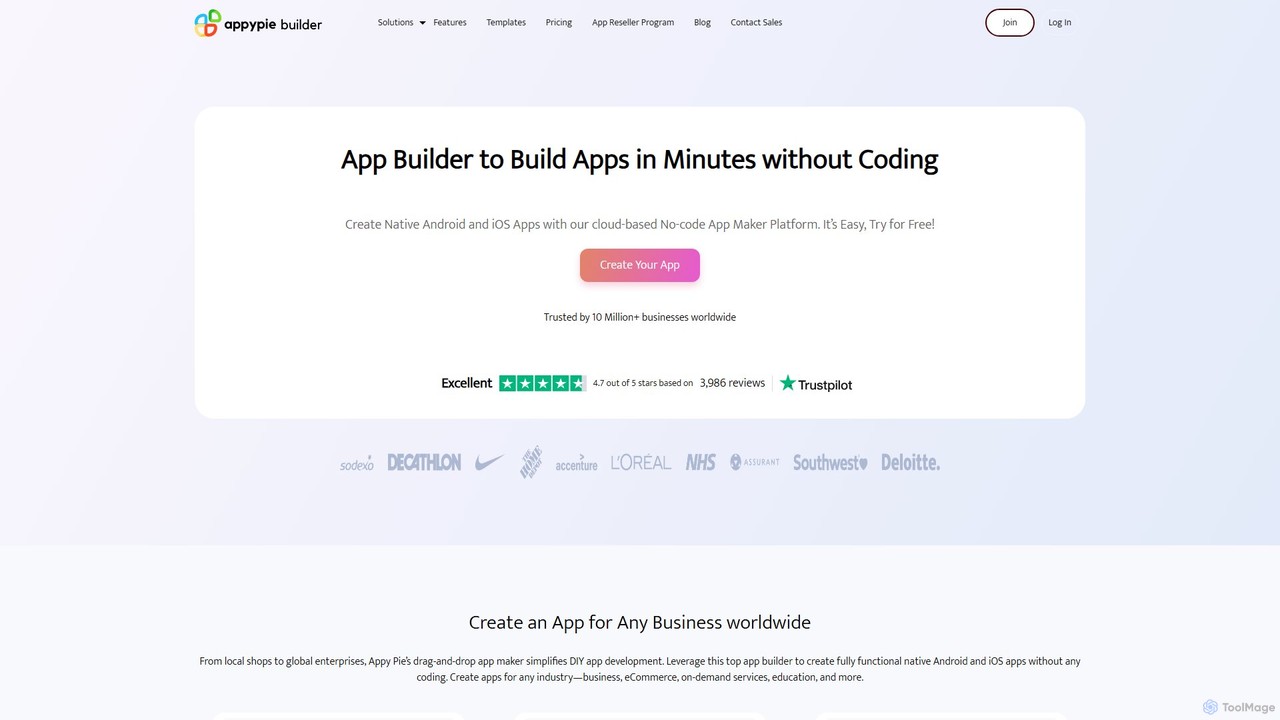
Appy Pie App Maker

An AI-powered, no-code app development platform that allows users to create native Android and iOS mobile apps using a simple drag-and-drop interface. Build professional apps for any industry—eCommerce, restaurants, churches, and more—without writing a single line of code. Trusted by over 10 million businesses worldwide.

App Builder
Visits 285.7KFavorites 116Likes 117

LoremGenie
Freemium

LoremGenie

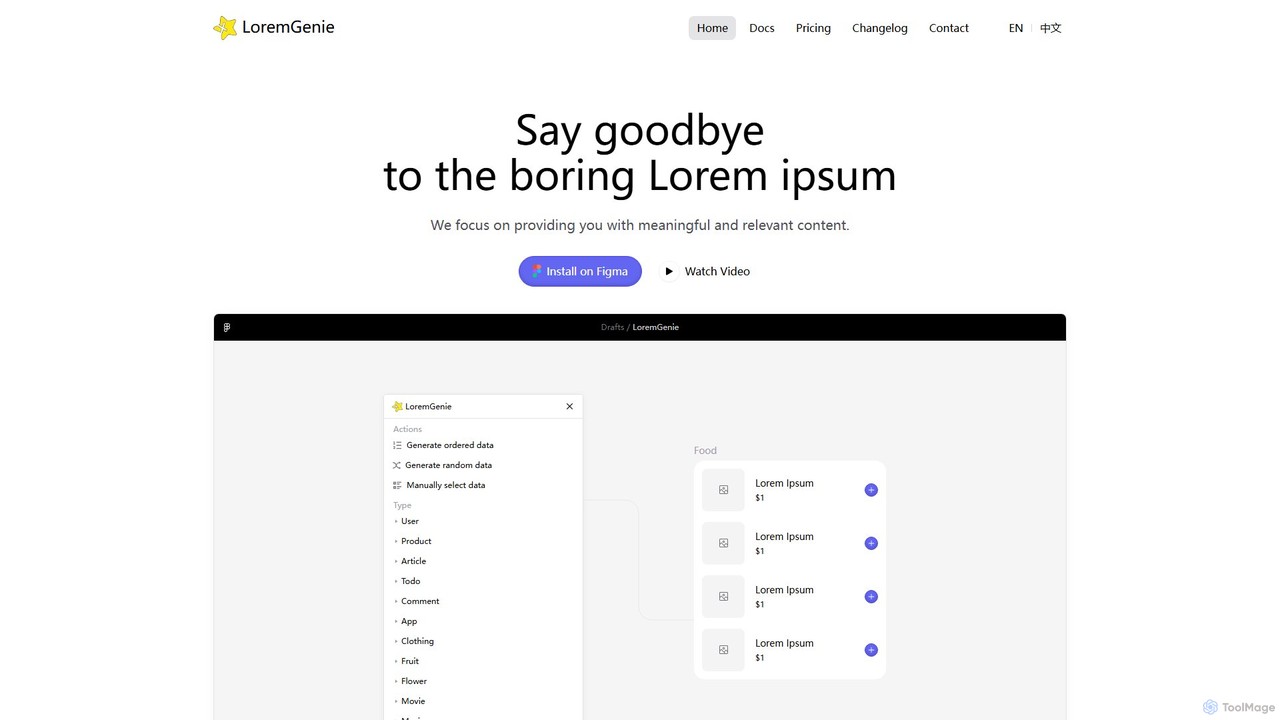
LoremGenie is an advanced Figma plugin that replaces generic 'Lorem ipsum' with meaningful, realistic, and AI-generated data. It offers over 22 content categories, including user profiles, products, and articles, to help designers create highly realistic and context-aware mockups, significantly speeding up the design workflow.

Ui Ux
Visits 5.8KFavorites 134Likes 158
Motiff
Freemium

Motiff

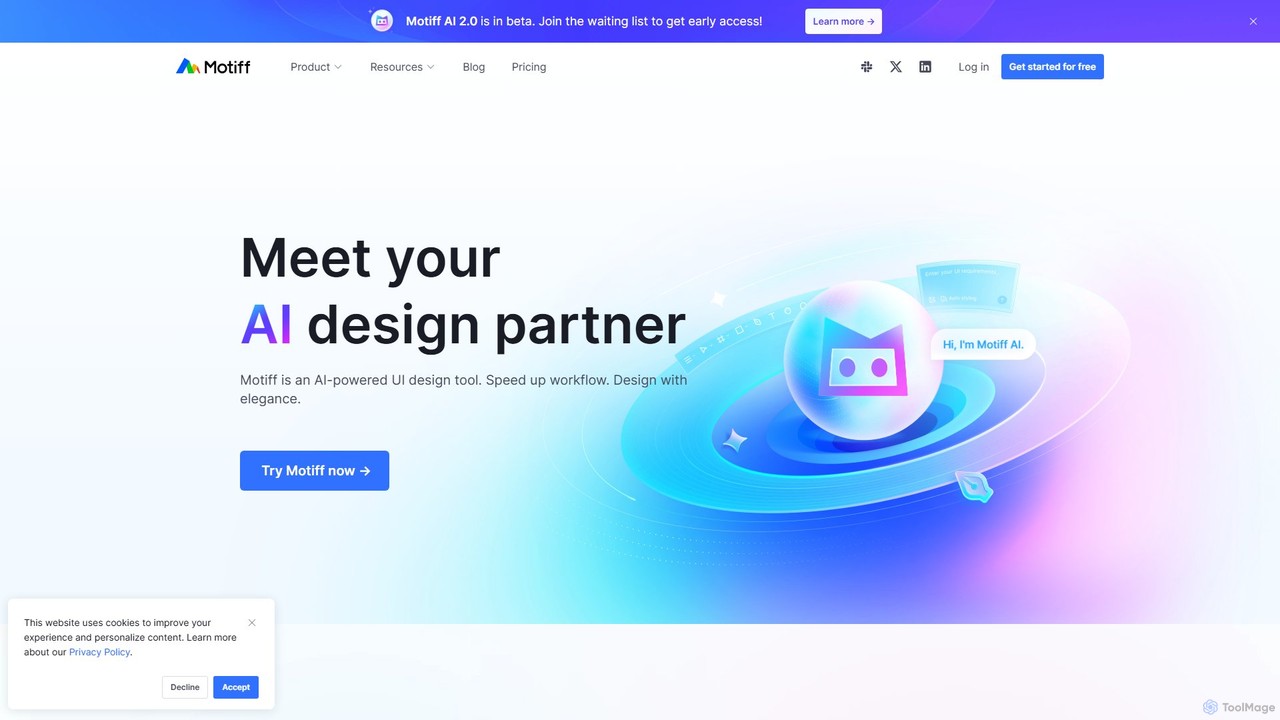
Motiff is an AI-powered professional interface design tool that accelerates the entire workflow. It enables users to generate UIs from text and images, iterate on designs with AI assistance, and collaborate in real-time. Combining robust design tools, prototyping, and a developer-friendly handoff mode, Motiff serves as a comprehensive, high-performance platform for modern product teams.

Ui Ux
Visits 73.7KFavorites 125Likes 121
sketchgpt.xyz
Freemium

sketchgpt.xyz

sketchgpt.xyz is an AI-powered tool that transforms hand-drawn sketches into functional HTML and CSS code in real-time. Simply draw your website or app layout on a digital whiteboard, and watch as the AI instantly generates a live, interactive web prototype. It's designed to accelerate the prototyping and development process for designers, developers, and product teams.

Ui Ux
Visits 6.4KFavorites 135Likes 158
Teachable Machine
Free

Teachable Machine

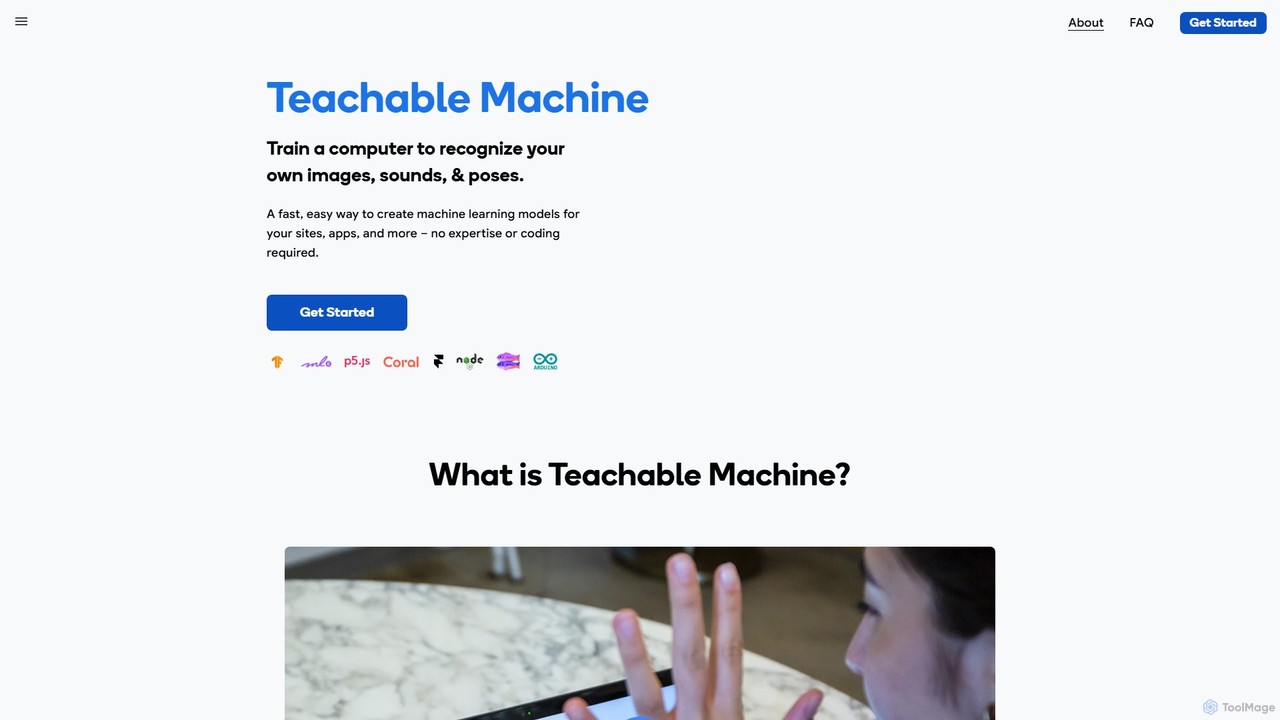
A fast, easy, web-based tool by Google that allows anyone to train a computer to recognize their own images, sounds, and poses. Create machine learning models for your sites, apps, and more without any expertise or coding required. It's a hands-on way to explore ML concepts.

No Code Platform
Visits 740.6KFavorites 83Likes 86
Literally Anything
Free

Literally Anything

Literally Anything is an AI-powered platform that lets you build functional web apps, games, and widgets for free using only text prompts. Describe your idea in plain English, and the AI will generate, host, and deploy it instantly. No coding skills required.

Web App Builder
Visits 6.4KFavorites 121Likes 121
ubdroid
Freemium

ubdroid

ubdroid is an AI-powered no-code platform that enables users to create native Android applications from simple text descriptions or design mockups. It automates the entire development process, from UI design to backend logic, making app creation accessible to everyone, regardless of their technical skills.

App Builder
Visits 5.9KFavorites 104Likes 96
SiteForge
Freemium

SiteForge

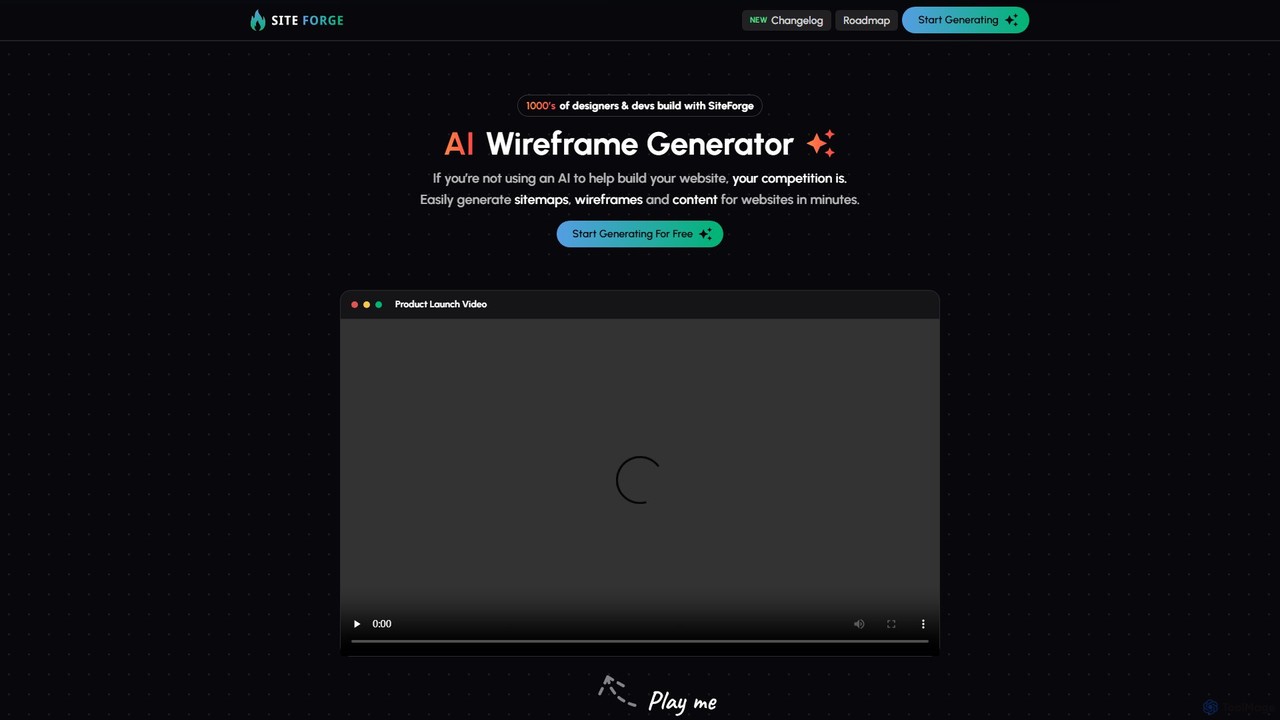
SiteForge is an AI-powered platform designed to accelerate the web development process. It enables users to generate sitemaps, interactive wireframes, and SEO-optimized content in minutes. Ideal for designers, developers, and marketing agencies, it streamlines workflow, ensures brand consistency, and transforms ideas into structured website plans with ease.

Prototyping
Visits 5.8KFavorites 128Likes 125
nowa
Freemium

nowa

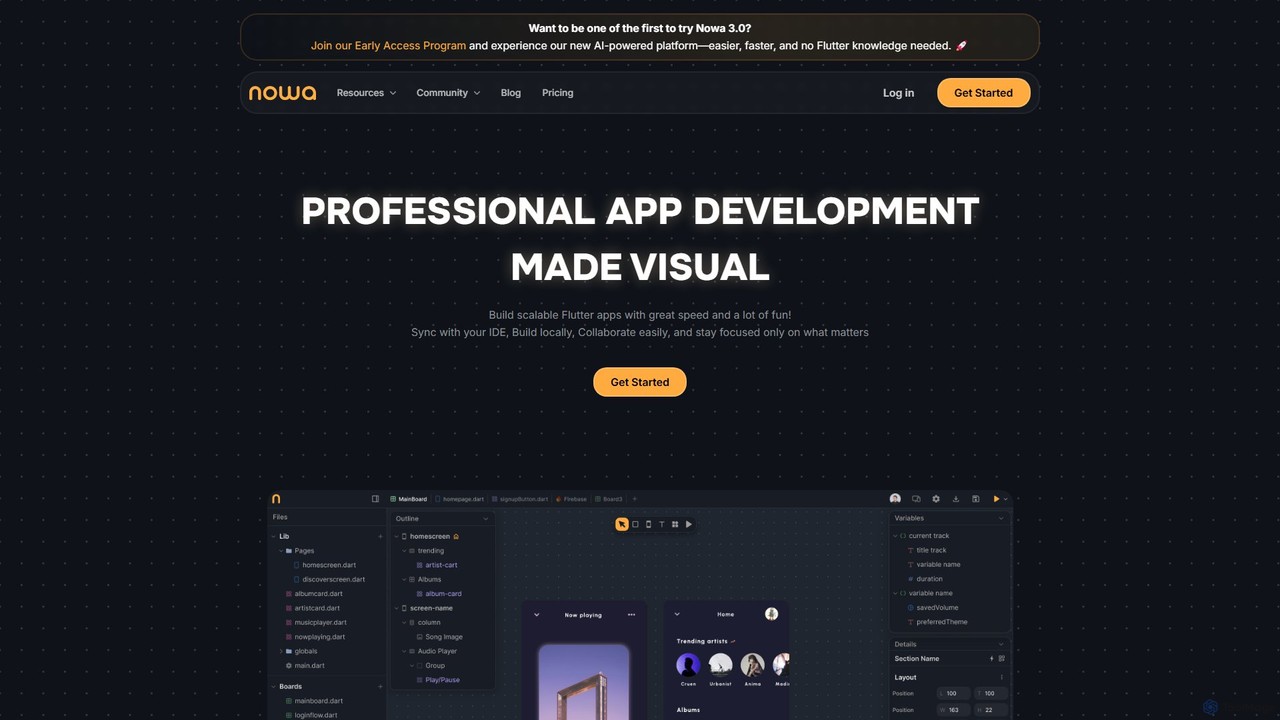
nowa is a visual, AI-powered Flutter app builder for professional development. It enables developers and designers to build scalable, high-quality applications with incredible speed, combining visual design, logic building, and seamless IDE integration without vendor lock-in.

Low Code No Code
Visits 60.4KFavorites 114Likes 106
Little Bro
Freemium

Little Bro

Little Bro is an AI-powered design assistant and user research simulator for Figma. It helps designers think like their users by simulating various user personas and scenarios, providing contextual feedback to catch usability issues, overcome creative blocks, and ship designs with confidence.

User Research
Visits 7.3KFavorites 111Likes 125
FastFlux AI
Free

FastFlux AI

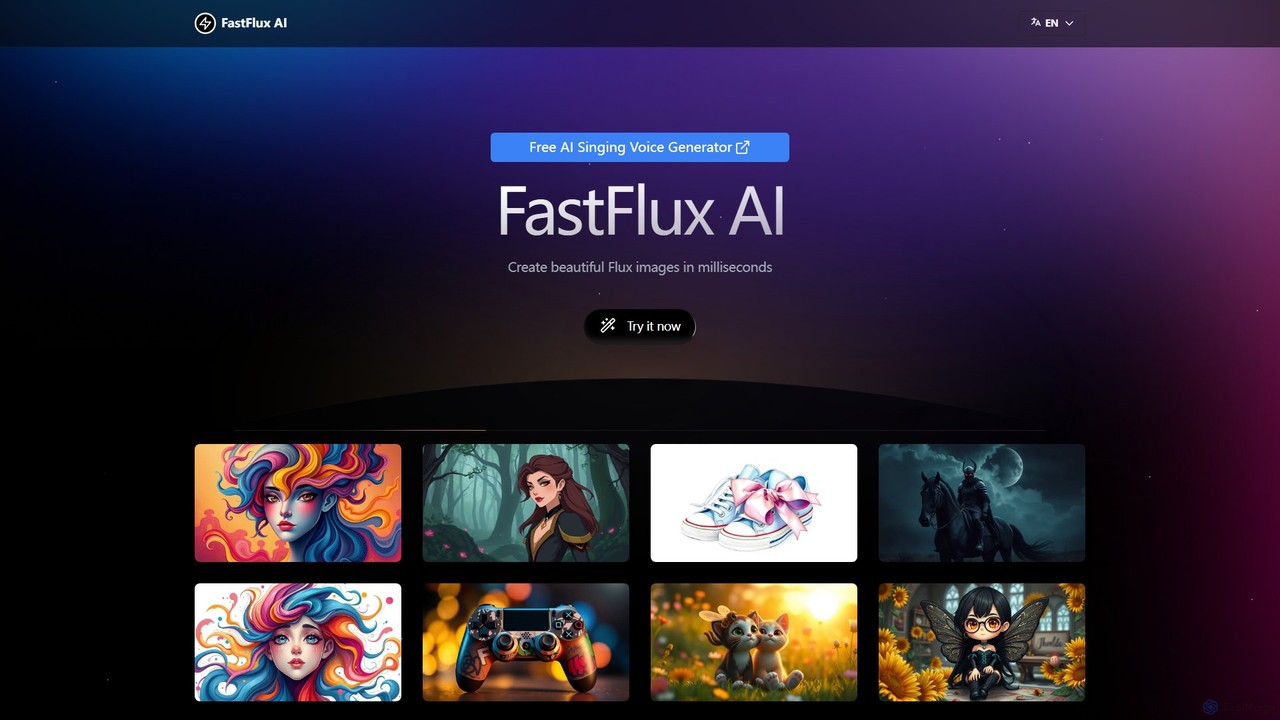
FastFlux AI is a free, real-time AI image generator that creates stunning visuals from text prompts in milliseconds. It requires no signup, offers unlimited usage, and provides a seamless, lightning-fast creative experience for artists, designers, and content creators.

Generative Art
Visits 5.7KFavorites 100Likes 100
Loopple
Freemium

Loopple

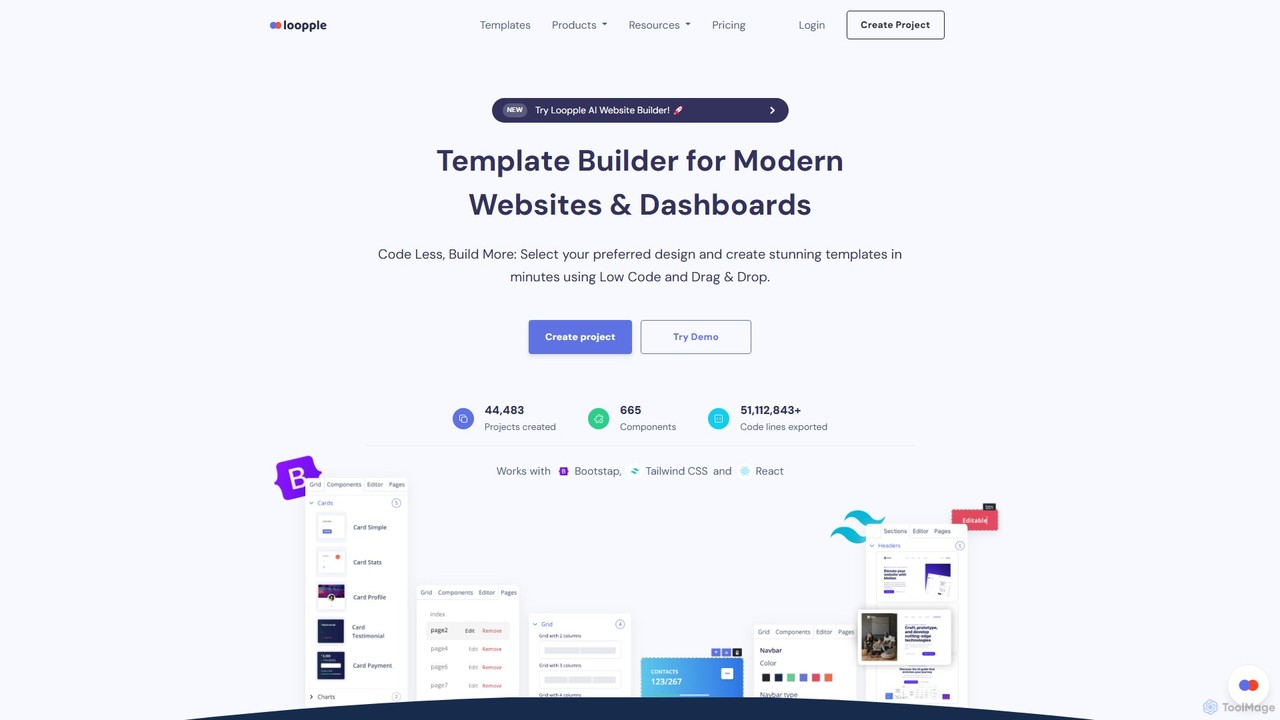
Loopple is an AI-powered, low-code platform for building modern websites and dashboards. It features a drag-and-drop editor, a vast library of pre-built components and templates for Bootstrap, Tailwind CSS, and React. With its AI text help and direct code export, Loopple accelerates the front-end development process for developers and teams, enabling rapid creation of responsive, professional-grade user interfaces.

Low Code No Code
Visits 33.7KFavorites 121Likes 111
Refined
Paid

Refined

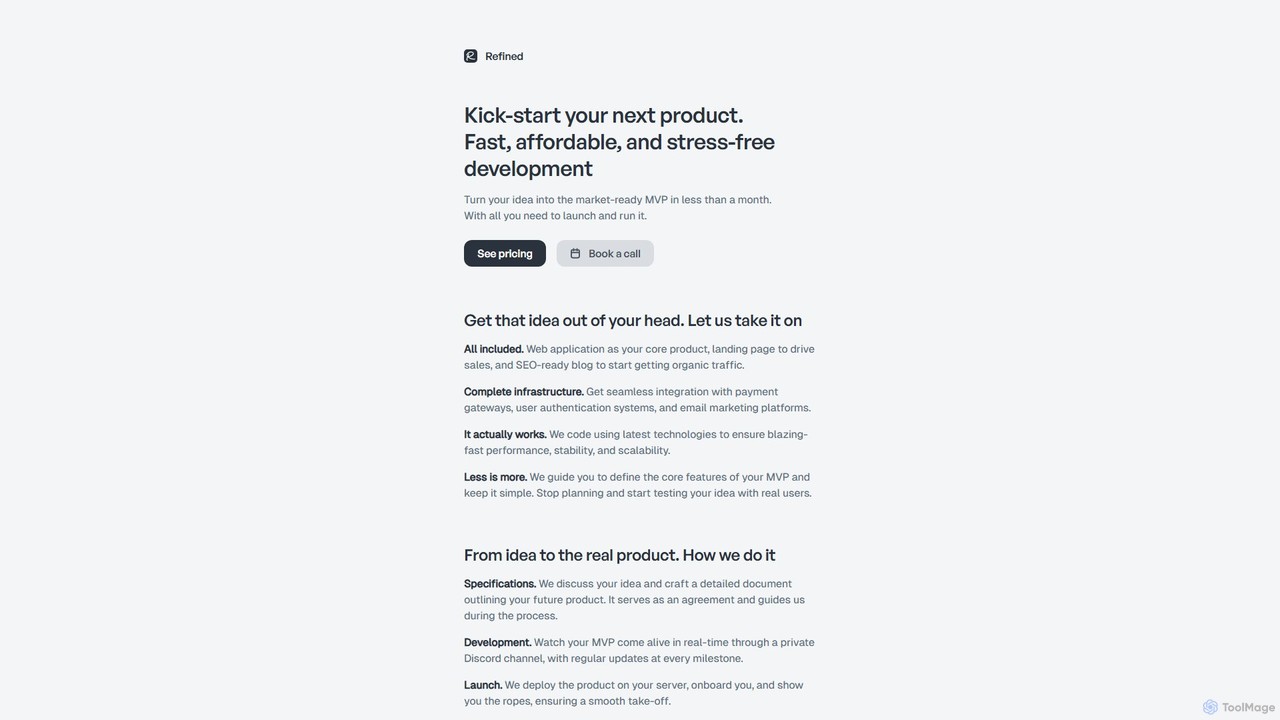
Refined is a productized service that transforms your startup ideas into fully functional Minimum Viable Products (MVPs). For a fixed price, they deliver a complete package including a web application, landing page, and blog. Leveraging modern technologies and AI-assisted development, Refined focuses on building lean, scalable, and high-performance products, helping founders launch quickly and test their ideas with real users without the risk of overengineering or poor implementation.

Startup Tools
Visits 12.2KFavorites 128Likes 134
Bullship
Paid

Bullship

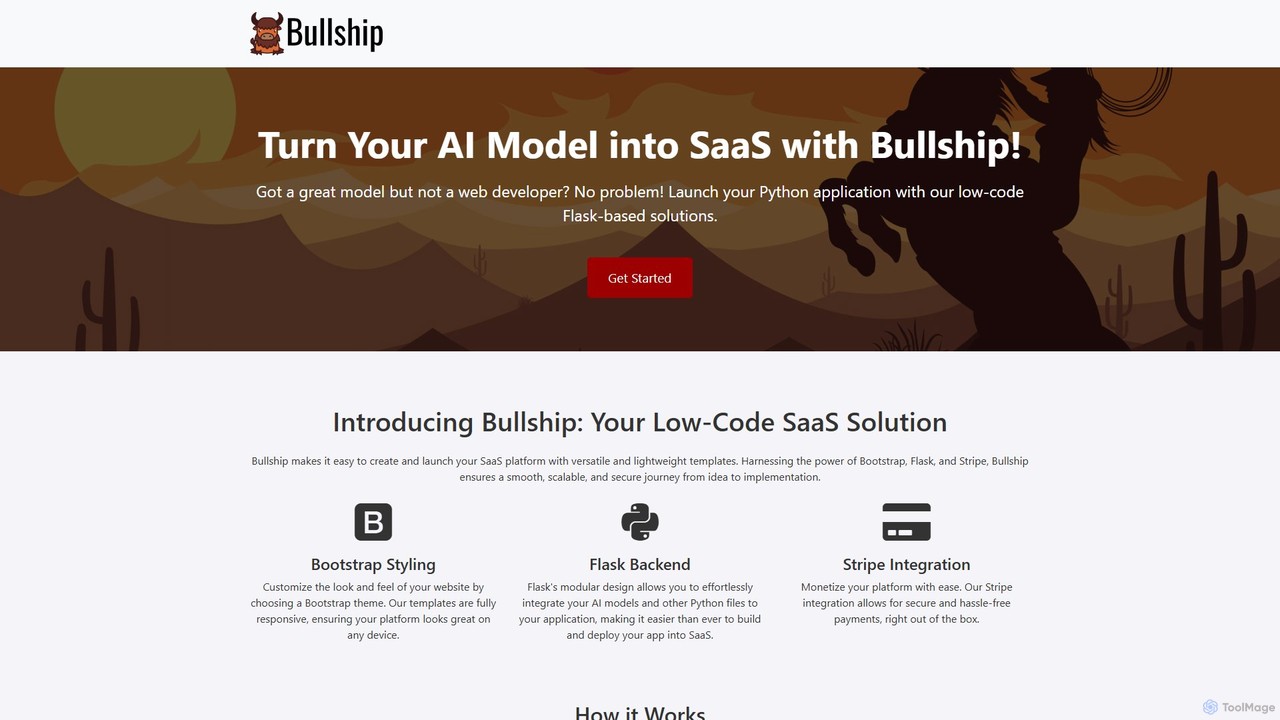
Bullship is a low-code platform designed to help developers and entrepreneurs quickly transform their AI models and Python scripts into fully functional, monetizable SaaS applications. By leveraging versatile templates built on Bootstrap, Flask, and Stripe, users can customize their front-end, integrate their backend logic, and set up payment systems with minimal coding, significantly accelerating the journey from idea to a market-ready product.

Boilerplates
Visits 5.7KFavorites 135Likes 139
Devpilot

Devpilot

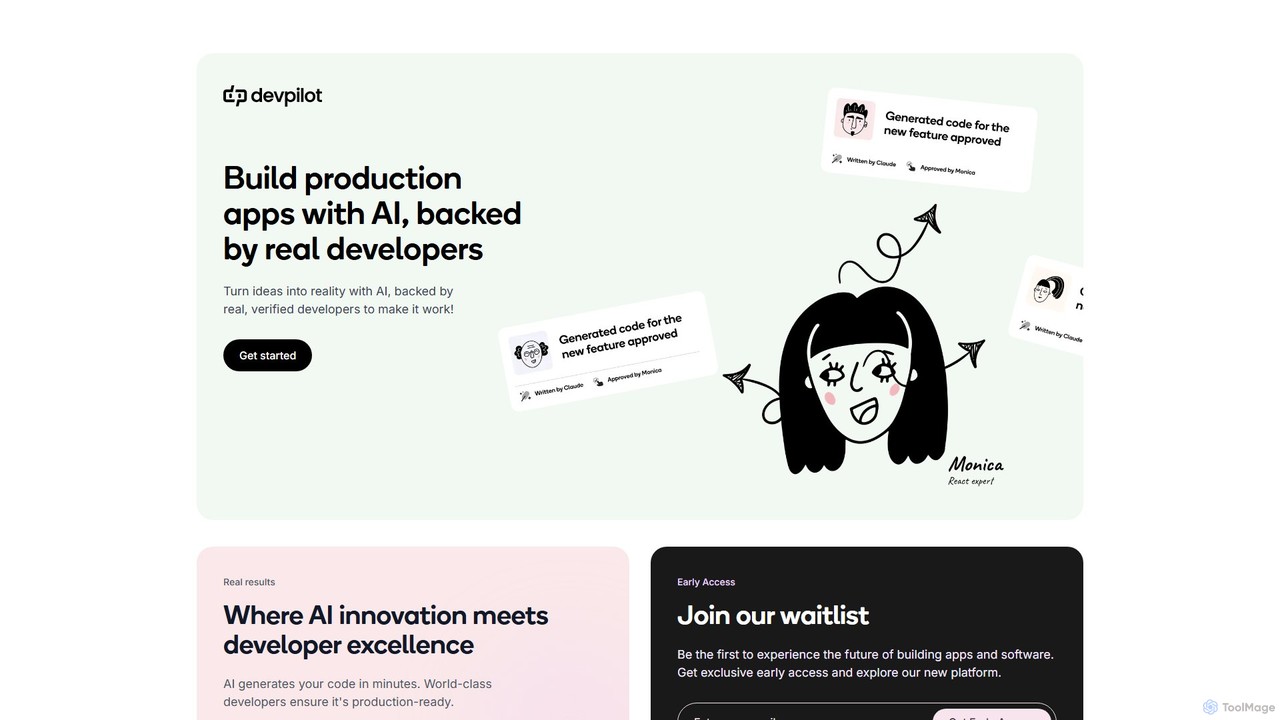
Devpilot is a unique platform that combines AI-powered code generation with expert human developers to build production-ready applications. It transforms your ideas into reality by having AI generate the initial code, which is then meticulously reviewed, refined, and perfected by world-class developers, ensuring unparalleled speed, quality, and reliability in software development.

Code Generation
Visits 6.4KFavorites 160Likes 152
Creatie
Freemium

Creatie

Creatie is an intuitive, AI-powered product design and collaboration platform. It enables teams to move from wireframes to high-fidelity mockups, interactive prototypes, and developer handoff seamlessly. Featuring AI tools like a mockup wizard, icon generator, and image enhancer, it's designed to accelerate the UI/UX workflow for designers, product managers, and developers.

Icon Generation
Visits 12.1KFavorites 129Likes 141
Celerforge
Freemium

Celerforge

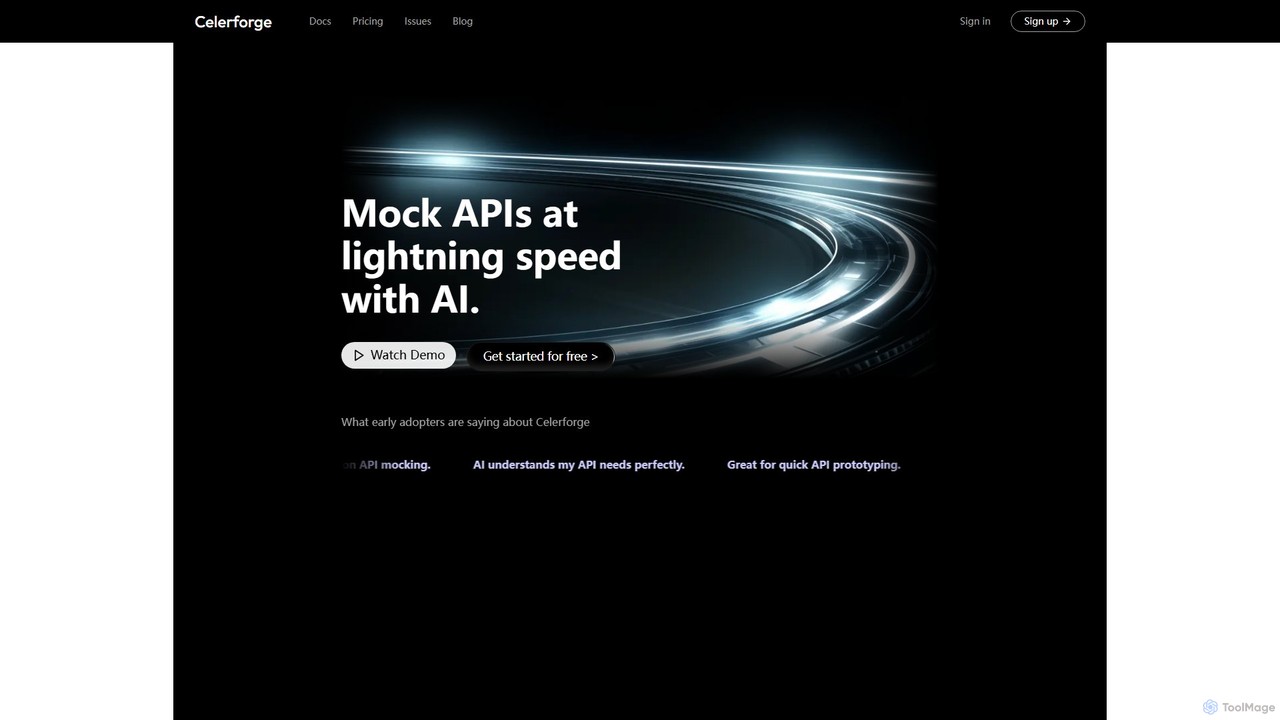
Celerforge is an AI-powered platform that enables developers to create mock APIs at lightning speed. By simply describing API requirements in natural language, users can instantly generate realistic, fully functional mock endpoints and data, significantly accelerating prototyping and frontend testing.

Api Management
Visits 5.8KFavorites 139Likes 145
Roughly
Freemium

Roughly

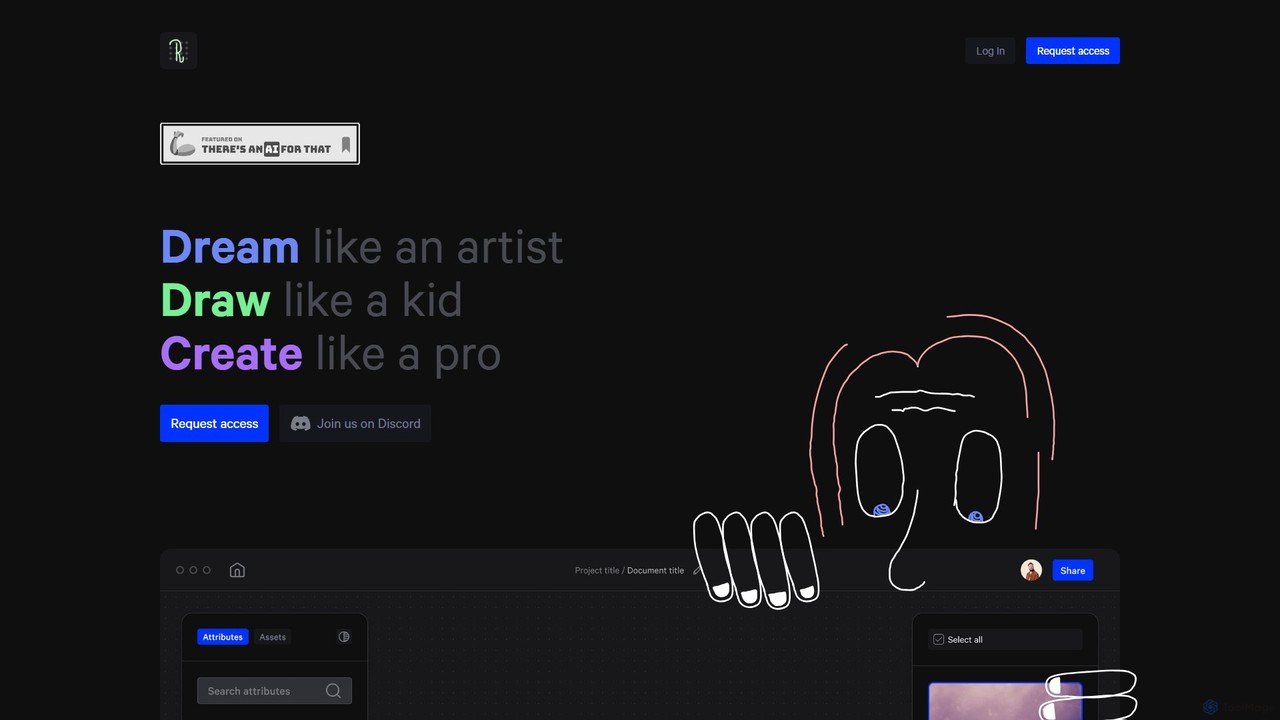
Roughly is an AI-powered design platform that transforms rough sketches and text prompts into professional-quality images. Ideal for artists, designers, and creators across various fields like architecture, fashion, and game design, it offers an intuitive 'sketch-to-image' workflow to rapidly visualize and iterate on creative concepts.

Concept Art
Visits 6.7KFavorites 133Likes 141
AppForceStudio
Freemium

AppForceStudio

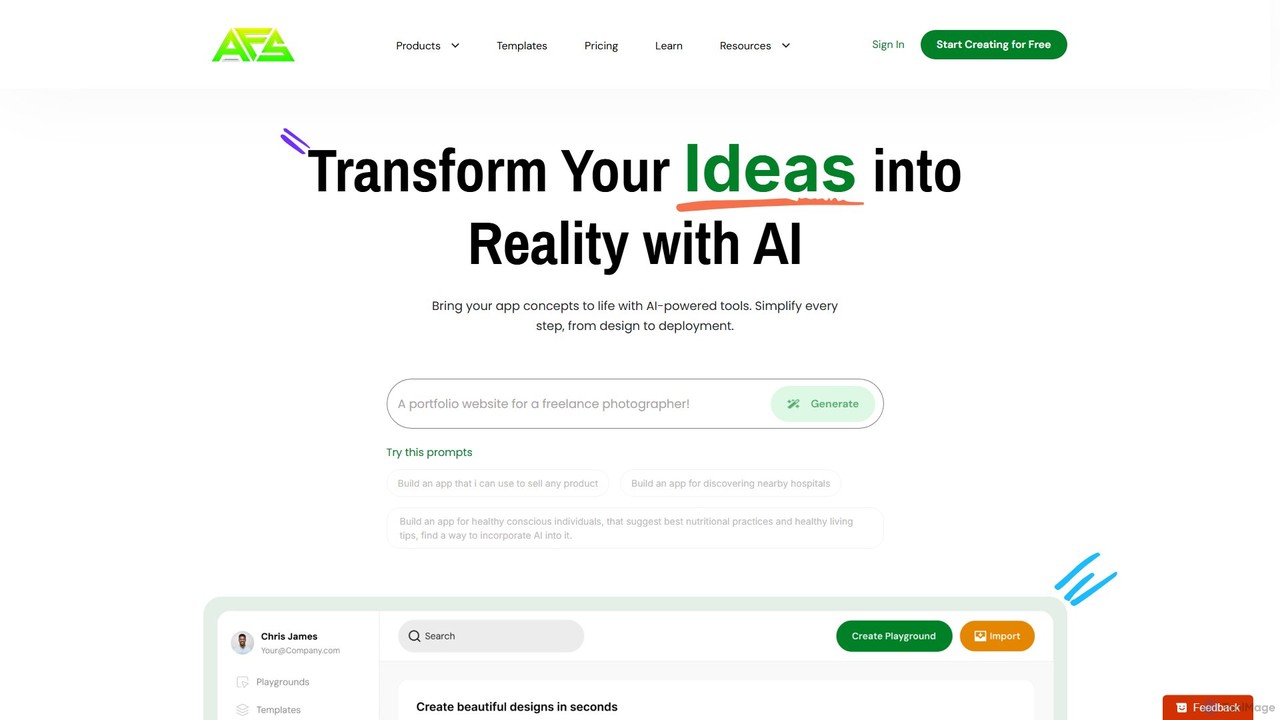
AppForceStudio is a next-generation, AI-powered platform that transforms your app ideas into reality. It simplifies the entire app creation process, from design and storyboarding to code generation and deployment. Ideal for solo founders, small businesses, and development teams, it enables users to build professional, market-ready iOS and Android apps with or without coding experience.

Ui Ux
Visits 7.8KFavorites 147Likes 132
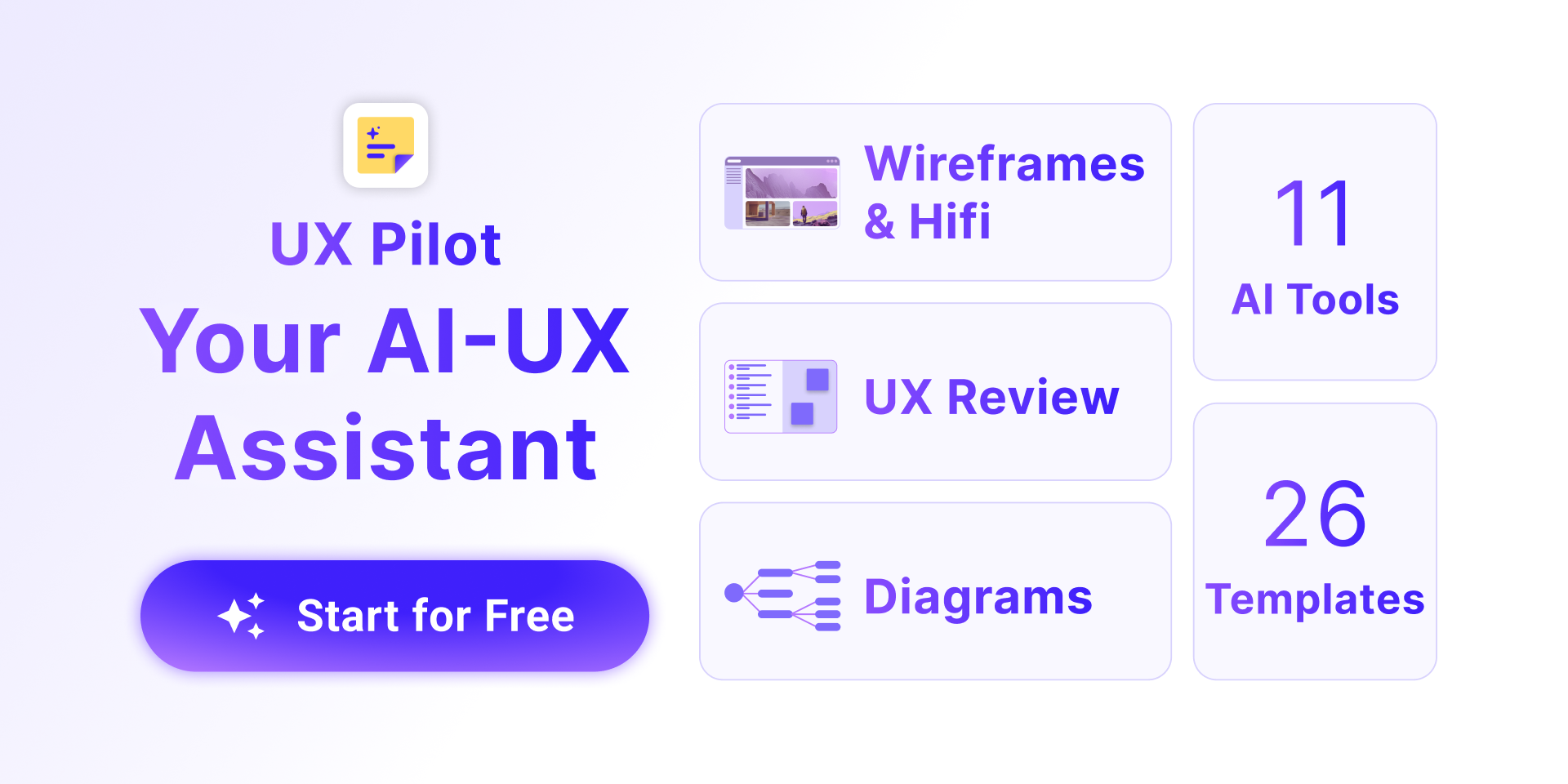
UX Pilot
Freemium

UX Pilot

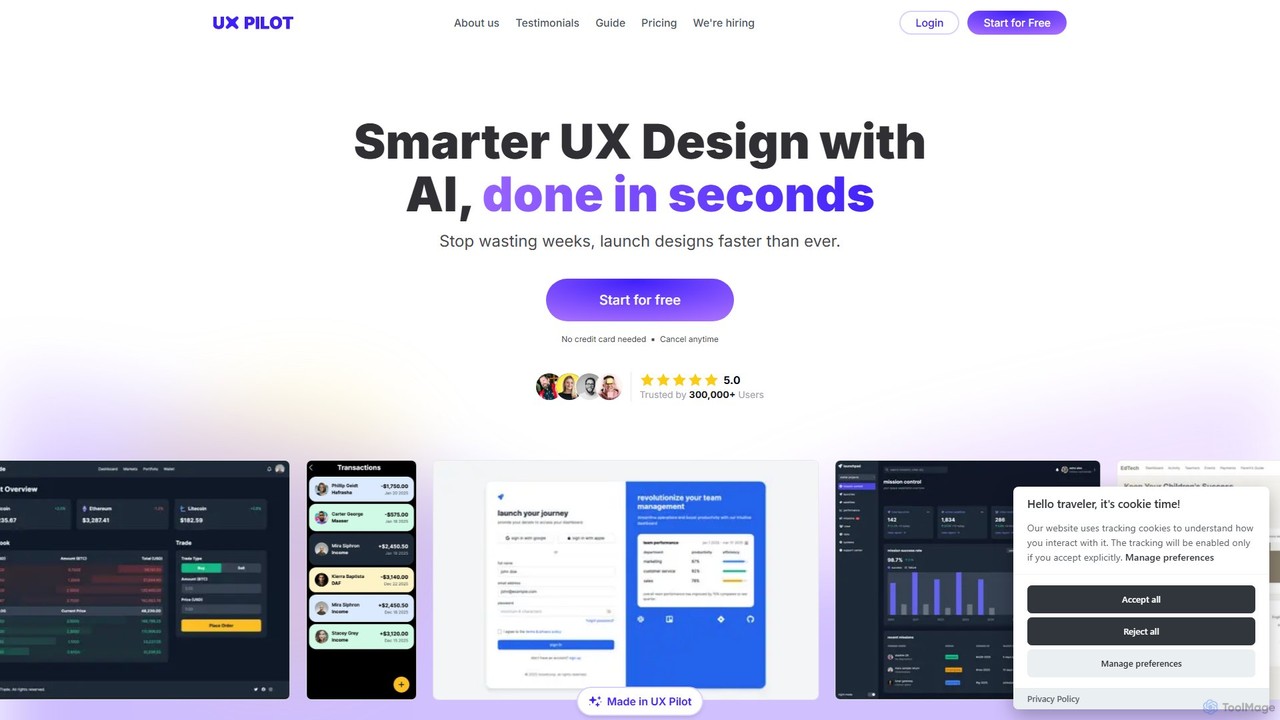
UX Pilot is an AI-powered design platform that accelerates the UX/UI workflow. It enables designers, product teams, and founders to generate high-fidelity designs, wireframes, screen flows, and prototypes from simple text prompts in seconds. With deep Figma integration, it streamlines the entire process from ideation to handoff.

Ui Ux
Visits 733.9KFavorites 128Likes 124
Rooms
Freemium

Rooms

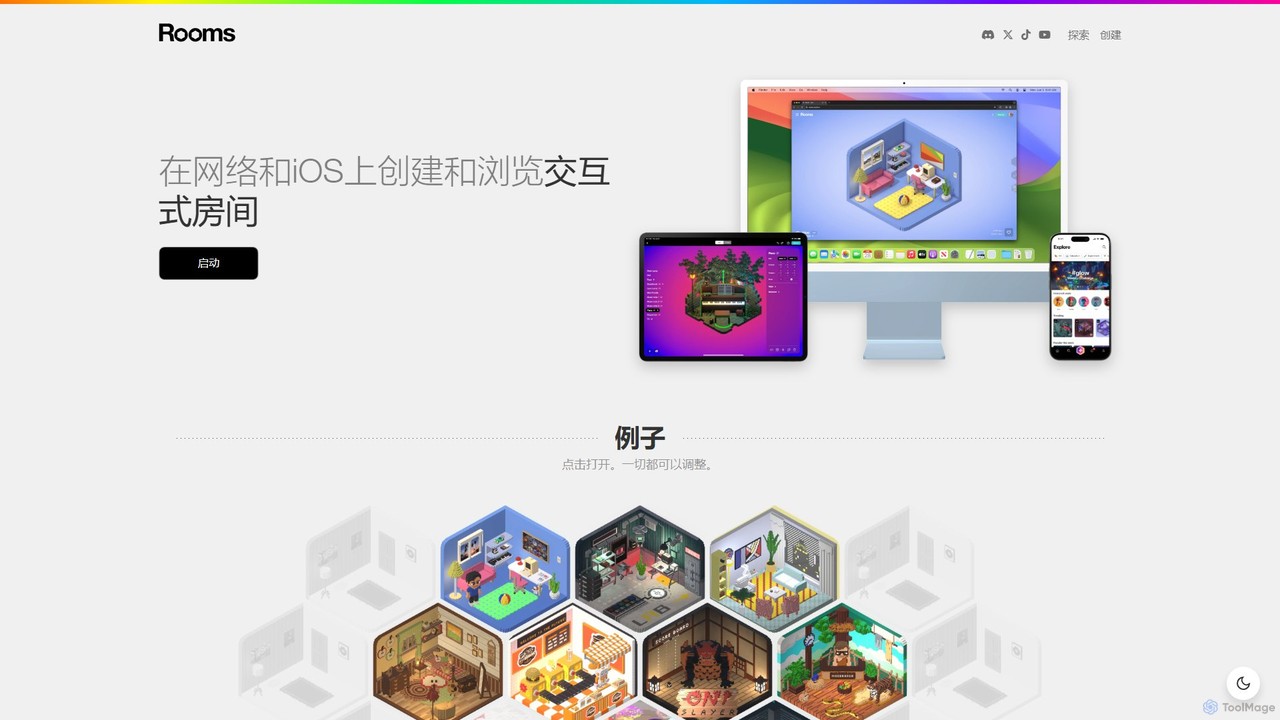
Rooms is a creative platform for building and exploring interactive 3D web-based rooms. With an intuitive editor, users can design unique spaces, add dynamic objects, and define simple game logic without coding. It leverages AI to assist in asset creation, making it accessible for artists, designers, and hobbyists to create and share their own mini-metaverse experiences on the web and iOS.

3D Modeling
Visits 173.4KFavorites 118Likes 135
musho
Freemium

musho

Musho is an AI-powered design and development assistant that transforms text prompts into fully-realized, editable websites and landing pages. It focuses on speed, creativity, and seamless integration with design tools like Figma, empowering users to go from idea to high-fidelity prototype in seconds.

Web Design
Visits 6.7KFavorites 131Likes 123
Scribble Diffusion
Freemium

Scribble Diffusion

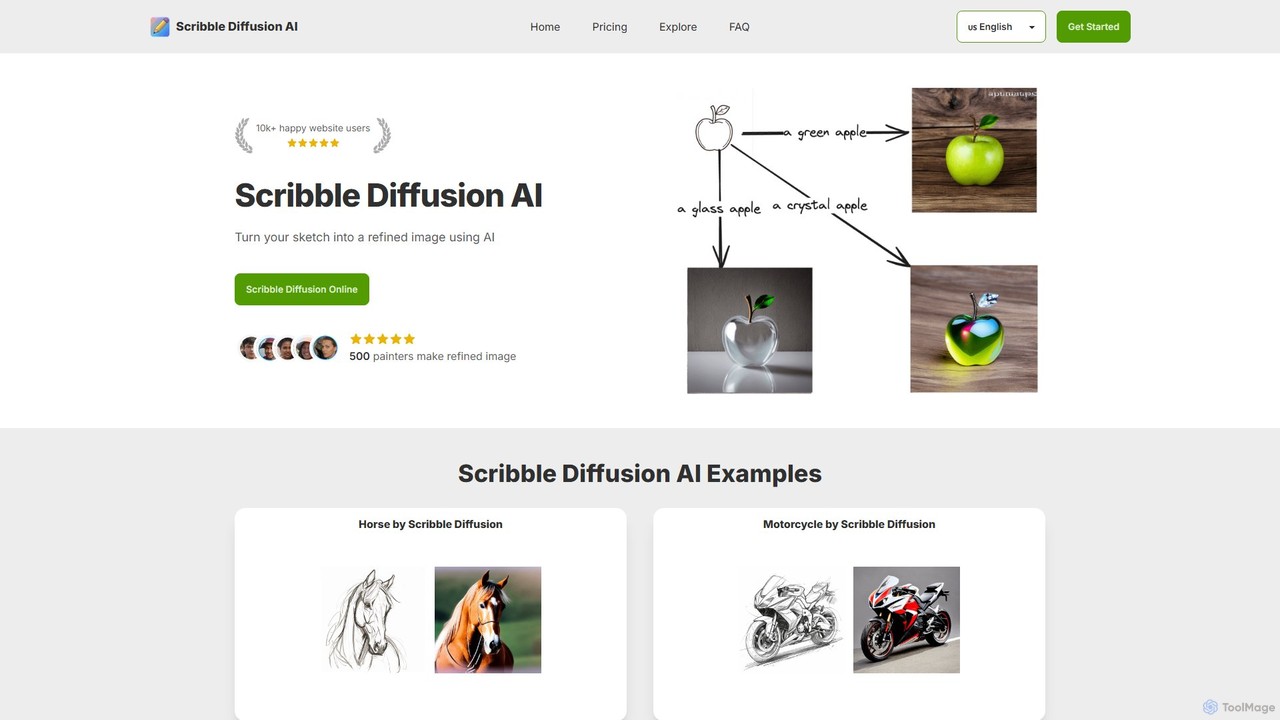
Scribble Diffusion is an AI-powered tool that transforms your simple sketches and text prompts into detailed, high-quality images. It's designed for artists, designers, and hobbyists to quickly visualize ideas, create concept art, and bring imagination to life with ease. Start for free and turn your doodles into masterpieces.

Creative Tools
Visits 14.2KFavorites 126Likes 138
Quick Snack
Free

Quick Snack

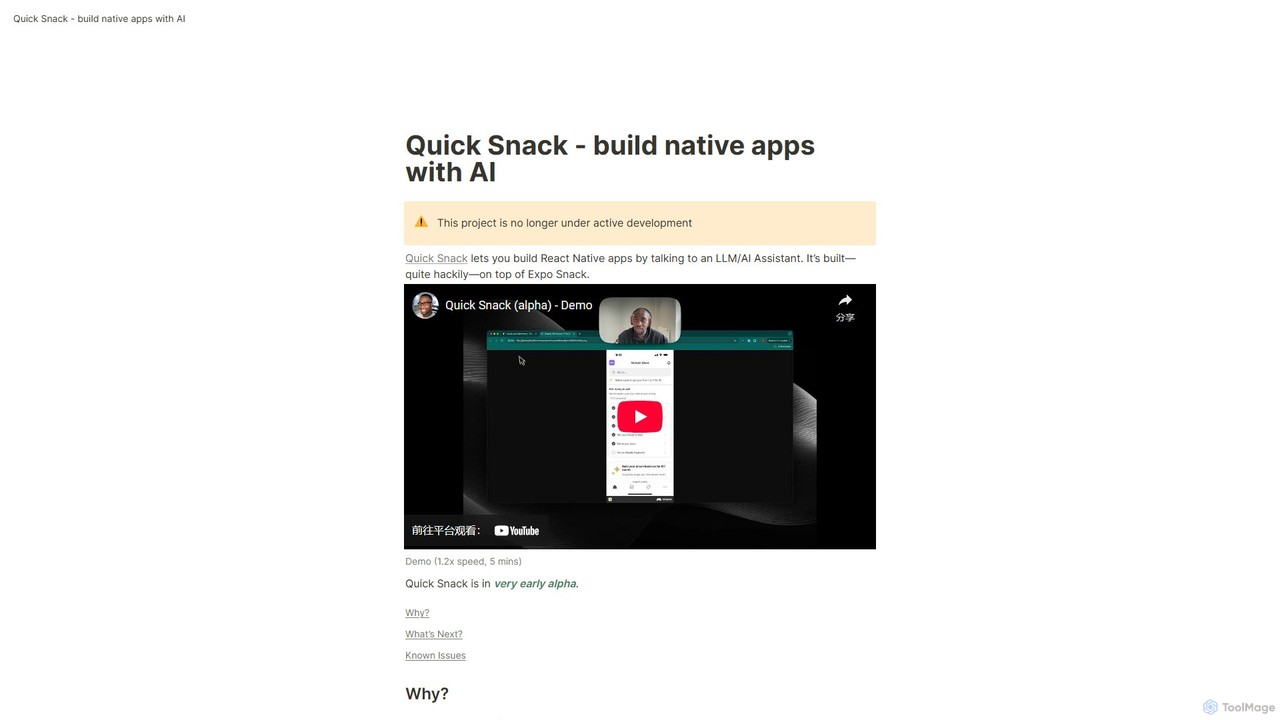
Quick Snack is an experimental AI tool that enables you to build native React Native mobile apps through a conversational interface. By simply describing the UI and functionality you want, the AI assistant generates the necessary code. Built on Expo Snack, it's designed for rapid prototyping and testing mobile app ideas. Please note, this project is an early-stage alpha and is no longer under active development.

Low Code No Code
Visits 5.6KFavorites 145Likes 137

About Prototyping

AI Prototyping tools are applications that use artificial intelligence to rapidly generate interactive mockups, wireframes, and user interfaces for websites and applications. They leverage generative models to transform text prompts, sketches, or data into visual designs and functional user flows. This allows designers, developers, and product managers to visualize, test, and iterate on ideas at a fraction of the time required by traditional methods. By automating repetitive design tasks, these tools significantly accelerate the product development lifecycle, bridging the gap between concept and a tangible prototype.

Core Features

  • Text-to-UI Generation: Converts natural language descriptions or requirements directly into interactive interface layouts and components.
  • Automated User Flow Creation: Generates logical screen sequences and navigation paths based on specified user goals or scenarios.
  • AI-Powered Design Systems: Intelligently suggests components, maintains visual consistency, and applies design rules automatically across the prototype.
  • Generative Content Population: Fills designs with realistic placeholder text, images, and data, making prototypes feel more authentic for testing.
  • Code Export: Translates visual designs into foundational front-end code (e.g., HTML/CSS, React, Swift) to streamline the developer handoff process.

Use Cases

These tools are primarily used by UI/UX designers, product managers, and startup founders in the tech and software industries. They are invaluable for rapid concept validation, creating multiple design variations for A/B testing, and presenting interactive demos to stakeholders or investors. Developers also use them to quickly scaffold the front-end of a new feature based on a design concept.

How to Choose

When selecting an AI Prototyping tool, consider the input methods it supports (text, sketch, data). Evaluate the quality and customizability of the generated UI and the accuracy of its code export. Also, assess its integration capabilities with other design tools like Figma or Sketch, and its collaboration features for team-based projects. Finally, consider the learning curve and whether its feature set aligns with your specific workflow needs.

Featured tool rankings

Prototyping use cases

1

Rapid App Concept Validation for Startups

A startup founder has a new app idea but lacks design resources. They use an AI prototyping tool by inputting a simple text prompt like, 'Create a mobile app for tracking personal reading habits with a library, progress tracker, and social sharing feature.' The AI generates a multi-screen interactive prototype in minutes. The founder can then immediately use this functional mockup to pitch to investors, gather early user feedback, and validate the core concept without writing a single line of code or hiring a designer, saving weeks of time and significant capital.

2

Accelerating UI/UX Design Iterations

A UX designer is tasked with redesigning a complex dashboard. Instead of manually creating multiple layout variations in a traditional tool, they use an AI prototyper. They provide the core data components and ask the AI to 'generate three different dashboard layouts focusing on data visualization.' The tool produces distinct options: one with a sidebar, one with top-level tabs, and another using a card-based system. This allows the designer to quickly compare high-fidelity approaches and present them to the team for feedback, compressing a process that could take days into a single afternoon.

3

Streamlining Developer Handoff with Code Export

A design team finalizes an interactive prototype for a new user onboarding flow. Using the AI tool's code export feature, they generate foundational code for React components. This exported code includes the structure, styling (CSS), and basic component states. While not production-ready, it provides the development team with a solid, functional starting point. Developers can directly use this boilerplate, saving significant time on translating static design files into code and ensuring a higher degree of accuracy between the intended design and the final implementation.

4

Generating Realistic Prototypes for User Testing

A product manager needs to conduct usability testing on a new e-commerce feature before launch. They use an AI prototyping tool with generative content filling. The tool automatically populates the product pages with realistic product names, descriptions, prices, and high-quality images relevant to their store's category. This creates a high-fidelity, life-like prototype that provides a much more authentic testing experience for users compared to mockups with 'Lorem Ipsum' text and generic grey boxes for images, leading to more reliable and actionable feedback.

5

Converting Hand-Drawn Wireframes into Digital Prototypes

During a brainstorming session, a design team sketches several user flow ideas on a whiteboard. Instead of manually recreating these in a digital tool, a designer takes a photo of the whiteboard. They upload this image to an AI prototyping tool that specializes in sketch-to-UI conversion. The AI recognizes the hand-drawn elements—boxes, text, arrows—and transforms them into a clean, interactive digital wireframe. This instantly digitizes the team's collaborative work, allowing them to immediately start refining the interactions and sharing the prototype digitally.

6

Automating User Flow Generation for Complex Processes

A business analyst is mapping out a new, multi-step insurance claim process. They use an AI prototyping tool and provide a high-level description: 'A user submits a claim, uploads documents, an admin reviews it, and the user is notified of the decision.' The AI automatically generates a complete user flow diagram with all the necessary screens: login, claim form, file upload, submission confirmation, admin review dashboard, and notification screens. This saves the analyst hours of manually creating and linking individual screens, ensuring a logical and complete flow from the start.

Prototyping FAQ

What are AI Prototyping tools?

AI Prototyping tools are advanced software applications that use artificial intelligence to automate and accelerate the creation of user interfaces (UI) and user experiences (UX). Unlike traditional tools, they can interpret inputs like text descriptions, hand-drawn sketches, or data to generate interactive wireframes, mockups, and even basic code. Their primary purpose is to drastically reduce the time and effort required to turn an idea into a testable, visual prototype, enabling faster iteration and validation in the product development process.

How do AI Prototyping tools differ from traditional tools like Figma or Sketch?

Traditional tools like Figma and Sketch are powerful digital canvases that require designers to manually create every element, component, and connection. They provide precision and control. AI Prototyping tools act as an accelerator on top of this process. Their key differences are:

  • Generation vs. Creation: AI tools generate designs from prompts, whereas traditional tools require manual creation.
  • Automation: AI tools automate repetitive tasks like creating user flows, populating content, or building component variations.
  • Speed for Early Stages: AI tools are exceptionally fast for initial ideation and creating low-to-mid fidelity concepts, while traditional tools excel at high-fidelity refinement and detailed design system management.

Many modern workflows involve using an AI tool to generate initial ideas quickly, then importing them into a tool like Figma for detailed polishing and collaboration.

How should I choose the right AI Prototyping tool?

Choosing the right tool depends on your specific needs. Consider these factors:

  • Input Method: Do you prefer generating designs from text prompts, converting hand-drawn sketches, or using existing data? Choose a tool that matches your creative process.
  • Output Fidelity: Do you need quick, low-fidelity wireframes for brainstorming, or high-fidelity, interactive mockups for user testing and presentations?
  • Code Export Quality: If developer handoff is a priority, examine the quality and usability of the exported code (e.g., HTML/CSS, React, Swift).
  • Integrations: Check if the tool integrates with your existing design stack, such as Figma, Sketch, or Adobe XD, for a seamless workflow.
  • Collaboration Features: If you work in a team, look for features like real-time editing, commenting, and version control.
Who can benefit from using AI Prototyping tools?

A wide range of professionals can benefit from these tools. Key users include:

  • UI/UX Designers: To rapidly explore multiple design directions and automate the creation of wireframes and user flows.
  • Product Managers: To quickly visualize new features, create interactive demos for stakeholders, and facilitate communication between design and development.
  • Startup Founders & Entrepreneurs: To create compelling, functional prototypes for investor pitches and market validation without needing a large design team.
  • Developers: To get a head start on front-end development with AI-generated boilerplate code and to quickly build interfaces for internal tools.
  • Marketers: To create mockups for landing pages and ad campaigns for A/B testing and concept approval.
Can AI Prototyping tools generate production-ready code?

Generally, the code generated by AI Prototyping tools is not considered production-ready. It serves as an excellent starting point or a 'scaffold' for developers. The exported code typically handles the visual structure and styling (HTML/CSS) well, but it often lacks the complex logic, state management, accessibility standards, and performance optimizations required for a production application. Developers will need to take this generated code, integrate it into their existing codebase, refactor it for best practices, and add the necessary business logic and functionality.