ToolMage
Sign in

Best 185 Utilities AI tools

Popular Utilities AI tools include Apkpure, Truecaller, Wondershare, Image to Text, EaseUS, Quicktools by Picsart, Tenorshare, PDF Candy, TinyWow, and PictureThis, helping you work more efficiently.

Multi-Claude
Paid

Multi-Claude

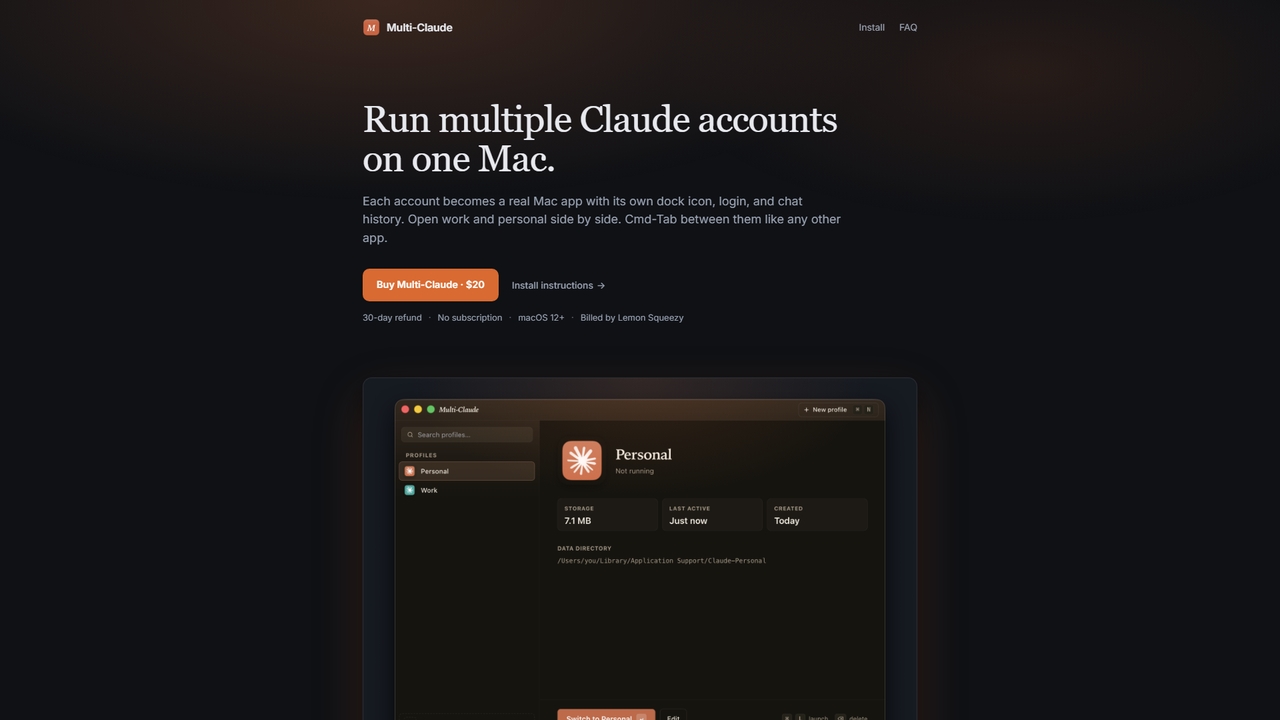
Multi-Claude is a macOS application that allows users to run multiple Claude Desktop accounts simultaneously on a single Mac. Each account functions as an independent app with its own dock icon, login credentials, and chat history, enabling seamless switching via Cmd-Tab without logging out.

Multi Account Management
Visits 6.2KFavorites 19Likes 23

GhostSnap
Paid

GhostSnap

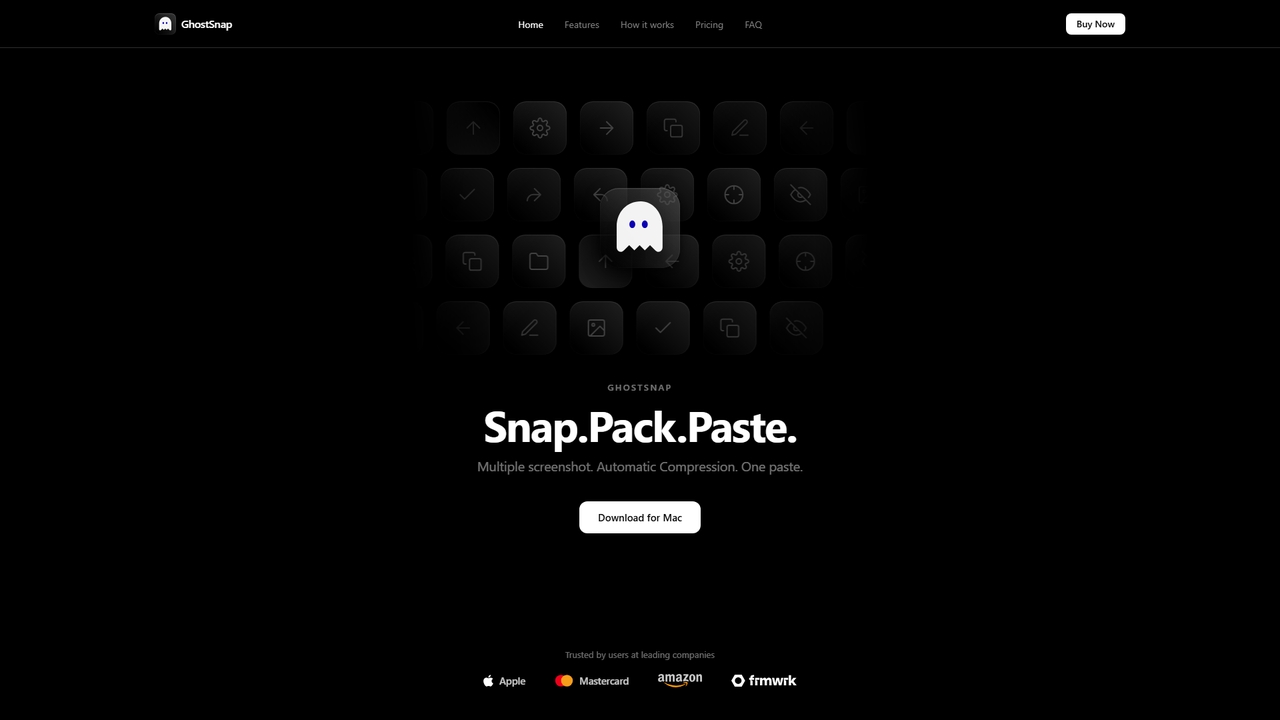
GhostSnap is a macOS productivity tool that streamlines screenshot workflows. It allows users to capture multiple screenshots, automatically compresses them to save space and reduce token usage in AI tools, and pastes them all with a single command. It also features on-device OCR text extraction and image annotation.

Image Tools
Visits 5.5KFavorites 29Likes 15
Knock
Paid

Knock

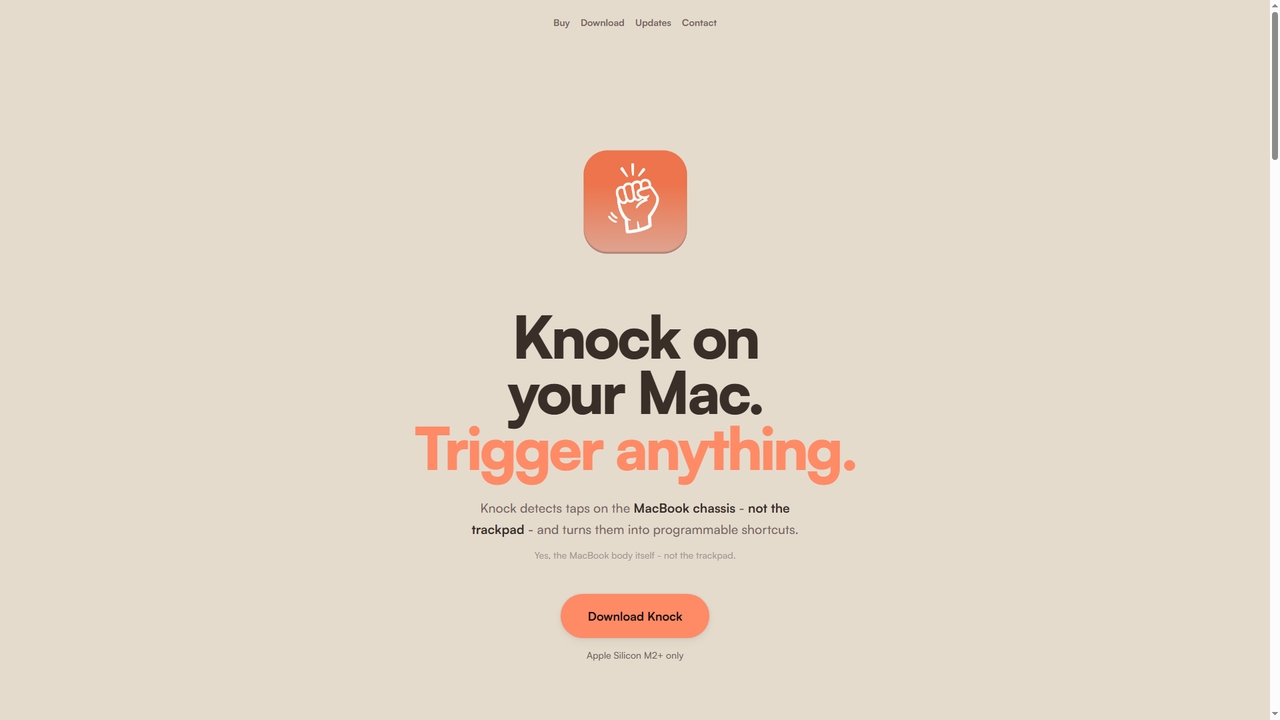
Knock is a macOS utility that transforms your MacBook into a gesture-sensitive interface. By detecting taps on the laptop's chassis using the built-in accelerometer, Knock allows you to trigger custom shortcuts, launch applications, run scripts, or control system functions—all without touching the keyboard or trackpad. It's designed to boost productivity for Apple Silicon Mac users.

Mac
Visits 10.4KFavorites 31Likes 28
DynamicLake

DynamicLake

DynamicLake is a powerful Mac application that brings the iPhone's iconic Dynamic Island experience to macOS, complete with Liquid Glass aesthetics. It transforms the menu bar into an interactive hub for notifications, media control, file management, system utilities, and live activities, enhancing productivity and workflow with a visually stunning and intuitive interface.

Notifications
Visits 28KFavorites 24Likes 17
Natic

Natic

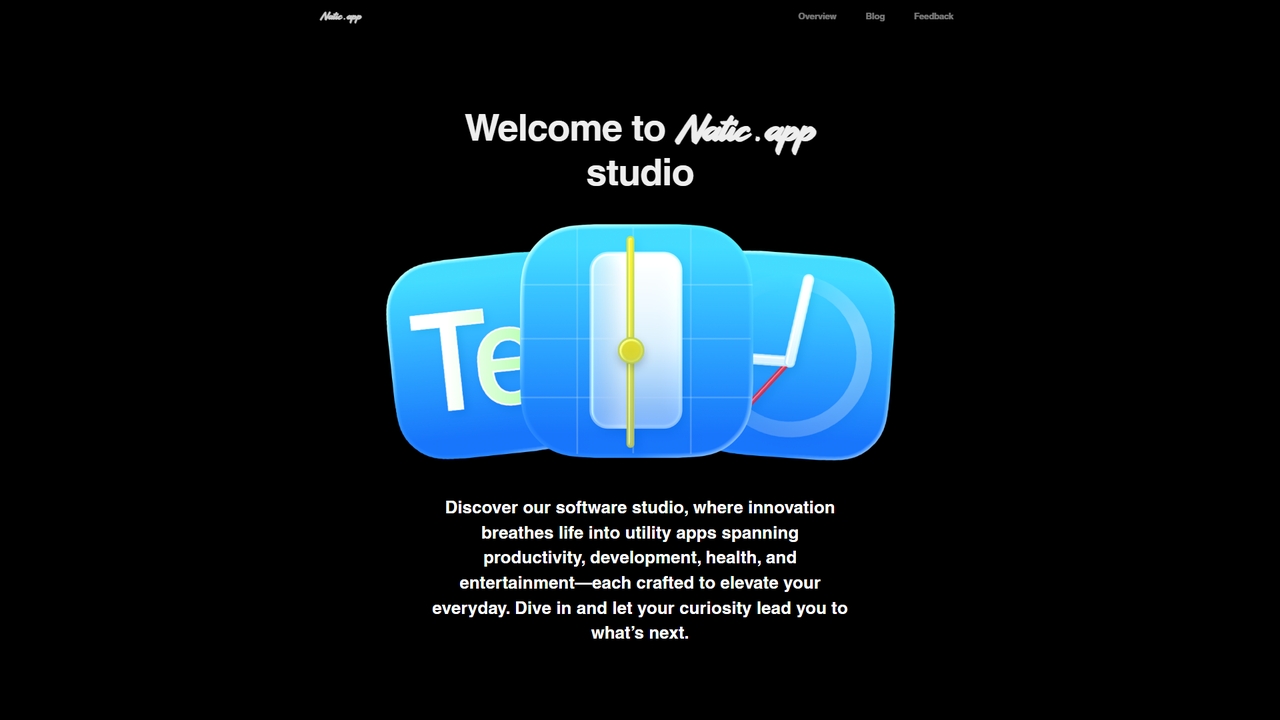
Natic is a software studio dedicated to crafting innovative utility applications that enhance daily productivity, streamline development workflows, and support various lifestyle needs. From robust code review tools for macOS to smart AI credit tracking and personal utility apps, Natic aims to make everyday tasks more efficient and effortless for developers and general users alike.

Code Review
Visits 5.3KFavorites 27Likes 25
TurboAITools
Free

TurboAITools

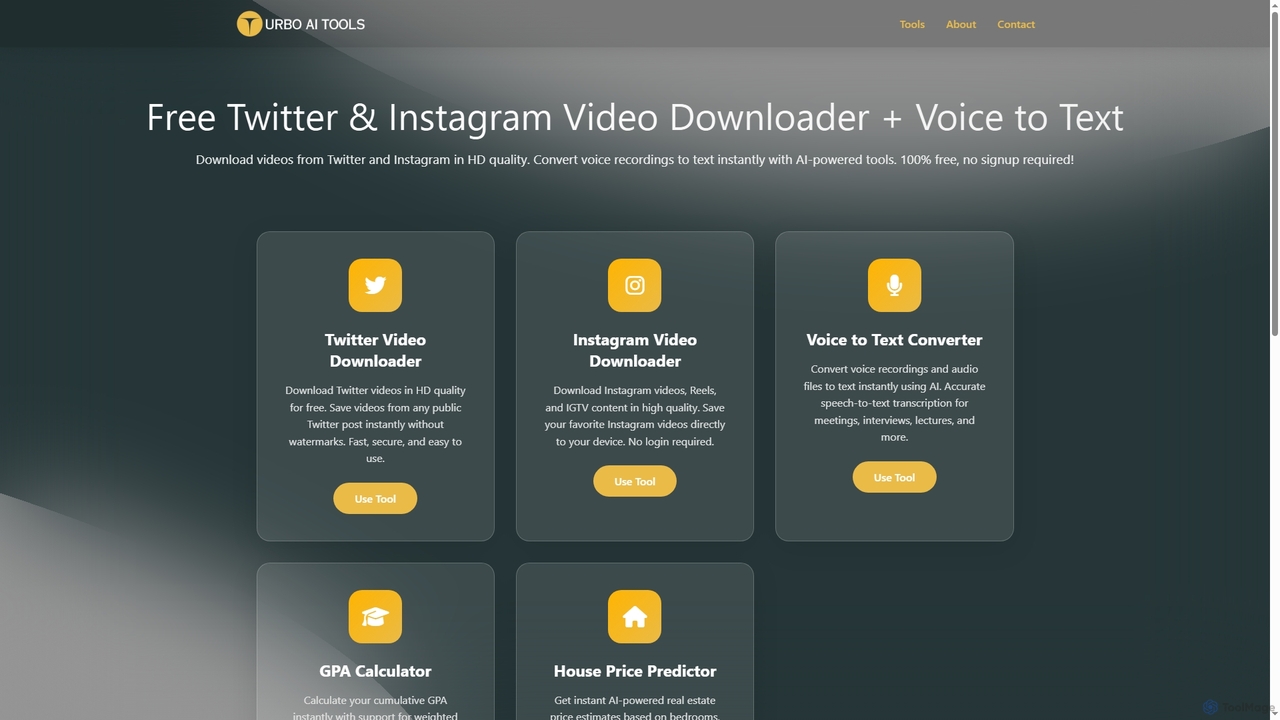
TurboAITools offers a comprehensive suite of free, AI-powered online utilities designed to simplify digital tasks. It includes tools like Twitter and Instagram video downloaders, an accurate voice-to-text converter, a versatile GPA calculator, and an intelligent house price predictor. Prioritizing user privacy and ease of use, TurboAITools provides fast, registration-free solutions for content creators, students, and real estate enthusiasts alike.

Academic Planning
Visits 5.6KFavorites 25Likes 30
VerseVidSaver
Free

VerseVidSaver

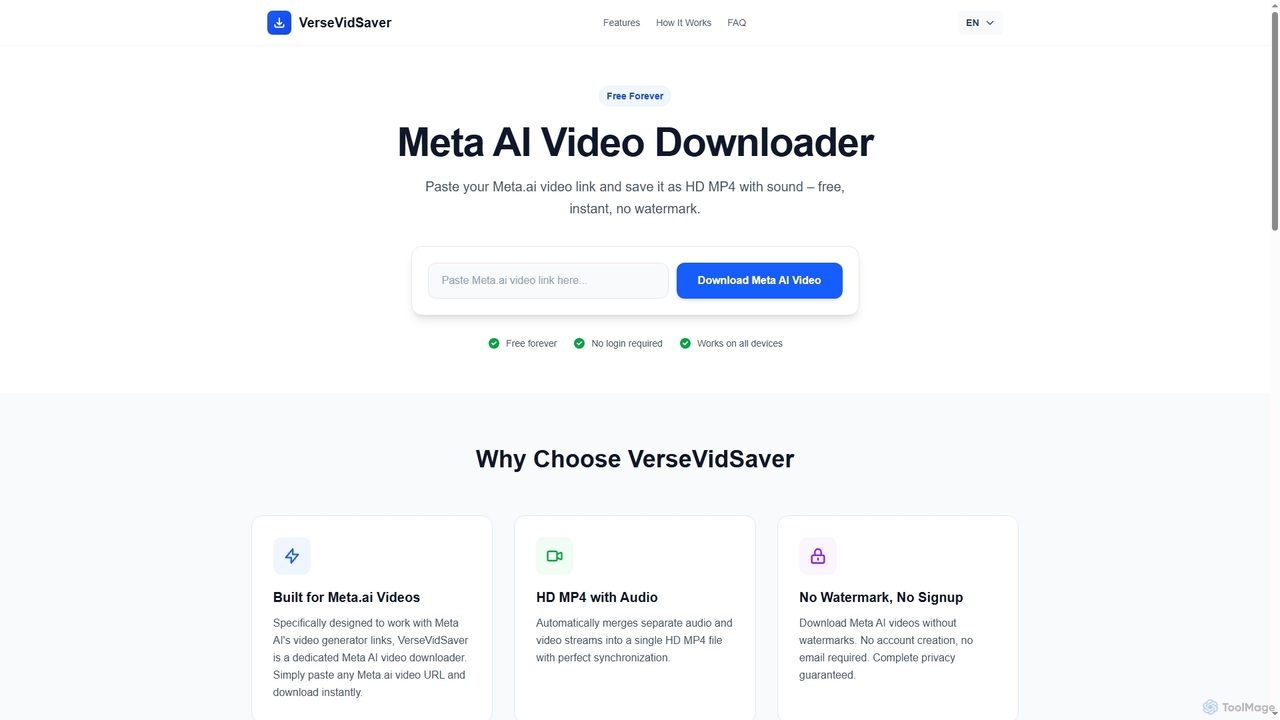
VerseVidSaver is a free online tool specifically designed to download high-definition videos generated by Meta's AI platform. It seamlessly extracts and merges video and audio streams into a single, watermark-free HD MP4 file, offering unlimited downloads without hidden costs.

3D
Visits 256.3KFavorites 38Likes 42
AIO Scanner

AIO Scanner

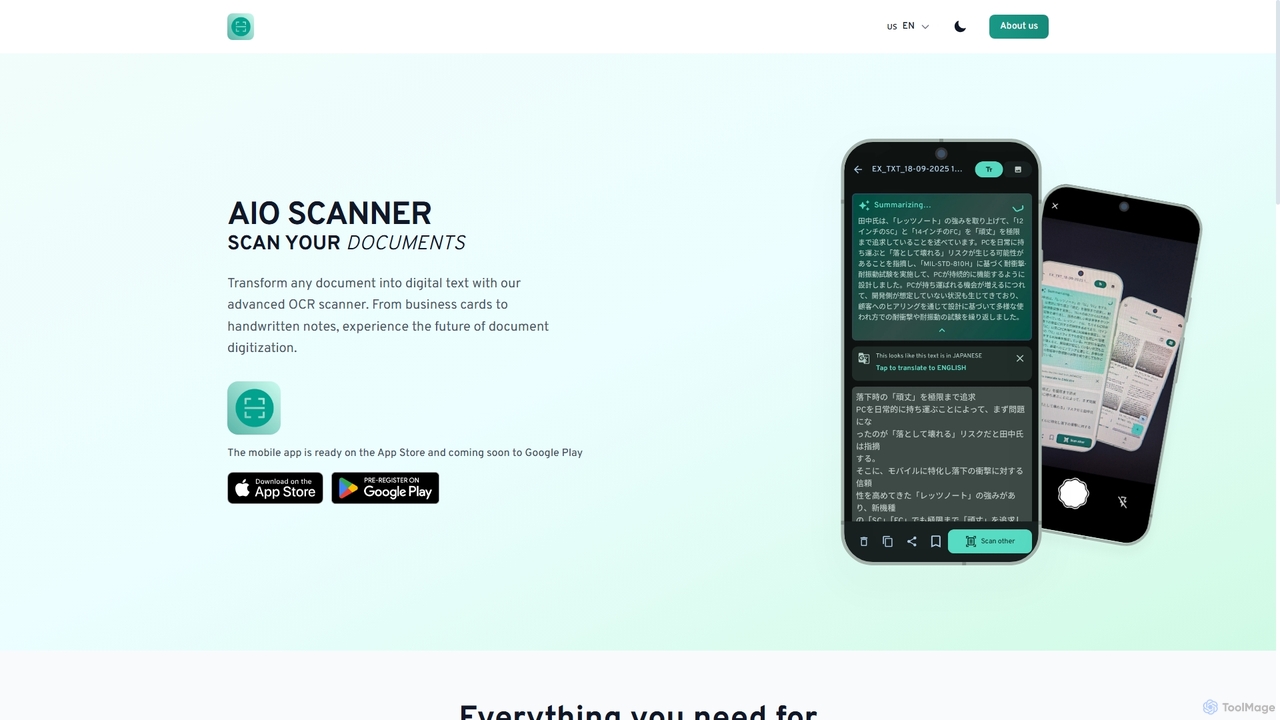
AIO Scanner is an advanced mobile document scanning and OCR tool designed to digitize various physical documents efficiently. It transforms printed text, handwritten notes, and even receipts into editable digital text with high accuracy. Beyond OCR, it offers smart document scanning, QR/barcode detection, AI-powered summarization, and robust security features, making it a comprehensive solution for document management on the go.

Mobile Tools
Visits 5.4KFavorites 33Likes 32
VN Translator
Freemium

VN Translator

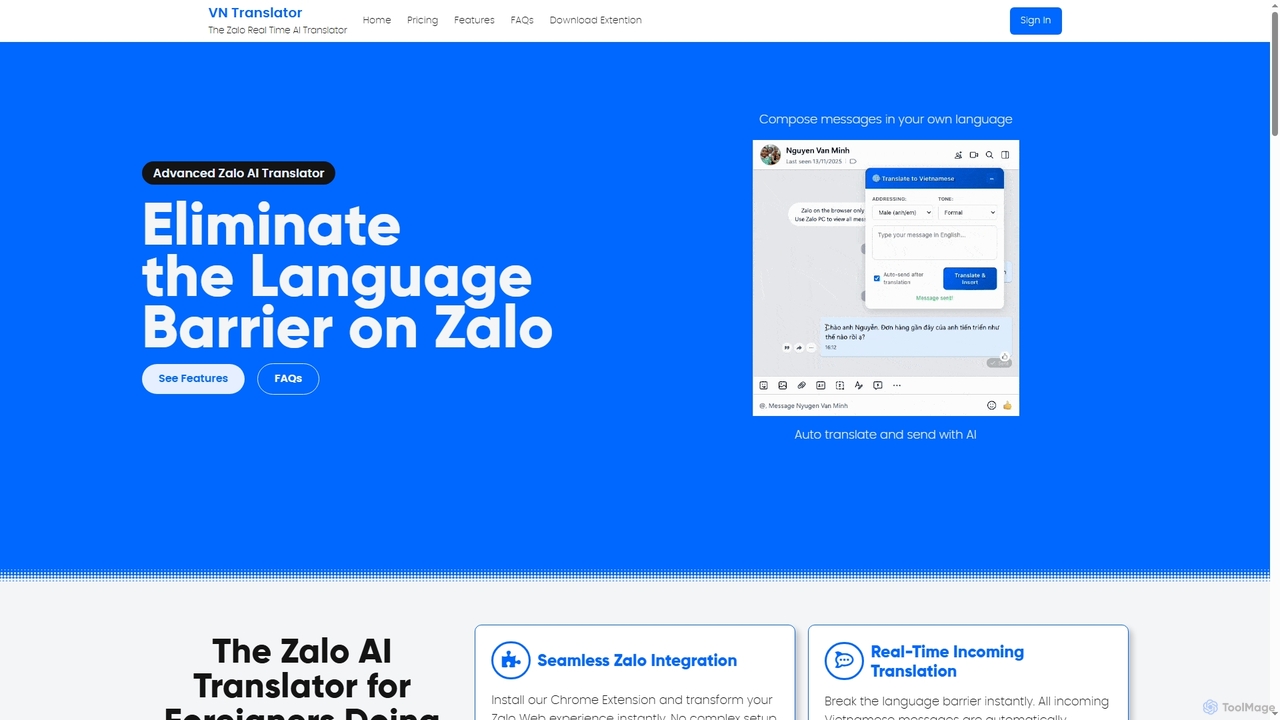
VN Translator is an advanced AI-powered Chrome extension designed for real-time Zalo translation, specifically for expats and businesses in Vietnam. It breaks language barriers by automatically translating incoming Vietnamese messages and allowing users to compose replies in their native language, ensuring culturally accurate communication.

International Business
Visits 6.1KFavorites 50Likes 65
EcoSort

EcoSort

EcoSort is a mobile application designed to simplify waste recycling by providing immediate, localized sorting instructions. Users can scan product packaging to receive clear guidance on where to dispose of items, eliminating confusion about local rules and bin types. It aims to make eco-friendly waste management effortless and accessible for everyone.

Home Management
Visits 5.3KFavorites 75Likes 74
RenameClick
Freemium

RenameClick

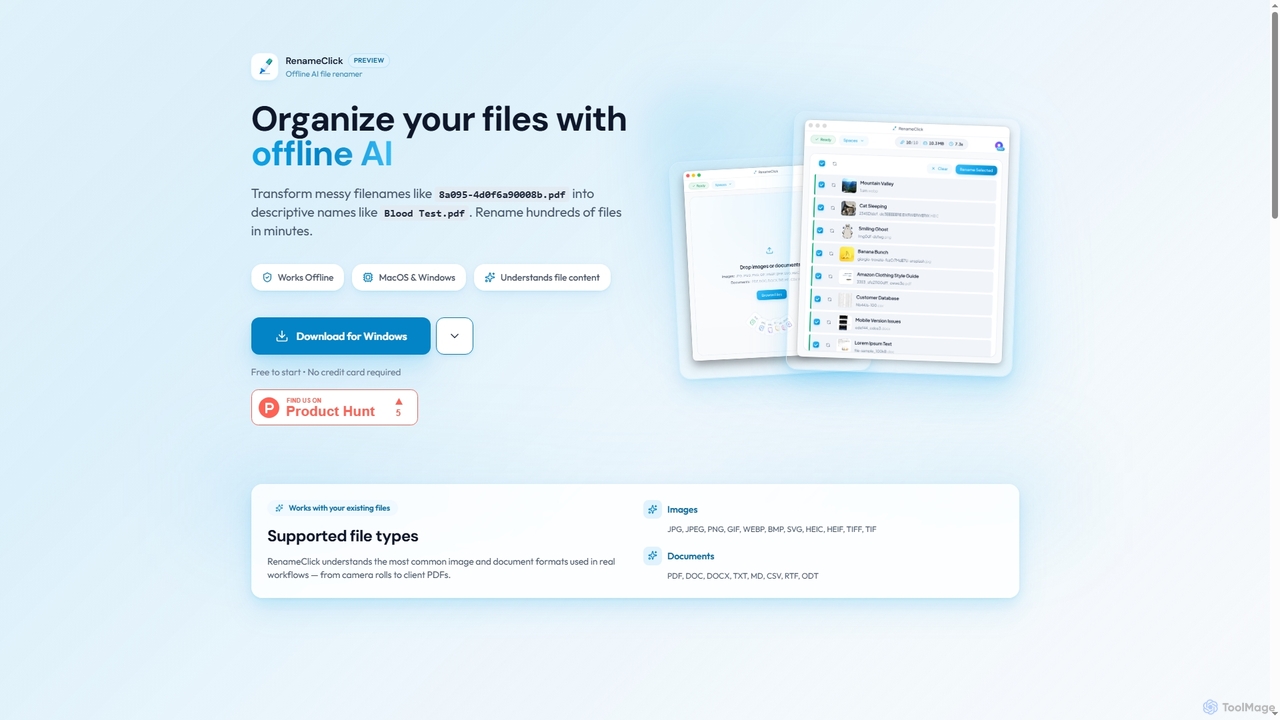
RenameClick is an offline AI file renamer for Mac and Windows that intelligently transforms messy, unorganized filenames into descriptive, clean labels. It leverages local AI to understand file content, enabling efficient batch renaming of hundreds of images and documents while ensuring complete privacy.

Offline Processing
Visits 23.5KFavorites 85Likes 77
Apkpure
Freemium

Apkpure

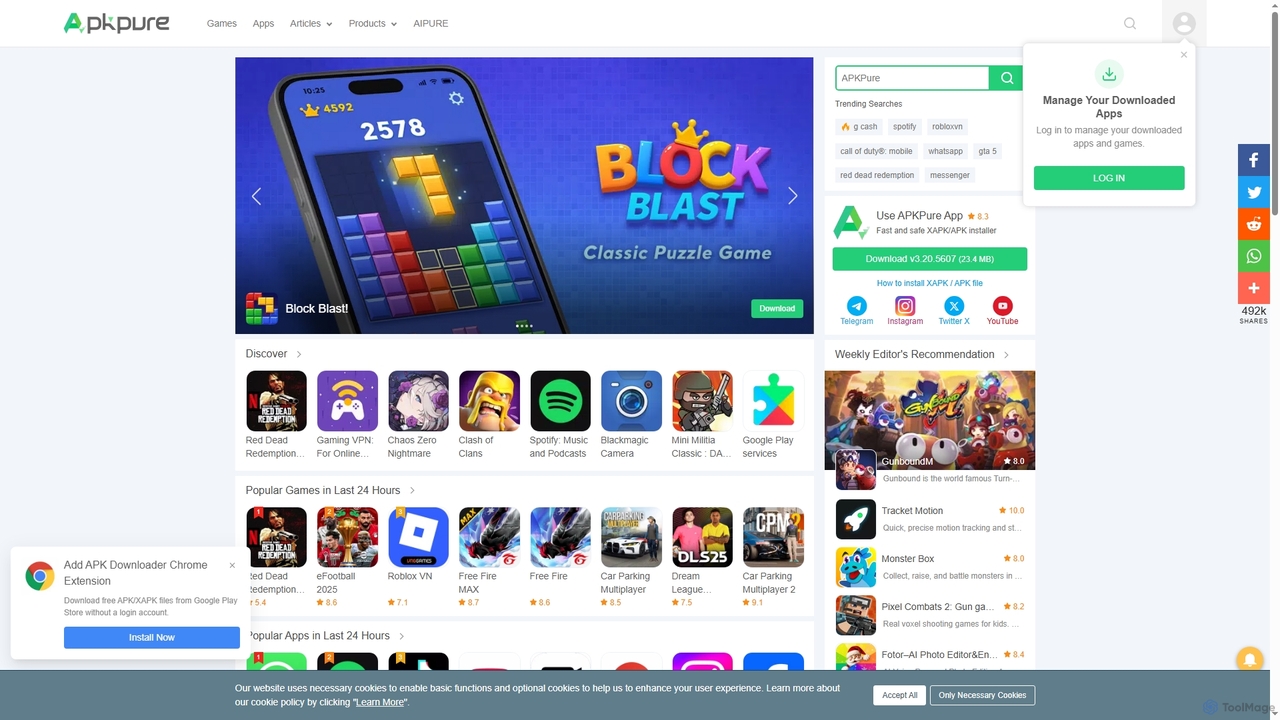
Apkpure is a multi-platform app store focused on Android, offering a vast library of apps and games for download as APK files. It provides a fast, safe, and efficient way to discover and install new applications, including region-locked or older versions not available on other platforms.

App Distribution
Visits 38MFavorites 98Likes 115
Kalycs
Paid

Kalycs

Kalycs is a local-first AI-powered file search and organization tool exclusively for Mac. It helps users quickly find information within their documents, auto-organize downloads, and get instant answers using natural language queries, ensuring privacy by keeping files on-device and leveraging the user's own OpenAI API key for AI features.

Personal Knowledge Base
Visits 5.3KFavorites 83Likes 98
Altalt
Free

Altalt

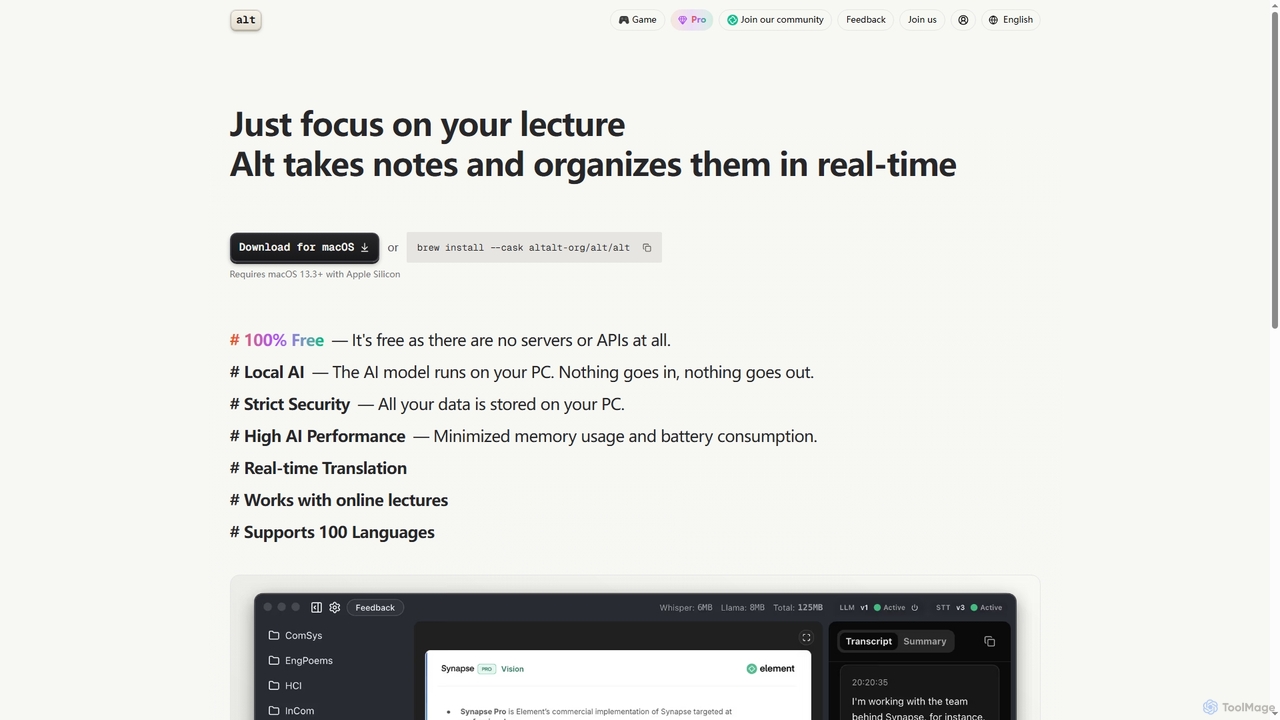
Altalt is a free, local AI lecture notetaker for macOS that transcribes and organizes your lectures in real-time. It ensures strict data privacy by running entirely on your device, supporting 100 languages and real-time translation, making it ideal for students and professionals seeking efficient, secure note-taking.

Note Taking
Visits 29.8KFavorites 92Likes 111
SortlyAI
Freemium

SortlyAI

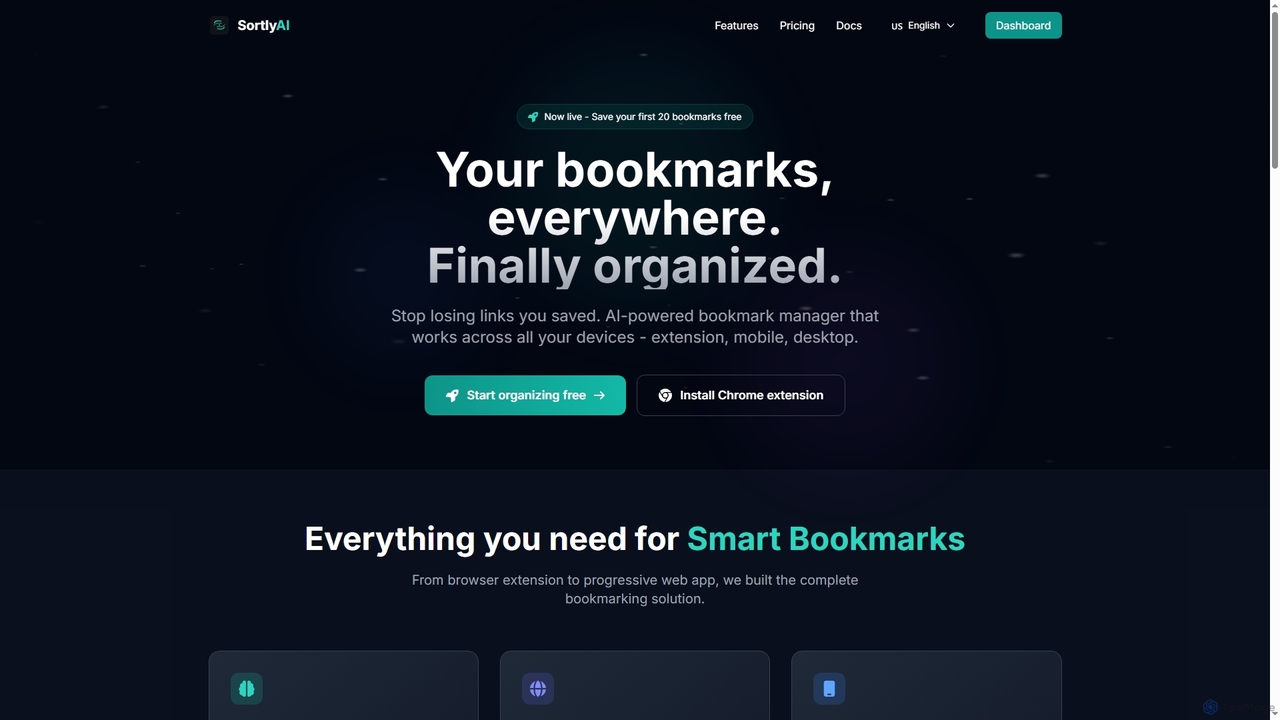
SortlyAI is an AI-powered smart bookmark manager that organizes your saved links across all devices. It features auto-tagging, smart descriptions, and AI summaries, ensuring you never lose important web content again and can easily find what you need.

Research Tools
Visits 5.3KFavorites 119Likes 99
Listmind
Freemium

Listmind

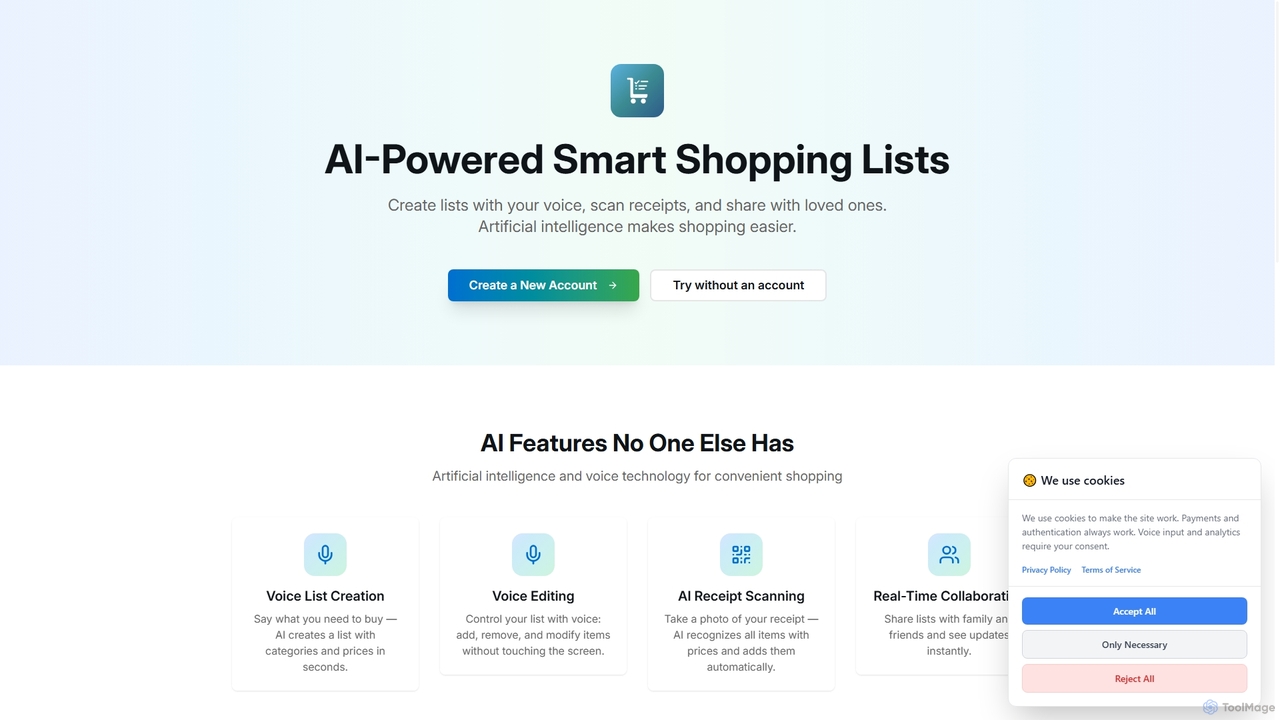
Listmind is an AI-powered smart shopping list app that simplifies your grocery shopping. Create lists using your voice, scan receipts to automatically add items, and collaborate in real-time with family and friends. Its intelligent features categorize items and estimate prices, making shopping faster and more organized.

Organization
Visits 5.2KFavorites 136Likes 121
DW Free Video Downloader
Free

DW Free Video Downloader

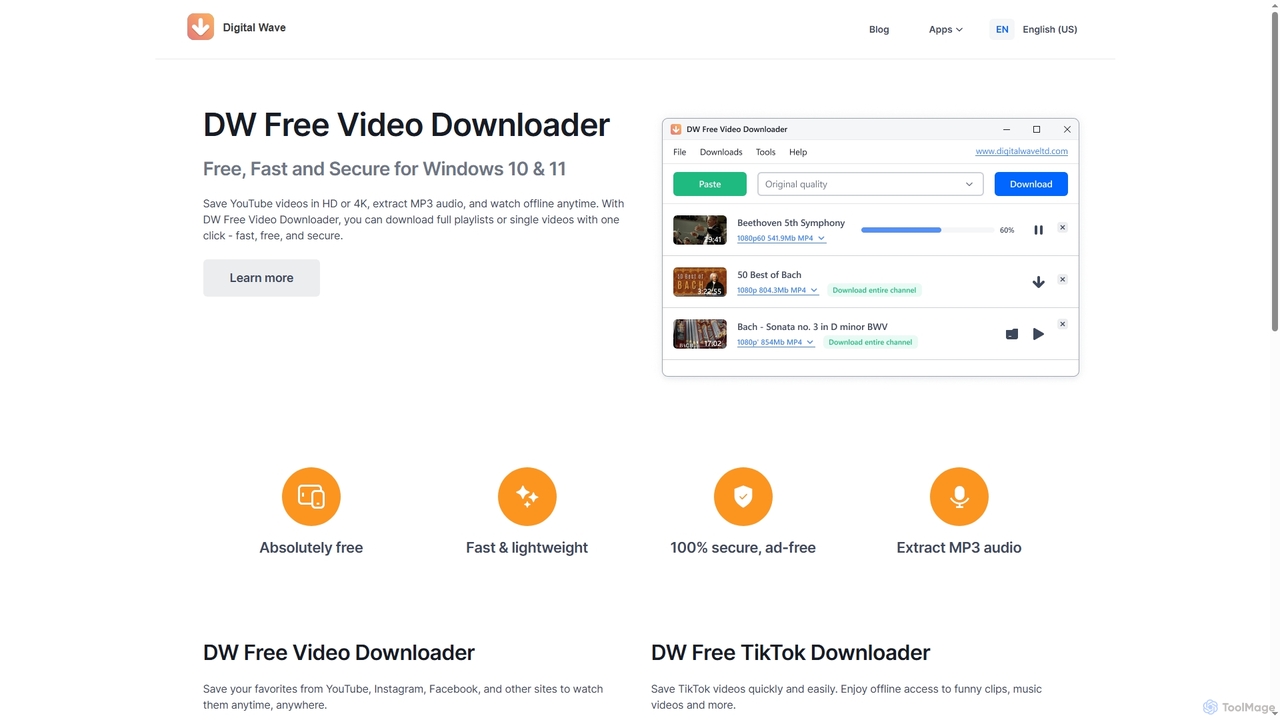
DW Free Video Downloader is a free, fast, and secure desktop application for Windows 10 & 11. It enables users to download videos in HD or 4K from sites like YouTube, Instagram, and Facebook, save entire playlists, and extract MP3 audio for offline access.

Video Downloader
Visits 30.5KFavorites 123Likes 137
Onlinecpstest
Free

Onlinecpstest

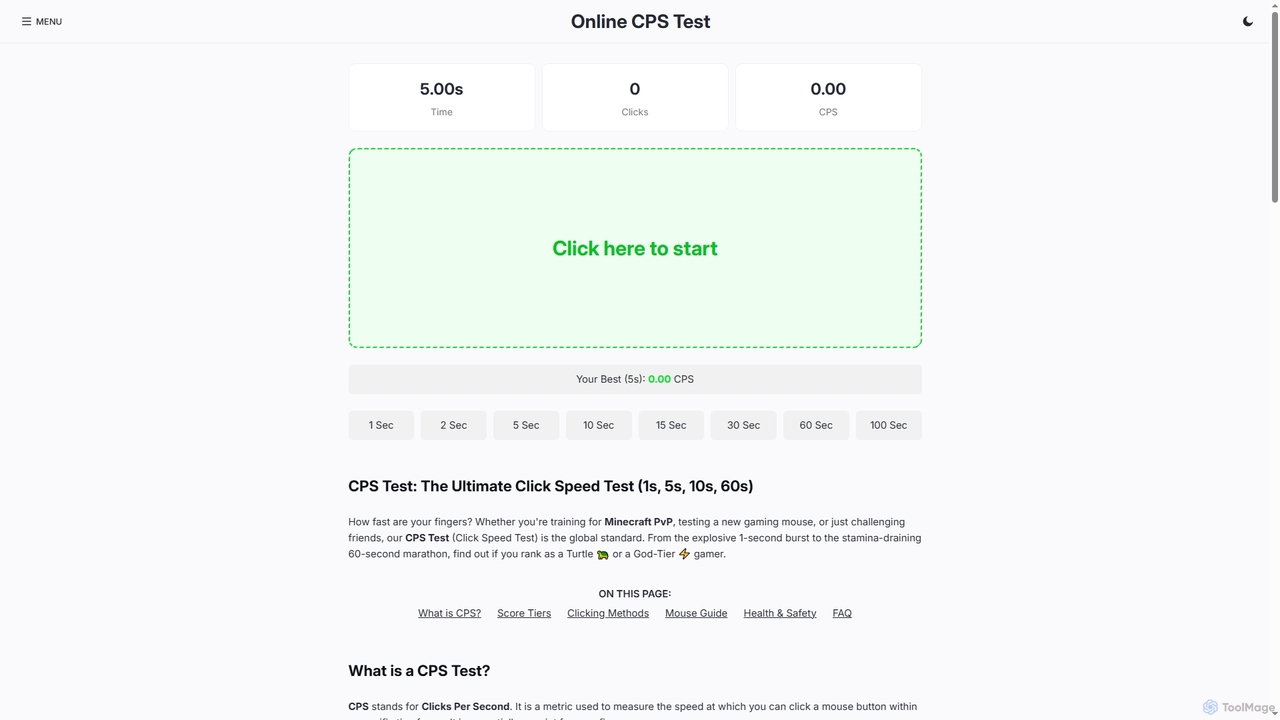
A free, browser-based tool for testing your mouse's Clicks Per Second (CPS). Ideal for gamers, hardware enthusiasts, and anyone looking to measure and improve their clicking speed with various time challenges (1s, 5s, 10s, etc.).

Training Tool
Visits 5.4KFavorites 123Likes 124
Imagetotext
Free

Imagetotext

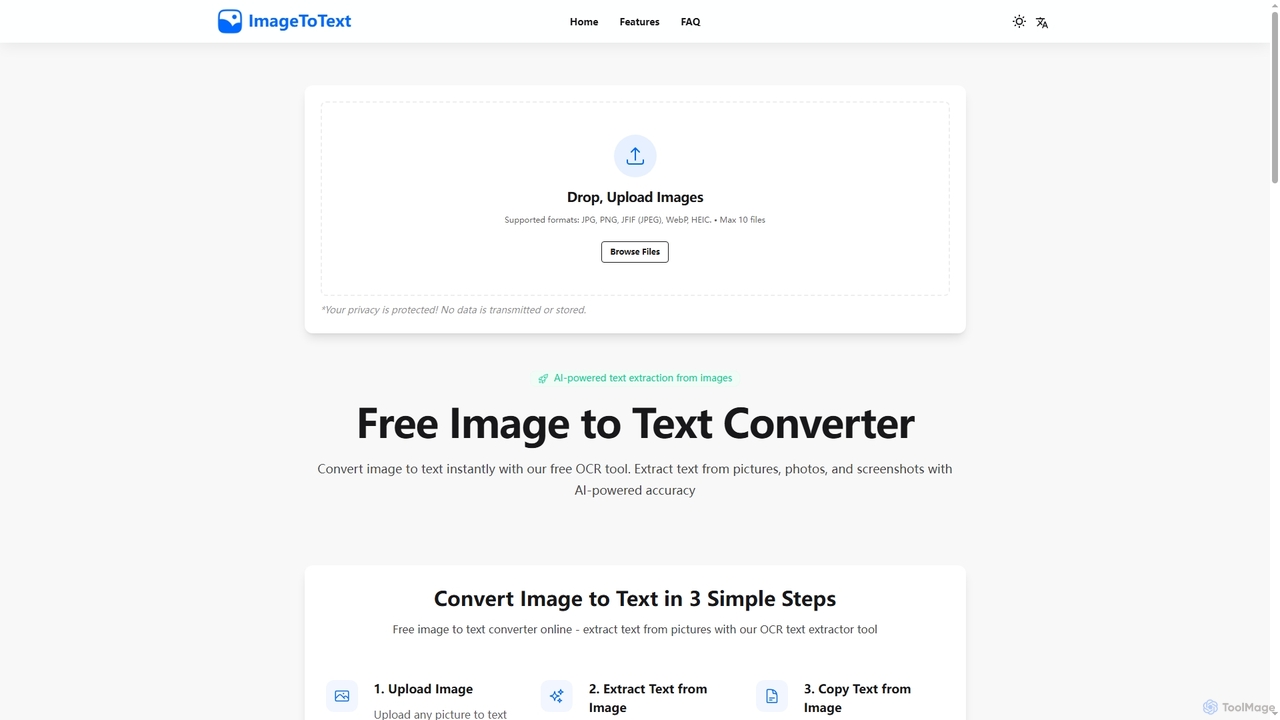
A free, AI-powered online OCR tool that instantly converts images to text. It accurately extracts text from various formats like JPG, PNG, and even handwritten notes, ensuring user privacy with end-to-end encryption and no data storage.

Digitization
Visits 7.1KFavorites 143Likes 129
Export Reader
Free

Export Reader

Export Reader is a free, private, and secure tool designed to help users manage their ChatGPT conversation history. It allows you to import your ChatGPT data export (ZIP file) to easily search, tag, analyze, and organize your AI interactions within a responsive dashboard.

Chat Data
Visits 5.4KFavorites 152Likes 145
CyberIQ
Freemium

CyberIQ

CyberIQ is your personal AI-powered cybersecurity assistant, offering tailored guidance and instant expert answers to protect your digital presence. It covers everything from personal security and home network protection to enterprise solutions and security learning.

Enterprise Security
Visits 5.4KFavorites 114Likes 112
ChatMod
Free

ChatMod

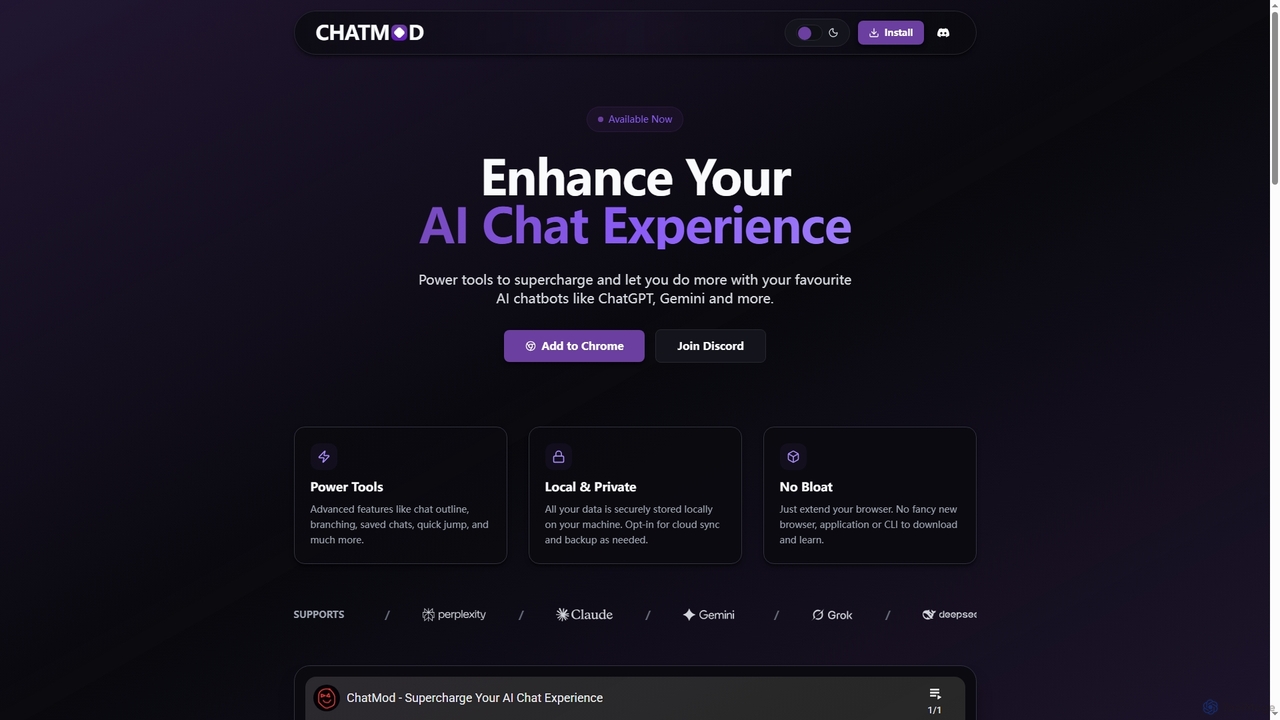
ChatMod is a powerful browser extension designed to supercharge your AI chat experience across platforms like ChatGPT, Gemini, Perplexity, and more. It offers advanced features for chat organization, navigation, and productivity, all while keeping your data local and private.

Chat Management
Visits 5.4KFavorites 130Likes 123
Notlok
Paid

Notlok

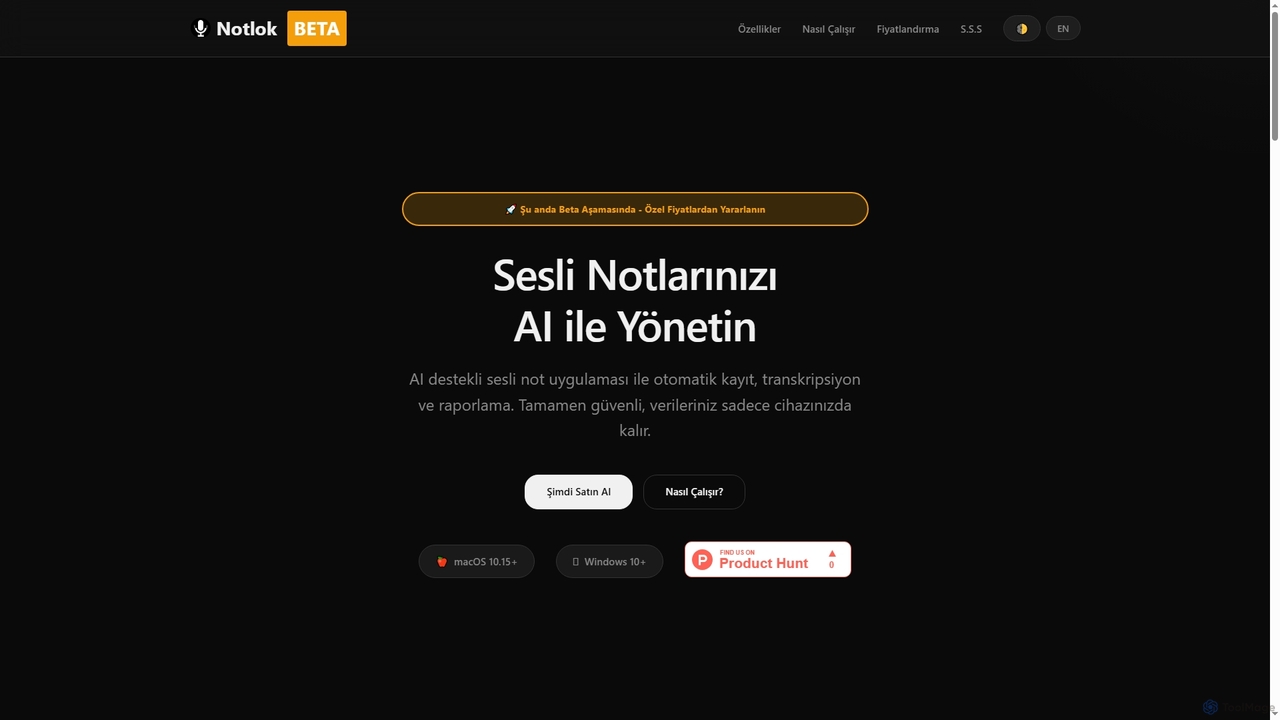
Notlok is an AI-powered desktop application for macOS and Windows that provides secure, offline voice note transcription and direct system audio recording. It leverages Whisper AI models to convert spoken content from over 99 languages into text, ensuring user data remains entirely on the local device.

Voice Notes
Visits 5.2KFavorites 123Likes 119
DocPDFHub
Free

DocPDFHub

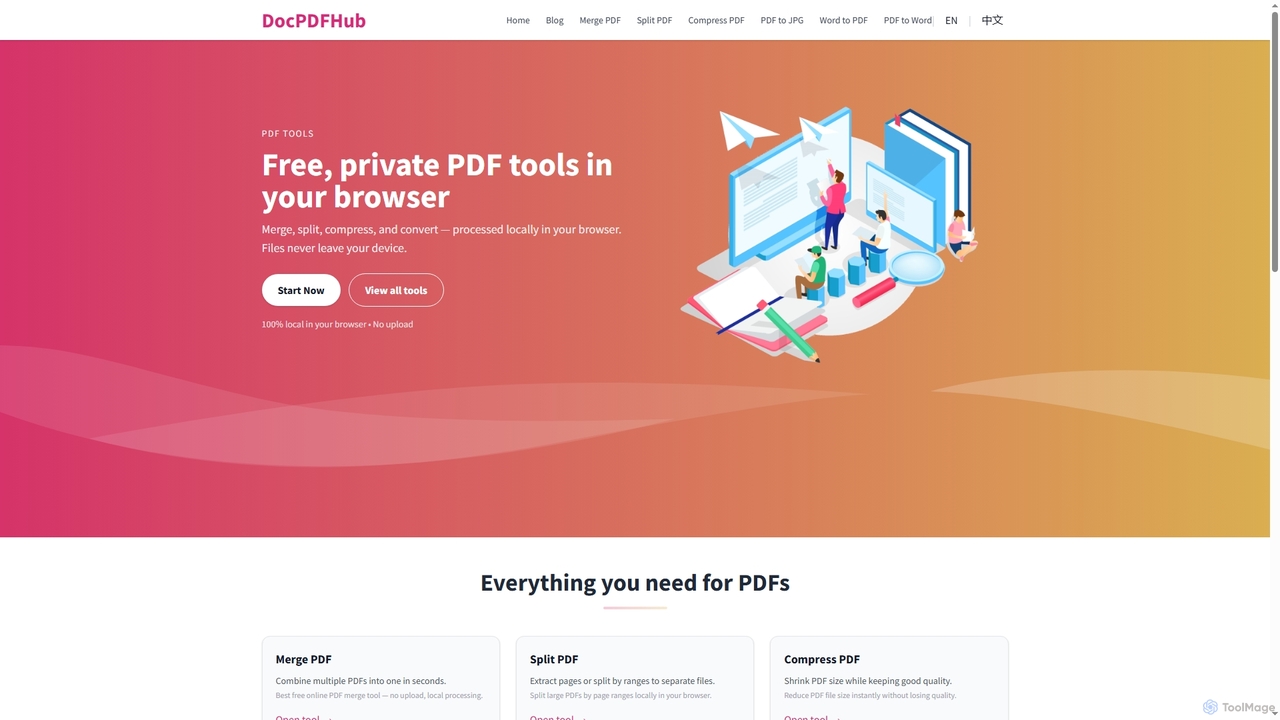
DocPDFHub is a suite of free, privacy-focused online PDF and Word tools that process documents entirely within your browser. It offers essential functionalities like merging, splitting, compressing PDFs, and converting between PDF, Word, and JPG formats, ensuring your files never leave your device. Designed for speed, simplicity, and security, it's ideal for everyday document management without uploads or sign-ups.

Pdf Tools
Visits 5.5KFavorites 114Likes 117

About Utilities

Utilities are AI-powered tools designed to enhance efficiency, automate routine tasks, and provide specialized assistance across various digital workflows. These tools leverage advanced AI capabilities, such as natural language processing, machine learning, and computer vision, to understand context, process data, and execute actions intelligently. By streamlining operations and reducing manual effort, AI utilities empower users to save time, improve accuracy, and unlock new capabilities in their daily tasks and professional projects.

Core Features

  • Automated Task Execution: Automate repetitive digital tasks like data entry, file organization, or content scheduling.
  • Data Processing & Organization: Efficiently sort, categorize, and analyze large volumes of data for better insights.
  • Content Enhancement: Improve the quality of text, images, or audio through AI-driven suggestions and modifications.
  • Intelligent Search & Retrieval: Find specific information faster and more accurately across documents and databases.
  • Workflow Integration: Seamlessly connect with existing software and platforms to create cohesive work environments.

Use Cases

AI utilities find application across diverse sectors, from individual productivity to large-scale enterprise operations. They are invaluable for professionals seeking to optimize their digital footprint, content creators aiming for perfection, and businesses striving for operational excellence. Typical scenarios include automating administrative chores, enhancing creative output, and simplifying complex data management processes.

How to Choose

When selecting an AI utility, consider its specific functionality to ensure it addresses your exact needs. Evaluate its integration capabilities with your current software ecosystem for seamless workflow. Assess the ease of use and learning curve, as well as its scalability and performance to handle your anticipated workload. Finally, prioritize tools with robust security and privacy measures to protect your data.

Featured tool rankings

Utilities use cases

1

Automating Data Entry for Administrative Tasks

Administrative professionals often spend significant time on repetitive data entry. AI utilities can automatically extract information from documents, emails, or spreadsheets and input it into databases or CRM systems, drastically reducing manual effort and minimizing errors. This frees up staff to focus on more strategic tasks, improving overall office efficiency.

2

Intelligent Document Summarization for Research

Researchers and analysts frequently deal with vast amounts of text. AI utilities can quickly read through lengthy reports, articles, or legal documents and generate concise summaries, highlighting key points and critical information. This accelerates the research process, allowing users to grasp core concepts faster and make informed decisions.

3

Enhanced Content Proofreading and Style Checking

Content creators, marketers, and writers can leverage AI utilities for advanced proofreading beyond basic grammar checks. These tools can analyze writing style, suggest improvements for clarity and conciseness, detect plagiarism, and ensure brand voice consistency across various content pieces, elevating the quality of written communication.

4

Batch Image Optimization and Resizing for Web Assets

Web developers and designers often need to process numerous images for websites or applications. AI utilities can automatically optimize image file sizes, resize them to specific dimensions, and even remove backgrounds in bulk. This ensures fast loading times, consistent visual quality, and significantly speeds up asset preparation workflows.

5

Smart Email Management and Prioritization

Busy professionals receive a high volume of emails daily. AI utilities can intelligently categorize incoming messages, flag urgent communications, filter out spam, and even draft quick replies based on context. This helps users manage their inboxes more effectively, ensuring important emails are addressed promptly and reducing digital clutter.

6

Code Refactoring and Quality Check for Developers

Software developers can utilize AI utilities to improve code quality and maintainability. These tools can analyze code for potential bugs, suggest refactoring opportunities to optimize performance, enforce coding standards, and even generate documentation. This leads to cleaner, more efficient codebases and faster development cycles.

Utilities FAQ

What are AI Utilities?

AI Utilities are software tools that use artificial intelligence to perform specific, often routine, tasks more efficiently and intelligently than traditional methods. They are designed to automate, optimize, or enhance various digital processes, ranging from data management and content creation to personal productivity and development workflows. Their core purpose is to simplify complex operations and save users time and effort.

How do I choose the best AI Utility for my needs?

To choose the best AI utility, first identify your specific problem or task you want to automate or enhance. Then, evaluate tools based on their core functionality and how well it aligns with your requirements. Consider integration capabilities with your existing software, ease of use, and the tool's scalability. Finally, check user reviews, pricing models, and the vendor's commitment to security and data privacy.

What are the main benefits of using AI Utilities?

The main benefits of using AI Utilities include significant time savings by automating repetitive tasks, improved accuracy due to reduced human error, and enhanced productivity across various workflows. They can also unlock new capabilities, such as intelligent data analysis or advanced content generation, allowing users to achieve results that would be difficult or impossible manually. Ultimately, they streamline operations and optimize resource allocation.

What are some common types of AI Utility tools?

Common types of AI Utility tools include smart assistants for scheduling and email management, AI-powered grammar and writing assistants, data extraction and processing tools, image and video optimization utilities, code analysis and refactoring tools, and intelligent search engines. These tools span various categories, each designed to address specific pain points in digital work and personal life.

Can AI Utility tools integrate with my existing software?

Many AI Utility tools are designed with integration in mind. They often offer APIs, plugins, or direct connectors to popular platforms like CRM systems, project management software, content management systems, and cloud storage services. This allows for seamless data flow and workflow automation, ensuring that the AI utility enhances rather than disrupts your existing digital ecosystem. Always check the tool's documentation for specific integration options.