ToolMage
Sign in

Best 185 Utilities AI tools

Popular Utilities AI tools include Apkpure, Truecaller, Wondershare, Image to Text, EaseUS, Quicktools by Picsart, Tenorshare, PDF Candy, TinyWow, and PictureThis, helping you work more efficiently.

PDF Candy
Freemium

PDF Candy

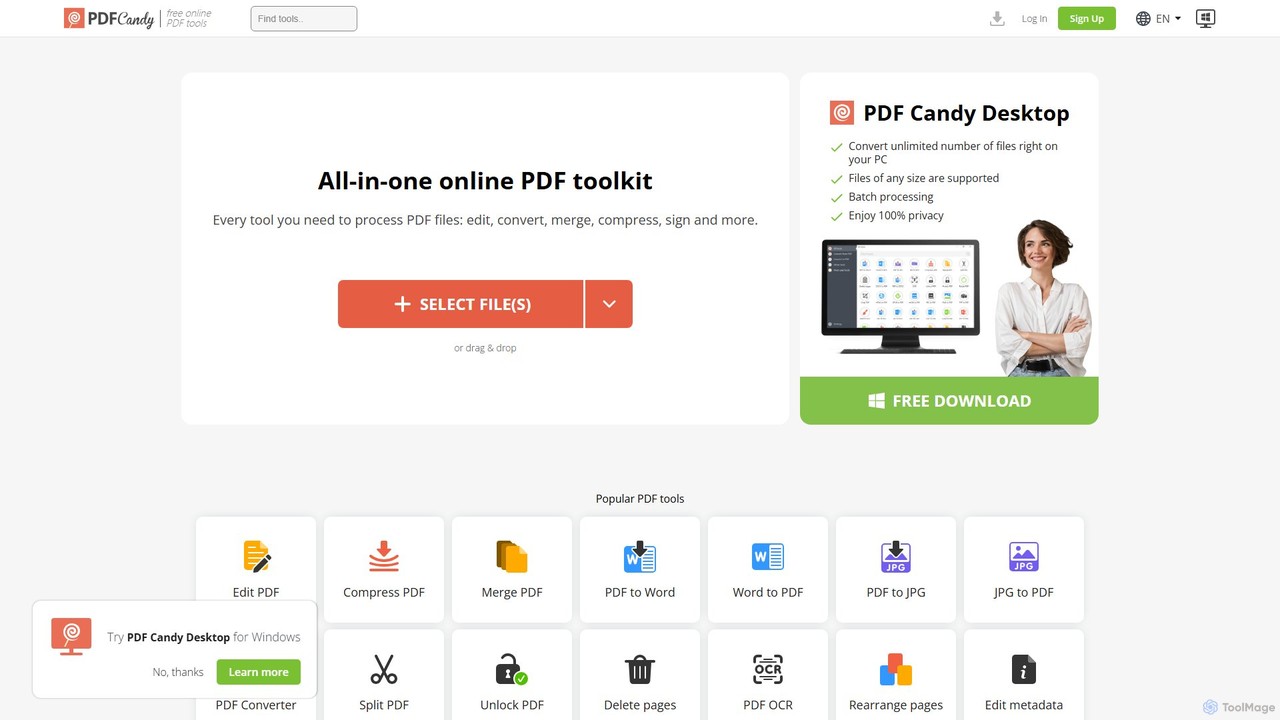
PDF Candy is a comprehensive all-in-one online and desktop toolkit offering over 90 free tools to manage PDF files. Users can easily edit, convert from and to various formats, merge, compress, sign, unlock, and perform OCR on documents. It provides a user-friendly interface for both casual and professional use, ensuring high-quality results for all your PDF needs.

File Conversion
Visits 2.5MFavorites 149Likes 126
Immich
Free

Immich

Immich is a high-performance, open-source, self-hosted photo and video backup solution. It serves as a private, feature-rich alternative to cloud services like Google Photos, offering AI-powered features such as facial recognition, object detection, and semantic search, all while ensuring you retain full control and ownership of your personal media.

Self Hosted
Visits 622KFavorites 136Likes 119
Protectstar
Freemium

Protectstar

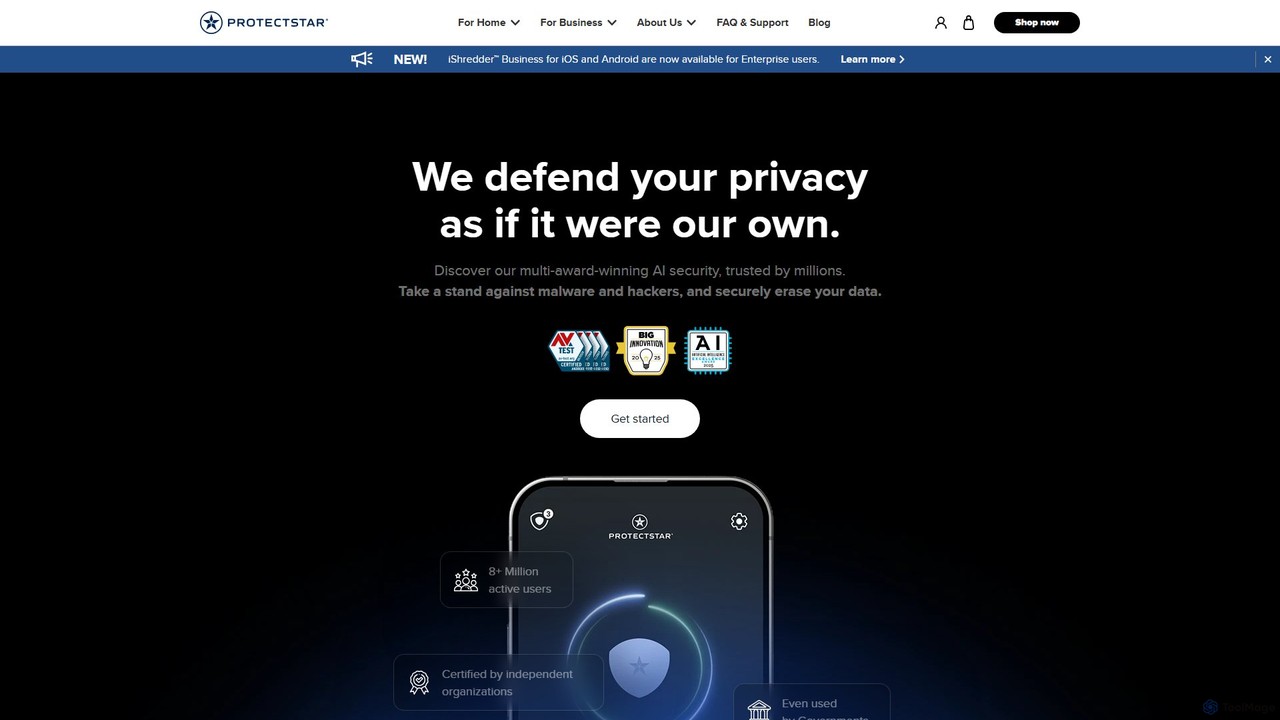
Protectstar offers a suite of AI-powered security applications for mobile devices. It provides comprehensive protection against spyware, viruses, and hackers with tools like Anti Spy, Antivirus AI, and iShredder. Trusted by millions, it uses advanced AI to detect threats in real-time while ensuring user privacy and data security through certified data erasure methods.

Antivirus
Visits 192.4KFavorites 100Likes 104
AI Tab Group
Freemium

AI Tab Group

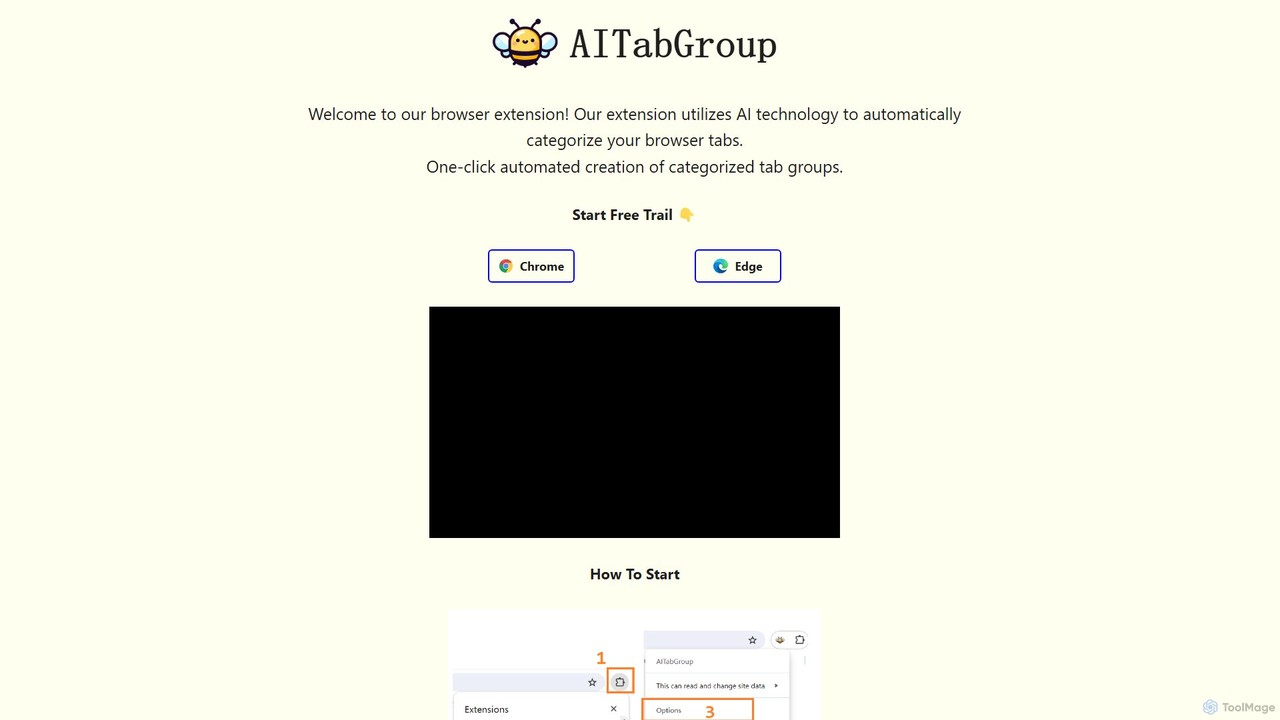
AI Tab Group is an intelligent browser extension for Chrome and Edge that uses AI to automatically categorize and group your open tabs. With a single click, it eliminates tab clutter, organizes your workspace, and boosts productivity. Pro features include hierarchical views and exporting sessions to Markdown or bookmarks.

Browser Extension
Visits 7KFavorites 127Likes 140
ToolLab.AI
Free

ToolLab.AI

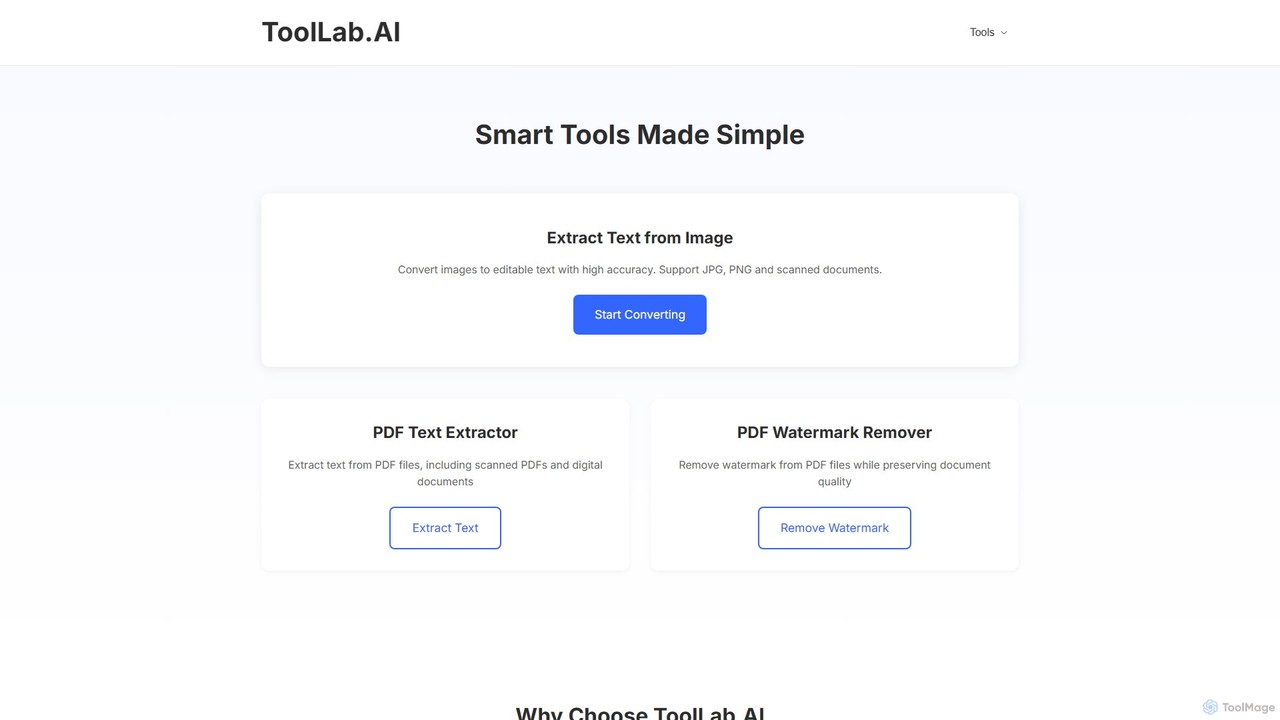
ToolLab.AI offers a suite of free, AI-powered online tools for simple and efficient document processing. It specializes in high-accuracy text extraction from images (OCR) and PDFs, as well as PDF watermark removal. Designed for speed and security, it provides instant results with a user-friendly interface.

Document Processing
Visits 6.4KFavorites 145Likes 145
ScantextAI
Free

ScantextAI

ScantextAI is a free, web-based OCR tool that instantly converts images into editable text. It supports over 50 languages and various image formats, allowing users to export text to PDF or Word (DOCX) files. With a strong focus on privacy, it processes files locally on your device, ensuring your data remains secure. No registration is required, making it a quick and efficient solution for students, professionals, and anyone needing to digitize documents.

Ocr
Visits 8.6KFavorites 127Likes 151
Harmony
Freemium

Harmony

Harmony is an AI-powered email voice assistant that lets you manage your inbox hands-free. It reads your emails aloud and allows you to reply, delete, archive, and organize them using simple voice commands, perfect for when you're driving, exercising, or doing chores. Achieve Inbox Zero without ever looking at your screen.

Ios Apps
Visits 5.6KFavorites 147Likes 130
AirDroid
Freemium

AirDroid

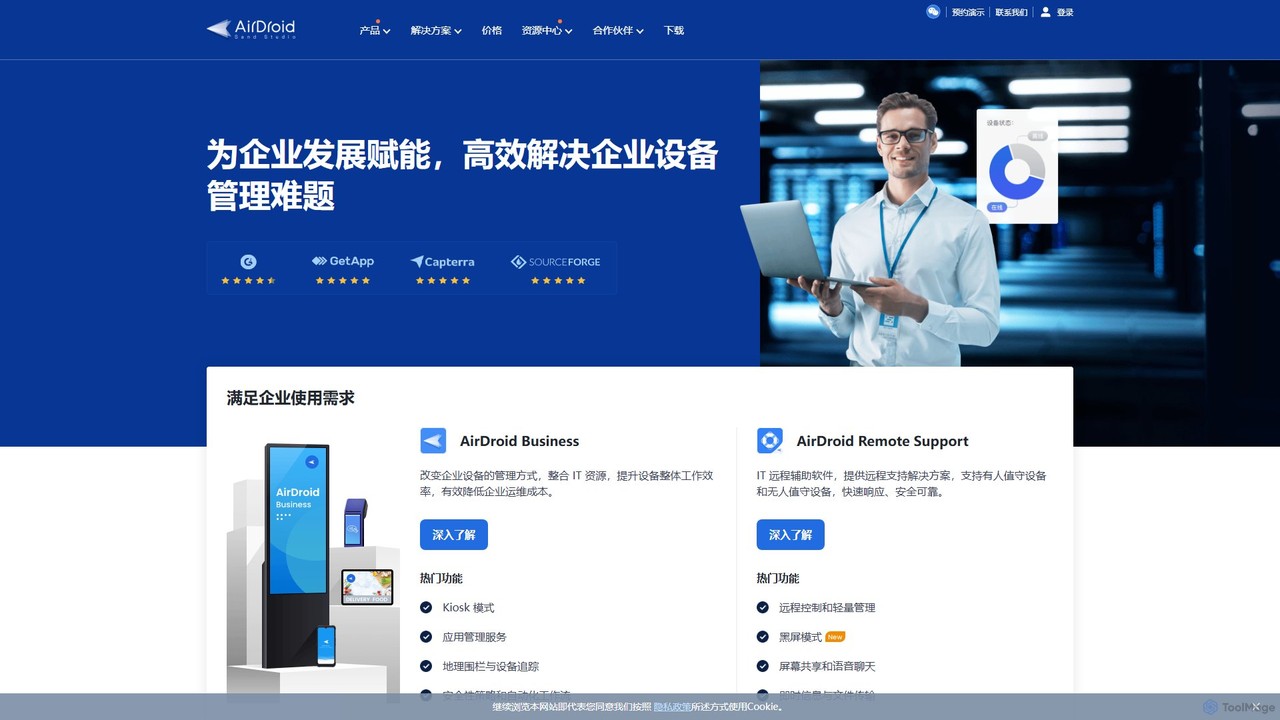
AirDroid is a comprehensive suite of tools for remote control, mobile device management (MDM), and remote support. It caters to both personal and enterprise users, enabling seamless file transfer, screen mirroring, notification management, and robust control over fleets of Android devices.

Device Management
Visits 185.9KFavorites 134Likes 126

TapAI
Freemium

TapAI

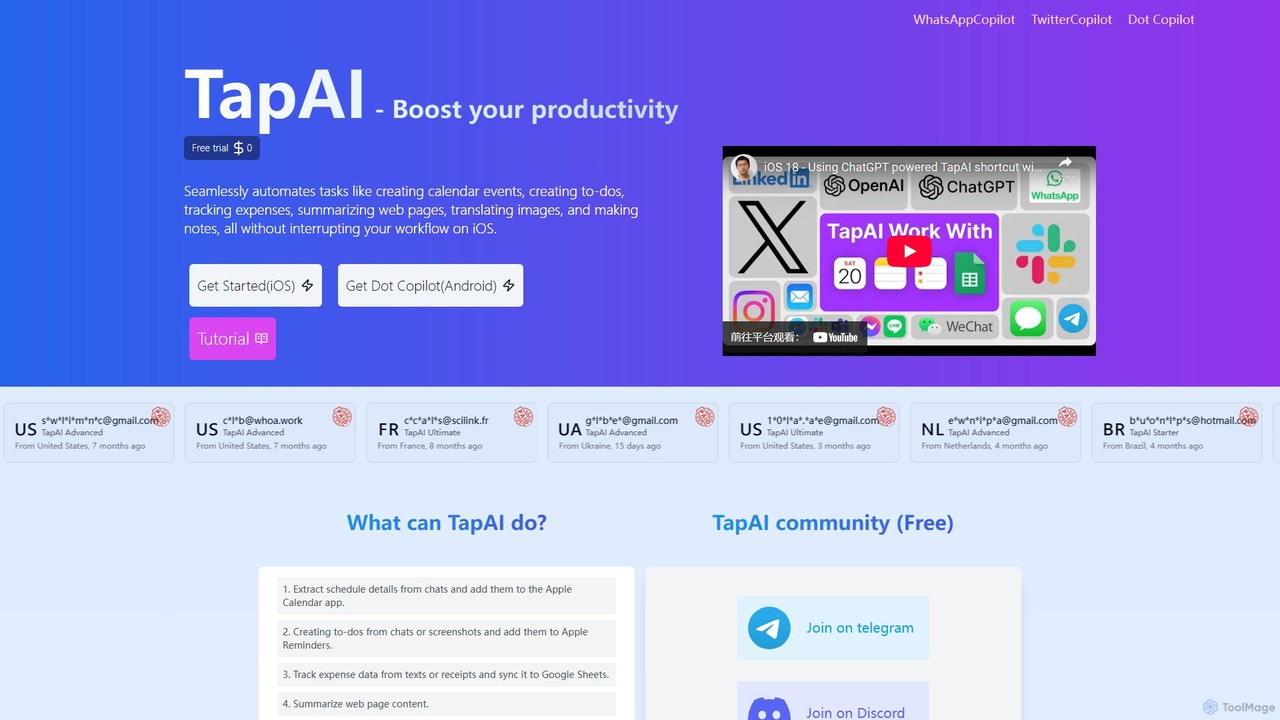
TapAI is an iOS productivity tool that uses the iPhone's Back Tap feature to instantly process on-screen information. Powered by ChatGPT, it can extract text, create calendar events, manage to-do lists, track expenses to Google Sheets, translate content, and generate smart replies without ever leaving your current app.

Expense Tracking
Visits 5.5KFavorites 148Likes 160
suno_top
Free

suno_top

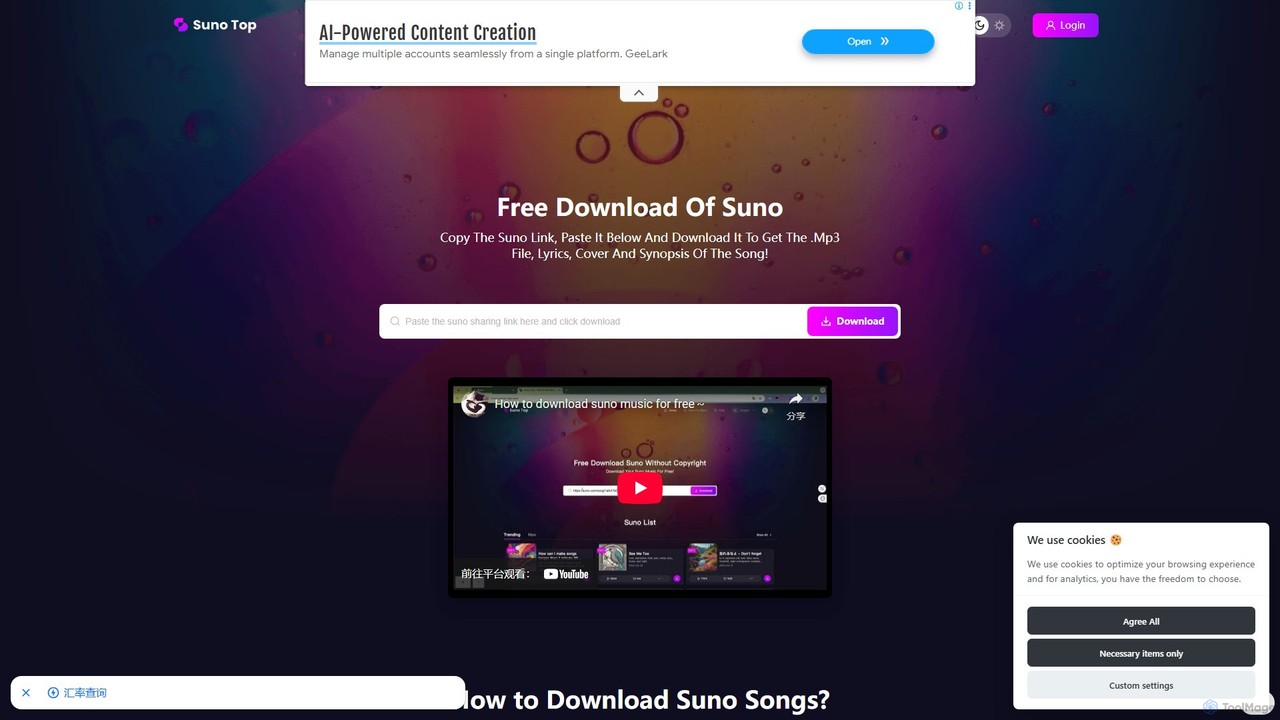
suno_top is a free and efficient web-based tool designed for downloading music created with Suno AI. It allows users to easily save their favorite AI-generated songs by simply pasting a Suno link. The tool provides a complete package, including the MP3 audio file, full lyrics, cover art, and song synopsis, with no download limits or registration required.

Music Downloader
Visits 12.5KFavorites 151Likes 142
Type-A-Holic
Free

Type-A-Holic

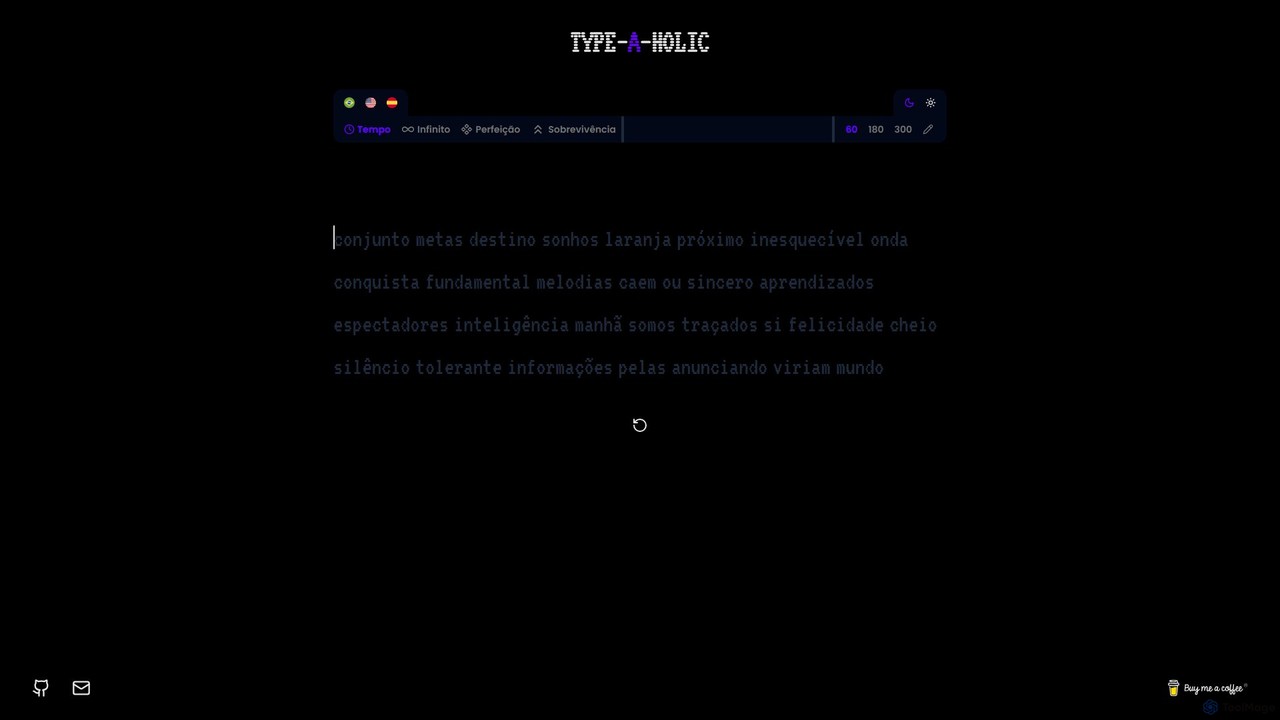
Type-A-Holic is an AI-powered online typing tutor designed to enhance your typing speed and accuracy. It offers multiple engaging game modes, real-time performance tracking (WPM, accuracy), and personalized practice exercises. Ideal for students, professionals, and anyone looking to master their keyboard skills in a fun, interactive way.

Skill Development
Visits 5.4KFavorites 122Likes 124
Apowersoft
Freemium

Apowersoft

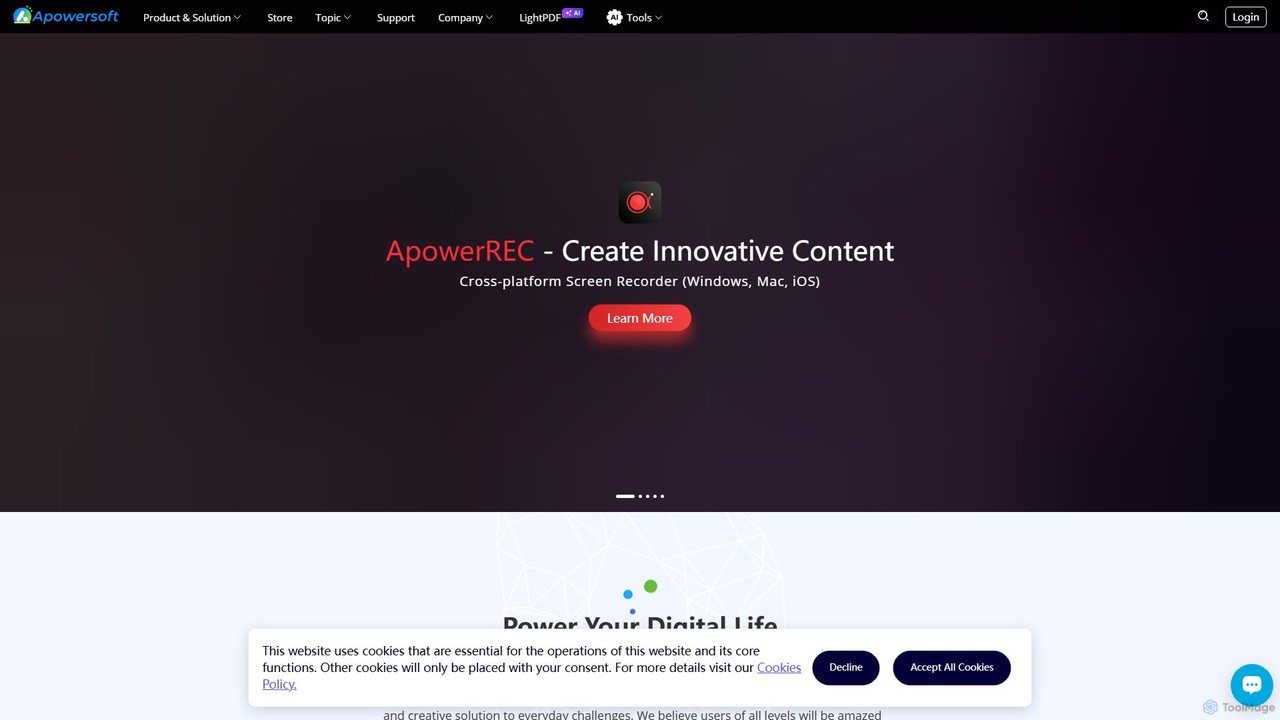
Apowersoft offers a comprehensive suite of multimedia and utility software for business and daily use. It provides user-friendly solutions for video editing, screen recording, file conversion, PDF management, mobile device management, and data recovery. Integrating AI technology, Apowersoft delivers simple, high-quality, and efficient creative and data solutions across multiple platforms.

Video Editing
Visits 617.2KFavorites 122Likes 111
Posture Reminder App
Freemium

Posture Reminder App

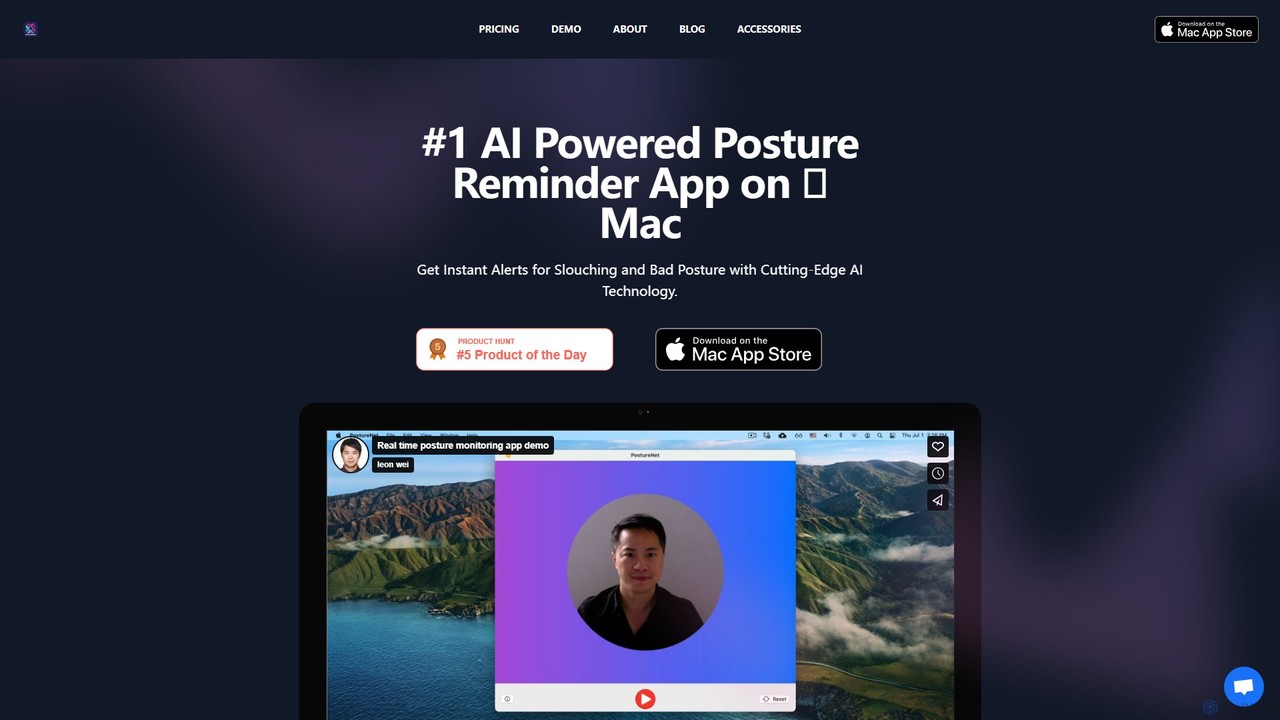
An AI-powered Mac app that uses your camera to monitor your posture in real-time. It gently reminds you to sit up straight, helping to prevent back and neck pain caused by slouching. Privacy is paramount, with all processing done on-device.

3D
Visits 6.3KFavorites 138Likes 151
Cutlist Evolution
Freemium

Cutlist Evolution

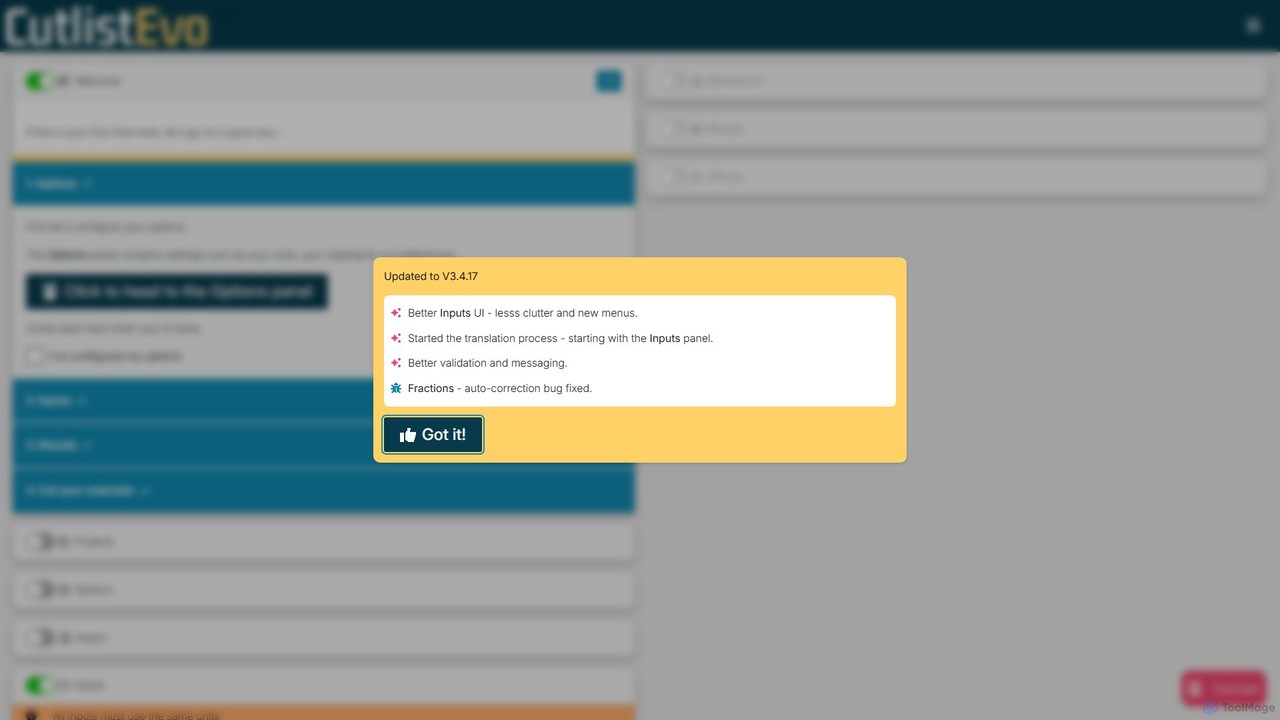
Cutlist Evolution is an AI-powered cut list optimizer designed for woodworkers, metalworkers, and manufacturers. It calculates the most efficient cutting layouts for sheet goods and linear stock, significantly reducing material waste, saving time, and cutting costs. Its intuitive web-based interface helps you plan projects accurately by considering blade width and managing usable offcuts.

Planning
Visits 28.5KFavorites 142Likes 147
Nero
Paid

Nero

Nero is a powerful, AI-enhanced multimedia suite for Windows. Evolving from its legendary CD/DVD burning roots, it now offers a comprehensive 7-in-1 solution for video editing, file conversion, media management, data backup, and AI-powered photo enhancement. It's an all-in-one toolkit for managing your entire digital life.

Photo Editing
Visits 1.6MFavorites 128Likes 125
AnyRecover
Freemium

AnyRecover

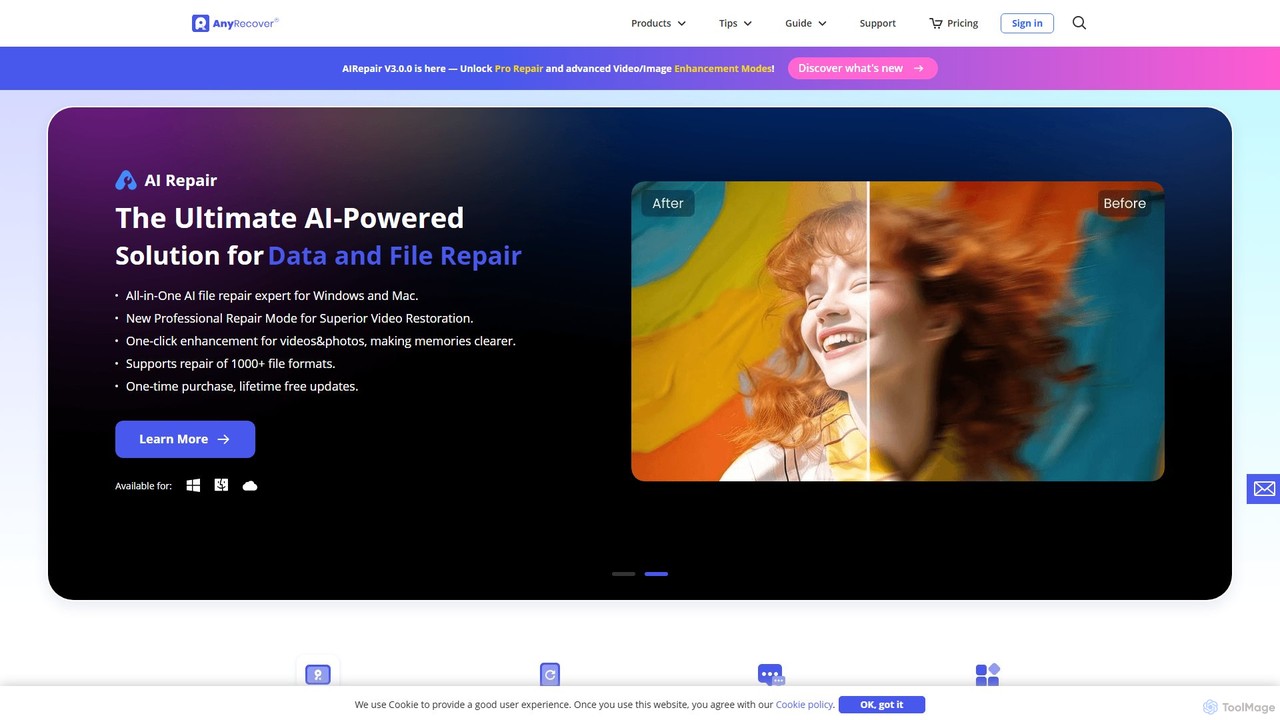
AnyRecover is an all-in-one AI-powered data recovery and file repair solution. It restores over 1000 file types from 2000+ storage devices, including Windows, Mac, iOS, and Android. It also features AI-driven repair for corrupted photos, videos, and documents, and an AI enhancer to improve image and video quality.

Utilities
Visits 222KFavorites 136Likes 128
Call Assistant AI
Paid

Call Assistant AI

Call Assistant AI is an intelligent call management app for Android and iOS that uses ChatGPT to screen calls, block spam, and transcribe voicemails in real-time. It acts as your personal receptionist, filtering unwanted calls, scheduling appointments, and providing features like hold music and a professional secretary mode.

Virtual Assistant
Visits 17.1KFavorites 118Likes 136

About Utilities

Utilities are AI-powered tools designed to enhance efficiency, automate routine tasks, and provide specialized assistance across various digital workflows. These tools leverage advanced AI capabilities, such as natural language processing, machine learning, and computer vision, to understand context, process data, and execute actions intelligently. By streamlining operations and reducing manual effort, AI utilities empower users to save time, improve accuracy, and unlock new capabilities in their daily tasks and professional projects.

Core Features

  • Automated Task Execution: Automate repetitive digital tasks like data entry, file organization, or content scheduling.
  • Data Processing & Organization: Efficiently sort, categorize, and analyze large volumes of data for better insights.
  • Content Enhancement: Improve the quality of text, images, or audio through AI-driven suggestions and modifications.
  • Intelligent Search & Retrieval: Find specific information faster and more accurately across documents and databases.
  • Workflow Integration: Seamlessly connect with existing software and platforms to create cohesive work environments.

Use Cases

AI utilities find application across diverse sectors, from individual productivity to large-scale enterprise operations. They are invaluable for professionals seeking to optimize their digital footprint, content creators aiming for perfection, and businesses striving for operational excellence. Typical scenarios include automating administrative chores, enhancing creative output, and simplifying complex data management processes.

How to Choose

When selecting an AI utility, consider its specific functionality to ensure it addresses your exact needs. Evaluate its integration capabilities with your current software ecosystem for seamless workflow. Assess the ease of use and learning curve, as well as its scalability and performance to handle your anticipated workload. Finally, prioritize tools with robust security and privacy measures to protect your data.

Featured tool rankings

Utilities use cases

1

Automating Data Entry for Administrative Tasks

Administrative professionals often spend significant time on repetitive data entry. AI utilities can automatically extract information from documents, emails, or spreadsheets and input it into databases or CRM systems, drastically reducing manual effort and minimizing errors. This frees up staff to focus on more strategic tasks, improving overall office efficiency.

2

Intelligent Document Summarization for Research

Researchers and analysts frequently deal with vast amounts of text. AI utilities can quickly read through lengthy reports, articles, or legal documents and generate concise summaries, highlighting key points and critical information. This accelerates the research process, allowing users to grasp core concepts faster and make informed decisions.

3

Enhanced Content Proofreading and Style Checking

Content creators, marketers, and writers can leverage AI utilities for advanced proofreading beyond basic grammar checks. These tools can analyze writing style, suggest improvements for clarity and conciseness, detect plagiarism, and ensure brand voice consistency across various content pieces, elevating the quality of written communication.

4

Batch Image Optimization and Resizing for Web Assets

Web developers and designers often need to process numerous images for websites or applications. AI utilities can automatically optimize image file sizes, resize them to specific dimensions, and even remove backgrounds in bulk. This ensures fast loading times, consistent visual quality, and significantly speeds up asset preparation workflows.

5

Smart Email Management and Prioritization

Busy professionals receive a high volume of emails daily. AI utilities can intelligently categorize incoming messages, flag urgent communications, filter out spam, and even draft quick replies based on context. This helps users manage their inboxes more effectively, ensuring important emails are addressed promptly and reducing digital clutter.

6

Code Refactoring and Quality Check for Developers

Software developers can utilize AI utilities to improve code quality and maintainability. These tools can analyze code for potential bugs, suggest refactoring opportunities to optimize performance, enforce coding standards, and even generate documentation. This leads to cleaner, more efficient codebases and faster development cycles.

Utilities FAQ

What are AI Utilities?

AI Utilities are software tools that use artificial intelligence to perform specific, often routine, tasks more efficiently and intelligently than traditional methods. They are designed to automate, optimize, or enhance various digital processes, ranging from data management and content creation to personal productivity and development workflows. Their core purpose is to simplify complex operations and save users time and effort.

How do I choose the best AI Utility for my needs?

To choose the best AI utility, first identify your specific problem or task you want to automate or enhance. Then, evaluate tools based on their core functionality and how well it aligns with your requirements. Consider integration capabilities with your existing software, ease of use, and the tool's scalability. Finally, check user reviews, pricing models, and the vendor's commitment to security and data privacy.

What are the main benefits of using AI Utilities?

The main benefits of using AI Utilities include significant time savings by automating repetitive tasks, improved accuracy due to reduced human error, and enhanced productivity across various workflows. They can also unlock new capabilities, such as intelligent data analysis or advanced content generation, allowing users to achieve results that would be difficult or impossible manually. Ultimately, they streamline operations and optimize resource allocation.

What are some common types of AI Utility tools?

Common types of AI Utility tools include smart assistants for scheduling and email management, AI-powered grammar and writing assistants, data extraction and processing tools, image and video optimization utilities, code analysis and refactoring tools, and intelligent search engines. These tools span various categories, each designed to address specific pain points in digital work and personal life.

Can AI Utility tools integrate with my existing software?

Many AI Utility tools are designed with integration in mind. They often offer APIs, plugins, or direct connectors to popular platforms like CRM systems, project management software, content management systems, and cloud storage services. This allows for seamless data flow and workflow automation, ensuring that the AI utility enhances rather than disrupts your existing digital ecosystem. Always check the tool's documentation for specific integration options.