ToolMage
Sign in

Best 185 Utilities AI tools

Popular Utilities AI tools include Apkpure, Truecaller, Wondershare, Image to Text, EaseUS, Quicktools by Picsart, Tenorshare, PDF Candy, TinyWow, and PictureThis, helping you work more efficiently.

AI Renamer
Freemium

AI Renamer

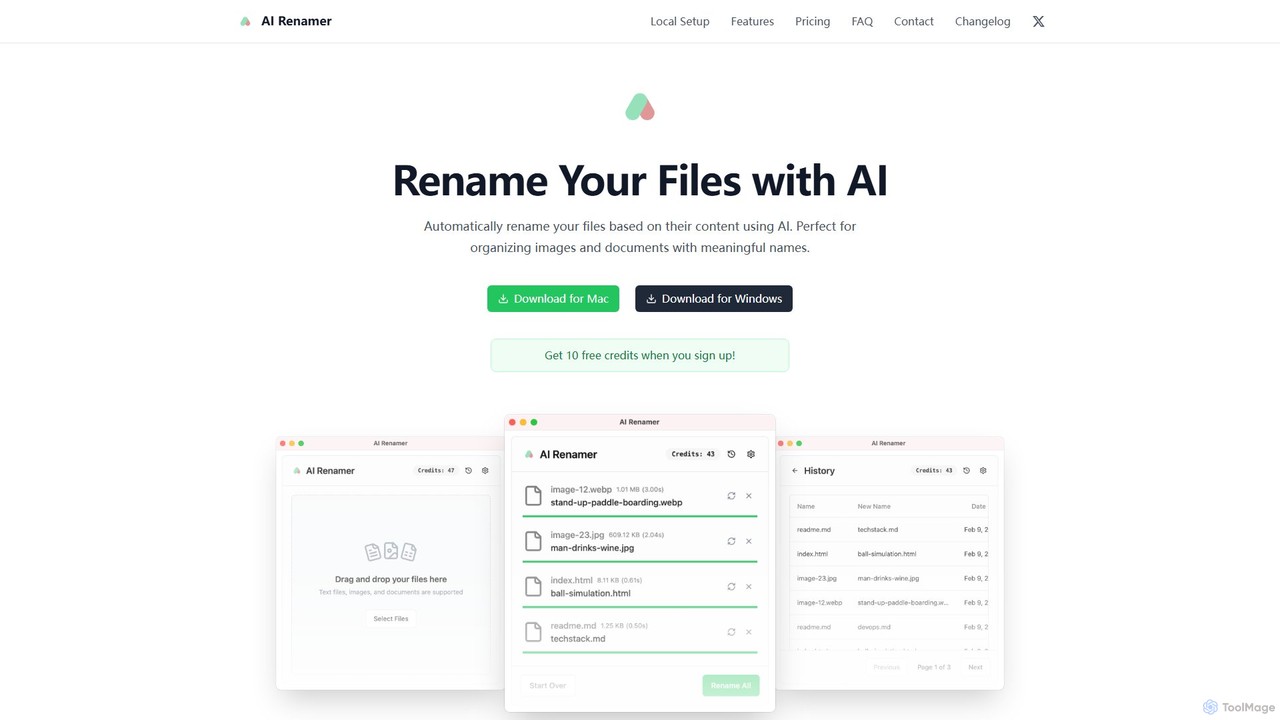
AI Renamer is a smart desktop application for Mac and Windows that automatically renames files based on their content. It analyzes images and documents to generate descriptive, meaningful names, helping you organize your digital life effortlessly. It supports batch processing, custom naming rules, and offers both a private, offline Local Mode and a convenient Cloud Mode.

Document Management
Visits 8.1KFavorites 122Likes 98
Ai Form Filler
Free

Ai Form Filler

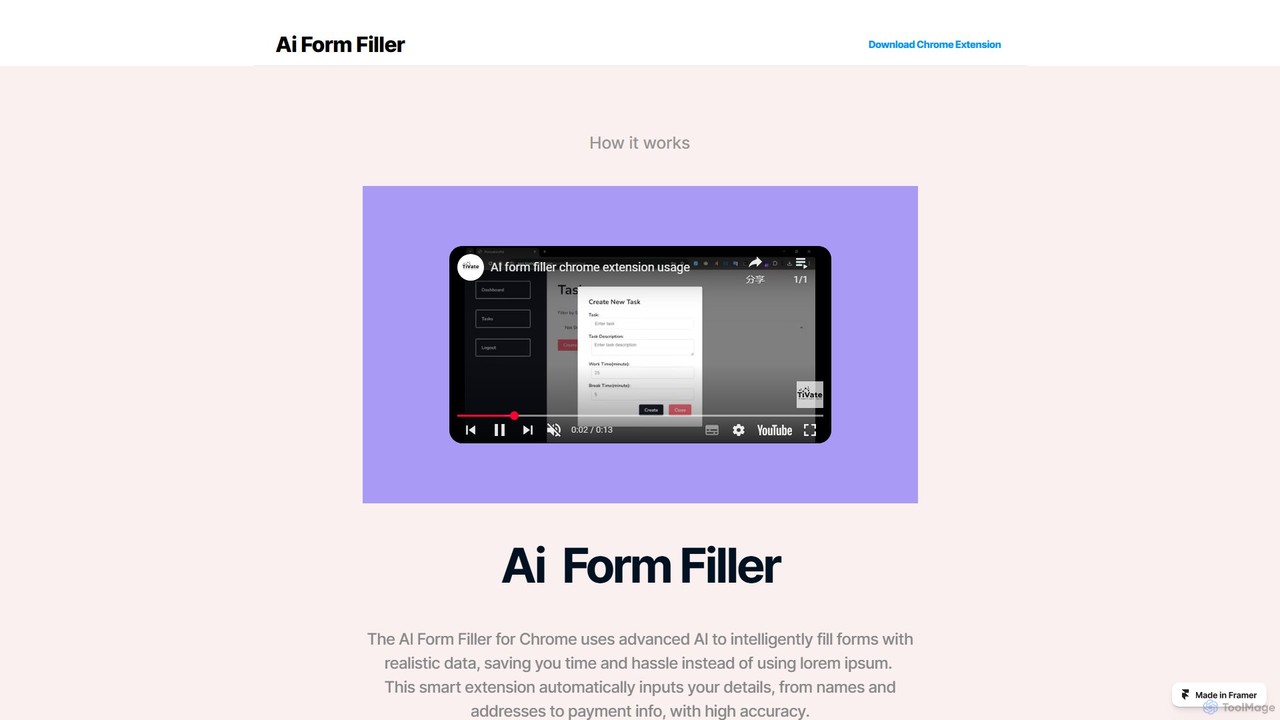
Ai Form Filler is an intelligent Chrome extension that automates the tedious process of filling out online forms. Using AI, it accurately recognizes and completes fields for names, addresses, payment information, and more with a single click. Securely manage multiple profiles to save time and reduce errors during online checkouts, registrations, and applications.

Chrome Extensions
Visits 5.8KFavorites 120Likes 97
HeightEstimator
Free

HeightEstimator

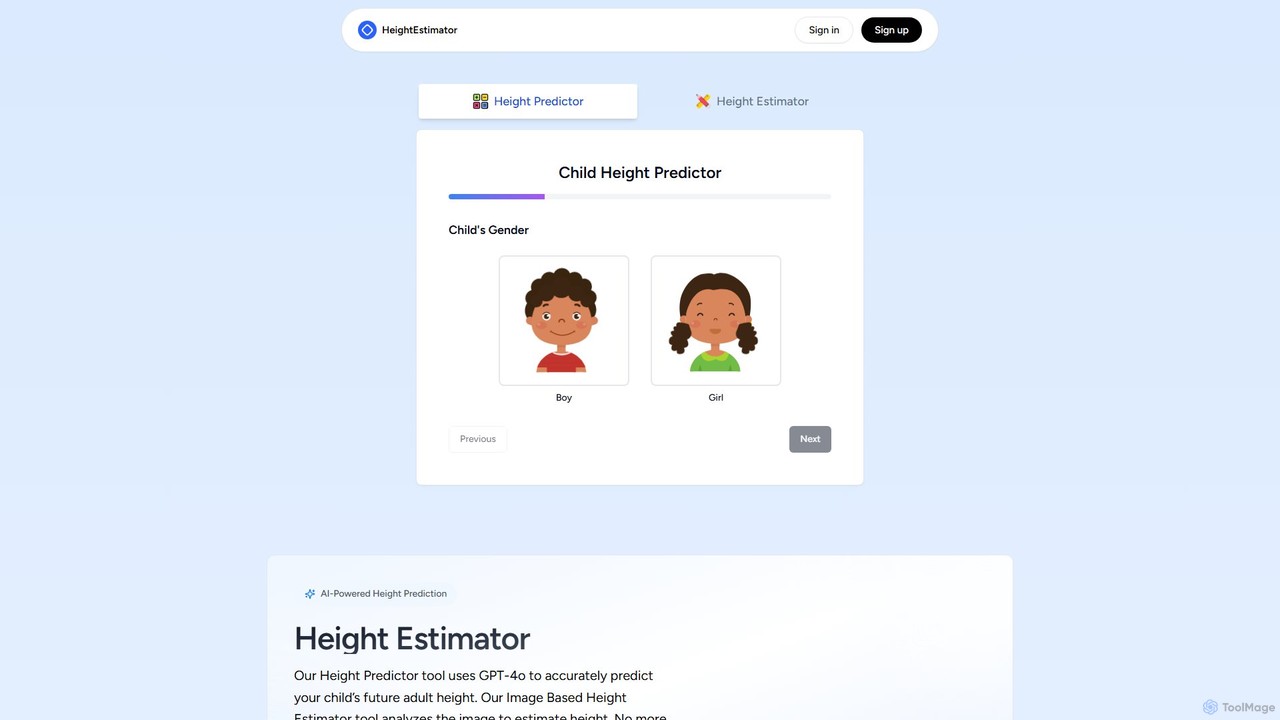
An AI-powered platform offering two distinct tools: a child height predictor based on genetic and growth data, and an image-based height estimator. Using GPT-4o and advanced algorithms, it provides highly accurate (95%) future height predictions for children and estimates height from photos, all while prioritizing user privacy with no data storage.

3D
Visits 5.9KFavorites 140Likes 132
imagesearchreverse
Free

imagesearchreverse

A powerful meta-search engine for reverse image searching. It simultaneously queries multiple search engines like Google, Bing, and Yandex to provide comprehensive results, helping users find image sources, similar images, and verify authenticity.

Inspiration
Visits 5.8KFavorites 118Likes 104
maildax
Free

maildax

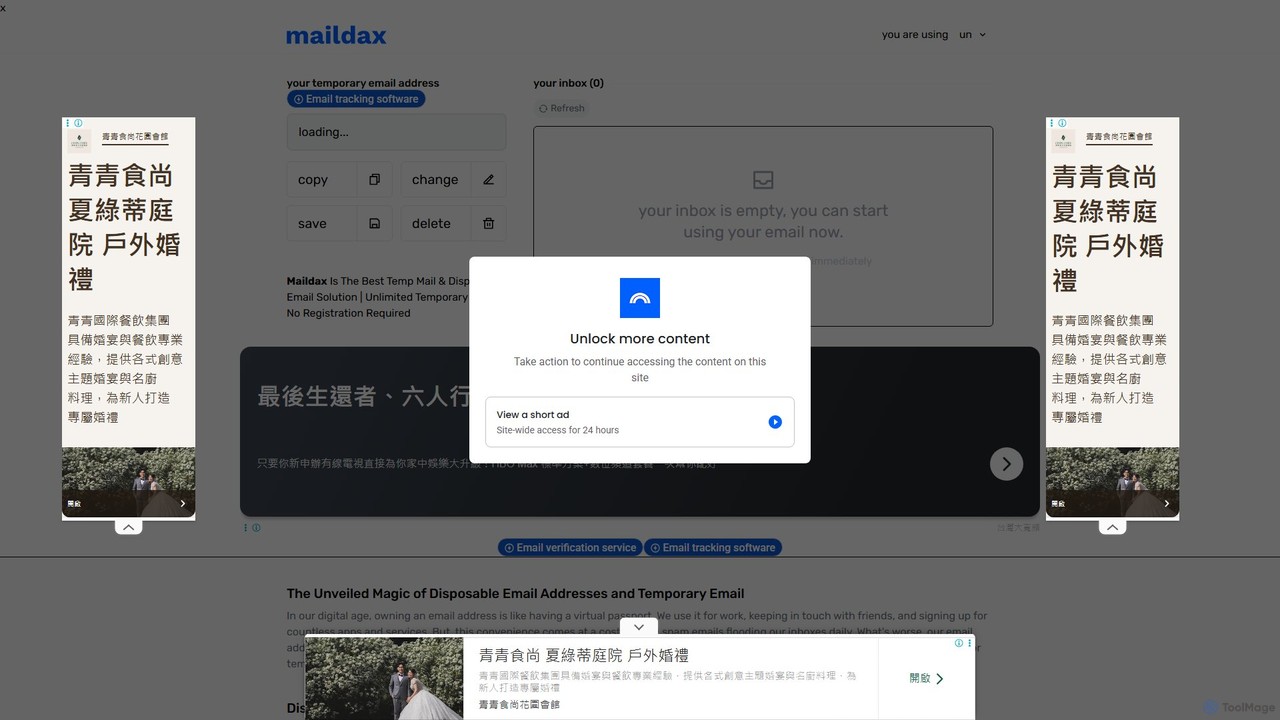
Maildax is a free disposable temporary email service that provides instant, anonymous email addresses without any registration. Protect your primary inbox from spam, advertising, and data breaches by using a secure, temporary email for sign-ups, trials, and testing.

Email
Visits 21.4KFavorites 110Likes 105
Google Chrome
Free

Google Chrome

Google Chrome is a fast, secure, and customizable web browser developed by Google. It features seamless cross-device syncing, a vast library of extensions, and robust security tools like a built-in password manager and safety checks. With integrated Google services and new AI-powered features, Chrome offers a personalized, intelligent, and efficient browsing experience on all major platforms.

Web Development
Visits 57.9KFavorites 138Likes 126
PolitePost
Free

PolitePost

PolitePost is a free, privacy-focused AI tool that rewrites your emails to be more professional, polite, and effective. Simply input your rough draft, and the AI will polish the tone and clarity, ensuring your message is well-received. No sign-up is required, and the service is supported by user donations.

Email Assistant
Visits 18.9KFavorites 126Likes 146
mergepdf
Free

mergepdf

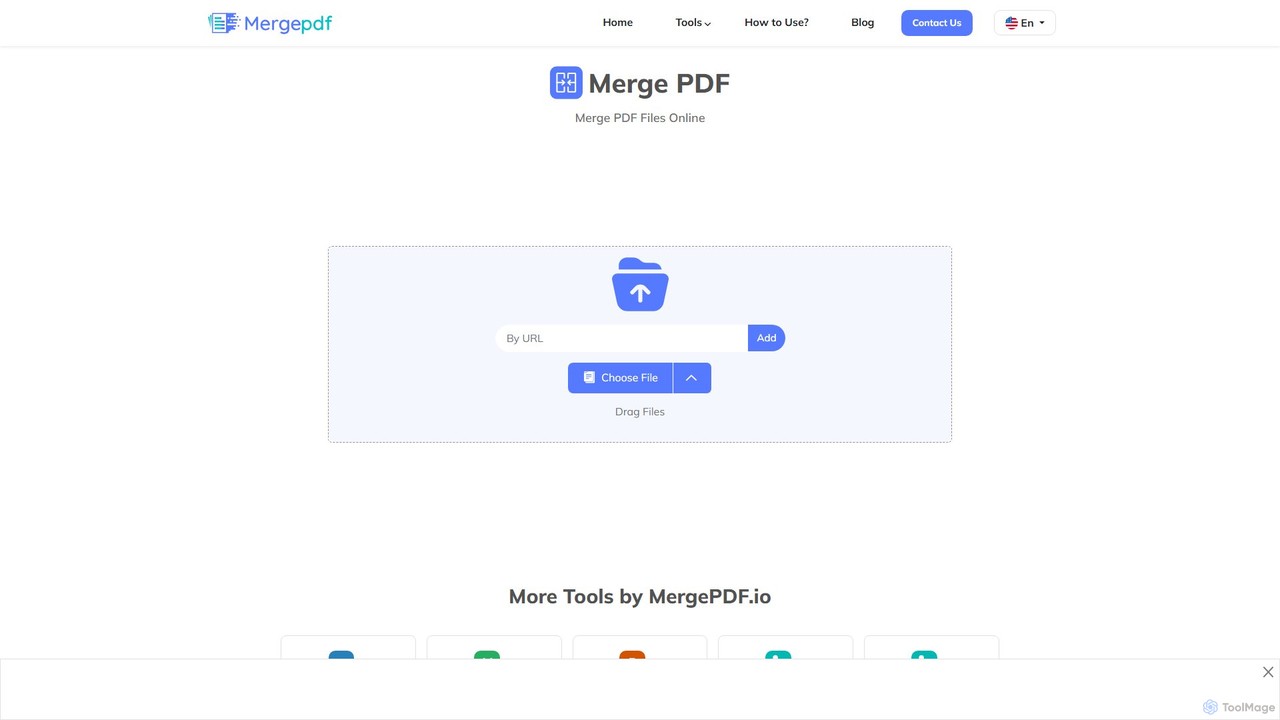
mergepdf is a free, secure, and user-friendly online tool for combining multiple PDF files into a single document. It works on any device without registration, preserving original quality and layout. Users can easily upload, reorder, and merge files with no limitations on size or number.

Office Tools
Visits 28.8KFavorites 125Likes 98
ChatGPT Notepad
Free

ChatGPT Notepad

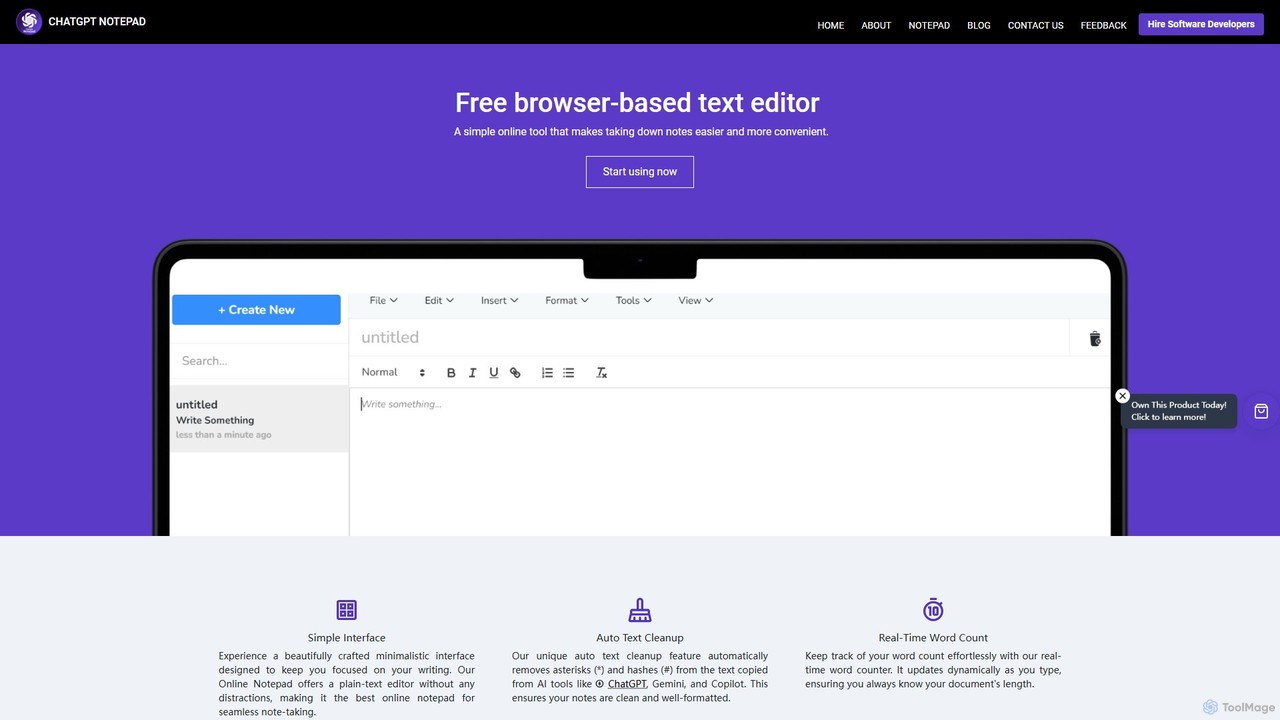
ChatGPT Notepad is a free, browser-based online text editor designed for seamless note-taking and text editing. It features a minimalist, distraction-free interface and a unique auto-cleanup tool that removes formatting artifacts from AI-generated text (e.g., from ChatGPT, Gemini). With real-time word count, find & replace, and direct save/print options, it's the perfect companion for writers, students, and developers.

Note Taking
Visits 11.5KFavorites 108Likes 118

olocr
Free

olocr

olocr is a free, privacy-focused AI OCR tool that extracts text from images and PDFs directly in your browser. It supports over 70 languages, batch processing, and can create searchable PDFs without uploading your files, ensuring complete data security.

Extraction
Visits 15.1KFavorites 114Likes 124
sunoaidownload
Free

sunoaidownload

A free online tool designed to help users easily download songs and music created with Suno AI. It supports both MP3 audio and MP4 video formats, offering high-quality, unlimited downloads without requiring any registration or subscription. Simply paste a Suno music link to get your file instantly.

Music Downloader
Visits 5.9KFavorites 149Likes 157
SkyConvert
Free

SkyConvert

A versatile and free online file converter that supports over 500 formats. Easily convert, edit, and compress documents, images, videos, and audio files directly in your browser. Secure and accessible on any device, with no software installation required.

Image Editing
Visits 5.6KFavorites 152Likes 172
Prompt AI Tools
Free

Prompt AI Tools

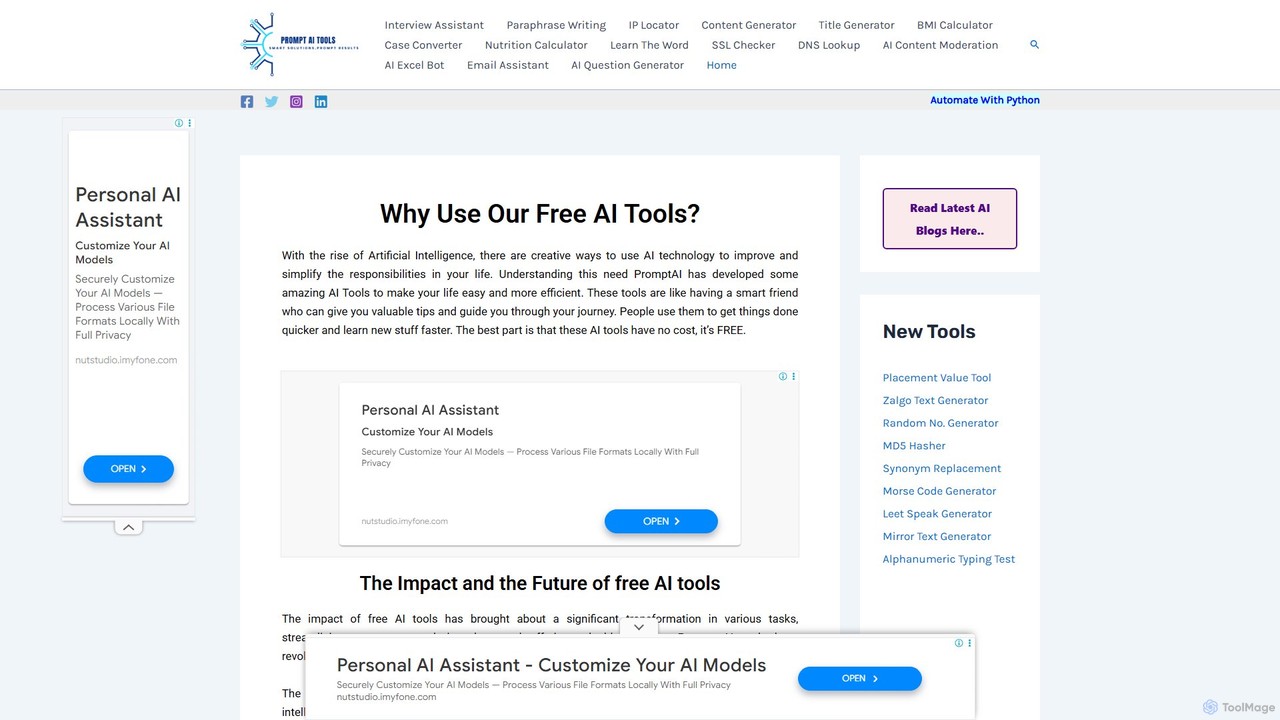
A comprehensive suite of free online AI and utility tools designed to enhance productivity and creativity. It offers a wide range of functions, including content generation, text paraphrasing, email assistance, and various developer and network utilities, all accessible without any cost or registration.

Network
Visits 6.1KFavorites 160Likes 140
Dot Copilot
Freemium

Dot Copilot

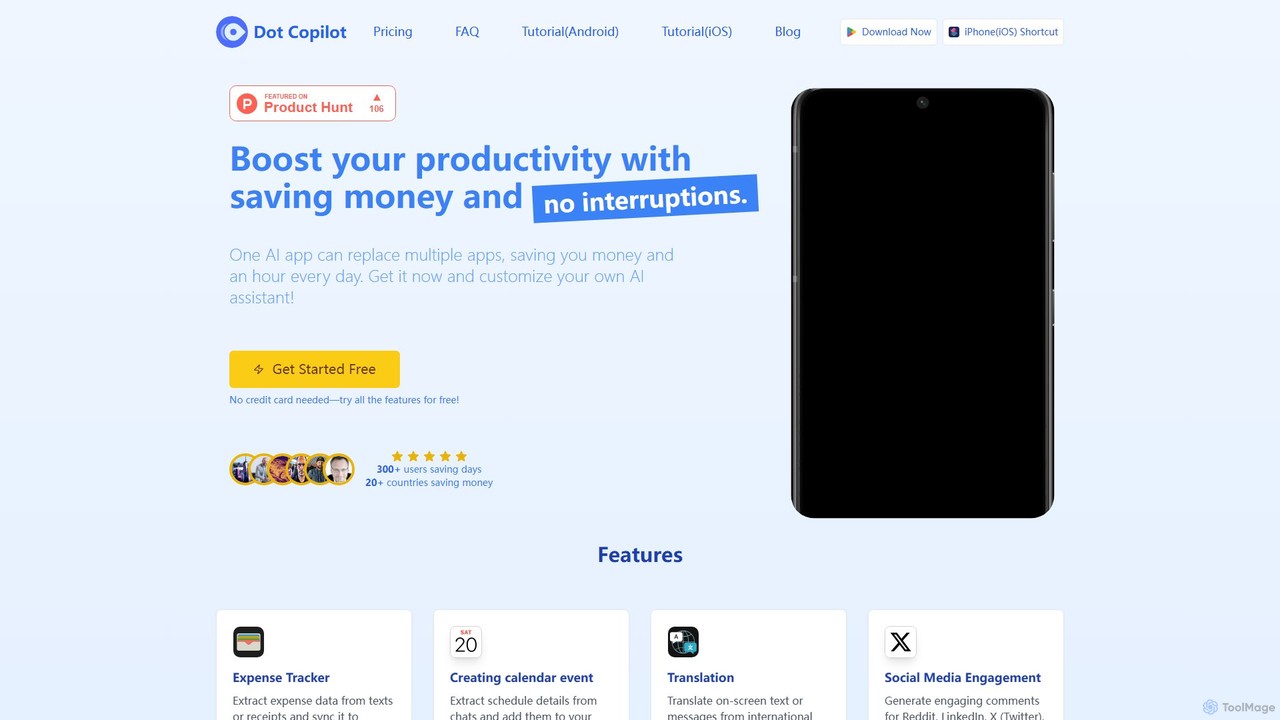
Dot Copilot is a versatile AI assistant for Android and iPhone that streamlines daily tasks. It integrates into your workflow to manage expenses, schedule events, translate text, summarize content, and more, all from a single, customizable app, saving you time and money.

Expense Tracking
Visits 6.4KFavorites 135Likes 130
EaseUS Repair
Freemium

EaseUS Repair

EaseUS Repair is an AI-powered online tool designed to fix corrupted videos, photos, and documents. It supports a wide range of formats and can repair files from various devices, including cameras, drones, and PCs. The tool offers a simple three-step process: upload, automatic repair, and preview before saving, ensuring a high success rate while maintaining original quality.

Photo Editing
Visits 299.4KFavorites 136Likes 140
BoostBot
Paid

BoostBot

BoostBot is a leading mobile game automation tool providing advanced bot technology since 2015. It helps gamers automate repetitive tasks like resource farming, building upgrades, and daily quests across a wide range of popular mobile strategy games, allowing them to level up 24/7 and manage multiple accounts effortlessly.

Game Assistant
Visits 51.1KFavorites 112Likes 128
Bulk Rename Utility
Free

Bulk Rename Utility

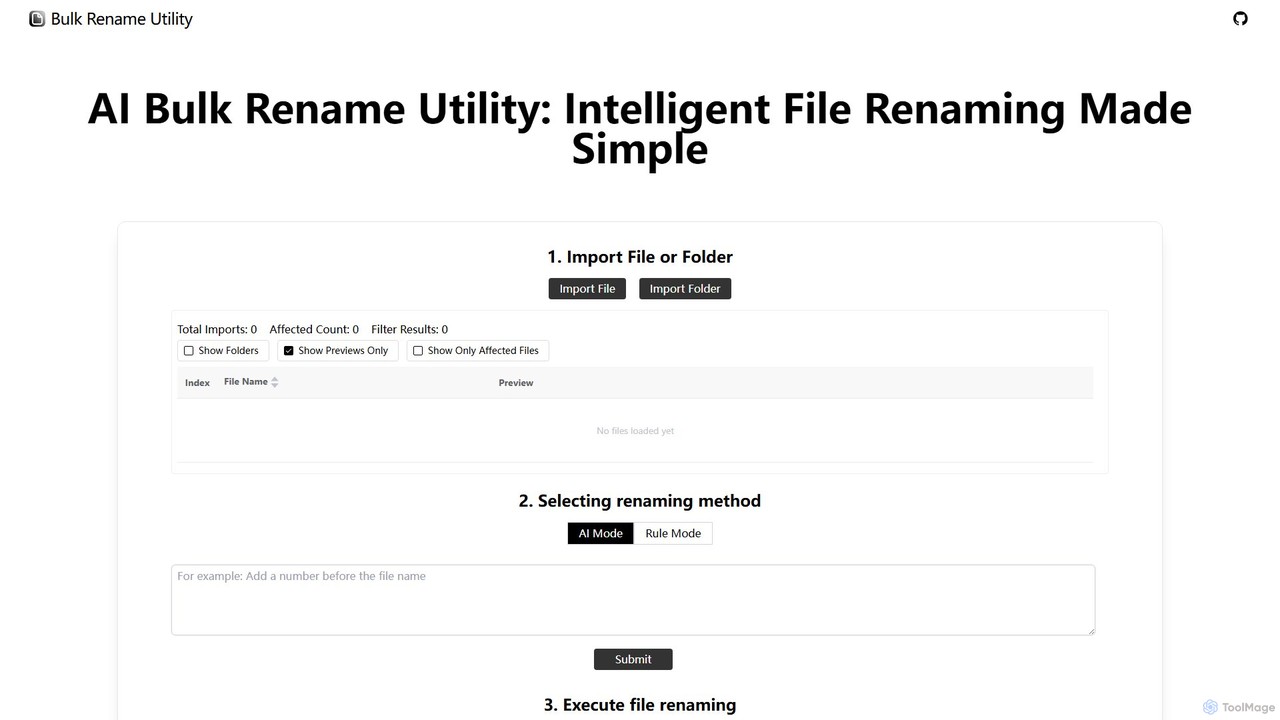
Bulk Rename Utility is a powerful, free online tool for batch renaming files. It offers a unique dual-mode system: an intuitive AI mode for natural language commands and an advanced rule-based mode with features like regex and custom JavaScript. It operates locally in your browser for maximum privacy, supporting both Windows and Mac files.

Automation
Visits 6.4KFavorites 192Likes 194
myplantin
Freemium

myplantin

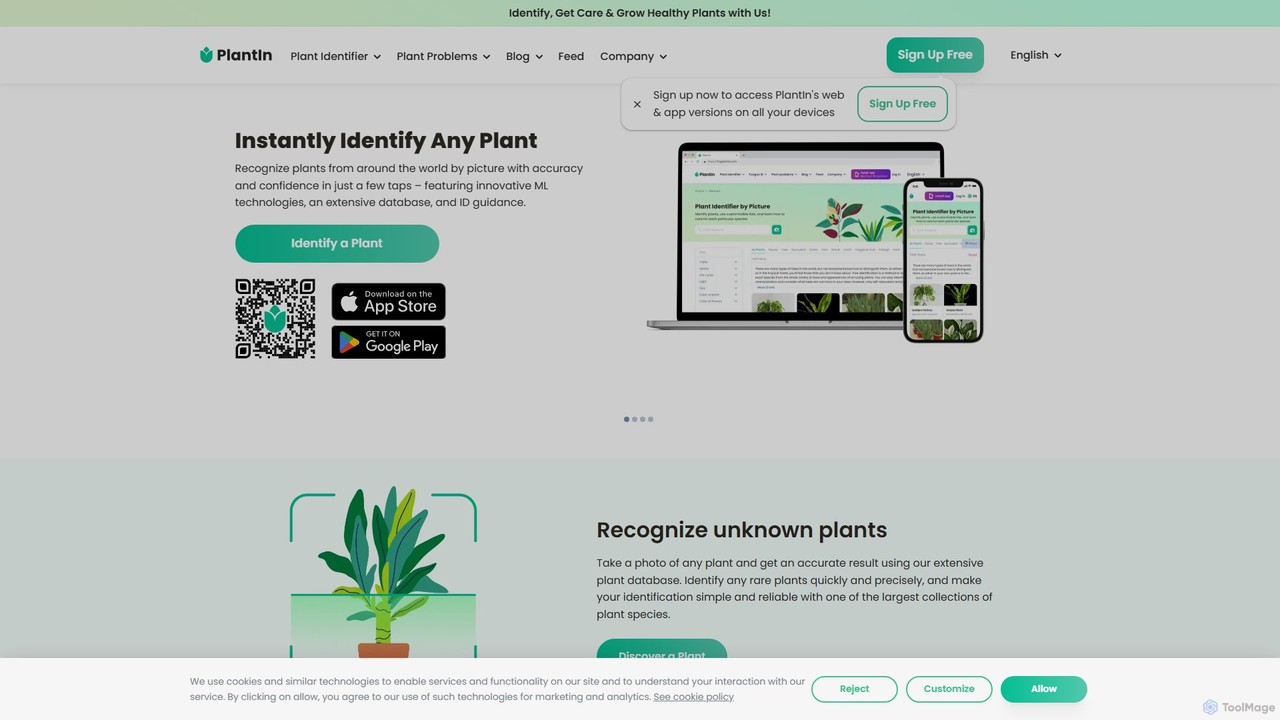
PlantIn is an AI-powered virtual gardening companion that helps you identify plants and mushrooms, diagnose diseases, and receive personalized care plans. With a 95.8% accuracy rate, access to real botanists, and a suite of care tools, it simplifies gardening for enthusiasts of all levels.

Gardening
Visits 1.3MFavorites 142Likes 131
HelpMoji
Free

HelpMoji

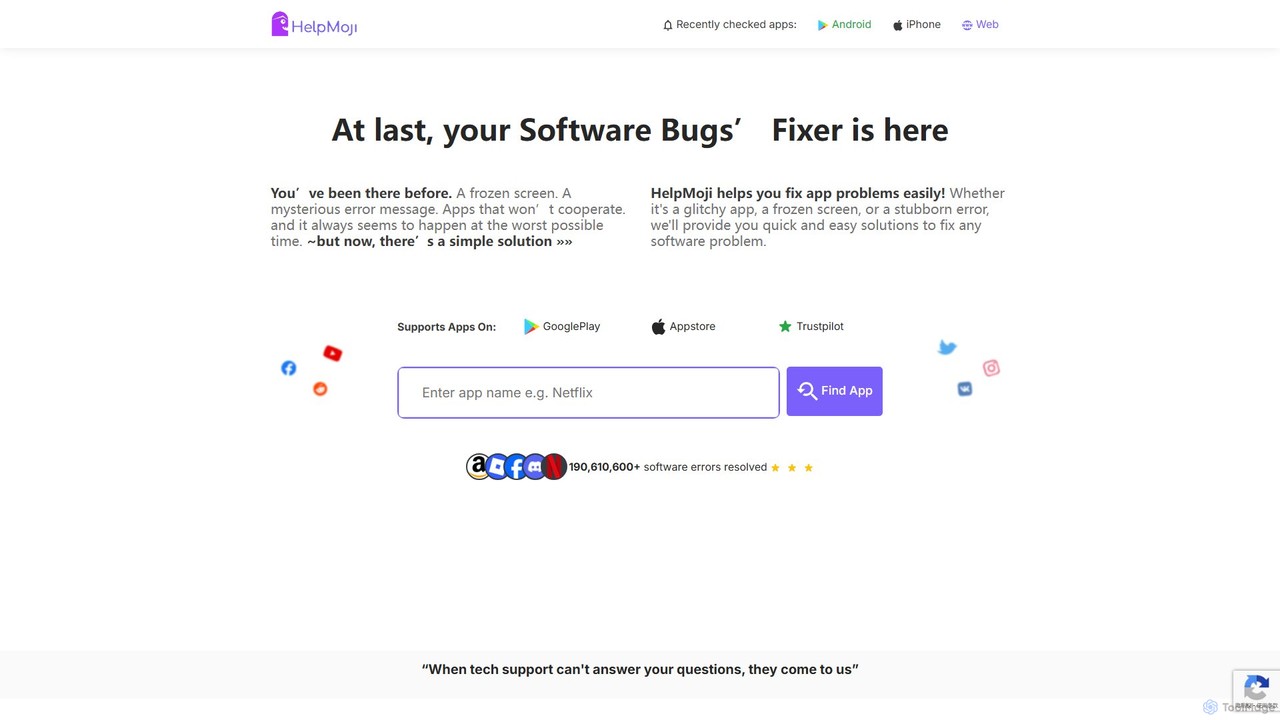
HelpMoji is an AI-powered troubleshooting platform that provides instant, step-by-step solutions for software and app errors. It helps users fix issues like frozen screens, error messages, and app crashes for a vast library of Android and iOS applications, eliminating the need for lengthy tech support calls.

Problem Solving
Visits 7.7KFavorites 119Likes 109
imgtotext.net
Freemium

imgtotext.net

An advanced online OCR tool that accurately extracts text from images and PDF documents. It supports batch processing, multiple languages, and various file formats. It also offers a built-in translation feature, making it a versatile solution for digitizing and processing text-based content for free.

Optical Character Recognition
Visits 69.7KFavorites 135Likes 111
Clueless
Freemium

Clueless

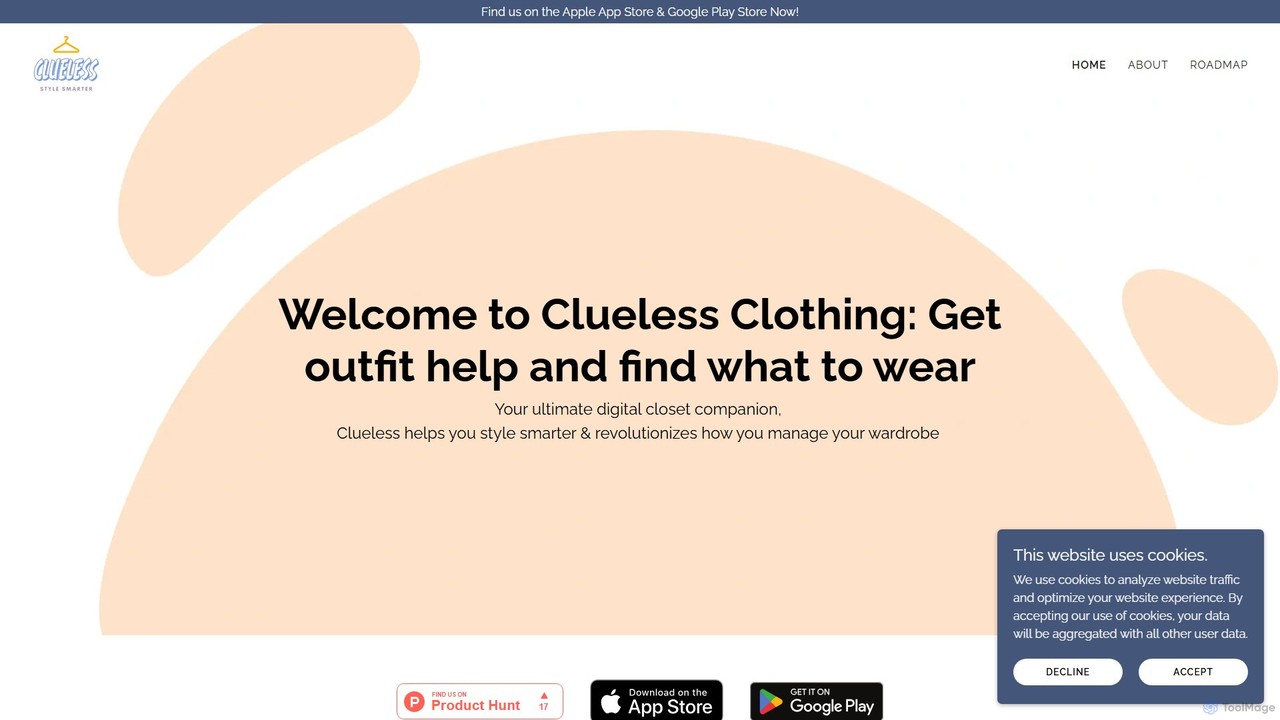
Clueless is an AI-powered digital closet and personal stylist app designed to eliminate outfit uncertainty. It helps you manage your wardrobe, get instant feedback on your outfits with 'FitCheck', and receive personalized styling recommendations. Organize your clothes effortlessly without tedious photo uploads and step out with confidence every day.

Fashion
Visits 11.2KFavorites 109Likes 102
Type AI
Freemium

Type AI

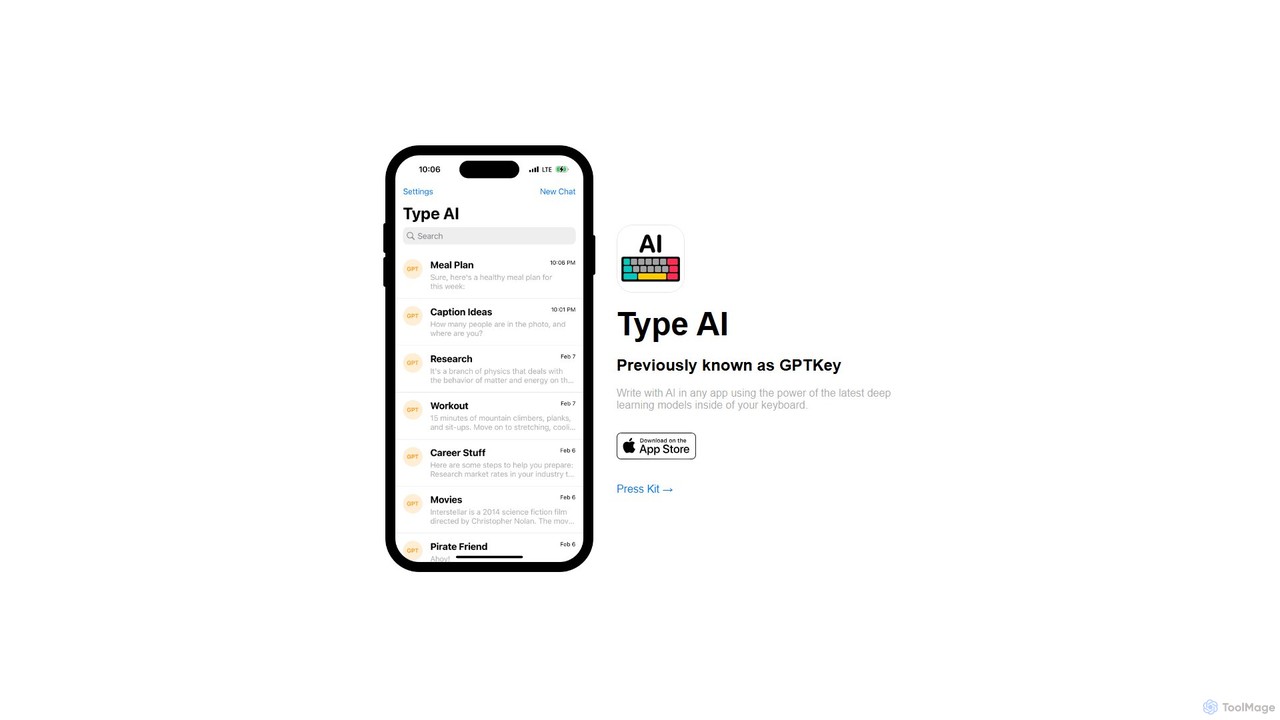
Type AI is a revolutionary AI keyboard for iOS that integrates the power of advanced language models, like ChatGPT, directly into any app. Write, reply, rephrase, and translate text seamlessly without switching applications, boosting your productivity and creativity on the go.

Ios Apps
Visits 8.3KFavorites 111Likes 120
Microsoft Edge Add-ons
Freemium

Microsoft Edge Add-ons

The official marketplace for Microsoft Edge extensions, offering a vast library of add-ons to enhance productivity, security, and personalization. Discover AI-powered tools, ad-blockers, password managers, and more to customize your browsing experience.

Extension Store
Visits 60.1KFavorites 115Likes 115
PunctuationCheck
Free

PunctuationCheck

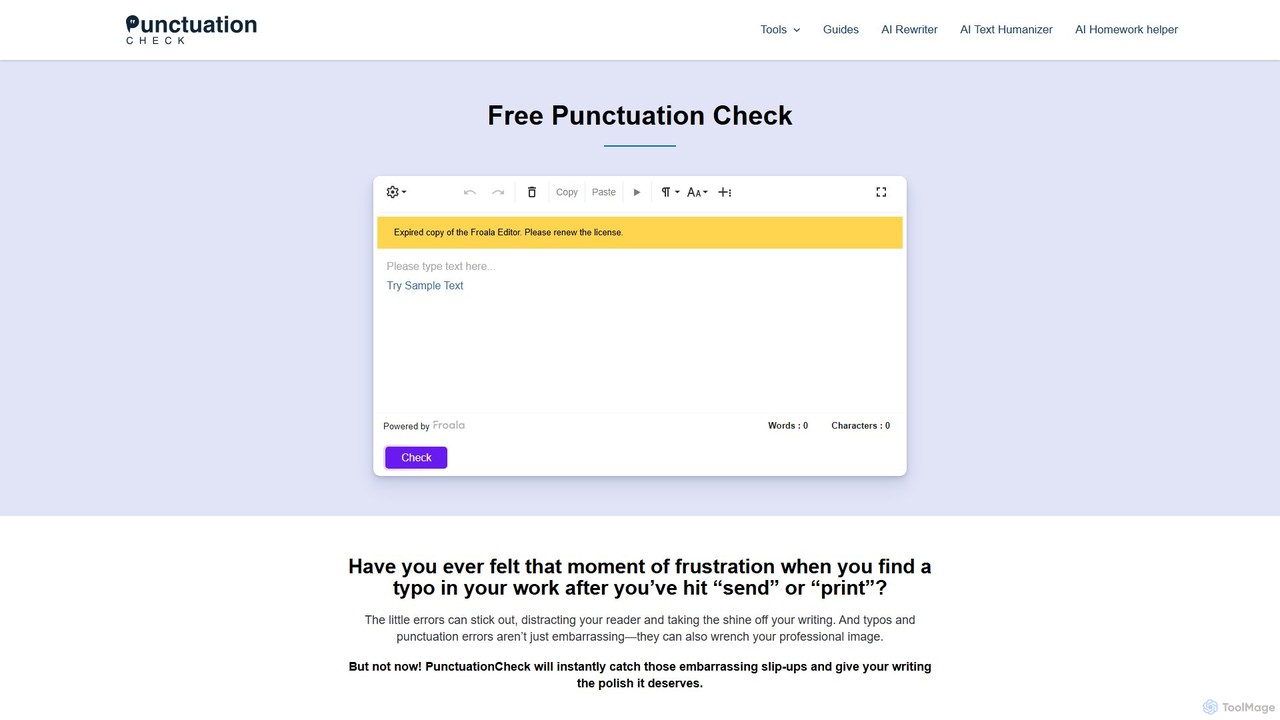
PunctuationCheck is a free online tool designed to instantly correct punctuation, spelling, and grammar errors in your English writing. It supports multiple English dialects, offers one-click corrections, and features a user-friendly editor. Ideal for students, professionals, and writers looking to polish their text, enhance clarity, and maintain a professional image without any cost or sign-up.

Proofreading
Visits 7.3KFavorites 163Likes 171

About Utilities

Utilities are AI-powered tools designed to enhance efficiency, automate routine tasks, and provide specialized assistance across various digital workflows. These tools leverage advanced AI capabilities, such as natural language processing, machine learning, and computer vision, to understand context, process data, and execute actions intelligently. By streamlining operations and reducing manual effort, AI utilities empower users to save time, improve accuracy, and unlock new capabilities in their daily tasks and professional projects.

Core Features

  • Automated Task Execution: Automate repetitive digital tasks like data entry, file organization, or content scheduling.
  • Data Processing & Organization: Efficiently sort, categorize, and analyze large volumes of data for better insights.
  • Content Enhancement: Improve the quality of text, images, or audio through AI-driven suggestions and modifications.
  • Intelligent Search & Retrieval: Find specific information faster and more accurately across documents and databases.
  • Workflow Integration: Seamlessly connect with existing software and platforms to create cohesive work environments.

Use Cases

AI utilities find application across diverse sectors, from individual productivity to large-scale enterprise operations. They are invaluable for professionals seeking to optimize their digital footprint, content creators aiming for perfection, and businesses striving for operational excellence. Typical scenarios include automating administrative chores, enhancing creative output, and simplifying complex data management processes.

How to Choose

When selecting an AI utility, consider its specific functionality to ensure it addresses your exact needs. Evaluate its integration capabilities with your current software ecosystem for seamless workflow. Assess the ease of use and learning curve, as well as its scalability and performance to handle your anticipated workload. Finally, prioritize tools with robust security and privacy measures to protect your data.

Featured tool rankings

Utilities use cases

1

Automating Data Entry for Administrative Tasks

Administrative professionals often spend significant time on repetitive data entry. AI utilities can automatically extract information from documents, emails, or spreadsheets and input it into databases or CRM systems, drastically reducing manual effort and minimizing errors. This frees up staff to focus on more strategic tasks, improving overall office efficiency.

2

Intelligent Document Summarization for Research

Researchers and analysts frequently deal with vast amounts of text. AI utilities can quickly read through lengthy reports, articles, or legal documents and generate concise summaries, highlighting key points and critical information. This accelerates the research process, allowing users to grasp core concepts faster and make informed decisions.

3

Enhanced Content Proofreading and Style Checking

Content creators, marketers, and writers can leverage AI utilities for advanced proofreading beyond basic grammar checks. These tools can analyze writing style, suggest improvements for clarity and conciseness, detect plagiarism, and ensure brand voice consistency across various content pieces, elevating the quality of written communication.

4

Batch Image Optimization and Resizing for Web Assets

Web developers and designers often need to process numerous images for websites or applications. AI utilities can automatically optimize image file sizes, resize them to specific dimensions, and even remove backgrounds in bulk. This ensures fast loading times, consistent visual quality, and significantly speeds up asset preparation workflows.

5

Smart Email Management and Prioritization

Busy professionals receive a high volume of emails daily. AI utilities can intelligently categorize incoming messages, flag urgent communications, filter out spam, and even draft quick replies based on context. This helps users manage their inboxes more effectively, ensuring important emails are addressed promptly and reducing digital clutter.

6

Code Refactoring and Quality Check for Developers

Software developers can utilize AI utilities to improve code quality and maintainability. These tools can analyze code for potential bugs, suggest refactoring opportunities to optimize performance, enforce coding standards, and even generate documentation. This leads to cleaner, more efficient codebases and faster development cycles.

Utilities FAQ

What are AI Utilities?

AI Utilities are software tools that use artificial intelligence to perform specific, often routine, tasks more efficiently and intelligently than traditional methods. They are designed to automate, optimize, or enhance various digital processes, ranging from data management and content creation to personal productivity and development workflows. Their core purpose is to simplify complex operations and save users time and effort.

How do I choose the best AI Utility for my needs?

To choose the best AI utility, first identify your specific problem or task you want to automate or enhance. Then, evaluate tools based on their core functionality and how well it aligns with your requirements. Consider integration capabilities with your existing software, ease of use, and the tool's scalability. Finally, check user reviews, pricing models, and the vendor's commitment to security and data privacy.

What are the main benefits of using AI Utilities?

The main benefits of using AI Utilities include significant time savings by automating repetitive tasks, improved accuracy due to reduced human error, and enhanced productivity across various workflows. They can also unlock new capabilities, such as intelligent data analysis or advanced content generation, allowing users to achieve results that would be difficult or impossible manually. Ultimately, they streamline operations and optimize resource allocation.

What are some common types of AI Utility tools?

Common types of AI Utility tools include smart assistants for scheduling and email management, AI-powered grammar and writing assistants, data extraction and processing tools, image and video optimization utilities, code analysis and refactoring tools, and intelligent search engines. These tools span various categories, each designed to address specific pain points in digital work and personal life.

Can AI Utility tools integrate with my existing software?

Many AI Utility tools are designed with integration in mind. They often offer APIs, plugins, or direct connectors to popular platforms like CRM systems, project management software, content management systems, and cloud storage services. This allows for seamless data flow and workflow automation, ensuring that the AI utility enhances rather than disrupts your existing digital ecosystem. Always check the tool's documentation for specific integration options.