ToolMage
Sign in

Best 185 Utilities AI tools

Popular Utilities AI tools include Apkpure, Truecaller, Wondershare, Image to Text, EaseUS, Quicktools by Picsart, Tenorshare, PDF Candy, TinyWow, and PictureThis, helping you work more efficiently.

Geekbench
Freemium

Geekbench

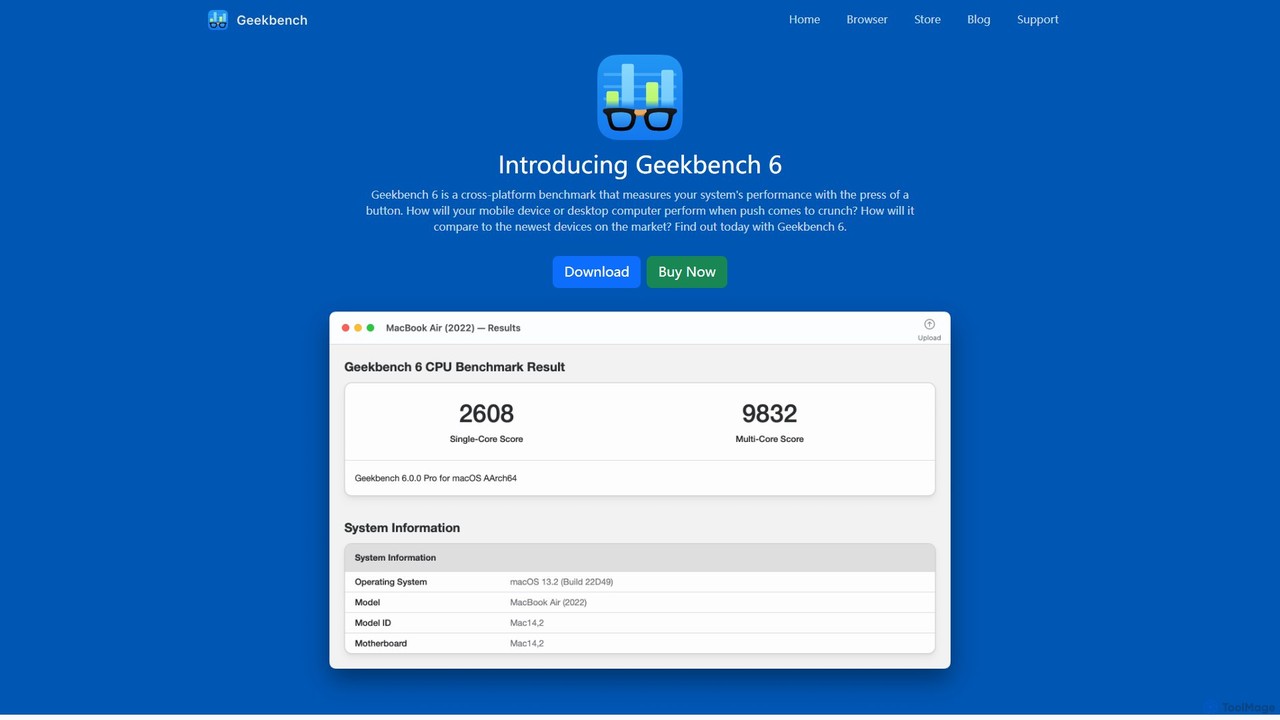
Geekbench is a leading cross-platform benchmarking tool that measures the performance of CPUs, GPUs, and AI/ML workloads. It uses real-world tests to provide accurate single-core and multi-core scores, allowing users to compare performance across a wide range of devices, operating systems (Windows, macOS, Linux, iOS, Android), and processor architectures.

Performance Testing
Visits 895.7KFavorites 129Likes 146
morsetranslator
Free

morsetranslator

morsetranslator is a free, web-based tool for instant, accurate translation between English text and Morse code. It features audio playback, downloadable sounds, and comprehensive learning resources like alphabet charts. Ideal for enthusiasts, students, and professionals in aviation or maritime fields, it offers a user-friendly interface to learn, practice, and utilize the timeless communication system of Morse code for various purposes, from education to emergency signaling.

Learning
Visits 26KFavorites 113Likes 103
GrammarBot
Paid

GrammarBot

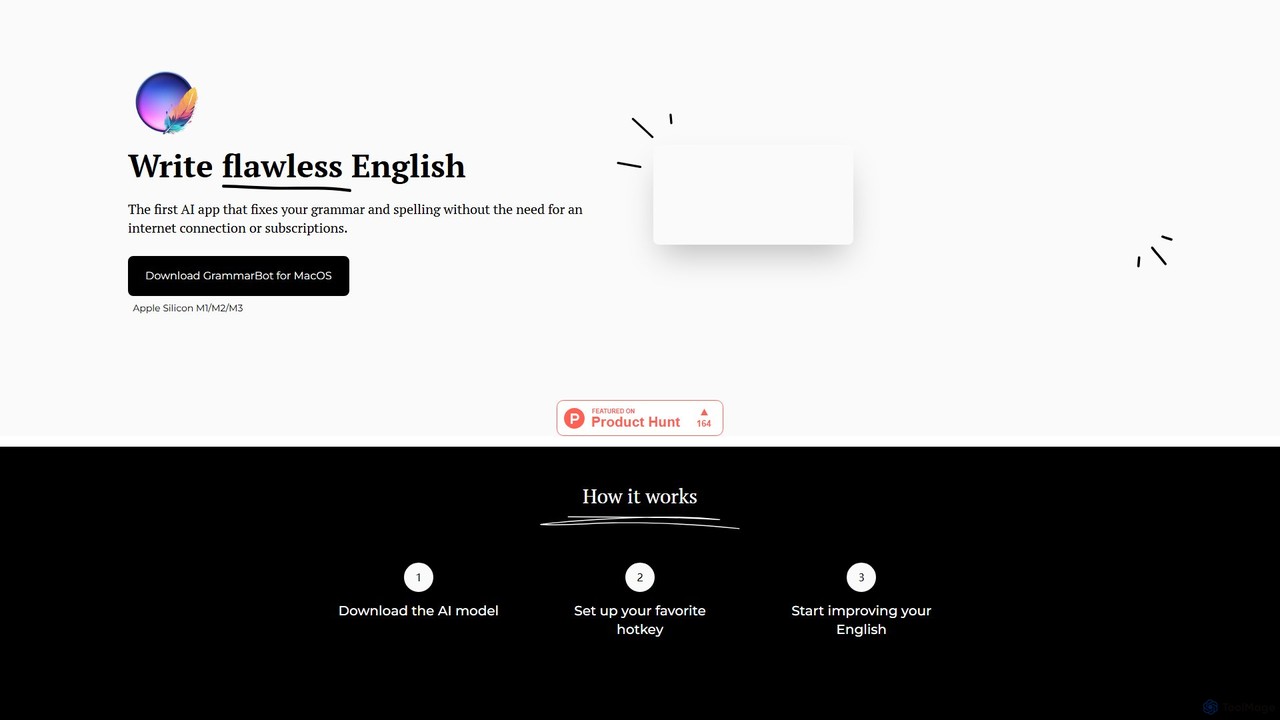
GrammarBot is a privacy-focused AI grammar and spelling checker for macOS. It operates entirely offline using a local Large Language Model (LLM), ensuring your text never leaves your computer. With a simple hotkey integration, it works across all your applications. It's available for a one-time purchase, offering a lifetime license without any subscriptions.

Language Learning
Visits 5.6KFavorites 143Likes 165
Keep It Shot
Freemium

Keep It Shot

Keep It Shot is a macOS application that uses AI to intelligently rename your screenshots and other files. It automatically creates descriptive names and builds a private, offline, and fast search index, transforming your messy file collection into an organized and searchable second brain.

Automation
Visits 5.9KFavorites 122Likes 123
Mouthbreather
Free

Mouthbreather

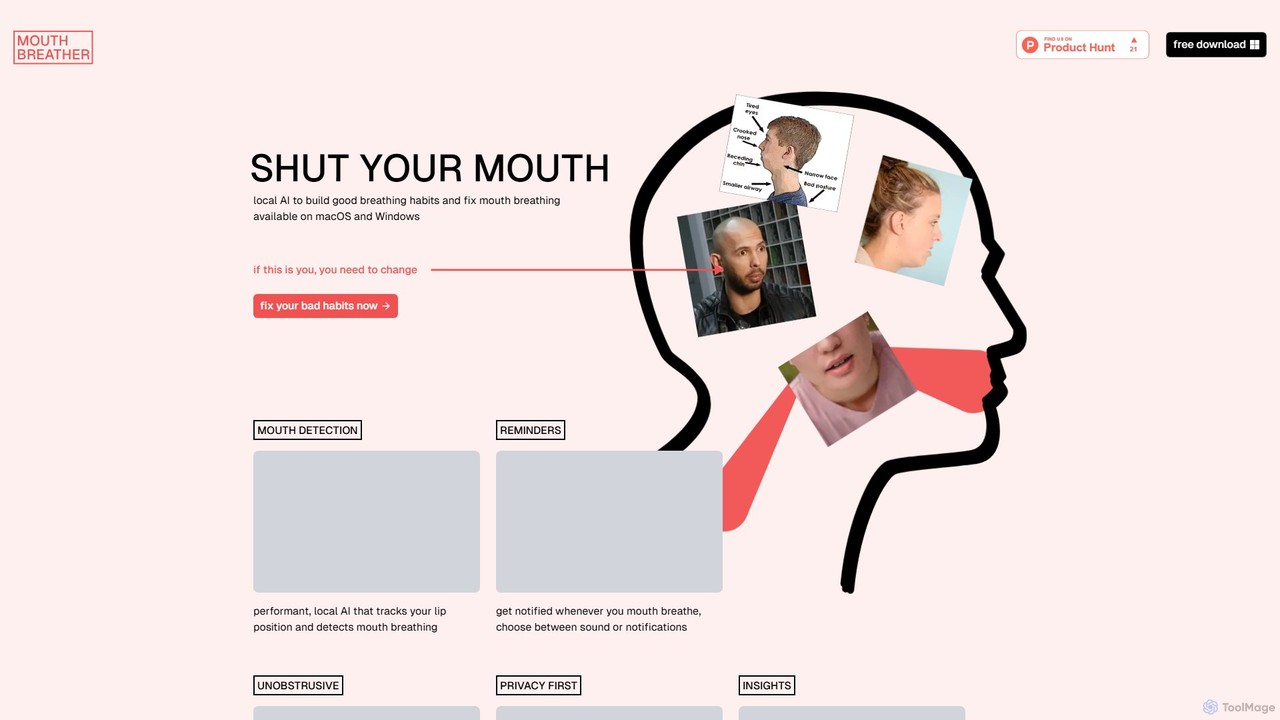
Mouthbreather is a free desktop app for macOS and Windows that uses local AI to detect mouth breathing via your webcam. It helps you build healthy nasal breathing habits by sending gentle reminders whenever your mouth is open. The app is privacy-focused, running entirely on your device, and provides insights to track your progress.

3D
Visits 5.6KFavorites 159Likes 146
HoneyDo
Freemium

HoneyDo

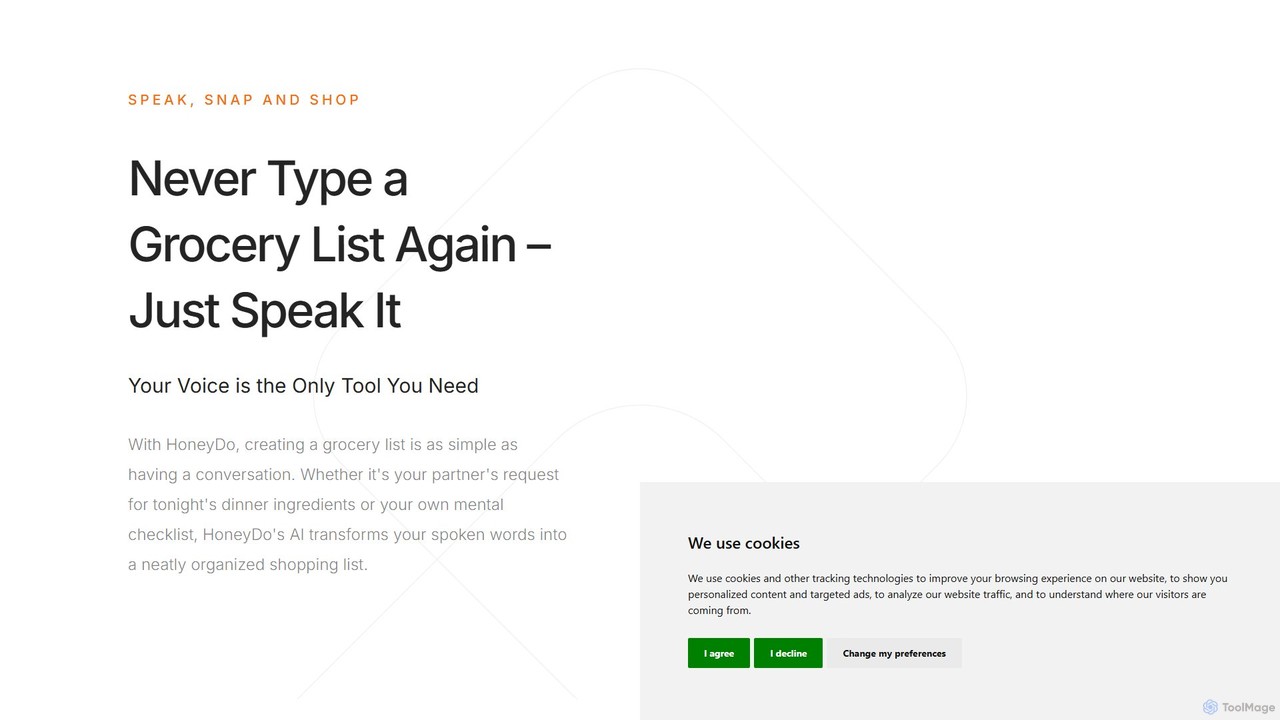
HoneyDo is an AI-powered grocery list app that transforms your spoken words and photos into organized, shareable shopping lists. Designed for families and individuals, it simplifies shopping by eliminating manual typing, reducing miscommunication, and syncing lists instantly across devices via iCloud.

Shopping
Visits 5.4KFavorites 147Likes 147
Arc
Free

Arc

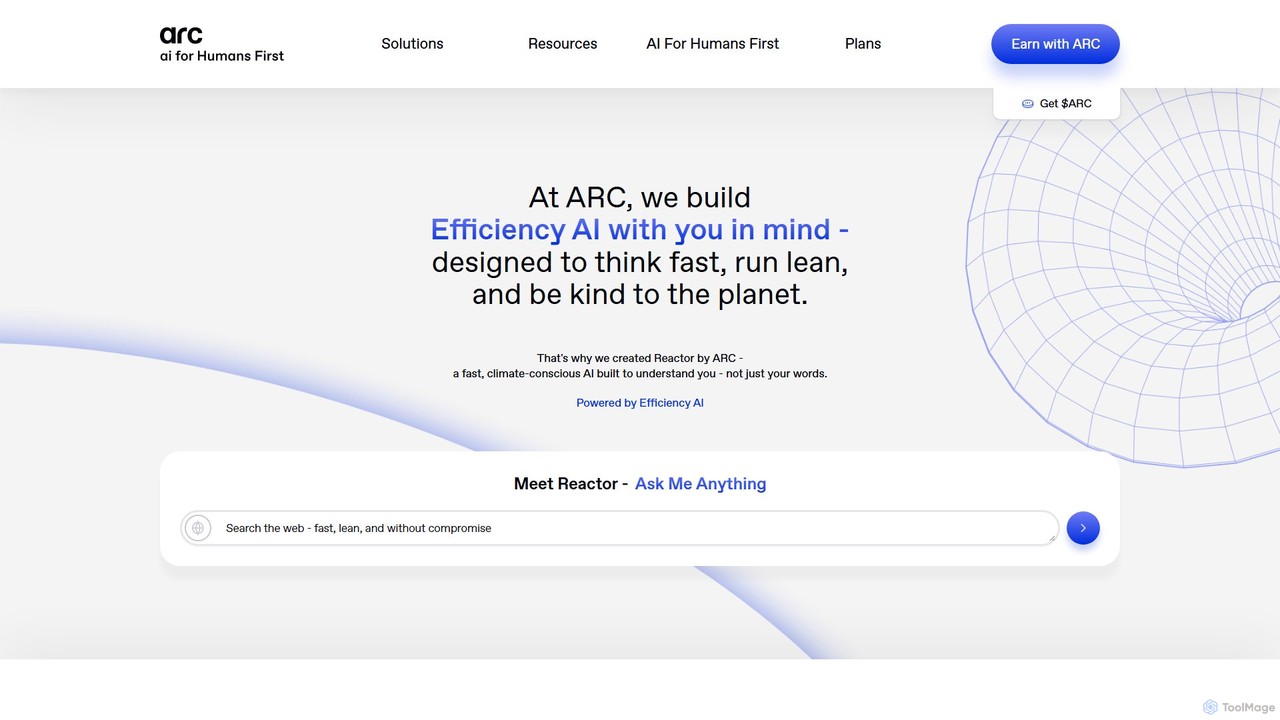
Arc is a revolutionary browser by The Browser Company, designed to be a smart, organized, and private alternative to Chrome. It integrates AI features to enhance productivity, offers unique organization tools like Spaces and Split View, and provides a seamless, ad-free experience across desktop and mobile.

Search Assistant
Visits 755.7KFavorites 157Likes 137
Pixelcode
Paid

Pixelcode

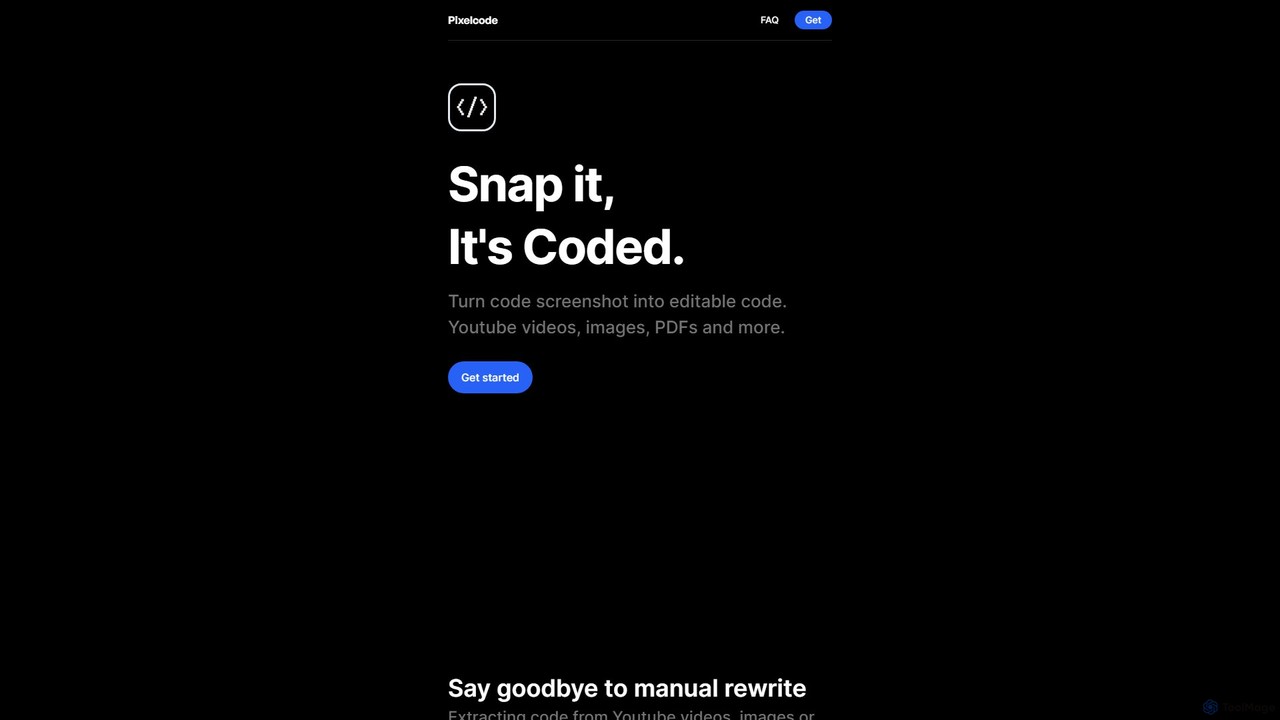
Pixelcode is a powerful AI-driven Chrome extension that instantly converts code from screenshots, YouTube videos, images, and PDFs into editable text. It supports over 30 programming languages, accurately preserves original formatting, and copies the code directly to your clipboard. This tool is designed to eliminate manual retyping, prevent errors, and dramatically boost developer productivity.

Code Assistant
Visits 5.6KFavorites 134Likes 137
TinyWow
Freemium

TinyWow

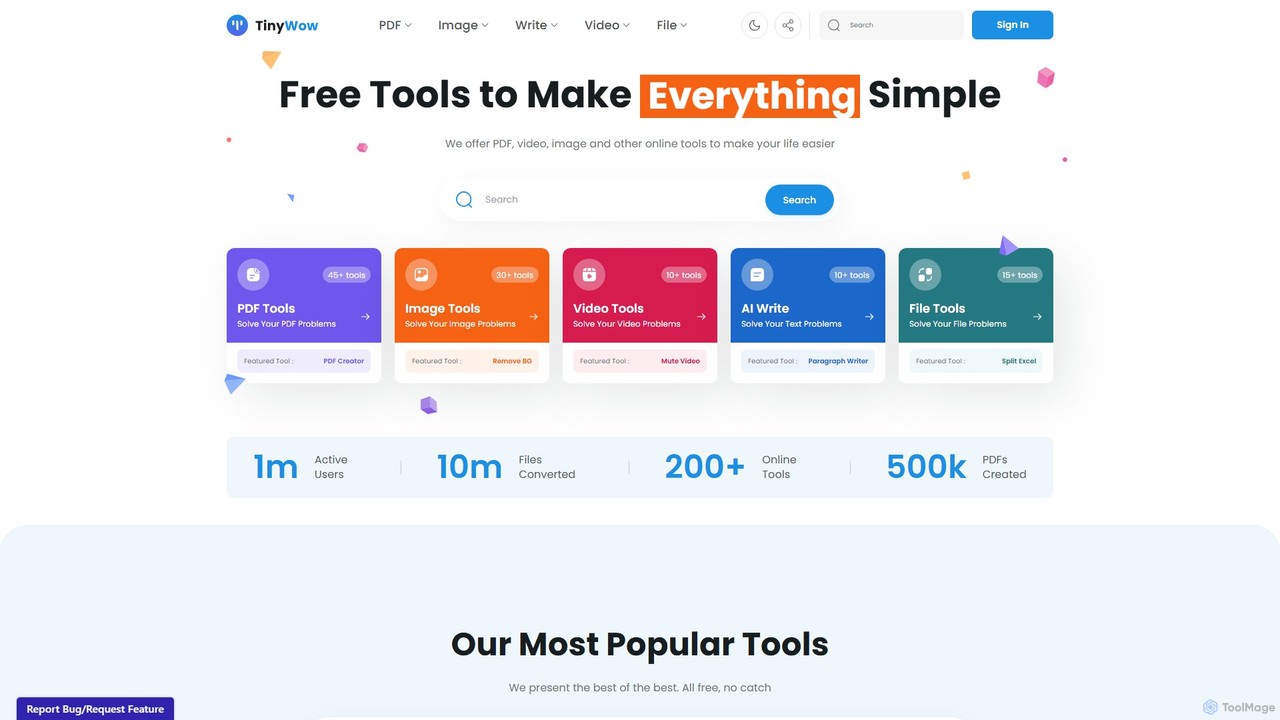
TinyWow is a comprehensive suite of over 250 free online tools, including AI-powered features for writing, image generation, and editing. It offers a vast collection of utilities for PDF management, video processing, and file conversion, designed to simplify digital tasks for everyone. Many tools are available for free without requiring user registration.

Writing
Visits 2.4MFavorites 180Likes 182
ScannerGo
Freemium

ScannerGo

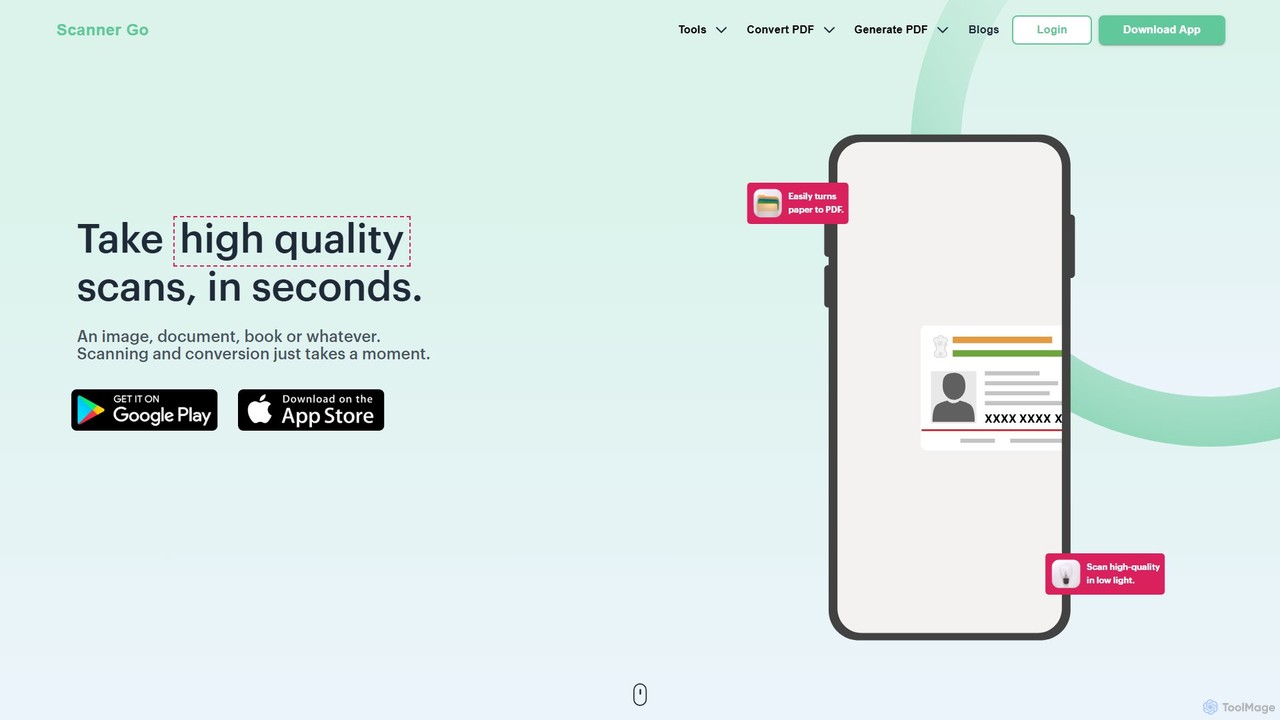
ScannerGo is an all-in-one productivity tool that combines a powerful mobile document scanner with a comprehensive suite of online PDF utilities. Easily scan, convert, edit, merge, split, and secure your documents on any device, enhanced with OCR technology to extract text from images and PDFs.

File Conversion
Visits 100.2KFavorites 107Likes 119
Frankenfile
Paid

Frankenfile

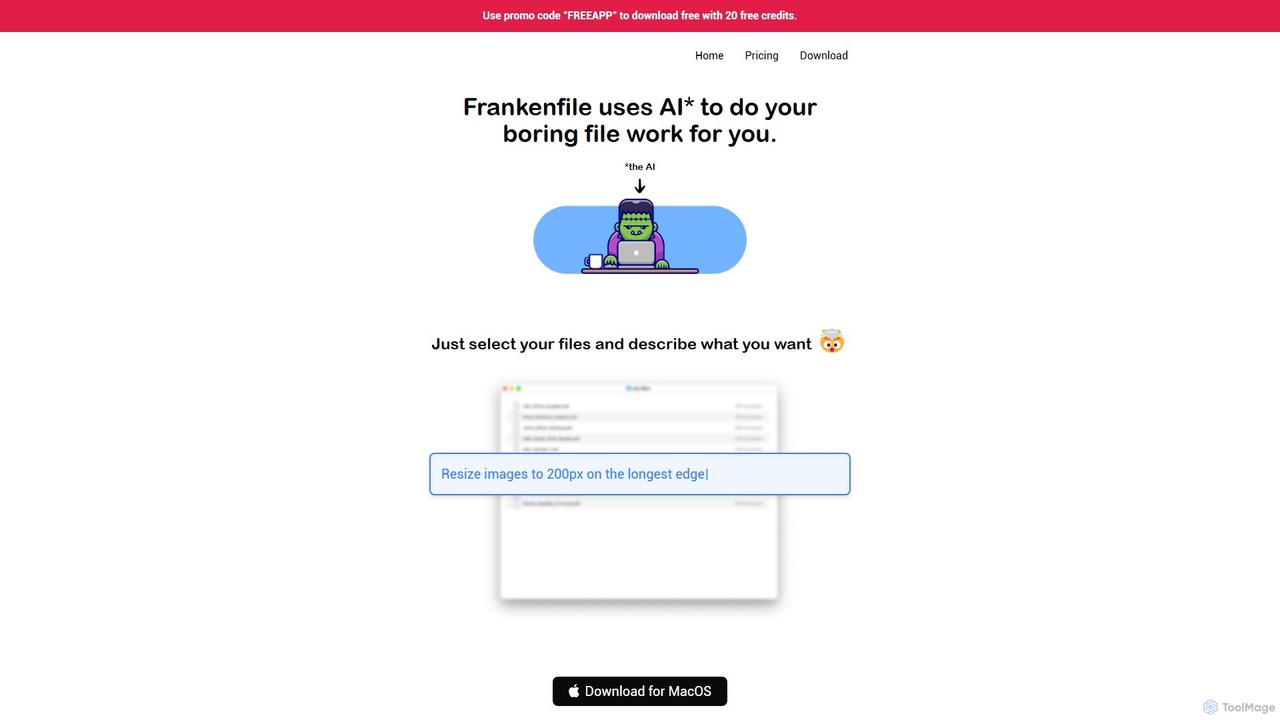
Frankenfile is an AI-powered assistant for MacOS that automates your file management tasks. Simply describe what you want to do in plain English, and the app handles complex operations on images, videos, audio, and PDFs. It runs entirely locally, ensuring your files remain private and secure.

Task Automation
Visits 5.4KFavorites 137Likes 130
chatgpt2pdf
Paid

chatgpt2pdf

A Chrome extension that allows you to save and export your ChatGPT conversations as high-quality PDF files with a single click. Easily archive, share, and document your AI interactions for professional, academic, or personal use.

Chrome Extensions
Visits 5.5KFavorites 127Likes 122
Lion Browser
Paid

Lion Browser

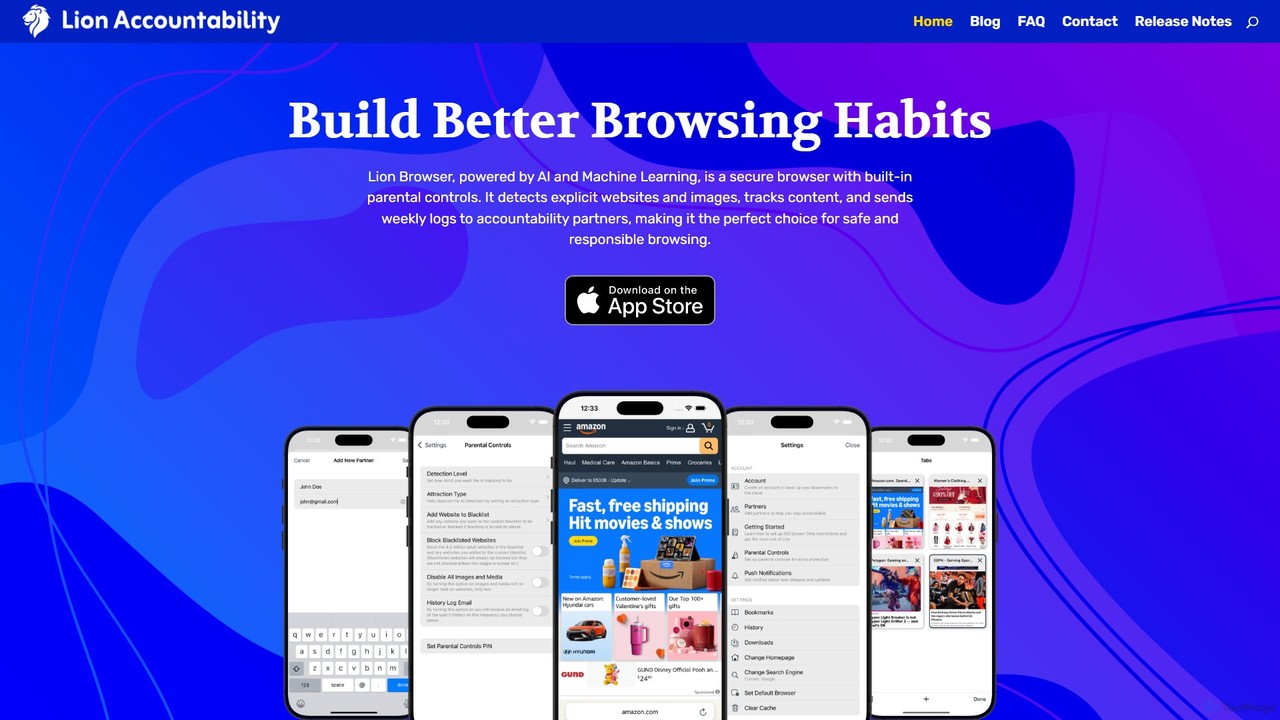
Lion Browser is a secure, AI-powered web browser for iOS designed to build better online habits. It features real-time explicit content detection, robust parental controls, and an accountability system that sends browsing reports to a partner. Focused on privacy and speed, it offers a safe and responsible browsing experience for individuals and families.

Focus
Visits 5.7KFavorites 153Likes 159
Flowtext
Paid

Flowtext

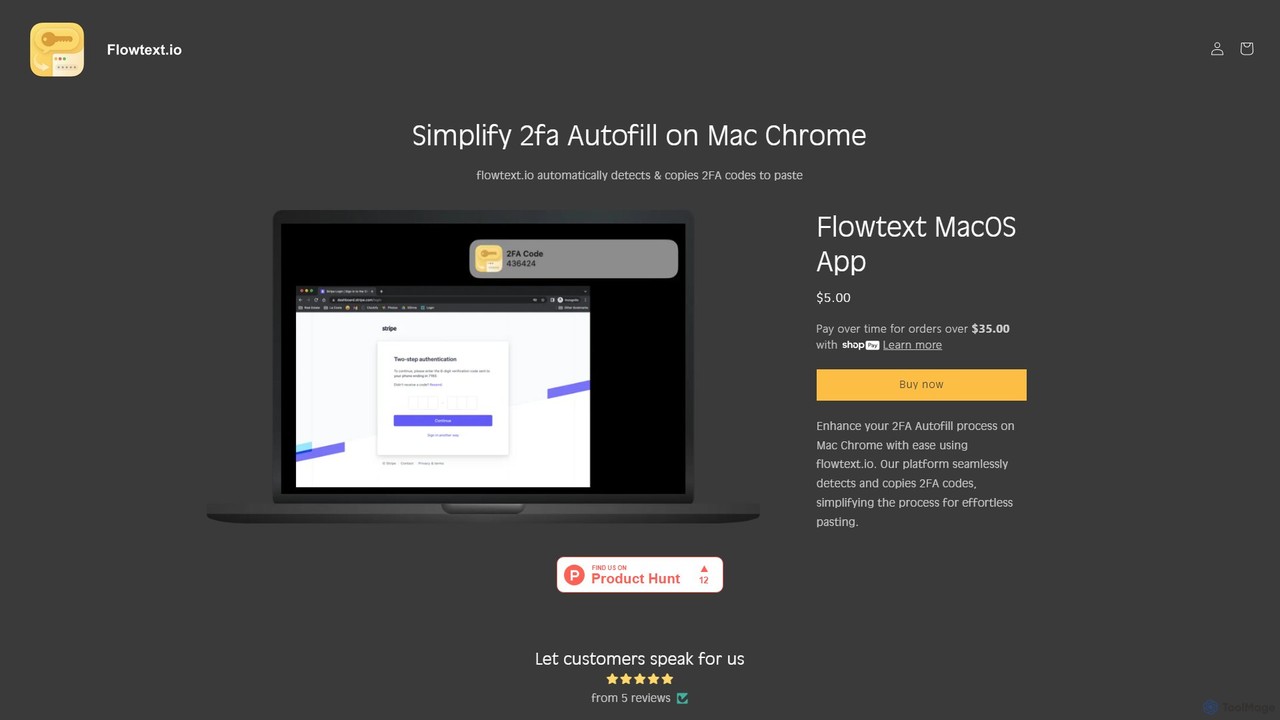
Flowtext is a macOS application designed to streamline your two-factor authentication (2FA) workflow. It automatically detects 2FA codes from SMS messages in iMessage and instantly copies them to your clipboard, eliminating the need to manually switch apps and copy-paste codes when logging into services on Google Chrome. This enhances both productivity and security.

Automation
Visits 7.2KFavorites 119Likes 111
cronbuilder
Free

cronbuilder

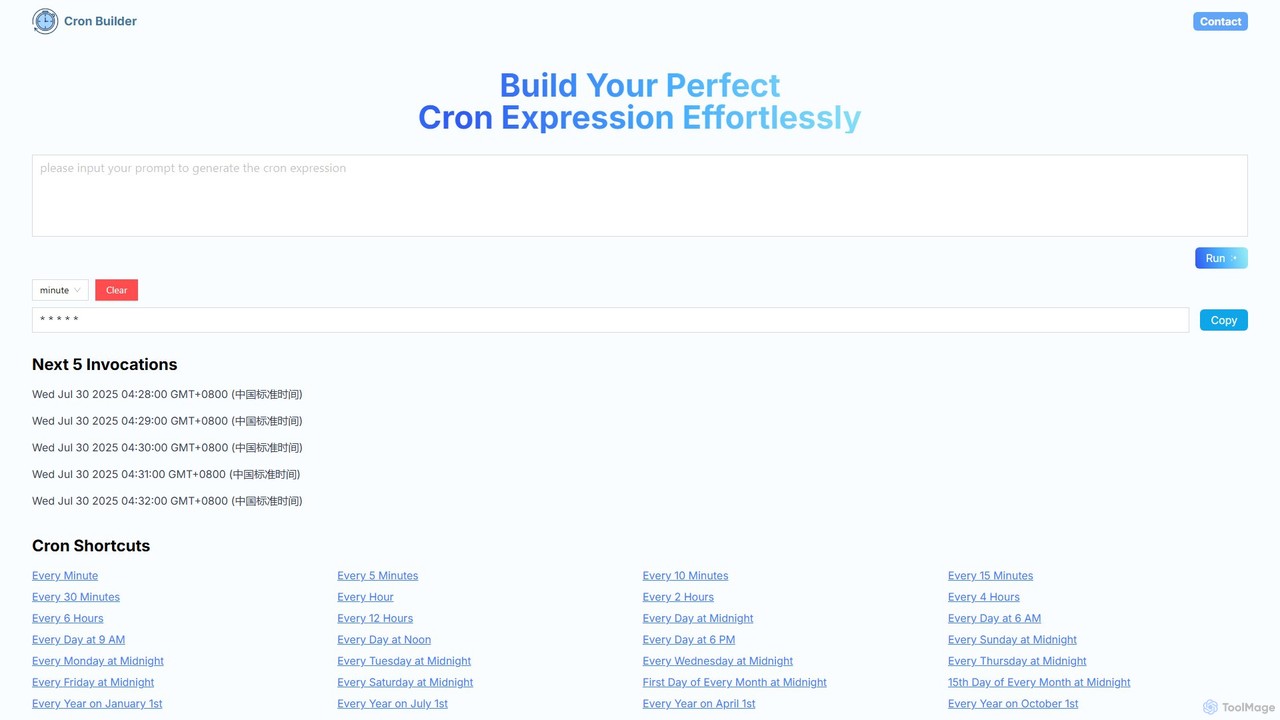
cronbuilder is an AI-powered tool that simplifies the creation of cron expressions. Simply describe your desired schedule in natural language, and the AI will instantly generate the correct cron syntax. It includes real-time validation by showing upcoming execution times and offers a vast library of presets for common tasks, making it ideal for developers, sysadmins, and DevOps engineers.

Task Scheduling
Visits 5.5KFavorites 102Likes 109
unicodetokruti
Free

unicodetokruti

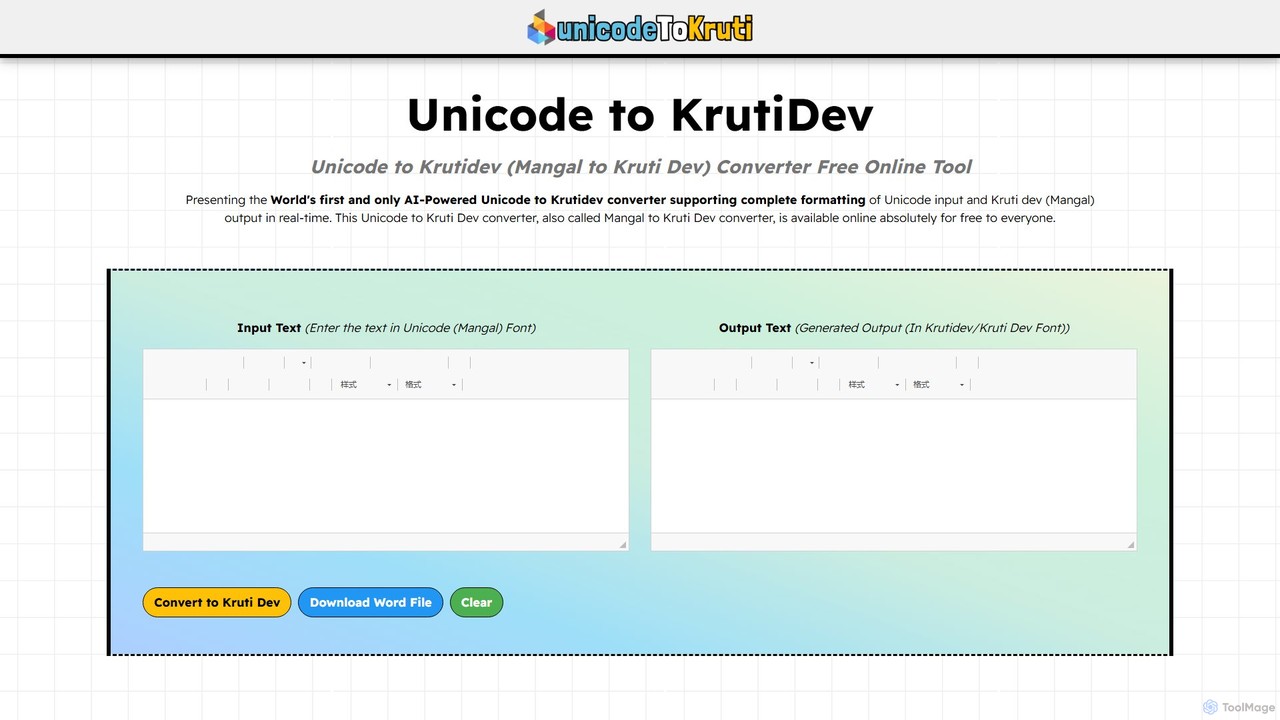
A free, AI-powered online tool for converting Devanagari text from Unicode (Mangal font) to the legacy Kruti Dev font. It offers real-time conversion with no word limits or login requirements. Ideal for government officials, content creators, and designers, it features a rich text editor, allows downloading as a Word file, and ensures data privacy.

Text Editing
Visits 8.7KFavorites 126Likes 117
DishGrab
Freemium

DishGrab

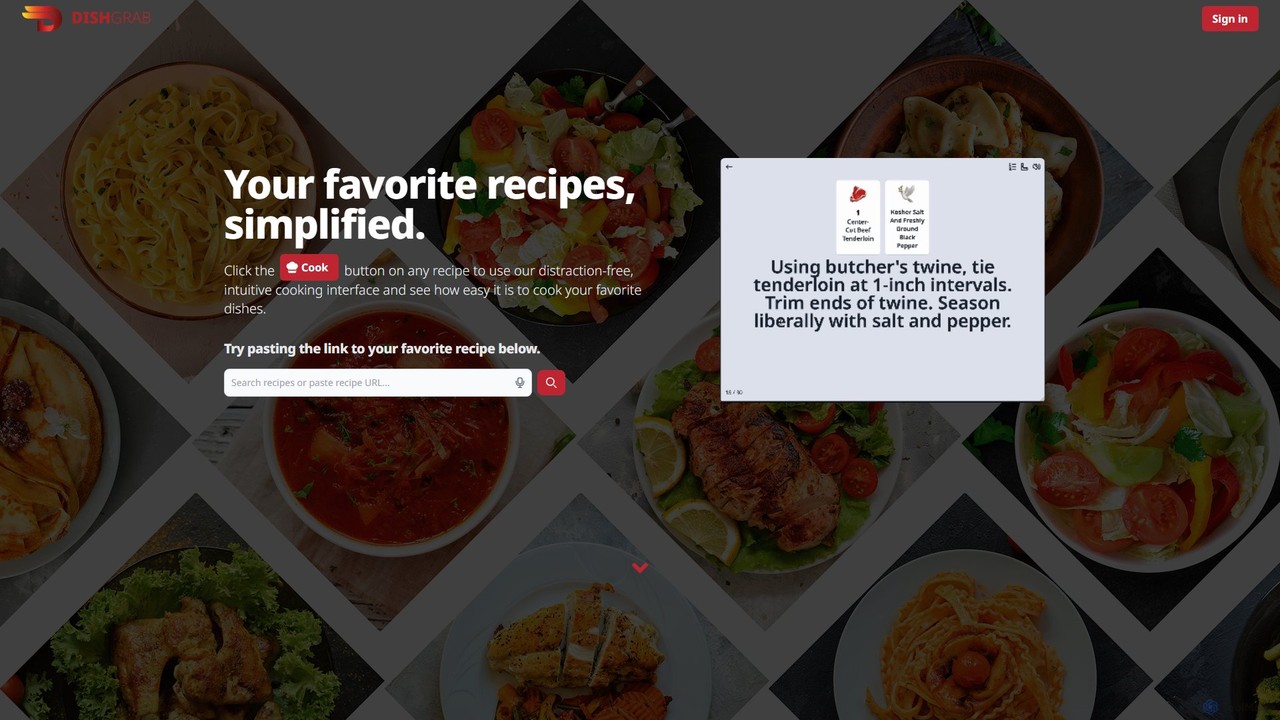
DishGrab is an AI-powered recipe assistant that simplifies your cooking experience. Paste any recipe link to get a clean, distraction-free interface. It intelligently extracts ingredients and instructions, allowing you to save, organize into collections, and share your favorite recipes effortlessly. Perfect for home cooks who want to focus on cooking, not scrolling.

Cooking
Visits 5.5KFavorites 128Likes 125
ExitCall
Freemium

ExitCall

ExitCall is an AI-powered service that provides a realistic, scheduled "emergency" phone call to help you gracefully exit awkward social situations. By setting a scenario and a time, you receive a call from an AI voice assistant, creating a believable reason to leave a bad date or uncomfortable meeting without causing a scene.

Social
Visits 5.5KFavorites 144Likes 146

Supersense
Freemium

Supersense

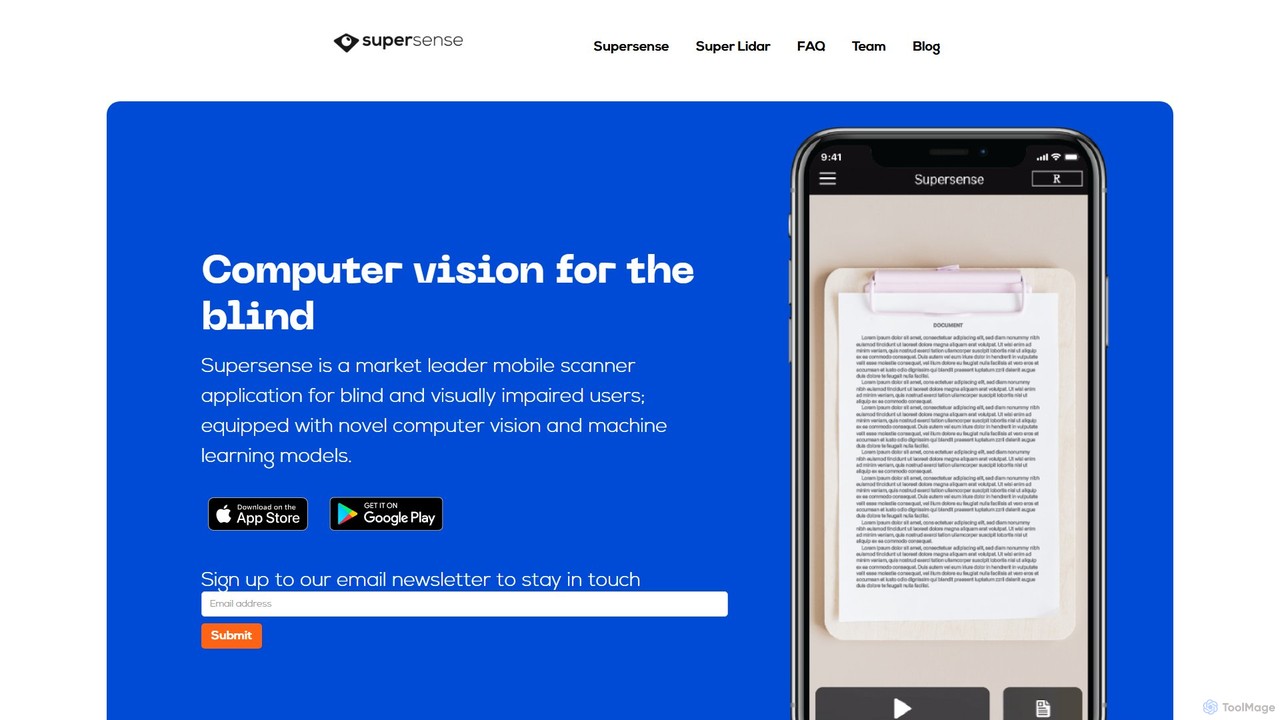
Supersense is an AI-powered mobile application designed for blind and visually impaired users. It acts as a smart scanner, using the phone's camera to read text, identify currency, scan barcodes, and recognize objects in the user's environment. With a highly accessible interface and verbal guidance, it makes the physical world more navigable and information more accessible.

Visual Impairment
Visits 7.4KFavorites 154Likes 131
Hitab
Freemium

Hitab

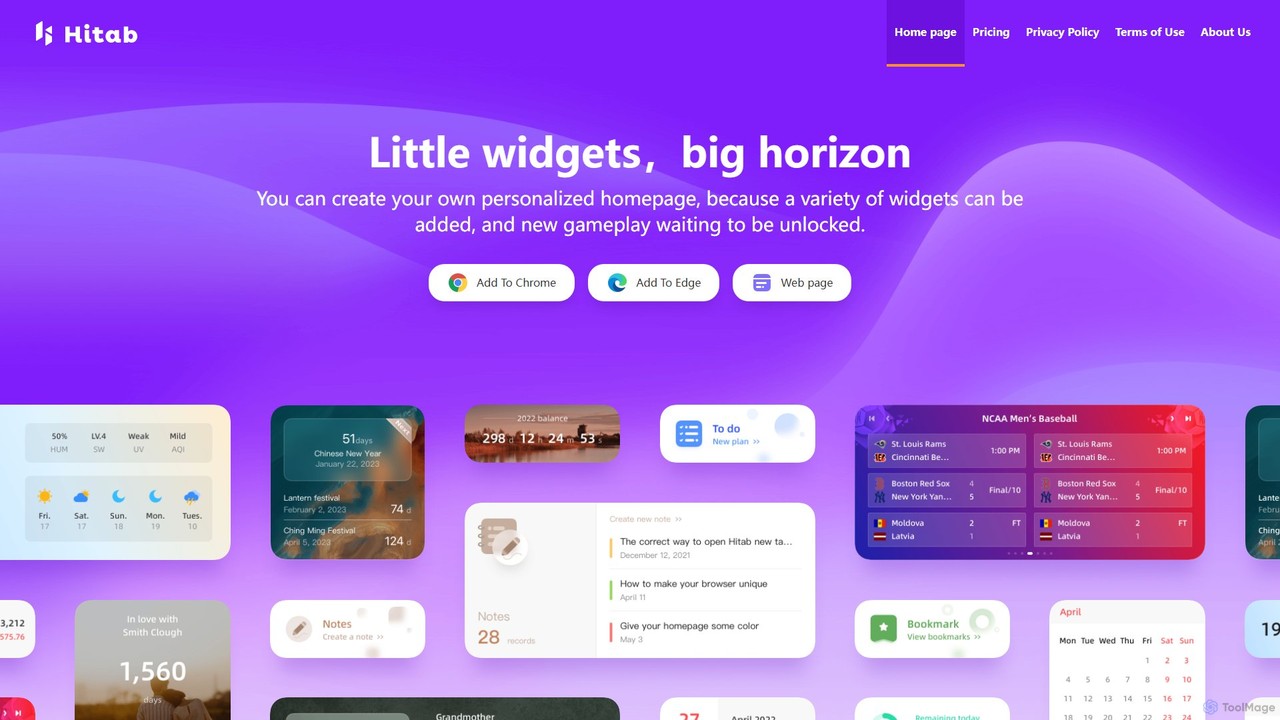
Hitab is a powerful browser extension that transforms your new tab page into a personalized and productive dashboard. It allows users to add a variety of widgets like notes, to-do lists, weather, and countdowns. With extensive customization options, including drag-and-drop widgets, custom icons, and a vast library of HD wallpapers, Hitab helps you create a beautiful, efficient, and unique homepage tailored to your needs.

Homepage
Visits 5.6KFavorites 124Likes 116

Trimbox
Paid

Trimbox

Trimbox is an AI-powered Gmail plugin designed for ultimate inbox management. It allows you to unsubscribe from mailing lists and delete all past emails from any sender with a single click, all while ensuring your privacy by processing data directly on your device.

Email Management
Visits 72.9KFavorites 141Likes 141
Picture Translate
Free

Picture Translate

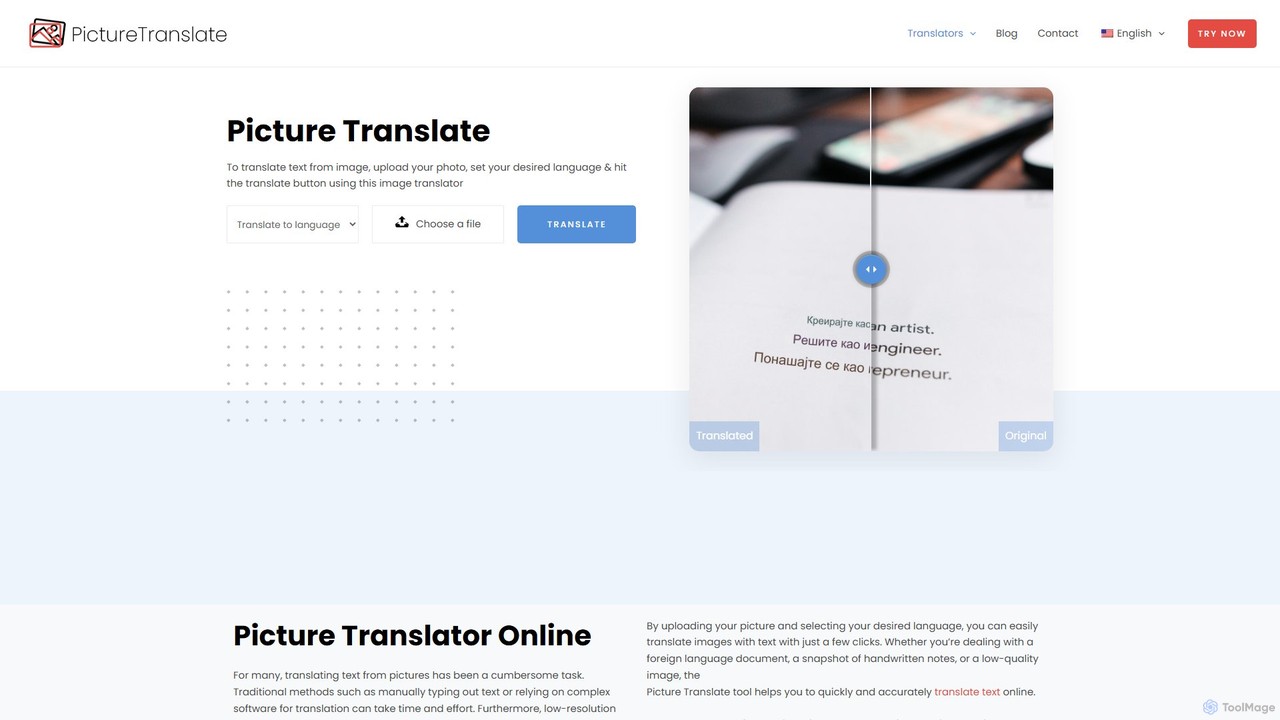
Picture Translate is a free, AI-powered online tool that instantly translates text from images. Using advanced OCR technology, it accurately extracts and translates text from photos, screenshots, and documents into numerous languages. It's ideal for travelers, students, and professionals needing quick, on-the-go translations.

Learning
Visits 8.4KFavorites 100Likes 111
TextPixie
Freemium

TextPixie

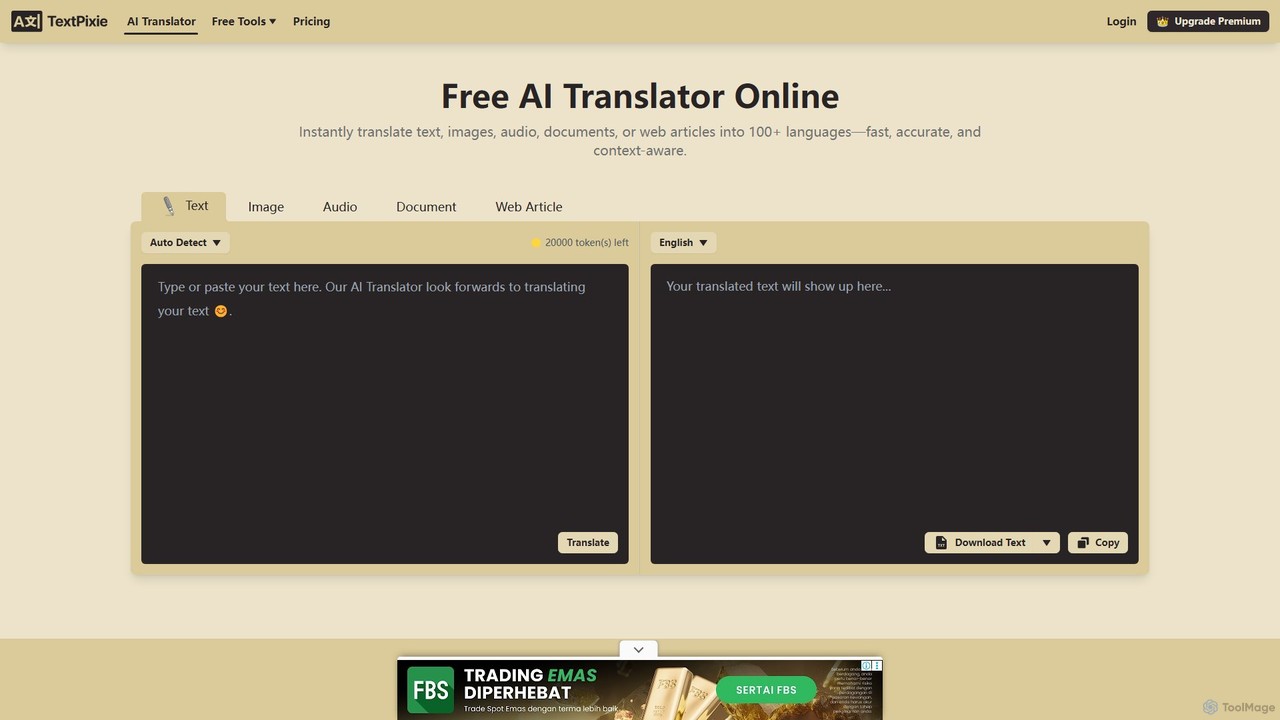
TextPixie is a versatile AI-powered online translator that handles text, images, audio, documents, and web articles. It supports over 100 languages, offering fast, accurate, and context-aware translations. Key features include a powerful OCR for image-to-text extraction and a generous free plan, making it an accessible tool for global communication.

Localization
Visits 42.6KFavorites 149Likes 132
typeng
Free

typeng

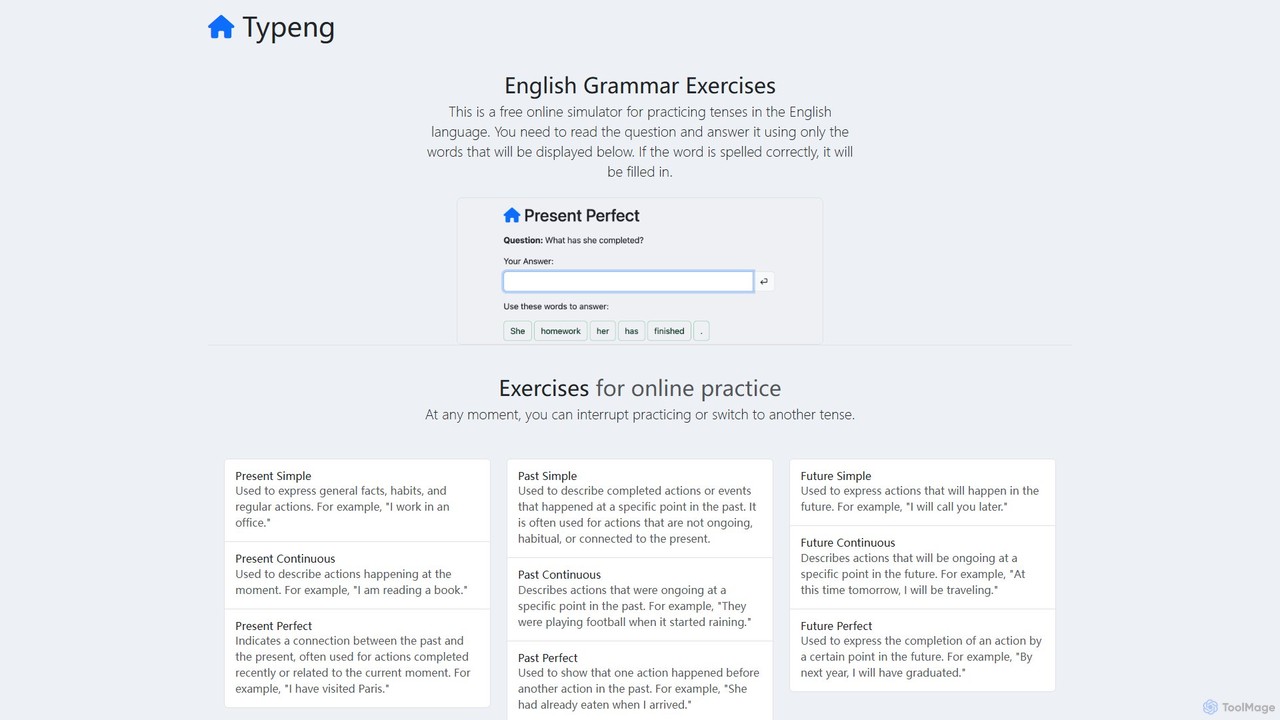
typeng is a free online simulator for mastering English grammar. It offers interactive exercises for a wide range of topics, from tenses to phrasal verbs. Users practice by constructing sentences from given words, reinforcing learning through repetition. It also provides downloadable PDF worksheets for all proficiency levels (A1-C1), requiring no registration.

Language Learning
Visits 5.6KFavorites 138Likes 116

About Utilities

Utilities are AI-powered tools designed to enhance efficiency, automate routine tasks, and provide specialized assistance across various digital workflows. These tools leverage advanced AI capabilities, such as natural language processing, machine learning, and computer vision, to understand context, process data, and execute actions intelligently. By streamlining operations and reducing manual effort, AI utilities empower users to save time, improve accuracy, and unlock new capabilities in their daily tasks and professional projects.

Core Features

  • Automated Task Execution: Automate repetitive digital tasks like data entry, file organization, or content scheduling.
  • Data Processing & Organization: Efficiently sort, categorize, and analyze large volumes of data for better insights.
  • Content Enhancement: Improve the quality of text, images, or audio through AI-driven suggestions and modifications.
  • Intelligent Search & Retrieval: Find specific information faster and more accurately across documents and databases.
  • Workflow Integration: Seamlessly connect with existing software and platforms to create cohesive work environments.

Use Cases

AI utilities find application across diverse sectors, from individual productivity to large-scale enterprise operations. They are invaluable for professionals seeking to optimize their digital footprint, content creators aiming for perfection, and businesses striving for operational excellence. Typical scenarios include automating administrative chores, enhancing creative output, and simplifying complex data management processes.

How to Choose

When selecting an AI utility, consider its specific functionality to ensure it addresses your exact needs. Evaluate its integration capabilities with your current software ecosystem for seamless workflow. Assess the ease of use and learning curve, as well as its scalability and performance to handle your anticipated workload. Finally, prioritize tools with robust security and privacy measures to protect your data.

Featured tool rankings

Utilities use cases

1

Automating Data Entry for Administrative Tasks

Administrative professionals often spend significant time on repetitive data entry. AI utilities can automatically extract information from documents, emails, or spreadsheets and input it into databases or CRM systems, drastically reducing manual effort and minimizing errors. This frees up staff to focus on more strategic tasks, improving overall office efficiency.

2

Intelligent Document Summarization for Research

Researchers and analysts frequently deal with vast amounts of text. AI utilities can quickly read through lengthy reports, articles, or legal documents and generate concise summaries, highlighting key points and critical information. This accelerates the research process, allowing users to grasp core concepts faster and make informed decisions.

3

Enhanced Content Proofreading and Style Checking

Content creators, marketers, and writers can leverage AI utilities for advanced proofreading beyond basic grammar checks. These tools can analyze writing style, suggest improvements for clarity and conciseness, detect plagiarism, and ensure brand voice consistency across various content pieces, elevating the quality of written communication.

4

Batch Image Optimization and Resizing for Web Assets

Web developers and designers often need to process numerous images for websites or applications. AI utilities can automatically optimize image file sizes, resize them to specific dimensions, and even remove backgrounds in bulk. This ensures fast loading times, consistent visual quality, and significantly speeds up asset preparation workflows.

5

Smart Email Management and Prioritization

Busy professionals receive a high volume of emails daily. AI utilities can intelligently categorize incoming messages, flag urgent communications, filter out spam, and even draft quick replies based on context. This helps users manage their inboxes more effectively, ensuring important emails are addressed promptly and reducing digital clutter.

6

Code Refactoring and Quality Check for Developers

Software developers can utilize AI utilities to improve code quality and maintainability. These tools can analyze code for potential bugs, suggest refactoring opportunities to optimize performance, enforce coding standards, and even generate documentation. This leads to cleaner, more efficient codebases and faster development cycles.

Utilities FAQ

What are AI Utilities?

AI Utilities are software tools that use artificial intelligence to perform specific, often routine, tasks more efficiently and intelligently than traditional methods. They are designed to automate, optimize, or enhance various digital processes, ranging from data management and content creation to personal productivity and development workflows. Their core purpose is to simplify complex operations and save users time and effort.

How do I choose the best AI Utility for my needs?

To choose the best AI utility, first identify your specific problem or task you want to automate or enhance. Then, evaluate tools based on their core functionality and how well it aligns with your requirements. Consider integration capabilities with your existing software, ease of use, and the tool's scalability. Finally, check user reviews, pricing models, and the vendor's commitment to security and data privacy.

What are the main benefits of using AI Utilities?

The main benefits of using AI Utilities include significant time savings by automating repetitive tasks, improved accuracy due to reduced human error, and enhanced productivity across various workflows. They can also unlock new capabilities, such as intelligent data analysis or advanced content generation, allowing users to achieve results that would be difficult or impossible manually. Ultimately, they streamline operations and optimize resource allocation.

What are some common types of AI Utility tools?

Common types of AI Utility tools include smart assistants for scheduling and email management, AI-powered grammar and writing assistants, data extraction and processing tools, image and video optimization utilities, code analysis and refactoring tools, and intelligent search engines. These tools span various categories, each designed to address specific pain points in digital work and personal life.

Can AI Utility tools integrate with my existing software?

Many AI Utility tools are designed with integration in mind. They often offer APIs, plugins, or direct connectors to popular platforms like CRM systems, project management software, content management systems, and cloud storage services. This allows for seamless data flow and workflow automation, ensuring that the AI utility enhances rather than disrupts your existing digital ecosystem. Always check the tool's documentation for specific integration options.