ai_flowchart Alternatives

Use ai_flowchart, the leading AI flowchart generator, to create professional diagrams from natural language. Perfect for developers, managers, and analysts. Try it free to transform your ideas into flowcharts in seconds.

ai_flowchart is a Freemium Diagramming AI Tool The recommendations below are sorted based on shared categories, tags, applicable professions, community interactions, and traffic signals to help you choose alternative tools based on real usage scenarios.

Rating
5
Saved on
Likes
Monthly Visits
2.3K

ai_flowchart Alternative selection guide

Alternatives to ai_flowchart should not only be considered within the same category; you also need to compare Diagramming、Process Management、Documentation、Teaching, pricing models, product formats, access popularity, and user feedback. The current list prioritizes tools that share a clear category, tag, or applicable profession with ai_flowchart, such as Flowchartmaker、Mermaid Chart、Text to Flowchart、Imagetodrawio, and explains the similarities and key differences for each recommendation.

First, confirm the alternative scenario

Prioritize tools that match both Diagramming and key tags, avoiding recommendations based solely on belonging to the same broad category.

Then, compare delivery formats

Websites, apps, browser extensions, and freemium models directly impact trial barriers, team procurement, and long-term usage costs.

Finally, look at quality signals

Use traffic, bookmarks, likes, or comment data as supplementary judgment; tools lacking data are not directly excluded, but greater emphasis should be placed on functional fit explanations.

Quick decision

Select the most worthwhile alternatives to try first based on common purchasing and usage scenarios.

Best Overall Alternative
Flowchartmaker
Comprehensive Match

Flowchartmaker and ai_flowchart both cover Diagramming、Process Management and jointly match project management、flowchart、business process and similar needs, for users who want to prioritize comparing similar use cases.

Differences between Flowchartmaker and ai_flowchart mainly show in product experience, feature depth, and workflow design around project management.

Match score: 20 Monthly Visits: 2.3K

Best Free Alternative
DiagramGPT
Free

DiagramGPT and ai_flowchart both cover Diagramming、Process Management and jointly match text to diagram and similar needs, for users who want to prioritize comparing similar use cases.

What sets DiagramGPT apart from ai_flowchart: Pricing model is Free.

Match score: 14 Monthly Visits: 2.2K
Best fit for developer tools
Mermaid Chart
developer tools

Mermaid Chart and ai_flowchart both cover Diagramming、Documentation and jointly match developer tools、project management、flowchart and similar needs, for users who want to prioritize comparing similar use cases.

Differences between Mermaid Chart and ai_flowchart mainly show in product experience, feature depth, and workflow design around developer tools.

Match score: 18 Monthly Visits: 55.7K
Best fit for project management
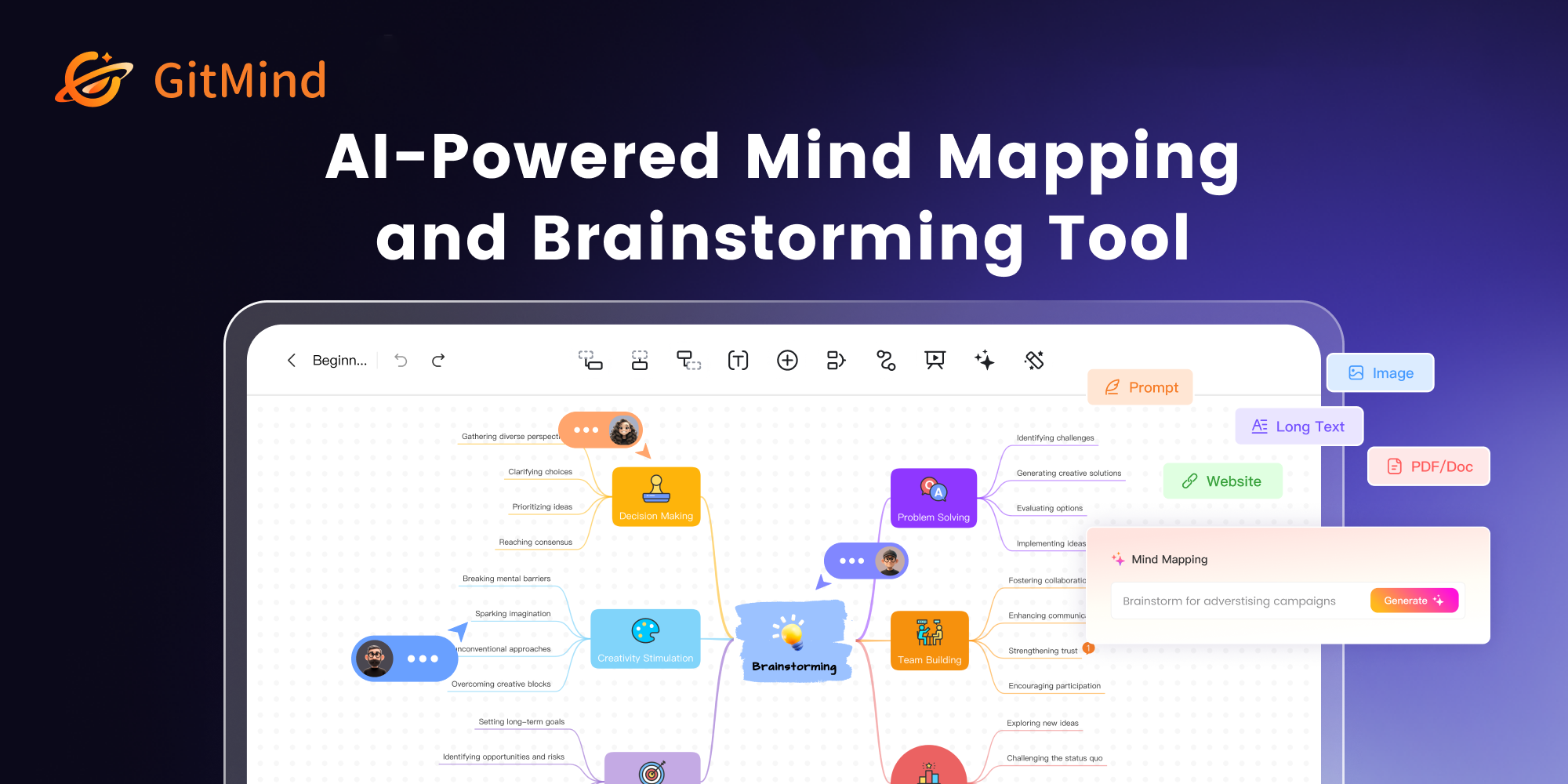
GitMind
project management

GitMind and ai_flowchart both cover Diagramming and jointly match project management、flowchart、diagram and similar needs, for users who want to prioritize comparing similar use cases.

What sets GitMind apart from ai_flowchart: Primary scenario leans toward Brainstorming.

Match score: 12 Monthly Visits: 782.5K
Best fit for natural language processing
Mermaid Online
natural language processing

Mermaid Online and ai_flowchart share tags such as natural language processing、flowchart、text to diagram, so they are better compared from specific feature needs than from broad categories alone.

What sets Mermaid Online apart from ai_flowchart: Pricing model is Is Paid;Primary scenario leans toward Diagramming.

Match score: 8 Monthly Visits: 156.9K

ai_flowchart vs Top 5 alternatives

Compare pricing, form, reasons for matching, and key differences to reduce the cost of opening each page individually.

Tools Pricing Type Why similar Key differences
Flowchartmaker
Match score: 20
Freemium Website Flowchartmaker and ai_flowchart both cover Diagramming、Process Management and jointly match project management、flowchart、business process and similar needs, for users who want to prioritize comparing similar use cases. Differences between Flowchartmaker and ai_flowchart mainly show in product experience, feature depth, and workflow design around project management.
Mermaid Chart
Match score: 18
Freemium Website Mermaid Chart and ai_flowchart both cover Diagramming、Documentation and jointly match developer tools、project management、flowchart and similar needs, for users who want to prioritize comparing similar use cases. Differences between Mermaid Chart and ai_flowchart mainly show in product experience, feature depth, and workflow design around developer tools.
Text to Flowchart
Match score: 16
Freemium Website Text to Flowchart and ai_flowchart both cover Diagramming、Process Management and jointly match developer tools、text to diagram and similar needs, for users who want to prioritize comparing similar use cases. Differences between Text to Flowchart and ai_flowchart mainly show in product experience, feature depth, and workflow design around developer tools.
Imagetodrawio
Match score: 14
Freemium Website Imagetodrawio and ai_flowchart both cover Diagramming、Documentation and jointly match flowchart and similar needs, for users who want to prioritize comparing similar use cases. Differences between Imagetodrawio and ai_flowchart mainly show in product experience, feature depth, and workflow design around flowchart.
GitMind
Match score: 12
Freemium Website GitMind and ai_flowchart both cover Diagramming and jointly match project management、flowchart、diagram and similar needs, for users who want to prioritize comparing similar use cases. What sets GitMind apart from ai_flowchart: Primary scenario leans toward Brainstorming.

Alternative FAQ

What are the most worthwhile alternatives to ai_flowchart to look at first?

Flowchartmaker、Mermaid Chart、Text to Flowchart are the most recommended tools for priority comparison on this page. They share a clear category, tag, or applicable profession with ai_flowchart, but may differ in price, format, and feature depth.

Why aren't these recommendations sorted solely by traffic?

Traffic only indicates attention, not scenario fit. The page sorting first requires candidate tools to have a category, tag, or professional overlap with ai_flowchart, and then sorts based on traffic, interaction data, and result diversity.

Will a tool be affected in recommendations if it has no traffic or review data?

It will not be directly excluded. When traffic or reviews are lacking, the system relies more on Diagramming, tags, professional matches, and the tool's own information to avoid misinterpreting missing data as low quality.

Reset

ai_flowchart the best 50 Alternatives

Sorted based on shared categories, tags, professional matching, and community quality signals.

An AI-powered tool that instantly creates professional flowcharts from simple text descriptions. It features interactive editing via a chat interface and full customization with drag-and-drop options, streamlining the process of visualizing workflows and ideas.

Why similar

Flowchartmaker and ai_flowchart both cover Diagramming、Process Management and jointly match project management、flowchart、business process and similar needs, for users who want to prioritize comparing similar use cases.

Key differences

Differences between Flowchartmaker and ai_flowchart mainly show in product experience, feature depth, and workflow design around project management.

Instantly create professional flowcharts from text with Flowchartmaker. Our AI-powered tool simplifies diagramming with chat-based editing and drag-and-drop customization. Perfect for project managers, developers, and businesses. FlowchartmakerApplicable toProcess Management.Generative Art.Code Assistant.Diagrammingand other fields.

Rating
5.0
Saved on
Likes
Monthly Visits
2.3K

Mermaid Chart is an AI-powered diagramming tool that enables teams to create complex visuals like flowcharts, sequence diagrams, and mind maps using markdown-style code, natural language prompts, or a visual editor. It's designed for faster, smarter diagramming and seamless collaboration.

Why similar

Mermaid Chart and ai_flowchart both cover Diagramming、Documentation and jointly match developer tools、project management、flowchart and similar needs, for users who want to prioritize comparing similar use cases.

Key differences

Differences between Mermaid Chart and ai_flowchart mainly show in product experience, feature depth, and workflow design around developer tools.

Create complex diagrams, flowcharts, and mind maps effortlessly with Mermaid Chart. Use AI, markdown-style code, or a visual editor. Perfect for teams and developers. Mermaid ChartApplicable toCode Generation.Documentation.Diagramming.Project Managementand other fields.

Rating
5.0
Saved on
Likes
Monthly Visits
55.7K

An AI-powered tool that instantly transforms plain text descriptions into professional, well-structured flowcharts and diagrams. Ideal for developers, business analysts, and students, it simplifies the visualization of processes, algorithms, and workflows without requiring design skills.

Why similar

Text to Flowchart and ai_flowchart both cover Diagramming、Process Management and jointly match developer tools、text to diagram and similar needs, for users who want to prioritize comparing similar use cases.

Key differences

Differences between Text to Flowchart and ai_flowchart mainly show in product experience, feature depth, and workflow design around developer tools.

Instantly convert text into professional flowcharts and diagrams with our AI-powered generator. Describe your process in plain language and get a beautiful, optimized flowchart in seconds. Free to try. Text to FlowchartApplicable toProcess Management.Planning.Diagrammingand other fields.

Rating
5.0
Saved on
Likes
Monthly Visits
2.4K

An AI-powered tool that converts images of diagrams, such as screenshots, photos, and hand-drawn sketches, into fully editable Draw.io files. It helps users recover lost source files, digitize whiteboard sessions, and modernize legacy documentation in minutes, preserving shapes, text, and connections with high accuracy.

Why similar

Imagetodrawio and ai_flowchart both cover Diagramming、Documentation and jointly match flowchart and similar needs, for users who want to prioritize comparing similar use cases.

Key differences

Differences between Imagetodrawio and ai_flowchart mainly show in product experience, feature depth, and workflow design around flowchart.

Imagetodrawiois an AI tool designed forMarketing Manager.Product Manager.Software Developer.Data Analyst.Project Manager.Business Analyst.Consultant.Technical Writer.Agile Coach.System ArchitectAI tool designed Instantly convert screenshots, whiteboard photos, and hand-drawn sketches into fully editable Draw.io diagrams with our AI-powered tool. Recover lost files, modernize documentation, and streamline your workflow. Try for free. ImagetodrawioApplicable toAutomation.Documentation.Diagrammingand other fields.

Rating
5.0
Saved on
Likes
Monthly Visits
23.3K

GitMind is an AI-powered collaborative mind mapping and brainstorming tool. It enables users to create mind maps, flowcharts, org charts, and other diagrams with ease. Featuring AI-driven content generation, summarization of documents and videos, and real-time co-editing, GitMind helps individuals and teams visualize ideas, streamline workflows, and enhance productivity. With cross-platform availability and a rich template library, it transforms complex information into clear, organized visuals.

Why similar

GitMind and ai_flowchart both cover Diagramming and jointly match project management、flowchart、diagram and similar needs, for users who want to prioritize comparing similar use cases.

Key differences

What sets GitMind apart from ai_flowchart: Primary scenario leans toward Brainstorming.

Boost your productivity with GitMind, the AI-powered mind map and flowchart creator. Generate ideas, summarize content, collaborate in real-time, and create stunning diagrams effortlessly. Try it free! GitMindApplicable toProject Management.Note Taking.Brainstorming.Diagrammingand other fields.

Rating
5.0
Saved on
Likes
Monthly Visits
782.5K

DiagramGPT is an AI-powered tool that transforms natural language text prompts into various diagrams. By leveraging GPT technology and Mermaid syntax, it allows users to effortlessly generate flowcharts, sequence diagrams, and more, simply by describing what they want to visualize. It's an ideal solution for developers, project managers, and students who need to create professional diagrams quickly without manual drawing.

Why similar

DiagramGPT and ai_flowchart both cover Diagramming、Process Management and jointly match text to diagram and similar needs, for users who want to prioritize comparing similar use cases.

Key differences

What sets DiagramGPT apart from ai_flowchart: Pricing model is Free.

DiagramGPTis an AI tool designed forProduct Manager.Software Developer.Student.Data Analyst.Educator.Project Manager.Business Analyst.Technical Writer.System ArchitectAI tool designed Effortlessly create flowcharts, sequence diagrams, and more from simple text prompts with DiagramGPT. This free, open-source AI tool generates Mermaid syntax and SVG diagrams instantly. DiagramGPTApplicable toProcess Management.Code Generation.Visualization.Diagrammingand other fields.

Rating
5.0
Saved on
Likes
Monthly Visits
2.2K

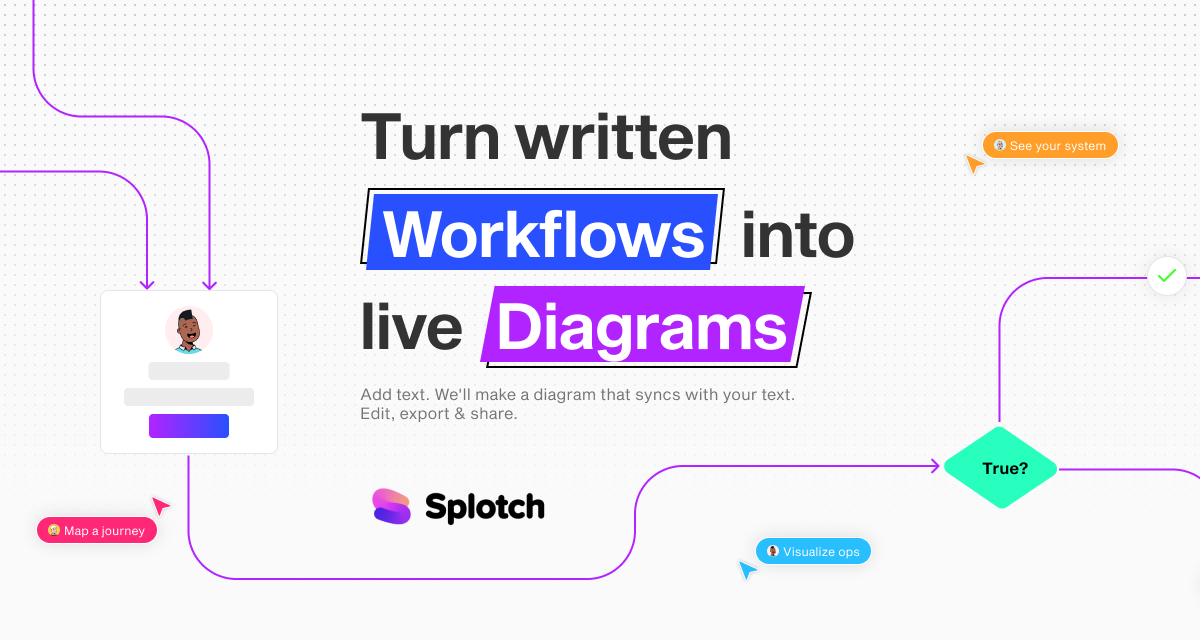
splotch is an AI-powered diagramming tool that automatically converts written text, processes, and workflows into clear, editable flowcharts and diagrams. It features a unique two-way sync, ensuring your text and visuals are always aligned, streamlining communication and process documentation.

Why similar

splotch and ai_flowchart both cover Diagramming、Process Management and jointly match text to diagram and similar needs, for users who want to prioritize comparing similar use cases.

Key differences

Differences between splotch and ai_flowchart mainly show in product experience, feature depth, and workflow design around text to diagram.

splotch is an AI-powered tool that automatically turns your written workflows, SOPs, and meeting notes into clear, editable diagrams. Features two-way sync, Google Docs integration, and more to streamline your process visualization. splotchApplicable toProcess Management.Prototyping.Diagramming.Sales Enablementand other fields.

Rating
5.0
Saved on
Likes
Monthly Visits
5.8K

SnapDiagram is an AI-powered tool that instantly transforms text descriptions into professional diagrams. Generate flowcharts, sequence diagrams, UML models, mind maps, and more with simple natural language prompts. It's designed to accelerate workflows for developers, business analysts, and project managers by automating the diagramming process.

Why similar

snapdiagram and ai_flowchart both cover Diagramming and jointly match developer tools、flowchart、visualization and similar needs, for users who want to prioritize comparing similar use cases.

Key differences

Differences between snapdiagram and ai_flowchart mainly show in product experience, feature depth, and workflow design around developer tools.

Instantly create flowcharts, UML diagrams, mind maps, and more from simple text prompts with SnapDiagram. The AI diagramming tool for developers, analysts, and teams. snapdiagramApplicable toWorkflow Management.Visualization.Code Generation.Diagrammingand other fields.

Rating
5.0
Saved on
Likes
Monthly Visits
2.2K

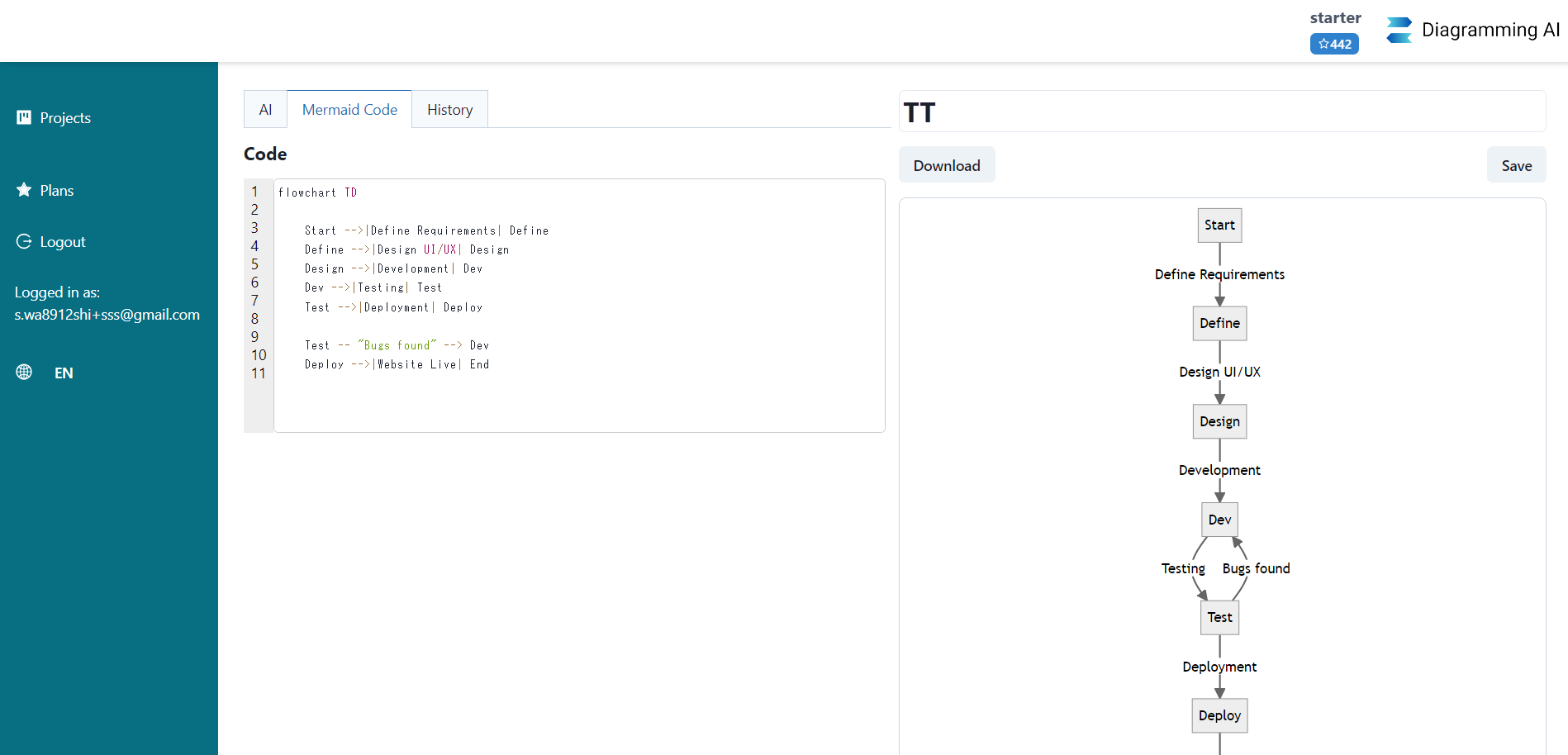
Diagramming AI is an advanced AI-powered platform that instantly generates and edits a wide range of diagrams from text, URLs, or images. It supports popular formats like Mermaid, PlantUML, and Graphviz, and features an intuitive AI chat for real-time modifications and a visual editor integration with Excalidraw for precise adjustments.

Why similar

Diagramming AI and ai_flowchart both cover Diagramming and jointly match project management、text to diagram、mermaid and similar needs, for users who want to prioritize comparing similar use cases.

Key differences

Differences between Diagramming AI and ai_flowchart mainly show in product experience, feature depth, and workflow design around project management.

Instantly create, edit, and manage diagrams with Diagramming AI. Use natural language, URLs, or images to generate flowcharts, UML, Gantt charts, and more in Mermaid, PlantUML, and Graphviz. Features AI chat editing and Excalidraw integration. Diagramming AIApplicable toVisualization.Code Generation.Diagrammingand other fields.

Rating
5.0
Saved on
Likes
Monthly Visits
37.8K

Qlerify is an AI-powered software modeling platform designed to bridge the gap between business and IT. It uses methodologies like Domain-Driven Design (DDD) and Event Storming to visually map business processes, automatically generate domain models, and produce high-quality code, significantly accelerating software development and improving project alignment.

Why similar

Qlerify and ai_flowchart both cover Process Management and jointly match project management、business process and similar needs, for users who want to prioritize comparing similar use cases.

Key differences

What sets Qlerify apart from ai_flowchart: Primary scenario leans toward Modeling.

Discover Qlerify, the AI-powered software modeling tool that uses DDD and Event Storming to visually map processes, generate domain models, and create code. Accelerate development and align your teams. QlerifyApplicable toProcess Management.Modeling.Project Managementand other fields.

Rating
5.0
Saved on
Likes
Monthly Visits
10.8K

ChatUML is an AI-powered diagram generator that transforms text descriptions, hand-drawn sketches, and even website content into professional diagrams in seconds. Leveraging models like GPT-4.1 and Claude 3, it supports various formats including UML, C4 architecture, mind maps, and more, streamlining the visualization process for developers, project managers, and creative teams.

Why similar

ChatUML and ai_flowchart both cover Diagramming and jointly match developer tools、flowchart、text to diagram and similar needs, for users who want to prioritize comparing similar use cases.

Key differences

Differences between ChatUML and ai_flowchart mainly show in product experience, feature depth, and workflow design around developer tools.

Instantly create professional diagrams from text, sketches, or websites with ChatUML. AI-powered by GPT-4 and Claude 3 to generate UML, C4 architecture, flowcharts, and more. Try for free! ChatUMLApplicable toPlanning.Software Design.Visualization.Diagrammingand other fields.

Rating
5.0
Saved on
Likes
Monthly Visits
19.0K

Sketch2scheme is an AI-powered tool that effortlessly converts your hand-drawn diagram sketches into polished, editable digital schemes. Simply upload a picture of your flowchart or diagram, and the AI will recognize nodes, connections, and text, transforming your analog ideas into digital assets in seconds. It's perfect for developers, project managers, and students who want to bridge the gap between paper brainstorming and digital implementation.

Why similar

Sketch2scheme and ai_flowchart both cover Diagramming and jointly match developer tools、project management、flowchart and similar needs, for users who want to prioritize comparing similar use cases.

Key differences

What sets Sketch2scheme apart from ai_flowchart: Pricing model is Is Paid.

Instantly convert your hand-drawn sketches of flowcharts and diagrams into editable digital schemes with Sketch2scheme. Save time, automate your workflow, and export to PNG, SVG, or PDF. Sketch2schemeApplicable toPrototyping.Workflow Automation.Study.Diagrammingand other fields.

Rating
5.0
Saved on
Likes
Monthly Visits
4.5K

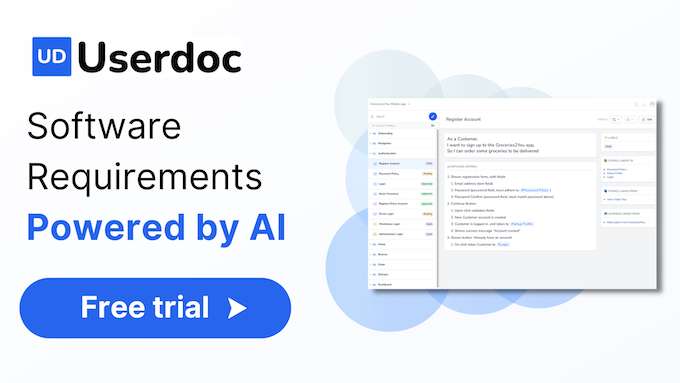
Userdoc is an AI-powered software requirements platform that helps modern teams build better software faster. It automates the creation of user stories, acceptance criteria, test cases, and technical specifications, and can even reverse-engineer existing code into clear documentation. It's designed to improve collaboration, reduce rework, and serve as a single source of truth for development projects.

Why similar

Userdoc and ai_flowchart both cover Documentation and jointly match developer tools、project management and similar needs, for users who want to prioritize comparing similar use cases.

Key differences

What sets Userdoc apart from ai_flowchart: Primary scenario leans toward Project Management.

Build better software faster with Userdoc, the AI platform for generating user stories, technical specs, and documentation from code. Start your free trial today. UserdocApplicable toCode Assistant.Documentation.Project Managementand other fields.

Rating
5.0
Saved on
Likes
Monthly Visits
6.8K

PromptKit is an AI-powered tool that transforms your project ideas into clear, structured documentation. It's designed to enhance AI coding assistants like GitHub Copilot and Cursor by providing them with comprehensive context, resulting in more precise, context-aware code generation. By automating the creation of PRDs, technical specs, and system prompts, PromptKit helps developers save time, improve code quality, and reduce AI hallucinations.

Why similar

PromptKit and ai_flowchart both cover Documentation and jointly match developer tools、project management and similar needs, for users who want to prioritize comparing similar use cases.

Key differences

What sets PromptKit apart from ai_flowchart: Primary scenario leans toward Documentation.

Use PromptKit to automatically generate comprehensive project documentation (PRDs, tech specs) that helps AI coding assistants like GitHub Copilot and Cursor write more accurate code. Save time and reduce hallucinations. PromptKitApplicable toCode Generation.Documentation.Project Managementand other fields.

Rating
5.0
Saved on
Likes
Monthly Visits
2.7K

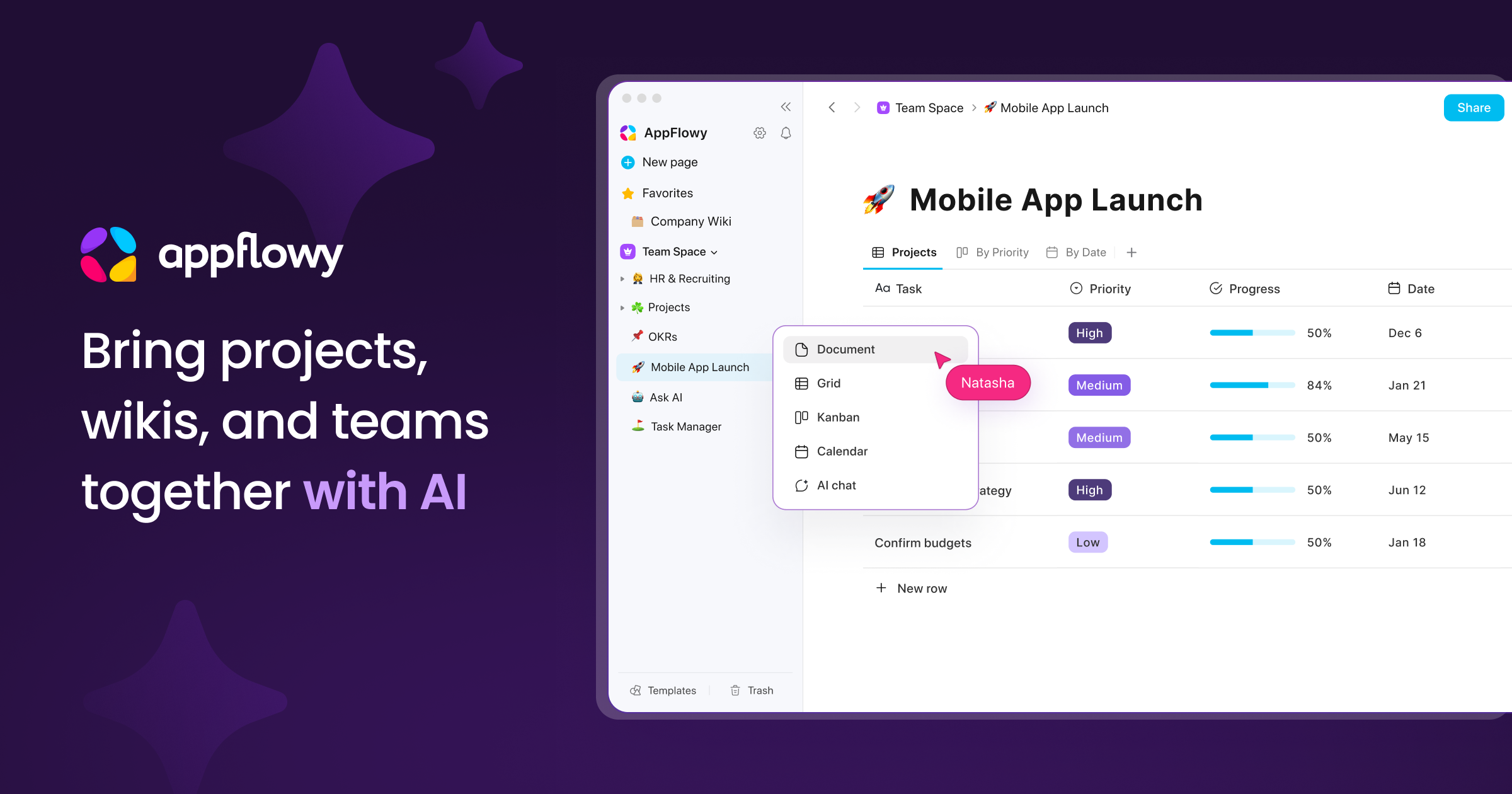
AppFlowy is a secure, open-source AI workspace designed for projects, wikis, and teams. It offers a privacy-first alternative to tools like Notion, allowing users to own their data through self-hosting and offline capabilities. It integrates powerful AI for writing, search, and task automation, supporting both local and cloud-based models.

Why similar

AppFlowy and ai_flowchart both cover Documentation and jointly match project management and similar needs, for users who want to prioritize comparing similar use cases.

Key differences

What sets AppFlowy apart from ai_flowchart: Primary scenario leans toward Knowledge Management.

Discover AppFlowy, the secure and open-source AI workspace for projects, wikis, and teams. Enjoy ultimate data privacy with self-hosting, offline mode, and local AI. A powerful, fast, and customizable Notion alternative. AppFlowyApplicable toDocumentation.Knowledge Management.Project Management.Writing Assistantand other fields.

Rating
5.0
Saved on
Likes
Monthly Visits
160.4K

Mermaid Online is an advanced web-based editor and AI-powered diagram generator that transforms text descriptions and Mermaid syntax into professional visual diagrams. It supports various diagram types, offers real-time preview, and flexible export options, streamlining documentation and system design workflows for individuals and teams.

Why similar

Mermaid Online and ai_flowchart share tags such as natural language processing、flowchart、text to diagram, so they are better compared from specific feature needs than from broad categories alone.

Key differences

What sets Mermaid Online apart from ai_flowchart: Pricing model is Is Paid;Primary scenario leans toward Diagramming.

Mermaid Onlineis an AI tool designed forContent Creator.Product Manager.Software Developer.Educator.Project Manager.Business Analyst.Technical Writer.UX Designer.Engineer.System ArchitectAI tool designed Transform text into professional diagrams with Mermaid Online's AI generator and live editor. Create flowcharts, sequence, class, and block diagrams for documentation, system design, and presentations. Mermaid OnlineApplicable toText To Diagram.Diagramming.Code Visualization.Documentationand other fields.

Rating
5.0
Saved on
Likes
Monthly Visits
156.9K

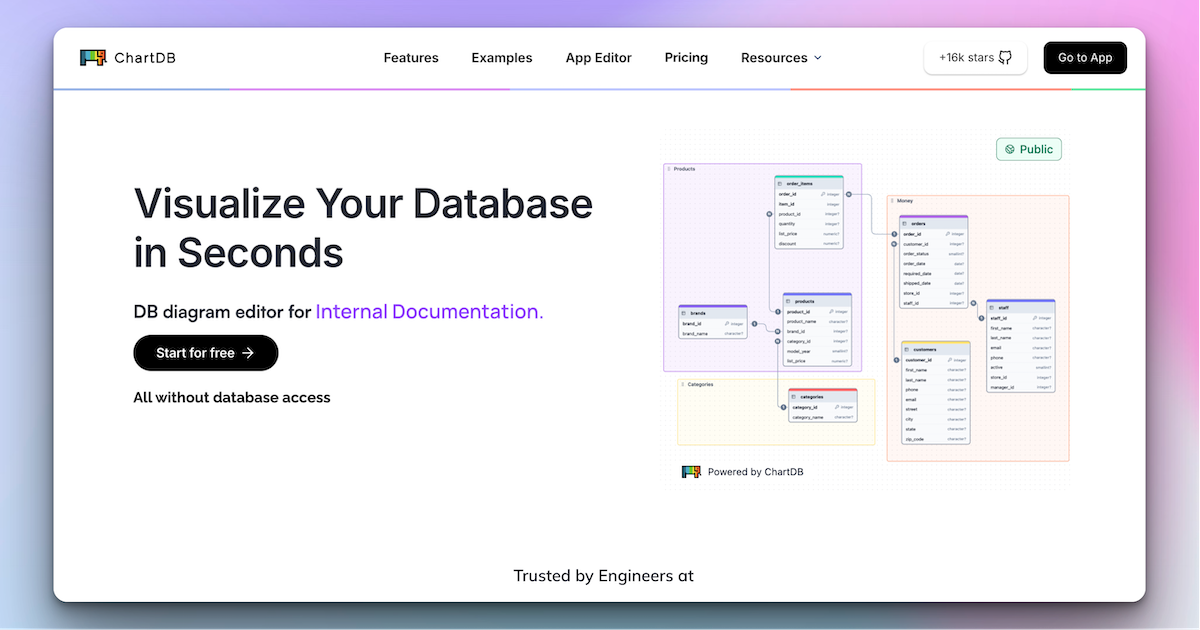
ChartDB is an AI-powered database schema visualizer that instantly generates interactive ER diagrams from a single query. It's designed for developers and teams to design, document, and collaborate on database structures. It features real-time collaboration, database synchronization, and an AI assistant to optimize schema design. Both cloud and self-hosted open-source versions are available.

Why similar

ChartDB and ai_flowchart both cover Diagramming and jointly match developer tools and similar needs, for users who want to prioritize comparing similar use cases.

Key differences

What sets ChartDB apart from ai_flowchart: Primary scenario leans toward Database.

Instantly visualize, design, and collaborate on database schemas with ChartDB. Use our AI assistant to optimize your structure, sync with live databases, and export SQL. Supports PostgreSQL, MySQL, and more. Free and open-source options available. ChartDBApplicable toVisualization.Database.Diagrammingand other fields.

Rating
5.0
Saved on
Likes
Monthly Visits
154.6K

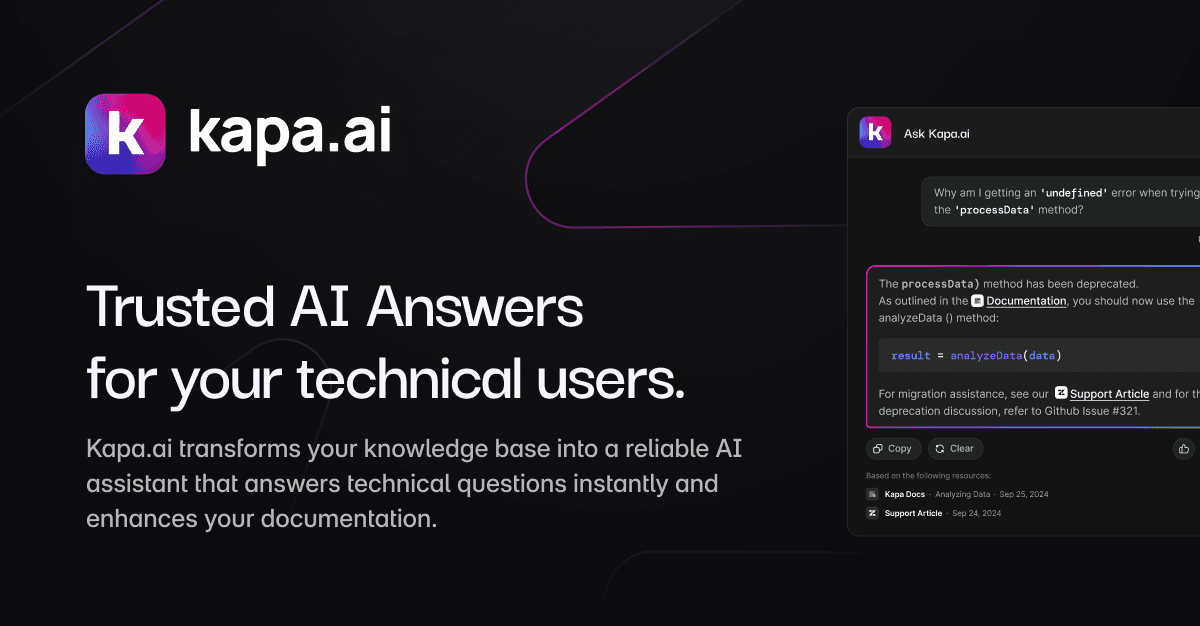
kapa.ai is an AI platform that transforms technical documentation and knowledge bases into a highly accurate, enterprise-grade AI assistant. It uses advanced RAG technology to provide instant, reliable answers to complex technical questions, helping companies reduce support tickets, improve user onboarding, and gain insights into documentation gaps.

Why similar

kapa.ai and ai_flowchart both cover Documentation and jointly match developer tools and similar needs, for users who want to prioritize comparing similar use cases.

Key differences

What sets kapa.ai apart from ai_flowchart: Primary scenario leans toward Chatbot.

Build a production-ready AI assistant on your technical content with kapa.ai. Get instant, accurate answers, reduce support tickets, and improve user experience. Integrates with Zendesk, Confluence, GitHub, and more. kapa.aiApplicable toChatbot.Documentation.Knowledge Managementand other fields.

Rating
5.0
Saved on
Likes
Monthly Visits
125.2K

Lucidchart is an intelligent diagramming and visual collaboration platform that uses AI, data automation, and real-time teamwork to help users visualize complex systems, processes, and ideas. It enables teams to create professional flowcharts, org charts, network diagrams, and more, fostering clarity and driving innovation.

Why similar

Lucidchart and ai_flowchart both cover Diagramming and jointly match project management、flowchart and similar needs, for users who want to prioritize comparing similar use cases.

Key differences

Differences between Lucidchart and ai_flowchart mainly show in product experience, feature depth, and workflow design around project management.

Discover Lucidchart, the intelligent diagramming tool that uses AI, data automation, and real-time collaboration to help teams visualize complex systems, processes, and ideas. Create flowcharts, org charts, and more. LucidchartApplicable toProject Management.System Design.Collaboration.Diagrammingand other fields.

Rating
5.0
Saved on
Likes
Monthly Visits
2.6M

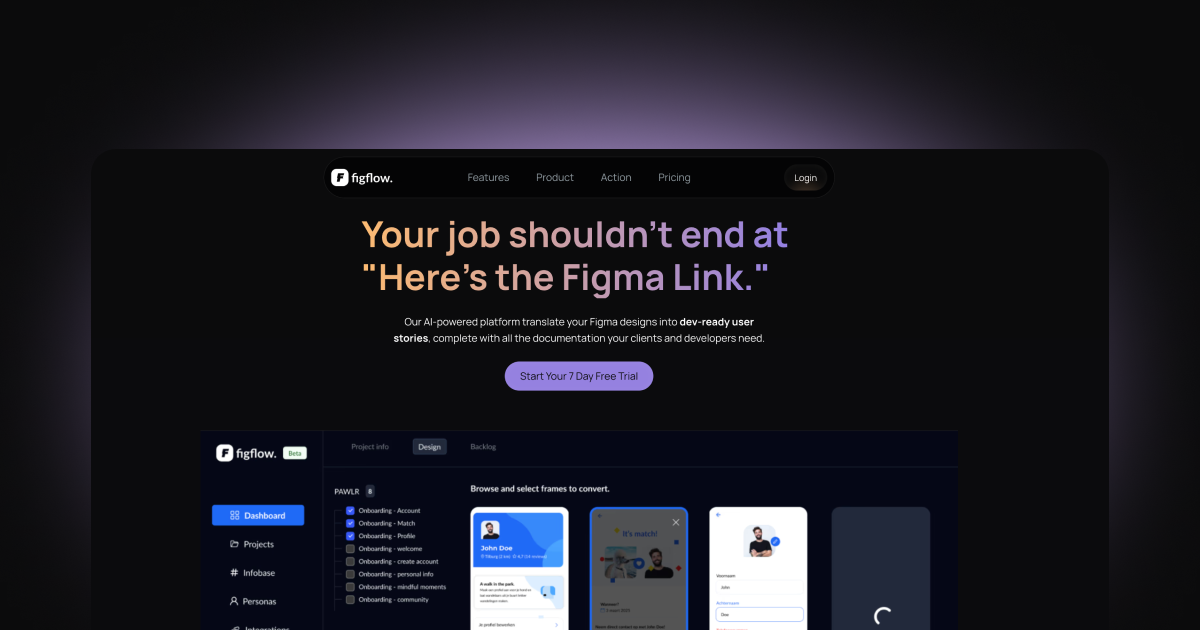
Figflow is an AI-powered tool that automates the conversion of Figma designs into developer-ready user stories. With a single click, it generates clear, structured documentation, including acceptance criteria, test scenarios, and story point estimations, streamlining the design-to-development handoff and saving teams hours of manual work.

Why similar

Figflow and ai_flowchart both cover Documentation and jointly match developer tools、project management and similar needs, for users who want to prioritize comparing similar use cases.

Key differences

What sets Figflow apart from ai_flowchart: Primary scenario leans toward Project Management.

Automatically convert your Figma designs into clear, actionable user stories with Figflow. Save time, streamline your workflow, and improve collaboration between designers and developers with AI-generated documentation, acceptance criteria, and story points. FigflowApplicable toDesign Handoff.Documentation.Project Managementand other fields.

Rating
5.0
Saved on
Likes
Monthly Visits
3.2K

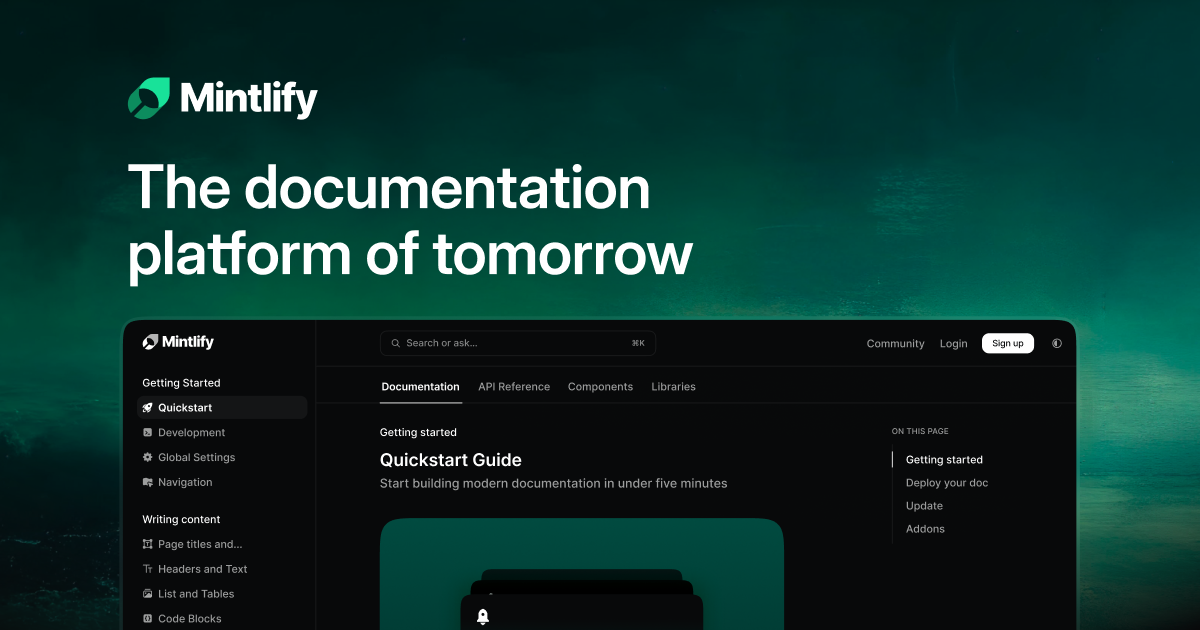
Mintlify is an AI-powered documentation platform designed for modern teams. It helps create beautiful, interactive, and conversion-focused documentation with features like an AI assistant, real-time writing suggestions, and seamless Git integration. Built for collaboration and scalability, it enables companies to provide a world-class developer experience and turn their docs into a growth engine.

Why similar

Mintlify and ai_flowchart both cover Documentation and jointly match developer tools and similar needs, for users who want to prioritize comparing similar use cases.

Key differences

What sets Mintlify apart from ai_flowchart: Primary scenario leans toward Documentation.

Create beautiful, interactive, and conversion-focused documentation with Mintlify. Leverage AI assistance, Git sync, and collaborative editing to build a world-class developer experience. MintlifyApplicable toKnowledge Base.Documentation.Writingand other fields.

Rating
5.0
Saved on
Likes
Monthly Visits
1.4M

reconfigured is an AI-powered notebook designed for knowledge workers. It transforms scattered, raw notes into an interactive, searchable knowledge base. Capture ideas instantly with a hotkey, and let the AI automatically organize, tag, and connect your thoughts for effortless retrieval and insight discovery.

Why similar

reconfigured and ai_flowchart both cover Documentation and jointly match developer tools and similar needs, for users who want to prioritize comparing similar use cases.

Key differences

What sets reconfigured apart from ai_flowchart: Pricing model is Is Paid;Primary format is App;Primary scenario leans toward Note Taking.

Discover reconfigured, the AI-powered notepad that transforms your scattered notes into a searchable, organized knowledge base. Capture ideas instantly, find insights effortlessly, and collaborate with your team. reconfiguredApplicable toDocumentation.Second Brain.Note Takingand other fields.

Rating
5.0
Saved on
Likes
Monthly Visits
2.3K
Creately is an AI-powered visual collaboration and work management platform. It combines intelligent diagramming, online whiteboarding, and data-driven project management on a single smart canvas, helping teams brainstorm, plan, and execute projects more effectively.

Why similar

Creately and ai_flowchart both cover Diagramming and jointly match project management、flowchart and similar needs, for users who want to prioritize comparing similar use cases.

Key differences

Differences between Creately and ai_flowchart mainly show in product experience, feature depth, and workflow design around project management.

Discover Creately, the all-in-one visual collaboration platform with AI. Create diagrams, flowcharts, mind maps, and manage projects on a smart canvas. Boost productivity with data-linked visuals and real-time teamwork. CreatelyApplicable toPlanning.Diagramming.Visual Collaborationand other fields.

Rating
5.0
Saved on
Likes
Monthly Visits
1.1M

MindyGem is an AI-powered requirements management software designed for agile teams. It accelerates product development by transforming visions into standardized requirements, generating comprehensive documentation, and streamlining collaboration, helping teams build successful products 10x faster.

Why similar

MindyGem and ai_flowchart both cover Documentation and jointly match developer tools、project management and similar needs, for users who want to prioritize comparing similar use cases.

Key differences

What sets MindyGem apart from ai_flowchart: Primary scenario leans toward Project Management.

Discover MindyGem, the AI software that helps teams build products 10x faster. Standardize requirements, generate documentation from UI designs, and streamline collaboration. Try it free. MindyGemApplicable toCollaboration.Documentation.Project Managementand other fields.

Rating
5.0
Saved on
Likes
Monthly Visits
2.4K

A free, chat-based AI tool that instantly transforms your conversations and ideas into professional concept maps, mind maps, and flowcharts. Ideal for knowledge workers, students, and researchers to organize complex information, brainstorm, and plan projects without any manual diagramming.

Why similar

ConceptMap AI and ai_flowchart both cover Diagramming and jointly match flowchart and similar needs, for users who want to prioritize comparing similar use cases.

Key differences

What sets ConceptMap AI apart from ai_flowchart: Pricing model is Free;Primary scenario leans toward Mind Mapping.

Instantly create concept maps, mind maps, and diagrams by chatting with AI. ConceptMap AI is a free tool for brainstorming, learning, and project planning. No signup required. ConceptMap AIApplicable toLearning.Diagramming.Mind Mappingand other fields.

Rating
5.0
Saved on
Likes
Monthly Visits
85.9K

SlidesAI is an AI-powered presentation maker that integrates directly into Google Slides and PowerPoint. It instantly transforms your text, documents, or ideas into professionally designed, ready-to-present slides. Save hours of manual work by automatically generating outlines, content, and visuals. It's perfect for educators, professionals, and students who need to create compelling presentations quickly and efficiently, with support for over 100 languages.

Why similar

The core intersection of SlidesAI and ai_flowchart lies in Teaching, making it a suitable direct replacement in similar scenarios.

Key differences

What sets SlidesAI apart from ai_flowchart: Primary format is Browser Extension;Primary scenario leans toward Presentations.

Effortlessly create professional presentations with SlidesAI, the leading AI slide generator. Convert text to stunning slides in seconds, directly within Google Slides and PowerPoint. Try it free! SlidesAIApplicable toAutomation.Teaching.Content Creation.Presentationsand other fields.

Rating
5.0
Saved on
Likes
Monthly Visits
351.6K

PaceAI is an AI-powered assistant designed for IT professionals to streamline the software development lifecycle (SDLC). It automates the generation, analysis, and simplification of software documentation, saving users up to 15 hours per week. With over 35 specialized tools, it helps create user stories, business requirements, flowcharts, and product vision documents, ensuring clarity and reducing miscommunication between technical and business teams.

Why similar

PaceAI and ai_flowchart both cover Documentation and jointly match developer tools、project management and similar needs, for users who want to prioritize comparing similar use cases.

Key differences

What sets PaceAI apart from ai_flowchart: Primary scenario leans toward Project Management.

PaceAIis an AI tool designed forProduct Manager.Software Developer.Project Manager.Business Analyst.IT Professional.Product Owner.Scrum Master.Test EngineerAI tool designed Save 15 hours/week with PaceAI, the AI assistant for IT professionals. Generate user stories, requirements, flowcharts, and more. Streamline your entire SDLC and improve project clarity. Try for free. PaceAIApplicable toDocumentation.Project Management.Workflow Automationand other fields.

Rating
5.0
Saved on
Likes
Monthly Visits
2.3K

Fowel is a GitHub App that automates documentation review for pull requests. It scans Markdown and MDX files, checking for over 20 quality factors like accuracy, clarity, code sample validity, and structure. Designed for developers and technical writers, it helps catch documentation errors before they reach production, reducing review time by 80%.

Why similar

Fowel and ai_flowchart both cover Documentation and jointly match developer tools and similar needs, for users who want to prioritize comparing similar use cases.

Key differences

What sets Fowel apart from ai_flowchart: Primary format is App;Primary scenario leans toward Documentation.

Fowelis an AI tool designed forEngineering Manager.Technical Writer.Software Engineer.Developer Advocate.Open Source Maintainer.API Product Manager.Documentation ManagerAI tool designed Automate your docs review with Fowel, the AI GitHub App. Reviews Markdown/MDX in PRs for accuracy, clarity & code samples. Free plan available. Cut review time by 80%. FowelApplicable toDocumentation.Writing.Code Reviewand other fields.

Rating
5.0
Saved on
Likes
Monthly Visits
12.9K

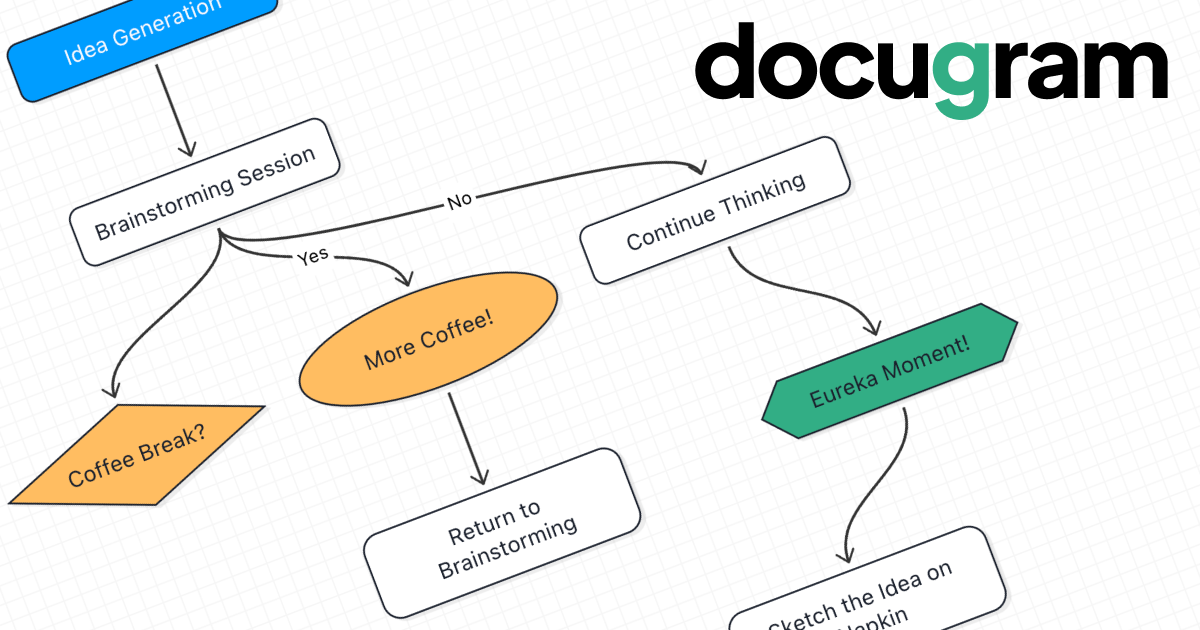
Docugram is an AI-powered tool that instantly transforms text documents, notes, and prompts into clear, editable diagrams and flowcharts. It streamlines workflows by converting complex information from formats like Word, Excel, and PDF into visual maps, enhancing productivity for professionals in project management, development, and business analysis.

Why similar

Docugram and ai_flowchart both cover Diagramming and jointly match project management、business process、text to diagram and similar needs, for users who want to prioritize comparing similar use cases.

Key differences

Differences between Docugram and ai_flowchart mainly show in product experience, feature depth, and workflow design around project management.

Instantly convert text, documents, and prompts into beautiful diagrams and flowcharts with Docugram's AI. Edit, customize, and save your work locally. Perfect for project management, brainstorming, and process mapping. DocugramApplicable toProject Management.Visualization.Diagramming.Workflow Automationand other fields.

Rating
5.0
Saved on
Likes
Monthly Visits
4.4K

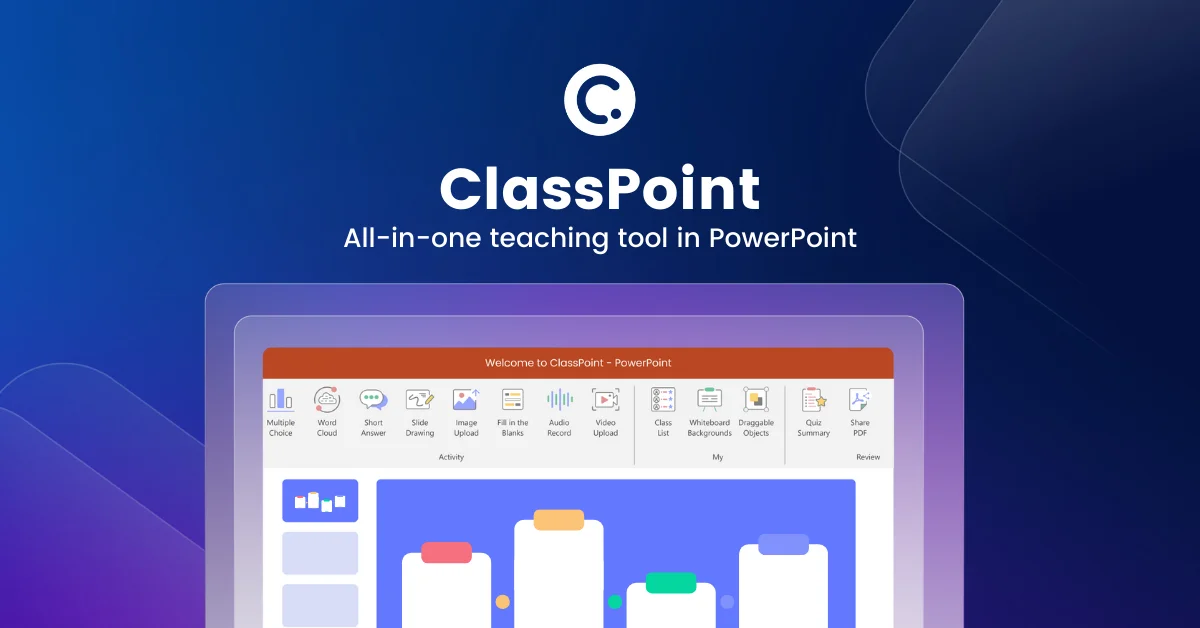
ClassPoint is an all-in-one student engagement tool seamlessly integrated into Microsoft PowerPoint. It empowers educators and trainers to create interactive quizzes, gamify lessons, and leverage AI to generate questions directly from their slides, transforming static presentations into dynamic, engaging experiences without ever leaving the PowerPoint environment.

Why similar

The core intersection of ClassPoint and ai_flowchart lies in Teaching, making it a suitable direct replacement in similar scenarios.

Key differences

What sets ClassPoint apart from ai_flowchart: Primary format is App;Primary scenario leans toward Teaching.

Discover ClassPoint, the #1 student engagement tool for PowerPoint. Use AI to create quizzes, gamify lessons, and run interactive presentations without leaving PowerPoint. Free plan available. ClassPointApplicable toQuiz Generator.Teaching.Presentationand other fields.

Rating
5.0
Saved on
Likes
Monthly Visits
222.2K

Edraw.AI is an AI-powered visual collaboration platform that enables users to create diagrams, mind maps, flowcharts, and other visuals with ease. It combines a user-friendly interface with powerful AI tools for generation, analysis, and design. Featuring real-time collaboration, an extensive library of templates and symbols, it's designed to boost productivity for teams in project management, IT, marketing, education, and more. Get started for free and transform your ideas into professional visuals.

Why similar

Edraw.AI and ai_flowchart both cover Diagramming and jointly match project management、flowchart and similar needs, for users who want to prioritize comparing similar use cases.

Key differences

Differences between Edraw.AI and ai_flowchart mainly show in product experience, feature depth, and workflow design around project management.

Boost productivity with Edraw.AI, the all-in-one AI visual collaboration tool. Create diagrams, flowcharts, and mind maps in seconds. Collaborate in real-time with your team. Get started for free! Edraw.AIApplicable toVisualization.Collaboration.Diagramming.Project Managementand other fields.

Rating
5.0
Saved on
Likes
Monthly Visits
384.1K

aigraphmaker is an AI-powered platform that transforms raw data and text prompts into a wide variety of professional and interactive charts and diagrams. It enables users, from beginners to experts, to effortlessly create stunning visualizations like bar charts, mind maps, flowcharts, and knowledge graphs in seconds, without any coding or design skills required.

Why similar

aigraphmaker and ai_flowchart both cover Teaching and jointly match flowchart and similar needs, for users who want to prioritize comparing similar use cases.

Key differences

What sets aigraphmaker apart from ai_flowchart: Primary scenario leans toward Data Visualization.

Effortlessly create stunning bar charts, pie charts, mind maps, flowcharts, and more with aigraphmaker. Our AI-powered tool transforms your data into professional, interactive visualizations. Free plan available. aigraphmakerApplicable toAnalytics.Teaching.Reporting.Data Visualizationand other fields.

Rating
5.0
Saved on
Likes
Monthly Visits
22.9K

checklist.gg is an AI-driven checklist management tool that helps teams and organizations create, manage, and automate checklists, processes, and SOPs. Instantly generate comprehensive lists from prompts, documents, or links to reduce errors, save time, and ensure consistent execution.

Why similar

checklist.gg and ai_flowchart both cover Process Management and jointly match project management and similar needs, for users who want to prioritize comparing similar use cases.

Key differences

What sets checklist.gg apart from ai_flowchart: Primary scenario leans toward Task Management.

Discover checklist.gg, the AI-driven tool for creating, managing, and automating checklists, SOPs, and workflows. Boost team productivity, reduce errors, and ensure process consistency. Start for free! checklist.ggApplicable toProcess Management.Task Management.Workflow Automationand other fields.

Rating
5.0
Saved on
Likes
Monthly Visits
15.4K

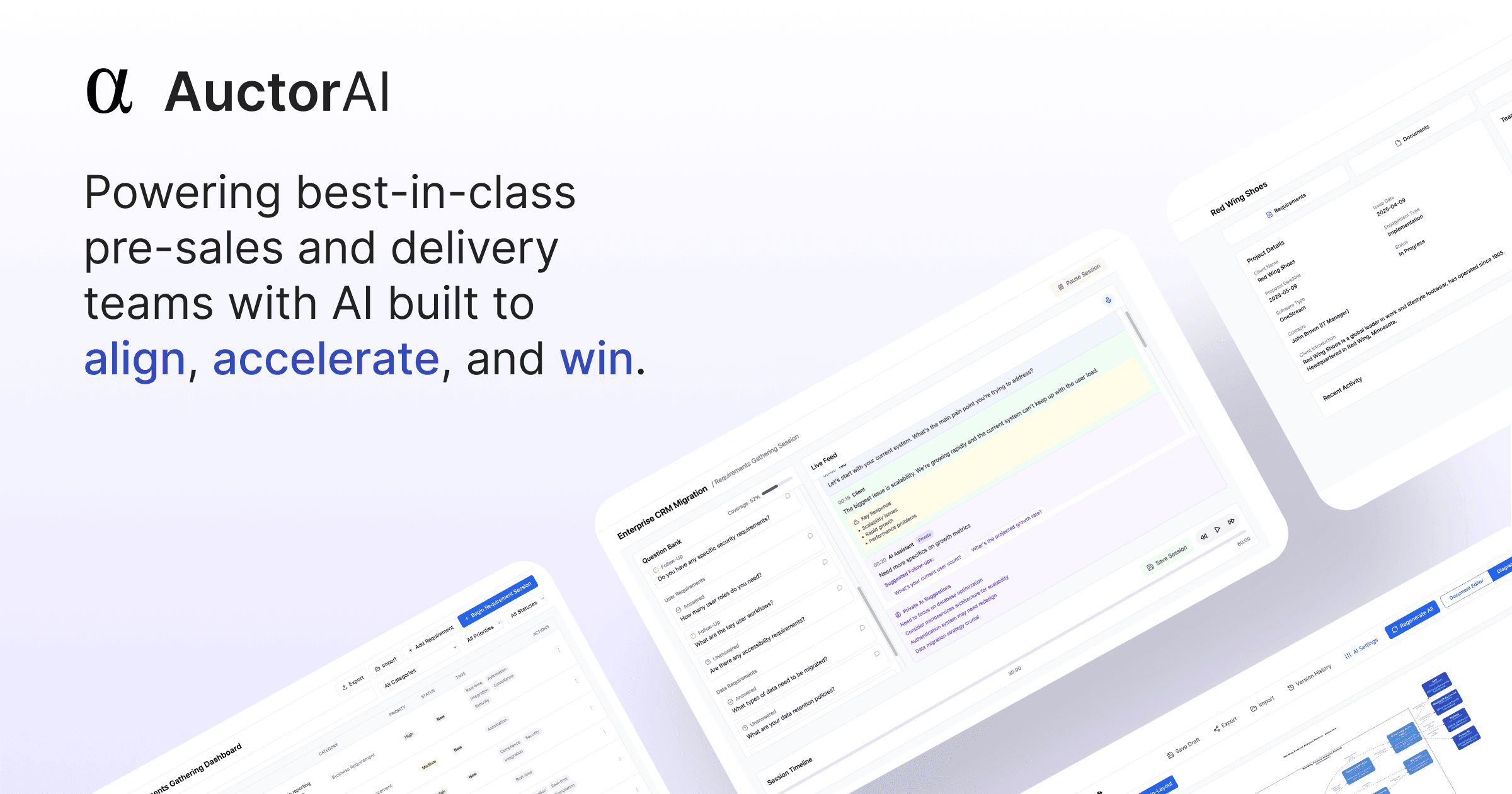
Auctor is an AI-powered platform designed for solution engineers, system integrators, and professional services teams. It uses AI agents to streamline software implementation by capturing requirements, auto-generating aligned artifacts like SOWs and user stories, and keeping teams in sync from discovery to deployment, reducing project timelines from weeks to hours.

Why similar

Auctor and ai_flowchart both cover Documentation and jointly match project management and similar needs, for users who want to prioritize comparing similar use cases.

Key differences

What sets Auctor apart from ai_flowchart: Pricing model is Is Paid;Primary scenario leans toward Project Management.

Auctor uses AI agents to streamline software implementation. Capture requirements, auto-generate SOWs and documentation, and keep teams aligned from discovery to deployment. Turn weeks into hours. AuctorApplicable toRequirement Gathering.Documentation.Project Management.Sales Enablementand other fields.

Rating
5.0
Saved on
Likes
Monthly Visits
46.5K

Cloudairy is an AI-powered collaborative visual workspace designed for modern teams. It integrates AI-driven diagramming, mind mapping, image generation, and documentation tools into a single platform. It enables teams in engineering, sales, and project management to brainstorm, design, and deliver projects with enhanced efficiency and creativity.

Why similar

Cloudairy and ai_flowchart both cover Diagramming and jointly match project management、flowchart and similar needs, for users who want to prioritize comparing similar use cases.

Key differences

Differences between Cloudairy and ai_flowchart mainly show in product experience, feature depth, and workflow design around project management.

Discover Cloudairy, the all-in-one AI-powered visual workspace. Create diagrams, mind maps, and flowcharts, manage projects with Kanban boards, and collaborate in real-time. Perfect for engineering, design, and sales teams. CloudairyApplicable toGenerative Art.Collaboration.Diagramming.Project Managementand other fields.

Rating
5.0
Saved on
Likes
Monthly Visits
157.3K

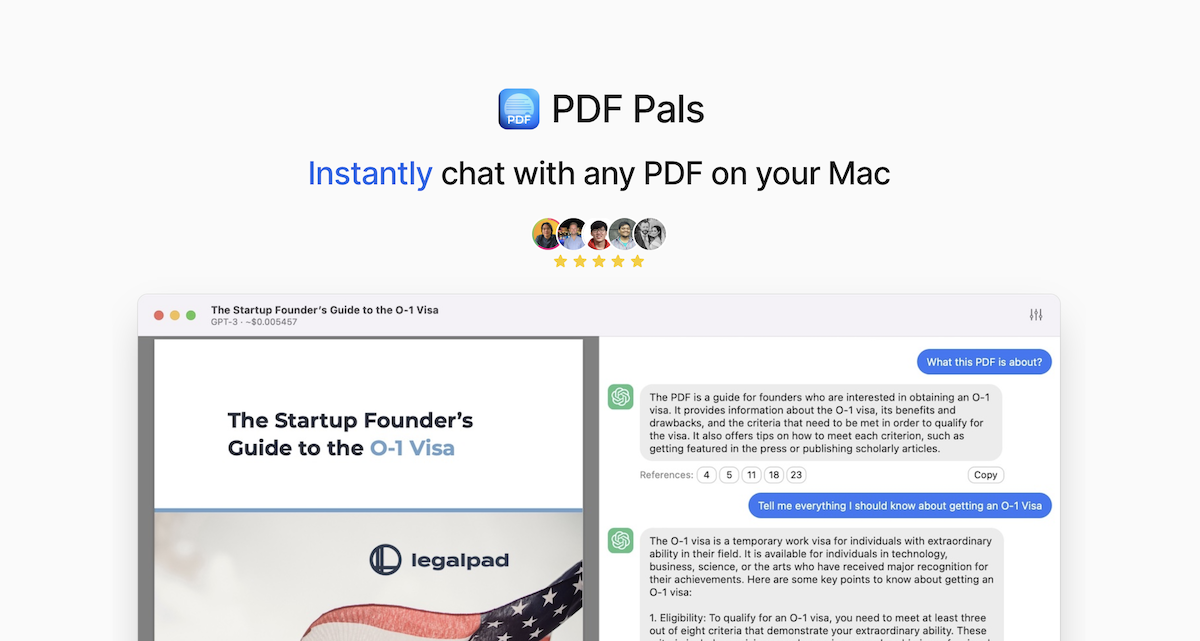
PDF Pals is a native macOS application that allows you to chat with your PDF documents locally. It offers powerful OCR, multi-document support, and flexible API integration, ensuring your data remains private and secure on your Mac. There are no file size limits, making it ideal for researchers, developers, and legal professionals.

Why similar

The core intersection of PDF Pals and ai_flowchart lies in Documentation, making it a suitable direct replacement in similar scenarios.

Key differences

What sets PDF Pals apart from ai_flowchart: Pricing model is Is Paid;Primary format is App;Primary scenario leans toward Document Analysis.

Unlock insights from your documents with PDF Pals, the native macOS app for chatting with PDFs. Enjoy unlimited file sizes, powerful OCR, and total privacy. Bring your own API key. Download the free trial. PDF PalsApplicable toDocumentation.Research.Document Review.Document Analysisand other fields.

Rating
5.0
Saved on
Likes
Monthly Visits
6.0K
A suite of AI-powered productivity and automation tools designed to enhance Google Workspace. Automate email workflows, translate documents and slides into over 100 languages, and instantly convert PDFs or docs into Google Forms. Trusted by over 160 million users worldwide.

Why similar

The core intersection of Automagical Apps and ai_flowchart lies in Teaching, making it a suitable direct replacement in similar scenarios.

Key differences

What sets Automagical Apps apart from ai_flowchart: Primary format is Browser Extension;Primary scenario leans toward Automation.

Boost your productivity with Automagical Apps, a suite of AI tools for Google Workspace. Automate emails, translate documents in 100+ languages, convert PDFs to Google Forms, and streamline workflows. Automagical AppsApplicable toTeaching.Translation.Automation.Document Managementand other fields.

Rating
5.0
Saved on
Likes
Monthly Visits
18.8K

aispaceship offers a suite of free, web-based AI tools, specializing in document conversion. Effortlessly convert DOC, DOCX, and PDF files to clean Markdown with a simple drag-and-drop interface. The platform also provides educational content on AI topics, such as RAG applications, making it a valuable resource for developers, writers, and tech enthusiasts.

Why similar

aispaceship and ai_flowchart both cover Documentation and jointly match developer tools and similar needs, for users who want to prioritize comparing similar use cases.

Key differences

What sets aispaceship apart from ai_flowchart: Pricing model is Free;Primary scenario leans toward File Conversion.

Effortlessly convert your DOC, DOCX, and PDF files to clean Markdown with aispaceship's free online tools. Simple, fast, and no registration required. Ideal for developers and writers. aispaceshipApplicable toDocumentation.Technical Writing.File Conversionand other fields.

Rating
5.0
Saved on
Likes
Monthly Visits
2.3K

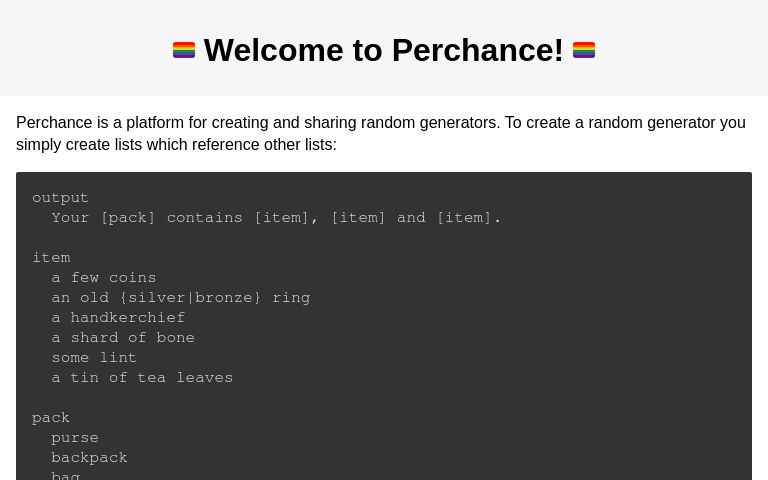
Perchance is a powerful, free platform for creating and sharing complex random text generators. It uses a simple, list-based syntax that is easy for beginners but offers advanced features like probability weighting, dynamic odds, and API integration for developers and creative professionals.

Why similar

The core intersection of Perchance and ai_flowchart lies in Teaching, making it a suitable direct replacement in similar scenarios.

Key differences

What sets Perchance apart from ai_flowchart: Pricing model is Free;Primary scenario leans toward Writing.

Create and share powerful random generators with Perchance. A free, no-code tool for writers, game developers, and creatives to build anything from story prompts to complex RPG tools. PerchanceApplicable toNo Code.Teaching.Generators.Writingand other fields.

Rating
5.0
Saved on
Likes
Monthly Visits
22.6M

An AI-powered tool that automatically generates production-quality documentation for codebases. Simply upload a zip file and receive documentation in PDF, static web app, or README formats, streamlining the development workflow.

Why similar

DocuLearn and ai_flowchart both cover Documentation and jointly match developer tools and similar needs, for users who want to prioritize comparing similar use cases.

Key differences

What sets DocuLearn apart from ai_flowchart: Pricing model is Unknown;Primary scenario leans toward Documentation.

DocuLearnis an AI tool designed forSoftware Developer.Project Manager.DevOps Engineer.Engineering Manager.Technical WriterAI tool designed Generate production-quality documentation from your codebase instantly with DocuLearn. Upload a zip file and get docs as a PDF, static web app, or README. 10x faster. DocuLearnApplicable toDocumentation.Automationand other fields.

Rating
5.0
Saved on
Likes
Monthly Visits
2.3K

Entelligence is an AI-powered software engineering platform that acts as a tech lead for your team. It streamlines code reviews, automatically generates and updates documentation, and provides deep performance insights to boost engineering productivity and code quality.

Why similar

Entelligence and ai_flowchart both cover Documentation and jointly match developer tools and similar needs, for users who want to prioritize comparing similar use cases.

Key differences

What sets Entelligence apart from ai_flowchart: Primary scenario leans toward Code Assistant.

Boost your engineering team's productivity with Entelligence. Get AI-powered code reviews, self-updating documentation, and deep performance insights directly in your IDE. Start your free trial. EntelligenceApplicable toCode Assistant.Documentation.Task Managementand other fields.

Rating
5.0
Saved on
Likes
Monthly Visits
23.2K

Vocareum is a comprehensive cloud-based learning platform designed for educational institutions. It provides secure, scalable, and budget-controlled access to AI tools, virtual computer labs, and cloud resources like AWS, Azure, and GCP. The platform facilitates hands-on learning in AI, data science, and computer science, integrating seamlessly with existing Learning Management Systems (LMS).

Why similar

The core intersection of Vocareum and ai_flowchart lies in Teaching, making it a suitable direct replacement in similar scenarios.

Key differences

What sets Vocareum apart from ai_flowchart: Pricing model is Is Paid;Primary scenario leans toward Teaching.

Discover Vocareum, the all-in-one platform for teaching AI, data science, and cloud computing. Provide students with secure, budget-controlled access to virtual labs, Jupyter notebooks, and generative AI tools. VocareumApplicable toData Science.Cloud Computing.Teachingand other fields.

Rating
5.0
Saved on
Likes
Monthly Visits
597.4K

AutoDocs is an AI-powered documentation tool designed for developers, automating the generation, updating, and refinement of technical documents. It leverages Google's Generative AI and LangChain to streamline the documentation process, allowing builders to focus more on development and less on writing.

Why similar

AutoDocs and ai_flowchart both cover Documentation and jointly match developer tools and similar needs, for users who want to prioritize comparing similar use cases.

Key differences

What sets AutoDocs apart from ai_flowchart: Pricing model is Unknown;Primary scenario leans toward Documentation.

AutoDocsis an AI tool designed forProduct Manager.Software Developer.DevOps Engineer.Engineering Manager.Technical WriterAI tool designed AutoDocs automates technical documentation for developers using AI. Generate, update, and render docs with Google Generative AI, Markdown, and a modern tech stack. Build more, write less. AutoDocsApplicable toContent Generation.Documentation.Automationand other fields.

Rating
5.0
Saved on
Likes
Monthly Visits
2.3K

mdedit is an AI-powered, Markdown-first writing platform designed for technical writers, developers, and bloggers. It streamlines the writing workflow with an intelligent AI assistant for drafting, code generation, and text rewriting. The platform features a powerful editor supporting Jupyter Notebooks and Mermaid diagrams, robust article management, multi-platform publishing, and collaboration tools. With features like BYOK (Bring Your Own Keys) and extensive customization, mdedit enhances productivity and content quality for technical documentation and articles.

Why similar

mdedit and ai_flowchart both cover Documentation and jointly match developer tools and similar needs, for users who want to prioritize comparing similar use cases.

Key differences

What sets mdedit apart from ai_flowchart: Primary scenario leans toward Writing.

Supercharge your technical writing with mdedit, the AI-powered Markdown editor. Generate drafts, code, and diagrams, collaborate with your team, and publish seamlessly to multiple platforms. mdeditApplicable toDocumentation.Blogging.Writingand other fields.

Rating
5.0
Saved on
Likes
Monthly Visits
13.4K

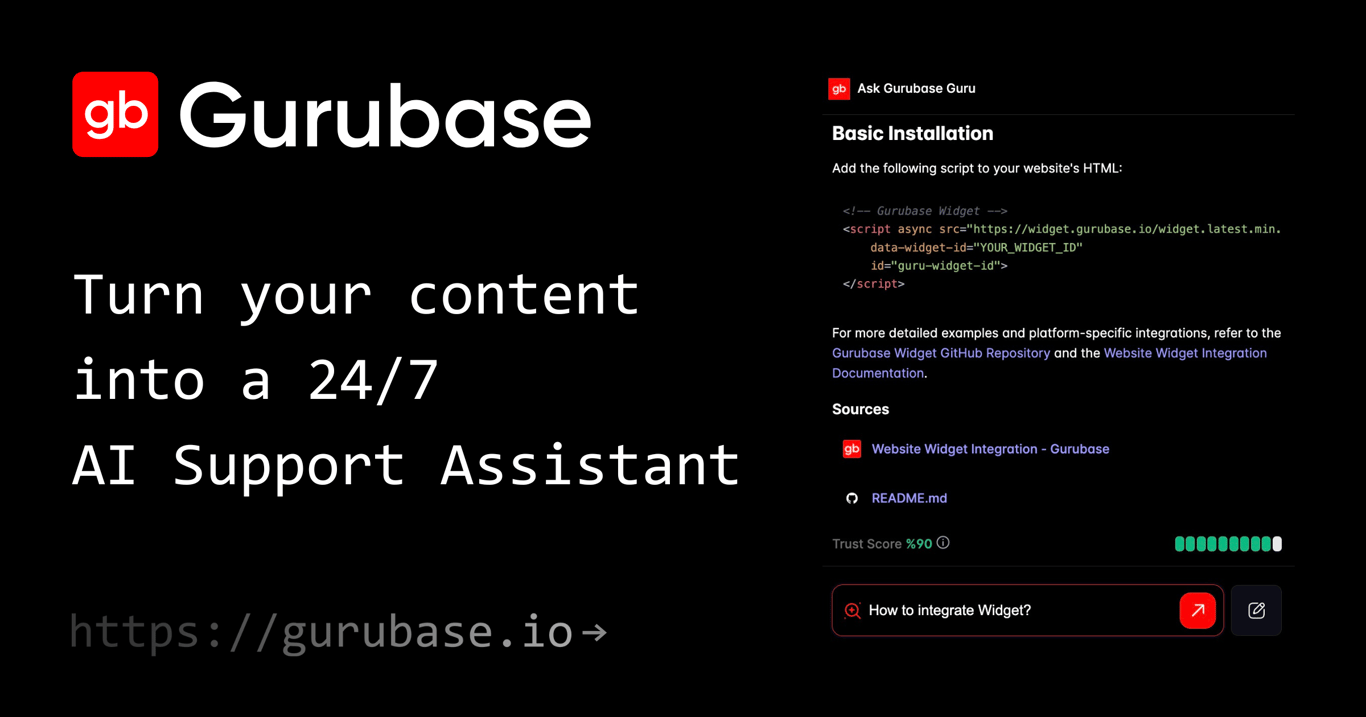
Gurubase transforms your existing content—docs, code, videos, and more—into a 24/7 AI support assistant. Create topic-specific AI 'Gurus' that provide instant, accurate, and source-cited answers to user questions. Deployable on websites, Slack, Discord, and more, it helps reduce support workload, improve user self-service, and provide valuable insights into documentation gaps. Ideal for software companies, open-source projects, and support teams.

Why similar

Gurubase and ai_flowchart both cover Documentation and jointly match developer tools and similar needs, for users who want to prioritize comparing similar use cases.

Key differences

What sets Gurubase apart from ai_flowchart: Primary scenario leans toward Chatbots.

Transform your documentation, code, and videos into a 24/7 AI support assistant with Gurubase. Provide instant, cited answers on your website, Slack, and Discord to reduce support tickets. GurubaseApplicable toChatbots.Documentation.Knowledge Managementand other fields.

Rating
5.0
Saved on
Likes
Monthly Visits
7.1K

An AI-powered tool for business analysts and UI/UX designers that automates the creation of technical artifacts. It transforms natural language requirements into UML diagrams, SQL scripts, and UI mockups, accelerating the system design and development process.

Why similar

AI Assistant and ai_flowchart both cover Diagramming and jointly match natural language processing and similar needs, for users who want to prioritize comparing similar use cases.

Key differences

What sets AI Assistant apart from ai_flowchart: Primary scenario leans toward System Design.

AI Assistantis an AI tool designed forProduct Manager.Software Developer.Business Analyst.UI/UX Designer.Database Administrator.Systems AnalystAI tool designed Accelerate your system design with AI Assistant. This powerful tool automatically converts natural language business requirements into UML diagrams, SQL scripts, and UI mockups. Perfect for business analysts, developers, and UI/UX designers. AI AssistantApplicable toRequirements Management.System Design.Diagrammingand other fields.

Rating
5.0
Saved on
Likes
Monthly Visits
2.4K

Notation is a developer-focused command-line tool that streamlines documentation by allowing you to write in Markdown and automatically publish to Notion. It keeps your docs in sync with your code repository, leveraging Notion's powerful search, AI, and collaboration features without needing complex frontend frameworks. Ideal for creating internal wikis, public guides, and developer portals directly from your codebase.

Why similar

Notation and ai_flowchart both cover Documentation and jointly match developer tools and similar needs, for users who want to prioritize comparing similar use cases.

Key differences

What sets Notation apart from ai_flowchart: Pricing model is Free;Primary scenario leans toward Documentation.

Simplify your documentation workflow with Notation. Write docs in Markdown, keep them in your repo, and automatically publish them to Notion. Leverage Notion's AI and search for free. NotationApplicable toProject Management.Documentation.Note Takingand other fields.

Rating
5.0
Saved on
Likes
Monthly Visits
3.6K

Prezi is an AI-powered presentation software that transforms ideas into stunning, dynamic, and non-linear presentations. Go beyond traditional slides with a zooming canvas that captivates audiences. Its AI generator creates unique designs, content, and images in seconds, making it ideal for business, education, and personal storytelling.

Why similar

The core intersection of Prezi and ai_flowchart lies in Teaching, making it a suitable direct replacement in similar scenarios.

Key differences

What sets Prezi apart from ai_flowchart: Primary scenario leans toward Presentation.

Preziis an AI tool designed forMarketing Manager.Content Creator.Product Manager.Student.Sales Representative.HR Manager.Educator.Business Professional.Public SpeakerAI tool designed Create stunning, non-linear presentations in seconds with Prezi's AI. Go beyond slides with dynamic visuals, interactive charts, and video integration. Perfect for business, education, and sales. PreziApplicable toTeaching.Sales.Presentationand other fields.

Rating
5.0
Saved on
Likes
Monthly Visits
9.5M

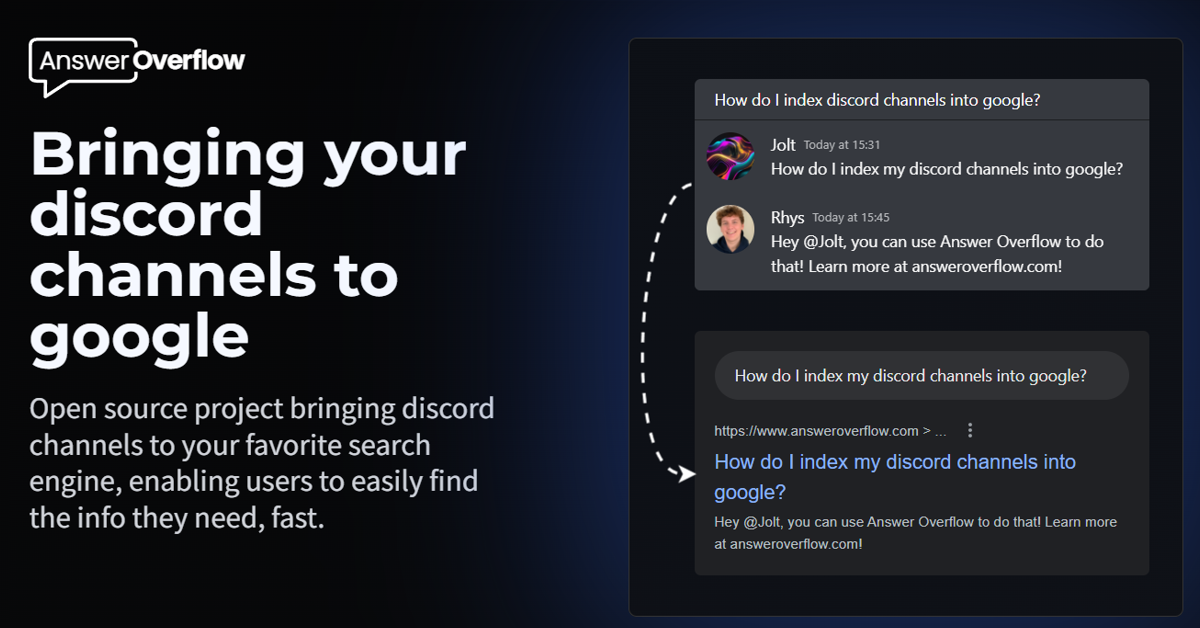
Answer Overflow transforms your Discord community into a searchable knowledge base. It indexes conversations, making them discoverable on Google to drive organic growth. It also provides AI-powered answers to recurring questions and offers valuable insights into your community's needs, automating support and enhancing user engagement.

Why similar

The core intersection of Answer Overflow and ai_flowchart lies in Documentation, making it a suitable direct replacement in similar scenarios.

Key differences

What sets Answer Overflow apart from ai_flowchart: Primary scenario leans toward Knowledge Base.

Unlock your Discord server's potential with Answer Overflow. Index conversations into Google, automate answers with AI, and gain valuable community insights. Boost your SEO and support. Answer OverflowApplicable toKnowledge Base.Documentation.Seo.Searchand other fields.

Rating
5.0
Saved on
Likes
Monthly Visits
845.9K

TailoredRead is an AI-powered service that creates personalized nonfiction e-books. It crafts content tailored to your specific goals, interests, and existing knowledge level across a vast range of subjects like programming, history, and business. Simply define your learning objectives, and the AI generates a unique, focused book in minutes, helping you learn faster and more efficiently by consolidating all necessary information into a single, customized resource.

Why similar

The core intersection of TailoredRead and ai_flowchart lies in Documentation, making it a suitable direct replacement in similar scenarios.

Key differences

What sets TailoredRead apart from ai_flowchart: Pricing model is Is Paid;Primary scenario leans toward Learning.

Learn faster with TailoredRead, an AI service that creates personalized nonfiction e-books on any subject. Tailor content to your goals and expertise, and get a custom book in minutes. Read online, PDF, or on Kindle. TailoredReadApplicable toKnowledge Management.Documentation.Learning.Writingand other fields.

Rating
5.0
Saved on
Likes
Monthly Visits
23.1K