ToolMage
Sign in

Best 62 Code Assistant for Productivity

Popular Code Assistant in Productivity include Google AI for Developers, JetBrains, Warp, Unsloth, JetBrains Marketplace, CodeRabbit, GitKraken, JDoodle, Firebase Studio, and Sourcegraph, helping you work more efficiently.

Stenography
Freemium

Stenography

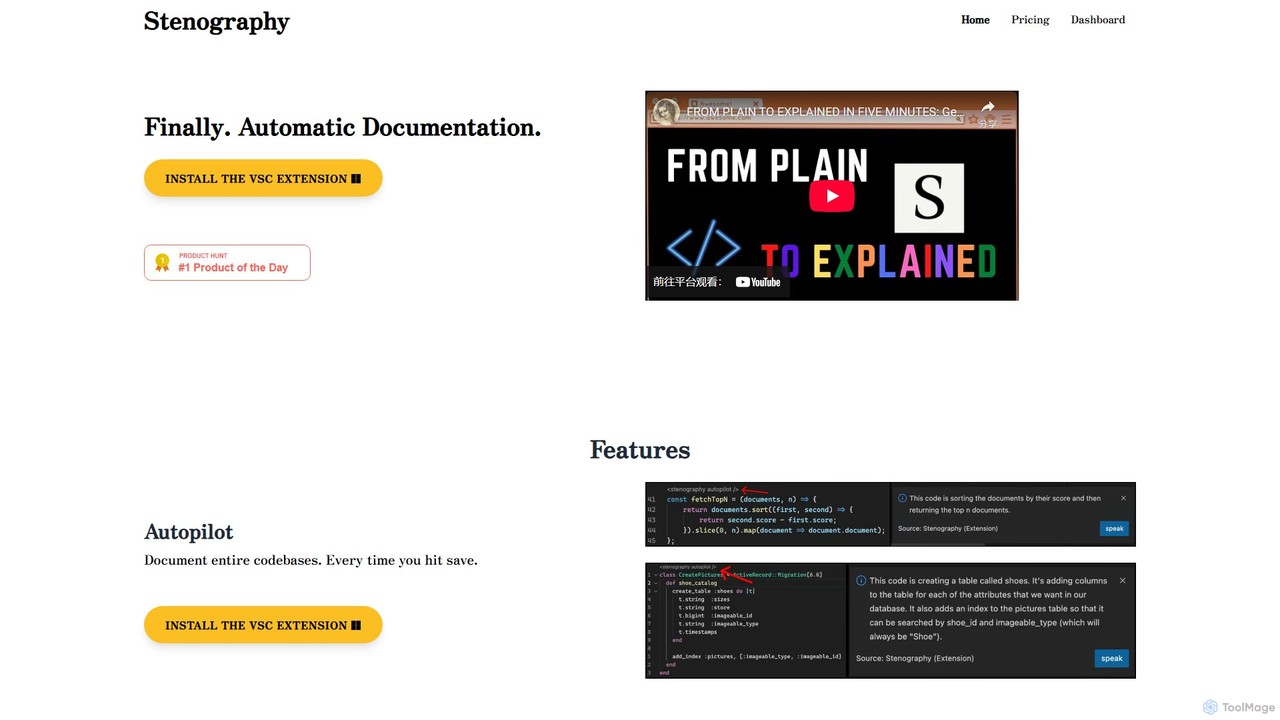
Stenography is an AI-powered tool that automates code documentation for developers. It integrates directly into your workflow via VS Code and Chrome extensions, automatically generating clear, plain-English explanations for your code every time you save. With features like integrated Stack Overflow suggestions and a privacy-first architecture, it streamlines the documentation process, enhances code clarity, and boosts productivity.

Documentation
Visits 6.6KFavorites 132Likes 132
runyoyo
Freemium

runyoyo

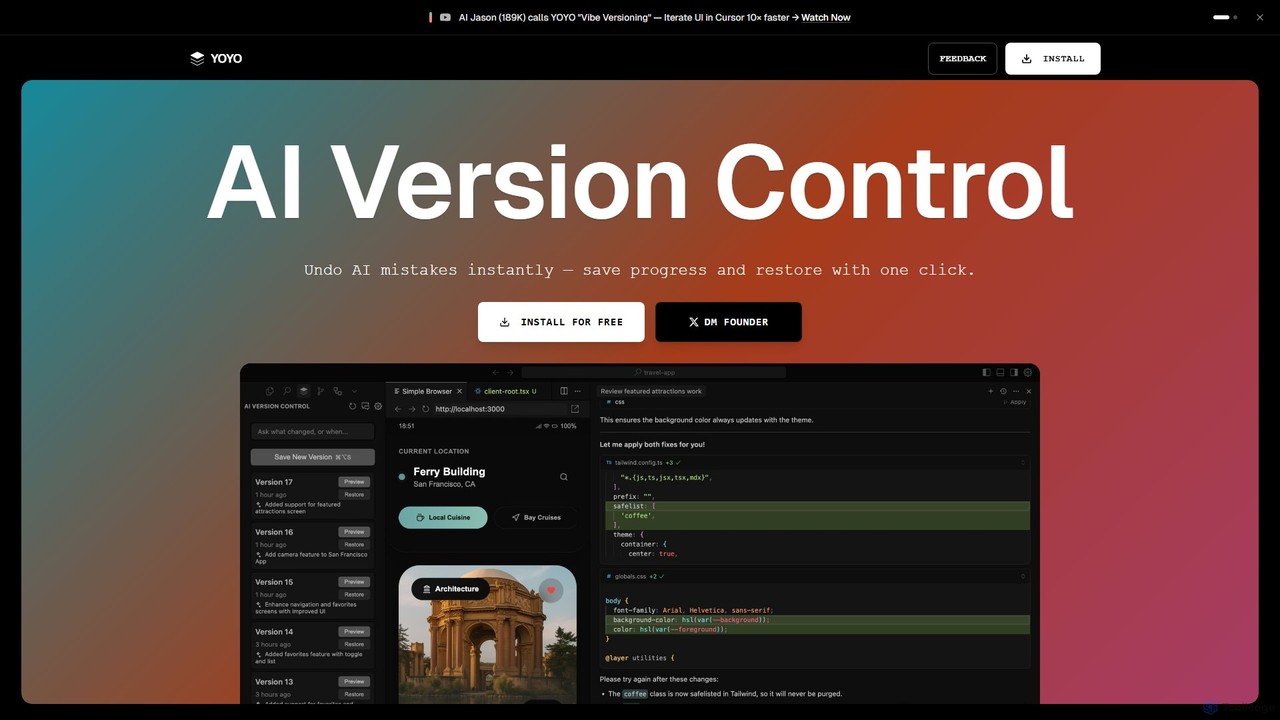
runyoyo is an AI-native version control system designed for the era of 'Vibe Coding'. It allows developers to instantly save progress, undo AI-generated mistakes with a single click, and search their entire coding timeline. It works alongside Git to keep your main repository clean while you experiment freely with AI assistants in IDEs like VS Code and Cursor.

Ide Extension
Visits 5.5KFavorites 121Likes 110
JetBrains
Freemium

JetBrains

JetBrains provides a comprehensive suite of intelligent tools for software developers and teams, including powerful IDEs and an integrated AI Assistant. It enhances productivity with smart code completion, refactoring, and bug detection, streamlining the entire development lifecycle from coding to deployment. It supports a wide range of languages and offers robust team collaboration platforms.

Integrated Development Environment
Visits 6.6MFavorites 123Likes 128
xTuring
Free

xTuring

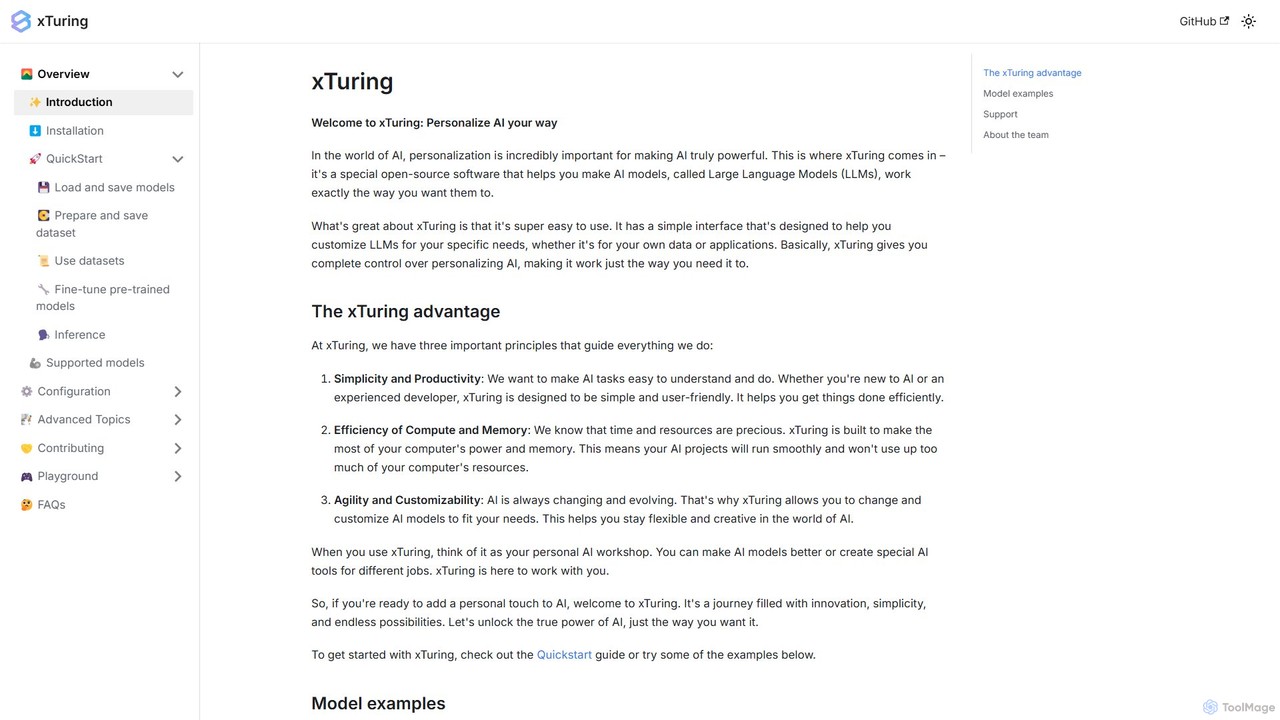
xTuring is an open-source Python library designed to simplify the process of building, fine-tuning, and controlling Large Language Models (LLMs). It provides a user-friendly interface for developers and researchers to personalize AI models for specific data and applications with high efficiency and customizability.

Model Training
Visits 5.5KFavorites 162Likes 160
AI Code Reviewer
Freemium

AI Code Reviewer

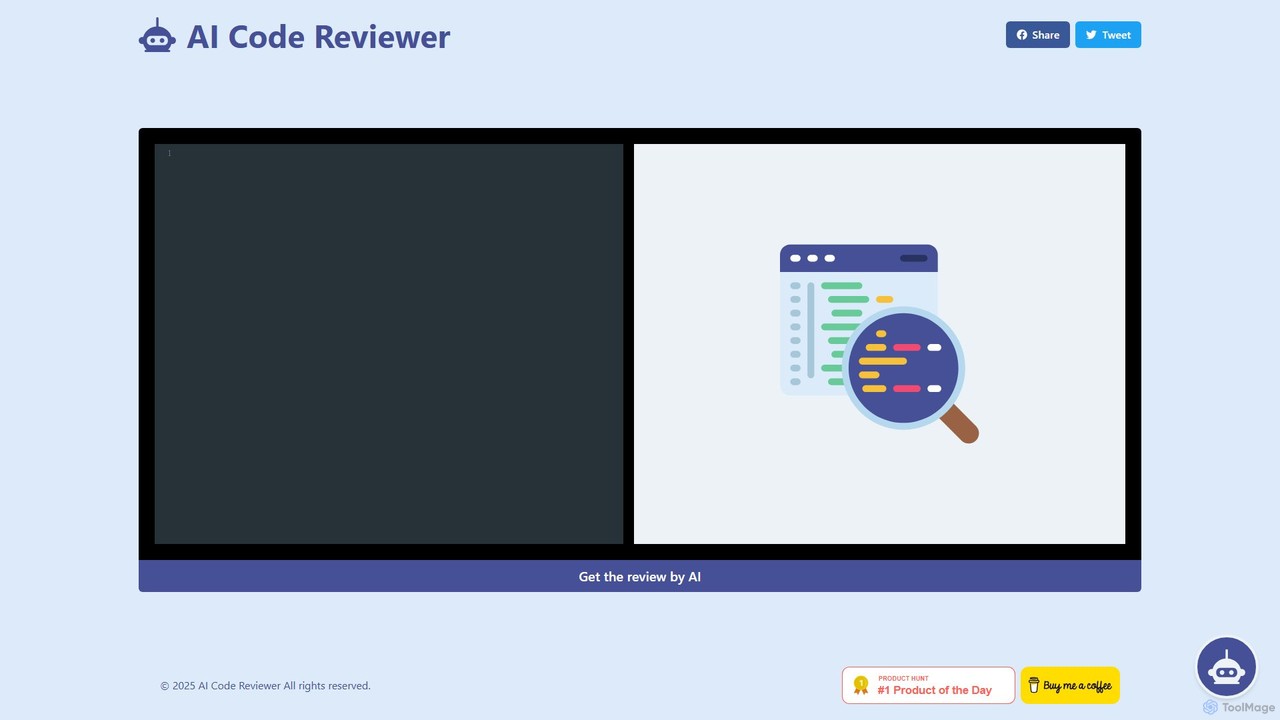
An AI-powered tool that automatically reviews your code to find bugs, suggest improvements, and ensure quality. It acts as an instant second pair of eyes for developers, helping to streamline the development workflow, improve code maintainability, and enforce best practices across teams.

Code Review
Visits 5.6KFavorites 153Likes 159
Vairflow
Freemium

Vairflow

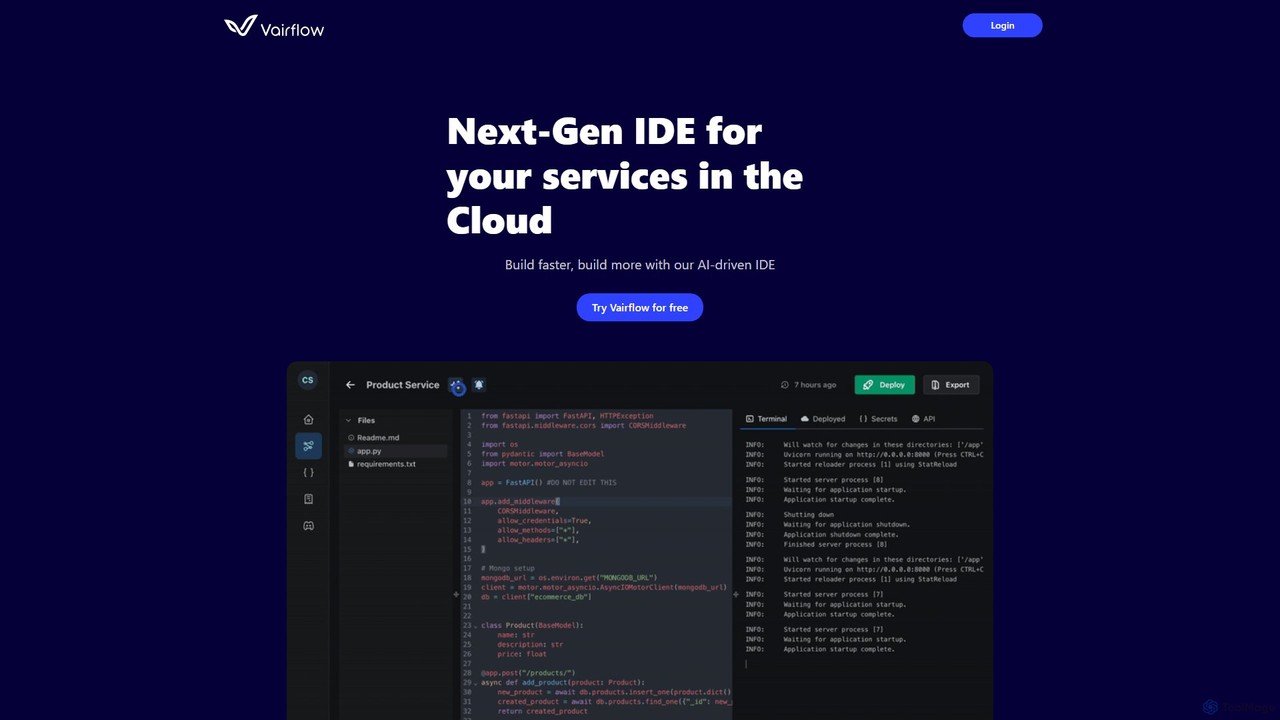
Vairflow is a next-generation, AI-driven Integrated Development Environment (IDE) designed for cloud services. It streamlines development by breaking down complex ideas into reusable components, such as backend microservices and front-end UIs. With one-click deployment and upcoming AI-powered coding assistance, Vairflow helps developers build and deploy full-stack applications faster and more efficiently, eliminating local setup hassles.

Cloud Ide
Visits 5.5KFavorites 121Likes 121
Falcon LLM
Freemium

Falcon LLM

Falcon LLM is a family of powerful, open-source, and open-access large language models developed by the Technology Innovation Institute (TII). Known for state-of-the-art performance, scalability, and multimodality, Falcon models range from efficient edge-deployable versions to massive 180B parameter models, aiming to democratize access to advanced AI for developers, researchers, and enterprises worldwide.

Machine Learning
Visits 19.5KFavorites 142Likes 162
CodeViz
Freemium

CodeViz

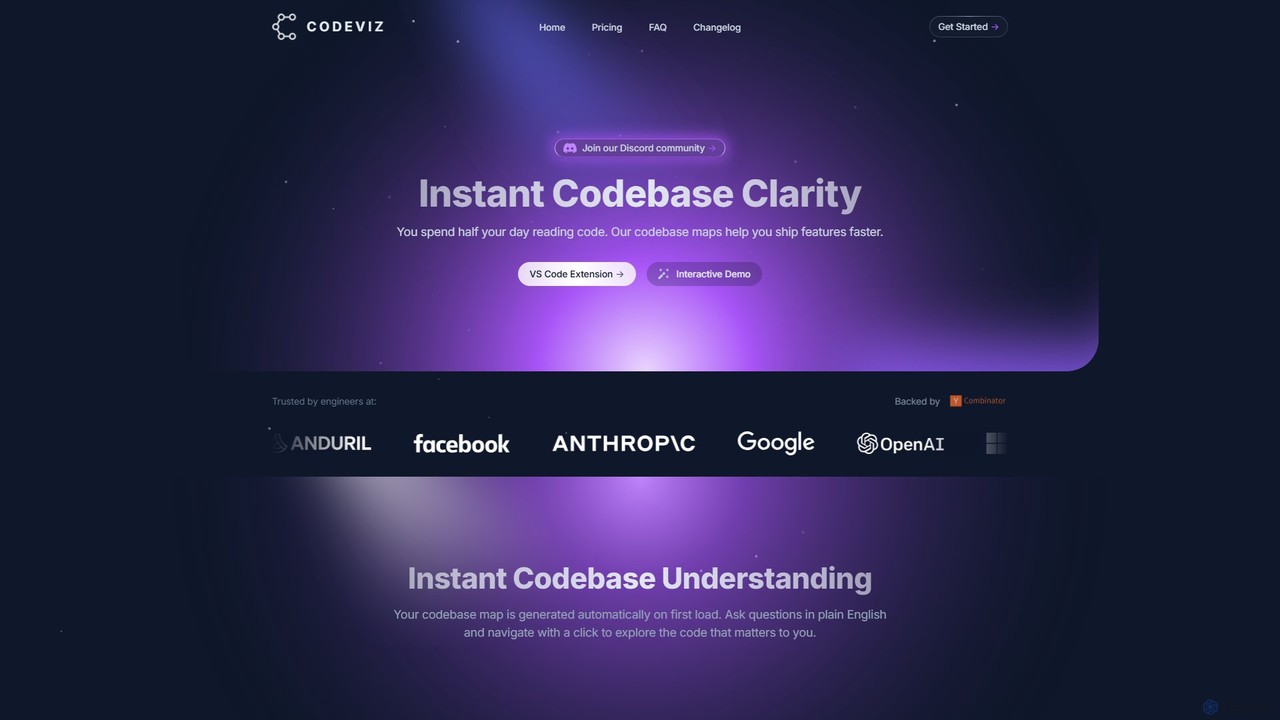
CodeViz is an AI-powered VS Code extension that instantly generates interactive diagrams of your codebase. It helps developers understand complex system architectures, navigate codebases efficiently, and ship features faster. By combining static analysis with AI, CodeViz allows you to ask questions in plain English, visualize everything from high-level architecture to specific function calls, and accelerate your development workflow.

Code Analysis
Visits 8.1KFavorites 127Likes 137
AIDE
Freemium

AIDE

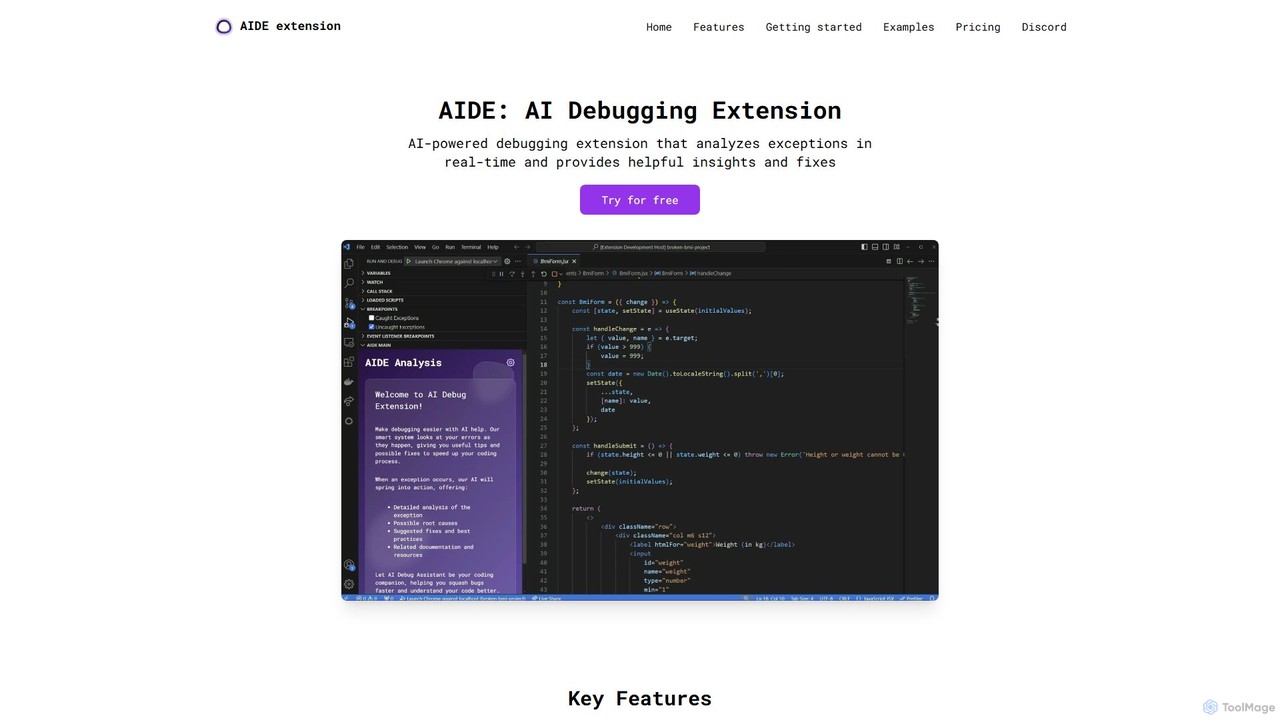
AIDE is an AI-powered debugging extension for VS Code that automatically analyzes errors, identifies their root causes, and suggests concrete code solutions. It streamlines the development workflow by providing instant, context-aware fixes for common issues in JavaScript, React, and more, directly within your editor.

Code Quality
Visits 6.1KFavorites 124Likes 140
PAS Code
Freemium

PAS Code

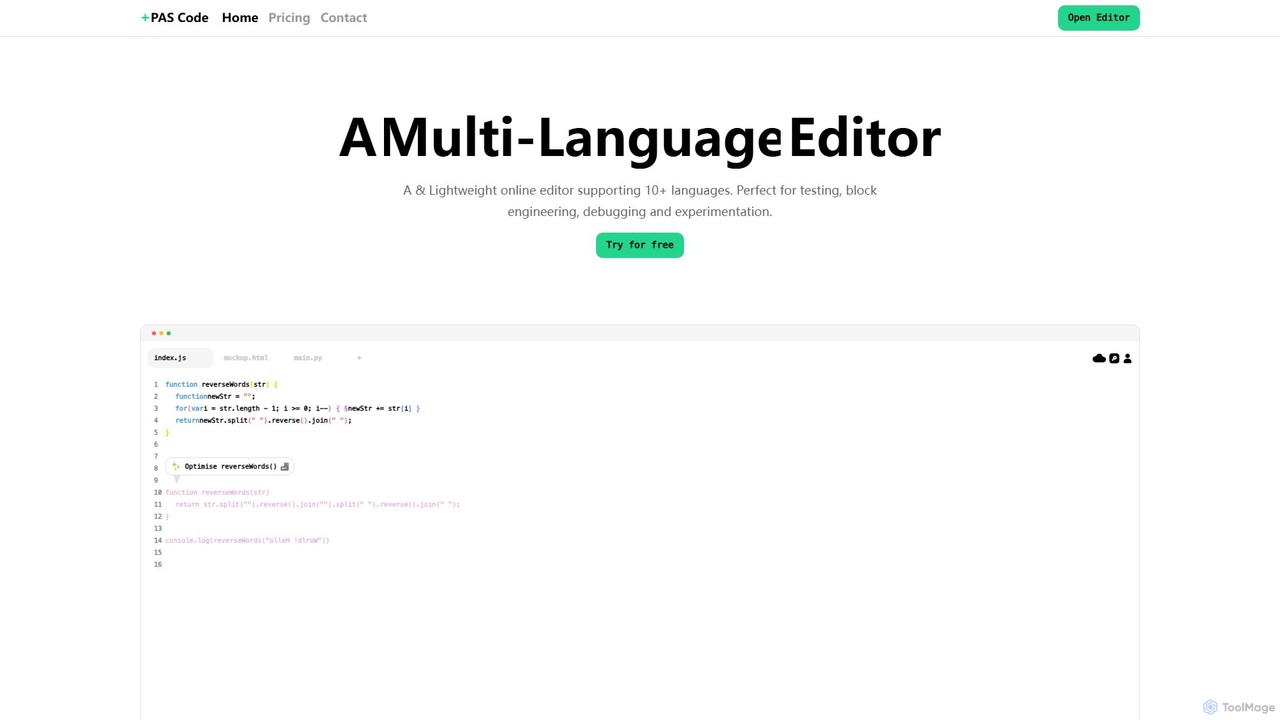
PAS Code is a lightweight, customizable online code editor designed for developers. It supports over 10 languages and features AI-powered autofill, smart prompts, and seamless cloud syncing. With features like a block editor for notes, live HTML previews, and secure compilation, it's perfect for testing, debugging, and rapid prototyping. It offers a free tier to get started.

Code Generation
Visits 5.5KFavorites 119Likes 122
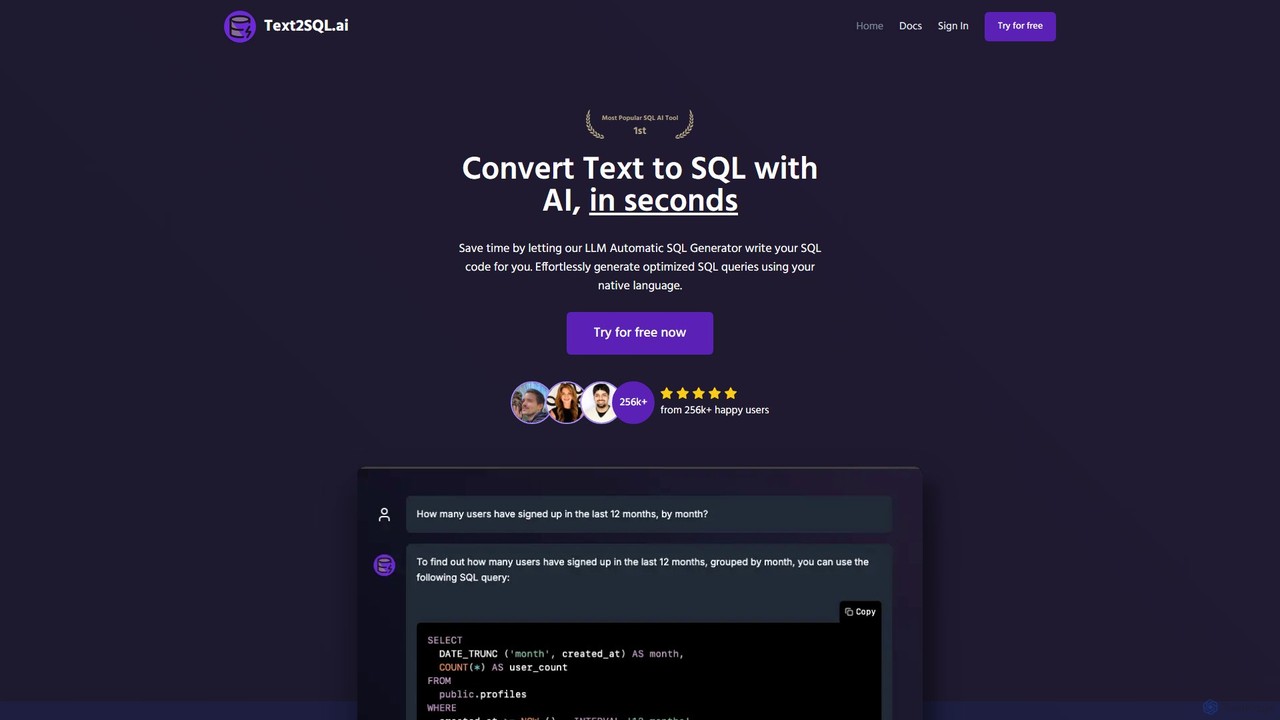
Text2SQL.ai
Freemium

Text2SQL.ai

Text2SQL.ai is an AI-powered tool that instantly converts natural language text into complex SQL queries and Regex patterns. It supports over 12 SQL and NoSQL databases, allows schema integration for higher accuracy, and functions as a comprehensive AI assistant for explaining, fixing, and optimizing code. Designed for developers, data analysts, and beginners, it saves time, reduces errors, and makes database interaction more accessible. It also offers a public API for custom integrations.

Querying
Visits 25.6KFavorites 128Likes 131
GitKraken
Freemium

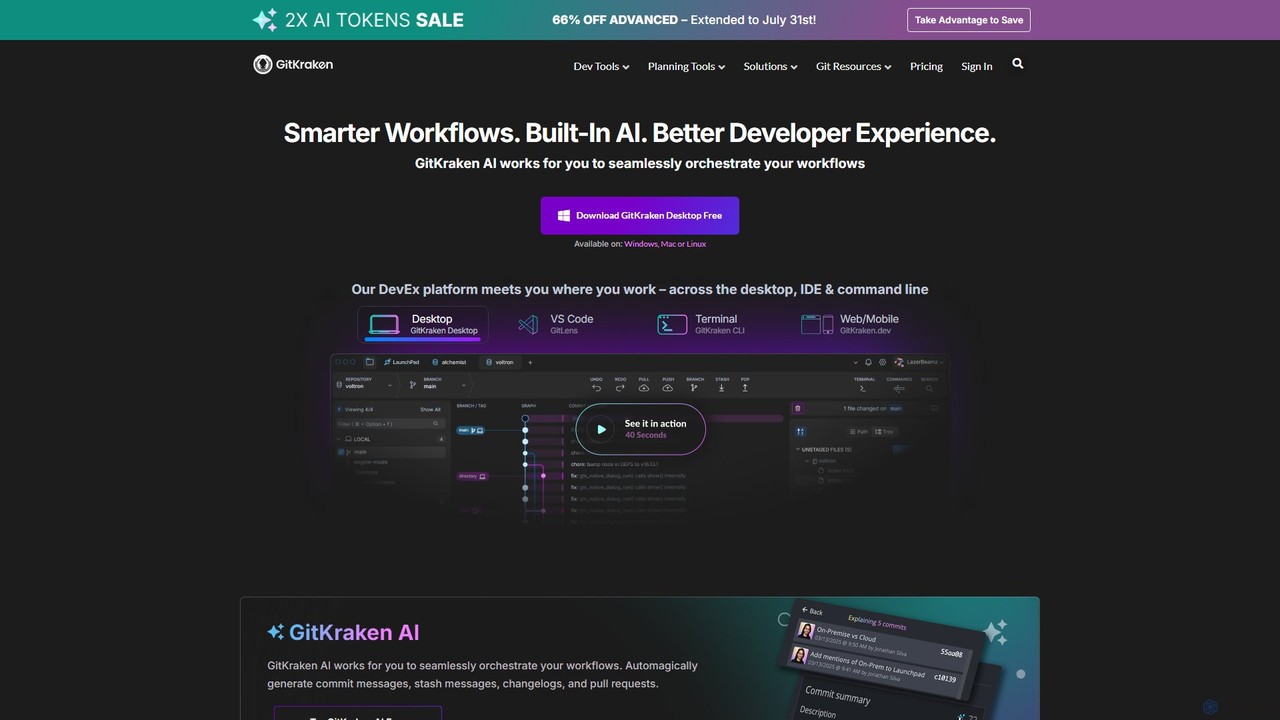
GitKraken

GitKraken is a legendary suite of Git tools designed to enhance the developer experience. Featuring a visual Git GUI, a powerful CLI, and IDE integrations, it leverages built-in AI to automate tasks like generating commit messages and pull requests. It streamlines workflows, improves team collaboration, and provides powerful visualization for complex repositories.

Version Control
Visits 570.3KFavorites 109Likes 112
Corgea
Freemium

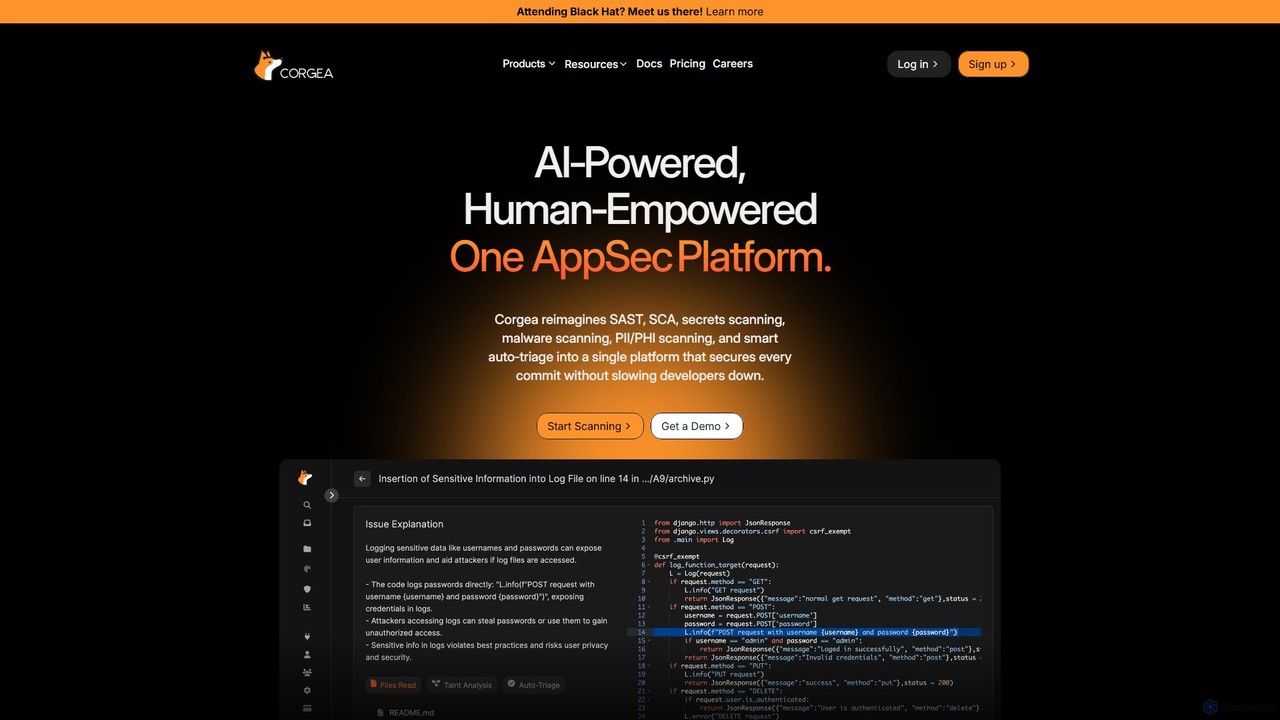
Corgea

Corgea is an AI-powered application security (AppSec) platform that unifies SAST, SCA, secrets scanning, and more. It intelligently triages vulnerabilities, reducing false positives by up to 90%, and automatically generates code fixes. Designed for modern development teams, Corgea integrates seamlessly into developer workflows (GitHub, Azure DevOps), enabling them to secure every commit without sacrificing speed.

Code Security
Visits 20KFavorites 161Likes 160
AdpexAI
Freemium

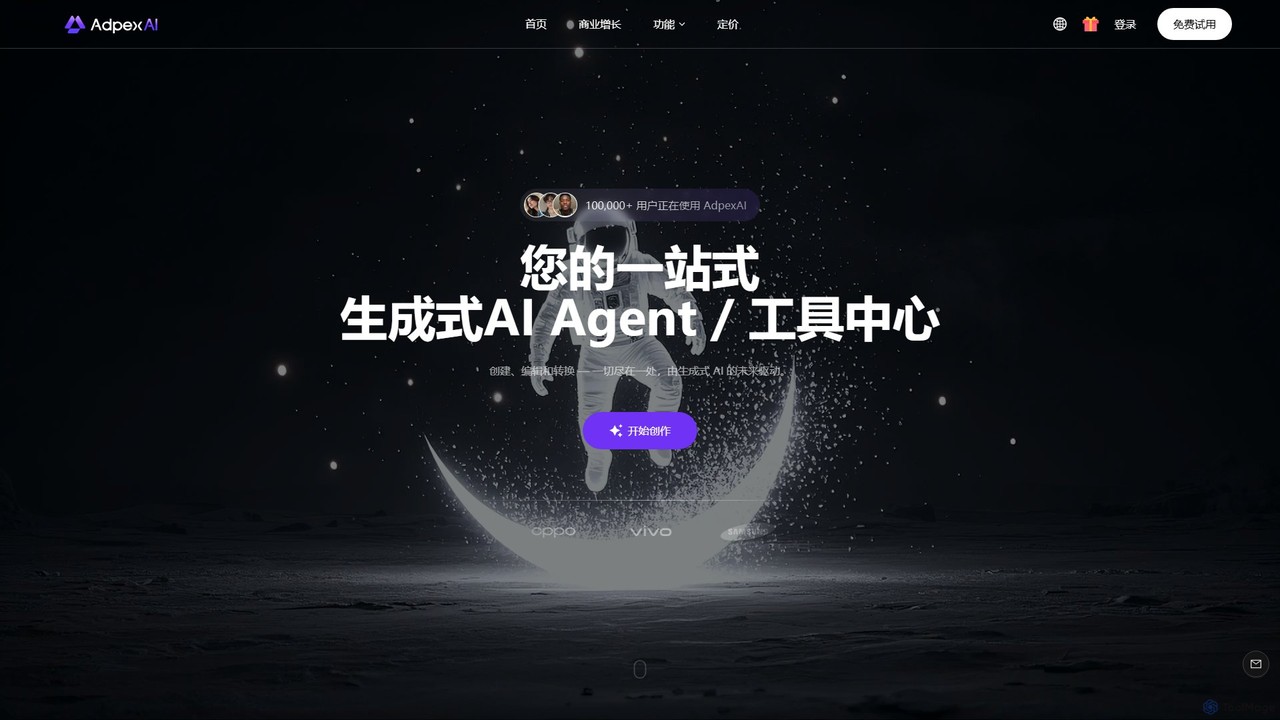
AdpexAI

AdpexAI is an all-in-one generative AI platform for creating and editing videos and images. It features powerful tools like realistic face swapping, text-to-image generation, style transfer, and background removal. It also includes an AI chat assistant with access to multiple LLMs and an AI code generator, making it a comprehensive toolkit for creators, marketers, and developers.

Image Generation
Visits 178KFavorites 124Likes 129

About Code Assistant

Code Assistant tools are AI-powered applications that integrate into a developer's workflow to accelerate software development. They leverage large language models trained on vast code repositories to provide intelligent code completion, bug detection, and real-time suggestions. This helps developers write cleaner, more efficient code faster, reducing manual effort and improving overall productivity. These assistants act as an AI pair programmer, offering contextual help directly within the Integrated Development Environment (IDE).

Core Features

  • Intelligent Code Completion: Suggests entire lines or blocks of code based on the current context and comments.
  • AI-Powered Debugging: Identifies potential bugs, logical errors, and vulnerabilities, then suggests fixes.
  • Code Refactoring & Optimization: Recommends improvements for code structure, readability, and performance.
  • Automated Documentation: Generates comments and docstrings for functions, classes, and modules.
  • Natural Language to Code: Translates plain language descriptions into functional code snippets.

Use Cases

Code Assistants are primarily used by software developers, data scientists, and DevOps engineers across all programming languages. They are highly effective for rapid prototyping, learning new languages or frameworks, generating unit tests, and maintaining large, complex codebases.

How to Choose

When selecting a Code Assistant, consider its language and framework support, the quality of its IDE integration (e.g., VS Code, JetBrains), and its privacy policy regarding your code. Also, evaluate the relevance of its suggestions and the balance between free features and the capabilities offered in premium plans.

Featured tool rankings

Code Assistant use cases

1

Accelerating Feature Development with Boilerplate Code

A backend developer needs to create a new REST API endpoint. Instead of writing all the boilerplate code for server setup, request handling, and database connection from scratch, they use a Code Assistant. By typing a comment like '// create a GET endpoint for /users/:id', the assistant generates the complete function structure, including parameter validation and a database query template. This can reduce initial setup time significantly, allowing the developer to focus on the core business logic.

2

Real-time Debugging and Error Correction

A junior developer is struggling to find a subtle off-by-one error in a complex loop. A Code Assistant integrated into their IDE highlights the problematic line of code in real-time. It not only flags the potential bug but also provides a detailed explanation of why it's an error and suggests the correct code snippet to fix it. This turns a potentially long debugging session into a few minutes of guided correction, serving as a valuable learning tool.

3

Generating Unit Tests Automatically

A developer needs to increase test coverage for a new module. Manually writing unit tests for every function can be tedious. They can select a function and ask the Code Assistant to 'generate unit tests for this function.' The tool analyzes the function's logic, inputs, and outputs, then produces a comprehensive set of test cases, including edge cases and assertions. This automates a significant part of the testing process, helping to ensure higher code quality and reliability.

4

Refactoring Legacy Code for Modern Standards

A software architect is modernizing a legacy codebase. They use a Code Assistant's refactoring capabilities to identify deprecated syntax and suggest more efficient, modern alternatives (like converting promise chains to async/await in JavaScript). The tool can also help restructure complex functions into smaller, more readable units. This process improves code maintainability and performance without requiring a complete rewrite from scratch.

5

Learning a New Programming Language or Framework

A developer experienced in Python is learning Rust. They use a Code Assistant as an interactive learning partner. When unsure about Rust's syntax for ownership or borrowing, they can write a comment in plain English describing their goal. The assistant provides the correct Rust code, along with explanations, helping them grasp new concepts and become productive in the new language much faster than by solely relying on documentation.

6

Creating Code Documentation and Comments

A team lead needs to ensure a project's codebase is well-documented. Instead of manually writing docstrings for hundreds of functions, they use a Code Assistant. The tool can automatically analyze each function's parameters, return values, and logic to generate clear, standardized documentation in formats like JSDoc or Python's docstrings. This ensures consistent and high-quality documentation across the entire project with minimal manual effort.

Code Assistant FAQ

What is an AI Code Assistant?

An AI Code Assistant is a tool that integrates into a developer's IDE to help write, debug, and document code more efficiently. It uses large language models (LLMs) trained on source code to provide intelligent suggestions, complete code blocks, identify errors, and translate natural language into code. It effectively acts as an AI-powered pair programmer to boost developer productivity.

How do I choose the right AI Code Assistant?

To choose the right AI Code Assistant, consider these factors:

  • Language & Framework Support: Ensure it excels in the programming languages you use daily.
  • IDE Integration: Check for seamless integration with your preferred IDE (e.g., VS Code, JetBrains).
  • Suggestion Quality: Evaluate the relevance and accuracy of its code completions and suggestions.
  • Privacy & Security: Review its policy on how it handles your code. Some tools process data locally, while others send it to the cloud.
  • Cost vs. Features: Compare the features offered in free and paid tiers to find the best value.
What's the difference between an AI Code Assistant and traditional autocomplete?

Traditional autocomplete (like IntelliSense) primarily works by analyzing the syntax and libraries within your current project. It suggests variable names and functions based on static analysis. An AI Code Assistant goes much further by understanding the context and intent of your code. It can generate entire multi-line functions, suggest algorithms, and understand natural language comments, providing more complex solutions that traditional tools cannot.

Can AI Code Assistants write complete applications?

While powerful, AI Code Assistants are not yet capable of writing complete, complex applications from a single prompt. They excel at generating smaller, self-contained components like functions, classes, algorithms, and boilerplate code. They are best used as a productivity multiplier that assists a human developer, who remains responsible for the overall architecture, logic integration, and final validation of the application.

Is the code generated by AI Code Assistants secure and reliable?

The code generated by AI assistants is a suggestion and should always be reviewed by a human developer. While often correct, it can sometimes contain subtle bugs, security vulnerabilities, or outdated practices learned from its training data. It is the developer's responsibility to test, validate, and secure any AI-generated code before deploying it to production. Think of it as a helpful first draft, not a final, infallible product.