ToolMage
Sign in

Best 20 System AI tools

Popular System AI tools include iMobie, Raycast, AquaSnap, ScreenSnapAI, Haye, Outskill, PaletteBrain, AI Finder, NotesCmdr, and FridayGPT, helping you work more efficiently.

PaletteBrain
Paid

PaletteBrain

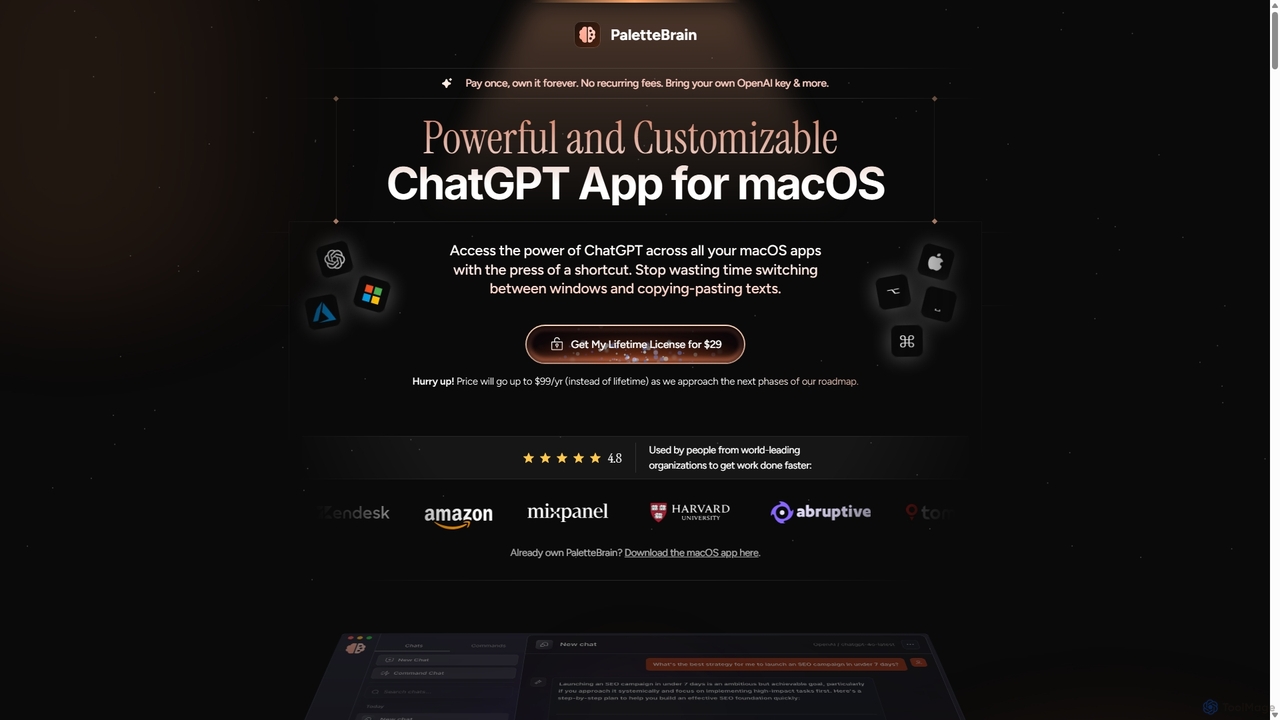
PaletteBrain is a native macOS application that integrates the power of ChatGPT directly into your workflow. With a simple keyboard shortcut, you can access AI commands on any selected text within any app, eliminating context switching. It offers customizable prompts, a one-time purchase model, and allows you to use your own OpenAI key for pay-as-you-go usage, making it a cost-effective and efficient productivity booster for writers, developers, and marketers.

Code Assistant
Visits 5.6KFavorites 121Likes 99
Smooth Operator
Freemium

Smooth Operator

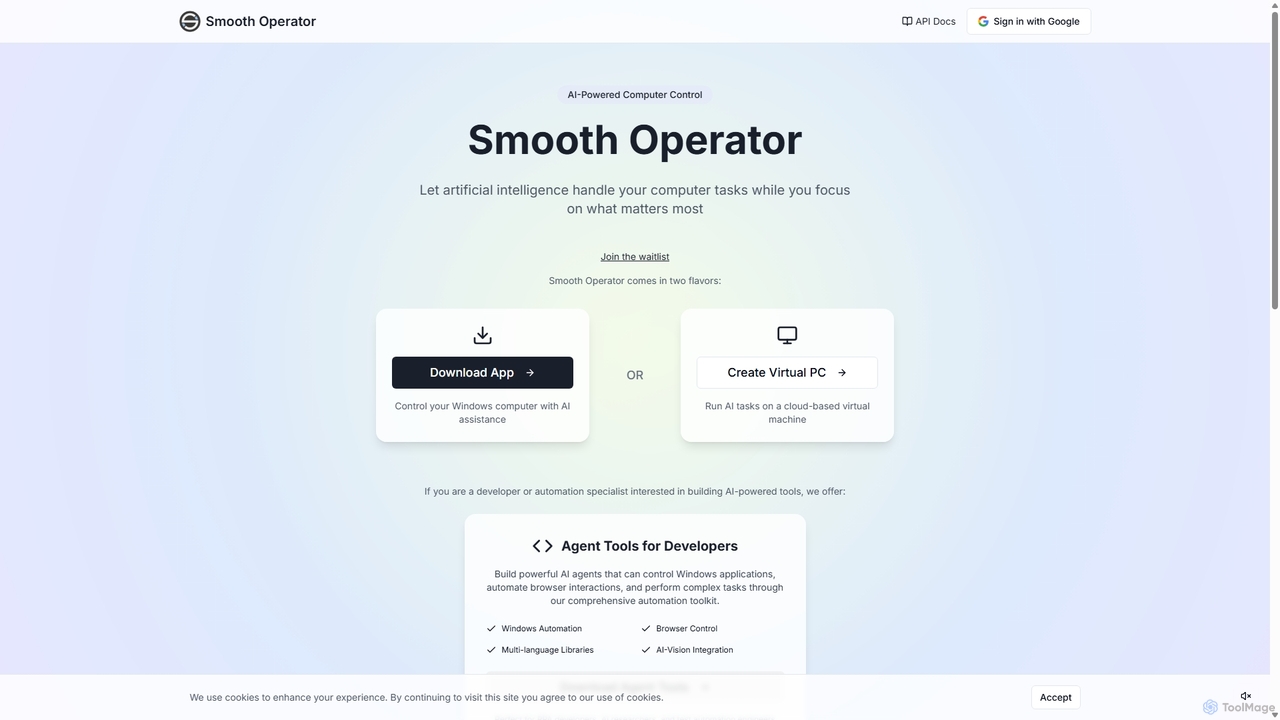
Smooth Operator is an AI-powered tool that automates computer tasks on Windows. It allows users to control their computer using natural language, either through a local app or a cloud-based virtual machine. It also provides a comprehensive toolkit for developers to build custom AI agents for advanced automation.

Robotic Process Automation
Visits 4.1KFavorites 131Likes 131
Iris
Freemium

Iris

Iris is a seamless AI assistant for macOS, designed to integrate into your workflow. It provides instant access to top AI models like GPT-4o and Claude 3.5, allowing you to chat, capture your screen for context, and get answers without ever leaving your current application. With intuitive gestures and powerful shortcuts, Iris is there when you need it and invisible when you don't.

Coding Assistant
Visits 4.4KFavorites 108Likes 97
NotesCmdr
Paid

NotesCmdr

NotesCmdr is a powerful macOS extension designed to supercharge the native Apple Notes app. It enhances your note-taking workflow by adding features like slash commands for rapid formatting, a dynamic template system, an inline calculator, and intuitive Markdown-style shortcuts. It's the perfect tool for students, professionals, and anyone looking to boost their productivity within the Apple ecosystem.

Note Taking
Visits 5.4KFavorites 117Likes 129
iMobie
Freemium

iMobie

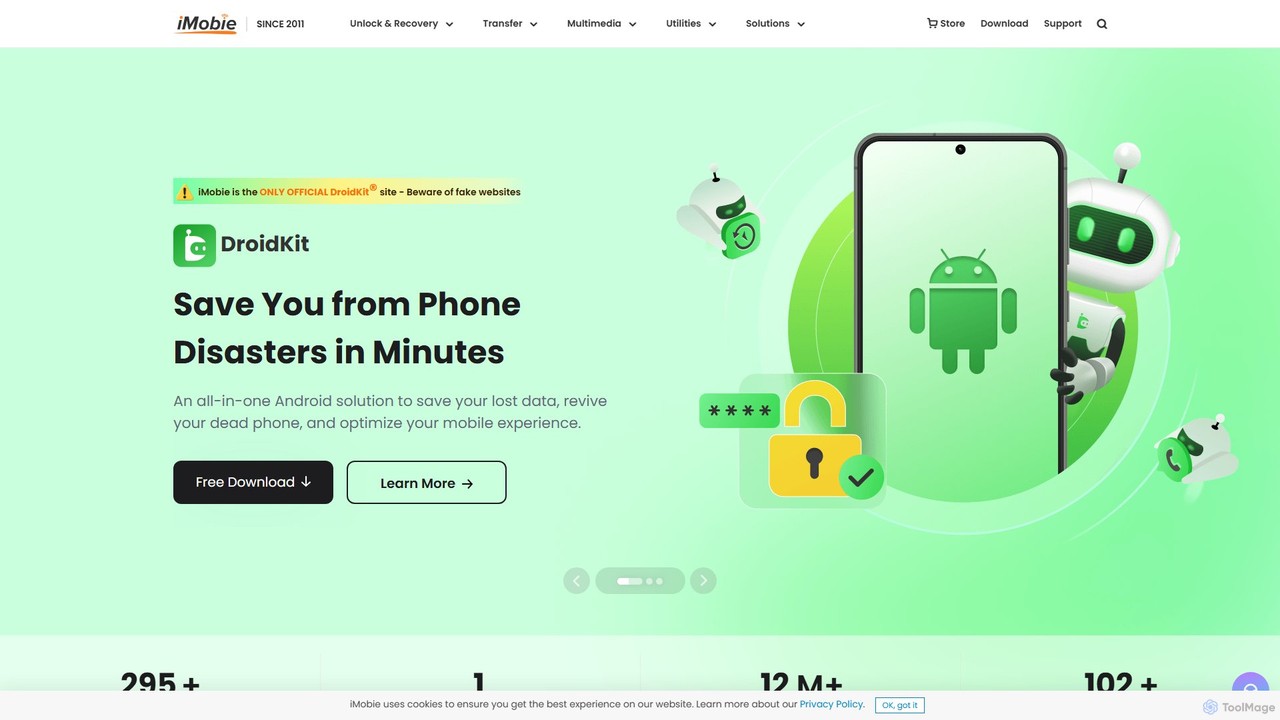
iMobie offers a comprehensive suite of tools for iOS, Android, Windows, and Mac. It specializes in data recovery, device unlocking, system repair, and data management. Its latest AI-powered tool, FocuSee, automates video creation by intelligently tracking cursor movements and applying dynamic effects.

Utilities
Visits 1.3MFavorites 146Likes 141
FridayGPT
Paid

FridayGPT

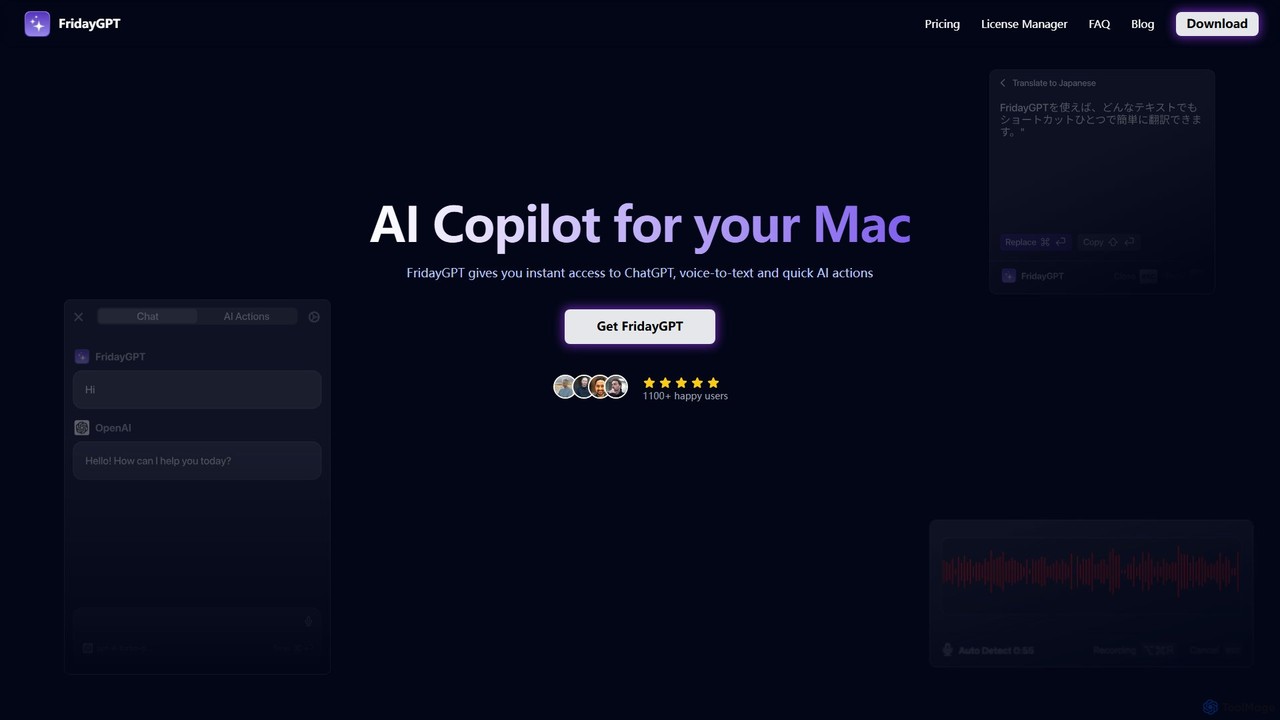
FridayGPT is an AI copilot for Mac that integrates ChatGPT, Claude, and local LLMs directly into your workflow. It offers instant access to AI, advanced voice-to-text transcription in over 100 languages, and one-click actions like grammar correction and text rewriting. Boost your productivity by using AI anywhere on your Mac without switching contexts.

Desktop Apps
Visits 5.4KFavorites 119Likes 112
AquaSnap
Freemium

AquaSnap

AquaSnap is a powerful window management utility for Windows that dramatically enhances productivity. It allows users to efficiently snap, dock, tile, and organize application windows using simple drag-and-drop actions, mouse shortcuts, and keyboard hotkeys. It is especially useful for large or multiple monitor setups, making multitasking seamless and organized.

Workflow
Visits 20.6KFavorites 96Likes 92
ScreenSnapAI
Paid

ScreenSnapAI

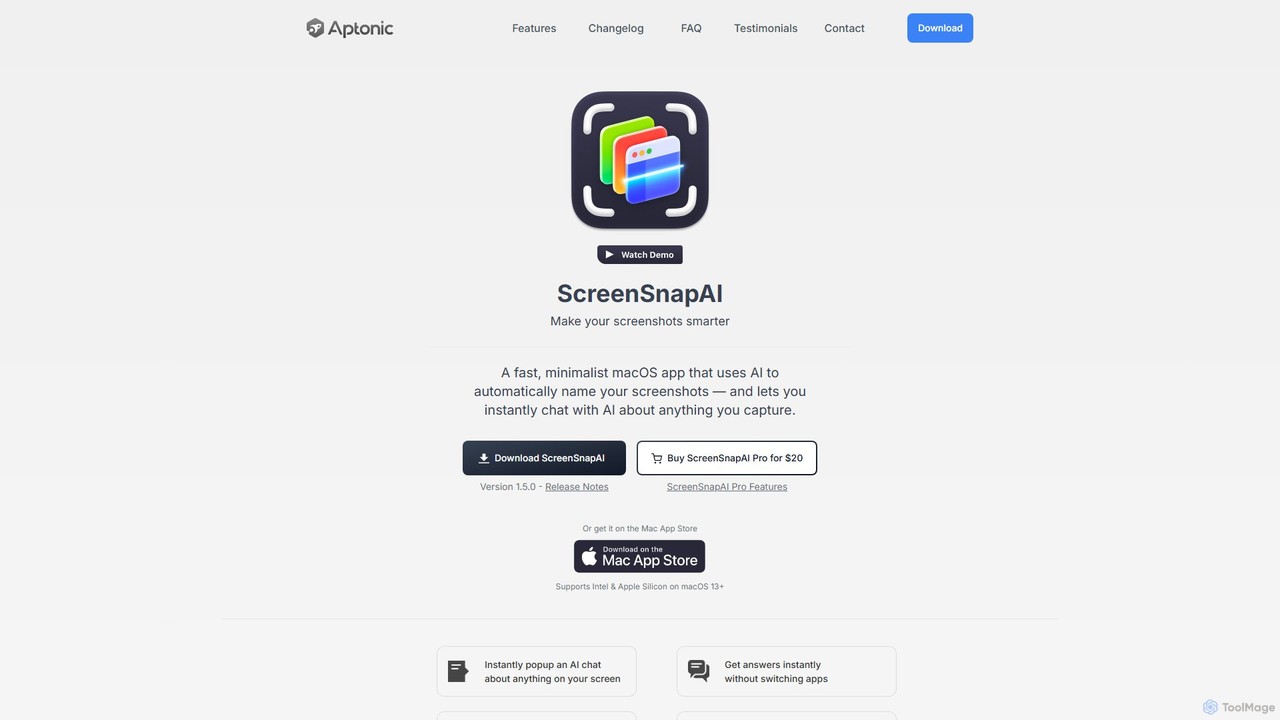
ScreenSnapAI is a smart macOS application that uses AI to automatically rename, tag, and organize your screenshots. It features an integrated AI assistant that allows you to instantly chat about, translate, or extract text and code from any captured image, dramatically improving productivity and workflow efficiency.

Code Assistant
Visits 6.9KFavorites 108Likes 120
AI Finder
Freemium

AI Finder

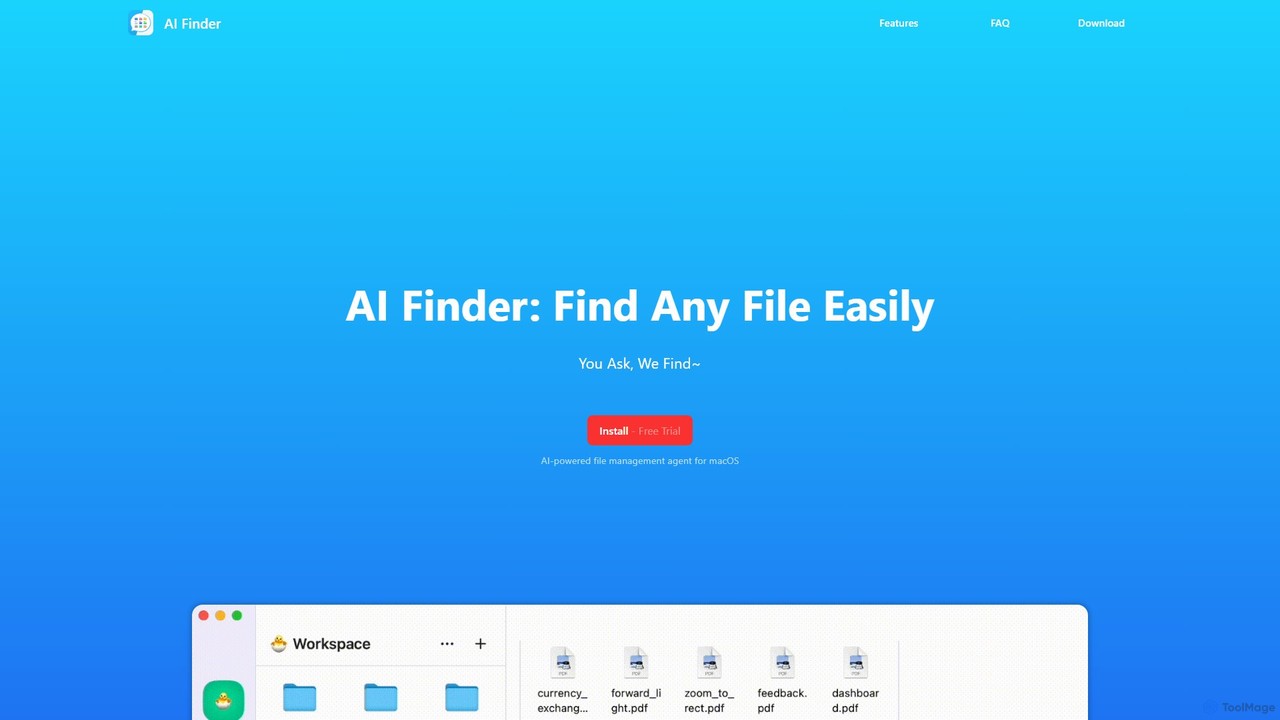
AI Finder is an intelligent file management agent for macOS that revolutionizes how you find files. Using natural language, you can search files by content, creation date, or even vague descriptions. It also features a 'Talk to PDF' function, allowing you to chat with, summarize, and extract key insights from your documents. All processing is done locally, ensuring your data remains private and secure.

Analysis
Visits 5.5KFavorites 113Likes 131
unlost.ai
Freemium

unlost.ai

unlost.ai is a powerful AI-driven universal search assistant that helps you find any file, message, or piece of information across all your apps and local storage. Stop wasting time switching tabs and let unlost.ai instantly retrieve what you need with a simple natural language query, centralizing your digital life.

Knowledge Management
Visits 4KFavorites 134Likes 116
Airlight
Paid

Airlight

Airlight is a lightweight "superbrowser" for macOS that provides instant access to web apps like ChatGPT, Perplexity, and Claude via a Spotlight-like interface. Activated by a simple shortcut (option + space), it overlays on any screen, eliminating the need for constant tab switching and boosting productivity for developers, writers, and researchers.

Chat
Visits 4.7KFavorites 122Likes 114
Reiden
Freemium

Reiden

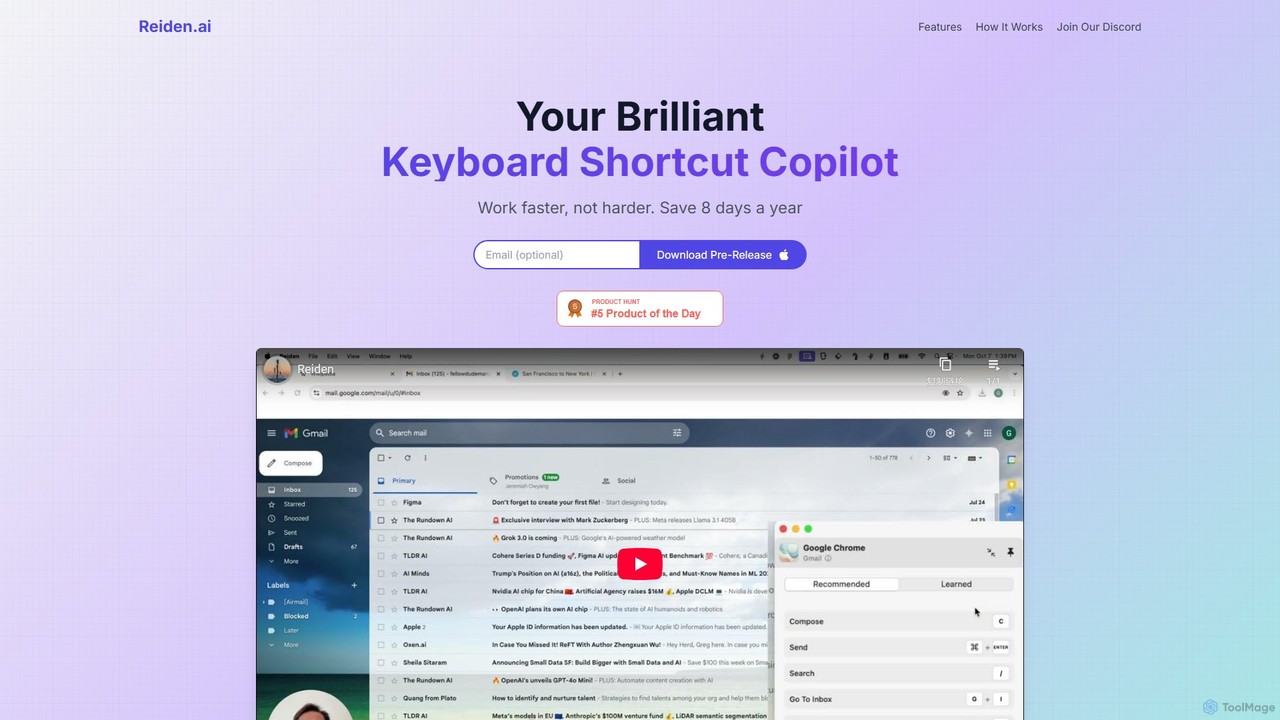
Reiden is an AI-powered productivity assistant that acts as your personal keyboard shortcut copilot. It runs in the background, analyzes your workflow across 20+ applications, and provides real-time, personalized suggestions for keyboard shortcuts. By helping you replace repetitive mouse clicks with efficient key commands, Reiden saves you time, improves your ergonomic health, and boosts your overall productivity, making you work faster, not harder.

Self Improvement
Visits 4KFavorites 133Likes 147
Haye
Freemium

Haye

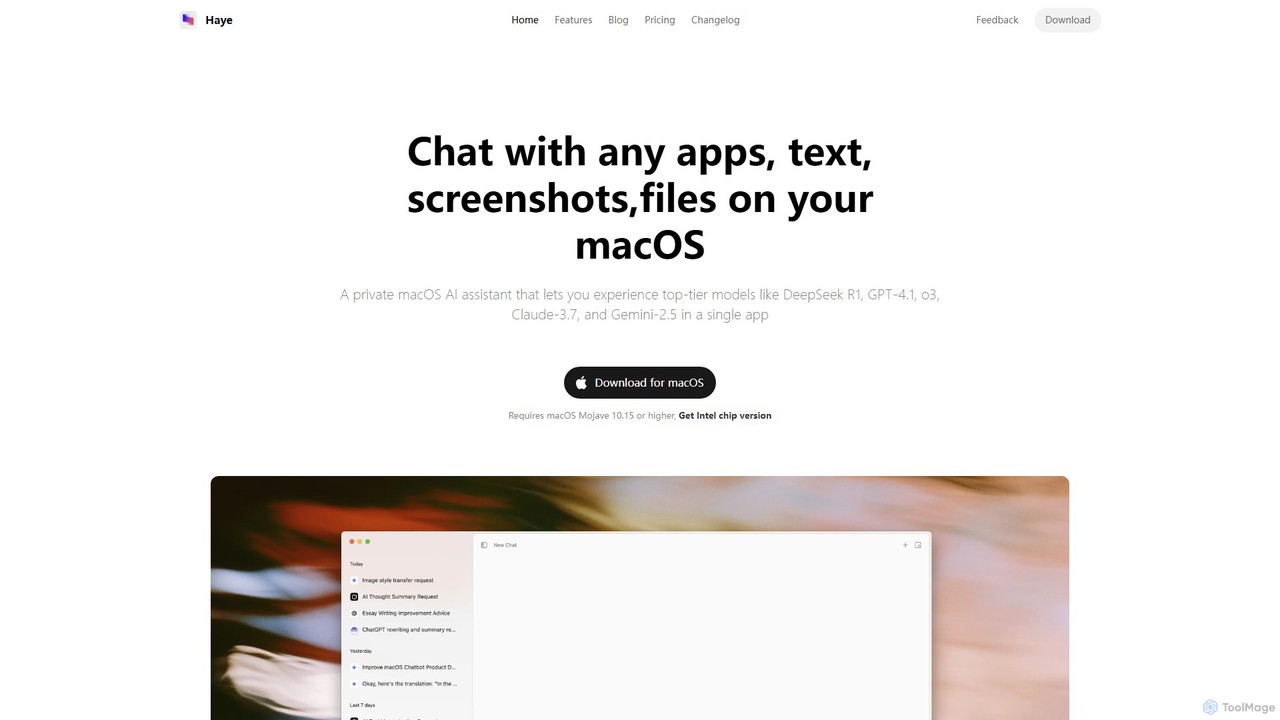
Haye is a powerful, all-in-one AI chat assistant for macOS, integrating top-tier models like GPT-4.1, Claude-3.7, and Gemini-2.5. It allows users to seamlessly interact with any app, text, screenshot, or file on their desktop, boosting productivity with features like AI search, document chat, and advanced customization.

Code Assistant
Visits 6.4KFavorites 125Likes 121
MacGaiver
Free

MacGaiver

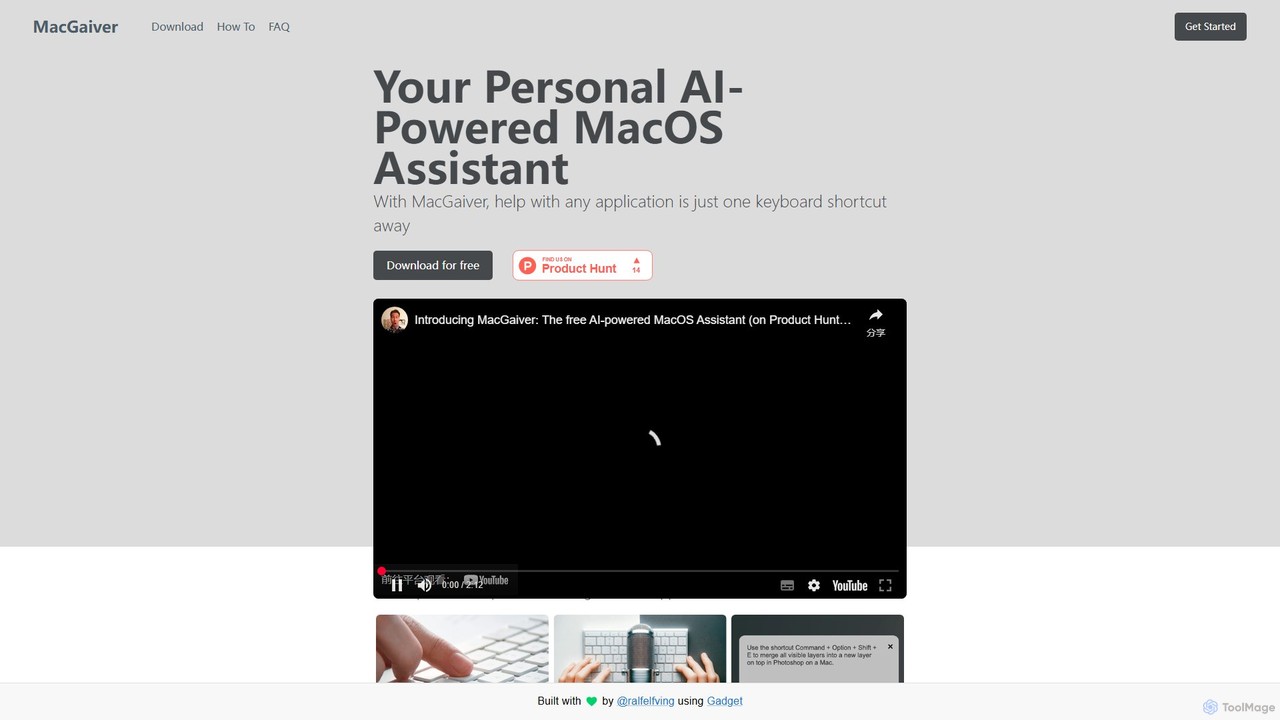
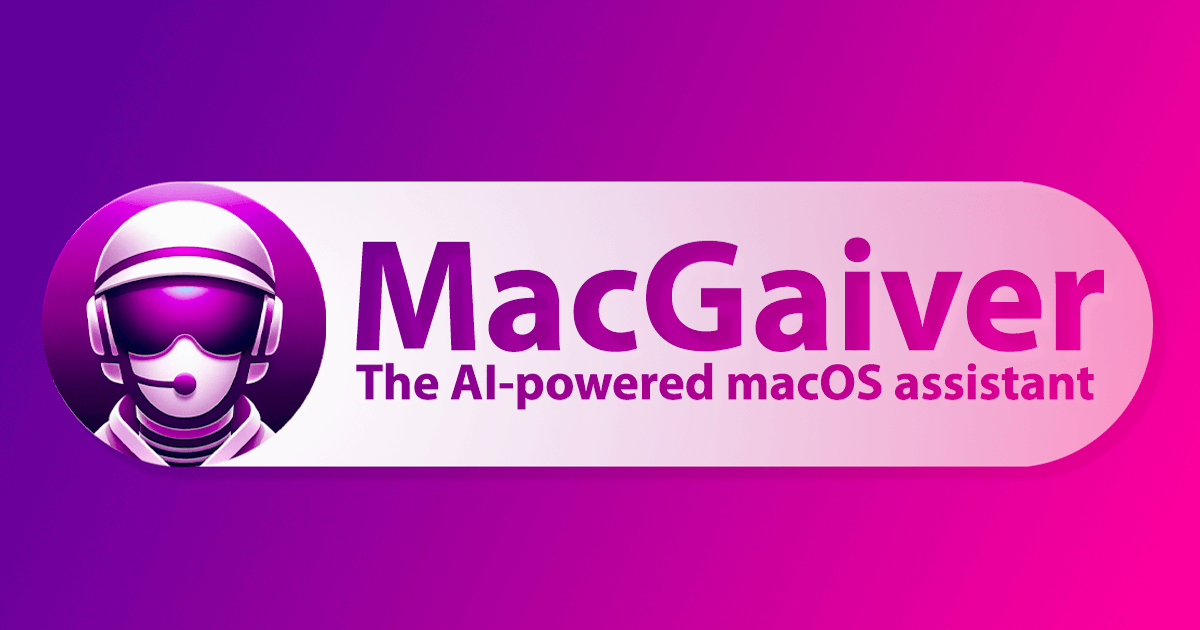
MacGaiver is a free, AI-powered assistant for MacOS that provides contextual help within any application. Using a simple keyboard shortcut, it captures your screen and allows you to ask questions via voice or text. Powered by OpenAI's GPT-V, it delivers instant, relevant answers without interrupting your workflow, making it an essential tool for productivity and learning.

Learning Tools
Visits 4.1KFavorites 148Likes 146
Ethertext
Freemium

Ethertext

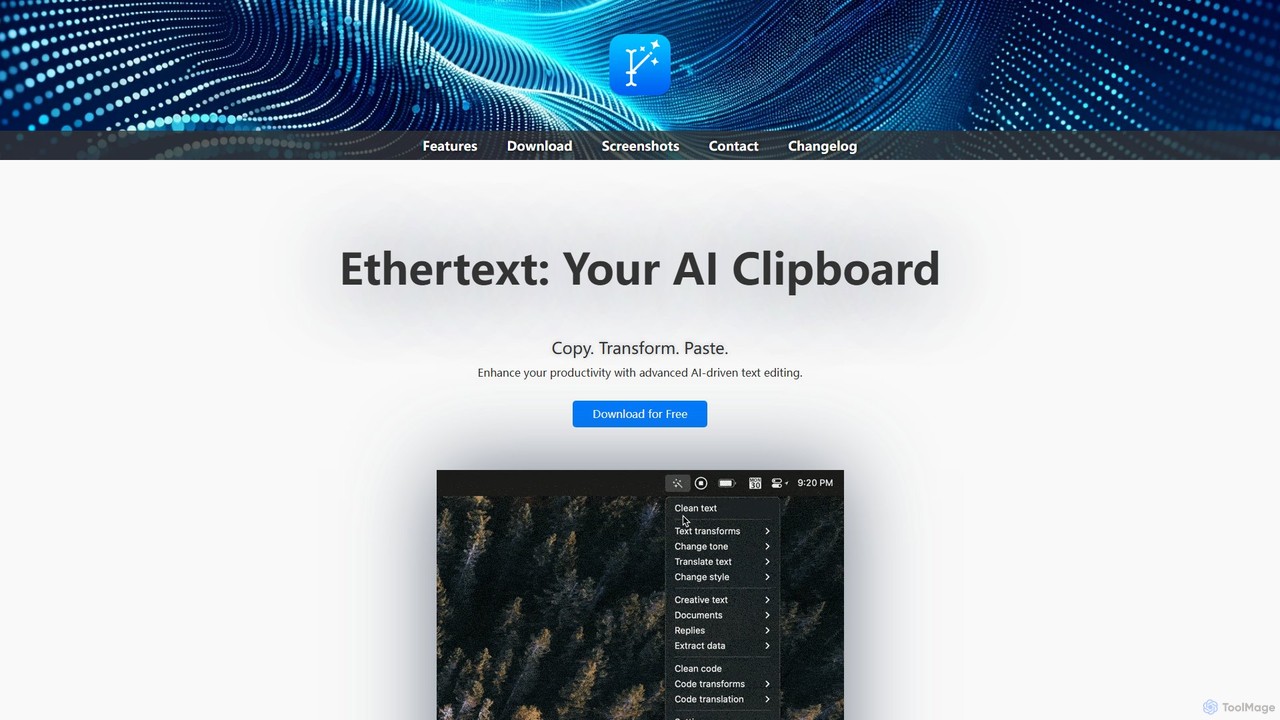
Ethertext is an AI-powered clipboard assistant for macOS that supercharges your productivity. It allows you to instantly transform, edit, and enhance any text you copy. With support for major AI models like OpenAI, Gemini, and Claude, as well as local models via Ollama, it offers powerful text and code manipulation, a smart memory feature, and seamless integration into your daily workflow through keyboard shortcuts.

Code Assistant
Visits 4KFavorites 116Likes 124
Blue
Freemium

Blue

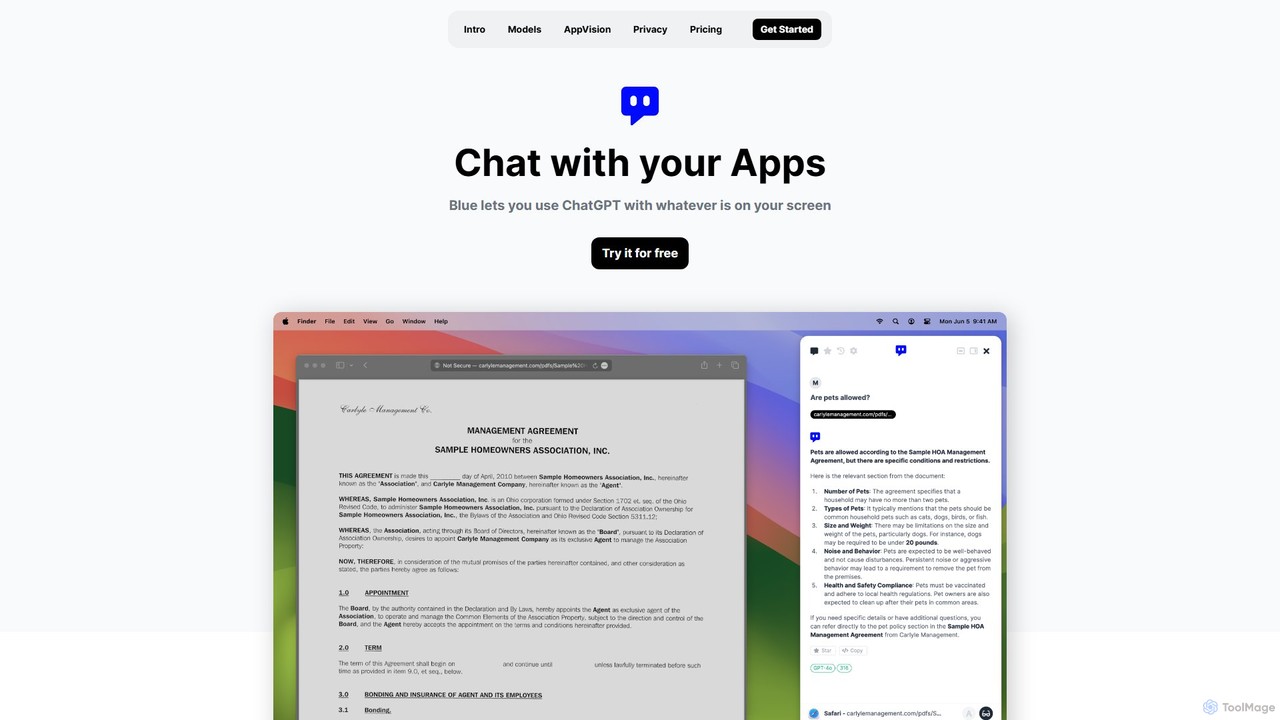
Blue is a native macOS AI assistant that integrates ChatGPT and other advanced AI models directly into your workflow. Featuring unique screen context awareness (AppVision) and a strong focus on privacy, it allows you to analyze, summarize, or create content in any app with a simple keyboard shortcut, boosting productivity for professionals.

Coding Assistant
Visits 4.7KFavorites 127Likes 107
Outskill

Outskill

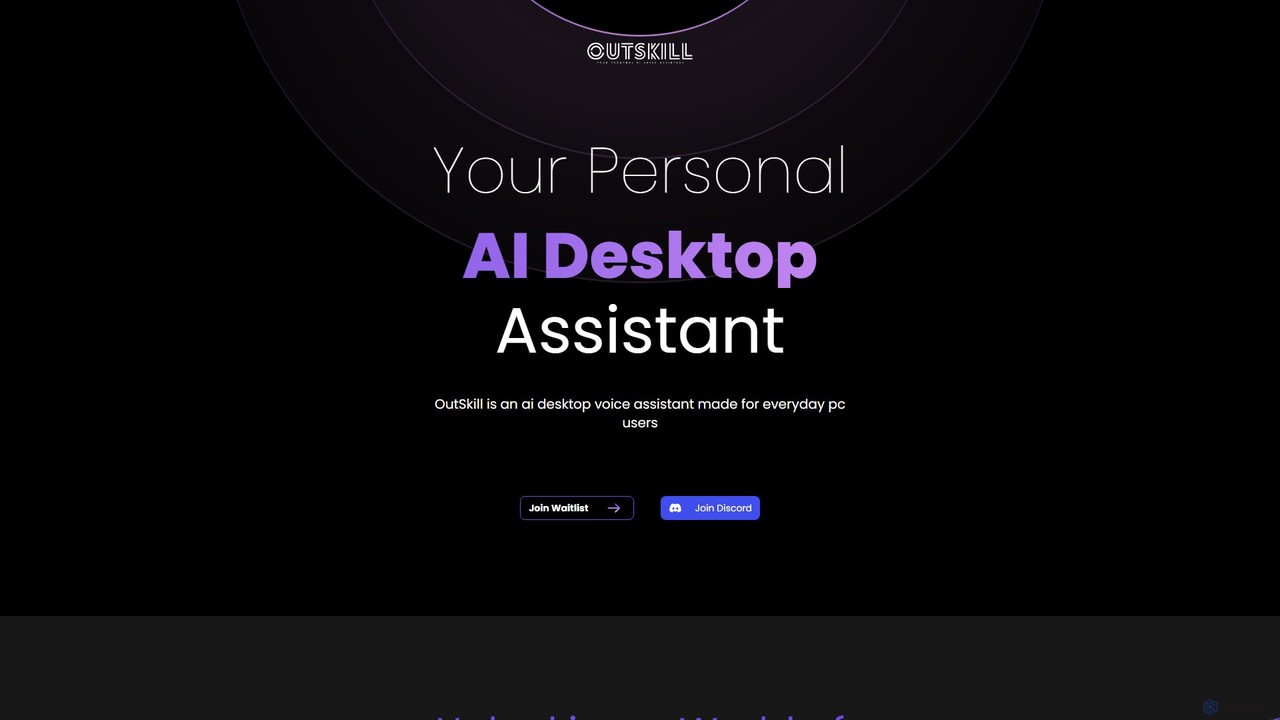
Outskill is a revolutionary AI-powered desktop voice assistant designed for both productivity and gaming. Control your PC, manage applications, automate workflows, and enhance your gaming experience with simple voice commands. It integrates seamlessly with your apps to provide a personalized, hands-free computing experience.

Gameassistant
Visits 6KFavorites 92Likes 95
Raycast
Freemium

Raycast

Raycast is a blazingly fast, extendable launcher for macOS that supercharges your productivity. It replaces Spotlight with a powerful command-line interface to control your tools, search files, run scripts, and automate tasks. With an integrated AI assistant, a vast store of community-built extensions, and features like Clipboard History, Snippets, and Window Management, Raycast centralizes your workflow, saving you time and context-switching.

Workflow Automation
Visits 1.1MFavorites 133Likes 134
inbox_ai
Paid

inbox_ai

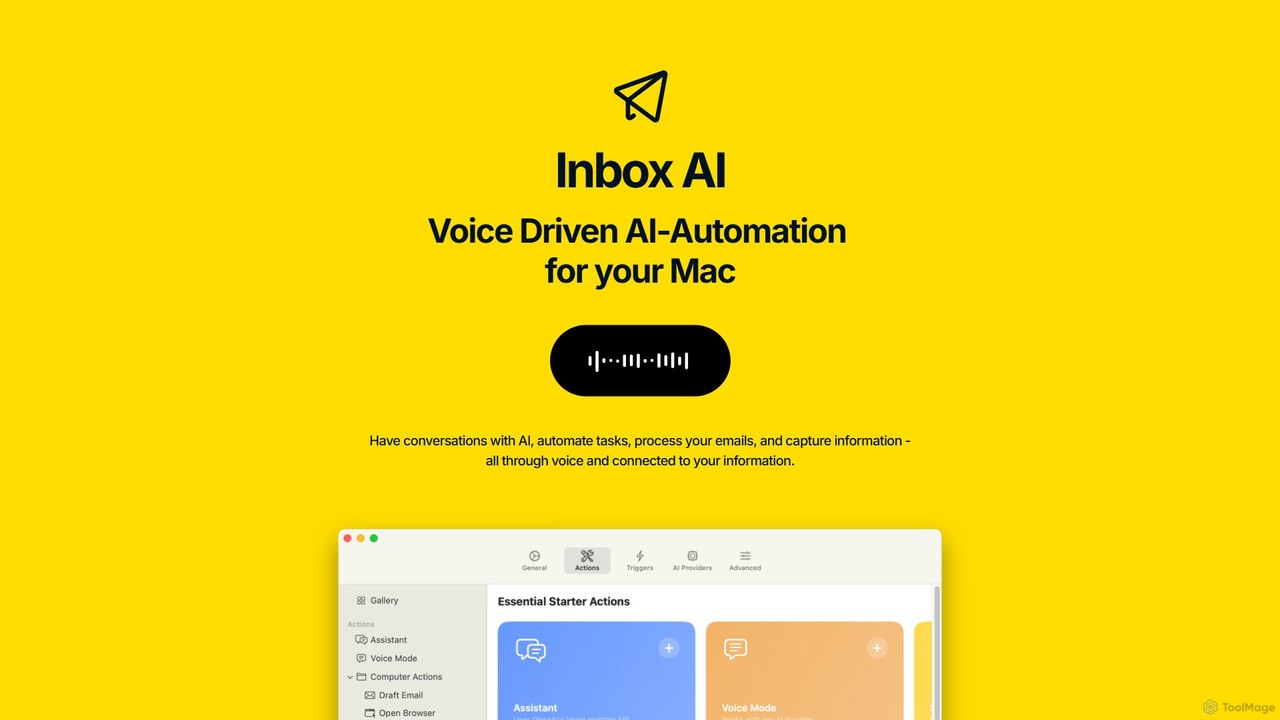
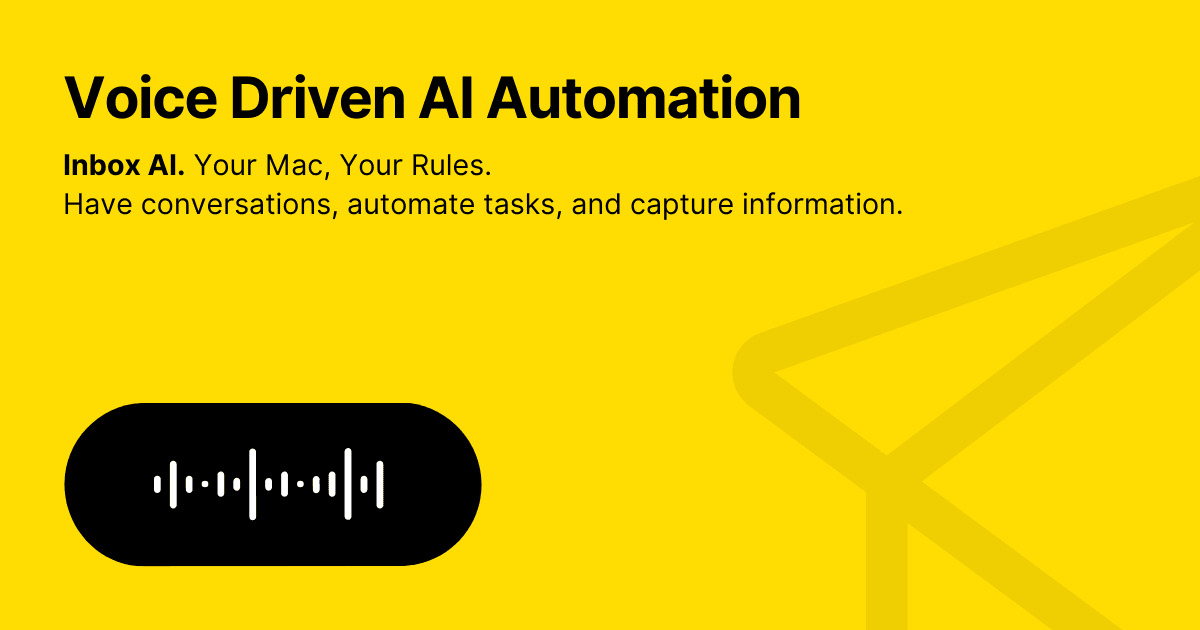
inbox_ai is a powerful voice-driven AI automation tool for macOS. It allows you to create custom voice commands and build intelligent assistants to streamline your workflow. With features like on-screen quick capture, email filtering, and deep integration with native macOS apps and services like Raycast and PopClip, inbox_ai puts advanced AI capabilities at your fingertips. It operates entirely on-device, ensuring your data remains private and secure, with no login required.

Workflow
Visits 5KFavorites 136Likes 145
ScreenML
Freemium

ScreenML

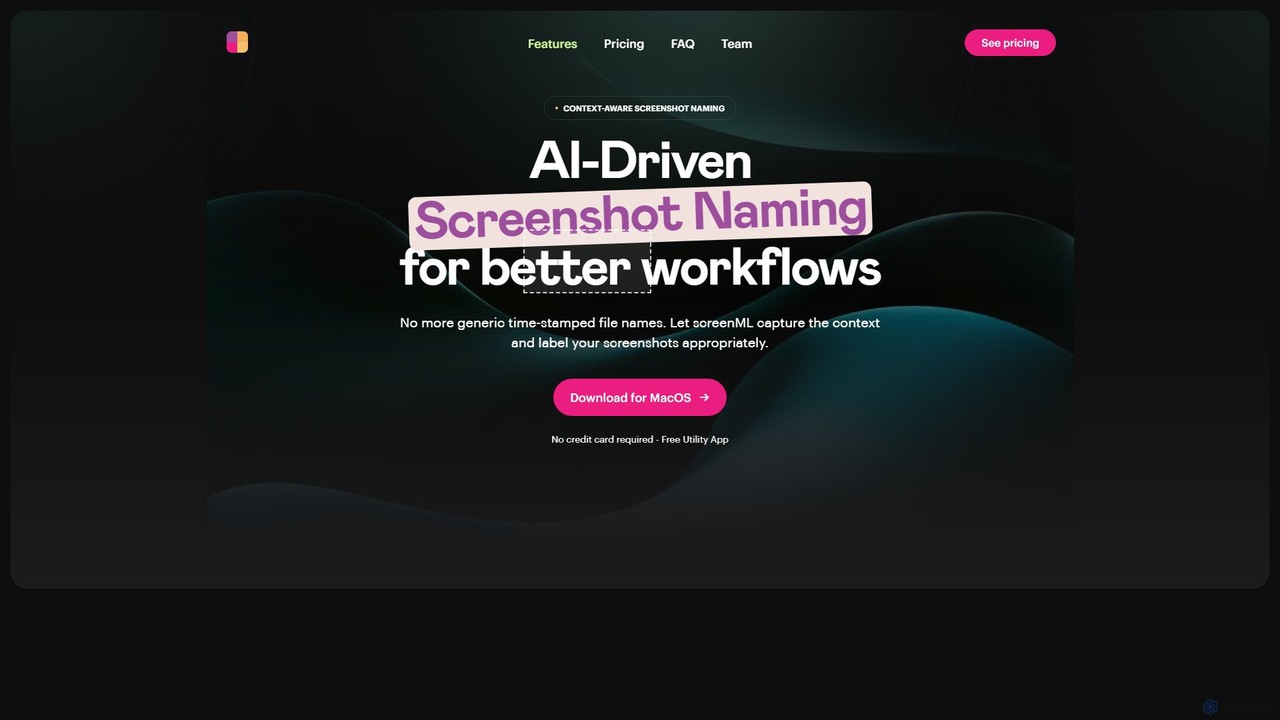
ScreenML is an AI-powered MacOS utility that automatically renames your screenshots with context-aware, descriptive filenames. It eliminates cluttered desktops and timestamped file names, making your screenshots organized, searchable, and easy to manage, streamlining your entire workflow.

Screenshot Tool
Visits 4.8KFavorites 102Likes 123

About System

System refers to AI-powered platforms and integrated solutions designed to manage, optimize, and automate complex operational processes across various domains. These tools leverage advanced AI technologies like machine learning, natural language processing, and computer vision to analyze vast datasets, identify patterns, and make intelligent decisions. They provide foundational infrastructure for businesses and organizations to enhance efficiency, improve decision-making, and drive innovation by transforming raw data into actionable insights.

Core Features

  • Intelligent Automation: Automates repetitive tasks and complex workflows, reducing manual effort and errors.
  • Data Integration & Analytics: Gathers, processes, and analyzes data from disparate sources to provide comprehensive insights.
  • Predictive Modeling: Utilizes machine learning to forecast future trends, behaviors, and potential issues.
  • Resource Optimization: Dynamically allocates and manages resources (e.g., energy, personnel, inventory) for maximum efficiency.
  • Decision Support: Provides data-driven recommendations and insights to aid human decision-makers.

Use Cases

AI Systems are widely adopted in enterprise environments, smart city initiatives, and industrial operations. They enable organizations to centralize intelligence, streamline operations, and respond proactively to changing conditions. From optimizing supply chains to managing complex IT infrastructures, these systems serve as the backbone for intelligent transformation.

How to Choose

When selecting an AI System, consider its scalability to grow with your needs, its integration capabilities with existing software and hardware, and the level of customization offered. Evaluate the vendor's support, security features, and compliance with industry regulations. Assess the system's ability to deliver measurable ROI and its ease of adoption for your team.

Featured tool rankings

System use cases

1

Optimizing Manufacturing Operations

Manufacturing companies utilize AI Systems to enhance production efficiency and reduce downtime. For instance, an AI system can analyze sensor data from machinery to predict equipment failures before they occur (predictive maintenance), optimize production schedules based on demand forecasts, and monitor product quality in real-time. This leads to significant cost savings, improved output quality, and a more resilient production line.

2

Enhancing Customer Relationship Management (CRM)

Businesses deploy AI Systems to transform their customer service and sales strategies. An AI-powered CRM system can analyze customer interactions, purchase history, and sentiment to provide personalized recommendations, automate responses to common queries, and identify high-value leads. This results in improved customer satisfaction, increased sales conversion rates, and more efficient customer support operations.

3

Automating IT Infrastructure Management

IT departments leverage AI Systems to manage complex and dynamic infrastructure environments. These systems can monitor network performance, detect anomalies, predict potential security threats, and automate resource allocation for servers and cloud services. By proactively identifying and resolving issues, organizations can minimize downtime, enhance security posture, and optimize IT operational costs.

4

Streamlining Supply Chain Logistics

Logistics and supply chain managers use AI Systems to optimize their entire operational flow. An AI system can analyze real-time data on inventory levels, transportation routes, weather conditions, and market demand to forecast needs, optimize delivery routes, and manage warehouse operations. This leads to reduced shipping costs, faster delivery times, and improved inventory accuracy, enhancing overall supply chain resilience.

5

Developing Smart City Solutions

Municipalities implement AI Systems to create more efficient and livable urban environments. These systems can manage traffic flow by optimizing signal timings, monitor public safety through intelligent surveillance, and optimize energy consumption in public buildings. The integration of AI across city services leads to reduced congestion, enhanced citizen safety, and more sustainable urban development.

6

Personalizing Healthcare Delivery

Healthcare providers utilize AI Systems to improve patient care and operational efficiency. An AI system can analyze vast amounts of patient data, including medical history, lab results, and genomic information, to assist in diagnosis, personalize treatment plans, and predict disease progression. This enables more precise and proactive healthcare interventions, leading to better patient outcomes and optimized resource allocation within hospitals.

System FAQ

What are AI Systems?

AI Systems are integrated platforms that use artificial intelligence technologies like machine learning and natural language processing to automate, optimize, and manage complex processes. They analyze data, learn from patterns, and make intelligent decisions to enhance efficiency and provide actionable insights across various business and operational domains.

What are the main benefits of implementing an AI System?

Implementing an AI System offers several key benefits, including enhanced operational efficiency through automation, improved decision-making driven by data-backed insights, and significant cost reductions by optimizing resource allocation and predicting potential issues. They also foster innovation by enabling new capabilities and services, leading to a competitive advantage and better resource utilization.

How do I choose the right AI System for my business?

Choosing the right AI System involves assessing your specific business needs, considering the system's scalability to handle future growth, and evaluating its compatibility with your existing IT infrastructure. Key factors include the breadth of features, ease of integration, vendor support, security protocols, and the total cost of ownership. Prioritize systems that offer clear ROI and align with your strategic objectives.

How do AI Systems integrate with existing enterprise infrastructure?

AI Systems typically integrate with existing enterprise infrastructure through APIs (Application Programming Interfaces), middleware, or direct database connections. They are designed to ingest data from various legacy systems, cloud platforms, and IoT devices, processing it to generate insights without requiring a complete overhaul of current systems. This modular approach ensures minimal disruption and maximizes compatibility.

What are the future trends for AI Systems?

Future trends for AI Systems include increased adoption of explainable AI (XAI) for greater transparency, enhanced edge AI capabilities for real-time processing closer to data sources, and deeper integration with IoT for pervasive intelligence. We can also expect more specialized AI systems tailored for specific industries, greater emphasis on ethical AI development, and advancements in autonomous decision-making capabilities.