gptagent Alternatives

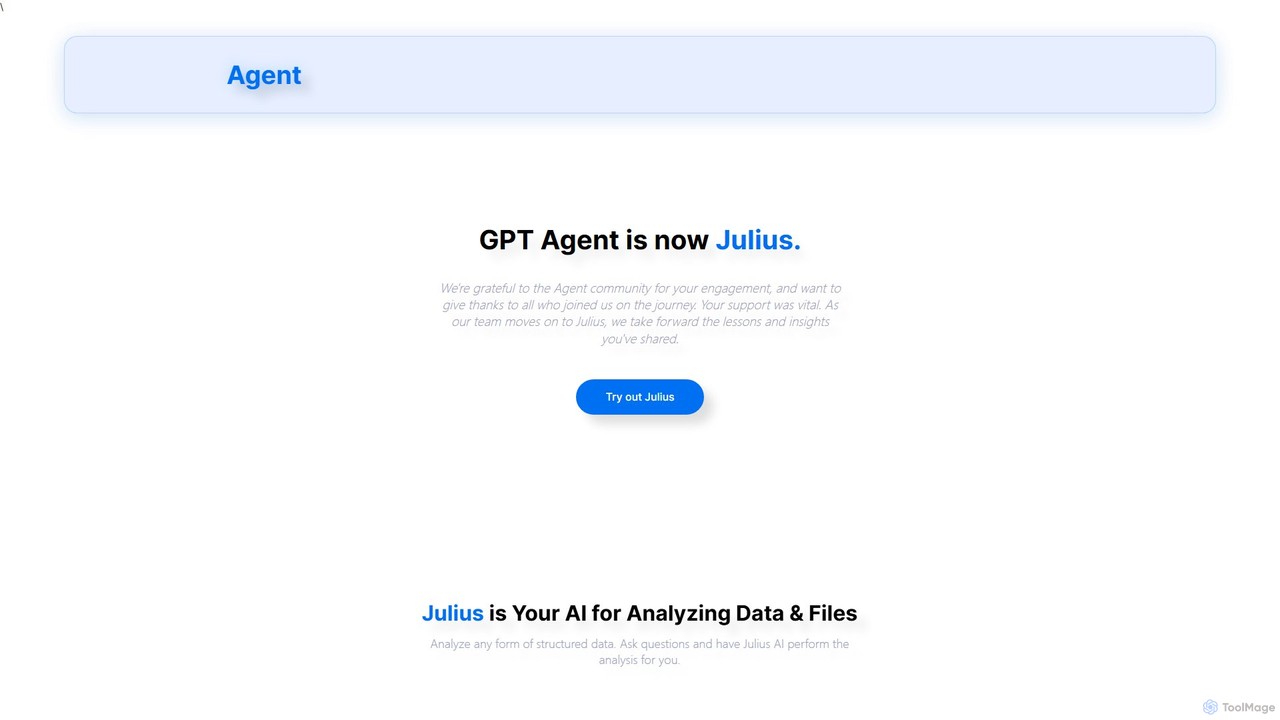
gptagent is now Julius, an AI data analyst. Use natural language to analyze data, create visualizations, and perform statistical modeling. Turn your Excel files into insights in minutes.

gptagent is a Freemium Business Intelligence AI Tool The recommendations below are sorted based on shared categories, tags, applicable professions, community interactions, and traffic signals to help you choose alternative tools based on real usage scenarios.

Rating
5
Saved on
Likes
Monthly Visits
195
Growth
+100.0%

gptagent Alternative selection guide

Alternatives to gptagent should not only be considered within the same category; you also need to compare Business Intelligence、No Code、Data Analysis、Spreadsheets, pricing models, product formats, access popularity, and user feedback. The current list prioritizes tools that share a clear category, tag, or applicable profession with gptagent, such as Sourcetable、Datayaki、PredictEasy、Analyst Intelligence, and explains the similarities and key differences for each recommendation.

First, confirm the alternative scenario

Prioritize tools that match both Business Intelligence and key tags, avoiding recommendations based solely on belonging to the same broad category.

Then, compare delivery formats

Websites, apps, browser extensions, and freemium models directly impact trial barriers, team procurement, and long-term usage costs.

Finally, look at quality signals

Use traffic, bookmarks, likes, or comment data as supplementary judgment; tools lacking data are not directly excluded, but greater emphasis should be placed on functional fit explanations.

Quick decision

Select the most worthwhile alternatives to try first based on common purchasing and usage scenarios.

Best Overall Alternative
Sourcetable
Comprehensive Match

Sourcetable and gptagent both cover No Code、Data Analysis and jointly match AI assistant、no-code、data analysis and similar needs, for users who want to prioritize comparing similar use cases.

Differences between Sourcetable and gptagent mainly show in product experience, feature depth, and workflow design around AI assistant.

Match score: 30 Monthly Visits: 59.5K

Best fit for AI assistant
excelmatic
AI assistant

excelmatic and gptagent both cover Spreadsheets and jointly match AI assistant、no-code、data analysis and similar needs, for users who want to prioritize comparing similar use cases.

What sets excelmatic apart from gptagent: Primary scenario leans toward Spreadsheets.

Match score: 20 Monthly Visits: 98.6K
Best fit for no-code
Datayaki
no-code

Datayaki and gptagent both cover Business Intelligence、Spreadsheets and jointly match no-code、data analysis、business intelligence and similar needs, for users who want to prioritize comparing similar use cases.

Differences between Datayaki and gptagent mainly show in product experience, feature depth, and workflow design around no-code.

Match score: 22 Monthly Visits: 2.5K
Best fit for data analysis
PredictEasy
data analysis

PredictEasy and gptagent both cover Spreadsheets and jointly match no-code、data analysis、business intelligence and similar needs, for users who want to prioritize comparing similar use cases.

What sets PredictEasy apart from gptagent: Primary format is Browser Extension;Primary scenario leans toward Spreadsheets.

Match score: 22 Monthly Visits: 2.5K
Best fit for Business Intelligence
ReByte
Business Intelligence

ReByte and gptagent both cover Business Intelligence、No Code and jointly match no-code、data analysis、business intelligence and similar needs, for users who want to prioritize comparing similar use cases.

What sets ReByte apart from gptagent: Pricing model is Unknown.

Match score: 20 Monthly Visits: 4.2K

gptagent vs Top 5 alternatives

Compare pricing, form, reasons for matching, and key differences to reduce the cost of opening each page individually.

Tools Pricing Type Why similar Key differences
Sourcetable
Match score: 30
Freemium Website Sourcetable and gptagent both cover No Code、Data Analysis and jointly match AI assistant、no-code、data analysis and similar needs, for users who want to prioritize comparing similar use cases. Differences between Sourcetable and gptagent mainly show in product experience, feature depth, and workflow design around AI assistant.
Datayaki
Match score: 22
Freemium Website Datayaki and gptagent both cover Business Intelligence、Spreadsheets and jointly match no-code、data analysis、business intelligence and similar needs, for users who want to prioritize comparing similar use cases. Differences between Datayaki and gptagent mainly show in product experience, feature depth, and workflow design around no-code.
PredictEasy
Match score: 22
Freemium Browser Extension PredictEasy and gptagent both cover Spreadsheets and jointly match no-code、data analysis、business intelligence and similar needs, for users who want to prioritize comparing similar use cases. What sets PredictEasy apart from gptagent: Primary format is Browser Extension;Primary scenario leans toward Spreadsheets.
Analyst Intelligence
Match score: 22
Freemium Website Analyst Intelligence and gptagent both cover Data Analysis、No Code and jointly match no-code、data analysis、business intelligence and similar needs, for users who want to prioritize comparing similar use cases. What sets Analyst Intelligence apart from gptagent: Primary scenario leans toward Data Analysis.
Sheetplus
Match score: 22
Freemium Website Sheetplus and gptagent both cover Spreadsheets、No Code and jointly match no-code、data analysis、business intelligence and similar needs, for users who want to prioritize comparing similar use cases. What sets Sheetplus apart from gptagent: Primary scenario leans toward Spreadsheets.

Alternative FAQ

What are the most worthwhile alternatives to gptagent to look at first?

Sourcetable、Datayaki、PredictEasy are the most recommended tools for priority comparison on this page. They share a clear category, tag, or applicable profession with gptagent, but may differ in price, format, and feature depth.

Why aren't these recommendations sorted solely by traffic?

Traffic only indicates attention, not scenario fit. The page sorting first requires candidate tools to have a category, tag, or professional overlap with gptagent, and then sorts based on traffic, interaction data, and result diversity.

Will a tool be affected in recommendations if it has no traffic or review data?

It will not be directly excluded. When traffic or reviews are lacking, the system relies more on Business Intelligence, tags, professional matches, and the tool's own information to avoid misinterpreting missing data as low quality.

Reset

gptagent the best 50 Alternatives

Sorted based on shared categories, tags, professional matching, and community quality signals.

Sourcetable is an AI-powered spreadsheet that combines the functionality of traditional spreadsheets with an AI data analyst. It allows users to connect to live data sources, ask questions in plain English, generate formulas, create charts, and automate reports. By integrating AI, Python, and SQL capabilities directly into the spreadsheet interface, Sourcetable empowers users of all skill levels to perform complex data analysis, cleaning, and visualization tasks effortlessly, turning raw data into actionable insights in seconds.

Why similar

Sourcetable and gptagent both cover No Code、Data Analysis and jointly match AI assistant、no-code、data analysis and similar needs, for users who want to prioritize comparing similar use cases.

Key differences

Differences between Sourcetable and gptagent mainly show in product experience, feature depth, and workflow design around AI assistant.

Discover Sourcetable, the AI-powered spreadsheet that combines Excel, ChatGPT, and Python. Analyze live data, generate formulas, create charts, and automate reports with natural language. Try it free. SourcetableApplicable toNo Code.Data Analysis.Spreadsheetsand other fields.

Rating
5.0
Saved on
Likes
Monthly Visits
59.5K

Datayaki is an AI-powered data analyst that lets you find insights from your data by asking questions in plain English. It supports formats like Excel and CSV, eliminating the need for SQL or complex formulas. With a strong focus on privacy, all analysis is performed locally in your browser, ensuring your data remains secure and confidential. It's designed for professionals and teams who need fast, accessible, and secure data analysis.

Why similar

Datayaki and gptagent both cover Business Intelligence、Spreadsheets and jointly match no-code、data analysis、business intelligence and similar needs, for users who want to prioritize comparing similar use cases.

Key differences

Differences between Datayaki and gptagent mainly show in product experience, feature depth, and workflow design around no-code.

Unlock insights from your data with Datayaki, the AI data analyst. Ask questions in plain English to analyze Excel, CSV, and SQL data. No coding required. Secure, private, and powerful. DatayakiApplicable toData Visualization.Business Intelligence.Spreadsheetsand other fields.

Rating
5.0
Saved on
Likes
Monthly Visits
2.5K
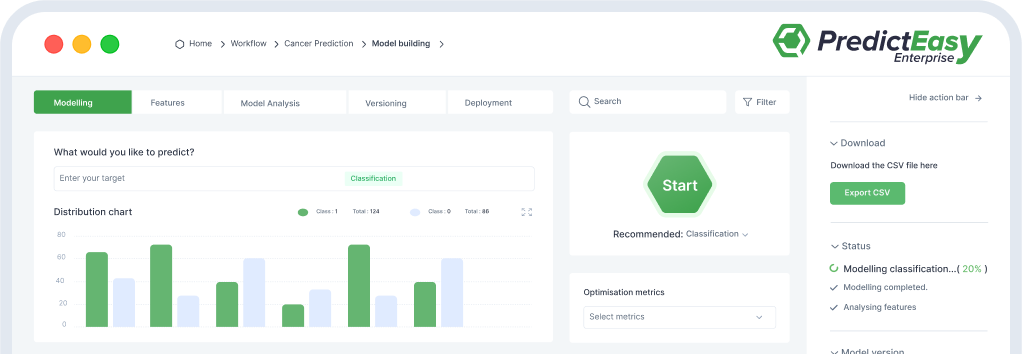
PredictEasy is a powerful no-code AI add-on for Google Sheets that democratizes data analytics. It allows users to perform advanced tasks like predictive modeling, time-series forecasting, NLP, and statistical analysis with just a few clicks. Ideal for business professionals, researchers, and data analysts, it transforms your spreadsheet into a sophisticated data science tool, enabling data-driven decisions without writing any code.

Why similar

PredictEasy and gptagent both cover Spreadsheets and jointly match no-code、data analysis、business intelligence and similar needs, for users who want to prioritize comparing similar use cases.

Key differences

What sets PredictEasy apart from gptagent: Primary format is Browser Extension;Primary scenario leans toward Spreadsheets.

Unlock the power of AI in your spreadsheets. PredictEasy is a no-code Google Sheets add-on for predictive modeling, data analysis, forecasting, and NLP. Get started for free. PredictEasyApplicable toBusiness Intelligence.Data Analysis.Automation.Spreadsheetsand other fields.

Rating
5.0
Saved on
Likes
Monthly Visits
2.5K
Analyst Intelligence is an AI-powered data analytics platform built on Google Cloud, designed for FP&A, Rev Ops, and BI teams. It simplifies data consolidation, cleaning, and analysis through a no-code interface and AI-assisted SQL. The platform centralizes data in a secure Google BigQuery warehouse, enabling advanced forecasting, automated reporting, and seamless integration with tools like Google Sheets, without requiring engineering resources.

Why similar

Analyst Intelligence and gptagent both cover Data Analysis、No Code and jointly match no-code、data analysis、business intelligence and similar needs, for users who want to prioritize comparing similar use cases.

Key differences

What sets Analyst Intelligence apart from gptagent: Primary scenario leans toward Data Analysis.

Discover Analyst Intelligence, the AI-powered data platform for finance and ops. Automate data consolidation, analysis, and forecasting with no-code tools, AI-assisted SQL, and a secure Google Cloud data warehouse. Start your free pilot. Analyst IntelligenceApplicable toBusiness Intelligence.No Code.Data Analysis.Automationand other fields.

Rating
5.0
Saved on
Likes
Monthly Visits
3.0K

Sheetplus is an AI-powered toolkit designed to supercharge your spreadsheet experience in Google Sheets and Excel. By leveraging natural language, it allows users to generate complex formulas, clean and analyze data, automate tasks, and extract insights without writing code. It acts as an intelligent assistant, making data management faster, more intuitive, and accessible to everyone, regardless of their technical expertise.

Why similar

Sheetplus and gptagent both cover Spreadsheets、No Code and jointly match no-code、data analysis、business intelligence and similar needs, for users who want to prioritize comparing similar use cases.

Key differences

What sets Sheetplus apart from gptagent: Primary scenario leans toward Spreadsheets.

Sheetplusis an AI tool designed forMarketing Manager.Student.Sales Representative.Researcher.Data Analyst.Project Manager.Business Owner.Operations Manager.Financial Analyst.AccountantAI tool designed Supercharge your spreadsheets with Sheetplus. Use AI to generate complex formulas, clean data, automate tasks, and get instant insights in Google Sheets and Excel. Try it for free! SheetplusApplicable toAutomation.No Code.Spreadsheetsand other fields.

Rating
5.0
Saved on
Likes
Monthly Visits
3.3K

Excelmatic is an AI-powered assistant that transforms your Excel and spreadsheet tasks. Simply upload your data, ask questions in plain English, and instantly get data analysis, visualizations, and generated formulas. It's a no-code solution designed to automate data cleaning, chart creation, and insight discovery, making data accessible to everyone.

Why similar

excelmatic and gptagent both cover Spreadsheets and jointly match AI assistant、no-code、data analysis and similar needs, for users who want to prioritize comparing similar use cases.

Key differences

What sets excelmatic apart from gptagent: Primary scenario leans toward Spreadsheets.

Excelmatic is an AI-powered tool that simplifies Excel. Use natural language to analyze data, generate formulas, create charts, and clean spreadsheets instantly. No code required. excelmaticApplicable toBusiness Intelligence.Automation.Spreadsheetsand other fields.

Rating
5.0
Saved on
Likes
Monthly Visits
98.6K

ReByte is an autonomous AI data agent that connects to your data sources, understands natural language queries, and performs complex research and analysis. It automates the entire data workflow, from collection to generating insightful reports and interactive dashboards, making data science accessible to everyone.

Why similar

ReByte and gptagent both cover Business Intelligence、No Code and jointly match no-code、data analysis、business intelligence and similar needs, for users who want to prioritize comparing similar use cases.

Key differences

What sets ReByte apart from gptagent: Pricing model is Unknown.

Discover ReByte, the AI data agent that automates complex data analysis. Connect your data, ask questions in natural language, and get insightful reports and dashboards. No code required. ReByteApplicable toBusiness Intelligence.No Code.Social Media Analytics.Automationand other fields.

Rating
5.0
Saved on
Likes
Monthly Visits
4.2K

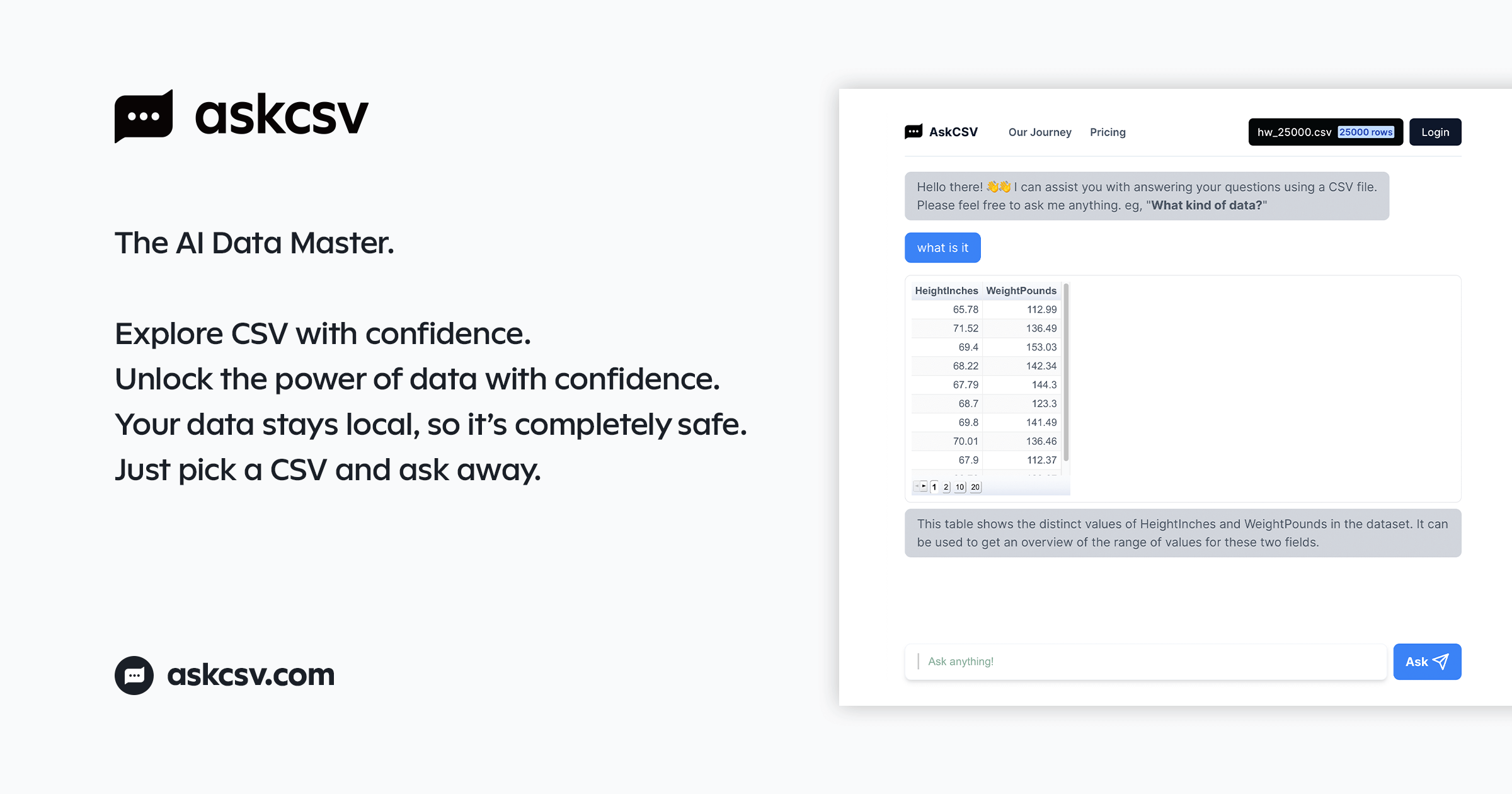
AskCSV is an AI-powered data analysis tool that lets you ask questions about your CSV files in plain English. It generates instant insights, charts, and tables directly in your browser, ensuring your data remains 100% private and secure as it's never uploaded to a server. Ideal for quick, secure data exploration without complex software.

Why similar

AskCSV and gptagent both cover Business Intelligence、Spreadsheets and jointly match data analysis、business intelligence、data visualization and similar needs, for users who want to prioritize comparing similar use cases.

Key differences

Differences between AskCSV and gptagent mainly show in product experience, feature depth, and workflow design around data analysis.

Instantly analyze your CSV files with AskCSV. Ask questions in plain English and get charts & insights. Your data is processed locally in your browser for 100% privacy. Try the AI data analysis tool for free. AskCSVApplicable toBusiness Intelligence.Analytics.Spreadsheetsand other fields.

Rating
5.0
Saved on
Likes
Monthly Visits
3.7K

Excel Bot is an AI-powered assistant for Microsoft Excel and Google Sheets. It converts your plain text instructions into complex formulas instantly, saving you time and reducing errors. Simply describe what you need, and the AI generates the correct formula for you.

Why similar

Excel Bot and gptagent both cover Spreadsheets、No Code and jointly match no-code、data analysis、spreadsheet and similar needs, for users who want to prioritize comparing similar use cases.

Key differences

What sets Excel Bot apart from gptagent: Primary scenario leans toward Spreadsheets.

Instantly convert text to formulas with Excel Bot, the AI assistant for Excel and Google Sheets. Save time, reduce errors, and boost your productivity. Try it for free! Excel BotApplicable toFinance.No Code.Spreadsheetsand other fields.

Rating
5.0
Saved on
Likes
Monthly Visits
3.1K

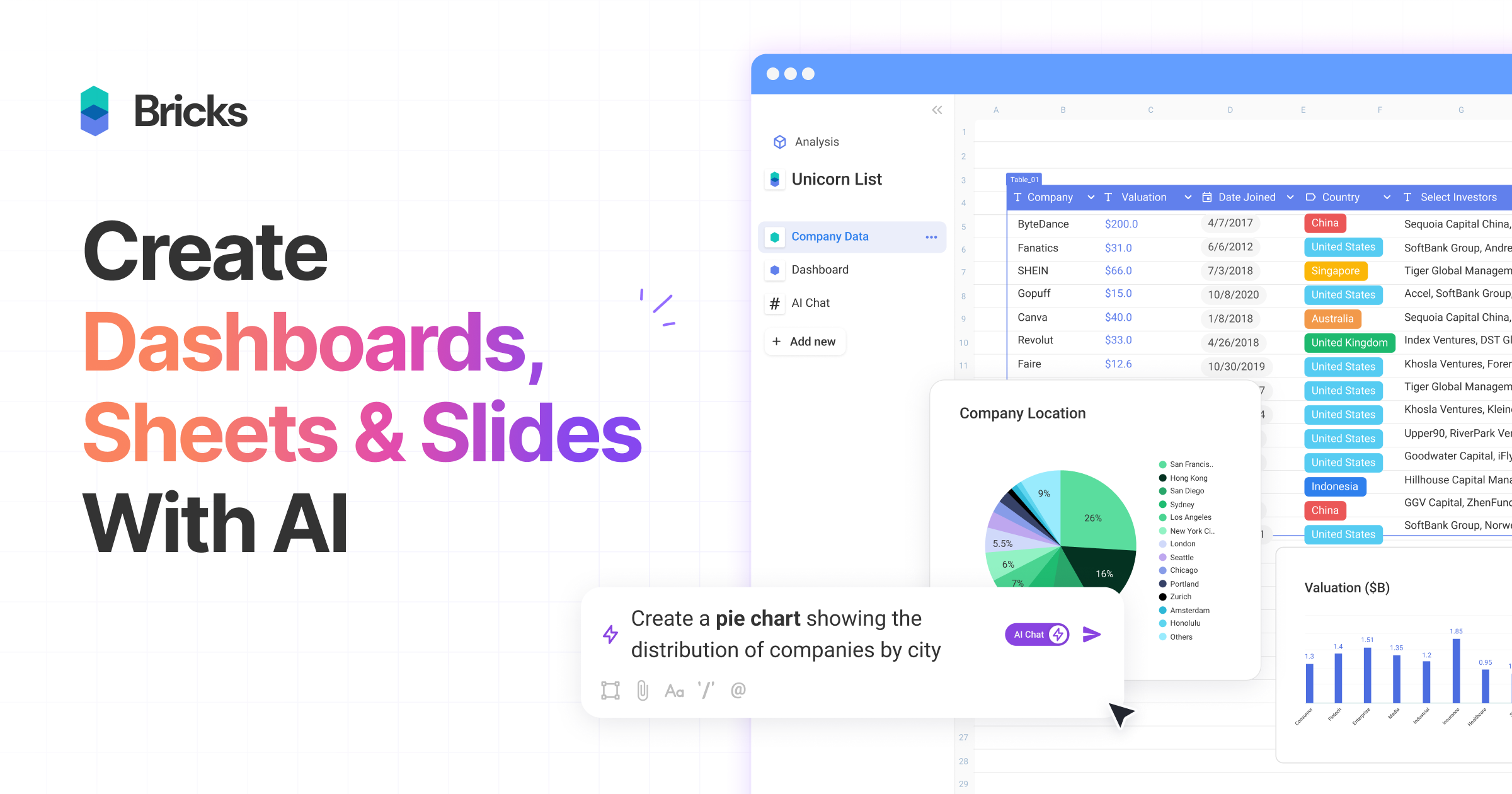
thebricks is an AI-powered workspace that transforms data analysis and reporting. It allows users to create interactive dashboards, dynamic spreadsheets, and professional slides using simple natural language prompts. Turn hours of manual work in Excel and PowerPoint into minutes, streamlining your workflow and boosting productivity.

Why similar

thebricks and gptagent both cover Spreadsheets and jointly match AI assistant、no-code、data analysis and similar needs, for users who want to prioritize comparing similar use cases.

Key differences

What sets thebricks apart from gptagent: Primary scenario leans toward Spreadsheets.

Discover thebricks, the all-in-one AI workspace to create spreadsheets, dashboards, and slides with natural language. Analyze data, build reports, and collaborate instantly. Try it for free. thebricksApplicable toBusiness Intelligence.Data Visualization.Presentations.Spreadsheetsand other fields.

Rating
5.0
Saved on
Likes
Monthly Visits
331.8K

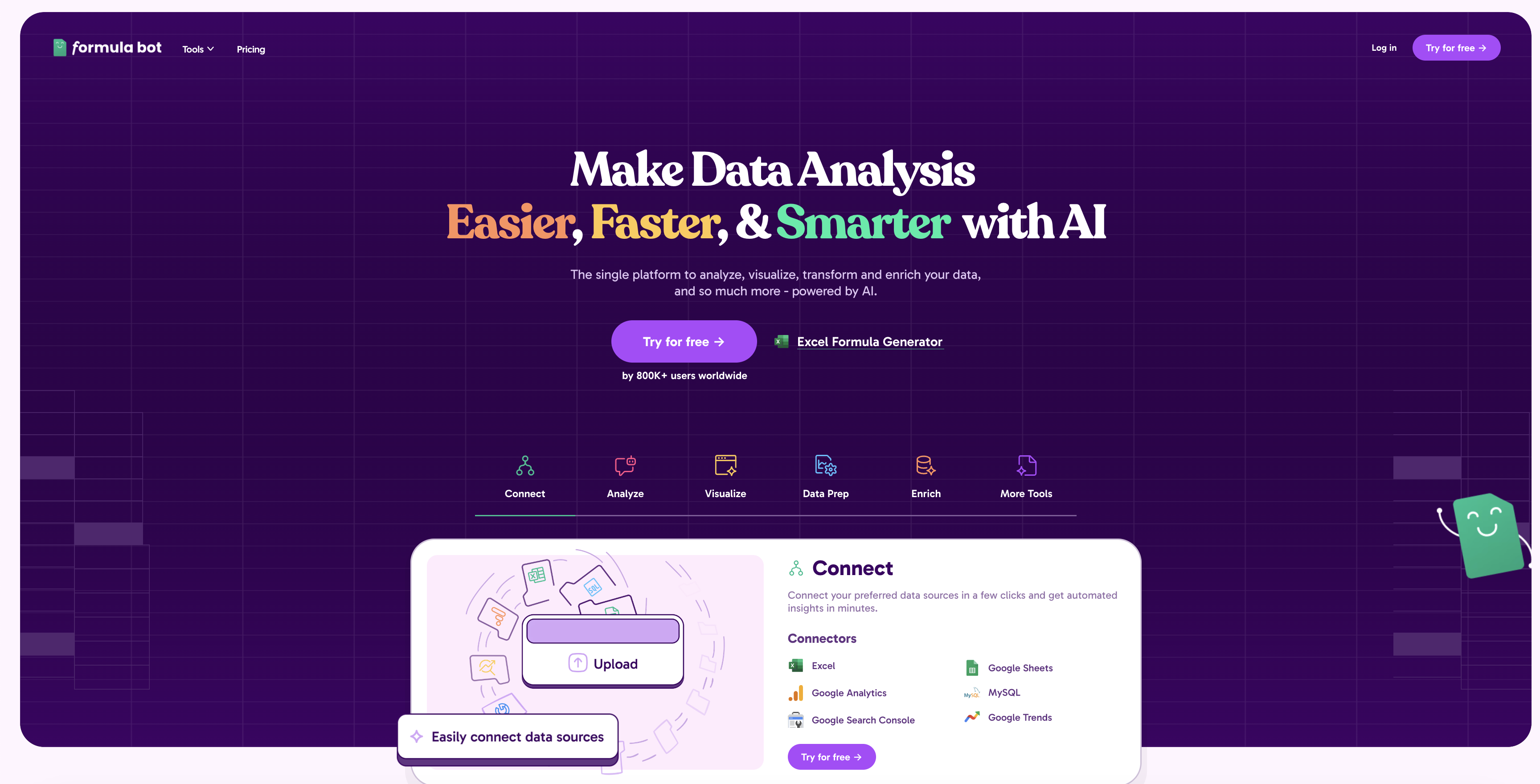
Formula Bot is an AI-powered data analysis platform that simplifies working with spreadsheets and data. It allows users to generate Excel formulas, SQL queries, and VBA code from simple text instructions, analyze data through a conversational chat interface, and automate tasks like data cleaning and enrichment.

Why similar

Formula Bot and gptagent both cover Spreadsheets and jointly match no-code、data analysis、business intelligence and similar needs, for users who want to prioritize comparing similar use cases.

Key differences

What sets Formula Bot apart from gptagent: Primary scenario leans toward Spreadsheets.

Simplify your data analysis with Formula Bot. Use AI to generate Excel formulas, SQL queries, and visualize data through a simple chat interface. No coding required. Try for free. Formula BotApplicable toData Visualization.Sql.Spreadsheetsand other fields.

Rating
5.0
Saved on
Likes
Monthly Visits
291.0K

ChatExcel is an AI-powered data analysis tool that allows users to process spreadsheets and analyze data through a simple chat interface. It automates tasks like data cleaning, merging, and analysis, and generates over 100 types of charts and visualizations from natural language commands. No coding or complex formulas required, boosting productivity by up to 90%.

Why similar

ChatExcel and gptagent both cover Spreadsheets and jointly match no-code、data analysis、business intelligence and similar needs, for users who want to prioritize comparing similar use cases.

Key differences

What sets ChatExcel apart from gptagent: Primary scenario leans toward Spreadsheets.

Transform your data workflow with ChatExcel. Use simple chat commands to clean, analyze, and visualize spreadsheet data instantly. No formulas needed. Supports Excel, CSV, and generates 100+ charts. ChatExcelApplicable toBusiness Intelligence.Data Analysis.Spreadsheetsand other fields.

Rating
5.0
Saved on
Likes
Monthly Visits
364.9K

Ajelix is an AI-powered suite of tools designed to enhance productivity for Excel and Google Sheets users. It acts as an AI data analyst, automating tasks, generating formulas and VBA scripts, creating insightful reports, and providing advanced data analysis through a simple chat interface.

Why similar

Ajelix and gptagent both cover Spreadsheets and jointly match no-code、data analysis、business intelligence and similar needs, for users who want to prioritize comparing similar use cases.

Key differences

What sets Ajelix apart from gptagent: Primary scenario leans toward Spreadsheets.

Boost your productivity with Ajelix, the AI-powered data analyst. Generate Excel formulas, VBA scripts, automate tasks, and create insightful reports and dashboards instantly. AjelixApplicable toBusiness Intelligence.Analytics.Low Code No Code.Spreadsheetsand other fields.

Rating
5.0
Saved on
Likes
Monthly Visits
105.3K

deepsheet is an AI-powered data analysis tool that allows users to interact with spreadsheets and datasets using natural language. Upload CSV, XLSX, or JSON files and ask questions in a chat interface to get insights, generate visualizations, and perform data transformations without writing code.

Why similar

deepsheet and gptagent both cover Spreadsheets and jointly match no-code、data analysis、business intelligence and similar needs, for users who want to prioritize comparing similar use cases.

Key differences

What sets deepsheet apart from gptagent: Primary scenario leans toward 3D.

Analyze your CSV, XLSX, and JSON files with deepsheet. Use natural language to chat with your data, generate insights, create charts, and automate analysis without writing code. Freemium plan available. deepsheetApplicable to3D.Low Code No Code.Spreadsheetsand other fields.

Rating
5.0
Saved on
Likes
Monthly Visits
2.4K

AskExcel is an AI-powered data analysis tool that transforms your Excel spreadsheets into interactive conversations. Simply upload your file, ask questions in natural language, and instantly receive data analysis, reports, and visualizations without writing any formulas or code.

Why similar

AskExcel and gptagent both cover Spreadsheets and jointly match AI assistant、data analysis、business intelligence and similar needs, for users who want to prioritize comparing similar use cases.

Key differences

What sets AskExcel apart from gptagent: Primary scenario leans toward Data Analysis.

Instantly analyze your Excel data with AI. Ask questions in plain language to generate reports, charts, and insights. No formulas needed. Try AskExcel for free. AskExcelApplicable toBusiness Intelligence.Data Analysis.Spreadsheetsand other fields.

Rating
5.0
Saved on
Likes
Monthly Visits
2.4K

Stadai is an advanced AI-powered platform for data analysis, business intelligence, and predictive modeling. It empowers users to transform complex data into actionable insights, automate reporting, and forecast trends through an intuitive, no-code interface.

Why similar

Stadai and gptagent both cover Business Intelligence and jointly match no-code、data analysis、business intelligence and similar needs, for users who want to prioritize comparing similar use cases.

Key differences

Differences between Stadai and gptagent mainly show in product experience, feature depth, and workflow design around no-code.

Unlock actionable insights with Stadai, the intuitive AI platform for data analysis, visualization, and predictive modeling. Connect data, ask questions, and build dashboards with no code. StadaiApplicable toBusiness Intelligence.Forecasting.Analytics.Automationand other fields.

Rating
5.0
Saved on
Likes
Monthly Visits
2.5K

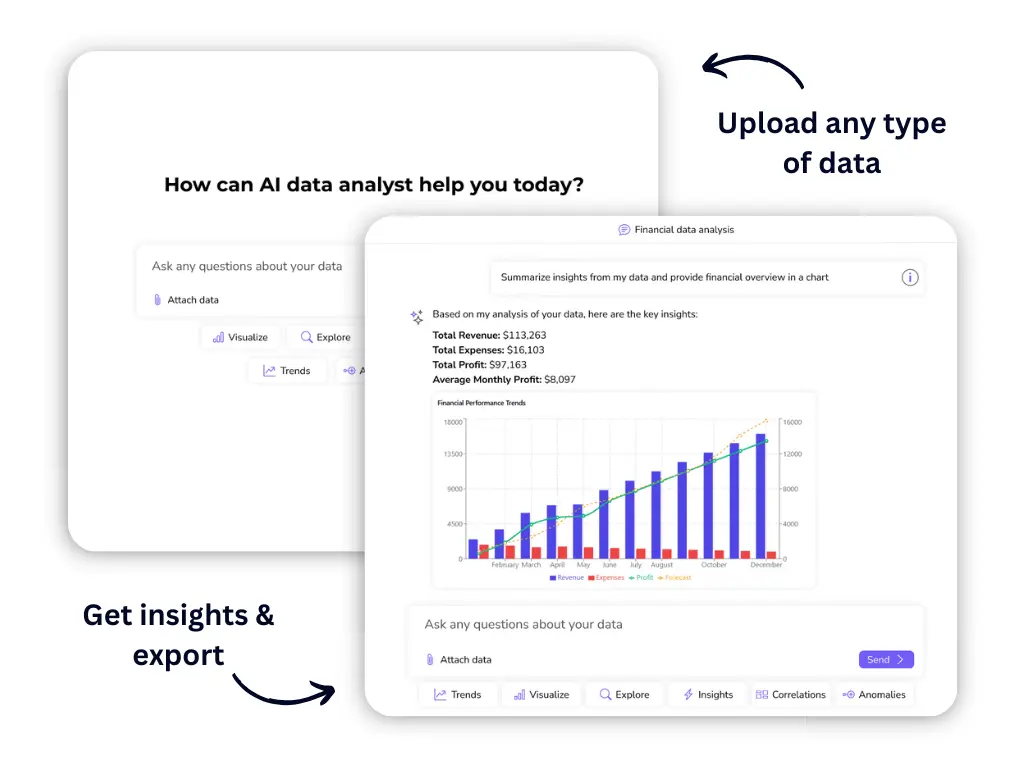
Julius AI is your AI Data Analyst, designed to interpret, analyze, and visualize complex data effortlessly. Connect your data from spreadsheets, databases, or PDFs, ask questions in natural language, and receive instant insights, charts, and reports. No coding is required, but it also supports Python, R, and SQL for advanced users, making data analysis accessible to everyone.

Why similar

Julius AI and gptagent both cover Spreadsheets and jointly match no-code、data analysis、business intelligence and similar needs, for users who want to prioritize comparing similar use cases.

Key differences

Differences between Julius AI and gptagent mainly show in product experience, feature depth, and workflow design around no-code.

Unlock the power of your data with Julius AI. Analyze spreadsheets, create stunning charts, and get insights in seconds, no coding required. Collaborate with your team and connect to any data source. Julius AIApplicable toDeveloper Tools.Marketing Analytics.Spreadsheetsand other fields.

Rating
5.0
Saved on
Likes
Monthly Visits
872.2K

InsightJini is a ChatGPT-powered AI tool that transforms data analysis. Simply upload your Excel or CSV files and start a conversation to uncover instant insights, generate visualizations, and explore your data without writing a single line of code. It's the fastest, most intuitive way to understand your data.

Why similar

InsightJini and gptagent both cover Business Intelligence and jointly match no-code、data analysis、business intelligence and similar needs, for users who want to prioritize comparing similar use cases.

Key differences

Differences between InsightJini and gptagent mainly show in product experience, feature depth, and workflow design around no-code.

Unlock insights from your Excel and CSV files instantly with InsightJini. Use our AI-powered chat to analyze data, create visualizations, and get answers without any coding. Try it now! InsightJiniApplicable toData Visualization.Business Intelligence.Spreadsheetand other fields.

Rating
5.0
Saved on
Likes
Monthly Visits
127.7K

Finsheet is a powerful add-on for Excel and Google Sheets, providing institutional-grade financial data directly into your spreadsheets. Access over 30 years of historical and real-time data for global stocks, ETFs, forex, and cryptocurrencies. With simple, no-code functions, investors and analysts can easily perform market research, build financial models, and monitor portfolios without leaving their favorite spreadsheet application.

Why similar

Finsheet and gptagent both cover Data Analysis、Spreadsheets and jointly match data analysis、excel and similar needs, for users who want to prioritize comparing similar use cases.

Key differences

What sets Finsheet apart from gptagent: Primary format is Browser Extension;Primary scenario leans toward Data Analysis.

Unlock institutional-grade financial data with Finsheet. Get real-time and 30+ years of historical data for stocks, crypto, and forex directly in Excel and Google Sheets. Start for free. FinsheetApplicable toMarket Data.Data Analysis.Spreadsheetsand other fields.

Rating
5.0
Saved on
Likes
Monthly Visits
25.9K

table.studio is an AI-powered data workspace that combines the simplicity of a spreadsheet with the power of a database and AI. Use natural language to query, analyze, and visualize your data, automating tedious tasks and uncovering insights instantly. It's designed for teams to collaborate on data projects in real-time.

Why similar

table.studio and gptagent both cover Spreadsheets and jointly match AI assistant、no-code、data analysis and similar needs, for users who want to prioritize comparing similar use cases.

Key differences

What sets table.studio apart from gptagent: Primary scenario leans toward Spreadsheets.

Transform your data workflow with table.studio. Use natural language to analyze data, automate reports, and collaborate in real-time. The intelligent alternative to traditional spreadsheets. table.studioApplicable toDatabase Management.Automation.Spreadsheetsand other fields.

Rating
5.0
Saved on
Likes
Monthly Visits
2.9K

sheety.ai is an AI-powered tool that instantly generates complex spreadsheet formulas for Excel and Google Sheets from natural language descriptions. Simply describe the problem you want to solve, and the AI will provide the correct formula, saving you time and eliminating the need to memorize syntax. It's designed for everyone from students to financial analysts, boosting productivity and data accuracy.

Why similar

sheety.ai and gptagent both cover No Code and jointly match no-code、data analysis、business intelligence and similar needs, for users who want to prioritize comparing similar use cases.

Key differences

What sets sheety.ai apart from gptagent: Primary scenario leans toward Spreadsheet Automation.

Instantly generate Excel and Google Sheets formulas from plain English with sheety.ai. Save time, boost productivity, and eliminate errors. Get started for free. sheety.aiApplicable toData Processing.No Code.Financial Modeling.Spreadsheet Automationand other fields.

Rating
5.0
Saved on
Likes
Monthly Visits
6.0K

WhyHive is an AI-powered data analysis tool designed for simplicity. It transforms spreadsheets, surveys, and customer feedback into clear insights and visualizations. Ideal for marketers, researchers, and startups, it automates text analysis and charting, making data accessible to everyone without technical expertise.

Why similar

WhyHive and gptagent both cover Spreadsheets and jointly match no-code、data analysis、business intelligence and similar needs, for users who want to prioritize comparing similar use cases.

Key differences

What sets WhyHive apart from gptagent: Primary scenario leans toward Analytics.

WhyHive makes data analysis simple. Use AI to analyze text, create charts from spreadsheets, and uncover insights from customer feedback. Perfect for marketers and researchers. Start for free. WhyHiveApplicable toCustomer Feedback.Analytics.Spreadsheets.Qualitative Analysisand other fields.

Rating
5.0
Saved on
Likes
Monthly Visits
3.2K

AIColumns is an AI-powered data assistant that supercharges your spreadsheets. It integrates seamlessly with platforms like Google Sheets and Excel, allowing you to use natural language to clean data, generate complex formulas, create visualizations, and uncover actionable insights instantly.

Why similar

AIColumns and gptagent both cover Spreadsheets and jointly match data analysis、business intelligence、data visualization and similar needs, for users who want to prioritize comparing similar use cases.

Key differences

What sets AIColumns apart from gptagent: Primary scenario leans toward Spreadsheets.

Supercharge your spreadsheets with AIColumns. Use natural language to analyze data, generate complex formulas, create charts, and get instant insights in Google Sheets and Excel. AIColumnsApplicable toIntelligence.Spreadsheetsand other fields.

Rating
5.0
Saved on
Likes
Monthly Visits
6.4M

Chat2DB is an intelligent, all-in-one database management tool powered by AI. It supports over 30 databases, including MySQL, PostgreSQL, and MongoDB, allowing users to manage, query, and analyze data using natural language. Features include AI SQL generation, data visualization, no-code dashboard creation, and robust security protocols, making it ideal for developers, analysts, and business users.

Why similar

Chat2DB and gptagent both cover No Code and jointly match no-code、data analysis、business intelligence and similar needs, for users who want to prioritize comparing similar use cases.

Key differences

What sets Chat2DB apart from gptagent: Primary format is App;Primary scenario leans toward Database.

Manage all your databases (MySQL, PostgreSQL, MongoDB, etc.) with Chat2DB. Use AI to generate SQL from natural language, visualize data, and accelerate your workflow. Secure, open-source, and easy to use. Chat2DBApplicable toBusiness Intelligence.Database.No Code.Data Analysisand other fields.

Rating
5.0
Saved on
Likes
Monthly Visits
27.7K

Endex is an AI-powered agent designed as an Excel add-in to automate complex financial analysis and data workflows. It integrates with public financial data sources, reasons over data like an analyst, and generates auditable reports, significantly boosting productivity for financial professionals.

Why similar

Endex and gptagent both cover Data Analysis、Spreadsheets and jointly match business intelligence and similar needs, for users who want to prioritize comparing similar use cases.

Key differences

What sets Endex apart from gptagent: Pricing model is Is Paid;Primary format is Browser Extension;Primary scenario leans toward Data Analysis.

Endexis an AI tool designed forData Analyst.Business Analyst.Financial Analyst.Management Consultant.Investment Banker.Research Analyst.Corporate Finance ProfessionalAI tool designed Discover Endex, the AI-powered Excel add-in that automates complex financial data analysis, integrates with public data sources, and generates auditable reports. Boost productivity and gain deeper insights. EndexApplicable toAutomation.Data Analysis.Spreadsheetsand other fields.

Rating
5.0
Saved on
Likes
Monthly Visits
27.6K

Equals is a next-generation, all-in-one GTM analytics spreadsheet that connects directly to your live data sources. It empowers RevOps, Finance, and Founders to build dynamic dashboards, analyze sales funnels, and track ARR in a familiar spreadsheet interface, driving revenue growth with real-time insights.

Why similar

Equals and gptagent both cover Spreadsheets and jointly match data analysis、business intelligence、data visualization and similar needs, for users who want to prioritize comparing similar use cases.

Key differences

What sets Equals apart from gptagent: Pricing model is Is Paid;Primary scenario leans toward Analytics.

Equals is the next-generation spreadsheet that connects directly to your live data sources like Salesforce, Stripe, and databases. Build dynamic dashboards, analyze your GTM funnel, and track ARR in real-time. EqualsApplicable toAnalytics.Reporting.Spreadsheets.Crmand other fields.

Rating
5.0
Saved on
Likes
Monthly Visits
60.8K

Numerous.ai is a powerful AI assistant that integrates directly into Google Sheets and Excel. It allows users to automate tasks, generate content, clean and classify data, and perform complex analysis using a simple '=AI()' function, without needing any API keys or coding skills.

Why similar

Numerous.ai and gptagent both cover Spreadsheets and jointly match no-code、data analysis、spreadsheet and similar needs, for users who want to prioritize comparing similar use cases.

Key differences

What sets Numerous.ai apart from gptagent: Primary format is Browser Extension;Primary scenario leans toward Spreadsheets.

Supercharge your spreadsheets with Numerous.ai. Use the power of ChatGPT directly in Google Sheets and Excel to automate tasks, generate content, clean data, and more. Get started for free. Numerous.aiApplicable toData Analysis.Seo.Spreadsheets.Content Generationand other fields.

Rating
5.0
Saved on
Likes
Monthly Visits
279.1K

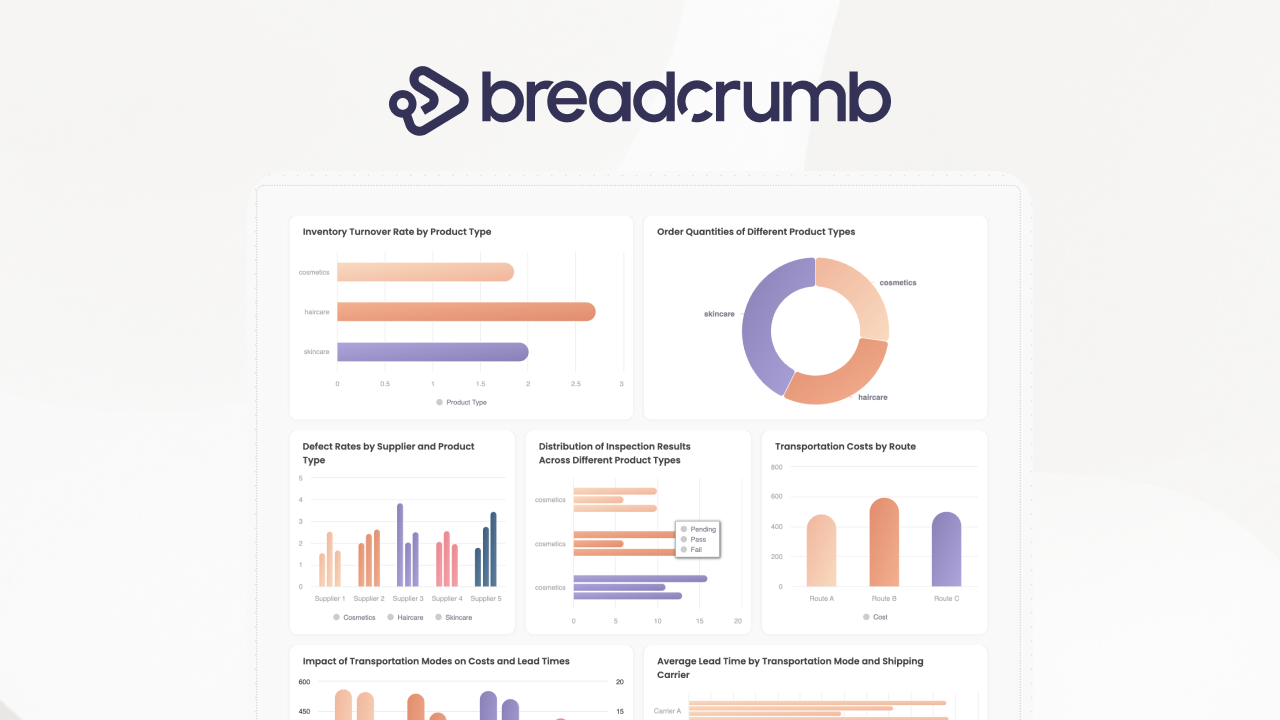
Breadcrumb.ai is an AI-powered, no-code platform for scalable B2B data reporting. It automates the entire data workflow, from ingestion and cleaning to analysis and visualization. Users can ask questions in natural language to generate interactive, narrative-driven reports and embed them directly into websites or applications, empowering customers with self-serve insights.

Why similar

Breadcrumb.ai and gptagent both cover No Code and jointly match no-code、data analysis、business intelligence and similar needs, for users who want to prioritize comparing similar use cases.

Key differences

What sets Breadcrumb.ai apart from gptagent: Primary scenario leans toward Business Intelligence.

Transform raw data into actionable insights with Breadcrumb.ai. Our AI platform automates data analysis and generates interactive, embeddable reports. No coding required. Breadcrumb.aiApplicable toBusiness Intelligence.Analytics.No Code.Reportingand other fields.

Rating
5.0
Saved on
Likes
Monthly Visits
17.8K

GRID is an AI-first platform that transforms your existing spreadsheets into powerful, interactive web applications and AI-driven tools. It leverages the logic and data within your Excel and Google Sheets files to build reliable calculators, dashboards, and models that can be queried using natural language, eliminating AI hallucinations.

Why similar

GRID and gptagent share tags such as AI assistant、no-code、data analysis, so they are better compared from specific feature needs than from broad categories alone.

Key differences

What sets GRID apart from gptagent: Primary scenario leans toward Spreadsheet Automation.

Turn your Excel and Google Sheets into interactive, AI-driven web applications with GRID. Build calculators, dashboards, and models with a no-code, natural language interface. Try for free. GRIDApplicable toBusiness Intelligence.Application Builder.Spreadsheet Automationand other fields.

Rating
5.0
Saved on
Likes
Monthly Visits
26.8K

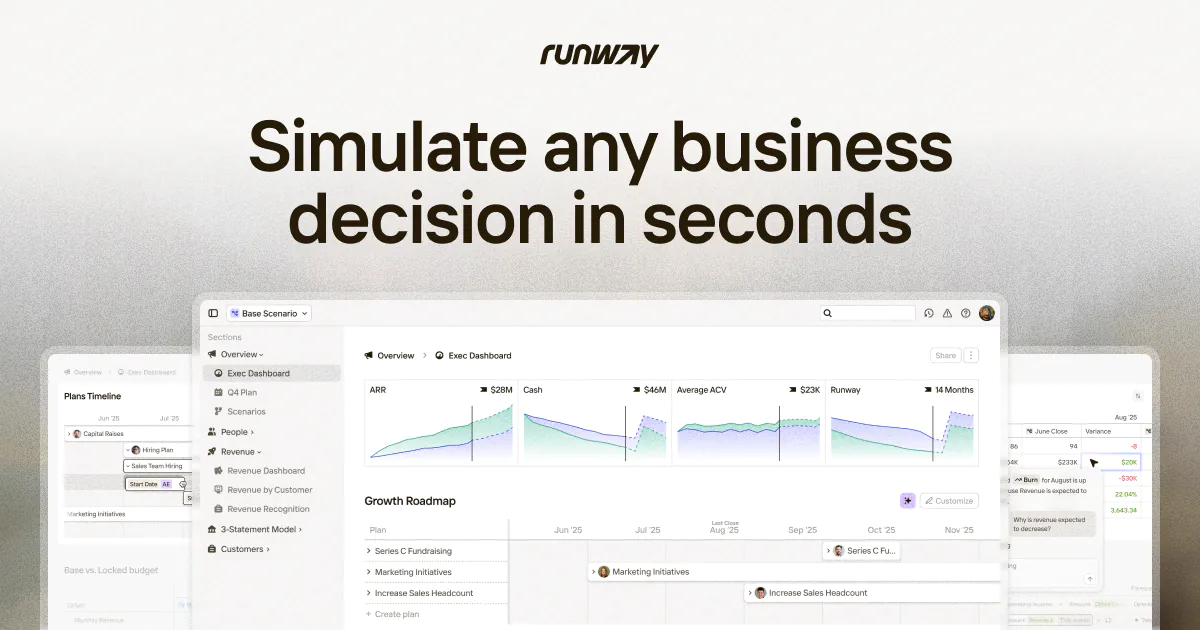
Runway is an AI-powered financial planning and analysis (FP&A) platform designed for high-growth companies. It replaces complex spreadsheets with a real-time, collaborative environment for planning, reporting, and forecasting. By integrating with over 750 data sources, Runway provides a unified, live model of your business, enabling teams to simulate decisions, analyze variances, and drive data-informed strategies with speed and clarity.

Why similar

Runway and gptagent both cover Spreadsheets and jointly match data analysis、business intelligence、forecasting and similar needs, for users who want to prioritize comparing similar use cases.

Key differences

What sets Runway apart from gptagent: Pricing model is Is Paid;Primary scenario leans toward Financial Planning & Analysis.

Discover Runway, the AI-driven financial planning and analysis (FP&A) platform that replaces spreadsheets. Simulate business decisions, automate forecasting, and collaborate on budgets in real-time. Book a demo today. RunwayApplicable toBusiness Intelligence.Data Analysis.Financial Planning & Analysis.Spreadsheetsand other fields.

Rating
5.0
Saved on
Likes
Monthly Visits
148.3K

SheetSavvy AI is an AI-powered assistant for Google Sheets and Microsoft Excel, designed to automate repetitive tasks. It features a formula generator, AI-driven formulas for data cleaning and analysis, and seamless data connectors to import live data, significantly boosting spreadsheet productivity.

Why similar

SheetSavvy AI and gptagent both cover Spreadsheets and jointly match data analysis、business intelligence、data visualization and similar needs, for users who want to prioritize comparing similar use cases.

Key differences

What sets SheetSavvy AI apart from gptagent: Primary format is Browser Extension;Primary scenario leans toward Spreadsheets.

Boost your spreadsheet productivity with SheetSavvy AI. An AI-powered assistant for Excel & Google Sheets that generates formulas, cleans data, automates tasks, and connects to live data sources. SheetSavvy AIApplicable toFinance.Automation.Spreadsheetsand other fields.

Rating
5.0
Saved on
Likes
Monthly Visits
2.4K

CTRL Sheet is an AI-powered spreadsheet co-worker named Ted that automates data tasks. It allows users to interact with spreadsheets using natural language, extract data from various files like PDFs and images, and generate complex formulas effortlessly. It's designed to save time and reduce errors for students, analysts, and professionals.

Why similar

CTRL Sheet and gptagent both cover Spreadsheets and jointly match AI assistant、no-code、data analysis and similar needs, for users who want to prioritize comparing similar use cases.

Key differences

What sets CTRL Sheet apart from gptagent: Primary scenario leans toward Spreadsheets.

Meet Ted, your AI spreadsheet co-worker from CTRL Sheet. Use natural language to automate tasks, extract data from PDFs & images, and generate formulas in Excel & Google Sheets. Try for free. CTRL SheetApplicable toTask Automation.Data Analysis.Spreadsheetsand other fields.

Rating
5.0
Saved on
Likes
Monthly Visits
13.3K

Flowtrail is a conversational AI data agent that transforms how you interact with your data. Connect databases and files, ask questions in natural language, and receive instant insights, visualizations, and reports. It's a no-code platform designed to make data analysis accessible to everyone, from small businesses to large enterprises, fostering a data-driven culture.

Why similar

Flowtrail and gptagent both cover No Code and jointly match no-code、data analysis、business intelligence and similar needs, for users who want to prioritize comparing similar use cases.

Key differences

What sets Flowtrail apart from gptagent: Primary scenario leans toward Data Analysis.

Unlock instant insights from your data with Flowtrail. Chat with your databases and Excel files in natural language to get real-time reports and visualizations. No coding required. FlowtrailApplicable toBusiness Intelligence.No Code.Data Analysisand other fields.

Rating
5.0
Saved on
Likes
Monthly Visits
4.5K

Coefficient is a data connector that links Google Sheets and Excel with over 100 business systems like Salesforce and HubSpot. It automates data imports, enables two-way syncing, and uses AI to help users build formulas, SQL queries, and charts, transforming static spreadsheets into dynamic, real-time dashboards.

Why similar

Coefficient and gptagent both cover Spreadsheets and jointly match no-code、data analysis、business intelligence and similar needs, for users who want to prioritize comparing similar use cases.

Key differences

What sets Coefficient apart from gptagent: Primary format is Browser Extension;Primary scenario leans toward Spreadsheets.

Connect Google Sheets & Excel to Salesforce, HubSpot, and 100+ systems with Coefficient. Automate data imports, create live dashboards, and use AI to build formulas and reports instantly. CoefficientApplicable toData Analysis.Analytics.Spreadsheets.Crmand other fields.

Rating
5.0
Saved on
Likes
Monthly Visits
177.5K

mlclever is a no-code AI analytics platform that instantly generates interactive dashboards and builds predictive models. It automates data analysis, visualization, and machine learning, empowering business users to uncover insights from their data for sales, finance, and marketing without any technical expertise.

Why similar

mlclever and gptagent both cover No Code and jointly match no-code、data analysis、business intelligence and similar needs, for users who want to prioritize comparing similar use cases.

Key differences

What sets mlclever apart from gptagent: Primary scenario leans toward Business Intelligence.

Instantly generate AI-powered dashboards and build predictive models with mlclever. A no-code analytics platform for sales, finance, and marketing. Automate data analysis and uncover insights in seconds. mlcleverApplicable toBusiness Intelligence.No Code.Data Analysisand other fields.

Rating
5.0
Saved on
Likes
Monthly Visits
9.0K

SheetBot is an AI-powered data analysis platform that enables users to analyze, visualize, and transform data without writing any code. Simply upload your dataset or connect a data source, ask questions in plain English, and receive instant insights, trends, and dynamic visualizations. Powered by advanced models like GPT-4o and Claude 3.5 Sonnet, it streamlines complex analyses, turning hours of work into minutes.

Why similar

SheetBot and gptagent share tags such as AI assistant、no-code、data analysis, so they are better compared from specific feature needs than from broad categories alone.

Key differences

What sets SheetBot apart from gptagent: Primary scenario leans toward Data Analysis.

Transform your data into actionable insights with SheetBot. Use plain English to analyze datasets from CSV, SQL, or Google Sheets, create dynamic visualizations, and make smarter decisions. Powered by GPT-4o. Start your free trial. SheetBotApplicable toBusiness Intelligence.Visualization.Data Analysisand other fields.

Rating
5.0
Saved on
Likes
Monthly Visits
2.4K

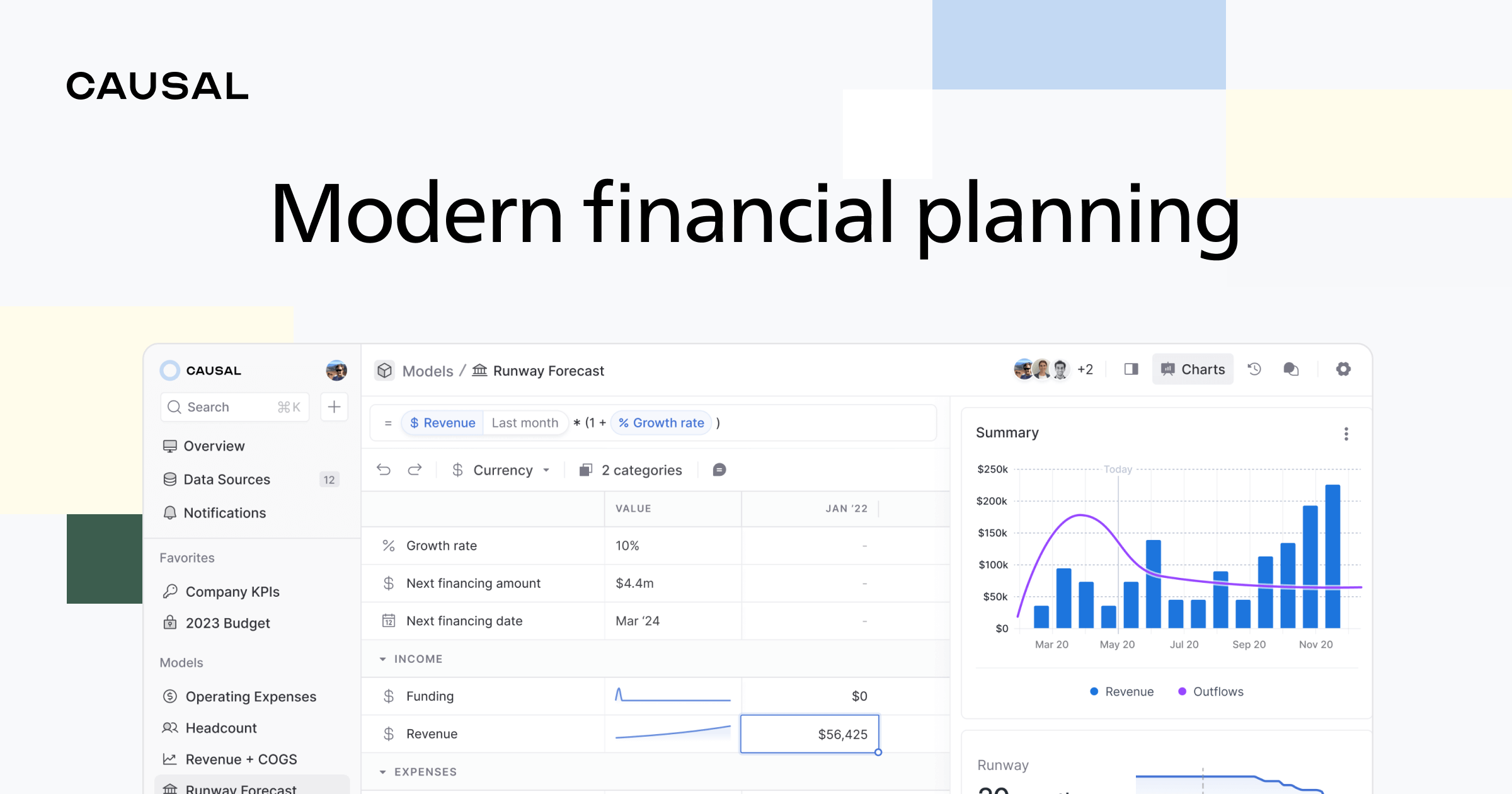
Causal is an AI-powered financial planning and analysis (FP&A) platform that replaces traditional spreadsheets. It helps businesses create dynamic financial models, forecasts, and reports by connecting to live data from various systems, using simple, human-readable formulas and enabling powerful scenario planning.

Why similar

Causal and gptagent both cover Spreadsheets and jointly match business intelligence、data visualization、forecasting and similar needs, for users who want to prioritize comparing similar use cases.

Key differences

What sets Causal apart from gptagent: Pricing model is Is Paid;Primary scenario leans toward Financial Planning.

Discover Causal, the AI-driven platform that replaces spreadsheets for financial modeling, forecasting, and reporting. Integrate live data, build models with simple formulas, and plan scenarios effortlessly. CausalApplicable toData Analysis.Financial Planning.Spreadsheetsand other fields.

Rating
5.0
Saved on
Likes
Monthly Visits
29.0K

Prompt Studio is an AI-powered data analytics platform that enables teams to gain insights from their data using natural language. It provides a collaborative, no-code workspace where users can ask questions, generate visualizations, and make data-driven decisions without writing any SQL. It's designed to democratize data access and accelerate the path from raw data to actionable insights.

Why similar

Prompt Studio and gptagent both cover No Code and jointly match no-code、data analysis、business intelligence and similar needs, for users who want to prioritize comparing similar use cases.

Key differences

What sets Prompt Studio apart from gptagent: Primary scenario leans toward Business Intelligence.

Unlock insights from your data with Prompt Studio. The AI-powered platform for self-service analytics, data visualization, and collaboration. Ask questions in plain English, no code required. Get started for free. Prompt StudioApplicable toBusiness Intelligence.No Code.Data Analysisand other fields.

Rating
5.0
Saved on
Likes
Monthly Visits
4.8K

vizbox is an AI-powered data visualization platform that transforms raw data into insightful charts, graphs, and interactive dashboards. Users can simply upload data or use natural language prompts to generate compelling visuals, making data analysis accessible to everyone, regardless of technical skill.

Why similar

vizbox and gptagent both cover No Code and jointly match no-code、data analysis、business intelligence and similar needs, for users who want to prioritize comparing similar use cases.

Key differences

Differences between vizbox and gptagent mainly show in product experience, feature depth, and workflow design around no-code.

Transform your data into stunning, interactive charts and dashboards with vizbox. Use AI-powered natural language prompts to create visualizations instantly. No code required. Start for free! vizboxApplicable toNo Code.Analytics.Business Intelligenceand other fields.

Rating
5.0
Saved on
Likes
Monthly Visits
2.5K

DatViz AI is an advanced analytics platform that uses natural language to transform complex datasets into insightful, visually appealing charts and graphs. Powered by OpenAI's LLM, it simplifies data analysis, calculates key statistics, and generates visualizations like bar charts, heatmaps, and geomaps without any coding required.

Why similar

DatViz AI and gptagent both cover No Code and jointly match no-code、data analysis、business intelligence and similar needs, for users who want to prioritize comparing similar use cases.

Key differences

Differences between DatViz AI and gptagent mainly show in product experience, feature depth, and workflow design around no-code.

Instantly create charts and graphs from your data using natural language. DatViz AI is a no-code tool for data analysis, summarization, and visualization. DatViz AIApplicable toBusiness Intelligence.No Code.Charts & Graphsand other fields.

Rating
5.0
Saved on
Likes
Monthly Visits
2.4K

Avanty is an AI-powered Chrome extension designed as an intelligent copilot for data analysts using Metabase. It streamlines workflows by enabling users to generate, edit, explain, and format SQL queries using natural language. This tool significantly saves time, enhances productivity, and helps in understanding complex data queries, making data analysis faster and more intuitive.

Why similar

Avanty and gptagent both cover Business Intelligence and jointly match AI assistant、data analysis、business intelligence and similar needs, for users who want to prioritize comparing similar use cases.

Key differences

What sets Avanty apart from gptagent: Primary format is Browser Extension;Primary scenario leans toward Database.

Supercharge your Metabase workflow with Avanty, the AI-powered Chrome extension. Generate, edit, explain, and format SQL with natural language to save time and boost productivity. AvantyApplicable toBusiness Intelligence.Database.Automationand other fields.

Rating
5.0
Saved on
Likes
Monthly Visits
3.5K

Charm was an AI-powered assistant integrated directly into Google Sheets as an add-on. It was designed to automate complex text-based tasks, such as cleaning messy data, generating content, summarizing text, and classifying information, without requiring traditional formulas or coding. Please note: Charm was officially shut down on September 15, 2023.

Why similar

Charm and gptagent both cover Spreadsheets and jointly match AI assistant、no-code、data analysis and similar needs, for users who want to prioritize comparing similar use cases.

Key differences

What sets Charm apart from gptagent: Pricing model is Is Paid;Primary format is Browser Extension;Primary scenario leans toward Spreadsheets.

Charmis an AI tool designed forMarketing Manager.Content Creator.Product Manager.Sales Representative.Data Analyst.E-commerce Manager.SEO SpecialistAI tool designed Learn about Charm, the former AI-powered Google Sheets add-on for automating data cleaning, content generation, and text analysis. Note: This tool was shut down on Sep 15, 2023. CharmApplicable toAutomation.Data Cleaning.Content Generation.Spreadsheetsand other fields.

Rating
5.0
Saved on
Likes
Monthly Visits
4.3K

Essai is an AI-powered automation platform that learns and executes your repetitive digital tasks. By observing your keystrokes and clicks, the Essai agent identifies patterns, builds workflows, and runs them on your behalf, freeing you to focus on more strategic work. It seamlessly integrates across various applications and industries to streamline operations.

Why similar

Essai and gptagent both cover No Code and jointly match no-code、business intelligence and similar needs, for users who want to prioritize comparing similar use cases.

Key differences

What sets Essai apart from gptagent: Pricing model is Unknown;Primary format is App;Primary scenario leans toward Automation.

Discover Essai, the AI agent that learns and automates your repetitive tasks. From data entry to report generation, Essai handles the mundane so you can focus on what matters. Join the waitlist. EssaiApplicable toWorkflow Management.No Code.Automationand other fields.

Rating
5.0
Saved on
Likes
Monthly Visits
4.4K

Dust is an enterprise-grade platform for building custom AI agents in minutes. It connects to your company's knowledge and tools, allowing you to automate workflows, enhance productivity, and break down data silos without writing any code. It's a secure, model-agnostic solution trusted by over 1,000 organizations.

Why similar

Dust and gptagent both cover No Code and jointly match no-code、business intelligence and similar needs, for users who want to prioritize comparing similar use cases.

Key differences

What sets Dust apart from gptagent: Pricing model is Is Paid;Primary scenario leans toward Workflow Automation.

Discover Dust, the leading platform for building custom AI agents without code. Connect your company data, automate workflows, and boost productivity across sales, support, and engineering. Secure, compliant, and model-agnostic. DustApplicable toKnowledge Management.Chatbots.No Code.Workflow Automationand other fields.

Rating
5.0
Saved on
Likes
Monthly Visits
753.8K

EasyAIBridge transforms your spreadsheets into instant, actionable insights using advanced AI. Simply type your questions in natural language, and AI automatically generates charts, reports, and data extractions from Google Sheets, Excel, and CSV files, making complex data analysis effortless and secure.

Why similar

EasyAIBridge and gptagent both cover Business Intelligence and jointly match data analysis、business intelligence、data visualization and similar needs, for users who want to prioritize comparing similar use cases.

Key differences

Differences between EasyAIBridge and gptagent mainly show in product experience, feature depth, and workflow design around data analysis.

EasyAIBridgeis an AI tool designed forMarketing Manager.Product Manager.HR Manager.Data Analyst.E-commerce Manager.Business Analyst.Operations Manager.Sales Manager.Healthcare Administrator.Finance AnalystAI tool designed Transform spreadsheets into instant, actionable insights with EasyAIBridge. Use natural language to generate charts, reports, and data extractions from Google Sheets, Excel, and CSV files securely. EasyAIBridgeApplicable toBusiness Intelligence.Spreadsheet Automation.Data Visualizationand other fields.

Rating
5.0
Saved on
Likes
Monthly Visits
2.6K

ga4sql is a free, user-friendly tool that empowers marketers and analysts to generate Google Analytics 4 (GA4) BigQuery queries without any SQL knowledge. Simply select your desired metrics, dimensions, and date range through an intuitive interface, and the tool instantly creates the correct SQL query. It's the fastest way to unlock deep insights from your GA4 data in BigQuery, saving time and eliminating coding errors.

Why similar

ga4sql and gptagent both cover No Code and jointly match no-code、data analysis、business intelligence and similar needs, for users who want to prioritize comparing similar use cases.

Key differences

What sets ga4sql apart from gptagent: Pricing model is Free;Primary scenario leans toward Business Intelligence.

Effortlessly generate complex GA4 BigQuery SQL queries without writing any code. Select your metrics and dimensions, and let ga4sql build the query for you. Free, fast, and perfect for marketers and analysts. ga4sqlApplicable toBusiness Intelligence.No Code.Analyticsand other fields.

Rating
5.0
Saved on
Likes
Monthly Visits
4.7K

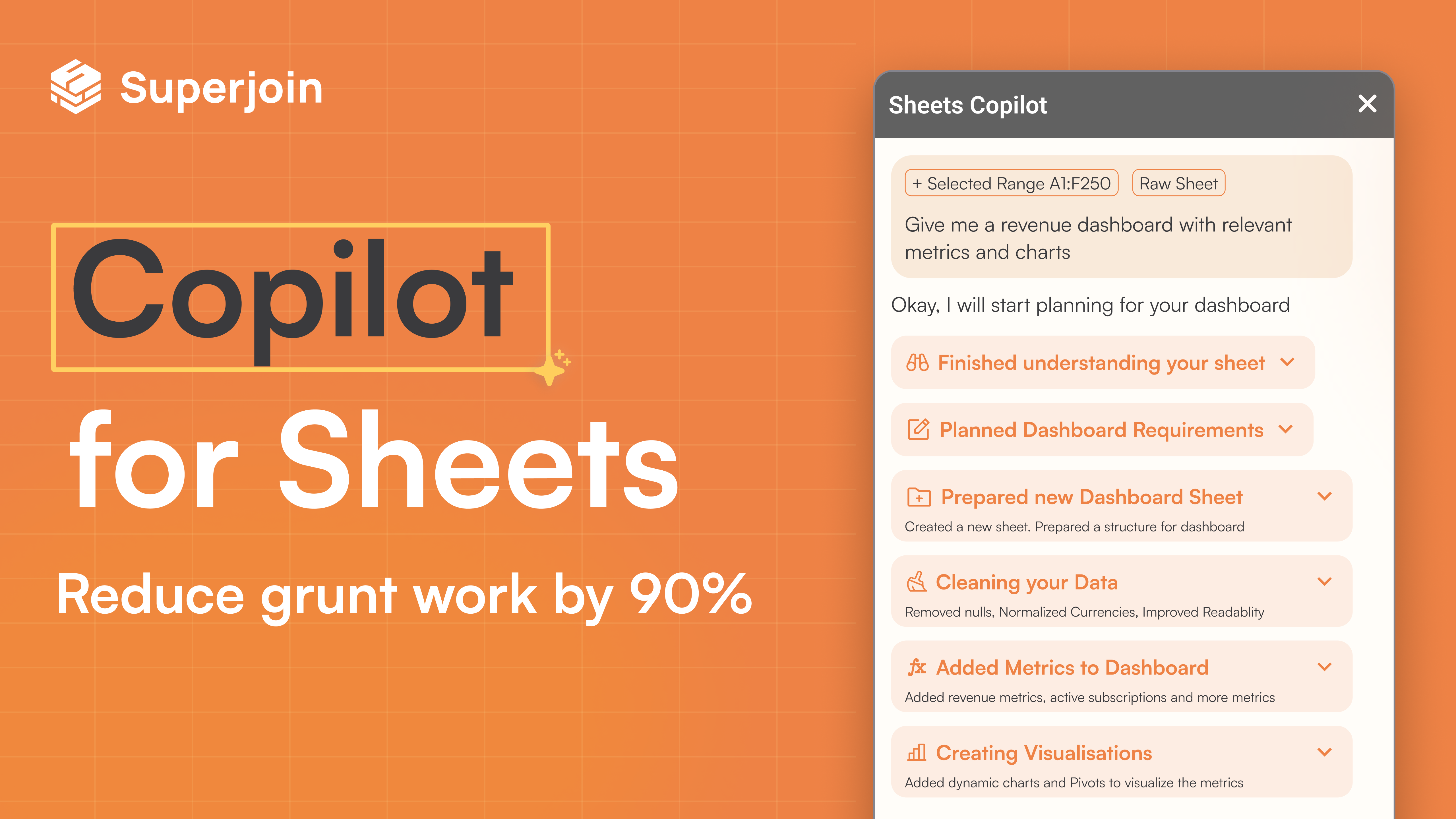
Superjoin is an AI assistant for Google Sheets designed to automate data tasks. It connects to over 30 data sources, allowing for automatic data pulls and refreshes. Users can leverage natural language to clean data, generate charts, create formulas, and build automated workflows, saving up to 90% of manual spreadsheet time.

Why similar

Superjoin and gptagent both cover Spreadsheets and jointly match AI assistant、no-code、data analysis and similar needs, for users who want to prioritize comparing similar use cases.

Key differences

What sets Superjoin apart from gptagent: Primary format is Browser Extension;Primary scenario leans toward Spreadsheets.

Superjoin is an AI assistant for Google Sheets that automates data import, cleaning, and analysis. Connect to 30+ sources, use natural language to generate reports, and save 90% of your time on spreadsheets. SuperjoinApplicable toWorkflow.Spreadsheetsand other fields.

Rating
5.0
Saved on
Likes
Monthly Visits
44.3K

ChartGPT is an AI-powered tool that transforms natural language text prompts into a wide variety of stunning charts and graphs. Simply describe the data you want to visualize, and ChartGPT instantly generates customizable charts, making data visualization accessible to everyone, regardless of technical skill.

Why similar

ChartGPT and gptagent both cover Business Intelligence and jointly match data analysis、business intelligence、data visualization and similar needs, for users who want to prioritize comparing similar use cases.

Key differences

What sets ChartGPT apart from gptagent: Pricing model is Is Paid;Primary scenario leans toward Data Visualization.

ChartGPTis an AI tool designed forMarketing Manager.Content Creator.Product Manager.Student.Researcher.Data Analyst.Business AnalystAI tool designed Instantly create stunning charts and graphs from simple text prompts with ChartGPT. Supports bar, line, pie charts, and more. Simplify your data visualization today. ChartGPTApplicable toBusiness Intelligence.Presentations.Data Visualizationand other fields.

Rating
5.0
Saved on
Likes
Monthly Visits
9.4K

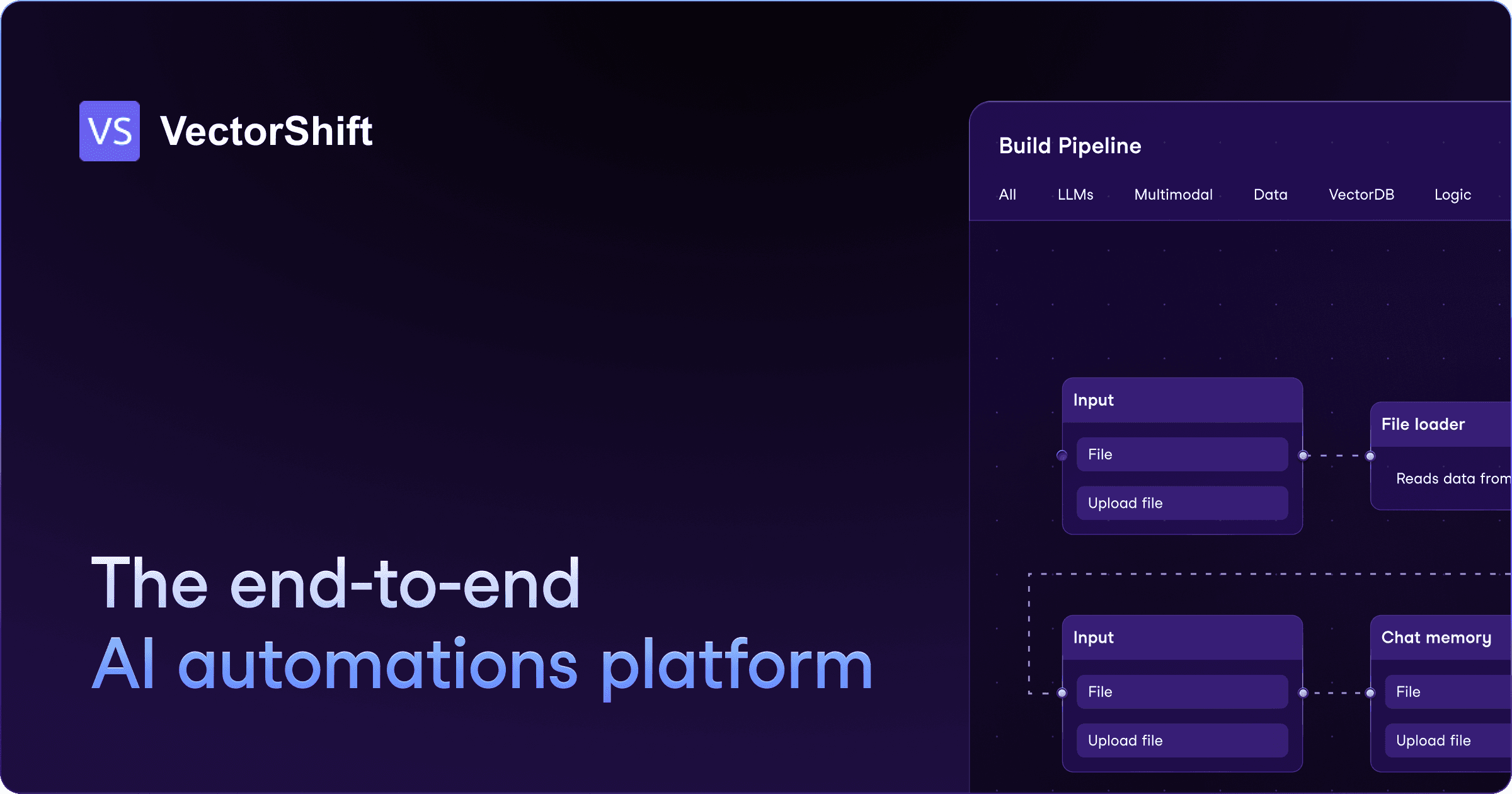
VectorShift is an end-to-end AI automation platform that enables users to build, deploy, and manage AI applications and workflows without code. It offers a drag-and-drop builder, a code SDK, and pre-built templates to automate processes, create chatbots, analyze data, and integrate with various business tools.

Why similar

VectorShift and gptagent both cover No Code and jointly match no-code、data analysis、business intelligence and similar needs, for users who want to prioritize comparing similar use cases.

Key differences

What sets VectorShift apart from gptagent: Primary scenario leans toward Automation.

Build, deploy, and manage AI applications and workflows with VectorShift's no-code platform and SDK. Automate tasks, create chatbots, analyze data, and integrate with your favorite tools. VectorShiftApplicable toCustomer Support.No Code.Sales.Automationand other fields.

Rating
5.0
Saved on
Likes
Monthly Visits
32.0K

excelformulagpt is an AI-powered tool that instantly converts natural language descriptions into complex Excel and Google Sheets formulas. It helps users save time, reduce errors, and boost productivity without needing to memorize complex syntax. Features include formula generation, context-aware suggestions from uploaded files, and formula explanations.

Why similar

excelformulagpt and gptagent both cover Spreadsheets and jointly match AI assistant、no-code、data analysis and similar needs, for users who want to prioritize comparing similar use cases.

Key differences

What sets excelformulagpt apart from gptagent: Primary scenario leans toward Spreadsheets.

Instantly generate complex Excel and Google Sheets formulas from plain English with excelformulagpt. Free to start. Boost productivity, reduce errors, and master spreadsheets with AI. excelformulagptApplicable toAutomation.Learning Tools.Spreadsheetsand other fields.

Rating
5.0
Saved on
Likes
Monthly Visits
2.8K