ToolMage
Sign in

Best 71 Spreadsheets AI tools for Productivity

Popular Spreadsheets AI tools in Productivity include AIColumns, Julius AI, Rows, ChatExcel, Formula Bot, GPT Workspace, Numerous.ai, GPT for Work, thebricks, and GPTExcel, helping you work more efficiently.

neuralformula
Freemium

neuralformula

NeuralFormula is an AI-powered assistant that instantly translates natural language into complex spreadsheet formulas, SQL queries, and Regex. Boost your productivity by describing your data task in plain English, and let the AI generate the precise, error-free code or formula you need for Excel, Google Sheets, and more.

Sql
Visits 5.5KFavorites 139Likes 147
Causal
Paid

Causal

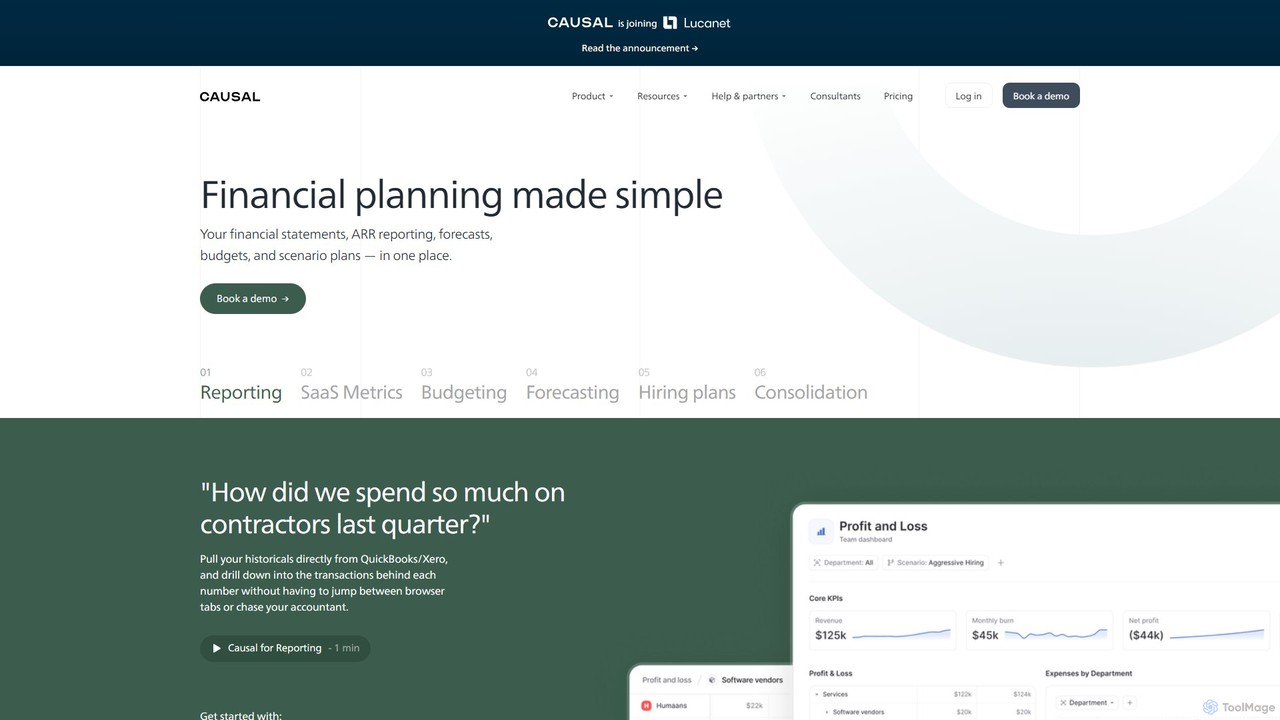
Causal is an AI-powered financial planning and analysis (FP&A) platform that replaces traditional spreadsheets. It helps businesses create dynamic financial models, forecasts, and reports by connecting to live data from various systems, using simple, human-readable formulas and enabling powerful scenario planning.

Data Analysis
Visits 33.3KFavorites 151Likes 142
SheetGPT
Freemium

SheetGPT

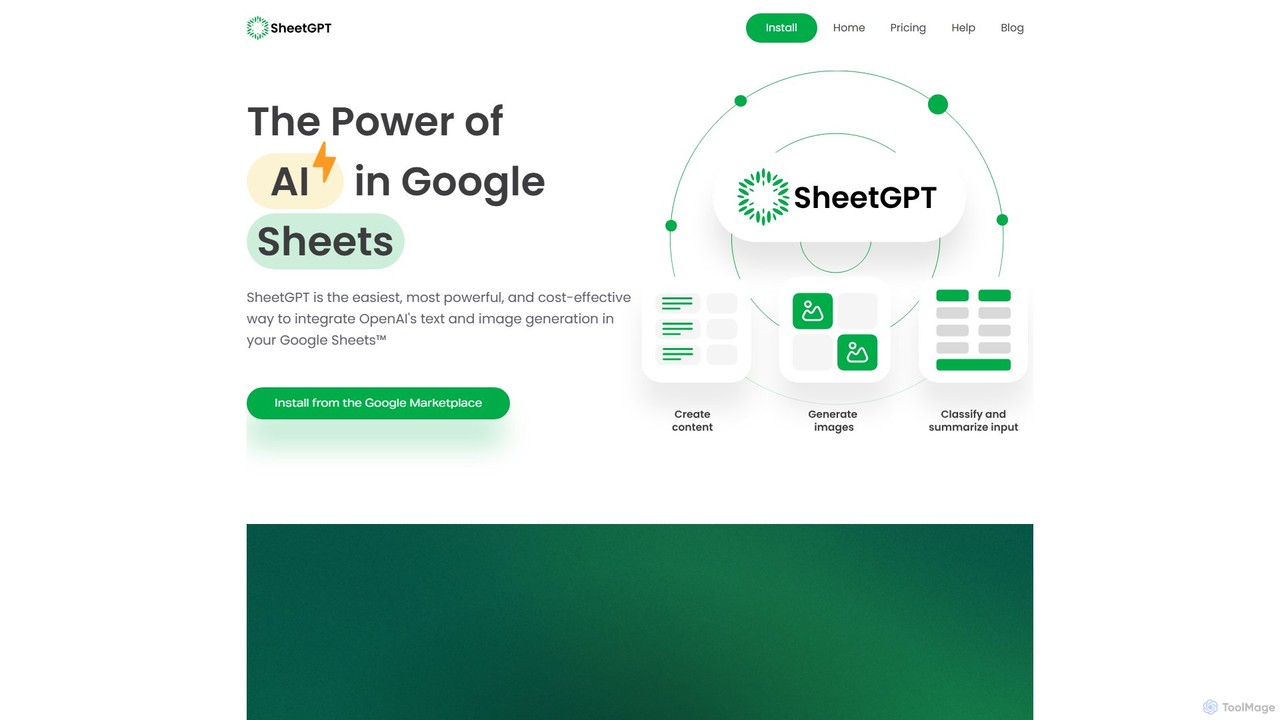
SheetGPT is a powerful Google Sheets™ add-on that integrates OpenAI's GPT technology directly into your spreadsheets. It allows users to generate text and images, analyze data, create content, and automate workflows using simple functions, without needing API keys. It's designed for individuals and teams to enhance productivity in marketing, research, and content creation.

Seo
Visits 23.6KFavorites 154Likes 141
Groupt
Freemium

Groupt

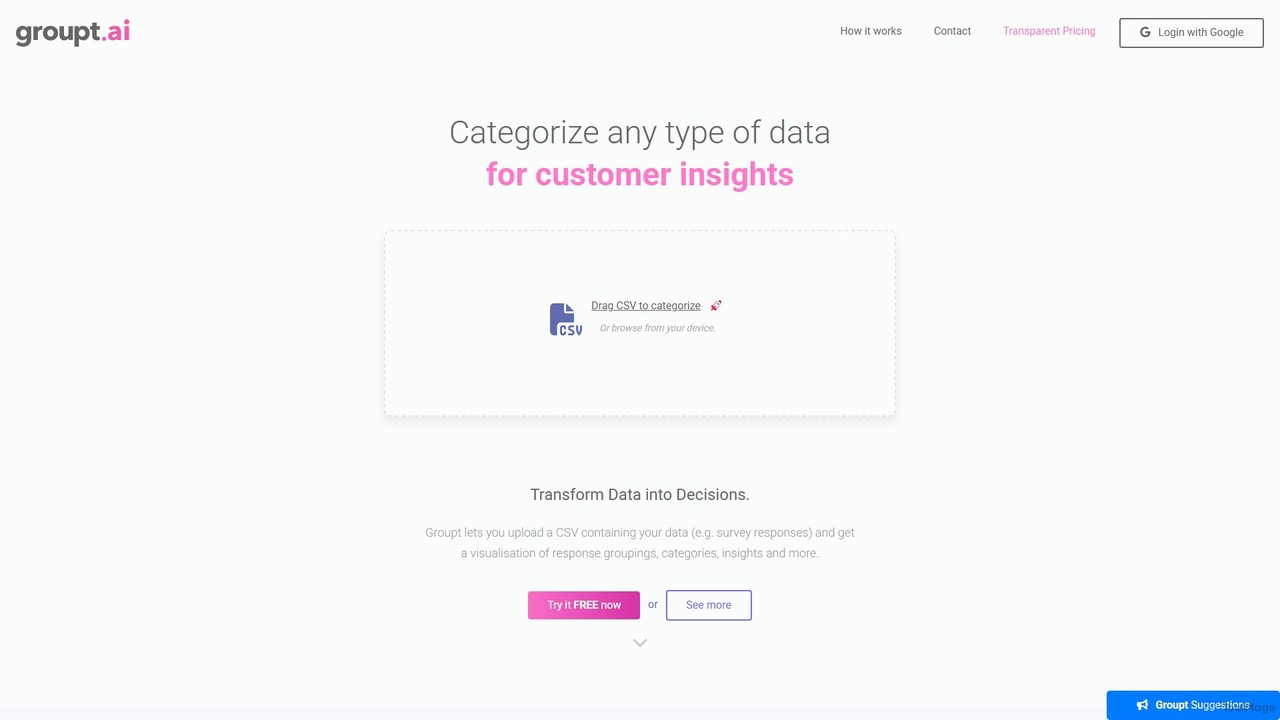
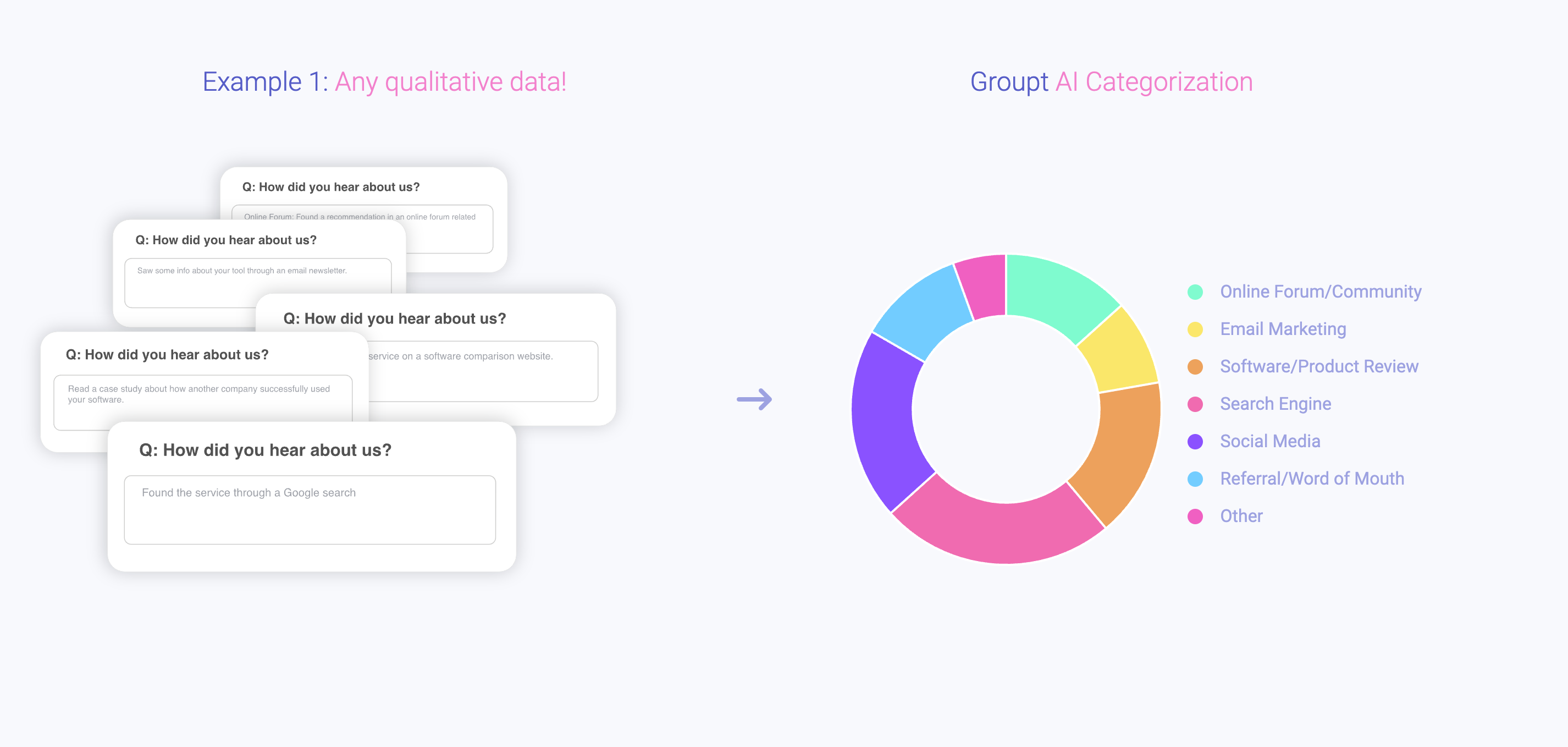
Groupt is an AI-powered tool that automates data categorization and analysis for CSV files. Simply upload your spreadsheet, and Groupt's AI will intelligently group your data into meaningful categories, saving you hours of manual work. It's designed for marketers, analysts, and businesses to quickly uncover insights from customer feedback, surveys, and other datasets without needing technical skills.

3D
Visits 5.6KFavorites 164Likes 149
Datayaki
Freemium

Datayaki

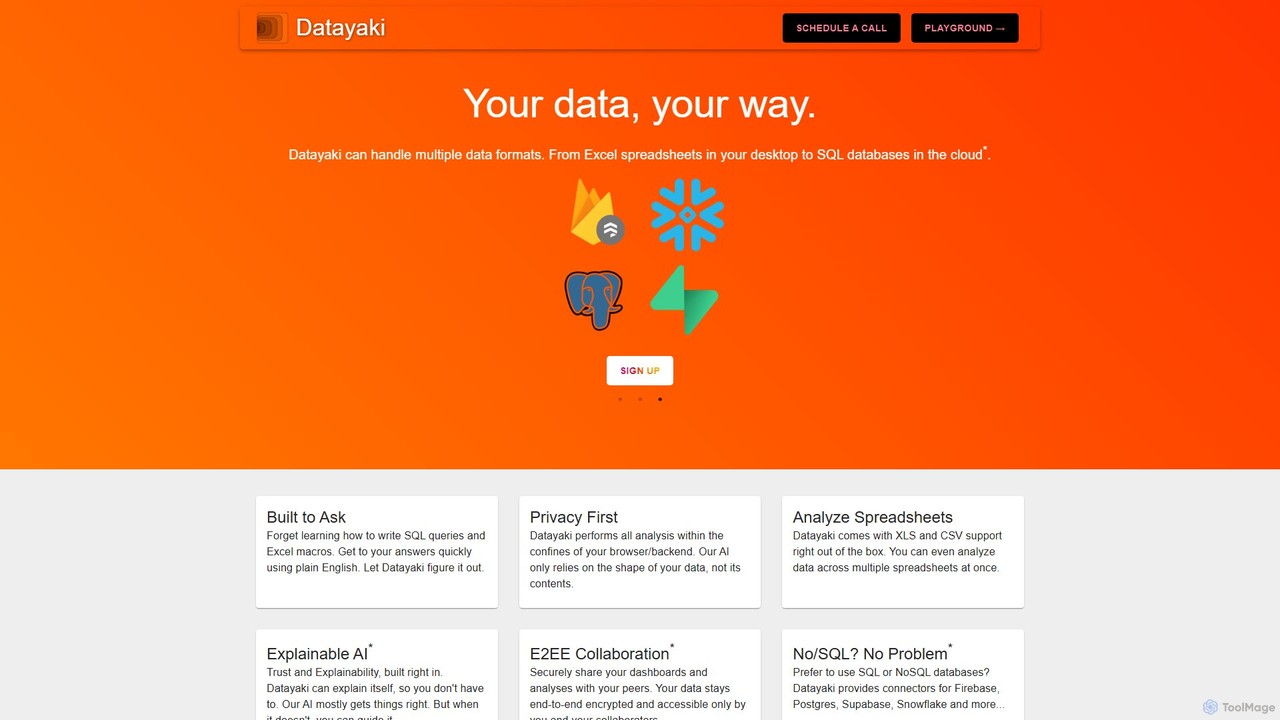
Datayaki is an AI-powered data analyst that lets you find insights from your data by asking questions in plain English. It supports formats like Excel and CSV, eliminating the need for SQL or complex formulas. With a strong focus on privacy, all analysis is performed locally in your browser, ensuring your data remains secure and confidential. It's designed for professionals and teams who need fast, accessible, and secure data analysis.

Data Visualization
Visits 5.8KFavorites 146Likes 149
Runway
Paid

Runway

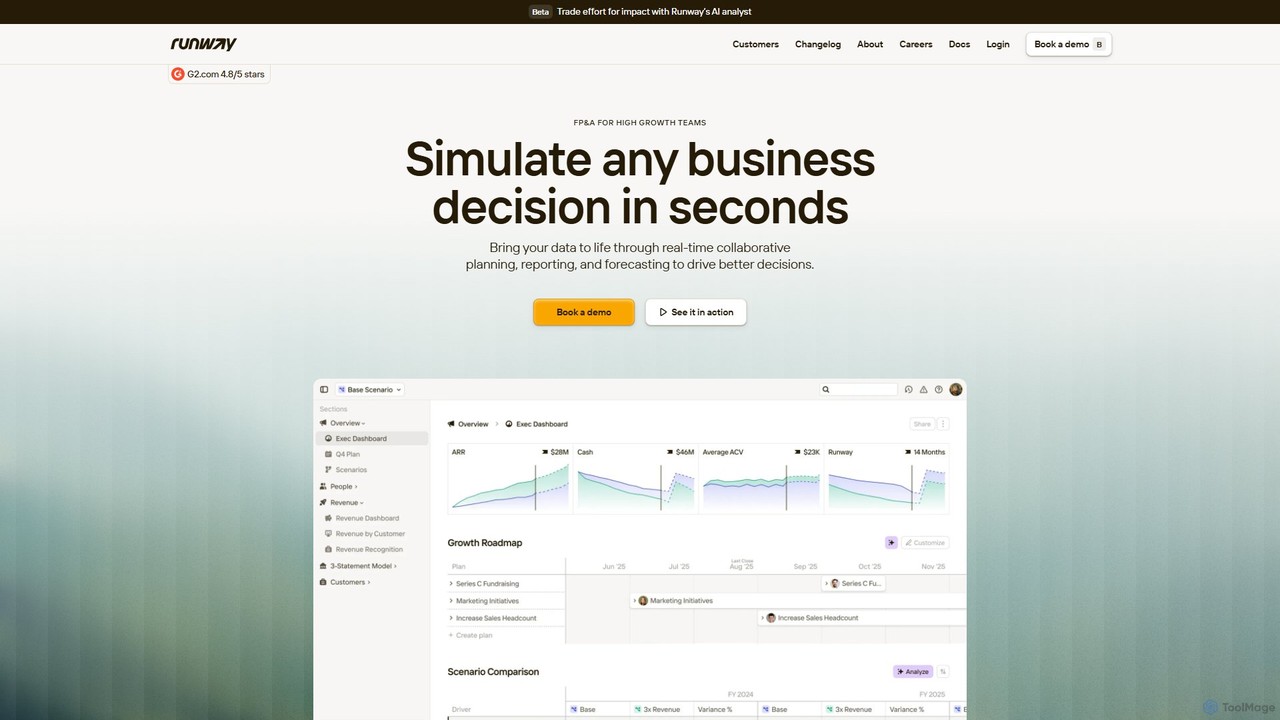
Runway is an AI-powered financial planning and analysis (FP&A) platform designed for high-growth companies. It replaces complex spreadsheets with a real-time, collaborative environment for planning, reporting, and forecasting. By integrating with over 750 data sources, Runway provides a unified, live model of your business, enabling teams to simulate decisions, analyze variances, and drive data-informed strategies with speed and clarity.

Business Intelligence
Visits 151.6KFavorites 118Likes 117
Superjoin
Freemium

Superjoin

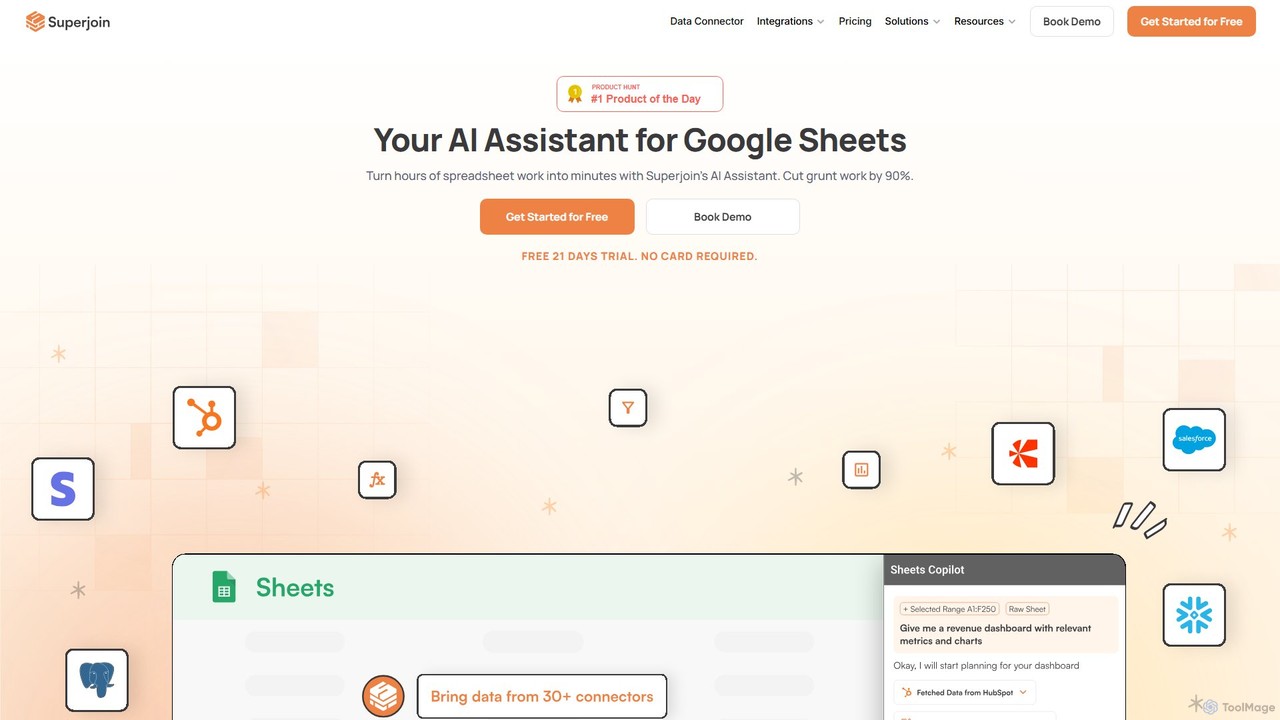
Superjoin is an AI assistant for Google Sheets designed to automate data tasks. It connects to over 30 data sources, allowing for automatic data pulls and refreshes. Users can leverage natural language to clean data, generate charts, create formulas, and build automated workflows, saving up to 90% of manual spreadsheet time.

Workflow
Visits 47.1KFavorites 118Likes 113
Ajelix
Freemium

Ajelix

Ajelix is an AI-powered suite of tools designed to enhance productivity for Excel and Google Sheets users. It acts as an AI data analyst, automating tasks, generating formulas and VBA scripts, creating insightful reports, and providing advanced data analysis through a simple chat interface.

Business Intelligence
Visits 105.9KFavorites 116Likes 117
SheetQuery
Paid

SheetQuery

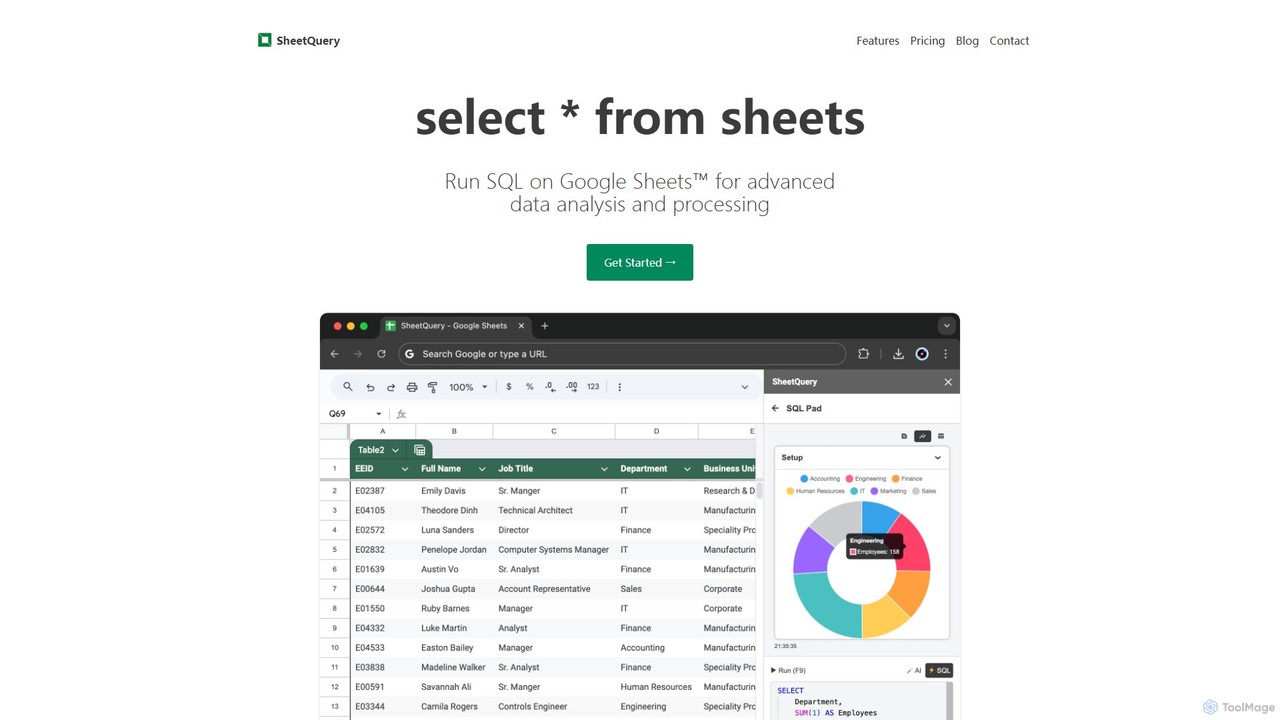
A powerful tool that enables you to run advanced SQL queries directly on Google Sheets for sophisticated data analysis, bulk updates, deletes, and inserts. Transform your spreadsheets into a queryable database.

Databases
Visits 6.2KFavorites 117Likes 121
Arcwise
Freemium

Arcwise

Arcwise is an AI copilot for Google Sheets that supercharges your spreadsheet workflows. It connects directly to your data warehouses and BI tools, allowing you to query, analyze, and visualize complex data using natural language, all within the familiar spreadsheet environment.

Business Intelligence
Visits 9.7KFavorites 147Likes 149
thebricks
Freemium

thebricks

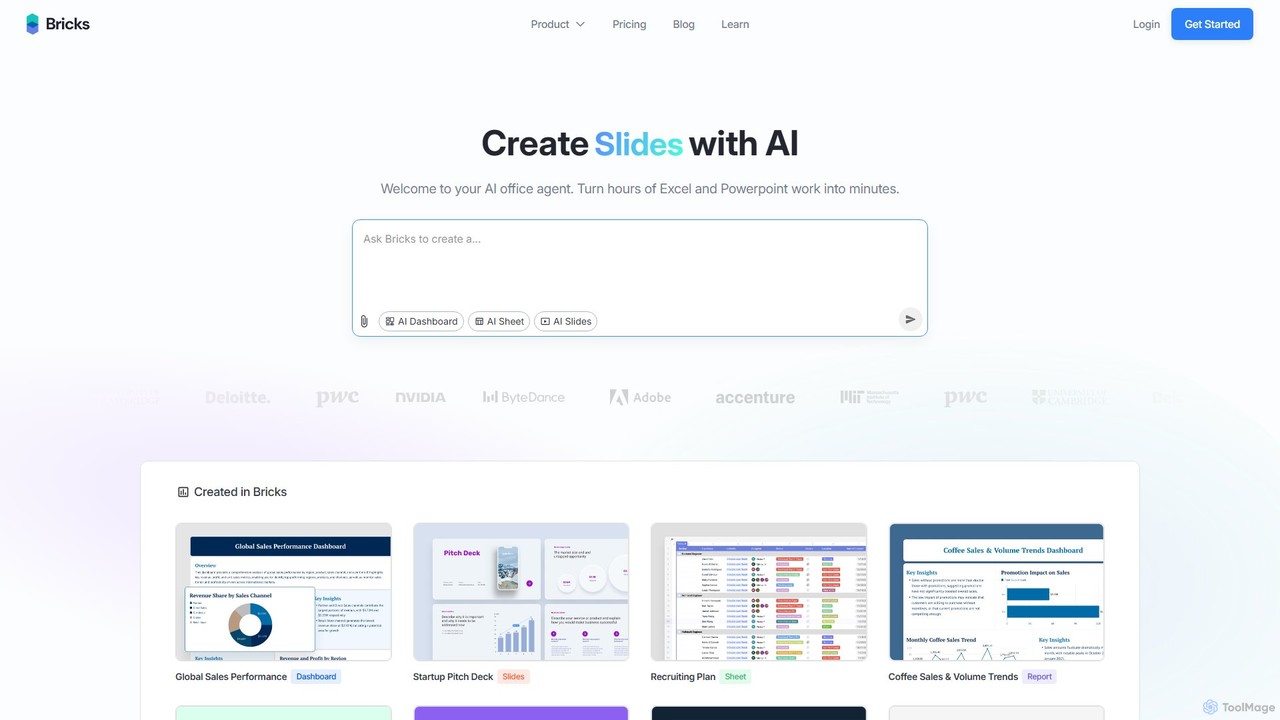
thebricks is an AI-powered workspace that transforms data analysis and reporting. It allows users to create interactive dashboards, dynamic spreadsheets, and professional slides using simple natural language prompts. Turn hours of manual work in Excel and PowerPoint into minutes, streamlining your workflow and boosting productivity.

Business Intelligence
Visits 257.2KFavorites 132Likes 154
Excel Bot
Freemium

Excel Bot

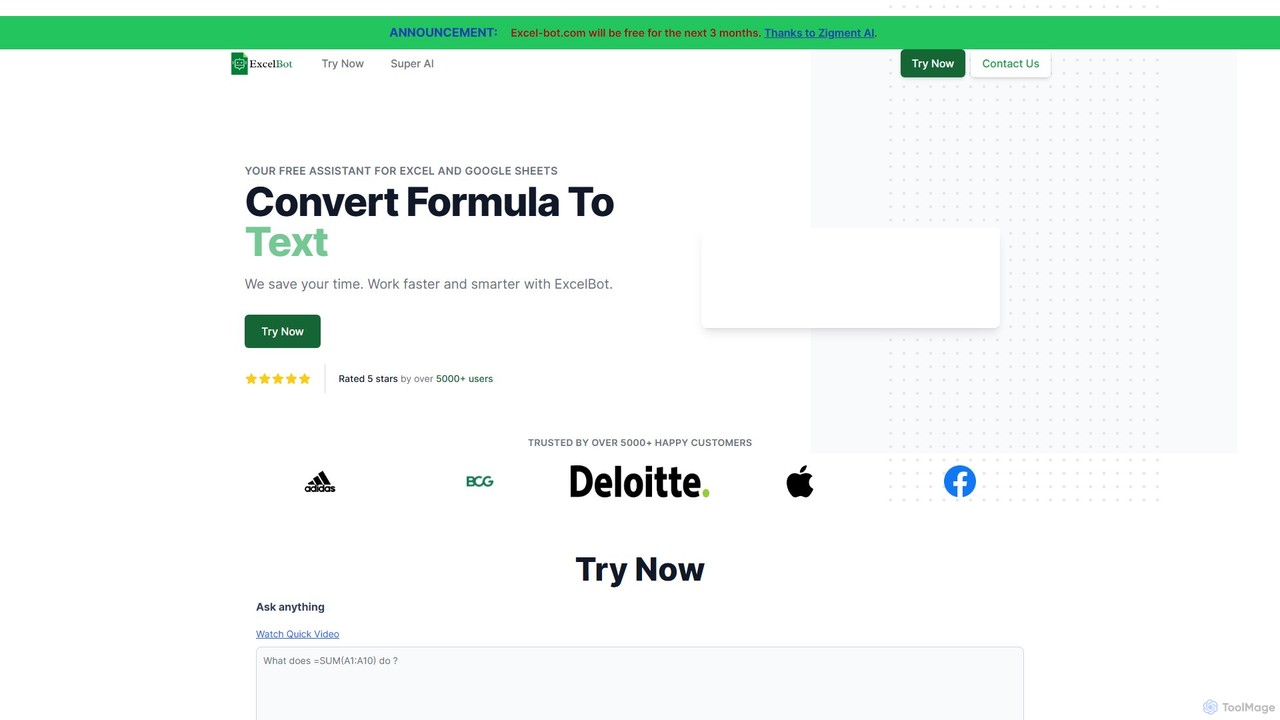
Excel Bot is an AI-powered assistant for Microsoft Excel and Google Sheets. It converts your plain text instructions into complex formulas instantly, saving you time and reducing errors. Simply describe what you need, and the AI generates the correct formula for you.

Finance
Visits 5.7KFavorites 143Likes 129
Array Assistant
Freemium

Array Assistant

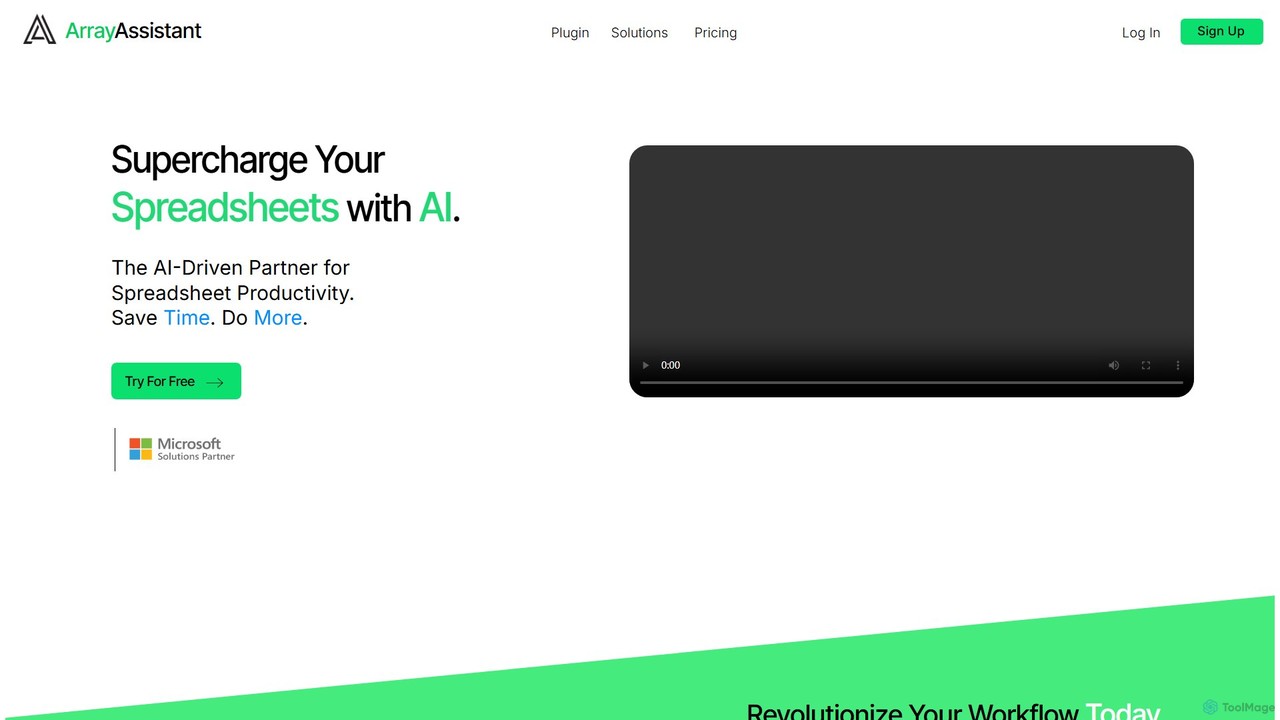
Array Assistant is an AI-powered plugin for spreadsheets that supercharges your productivity. It helps you generate complex formulas, clean and organize data, summarize text, explain problems, and design automations, all within your existing workflow. Ideal for professionals, students, and anyone who uses spreadsheets.

Finance
Visits 5.8KFavorites 116Likes 123
simplemetrics
Freemium

simplemetrics

An AI-powered add-on for Google Sheets and Google Docs that automates tasks like text generation, data analysis, web research, image generation, and PDF extraction. Boost your productivity by using simple AI formulas and a research assistant directly within your documents.

Data Analysis
Visits 6.3KFavorites 145Likes 145
Prompting Sheets
Freemium

Prompting Sheets

Prompting Sheets is an AI-powered add-on for Google Sheets that transforms your spreadsheets into dynamic tools. It allows users to generate custom project plans, to-do lists, and automate data analysis and content creation using powerful AI formulas and an integrated chatbot, eliminating the need for generic templates.

Project Management
Visits 5.9KFavorites 115Likes 128
Equals
Paid

Equals

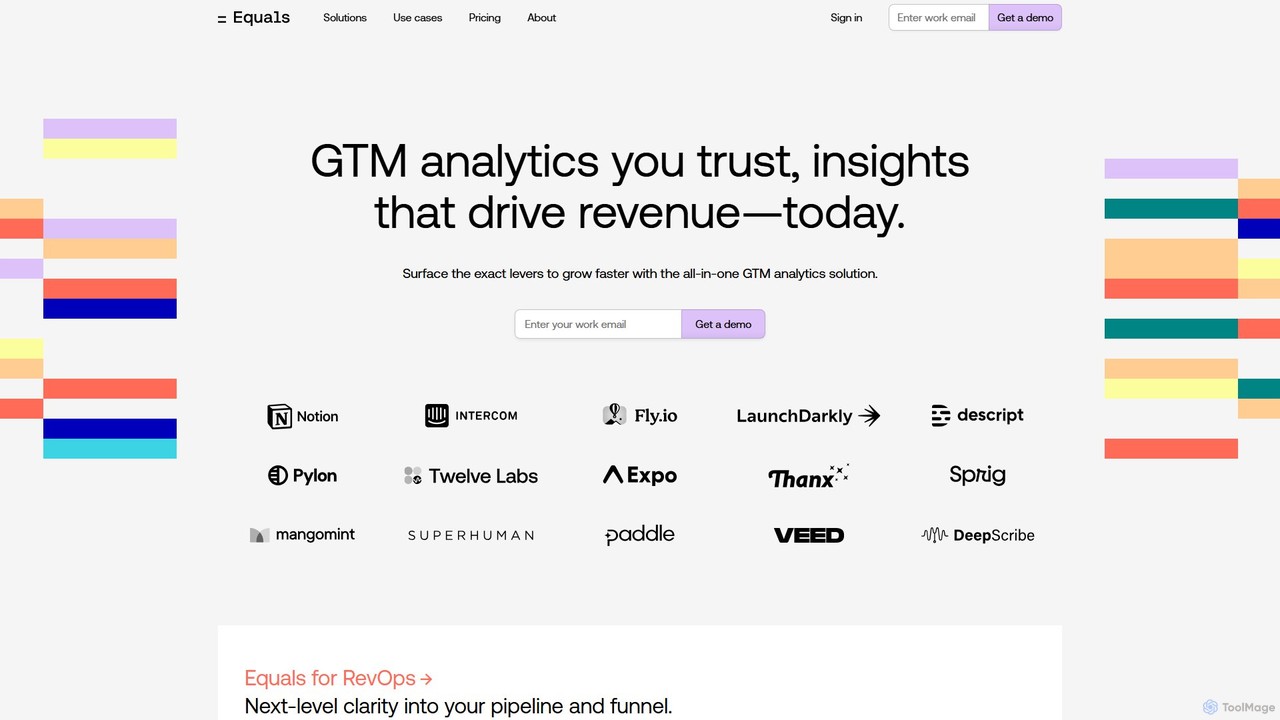
Equals is a next-generation, all-in-one GTM analytics spreadsheet that connects directly to your live data sources. It empowers RevOps, Finance, and Founders to build dynamic dashboards, analyze sales funnels, and track ARR in a familiar spreadsheet interface, driving revenue growth with real-time insights.

Analytics
Visits 54.7KFavorites 138Likes 137
Formula Bot
Freemium

Formula Bot

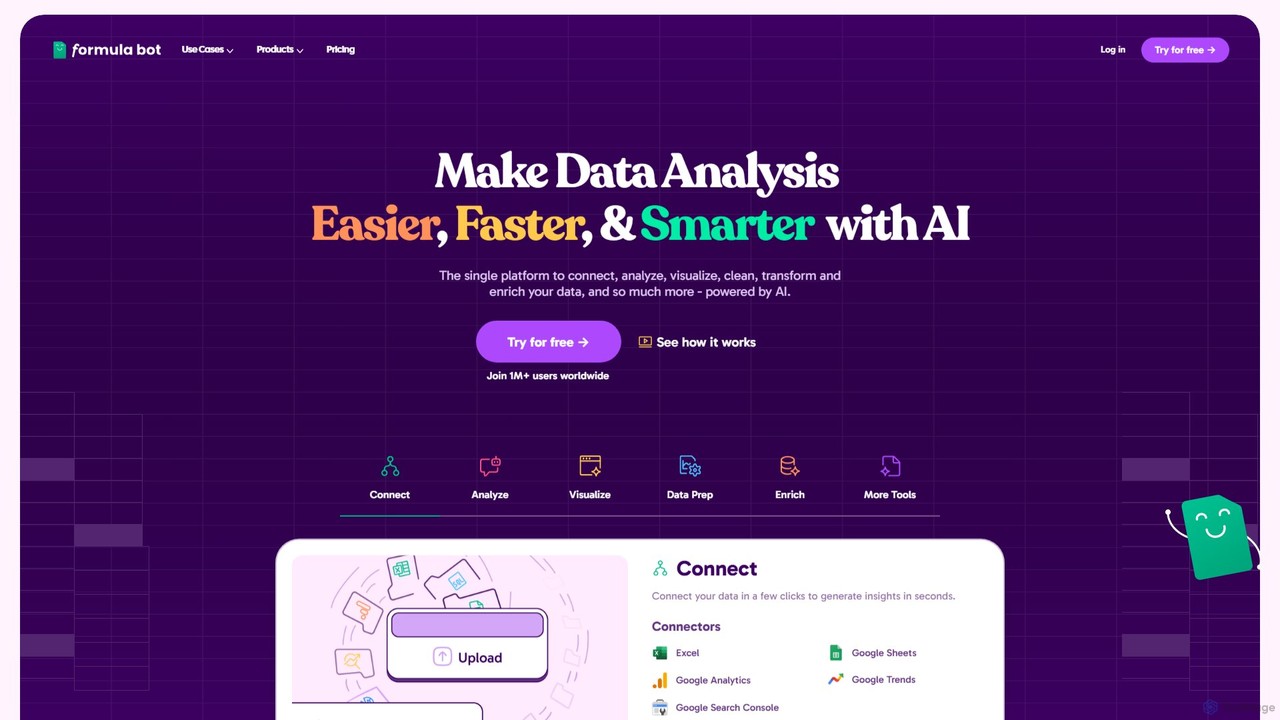
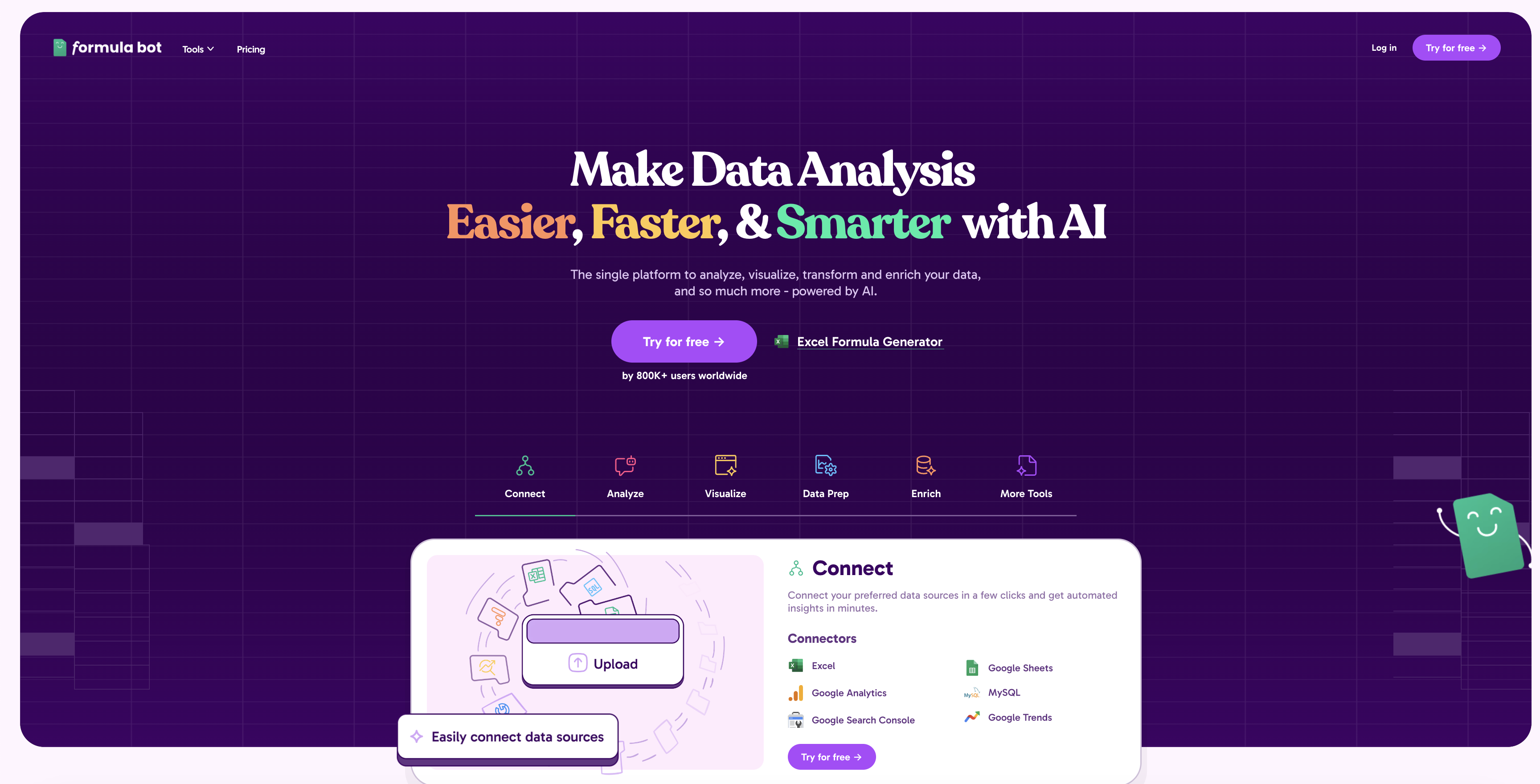
Formula Bot is an AI-powered data analysis platform that simplifies working with spreadsheets and data. It allows users to generate Excel formulas, SQL queries, and VBA code from simple text instructions, analyze data through a conversational chat interface, and automate tasks like data cleaning and enrichment.

Data Visualization
Visits 318.8KFavorites 119Likes 108
ExcelBot
Paid

ExcelBot

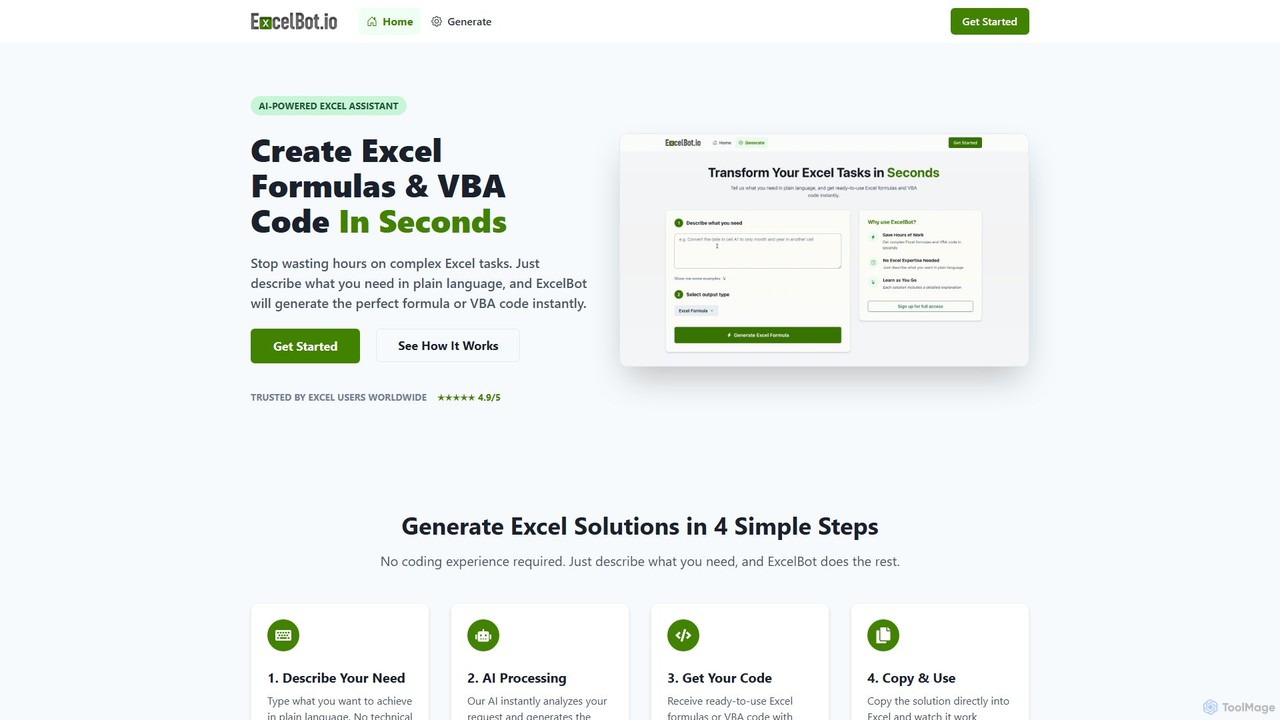
ExcelBot is an AI-powered assistant that instantly generates complex Excel formulas and VBA code from plain English descriptions. Designed for users of all skill levels, from beginners to data analysts, it saves hours of manual work, boosts productivity, and helps users learn by providing detailed explanations for every solution. Simply describe your task, and ExcelBot delivers the ready-to-use code in seconds.

Data Automation
Visits 6.8KFavorites 122Likes 129
excelformulagpt
Freemium

excelformulagpt

excelformulagpt is an AI-powered tool that instantly converts natural language descriptions into complex Excel and Google Sheets formulas. It helps users save time, reduce errors, and boost productivity without needing to memorize complex syntax. Features include formula generation, context-aware suggestions from uploaded files, and formula explanations.

Automation
Visits 7.9KFavorites 137Likes 144
ExcelMaster.ai
Freemium

ExcelMaster.ai

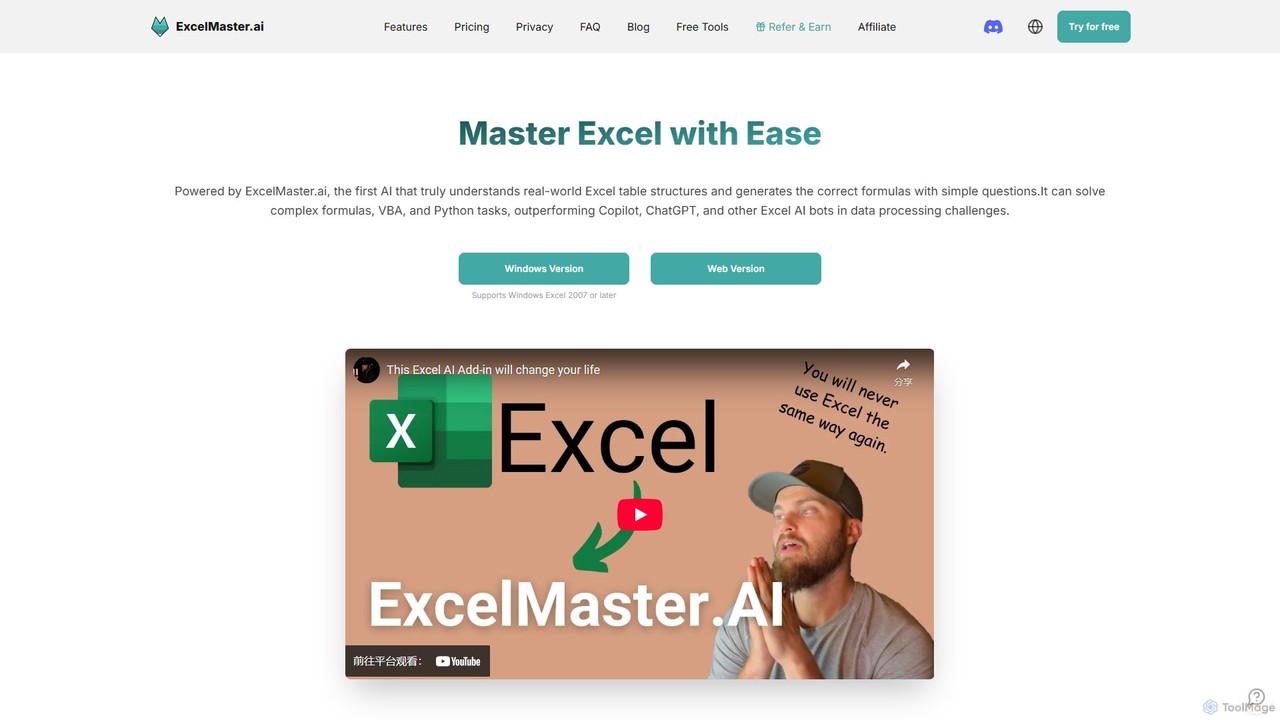
ExcelMaster.ai is an advanced AI assistant designed to master Microsoft Excel. It generates accurate formulas, VBA code, and Python scripts from simple natural language questions. It excels at understanding complex, multi-sheet structures and provides one-click automation, making it a powerful tool for both beginners and expert Excel users to enhance productivity and streamline data-heavy tasks.

Code Assistant
Visits 36.3KFavorites 116Likes 116
Formula Generator
Freemium

Formula Generator

An AI-powered tool that instantly generates, explains, and debugs formulas for Excel, Google Sheets, and Airtable from natural language descriptions. It also creates VBA, Apps Script, and SQL code to automate tasks, saving users time and improving spreadsheet accuracy without requiring extensive coding knowledge.

Low Code No Code
Visits 5.7KFavorites 133Likes 141
AskCSV
Freemium

AskCSV

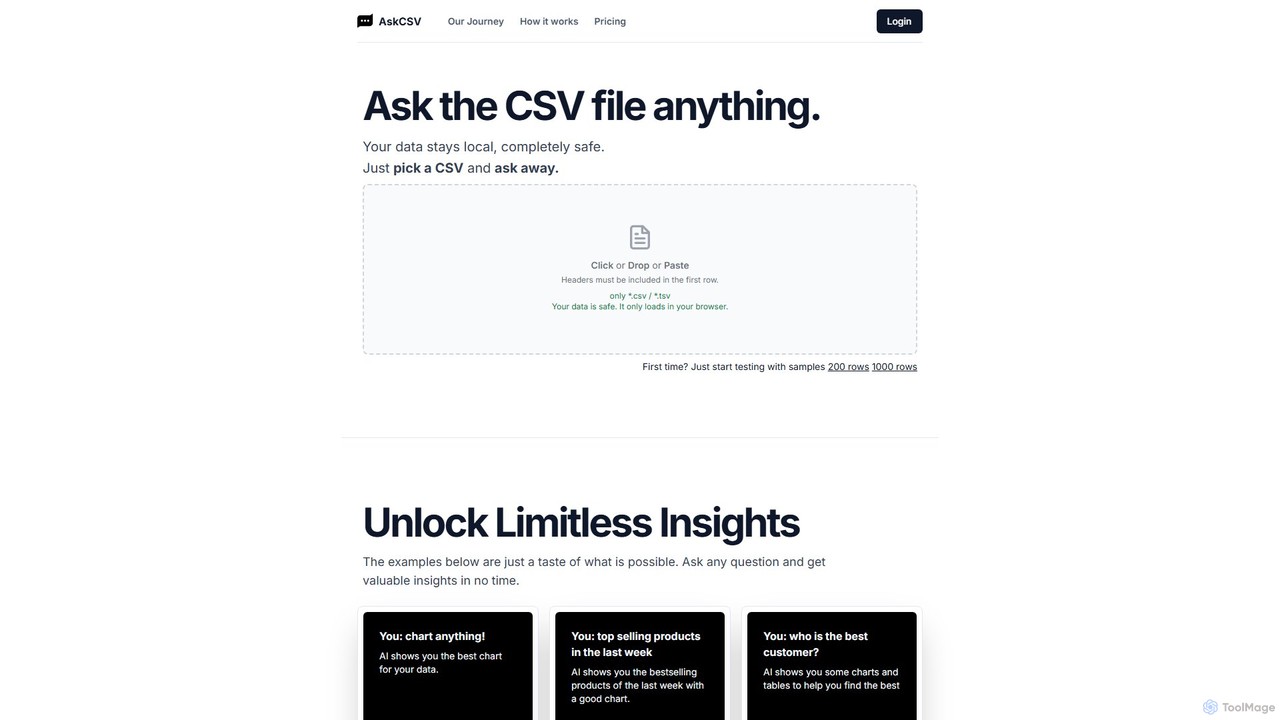
AskCSV is an AI-powered data analysis tool that lets you ask questions about your CSV files in plain English. It generates instant insights, charts, and tables directly in your browser, ensuring your data remains 100% private and secure as it's never uploaded to a server. Ideal for quick, secure data exploration without complex software.

Business Intelligence
Visits 7.3KFavorites 147Likes 125
Fina
Freemium

Fina

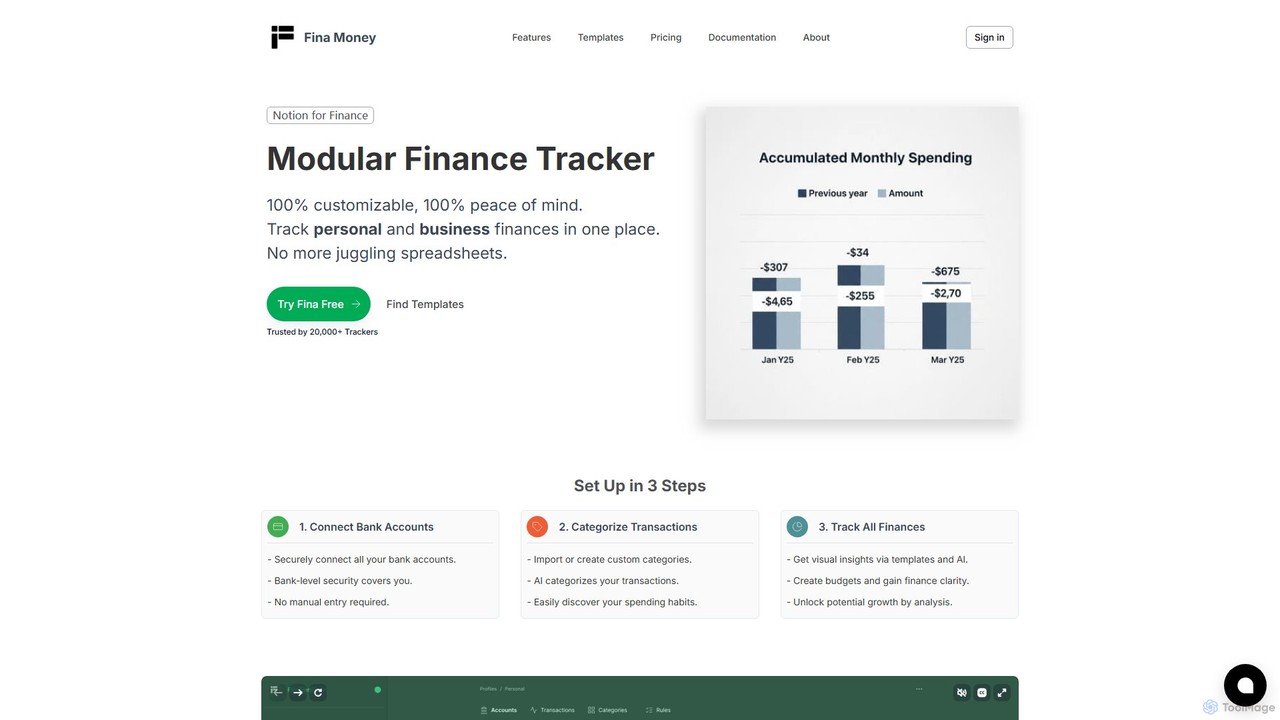
Fina is an AI-powered, modular finance tracker designed for ultimate flexibility. It helps users manage personal and business finances in one place, offering automated transaction categorization, custom metrics, multi-profile management, and insightful reporting. It combines the power of a spreadsheet with the ease of a modern app, making it a powerful alternative to traditional budgeting tools.

Financial Management
Visits 22.5KFavorites 115Likes 114
GPTExcel
Freemium

GPTExcel

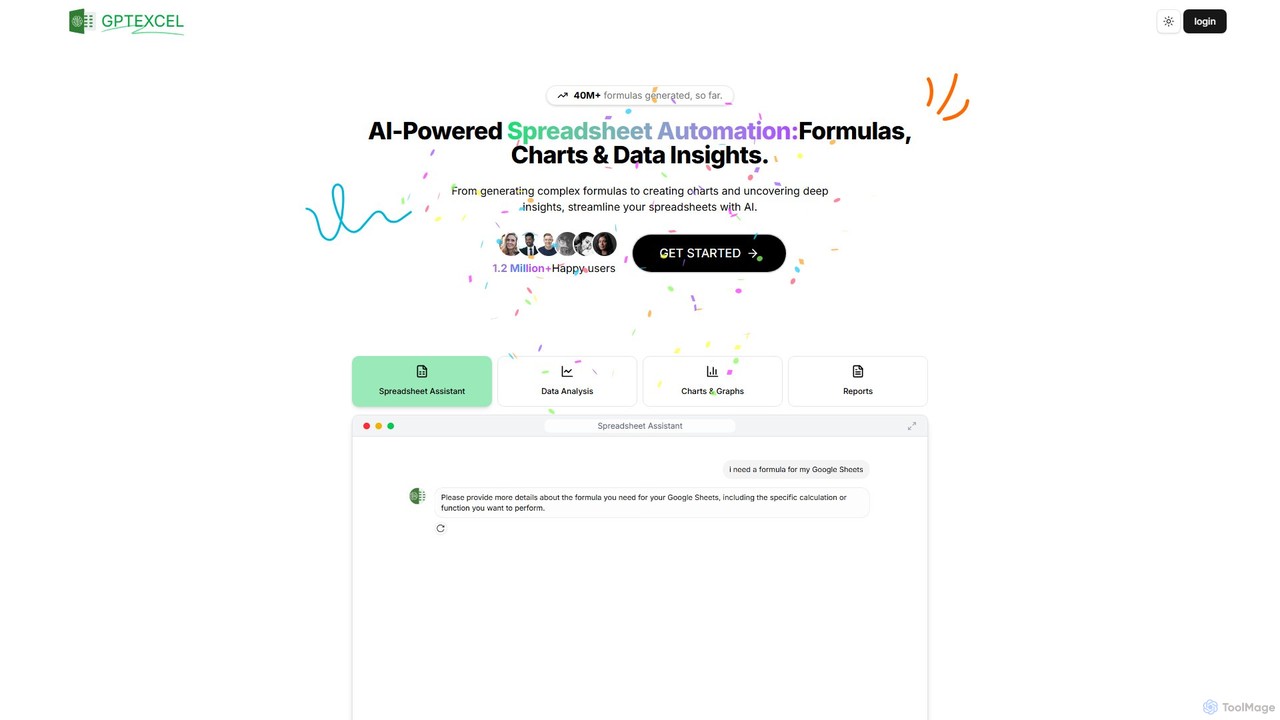
GPTExcel is an AI-powered assistant that revolutionizes spreadsheet workflows. It generates complex formulas, automation scripts (VBA, Apps Script), SQL queries, and Regex from natural language. It also enables users to chat with their data, convert images to tables, create charts, and perform in-depth data analysis, supporting platforms like Excel, Google Sheets, and Airtable.

Sql
Visits 250.7KFavorites 131Likes 114

About Spreadsheets

AI-powered Spreadsheets are intelligent tools that integrate artificial intelligence capabilities directly into traditional spreadsheet environments. These platforms leverage AI to automate complex data tasks, enhance data analysis, and facilitate more intuitive interaction with data. They empower users to derive deeper insights, streamline workflows, and make data-driven decisions with unprecedented efficiency, transforming raw data into actionable intelligence.

Core Features

  • Natural Language Processing (NLP): Allows users to generate formulas, ask questions, and analyze data using plain English commands.
  • Automated Data Cleaning: AI algorithms identify and correct errors, remove duplicates, and standardize data formats automatically.
  • Predictive Analytics: Forecast future trends and outcomes based on historical data, aiding in strategic planning.
  • Smart Data Visualization: Automatically suggests and creates appropriate charts and graphs to represent data insights effectively.
  • Intelligent Automation: Automates repetitive tasks like data entry, report generation, and data consolidation across multiple sheets.

Applicable Scenarios

AI spreadsheets are invaluable for financial analysts needing quick forecasts, marketing teams analyzing campaign performance, and operations managers optimizing resource allocation. They simplify complex data modeling, enable rapid scenario planning, and automate routine reporting, freeing up time for strategic thinking.

How to Choose

When selecting an AI spreadsheet tool, consider its specific AI capabilities (NLP, predictive modeling), integration with existing data sources and business intelligence tools, the volume and complexity of data it can handle, and its user-friendliness. Evaluate security features and compliance standards, especially for sensitive data, and assess the availability of templates and customization options to fit unique business needs.

Featured tool rankings

Spreadsheets use cases

1

Automate Financial Forecasting with AI

Financial analysts can leverage AI spreadsheets to build sophisticated predictive models. By inputting historical sales data, market trends, and economic indicators, the AI can automatically generate future revenue projections, expense estimates, and cash flow forecasts, significantly reducing manual calculation time and improving accuracy for strategic planning.

2

Intelligent Data Cleaning and Preparation

Data scientists and business intelligence professionals often spend hours cleaning messy datasets. AI spreadsheets can automatically identify and correct inconsistencies, remove duplicate entries, standardize formats, and fill missing values using machine learning algorithms, transforming raw, disparate data into a clean, analysis-ready format in minutes.

3

Natural Language Query for Business Insights

Marketing managers or sales teams can use AI spreadsheets to ask complex data questions in plain English, such as "What were our top 5 selling products last quarter in Europe?" The AI interprets the query, generates the necessary formulas, and presents the answer with relevant visualizations, democratizing data access without requiring advanced spreadsheet skills.

4

Dynamic Budgeting and Scenario Planning

Project managers and department heads can utilize AI spreadsheets for dynamic budgeting. By adjusting variables like project scope, resource costs, or timelines, the AI instantly recalculates the entire budget and highlights potential overruns or savings, allowing for real-time scenario analysis and agile financial adjustments.

5

Automated Report Generation and Distribution

Operations teams or HR departments can automate the creation of weekly or monthly performance reports. AI spreadsheets can pull data from various sources, consolidate it, generate summary tables and charts, and even distribute the reports to stakeholders via integrated platforms, ensuring timely and consistent communication with minimal manual effort.

6

Smart Data Visualization and Dashboard Creation

Business owners or consultants can quickly create insightful dashboards. AI spreadsheets analyze the data and suggest the most effective chart types (e.g., bar, line, pie) to highlight key trends and patterns. Users can then customize these AI-generated visualizations into interactive dashboards, providing a clear, at-a-glance overview of business performance.

Spreadsheets FAQ

What are AI Spreadsheets and how do they differ from traditional spreadsheets?

AI Spreadsheets are advanced versions of traditional spreadsheet software that integrate artificial intelligence capabilities. Unlike traditional spreadsheets which rely solely on manual formula input and data manipulation, AI spreadsheets leverage machine learning and natural language processing to automate tasks, provide predictive insights, and allow users to interact with data using plain language. This means they can perform smart data cleaning, generate complex formulas from text, and offer intelligent data visualization suggestions, significantly enhancing productivity and analytical depth.

What kind of AI capabilities do these tools typically offer?

AI spreadsheet tools typically offer a range of powerful AI capabilities designed to streamline data work. These include Natural Language Processing (NLP) for formula generation and data querying, machine learning algorithms for predictive analytics and forecasting, intelligent data cleaning and anomaly detection, and smart visualization suggestions. Some also feature automation for repetitive tasks, sentiment analysis on text data, and integration with other AI services for enhanced functionality.

Who can benefit most from using AI Spreadsheets?

A wide range of professionals can benefit significantly from AI spreadsheets. Financial analysts can use them for more accurate forecasting and scenario planning. Marketing and sales teams can gain deeper insights into campaign performance and customer behavior. Data analysts and business intelligence professionals can accelerate data preparation and analysis. Project managers can optimize resource allocation and track progress more effectively. Essentially, anyone who regularly works with large datasets and seeks to automate tasks, gain predictive insights, or simplify complex analysis will find AI spreadsheets invaluable.

How do AI Spreadsheets improve data analysis and decision-making?

AI Spreadsheets improve data analysis by automating tedious tasks like data cleaning and formula creation, allowing users to focus on interpretation. They enhance decision-making through predictive analytics, offering forecasts and identifying trends that might be missed manually. Natural Language Processing makes data querying accessible to non-technical users, democratizing insights. By providing smarter visualizations and real-time scenario modeling, these tools enable quicker, more informed strategic choices based on comprehensive, AI-driven data understanding.

Are AI Spreadsheets difficult to learn for someone familiar with traditional spreadsheets?

For users already familiar with traditional spreadsheets, transitioning to AI spreadsheets is generally intuitive. Most AI spreadsheet tools are built upon familiar interfaces, retaining core functionalities while adding an AI layer. The AI features, such as natural language input for formulas or automated data cleaning, are designed to simplify complex tasks, not complicate them. While there might be a slight learning curve to leverage the advanced AI capabilities fully, the goal of these tools is to make data analysis more accessible and efficient, rather than more difficult.