LightPDF Alternatives

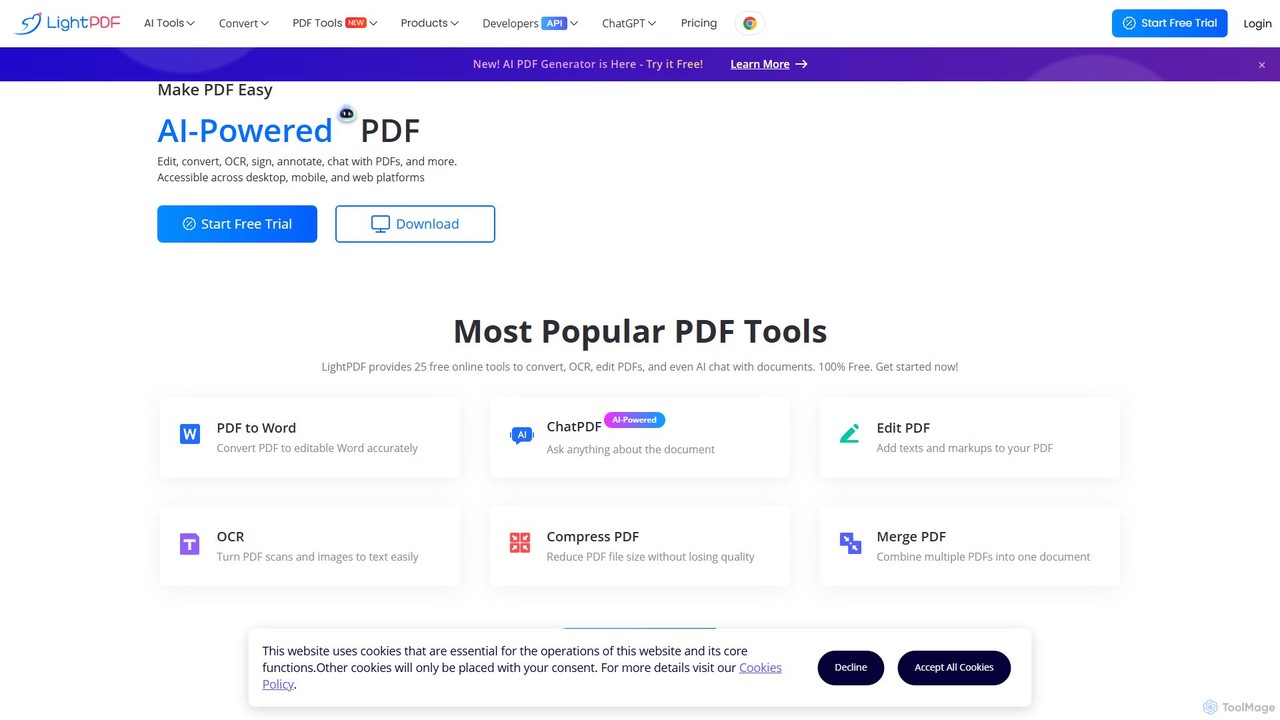
Experience the future of document management with LightPDF. Use AI to chat with your PDFs, get instant summaries, and analyze data. Edit, convert, merge, sign, and OCR any PDF file effortlessly across all your devices.

LightPDF is a Freemium Document Assistant AI Tool The recommendations below are sorted based on shared categories, tags, applicable professions, community interactions, and traffic signals to help you choose alternative tools based on real usage scenarios.

Rating
5
Saved on
Likes
Monthly Visits
1.9M
Growth
-2.3%

LightPDF Alternative selection guide

Alternatives to LightPDF should not only be considered within the same category; you also need to compare Document Assistant、Chat With Your Docs、File Management、productivity, pricing models, product formats, access popularity, and user feedback. The current list prioritizes tools that share a clear category, tag, or applicable profession with LightPDF, such as UPDF AI、SwifDoo PDF、ChatPDF、FileDrop, and explains the similarities and key differences for each recommendation.

First, confirm the alternative scenario

Prioritize tools that match both Document Assistant and key tags, avoiding recommendations based solely on belonging to the same broad category.

Then, compare delivery formats

Websites, apps, browser extensions, and freemium models directly impact trial barriers, team procurement, and long-term usage costs.

Finally, look at quality signals

Use traffic, bookmarks, likes, or comment data as supplementary judgment; tools lacking data are not directly excluded, but greater emphasis should be placed on functional fit explanations.

Quick decision

Select the most worthwhile alternatives to try first based on common purchasing and usage scenarios.

Best Overall Alternative
UPDF AI
Comprehensive Match

UPDF AI and LightPDF both cover Document Assistant and jointly match productivity、OCR、chat with pdf and similar needs, for users who want to prioritize comparing similar use cases.

Differences between UPDF AI and LightPDF mainly show in product experience, feature depth, and workflow design around productivity.

Match score: 14 Monthly Visits: 211.7K

Best fit for chat with pdf
SwifDoo PDF
chat with pdf

SwifDoo PDF and LightPDF share tags such as OCR、chat with pdf、document management, so they are better compared from specific feature needs than from broad categories alone.

What sets SwifDoo PDF apart from LightPDF: Primary scenario leans toward Document Management.

Match score: 12 Monthly Visits: 204.8K
Best fit for productivity
ChatPDF
productivity

ChatPDF and LightPDF both cover Document Assistant and jointly match productivity、summarizer、chat with pdf and similar needs, for users who want to prioritize comparing similar use cases.

Differences between ChatPDF and LightPDF mainly show in product experience, feature depth, and workflow design around productivity.

Match score: 12 Monthly Visits: 1.9M
Best fit for summarizer
PDFPeer
summarizer

PDFPeer and LightPDF both cover Document Assistant and jointly match summarizer、OCR、pdf converter and similar needs, for users who want to prioritize comparing similar use cases.

Differences between PDFPeer and LightPDF mainly show in product experience, feature depth, and workflow design around summarizer.

Match score: 12 Monthly Visits: 3.2K
Best Mobile Alternative
UPDF
App

UPDF and LightPDF share tags such as OCR、document management、pdf editor, so they are better compared from specific feature needs than from broad categories alone.

What sets UPDF apart from LightPDF: Primary format is App;Primary scenario leans toward Document Management.

Match score: 10 Monthly Visits: 1.0M

LightPDF vs Top 5 alternatives

Compare pricing, form, reasons for matching, and key differences to reduce the cost of opening each page individually.

Tools Pricing Type Why similar Key differences
UPDF AI
Match score: 14
Freemium Website UPDF AI and LightPDF both cover Document Assistant and jointly match productivity、OCR、chat with pdf and similar needs, for users who want to prioritize comparing similar use cases. Differences between UPDF AI and LightPDF mainly show in product experience, feature depth, and workflow design around productivity.
SwifDoo PDF
Match score: 12
Freemium Website SwifDoo PDF and LightPDF share tags such as OCR、chat with pdf、document management, so they are better compared from specific feature needs than from broad categories alone. What sets SwifDoo PDF apart from LightPDF: Primary scenario leans toward Document Management.
ChatPDF
Match score: 12
Freemium Website ChatPDF and LightPDF both cover Document Assistant and jointly match productivity、summarizer、chat with pdf and similar needs, for users who want to prioritize comparing similar use cases. Differences between ChatPDF and LightPDF mainly show in product experience, feature depth, and workflow design around productivity.
FileDrop
Match score: 12
Freemium Website FileDrop and LightPDF both cover File Management and jointly match productivity、OCR、document management and similar needs, for users who want to prioritize comparing similar use cases. What sets FileDrop apart from LightPDF: Primary scenario leans toward File Management.
GoPDF
Match score: 12
Freemium Website GoPDF and LightPDF share tags such as OCR、chat with pdf、document management, so they are better compared from specific feature needs than from broad categories alone. What sets GoPDF apart from LightPDF: Primary scenario leans toward Document Management.

Alternative FAQ

What are the most worthwhile alternatives to LightPDF to look at first?

UPDF AI、SwifDoo PDF、ChatPDF are the most recommended tools for priority comparison on this page. They share a clear category, tag, or applicable profession with LightPDF, but may differ in price, format, and feature depth.

Why aren't these recommendations sorted solely by traffic?

Traffic only indicates attention, not scenario fit. The page sorting first requires candidate tools to have a category, tag, or professional overlap with LightPDF, and then sorts based on traffic, interaction data, and result diversity.

Will a tool be affected in recommendations if it has no traffic or review data?

It will not be directly excluded. When traffic or reviews are lacking, the system relies more on Document Assistant, tags, professional matches, and the tool's own information to avoid misinterpreting missing data as low quality.

Reset

LightPDF the best 50 Alternatives

Sorted based on shared categories, tags, professional matching, and community quality signals.

UPDF AI is a powerful AI assistant integrated into the UPDF editor, designed to revolutionize how you interact with PDF documents. It allows you to chat with your PDFs, get instant summaries, translate entire documents or selected text, explain complex data, and even convert dense content into visual mind maps. Available on Windows, macOS, iOS, Android, and the web, it streamlines workflows for students, researchers, and professionals by making document comprehension and analysis faster and more efficient.

Why similar

UPDF AI and LightPDF both cover Document Assistant and jointly match productivity、OCR、chat with pdf and similar needs, for users who want to prioritize comparing similar use cases.

Key differences

Differences between UPDF AI and LightPDF mainly show in product experience, feature depth, and workflow design around productivity.

UPDF AIis an AI tool designed forMarketing Manager.Product Manager.Student.Sales Representative.HR Manager.Researcher.Educator.Writer.Financial Analyst.Lawyer.Healthcare Professional.Government EmployeeAI tool designed Experience the future of PDF interaction with UPDF AI. Get instant summaries, translations, and explanations. Chat with single or multiple documents, create mind maps, and analyze images. Available on all platforms. UPDF AIApplicable toResearch.Document Assistant.Summarizerand other fields.

Rating
5.0
Saved on
Likes
Monthly Visits
211.7K
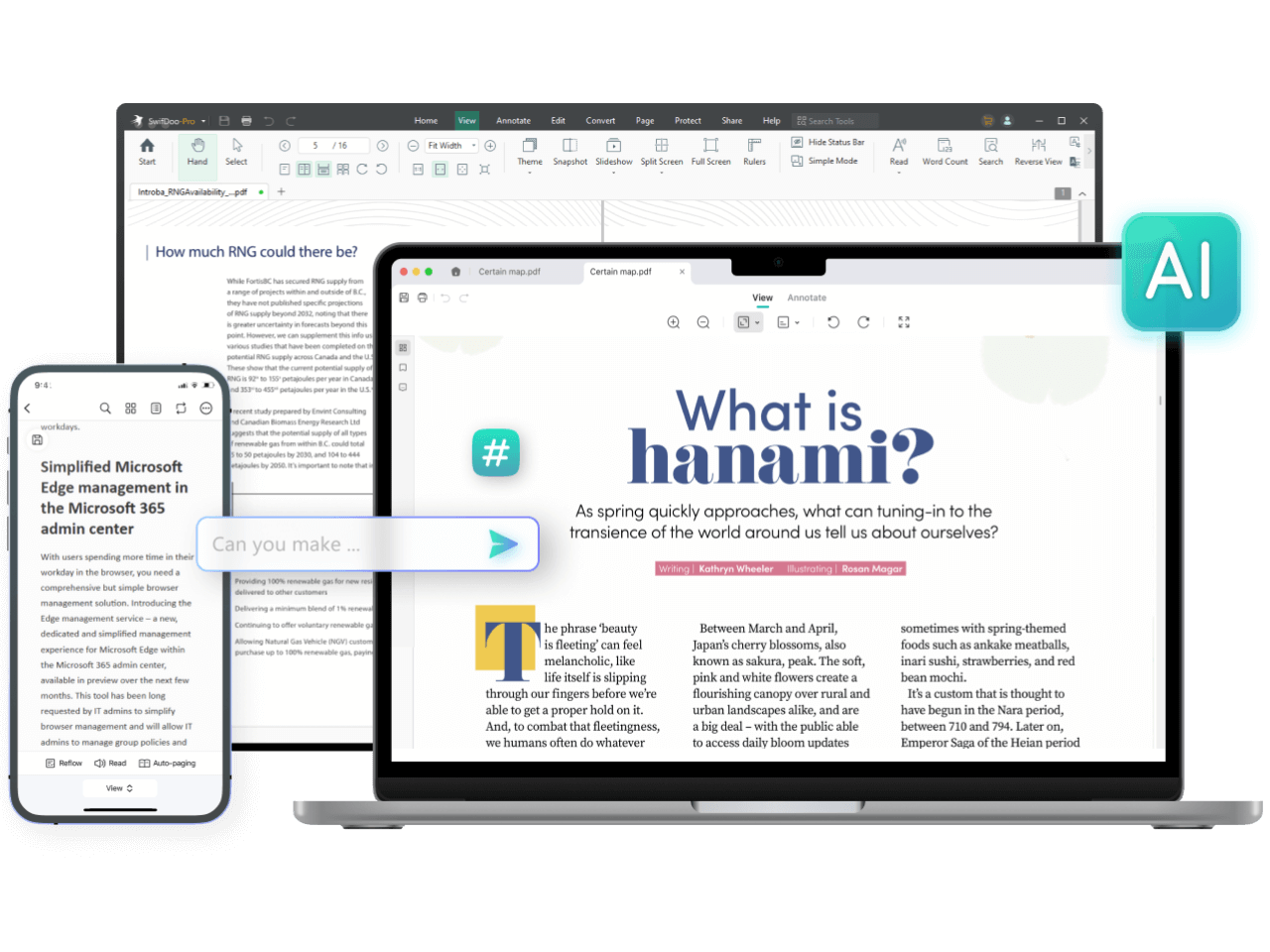
SwifDoo PDF is an all-in-one, AI-powered PDF software for effortless document management. It allows users to create, edit, convert, merge, compress, and sign PDF files. With integrated AI features, you can summarize, translate, proofread, and chat with your documents. Available on Windows, macOS, iOS, and Android, it offers a lightweight yet powerful solution for both individual and business users.

Why similar

SwifDoo PDF and LightPDF share tags such as OCR、chat with pdf、document management, so they are better compared from specific feature needs than from broad categories alone.

Key differences

What sets SwifDoo PDF apart from LightPDF: Primary scenario leans toward Document Management.

Discover SwifDoo PDF, the ultimate all-in-one, AI-powered PDF tool. Edit, convert, sign, compress, and merge PDFs effortlessly. Use AI to summarize, translate, and chat with your documents. Available on all devices. SwifDoo PDFApplicable toDocument Signing.Document Management.File Conversionand other fields.

Rating
5.0
Saved on
Likes
Monthly Visits
204.8K

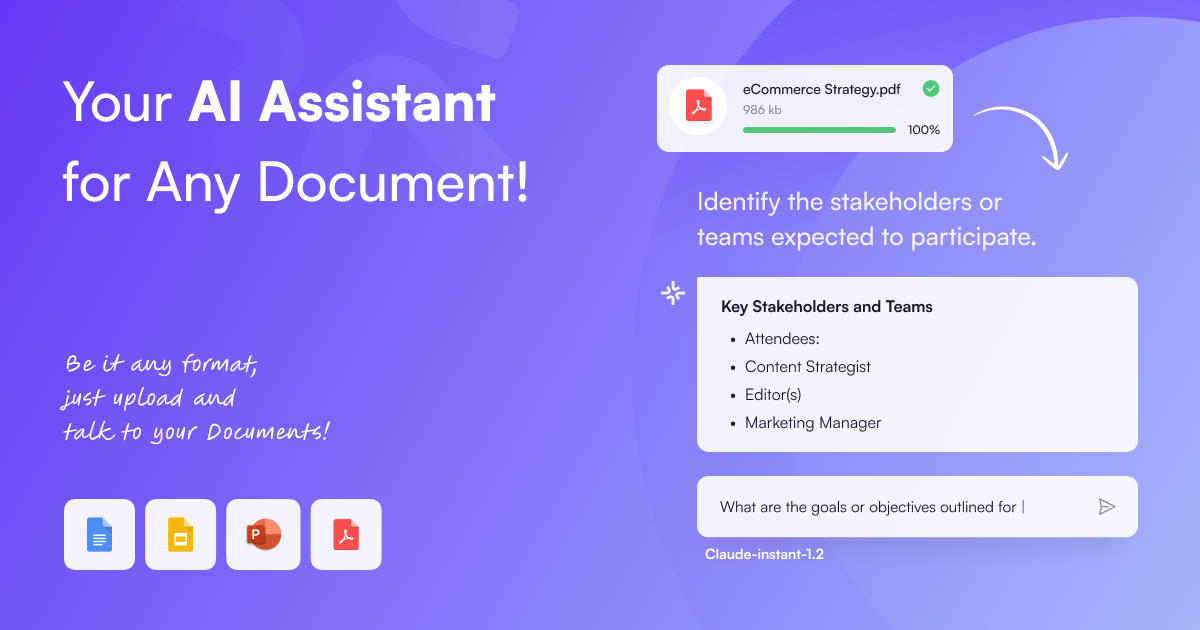
ChatPDF is an AI-powered platform that allows you to interact with your documents as if you were having a conversation. Simply upload a PDF, and the AI will help you summarize content, answer specific questions, and extract key information in seconds. It's designed for students, researchers, and professionals to enhance productivity and understanding.

Why similar

ChatPDF and LightPDF both cover Document Assistant and jointly match productivity、summarizer、chat with pdf and similar needs, for users who want to prioritize comparing similar use cases.

Key differences

Differences between ChatPDF and LightPDF mainly show in product experience, feature depth, and workflow design around productivity.

ChatPDFis an AI tool designed forMarketing Manager.Content Creator.Product Manager.Student.HR Manager.Researcher.Financial Analyst.Technical Writer.Legal Professional.AcademicAI tool designed Chat with any PDF document using ChatPDF. Get instant summaries, ask questions, and extract key information from research papers, books, and reports for free. Boost your productivity and understanding with AI. ChatPDFApplicable toResearch.Document Assistant.Text Analysisand other fields.

Rating
5.0
Saved on
Likes
Monthly Visits
1.9M

FileDrop is a productivity suite for Google Workspace and a web platform that streamlines file management. It enables batch insertion of files into Google Sheets & Docs, offers a powerful file converter for 37+ formats, extracts text with AI-powered OCR, and provides secure file collection forms.

Why similar

FileDrop and LightPDF both cover File Management and jointly match productivity、OCR、document management and similar needs, for users who want to prioritize comparing similar use cases.

Key differences

What sets FileDrop apart from LightPDF: Primary scenario leans toward File Management.

Streamline your workflow with FileDrop. Batch insert files into Google Sheets, convert 37+ formats, extract text with AI OCR, and manage Drive folders effortlessly. Boost productivity now. FileDropApplicable toData Extraction.Document Management.File Managementand other fields.

Rating
5.0
Saved on
Likes
Monthly Visits
39.9K

GoPDF is an AI-powered, all-in-one online PDF solution. It allows users to easily edit, convert, sign, merge, compress, and interact with PDF documents through an intuitive web interface and mobile app. AI features enable users to chat with their documents for quick summaries and answers.

Why similar

GoPDF and LightPDF share tags such as OCR、chat with pdf、document management, so they are better compared from specific feature needs than from broad categories alone.

Key differences

What sets GoPDF apart from LightPDF: Primary scenario leans toward Document Management.

Discover GoPDF, the all-in-one online PDF solution. Edit, convert, sign, and chat with your PDFs using powerful AI. Free and easy to use. Try it now! GoPDFApplicable toChat With Document.E Signature.Study.Document Managementand other fields.

Rating
5.0
Saved on
Likes
Monthly Visits
69.0K

PDFPeer is a versatile AI-powered platform that lets you chat with your PDF documents to instantly get summaries, answers, and insights. It also offers a suite of free tools for PDF conversion, text extraction (including OCR), splitting, and merging. Ideal for students, professionals, and anyone handling documents, PDFPeer simplifies information retrieval and document management, making your workflow more efficient.

Why similar

PDFPeer and LightPDF both cover Document Assistant and jointly match summarizer、OCR、pdf converter and similar needs, for users who want to prioritize comparing similar use cases.

Key differences

Differences between PDFPeer and LightPDF mainly show in product experience, feature depth, and workflow design around summarizer.

Interact with your PDFs using AI. Ask questions, get summaries, and analyze documents instantly with PDFPeer. Also includes a free suite of tools for PDF conversion, OCR, splitting, and more. Perfect for students and professionals. PDFPeerApplicable toDocument Management.Study Tool.Reporting.Document Assistantand other fields.

Rating
5.0
Saved on
Likes
Monthly Visits
3.2K

PDFflex is a comprehensive, all-in-one online platform for managing PDF documents. It allows users to edit, convert, merge, split, and sign PDFs with ease. Featuring an intuitive interface and robust security, PDFflex also incorporates AI-powered tools like OCR for scanned documents and summarizers for long texts. It supports a vast range of file formats, making it a versatile solution for both personal and professional use, accessible from any browser without installation.

Why similar

PDFflex and LightPDF share tags such as OCR、document management、pdf editor, so they are better compared from specific feature needs than from broad categories alone.

Key differences

What sets PDFflex apart from LightPDF: Primary scenario leans toward Document Management.

PDFflexis an AI tool designed forMarketing Manager.Student.Sales Representative.HR Manager.Researcher.Project Manager.Real Estate Agent.Legal Professional.Accountant.Administrative AssistantAI tool designed Edit, convert, sign, and manage your PDF files effortlessly with PDFflex. Our secure, all-in-one online tool features AI-powered OCR, summarization, and supports dozens of formats. Try it now! PDFflexApplicable toSummarizer.File Conversion.Document Managementand other fields.

Rating
5.0
Saved on
Likes
Monthly Visits
11.7M

DocXter is an AI-powered knowledge intelligence platform that allows you to interact with any document. Upload PDFs, DOCX, or even scanned files, and use natural language to ask questions, summarize content, extract key insights, and analyze information across multiple documents. It's designed to boost productivity for professionals, teams, and researchers by turning static documents into interactive knowledge bases.

Why similar

DocXter and LightPDF both cover Document Assistant and jointly match summarizer、OCR、chat with pdf and similar needs, for users who want to prioritize comparing similar use cases.

Key differences

Differences between DocXter and LightPDF mainly show in product experience, feature depth, and workflow design around summarizer.

Chat with your PDFs, DOCX, and scanned files with DocXter. This AI-powered tool helps you summarize, analyze, and extract insights from any document instantly. Boost productivity with OCR, multi-document analysis, and team collaboration features. DocXterApplicable toKnowledge Management.Document Assistant.Data Analysis.Summarizerand other fields.

Rating
5.0
Saved on
Likes
Monthly Visits
2.5K

UPDF is an AI-integrated, all-in-one PDF editor that allows users to edit, annotate, convert, summarize, translate, and chat with PDF documents. It offers a seamless experience across Windows, macOS, iOS, and Android, boosting productivity for individuals, students, and businesses.

Why similar

UPDF and LightPDF share tags such as OCR、document management、pdf editor, so they are better compared from specific feature needs than from broad categories alone.

Key differences

What sets UPDF apart from LightPDF: Primary format is App;Primary scenario leans toward Document Management.

UPDFis an AI tool designed forMarketing Manager.Content Creator.Student.Sales Representative.HR Manager.Researcher.Educator.Project Manager.Lawyer.Administrative StaffAI tool designed Discover UPDF, the all-in-one AI PDF editor. Edit, convert, annotate, summarize, and chat with your documents seamlessly across Windows, Mac, iOS, and Android. Boost your productivity now. UPDFApplicable toDocument Analysis.Study Tools.Document Managementand other fields.

Rating
5.0
Saved on
Likes
Monthly Visits
1.0M

File AI is an intelligent document assistant that allows you to chat with your files. Instantly read, summarize, and extract key information from various document types like PDFs, DOCX, and more. It's designed to boost productivity for students, researchers, legal professionals, and anyone working with documents.

Why similar

File AI and LightPDF both cover Document Assistant and jointly match summarizer、chat with pdf、document management and similar needs, for users who want to prioritize comparing similar use cases.

Key differences

Differences between File AI and LightPDF mainly show in product experience, feature depth, and workflow design around summarizer.

Instantly read, summarize, and analyze any document with File AI. Chat with PDFs, Word docs, and more to get quick answers and insights. Perfect for research, legal work, and productivity. File AIApplicable toResearch.Legal Tech.Document Assistant.Text Summarizerand other fields.

Rating
5.0
Saved on
Likes
Monthly Visits
2.5K

PDF Candy is a comprehensive all-in-one online and desktop toolkit offering over 90 free tools to manage PDF files. Users can easily edit, convert from and to various formats, merge, compress, sign, unlock, and perform OCR on documents. It provides a user-friendly interface for both casual and professional use, ensuring high-quality results for all your PDF needs.

Why similar

PDF Candy and LightPDF share tags such as OCR、document management、pdf editor, so they are better compared from specific feature needs than from broad categories alone.

Key differences

What sets PDF Candy apart from LightPDF: Primary scenario leans toward Document Management.

Discover PDF Candy, the comprehensive suite of 90+ free online and desktop tools. Edit, convert, merge, compress, sign, and OCR your PDF files with ease. Freemium plans available for advanced features. PDF CandyApplicable toFile Conversion.Document Management.Pdf Toolsand other fields.

Rating
5.0
Saved on
Likes
Monthly Visits
2.4M

ScreenSnapAI is a smart macOS application that uses AI to automatically rename, tag, and organize your screenshots. It features an integrated AI assistant that allows you to instantly chat about, translate, or extract text and code from any captured image, dramatically improving productivity and workflow efficiency.

Why similar

ScreenSnapAI and LightPDF both cover File Management and jointly match productivity、OCR and similar needs, for users who want to prioritize comparing similar use cases.

Key differences

What sets ScreenSnapAI apart from LightPDF: Pricing model is Is Paid;Primary format is App;Primary scenario leans toward File Management.

Boost your productivity on Mac with ScreenSnapAI. Automatically rename, tag, and organize screenshots with AI. Instantly chat with your captures, extract text, and more. ScreenSnapAIApplicable toCode Assistant.Automation.File Management.Utilitiesand other fields.

Rating
5.0
Saved on
Likes
Monthly Visits
5.3K

DocGPT is an AI-powered tool that allows you to chat directly with your documents. Simply upload files like PDFs, DOCX, or TXT, and ask questions in natural language to instantly extract information, get summaries, and find key insights. It's designed to boost productivity for students, researchers, and professionals by making document analysis fast and intuitive.

Why similar

DocGPT and LightPDF both cover Document Assistant and jointly match productivity、summarizer、chat with pdf and similar needs, for users who want to prioritize comparing similar use cases.

Key differences

Differences between DocGPT and LightPDF mainly show in product experience, feature depth, and workflow design around productivity.

Instantly chat with your documents using DocGPT. Upload PDFs, Word files, and more to ask questions, extract key information, and get instant summaries. Boost your productivity and research efficiency. DocGPTApplicable toStudy Aid.Document Assistant.Information Retrievaland other fields.

Rating
5.0
Saved on
Likes
Monthly Visits
7.4K

A powerful AI add-on that integrates GPT capabilities directly into Google Sheets, Docs, Microsoft Excel, and Word. Automate tasks, generate text, analyze data, and create formulas using simple commands, boosting your productivity without leaving your documents.

Why similar

GPT for Work and LightPDF both cover Document Assistant and jointly match productivity and similar needs, for users who want to prioritize comparing similar use cases.

Key differences

What sets GPT for Work apart from LightPDF: Primary format is Browser Extension;Primary scenario leans toward Spreadsheets.

Supercharge your workflow with GPT for Work. Integrate AI directly into Excel, Word, Google Sheets, and Docs to automate data analysis, generate content, and more. GPT for WorkApplicable toDocument Assistant.Spreadsheets.Writingand other fields.

Rating
5.0
Saved on
Likes
Monthly Visits
297.6K

Tenorshare offers a comprehensive suite of software solutions for data recovery, system repair, password unlocking, and device management for iOS, Android, Windows, and Mac. It integrates AI to enhance productivity with tools for PDF editing, content humanizing, and more.

Why similar

Tenorshare and LightPDF both cover File Management and jointly match pdf editor and similar needs, for users who want to prioritize comparing similar use cases.

Key differences

What sets Tenorshare apart from LightPDF: Primary format is App;Primary scenario leans toward Data Recovery.

Tenorshareis an AI tool designed forMarketing Manager.Content Creator.Social Media Manager.Student.Researcher.IT Support Specialist.Data Recovery Specialist.Mobile Repair TechnicianAI tool designed Discover Tenorshare's suite of tools for iOS/Android data recovery, system repair, password unlocking, and WhatsApp transfer. Featuring AI-powered PDF editing and content solutions. TenorshareApplicable toSystem Repair.File Management.Password Management.Data Recoveryand other fields.

Rating
5.0
Saved on
Likes
Monthly Visits
2.7M

docubro is an AI-powered document intelligence platform designed to help users instantly summarize, query, and extract key information from complex documents. Upload PDFs, reports, or articles and interact with them through a conversational AI to boost productivity and accelerate research.

Why similar

docubro and LightPDF both cover Document Assistant and jointly match productivity、chat with pdf、document management and similar needs, for users who want to prioritize comparing similar use cases.

Key differences

Differences between docubro and LightPDF mainly show in product experience, feature depth, and workflow design around productivity.

Unlock insights from your documents with docubro. The AI-powered platform to summarize, chat with, and extract data from PDFs, reports, and more. Boost your productivity. docubroApplicable toData Analysis.Research.Document Assistantand other fields.

Rating
5.0
Saved on
Likes
Monthly Visits
2.5K

pdfpilot.ai is an AI-powered assistant that transforms your PDF documents into interactive chatbots. Instantly get summaries, ask complex questions, and extract key information from research papers, reports, and contracts, saving you hours of reading time.

Why similar

pdfpilot.ai and LightPDF both cover Document Assistant and jointly match productivity、summarizer、chat with pdf and similar needs, for users who want to prioritize comparing similar use cases.

Key differences

Differences between pdfpilot.ai and LightPDF mainly show in product experience, feature depth, and workflow design around productivity.

Unlock the knowledge in your PDFs. pdfpilot.ai is an AI assistant that lets you chat with documents, get instant summaries, and extract key information effortlessly. Perfect for students, researchers, and professionals. pdfpilot.aiApplicable toData Analysis.Research.Contract Analysis.Document Assistantand other fields.

Rating
5.0
Saved on
Likes
Monthly Visits
2.5K

Riffo is an AI-powered file management tool for Mac that automatically renames and organizes your files. It intelligently analyzes file content, including text in images and documents, to generate descriptive names and sort them into relevant subfolders, transforming a cluttered desktop into an organized digital workspace.

Why similar

Riffo and LightPDF both cover File Management and jointly match productivity、document management and similar needs, for users who want to prioritize comparing similar use cases.

Key differences

What sets Riffo apart from LightPDF: Primary format is App;Primary scenario leans toward File Management.

Tired of messy files? Riffo is an AI-powered tool for macOS that automatically renames and sorts your files and screenshots into folders. Download for free and achieve a perfectly organized desktop in seconds. RiffoApplicable toWorkflow.File Management.Desktop Enhancementand other fields.

Rating
5.0
Saved on
Likes
Monthly Visits
9.6K

mega is an intelligent cloud storage and digital asset management platform. It uses powerful AI to automatically organize, tag, and search your files, transforming how you manage your digital life. Securely store, share, and collaborate with AI-driven features that streamline workflows and help you find what you need instantly.

Why similar

mega and LightPDF both cover File Management and jointly match productivity and similar needs, for users who want to prioritize comparing similar use cases.

Key differences

What sets mega apart from LightPDF: Primary scenario leans toward Cloud Storage.

Experience the future of file management with mega. Our AI-powered cloud storage automatically organizes, tags, and secures your files. Find anything instantly with natural language search. Get started for free! megaApplicable toDigital Asset Management.Cloud Storage.File Managementand other fields.

Rating
5.0
Saved on
Likes
Monthly Visits
6.1M

Dewatermark.ai is an AI-powered online tool designed to effortlessly remove watermarks from images, videos, and PDFs. It offers a fast, simple, and high-quality solution for content creators, marketers, and individuals, preserving original file quality without requiring complex editing skills.

Why similar

Dewatermark.ai and LightPDF both cover File Management and jointly match pdf editor and similar needs, for users who want to prioritize comparing similar use cases.

Key differences

What sets Dewatermark.ai apart from LightPDF: Primary scenario leans toward 3D.

Effortlessly remove watermarks from images, videos, and PDFs with Dewatermark.ai. Our AI-powered tool ensures high-quality results quickly and easily, with no editing skills required. Try it for free! Dewatermark.aiApplicable to3D.File Management.Editingand other fields.

Rating
5.0
Saved on
Likes
Monthly Visits
2.0M

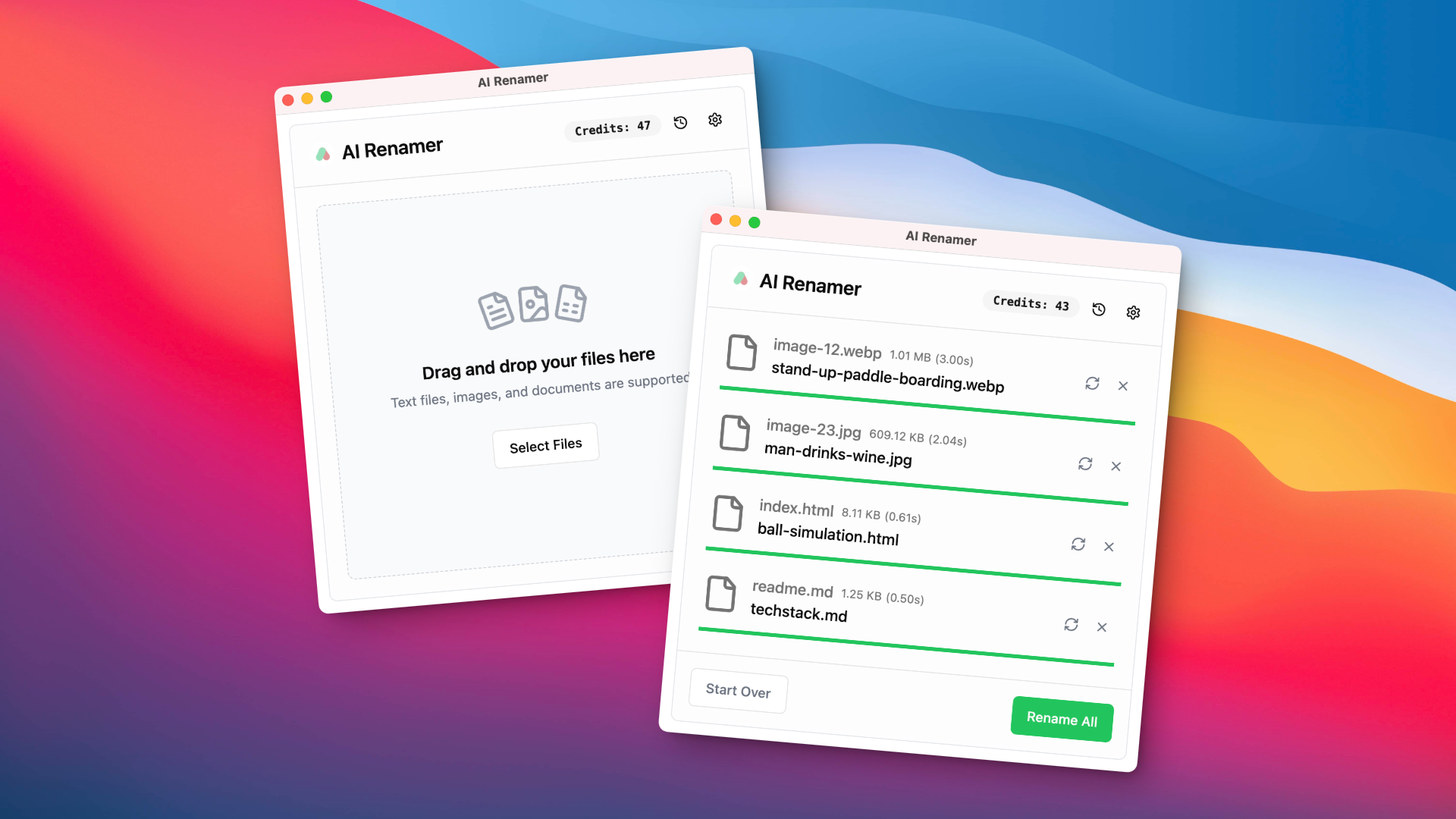
AI Renamer is a smart desktop application for Mac and Windows that automatically renames files based on their content. It analyzes images and documents to generate descriptive, meaningful names, helping you organize your digital life effortlessly. It supports batch processing, custom naming rules, and offers both a private, offline Local Mode and a convenient Cloud Mode.

Why similar

AI Renamer and LightPDF both cover File Management and jointly match productivity、document management and similar needs, for users who want to prioritize comparing similar use cases.

Key differences

What sets AI Renamer apart from LightPDF: Primary format is App;Primary scenario leans toward File Management.

Discover AI Renamer, the smart desktop app that uses AI to automatically rename your images and documents based on their content. Boost productivity and organize your files effortlessly. Supports local models for privacy. AI RenamerApplicable toDocument Management.Image Organizer.File Management.Automationand other fields.

Rating
5.0
Saved on
Likes
Monthly Visits
5.4K

OrgaFile is an AI-powered tool that automatically analyzes, renames, and organizes your files into smart, customizable categories. Designed for professionals and individuals, it saves hours of manual work, enhances productivity with a 10x faster organization process, and ensures your digital workspace remains clutter-free and secure.

Why similar

OrgaFile and LightPDF both cover File Management and jointly match productivity、document management and similar needs, for users who want to prioritize comparing similar use cases.

Key differences

What sets OrgaFile apart from LightPDF: Pricing model is Is Paid;Primary scenario leans toward File Management.

Stop wasting hours on manual file sorting. OrgaFile uses AI to automatically analyze, rename, and organize your documents into smart categories, saving you time and boosting productivity. Secure, fast, and easy to use. OrgaFileApplicable toWorkflow.Organization.File Managementand other fields.

Rating
5.0
Saved on
Likes
Monthly Visits
2.5K

PDFgear is a completely free, AI-powered PDF editor and management suite. It integrates a ChatGPT-based Copilot to chat with, summarize, and analyze your documents. It offers comprehensive features like editing, converting, OCR, and signing across all platforms (Windows, macOS, iOS, Android) and online.

Why similar

PDFgear and LightPDF share tags such as OCR、chat with pdf、pdf editor, so they are better compared from specific feature needs than from broad categories alone.

Key differences

What sets PDFgear apart from LightPDF: Pricing model is Free;Primary scenario leans toward Document Management.

Discover PDFgear, the ultimate free AI PDF editor. Chat with your PDFs, summarize documents, convert, edit, and sign with a powerful ChatGPT-integrated Copilot. Available for Windows, Mac, iOS, and online. PDFgearApplicable toDocument Analysis.Document Management.Pdf Editorand other fields.

Rating
5.0
Saved on
Likes
Monthly Visits
3.1M

Apowersoft offers a comprehensive suite of multimedia and utility software for business and daily use. It provides user-friendly solutions for video editing, screen recording, file conversion, PDF management, mobile device management, and data recovery. Integrating AI technology, Apowersoft delivers simple, high-quality, and efficient creative and data solutions across multiple platforms.

Why similar

Apowersoft and LightPDF both cover File Management and jointly match pdf editor and similar needs, for users who want to prioritize comparing similar use cases.

Key differences

What sets Apowersoft apart from LightPDF: Primary scenario leans toward Tool Suite.

Discover Apowersoft's comprehensive suite of tools for video editing, screen recording, PDF management, and mobile solutions. Simple, powerful, and AI-enhanced software for all your needs. ApowersoftApplicable toVideo Editing.File Management.Tool Suite.Screen Recordingand other fields.

Rating
5.0
Saved on
Likes
Monthly Visits
631.0K

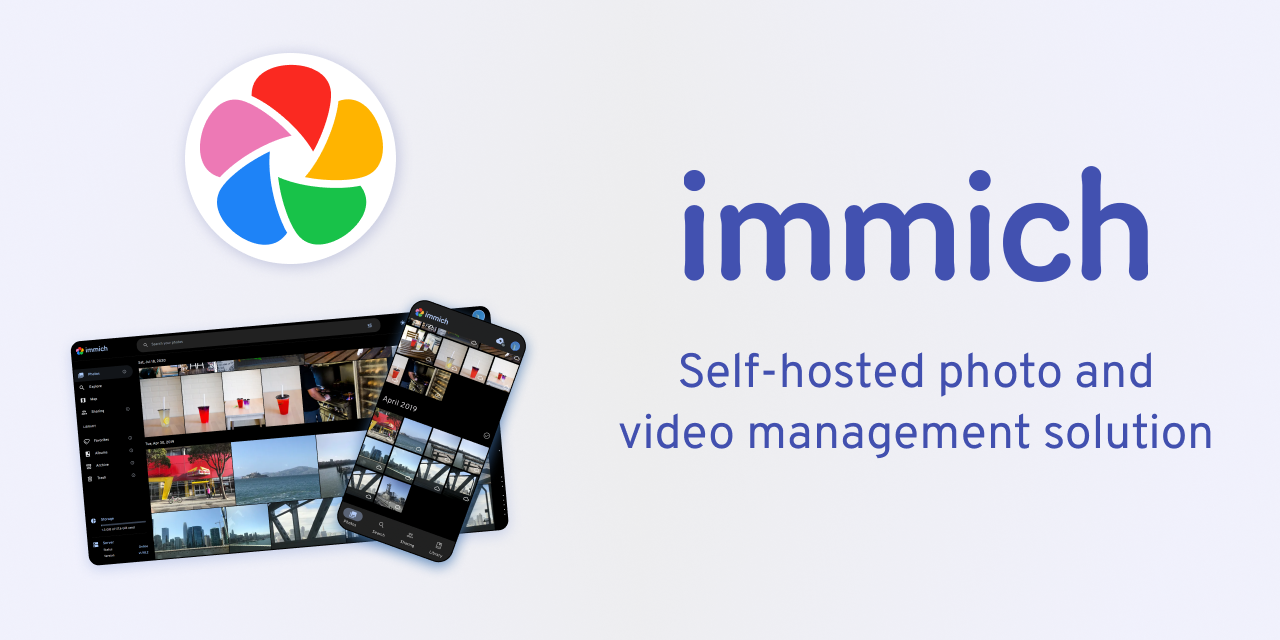
Immich is a high-performance, open-source, self-hosted photo and video backup solution. It serves as a private, feature-rich alternative to cloud services like Google Photos, offering AI-powered features such as facial recognition, object detection, and semantic search, all while ensuring you retain full control and ownership of your personal media.

Why similar

The core intersection of Immich and LightPDF lies in File Management, making it a suitable direct replacement in similar scenarios.

Key differences

What sets Immich apart from LightPDF: Pricing model is Free;Primary format is App;Primary scenario leans toward Photo Management.

Discover Immich, the ultimate open-source, self-hosted solution for backing up your photos and videos. Enjoy AI-powered search, facial recognition, and complete data privacy. The perfect alternative to Google Photos. ImmichApplicable toSelf Hosted.Photo Management.File Management.Data Storageand other fields.

Rating
5.0
Saved on
Likes
Monthly Visits
622.9K

pdfAssistant.ai is an intelligent, no-code platform for PDF automation. Use its intuitive chat interface to create, convert, compress, summarize, and manage PDFs with simple natural language commands. Automate complex, multi-step tasks with Workflows and process thousands of files efficiently using Batch Processing.

Why similar

pdfAssistant.ai and LightPDF share tags such as OCR、chat with pdf、document management, so they are better compared from specific feature needs than from broad categories alone.

Key differences

What sets pdfAssistant.ai apart from LightPDF: Primary scenario leans toward Document Management.

Simplify your document tasks with pdfAssistant.ai. Chat with your PDFs to convert, compress, summarize, and more. Automate workflows and batch process files with this powerful, no-code AI assistant. Try for free. pdfAssistant.aiApplicable toAutomation.Document Management.Editingand other fields.

Rating
5.0
Saved on
Likes
Monthly Visits
65.4K

WinXDVD is a comprehensive software suite featuring the AI-powered Winxvideo AI for video/image enhancement, conversion, and editing, alongside the renowned WinX DVD Ripper for fast digital backups. It leverages GPU acceleration to upscale videos to 4K, stabilize shaky footage, and rip DVDs with exceptional speed and quality, making it an all-in-one solution for modern media management.

Why similar

The core intersection of WinXDVD and LightPDF lies in File Management, making it a suitable direct replacement in similar scenarios.

Key differences

What sets WinXDVD apart from LightPDF: Pricing model is Is Paid;Primary format is App;Primary scenario leans toward Enhancement.

WinXDVDis an AI tool designed forMarketing Manager.Content Creator.Social Media Manager.Educator.Video Editor.Gamer.IT Professional.ArchivistAI tool designed Discover WinXDVD's powerful software suite, featuring Winxvideo AI for 4K video enhancement, stabilization, and conversion, plus the industry-leading WinX DVD Ripper. Fast, GPU-accelerated, and easy to use. WinXDVDApplicable toFile Management.Editing.Enhancementand other fields.

Rating
5.0
Saved on
Likes
Monthly Visits
1.5M

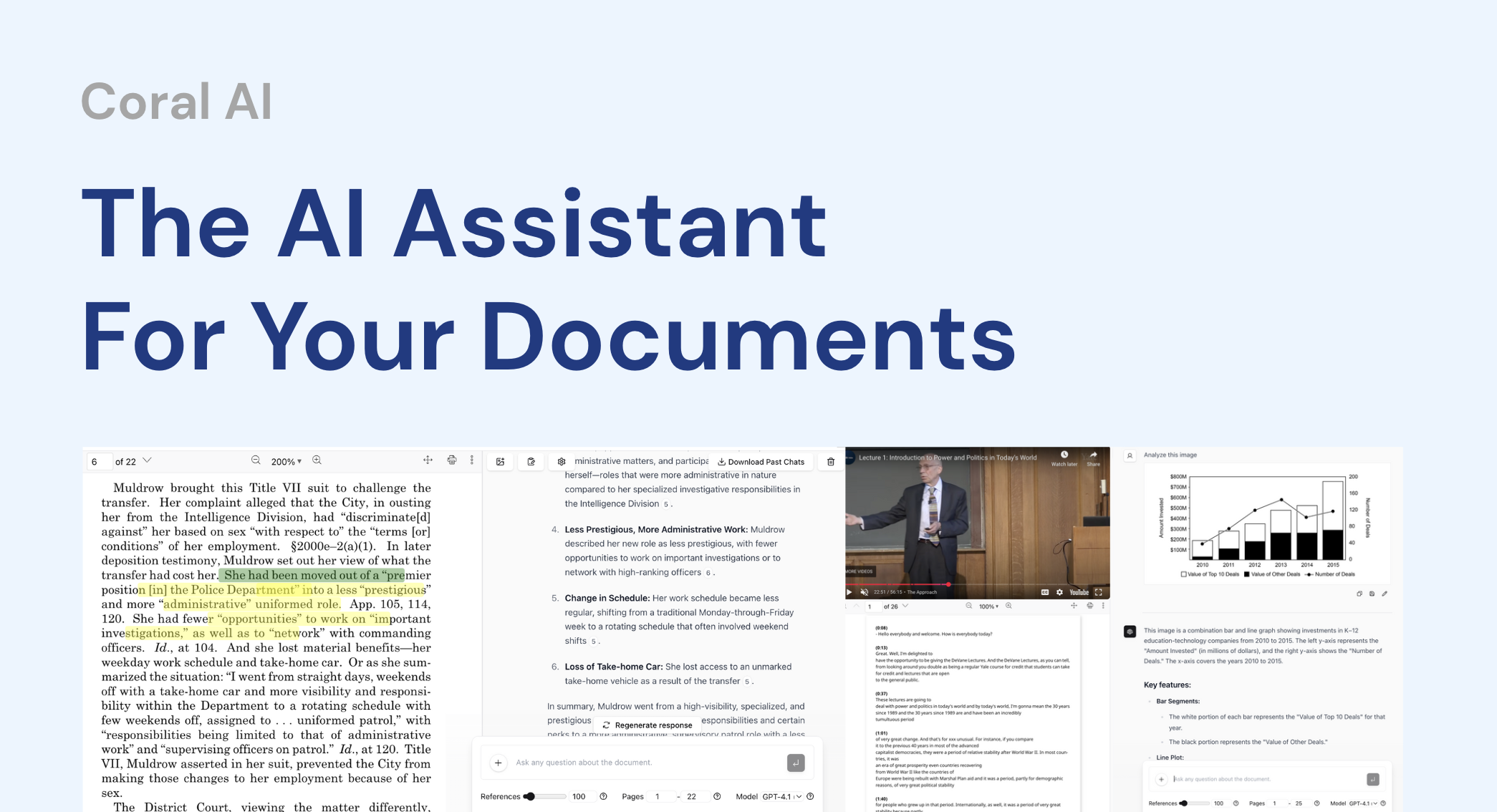
Coral AI is an intelligent assistant that transforms your documents, audio, and video files into interactive resources. Upload your files to summarize content, ask specific questions, extract key information, and transcribe media in seconds. It provides precise, citable answers, making it an essential tool for students, researchers, and professionals to enhance productivity and understanding.

Why similar

Coral AI and LightPDF both cover Document Assistant and jointly match summarizer、chat with pdf and similar needs, for users who want to prioritize comparing similar use cases.

Key differences

Differences between Coral AI and LightPDF mainly show in product experience, feature depth, and workflow design around summarizer.

Instantly summarize, query, and transcribe your documents, audio, and video files with Coral AI. Get accurate answers with page citations from PDFs, reports, and lectures to save time and boost productivity. Coral AIApplicable toTranscription.Research.Document Assistant.Text Summarizerand other fields.

Rating
5.0
Saved on
Likes
Monthly Visits
29.7K

ChatGPT Finder is a powerful browser extension for Chrome, Edge, and Firefox that allows you to efficiently manage, organize, and download all your creations from ChatGPT. It provides a unified interface to explore files, DALL-E 3 images, and prompts by conversation, enabling batch downloads and easy sharing directly within the ChatGPT environment.

Why similar

ChatGPT Finder and LightPDF both cover File Management and jointly match productivity and similar needs, for users who want to prioritize comparing similar use cases.

Key differences

What sets ChatGPT Finder apart from LightPDF: Pricing model is Free;Primary format is Browser Extension;Primary scenario leans toward File Management.

Discover ChatGPT Finder, the ultimate browser extension to manage, organize, and download all your ChatGPT files, DALL-E 3 images, and prompts in one place. Streamline your workflow. ChatGPT FinderApplicable toUtilities.Chrome Extensions.File Managementand other fields.

Rating
5.0
Saved on
Likes
Monthly Visits
2.9K

DVDFab is a comprehensive multimedia toolkit for DVD/Blu-ray/4K UHD backup, ripping, and conversion. It features AI-powered video enhancement to upscale resolution up to 8K, convert SDR to HDR, and denoise footage. The suite also includes tools for downloading videos and music from over 1000 streaming services.

Why similar

The core intersection of DVDFab and LightPDF lies in File Management, making it a suitable direct replacement in similar scenarios.

Key differences

What sets DVDFab apart from LightPDF: Primary format is App;Primary scenario leans toward Video Enhancement.

Discover DVDFab, the ultimate all-in-one multimedia solution. Use AI to upscale video to 8K, rip/copy any DVD, Blu-ray, or 4K UHD disc, and download from Netflix, YouTube, and more. DVDFabApplicable toAudio Editing.File Management.Video Editing.Video Enhancementand other fields.

Rating
5.0
Saved on
Likes
Monthly Visits
625.9K

TopPDF is an all-in-one, AI-powered online platform offering a comprehensive suite of tools to edit, convert, translate, merge, split, and compress PDF files. It's designed to enhance productivity by simplifying document workflows for users worldwide.

Why similar

TopPDF and LightPDF share tags such as productivity、OCR、document management, so they are better compared from specific feature needs than from broad categories alone.

Key differences

What sets TopPDF apart from LightPDF: Primary scenario leans toward Document Management.

Discover TopPDF, the ultimate online AI tool to edit, convert, translate, compress, and manage your PDF files. Boost your productivity with fast, easy, and high-quality PDF solutions. TopPDFApplicable toFile Conversion.Study Tools.Document Managementand other fields.

Rating
5.0
Saved on
Likes
Monthly Visits
9.5K

4DDiG is a comprehensive AI-powered software suite for Windows and Mac, specializing in data recovery, file repair, and system utilities. It recovers over 2000 data types from various storage devices, repairs corrupted photos and videos with AI enhancement, and offers tools for system maintenance like partition management and DLL fixing.

Why similar

The core intersection of 4DDiG and LightPDF lies in File Management, making it a suitable direct replacement in similar scenarios.

Key differences

What sets 4DDiG apart from LightPDF: Primary format is App;Primary scenario leans toward Data Recovery.

Discover 4DDiG, the all-in-one AI solution for data recovery, file repair, and system management. Recover 2000+ file types, repair corrupted videos/photos, and fix system errors on Windows & Mac. 4DDiGApplicable toVideo Editing.File Management.Data Recovery.System Maintenanceand other fields.

Rating
5.0
Saved on
Likes
Monthly Visits
766.8K

TheToolBus.ai is a comprehensive, free-to-use online platform offering a suite of AI-powered tools. It features PDF and image converters, an AI cover letter writer, a QR code generator, and more. It also serves as a resource hub with an extensive AI tool directory and an insightful blog on AI trends and tutorials.

Why similar

TheToolBus.ai and LightPDF share tags such as productivity、OCR、pdf converter, so they are better compared from specific feature needs than from broad categories alone.

Key differences

What sets TheToolBus.ai apart from LightPDF: Pricing model is Free;Primary scenario leans toward File Conversion.

Discover TheToolBus.ai, your all-in-one platform for free AI tools. Convert PDFs, remove image backgrounds, generate cover letters, and explore our AI directory. TheToolBus.aiApplicable toImage Editing.Utilities.File Conversion.Directory.Content Creationand other fields.

Rating
5.0
Saved on
Likes
Monthly Visits
3.7K

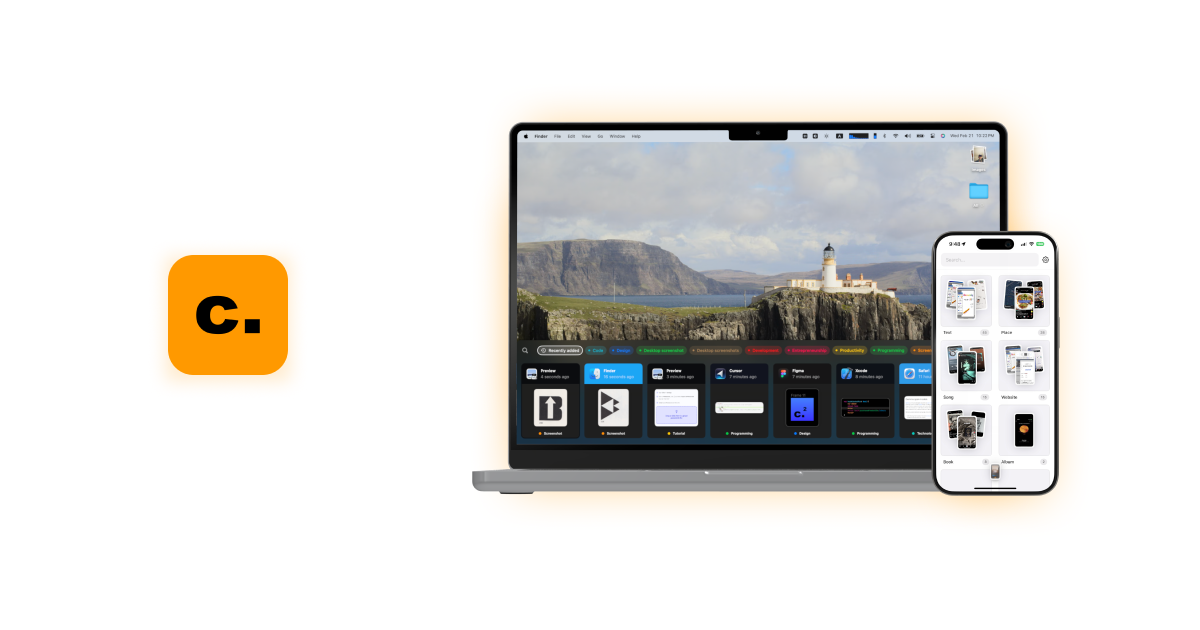
Camp is an intelligent screenshot management tool for macOS and iOS. It uses AI to automatically title and tag your screenshots, transforming your cluttered capture folder into a searchable, organized library. It's built for privacy with all data stored locally.

Why similar

Camp and LightPDF both cover File Management and jointly match productivity and similar needs, for users who want to prioritize comparing similar use cases.

Key differences

What sets Camp apart from LightPDF: Pricing model is Unknown;Primary format is App;Primary scenario leans toward File Management.

Discover Camp, the intelligent screenshot tool that uses AI to automatically title and tag your captures. Boost your productivity with instant search, local-first privacy, and seamless organization on Mac and iPhone. CampApplicable toInspiration.File Management.Screenshot Toolsand other fields.

Rating
5.0
Saved on
Likes
Monthly Visits
2.5K

Leawo is a comprehensive multimedia software suite for Windows and Mac. It offers a wide range of tools for managing, converting, copying, and downloading video, Blu-ray, DVD, and audio files. It also includes utilities for mobile data transfer and AI-powered photo enhancement.

Why similar

The core intersection of Leawo and LightPDF lies in File Management, making it a suitable direct replacement in similar scenarios.

Key differences

What sets Leawo apart from LightPDF: Primary format is App;Primary scenario leans toward Video Editing.

Discover Leawo, the comprehensive software solution for converting video, ripping/copying Blu-ray & DVD, downloading online content, and managing mobile data. Features AI-powered photo enhancement. LeawoApplicable toFile Management.Data Backup.Video Editingand other fields.

Rating
5.0
Saved on
Likes
Monthly Visits
707.5K

AnyRecover is an all-in-one AI-powered data recovery and file repair solution. It restores over 1000 file types from 2000+ storage devices, including Windows, Mac, iOS, and Android. It also features AI-driven repair for corrupted photos, videos, and documents, and an AI enhancer to improve image and video quality.

Why similar

The core intersection of AnyRecover and LightPDF lies in File Management, making it a suitable direct replacement in similar scenarios.

Key differences

What sets AnyRecover apart from LightPDF: Primary format is App;Primary scenario leans toward Data Recovery.

Recover lost data from any device with AnyRecover. This all-in-one tool uses AI to restore files, repair corrupted photos/videos, and fix system issues on Windows, Mac, iOS, and Android. AnyRecoverApplicable toUtilities.Repair.File Management.Data Recoveryand other fields.

Rating
5.0
Saved on
Likes
Monthly Visits
228.1K

Pdfai is an AI-powered document assistant that allows you to chat with your PDF files. Instantly get summaries, ask complex questions, and extract key information from research papers, reports, and contracts. Boost your productivity and unlock insights from your documents in seconds.

Why similar

Pdfai and LightPDF both cover Document Assistant and jointly match productivity、chat with pdf and similar needs, for users who want to prioritize comparing similar use cases.

Key differences

Differences between Pdfai and LightPDF mainly show in product experience, feature depth, and workflow design around productivity.

Pdfaiis an AI tool designed forMarketing Manager.Content Creator.Product Manager.Student.HR Manager.Researcher.Business Analyst.Consultant.Legal ProfessionalAI tool designed Instantly chat with any PDF using Pdfai. Get AI-powered summaries, answers, and data extraction from your documents. Perfect for students, researchers, and professionals. PdfaiApplicable toData Analysis.Research.Contract Analysis.Document Assistantand other fields.

Rating
5.0
Saved on
Likes
Monthly Visits
5.3K

Dokkio is an AI-powered platform that unifies all your files from various cloud services like Google Drive, Dropbox, and Slack. It intelligently finds, organizes, and helps you understand your content, transforming scattered files into a centralized, searchable knowledge base for enhanced productivity and team collaboration.

Why similar

Dokkio and LightPDF both cover File Management and jointly match productivity、document management and similar needs, for users who want to prioritize comparing similar use cases.

Key differences

What sets Dokkio apart from LightPDF: Primary scenario leans toward File Management.

Find, organize, and understand all your files across cloud storage, email, and apps with Dokkio. Use AI to automatically tag, search, and collaborate on content. DokkioApplicable toTeamwork.Search.File Managementand other fields.

Rating
5.0
Saved on
Likes
Monthly Visits
6.2K

Note Companion is an AI-powered plugin for Obsidian that automates note organization. It suggests folders, tags, and titles, offers an AI chat to interact with your notes, enhances meeting minutes with audio transcription, and features a mobile app with OCR for capturing physical notes.

Why similar

Note Companion and LightPDF both cover File Management and jointly match OCR and similar needs, for users who want to prioritize comparing similar use cases.

Key differences

What sets Note Companion apart from LightPDF: Primary scenario leans toward Note Taking.

Supercharge your Obsidian workflow with Note Companion. Get AI-powered automatic organization, note chatting, meeting summaries, and OCR. Tidy your vault and focus on what matters. Note CompanionApplicable toPlugins & Extensions.File Management.Note Takingand other fields.

Rating
5.0
Saved on
Likes
Monthly Visits
2.9K

AwesomeSuite is a comprehensive cloud-based software suite for businesses and agencies, offering integrated tools for social media management, electronic signatures, and business communication. It's designed to streamline workflows, enhance productivity, and scale with your business needs.

Why similar

AwesomeSuite and LightPDF share tags such as productivity、document management、pdf editor, so they are better compared from specific feature needs than from broad categories alone.

Key differences

What sets AwesomeSuite apart from LightPDF: Primary scenario leans toward Business Management.

Discover AwesomeSuite, the all-in-one software suite for businesses. Manage social media, sign documents electronically with Awesome Sign, and handle communications with Awesome Dial. Start your free trial today. AwesomeSuiteApplicable toCloud Communication.Electronic Signature.Social Media Management.Business Managementand other fields.

Rating
5.0
Saved on
Likes
Monthly Visits
2.4K

TamLabs is an AI-powered editor that integrates directly into Microsoft Word. It allows users to edit documents using natural language chat commands, streamlining the revision process with enterprise-grade precision. It's designed to accelerate document creation, enhance team collaboration, and maintain perfect formatting, saving hours of manual work for professionals and creators.

Why similar

TamLabs and LightPDF both cover Document Assistant and jointly match productivity and similar needs, for users who want to prioritize comparing similar use cases.

Key differences

What sets TamLabs apart from LightPDF: Pricing model is Is Paid;Primary format is Browser Extension.

Boost your productivity with TamLabs, the AI editor for Microsoft Word. Edit documents, contracts, and reports using natural language chat. Maintain formatting, collaborate seamlessly, and save hours on revisions. TamLabsApplicable toContract Management.Document Assistant.Editingand other fields.

Rating
5.0
Saved on
Likes
Monthly Visits
4.2K

EaseUS offers a comprehensive suite of software for data management, recovery, and multimedia creation, enhanced with powerful AI. From AI-powered file repair and data recovery to creative tools like AI image generation and vocal removal, EaseUS provides reliable, user-friendly applications for both individual and enterprise users. It simplifies complex tasks like disk partitioning, system backup, and data transfer, making digital life easier and more secure.

Why similar

The core intersection of EaseUS and LightPDF lies in File Management, making it a suitable direct replacement in similar scenarios.

Key differences

What sets EaseUS apart from LightPDF: Primary scenario leans toward Data Management.

Discover EaseUS, your all-in-one solution for data recovery, partition management, backup, and AI-powered multimedia tools. Repair files, edit photos with AI, generate images, and secure your data effortlessly. EaseUSApplicable toGenerative Art.Editing.File Management.Data Managementand other fields.

Rating
5.0
Saved on
Likes
Monthly Visits
5.5M

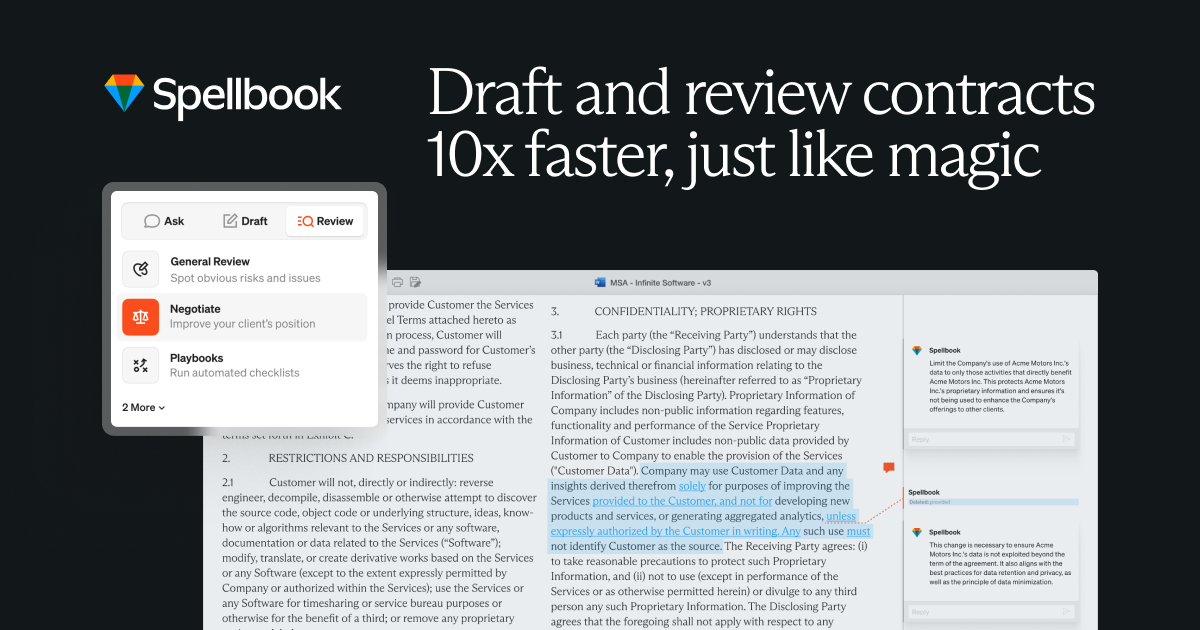
Spellbook is an AI-powered legal assistant that integrates directly into Microsoft Word. It leverages advanced models like GPT-4o to help lawyers draft, review, and redline contracts up to 10 times faster. It offers features like risk detection, clause drafting, contract benchmarking, and an AI agent for complex multi-document workflows, trusted by thousands of legal professionals worldwide.

Why similar

The core intersection of Spellbook and LightPDF lies in Document Assistant, making it a suitable direct replacement in similar scenarios.

Key differences

What sets Spellbook apart from LightPDF: Primary scenario leans toward Contract Management.

Boost your legal productivity with Spellbook, the AI copilot for lawyers. Draft, review, and redline contracts 10x faster directly in Word. Features risk detection, AI drafting, and contract benchmarks. Start your free trial. SpellbookApplicable toCompliance.Contract Management.Document Assistantand other fields.

Rating
5.0
Saved on
Likes
Monthly Visits
789.0K

AVbeam is a professional desktop software designed for fast and accurate audio comparison. It uses robust audio fingerprinting technology to identify matching or similar audio segments across multiple files, even with noise and distortions. It supports various formats and provides detailed reports with time offsets and similarity percentages, saving valuable time for media professionals.

Why similar

The core intersection of AVbeam and LightPDF lies in File Management, making it a suitable direct replacement in similar scenarios.

Key differences

What sets AVbeam apart from LightPDF: Pricing model is Is Paid;Primary format is App;Primary scenario leans toward Audio Analysis.

Discover AVbeam, the powerful audio comparison software. Easily compare multiple audio files, find partial matches, and analyze similarities with robust audio fingerprinting technology. Ideal for professionals in music, media, and forensics. AVbeamApplicable toAudio Analysis.Content Creation.File Managementand other fields.

Rating
5.0
Saved on
Likes
Monthly Visits
2.5K

Tenorshare AI is an all-in-one AI-powered suite designed to enhance productivity. It features an advanced AI text humanizer to bypass AI detectors, a comprehensive set of free online PDF tools (edit, merge, OCR, sign), an AI PDF summarizer, and content generators for writing and presentations. It offers a secure, fast, and user-friendly experience for students, professionals, and content creators.

Why similar

Tenorshare AI and LightPDF share tags such as productivity、OCR、chat with pdf, so they are better compared from specific feature needs than from broad categories alone.

Key differences

What sets Tenorshare AI apart from LightPDF: Primary scenario leans toward Document Management.

Boost productivity with Tenorshare AI. Humanize AI text to bypass detectors, chat with PDFs, edit documents with free online tools, and generate content from presentations to articles. Secure, fast, and free to start. Tenorshare AIApplicable toContent Creation.Document Management.Presentations.Paraphraserand other fields.

Rating
5.0
Saved on
Likes
Monthly Visits
581.6K

Friday is an AI-powered Mac application designed for intelligent, privacy-first file organization. It scans, classifies, and organizes your digital files locally on your device, transforming chaotic folders into a clean, logical structure automatically.

Why similar

Friday and LightPDF both cover File Management and jointly match document management and similar needs, for users who want to prioritize comparing similar use cases.

Key differences

What sets Friday apart from LightPDF: Pricing model is Is Paid;Primary format is App;Primary scenario leans toward File Management.

Fridayis an AI tool designed forContent Creator.Student.Researcher.Project Manager.Photographer.IT Professional.Office Worker.Videographer.Digital OrganizerAI tool designed Friday is an AI-powered Mac app that intelligently scans, classifies, and organizes your files locally. Experience privacy-first, automated file management with smart folders, renaming, and duplicate detection for macOS. FridayApplicable toDesktop Automation.File Management.Mac Softwareand other fields.

Rating
5.0
Saved on
Likes
Monthly Visits
2.6K

Dropbox is a modern workspace designed to reduce busywork, bringing your files, cloud content, and web shortcuts together in one place. It offers secure cloud storage, file synchronization, large file transfer, e-signatures, and AI-powered universal search to help you and your team stay organized, focused, and in sync.

Why similar

Dropbox and LightPDF share tags such as productivity、document management、e-signature, so they are better compared from specific feature needs than from broad categories alone.

Key differences

What sets Dropbox apart from LightPDF: Primary scenario leans toward Cloud Storage.

Discover Dropbox, the all-in-one workspace for secure cloud storage, seamless file sharing, e-signatures, and AI-powered search. Collaborate with your team and streamline your workflow. DropboxApplicable toCollaboration.File Sharing.Cloud Storage.Document Managementand other fields.

Rating
5.0
Saved on
Likes
Monthly Visits
137.5M

pdfpal is an AI-powered tool that lets you chat with any PDF document. Simply upload your file and ask questions in natural language to get instant summaries, find specific information, and gain deep insights without reading the entire document. It's designed to save time and boost productivity for students, researchers, and professionals by simplifying complex information.

Why similar

pdfpal and LightPDF both cover Document Assistant and jointly match summarizer、chat with pdf and similar needs, for users who want to prioritize comparing similar use cases.

Key differences

Differences between pdfpal and LightPDF mainly show in product experience, feature depth, and workflow design around summarizer.

Unlock the power of your PDFs with pdfpal. Chat with any document to get instant answers, summaries, and insights. Perfect for students, researchers, and professionals. Try the free demo! pdfpalApplicable toData Analysis.Research.Document Assistantand other fields.

Rating
5.0
Saved on
Likes
Monthly Visits
2.6K

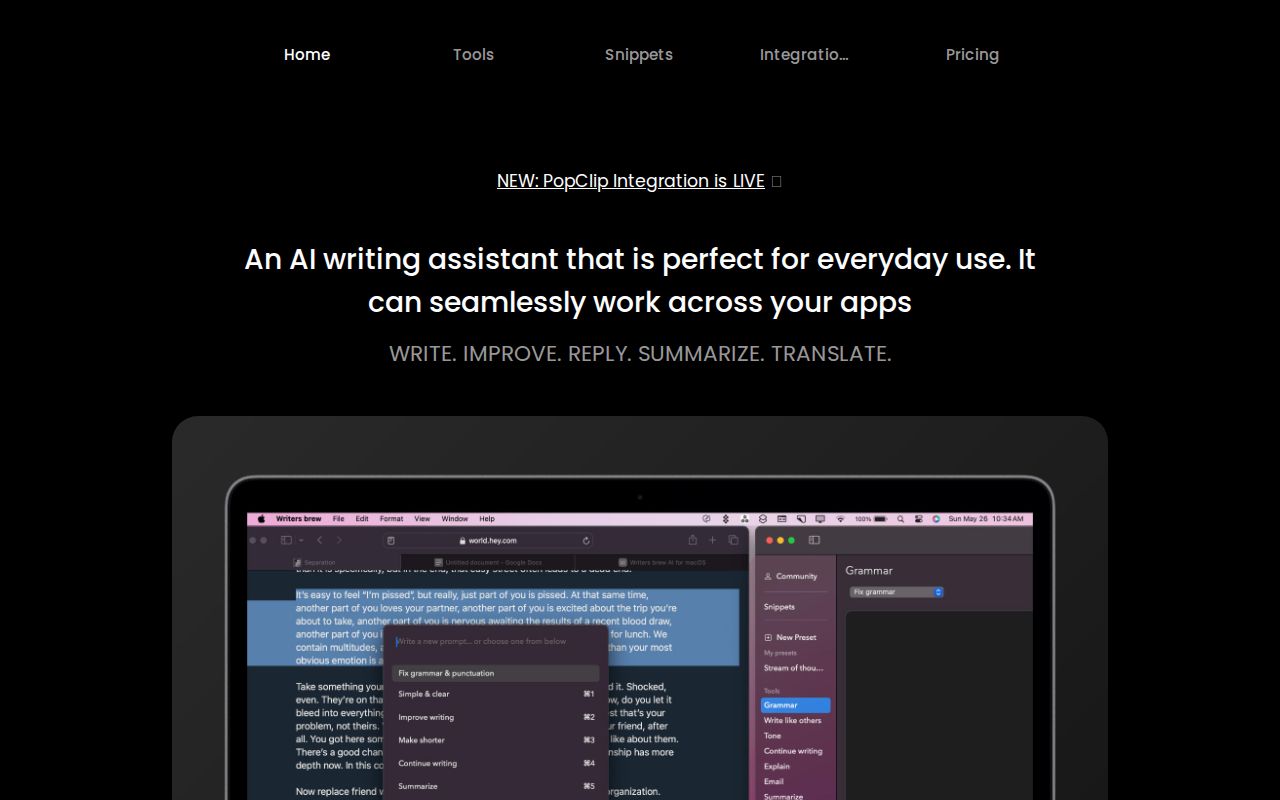
Writers brew is a native AI writing assistant for macOS that integrates seamlessly across all applications. It helps you write, improve, summarize, translate, and reply to text anywhere with a simple keyboard shortcut, also featuring text snippets, OCR, and other productivity utilities.

Why similar

Writers brew and LightPDF share tags such as productivity、summarizer、OCR, so they are better compared from specific feature needs than from broad categories alone.

Key differences

What sets Writers brew apart from LightPDF: Pricing model is Is Paid;Primary format is App;Primary scenario leans toward Writing.

Boost your productivity with Writers brew, the all-in-one native AI writing assistant for macOS. Write, improve, summarize, translate, and use text snippets & OCR seamlessly across all your apps. Writers brewApplicable toMacos.Text Editing.Writingand other fields.

Rating
5.0
Saved on
Likes
Monthly Visits
3.5K

Remail is an all-in-one AI assistant and Chrome extension designed to boost productivity. It helps you write and reply to emails 10x faster, summarize web pages, chat with documents and YouTube videos, generate content, and much more, directly within your browser.

Why similar

Remail and LightPDF share tags such as productivity、summarizer、chat with pdf, so they are better compared from specific feature needs than from broad categories alone.

Key differences

What sets Remail apart from LightPDF: Primary format is Browser Extension;Primary scenario leans toward Email Assistant.

Discover Remail, the ultimate AI-powered Chrome extension. Write emails 10x faster, chat with PDFs and websites, summarize content, and boost your productivity. RemailApplicable toChrome Extensions.Email Assistant.Writingand other fields.

Rating
5.0
Saved on
Likes
Monthly Visits
4.5K